Razer Huntsman V3 Pro Review: Precision Gaming Tech
The Razer Huntsman V3 Pro offers unmatched speed for competitive players. Discover if this high-end keyboard belongs in your setup for best home office peripherals.
Buying guide: best peripherals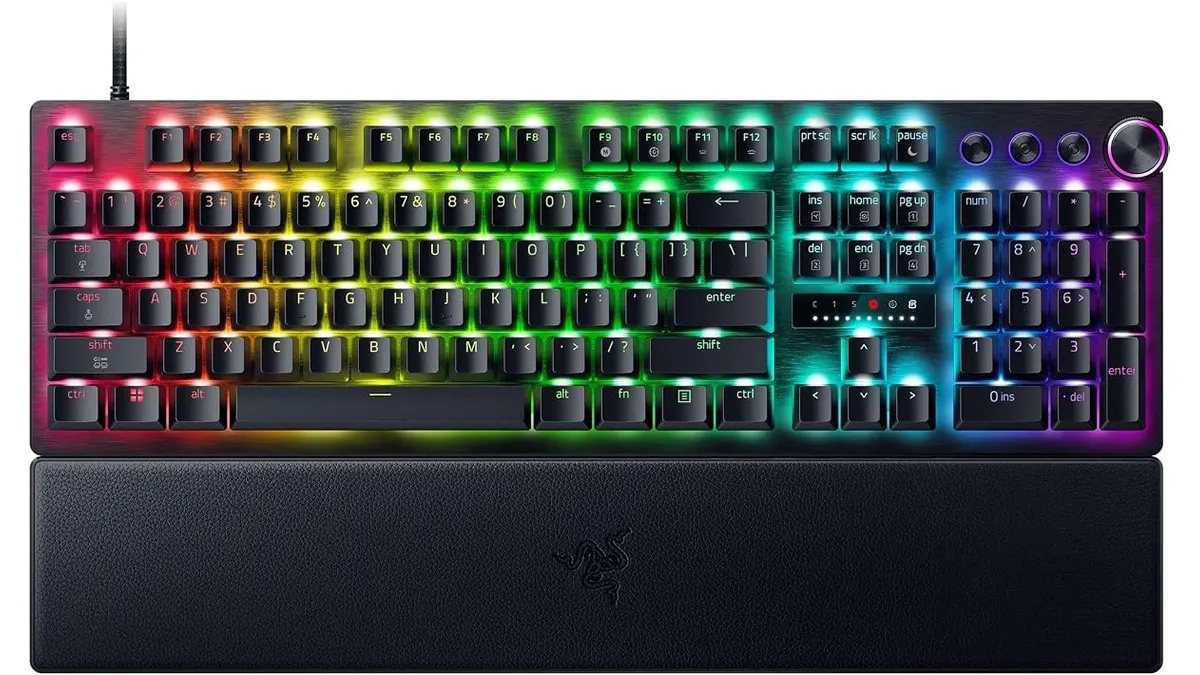 Peripherals
The Razer Huntsman V3 Pro is a specialized tool engineered for those who prioritize millisecond-level responsiveness above all else. While many keyboards cater to general office tasks, this board is built for the high-intensity world of competitive esports. If you are building out your Peripherals collection, this board stands out as a top-tier choice for users who demand absolute control over their keystroke registration, whether for gaming or high-speed data entry. It is a precise, heavy-duty piece of hardware that transforms how you interact with your PC.
What it does well
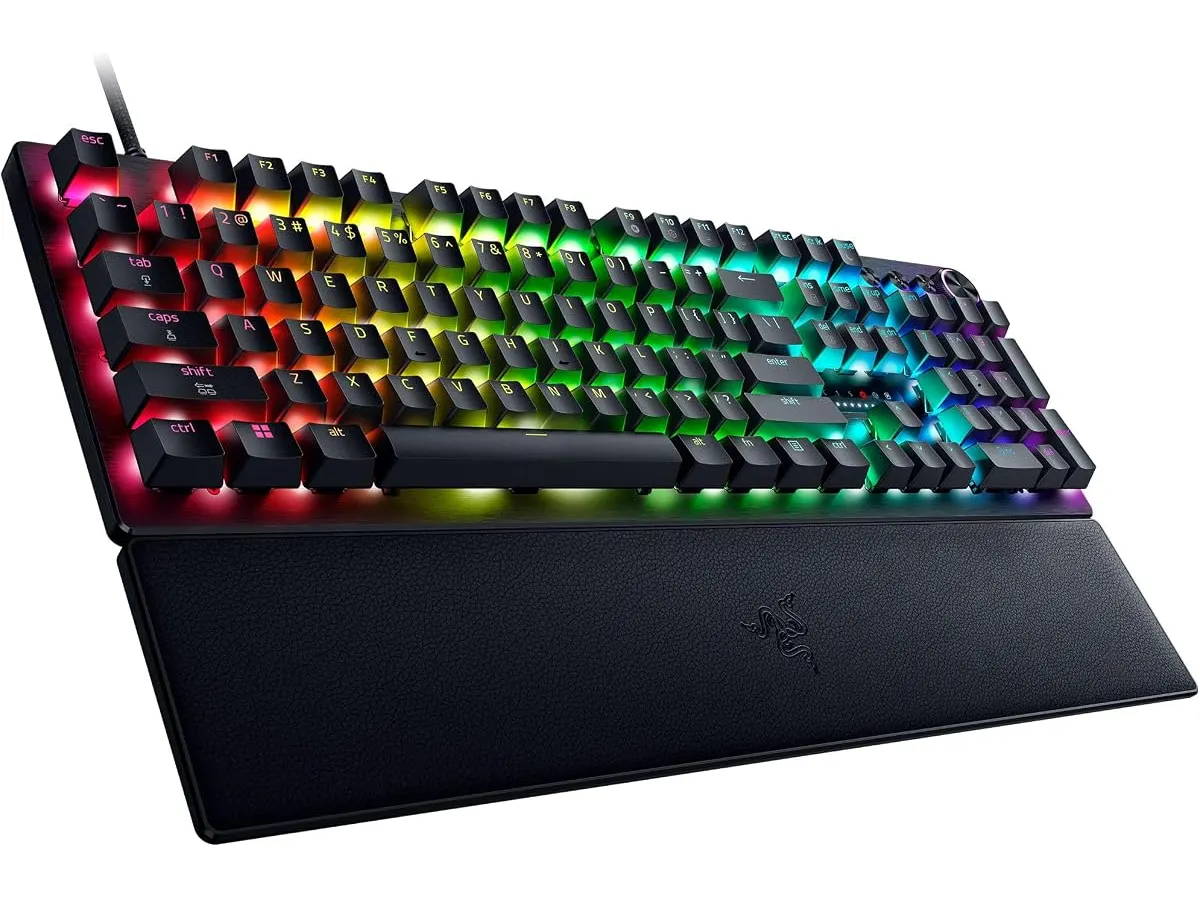
The standout feature of the Huntsman V3 Pro is its Gen-2 analog optical switches. These allow you to adjust the actuation point from a feather-light 0.1mm up to 4.0mm, giving you total control over how much pressure is needed for a key to register. The Rapid Trigger functionality is equally impressive, resetting the switch the moment you lift your finger, which effectively eliminates the latency found in traditional mechanical boards.
Combined with an 8000 Hz polling rate, the keyboard ensures your inputs are processed almost instantly. The inclusion of Snap Tap technology further refines movement by prioritizing the latest input in a pair of keys, which is a massive advantage in fast-paced titles. Build quality is consistent with high-end expectations; the PBT keycaps are durable, and the magnetic leatherette wrist rest provides genuine comfort for long sessions.
Key specifications
| Specification | Details |
|---|---|
| Switch Type | Gen-2 Analog Optical |
| Polling Rate | 8000 Hz |
| Actuation Range | 0.1 mm to 4.0 mm |
| Lifespan | 100 million keystrokes |
| Keycaps | Double-shot PBT |
| Accessories | Magnetic leatherette wrist rest |
Where it falls short
The primary drawback is the complexity of the feature set. Because it is designed so heavily for competitive gaming, the software requirements can feel bloated for a user who just wants a straightforward typing experience. You are paying for advanced sensors and processing power that may be completely wasted if you are not playing titles that require rapid-fire input.
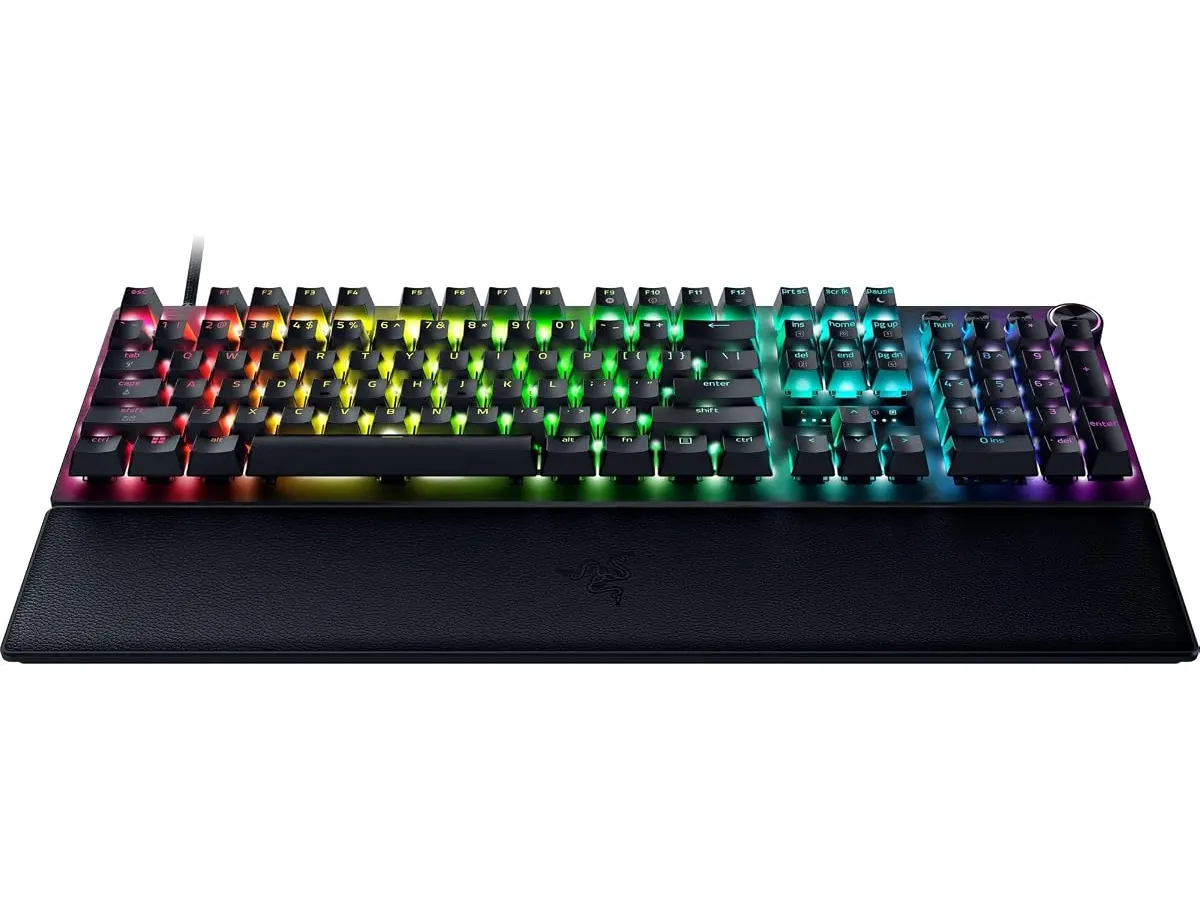
Furthermore, the keyboard lacks wireless connectivity. At this price point, many users expect the clean look of a wireless setup. If you are trying to minimize cable clutter on your desk, you will find the tethered nature of this board limiting. The dedicated multimedia controls are useful, but their placement and feel are functional rather than premium.
Who is it for?
This keyboard is perfect for the competitive gamer who treats their desk setup like a professional arena. If you play fast-paced shooters or games where movement speed is the difference between winning and losing, the adjustable actuation and Rapid Trigger features are genuinely transformative.
It is not for the minimalist home office user who values a clean, wireless aesthetic above raw performance. If your primary goal is a quiet, sleek desk setup for professional communication and document creation, you will likely find the extra features redundant and the thick cable an unnecessary eyesore.
Alternatives to consider
If you prefer a wireless experience, consider a high-end mechanical keyboard from the premium tier that focuses on build quality and connectivity over specialized gaming sensors. For those who need something more portable and versatile, an entry-to-mid-level wireless mechanical board like the RedThunder K95 Wireless Mechanical Keyboard Review is a better fit for general office work.
If your setup prioritizes ergonomics over gaming speed, you should look toward specialized input devices. For your mouse, the Logitech MX Master 3S Review: Ergonomic Wireless Mouse for Professionals remains the industry standard for comfort, while the iClever Wireless Mouse Review: A Versatile Choice for Remote Work offers a budget-friendly way to improve your workflow.
Verdict
The Razer Huntsman V3 Pro is arguably the most responsive keyboard on the market today. While it isn’t a traditional ‘office’ peripheral, its precision makes it a formidable tool for anyone who values speed and customization in their hardware. I recommend this board to anyone who treats gaming as a serious discipline and wants to remove every possible hardware bottleneck from their experience.
Frequently asked questions
Can I adjust the actuation without using software?
Yes, the keyboard supports onboard adjustments, allowing you to change the actuation range and other settings directly through keyboard shortcuts.
Is this keyboard good for long typing sessions?
While it is built for gaming, the PBT keycaps and the included wrist rest make it comfortable for extended periods of writing, provided you do not mind the mechanical switch feel.
Do I need a special USB port to get the 8000 Hz polling rate?
To take full advantage of the 8000 Hz polling rate, ensure you are plugging the keyboard directly into a high-speed USB port on your PC, rather than a hub, to ensure maximum data throughput.

Editor
Charly River · SetUpLatam
Charly River curates, reviews and edits SetUpLatam’s home office guides. He checks every product sheet against the manufacturer’s official specifications and cuts what does not help, so you buy right the first time.
You may also like
 Peripherals
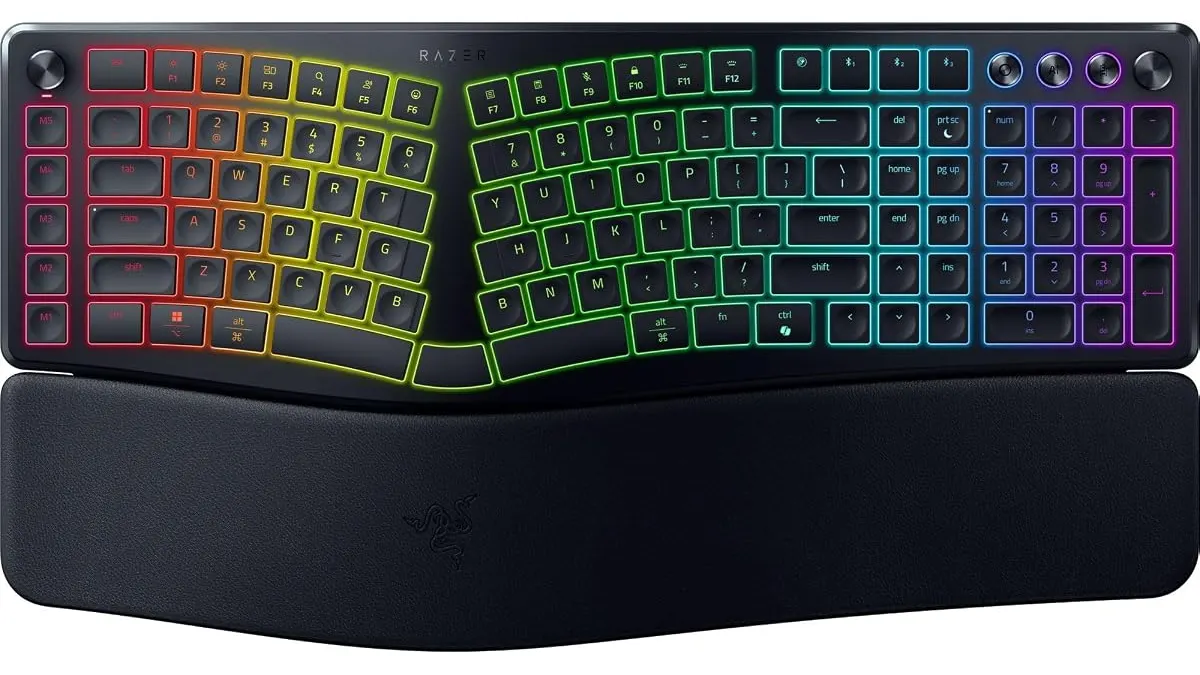
Razer Pro Type Ergo Review: Low-Profile Ergonomics
Looking for the best home office peripherals? Our Razer Pro Type Ergo review breaks down its split low-profile design, AI tools, and daily ergonomics.
 Peripherals
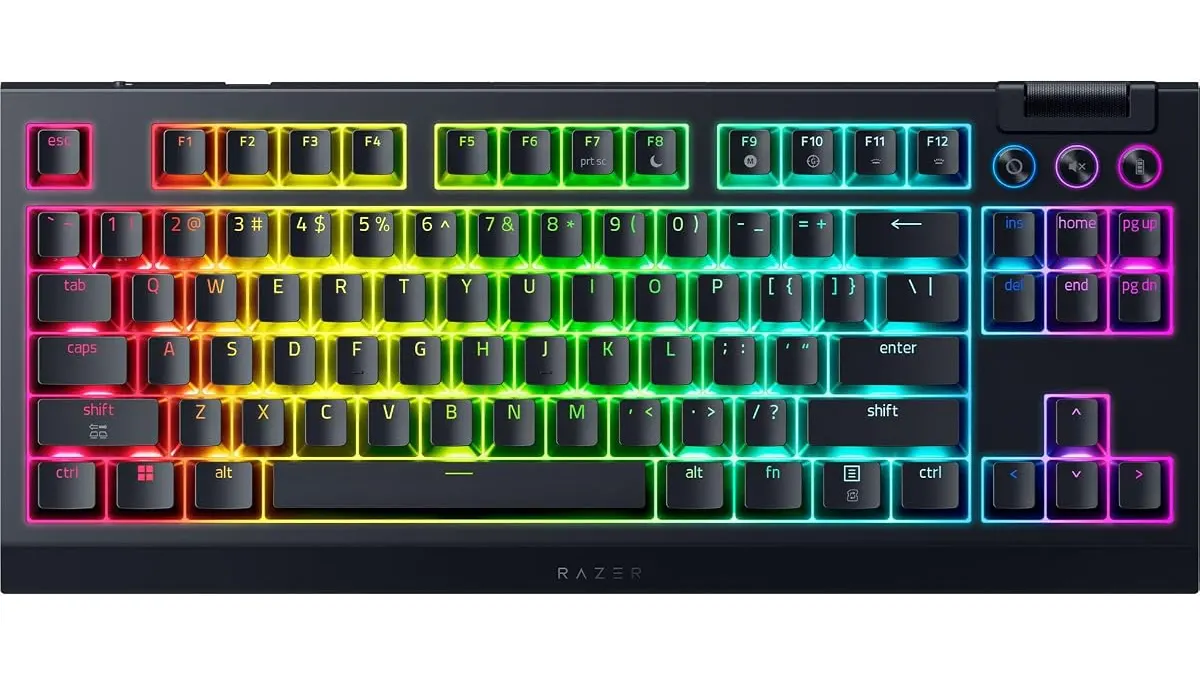
Razer BlackWidow V4 TKL Wireless Review
Looking for the best home office peripherals? Our Razer BlackWidow V4 TKL Wireless review explores if this hot-swappable keyboard is right for your desk.
 Peripherals
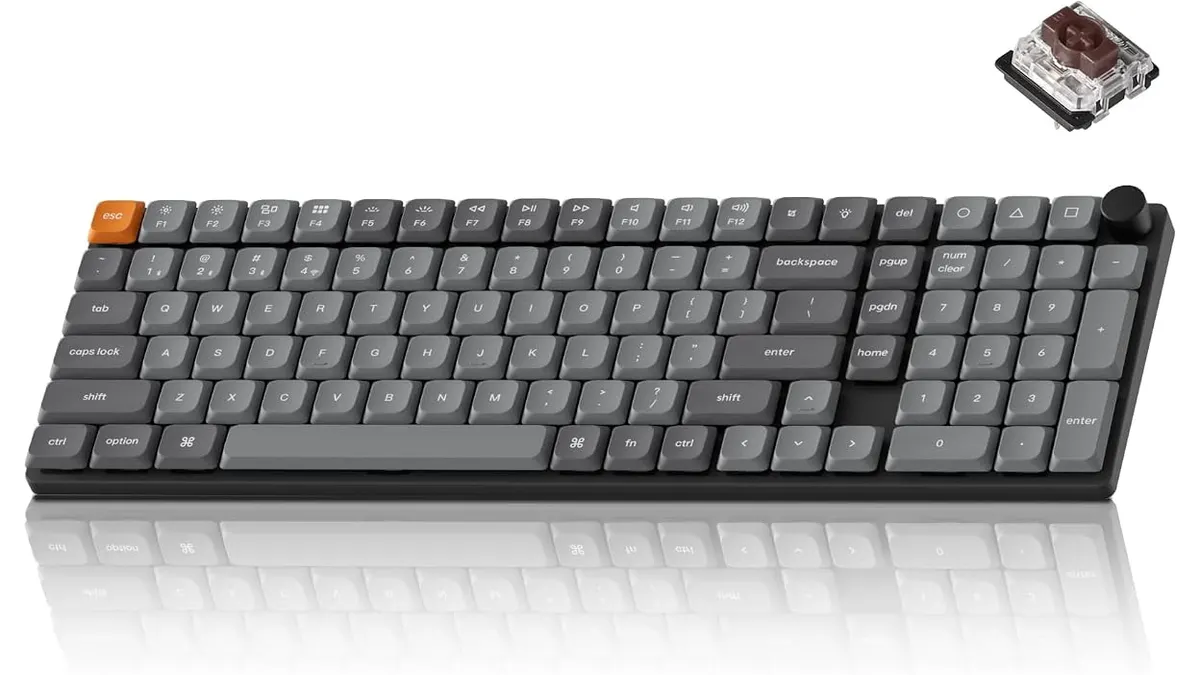
Keychron K17 Max Review: Slim 96% Layout
Deep dive Keychron K17 Max review: a low-profile 96% wireless keyboard built to fit the best home office peripherals setup for daily work.