Keychron K17 Max Review: Slim 96% Layout
Deep dive Keychron K17 Max review: a low-profile 96% wireless keyboard built to fit the best home office peripherals setup for daily work.
Buying guide: best peripherals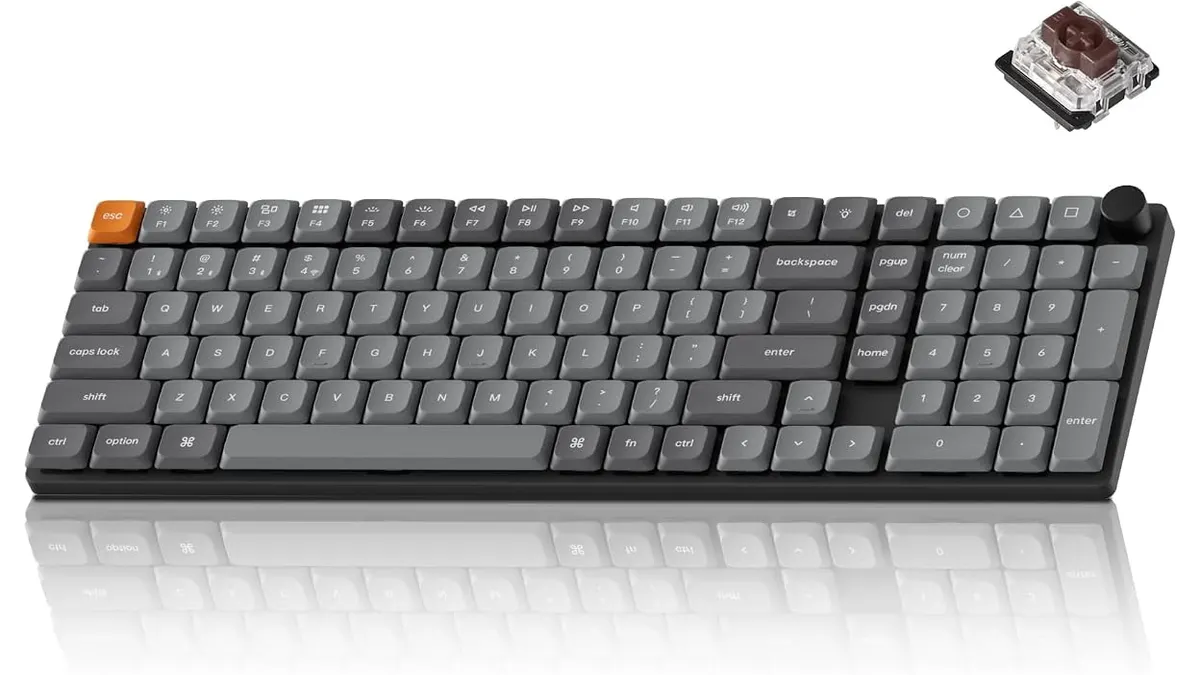 Peripherals
Finding the best home office peripherals often means balancing desktop space with numeric entry capabilities. The Keychron K17 Max addresses this directly, packing a full number pad into a sleek 96% low-profile wireless mechanical layout. Designed for spreadsheet crunchers, remote workers, and casual after-hours gamers, it promises a refined typing experience without consuming your entire workspace.
What it does well
Keychron built this board around a low-profile design that drastically lowers the distance your hands rest above the desk. The solid aluminum frame delivers structural rigidity without adding unnecessary vertical bulk. Because the keys sit lower, you can type comfortably for hours without needing a thick wrist rest.
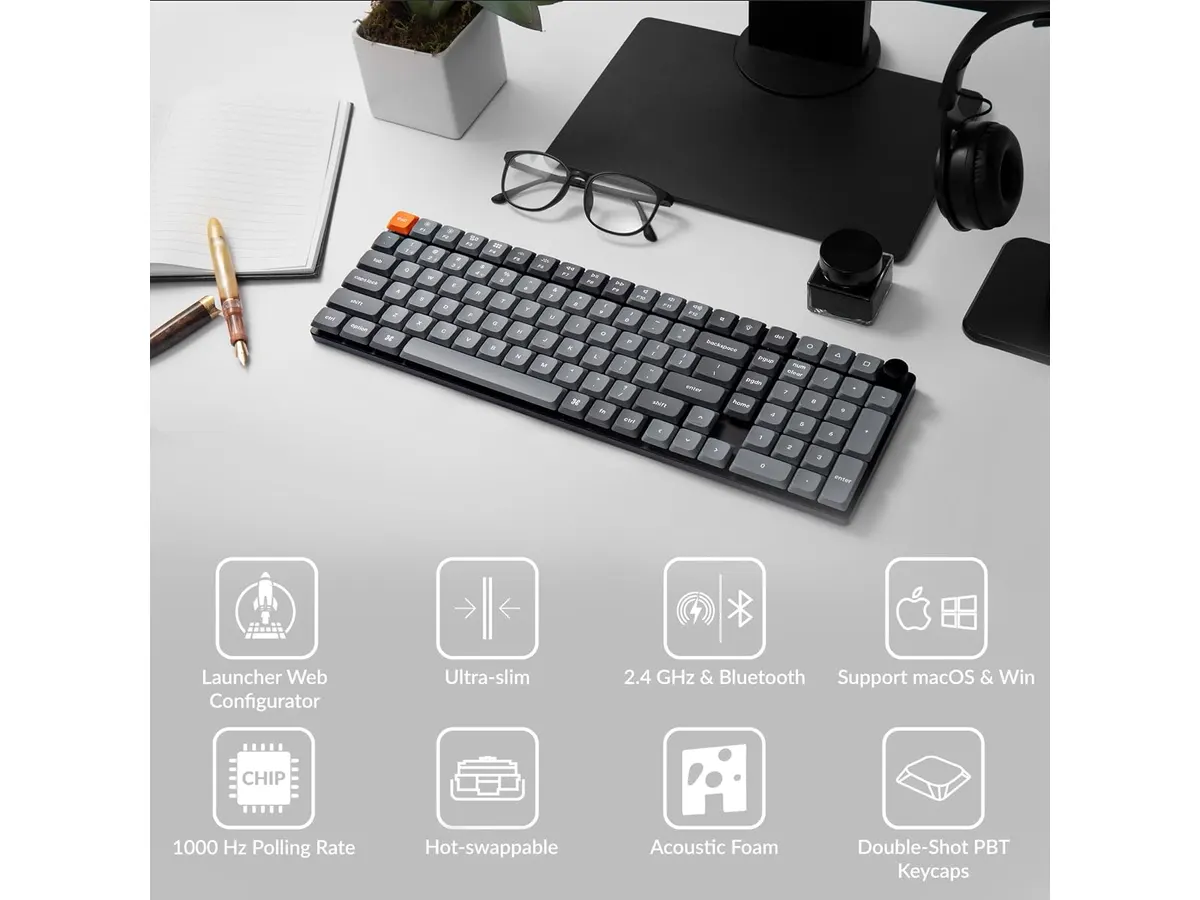
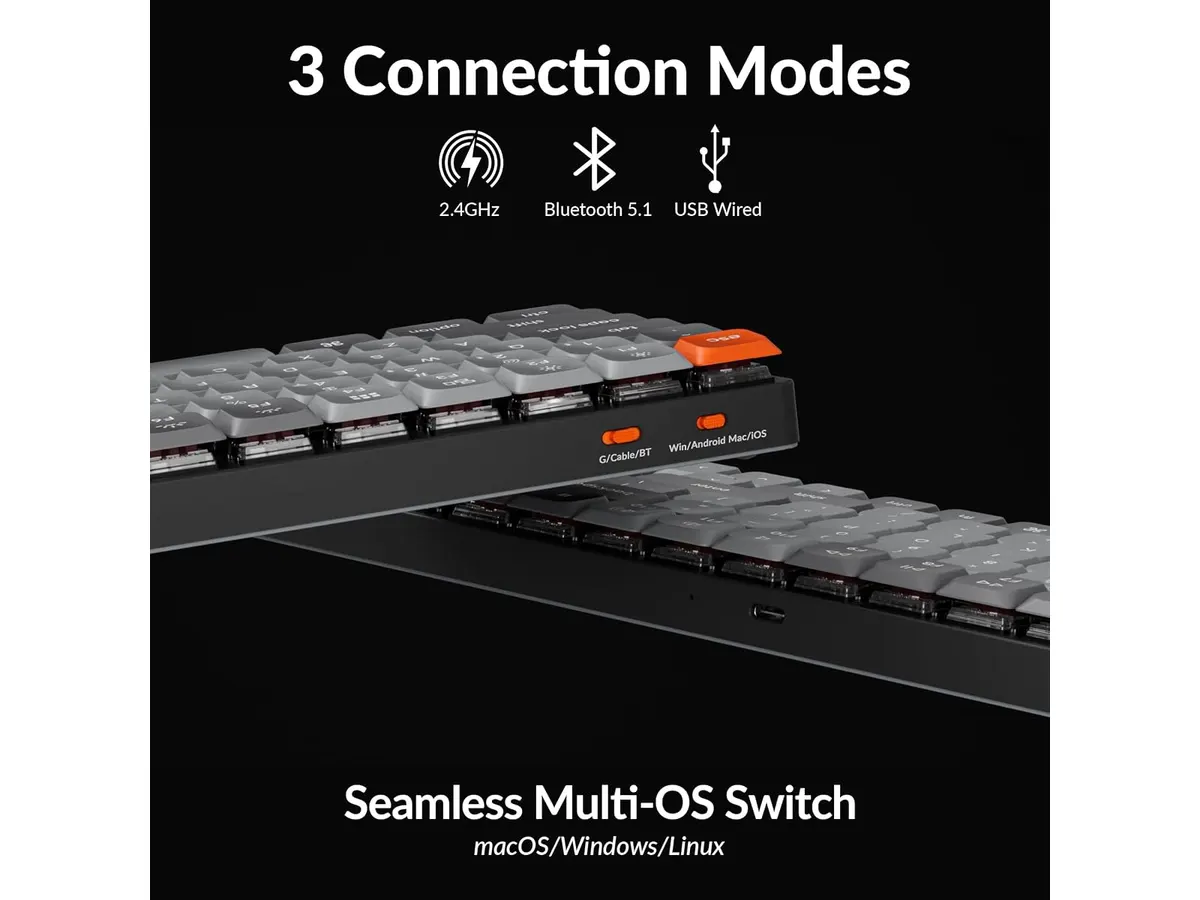
The tri-mode connectivity gives you three distinct ways to link your devices. You can pair up to three separate devices simultaneously over Bluetooth 5.1 for fast switching across laptops, phones, or tablets. When low latency matters, plugging in the included 2.4 GHz wireless receiver unlocks a 1000 Hz polling rate. That high refresh rate guarantees every keystroke registers instantly during fast-paced games or rapid data entry. If wireless energy runs low, plugging in a standard USB cable keeps you working while charging.
Keychron also chose double-shot PBT keycaps over cheaper ABS plastic. PBT material resists surface oils, preventing the unsightly greasy shine that develops on budget boards after a few months of heavy use. The legends are molded into the keycap itself, meaning the labels will never rub off no matter how many millions of words you type.
Customization is another massive strength thanks to open-source QMK firmware. Rather than forcing you to install bloated background software that drains system RAM, you configure key remapping and macros straight inside a web browser using the Keychron Launcher app. You can remap keys, build functional layers, or tweak any of the 22 built-in RGB lighting effects in seconds.
Building an efficient desktop means pairing a capable keyboard with a reliable pointer. If you are refining your workstation setup, read our Logitech MX Master 3S review to see how an ergonomic mouse pairs with a low-profile layout. Alternatively, our iClever wireless mouse review covers a practical option for lighter travel needs.
Key specifications
| Feature | Specification |
|---|---|
| Brand & Model | Keychron K17 Max |
| Layout Format | 96% (Low-profile) |
| Connectivity | 2.4 GHz wireless, Bluetooth 5.1, Wired USB |
| Polling Rate | 1000 Hz (2.4 GHz & Wired) |
| Firmware Support | Open-source QMK (via Keychron Launcher app) |
| Keycap Material | Double-shot PBT |
| Frame Material | Aluminum frame construction |
| Backlighting | RGB with 22 lighting effects |
Where it falls short
The compressed 96% layout squeezes the arrow keys and number pad together without traditional spacing gaps. If you rely on muscle memory to hit delete, insert, or arrow keys without looking, you will likely hit adjacent keys during your first couple of weeks. It requires an adjustment period if you are transitioning directly from a standard full-size keyboard.
Low-profile mechanical switches offer shorter total travel distance than full-height switches. While this short movement speeds up key actuation, tactile feedback feels less pronounced than traditional mechanical boards. Typing purists who want deep key travel and loud acoustic feedback might find low-profile switches a bit shallow.
Running vivid RGB illumination wirelessly drains the internal battery faster than expected. Keeping all 22 lighting effects active on maximum brightness cuts down operating time significantly, forcing you to recharge more frequently or tone down the backlighting.
Who is it for?
The Keychron K17 Max excels for financial analysts, programmers, and creators who need a dedicated number pad but work on compact desks. It suits remote workers who switch between a corporate laptop and a personal computer throughout the workday thanks to its instant multi-device Bluetooth toggling. The 1000 Hz polling rate over 2.4 GHz wireless also makes it a great double-duty board for evening gaming sessions.
It is not the right choice for mechanical keyboard traditionalists who demand massive full-height key travel and spacious, uncompressed cluster layouts. If you want a traditional high-profile typing feel or prefer standard key gaps, take a look at our RedThunder K95 review to explore standard-height alternatives.
Alternatives to consider for the best home office peripherals
If you prefer standard-height typing over a slim profile, consider a full-size wireless membrane or standard mechanical board. Entry-level full-size options offer wider spacing around the arrow keys and number pad at a lower price tier, though you give up premium aluminum framing and open-source QMK key remapping.
If maximum desk space takes priority over numeric entry, look toward compact 75% or tenkeyless wireless boards. These mid-to-high tier options eliminate the number pad entirely, leaving a much larger horizontal area for your mouse to glide. You lose fast data entry capabilities, but gain significant ergonomic clearance for narrow work desks.
Verdict
The Keychron K17 Max stands out as a highly functional 96% low-profile board that combines clean ergonomics with top-tier versatility. Its double-shot PBT keycaps and aluminum frame give it a premium physical feel, while QMK support delivers total control over layout customization. Small key-cluster spacing requires a short learning curve, but its crisp performance across Bluetooth, 2.4 GHz, and wired modes makes it an exceptional choice for remote work.
Frequently asked questions
Can I use the Keychron K17 Max for fast-paced gaming?
Yes. When connected via the 2.4 GHz wireless receiver or USB cable, the board operates at a 1000 Hz polling rate. This delivers a 1ms response time, eliminating input delay during fast gaming sessions.
How do double-shot PBT keycaps improve the board?
Double-shot PBT keycaps use two separate layers of plastic to mold the key legends. This process prevents the key surfaces from becoming shiny over time and ensures the printed characters never fade or wear off under heavy daily typing.
How do I remap keys on the Keychron K17 Max?
Because the board runs open-source QMK firmware, you do not need to install software executables. You simply connect the keyboard to your computer and open the web-based Keychron Launcher application in your browser to change key functions, set up shortcuts, and create custom layers.

Editor
Charly River · SetUpLatam
Charly River curates, reviews and edits SetUpLatam’s home office guides. He checks every product sheet against the manufacturer’s official specifications and cuts what does not help, so you buy right the first time.
You may also like
 Peripherals
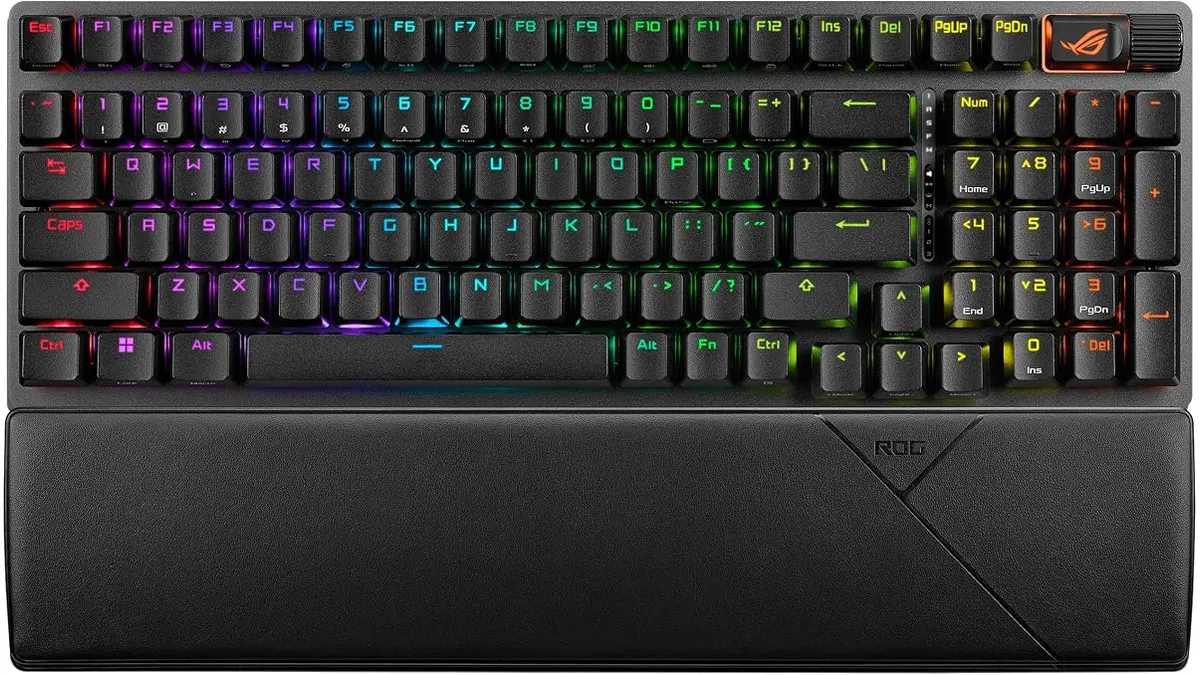
ASUS ROG Strix Scope II 96 Wireless Review
Looking for the best home office peripherals? Our ASUS ROG Strix Scope II 96 Wireless review covers battery life, linear switches, and desktop feel.
 Peripherals
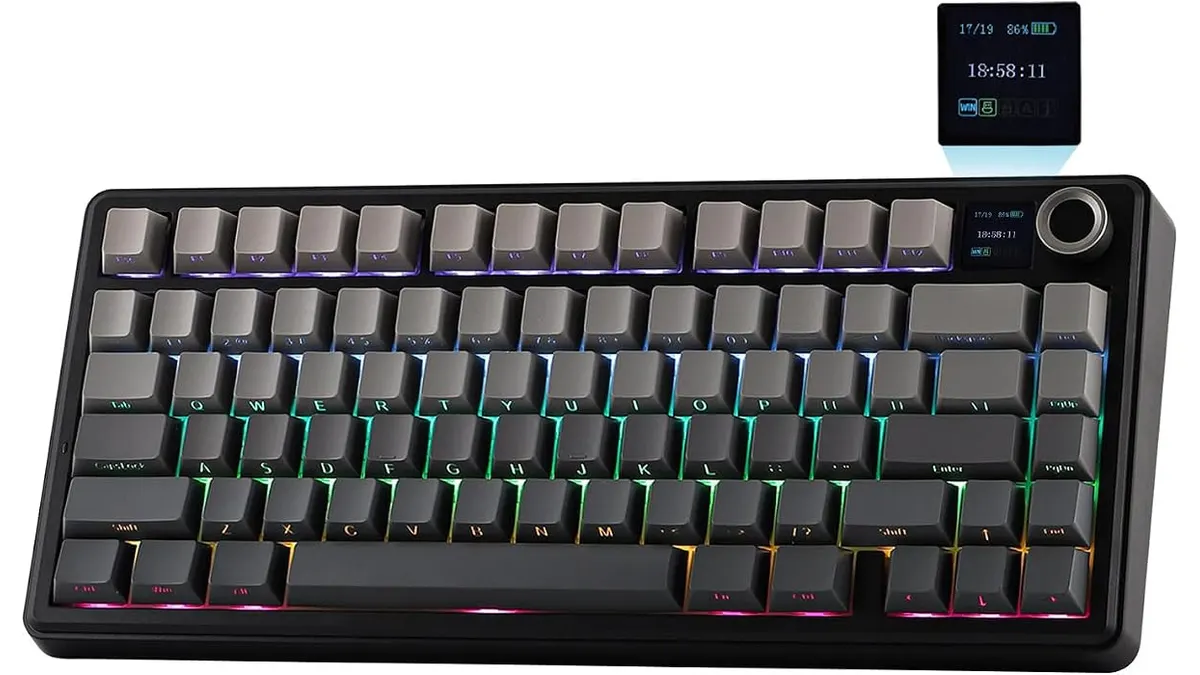
EPOMAKER Aula F75 MAX Review: Smart Setup
Looking for the best home office peripherals? Read our EPOMAKER Aula F75 MAX review to see if this tri-mode gasket-mount keyboard fits your setup.
 Peripherals
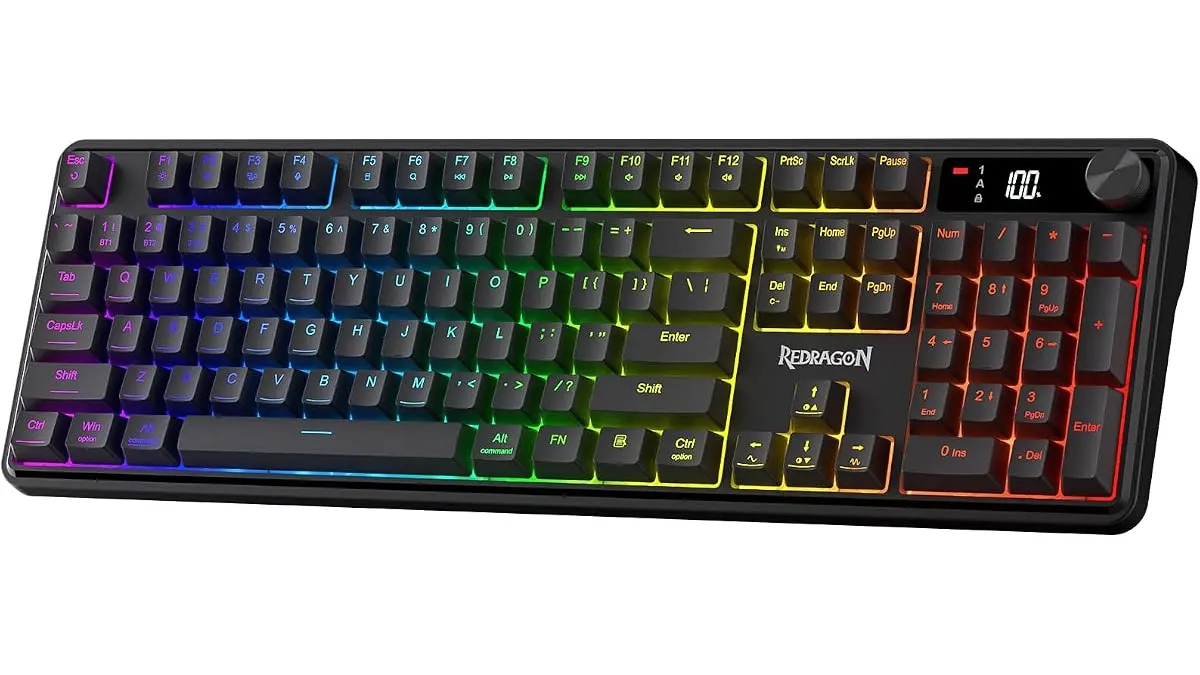
Redragon K526 PRO Review: Quiet Desk Upgrade
Looking for the best home office peripherals? Our Redragon K526 PRO review covers this quiet tri-mode keyboard with LED display and dedicated controls.