Logitech MX Master 3S Review: Ergonomic Wireless Mouse for Professionals
Discover the Logitech MX Master 3S, an ergonomic wireless mouse designed for comfort and precision. Ideal for remote workers and creatives.
 Peripherals
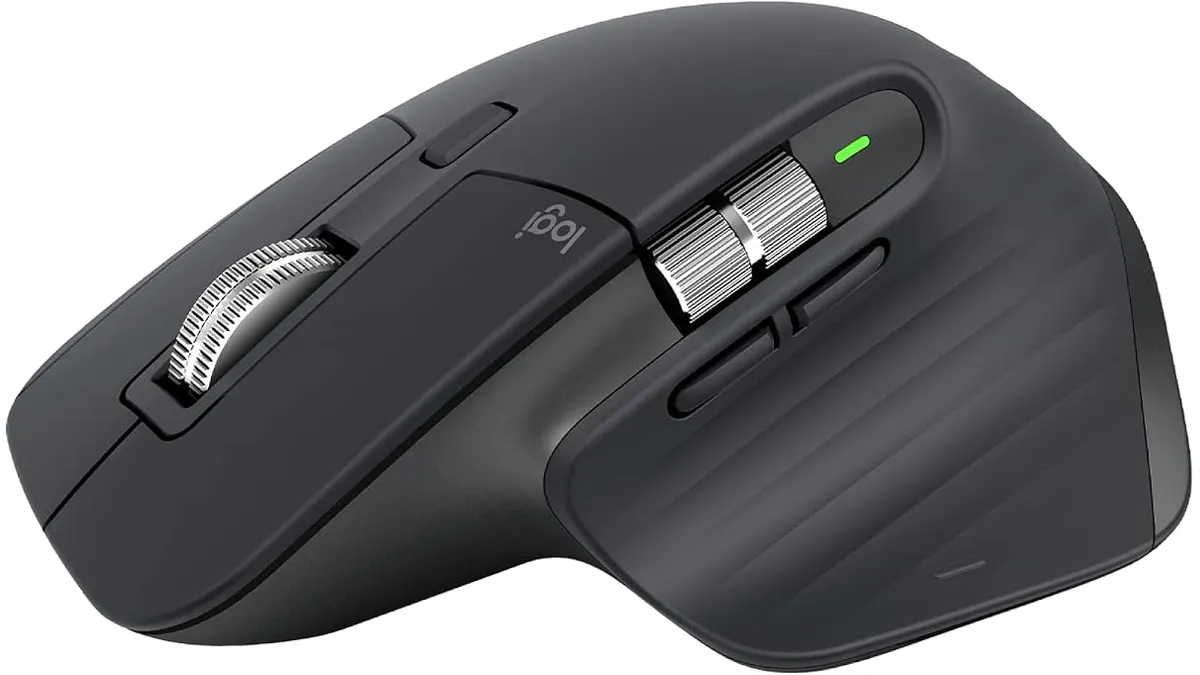
The Logitech MX Master 3S is an ergonomic wireless mouse designed for users who require precision and comfort during long hours of work or creative tasks. Whether you’re a remote worker, freelancer, or student, this mouse aims to enhance your productivity through its thoughtful design and advanced features. The attention to detail in its design makes a significant difference, especially for those who find themselves glued to their screens for hours on end.
What it does well
- Ergonomic Design: The contoured shape of the Logitech MX Master 3S allows for comfortable use over extended periods. This design minimizes strain on your hand and wrist, making it ideal for marathon work sessions. The mouse’s shape supports your hand in a natural position, reducing the risk of repetitive strain injuries—a common concern for individuals in sedentary jobs. If you spend hours clicking through documents or images, the MX Master 3S can help alleviate discomfort.
- Long Battery Life: With up to 18 months of battery life on a single charge, you can focus on your tasks without worrying about constantly recharging. This feature is especially beneficial for users who prefer a set-it-and-forget-it approach to battery management. The mouse comes with a USB-C charging cable that allows for quick recharges, meaning that even a short break can give you enough power to continue working. For professionals who juggle multiple projects, this long battery life minimizes interruptions.
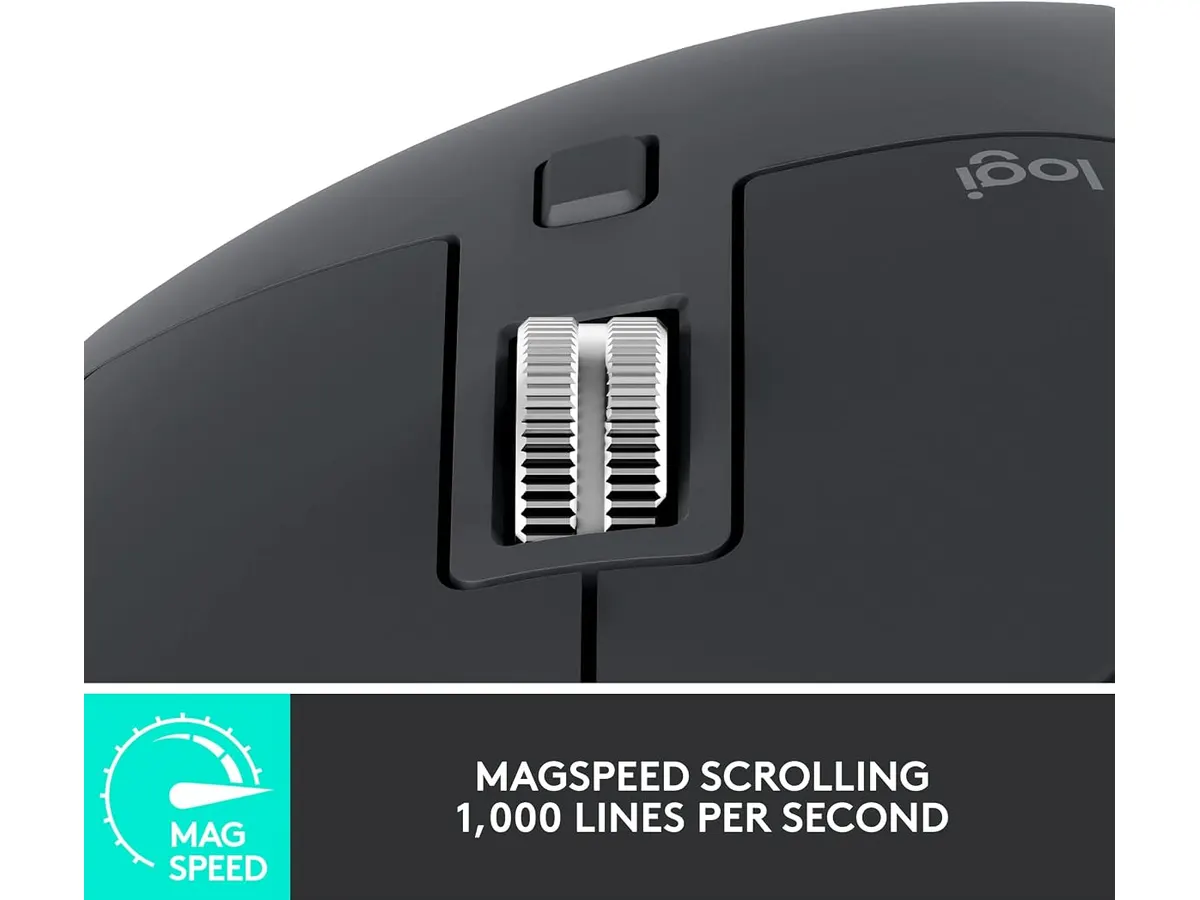
- High Precision Laser Sensor: The high-precision laser sensor provides accurate tracking on various surfaces, enhancing your control and workflow. This feature is particularly useful for graphic designers and other professionals who require detailed movements. Whether you’re working on a glossy desk or a fabric mouse pad, this mouse tracks impeccably, ensuring that your cursor moves as precisely as you intend. This level of tracking is essential for tasks that demand accuracy, such as editing images or fine-tuning designs.
- Wireless Connectivity: Equipped with a Logi Bolt receiver, the MX Master 3S offers a reliable wireless connection. This eliminates clutter from wires, which is advantageous in a home office setup. A clean desk can lead to a more productive environment, and with the MX Master 3S, you won’t have to deal with tangled cords. Additionally, it supports easy switching between multiple devices, allowing you to work seamlessly across your laptop, tablet, or desktop without hassle.
Key specifications
| Specification | Details |
|---|---|
| Connection | Wireless (Logi Bolt receiver included) |
| Battery | Up to 18 months |
| Sensor | High precision laser |
| Design | Ergonomic contour |
Where it falls short
- Not Ideal for Small Hands: While the ergonomic design suits many users, those with smaller hands might find it bulky or difficult to manipulate comfortably. If you often struggle with a mouse that feels too large, this may not be the best fit for you. It’s essential to consider how the size and shape of a mouse can impact your comfort during prolonged use, and the MX Master 3S’s larger form may not accommodate all users effectively.
- Limited Customization Options: Although it offers some programmable buttons, advanced users may find the customization options lacking compared to some higher-end models. For those who rely heavily on macros or specific key combinations in their workflow, the MX Master 3S may not provide enough flexibility. While it includes good functionality out of the box, power users who need extensive button mapping may want to evaluate their specific needs before committing to this mouse.
Who is it for?
- It Fits: The Logitech MX Master 3S is perfect for professionals, remote workers, and designers who spend extended hours at their computer. Its ergonomic features and precision tracking cater to their specific needs, making it a tool that can enhance productivity and comfort. If your daily routine includes long design sessions or extensive document editing, you will likely appreciate the thoughtful design and functionality that the MX Master 3S provides.
- It Does Not Fit: Casual users or gamers looking for a lightweight and compact mouse may not find the MX Master 3S to their liking, as it is designed for productivity rather than fast-paced gaming. If you typically play high-speed action games that require rapid movements, a more specialized gaming mouse might better suit your needs. The MX Master 3S prioritizes comfort and precision for productivity tasks, not the quick reflexes needed in gaming environments.

Alternatives to consider
- Budget Option: For those on a tighter budget, exploring a basic wireless mouse that offers essential features can be worthwhile. While it may lack advanced ergonomic design and long battery life, it can be a practical choice for casual use. A simple mouse can suffice for everyday tasks like browsing the web or writing emails, but it won’t offer the same level of comfort or precision as the MX Master 3S.
- Premium Option: If you’re seeking advanced customizable features, consider a high-end ergonomic mouse that offers extensive programmable buttons and options for serious graphic designers or gamers. These models often come with unique features like adjustable weights or built-in profiles for different software, providing a tailored experience that enhances productivity or gaming performance. Evaluating what you specifically need in a mouse can help you determine if a premium option is worth the investment.
Verdict
The Logitech MX Master 3S stands out as a solid choice for professionals seeking a reliable and comfortable wireless mouse. While it has some limitations, such as sizing and customizable options, its ergonomic design and long battery life make it a valuable addition to any home office setup. If you’re looking for quality Peripherals to enhance your productivity, this mouse deserves consideration.
Frequently asked questions
What type of connection does the Logitech MX Master 3S use?
The Logitech MX Master 3S features a wireless connection with a Logi Bolt receiver included for a secure and reliable link. This ensures that your work is uninterrupted by connection drops or delays.
How long does the battery last on a single charge?
The battery of the MX Master 3S can last up to 18 months on a single charge, providing extended use without frequent recharges. This feature is convenient for users who prefer a low-maintenance approach to their gear.
Is the MX Master 3S suitable for gaming?
While the MX Master 3S is not designed specifically for gaming, its high-precision sensor may offer satisfactory performance for casual gaming. However, for serious gamers, a mouse specifically designed for gaming may provide features better suited to high-speed responsiveness.
Editorial team
SetUpLatam
We review home office gear by cross-checking official specs, real-world use and value for money. No sponsorships: if a link earns a commission, we always say so.
Spotted an error? Email usYou may also like
 Peripherals
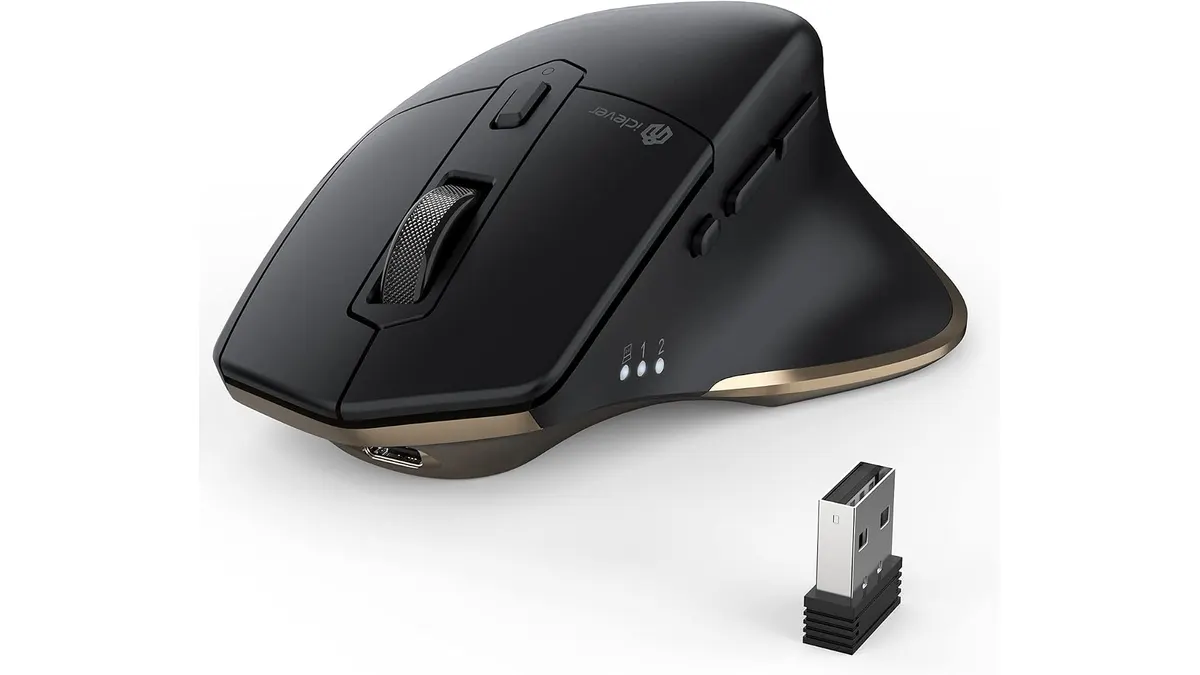
iClever Wireless Mouse Review: A Versatile Choice for Remote Work
Discover the iClever Wireless Mouse—perfect for multitaskers and quiet workspaces. Read our in-depth review for details.
 Peripherals
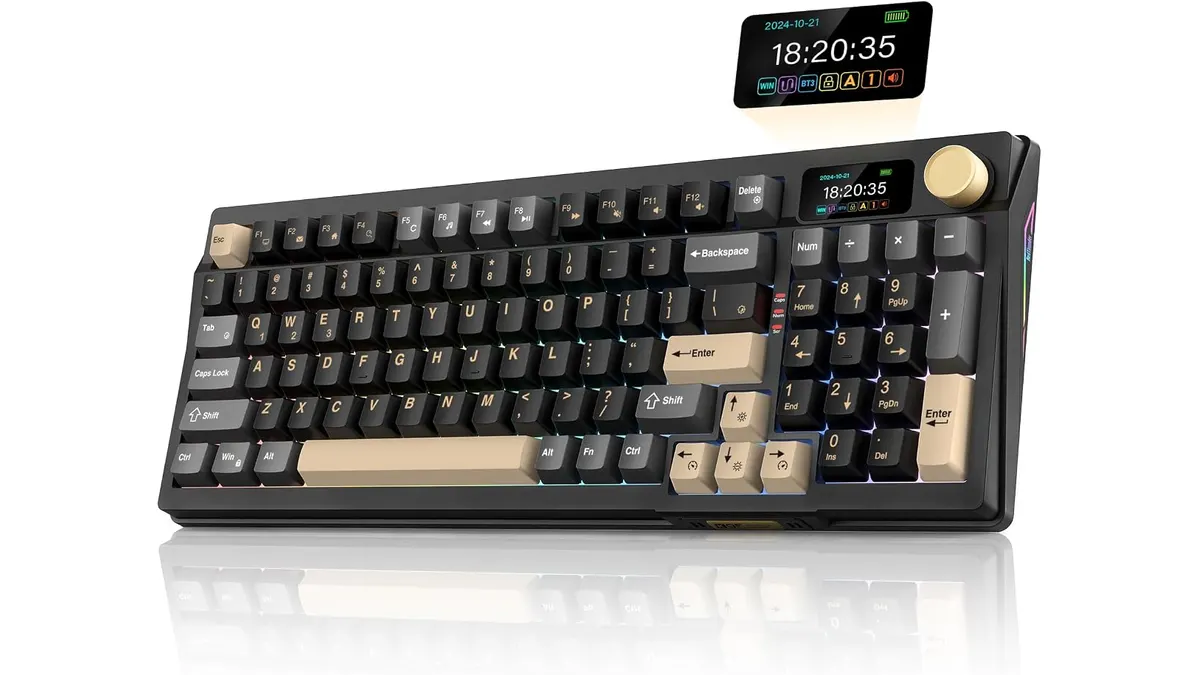
RedThunder K95 Wireless Mechanical Keyboard Review
Discover the features and limitations of the RedThunder K95 Wireless Mechanical Keyboard for remote work and gaming.
 Audio & Webcams
Logitech MX Brio Review: Premium Webcam for Professionals
Discover the Logitech MX Brio, a top-tier webcam designed for streaming and video calls, ideal for remote workers and creators.