Razer BlackWidow V4 TKL Wireless Review
Looking for the best home office peripherals? Our Razer BlackWidow V4 TKL Wireless review explores if this hot-swappable keyboard is right for your desk.
Buying guide: best peripherals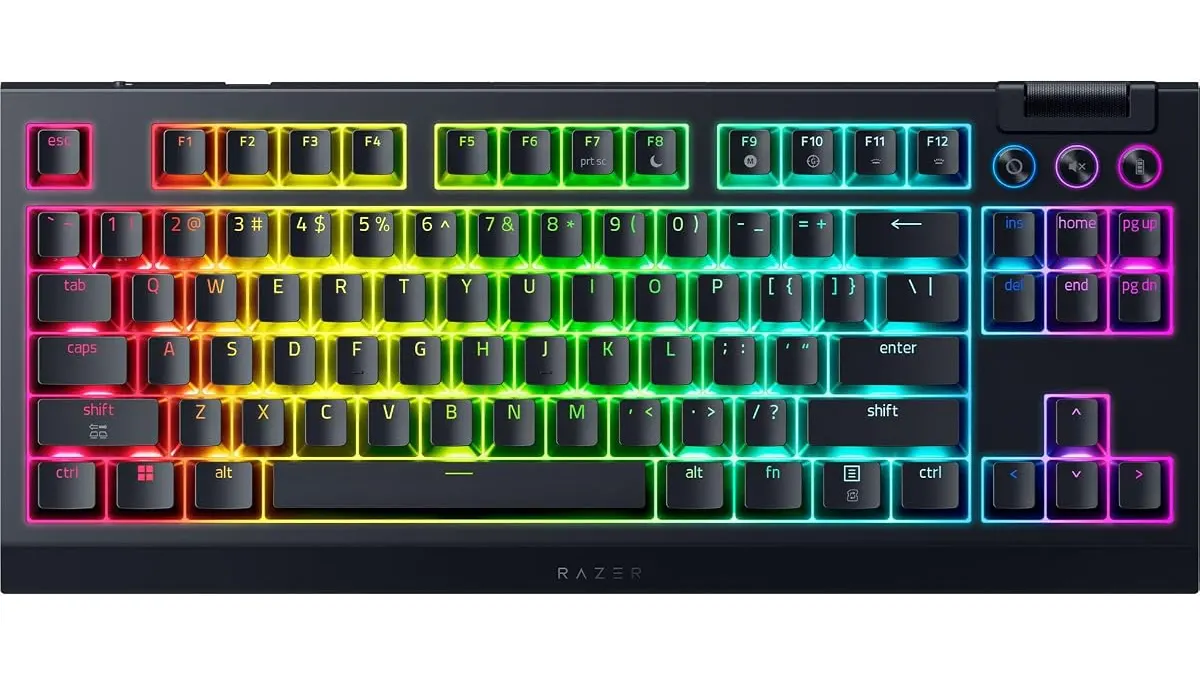 Peripherals
The Razer BlackWidow V4 TKL Wireless is a polished piece of hardware that bridges the gap between gaming aesthetics and daily productivity. As remote work becomes the standard, finding the best home office peripherals is essential for maintaining comfort and efficiency. This keyboard offers a clean, TKL layout that keeps your workspace organized while providing enough versatility to handle both intense gaming sessions and long hours of spreadsheet management. You can browse more options in our guide to Peripherals.
What it does well
The typing experience is the star here. Razer has included two layers of sound-dampening foam, which significantly cuts down on the hollow, pingy resonance common in mass-market mechanical boards. The Razer Orange switches feel tactile without being obnoxious, making them suitable for shared office spaces or quiet home environments.
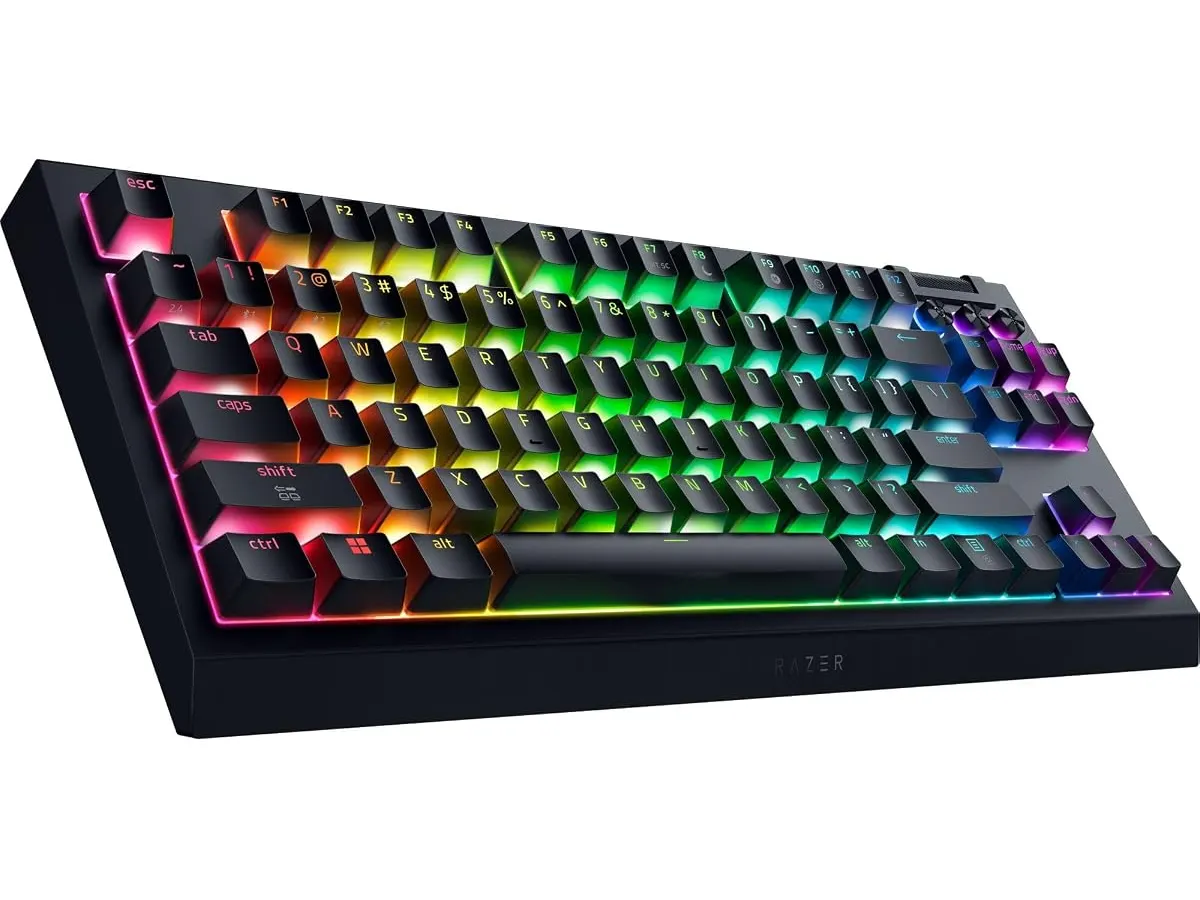
Customization is another major win. Because the board is hot-swappable, you aren’t locked into the stock switches. If you decide you want a different feel, you can pull the current switches out and replace them with almost any 3 or 5-pin alternative. The addition of a multi-function roller and three dedicated media keys is a massive quality-of-life upgrade for someone who manages video calls or music while working.
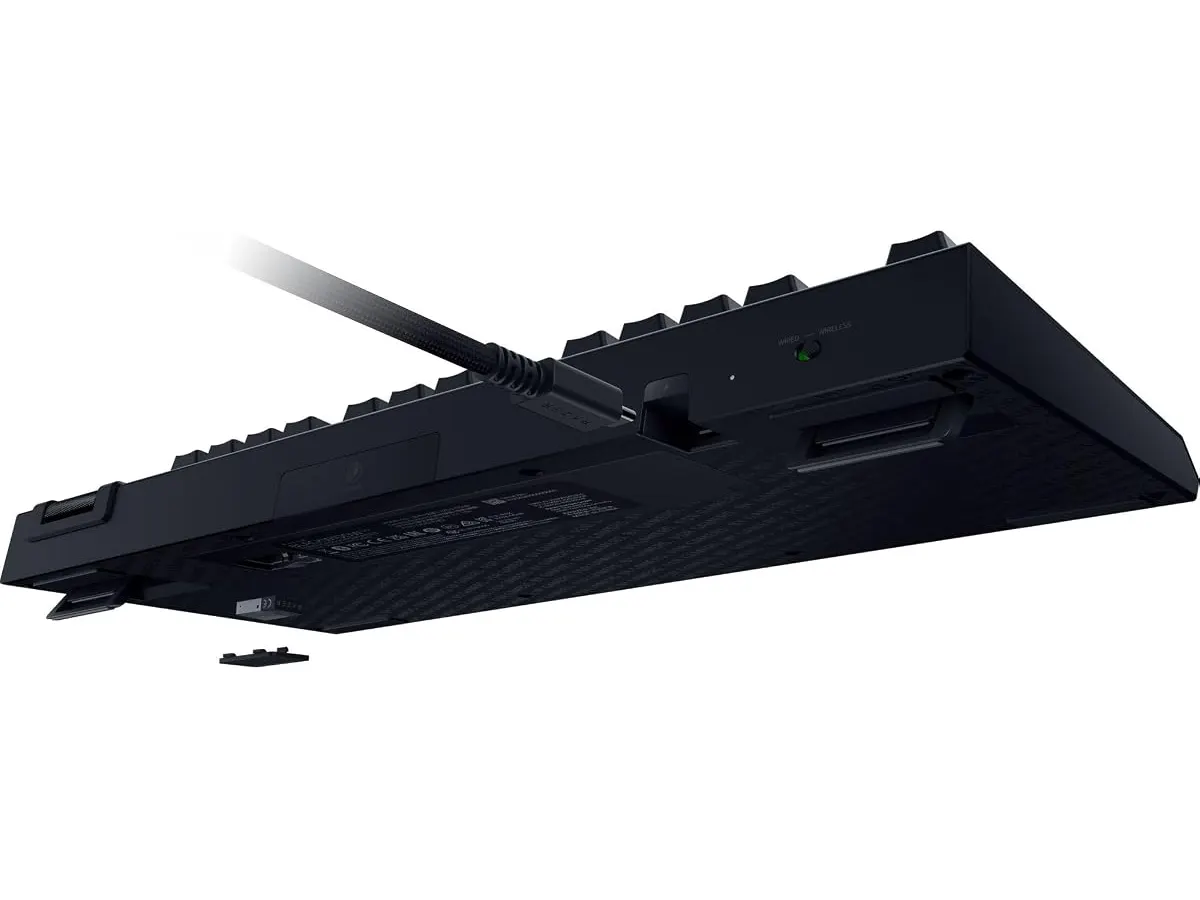
Finally, the battery life is staggering. Rated for up to 980 hours, you will rarely find yourself tethered to a charging cable. Even if you run the RGB lighting heavily, you get enough headroom to go weeks without needing a top-up.
Key specifications
| Feature | Specification |
|---|---|
| Connectivity | Razer HyperSpeed Wireless (2.4 GHz) and Bluetooth |
| Switch Type | Razer Orange (Hot-swappable, 3 or 5 pin) |
| Layout | TKL (Tenkeyless) |
| Battery Life | Up to 980 hours |
| Lighting | Razer Chroma RGB |
| Extra Controls | Multi-function roller and 3 media buttons |
| Sound Dampening | Two layers of internal foam |
Where it falls short
The TKL layout is a double-edged sword. If you work in finance or data entry, the absence of a dedicated number pad will force you to rely on top-row numbers, which slows down workflow significantly. You might need to pair this with a standalone number pad if your tasks are math-heavy.
Additionally, the software ecosystem required to manage the deep customization of the keys and the RGB lighting can be resource-heavy. While the board functions perfectly as a plug-and-play device, you lose access to the advanced macro programming and lighting profiles unless you run the proprietary software in the background.
Who is it for?
This keyboard is perfect for the hybrid professional who wants a single board for both high-end gaming and standard office work. Its ability to switch between 2.4 GHz wireless and multiple Bluetooth connections makes it ideal for someone who toggles between a work laptop and a gaming desktop daily.
Conversely, it is not for the purist who craves the deepest, thockiest sound profile out of the box. While the dampening foam is good, it cannot match custom-built mechanical boards. If you are looking for a more budget-friendly entry into mechanical typing, check out the RedThunder K95 Wireless Mechanical Keyboard Review for an alternative perspective.
Alternatives to consider
If you prioritize ergonomics above all else, you should look at high-end office-focused peripherals. For example, a premium ergonomic mouse often pairs better with a low-profile board than a mechanical one. See the Logitech MX Master 3S Review: Ergonomic Wireless Mouse for Professionals to understand how a specialized pointer can change your desk setup.
For those on a tighter budget who still want a reliable wireless experience, mid-tier options exist that drop the hot-swap functionality in favor of a lower price point. You can also explore the iClever Wireless Mouse Review: A Versatile Choice for Remote Work to see how simple, effective gear can balance your setup without over-complicating your workspace.
Verdict
The Razer BlackWidow V4 TKL Wireless is a reliable, high-performance tool that earns its place on a professional desk. Its long battery life and hot-swappable switches make it a future-proof investment for most users. If you can live without the numpad, it is one of the most well-rounded Peripherals you can buy for a modern home office.
Frequently asked questions
Can I use this keyboard with my tablet or phone?
Yes, the keyboard supports Bluetooth connectivity, allowing you to pair it with up to three different mobile devices or computers seamlessly.
Is the hot-swap feature limited to Razer switches?
No, the board is compatible with most standard 3 or 5-pin mechanical switches, giving you significant freedom to customize the feel and sound of your typing experience.
Does the keyboard include a wrist rest?
The product package focuses on the keyboard itself; for ergonomic support during long work sessions, you may want to purchase a separate foam or gel wrist rest to match the TKL profile.

Editor
Charly River · SetUpLatam
Charly River curates, reviews and edits SetUpLatam’s home office guides. He checks every product sheet against the manufacturer’s official specifications and cuts what does not help, so you buy right the first time.
You may also like
 Peripherals
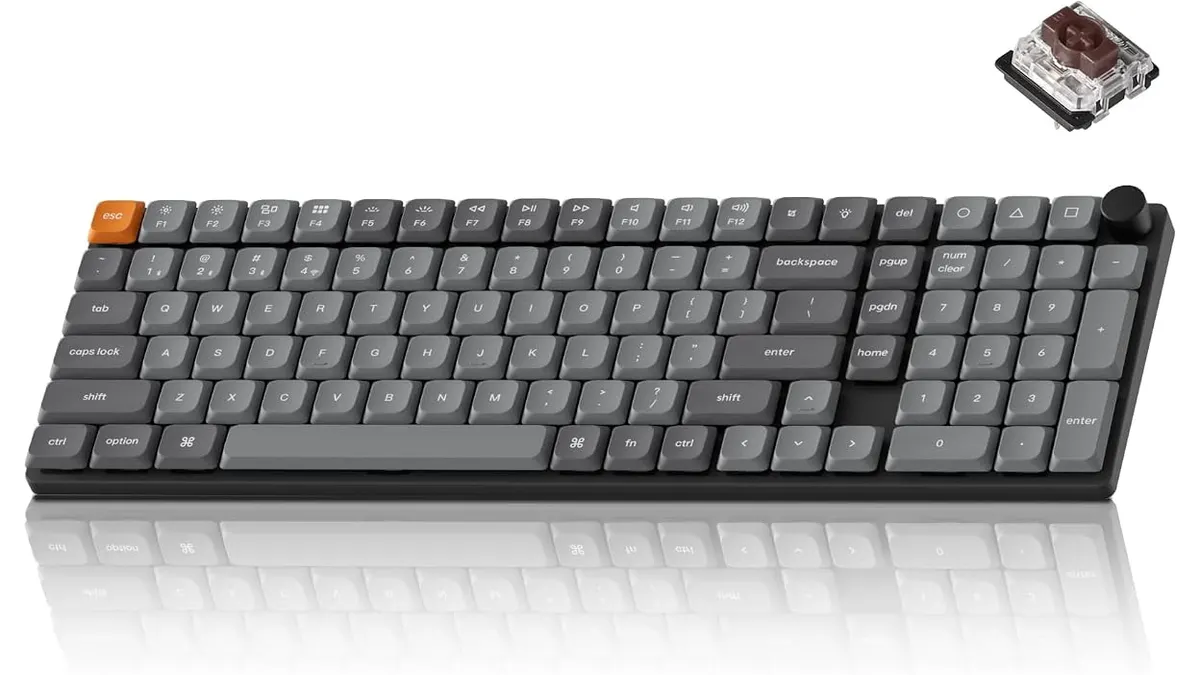
Keychron K17 Max Review: Slim 96% Layout
Deep dive Keychron K17 Max review: a low-profile 96% wireless keyboard built to fit the best home office peripherals setup for daily work.
 Peripherals
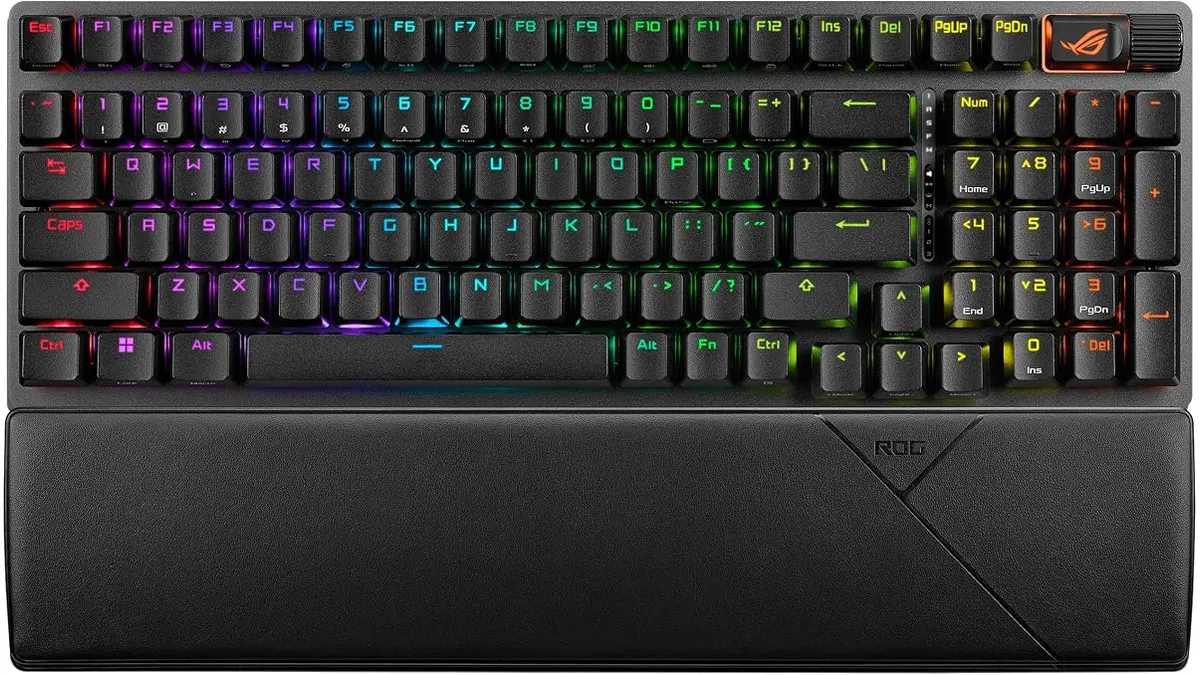
ASUS ROG Strix Scope II 96 Wireless Review
Looking for the best home office peripherals? Our ASUS ROG Strix Scope II 96 Wireless review covers battery life, linear switches, and desktop feel.
 Peripherals
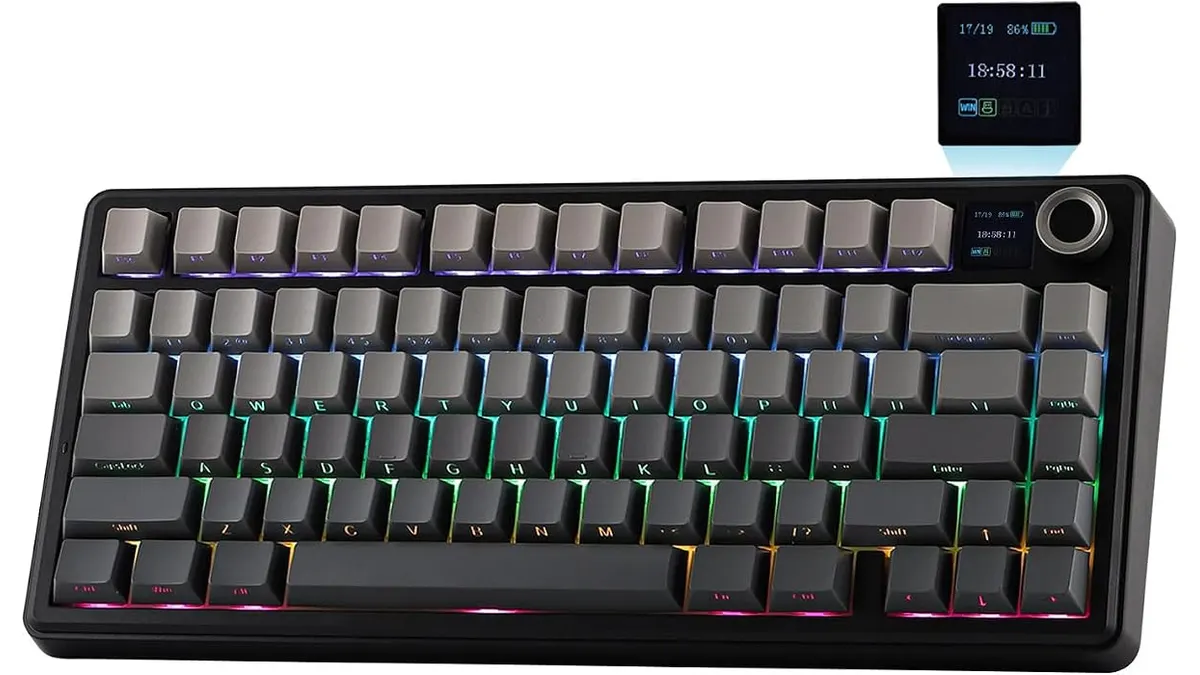
EPOMAKER Aula F75 MAX Review: Smart Setup
Looking for the best home office peripherals? Read our EPOMAKER Aula F75 MAX review to see if this tri-mode gasket-mount keyboard fits your setup.