RedThunder K95 Wireless Mechanical Keyboard Review
Discover the features and limitations of the RedThunder K95 Wireless Mechanical Keyboard for remote work and gaming.
 Peripherals
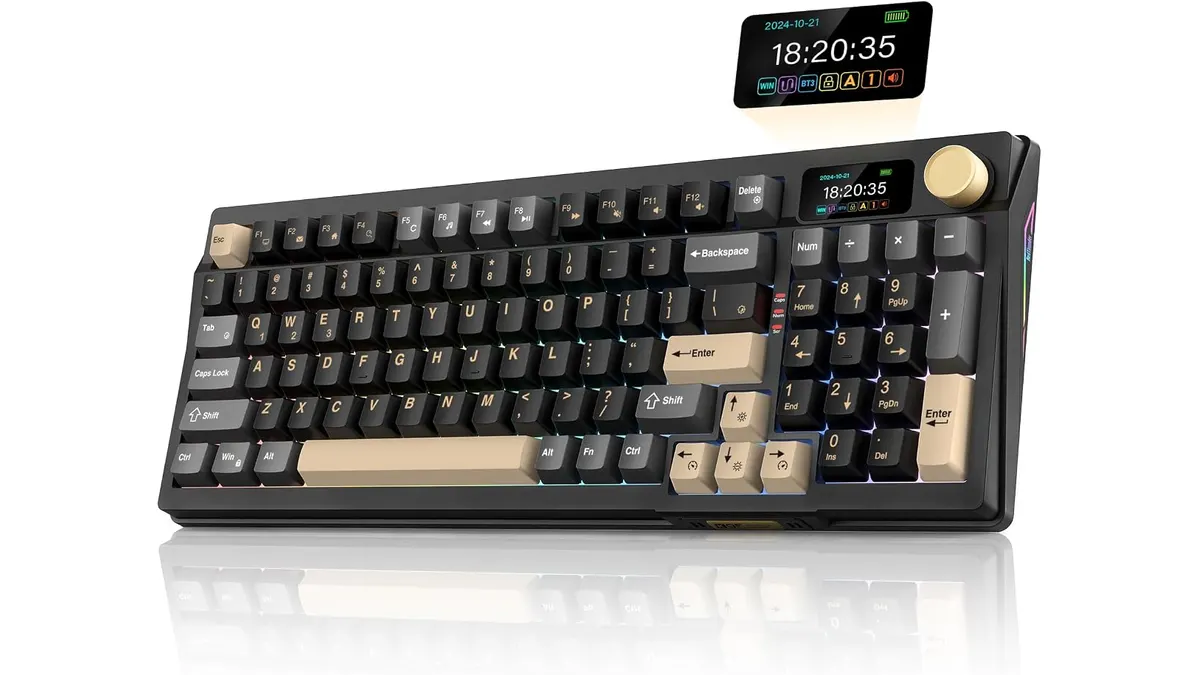
The RedThunder K95 Wireless Mechanical Keyboard is a versatile option for remote workers and gamers seeking a compact and feature-rich keyboard. With its wireless connectivity options and customizable RGB lighting, it aims to meet the needs of different users who want a reliable and stylish addition to their home office or gaming setup. This keyboard combines the advantages of modern mechanical technology with a user-friendly design, striking a balance between functionality and aesthetics.
What it does well
- Versatile Connectivity: The K95 features triple-mode connectivity, supporting Bluetooth 5.0, 2.4 GHz wireless, and USB-C connections. This variety allows users to switch seamlessly between multiple devices, making it ideal for those who use both computers and tablets. Whether you’re writing emails on your laptop or gaming on a desktop, this flexibility ensures you can connect effortlessly. The ability to pair with up to three devices enhances productivity, especially for multitaskers who need to transition between different platforms quickly.
- Compact Design: With its 90% layout, the K95 retains essential keys while saving space. It includes arrow keys, number pad, and function keys, making it suitable for users with limited desk space. This compactness is particularly beneficial for those with minimal workspace or in shared environments where every inch counts. The keyboard’s layout is designed to be intuitive, minimizing the learning curve for new users accustomed to standard layouts.
- Hot-Swap Switches: The keyboard comes with pre-lubricated hot-swap switches, allowing users to easily customize their typing experience by swapping out switches without soldering. This feature accommodates different preferences for tactile feedback, allowing both casual typists and serious gamers to find their ideal switch. Users can experiment with various switch types to find the one that suits their typing style, whether they prefer a softer touch for prolonged typing sessions or a more tactile feel for gaming.
- Long Battery Life: Thanks to its robust 8000 mAh battery, the K95 can last up to 48 hours with RGB lighting on and an impressive 266 hours without it. This longevity is perfect for users who need extended use without frequent recharging. For individuals who spend long hours typing or gaming, this feature will be a significant advantage, eliminating the need to halt productivity for battery recharges. Coupled with efficient power management, the keyboard offers users peace of mind about power consumption.
Key specifications
| Specification | Details |
|---|---|
| Form Factor | 90% compact with arrow, number, and function keys |
| Connectivity | Triple mode: Bluetooth 5.0, 2.4 GHz, USB-C |
| Display | 1.14-inch TFT with CNC control |
| Switches | Pre-lubricated linear, hot-swap (3 and 5 pins) |
| Structure | Gasket with five layers of damping |
| Battery | 8000 mAh, up to 48 hours with RGB, 266 hours without |
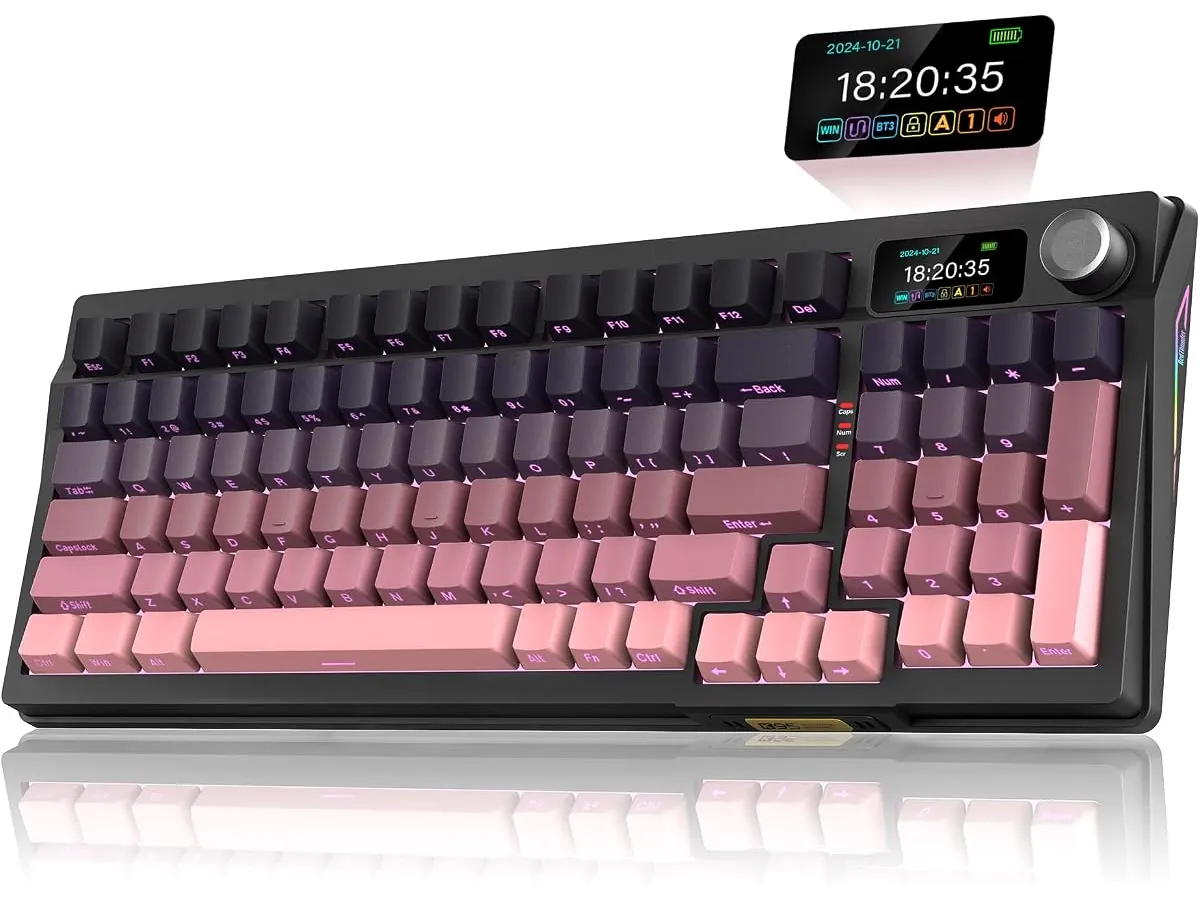
| Lighting | Full RGB (1.68M colors), south-oriented LEDs |
| Keycap Material | PBT with dual-height feet |
Where it falls short
- Weight and Portability: While the solid build quality is a strength, the keyboard may feel heavier than some users prefer for travel, making it less portable for those who frequently work on the go. This weight can be a drawback for users who often carry their gear between locations, such as traveling freelancers or students moving between classes and study areas. Users seeking a lightweight and easy-to-carry keyboard may want to consider alternatives that prioritize portability over features.
- RGB Lighting Complexity: The RGB lighting is extensive, but the management through the TFT screen might be overwhelming for users not familiar with advanced RGB setups. For beginners, this complexity can result in a steeper learning curve, potentially discouraging those who prefer straightforward functionality. Users who enjoy customizing their lighting for aesthetic purposes will appreciate the options, but it could be a barrier for simpler preferences.
- No Wrist Rest: The absence of a built-in wrist rest can lead to discomfort during extended typing sessions, which may deter users seeking ergonomic solutions. For those who spend long hours at the keyboard, wrist support is crucial to avoid strain and enhance overall typing comfort. Users whose primary focus is on ergonomic design might need to invest in a separate wrist rest to maintain comfort during prolonged use.
Who is it for?
- Fits Well: The RedThunder K95 is ideal for tech-savvy remote workers and gamers who want a customizable keyboard with various connectivity options and a compact design. Its long battery life further supports users who often type for hours, making it an excellent companion for writers, developers, and gamers alike. If you frequently switch between devices or enjoy experimenting with different keys, this keyboard will certainly meet your needs. The combination of features allows for a personalized experience that caters to individual preferences.
- Not Suitable For: Users looking for an extremely lightweight keyboard for travel or those who prefer a more straightforward RGB experience might find this model less appealing due to its weight and complexity. Additionally, individuals needing a built-in wrist rest for ergonomic reasons may find the K95 lacking in this regard. If your primary focus is on portability or basic functionality without elaborate features, there are simpler keyboards available that could better match your requirements.
Alternatives to consider
- Budget Option: For those on a tighter budget, consider a basic wireless keyboard that offers essential features without the added complexities of RGB and hot-swappable switches. These keyboards are often lighter and more portable for users on the go, making them suitable for students or professionals who frequently find themselves working in different locations. While lacking some advanced features, these options can still provide a satisfactory typing experience for everyday tasks.
- Premium Alternative: On the higher end, a mechanical keyboard with advanced features like a detachable cable, dedicated media controls, and customizable software might be ideal for users who want the best performance and are willing to invest more. High-end models typically offer superior build quality, additional connectivity options, and enhanced customization features, which appeal to serious gamers and professionals seeking peak performance in their setups.
Verdict
The RedThunder K95 Wireless Mechanical Keyboard offers a solid combination of features for a range of users, especially remote workers and gamers who value versatility and customization. While it has some limitations regarding portability and ergonomics, its strengths make it a commendable choice in the peripherals market. For those who appreciate a robust, feature-rich keyboard that can cater to various needs, the K95 stands out as a viable option. For further options, explore our selection of other high-quality peripherals at /en/categorias/perifericos.
Frequently asked questions
What is the battery life of the RedThunder K95?
The keyboard has an 8000 mAh battery, providing up to 48 hours of use with RGB lighting and 266 hours without it.
Can I customize the RGB lighting on the K95?
Yes, the K95 features extensive RGB lighting options, which can be managed through its TFT screen, allowing for various effects and colors. Users can personalize their experience to match their workspace or gaming setup.
Is the K95 compatible with Mac systems?
Yes, the RedThunder K95 is compatible with both Windows and Mac systems, making it versatile for different users. This compatibility ensures that you can enjoy the keyboard’s features regardless of your chosen operating system.
Editorial team
SetUpLatam
We review home office gear by cross-checking official specs, real-world use and value for money. No sponsorships: if a link earns a commission, we always say so.
Spotted an error? Email usYou may also like
 Peripherals
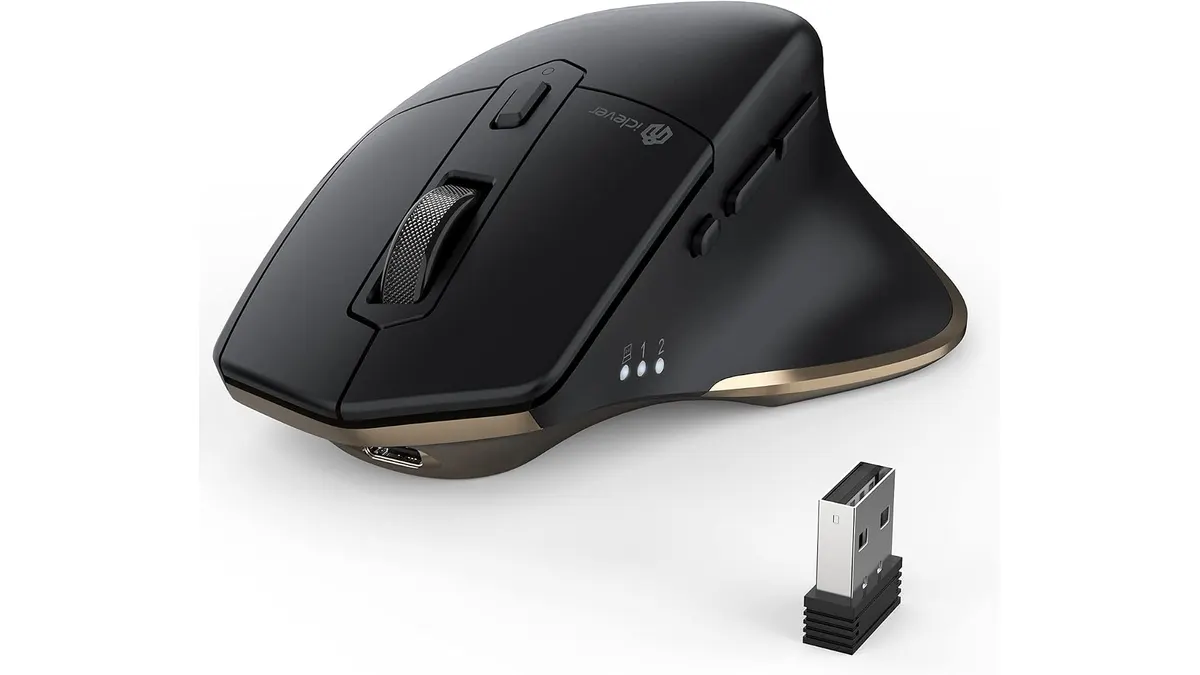
iClever Wireless Mouse Review: A Versatile Choice for Remote Work
Discover the iClever Wireless Mouse—perfect for multitaskers and quiet workspaces. Read our in-depth review for details.
 Peripherals
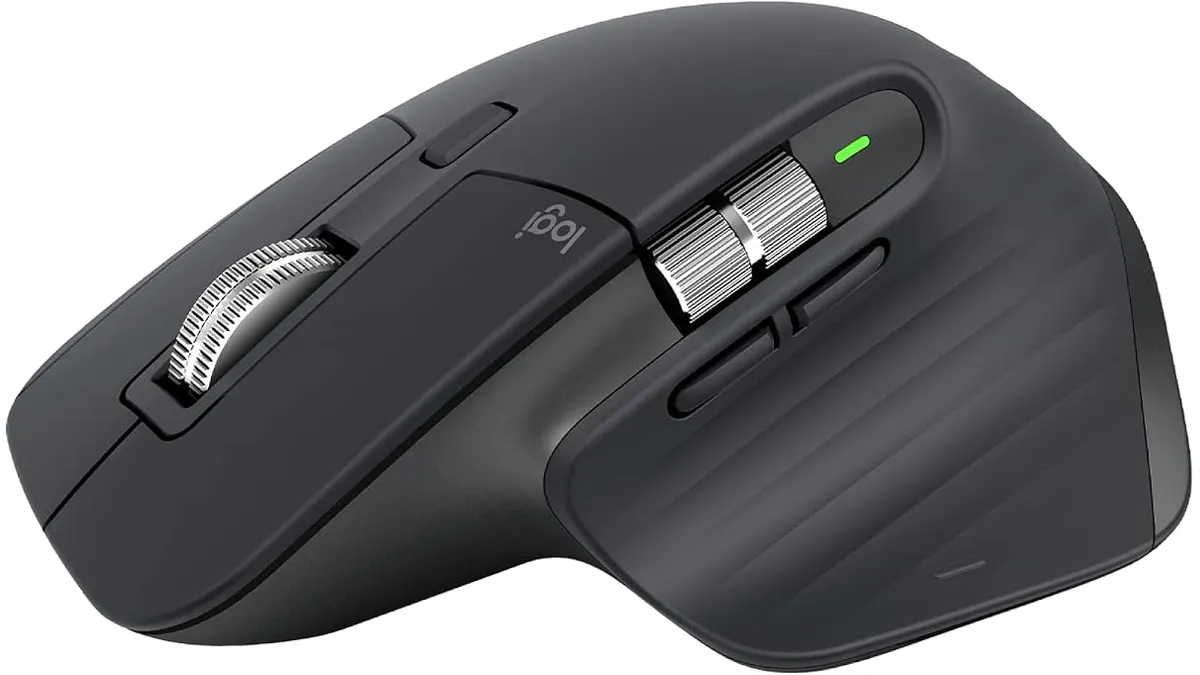
Logitech MX Master 3S Review: Ergonomic Wireless Mouse for Professionals
Discover the Logitech MX Master 3S, an ergonomic wireless mouse designed for comfort and precision. Ideal for remote workers and creatives.