EPOMAKER Aula F75 MAX Review: Smart Setup
Looking for the best home office peripherals? Read our EPOMAKER Aula F75 MAX review to see if this tri-mode gasket-mount keyboard fits your setup.
Buying guide: best peripherals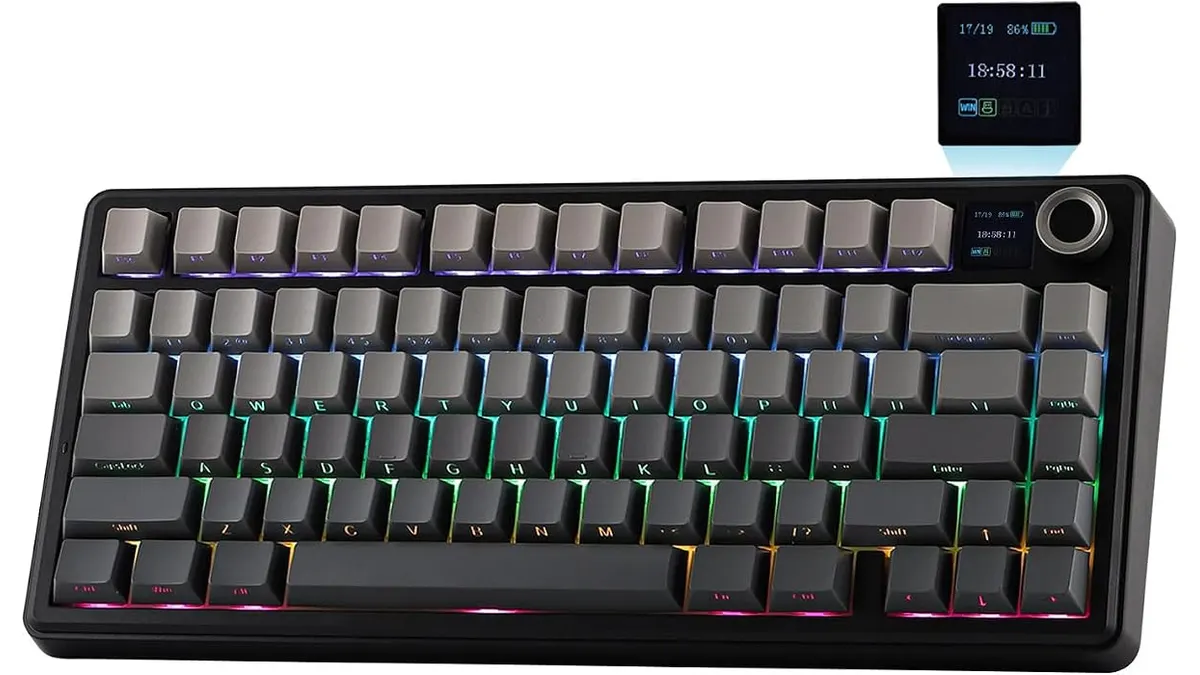 Peripherals
Finding a keyboard for remote work often feels like balancing physical desk space with daily typing comfort. The EPOMAKER Aula F75 MAX addresses that challenge with a 75% compact layout, internal sound dampening, and flexible wireless modes. Whether managing spreadsheets or drafting reports, choosing reliable Peripherals shapes your daily workflow. This review examines how its features perform under everyday workload demands.
What it does well
The physical construction is the main selling point here. The gasket-mount design isolates the switch plate with flexible gaskets, preventing the harsh bottoming-out feel typical of standard tray-mount office boards. Combined with internal acoustic dampening foams, typing yields a deep, subdued thock rather than a high-pitched click. Your housemates or office coworkers won’t complain during intense typing sessions.
Connectivity handles multi-device environments without fuss. You get Bluetooth for tablets or secondary laptops, a 2.4GHz wireless receiver for low-latency desktop connections, and a detachable USB cable for traditional wired use. Switching between paired devices takes a single toggle, making it easy to hop between a work Mac and a personal Windows rig. The 1000Hz polling rate across both wired and 2.4GHz connections ensures fast responsiveness.
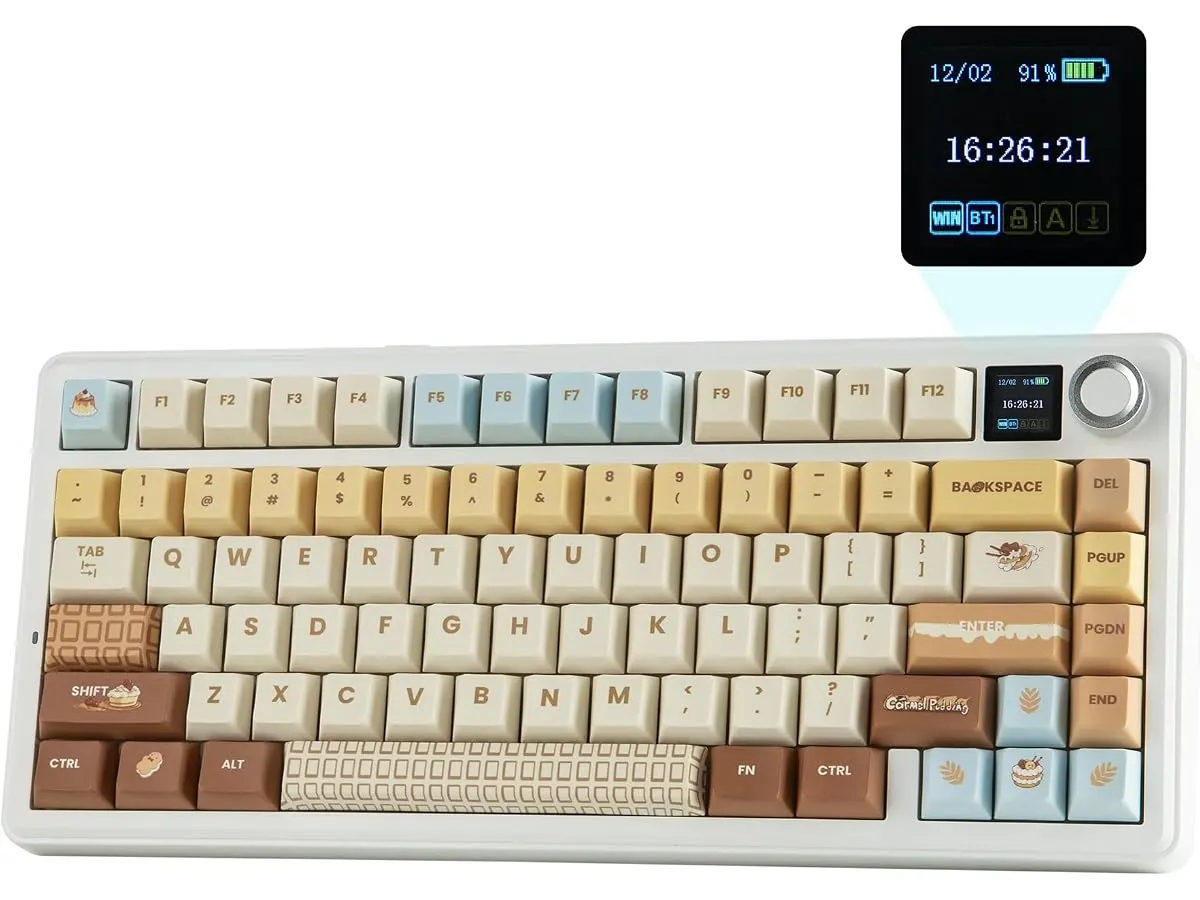
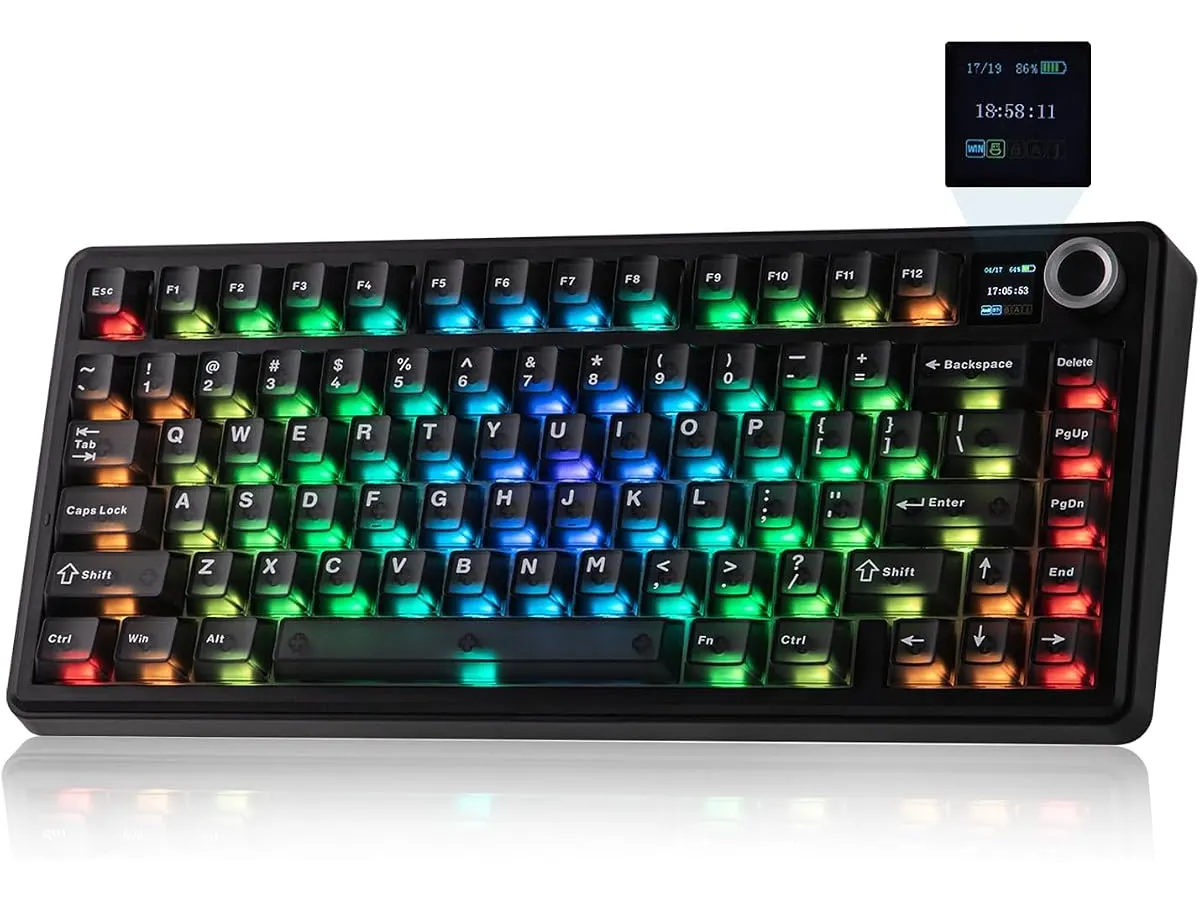
Customization options keep the hardware flexible over time. The integrated smart TFT display provides quick visual feedback on battery life and connection status without forcing you to open software utility menus. If you eventually want to change the typing feel, the PCB is hot-swappable with standard 3-pin and 5-pin mechanical switches. You can swap out switches in minutes without soldering a single contact point.
Key specifications
| Feature | Specification |
|---|---|
| Form Factor | 75% Compact |
| Connectivity | Bluetooth, 2.4GHz Wireless, USB Wired |
| Integrated Display | Smart TFT Screen |
| Mounting Structure | Gasket-mount |
| Polling Rate | 1000Hz (USB Wired & 2.4GHz Wireless) |
| OS Compatibility | Windows, Mac, Linux, Android |
| Switch Compatibility | Hot-swappable (3-pin and 5-pin) |
Where it falls short
The compact 75% footprint saves desktop space, but it comes with a physical learning curve. You give up a dedicated numeric keypad entirely. Anyone heavily reliant on data entry, financial accounting, or heavy numerical input will feel the loss immediately.
While the smart TFT screen looks sharp, configuring custom images or advanced system metrics requires navigating dedicated desktop software. Drivers can feel unpolished compared to larger mainstream peripheral software ecosystems. Furthermore, the added weight of internal acoustic dampening foams makes this board heavier than basic plastic office keyboards, reducing its appeal for digital nomads who travel daily with light bags.
Who is it for?
This keyboard belongs on the desk of remote workers, writers, and software developers who want an exceptional typing experience without cluttering their setup. If you appreciate clean desk aesthetics, quiet acoustic dampening, and standard 75% arrow key layouts, it fits seamlessly. Pairing it with a high-end work mouse like the Logitech MX Master 3S Review creates a balanced, highly functional workspace.
Pass on this model if your daily routine depends on typing numbers into spreadsheets for hours. Dedicated accountants and data analysts should look for full-sized boards with physical Numpads. Similarly, minimalist travelers looking for an ultra-thin membrane keyboard to toss into a slim laptop sleeve will find this gasket-mounted board too thick and heavy.
Alternatives to consider
If you need a full-size layout on a budget, consider lower-tier membrane or tray-mounted wireless options. Those entry-level models sacrifice switch customization and gasket dampening, but they offer full Numpads and lower weight profiles for basic office tasks.
If you want a dedicated gaming layout with a broader key footprint, explore alternative options like the RedThunder K95 Wireless Mechanical Keyboard Review. Higher-tier enthusiast custom boards exist as well, offering heavy aluminum cases and web-based firmware programming, though they demand significant setup time and custom tuning.
Verdict
The EPOMAKER Aula F75 MAX strikes an impressive balance between enthusiast keyboard engineering and daily productivity features. Its gasket-mount assembly and internal foams deliver a quiet, cushioned feel that makes long writing sessions comfortable. While the lack of a Numpad excludes heavy number crunchers, its tri-mode wireless performance and hot-swappable sockets make it an outstanding desk upgrade. It earns a confident recommendation for any modern workspace.
Frequently asked questions
Is the EPOMAKER Aula F75 MAX one of the best home office peripherals for quiet typing?
Yes. Thanks to its gasket-mount structure and internal dampening foams, it absorbs typing vibrations and muffles key impacts. It produces a soft, creamy sound rather than the loud, clicky noise common in cheaper mechanical keyboards.
Can I use this mechanical keyboard on both macOS and Windows?
Yes. The EPOMAKER Aula F75 MAX supports Windows, Mac, Linux, and Android. You can connect it via Bluetooth, 2.4GHz wireless, or USB cable and switch between operating systems easily.
What does a hot-swappable keyboard mean for remote workers?
Hot-swappable sockets allow you to remove and replace switches without soldering. If a switch wears out or if you prefer a different tactile feel, you can plug in any standard 3-pin or 5-pin mechanical switch directly.

Editor
Charly River · SetUpLatam
Charly River curates, reviews and edits SetUpLatam’s home office guides. He checks every product sheet against the manufacturer’s official specifications and cuts what does not help, so you buy right the first time.
You may also like
 Peripherals
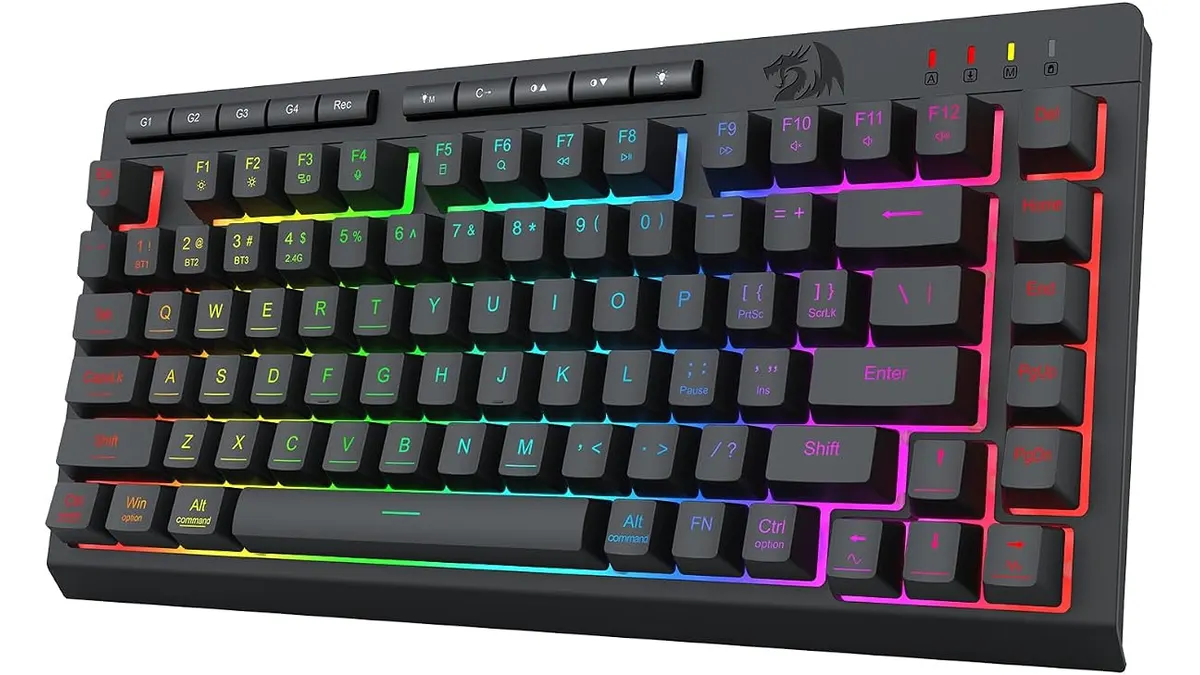
Redragon K524RGB-PRO Review: Compact 75% Power
Looking for the best home office peripherals? Our Redragon K524RGB-PRO review covers battery life, 75% mechanical typing, and triple-mode connectivity.
 Peripherals
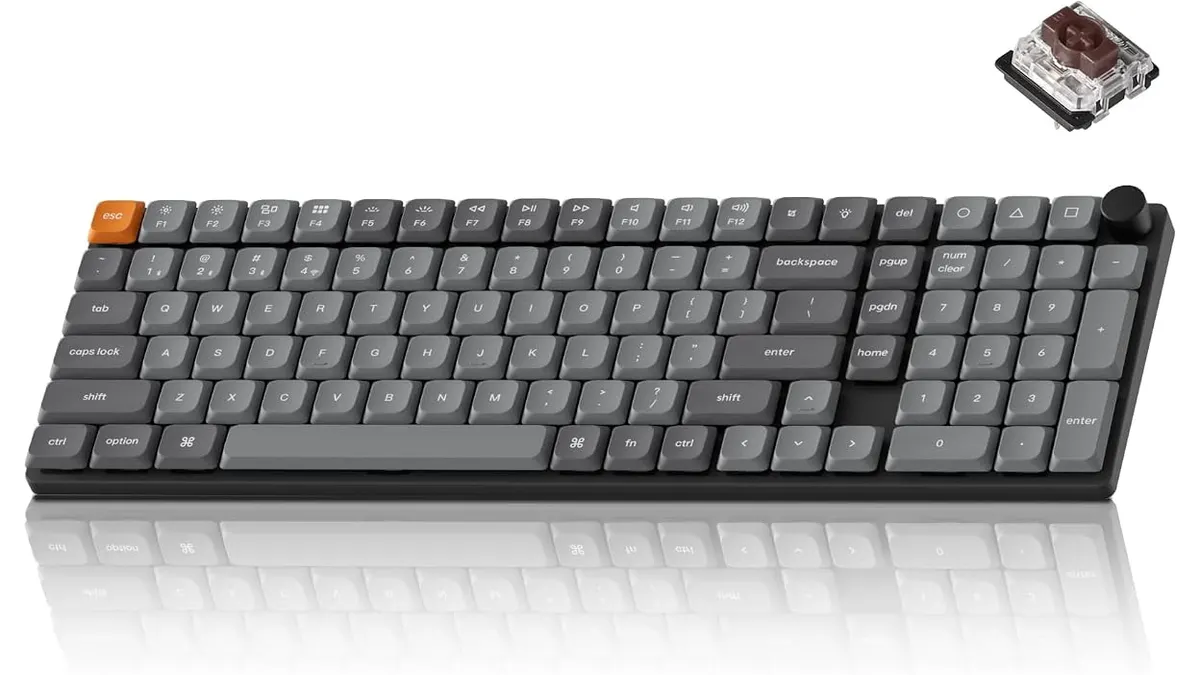
Keychron K17 Max Review: Slim 96% Layout
Deep dive Keychron K17 Max review: a low-profile 96% wireless keyboard built to fit the best home office peripherals setup for daily work.
 Peripherals
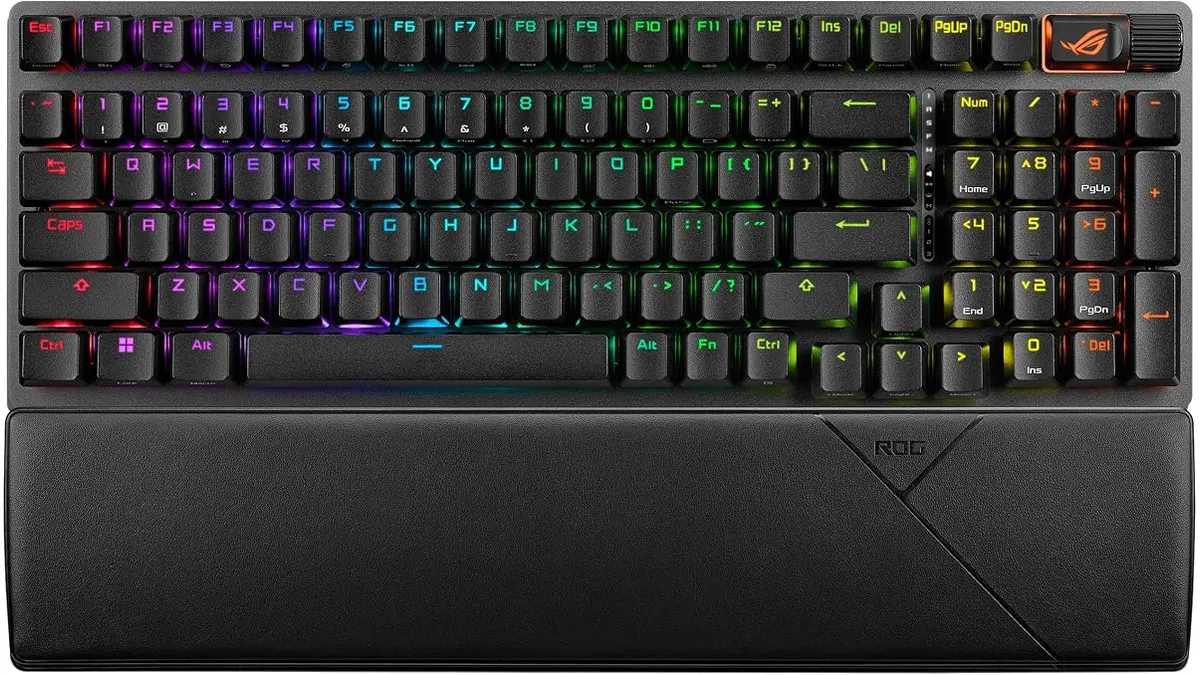
ASUS ROG Strix Scope II 96 Wireless Review
Looking for the best home office peripherals? Our ASUS ROG Strix Scope II 96 Wireless review covers battery life, linear switches, and desktop feel.