Redragon K526 PRO Review: Quiet Desk Upgrade
Looking for the best home office peripherals? Our Redragon K526 PRO review covers this quiet tri-mode keyboard with LED display and dedicated controls.
Buying guide: best peripherals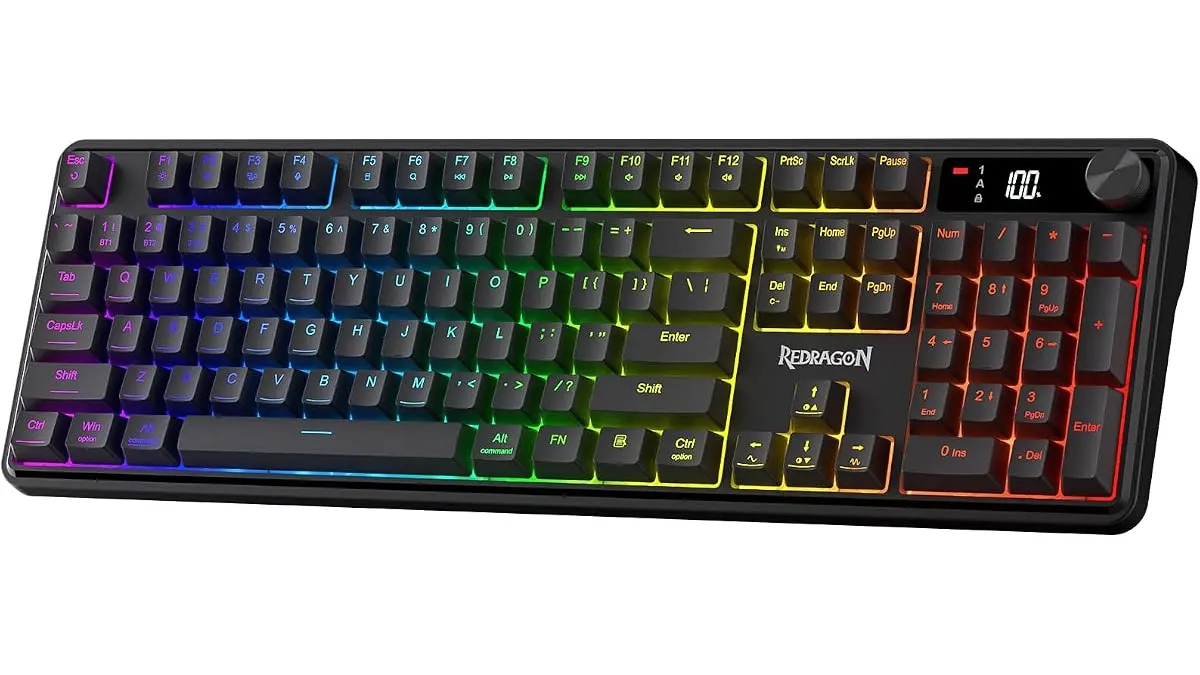 Peripherals
Finding versatile gear for work and play usually means making compromises. The Redragon K526 PRO enters the scene as a quiet membrane option built for multi-device setups. If you are curating a setup with the best home office peripherals, this board targets remote workers who want customizable RGB lighting without the noise of mechanical keys.
What it does well
Redragon packed a thoughtful feature set into this deck that goes far beyond standard office gear.
First, multi-device connectivity is remarkably versatile. The tri-mode system lets you hop between a primary desktop via 2.4GHz wireless, a work laptop over Bluetooth, and a tablet using the detachable USB-C cable. You switch between devices on the fly without fumbling with menus or re-pairing connections.
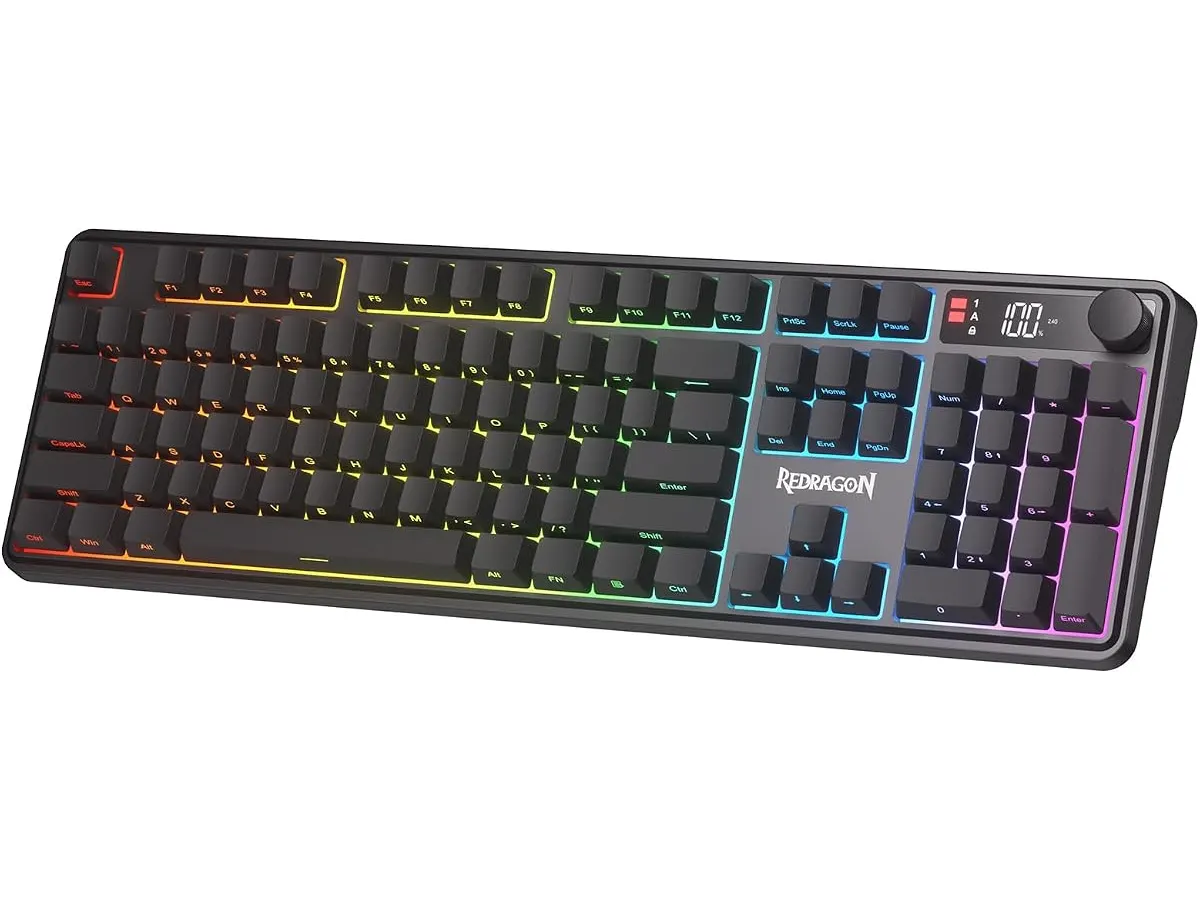
Second, the physical controls solve daily friction points. An integrated LED display on the top casing provides real-time information on remaining battery life and connection status. No more guessing when your keyboard will power down during an important call. Directly next to the display sits a multifunction knob that lets you tweak RGB brightness levels and adjust media volume with a quick twist.
Finally, typing feel strikes a comfortable balance for shared environments. While it relies on membrane switches, key travel feels cushioned yet responsive. The 26-key anti-ghosting matrix prevents missed inputs during rapid typing sessions or casual gaming. Users can also utilize the dedicated software suite to customize macros and cycle through 14 pre-set RGB lighting modes.
Key specifications
| Feature | Specification |
|---|---|
| Switch Type | Membrane |
| Connectivity | Tri-mode (USB-C, Bluetooth, 2.4GHz) |
| Anti-Ghosting | 26 keys |
| Lighting | RGB with 14 preset modes |
| Integrated Display | LED screen for battery and connection status |
| Physical Controls | Multifunction knob for brightness and volume |
| Customization | Desktop software for macros and lighting effects |
Where it falls short
Membrane switches keep noise levels low, but they cannot replicate the crisp tactile feedback of mechanical switches. If you rely on sharp physical actuation for touch-typing speed, the cushioned key feel can seem soft during extended typing sessions.
The 26-key anti-ghosting setup handles everyday workloads easily, but it falls short of full N-key rollover. Highly competitive gamers who trigger complex key combinations simultaneously might reach the limits of this matrix. Additionally, deep macro customization requires downloading Redragon’s dedicated Windows software, limiting advanced tweaks on non-PC platforms.
Who is it for?
This keyboard fits well on the desk of remote workers, students, and casual gamers who share their space with family or roommates. If you need a quiet keyboard for remote work that effortlessly toggles between a work laptop and personal tablet, the silent keystrokes and visible battery monitor keep your daily routine seamless.
It is not meant for mechanical switch purists or esports players. If your setup demands hot-swappable switches, distinct tactile bump feedback, or individual switch durability, this membrane deck will disappoint you. Pairing a mouse like the iClever Wireless Mouse alongside this board creates a far better quiet desk combination.
Alternatives to consider
If you want superior tactile precision, step up to an entry-level wireless mechanical board. Choosing mechanical hardware provides individual switches for longer lifespan and better tactile response, though you trade away the whisper-quiet operation of rubber dome keys. Read our full RedThunder K95 review if you prefer physical switch feedback over membrane quietness.
Alternatively, if ergonomics rank highest on your priority list, dedicated split or wave keyboards in the mid-tier bracket focus on forearm alignment and wrist comfort. Those models skip RGB effects and status displays to maximize long-term typing posture.
Verdict
The Redragon K526 PRO brings useful features like an onboard status screen and physical control knob down to an accessible membrane format. It eliminates hassle for multi-device users who must maintain a quiet environment for video calls. While mechanical fans should look elsewhere, this deck delivers solid practical value when assembling the best keyboard and mouse for home office efficiency.
Frequently asked questions
How do you switch between connection modes on this keyboard?
You switch between USB-C wired, 2.4GHz wireless, and Bluetooth channels using physical controls, with the active connection mode reflected on the built-in LED display.
Is the Redragon K526 PRO suitable for gaming?
It handles casual and mid-tier gaming comfortably thanks to its 26-key anti-ghosting matrix, though competitive gamers might prefer mechanical switches for faster actuation.
Should I include this board among the best home office peripherals for quiet environments?
Yes. Its membrane design generates minimal sound, making it ideal for late-night work, open office layouts, or shared rooms where clicky switches cause distractions.

Editor
Charly River · SetUpLatam
Charly River curates, reviews and edits SetUpLatam’s home office guides. He checks every product sheet against the manufacturer’s official specifications and cuts what does not help, so you buy right the first time.
You may also like
 Peripherals
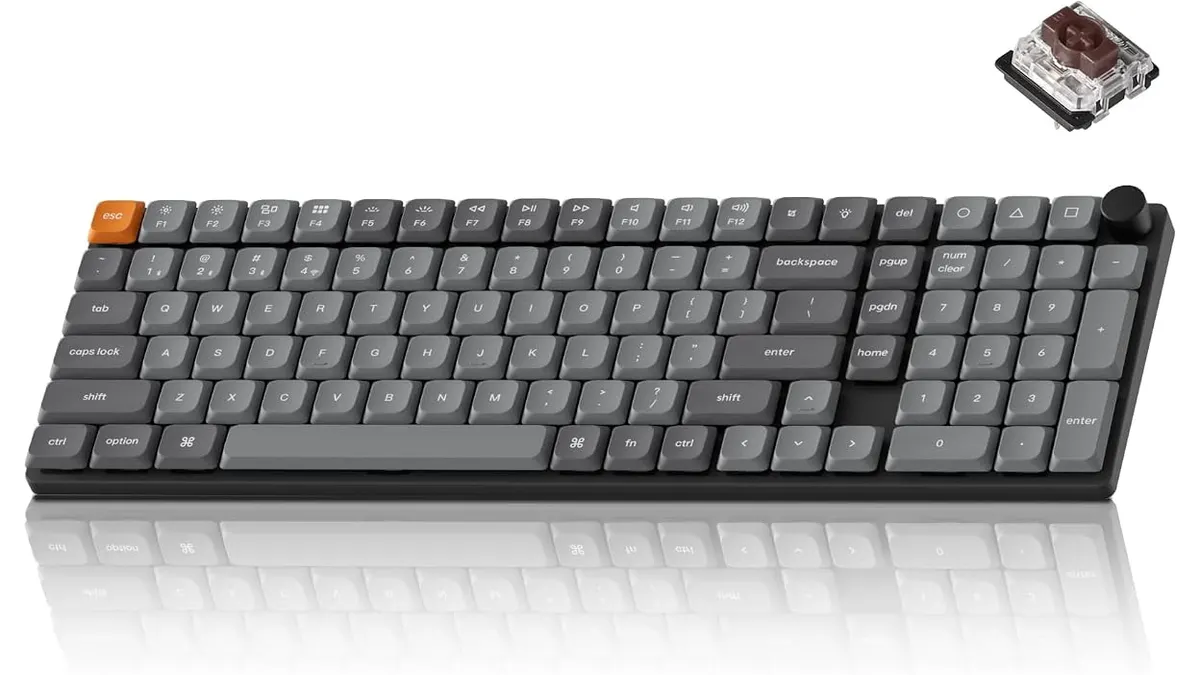
Keychron K17 Max Review: Slim 96% Layout
Deep dive Keychron K17 Max review: a low-profile 96% wireless keyboard built to fit the best home office peripherals setup for daily work.
 Peripherals
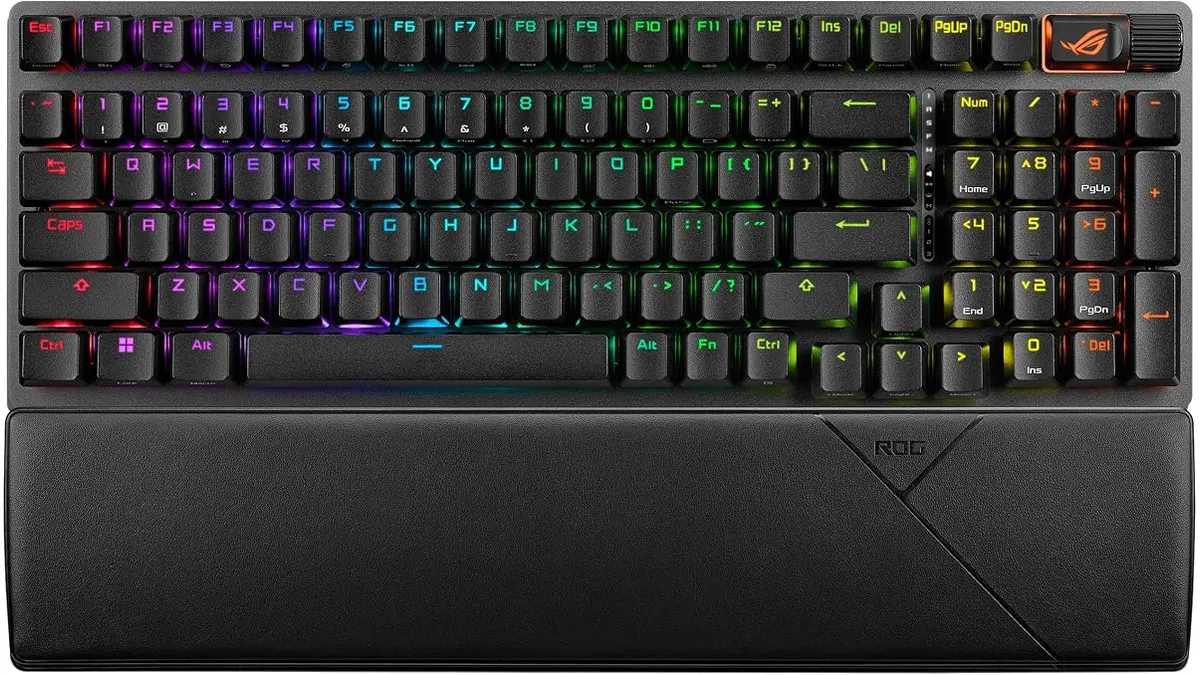
ASUS ROG Strix Scope II 96 Wireless Review
Looking for the best home office peripherals? Our ASUS ROG Strix Scope II 96 Wireless review covers battery life, linear switches, and desktop feel.
 Peripherals
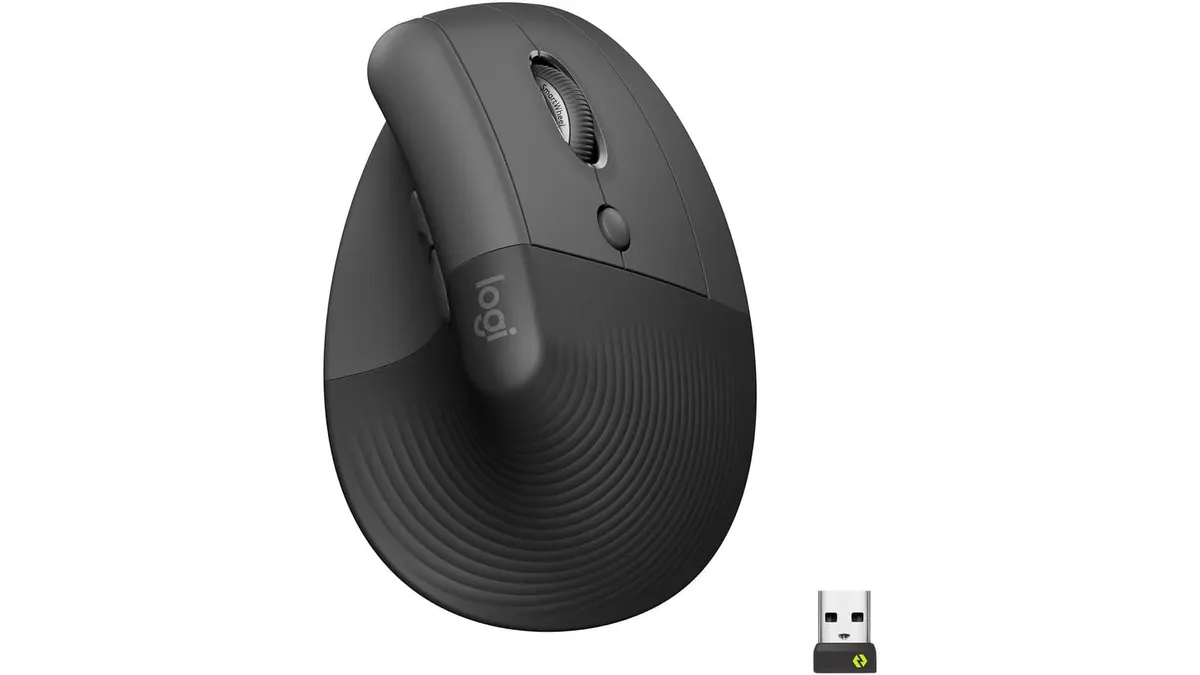
Logitech Lift Vertical Ergonomic Mouse Review
Our Logitech Lift Vertical Ergonomic Mouse review explores if this is one of the best home office peripherals for users with small to medium-sized hands.