Redragon K524RGB-PRO Review: Compact 75% Power
Looking for the best home office peripherals? Our Redragon K524RGB-PRO review covers battery life, 75% mechanical typing, and triple-mode connectivity.
Buying guide: best peripherals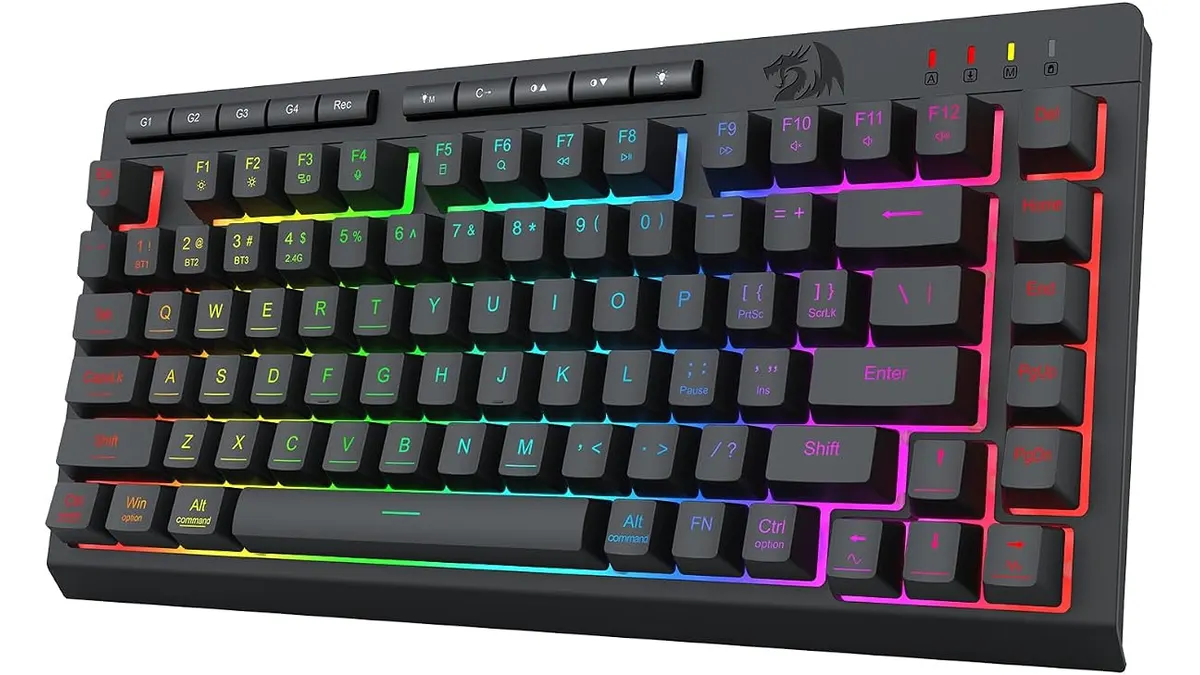 Peripherals
If you want a tidy desk without sacrificing critical function keys, the Redragon K524RGB-PRO hits a clear sweet spot. As remote workers hunt for the best home office peripherals, this 75% mechanical keyboard offers versatile tri-mode connectivity and a massive internal battery. It targets typists and creators who need multi-device flexibility without cluttering their workspace. Browse our complete Peripherals hub to discover more setup essentials.
What it does well for the best home office peripherals
Flexibility is the strongest asset here. Having Bluetooth 5.0, 2.4G wireless, and USB-C wired options in one board means you can pair it with a work laptop, a personal desktop, and a tablet without constantly swapping dongles. Switching between wireless protocols happens quickly, making device management painless throughout a split workday.
Battery endurance when the backlighting is switched off is exceptional. The 4000mAh capacity provides up to 300 hours of continuous typing on a single charge. If you prefer to turn off RGB during daylight working hours, you will only need to plug in the USB-C cable once every few weeks.
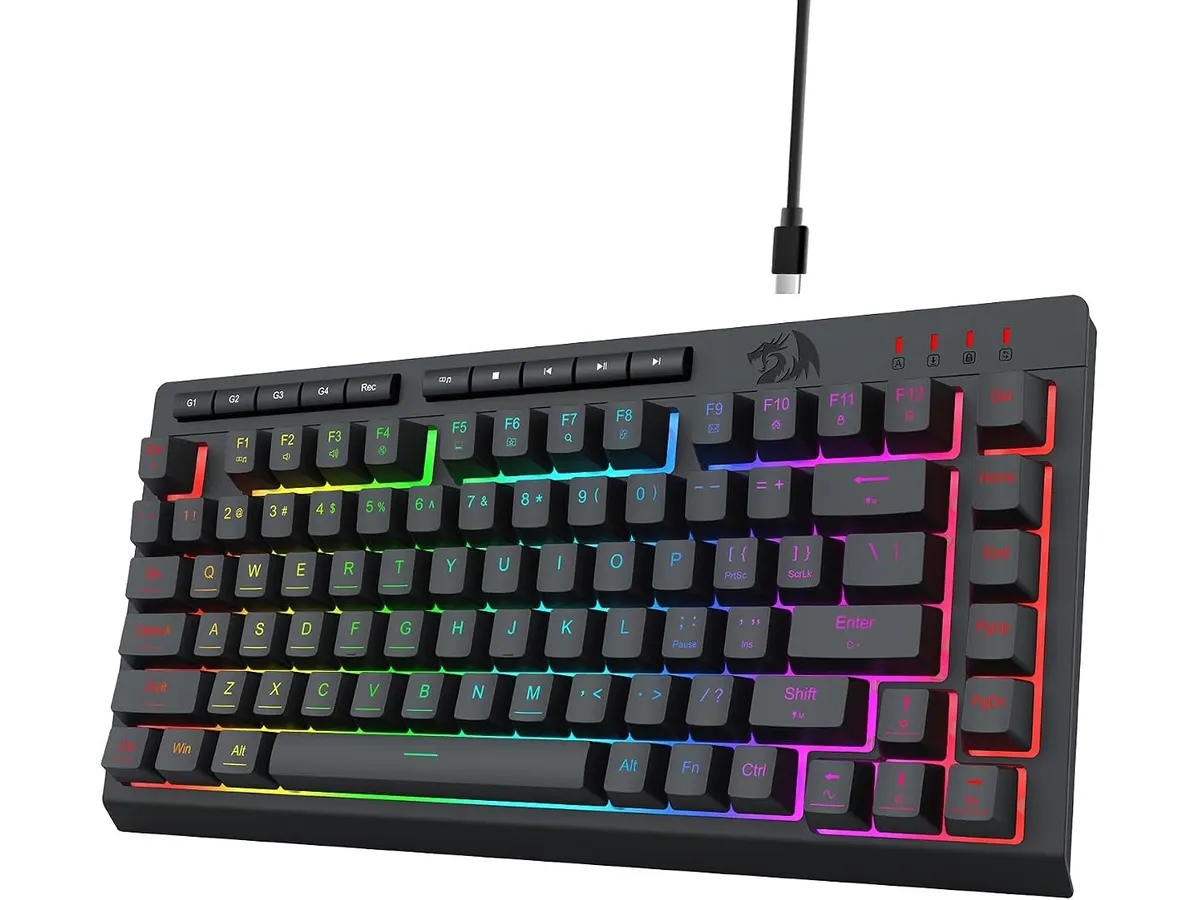
Form factor efficiency is another highlight. The 75% compact layout keeps the arrow key cluster and essential navigation keys while removing the bulky numeric keypad. This opens up valuable physical desk space for your mouse to move naturally. Redragon also integrated 12 dedicated multimedia keys to let you adjust volume, pause audio, or trigger shortcuts without needing complicated key combinations.
When you do want illumination, the 16.8 million color RGB backlighting provides vivid customization. Multiple built-in lighting effects allow you to match your board’s aesthetic to your desk pad or office lighting scheme.
Key specifications
| Feature | Specification |
|---|---|
| Brand | Redragon |
| Model | K524RGB-PRO |
| Form Factor | 75% Compact |
| Connectivity | Bluetooth 5.0, 2.4G Wireless, USB-C Wired |
| Battery Capacity | 4000mAh rechargeable |
| Battery Life | Up to 50 hours (RGB on), 300 hours (RGB off) |
| Anti-Ghosting | 26 keys |
| Illumination | 16.8 Million Colors RGB |
| Shortcuts | 12 Multimedia Keys |
Where it falls short
The most noticeable trade-off comes directly from turning on the backlighting. Battery life drops sharply from 300 hours down to just 50 hours once RGB illumination is running. If you demand bright lighting at all times, you will end up charging the board weekly.
Anti-ghosting is rated for 26 keys simultaneously rather than full N-key rollover. While 26 keys is more than enough for everyday typing, data entry, and casual gaming, high-APM competitive gamers might prefer an unrestricted board.
The 75% layout leaves out a dedicated tenkey number pad. Anyone who handles heavy spreadsheet work daily will miss the efficiency of a full numeric cluster.
Who is it for?
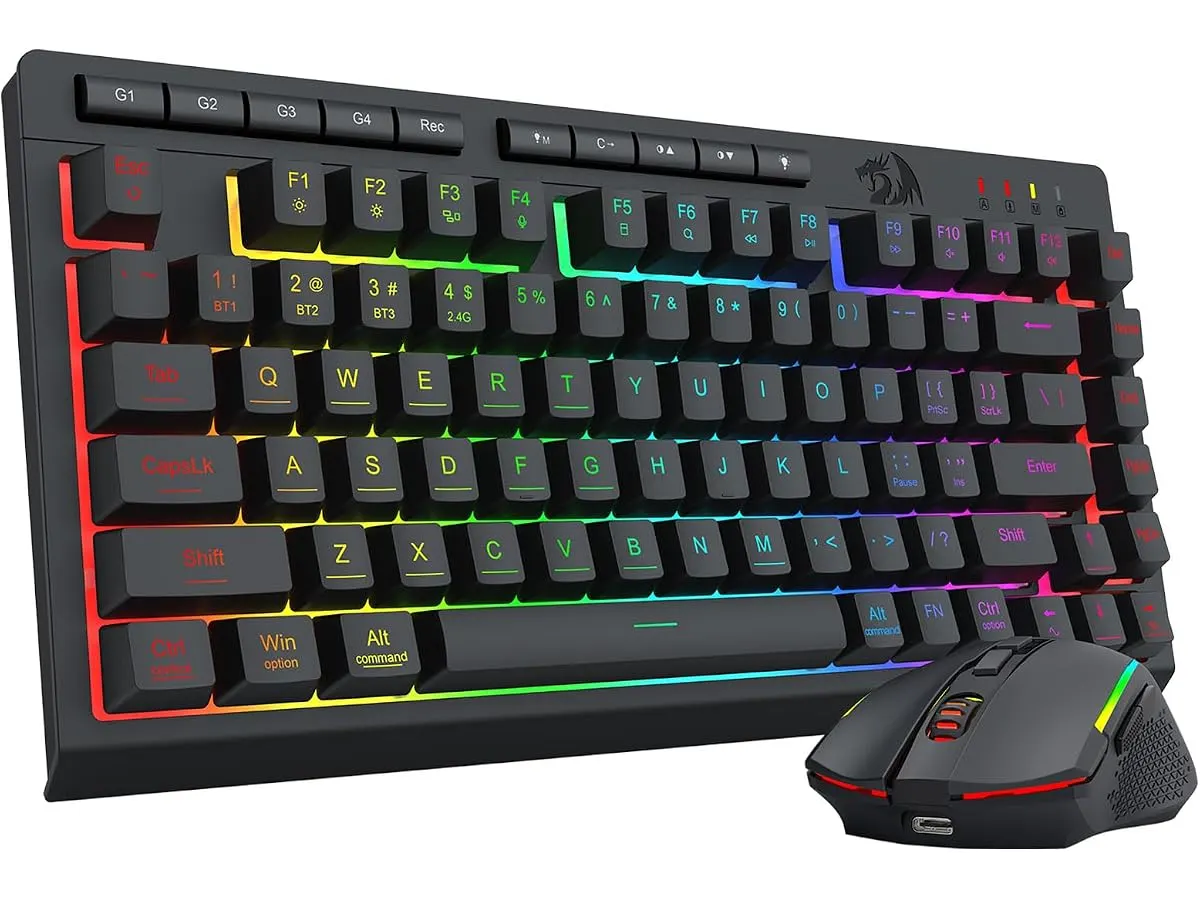
This keyboard is built for remote workers, freelancers, and hybrid workers who want a mechanical typing experience on a compact layout. It suits users who switch between multiple computers during the day and want clean cable-free desks. Combining this keyboard for remote work with an ergonomic mouse for work creates an efficient, space-conscious station.
It is not the right fit for financial analysts who live inside spreadsheets and require a physical numpad. It is also less ideal for competitive esports players who require full N-key rollover and constant high-brightness RGB without worrying about battery drain.
Alternatives to consider
If you need a dedicated number pad without losing wireless convenience, consider a full-sized wireless mechanical board in a similar price tier. Those larger models sacrifice desk space but gain productivity for numeric entry tasks. You can read our RedThunder K95 Wireless Mechanical Keyboard Review for an idea of how a full-size layout performs in home offices.
For users who prefer ultra-quiet typing with low-profile keys, mid-range membrane or low-profile scissor-switch desktop combos offer alternative tactile feedback. Those options trade away mechanical key feel in exchange for silent operation in shared living spaces.
Verdict
The Redragon K524RGB-PRO delivers incredible versatility for small setups through its tri-mode connectivity and long battery life. While turning on RGB reduces operating time substantially, running it without lights yields weeks of maintenance-free typing. It balances space savings with functional navigation keys effectively. It stands out as a reliable centerpiece when building a clean workstation.
Frequently asked questions
How long does the Redragon K524RGB-PRO battery last?
The internal 4000mAh battery lasts up to 300 hours when typing without backlighting. Turning on the RGB lighting drops maximum usage time to around 50 hours before requiring a recharge.
Can I use the Redragon K524RGB-PRO while it is charging?
Yes, connecting the included USB-C cable lets you type in wired mode while simultaneously recharging the battery.
Does this keyboard work with both Mac and Windows?
Yes, the Bluetooth 5.0 and 2.4G wireless protocols connect with Windows, macOS, and mobile operating systems seamlessly.

Editor
Charly River · SetUpLatam
Charly River curates, reviews and edits SetUpLatam’s home office guides. He checks every product sheet against the manufacturer’s official specifications and cuts what does not help, so you buy right the first time.
You may also like
 Peripherals
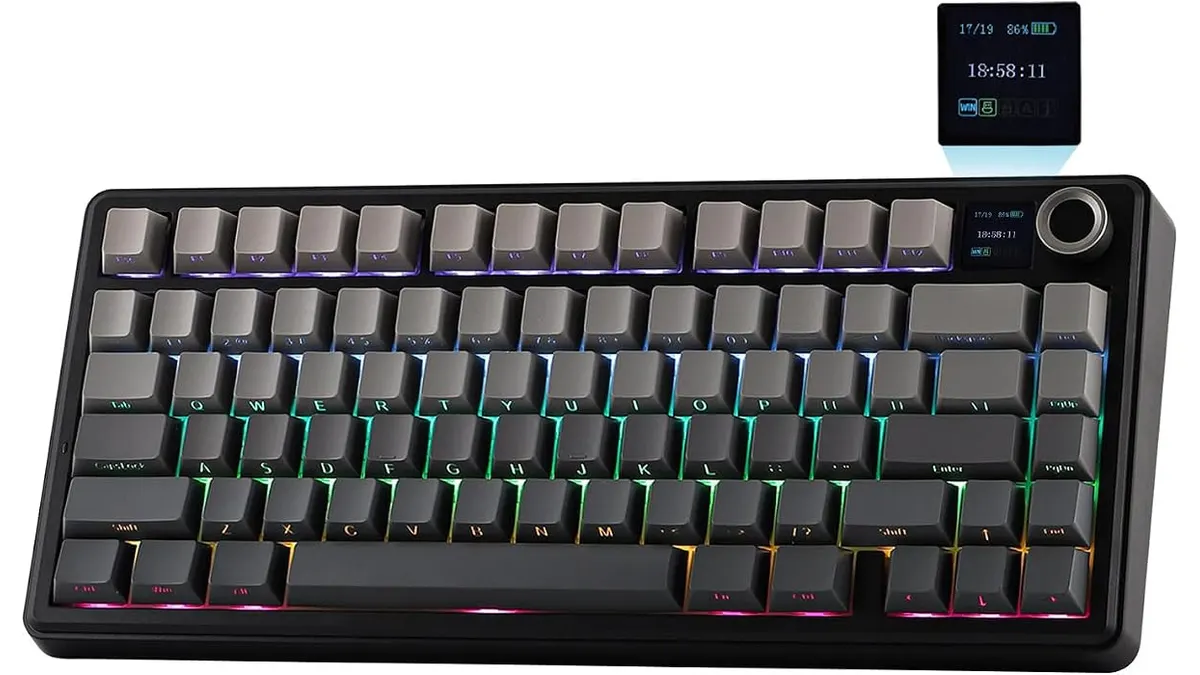
EPOMAKER Aula F75 MAX Review: Smart Setup
Looking for the best home office peripherals? Read our EPOMAKER Aula F75 MAX review to see if this tri-mode gasket-mount keyboard fits your setup.
 Peripherals
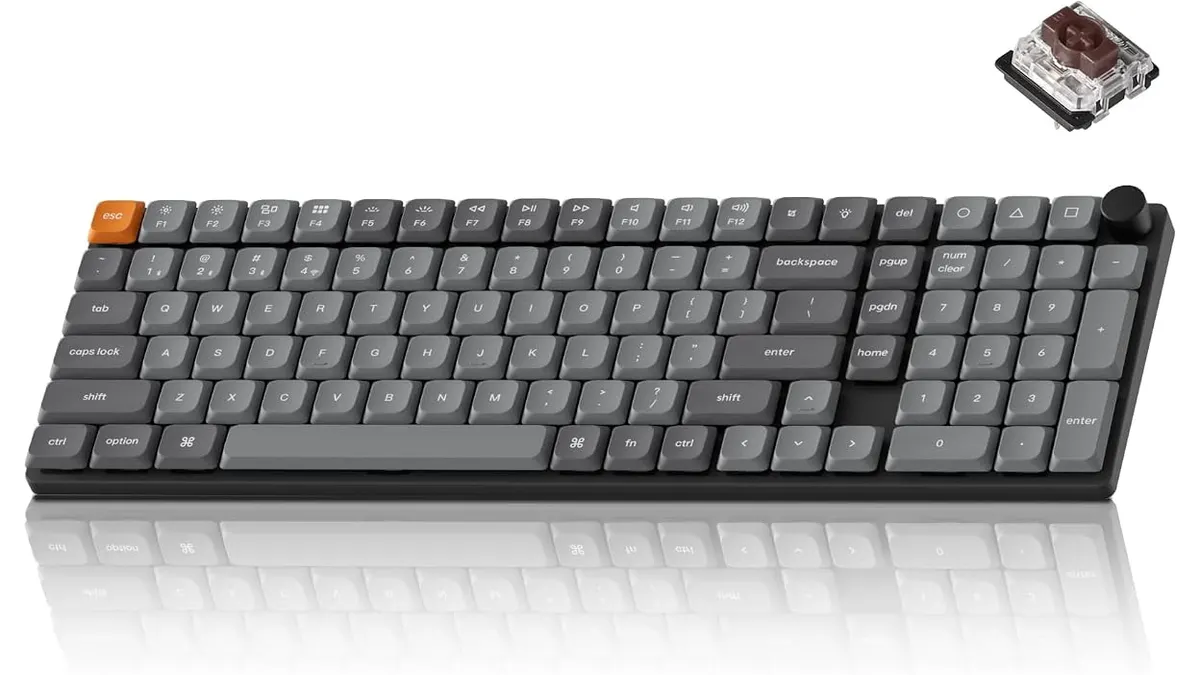
Keychron K17 Max Review: Slim 96% Layout
Deep dive Keychron K17 Max review: a low-profile 96% wireless keyboard built to fit the best home office peripherals setup for daily work.
 Peripherals
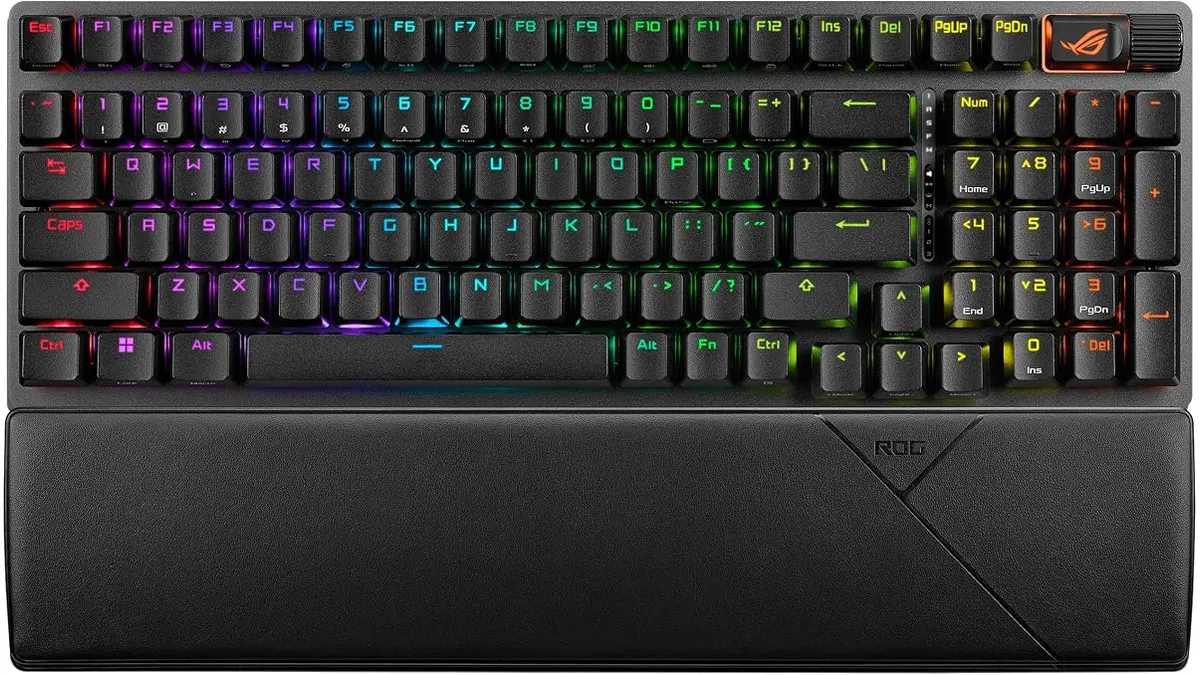
ASUS ROG Strix Scope II 96 Wireless Review
Looking for the best home office peripherals? Our ASUS ROG Strix Scope II 96 Wireless review covers battery life, linear switches, and desktop feel.