Buying guide
Best monitors for home office
The best home office monitors compared: what to look for, our picks and who they suit. Resolution, panel and value for money.
See all Monitors reviewsHow we choose
We rank gear by the SetUpLatam editorial score, which starts from the manufacturer’s official specifications and the intended real-world use. Positions are not for sale: buying links are affiliate links and are always disclosed.
What to look for
- Size and resolution: 24"–27" at 1080p or 1440p fits most desks.
- Panel: IPS for color and viewing angles; skip TN if you edit or watch a lot.
- Ergonomics: height, tilt and swivel to protect your neck.
- Ports and USB-C with power delivery to cut cable clutter.
Our monitors picks
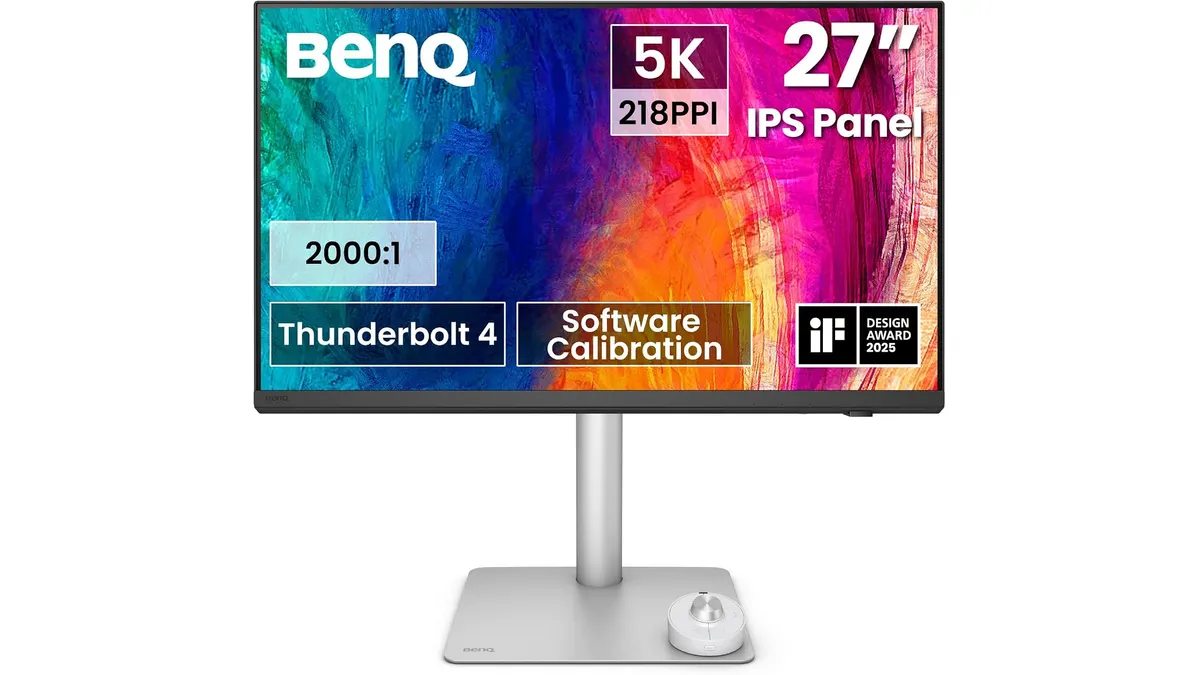 #14.7BenQ PD2730S Review: Premium 5K Display for Mac
Looking for the best home office monitor for your Mac? Our BenQ PD2730S review covers 5K crispness, 90W Thunderbolt 4, KVM controls, and color accuracy.
BenQ
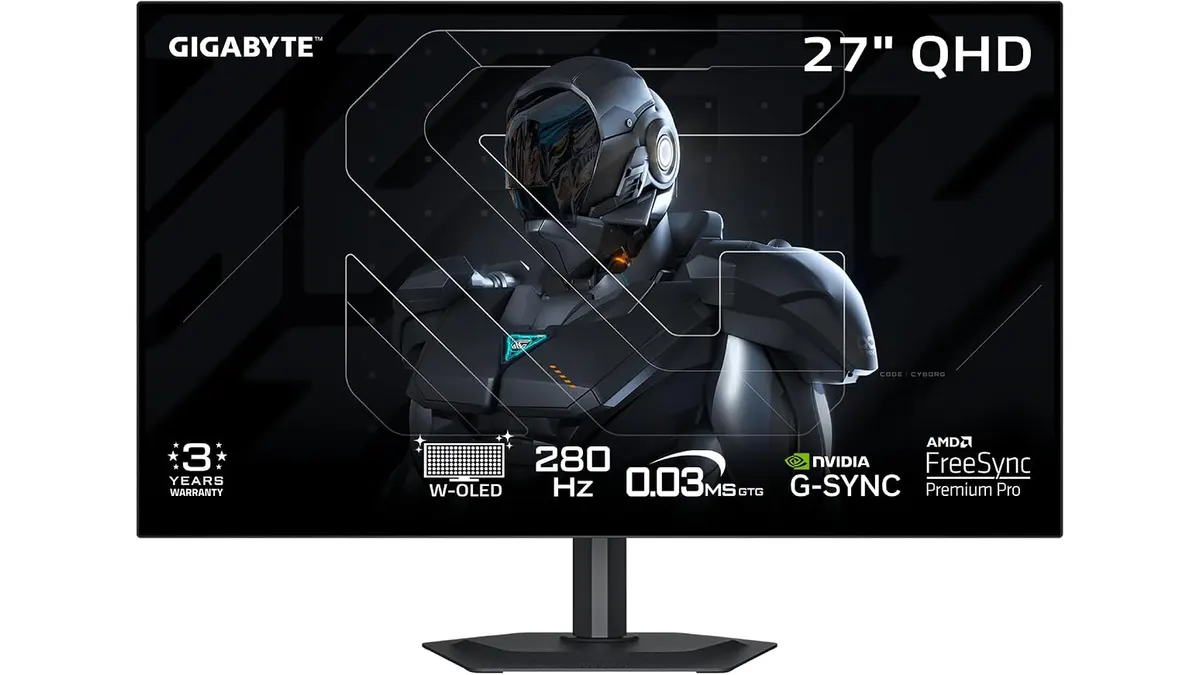 #24.6GIGABYTE MO27Q28GR Review: OLED Excellence
Read our GIGABYTE MO27Q28GR review. Discover why this 27-inch QHD WOLED screen might be the best home office monitor for deep blacks and bright work.
GIGABYTE
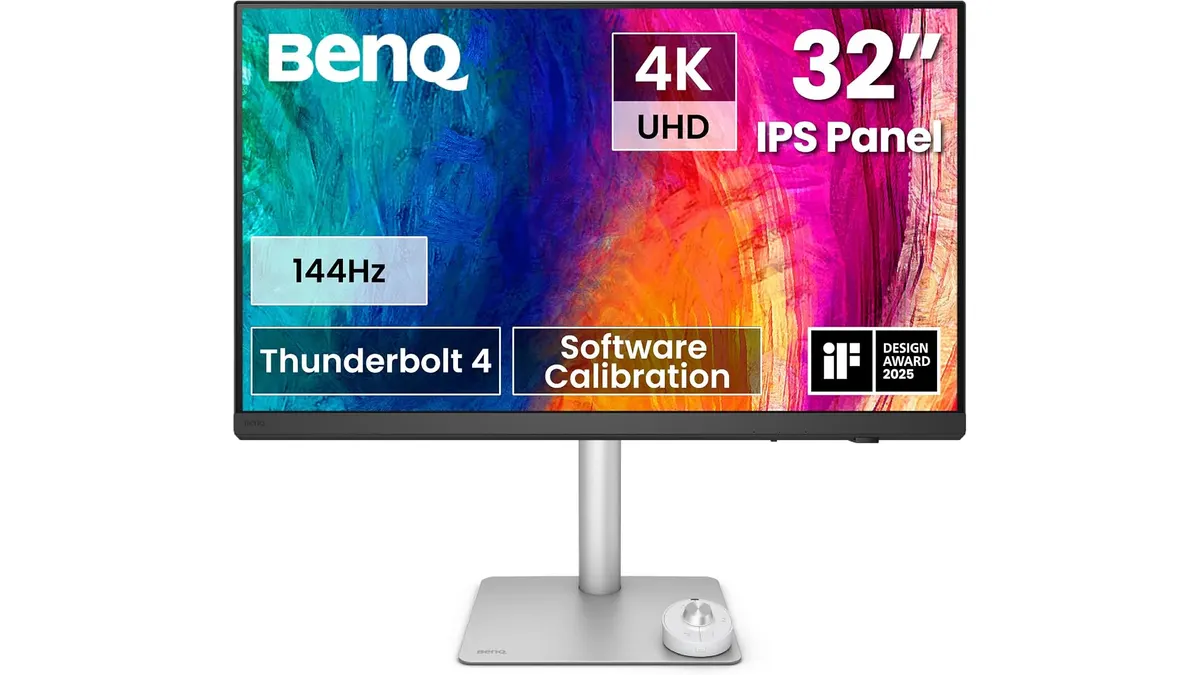 #34.6BenQ PD3226G Review: High-Performance 4K Display
Read our detailed BenQ PD3226G review to see why this 32-inch 4K 144Hz display with Thunderbolt 4 power is the best home office monitor for creators.
BenQ
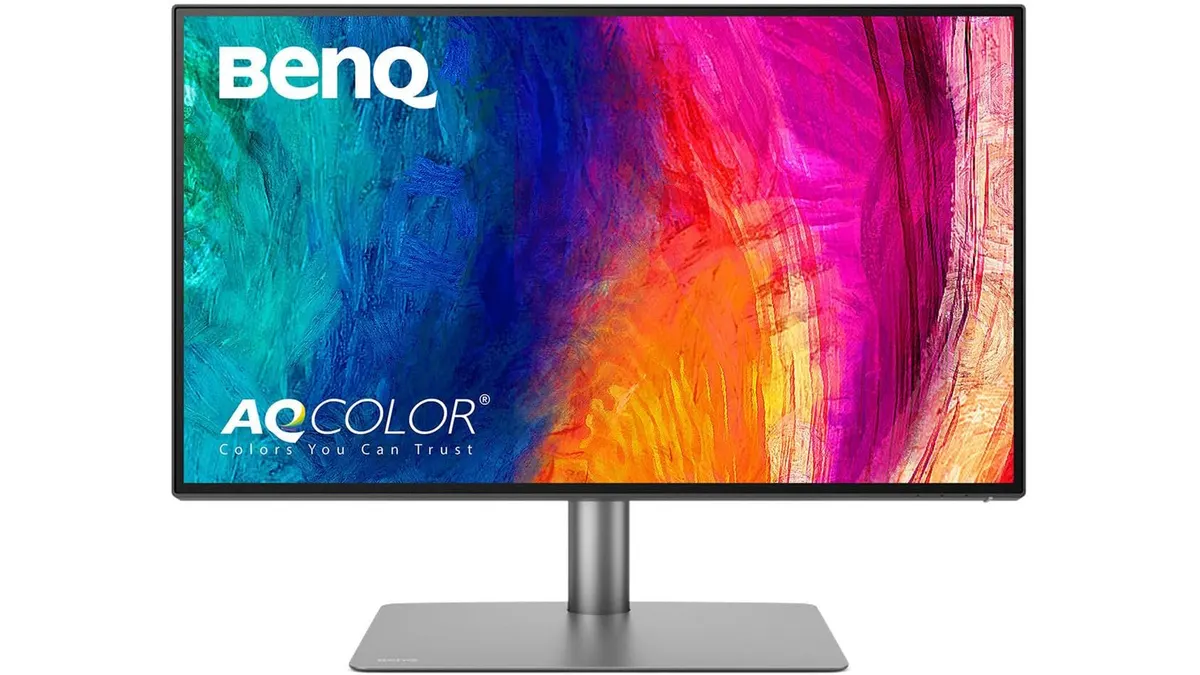 #44.6BenQ PD2725U Review: 4K Color for Creators
Looking for the best home office monitor? Our BenQ PD2725U review covers its 4K IPS display, Thunderbolt 3 setup, and color accuracy for creators.
BenQ
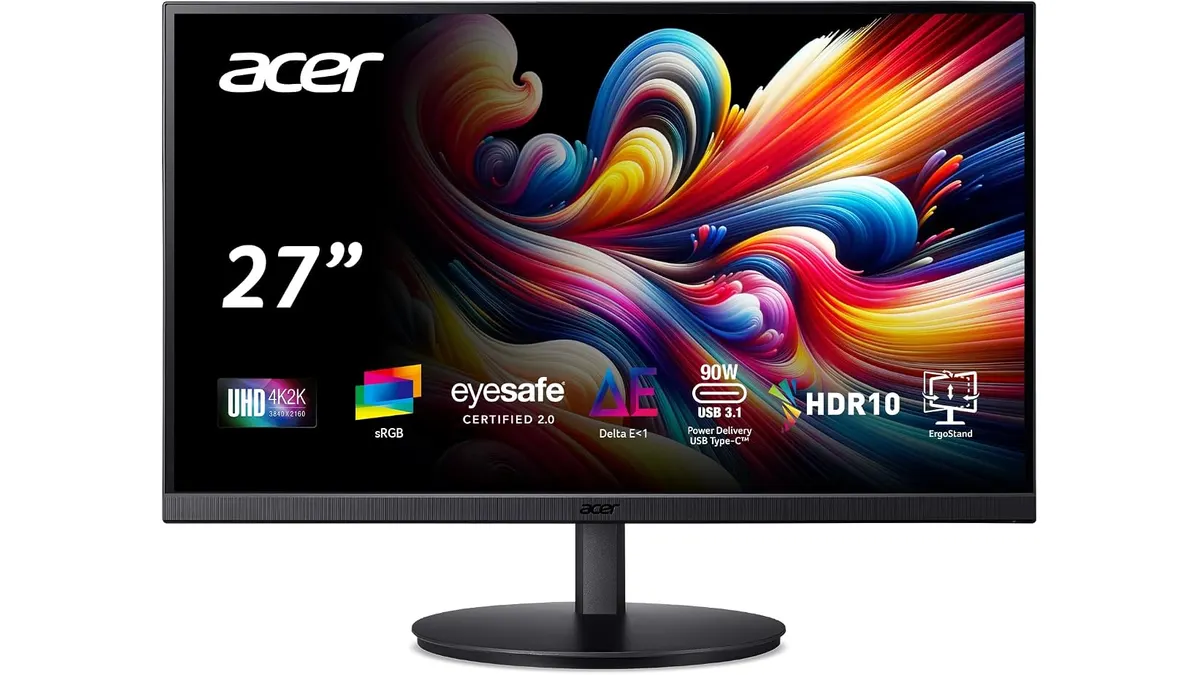 #54.3Acer CB272K bmiprux Review: Premium 4K Clarity
Looking for the best home office monitor? Our Acer CB272K bmiprux review breaks down its 4K resolution, USB-C connectivity, and color performance.
Acer
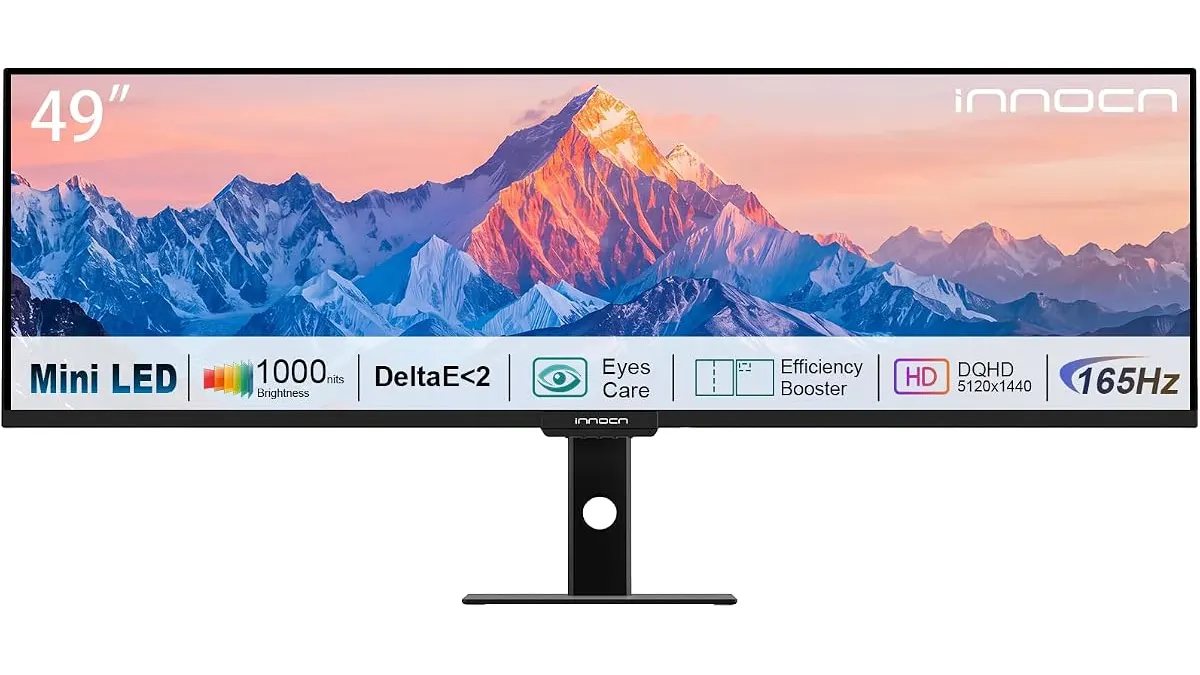 #64.3INNOCN 49 Ultrawide Review: Flat Screen Brilliance
Our INNOCN 49 Ultrawide review explores why this massive flat monitor is the best home office monitor for multitaskers who hate curved screen distortion.
INNOCN
Quick comparison
| Product | Key specs | Buy | ||
|---|---|---|---|---|
| BenQ PD2730S Review: Premium 5K Display for Mac | BenQ | 4.7 | 27 pulgadas · 5120 x 2880 (5K) · 218 PPI | Check price |
| GIGABYTE MO27Q28GR Review: OLED Excellence | GIGABYTE | 4.6 | 27" · W-OLED de 4.ª generación con RGB Tandem Primario · QHD | Check price |
| BenQ PD3226G Review: High-Performance 4K Display | BenQ | 4.6 | 32 pulgadas · 4K UHD 3840x2160 · 144Hz | Check price |
| BenQ PD2725U Review: 4K Color for Creators | BenQ | 4.6 | 27 pulgadas · 4K UHD · IPS | Check price |
| Acer CB272K bmiprux Review: Premium 4K Clarity | Acer | 4.3 | 27 pulgadas · 3840 x 2160 (4K UHD) · IPS | Check price |
| INNOCN 49 Ultrawide Review: Flat Screen Brilliance | INNOCN | 4.3 | 49 pulgadas · 5120 x 1440 DQHD · 165Hz | Check price |
Frequently asked questions
What resolution do I need for work?
At 27 inches, 1440p (QHD) gives more room and sharpness than 1080p; at 24 inches, 1080p is enough. If you edit photo or video, prioritize color coverage over resolution.
IPS or VA panel?
IPS has better viewing angles and color, ideal for work and office tasks. VA has more contrast, better for content and entertainment. For a home office, IPS is usually the safe pick.
Is a USB-C monitor worth it?
If you use a laptop, a USB-C monitor with power delivery and a hub cuts cables and frees ports. If you already have a docking station, it is not essential.