BenQ PD2725U Review: 4K Color for Creators
Looking for the best home office monitor? Our BenQ PD2725U review covers its 4K IPS display, Thunderbolt 3 setup, and color accuracy for creators.
Buying guide: best monitors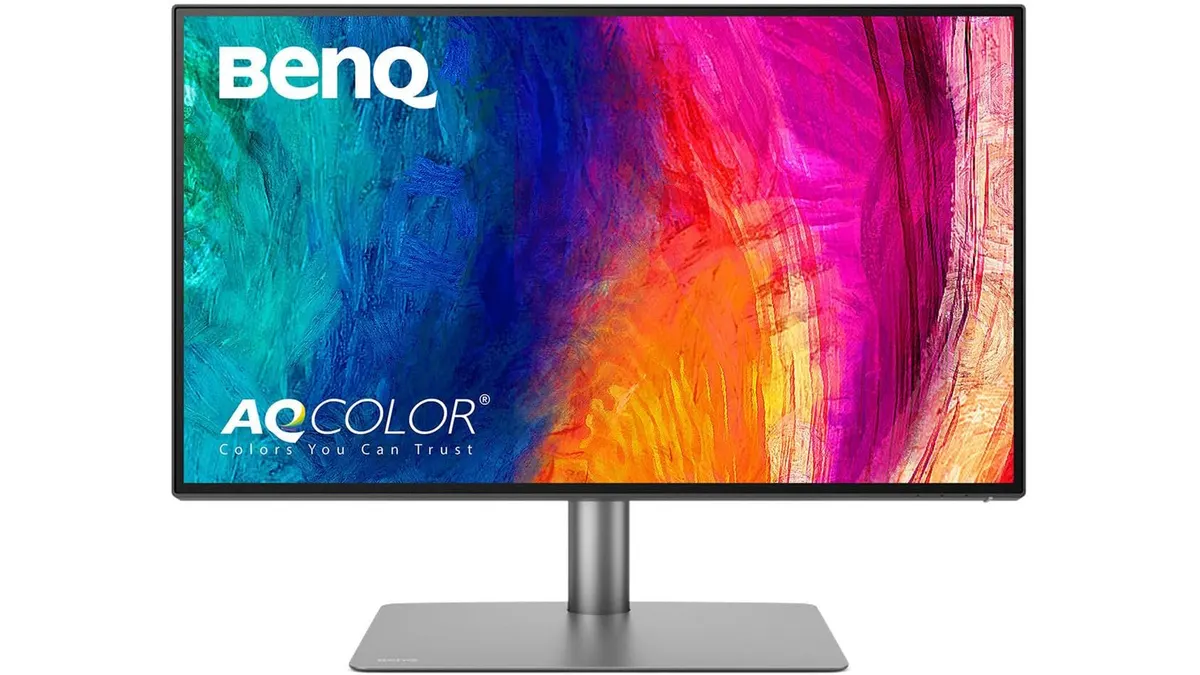 Monitors
If your daily workflow revolves around color-critical tasks, video editing, or dual-screen macOS setups, finding the best home office monitor comes down to panel quality and single-cable convenience. The BenQ PD2725U combines a 27-inch 4K IPS display with Thunderbolt 3 connectivity, targeting creative professionals who want factory-calibrated color output. It fits cleanly into modern monitors setups where desk space and cable management matter.
What it does well
Thunderbolt 3 integration is the star feature here. With 40 Gb/s bandwidth and 65W power delivery, a single cable handles high-resolution display signals, data transfers for the built-in 3-port USB hub, and laptop charging simultaneously. BenQ also built in support for daisy-chaining, letting you connect up to two 4K displays directly through the monitor without running extra video cables to your computer.
Color precision out of the box is exceptional. Powered by BenQ’s AQCOLOR technology, the 27-inch 4K UHD IPS panel arrives factory-calibrated with a Delta E score below 3 and Pantone validation. It covers 100% of the sRGB and Rec.709 color spaces alongside 95% of Display P3, making it particularly well-suited for designers working within the Apple ecosystem.
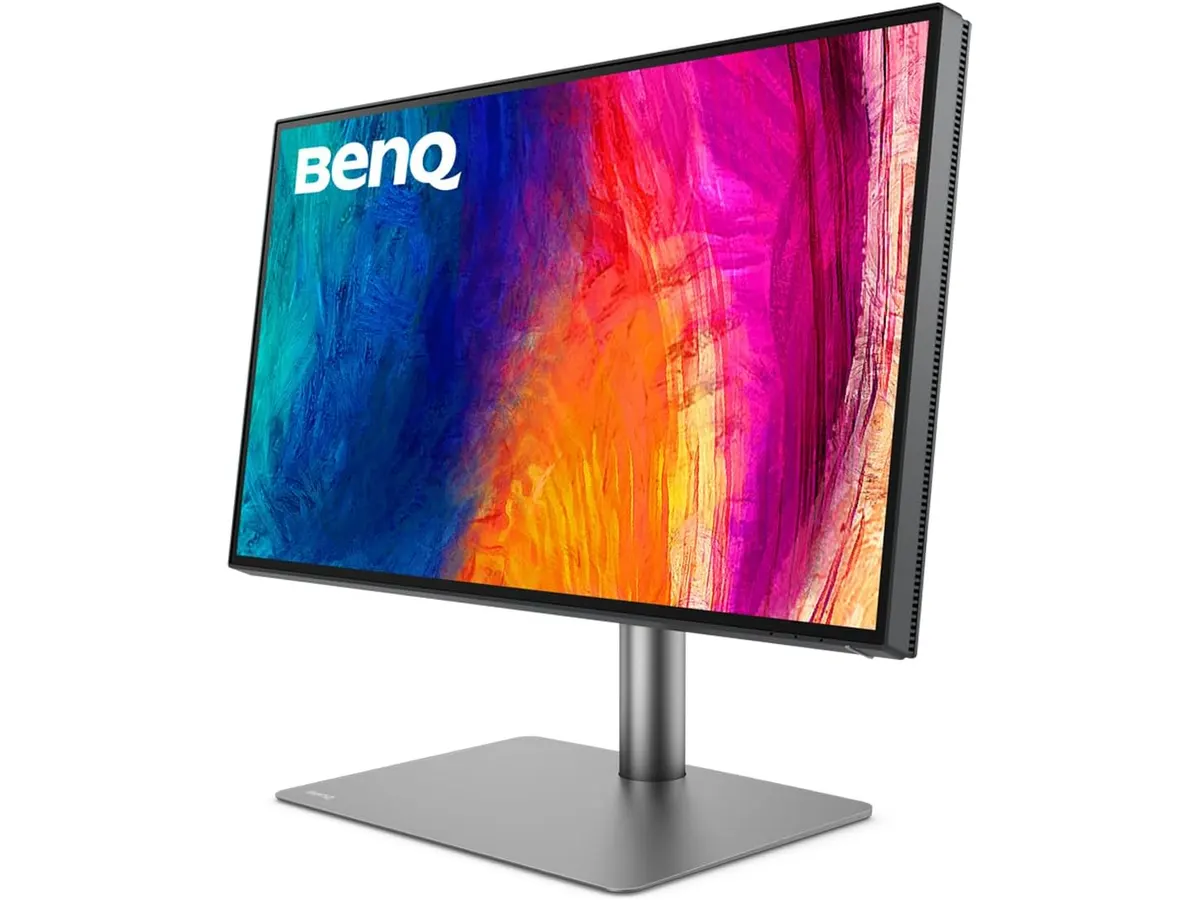
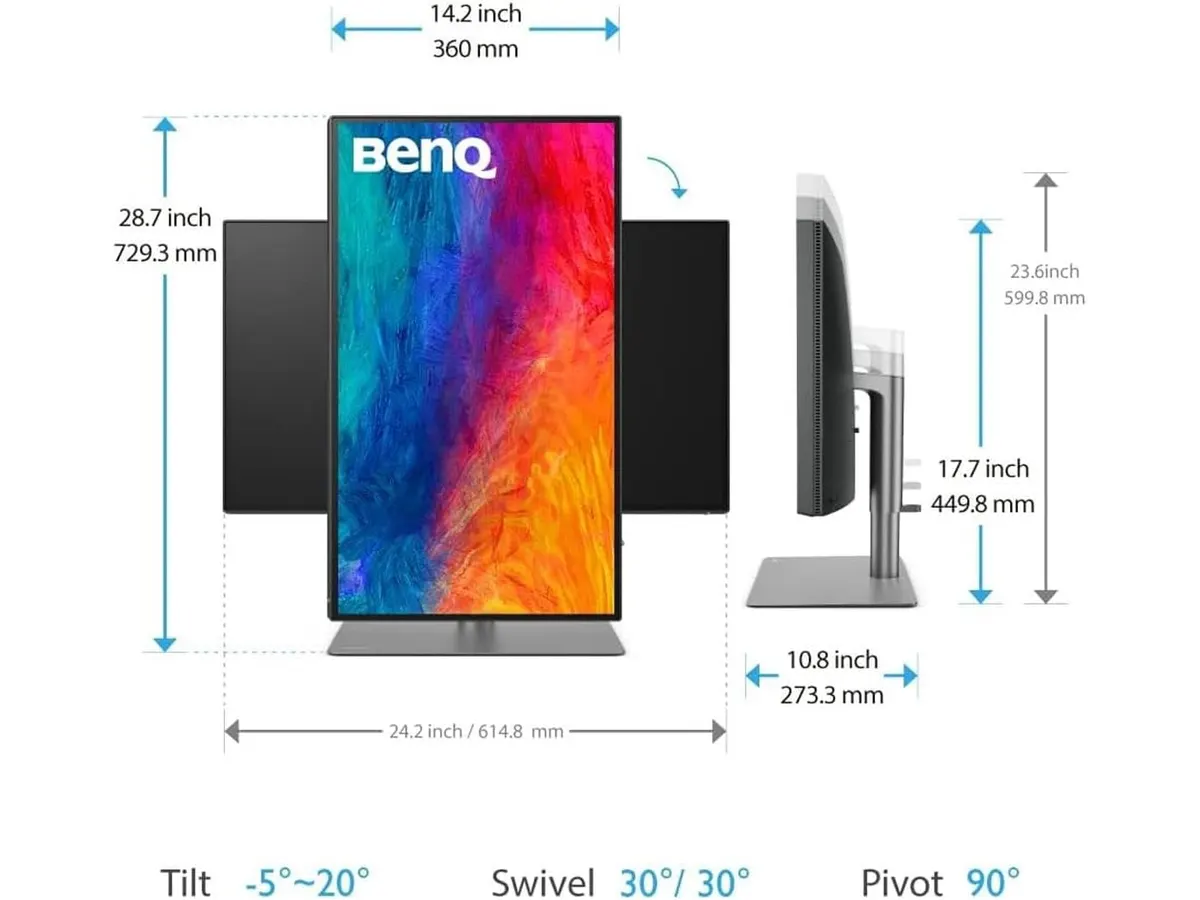
Physical adjustability matches its professional focus. The heavy-duty stand supports complete ergonomic customization, offering smooth height adjustment, tilt, swivel, and full 90-degree pivot into portrait mode. Port selection is equally generous, packing two USB-C ports, two HDMI ports, a DisplayPort input, and the aforementioned USB hub.
Key specifications
| Feature | Specification |
|---|---|
| Screen Size | 27 inches |
| Resolution | 4K UHD (3840 x 2160) |
| Panel Type | IPS |
| Color Coverage | 100% sRGB, 100% Rec.709, 95% Display P3 |
| Factory Calibration | Delta E ≤ 3, Pantone Validated, AQCOLOR |
| Primary Ports | 1x Thunderbolt 3 (65W PD), 2x USB-C, 2x HDMI, 1x DisplayPort |
| USB Hub | 3-Port USB Hub |
| Daisy-Chain | Supported (up to dual 4K) |
| Ergonomics | Height, tilt, swivel, and pivot |
Where it falls short
While the 65W power supply through Thunderbolt 3 easily charges standard 13-inch or 14-inch laptops, it might struggle to keep heavy-duty 16-inch mobile workstations topped off during intensive 4K video rendering. If you strain your CPU and GPU constantly, you will still need your laptop’s proprietary power brick plugged into the wall.
Gamers should look elsewhere. The display focuses entirely on color accuracy and resolution rather than speed. If you want high refresh rates for competitive gaming after work, specialized displays detailed in our LG UltraGear 27G61ZB-B review will serve you much better.
Print production specialists might also find the 95% Display P3 coverage slightly short of full AdobeRGB support. While ideal for web, video, and UI work, high-end commercial print pre-press standardly demands wider AdobeRGB gamuts.
Who is it for?
Finding the best home office monitor for your work
The BenQ PD2725U is built for content creators, visual designers, photo editors, and remote professionals who rely on reliable color reproduction and clean desktop setups. Mac users in particular benefit from the Display P3 color profile match and single-cable Thunderbolt integration.
It is not the right choice for budget-focused office workers who only edit spreadsheets or users who prioritize high refresh rates for fast-paced gaming. If your primary need is general office productivity with versatile ergonomics, reading our Dell UltraSharp U2724D review might highlight a more economical resolution target.
Alternatives to consider
If the PD2725U sits beyond your budget, consider a standard QHD ergonomic monitor. Lowering the resolution to 1440p reduces costs significantly while preserving full height and swivel adjustments for general remote work tasks.
Alternatively, users needing raw screen real estate for multitasking rather than color-critical accuracy might prefer multi-monitor bundles. A dual-screen 1080p or 1440p setup provides twice the window area for broad administrative workflows at a comparable investment.
Verdict
The BenQ PD2725U delivers top-tier panel performance for creative professionals who refuse to compromise on color fidelity. Thunderbolt 3 support makes single-cable laptop dock setups effortless while keeping desk wiring minimal. While power-hungry workstation laptops might require supplementary charging, its factory-calibrated 4K display makes it a standout choice for high-end home offices.
Frequently asked questions
Can I connect two 4K displays using the BenQ PD2725U?
Yes. The monitor features Thunderbolt 3 daisy-chaining capabilities, allowing you to daisy-chain a second 4K display directly from the primary panel using a single connection to your computer.
Does the BenQ PD2725U work well with MacBooks?
It performs exceptionally well with Mac laptops. The 95% Display P3 color space aligns directly with Apple’s native color targets, and the Thunderbolt 3 port delivers video, data hub access, and 65W charging through one cable.
Is the BenQ PD2725U suitable for gaming?
No. This panel is engineered specifically for design, video editing, and color accuracy. It lacks high refresh rate features and target response speeds found on dedicated gaming displays.

Editor
Charly River · SetUpLatam
Charly River curates, reviews and edits SetUpLatam’s home office guides. He checks every product sheet against the manufacturer’s official specifications and cuts what does not help, so you buy right the first time.
You may also like
 Monitors
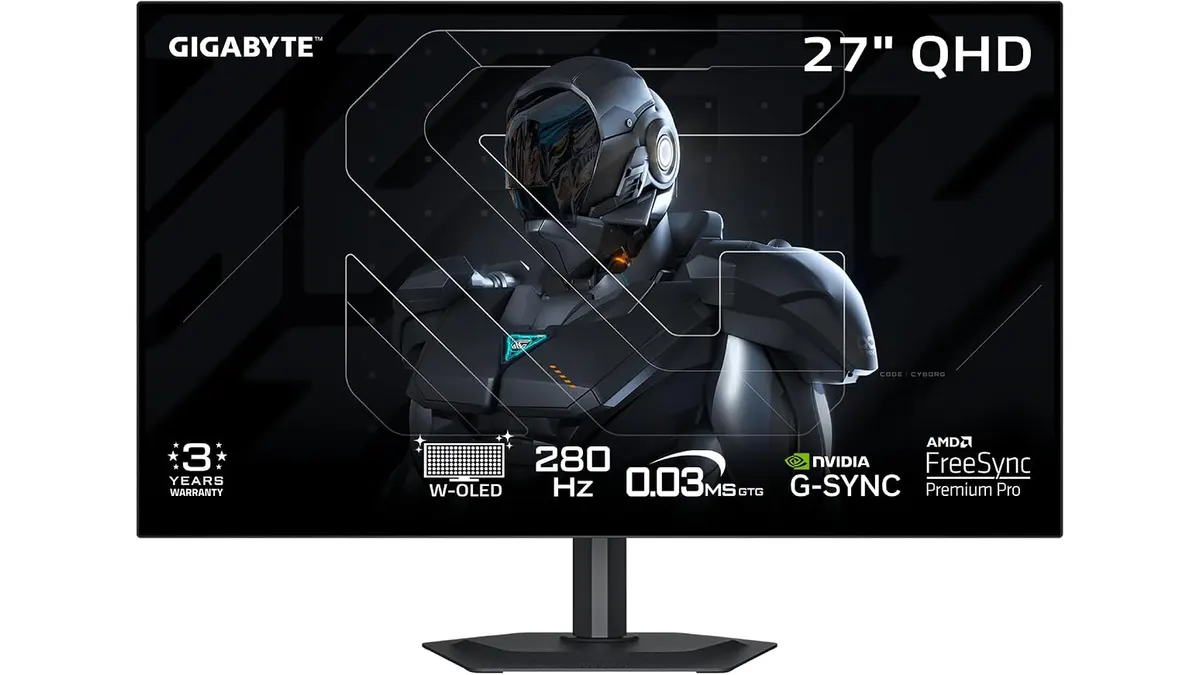
GIGABYTE MO27Q28GR Review: OLED Excellence
Read our GIGABYTE MO27Q28GR review. Discover why this 27-inch QHD WOLED screen might be the best home office monitor for deep blacks and bright work.
 Monitors
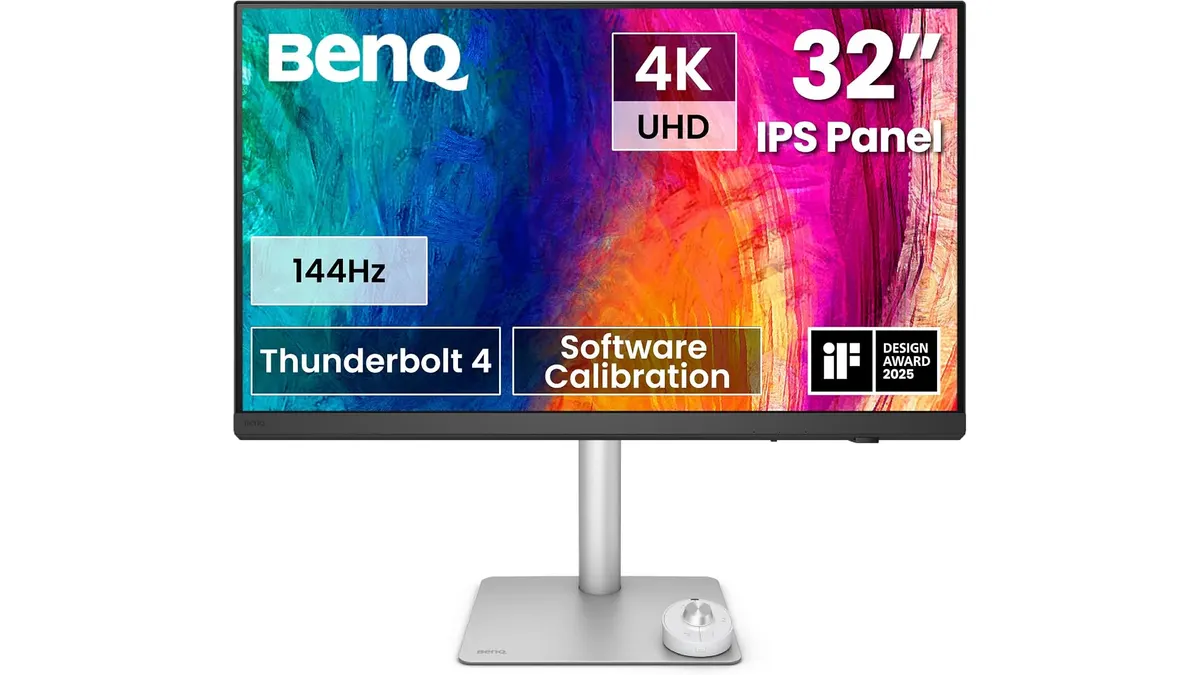
BenQ PD3226G Review: High-Performance 4K Display
Read our detailed BenQ PD3226G review to see why this 32-inch 4K 144Hz display with Thunderbolt 4 power is the best home office monitor for creators.
 Monitors
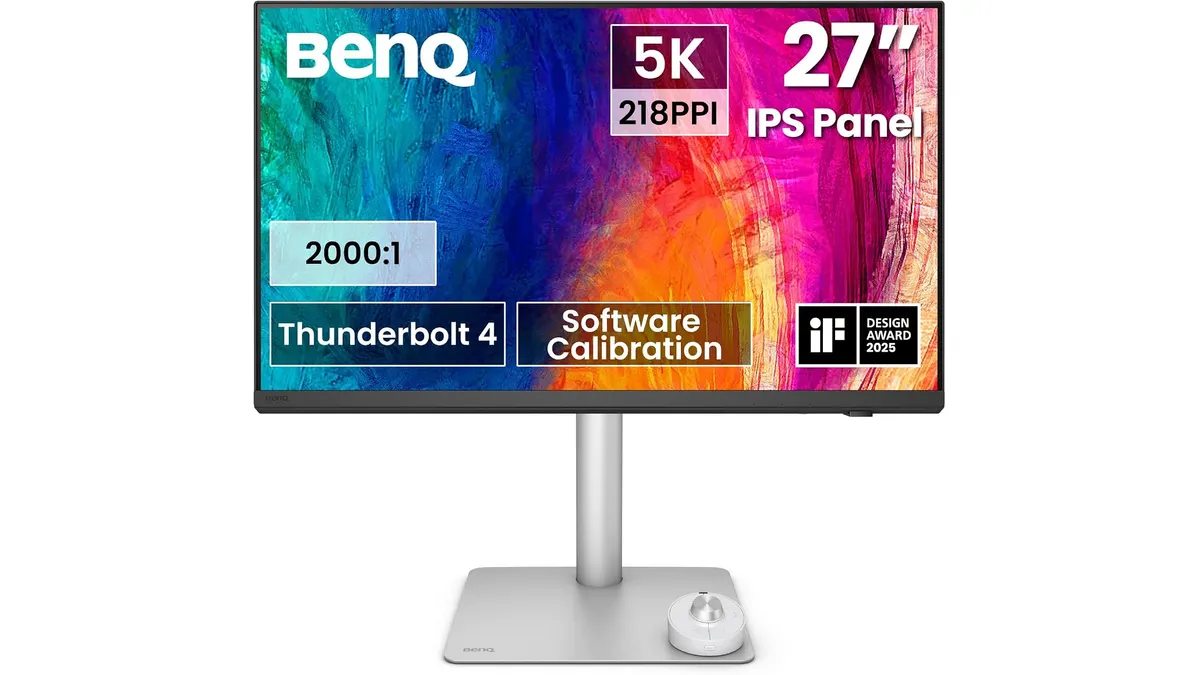
BenQ PD2730S Review: Premium 5K Display for Mac
Looking for the best home office monitor for your Mac? Our BenQ PD2730S review covers 5K crispness, 90W Thunderbolt 4, KVM controls, and color accuracy.