BenQ PD3226G Review: High-Performance 4K Display
Read our detailed BenQ PD3226G review to see why this 32-inch 4K 144Hz display with Thunderbolt 4 power is the best home office monitor for creators.
Buying guide: best monitors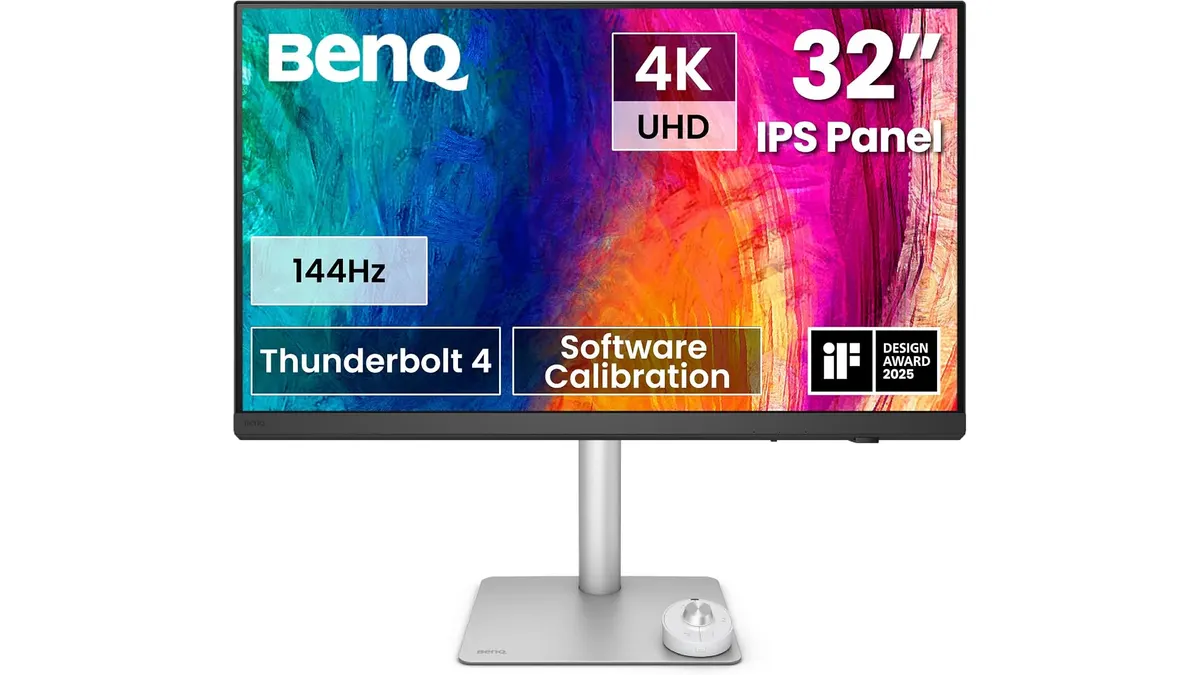 Monitors
The BenQ PD3226G targets creative professionals and demanding remote workers who need uncompromising color accuracy paired with fluid motion. Combining a 32-inch 4K UHD resolution with a 144Hz refresh rate, this display serves designers, video editors, and power users looking for the best home office monitor to drive complex workflows. Explore our curated selection of monitors to see how it fits into your setup.
What it does well
Color precision is where this screen establishes its dominance. With factory calibration reaching Delta E ≤ 2, coverage of 95% Display P3, and 100% sRGB/Rec.709, colorists and visual artists get immediate out-of-the-box reliability without needing custom profiling gear.
The inclusion of a 144Hz refresh rate on a 4K creative display sets it apart from typical 60Hz workstation panels. Motion across timeline scrubbing, 3D rendering navigation, and general UI scrolling is remarkably fluid, reducing eye fatigue during long editing sessions.
Desk management becomes significantly cleaner thanks to the integrated Thunderbolt 4 connectivity. Supplying up to 90W of power delivery, a single cable handles high-resolution video output, high-speed data transfer, and laptop charging simultaneously.
Workstation flexibility gets a major boost through the built-in KVM switch. You can plug in a desktop workstation alongside a work laptop and control both environments seamlessly using a single keyboard and mouse.
- Factory-calibrated color accuracy (Delta E ≤ 2, 95% P3, 100% sRGB/Rec.709)
- Smooth 144Hz refresh rate paired with crisp 3840x2160 4K resolution
- Thunderbolt 4 port with 90W single-cable power delivery
- IPS Nano Matte panel designed to minimize harsh reflections
- Integrated KVM switch for simple dual-system control
Key specifications
| Specification | Details |
|---|---|
| Screen Size | 32 inches |
| Resolution | 4K UHD (3840x2160) |
| Refresh Rate | 144Hz |
| Panel Type | IPS Nano Matte |
| Color Accuracy | 95% Display P3, 100% sRGB / Rec.709, Delta E ≤ 2 |
| Connectivity | Thunderbolt 4 (90W Power Delivery) |
| Hardware Features | Built-in KVM Switch, Factory Calibrated |
Where it falls short
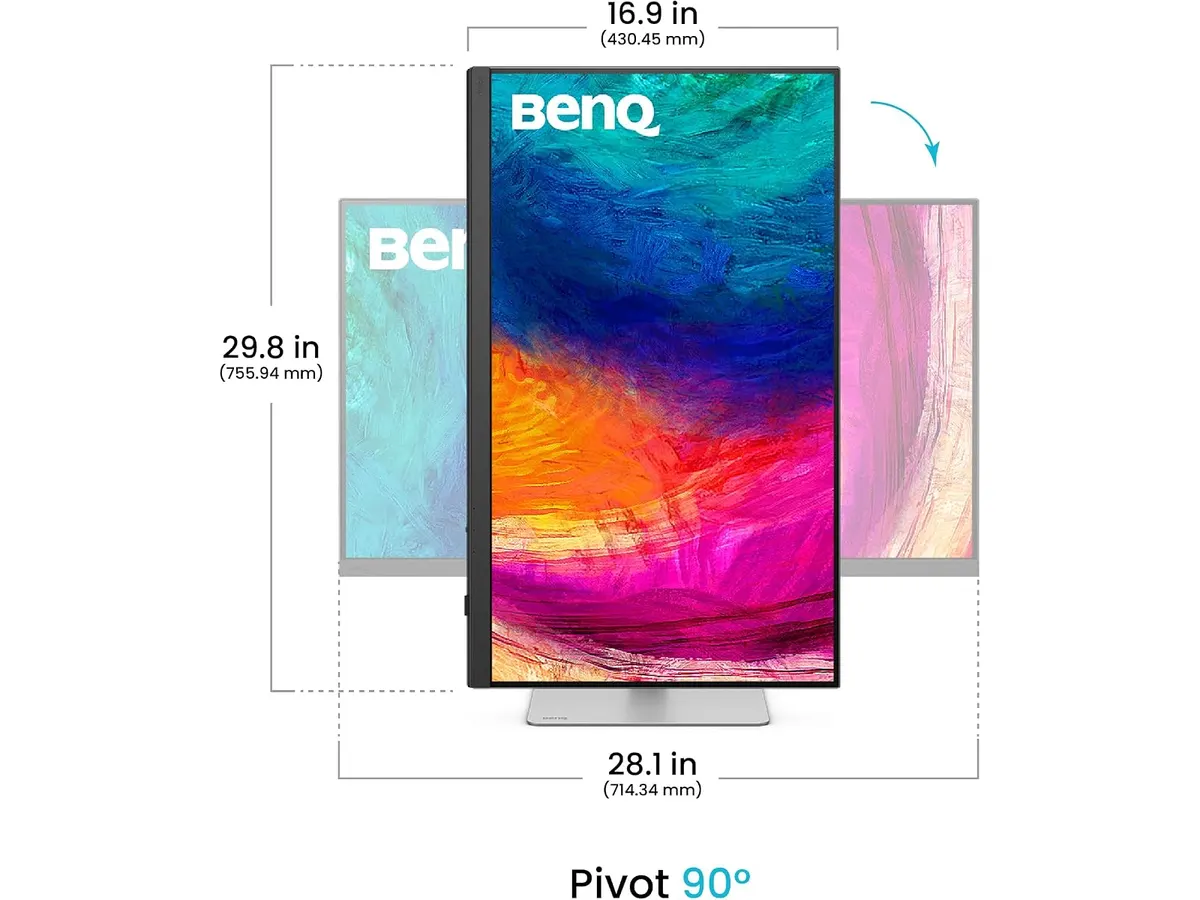
The 32-inch footprint requires a deep, dedicated desk to maintain comfortable viewing distances. If your workstation setup is cramped, a smaller 27 inch work monitor may offer a more practical spatial fit.
While the IPS Nano Matte coating effectively neutralizes reflections, IPS panel technology inherently struggles to match the deep black levels of OLED displays. Dark-room video grading will reveal the typical contrast limits of traditional backlighting.
The feature set targets heavy visual workloads. Users who only write text documents or manage basic spreadsheets will pay for high-end color accuracy and 144Hz refresh rates they rarely utilize.
Who is it for?
This display is tailored for graphic designers, video editors, 3D animators, and software engineers who switch between two computers and demand absolute color fidelity. If you run a modern laptop via Thunderbolt 4 and want high refresh rates without sacrificing precise color gamut coverage, this panel fits right into your workflow.
It is not meant for budget-conscious remote workers or those operating on tight desk surfaces. If your day consists primarily of static browser windows, text documents, or basic administrative tasks, opting for an accessible multi-screen arrangement like dual monitors for productivity will deliver better functional value per square inch.
Alternatives to consider
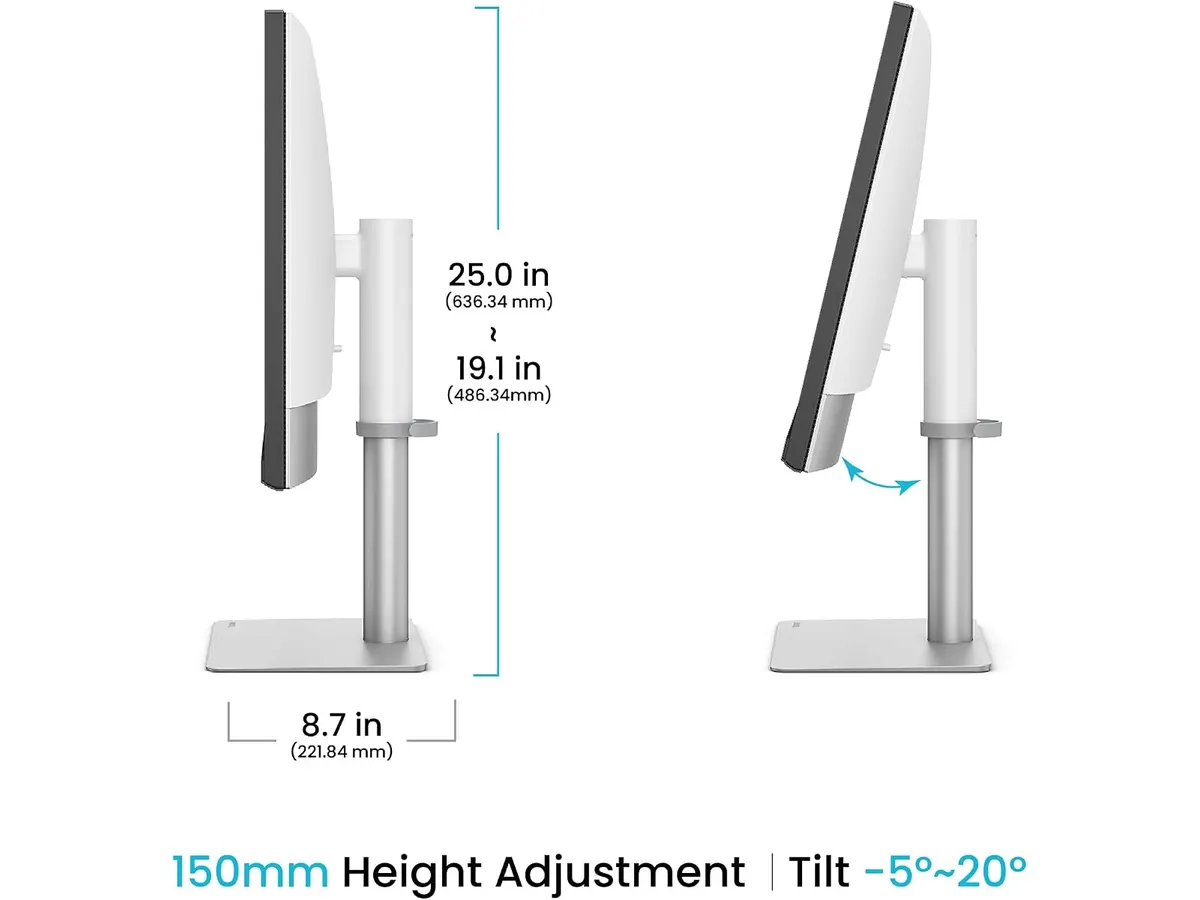
For users restricted by shallow desks, a mid-tier 27-inch QHD screen provides excellent pixel density and sharp text clarity without occupying massive desktop real estate. These mid-range options deliver strong ergonomic adjustment and solid color output for everyday office tasks at a lower commitment.
If fast-action gaming is your primary focus outside working hours, dedicated high-refresh gaming monitors offer aggressive panel response times and variable refresh features tailored strictly for competitive play rather than color-critical studio mastering.
Verdict: Finding the Best Home Office Monitor
The BenQ PD3226G delivers a impressive balance of color precision, fast 144Hz refresh rates, and streamlined cable management. Features like Thunderbolt 4 with 90W charging and an integrated KVM switch make it a genuine power center for dual-system workstations. While its 32-inch size demands adequate desk depth, professionals who rely on accurate visual rendering will find it an outstanding center-piece for their daily work.
Frequently asked questions
Does the BenQ PD3226G charge my laptop while connected?
Yes, the built-in Thunderbolt 4 port provides up to 90W of power delivery, allowing compatible laptops to charge while sending display data through a single cable.
How does the KVM switch work on this screen?
The integrated KVM switch allows you to connect two separate computer systems to the monitor and control both using just one set of peripherals.
Does the Nano Matte panel help with glare?
The IPS Nano Matte treatment actively diffuses ambient light and window glare, allowing you to maintain clear image visibility without distracting reflections.

Editor
Charly River · SetUpLatam
Charly River curates, reviews and edits SetUpLatam’s home office guides. He checks every product sheet against the manufacturer’s official specifications and cuts what does not help, so you buy right the first time.
You may also like
 Monitors
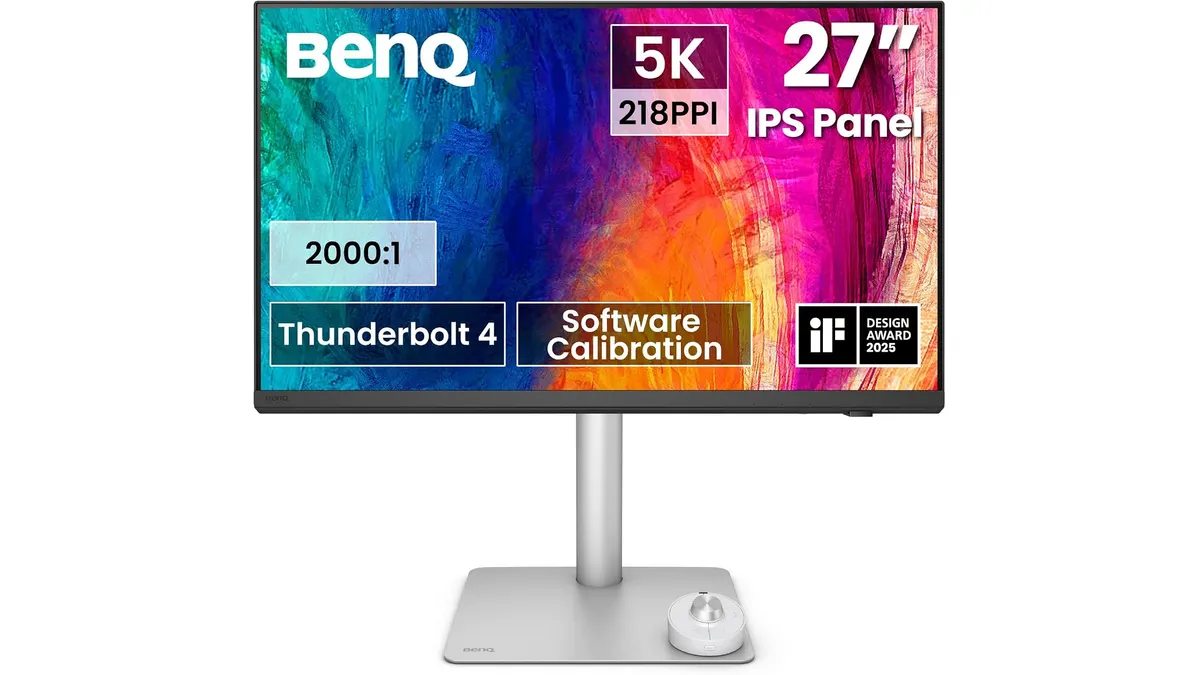
BenQ PD2730S Review: Premium 5K Display for Mac
Looking for the best home office monitor for your Mac? Our BenQ PD2730S review covers 5K crispness, 90W Thunderbolt 4, KVM controls, and color accuracy.
 Monitors
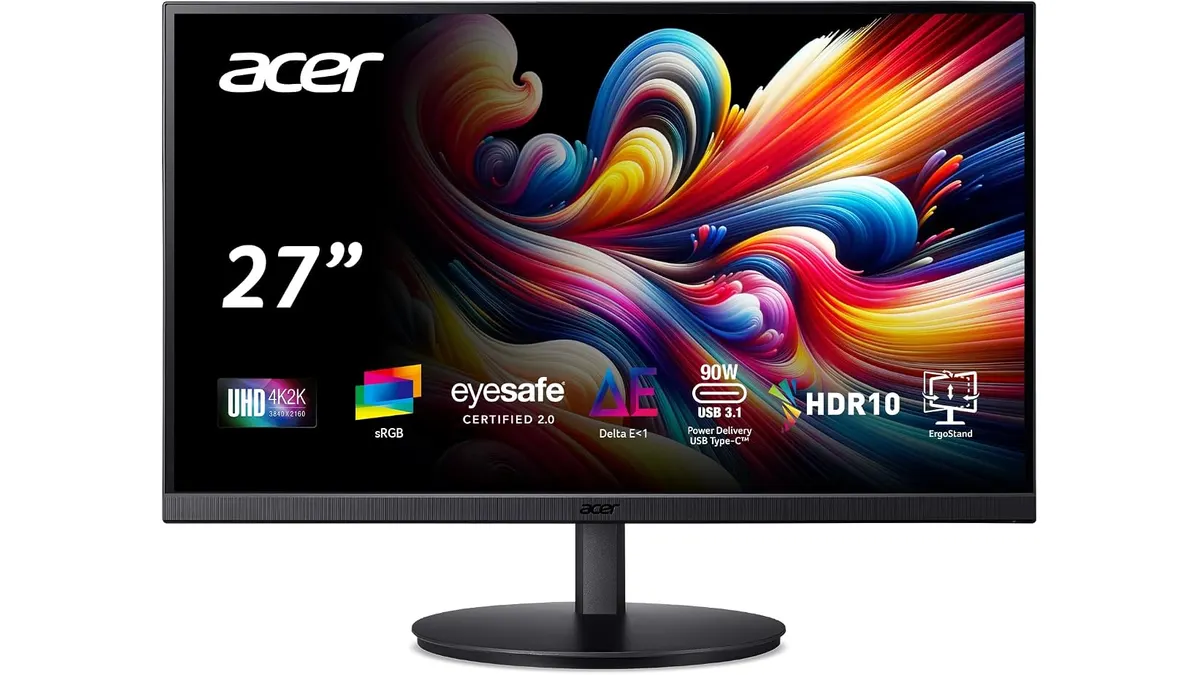
Acer CB272K bmiprux Review: Premium 4K Clarity
Looking for the best home office monitor? Our Acer CB272K bmiprux review breaks down its 4K resolution, USB-C connectivity, and color performance.
 Monitors
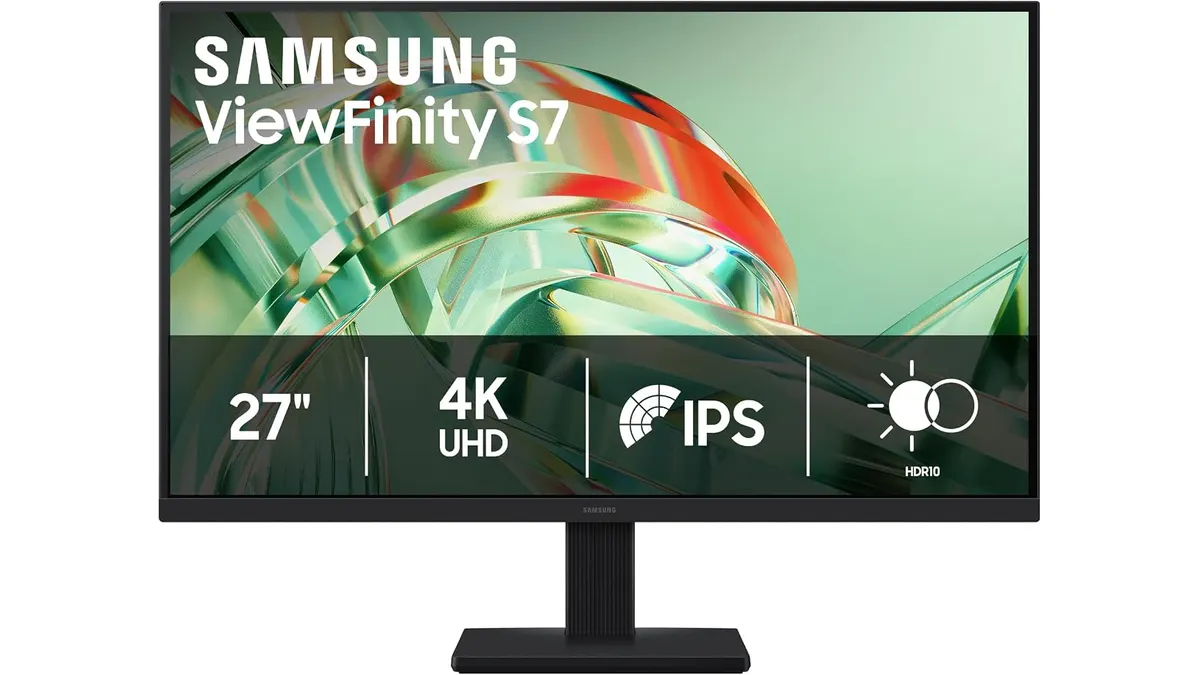
Samsung ViewFinity S7 (S71H) Review
Is the Samsung ViewFinity S7 (S71H) the best home office monitor? We test its 4K IPS clarity, color accuracy, and productivity features for remote workers.