BenQ PD2730S Review: Premium 5K Display for Mac
Looking for the best home office monitor for your Mac? Our BenQ PD2730S review covers 5K crispness, 90W Thunderbolt 4, KVM controls, and color accuracy.
Buying guide: best monitors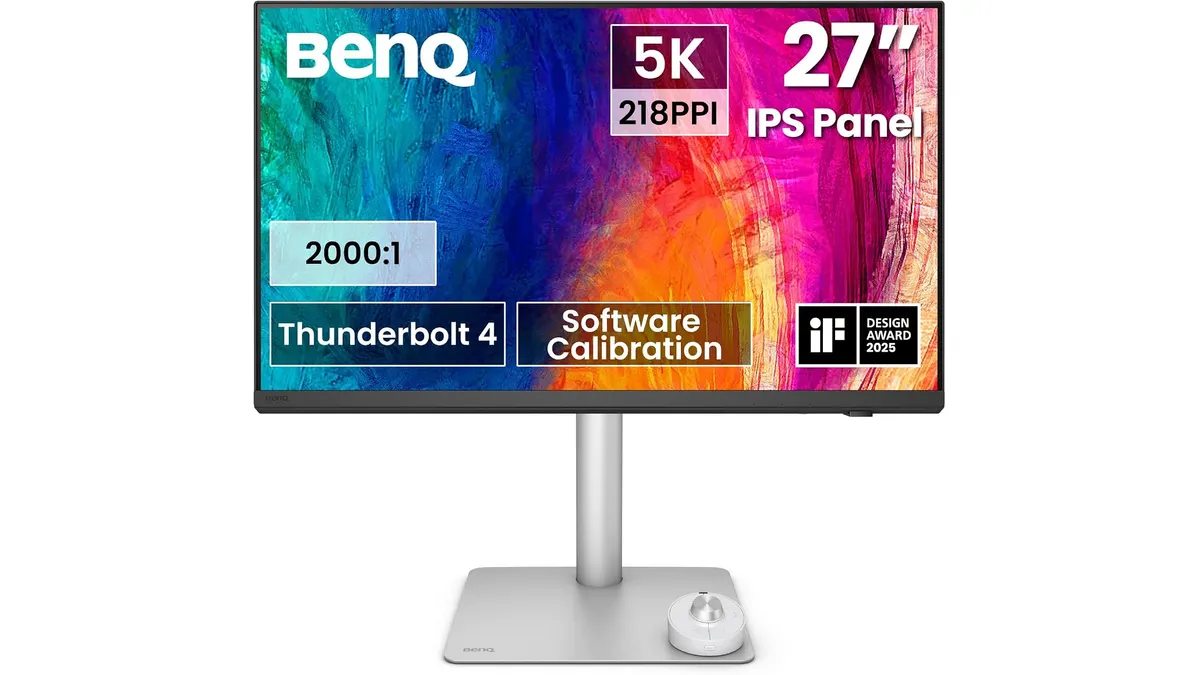 Monitors
The BenQ PD2730S is built specifically for Mac power users, creative professionals, and remote workers who need extreme visual clarity. Packing a native 5K resolution across a 27-inch panel, this display delivers razor-sharp text and precise color calibration right out of the box. If you want the best home office monitor to turn your desk into a clean workstation, this display deserves serious consideration among modern monitors.
What it does well
Text sharpness on a 27 inch work monitor lives or dies by pixel density. With a 5120 x 2880 resolution, the BenQ PD2730S hits 218 PPI, giving macOS render scaling native-level crispness. You get 77.8% more pixels than a standard 4K display, eliminating soft fonts and jagged edges across spreadsheets, code editors, and timeline controls. In long desktop sessions, this visual precision noticeably reduces eye fatigue.
Color delivery is equally focused. Covering 98% of the P3 color space with a high 2000:1 contrast ratio, it delivers deeper blacks and richer tonal gradients than traditional IPS screens. Photographers, video editors, and UI designers get true-to-life preview rendering without guessing color balance or shadow detail.
Single-cable connectivity simplifies daily desktop organization. The integrated Thunderbolt 4 port transfers data at speeds up to 40 Gbps while supplying up to 90W Power Delivery directly to your laptop. You plug in one cable to handle display signal, power, and hub peripherals simultaneously.
Managing workflow between two computers feels direct and fast. The built-in KVM switch lets you operate a desktop system and a laptop using one set of peripherals. BenQ also includes the wireless Hotkey Puck, a dedicated physical dial that lets you toggle color presets, switch inputs, or adjust brightness instantly without reaching behind the panel.
Glare control is another highlight. The TÜV-certified Nano Matte panel neutralizes strong overhead light fixtures and window reflections without degrading image contrast or introducing fuzzy grain to dark scenes.
Key specifications
| Specification | Value |
|---|---|
| Screen Size | 27 inches |
| Resolution | 5120 x 2880 (5K) |
| Pixel Density | 218 PPI |
| Contrast Ratio | 2000:1 |
| Color Gamut | 98% P3 |
| Panel Type | Nano Matte (anti-glare, TÜV reflection-free) |
| Connectivity | Thunderbolt 4 (up to 90W Power Delivery, 40 Gbps) |
| Control Features | Integrated KVM switch, wireless Hotkey Puck |
Where it falls short
The 5K pixel density demands substantial graphics processing power. Older laptops or integrated graphics chips without full Thunderbolt 4 support might struggle to run this native resolution without frame drops or scaling limitations.
Gamers expecting high refresh rates will need to look elsewhere. The panel focuses entirely on color accuracy and static clarity for desktop workflows rather than fast motion performance. If high-frame-rate gaming is your top priority alongside work, consider dedicated high-refresh options like the LG UltraGear 27G61ZB-B Review: High-Performance Gaming Monitor.
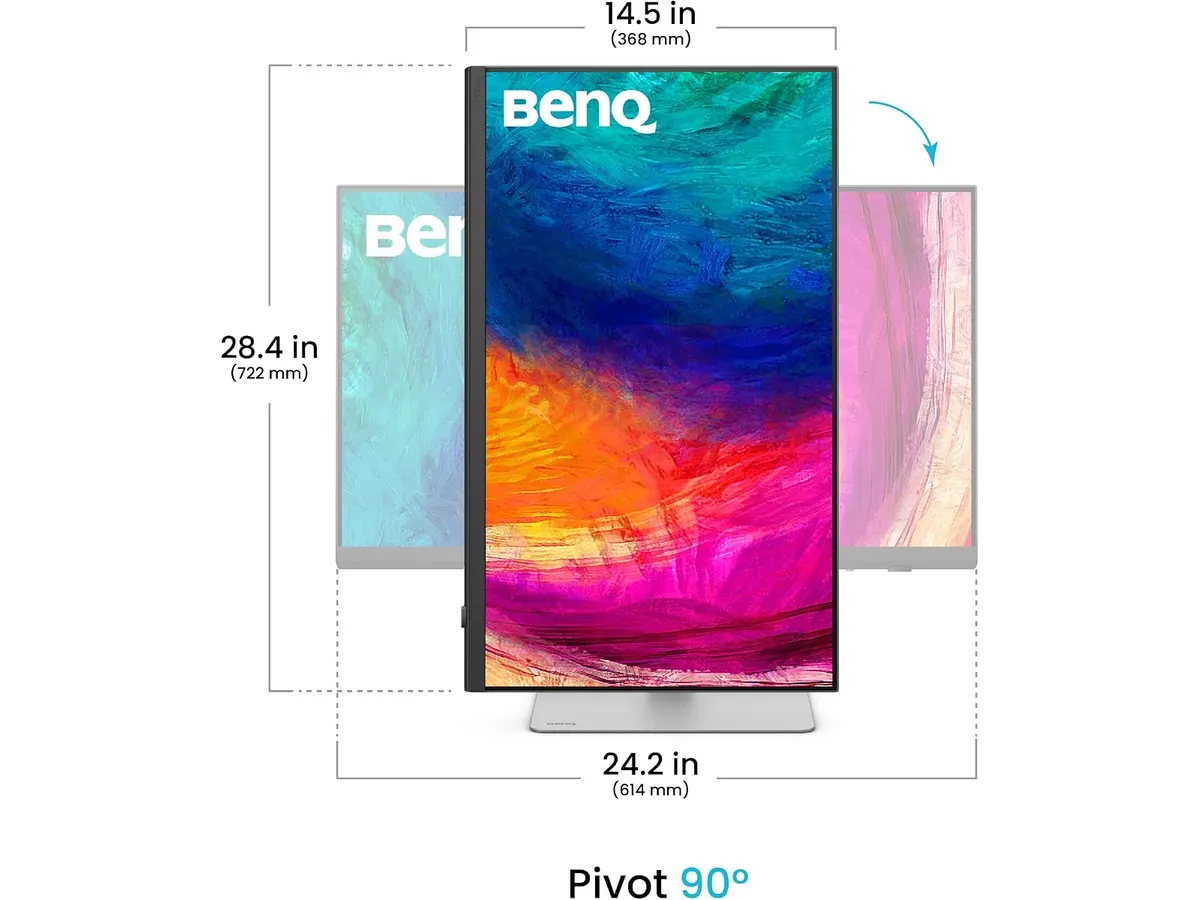
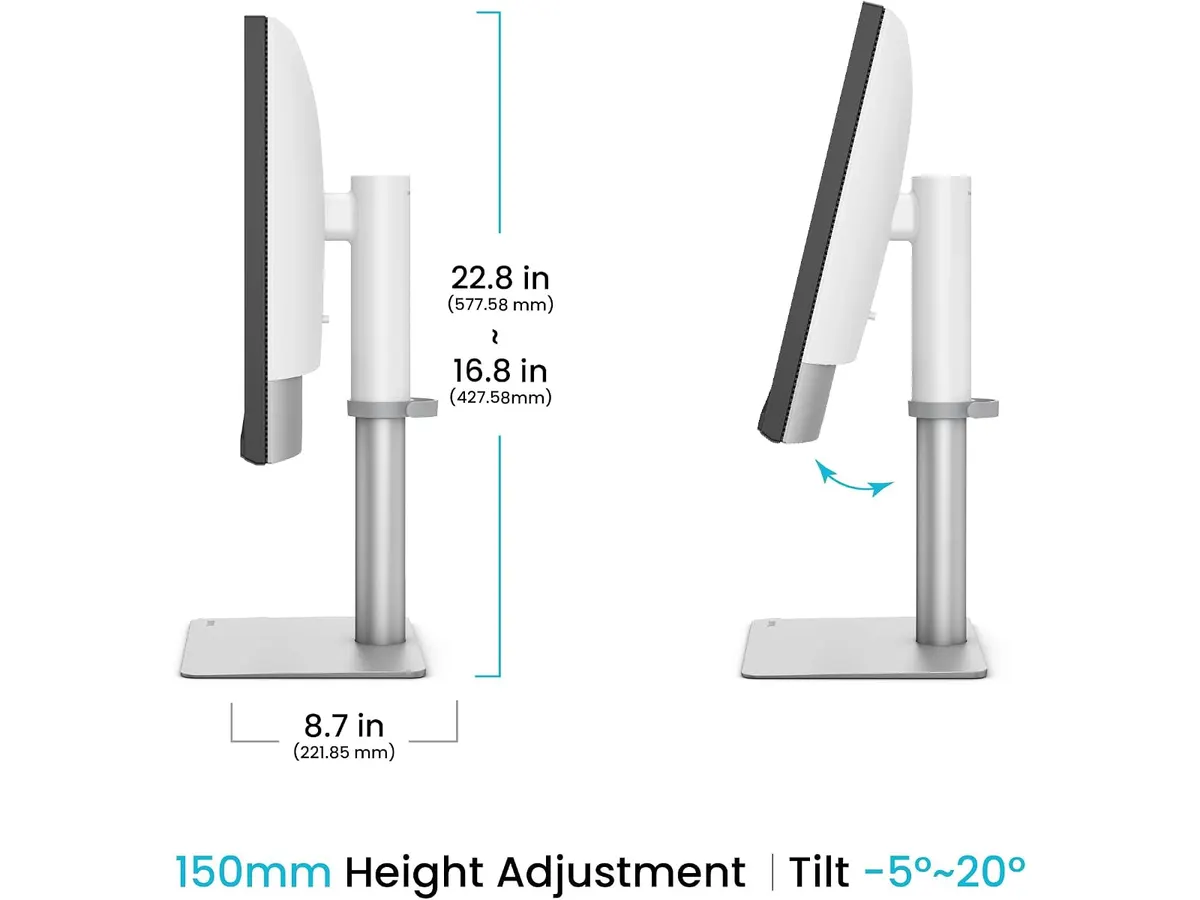
The physical footprint requires generous desk depth. While the stand offers solid height, tilt, and swivel adjustments, the sturdy base takes up noticeable surface real estate on compact home office desks.
Who is it for?
This screen fits digital creators, photo editors, software engineers, and Mac users who spend eight hours a day staring at detailed assets. The 218 PPI density matches macOS interface scaling natively, providing razor-sharp typography for split-screen apps. Anyone operating a dual setup as a monitor for remote work will benefit immediately from the KVM switch and 90W Thunderbolt 4 laptop charging.
It is not built for casual web browsing, budget-focused buyers, or competitive gamers. If your daily routine consists mostly of video calls, spreadsheet entry, or fast-paced gaming, paying for a 5K P3-calibrated panel is unnecessary.
Alternatives to consider
If you want standard resolution with focus on ergonomic flexibility at a mid-range price point, QHD displays serve as practical alternatives for general office work. For a closer look at that class, check out our Dell UltraSharp U2724D Review: A Versatile 27-Inch Monitor.
For users who prioritize raw screen area over high pixel density, budget multi-screen packages offer far more desktop real estate. If you are setting up a dual-display workstation on a tighter budget, exploring bundles like the Gigastone 27” IPS 2-Pack Review: Dual Monitors for Productivity can deliver solid multitasking capability.
Verdict: Is it the best home office monitor for Mac users?
In this BenQ PD2730S review, the display proves itself as a top-tier option among professional BenQ monitors. The combination of a 218 PPI 5K Nano Matte panel, 98% P3 color accuracy, and 90W Thunderbolt 4 power delivery creates an exceptional workstation tool. While it targets high-end creative setups, its KVM switch and Hotkey Puck dial streamline real-world daily productivity. It earns our enthusiastic recommendation as the best monitor for productivity on a high-end Mac desk.
Frequently asked questions
Does the BenQ PD2730S work smoothly with MacBook Pro models?
Yes. The Thunderbolt 4 connection supplies up to 90W of Power Delivery and 40 Gbps bandwidth, driving native 5K resolution over a single cable while charging your laptop.
How does the KVM switch work on this display?
The built-in KVM switch allows you to connect two different computers to the monitor and control both using a single keyboard and mouse set, switching between inputs cleanly.
What makes the Nano Matte panel different from glossy screens?
The TÜV-certified Nano Matte coating reduces glare from overhead lights and windows without adding the fuzzy surface grain often seen on standard anti-glare coatings.

Editor
Charly River · SetUpLatam
Charly River curates, reviews and edits SetUpLatam’s home office guides. He checks every product sheet against the manufacturer’s official specifications and cuts what does not help, so you buy right the first time.
You may also like
 Monitors
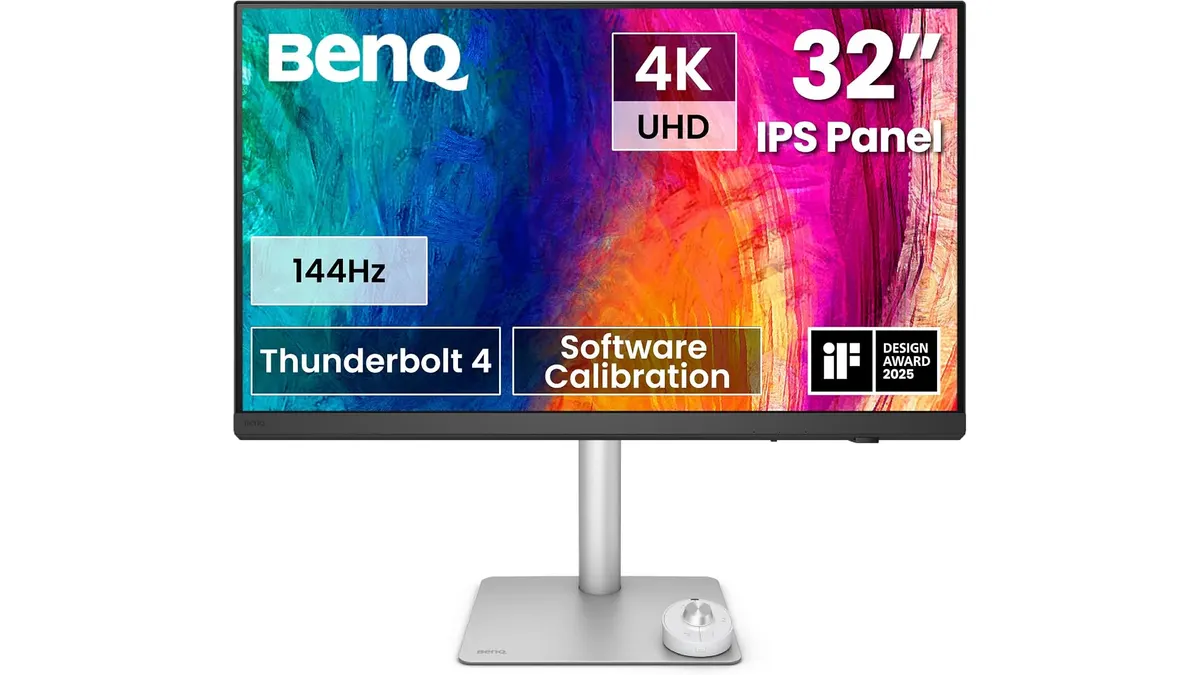
BenQ PD3226G Review: High-Performance 4K Display
Read our detailed BenQ PD3226G review to see why this 32-inch 4K 144Hz display with Thunderbolt 4 power is the best home office monitor for creators.
 Monitors
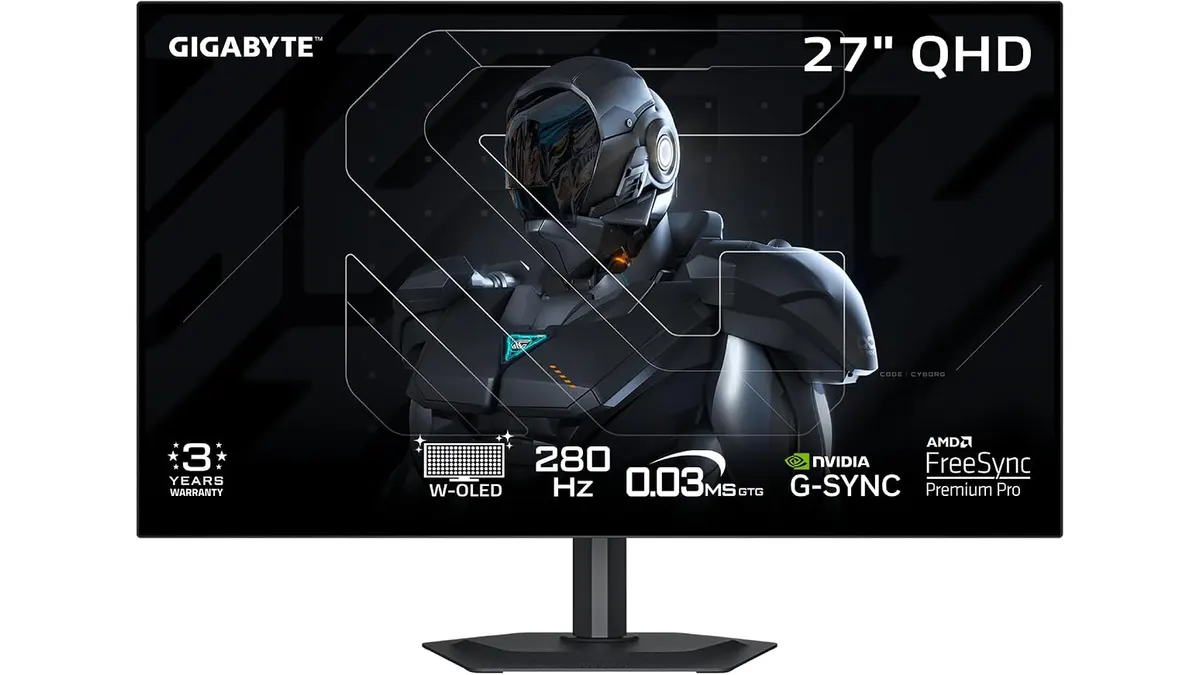
GIGABYTE MO27Q28GR Review: OLED Excellence
Read our GIGABYTE MO27Q28GR review. Discover why this 27-inch QHD WOLED screen might be the best home office monitor for deep blacks and bright work.
 Monitors
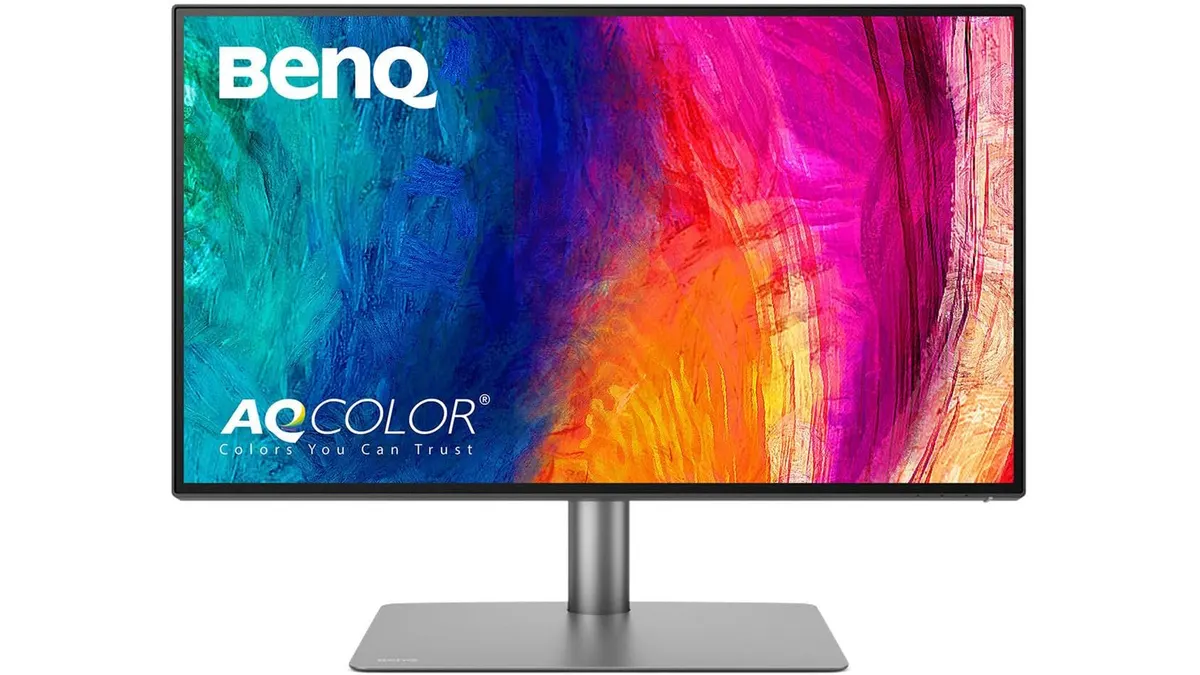
BenQ PD2725U Review: 4K Color for Creators
Looking for the best home office monitor? Our BenQ PD2725U review covers its 4K IPS display, Thunderbolt 3 setup, and color accuracy for creators.