Redragon S157-PRO Keyboard and Mouse Combo Review
Looking for the best home office peripherals? Our Redragon Combo Teclado 60% y Mouse S157-PRO review covers battery life, tri-mode connection, and layout.
Buying guide: best peripherals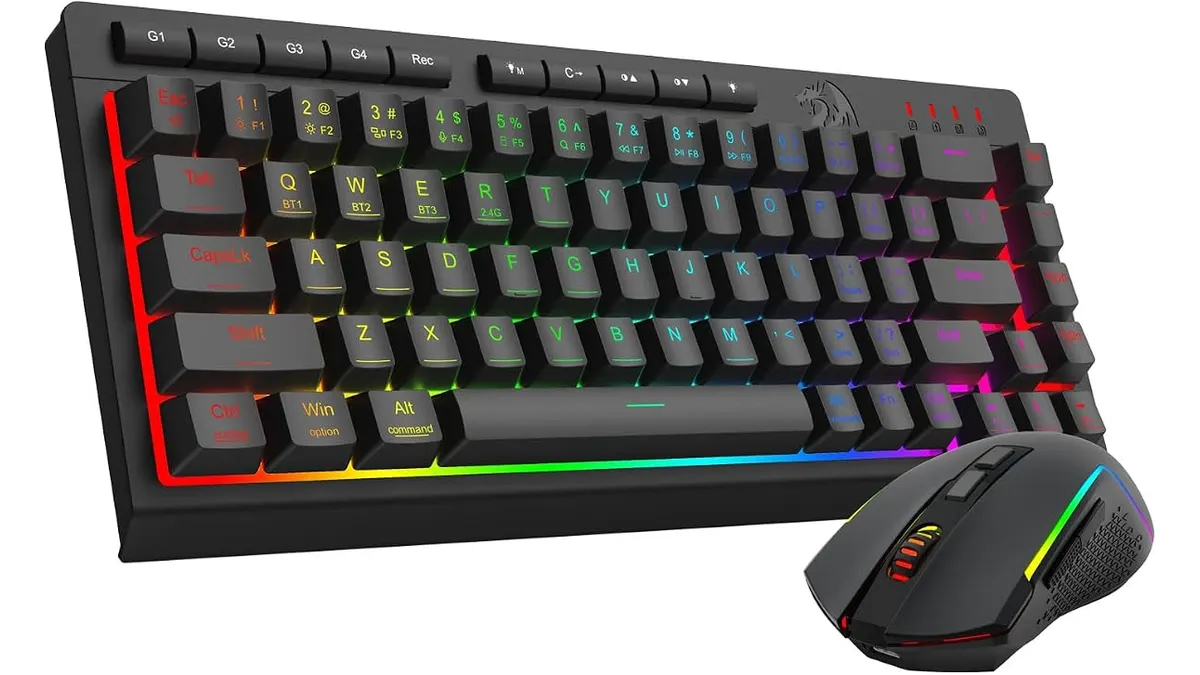 Peripherals
Desk real estate is precious when you manage spreadsheets, write code, or edit video at home. The Redragon Combo Teclado 60% y Mouse S157-PRO targets remote workers who want a minimal footprint without sacrificing wireless freedom. If you are upgrading your workspace with the best home office peripherals, this compact set combines long battery life, tri-mode connectivity, and customized RGB lighting in a tight package.
What it does well
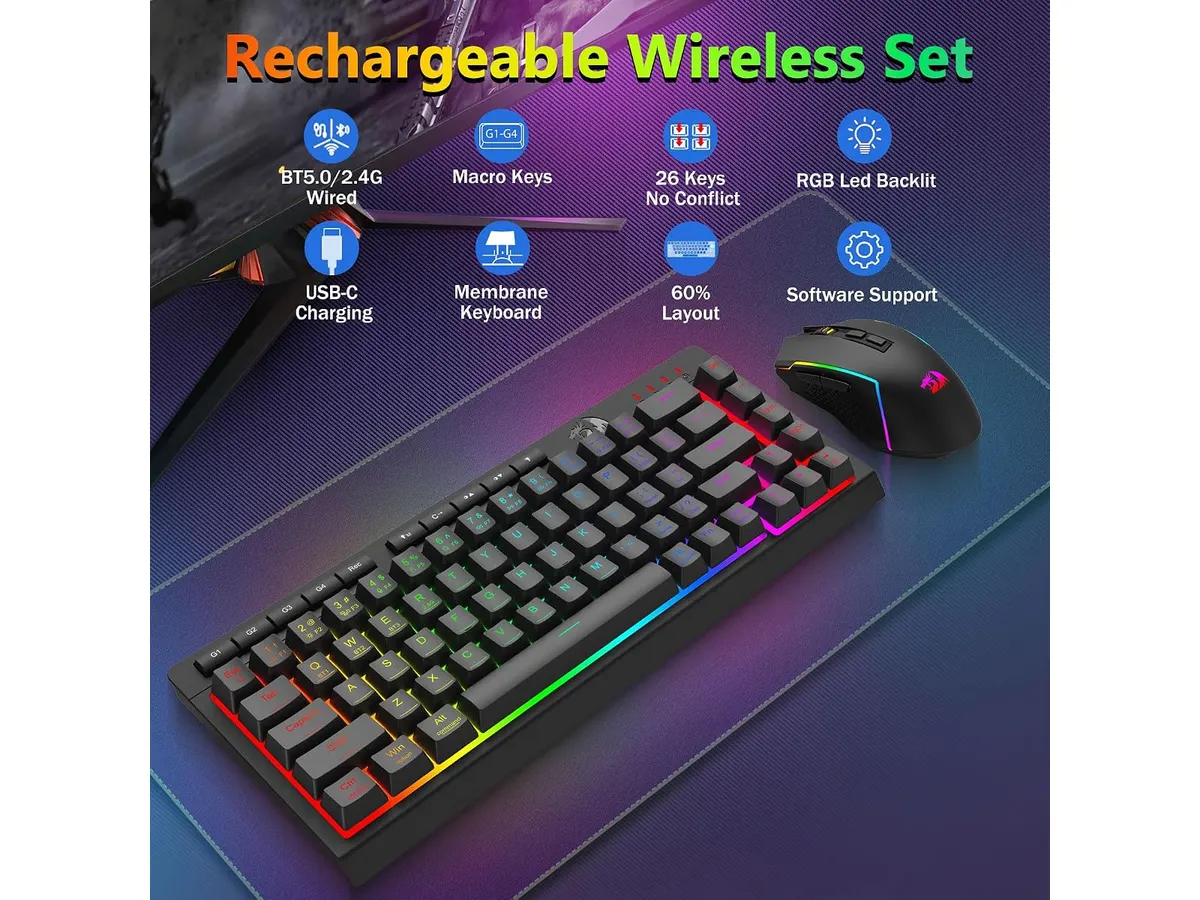
The unified 2-in-1 2.4 GHz USB receiver stands out immediately. Instead of clogging your desktop hub with multiple wireless dongles, a single USB adapter controls both the 60% keyboard and the 7-button mouse. You can also switch to Bluetooth 5.0 across laptop devices or plug in directly via USB-C when charging.
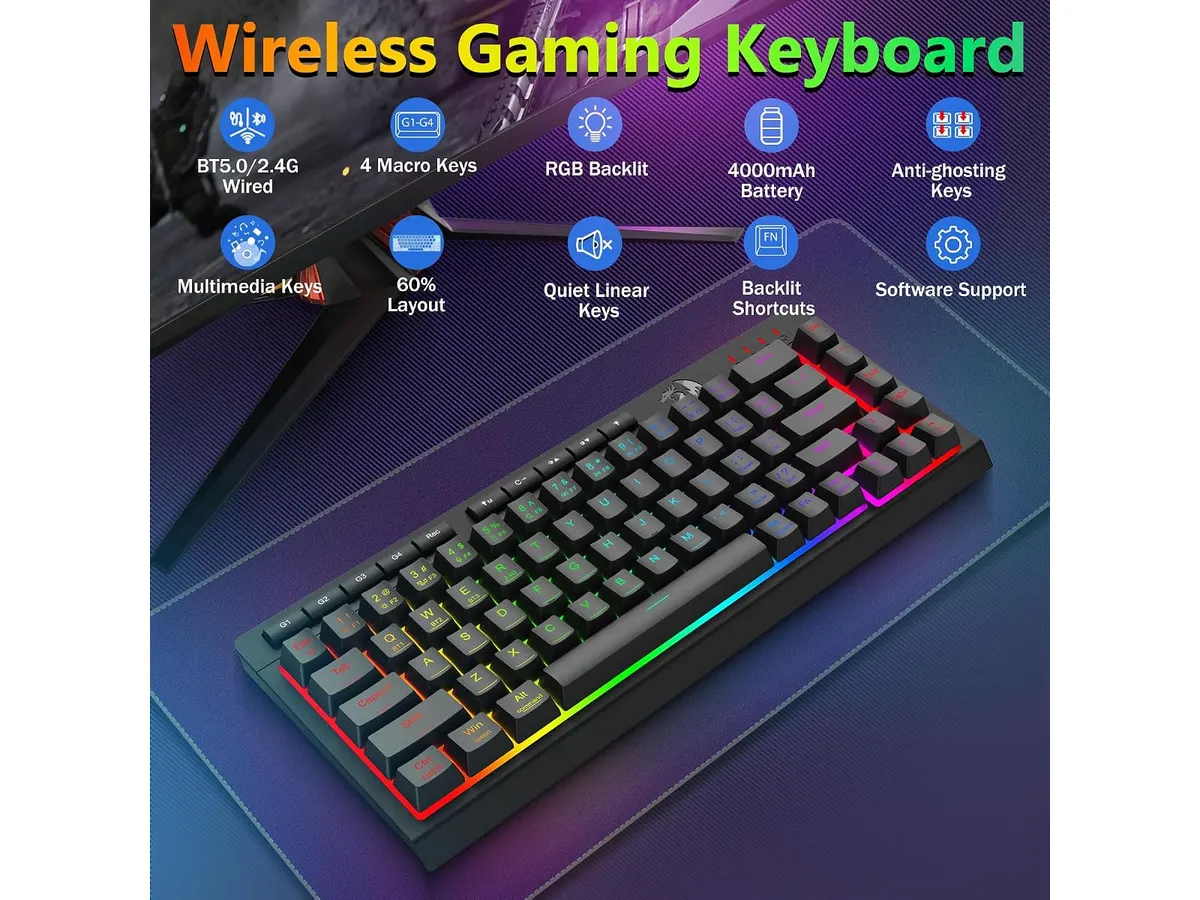
Battery performance is another massive win for daily productivity. Packing a 4000 mAh battery in the keyboard and 700 mAh in the mouse, the pair delivers up to 300 hours of continuous runtime when you keep the RGB lighting off. Even with the full 16.8 million color RGB spectrum glowing across 8 dynamic lighting modes, you still get up to 50 hours of wireless work time between charges.
Precision and button flexibility on the included mouse punch above expectations. It features five hardware DPI presets ranging from 400 to 3200, which expand from 100 up to 12800 through software customization. Paired with 7 programmable buttons, you can map essential macro shortcuts for navigation or media playback. Meanwhile, the 60% keyboard maintains reliable key entry through 26-key anti-ghosting technology.
Key specifications
| Feature | Specification |
|---|---|
| Keyboard Layout | Compact 60% (No Numpad) |
| Connectivity | Tri-mode (Bluetooth 5.0, 2.4 GHz Wireless, USB-C Wired) |
| Wireless Receiver | Single 2-in-1 2.4 GHz USB dongle for both devices |
| Keyboard Battery | 4000 mAh |
| Mouse Battery | 700 mAh |
| Battery Life | Up to 50 hours (RGB on) / 300 hours (RGB off) |
| Mouse DPI Levels | Hardware: 400 / 800 / 1600 / 2400 / 3200 (100–12800 via software) |
| Mouse Buttons | 7 programmable buttons |
| Keyboard Anti-Ghosting | 26 keys |
| Backlighting | 16.8 Million RGB colors, 8 dynamic modes, DIY modes |
Where it falls short
A 60% keyboard layout demands a learning curve. Stripping away dedicated function keys, arrow keys, and the numeric keypad saves space, but it forces heavy spreadsheet operators and accountants to rely on secondary key layers. If your daily workflow depends on rapid numeric entry, this ultra-compact layout will slow you down initially.
Software customization for the mouse DPI levels and macro programming requires installing desktop utilities. While plug-and-play operation via the 2-in-1 dongle works straight out of the box for standard typing, accessing the full 12800 DPI range or tweaking custom DIY RGB modes means dipping into desktop configuration screens.
The 26-key anti-ghosting is tailored for general typing and standard input, which covers office tasks effortlessly. However, power users who demand full N-key rollover across every key simultaneous stroke might find this limitation noticeable during high-speed macro execution.
Who is it for?
This set fits minimalist remote workers, students, and traveling professionals who need maximum desk space. If you want an uncluttered workspace, multi-device connectivity options, and a battery that lasts weeks without backlighting, this pair makes an efficient daily driver.
It is not for finance professionals, data analysts, or users who refuse key-combination shortcuts for basic navigation. Anyone who needs a physical numpad or dedicated arrow keys for intense document auditing should look toward full-size or 96% layout setups.
Alternatives to consider for the best home office peripherals
If you want a dedicated ergonomic pointer for long office sessions, mid-tier ergonomic wireless mice offer contoured thumb rests and quiet click switches. You can read our Logitech MX Master 3S Review: Ergonomic Wireless Mouse for Professionals to see how full-sized productivity mice compare against gaming-focused models.
For workers who prefer budget-friendly single pointers, lightweight productivity mice remain a reliable choice. Check out our iClever Wireless Mouse Review: A Versatile Choice for Remote Work for an alternative look at daily navigation tools.
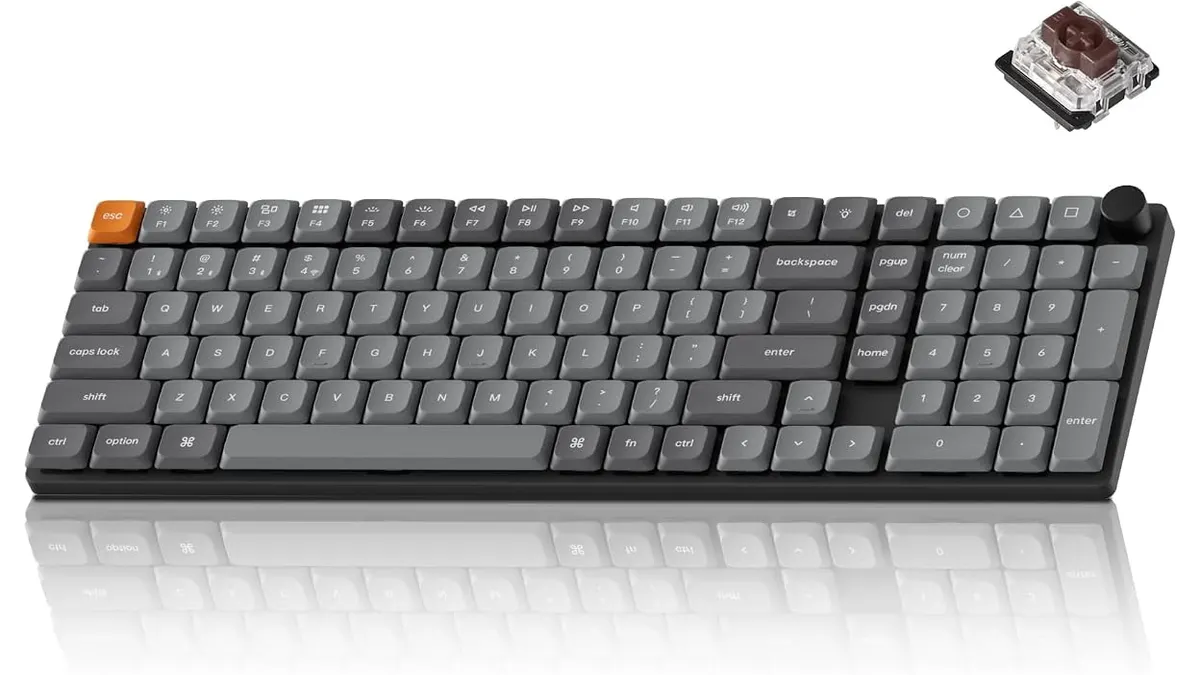
Alternatively, if you require a full-sized wireless deck with a numeric pad, higher-tier full-layout boards eliminate the adjustment period of a 60% board while keeping your desk wireless. Explore options across our full Peripherals index.
Verdict
The Redragon Combo Teclado 60% y Mouse S157-PRO delivers exceptional wireless utility through its unified 2-in-1 dongle and massive 300-hour maximum battery capacity. While the compact layout requires an adjustment period for heavy numeric data entry, the tri-mode flexibility makes it a smart investment for clean desk setups. We recommend it for remote workers who prioritize desk space and multi-device versatility.
Frequently asked questions
Can I connect both the keyboard and mouse with a single USB dongle?
Yes. The included 2-in-1 2.4 GHz USB receiver controls both devices simultaneously, saving open USB ports on your laptop or desktop dock.
How long does the battery last with RGB backlighting turned off?
The 4000 mAh keyboard battery and 700 mAh mouse battery combine to deliver up to 300 hours of continuous operational time when backlighting is disabled.
Does the mouse allow software DPI adjustments?
Yes. While the mouse features five physical DPI stages from 400 to 3200, you can customize the sensitivity anywhere from 100 up to 12800 DPI using software.

Editor
Charly River · SetUpLatam
Charly River curates, reviews and edits SetUpLatam’s home office guides. He checks every product sheet against the manufacturer’s official specifications and cuts what does not help, so you buy right the first time.
You may also like
 Peripherals
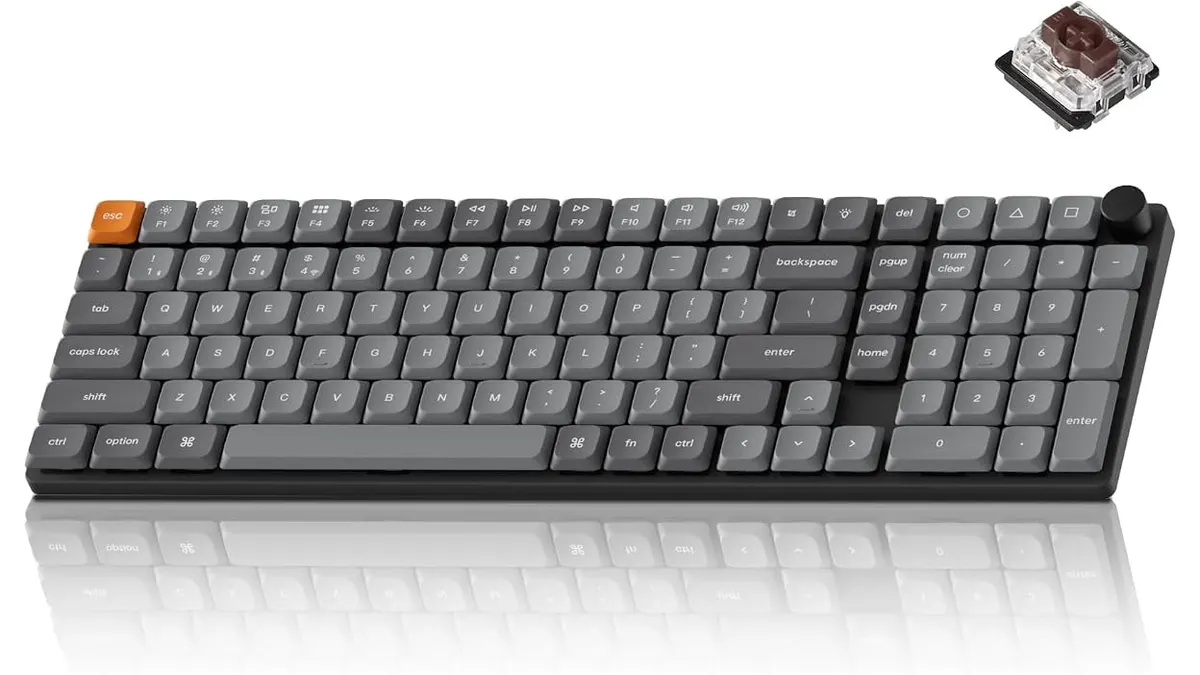
Keychron K17 Max Review: Slim 96% Layout
Deep dive Keychron K17 Max review: a low-profile 96% wireless keyboard built to fit the best home office peripherals setup for daily work.
 Peripherals
Keychron K17 Max Review: Low-Profile Control
Our Keychron K17 Max review details how this low-profile 96% keyboard stands out among the best home office peripherals for speed and custom code.
 Peripherals
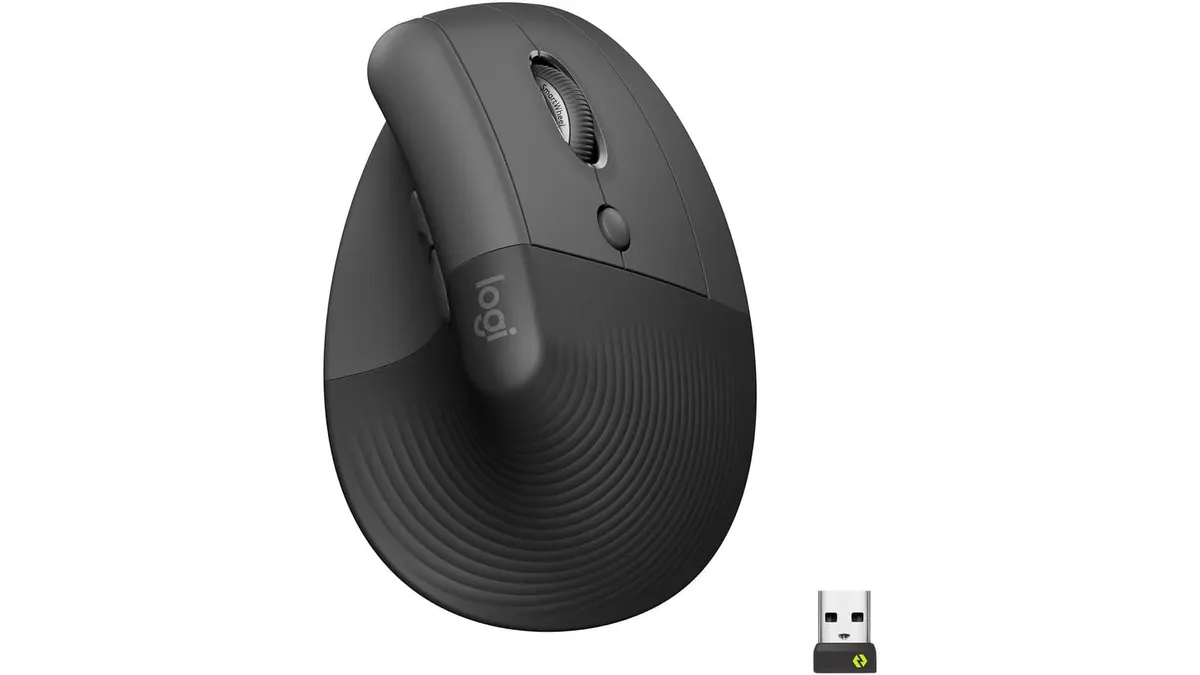
Logitech Lift Vertical Ergonomic Mouse Review
Our Logitech Lift Vertical Ergonomic Mouse review explores if this is one of the best home office peripherals for users with small to medium-sized hands.