Logitech Lift Vertical Ergonomic Mouse Review
Our Logitech Lift Vertical Ergonomic Mouse review explores if this is one of the best home office peripherals for users with small to medium-sized hands.
Buying guide: best peripherals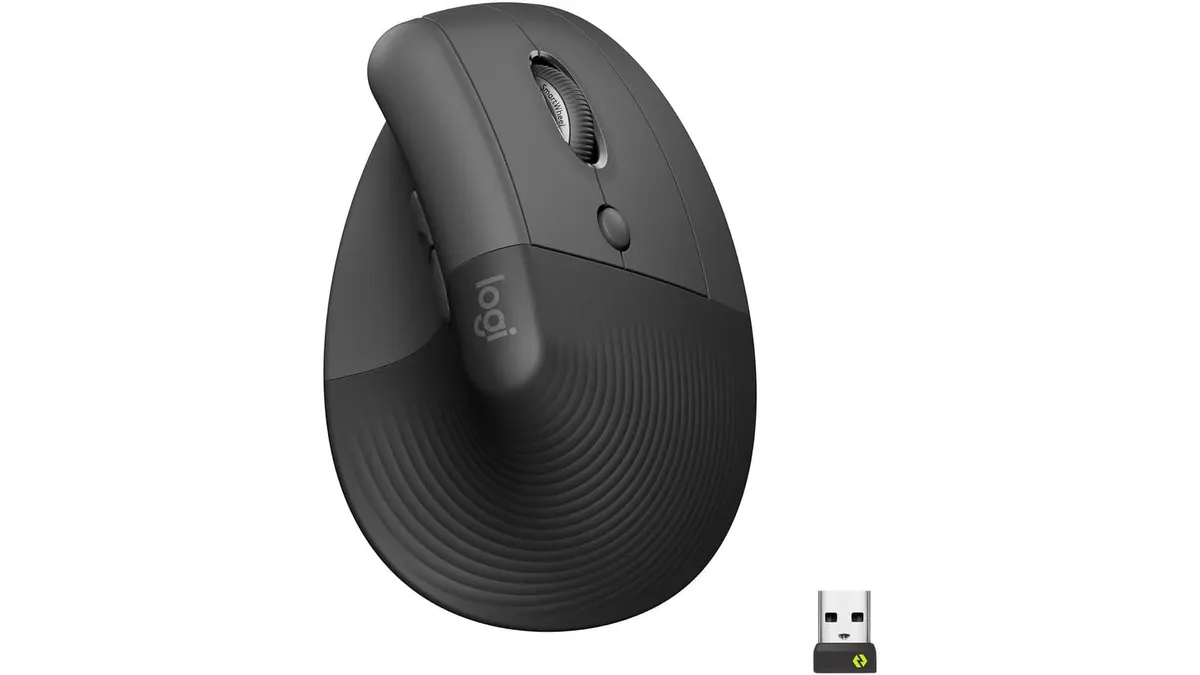 Peripherals
If you spend eight hours a day clicking away at a desk, your wrist is likely screaming for a change. The Logitech Lift Vertical Ergonomic Mouse is designed specifically for people with small to medium-sized hands who struggle with traditional, flat mice. By prioritizing physical comfort, it stands out as one of the best home office peripherals for those looking to upgrade their desk setup. Whether you are a student or a remote worker, this mouse focuses on long-term health rather than flashy gaming features. Before you fill your workspace with new gear, explore our full range of Peripherals to see how it fits into a cohesive desk environment.
What it does well
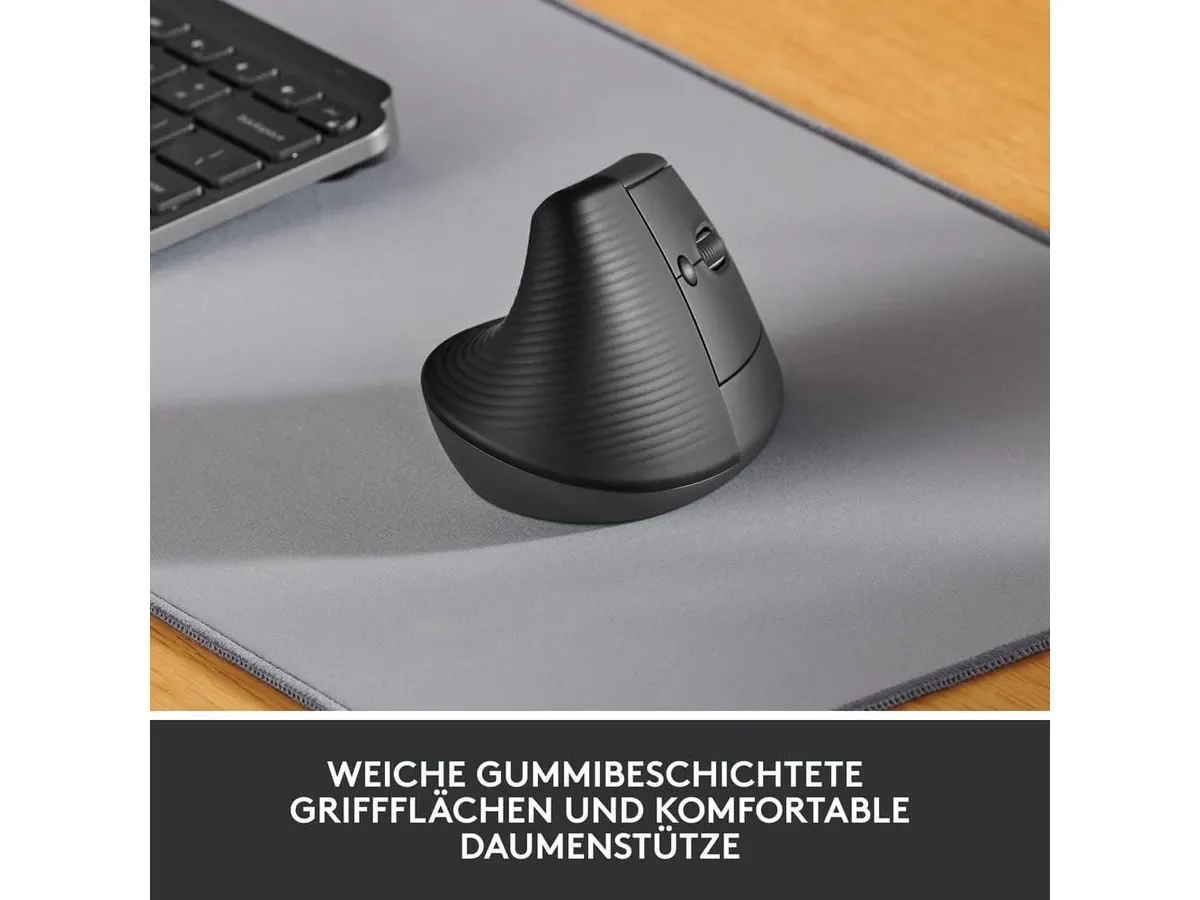
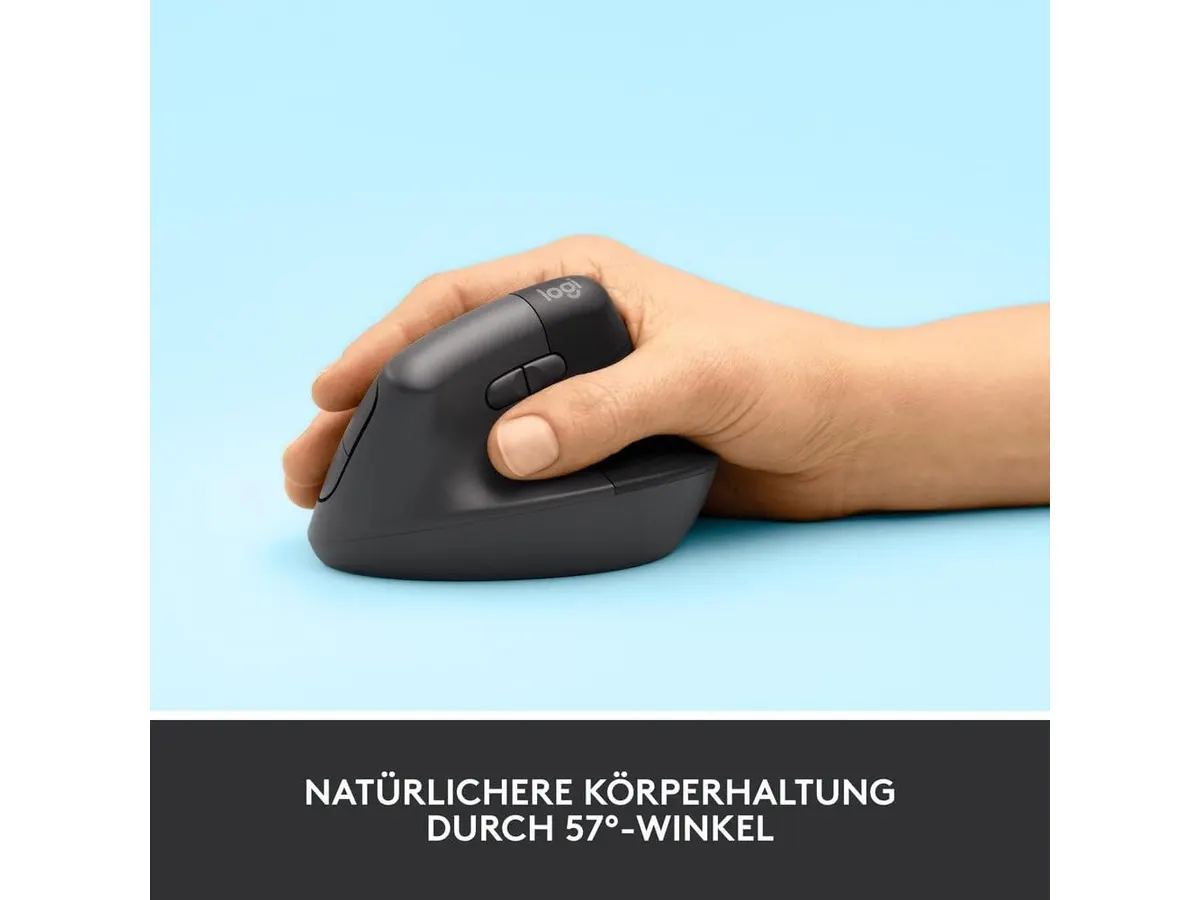
The core strength of the Lift is its 57-degree vertical angle. This position mimics a natural handshake, which significantly reduces forearm strain compared to standard mice that force your palm to face the desk. Logitech worked with ergonomic specialists to validate this design, and it shows in the way the device sits under your hand.
Beyond comfort, the mouse is impressively quiet. The silent click mechanism is a godsend for anyone working in a shared home office or a quiet studio apartment. You won’t annoy your partner or colleagues with aggressive clicking sounds during meetings.
Connectivity is equally reliable. You can switch between Bluetooth Low Energy and the included Logi Bolt receiver. The ability to pair with multiple devices is standard for modern setups, but it is executed smoothly here. Plus, the battery life is a massive win; reaching up to two years on a single charge means you can simply forget about the power level for months at a time.
Key specifications
| Feature | Specification |
|---|---|
| Hand Orientation | Right-handed (small to medium) |
| Vertical Angle | 57° |
| Connectivity | Bluetooth Low Energy, Logi Bolt USB |
| Compatibility | Windows, macOS, iPadOS, Chrome OS, Linux |
| Battery Life | Up to 2 years |
| Sustainability | Recycled plastic (54% to 70% depending on color) |
| Noise Level | Silent clicks |
Where it falls short
The primary limitation is size. If you have large hands, the Lift will feel cramped and awkward. Logitech clearly segmented this product for a specific anatomy, meaning larger users will likely find themselves clawing the mouse rather than resting their hand on it. You should also check out our Logitech MX Master 3S Review: Ergonomic Wireless Mouse for Professionals if you need something with a more substantial footprint.
Another drawback is the lack of a rechargeable battery. While the two-year lifespan is impressive, it uses a standard battery rather than a built-in lithium-ion cell with USB-C charging. Some users prefer the convenience of plugging in their mouse to recharge rather than hunting for spare batteries when the device eventually dies.
Who is it for?
This mouse is an ideal match for administrative workers, writers, and students who have small or medium-sized hands and spend all day navigating spreadsheets or documents. If you suffer from mild wrist fatigue, this is the corrective tool you need.
It is not for power users with large hands, nor is it for gamers. If you need a high-performance sensor for competitive play or a larger chassis to support a bigger palm, this mouse will feel like a toy. For those who need something more budget-friendly, consider the iClever Wireless Mouse Review: A Versatile Choice for Remote Work as a simpler alternative.
Alternatives to consider
If the Lift is not the right fit, consider the following options:
- The entry-level ergonomic market: There are several budget vertical mice that offer a similar 57-degree tilt but use lower-quality plastics and louder switches. These are great if you are testing the waters of vertical ergonomics for the first time without a heavy investment.
- The premium productivity market: If you need more buttons, a better sensor, and a larger frame, look toward full-sized ergonomic mice. These cater to professionals who need specialized thumb buttons and a weightier feel for complex software workflows.
Verdict
The Logitech Lift is a focused, intelligent piece of hardware that solves the specific problem of wrist strain for small-handed users. It keeps your workspace quiet and your posture neutral without requiring a learning curve that lasts for weeks. If you fit the target demographic, it is an essential investment for your daily desk setup.
Frequently asked questions
Is the Logitech Lift compatible with my computer?
It works with Windows, macOS, iPadOS, Chrome OS, and Linux. As long as your device supports Bluetooth or has a USB-A port for the receiver, you are set.
Does the mouse come with a rechargeable battery?
No, it is powered by replaceable batteries that last up to two years. It does not support USB-C charging.
Is this mouse suitable for gaming?
The Lift is designed for productivity and ergonomics. It lacks the sensor precision and button layout required for serious gaming, so it is best kept in the office.

Editor
Charly River · SetUpLatam
Charly River curates, reviews and edits SetUpLatam’s home office guides. He checks every product sheet against the manufacturer’s official specifications and cuts what does not help, so you buy right the first time.
You may also like
 Peripherals
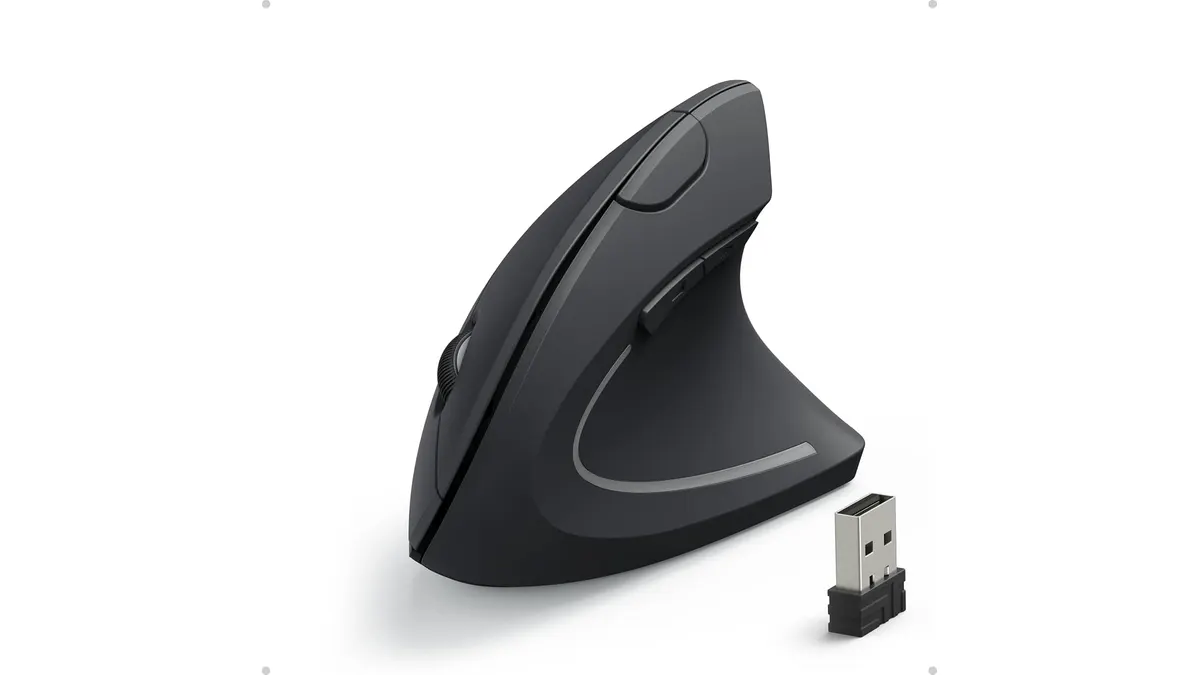
Anker Wireless Vertical Ergonomic Mouse Review
Our Anker Wireless Vertical Ergonomic Mouse review breaks down how this budget-friendly pick ranks among the best home office peripherals for your setup.
 Peripherals
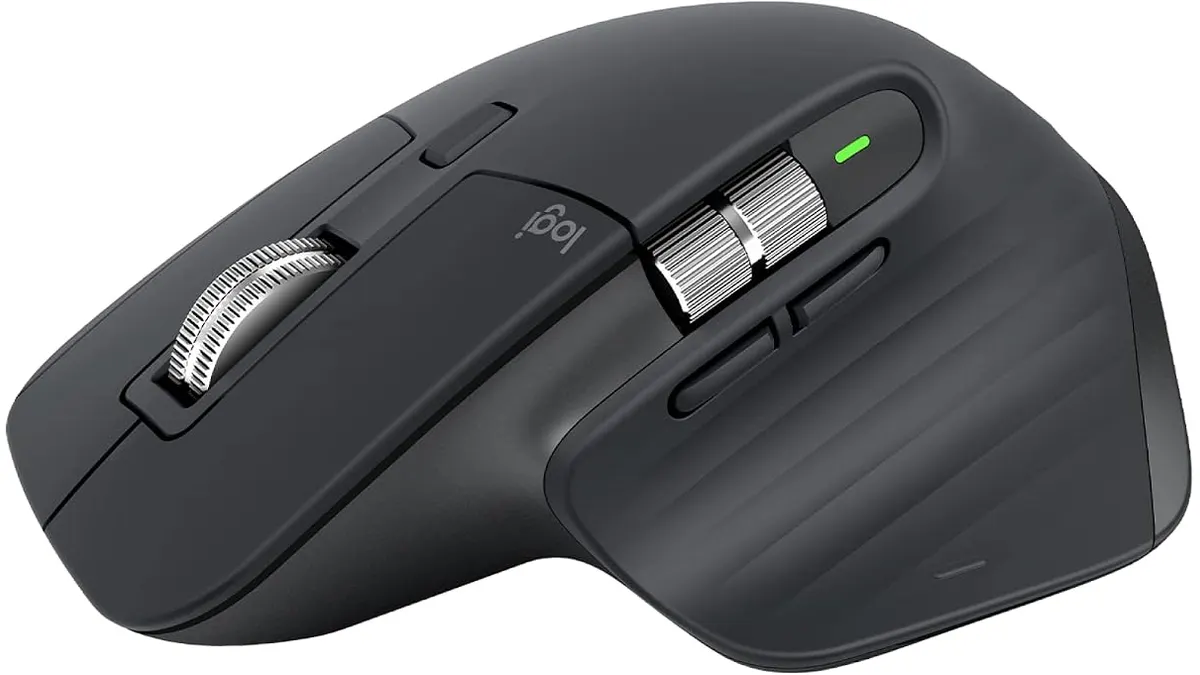
Logitech MX Master 3S Review: Ergonomic Wireless Mouse for Professionals
Discover the Logitech MX Master 3S, an ergonomic wireless mouse designed for comfort and precision. Ideal for remote workers and creatives.
 Peripherals
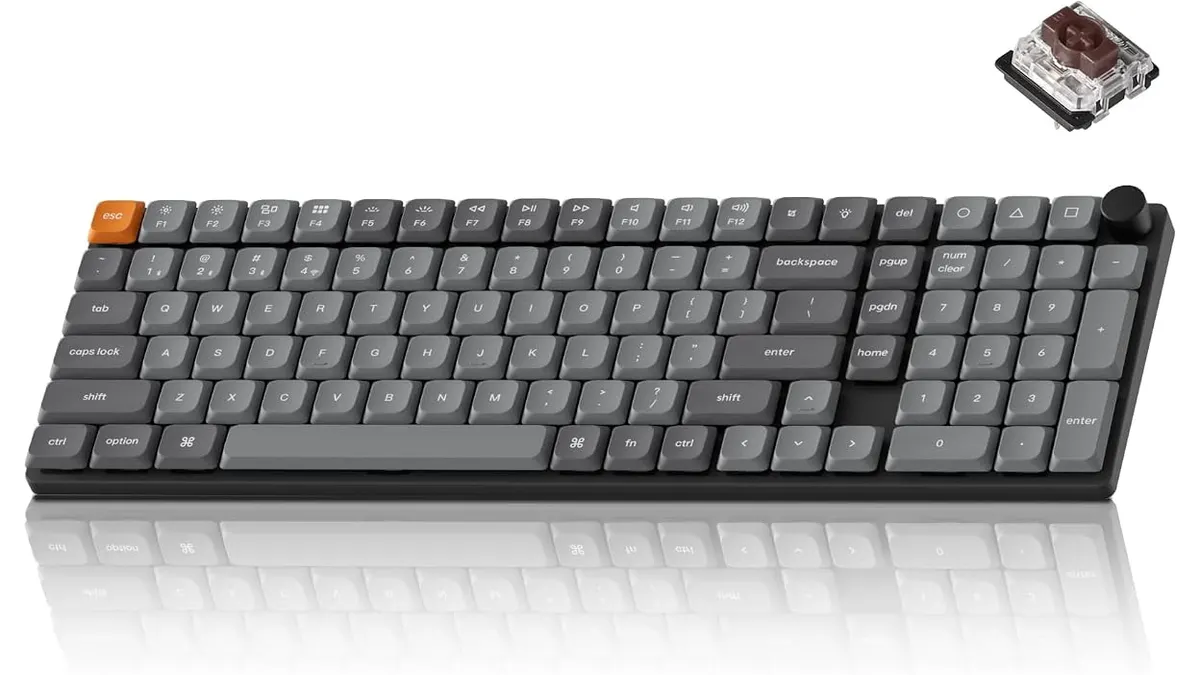
Keychron K17 Max Review: Slim 96% Layout
Deep dive Keychron K17 Max review: a low-profile 96% wireless keyboard built to fit the best home office peripherals setup for daily work.