Samsung ViewFinity S7 (S71H) Review
Is the Samsung ViewFinity S7 (S71H) the best home office monitor? We test its 4K IPS clarity, color accuracy, and productivity features for remote workers.
Buying guide: best monitors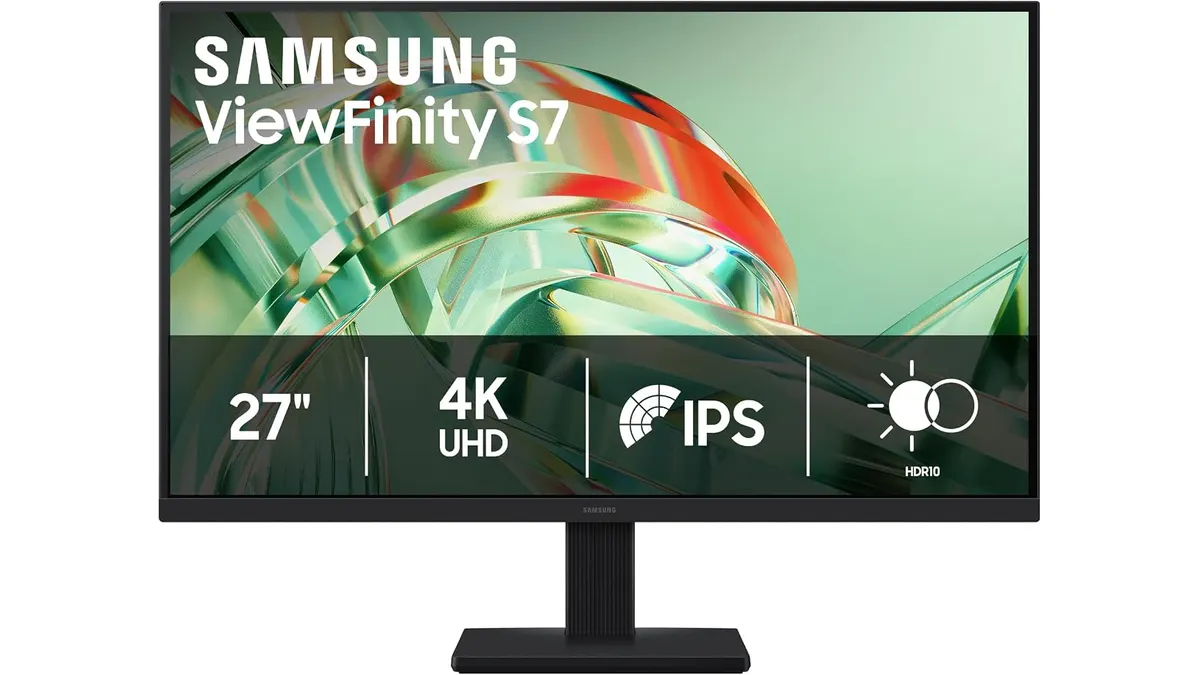 Monitors
Samsung ViewFinity S7 (S71H) Review
The Samsung ViewFinity S7 (S71H) enters the workspace as a sharp, high-resolution solution for professionals who need more screen real estate without clutter. As a 27-inch 4K panel, it balances pixel density with usable desktop space, making it a strong contender for the title of best home office monitor for document-heavy workflows and creative tasks. If you browse our collection of Monitors, you will see why this balance of size and resolution matters.
What it does well
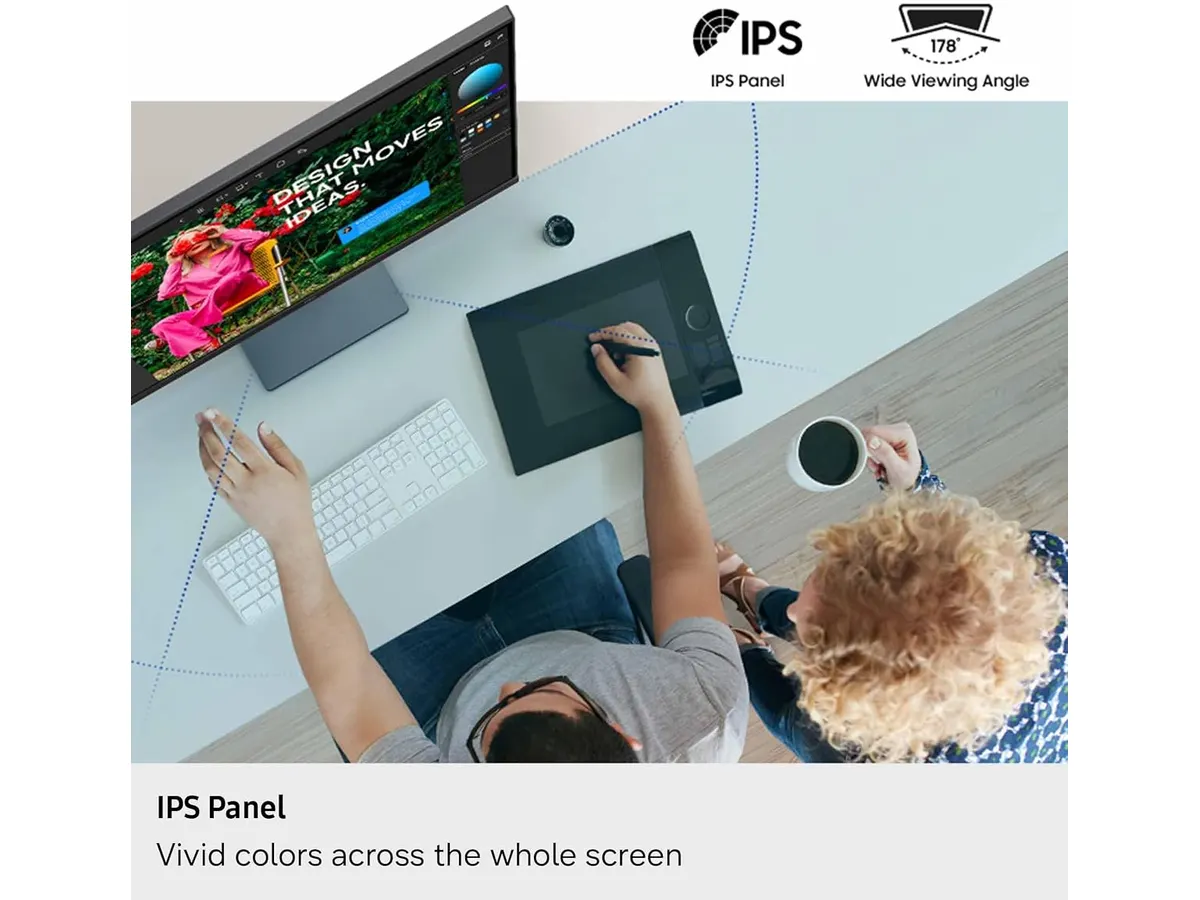
The standout feature here is the 4K UHD resolution. At 27 inches, this density creates text so crisp you might forget you are looking at a screen, which is a significant relief if you spend eight hours a day in spreadsheets or code. The IPS panel ensures that colors remain consistent even if you are not sitting perfectly centered, which is rare at this price bracket.
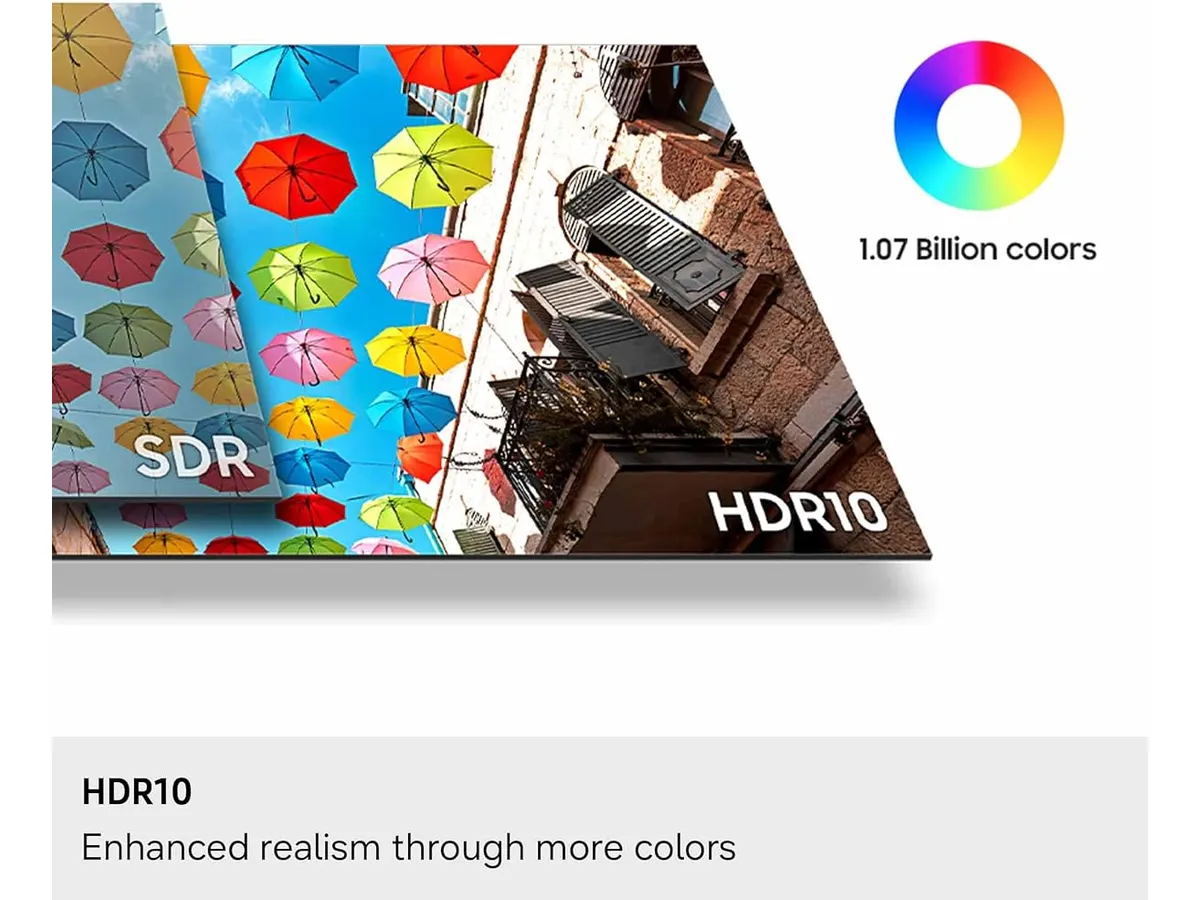
Color reproduction is another highlight. With HDR10 support and a palette capable of rendering a billion colors, the display manages deep blacks and bright highlights that make images pop. It avoids the washed-out look common in cheaper panels. Samsung also included an Eye Saver Mode certified by TÜV, which genuinely helps minimize the strain that hits your eyes during late-night work sessions.
Key specifications
| Feature | Specification |
|---|---|
| Screen Size | 27 inches |
| Resolution | 4K UHD (3840 x 2160) |
| Panel Type | IPS |
| Color Technology | HDR10 (1 billion colors) |
| Connectivity | HDMI and DisplayPort |
| Eye Protection | TÜV-certified Eye Saver Mode |
Where it falls short
The most glaring omission is the lack of modern connectivity. While you get standard HDMI and DisplayPort inputs, there is no USB-C power delivery or data hub functionality. This means you will need an external dongle or dock to connect your laptop, cluttering your desk and potentially negating the clean look of the monitor.
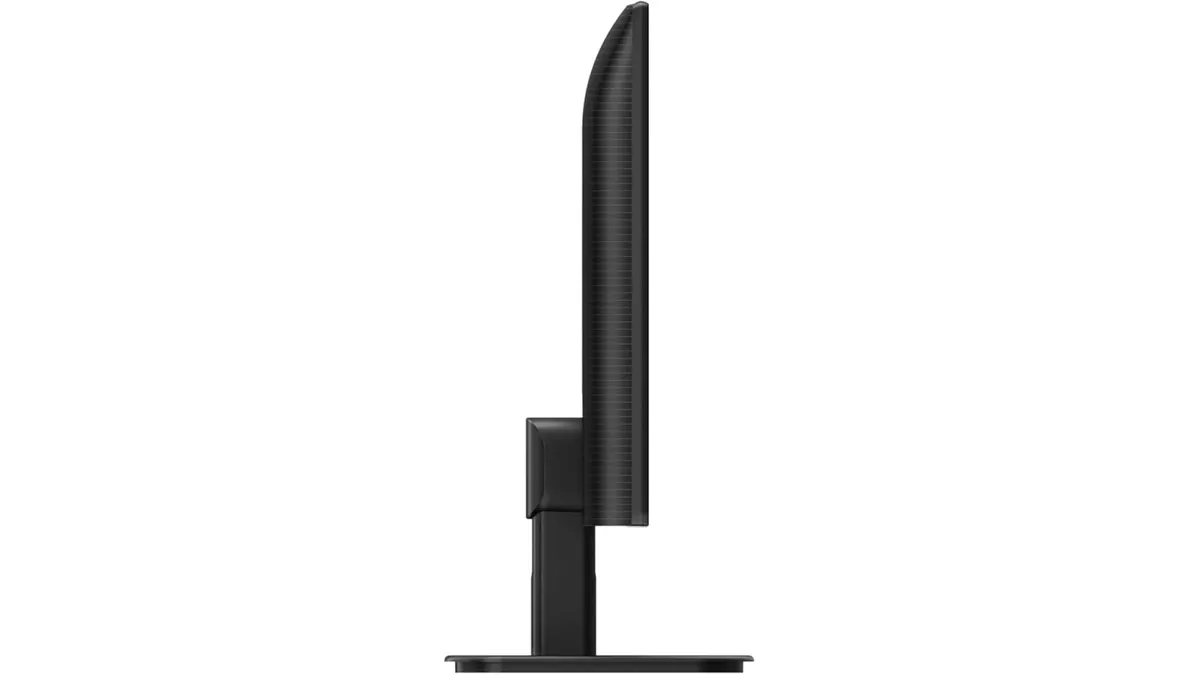
Ergonomically, the stand is basic. While it fulfills the standard requirements, it lacks the deep adjustment range found in more premium office gear. If you are a stickler for specific height and tilt angles, you might find yourself shopping for a separate VESA arm shortly after unboxing.
Who is it for?
This monitor is built for the remote worker or student who prioritizes visual clarity above everything else. If your primary goal is reading, writing, or basic photo editing, the 4K resolution provides the sharpness you need to reduce eye fatigue. It is a fantastic choice if you already have a docking station and just need a reliable, high-quality visual output.
It is not for the professional who wants a single-cable setup. If you were hoping to plug your laptop into the monitor and have it charge while transferring data, this device will frustrate you. It is also not the right pick for competitive gamers, despite the inclusion of a “Game Mode,” as it lacks high refresh rates and specialized motion-blur reduction tech.
Alternatives to consider
If you need better ergonomics and more advanced connectivity, look at the professional-grade options in the mid-to-high price tier. These models often feature built-in USB-C hubs that act as a central nervous system for your desk, as seen in the Dell UltraSharp U2724D Review: A Versatile 27-Inch Monitor.
Alternatively, if you find that a single 27-inch screen is not enough for your multitasking, consider a dual-monitor setup. Buying a matched pair of standard IPS displays can often be more cost-effective and provide more usable screen area than one premium 4K unit. For a deeper look at that approach, check out the Gigastone 27” IPS 2-Pack Review: Dual Monitors for Productivity.
Verdict
The Samsung ViewFinity S7 (S71H) is a solid, no-nonsense display that puts image quality first. While it lacks the bells and whistles of high-end hubs, its 4K IPS panel is a joy to work on all day. It is a dependable choice for anyone needing a sharper, more vibrant workspace on a reasonable budget.
Can I use this monitor for gaming?
While it includes a Game Mode to optimize contrast, it is primarily an office monitor. It will handle casual gaming just fine, but it is not built for high-refresh-rate competitive play.
Does it support VESA mounting?
Yes, the monitor is compatible with standard VESA mounts, which is recommended if you want to clear up desk space and improve your ergonomic posture.
Does it include a USB-C port?
No, it relies on HDMI and DisplayPort. You will need a separate adapter or docking station if your computer only has USB-C outputs.

Editor
Charly River · SetUpLatam
Charly River curates, reviews and edits SetUpLatam’s home office guides. He checks every product sheet against the manufacturer’s official specifications and cuts what does not help, so you buy right the first time.
You may also like
 Monitors
Philips 27E1N1800A Review: Sharp 4K Productivity
Looking for the best home office monitor? Our Philips 27E1N1800A review breaks down why this 4K IPS display is a reliable choice for remote work setups.
 Monitors
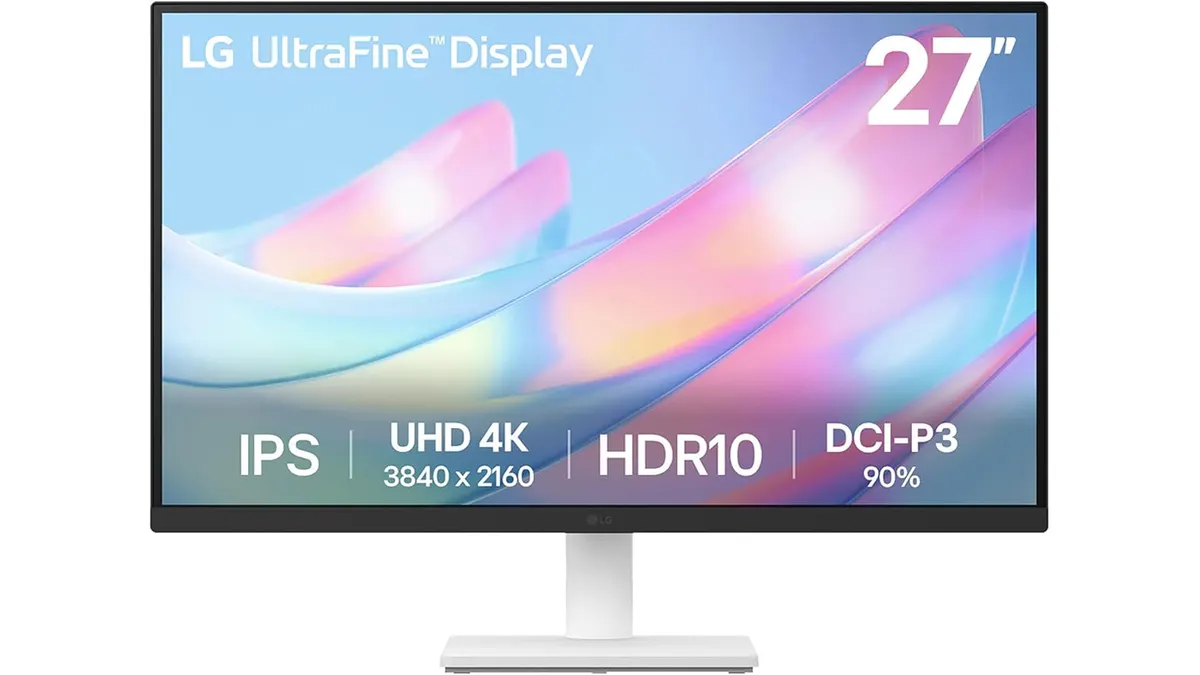
LG 27US500-W Review: A Solid 4K Home Office Choice
Is the LG 27US500-W the best home office monitor for your workspace? We break down its 4K performance, color accuracy, and ergonomics for remote workers.
 Monitors
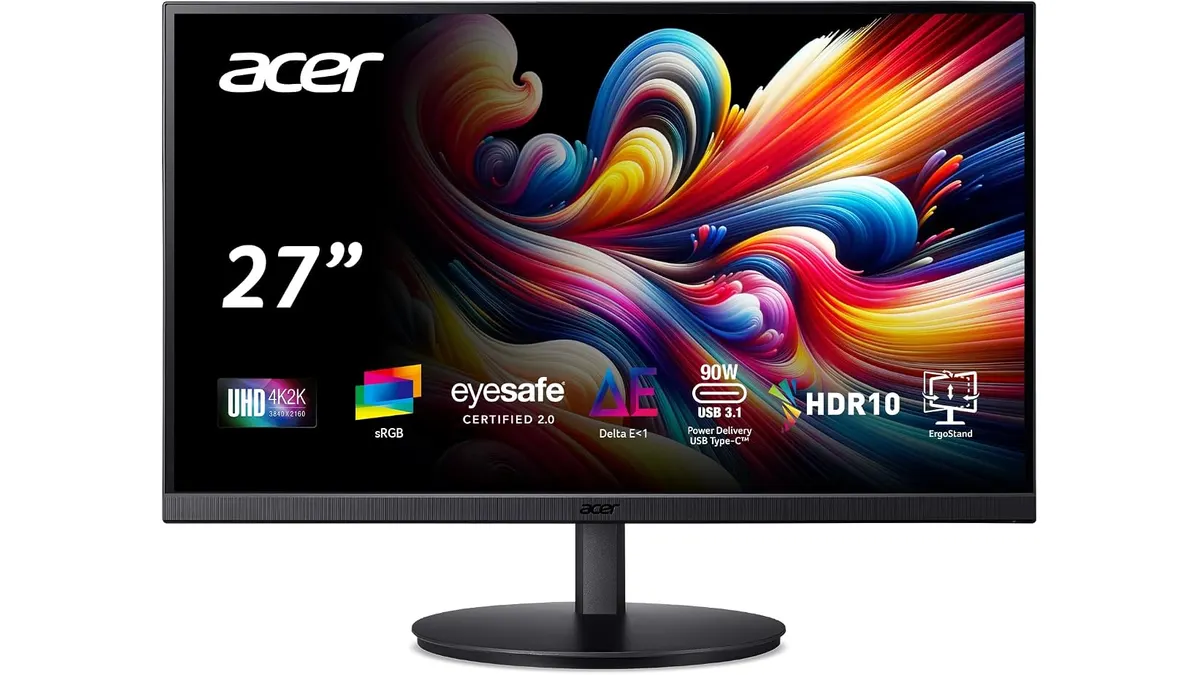
Acer CB272K bmiprux Review: Premium 4K Clarity
Looking for the best home office monitor? Our Acer CB272K bmiprux review breaks down its 4K resolution, USB-C connectivity, and color performance.