Redragon K743 PRO Review: A Gasket-Mounted TKL Gem
Looking for the best home office peripherals? Our Redragon K743 PRO review tests this feature-packed TKL keyboard to see if it belongs on your desk.
Buying guide: best peripherals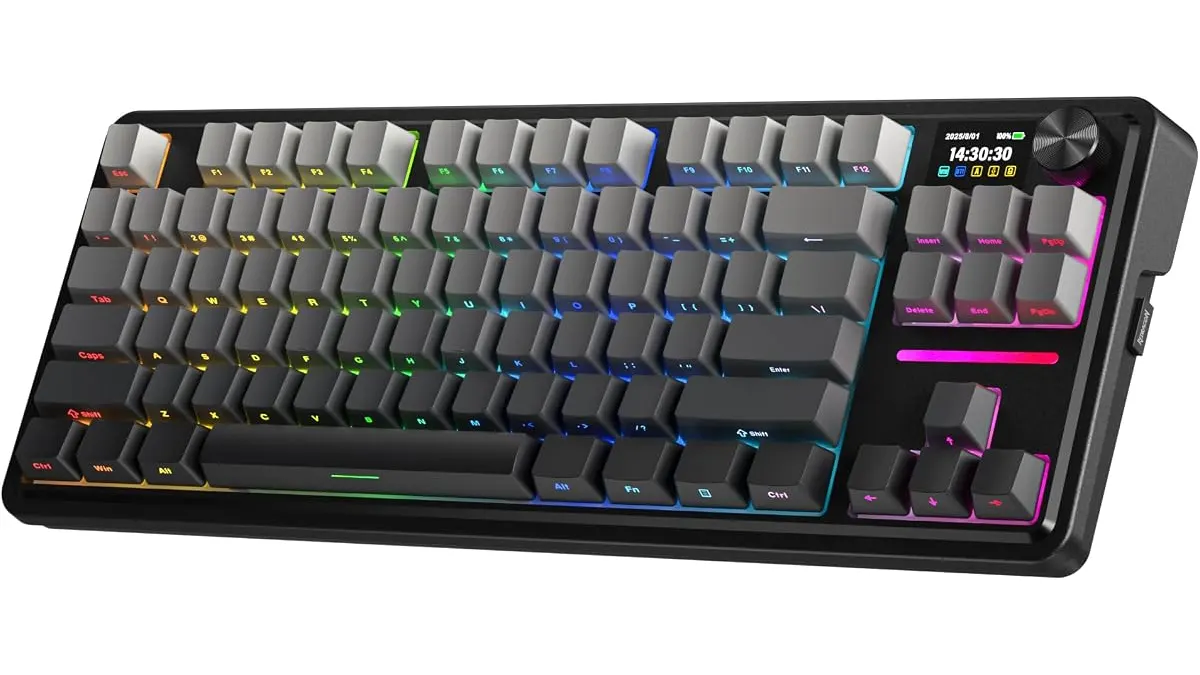 Peripherals
The Redragon K743 PRO is a distinct departure from the brand’s entry-level roots, leaning heavily into the enthusiast-grade features that modern remote workers crave. By packing a gasket mount design and a high-resolution display into a compact 80% TKL footprint, it secures its spot among the best home office peripherals for those who want tactile satisfaction without sacrificing desk space. If you value a refined typing experience and deep customization, this board is a serious contender for your setup. For more options to round out your workspace, check out our full collection of Peripherals.
What it does well
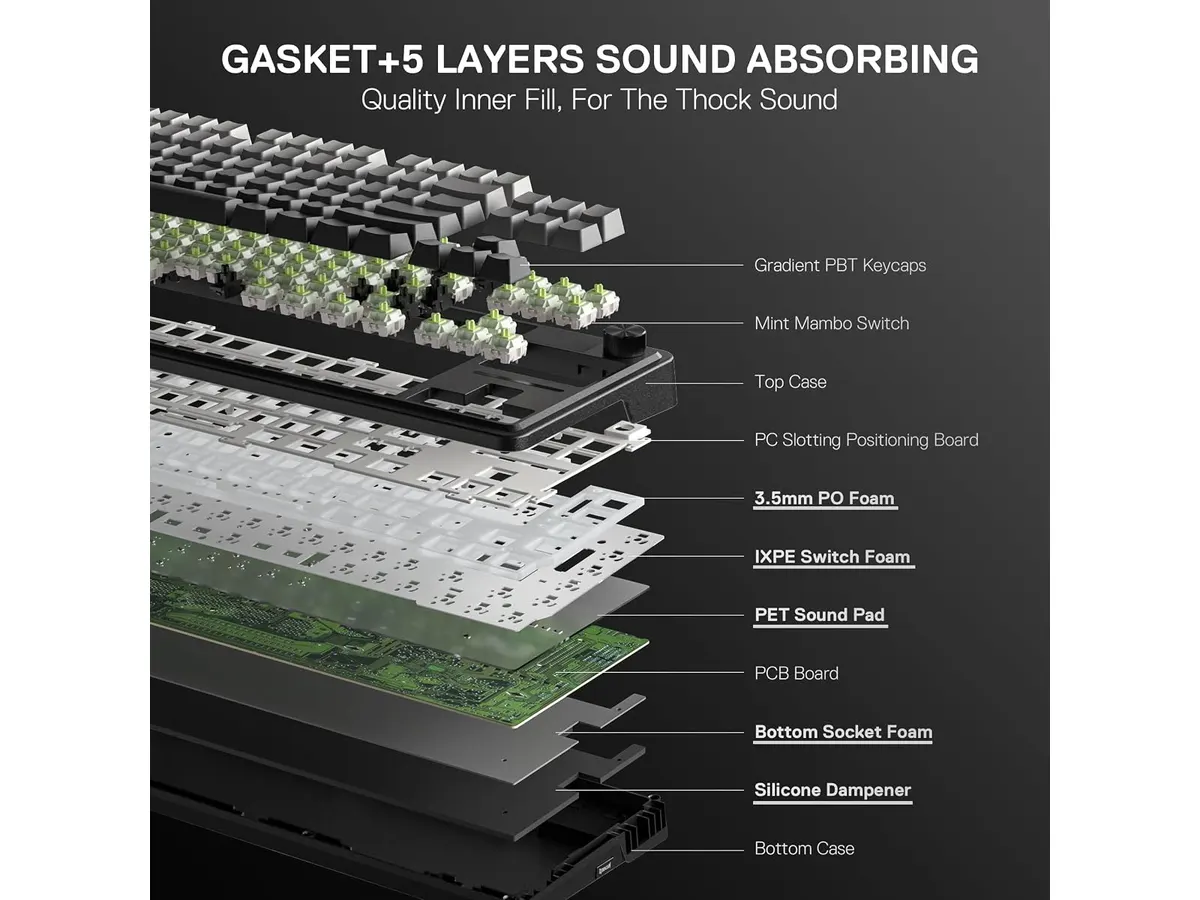
- Acoustic refinement: The implementation of a gasket mount structure combined with five layers of dampening foam is the highlight here. It effectively eliminates the hollow, metallic ping common in stock keyboards, resulting in a muted, thocky sound profile that is perfect for shared office environments or home setups where loud clicking is a distraction.
- Modern connectivity: Offering tri-mode connectivity makes this board remarkably versatile. You can switch between a low-latency 2.4 GHz wireless connection for gaming, Bluetooth for your tablet or secondary laptop, and a wired USB-C connection when you need to charge. The transition between devices is snappy and reliable.
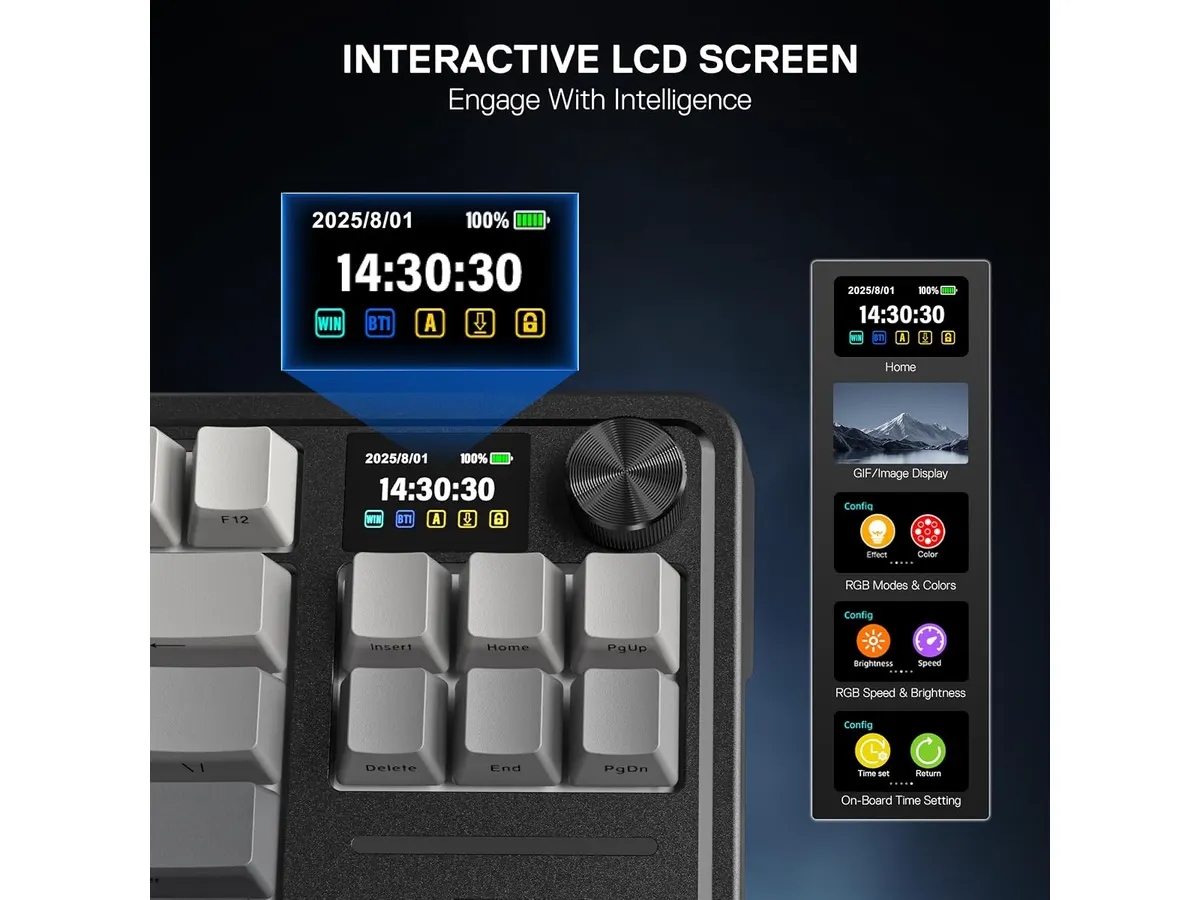
- Visual customization: The 1.41-inch TFT screen is not just a gimmick; it provides genuine utility. You can monitor your connection status and battery levels at a glance without digging into software menus. Plus, the ability to upload custom GIFs gives you a creative outlet to personalize your desktop aesthetic.
- Hot-swap flexibility: The inclusion of 3/5 pin hot-swap sockets means you are not stuck with the stock Linear Mint Mambo switches forever. As your preferences evolve, you can swap in tactile or clicky switches without needing a soldering iron, extending the lifespan of the board significantly.
Key specifications
| Feature | Specification |
|---|---|
| Layout | 80% TKL (84 keys) |
| Connectivity | Tri-mode (USB-C, Bluetooth 3.0/5.0, 2.4 GHz) |
| Switches | Linear Mint Mambo (Hot-Swappable) |
| Dampening | 5-layer foam structure |
| Display | 1.41” TFT screen with control knob |
| Keycaps | PBT gradient with side-printed legends |
| Lighting | South-facing RGB |
Where it falls short
While the build quality is impressive, the PBT gradient keycaps feature side-printed legends. While this looks sleek and creates a clean look, it can be frustrating if you are not a touch typist. In low-light conditions, the legends can be difficult to read since the light is south-facing and directed away from the side-print.
Furthermore, the complexity of the screen and the custom software required to manage GIFs and macros might overwhelm casual users. If you are looking for a plug-and-play board that works instantly without any configuration, you might find the initial setup phase a bit tedious compared to more basic options.
Who is it for?
This keyboard fits the office enthusiast perfectly. If you spend eight hours a day typing and want a board that feels dampened, premium, and visually unique, the Redragon K743 PRO is a joy to use. The gasket mount provides an ergonomic benefit by offering a slightly softer landing for your fingers during long work sessions.
It is not for the minimalist minimalist or the ultra-mobile professional. If you prefer a sparse desk with no screens or bells and whistles, the extra circuitry and the necessary software bloat will feel unnecessary. Similarly, those who frequently travel for work may find the TKL size and extra features heavier and more cumbersome than a dedicated 60% or 65% wireless board.
Alternatives to consider
If you prefer a more traditional, minimalist design without the screen or advanced gasket mounting, consider a standard mechanical board from a mid-range brand that prioritizes pure wireless stability. These options often focus on a cleaner aesthetic and longer battery life for professional environments. If you want something more budget-friendly that still offers mechanical switches for a starter setup, look toward basic wireless mechanical boards that strip away the TFT screen and high-end dampening to focus purely on connectivity.
Pairing your keyboard with the right mouse is equally critical. For a balanced workflow, consider matching this board with the iClever Wireless Mouse Review: A Versatile Choice for Remote Work for general tasks, or invest in the Logitech MX Master 3S Review: Ergonomic Wireless Mouse for Professionals if you need high-end productivity features.
Verdict
The Redragon K743 PRO successfully bridges the gap between budget hardware and enthusiast-level typing performance. Its gasket-mounted structure and thoughtful sound dampening make it one of the most pleasant typing experiences in its tier. While the side-printed legends require an adjustment period, the overall value and flexibility for a home office make it an easy recommendation.
Frequently asked questions
Does the TFT screen drain the battery quickly?
Yes, keeping the screen active at full brightness will reduce your total battery life compared to using the board without it. You can manage this through the settings to prioritize performance or longevity.
Can I use the screen to control my PC volume?
The integrated knob is the primary tool for volume and playback control, while the screen provides visual feedback for those changes.
Is this keyboard compatible with Mac?
Yes, the Bluetooth and USB-C connectivity are fully compatible with macOS, though you may need to adjust your system settings to map specific function keys properly.

Editor
Charly River · SetUpLatam
Charly River curates, reviews and edits SetUpLatam’s home office guides. He checks every product sheet against the manufacturer’s official specifications and cuts what does not help, so you buy right the first time.
You may also like
 Peripherals
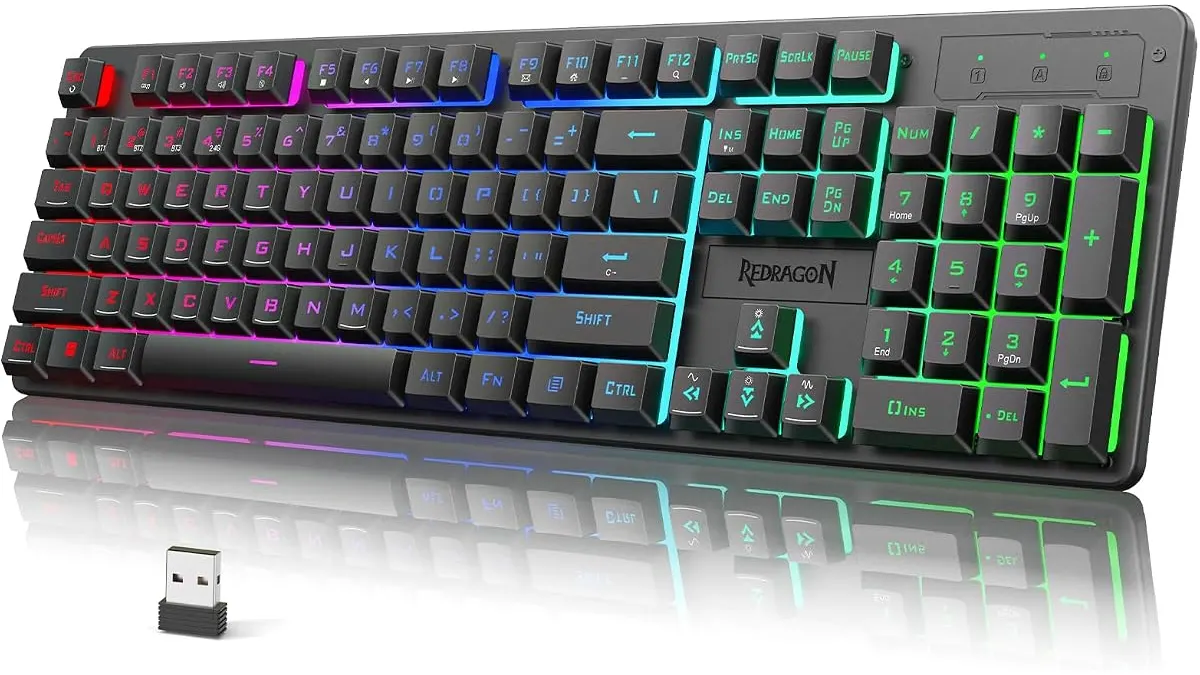
Redragon K521KS Review: Reliable Wireless Utility
The Redragon K521KS is a budget-friendly wireless keyboard for your desk. Read our review to see if it belongs among the best home office peripherals today.
 Peripherals
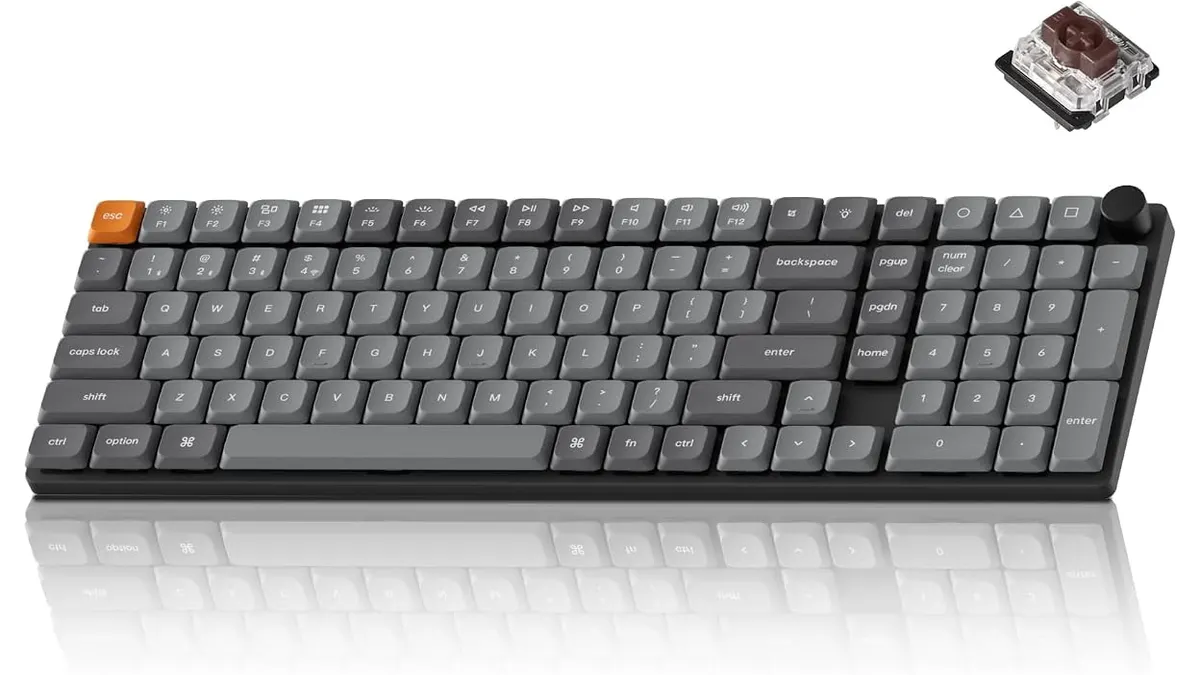
Keychron K17 Max Review: Slim 96% Layout
Deep dive Keychron K17 Max review: a low-profile 96% wireless keyboard built to fit the best home office peripherals setup for daily work.
 Peripherals
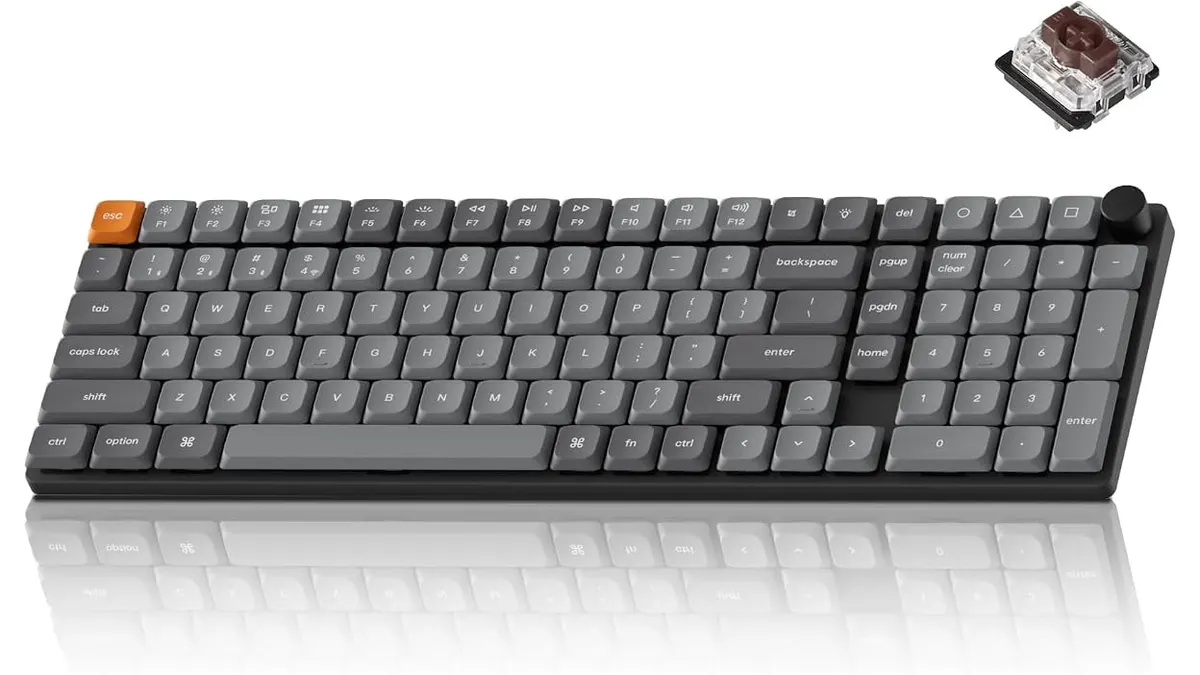
Keychron K17 Max Review: Low-Profile Control
Our Keychron K17 Max review details how this low-profile 96% keyboard stands out among the best home office peripherals for speed and custom code.