Acer USB C Hub 9-in-1 Review: A Reliable Workhorse
Searching for the best usb-c hub for home office setups? Our Acer USB C Hub 9-in-1 review breaks down its performance, connectivity, and real-world utility.
Buying guide: best mounts & hubs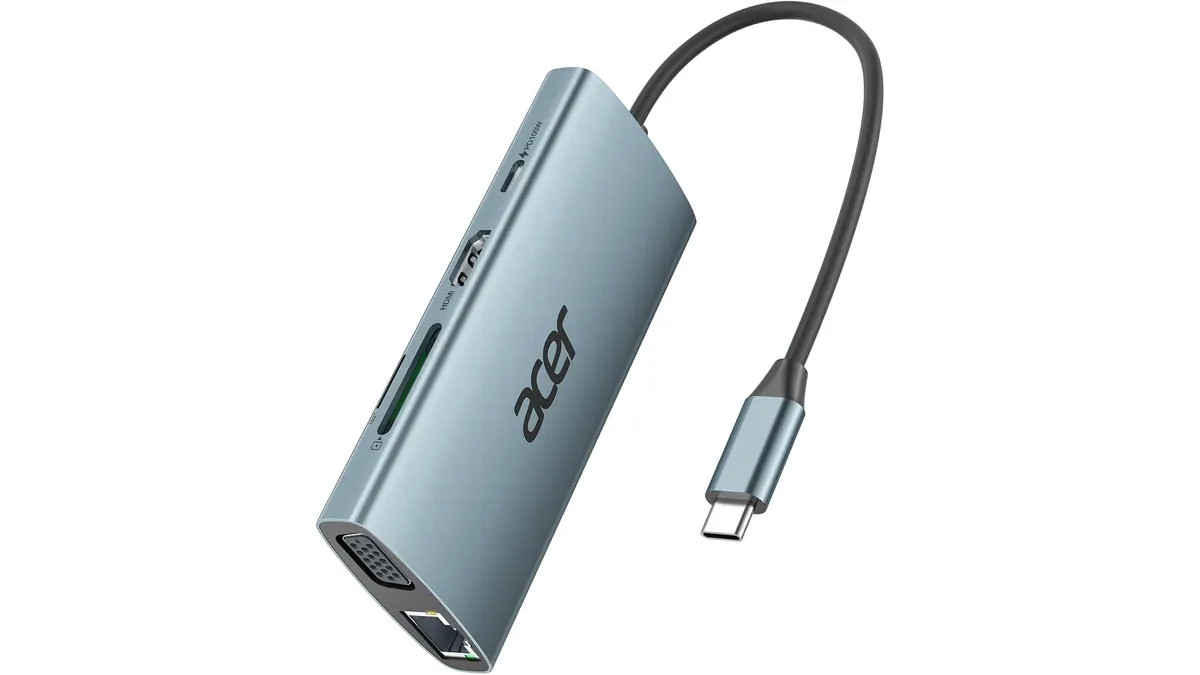 Mounts & Hubs
Modern laptops have become impressively thin, but that usually means sacrificing the ports you actually need during a workday. The Acer USB C Hub 9-in-1 steps in to bridge that gap, consolidating your peripherals, external displays, and power delivery into one tidy connection. If you are curating your Mounts & Hubs collection, this device stands out as a functional, no-nonsense choice that functions as a solid entry point for a streamlined home office. It is the best usb-c hub for home office users who prioritize stability and legacy port support over cutting-edge video refresh rates.
What it does well
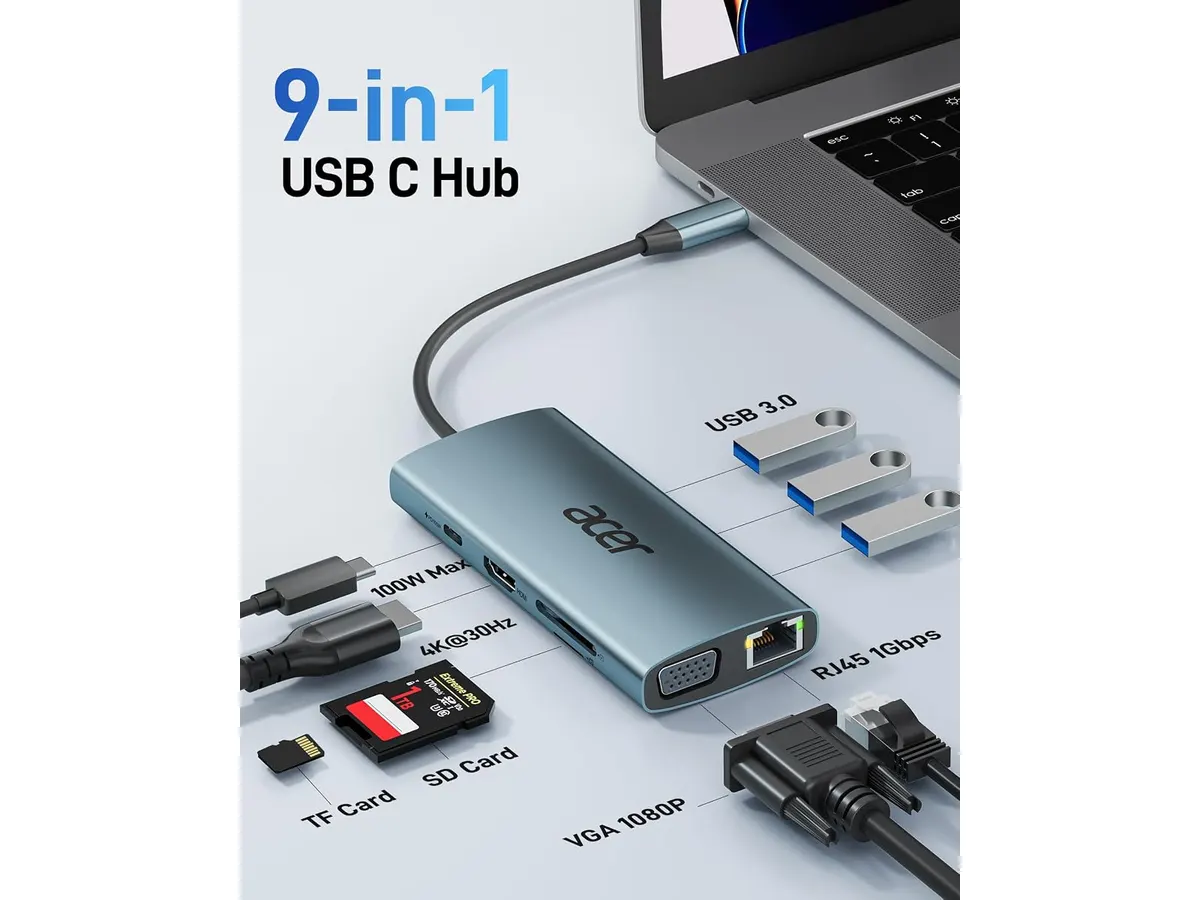
This hub excels at turning a single USB-C port into a comprehensive workstation interface. The inclusion of three USB 3.0 ports is a major win, as it allows you to connect a mouse, keyboard, and an external drive simultaneously without needing additional dongles. The 1000 Mbps Ethernet port is another standout feature; it provides a consistent, lag-free connection that is often more reliable for video calls than standard Wi-Fi, especially in crowded urban environments.
Furthermore, the hub handles power pass-through exceptionally well. By supporting up to 100W, it keeps your laptop charged while you run multiple accessories. For those who still rely on older hardware, the dual-video output capability—featuring both HDMI and VGA—is a practical inclusion. It allows you to extend your desktop across two displays, which is essential for managing multiple spreadsheets or reference documents simultaneously.
Key specifications
| Feature | Specification |
|---|---|
| Total Ports | 9 |
| HDMI Output | 4K at 30Hz |
| VGA Output | 1080P |
| Ethernet Speed | 1000 Mbps |
| USB-A Ports | 3 x USB 3.0 (5Gbps) |
| Power Delivery | Up to 100W (90W output) |
| Card Readers | SD and MicroSD (up to 1TB) |
Where it falls short
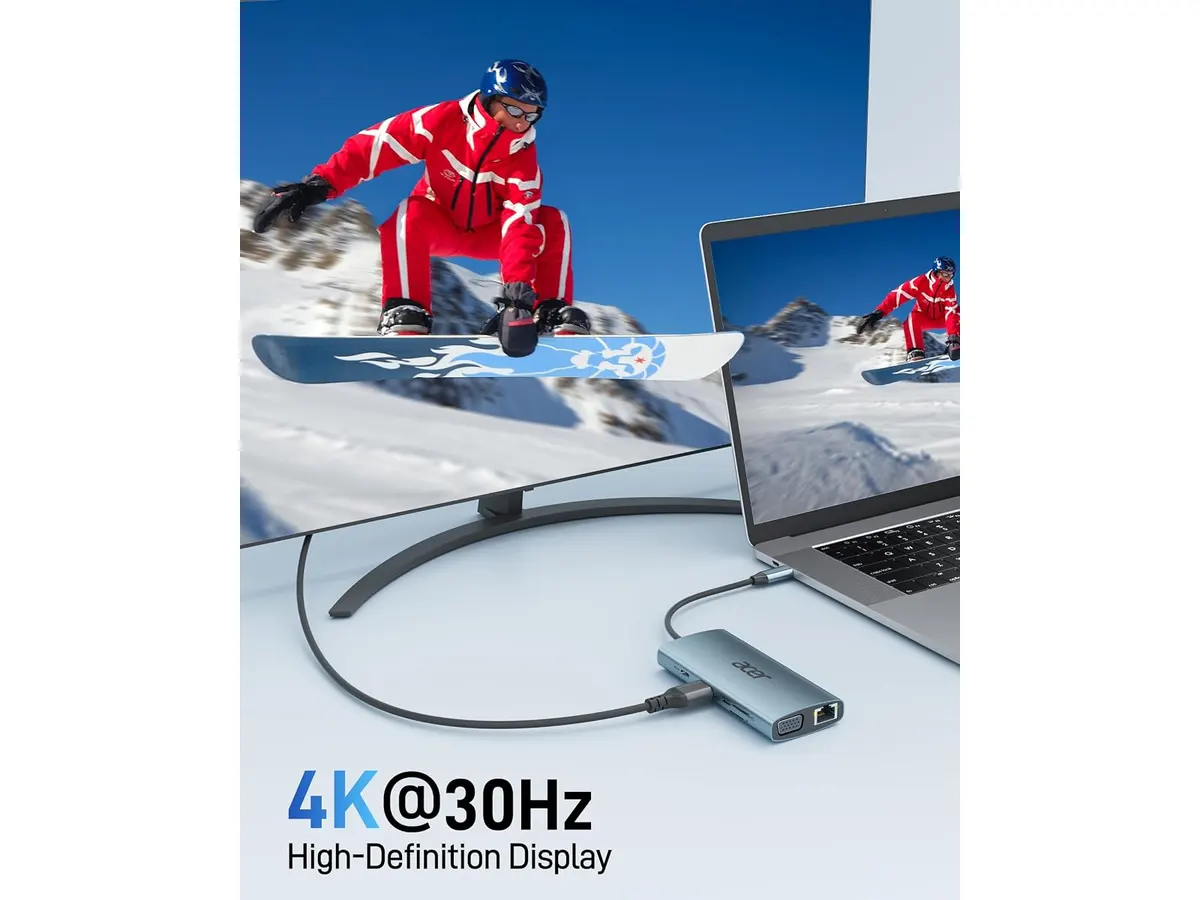
While the utility is high, the HDMI output is capped at 30Hz. If you are accustomed to the fluid motion of a 60Hz or 144Hz monitor, this will feel sluggish during daily navigation or creative tasks. It is fine for spreadsheets and word processing, but it is not built for high-refresh-rate productivity. Additionally, the build quality, while functional, lacks the premium feel and thermal management found in more expensive, aluminum-housed alternatives. When running multiple peripherals and high-speed data transfers, the unit can get warmer than you might expect.
Who is it for?
This hub is ideal for the student or remote worker who uses a mix of modern and legacy gear. If you have an older projector or monitor that requires VGA, this is one of the few reliable ways to keep using that hardware without building an entire adapter graveyard on your desk. Conversely, this is not the right choice for creative professionals or competitive gamers. If you require dual 4K monitors at 60Hz or need to move massive video files across high-speed connections consistently, you will hit the bandwidth limits of this device quickly.
Alternatives to consider
If you need a more portable, lightweight solution with a focus on travel, a premium mid-range adapter with a focus on compact design and high-speed data transfer is a better bet; see our Anker USB-C Hub 8-in-1 Review: Versatile Connectivity Solution for a look at a popular alternative in that class. For users with a heavy-duty professional setup involving multiple high-resolution displays and a need for extreme data throughput, you should look toward high-end, dedicated desktop docking stations. Our CalDigit TS4 Review: The Ultimate Desktop Hub covers the gold standard for those power users.
Verdict
The Acer USB C Hub 9-in-1 is a practical, value-driven peripheral that solves common connectivity issues for most remote workers. It manages your desk clutter effectively as long as you can live with the 30Hz refresh rate limitation. If your daily flow involves office applications and standard web browsing, it is a dependable addition to your setup. For more advanced workflows, you may need to look at more expensive, specialized docks to get the performance you require.
Frequently asked questions
Can I use both the HDMI and VGA ports at the same time?
Yes, the hub supports dual display output, allowing you to use both ports simultaneously to extend your workspace.
Will this hub charge my laptop while I use it?
Yes, it supports pass-through charging up to 100W, provided you connect your laptop’s own power adapter to the hub.
Does this hub require any special drivers to work?
No, this is a plug-and-play device. It should work immediately upon connection with any standard USB-C port that supports video and power delivery.

Editor
Charly River · SetUpLatam
Charly River curates, reviews and edits SetUpLatam’s home office guides. He checks every product sheet against the manufacturer’s official specifications and cuts what does not help, so you buy right the first time.
You may also like
 Mounts & Hubs
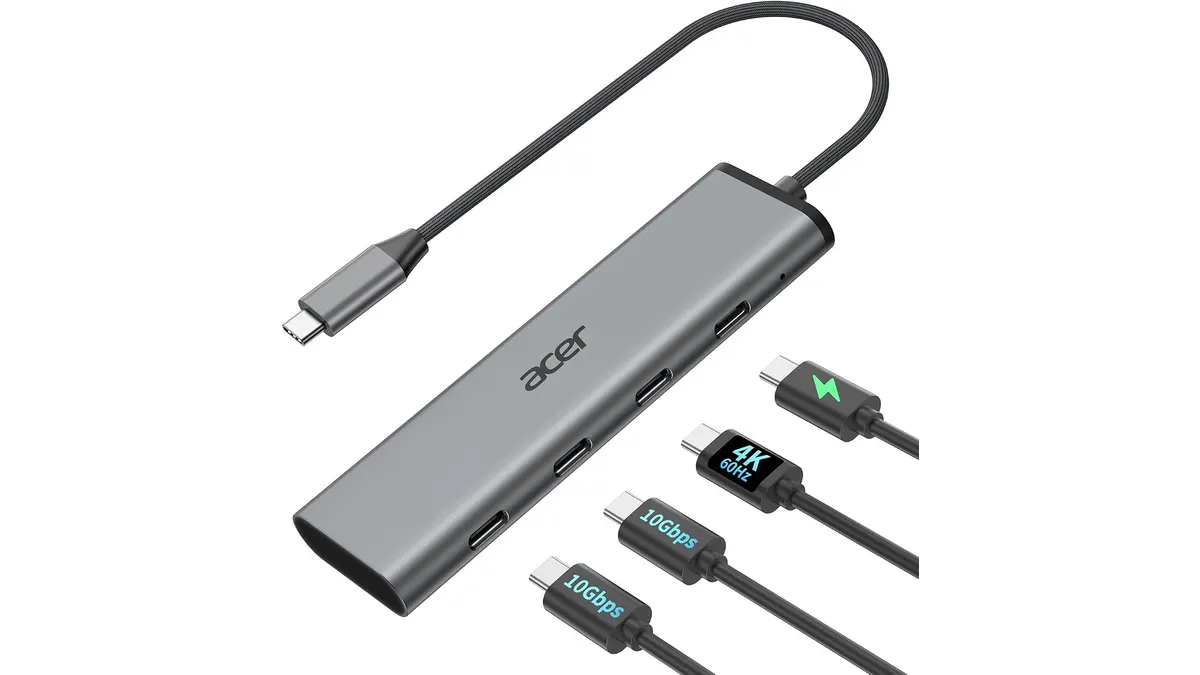
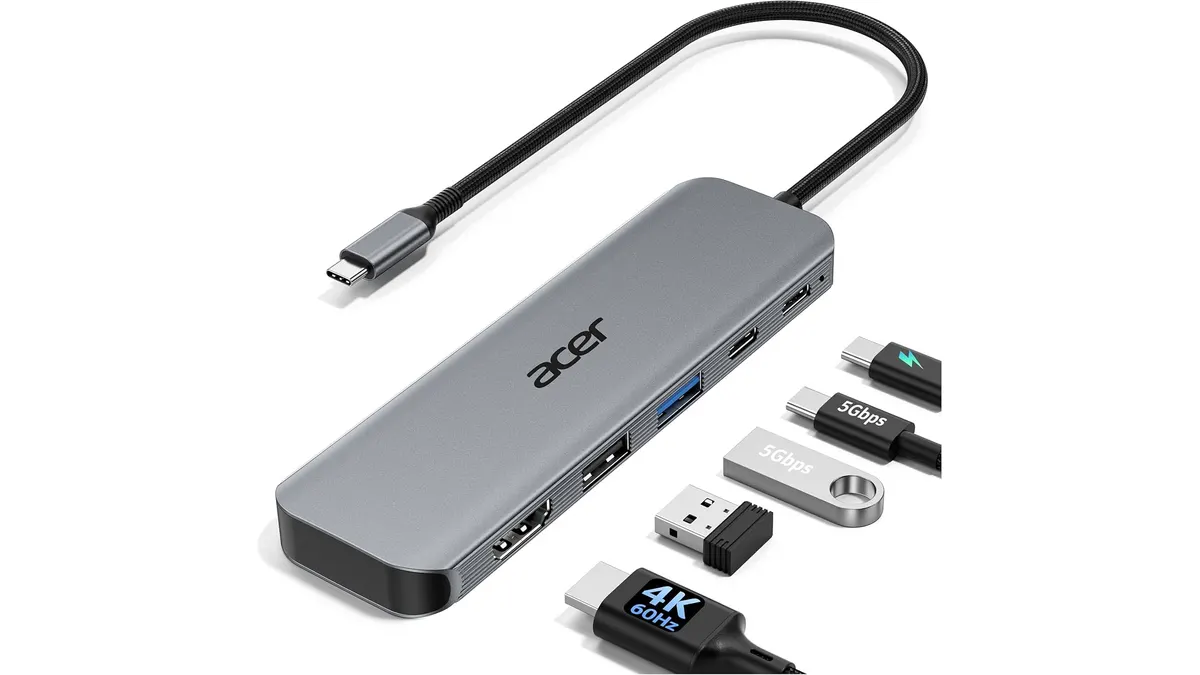
Acer Hub USB-C 4 en 1 Review: Compact Performance
We tested the Acer Hub USB-C 4 en 1 to see if it qualifies as the best usb-c hub for home office setups. Here is our honest take on its speed and reliability.
 Mounts & Hubs
Acer USB-C Hub 5-in-1 Review: A Compact Essential
Is the Acer USB-C Hub 5-in-1 the best usb-c hub for home office setups? We test its 4K 60Hz performance, build quality, and power delivery to find out.
 Mounts & Hubs
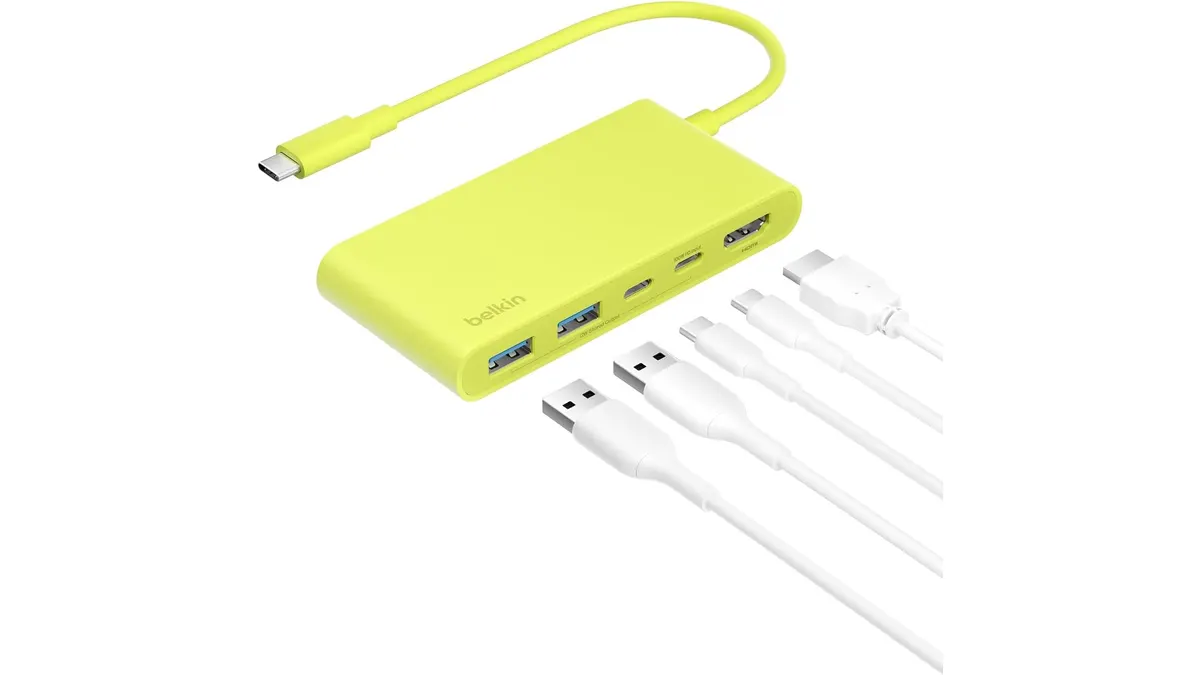
Belkin 100W USB C Hub Review: Compact Power
Looking for the best usb-c hub for home office setups? Our Belkin 100W USB C Hub review covers 4K 60Hz HDMI video, 100W PD, and transfer speeds.