Acer Hub USB-C 4 en 1 Review: Compact Performance
We tested the Acer Hub USB-C 4 en 1 to see if it qualifies as the best usb-c hub for home office setups. Here is our honest take on its speed and reliability.
Buying guide: best mounts & hubs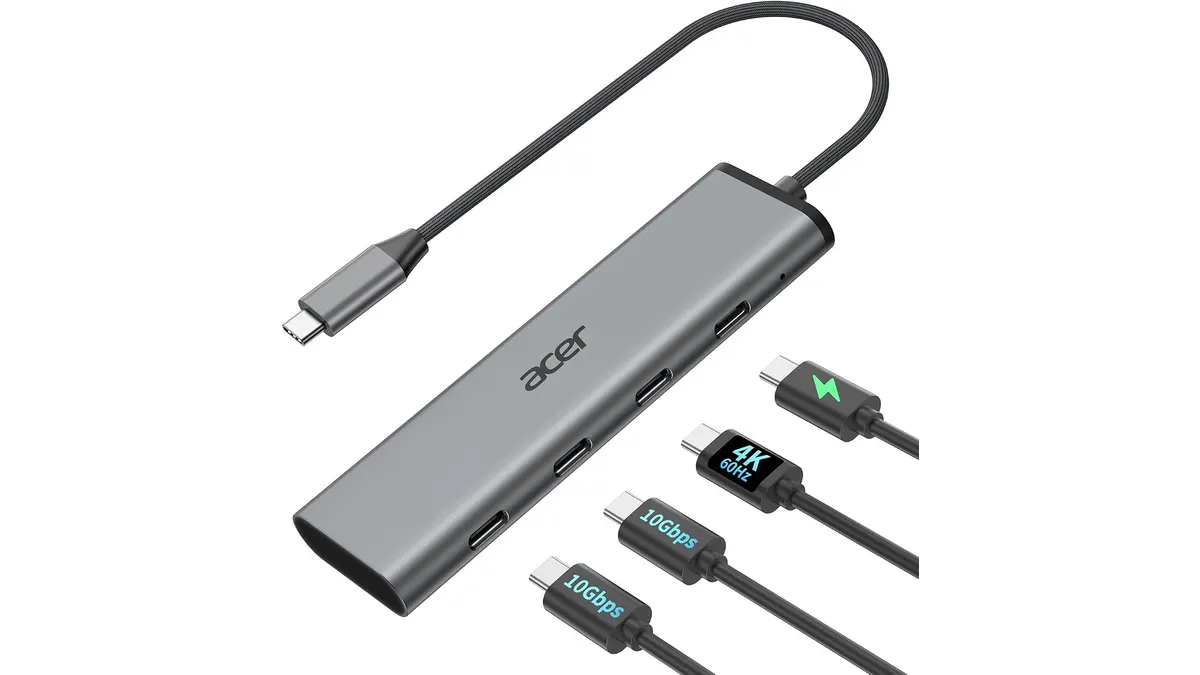 Mounts & Hubs
The Acer Hub USB-C 4 en 1 targets users who prioritize speed and simplicity over a sprawling port selection. If you have a modern laptop and need to bridge the gap between a single USB-C port and your daily peripherals, this device offers a focused solution. It fits neatly into our Mounts & Hubs collection for its portability and clean signal output.
What it does well
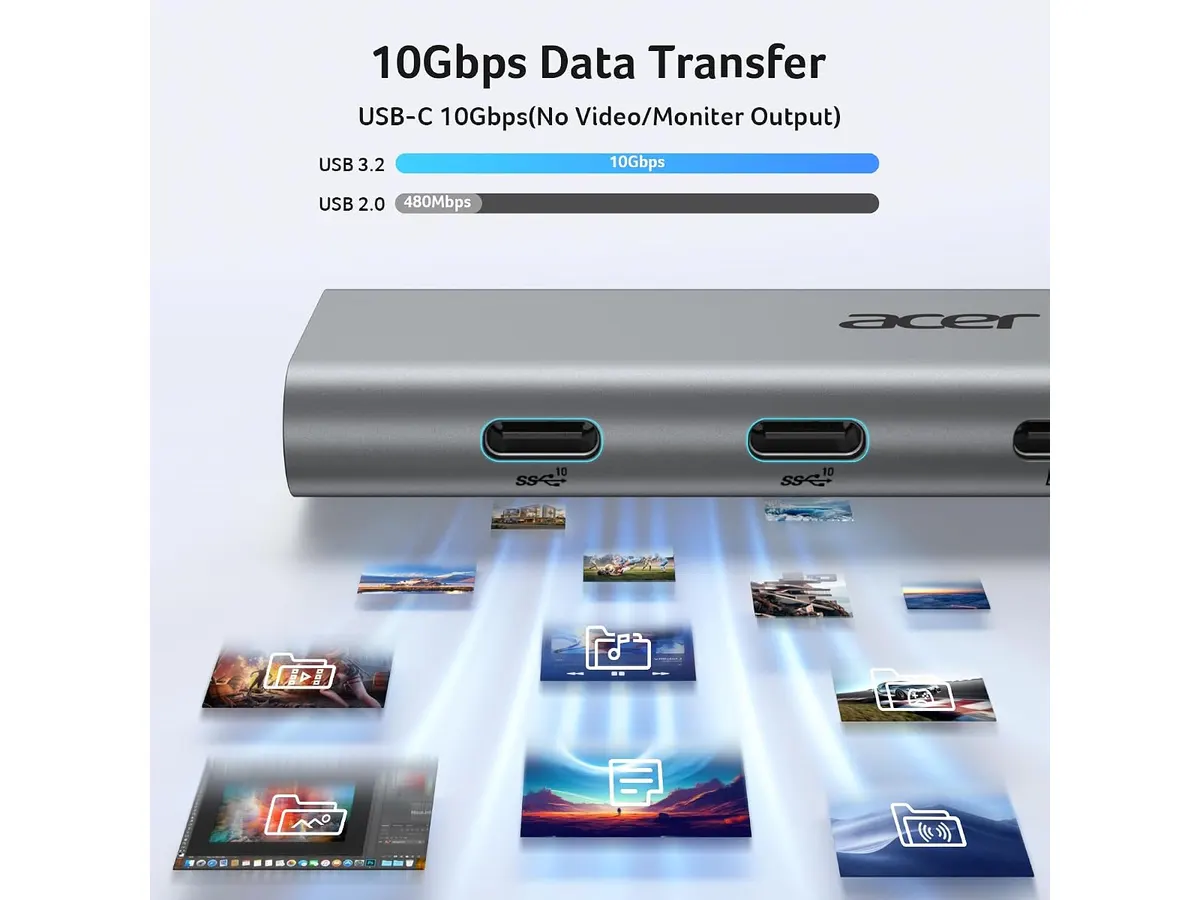
The standout feature here is the 10Gbps data transfer speed across its two USB-C ports. While many budget hubs throttle your transfer rates to 5Gbps, Acer has optimized these ports for actual productivity, making it a viable tool for moving large files between external SSDs and your laptop without waiting ages.
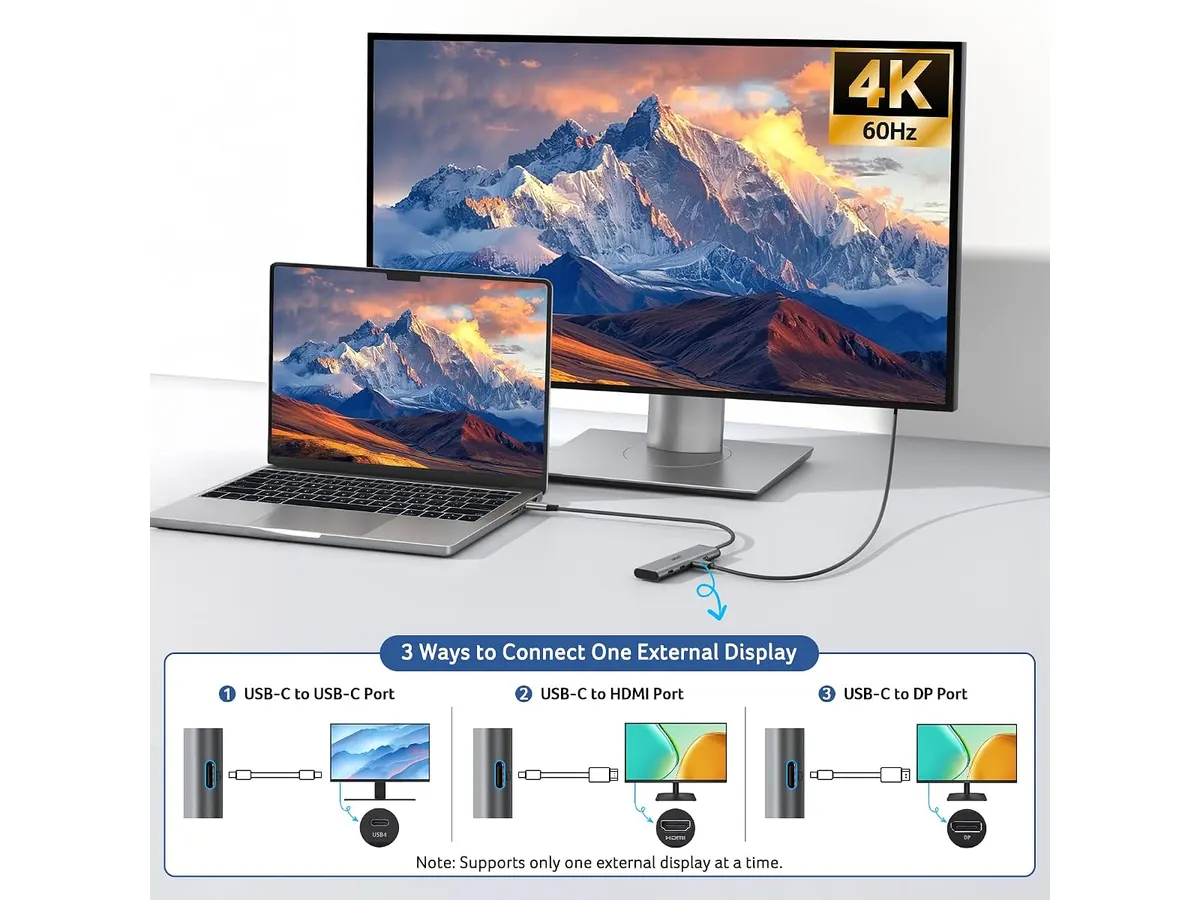
Another win is the 4K video support at 60Hz. Most basic hubs drop the refresh rate to 30Hz, which creates a jittery experience that causes eye strain after an hour of work. Acer delivers a smooth, high-resolution image that makes working on an external display feel natural. Finally, the 100W Power Delivery input—passing 90W to your device—is enough to keep most productivity-focused laptops charged while you work, effectively turning one port into a power and display bridge.
Key specifications
| Feature | Specification |
|---|---|
| Data Ports | 2 x USB-C 10Gbps |
| Video Resolution | 4K at 60Hz |
| PD Input | Up to 100W |
| PD Output | 90W |
| Connectivity | USB-C (DP Alt Mode) |
Where it falls short
The primary limitation is the total lack of variety. By focusing exclusively on USB-C and video, this hub ignores the reality of the modern home office, where legacy USB-A ports for mice, keyboards, or printers are still standard. You will likely need to buy additional adapters or cables to make this hub work with older gear.
Furthermore, the physical footprint is quite minimalist, which is great for travel but less ideal for a permanent desk setup. Without weight or a sturdy base, the connected cables can pull the hub off your desk if your workspace isn’t organized. If you prefer a desktop-anchored solution, you might find this model too light.
Who is it for?
This hub is for the minimalist creator or remote worker who already uses USB-C peripherals and just needs a clean, high-bandwidth bridge to their monitor and power source. It is the perfect companion for a student carrying a single laptop between classes and the library.
It is not for the person with a cluttered desk full of older USB-A drives, mechanical keyboards, and wired mice. If you need a comprehensive workstation bridge, you should look at the Anker USB-C Hub 8-in-1 Review: Versatile Connectivity Solution instead.
Alternatives to consider
For those who need a massive array of ports and desk stability, a premium desktop dock is the way to go. These sit permanently on your desk and offer everything from Ethernet to SD card slots; you can read our CalDigit TS4 Review: The Ultimate Desktop Hub to see the high-end tier. Conversely, if you are looking for a cheaper, entry-level alternative with a wider variety of ports but slower data speeds, there are plenty of mid-tier options that prioritize volume over pure throughput.
Verdict
The Acer Hub USB-C 4 en 1 is a specialized tool that performs its primary functions with high reliability. While its lack of legacy ports limits its utility for general office users, its 10Gbps speeds and 60Hz video output are excellent for professionals who have already transitioned to a fully USB-C workflow. If you value speed and compact design, it is a smart addition to your kit.
Frequently asked questions
Can I use this to charge my laptop?
Yes, it supports up to 100W input and provides 90W of pass-through power, which is sufficient for most ultrabooks and even some performance laptops.
Do the USB-C ports support data transfer and video?
The ports are designed for high-speed data at 10Gbps. Ensure your laptop’s USB-C port supports DP Alt Mode to utilize the video output capabilities effectively.
Is this compatible with both Mac and Windows?
Yes, it is a standard plug-and-play device compatible with both operating systems as long as your laptop’s USB-C port supports video output and Power Delivery.

Editor
Charly River · SetUpLatam
Charly River curates, reviews and edits SetUpLatam’s home office guides. He checks every product sheet against the manufacturer’s official specifications and cuts what does not help, so you buy right the first time.
You may also like
 Mounts & Hubs
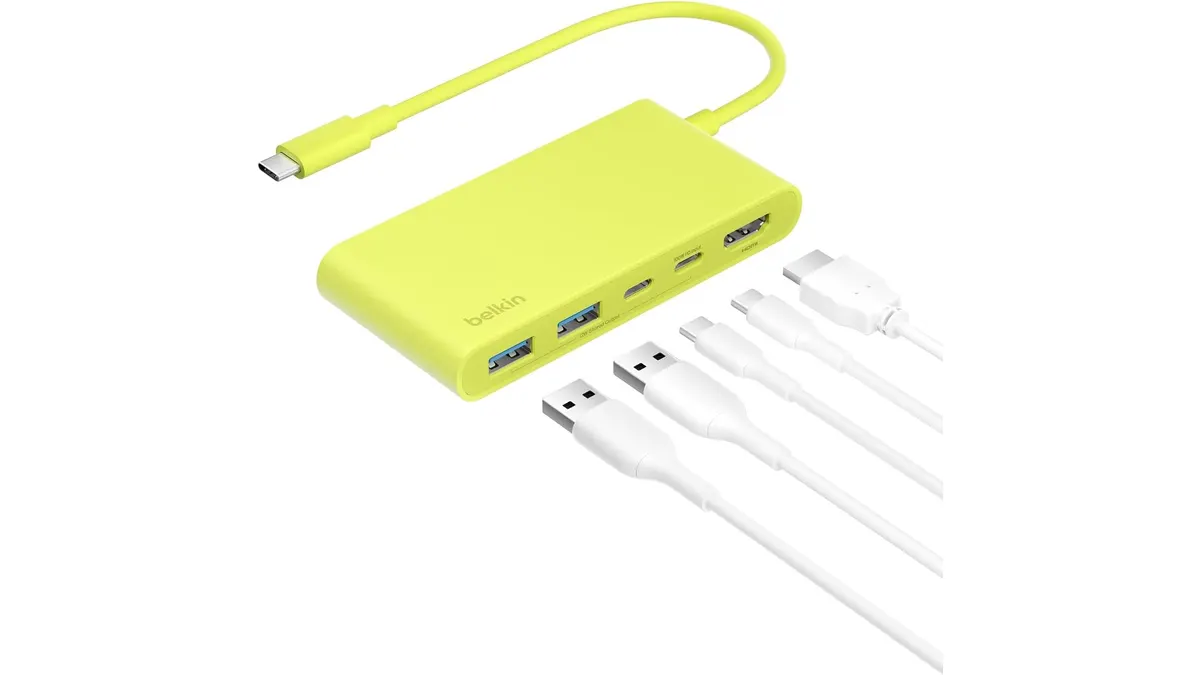
Belkin 100W USB C Hub Review: Compact Power
Looking for the best usb-c hub for home office setups? Our Belkin 100W USB C Hub review covers 4K 60Hz HDMI video, 100W PD, and transfer speeds.
 Mounts & Hubs
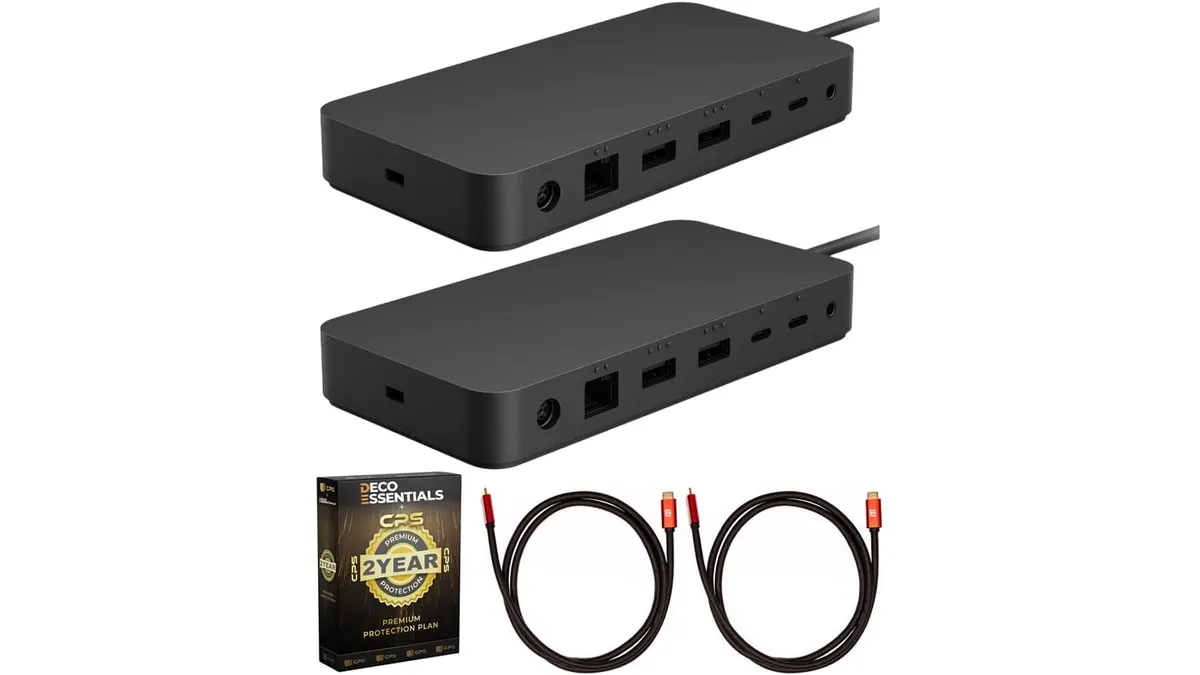
Microsoft Surface Thunderbolt 4 Dock Review
Our Microsoft Surface Thunderbolt 4 Dock review breaks down performance, dual 4K support, and why it is the best usb-c hub for home office workstations.
 Mounts & Hubs
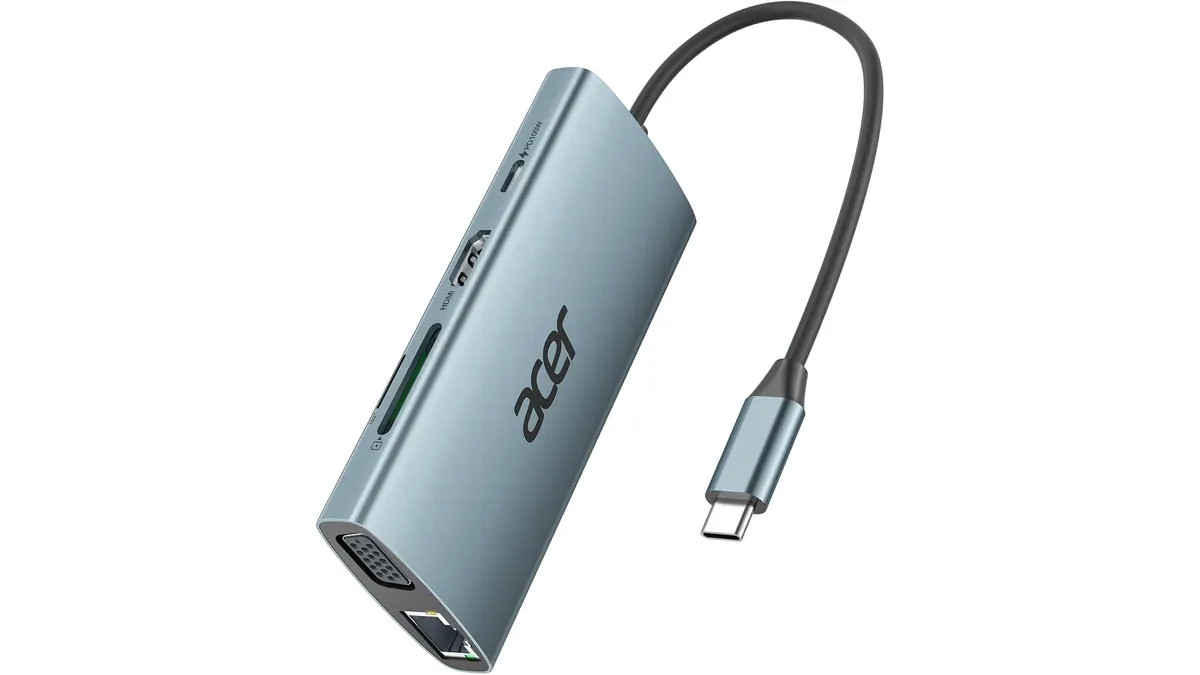
Acer USB C Hub 9-in-1 Review: A Reliable Workhorse
Searching for the best usb-c hub for home office setups? Our Acer USB C Hub 9-in-1 review breaks down its performance, connectivity, and real-world utility.