Anker USB-C Hub 8-in-1 Review: Versatile Connectivity Solution
Discover the Anker USB-C Hub 8-in-1 for seamless connectivity, ideal for remote workers and students. Check our in-depth review.
Buying guide: best mounts & hubs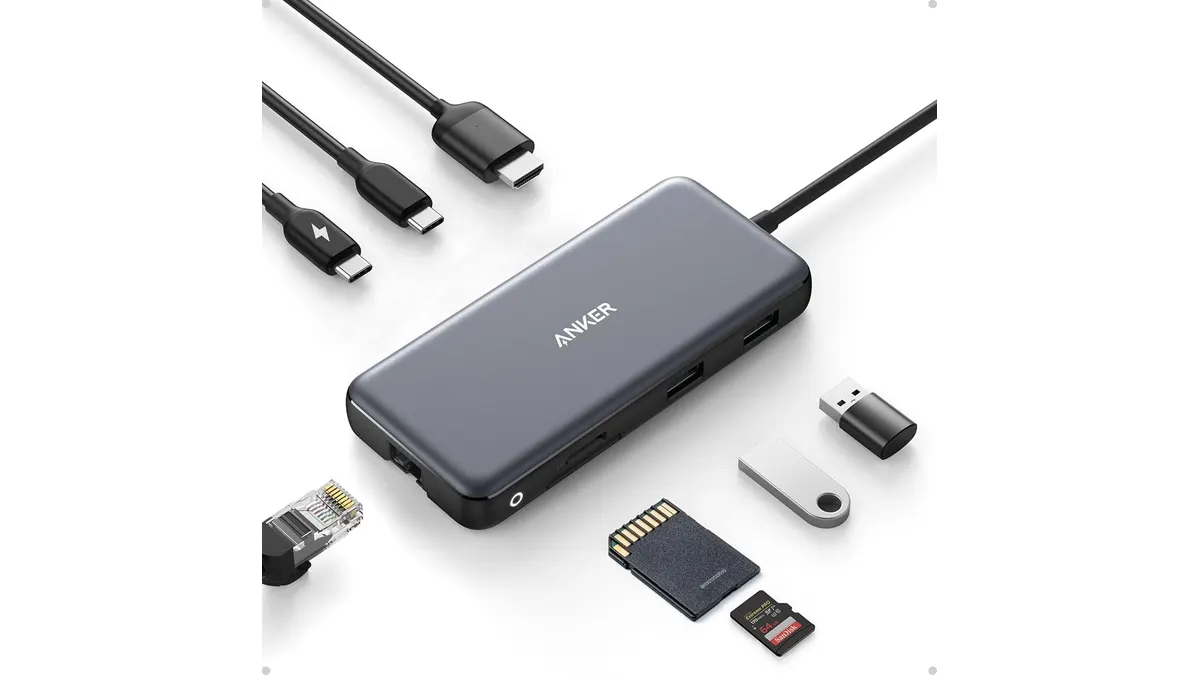 Mounts & Hubs
The Anker USB-C Hub 8-in-1 is a versatile connectivity solution designed for remote workers, students, and creators who require multiple connection options from a single USB-C port. This hub is particularly beneficial for users who need high-speed data transfer, video output, and charging capabilities, making it a suitable addition to any modern home office setup. With the increasing reliance on various devices to complete daily tasks, this hub aims to streamline your workspace by minimizing clutter while maximizing efficiency.
What it does well
- Multiple Ports: The hub includes various ports such as USB-C PD, USB-C data, two USB-A ports, HDMI, Ethernet, and microSD/SD card slots. This allows users to connect multiple devices simultaneously without sacrificing performance. For instance, you can connect your laptop to an external monitor while also using a USB-A drive and charging your device, which can significantly enhance your productivity.
- High-Resolution Video Output: The HDMI port supports video output of up to 4K at 60Hz when using DisplayPort 1.4, providing an excellent option for users who require clear visuals for presentations or streaming. For professionals giving presentations or students attending virtual classes, this feature ensures that visuals are crisp and engaging.
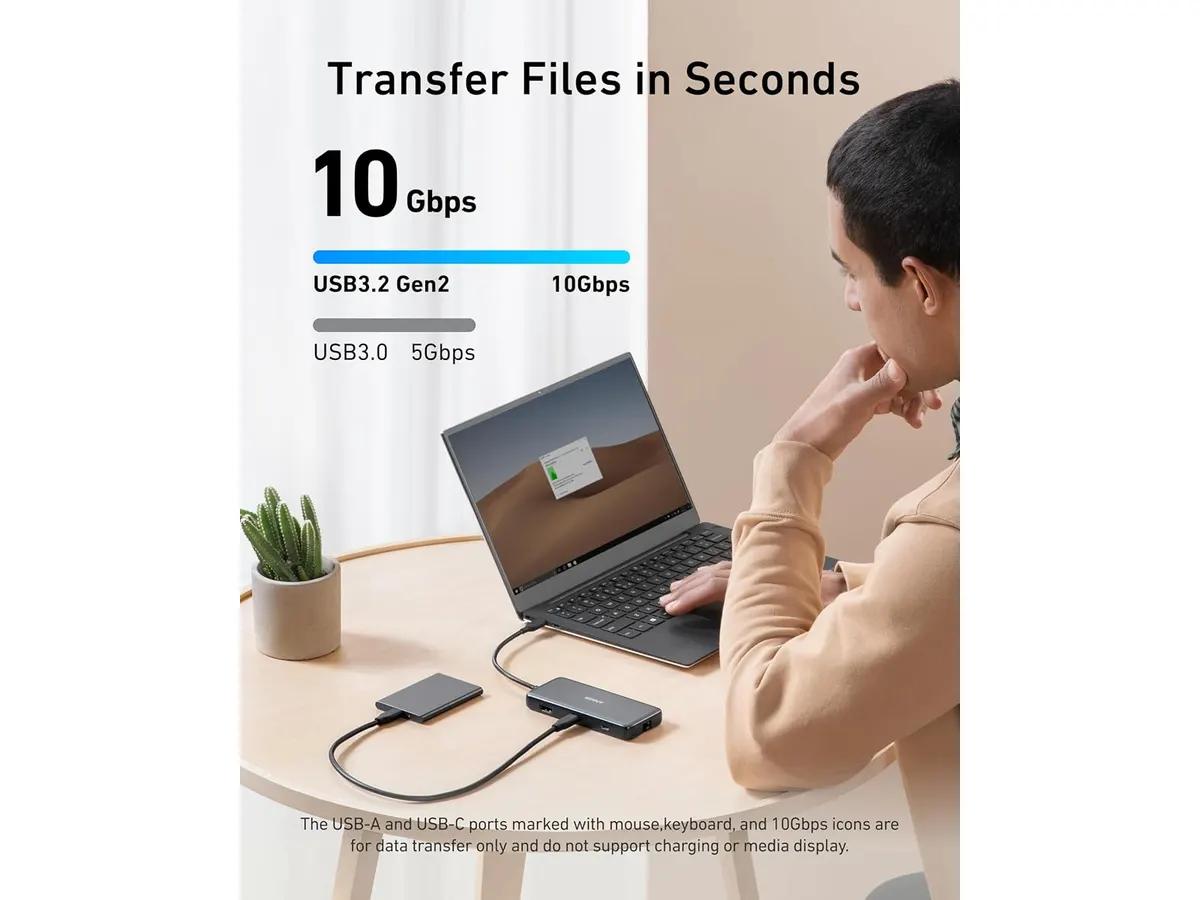
- Fast Data Transfer Speeds: With data transfer rates of up to 10 Gbps through both USB-C and USB-A ports, users can quickly transfer large files, making it ideal for photographers, videographers, and creatives. This speed is crucial when time is of the essence, such as during tight deadlines or when uploading content for social media.
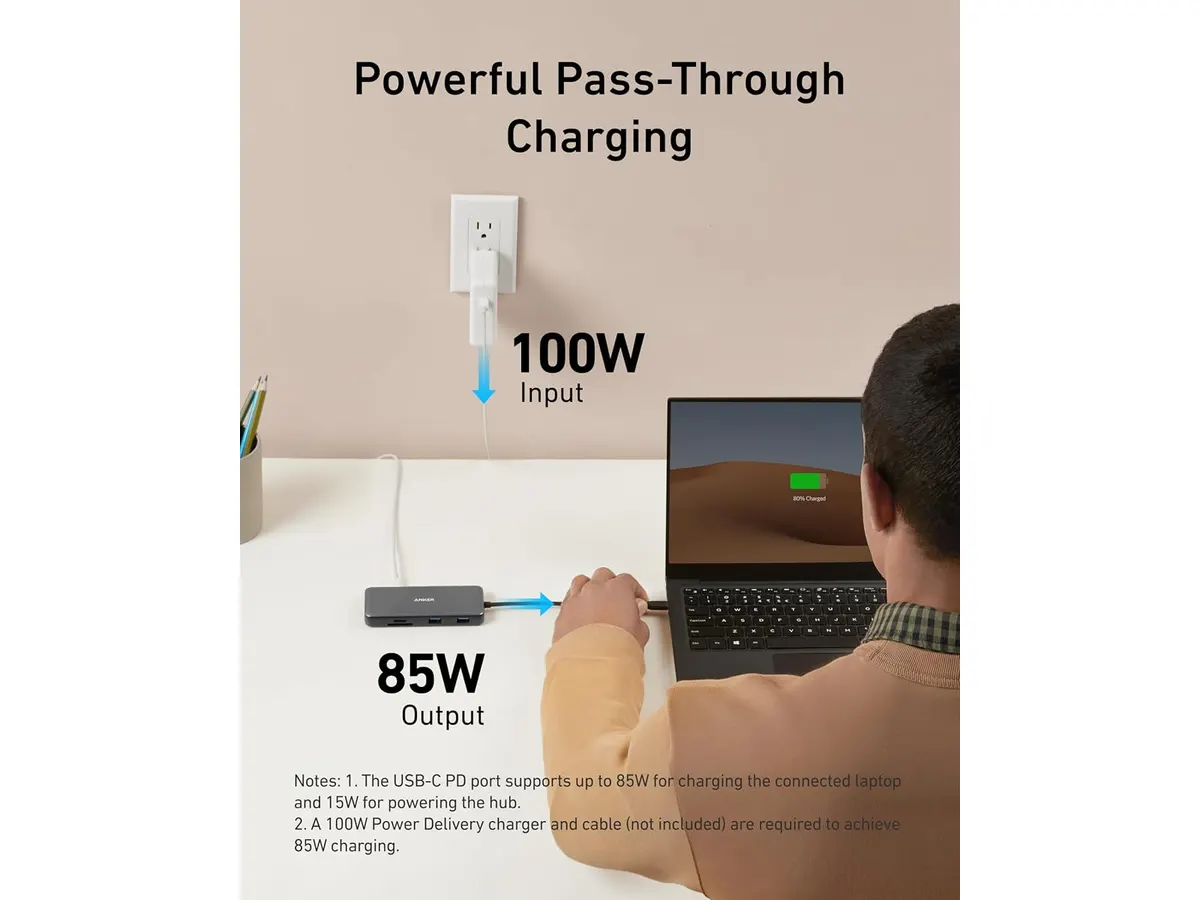
- Charging Capability: The hub supports pass-through charging of up to 85W, allowing users to power their laptops while using the hub, which is essential for prolonged work sessions without interruption. This feature is particularly useful for remote workers who spend extended hours at their desks.
Key specifications
| Feature | Specification |
|---|---|
| Ports | USB-C PD, USB-C data, 2x USB-A, HDMI, Ethernet, microSD/SD |
| Video | 4K@60Hz (DP 1.4) / 4K@30Hz (DP 1.2) |
| Data Transfer | Up to 10 Gbps |
| Pass-through Charging | Up to 85 W |
| Cable Length | 7.48 inches |
| Compatibility | USB-C, USB4, Thunderbolt, macOS 12+, Windows 10/11, ChromeOS |
Where it falls short
- Limited Port Variety: While the Anker USB-C Hub includes several useful ports, it may not satisfy users looking for additional USB-A ports or other specialized connections, such as DisplayPort. This limitation can be a drawback for power users needing to connect a variety of devices simultaneously or those using specific peripherals.
- Cable Length: The integrated cable length of 7.48 inches can be restrictive in some setups, potentially requiring additional USB-C extension cables in large or complex configurations. Users with larger desks or specific layouts may find this aspect cumbersome when arranging their gear.
- Heat Generation: Some users may experience heat generation during prolonged use, especially with high data transfer and charging, which could affect the hub’s longevity and performance. This could be a concern for users who plan to utilize the hub for extended periods, so it’s advisable to monitor its temperature during heavy use.
Who is it for?
- Fits: This hub is ideal for remote workers and students who frequently connect multiple devices, such as external monitors, storage drives, and peripherals, while needing reliable charging capabilities. If your work involves multitasking across several devices, this hub can provide the necessary connectivity to keep your workflow seamless.
- Does not fit: It’s not suitable for users who require extensive connectivity options or specialized ports beyond what is provided, like numerous USB-A ports or legacy connections. If you’re someone who often connects a wide array of devices simultaneously, or if you rely heavily on specific types of connections not included in this hub, you might find it lacking.
Alternatives to consider
- Budget Option: For users seeking a more economical solution, consider a basic USB-C hub that offers essential connectivity options like a few USB-A ports and HDMI output. This is useful for casual users who don’t require extensive features. Such options might include models with fewer ports that can handle basic tasks like connecting a mouse, keyboard, and an external display without breaking the bank.
- Premium Option: For those needing additional features, a higher-end USB-C hub with extra Thunderbolt ports, faster data transfer rates, and more extensive charging capabilities may be suitable. This option is better for professionals who rely on high-performance equipment and require a versatile hub that can handle demanding tasks, such as video editing or large-scale data management.
Verdict
The Anker USB-C Hub 8-in-1 is a solid choice for individuals seeking an efficient way to connect multiple devices while maintaining high-speed data transfers and video output. Its strengths in versatility and charging capabilities make it a valuable addition to any home office setup. However, users with unique connectivity needs or larger setups may want to explore other options in the Mounts & Hubs category to find the best fit for their requirements.
Frequently asked questions
How does the Anker USB-C Hub 8-in-1 connect to my device?
The hub connects through a USB-C port on your device, allowing you to expand connectivity options immediately. Simply plug it in, and you can start using it right away.
Can I use the HDMI output for dual monitors?
Yes, but the hub supports a single HDMI output at a time. To connect dual monitors, you’ll need a different solution. Users looking for multi-monitor setups might have to invest in a hub specifically designed for that purpose.
Is this hub compatible with my MacBook?
Yes, the Anker USB-C Hub is compatible with macOS 12+, making it an excellent choice for MacBook users. This compatibility ensures that Mac users can easily utilize the hub’s features without issues.

Editor
Charly River · SetUpLatam
Charly River curates, reviews and edits SetUpLatam’s home office guides. He checks every product sheet against the manufacturer’s official specifications and cuts what does not help, so you buy right the first time.
You may also like
 Mounts & Hubs
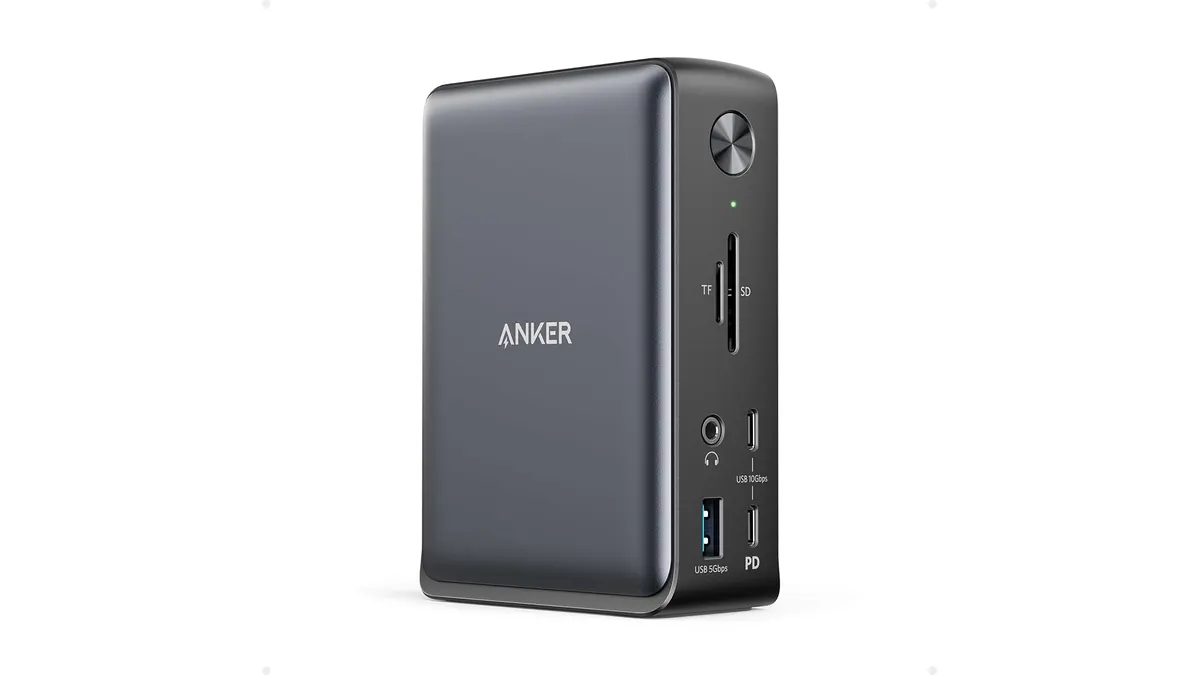
Anker 13-in-1 USB-C Docking Station Review
Looking for the best usb-c hub for home office setups? Read our detailed Anker 13-in-1 USB-C Docking Station review covering specs and performance.
 Mounts & Hubs
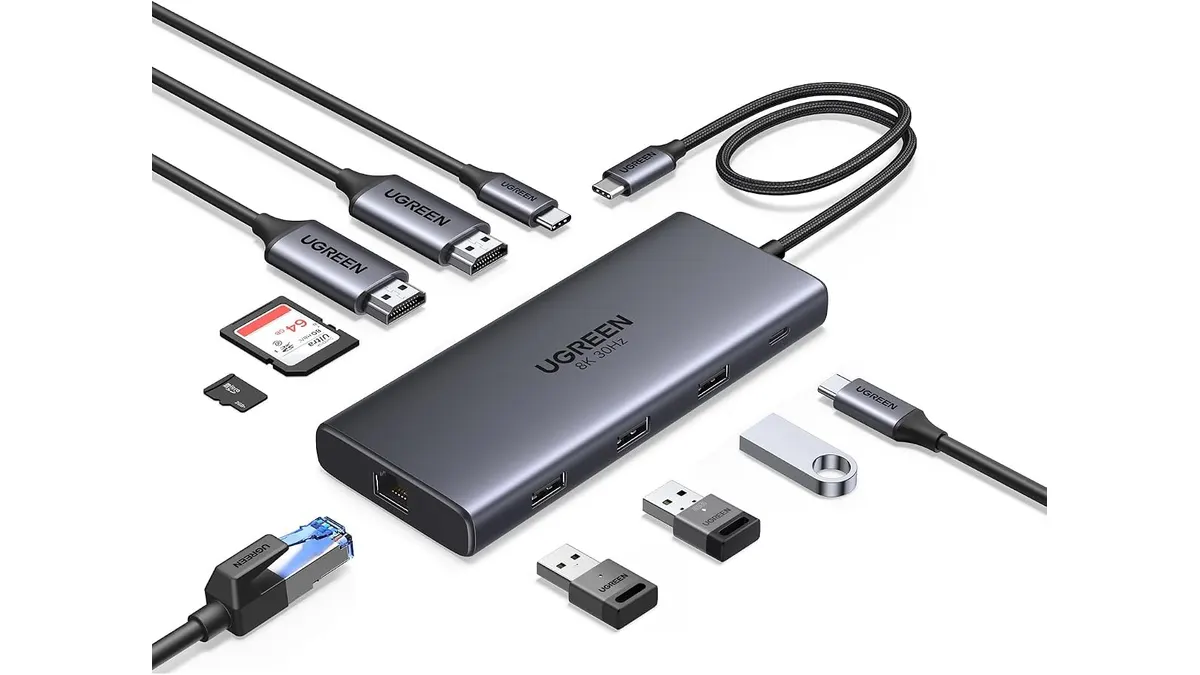
UGREEN 10-in-1 USB C Docking Station Review
Searching for the best usb-c hub for home office setups? Read our UGREEN 10-in-1 USB C Docking Station review for dual 4K video performance and specs.
 Mounts & Hubs
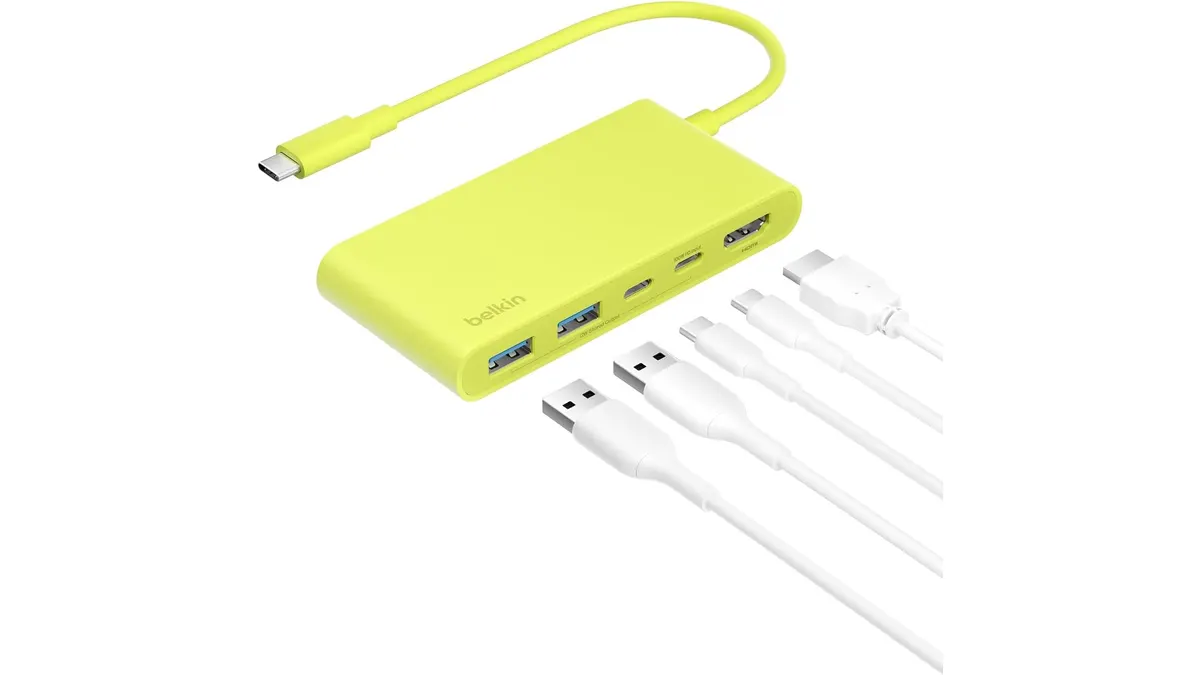
Belkin 100W USB C Hub Review: Compact Power
Looking for the best usb-c hub for home office setups? Our Belkin 100W USB C Hub review covers 4K 60Hz HDMI video, 100W PD, and transfer speeds.