LG 27U411A-B Review: A Smooth Work Monitor
Looking for the best home office monitor? Our LG 27U411A-B review breaks down if this 120Hz display is the right fit for your daily productivity setup.
Buying guide: best monitors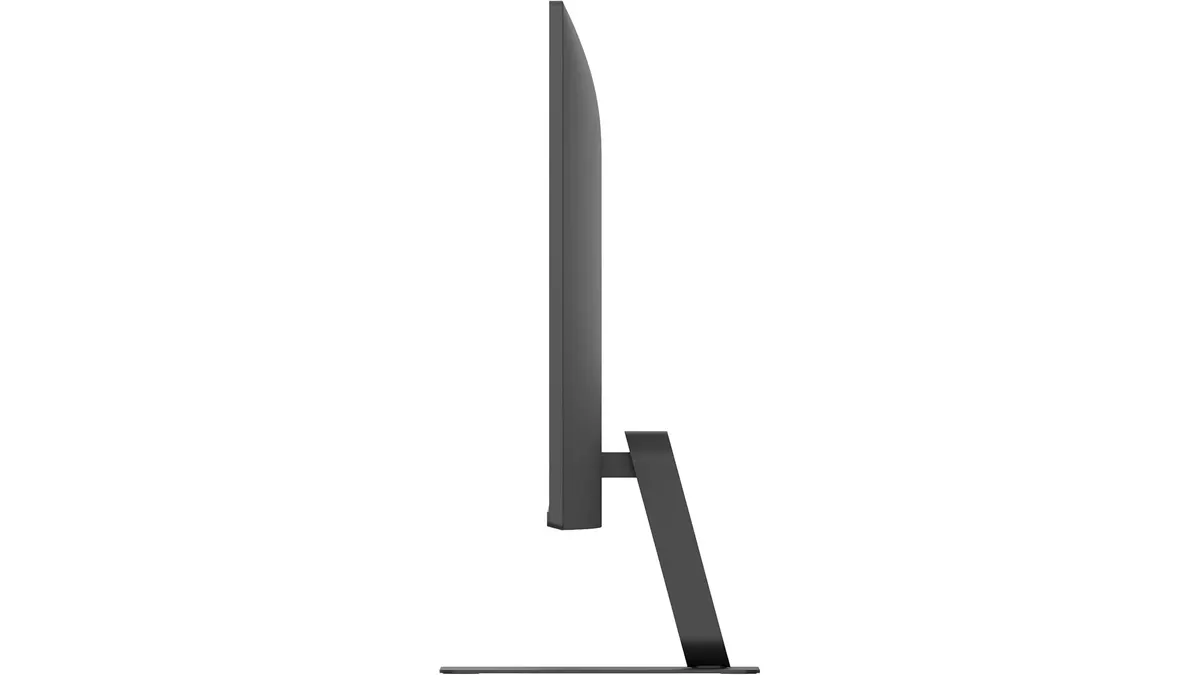 Monitors
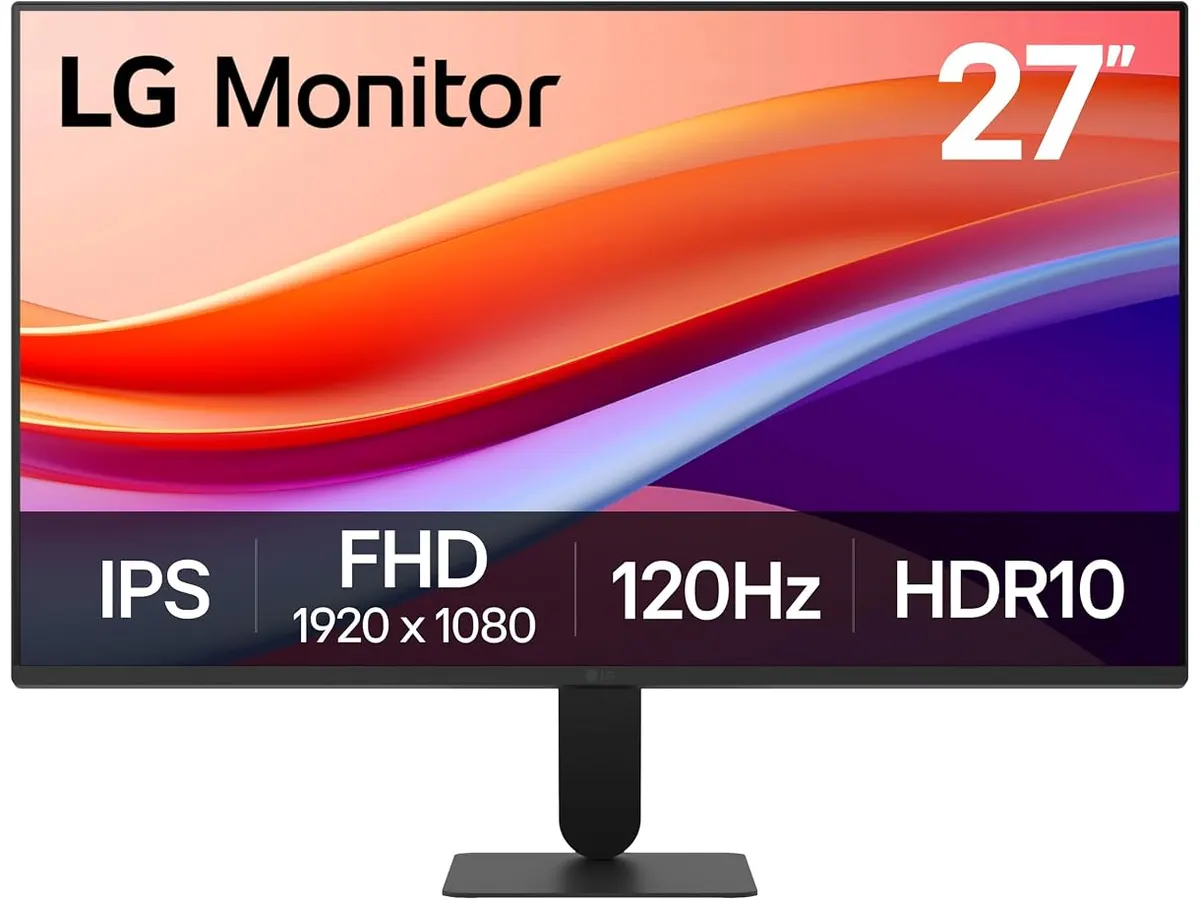
The LG 27U411A-B is a straightforward display that prioritizes motion clarity over pixel density. While many professionals chase higher resolutions, this 27-inch panel focuses on providing a fluid 120Hz experience for those who spend their days toggling through windows and scrolling long documents. It serves as a balanced option for users building a home office who want a clean, distraction-free aesthetic from a reliable brand. If you are browsing our full catalog of Monitors, you will find that this model fits the entry-level niche for fluid visual performance.
What it does well
- Fluid Refresh Rate: The 120Hz refresh rate is the standout feature here. It makes dragging windows and scrolling through web pages feel significantly smoother than standard 60Hz panels. For a desk setup where you spend eight hours a day navigating interfaces, this responsiveness reduces visual fatigue.
- Color Accuracy: With 99% sRGB coverage, the panel produces accurate enough colors for general office tasks, light design work, and media consumption. It avoids the washed-out look common in budget-tier displays.
- Motion Handling: The 1ms motion blur reduction is an unusual but welcome addition for a productivity-focused screen. If you take gaming breaks between tasks, you will notice fewer ghosts behind fast-moving objects, making it a surprisingly versatile hybrid screen.
- Reader Mode: LG includes a dedicated reader mode that adjusts color temperature to reduce blue light. It is a thoughtful touch for those who read long reports or handle large amounts of text daily.
Key specifications
| Feature | Specification |
|---|---|
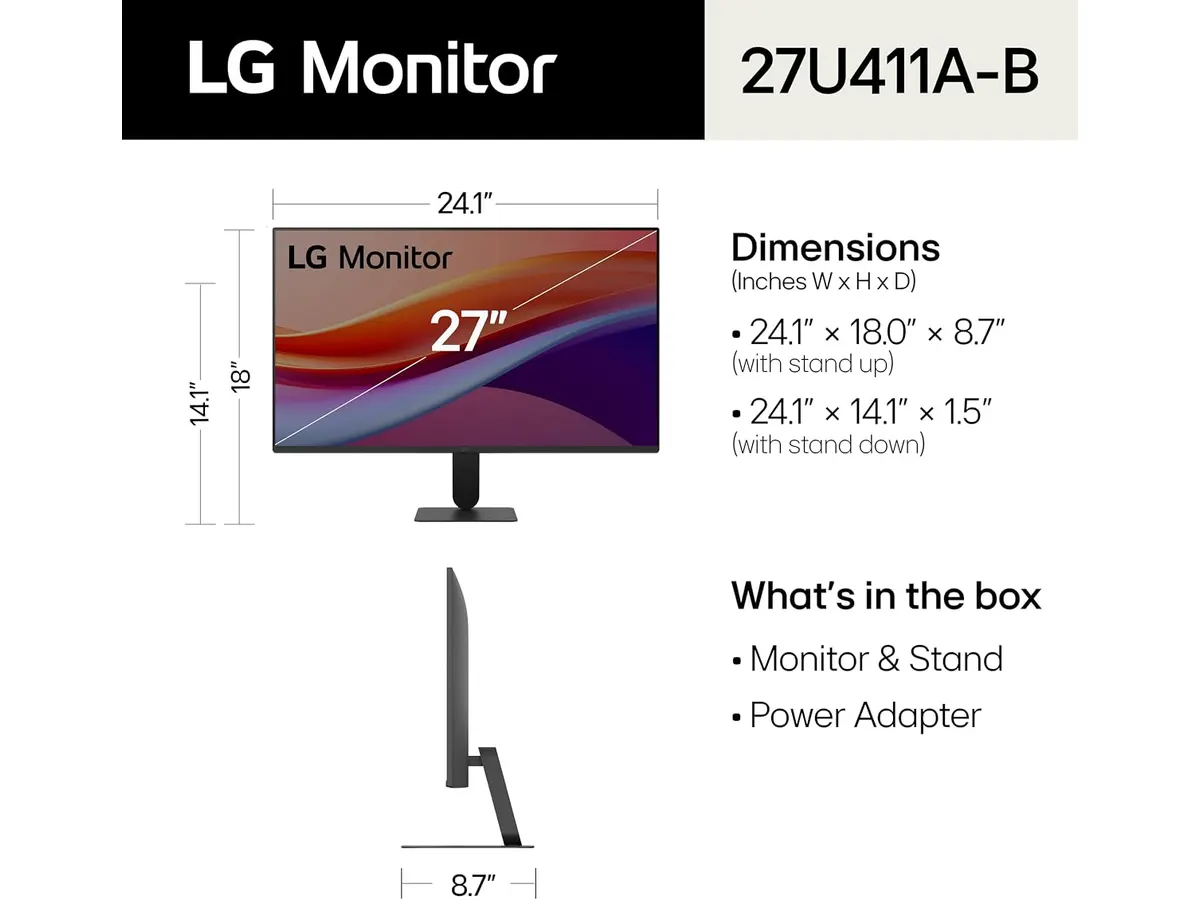
| Screen Size | 27 inches |
| Resolution | 1920 x 1080 |
| Refresh Rate | 120Hz |
| Response Time | 1ms (Motion Blur Reduction) |
| Color Gamut | 99% sRGB |
| Display Technology | IPS |
| Connectivity | HDMI |
Where it falls short
- Resolution Limitations: At 27 inches, a 1080p resolution results in a lower pixel density. You will notice visible pixels if you sit close to the screen, which can make text look slightly jagged compared to higher-resolution alternatives. This makes it less ideal for professional-grade photo or video editing where fine detail is paramount.
- Limited Ergonomics: While it offers tilt adjustment, the stand lacks height, swivel, or pivot capabilities. You are likely going to need an aftermarket monitor arm if you want to place it at eye level or rotate it into portrait mode for coding or document management.
- Connectivity Bottlenecks: With only HDMI connectivity, users with modern laptops may need to invest in a dedicated hub if they lack a spare port. It does not provide the single-cable convenience found in more expensive USB-C monitors.
Who is it for?
This monitor is a solid pick for the casual remote worker or student who values a smooth, responsive desktop experience over sheer resolution. If you value 120Hz fluid motion for your interface navigation and do not require high-density screen real estate, this fits the bill perfectly.
However, this is not the right monitor for creative professionals or software developers who require sharp text rendering and high pixel density. If you work primarily in spreadsheets or design software, the lower resolution will likely prove frustrating during long sessions.
Alternatives to consider
For those who need higher clarity for professional tasks, consider a mid-range 1440p monitor. These provide significantly more workspace and sharper text, which is better for long-term productivity. You can read more about this in our Dell UltraSharp U2724D Review: A Versatile 27-Inch Monitor.
If you are looking to maximize your screen real estate without breaking the bank, dual monitor setups are often better than a single high-end screen. We discussed the benefits of a twin-setup approach in our Gigastone 27” IPS 2-Pack Review: Dual Monitors for Productivity.
Verdict
The LG 27U411A-B is a niche performer that trades resolution for a high refresh rate. It is a great way to get 120Hz fluid motion into a home office without the premium cost of dedicated gaming panels. While the 1080p resolution is a drawback for text-heavy work, the overall color accuracy and smoothness make it a decent entry point for general desk setups. If you prioritize smooth scrolling over crisp typography, this is a reliable piece of gear.
Frequently asked questions
Can I use this for professional photo editing?
It is not ideal. While the 99% sRGB coverage is respectable, the 1080p resolution on a 27-inch screen is too low for detailed retouching or precision work.
Is the 120Hz refresh rate noticeable for office work?
Yes. Moving the cursor and scrolling through documents feels much more fluid than on a standard 60Hz office monitor, which can lead to a more pleasant daily experience.
Does the monitor support height adjustment?
No. The included stand only allows for tilt adjustment. We recommend purchasing a VESA-compatible monitor arm for better ergonomic positioning.

Editor
Charly River · SetUpLatam
Charly River curates, reviews and edits SetUpLatam’s home office guides. He checks every product sheet against the manufacturer’s official specifications and cuts what does not help, so you buy right the first time.
You may also like
 Monitors
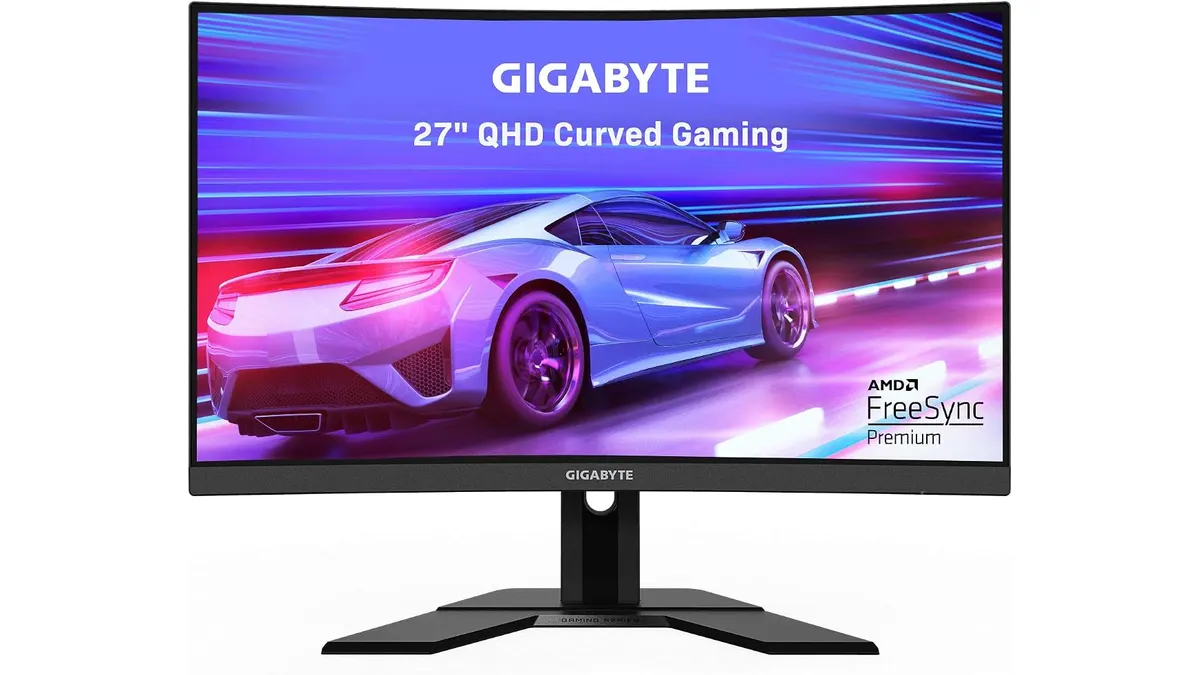
Gigabyte G27FC A Review: A Curved Daily Driver
Looking for the best home office monitor? We put the Gigabyte G27FC A to the test to see if its 1500R curve and 165Hz refresh rate deliver on productivity.
 Monitors
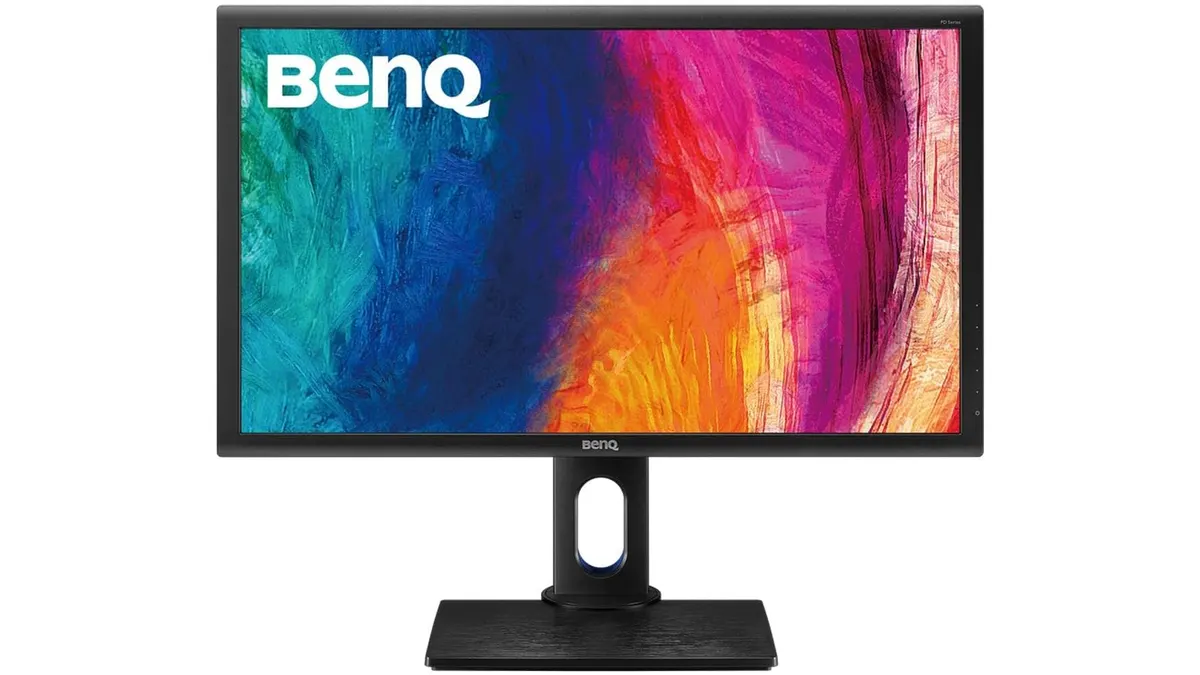
BenQ PD2700Q Review: A Reliable Workhorse Monitor
Our BenQ PD2700Q review examines this 27-inch display to see if it is the best home office monitor for creators needing color accuracy and screen real estate.
 Monitors
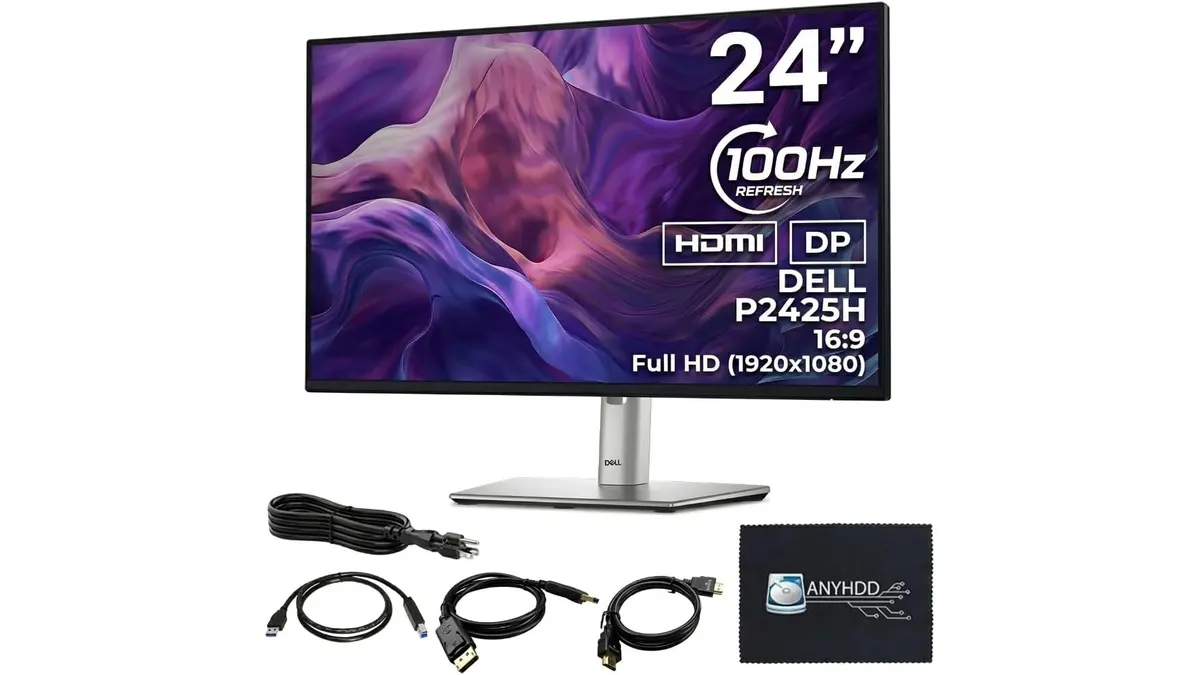
ANYHDD Dell P2425H Review: A Solid Office Staple
Looking for the best home office monitor? We put the ANYHDD Dell P2425H through its paces to see if this 100Hz IPS display is right for your remote setup.