Gigabyte G27FC A Review: A Curved Daily Driver
Looking for the best home office monitor? We put the Gigabyte G27FC A to the test to see if its 1500R curve and 165Hz refresh rate deliver on productivity.
Buying guide: best monitors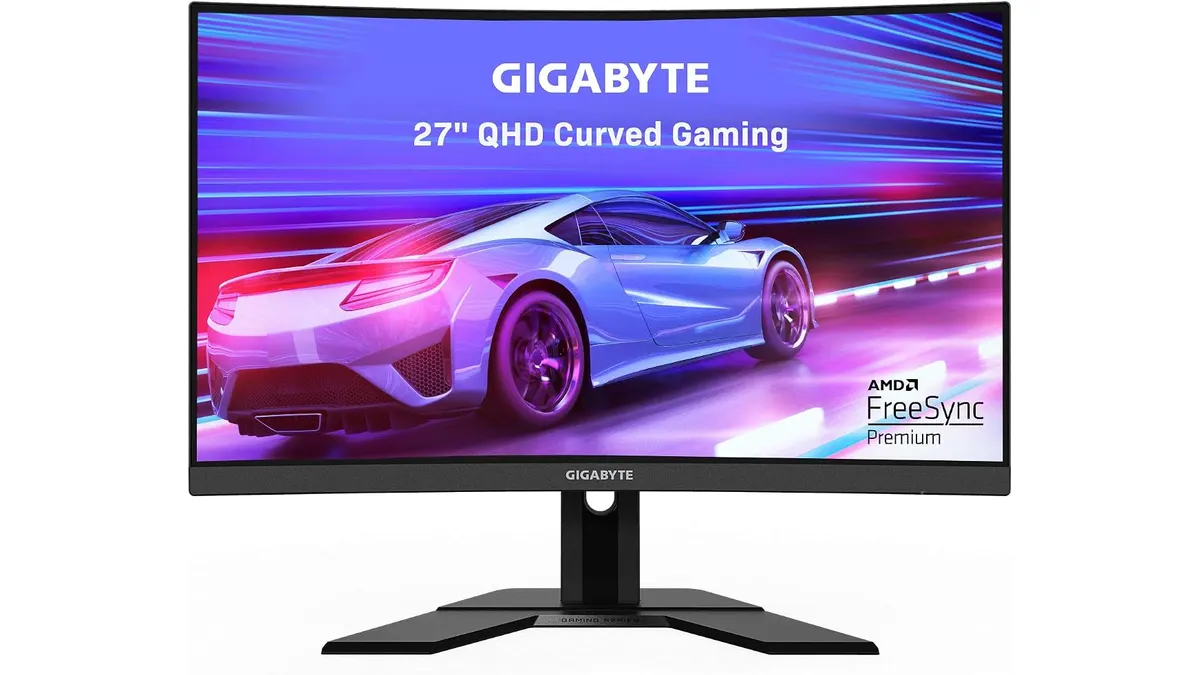 Monitors
The Gigabyte G27FC A enters a crowded market as a mid-range curved display that straddles the line between high-speed gaming and daily desk utility. While many professionals opt for flat panels, this 27-inch unit brings a 1500R curve that aims to provide a more immersive workspace. If you are browsing Monitors for a setup that blends weekend gaming with your weekday grind, this display earns a spot on your shortlist.
What it does well
The primary draw here is the motion fluidity. With a 165Hz refresh rate, the Gigabyte G27FC A makes windows dragging and cursor movement feel snappy and responsive. This is a noticeable step up from standard 60Hz panels, especially if you spend long hours navigating dense spreadsheets or scrolling through long web documents.
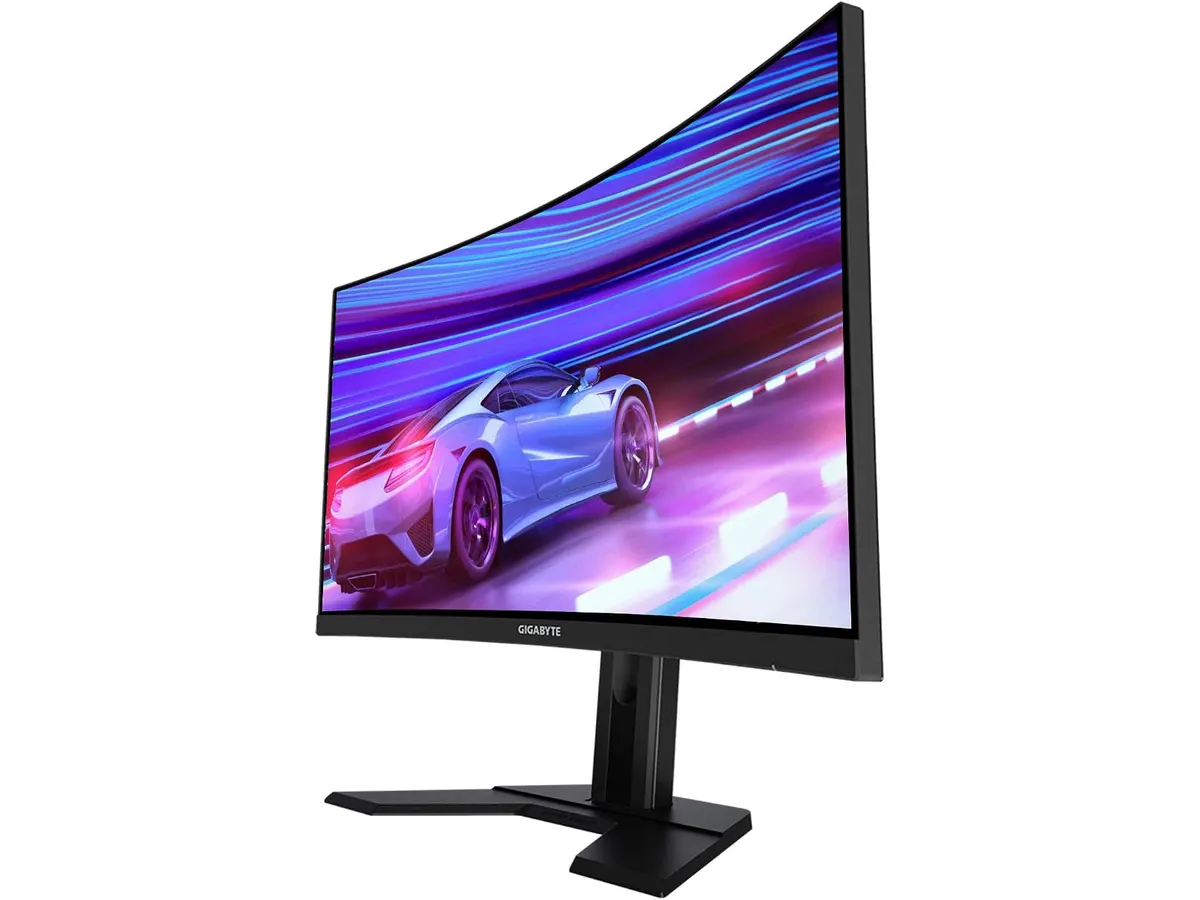
Color reproduction is another highlight. The 92% DCI-P3 color gamut provides deeper, more saturated tones than many budget monitors, making it suitable for hobbyist photo editing or video consumption. The 1500R curvature also adds a touch of comfort for those who prefer to keep their screen content within a natural line of sight without constantly turning their head.
Finally, the ergonomic stand is a welcome inclusion. It offers both height and tilt adjustments, which is rare in this segment. Getting the monitor to your eye level is the easiest way to prevent neck strain during long remote work sessions.
Key specifications
| Feature | Specification |
|---|---|
| Screen Size | 27 Inches |
| Resolution | 2560x1440 |
| Refresh Rate | 165Hz |
| Response Time | 1ms (MPRT) |
| Curvature | 1500R |
| Color Gamut | 92% DCI-P3 |
Where it falls short
Curved monitors are a double-edged sword for professionals. If you work in graphic design, architecture, or any field that requires drawing straight lines, the 1500R curve will introduce a subtle geometric distortion that can be frustrating. You have to accept that this monitor is built for entertainment and immersion, not for high-precision CAD work or layout design.
Furthermore, the panel type and viewing angles don’t match the standard set by more expensive, productivity-focused displays like those discussed in our Dell UltraSharp U2724D Review: A Versatile 27-Inch Monitor. If you rely on accurate color consistency across the entire screen from various angles, you may notice a slight drop-off compared to professional-grade IPS panels found in more expensive alternatives.
Who is it for?
This monitor is for the remote worker who wants to reclaim their desk for gaming once the clock hits five. If your daily tasks involve communication, document writing, and spreadsheet management, you will appreciate the smooth interface and the ergonomic stand.
It is not for the color-critical professional or the user who prefers a dual-monitor setup. If you need two screens side-by-side, a curved monitor creates a messy gap at the edges, which is why we often recommend a pair of flat screens, as seen in our Gigastone 27” IPS 2-Pack Review: Dual Monitors for Productivity.
Alternatives to consider
If you prioritize pure gaming performance over office ergonomics, consider a flat-panel display from a high-performance tier. These monitors usually offer faster pixel response times and are better suited for competitive shooters, similar to the experience detailed in the LG UltraGear 27G61ZB-B Review: High-Performance Gaming Monitor.
If your primary goal is professional productivity, look at flat-panel 27-inch monitors in the premium tier. These models focus on color accuracy, USB-C power delivery, and superior build quality, which are more beneficial for office-heavy workflows than the high refresh rate of this Gigabyte model.
Verdict
The Gigabyte G27FC A is a capable jack-of-all-trades that excels at making the desktop experience feel fluid. While the curve limits it for creative professionals, it remains a solid choice for general office users who want a high-refresh monitor. For more options to build out your workspace, check our guide to Monitors.
Frequently asked questions
Is this monitor good for text-heavy work?
Yes, the resolution is sufficient for 27 inches, keeping text sharp and clear for long reading sessions.
Can I mount this to a monitor arm?
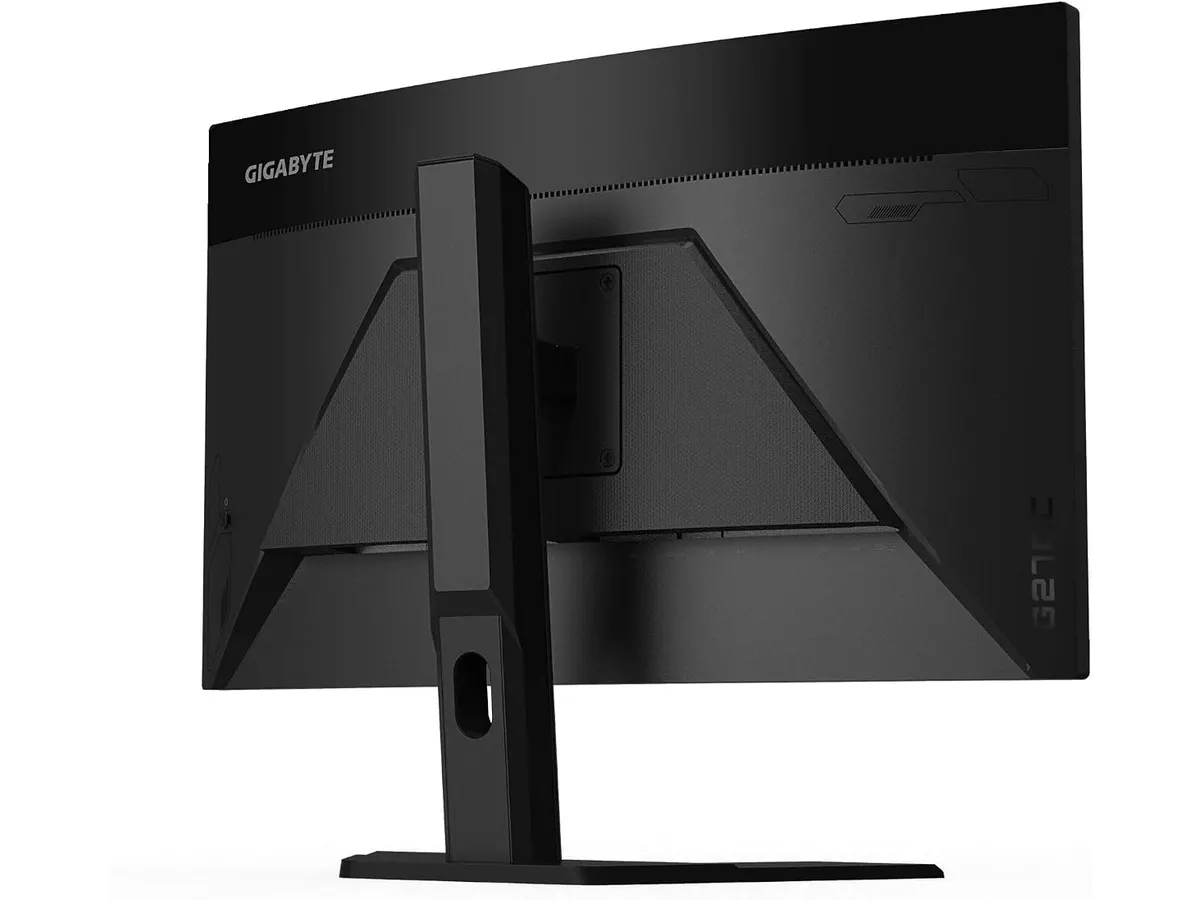
Yes, the monitor supports standard VESA mounting, allowing you to free up desk space.
Does the curve affect spreadsheet work?
It is mostly a matter of preference, though some users find that the slight wrap-around effect makes viewing large tables more comfortable.

Editor
Charly River · SetUpLatam
Charly River curates, reviews and edits SetUpLatam’s home office guides. He checks every product sheet against the manufacturer’s official specifications and cuts what does not help, so you buy right the first time.
You may also like
 Monitors
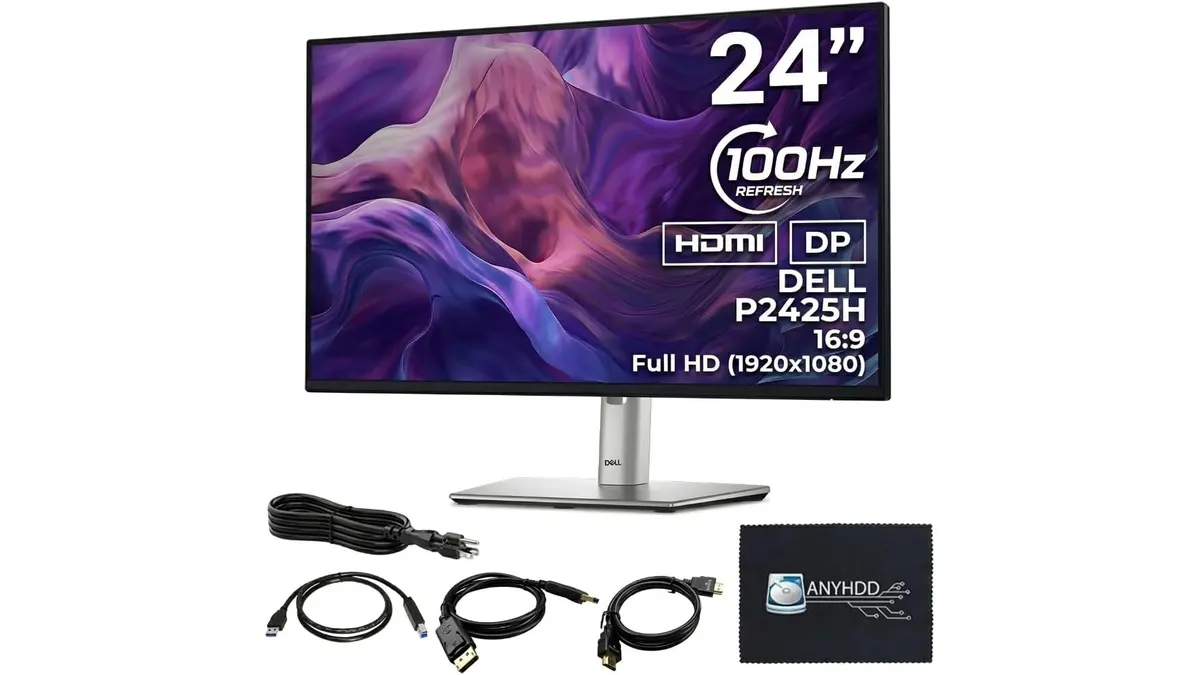
ANYHDD Dell P2425H Review: A Solid Office Staple
Looking for the best home office monitor? We put the ANYHDD Dell P2425H through its paces to see if this 100Hz IPS display is right for your remote setup.
 Monitors
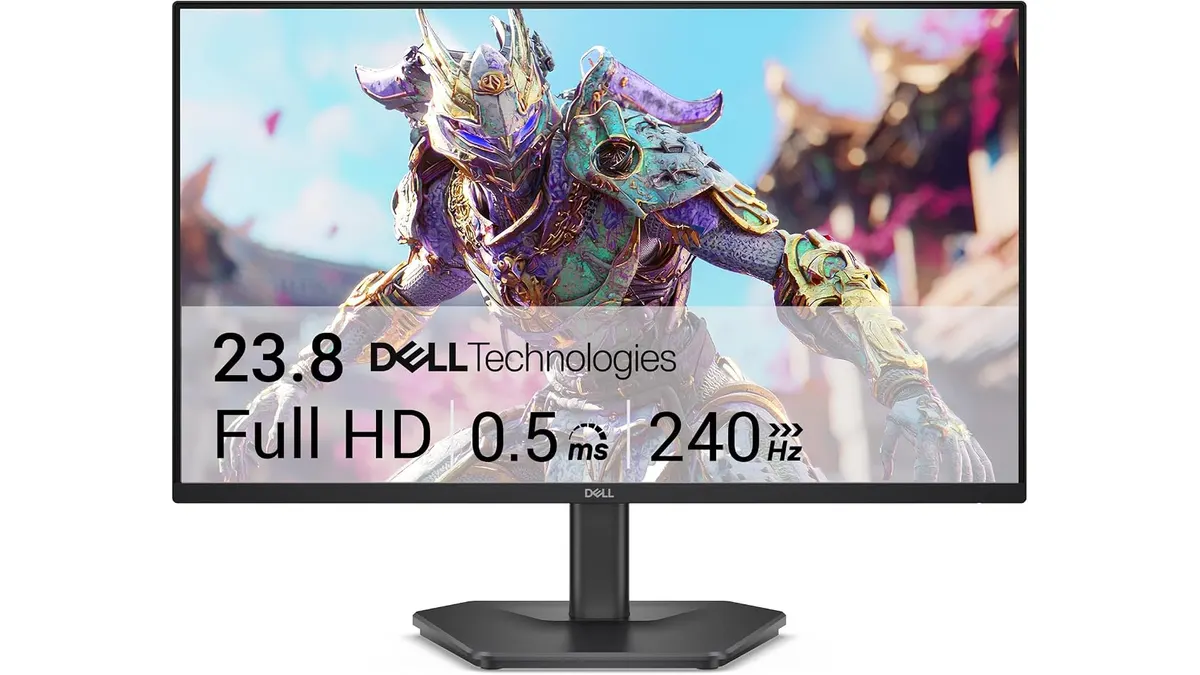
Dell SE2426HG Review: Best Home Office Monitor
Explore the Dell SE2426HG, a fast 240Hz monitor perfect for remote work, gaming, and productivity. Discover why it stands out.
 Monitors
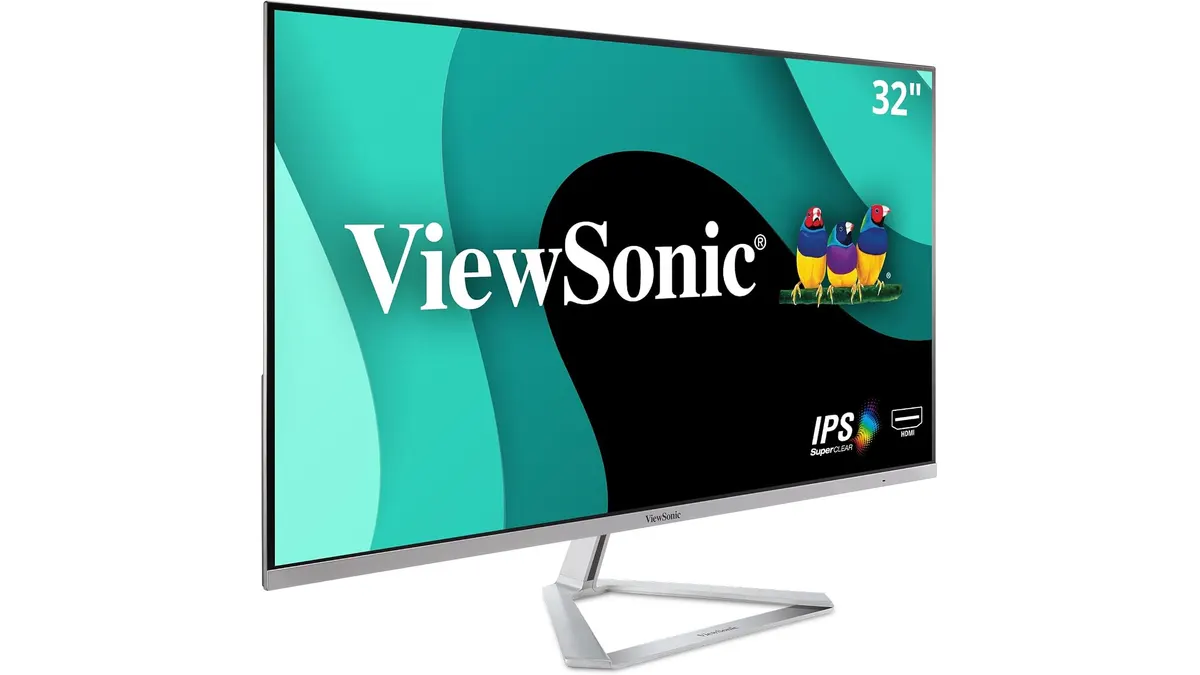
ViewSonic VX3276-MHD Review: Big Screen Value
Looking for a monitor for remote work? Read our ViewSonic VX3276-MHD review to see if this 32-inch display is the best home office monitor for you.