Quntis Monitor Light Bar Pro White Review
Looking for the best desk lamp for work? Our Quntis Monitor Light Bar Pro White review explores how this sleek accessory clears clutter and saves your eyes.
Buying guide: best lighting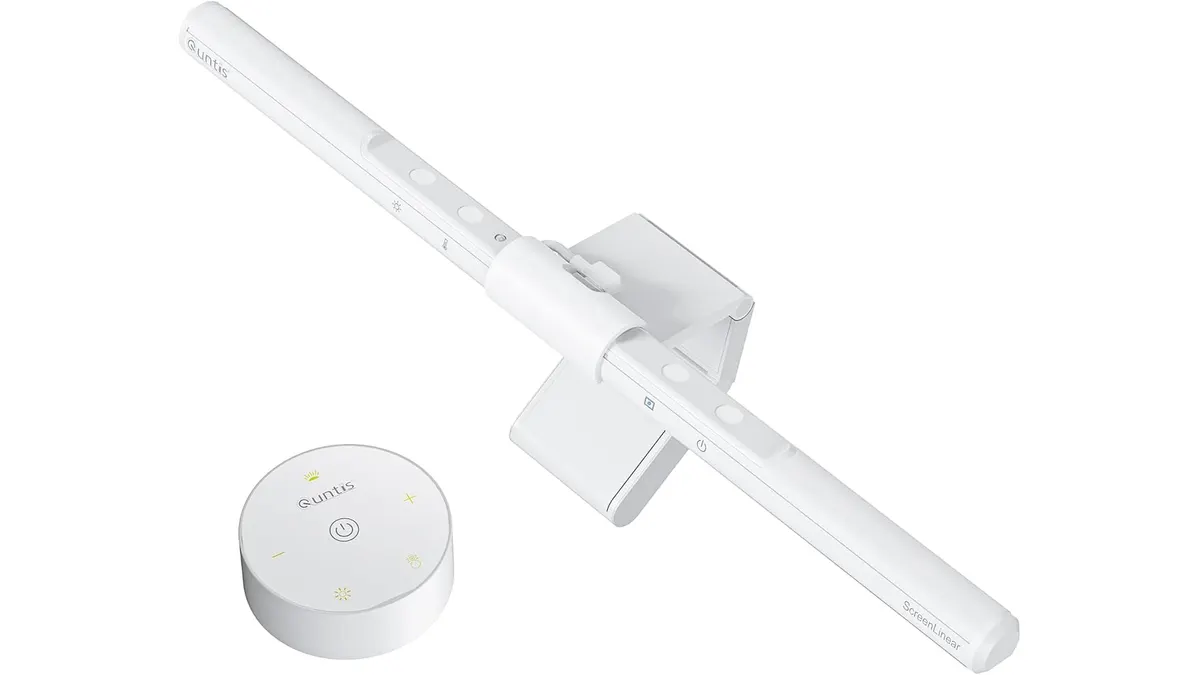 Lighting
If you are tired of eye strain and a cluttered desk, the Quntis Monitor Light Bar Pro White might be the missing piece of your setup. This light bar attaches directly to your monitor, clearing your desk surface while providing focused illumination exactly where you need it. It is a practical upgrade for professionals and students seeking the best desk lamp for work without sacrificing precious space. Whether you are building your first station or upgrading your current desk, checking out our Lighting category provides more context on how to balance your workspace.
What it does well
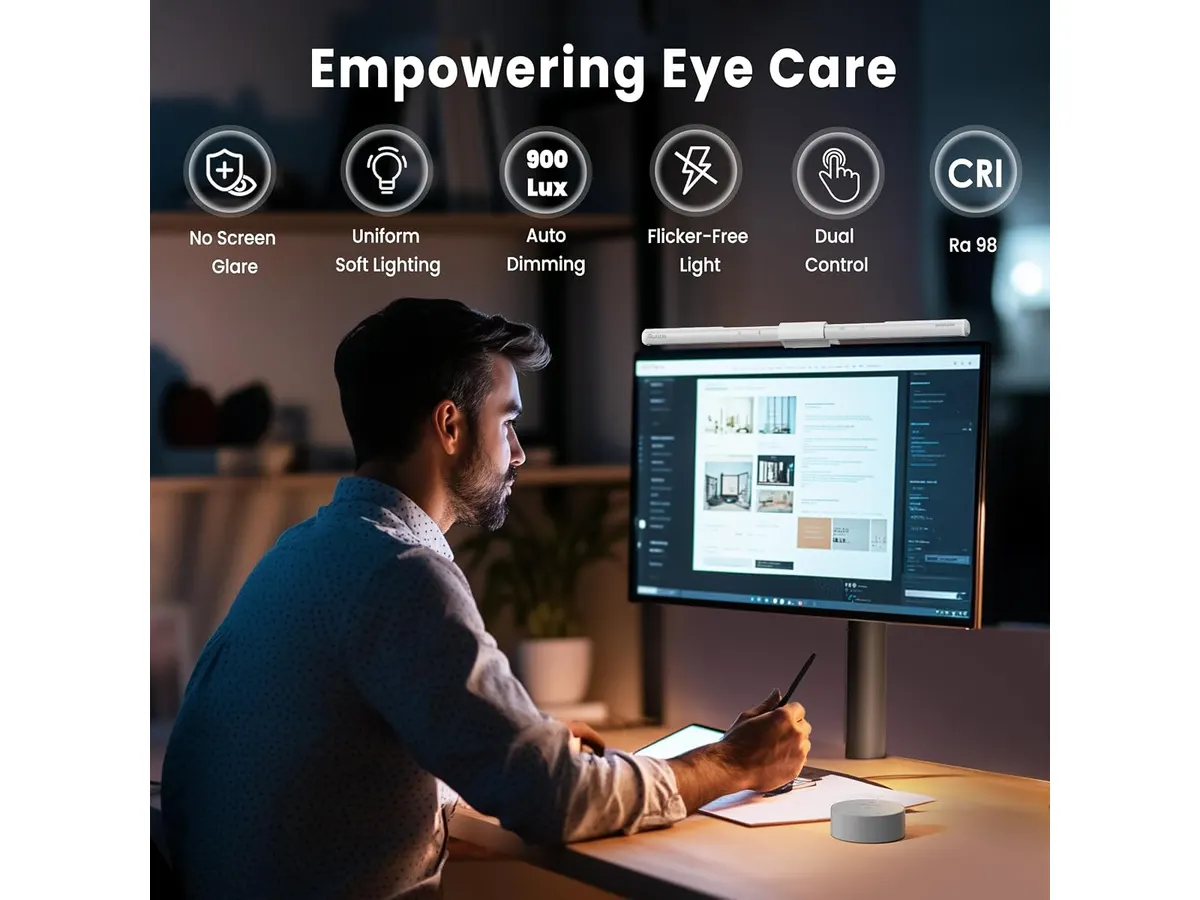
The standout feature here is the asymmetric optical design. By projecting light downward and forward, it eliminates screen glare while keeping your workspace well-lit. This is a massive improvement over traditional lamps that often wash out your monitor or cast annoying reflections.
Control is another highlight. You get a two-tier system: a standard touch interface on the bar itself and a dedicated desktop remote. This makes adjusting the color temperature—which ranges from a warm 3000K to a crisp 6500K—effortless without needing to reach up toward the monitor.
The inclusion of a 900-lux ambient sensor is surprisingly helpful for maintaining consistent brightness throughout the day. It automatically shifts the intensity based on your room’s light levels, which is one less thing to manage while you work. Additionally, the three-stage mounting bracket is well-engineered; it provides a stable perch for the light and even leaves enough room to mount a small webcam above your display.
Key specifications
| Feature | Specification |
|---|---|
| Length | 16.1 inches (41 cm) |
| Color | White |
| Color Temperature | 3000K - 6500K |
| Control System | Dual (Touch + Desktop Remote) |
| Light Sensor | 900 lux ambient sensor |
| Optical Design | Asymmetric anti-glare |
| Timer | 2-hour auto-off |
Where it falls short
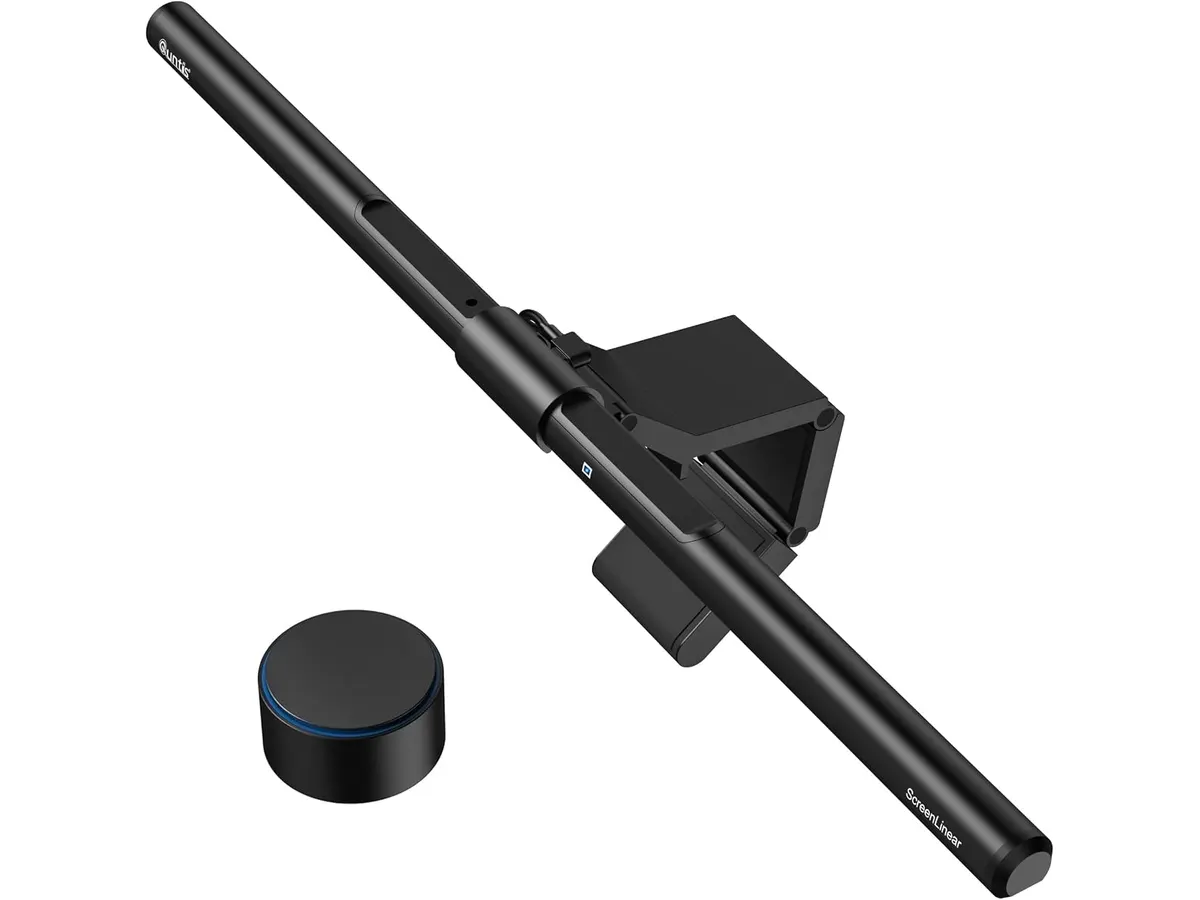
The white aesthetic is a double-edged sword. While it looks clean and matches modern, minimalist setups, it can show dust or fingerprints more easily than its black counterparts. You will likely find yourself wiping it down more frequently to keep that pristine look.
Additionally, the desktop remote, while convenient, takes up space on your desk surface. If your setup is extremely cramped, you might find the remote to be another piece of clutter rather than a tool for convenience. For those who prefer a completely minimalist desktop, the reliance on an external physical controller might feel slightly regressive compared to pure touch or software-based controls.
Who is it for?
This light is perfect for the remote worker or student who spends long hours at their desk and wants to minimize eye fatigue without losing desk space. Its ability to accommodate a webcam makes it a smart choice for professionals who spend their day on video calls.
It is not for someone with a high-end ultra-wide monitor with a steep curve. The mounting brackets on these bars often struggle to stay stable on deep curves, and the light projection may be uneven across very wide screens. If you use a massive curved monitor, you would be better served by a light specifically designed with adjustable tension mounts.
Alternatives to consider
For those who want a more traditional approach, the Pzloz LED Desk Lamp Review: Versatile Lighting for Any Space explores a flexible option that sits on your desk rather than your monitor. This is a great choice if you prefer moving your light source to illuminate documents or specific physical tasks away from your screen.
If you are looking for a more standard monitor-mounted solution, the Quntis Computer Monitor Lamp Review: Ideal Lighting for Work offers a more utilitarian design. This is a solid pick if you want the core benefits of screen-glare reduction without paying for the premium features like a separate physical remote.
Verdict
The Quntis Monitor Light Bar Pro White is a thoughtful, well-executed tool for anyone serious about their home office environment. Its anti-glare performance and intuitive controls make it a top contender in the monitor lighting space. For most remote workers, this is a clear recommendation to improve comfort and desk organization. It remains a reliable partner for daily productivity.
Frequently asked questions
Will this light block my webcam?
The bracket is designed to leave space at the top of your monitor, allowing most standard webcams to sit comfortably on the light bar itself.
Can I use this with a laptop screen?
It is primarily designed for desktop monitors. Using it on a thin laptop screen may be unstable and could potentially put excessive pressure on the display hinge.
Do I have to use the remote?
No, you can operate the primary functions, including brightness and color temperature adjustments, using the touch controls located on the light bar itself.

Editor
Charly River · SetUpLatam
Charly River curates, reviews and edits SetUpLatam’s home office guides. He checks every product sheet against the manufacturer’s official specifications and cuts what does not help, so you buy right the first time.
You may also like
 Lighting
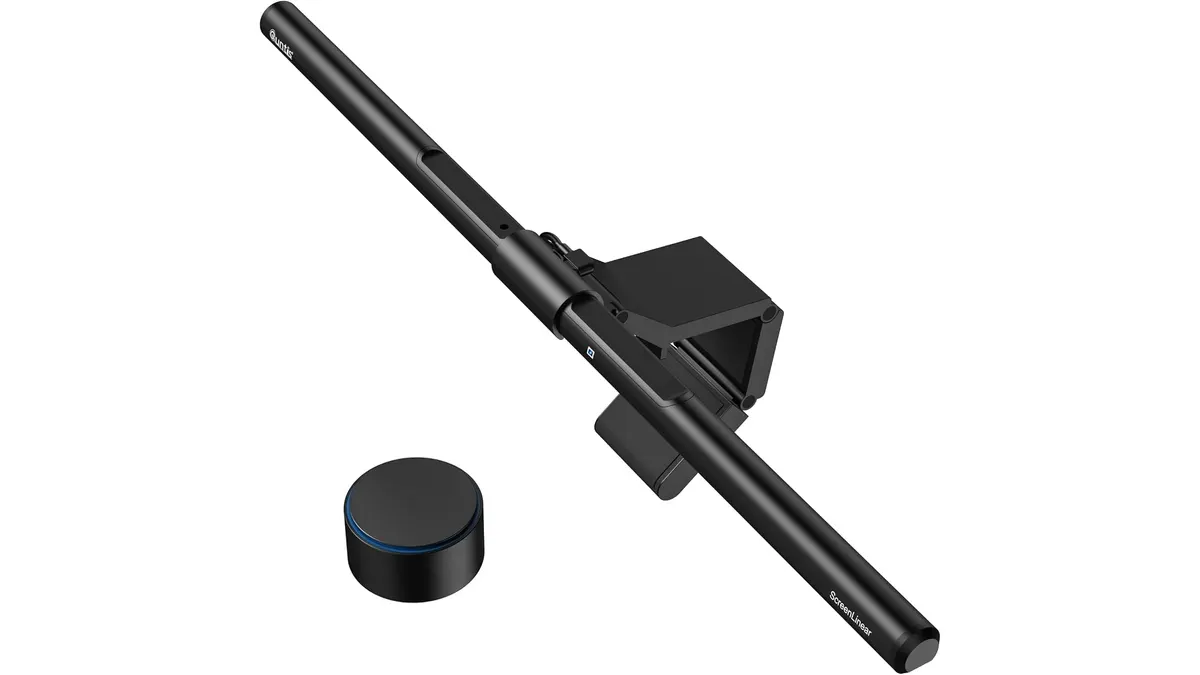
Quntis ScreenLinear RGB Review: A Desk Upgrade
The Quntis ScreenLinear RGB is a strong contender for the best desk lamp for work. Read our honest review of its performance, design, and lighting features.
 Lighting
Quntis Monitor Light Bar Focus 20.1 Review
The Quntis Monitor Light Bar Focus 20.1 is a strong candidate for the best desk lamp for work. Read our full analysis on its features, design, and usability.
 Lighting
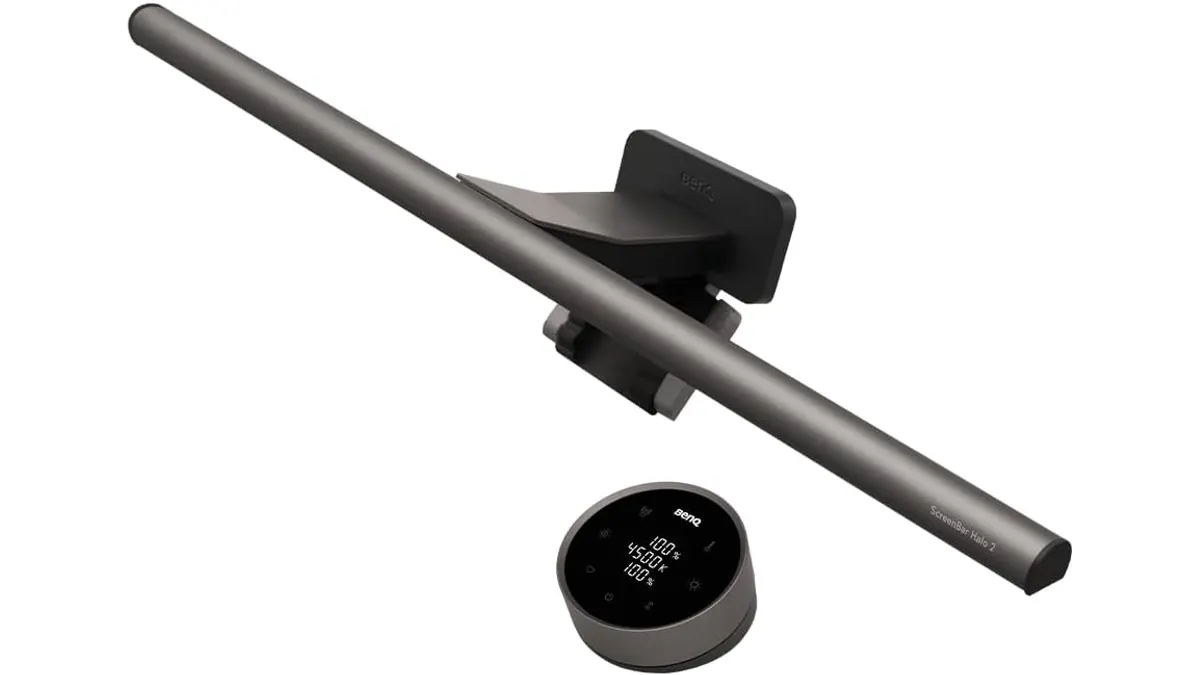
BenQ ScreenBar Halo 2 Review: Premium Desk Light
Is the BenQ ScreenBar Halo 2 the best desk lamp for work? We test this monitor light bar to see if its wireless control and backlight justify the price.