Quntis Monitor Light Bar Focus 20.1 Review
The Quntis Monitor Light Bar Focus 20.1 is a strong candidate for the best desk lamp for work. Read our full analysis on its features, design, and usability.
Buying guide: best lighting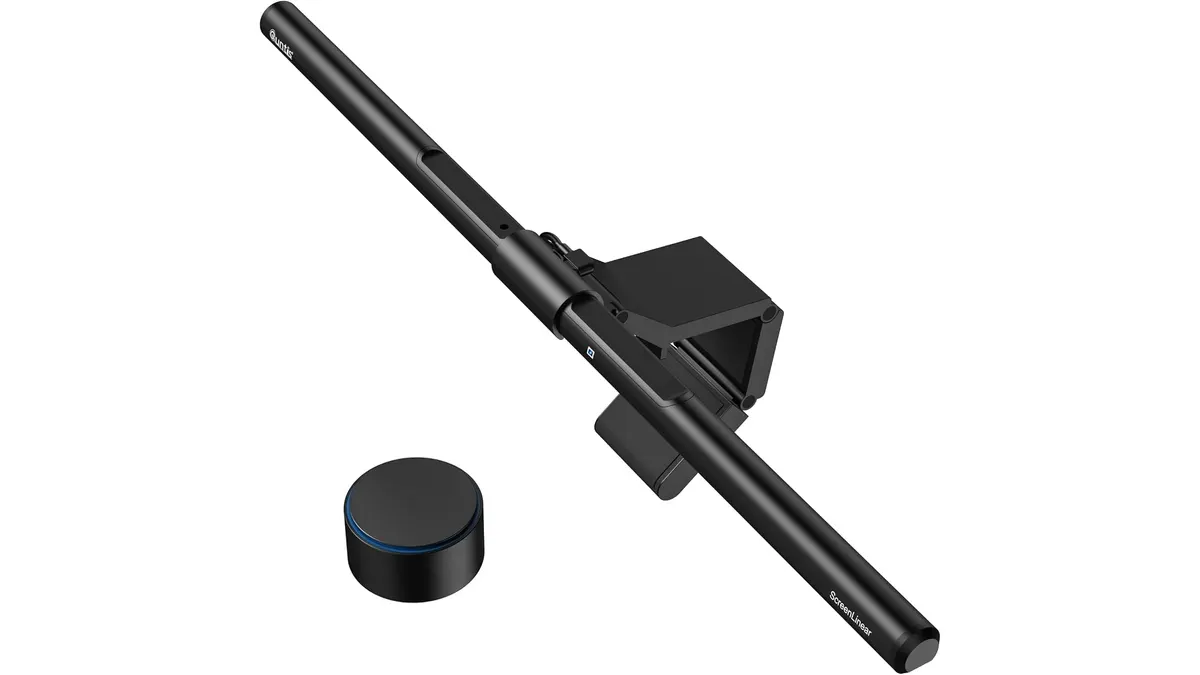 Lighting
Intro
If you find yourself squinting at documents after hours, your setup likely lacks proper task lighting. The Quntis Monitor Light Bar Focus 20.1 addresses this by clearing your desk surface without taking up a single square inch of space. It is a thoughtful tool for remote professionals and students looking for the best desk lamp for work that keeps the workspace clean. Before you finalize your lighting setup, browse our full catalog of Lighting options to see how it fits into your broader configuration.
What it does well
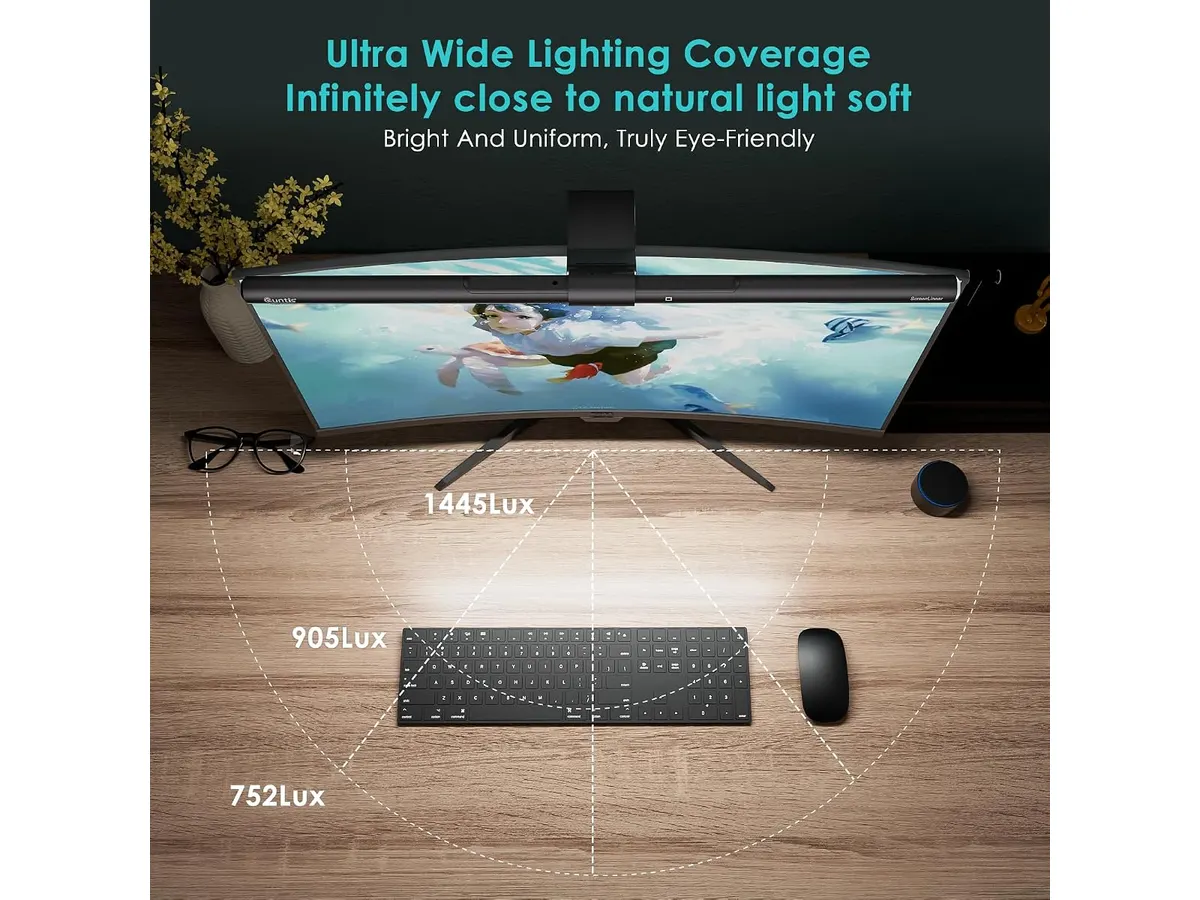
- Optical Design: The 45° asymmetric beam is the real star here. By focusing light strictly on your desk surface, it eliminates the annoying screen glare that ruins your productivity during late-night sessions.
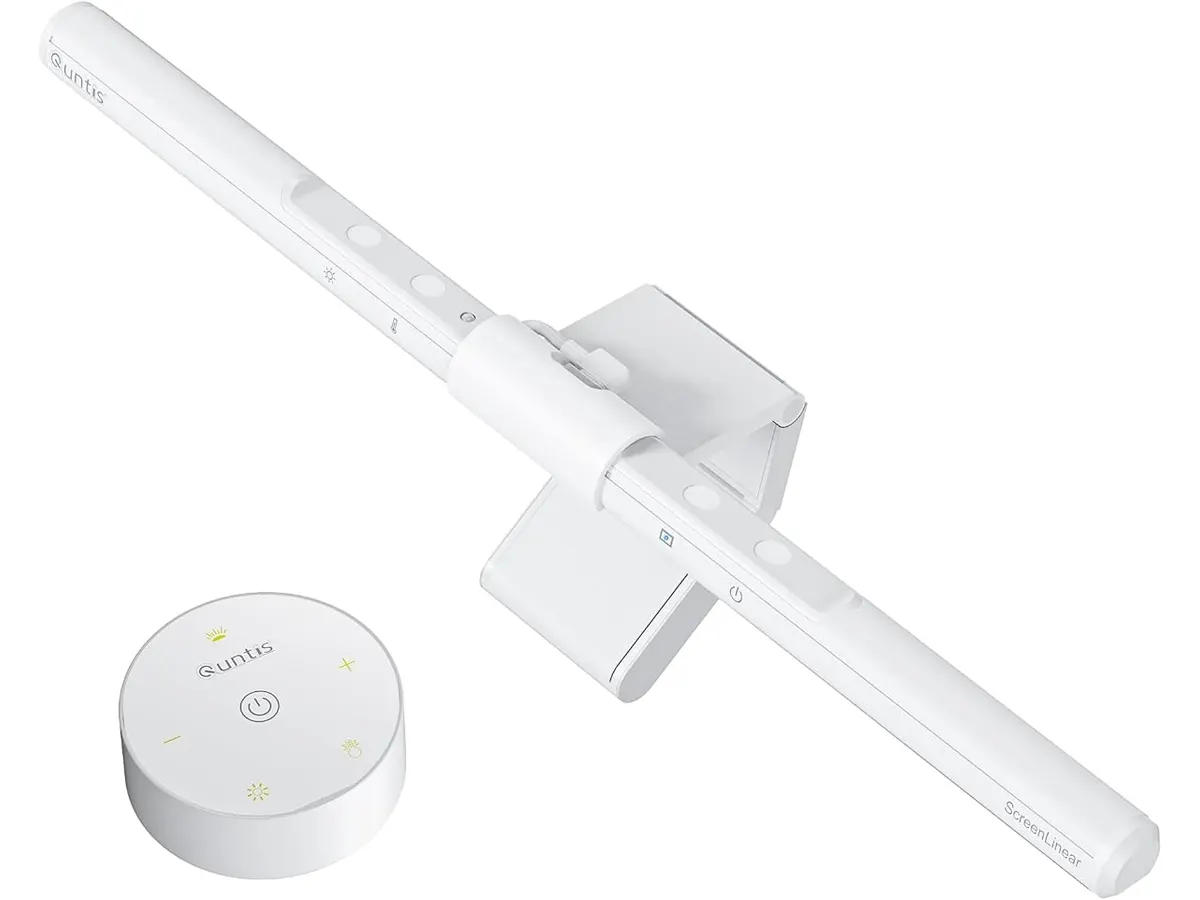
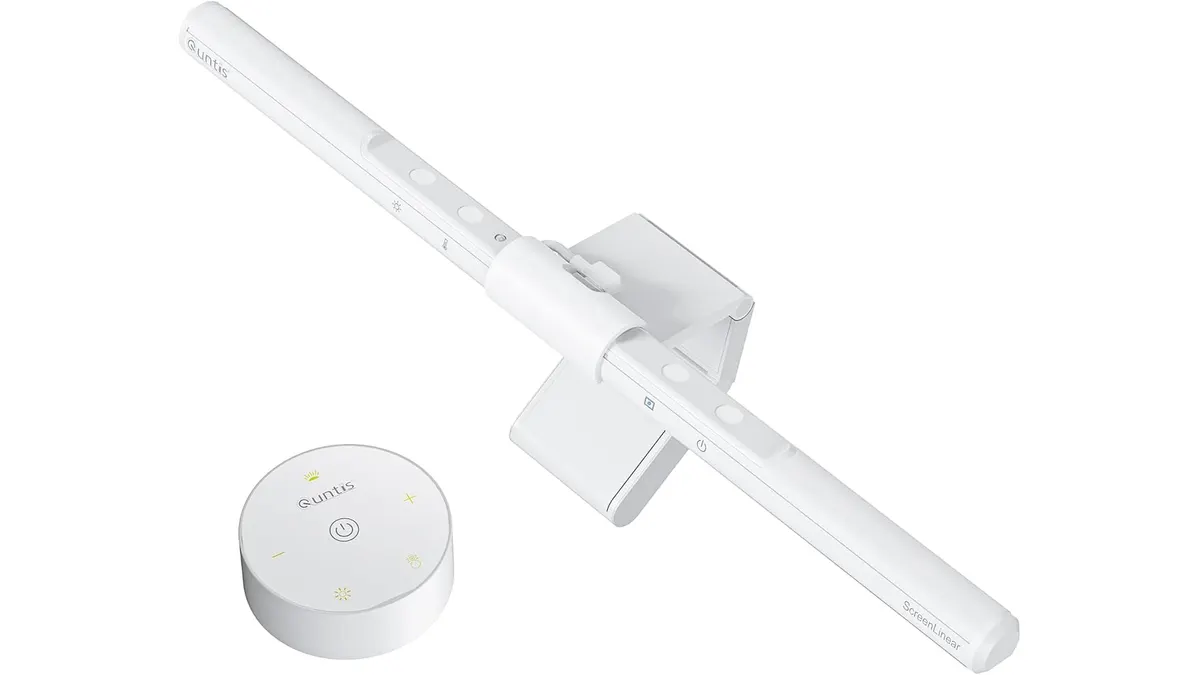
- Intuitive Control: The included rotating remote allows for granular adjustments to brightness and color temperature without forcing you to reach up to the top of your monitor. It feels tactile and precise, making it a joy to use throughout the day.
- Versatility: With a 20.1-inch reach and a flexible pivot mechanism, it handles everything from thin, flat displays to thick, curved gaming monitors. It stays put, even when you adjust your monitor’s position.
- Eye Health: Boasting a CRI of 95 and over 1200 lux, it provides crisp, color-accurate illumination that mimics natural daylight, significantly reducing eye strain during long shifts.
Key specifications
| Feature | Specification |
|---|---|
| Length | 20.1 inches (51 cm) |
| Color Temperature | 3000K - 6500K |
| CRI | 95 |
| Light Intensity | ≥1200 lux |
| Compatibility | 17 to 32-inch monitors |
| Power Source | USB |
| Optical Design | 45° Asymmetric |
Where it falls short
While the hardware is solid, the reliance on a USB power source can be a limitation. If your monitor lacks high-powered USB ports, you will need to sacrifice a port on your computer or find a separate wall adapter to drive the bar at its full intensity.
Additionally, the auto-dimming sensor can be finicky depending on your ambient environment. If you have a window directly behind you or a secondary light source nearby, the sensor might overcompensate, forcing you to switch back to manual control frequently.
Who is it for?
This light bar is perfect for the minimalist professional who keeps a clean desk and wants to avoid the footprint of a traditional lamp. If you suffer from eye fatigue after long hours of reading or writing, the asymmetric beam will provide immediate relief.
It is not for someone who uses a multi-monitor setup where the physical bulk of the light bar might interfere with a webcam or a secondary display’s top bezel. If your workspace is constantly shifting or you prefer a lamp that moves around the desk for other tasks, a standalone unit like the Pzloz LED Desk Lamp might serve you better.
Alternatives to consider
If you want something more budget-friendly, look for a standard LED bar without the remote control. These usually feature touch buttons directly on the housing, which saves space but loses the convenience of a remote. These are great for basic setups where you rarely adjust your light settings.
If you are willing to pay for a premium experience, consider a high-end lamp that integrates with smart home ecosystems. These allow for voice control and automation based on your local sunrise and sunset, which is ideal for creators who need consistent lighting for video calls throughout the day, as discussed in our Quntis Computer Monitor Lamp Review.
Verdict
The Quntis Monitor Light Bar Focus 20.1 is a balanced, high-performing addition to any serious home office. It effectively solves the glare problem while keeping your desk clear and your eyes comfortable. For those who want to optimize their workspace, it is a clear recommendation, provided you have a spare USB port. Check out our Lighting page for more ways to enhance your environment.
Frequently asked questions
Will this work with a curved monitor?
Yes, the mounting clamp is designed with a 15° pivot that accommodates the curvature of most modern monitors without wobbling.
Does the remote require batteries?
Yes, the rotating remote is battery-operated, which allows you to place it anywhere on your desk for easy access without dealing with extra cables.
Can I use this for video calls?
While it is primarily a desk lamp, the balanced light output is excellent for illuminating your face during video calls, preventing the harsh shadows often caused by overhead room lighting.

Editor
Charly River · SetUpLatam
Charly River curates, reviews and edits SetUpLatam’s home office guides. He checks every product sheet against the manufacturer’s official specifications and cuts what does not help, so you buy right the first time.
You may also like
 Lighting
Quntis Monitor Light Bar Pro White Review
Looking for the best desk lamp for work? Our Quntis Monitor Light Bar Pro White review explores how this sleek accessory clears clutter and saves your eyes.
 Lighting
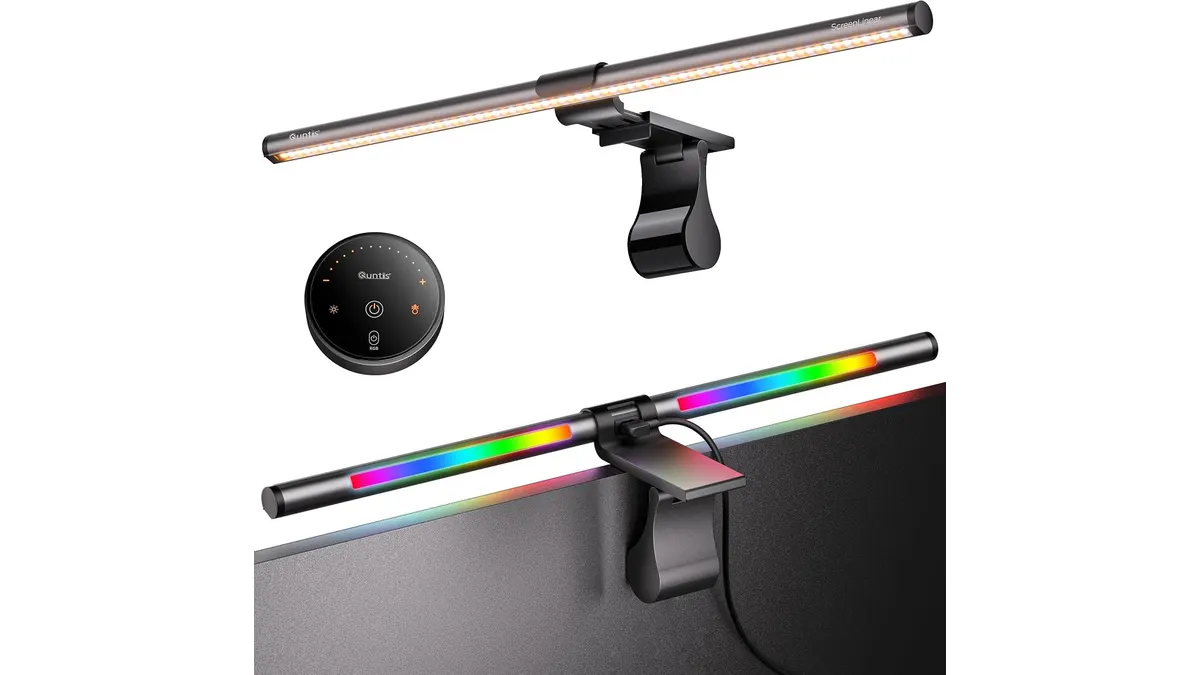
Quntis ScreenLinear RGB Review: A Desk Upgrade
The Quntis ScreenLinear RGB is a strong contender for the best desk lamp for work. Read our honest review of its performance, design, and lighting features.
 Lighting
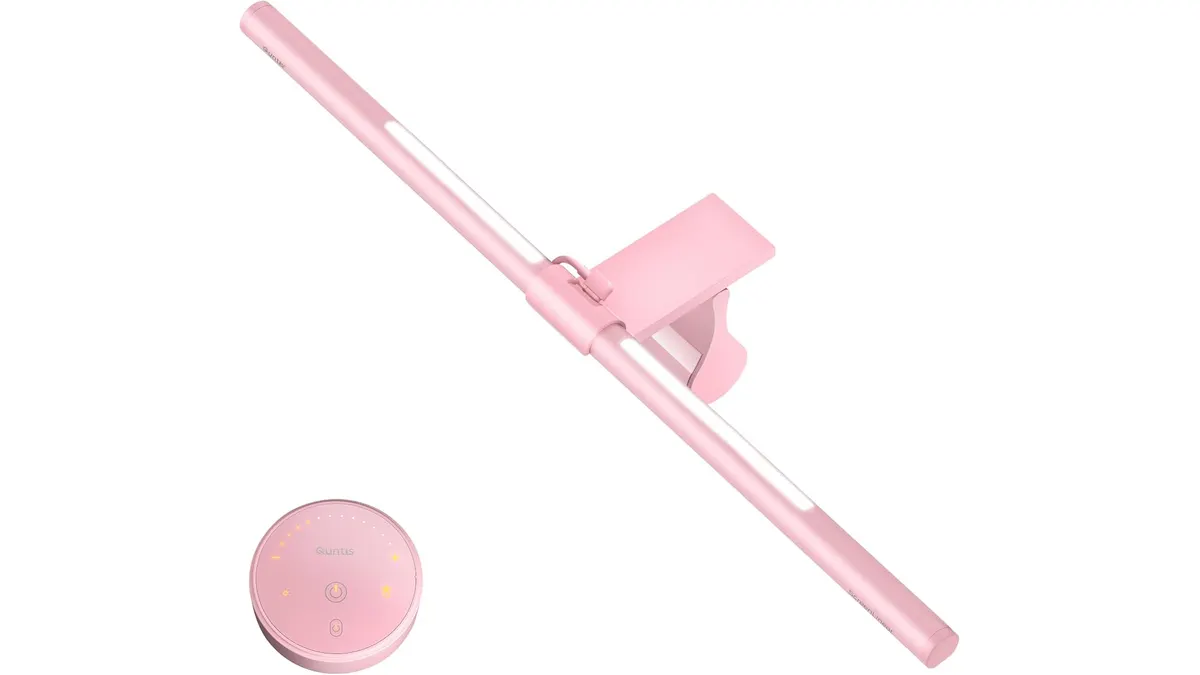
Quntis ScreenLinear Pink Review: Dual Desk Lamp
Looking for the best desk lamp for work? Our Quntis ScreenLinear Pink review covers its dual lighting, wireless remote, and color accuracy setup performance.