Acer Nitro ED300C X1 Review: Speed Meets 21:9
Read our Acer Nitro ED300C X1 review to see if this 200Hz 21:9 curved display is the best home office monitor for your dual-duty work setup.
Buying guide: best monitors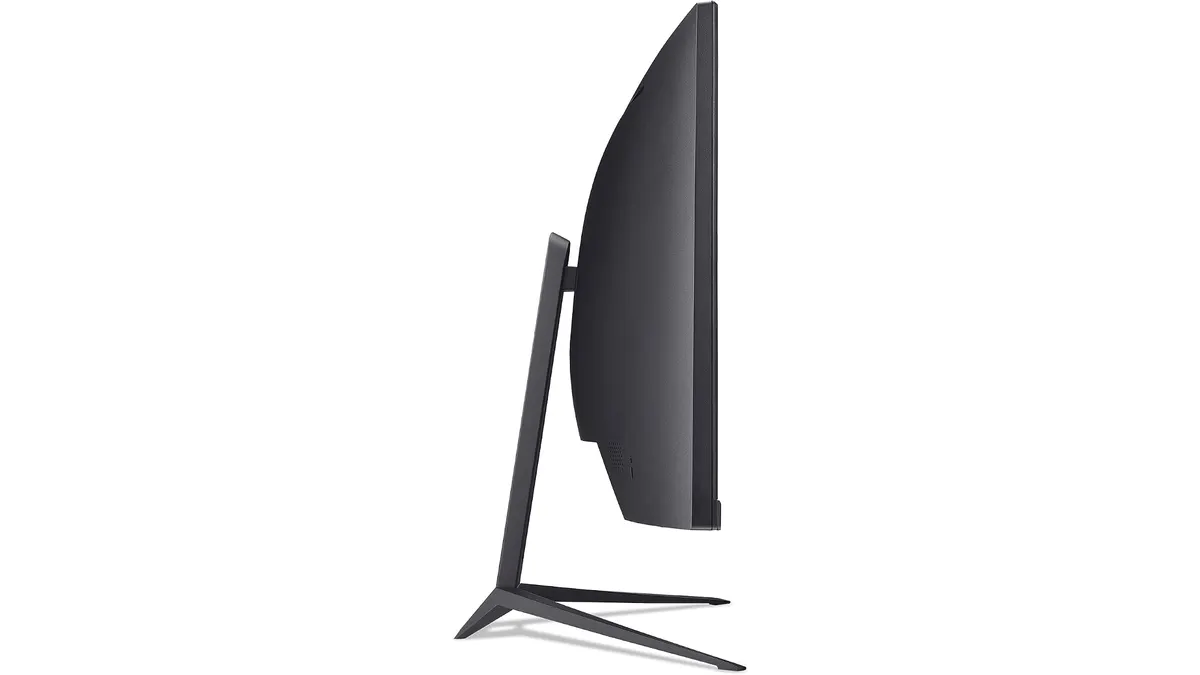 Monitors
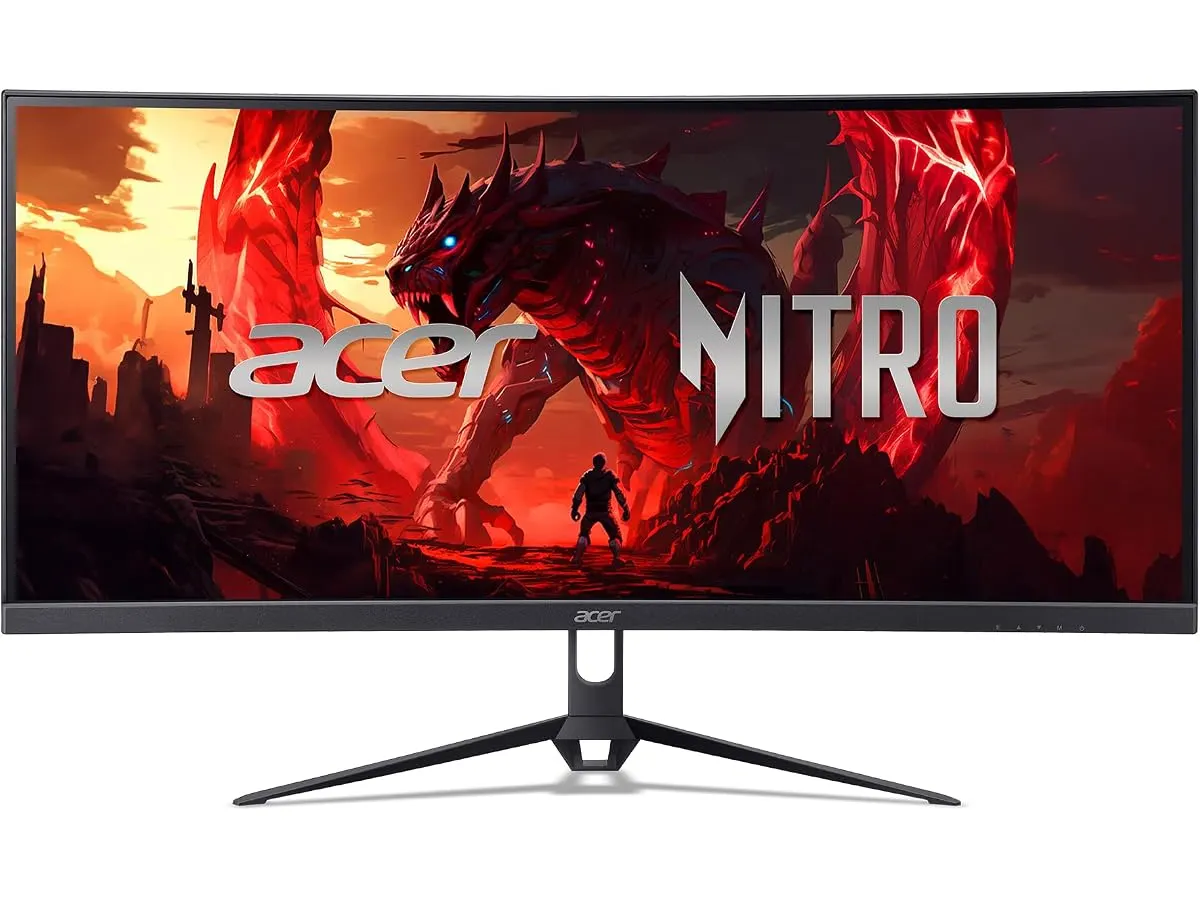
The Acer Nitro ED300C X1 brings an intriguing combination of ultra-wide screen real estate and high-speed performance to your workspace. If you want a display that handles dual-window workflows during the day and fluid gaming at night, this 29.5-inch panel makes a compelling case. It stands as a solid candidate for anyone seeking the best home office monitor that transitions effortlessly into an evening entertainment display.
What it does well
Generous 21:9 aspect ratio for multitasking
Among Acer Monitors, this 29.5-inch panel stands out by offering a 2560 x 1080 resolution across an expanded 21:9 format. You can keep two full-sized documents or browser windows open side by side without constantly switching tabs. For anyone seeking a monitor for remote work, this extra width replaces the need for a cluttered dual-display arrangement on a compact desk.
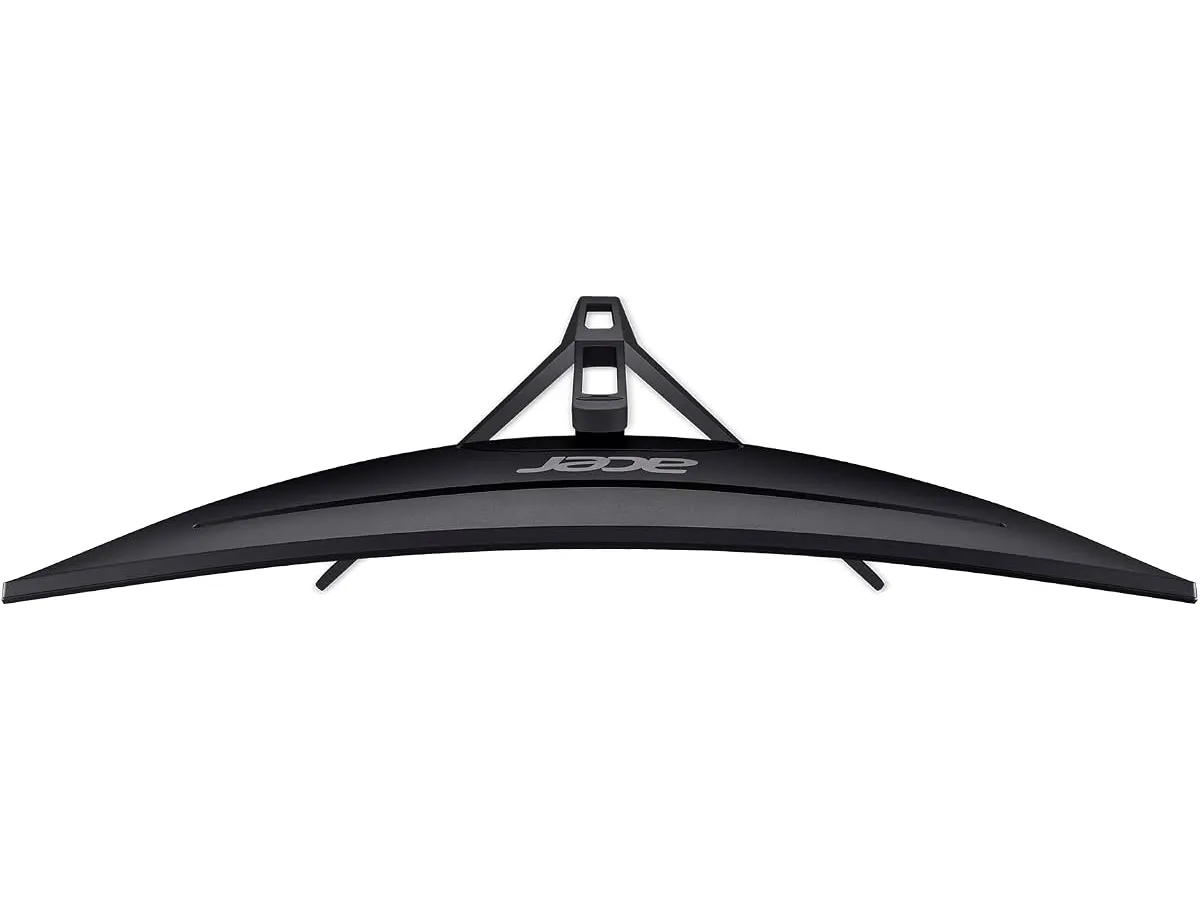
1800R curve wraps around your field of view
The 1800R curvature keeps the outer edges of this ultra-wide screen at an equal focal distance from your eyes. This design reduces neck movement and visual fatigue during long spreadsheets or editing sessions. The gentle arc prevents annoying visual distortion at the screen boundaries, keeping window borders straight and easy to scan.
200 Hz refresh rate and 1 ms response time
A 200 Hz refresh rate paired with a 1 ms response time keeps motion exceptionally clear. Dragging windows across the desktop or scrolling through long web pages feels instantaneous. When you transition to evening gaming, fast-moving action remains sharp without motion blur or ghosting dragging behind object edges.
AMD FreeSync Premium for clean visuals
AMD FreeSync Premium synchronizes the display refresh rate with your computer’s graphics output. This technology prevents screen tearing and visual stuttering during hardware-heavy workloads or fast video playback. Your display output stays smooth and clean regardless of frame rate fluctuations.
Key specifications
| Feature | Specification |
|---|---|
| Screen Size | 29.5” |
| Resolution | 2560 x 1080 (UWFHD) |
| Aspect Ratio | 21:9 |
| Curvature | 1800R |
| Refresh Rate | 200 Hz |
| Response Time | 1 ms |
| Sync Technology | AMD FreeSync Premium |
Where it falls short
Moderate pixel density at UWFHD resolution
Spreading 2560 x 1080 pixels over a 29.5-inch diagonal results in lower pixel density than a standard 1440p panel. Fine text can appear slightly soft around the edges if you sit close to your screen. Users who focus heavily on high-resolution photo editing or vector graphics might notice the lack of pin-sharp detail.
Curved geometry is less ideal for precise design work
While the 1800R curve adds comfort for general productivity, curved displays can subtly warp straight horizontal lines. CAD draftspeople, illustrators, and fine-art graphic designers often prefer a traditional flat panel to guarantee accurate visual proportions across the entire canvas.
Vertical real estate remains standard
The 1080 vertical pixel count provides standard vertical height, offering no additional headroom compared to a standard 27 inch work monitor. If your daily work relies on reading long blocks of code or tall vertical documents, you will still find yourself scrolling regularly.
Who is it for?
The hybrid worker and evening gamer
This monitor suits remote workers, students, and general users who want one versatile screen for work productivity and fast-paced gaming. If you manage multiple office apps simultaneously and enjoy high-frame-rate titles during off-hours, the 21:9 layout and 200 Hz refresh rate deliver great practical value.
The precision graphic designer
This monitor is not intended for visual artists, professional video colorists, or users who prioritize ultra-dense typography. Those who need maximum screen sharpness and geometric accuracy should look toward specialized flat productivity screens in our dedicated roundup of Monitors.
Alternatives to consider
If your priority is sharp text rendering for long writing or coding sessions, consider a standard 1440p flat display in a mid-tier price range. Detailed reviews like our Dell UltraSharp U2724D review highlight how high-density 16:9 panels offer crisp text legibility without curved distortions.
If you prefer high-speed gaming without the extra physical width of an ultra-wide, a traditional 27-inch high-refresh panel in a mid-range tier is worth exploring. Dedicated gaming options covered in our LG UltraGear 27G61ZB-B review provide exceptional motion handling in a conventional aspect ratio.
Verdict
The Acer Nitro ED300C X1 delivers an effective mix of ultra-wide workspace and fluid 200 Hz motion performance. Its 1800R curve and 21:9 aspect ratio simplify daily multitasking while reducing desktop cable clutter. While the UWFHD resolution limits pure text sharpness for specialized designers, it serves as a highly practical option for remote workers who want one display for both productivity and gaming.
Frequently asked questions
Is a 29.5-inch ultra-wide better than a dual-monitor setup?
A 29.5-inch 21:9 monitor gives you expanded side-by-side window space without a central plastic frame dividing your vision. It requires fewer cables, uses a single power outlet, and takes up less physical desk depth than two separate screens.
Does the 1800R curvature help with eye strain?
Yes. The 1800R arc matches the natural visual curvature of human vision. This keeps the outer edges of the screen at a uniform distance from your eyes, reducing the continuous refocusing that causes fatigue during long work sessions.
Can I use the Acer Nitro ED300C X1 for photo editing?
It handles basic photo cropping and casual image editing fine. However, serious graphic artists usually prefer flat panels with higher pixel density to ensure crisp text rendering and accurate straight-line geometry.

Editor
Charly River · SetUpLatam
Charly River curates, reviews and edits SetUpLatam’s home office guides. He checks every product sheet against the manufacturer’s official specifications and cuts what does not help, so you buy right the first time.
You may also like
 Monitors
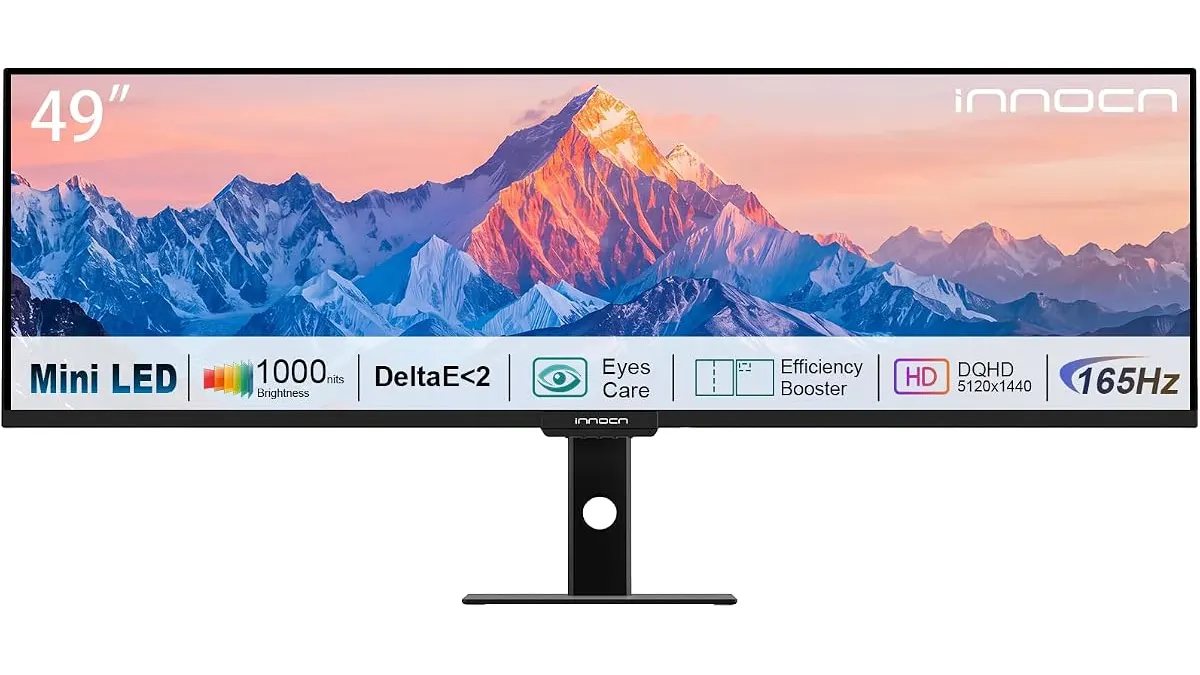
INNOCN 49 Ultrawide Review: Flat Screen Brilliance
Our INNOCN 49 Ultrawide review explores why this massive flat monitor is the best home office monitor for multitaskers who hate curved screen distortion.
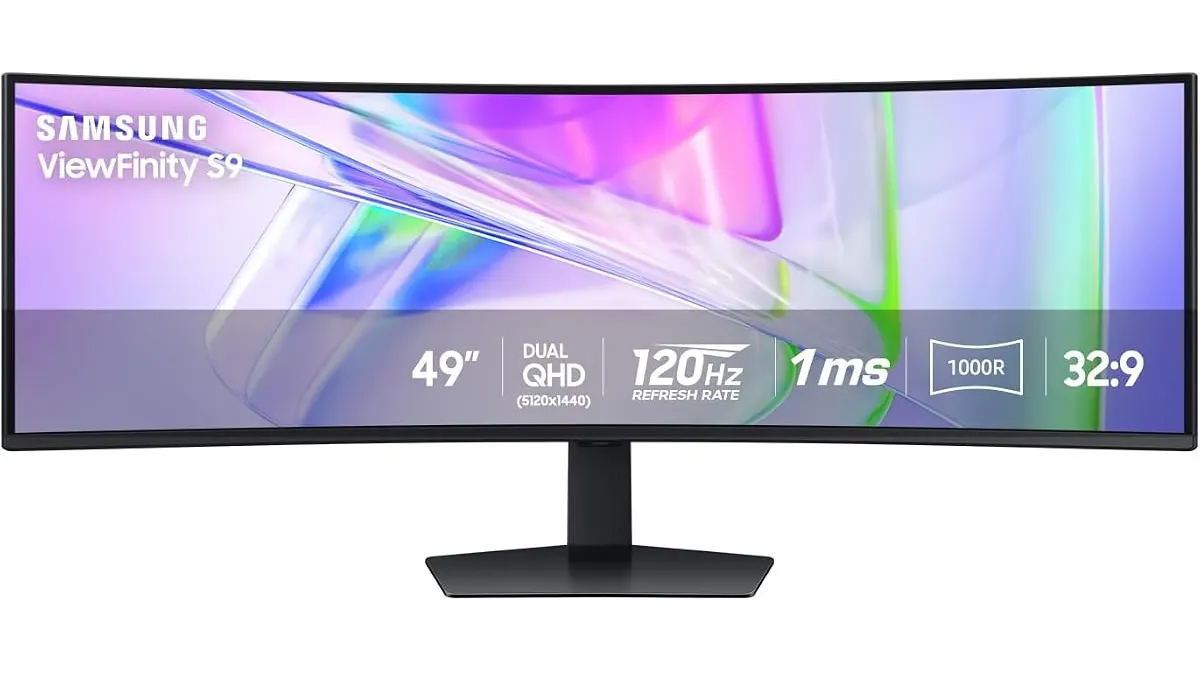 Monitors
Samsung LS49C954UANXZA Review: The Ultimate Ultrawide
Is the Samsung LS49C954UANXZA the best home office monitor for your desk? We test the 49-inch curved display to see if its productivity claims hold up.
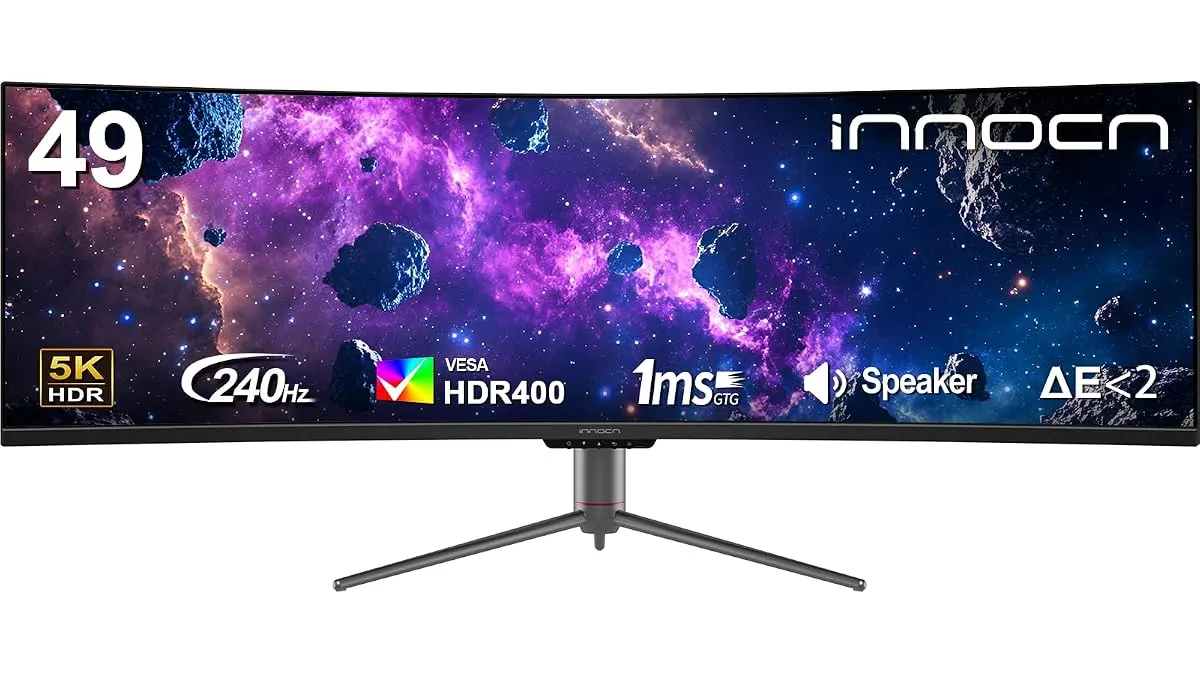 Monitors
INNOCN 49C1S Review: An Ultrawide Powerhouse
Looking for the best home office monitor? We put the 49-inch INNOCN 49C1S through its paces to see if this ultrawide giant is worth your desk space.