Anker 13-in-1 USB-C Docking Station Review
Looking for the best usb-c hub for home office setups? Read our detailed Anker 13-in-1 USB-C Docking Station review covering specs and performance.
Buying guide: best mounts & hubs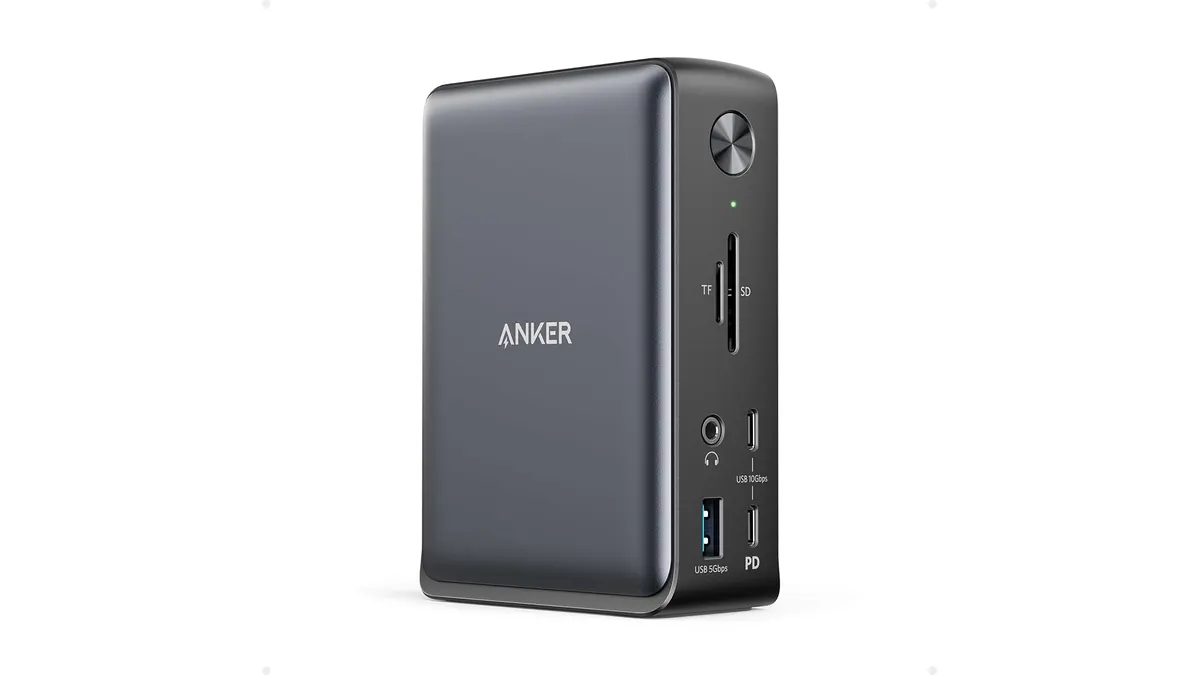 Mounts & Hubs
If you want to declutter a cluttered desk, finding the best usb-c hub for home office efficiency comes down to ports and power delivery. The Anker 13-in-1 USB-C Docking Station transforms a single laptop cable into a command center for your monitors, storage drives, and peripherals. You can browse our complete Mounts & Hubs section to see how docking stations pair with modern setups.
What it does well
Power delivery is a stand-out highlight here. Thanks to the included 135W AC power adapter, this laptop docking station routes a dedicated 85W straight to your notebook. You do not need to supply a separate charger or compromise on power. On top of that, an independent 18W USB-C Power Delivery port on the front handles fast charging for your mobile phone simultaneously.
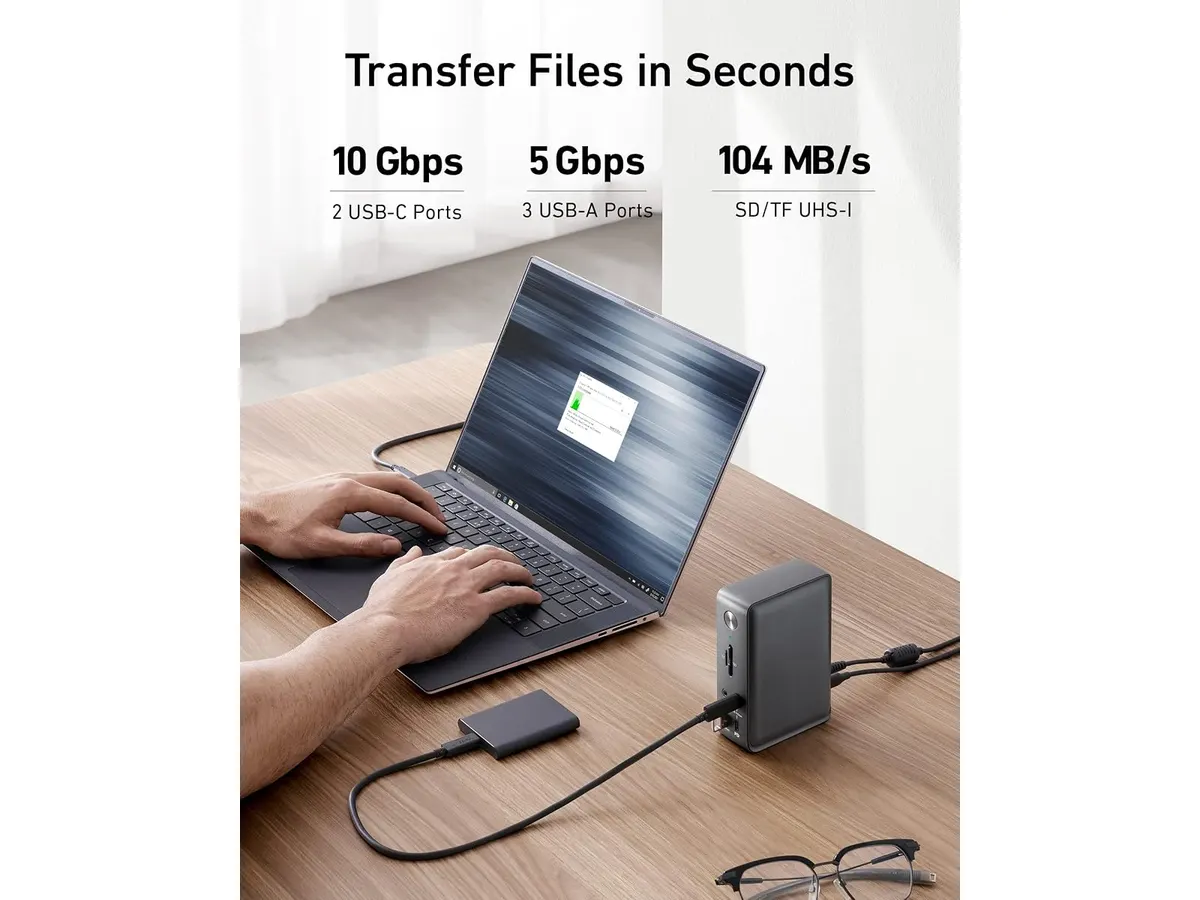
Data transfer performance is equally impressive. Anker equips this unit with three USB-C ports that hit up to 10Gbps transfer speeds, alongside three USB-A ports operating at 5Gbps. Moving massive video files or backing up external drives takes seconds rather than minutes. Having both legacy USB-A ports and fast modern USB-C ports means older accessories and high-speed drives sit side by side without extra adapters.
The vertical design footprint measures just 4.9 x 3.5 x 1.6 inches. Standing upright on your desk, it leaves plenty of room for keyboard movements and cable management under a monitor arm. It packs Gigabit Ethernet, SD and microSD card readers, and a 3.5mm audio jack into that tiny footprint, giving you desktop-grade connectivity.
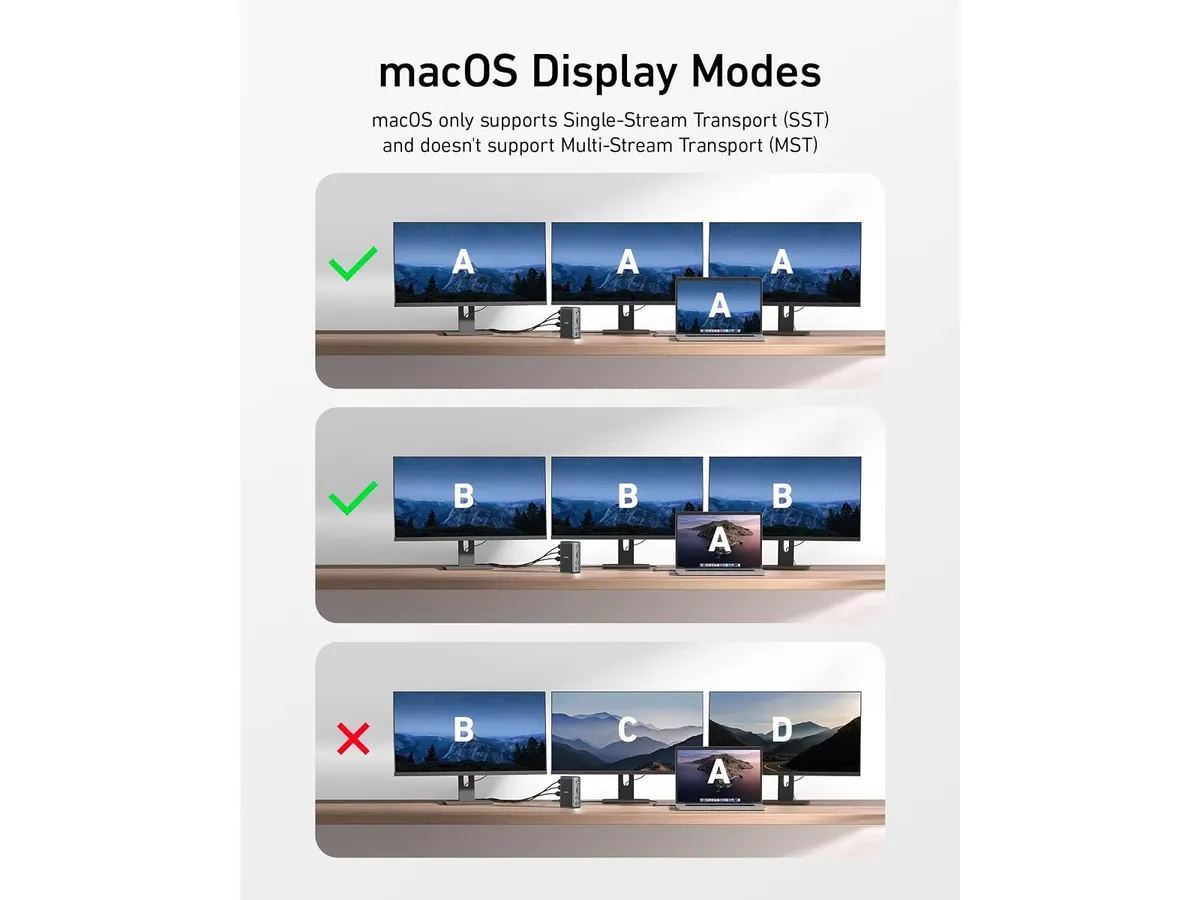
For display flexibility, it functions as a comprehensive usb-c hub with hdmi and DisplayPort connections. Windows users can run up to three external screens at 1080p@60Hz. If you prefer a single sharp display, it outputs a clean 4K@60Hz signal without stutter.
Key specifications
| Feature | Specification |
|---|---|
| Total Ports | 13 |
| Laptop Charging | 85W via main USB-C host port |
| Mobile Charging | 18W via front USB-C PD port |
| Power Supply | Included 135W external AC power adapter |
| Video Output | Single display up to 4K@60Hz; Triple display up to 1080p@60Hz |
| High-Speed Data | 3x USB-C ports (up to 10Gbps) |
| Standard Data | 3x USB-A ports (up to 5Gbps) |
| Memory Card Support | SD slot and microSD slot |
| Audio & Network | 3.5mm audio jack, Gigabit Ethernet (10/100/1000 Mbps) |
| Physical Dimensions | 4.9 x 3.5 x 1.6 inches |
Where it falls short
Multi-monitor power comes with resolution trade-offs. Driving three external monitors limits each panel to a 1080p resolution at 60Hz. If your workflow demands dual or triple 4K monitors, this dock’s internal display bandwidth will not meet your expectations.
The external power brick is physically bulky. While the dock itself occupies very little surface area on top of your desk, hiding the massive 135W brick underneath or behind your cable tray requires extra planning. Portable workers who move around will find this setup too heavy to travel with.
Bandwidth across the USB-A ports stays capped at 5Gbps. While adequate for mice, keyboards, and flash drives, external high-speed SSDs will run slower on these ports compared to the 10Gbps USB-C ports on the front panel.
Who is it for?
This device fits remote professionals who keep their laptops stationed at a home office desk. If you run multiple 1080p or a single 4K monitor alongside a keyboard, mouse, web camera, and wired network cable, this single-cable dock organizes your entire workspace effortlessly. It also fits users who demand fast dedicated phone charging without clogging extra wall outlets.
It is not built for frequent travelers or creators who require multi-4K setups. If you work from coffee shops daily or edit high-bitrate media across dual 4K color-calibrated monitors, you should skip this model in favor of travel hubs or full Thunderbolt hardware.
Alternatives to consider
If you prefer a lightweight adapter that slides into a laptop sleeve, consider a bus-powered portable hub like the Anker USB-C Hub 8-in-1. It bypasses the need for a massive external power brick while retaining vital video and card reader features for on-the-go work.
For heavy video editors and power users needing multi-screen 4K capabilities at maximum bandwidth, look toward a top-tier Thunderbolt dock such as the CalDigit TS4. It sits in a higher price bracket, but provides unmatched speed and display flexibility over single-cable connections.
Verdict
This Anker 13-in-1 USB-C Docking Station review shows that dedicated desk power and versatile port selection can transform your workflow. Delivering a true 85W host charge alongside 18W phone charging, it keeps all your gear powered without messy power strips. Unless you need higher multi-monitor resolutions, it stands as an excellent anchor for any home desk setup.
Frequently asked questions
Can this dock charge my laptop and smartphone simultaneously?
Yes, the included 135W power adapter allows the dock to deliver up to 85W of charge to your connected laptop while simultaneously outputting 18W from the front USB-C Power Delivery port to fast-charge your phone.
Does this docking station output 4K video across multiple monitors?
No. The dock supports single-monitor output up to 4K at 60Hz. When connecting three external displays on Windows, the output resolution caps at 1080p at 60Hz per monitor.
Does the docking station require a separate power brick?
It includes a 135W AC power adapter in the box. The dock requires this external power supply connected to function properly and supply high-wattage charging to your laptop.

Editor
Charly River · SetUpLatam
Charly River curates, reviews and edits SetUpLatam’s home office guides. He checks every product sheet against the manufacturer’s official specifications and cuts what does not help, so you buy right the first time.
You may also like
 Mounts & Hubs
UGREEN 10-in-1 USB C Docking Station Review
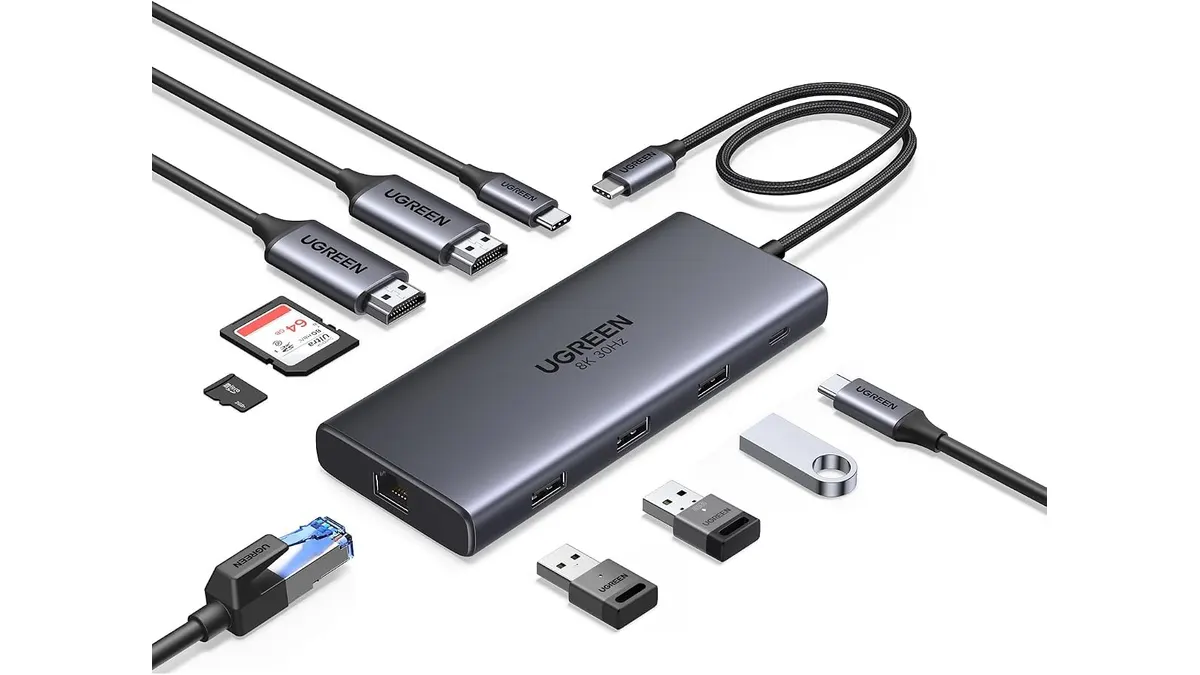
Searching for the best usb-c hub for home office setups? Read our UGREEN 10-in-1 USB C Docking Station review for dual 4K video performance and specs.
 Mounts & Hubs
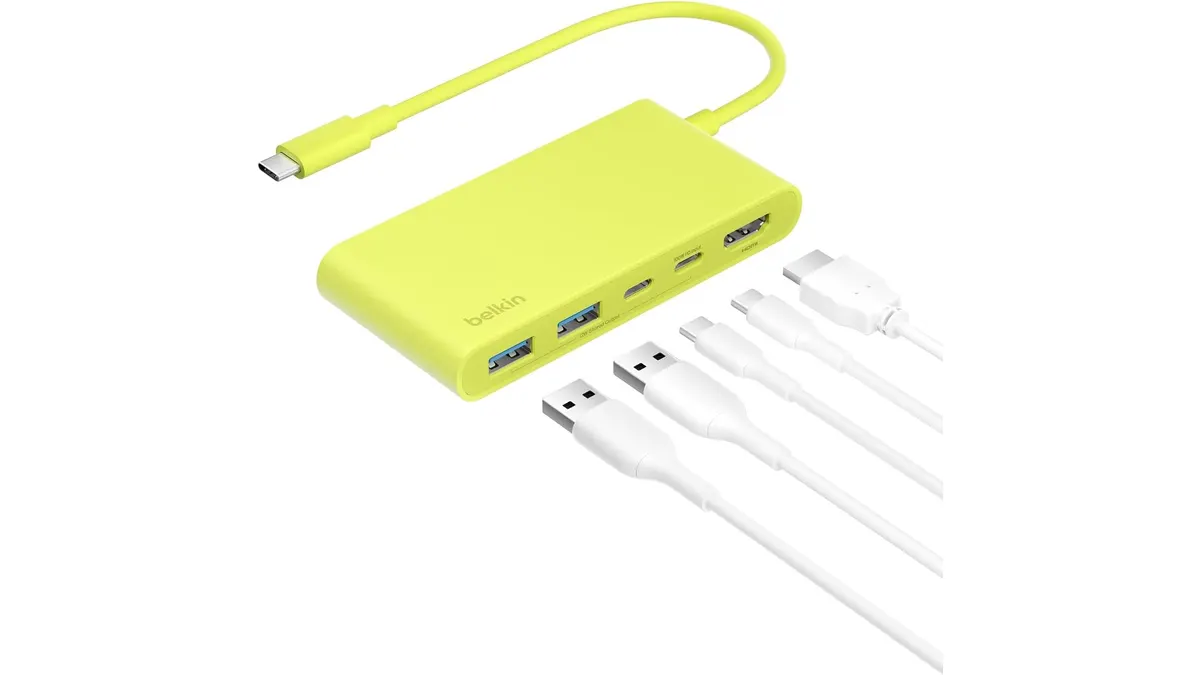
Belkin 100W USB C Hub Review: Compact Power
Looking for the best usb-c hub for home office setups? Our Belkin 100W USB C Hub review covers 4K 60Hz HDMI video, 100W PD, and transfer speeds.
 Mounts & Hubs
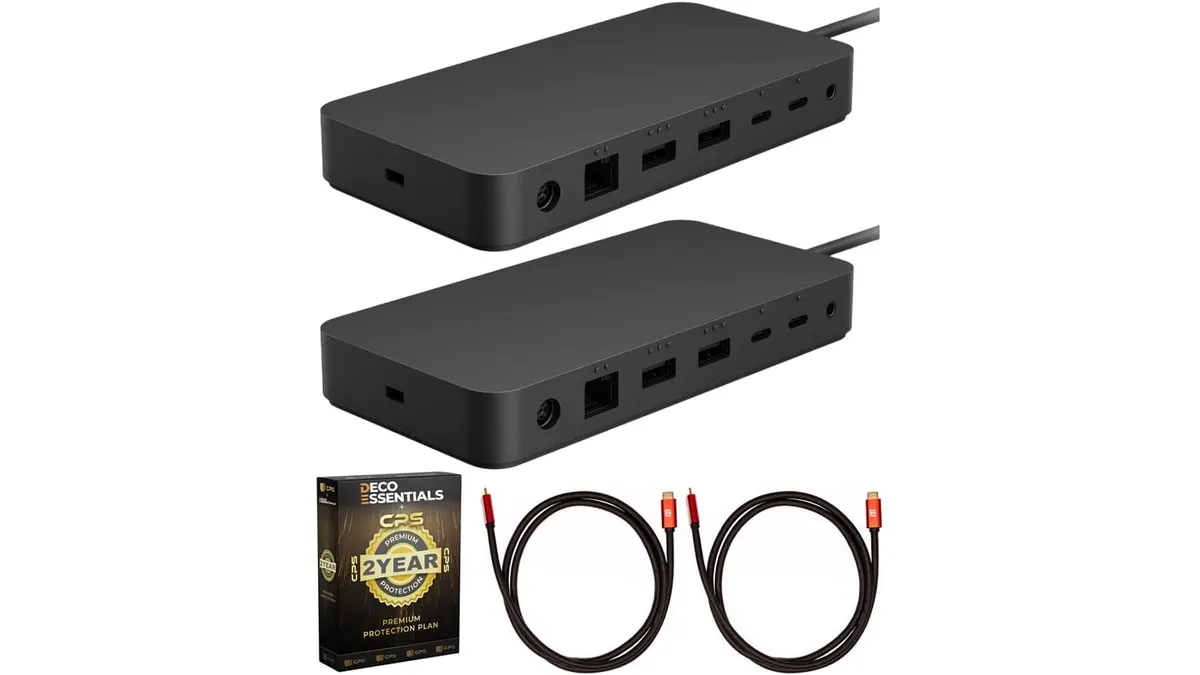
Microsoft Surface Thunderbolt 4 Dock Review
Our Microsoft Surface Thunderbolt 4 Dock review breaks down performance, dual 4K support, and why it is the best usb-c hub for home office workstations.