Dell S2725DSM Review: Sharp 27-Inch QHD Display
Our Dell S2725DSM review tests this 144Hz 27 inch work monitor. Find out if it is the best home office monitor for remote work and daily productivity.
Buying guide: best monitors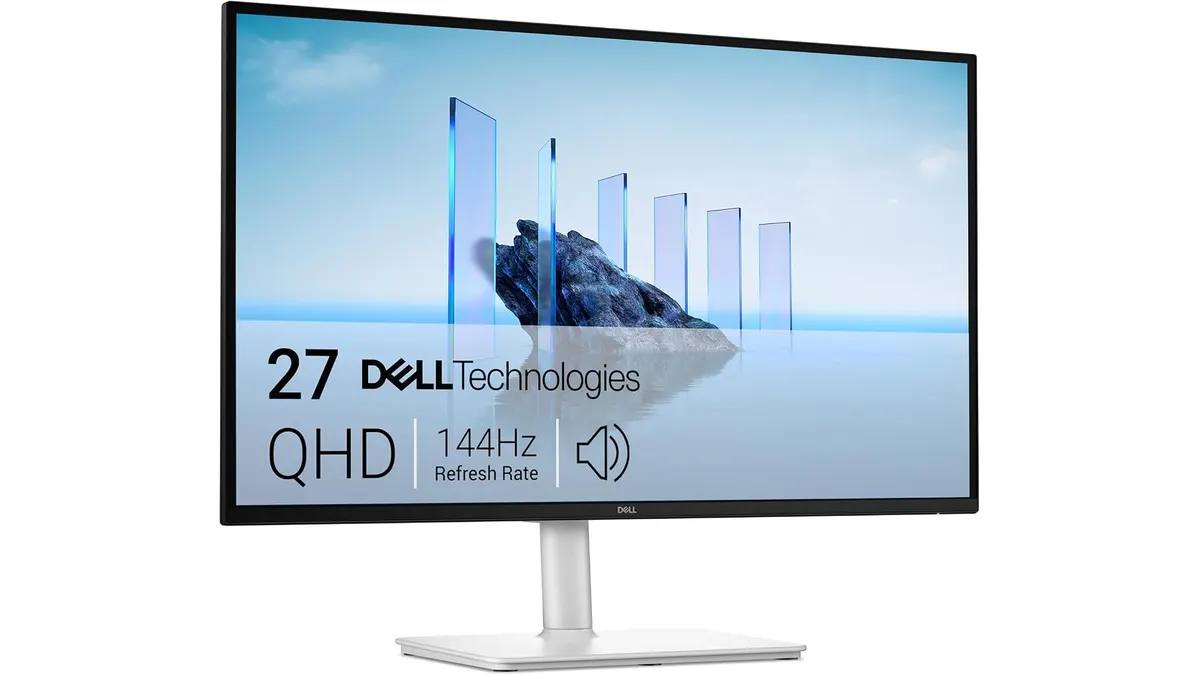 Monitors
Finding a 27 inch work monitor that balances smooth motion and crisp visual detail can transform your desk setup. The Dell S2725DSM mixes QHD resolution with a snappy 144Hz refresh rate, making it a strong contender for the best home office monitor. It targets remote workers, creators, and professionals who want smooth scrolling, sharp text, and comfortable ergonomic flexibility without buying dedicated gaming hardware.
What makes it a top contender for best home office monitor
The standout aspect of this display is the pairing of a 2560x1440 resolution with a 144Hz refresh rate. Traditional office screens lock you into 60Hz, where mouse movement and document scrolling feel sluggish. Running at 144Hz makes desktop navigation fluid, reducing eye fatigue during long spreadsheets or editing sessions. The QHD density on a 27-inch panel strikes a great balance, giving you ample screen space without needing heavy display scaling.
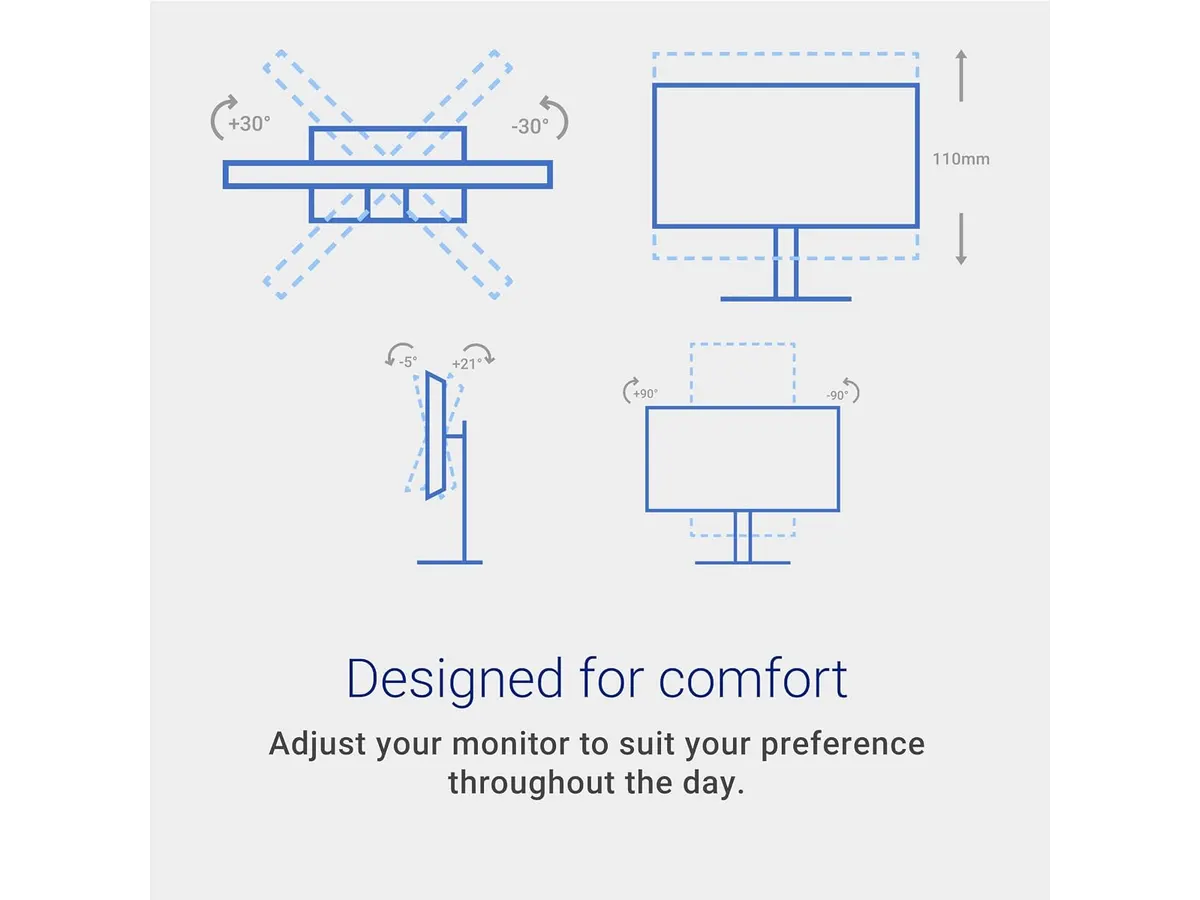
Ergonomic flexibility is another primary strength. The included factory stand supports full height adjustment, tilt, swivel, and 90-degree pivot. You can quickly switch to portrait mode for reading code or reviewing long documents. That level of adjustment helps maintain healthy posture throughout the workday without needing a separate monitor arm.
For visual comfort, the panel includes TÜV certification for low blue light emissions. This hardware filter limits harsh blue wavelengths during extended work hours without ruining color balance. Integrated audio is another clean touch. Dual 3W built-in speakers eliminate desk clutter by handling video conference calls, voice notes, and background audio directly from the frame.
Key specifications
| Specification | Details |
|---|---|
| Screen Size | 27 inches |
| Resolution | QHD (2560x1440) |
| Refresh Rate | 144Hz |
| Response Time | 1ms MPRT |
| Audio | Dual 3W built-in speakers |
| Stand Adjustability | Height, tilt, swivel, and pivot |
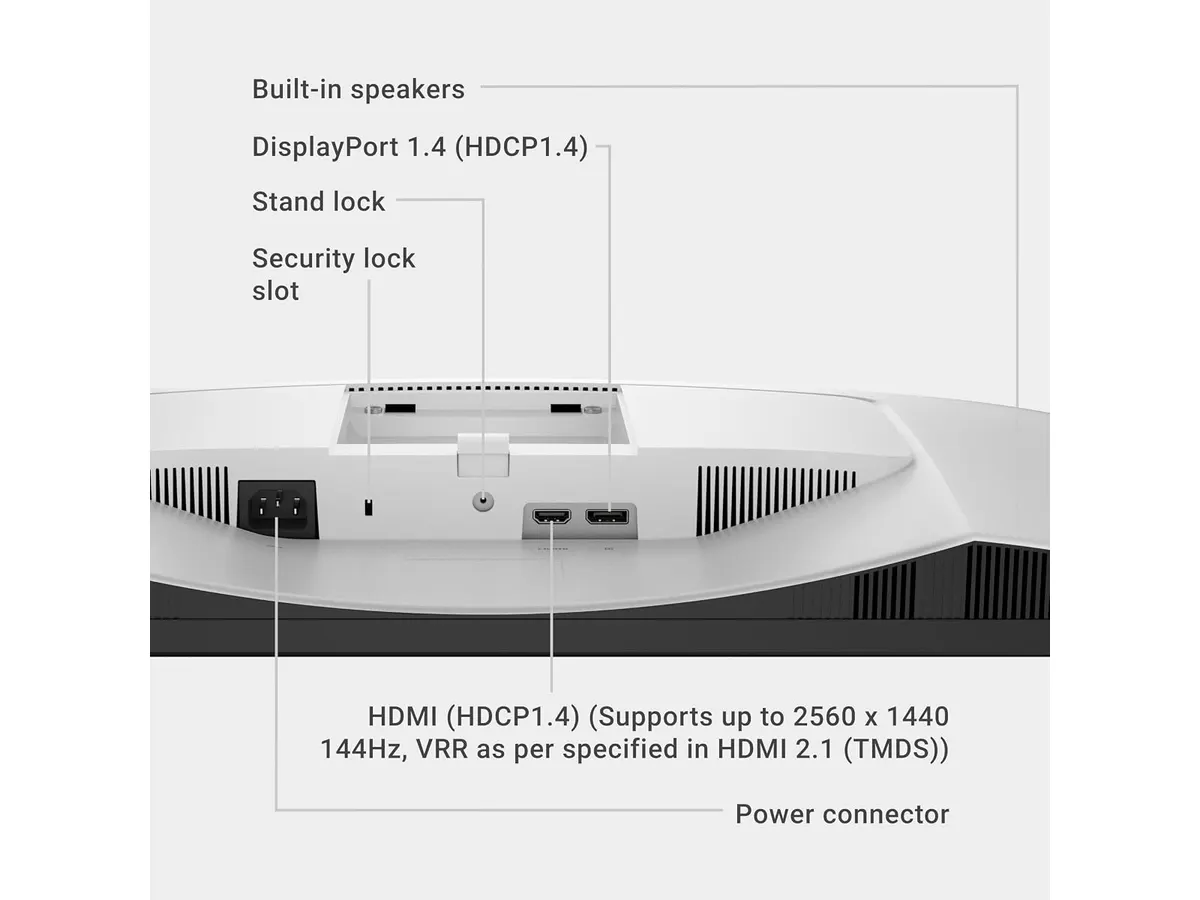
| Connectivity | HDMI, DisplayPort 1.4 |
| Eye Comfort | TÜV certified blue light reduction |
Where it falls short
While the feature set is broad, connectivity is limited to HDMI and DisplayPort 1.4. There is no USB-C port with power delivery. Laptop users who want a single-cable setup to handle video output and device charging will need a separate hub or dock on their desk.
The integrated 3W dual speakers are adequate for spoken video calls and casual notifications, but they lack deep low-end audio performance. If your routine involves serious audio production or immersive media viewing, external speakers or headphones remain necessary.
Finally, while the 1ms MPRT response time keeps motion blur low, the display prioritizes standard office work and general media over extreme dynamic range brightness. Users who need dedicated high-peak HDR performance for high-end color grading will find its brightness target tailored more for typical indoor workspaces.
Who is it for?
This screen fits remote workers, software developers, and general content managers who spend hours looking at text and multitasking across split screens. The sharp QHD resolution gives you extra workspace over basic 1080p panels, while the 144Hz refresh rate and full ergonomic stand make daily computer work noticeably smoother and more comfortable.
It is not ideal for users who rely solely on modern ultrabooks and require single-cable USB-C connectivity to pass power and video at once. Specialized graphic designers needing professional wide color reproduction or high HDR peak luminance should also look toward dedicated photo-editing lines.
Alternatives to consider
If you want single-cable power delivery and extra connectivity hubs built directly into the frame, consider moving up to a higher-end productivity display line. For example, our Dell UltraSharp U2724D review explores a model focused heavily on color depth and advanced office connectivity.
If your primary goal is maximizing screen area on a budget without needing high refresh rates, a multi-monitor bundle might be a practical fit instead. You can read our Gigastone 27 IPS 2-Pack review to see how a dual-screen arrangement compares for raw multitasking space.
Verdict
This screen proves that a monitor for remote work does not need to feel slow or rigid. The combination of QHD sharpness, 144Hz motion clarity, and a fully adjustable stand makes daily desk work feel effortless. While laptop power users will need a separate hub for USB-C charging, its visual performance and eye-comfort features make it a reliable choice from our curated list of monitors.
Frequently asked questions
Does the Dell S2725DSM stand allow portrait orientation?
Yes. The included stand offers full adjustability, allowing you to alter height, tilt, swivel, and pivot the display 90 degrees into a vertical portrait orientation.
Is 144Hz useful for standard office work?
Yes. While higher refresh rates originated in gaming displays, 144Hz provides smoother mouse movement, fluid window dragging, and reduced eye strain during fast document scrolling.
Does this monitor include built-in speakers?
Yes. It features dual 3W built-in speakers that easily handle virtual meetings, podcasts, and general operating system sounds without taking up desk space.

Editor
Charly River · SetUpLatam
Charly River curates, reviews and edits SetUpLatam’s home office guides. He checks every product sheet against the manufacturer’s official specifications and cuts what does not help, so you buy right the first time.
You may also like
 Monitors
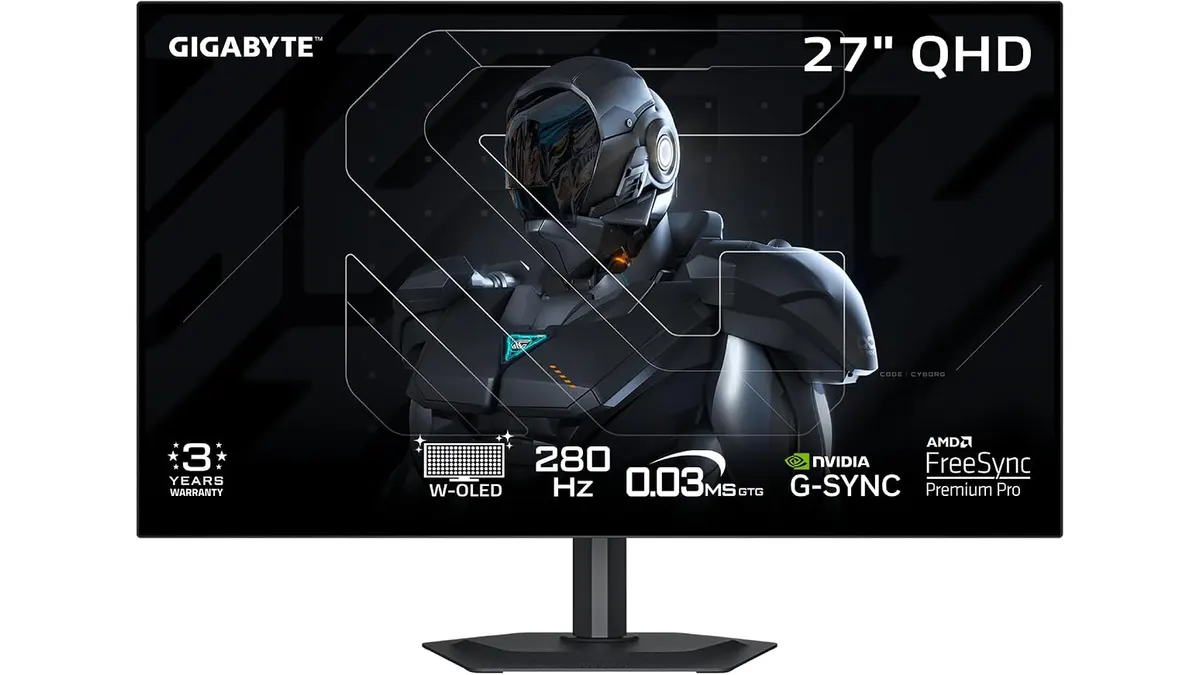
GIGABYTE MO27Q28GR Review: OLED Excellence
Read our GIGABYTE MO27Q28GR review. Discover why this 27-inch QHD WOLED screen might be the best home office monitor for deep blacks and bright work.
 Monitors
ViewSonic VX3276-MHD Review: Big Screen Value
Looking for a monitor for remote work? Read our ViewSonic VX3276-MHD review to see if this 32-inch display is the best home office monitor for you.
 Monitors
Acer CB272K bmiprux Review: Premium 4K Clarity
Looking for the best home office monitor? Our Acer CB272K bmiprux review breaks down its 4K resolution, USB-C connectivity, and color performance.