Razer Leviathan V2 X Review: Compact PC Soundbar
Our Razer Leviathan V2 X review explores this compact USB soundbar. Pair it with the best webcam for home office setups to complete your desktop audio.
Buying guide: best audio & webcams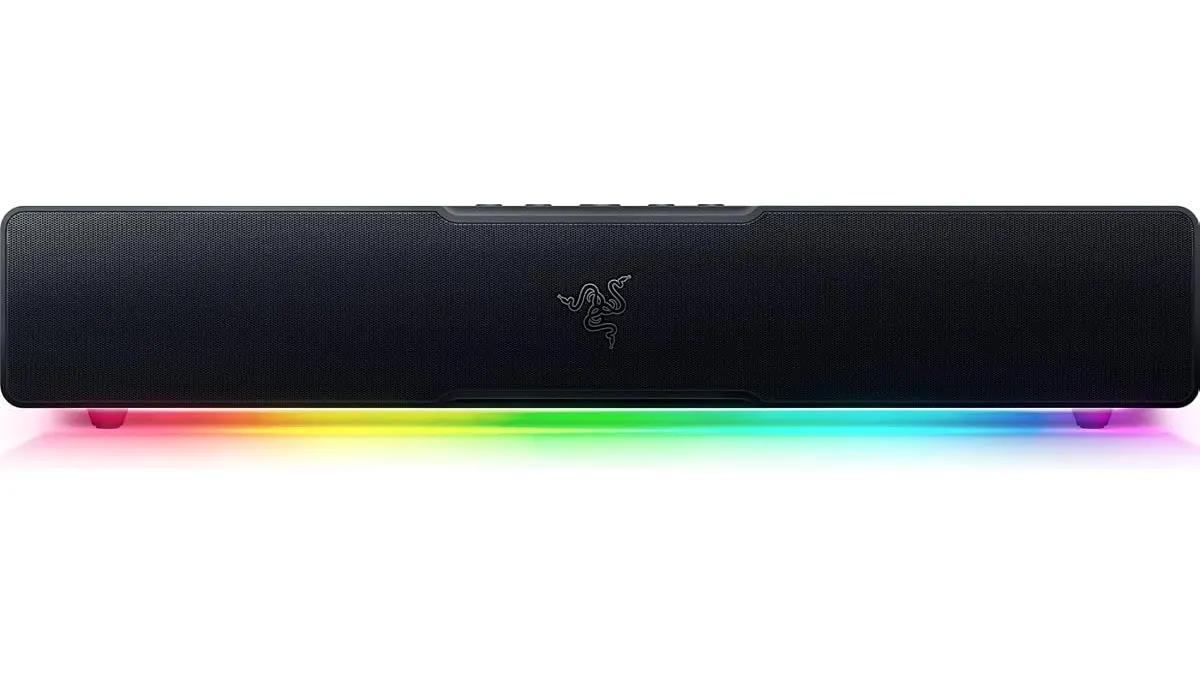 Audio & Webcams
Desk space is premium real estate. When building a clean workspace around your monitor and the best webcam for home office work, bulky stereo speakers often get in the way. The Razer Leviathan V2 X is a dedicated PC soundbar built to tuck directly beneath your display, offering a streamlined upgrade for your setup inside our Audio & Webcams catalog.
What it does well
The most practical design decision Razer made here is the single USB Type-C connection. One cable handles both power delivery and digital audio signal directly from your computer. You do not need to hunt for an open wall socket or route thick power bricks behind your desk.
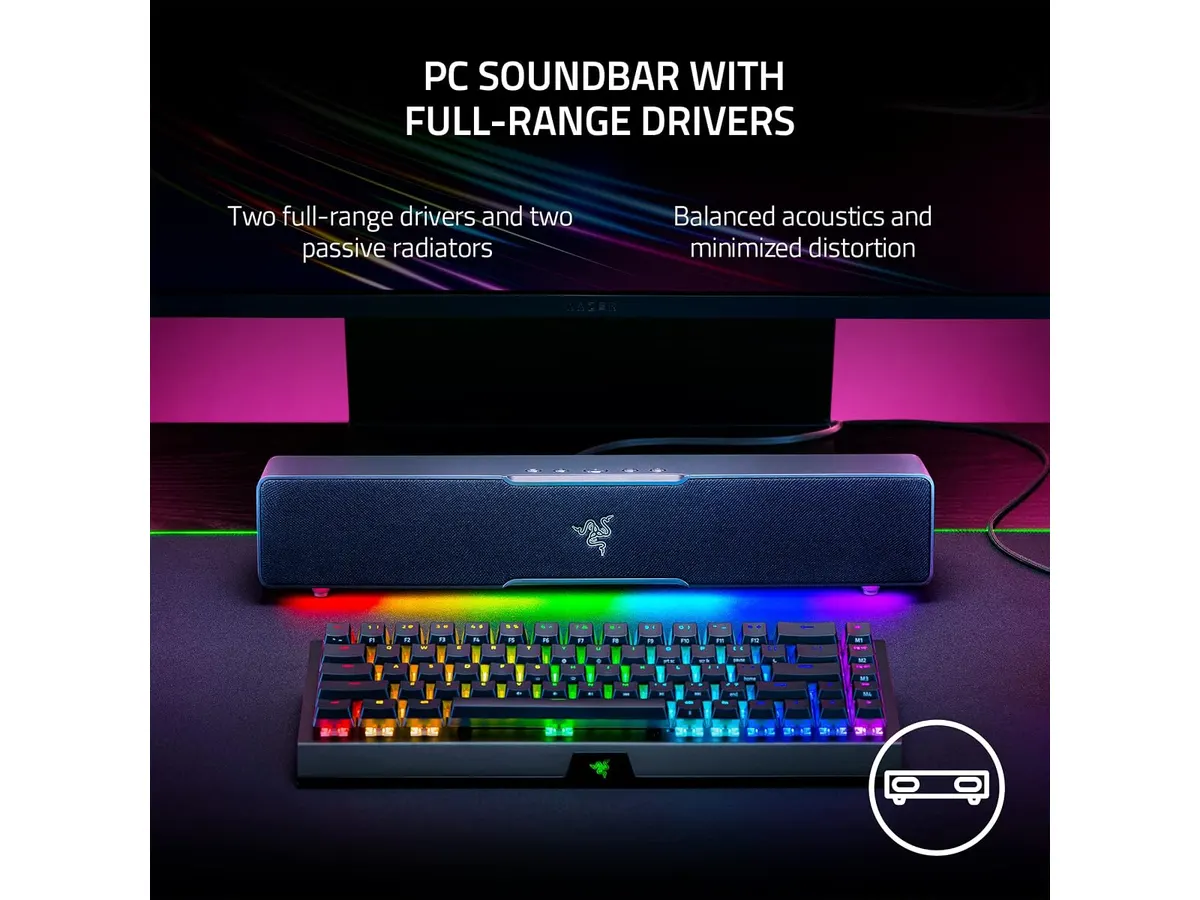
Audio output hits up to 90 dB of volume, powered by two full-range drivers paired with two passive radiators. For an under-monitor bar, it pushes surprising volume and mid-range clarity. Voice audio in videos, podcasts, and casual media comes through crisp and intelligible without distorting at elevated levels.
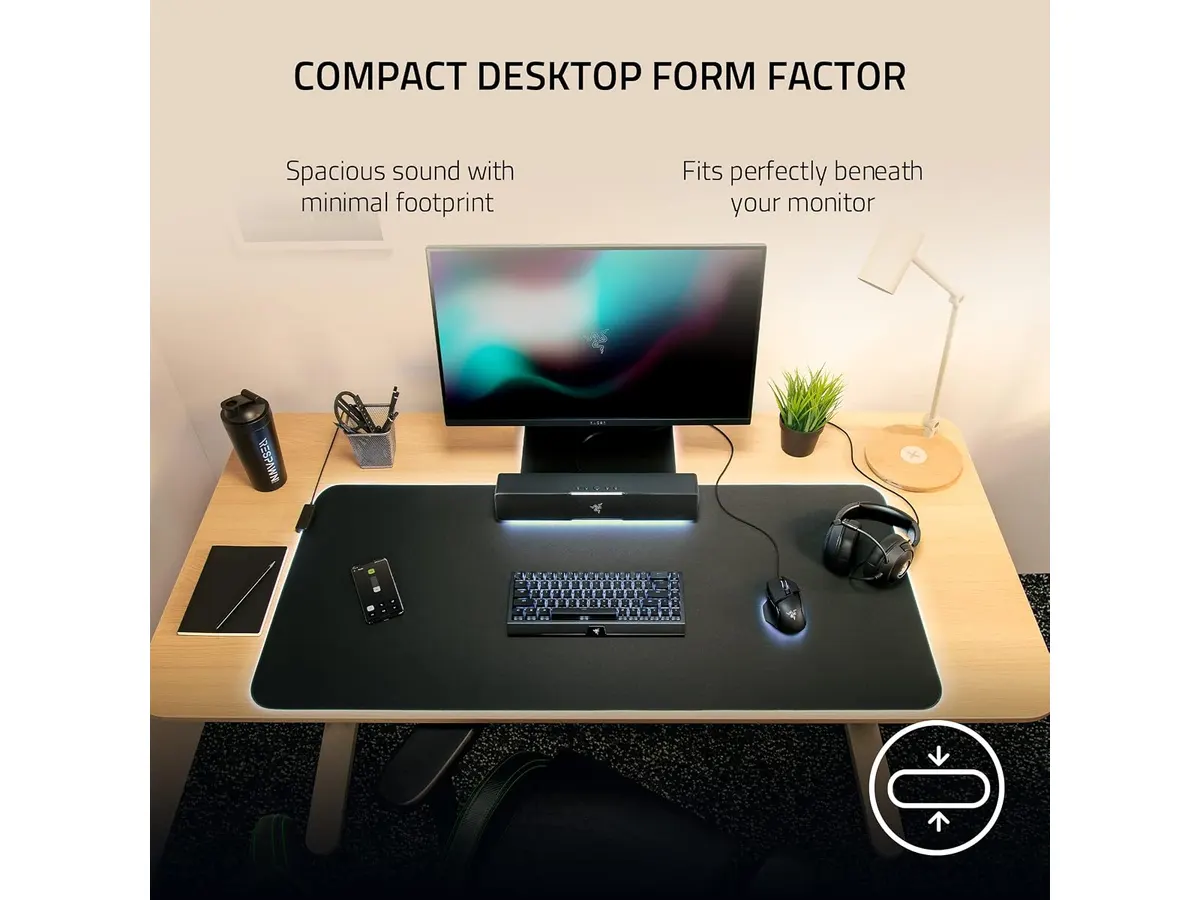
Its physical footprint is specifically tailored to fit under standard desktop monitors. Because it stays low and narrow, your desk remains clutter-free for your keyboard, mousepad, or a dedicated usb microphone for video calls.
Bluetooth 5.0 inclusion adds genuine versatility. With low-latency wireless connectivity built in, switching between your primary desktop feed and your smartphone takes seconds. Audio customization and 14-zone Razer Chroma RGB lighting can be configured directly through Razer Synapse on desktop or the Razer Audio App on your phone.
Key specifications
| Specification | Details |
|---|---|
| Product Type | PC Soundbar |
| Speaker Array | 2 full-range drivers, 2 passive radiators |
| Power & Audio Connection | Single USB Type-C |
| Wireless Connectivity | Bluetooth 5.0 (low latency) |
| Maximum Volume | Up to 90 dB |
| RGB Lighting | Razer Chroma RGB (14 zones) |
| Water Resistance | No |
| Software Control | Razer Synapse & Razer Audio App |
Where it falls short
Bass reproduction has clear physical limits. While the two passive radiators reinforce lower frequencies, they cannot replace a dedicated wooden subwoofer enclosure. Music genres that rely heavily on sub-bass will sound somewhat flat compared to full-sized desktop speaker systems.
Connectivity options remain strictly digital. There is no standard 3.5mm analog auxiliary input port on the soundbar. If you intended to plug in legacy audio gear or analog console adapters, you are out of luck.
The unit lacks water resistance ratings. Keep drinks away from the top grille, as accidental spills could damage the internal drivers and lighting circuitry.
Who is it for?
This soundbar is ideal for remote workers and gamers who want clean, loud desktop audio without managing multiple cables or floor subwoofers. If your setup prioritizes minimalism, low-profile accessories, and customizable lighting, it fits under your screen perfectly.
It is not built for home theater enthusiasts or audio producers demanding raw low-end power and neutral studio response. If you frequently swap between analog audio gear or prefer taking private calls on a headset for meetings, a dedicated soundbar may not serve as your primary output device.
Alternatives to consider
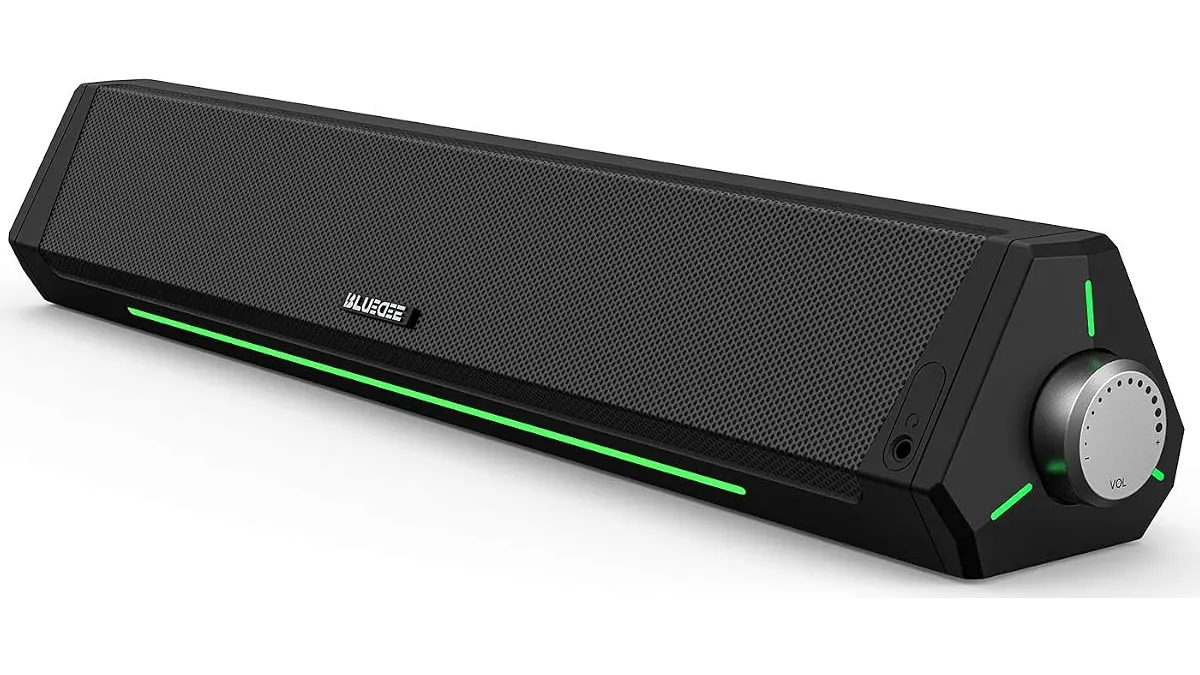
If you want a basic desktop speaker setup on a tight budget, entry-level USB soundbars provide functional audio output for casual daily use without software controls or custom lighting. For a breakdown of budget-friendly desktop audio, check our Bluedee Computer Speakers Review.
For those who prioritize deep bass for gaming and movie watching, higher-tier 2.1 speaker packages featuring standalone subwoofers offer significantly stronger low-frequency response, though they demand far more physical space beneath your desk.
Verdict
The Razer Leviathan V2 X is a smart, space-saving solution for anyone who wants clear desktop audio without cable mess. Its single USB-C cable setup and compact frame keep your desk clean while delivering impressive 90 dB volume output. If you want strong voice clarity and subtle ambient RGB lighting without adding extra clutter, this soundbar earns a solid recommendation. To complete your video conferencing configuration alongside clear audio, take a look at our Logitech MX Brio Review to find a high-end webcam for remote work.
Frequently asked questions
Does the Razer Leviathan V2 X require a wall outlet?
No. The soundbar draws all necessary operational power and receives digital audio signals through a single USB Type-C cable connected directly to your computer.
Can I connect mobile devices via Bluetooth?
Yes. The soundbar features Bluetooth 5.0 with low latency support, allowing you to pair smartphones or tablets and adjust settings via the Razer Audio mobile app.
How does this fit with the best webcam for home office setups?
Because of its slim under-monitor profile, the Leviathan V2 X stays flat against your desk surface. This leaves the area directly above your monitor completely clear for mounting your camera without blocking line-of-sight or cable routing.

Editor
Charly River · SetUpLatam
Charly River curates, reviews and edits SetUpLatam’s home office guides. He checks every product sheet against the manufacturer’s official specifications and cuts what does not help, so you buy right the first time.
You may also like
 Audio & Webcams
Bluedee Computer Speakers Review: Compact Soundbar for Desktops
Explore Bluedee Computer Speakers for an efficient audio solution. Perfect for remote work and gaming. Read our full review!
 Audio & Webcams
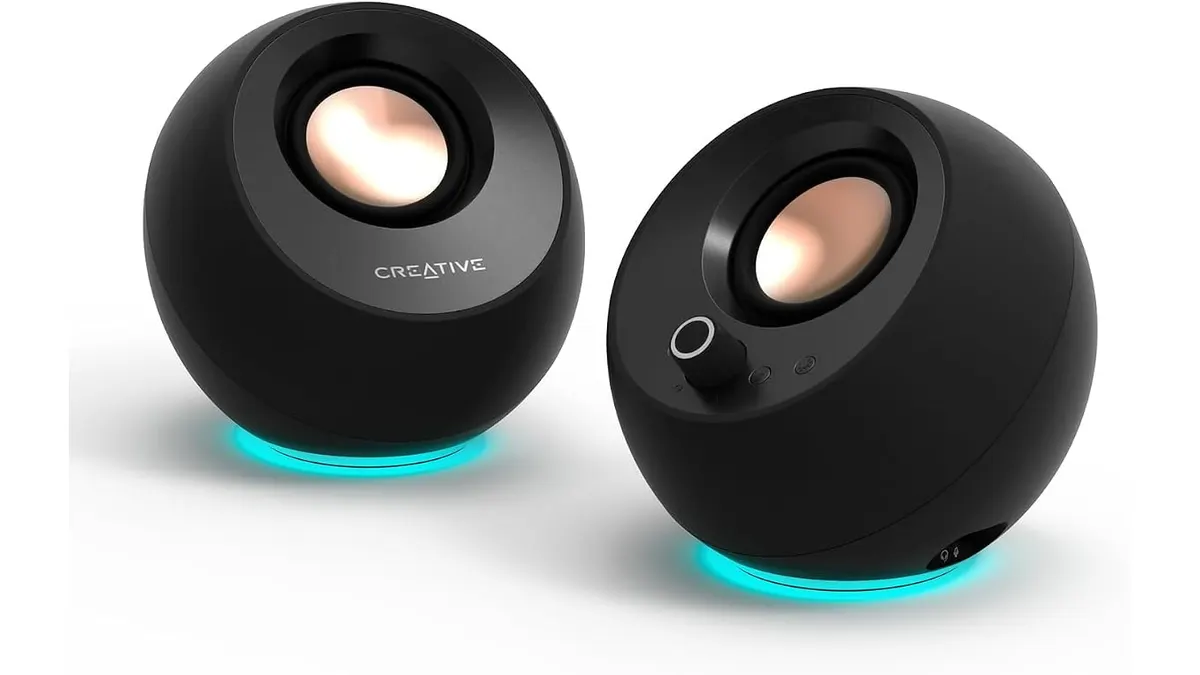
Creative Pebble Pro Review: Upgraded Desk Audio
Looking for clean desk sound? Read our Creative Pebble Pro review to see if these 2.0 speakers complement the best webcam for home office setups.
 Audio & Webcams
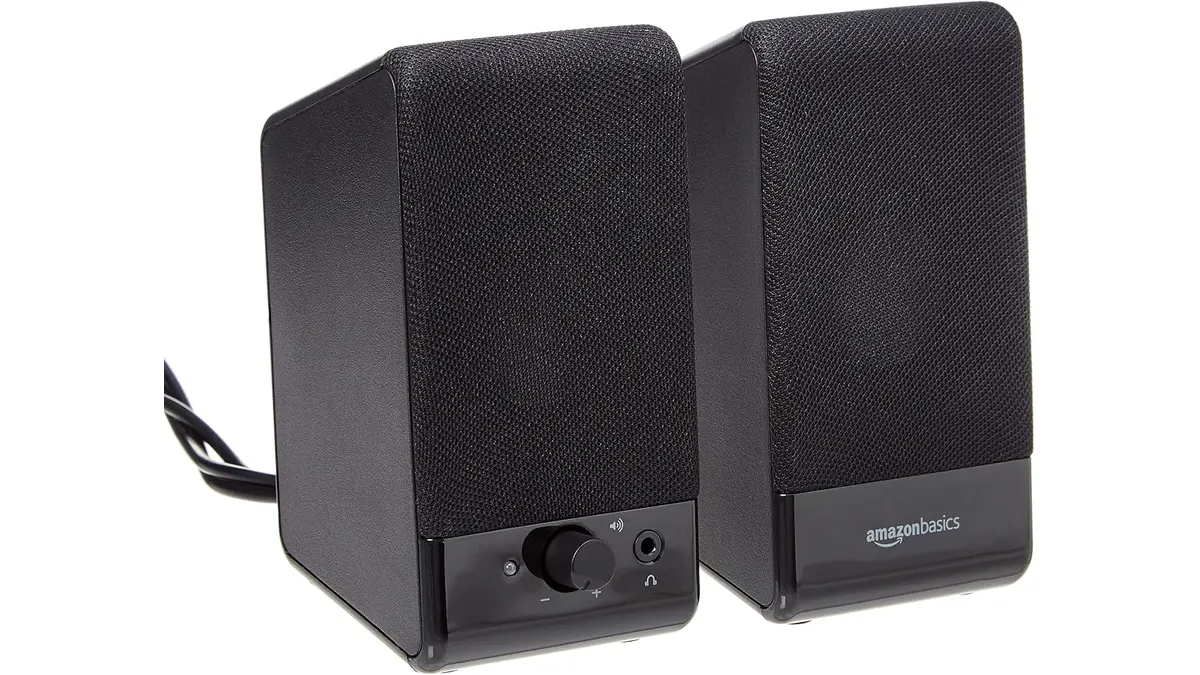
Amazon Basics USB Speakers Review: Small Footprint
Our Amazon Basics USB-Powered Computer Speakers review covers why these desktop speakers are a practical choice if you need the best webcam for home office.