Creative Pebble Pro Review: Upgraded Desk Audio
Looking for clean desk sound? Read our Creative Pebble Pro review to see if these 2.0 speakers complement the best webcam for home office setups.
Buying guide: best audio & webcams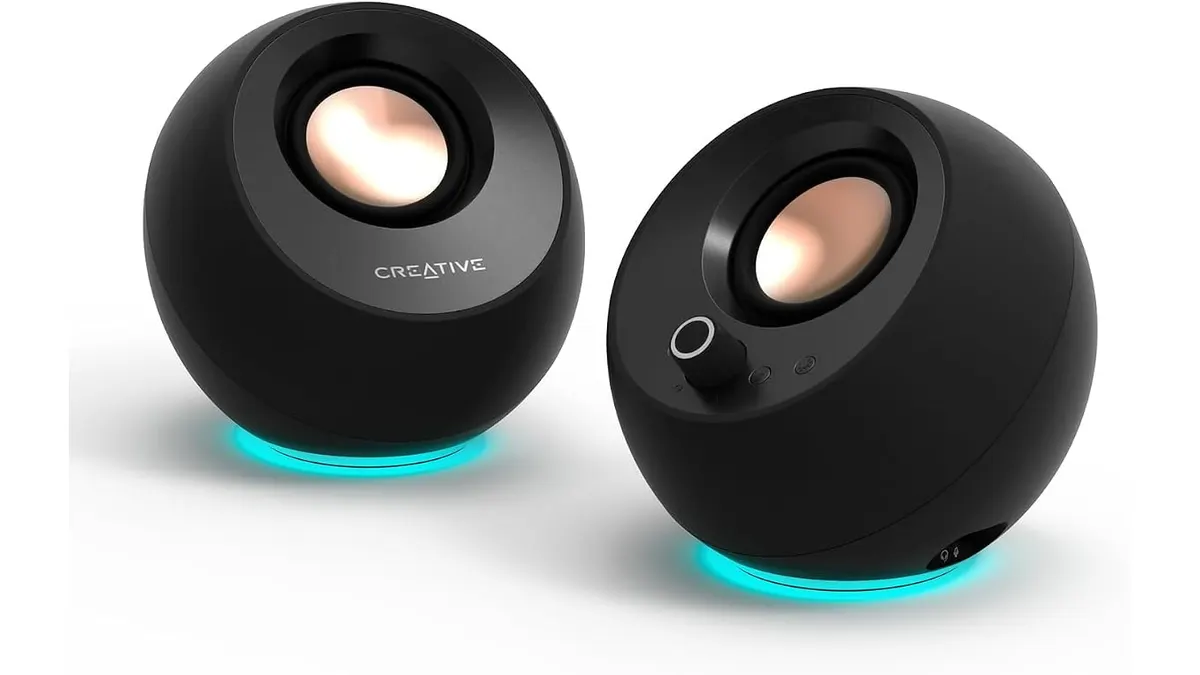 Audio & Webcams
The Creative Pebble Pro is a compact 2.0 desktop speaker setup designed for remote workers, students, and creators who need clear daily audio without cluttering their desks. Whether you are assembling a full workspace alongside the best webcam for home office meetings or simply replacing tinny laptop drivers, these compact spheres direct sound straight to your ears.
What it does well
Direct sound projection makes a massive difference on a busy desk. Creative positions the drivers at a 45-degree elevated angle, steering audio directly toward your head rather than into your chest. This physical orientation instantly improves clarity without needing higher volume levels.
Voice clarity stands out as another key advantage. With built-in Clear Dialog technology, human speech stays sharp during video conference calls. You will not have to strain to hear colleagues over background tracks or muffled software processing. For music and video playback, BassFlex technology extends low-frequency response, giving basslines noticeable presence despite the small enclosure.
Connectivity options offer practical versatility. You can connect to your computer via USB-C for audio power, link a phone using Bluetooth 5.3, or plug in legacy devices through the 3.5mm AUX input. Front-facing headset and microphone ports let you plug in a headset for meetings directly without reaching behind your computer tower.
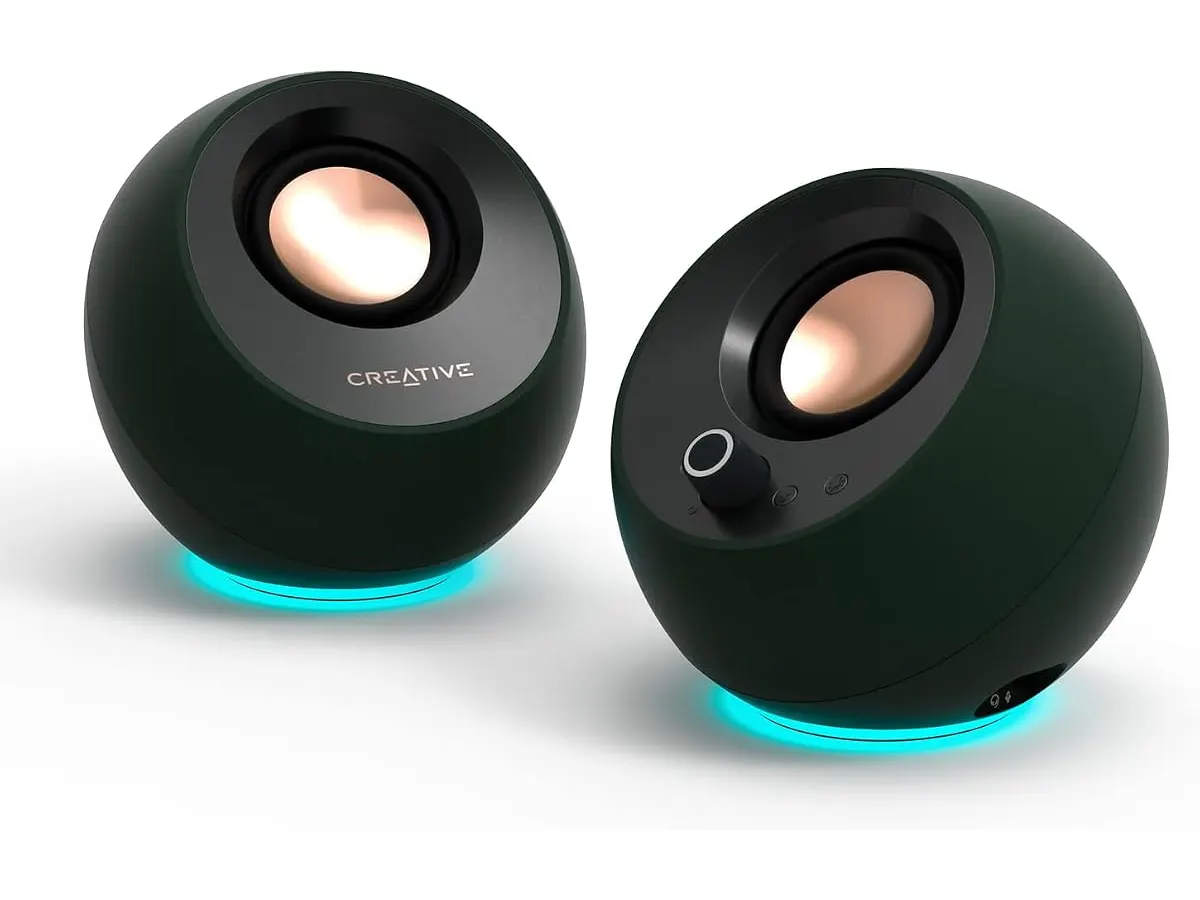
Power scalability gives these speakers extra headroom. Running purely off a standard USB-C port provides up to 10W RMS and 20W peak power, which is plenty for personal listening. If you connect an optional 30W USB PD power adapter, output scales up to 30W RMS and 60W peak power. Rounding out the physical design are RGB light rings at the base with 3 selectable lighting modes, complete with a dedicated button to turn off the LEDs entirely for a clean professional look.
Key specifications
| Feature | Specification |
|---|---|
| Speaker Configuration | 2.0 Desktop Spheres |
| Native Power Output (USB-C) | Up to 10W RMS / 20W Peak |
| Max Power Output (30W USB PD) | Up to 30W RMS / 60W Peak |
| Driver Angle | 45° Angled Elevation |
| Wireless Connectivity | Bluetooth 5.3 |
| Wired Connections | USB-C Audio, 3.5mm AUX Input |
| Audio Pass-Through | Headset and Microphone Ports |
| Sound Enhancement | BassFlex, Clear Dialog |
| RGB Lighting | Base Rings with 3 Modes (Turn-off button) |
Where it falls short
Maximum loudness comes with a catch. Reaching the peak 30W RMS rating requires buying a 30W USB PD wall plug separately. If you rely solely on standard computer USB ports, output remains capped at the standard 10W RMS level.
Physical size places inevitable limits on bass depth. While BassFlex improves low-end performance compared to typical built-in monitor speakers, small desktop drivers cannot deliver deep sub-bass vibrations. Electronic tracks and heavy action films miss out on real low-end punch.
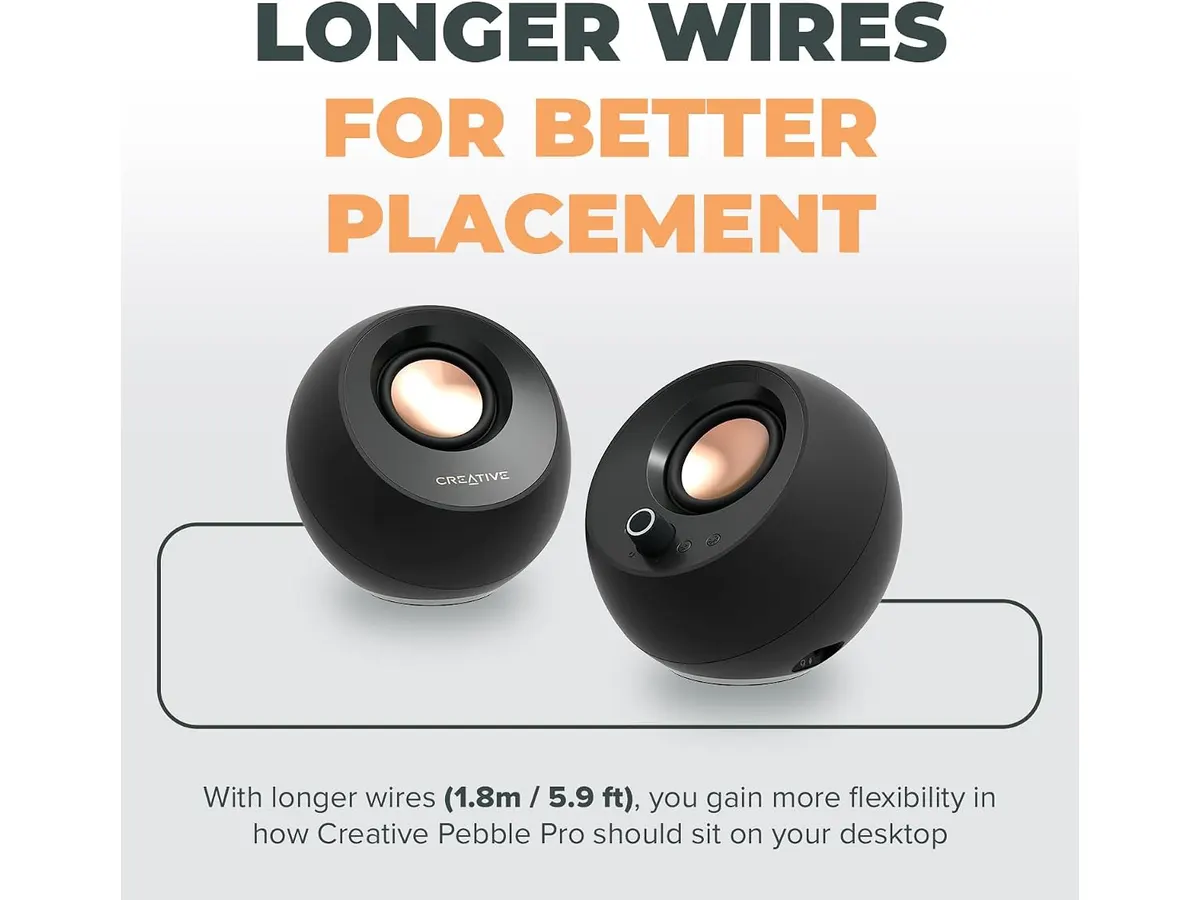
Desk spacing is somewhat constrained by fixed satellite wiring. The cable connecting the left and right speakers limits how far apart you can position them, which can be restrictive if you run a massive dual-monitor arrangement.
Who is it for?
This setup works well for remote workers and students operating in tight spaces. If your routine revolves around virtual meetings, casual listening, and clean desk aesthetics, these speakers provide crisp vocal performance and flexible inputs without swallowing desktop real estate.
It is not intended for bass heavyweights or competitive gamers. Anyone who wants deep sub-bass for action movies or positional surround sound for immersive gaming should skip compact 2.0 spheres in favor of a full subwoofer setup.
Alternatives to consider
If you prefer an all-in-one horizontal footprint beneath your display, a compact soundbar tier is worth evaluating. Options like the device in our Bluedee Computer Speakers Review sit directly under a screen to save horizontal space, though soundbars generally lack independent stereo separation and scaled wattage options.
Users who want genuine room-shaking bass should consider a mid-range 2.1 system. Adding a dedicated floor subwoofer delivers low frequencies that compact 2.0 speakers cannot reproduce, though it demands considerably more cable management and floor space.
Verdict
The Creative Pebble Pro delivers clean voice reproduction, versatile inputs, and clever angled drivers in a tight form factor. They complement high-resolution cameras like the one reviewed in our Logitech MX Brio Review or other functional Audio & Webcams gear. For daily call clarity and neat desk organization, this pair is an easy recommendation.
Frequently asked questions
Do I need a separate power adapter to use the Creative Pebble Pro?
No. The speakers run directly over a single USB-C cable connected to your computer at up to 10W RMS. Plugging the unit into an optional 30W USB PD power charger simply unlocks higher volume levels up to 30W RMS.
How do BassFlex and Clear Dialog help during work tasks?
Clear Dialog separates human voices from background sound, making speech far easier to understand during calls. BassFlex boosts low frequencies so background audio sounds fuller without needing a heavy external subwoofer when using a usb microphone for video calls or a dedicated webcam for remote work.
Can I pair these speakers with the best webcam for home office setups?
Yes. The 45-degree sound angle directs incoming call audio straight to your ears while keeping desk space free for camera mounts. Plugs on the front let you switch instantly to a headset when privacy is needed alongside the best webcam for home office environments.

Editor
Charly River · SetUpLatam
Charly River curates, reviews and edits SetUpLatam’s home office guides. He checks every product sheet against the manufacturer’s official specifications and cuts what does not help, so you buy right the first time.
You may also like
 Audio & Webcams
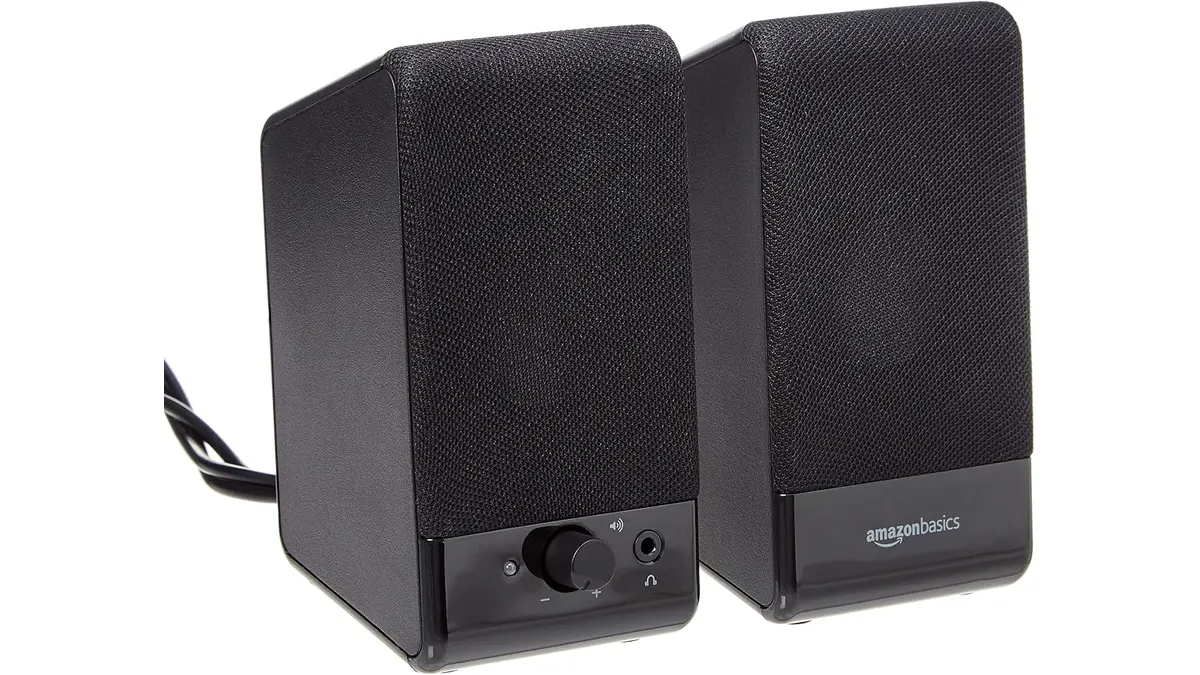
Amazon Basics USB Speakers Review: Small Footprint
Our Amazon Basics USB-Powered Computer Speakers review covers why these desktop speakers are a practical choice if you need the best webcam for home office.
 Audio & Webcams
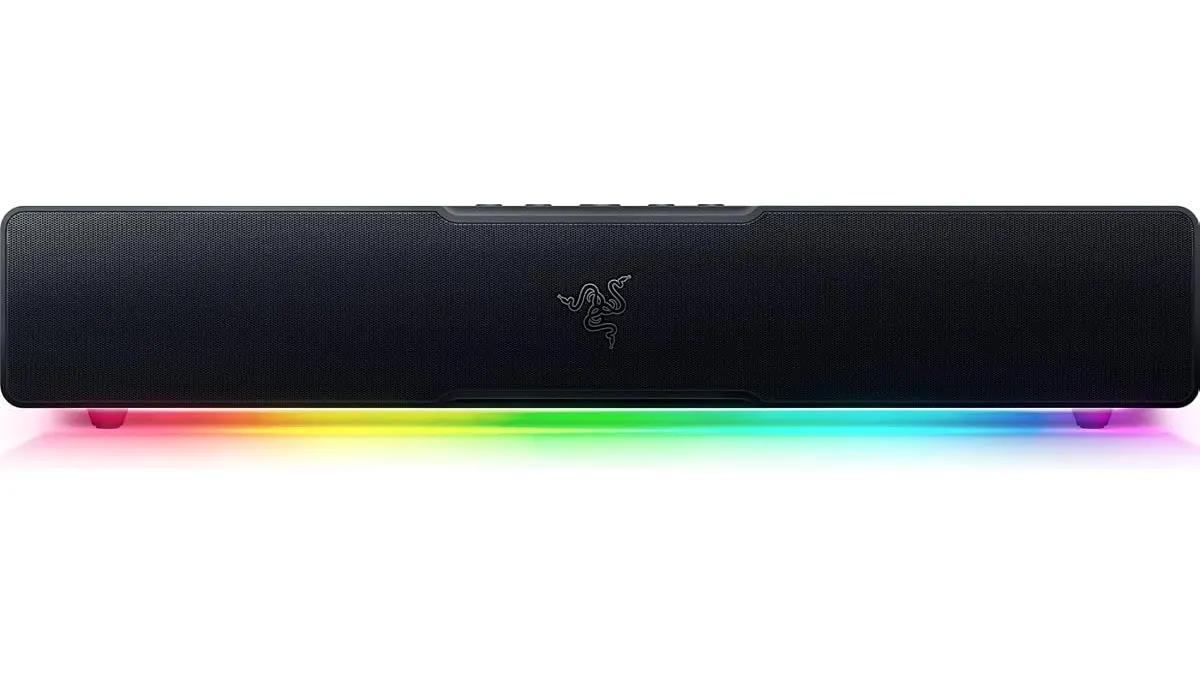
Razer Leviathan V2 X Review: Compact PC Soundbar
Our Razer Leviathan V2 X review explores this compact USB soundbar. Pair it with the best webcam for home office setups to complete your desktop audio.
 Audio & Webcams
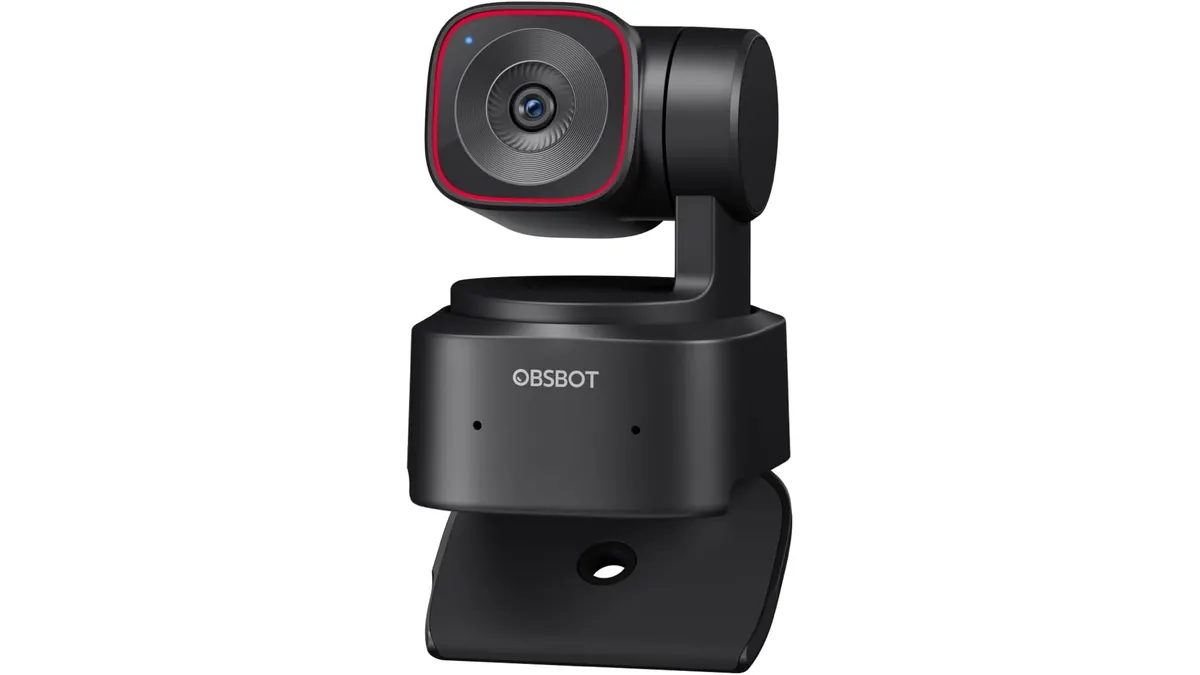
OBSBOT Tiny 2 Lite Review: Smart AI Tracking
Looking for the best webcam for home office use? Our OBSBOT Tiny 2 Lite review breaks down why this AI-powered 4K camera is a smart choice for remote pros.