Belkin 11-in-1 USB-C Hub Review: Desktop Utility
Is the Belkin 11-in-1 USB-C Hub the best usb-c hub for home office setups? We test its pass-through charging, port variety, and design to help you decide.
Buying guide: best mounts & hubs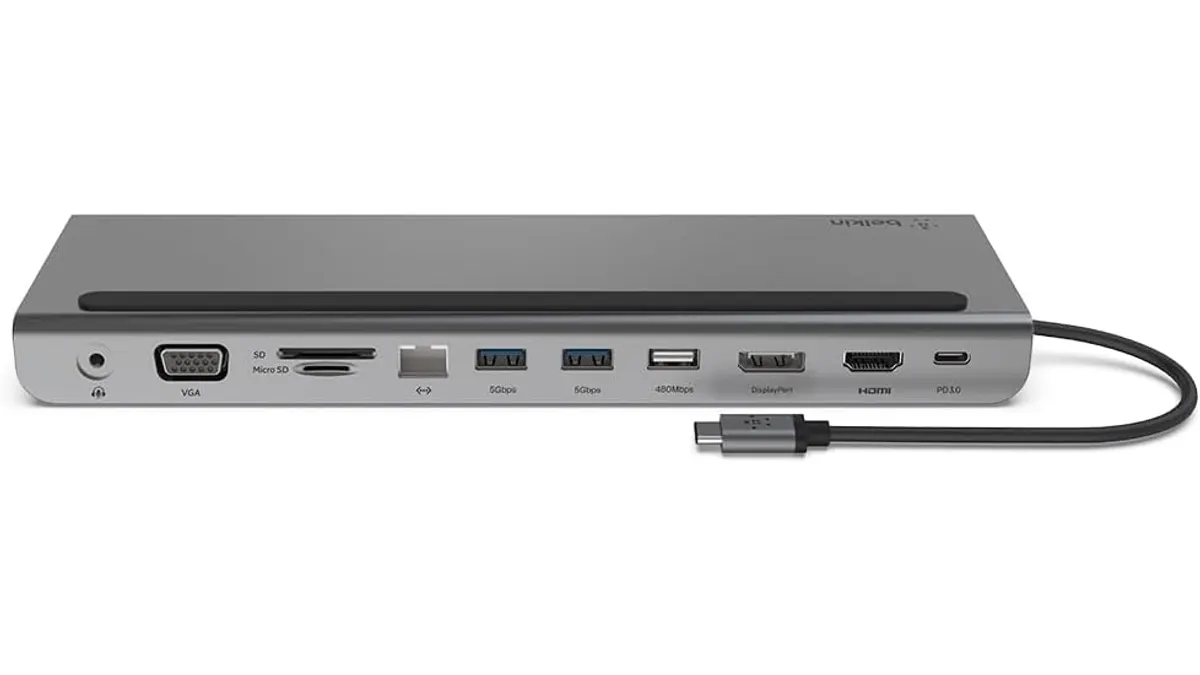 Mounts & Hubs
Your laptop is powerful, but modern ports are a vanishing resource. If you are tired of swapping dongles every time you move from your desk to the couch, you need a dedicated hub. The Belkin 11-in-1 USB-C Hub simplifies this by acting as a bridge between your machine and your desktop peripherals. It is a solid contender for those seeking the best usb-c hub for home office environments where organization is as important as connectivity. You can explore more options in our Mounts & Hubs collection.
What it does well
The standout feature of this device is its dual functionality as a dock and a laptop stand. By elevating your machine, it improves airflow and creates a more ergonomic viewing angle while keeping your ports accessible.
- Power Delivery: With 100W pass-through charging, it comfortably keeps high-end laptops topped up while handling power-hungry peripherals.
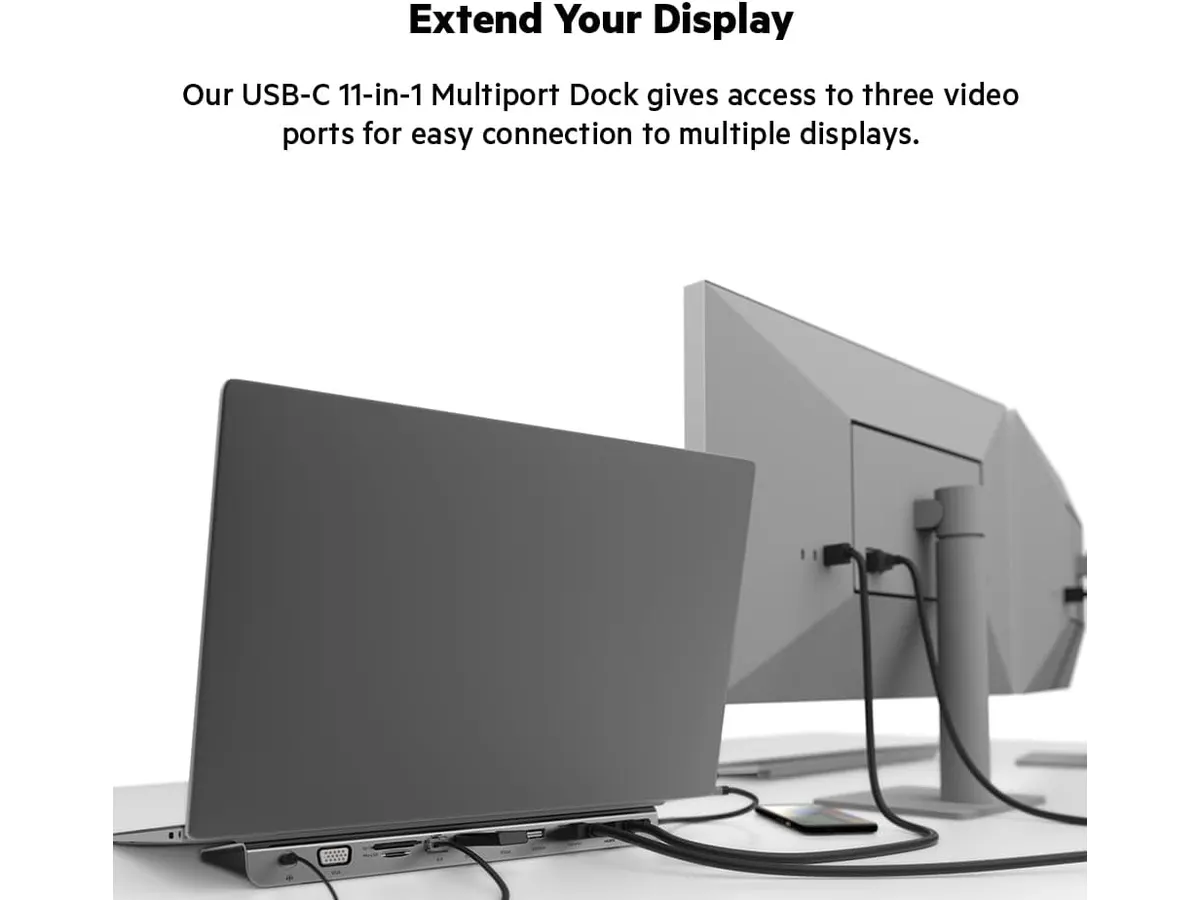
- Video Versatility: It offers a triple-threat of video outputs—HDMI, DisplayPort, and VGA—which is rare for a hub at this level. This makes it an excellent choice for legacy setups or multi-monitor configurations.
- Port Density: With 11 ports, you have enough room for an Ethernet cable, an SD card, a 3.5mm headset, and multiple USB devices without needing additional adapters.
Key specifications
| Feature | Specification |
|---|---|
| Total Ports | 11 |
| Power Delivery | Up to 100W (PD 3.0) |
| Data Speed | Up to 5 Gbps |
| HDMI Output | 4K |
| DisplayPort Output | 4K |
| Networking | Gigabit Ethernet |
| Card Readers | SD 3.0 and MicroSD 3.0 |
| Audio | 3.5 mm Input/Output |
Where it falls short
The primary drawback is the data transfer speed, capped at 5 Gbps. If you are a video editor moving massive 4K raw files from an external NVMe drive daily, you will feel that bottleneck compared to faster, more expensive Thunderbolt-based alternatives.
Additionally, the footprint is larger than a standard dongle because of the physical stand design. If your desk is already cramped with a MOUNTUP Single Monitor Desk Mount, the extra width of this hub might interfere with your cable management or keyboard placement.
Who is it for?
This hub is ideal for the remote worker who wants to minimize clutter by combining their laptop riser and port expansion into one footprint. If you have a desk setup with varied legacy and modern connections, this is your solution.
It is not for the professional power user or creative who requires massive throughput for high-speed storage. If you find yourself frequently transferring hundreds of gigabytes of data between drives, you should look at a premium CalDigit TS4 Review: The Ultimate Desktop Hub to handle those bandwidth demands.
Alternatives to consider
If you need something more portable for travel, a compact Anker USB-C Hub 8-in-1 Review: Versatile Connectivity Solution offers excellent reliability in a much smaller, pocket-friendly size. While it lacks the stand functionality, it is easier to toss into a bag for coffee shop work.
For those who do not care about the riser design and just want high-speed data ports for external SSDs, consider a dedicated high-bandwidth dock in the higher price tier. These units prioritize data throughput over integrated laptop stands and often include more USB-C downstream ports.
Verdict
The Belkin 11-in-1 USB-C Hub is a highly practical choice for the average professional who values a clean desk. While it won’t break speed records for data transfer, the combination of a laptop stand and comprehensive port selection makes it a smart, utilitarian purchase. It earns its place on your desk by doing exactly what it promises without unnecessary complexity.
Frequently asked questions
Does this hub support charging my laptop?
Yes, it supports up to 100W pass-through charging via Power Delivery 3.0, which is enough to power most modern laptops.
Can I use the HDMI and DisplayPort simultaneously?
Yes, it is designed to support multiple video outputs, allowing you to expand your workspace across external monitors.
Do I need to install software drivers to use this?
No, this is a plug-and-play device that works across most modern operating systems without the need for manual driver installation.

Editor
Charly River · SetUpLatam
Charly River curates, reviews and edits SetUpLatam’s home office guides. He checks every product sheet against the manufacturer’s official specifications and cuts what does not help, so you buy right the first time.
You may also like
 Mounts & Hubs
Belkin 100W USB C Hub Review: Compact Power
Looking for the best usb-c hub for home office setups? Our Belkin 100W USB C Hub review covers 4K 60Hz HDMI video, 100W PD, and transfer speeds.
 Mounts & Hubs
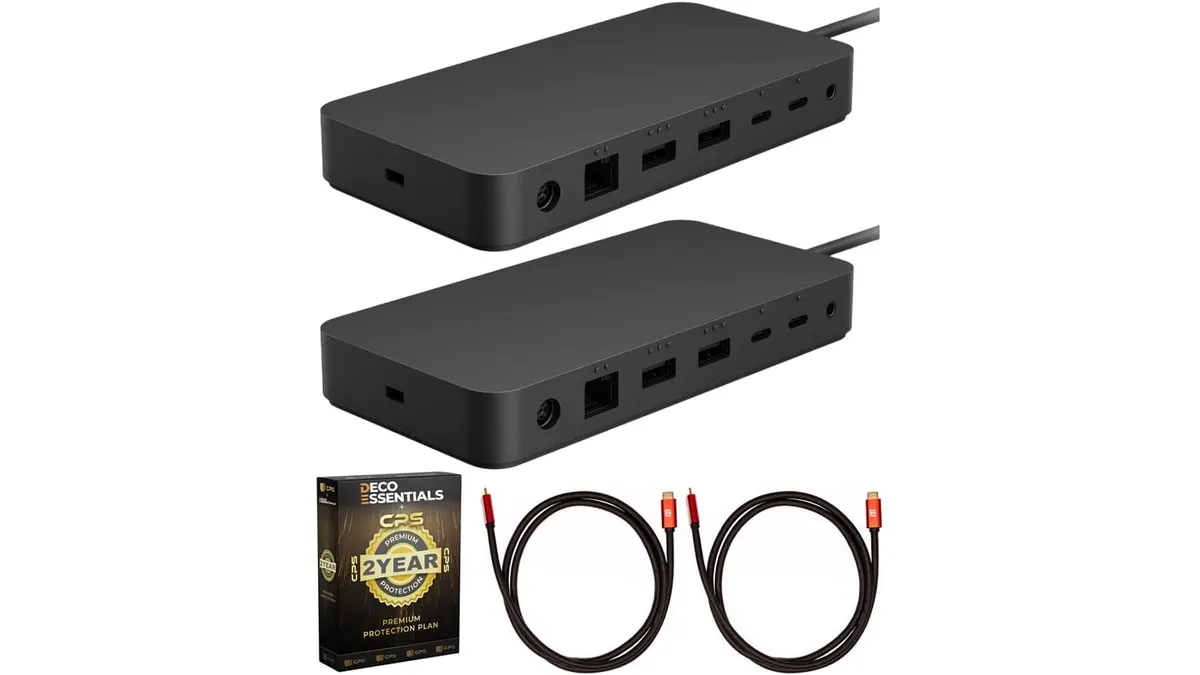
Microsoft Surface Thunderbolt 4 Dock Review
Our Microsoft Surface Thunderbolt 4 Dock review breaks down performance, dual 4K support, and why it is the best usb-c hub for home office workstations.
 Mounts & Hubs
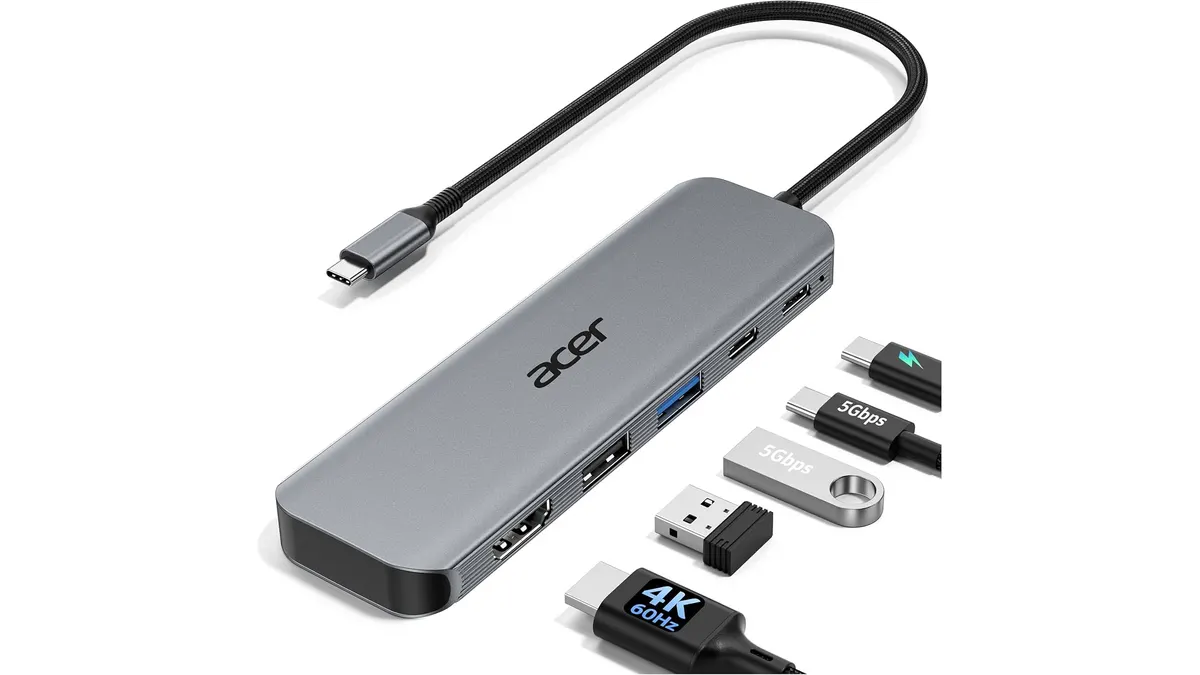
Acer USB-C Hub 5-in-1 Review: A Compact Essential
Is the Acer USB-C Hub 5-in-1 the best usb-c hub for home office setups? We test its 4K 60Hz performance, build quality, and power delivery to find out.