KTC H27E6S Review: Fast Refresh Rate Monitor
Read our KTC H27E6S review to see if this 27-inch QHD Fast IPS display qualifies as the best home office monitor for your dual-purpose setup.
Buying guide: best monitors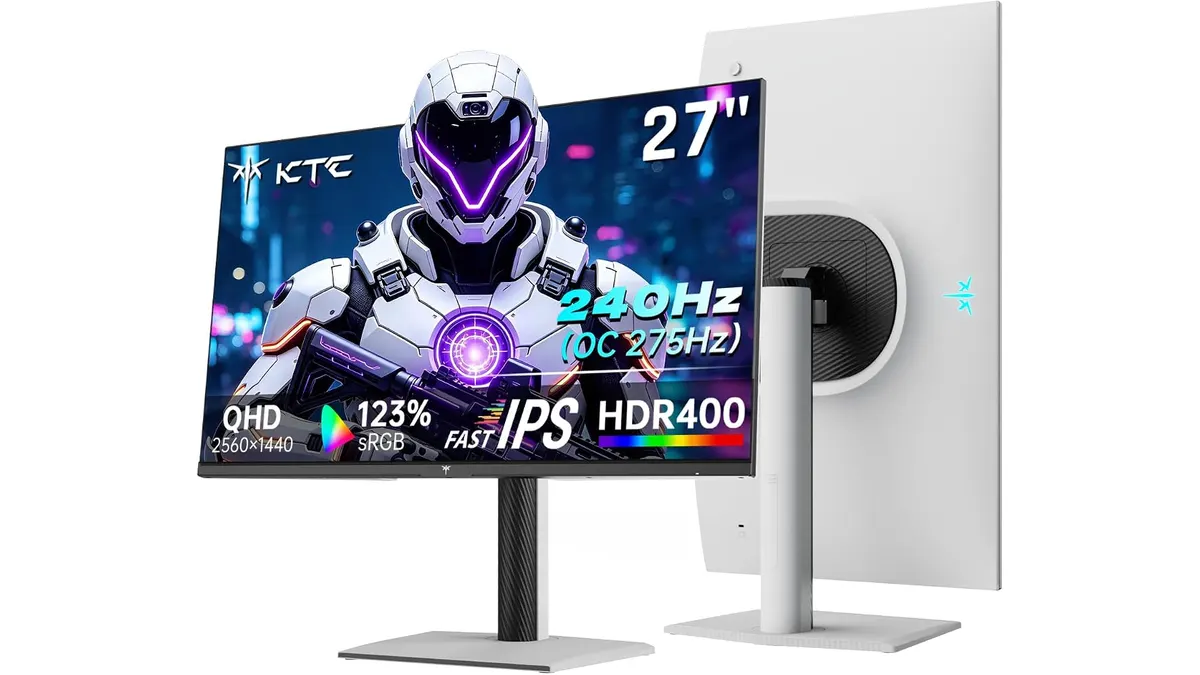 Monitors
The KTC H27E6S is a high-refresh-rate display built for users who split their time between intense gaming sessions and daily desktop tasks. This 27-inch QHD panel targets gamers and remote workers who want responsive motion handling without sacrificing screen real estate.
What it does well
Motion clarity is the standout trait here. By pairing a Fast IPS panel with a native 240Hz refresh rate that overclocks to 275Hz, the display handles fast-moving visuals with virtually no ghosting. For productivity, the 2560 x 1440 QHD resolution provides enough workspace to snap two windows side by side comfortably.
Peak brightness reaches 400 cd/㎡, paired with HDR400 support to give highlights an extra punch in supported titles and media. Physical comfort is also addressed out of the box. The ergonomic stand lets you adjust height, swivel the panel, and tilt it to suit your posture.
Furthermore, built-in blue light protection and flicker-free technology help reduce eye strain during long working hours or late-night gaming marathons.
Key specifications
| Specification | Detail |
|---|---|
| Screen Size | 27 inches |
| Resolution | 2560 x 1440 QHD |
| Refresh Rate | 240Hz (OC 275Hz) |
| Panel Type | Fast IPS |
| Peak Brightness | 400 cd/㎡ |
| Connectivity | 2x HDMI 2.0, 1x DP 1.4, 1x USB 2.0 |
| Ergonomics | Height, swivel, and tilt adjustment |
Where it falls short
Connectivity is somewhat limited for a modern desktop hub. You only get two HDMI 2.0 ports, one DisplayPort 1.4, and a single USB 2.0 port, which falls short if you run multiple peripherals requiring data pass-through. HDR400 certification is an entry-level standard that lacks local dimming zones, meaning HDR content will not look dramatically different from standard dynamic range.
Who is it for?
The KTC H27E6S suits competitive gamers who also need a sharp, spacious canvas for daily work tasks like writing, coding, or managing spreadsheets. It is not for creative professionals who require wide color gamut coverage and color-accurate workflows out of the box, nor for users hunting for a productivity-first display with an integrated USB-C docking station.
Alternatives to consider
If you prioritize color accuracy and professional ergonomics over ultra-high refresh rates, consider a mid-tier IPS panel designed specifically for office work and detailed document review, similar to the options explored in our Dell UltraSharp U2724D Review: A Versatile 27-Inch Monitor. If your workflow relies on having two screens side by side for multitasking, a dual-monitor bundle like the setup featured in the Gigastone 27” IPS 2-Pack Review: Dual Monitors for Productivity might serve you better than a single high-refresh screen.
Verdict
The KTC H27E6S delivers impressive motion performance and a crisp QHD workspace for a reasonable investment. While its port selection is basic and HDR performance is modest, the core panel quality makes it a strong contender for hybrid setups. Explore more top choices over in our primary Monitors category guide.
Frequently asked questions
Can the KTC H27E6S reach 275Hz out of the box?
No, you need to enable the overclocking feature in the monitor settings menu to push the refresh rate from its native 240Hz up to 275Hz using a compatible DisplayPort cable.
Does this monitor include built-in speakers?
No, audio output requires connecting external speakers or headphones directly to your PC or to the audio jack on the display if routed through the video cable.
Is the stand VESA compatible?
Yes, the included ergonomic stand can be removed to mount the screen on any standard VESA monitor arm.

Editor
Charly River · SetUpLatam
Charly River curates, reviews and edits SetUpLatam’s home office guides. He checks every product sheet against the manufacturer’s official specifications and cuts what does not help, so you buy right the first time.
You may also like
 Monitors
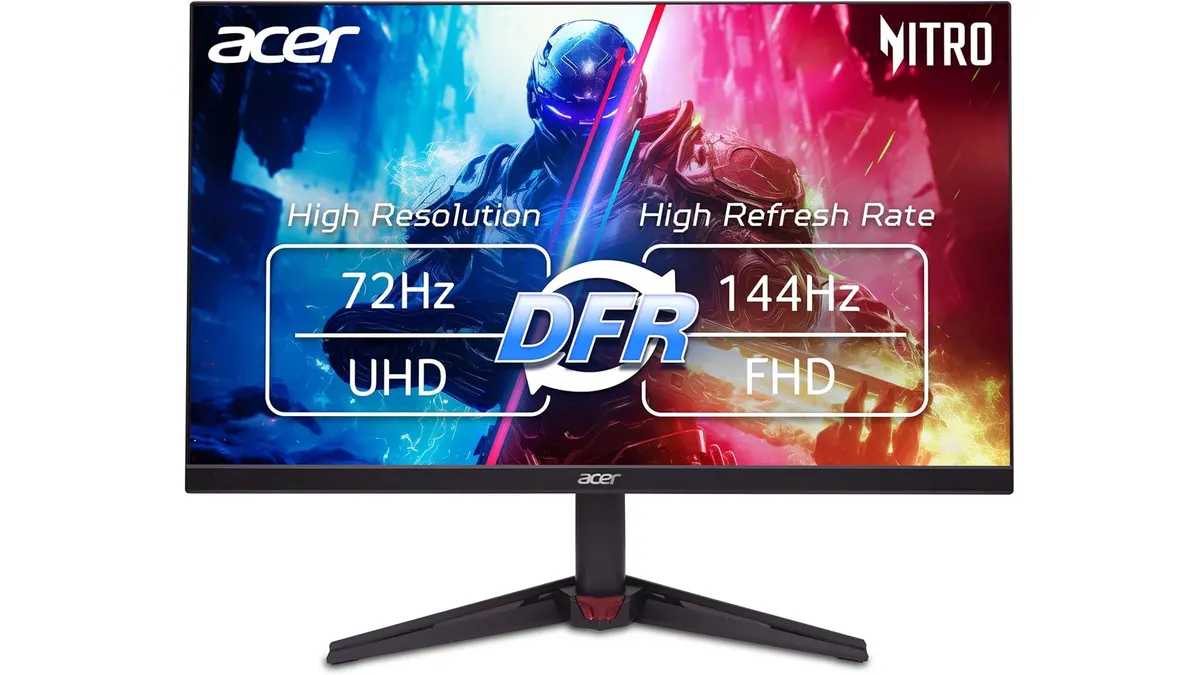
Acer Nitro VG270K L1 Review: 4K Work & Play
Read our Acer Nitro VG270K L1 review to see if this 4K 144Hz panel is the best home office monitor for high-resolution work and smooth gaming.
 Monitors
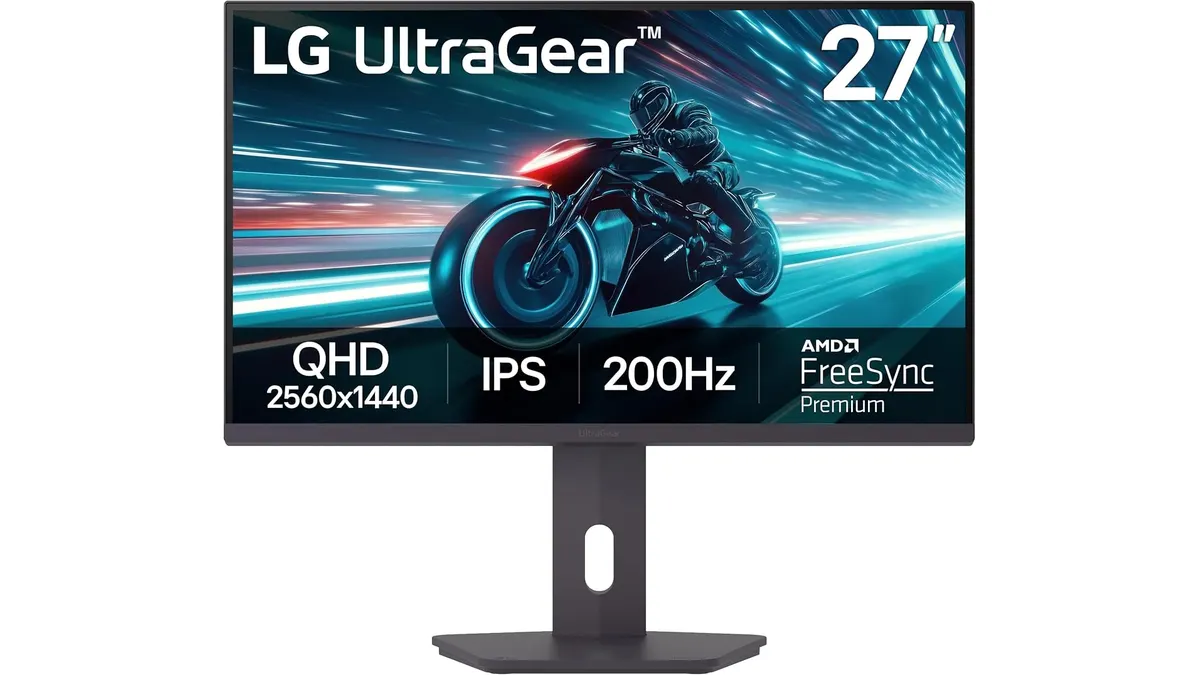
LG UltraGear 27G61ZB-B Review: High-Performance Gaming Monitor
Discover the LG UltraGear 27G61ZB-B, a high-performance gaming monitor with a stunning QHD display and a 200Hz refresh rate.
 Monitors
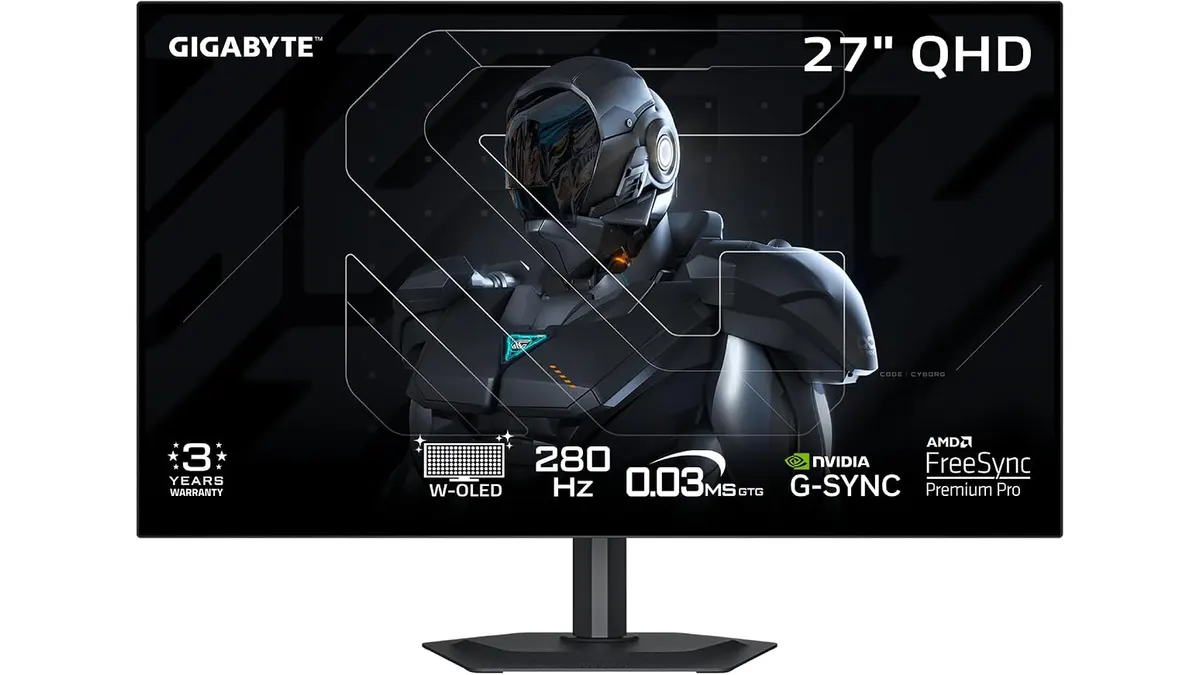
GIGABYTE MO27Q28GR Review: OLED Excellence
Read our GIGABYTE MO27Q28GR review. Discover why this 27-inch QHD WOLED screen might be the best home office monitor for deep blacks and bright work.