# SetUpLatam — full content
> Reviews honestas y guías de compra de monitores, sillas ergonómicas, escritorios y periféricos para montar tu home office sin gastar de más.
This file contains the full text of every SetUpLatam review (Spanish first, then
English) for language models and AI agents. Specifications come from the
manufacturer documentation and the retailer listing; the SetUpLatam score is an
editorial opinion, not a customer rating. Prices are never shown.
# Redragon Combo S157-PRO: Análisis y opinión
URL: https://setuplatam.com/blog/2026-11-20-redragon-combo-teclado-60-y-mouse-s157-pro
Category: Periféricos
Published: 2026-11-20
Evaluamos el Redragon Combo Teclado 60% y Mouse S157-PRO, una opción inalámbrica compacta entre los mejores perifericos para home office y juegos.
El Redragon Combo Teclado 60% y Mouse S157-PRO busca resolver el desorden en tu escritorio mediante una solución inalámbrica integrada. Pensado para quienes combinan jornadas de trabajo remoto con sesiones de juego en espacios reducidos, este conjunto destaca en la búsqueda de los [mejores perifericos para home office](/categorias/perifericos). Ofrece conectividad tri-modo y una gestión de batería orientada a la eficiencia sin cables molestos.
## Lo que hace bien
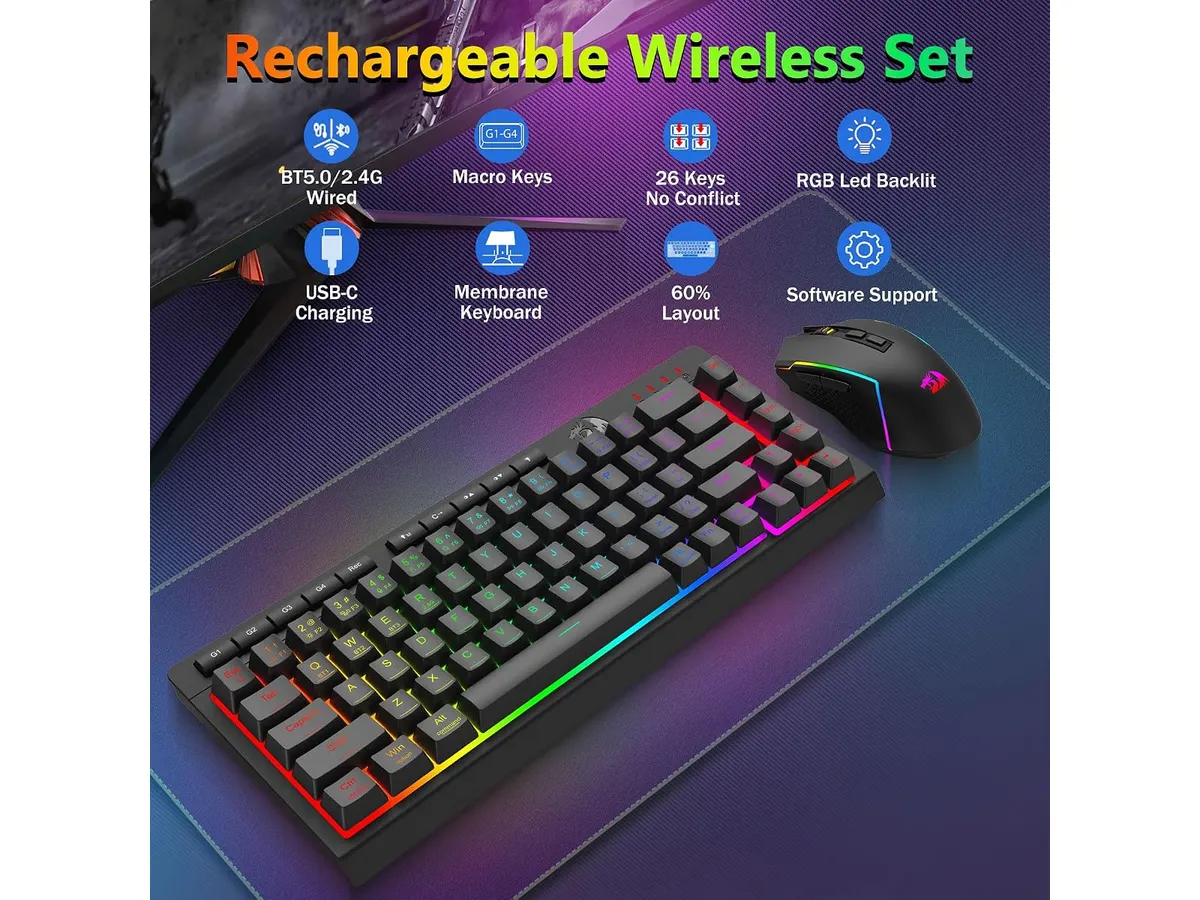
La versatilidad de conexión es el punto más fuerte de este paquete. El soporte tri-modo permite alternar entre Bluetooth 5.0, conexión inalámbrica de 2.4 GHz y cable USB-C. Un detalle práctico es el receptor 2 en 1 de 2.4 GHz, que vincula tanto el teclado como el ratón a un solo puerto USB. Esto libera puertos en tu portátil o computadora de escritorio, manteniendo limpia la superficie de trabajo.
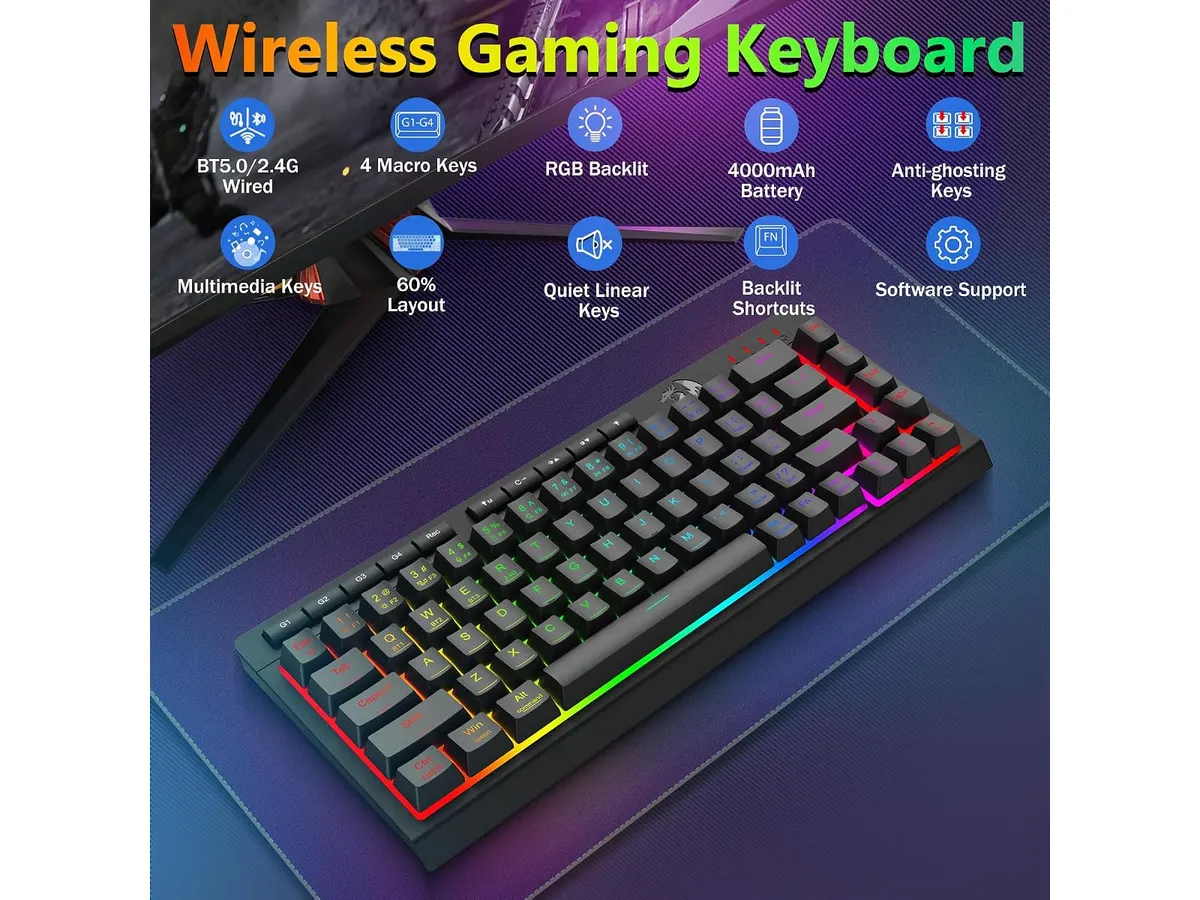
La autonomía de la batería responde bien a jornadas intensas. La batería del teclado de 4000 mAh y la del ratón de 700 mAh alcanzan hasta 300 horas de uso continuo si mantienes la iluminación apaga. Con los efectos RGB activos en sus 16.8 millones de colores, la duración baja a unas 50 horas, lo cual sigue siendo una cifra respetable que evita la recarga diaria.
En cuanto al rendimiento del ratón, sus 7 botones programables aportan atajos útiles durante la jornada laboral. Los niveles predeterminados de DPI (400, 800, 1600, 2400 y 3200) ofrecen transiciones rápidas para editar documentos o navegar. Si necesitas mayor precisión, el software dedicado permite ajustar la sensibilidad desde 100 hasta 12800 DPI.
El teclado cuenta con tecnología anti-ghosting de 26 teclas. Aunque no es una cobertura completa de la matriz, resulta más que suficiente para evitar pulsaciones fallidas al escribir a gran velocidad o ejecutar combinaciones de comandos en videojuegos.
## Especificaciones clave
| Característica | Especificación |
| --- | --- |
| Conectividad | Tri-modo (Bluetooth 5.0, 2.4G inalámbrico, USB-C) |
| Formato del teclado | Compacto 60% (sin teclado numérico) |
| Batería del teclado | 4000 mAh |
| Batería del mouse | 700 mAh |
| Autonomía | Hasta 50 h (RGB encendido) / 300 h (RGB apagado) |
| Ajuste de DPI (Mouse) | 400/800/1600/2400/3200 (100 a 12800 por software) |
| Botones del mouse | 7 botones programables |
| Tecnología del teclado | Anti-ghosting de 26 teclas |
| Iluminación | RGB de 16.8M colores con 8 efectos dinámicos |
## Dónde flojea
El formato compacto al 60% exige un periodo de adaptación obligatorio. Al prescindir del bloque numérico dedicado y de las teclas de dirección físicas directas, realizar tareas intensivas en hojas de cálculo requiere acostumbrarse a combinaciones con la tecla Fn. Si tu trabajo diario depende del ingreso rápido de números, este diseño entorpecerá tu ritmo inicial.
El software para personalizar los botones del ratón y la iluminación RGB solo ofrece su potencial completo en entornos Windows. Aquellos usuarios que utilicen sistemas operativos alternativos tendrán que conformarse con los perfiles predeterminados sin acceso a las funciones DIY ni a la calibración fina de sensibilidad por debajo o por encima de los valores de fábrica.
El acabado plástico de la carcasa primará la ligereza sobre una sensación rígida o pesada. Quienes busquen un peso sustancial en la mano al deslizar el ratón notarás que el chasis se enfoca más en la movilidad que en la ergonomía de apoyo completo.
## ¿Para quién es?
### Los mejores perifericos para home office en espacios reducidos
Este combo es adecuado para profesionales remotos y estudiantes que cuentan con escritorios pequeños y desean eliminar los cables por completo. Si pasas de redactar textos a jugar por las noches y priorizas tener la mesa despejada, la sincronización de ambos dispositivos mediante un solo receptor USB simplifica tu configuración diaria.
Por el contrario, este producto no encaja con contadores, analistas de datos o personas que gestionan bases de datos continuamente. La falta de teclado numérico físico resta velocidad en esas tareas. Tampoco se adapta a quienes prefieren ergonomía de descanso para la muñeca, donde opciones como el [análisis del Logitech MX Master 3S](/blog/2026-09-22-logitech-mx-master-3s) responden mejor a jornadas de oficina pura.
## Alternativas a considerar
Si necesitas un teclado de formato completo manteniendo la conectividad inalámbrica, la gama media de teclados mecánicos extendidos es una mejor vía. Un ejemplo de esa categoría se explora en la [reseña del RedThunder K95](/blog/2026-09-22-redthunder-k95-wireless-mechanical-keyboard), donde el bloque numérico integrado facilita la productividad sin sacrificar la libertad de cables.
Para usuarios centrados exclusivamente en la ergonomía y el silencio durante largas llamadas de trabajo, conviene mirar hacia la gama de ratones de oficina con clics silenciosos y formas contorneadas. Esos modelos sacrifican la iluminación RGB y las altas frecuencias de muestreo a cambio de mayor confort en la postura de la mano.
## Veredicto
El Redragon Combo S157-PRO entrega una propuesta sólida para quien busca ahorrar espacio y unificar el control de sus dispositivos. Sus puntos fuertes son la batería de larga duración con las luces apagadas y la comodidad de la conectividad tri-modo. Aunque el formato 60% no es ideal para trabajar con números, cumple su promesa para entornos híbridos de juego y oficina. Su puntuación editorial es de 4.2 sobre 5.
## Preguntas frecuentes
### ¿Se pueden usar el teclado y el mouse con un solo receptor USB?
Sí, el paquete incluye un receptor 2 en 1 de 2.4 GHz que conecta ambos periféricos al mismo tiempo usando un único puerto USB de tu equipo.
### ¿Es compatible con consolas y computadoras Mac?
El combo funciona mediante Bluetooth y 2.4 GHz en la mayoría de sistemas, pero las funciones avanzadas de reprogramación de botones y software RGB están limitadas a Windows.
### ¿Cuánto dura la batería si utilizo la iluminación RGB encendida todo el día?
Con los efectos RGB activos a brillo normal, la autonomía ronda las 50 horas de uso. Si apagas la iluminación, el teclado y el mouse pueden alcanzar hasta 300 horas de funcionamiento.
---
# Quntis Light Bar Pro White: Análisis Completo
URL: https://setuplatam.com/blog/2026-11-19-quntis-monitor-light-bar-pro-white
Category: Iluminación
Published: 2026-11-19
¿Buscas la mejor lampara de escritorio para trabajar? Evaluamos la Quntis Monitor Light Bar Pro White: control remoto, 900 lux y diseño anti-reflejos.
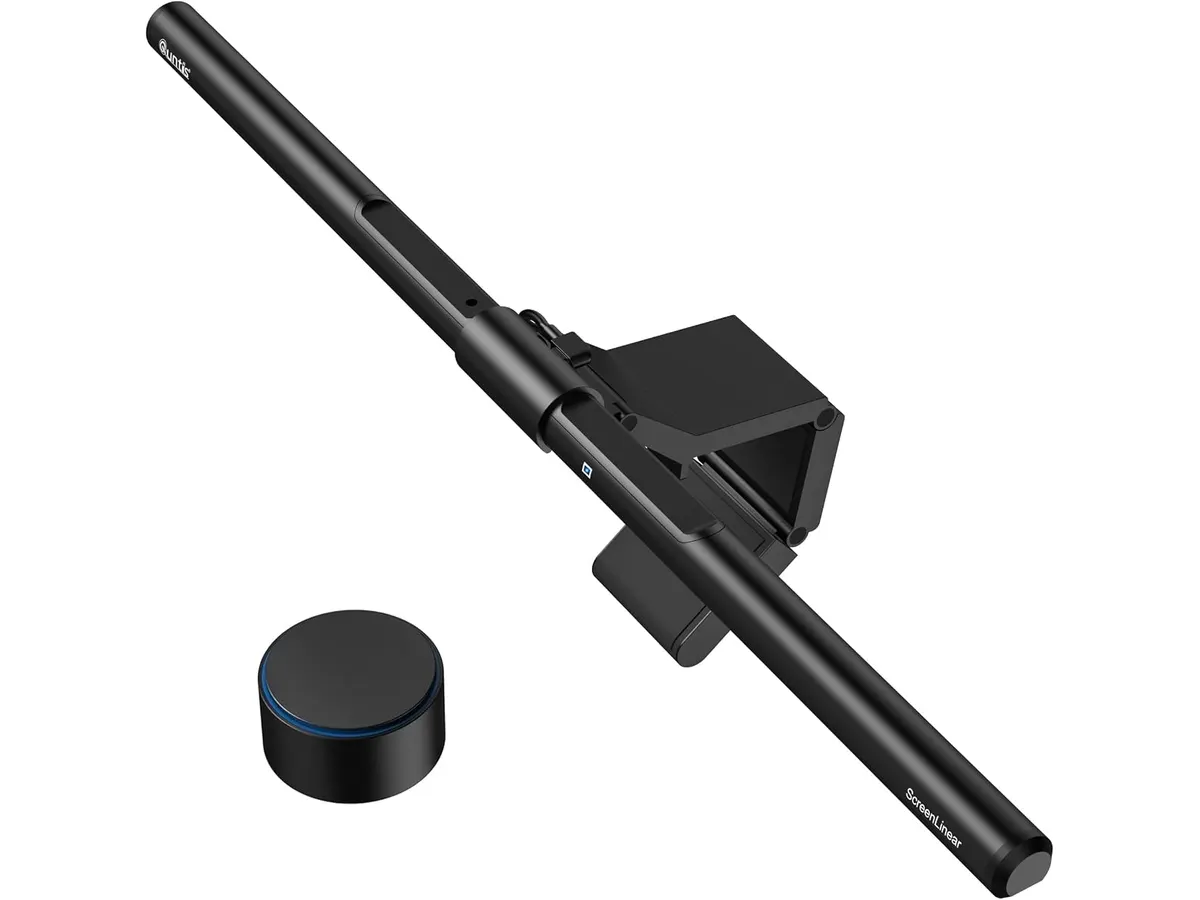
Mantener un escritorio despejado mientras buscas la mejor lampara de escritorio para trabajar suele ser un desafío recurrente. La Quntis Monitor Light Bar Pro White aborda este problema instalándose directamente sobre la pantalla. Esta barra blanca de 16.1 pulgadas (41 cm) está pensada para profesionales que pasan largas horas frente al monitor y necesitan una iluminación para videollamadas ordenada y eficiente sin perder espacio sobre la mesa. Explora más soluciones en nuestra sección de [iluminación](/categorias/iluminacion).
## Lo que hace bien
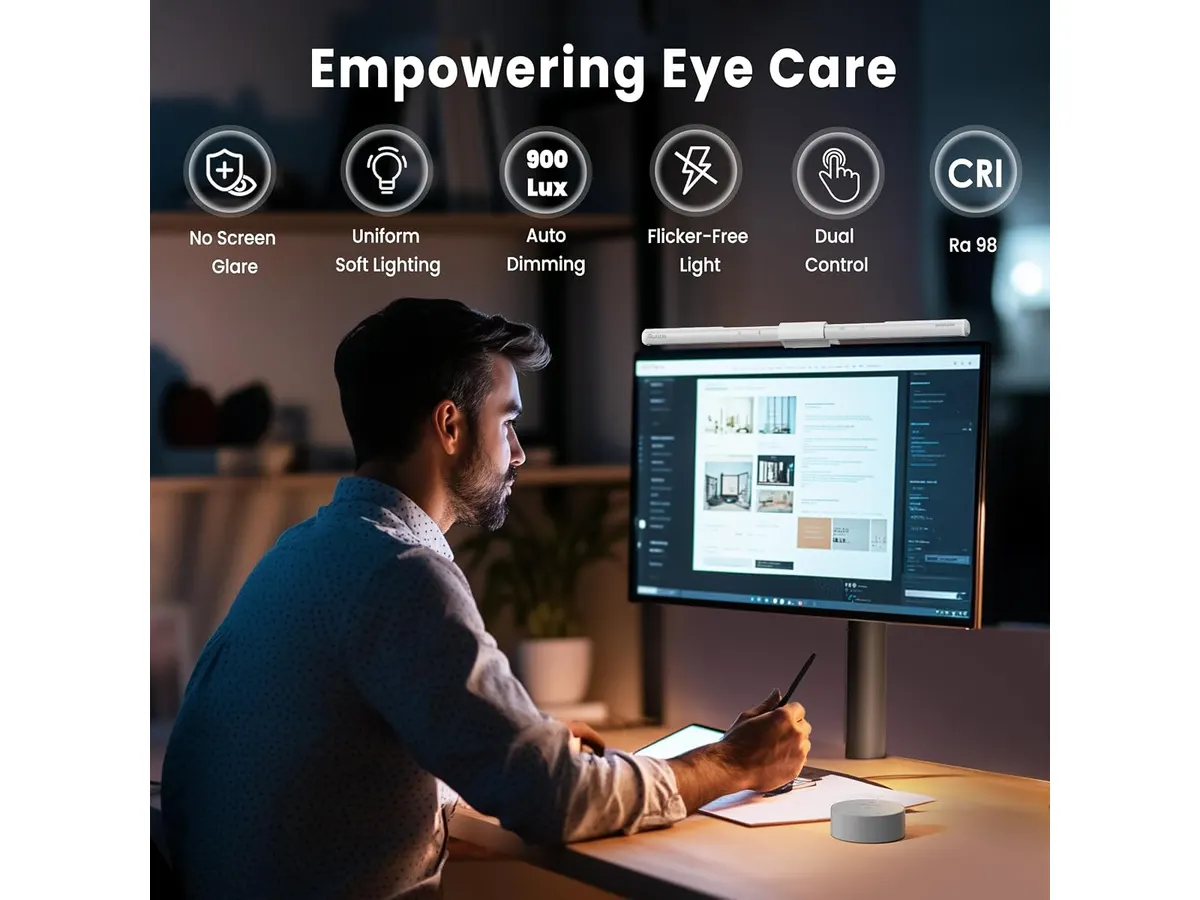
El sistema de control doble destaca por su practicidad diaria. Puedes ajustar la intensidad y la temperatura de color (entre 3000K y 6500K) usando los mandos táctiles integrados en la propia barra o mediante el control remoto de escritorio. Este segundo mando permite realizar cambios inmediatos sin estirar la mano hacia la pantalla.
Su sensor de luz ambiental integrado mide las condiciones de tu entorno y regula automáticamente la potencia para mantener un nivel constante de 900 lux. Esta función reduce la fatiga ocular cuando trabajas desde temprano hasta la noche, evitando variaciones bruscas de brillo.
El diseño óptico asimétrico proyecta el haz de luz hacia abajo y hacia adelante. De este modo, la luz ilumina únicamente el teclado y la superficie de trabajo, dejando la pantalla completamente libre de destellos y reflejos molestos.
El soporte de tres etapas ahorra espacio y se fija firmemente en el borde superior del monitor. Su estructura deja la superficie superior plana y estable para colocar una cámara web encima sin obstruir el sensor ni desequilibrar el accesorio. Además, incorpora un temporizador de apagado de 2 horas que sirve como recordatorio para pausar la vista.
## Especificaciones clave
| Característica | Detalle |
| --- | --- |
| Longitud | 16.1 pulgadas (41 cm) |
| Color | Blanco |
| Temperatura de color | 3000K - 6500K |
| Tipo de control | Doble (táctil y control remoto de escritorio) |
| Sensor ambiental | Ajuste automático a 900 lux |
| Diseño óptico | Asimétrico anti-reflejos |
| Montaje | Soporte de tres etapas (compatible con cámara web) |
| Temporizador | Apagado automático de 2 horas |
## Dónde flojea
Con sus 16.1 pulgadas (41 cm) de largo, la lámpara se adapta de forma precisa a monitores de 24 a 27 pulgadas. Sin embargo, en pantallas ultra-anchas o configuraciones multimonitor, la cobertura de luz hacia los extremos laterales se queda justa.
El acabado blanco resalta en escritorios de estilo claro o de inspiración nórdica. Si tu monitor tiene marcos negros gruesos, el contraste estético puede resultar llamativo si buscas una integración discreta.
El modo de automatización está fijado a 900 lux. Si prefieres trabajar de noche con una iluminación tenue en la habitación, este nivel automático puede sentirse un poco más intenso de lo deseado, obligándote a pasar al ajuste manual.
## ¿Para quién es la mejor lampara de escritorio para trabajar?
Esta barra es adecuada para profesionales de home office, creadores de contenido y estudiantes con monitores planos estándar que buscan liberar espacio en el escritorio. Su combinación de luz regulable y soporte para cámara web la convierte en una opción sólida para quienes pasan el día en reuniones virtuales y redacción de documentos.
No encaja bien con usuarios que utilicen monitores curvos muy pronunciados o pantallas ultra-amplias que requieran mayor longitud. Tampoco es la opción idónea para quien necesite dirigir la luz hacia ángulos laterales alejados de la pantalla, caso en el que conviene considerar una [lámpara de escritorio LED tradicional](/blog/2026-09-22-sandroy-volt-led-desk-lamp).
## Alternativas a considerar
En la gama de entrada existen lámparas de brazo articulado que se fijan a la mesa. Estas opciones permiten orientar el cabezal hacia distintas direcciones y son útiles si dibuja o revisa documentos impresos constantemente, aunque ocupan espacio físico y pueden generar reflejos sobre la pantalla si no se posicionan con cuidado.
Dentro de las barras fijas para pantalla, existen modelos más simples que prescinden del control remoto de escritorio y del sensor automático de lux. Una [barra de luz para monitor Quntis](/blog/2026-09-22-quntis-computer-monitor-lamp) sin control inalámbrico ofrece el mismo diseño óptico asimétrico con mandos únicamente táctiles a un costo menor.
## Veredicto
La Quntis Monitor Light Bar Pro White resuelve el problema de la iluminación en el escritorio de forma limpia y eficiente. Su control remoto de escritorio y la regulación de 3000K a 6500K aportan una comodidad notable en el uso diario. Cumple exactamente lo que promete: ilumina la zona de trabajo sin estorbar ni deslumbrar la vista.
## Preguntas frecuentes
### ¿Es posible montar una cámara web sobre la barra de luz?
Sí. El soporte de tres etapas cuenta con una superficie superior diseñada para asentar una cámara web estándar sin comprometer la estabilidad del montaje ni tapar la luz.
### ¿Cómo opera el sensor inteligente de luz?
El sensor analiza la claridad ambiental de la habitación y ajusta automáticamente la potencia de la lámpara para ofrecer un nivel constante de 900 lux sobre el escritorio.
### ¿Qué diferencia hay entre usar el control remoto o los botones táctiles?
Ambos métodos ajustan las mismas funciones de brillo y temperatura de color. El control remoto de escritorio ofrece la ventaja de modificar la luz a la distancia de la mano sin tener que tocar la barra en la parte superior del monitor.
---
# Análisis del SHW Escritorio Elevable 48-Inch
URL: https://setuplatam.com/blog/2026-11-19-shw-escritorio-elevable-48-inch
Category: Escritorios
Published: 2026-11-19
Probamos el SHW Escritorio Elevable 48-Inch. Un escritorio regulable en altura compacto y funcional que compite por ser el mejor escritorio para home office.
El SHW Escritorio Elevable 48-Inch es una solución directa para quienes necesitan transicionar entre estar sentados y de pie sin gastar una fortuna. Diseñado para espacios reducidos, este escritorio regulable en altura ofrece lo esencial para mantener un flujo de trabajo ordenado. Si buscas optimizar tu área de trabajo, puedes revisar otras opciones en nuestra categoría de [Escritorios](/categorias/escritorios).
## Lo que hace bien
El punto más fuerte de este modelo es la gestión de la ergonomía básica sin complicaciones. El motor opera con un nivel de ruido bajo, permitiendo ajustes suaves que no distraen durante reuniones o llamadas. Esto es fundamental cuando necesitas cambiar de postura rápidamente.
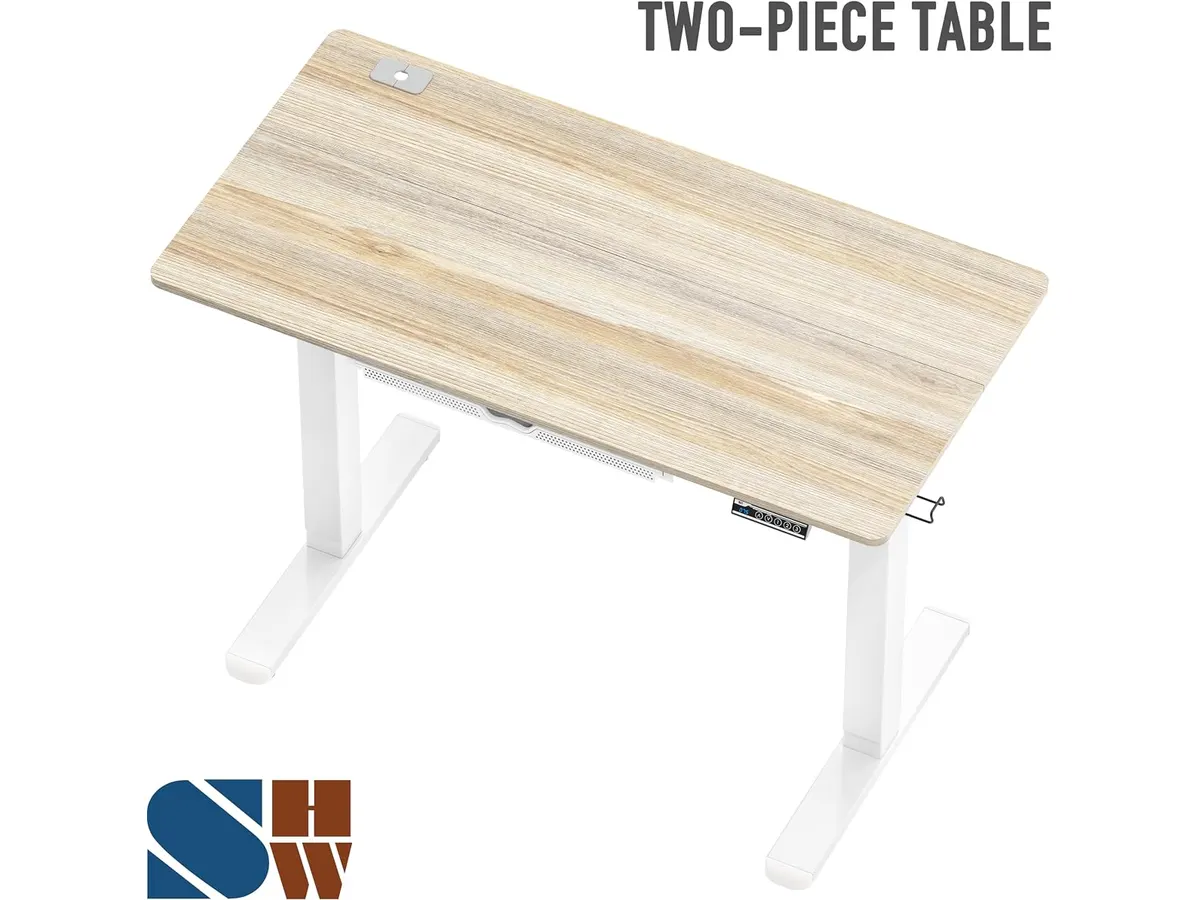
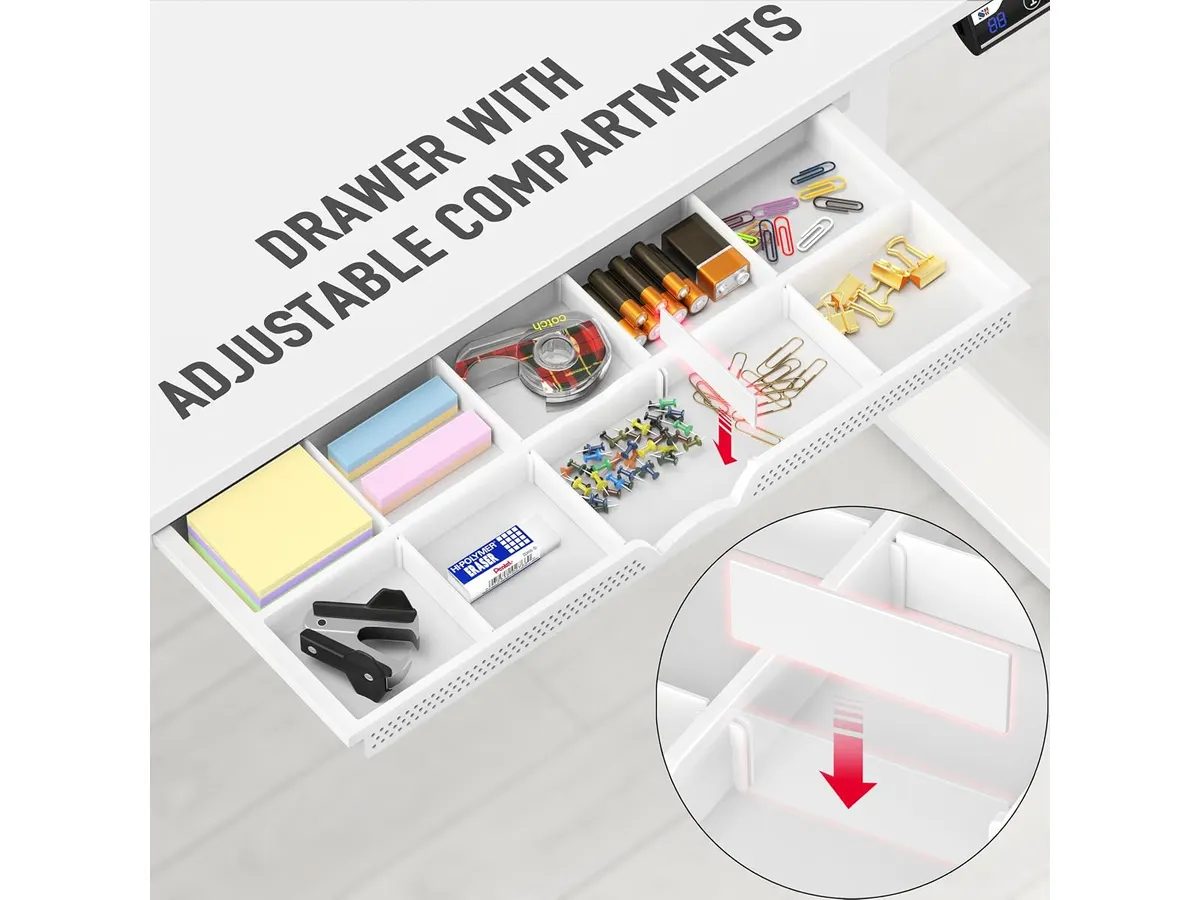
La integración de tres memorias programables en el panel LED facilita enormemente el uso diario. No tienes que adivinar la altura ideal cada vez; basta con un toque para llegar a tu posición preconfigurada. Además, el cajón integrado es un detalle infravalorado. En un escritorio de 47.2 pulgadas, cada centímetro cuenta, y tener un lugar para guardar cables, libretas o periféricos ayuda a mantener la superficie despejada.
Por último, la organización de cables está bien resuelta. Incluye una bandeja y pasacables que evitan el caos visual debajo de la mesa, un aspecto donde muchos escritorios económicos suelen fallar.
## Especificaciones clave
| Característica | Especificación |
| :--- | :--- |
| Ancho | 47.2 pulgadas |
| Profundidad | 23.6 pulgadas |
| Rango de altura | 28 a 45.6 pulgadas |
| Capacidad de carga | 50 kg |
| Acabado | Maple |
| Controles | Panel LED con 3 memorias |
## Dónde flojea
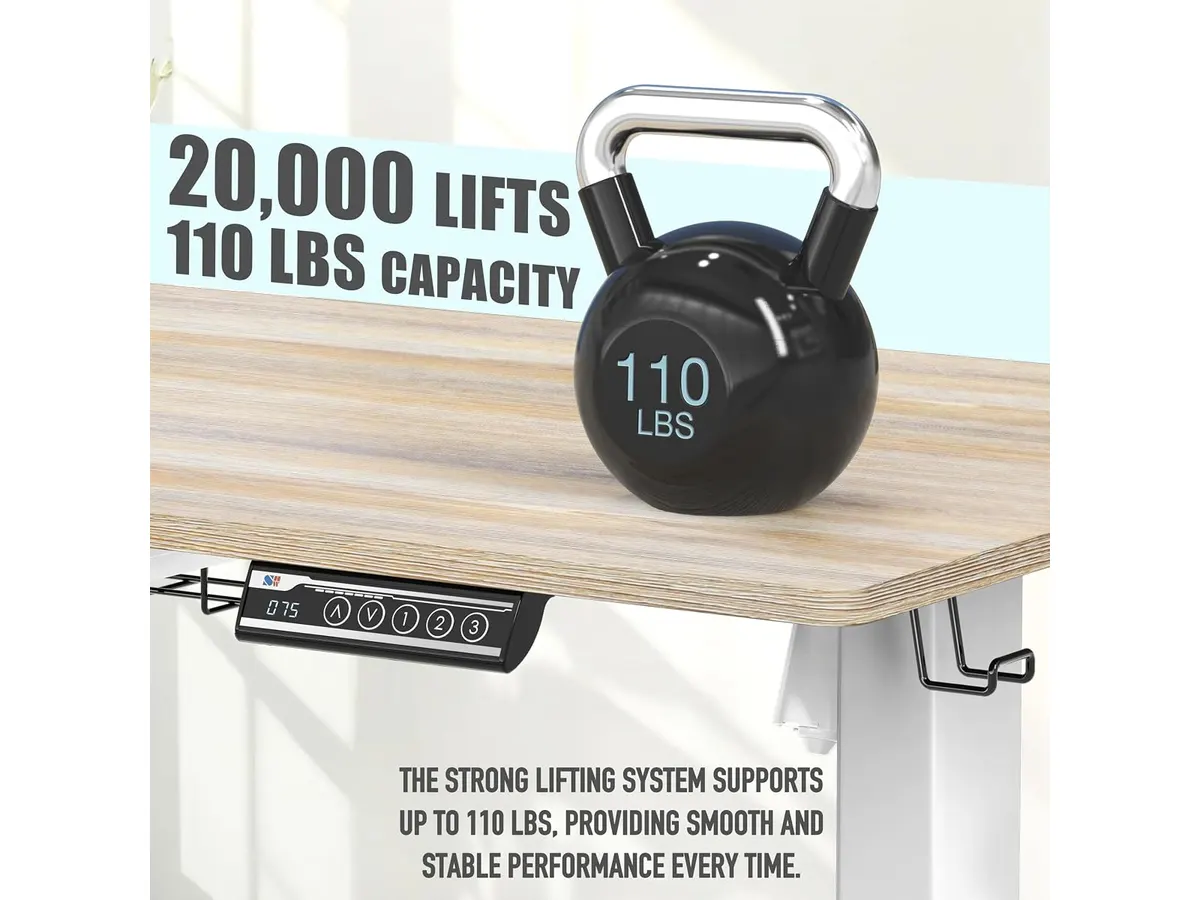
La limitación más evidente es la capacidad de carga. Con un límite de 50 kg, no es apto para configuraciones pesadas con múltiples monitores montados en brazos mecánicos robustos o torres de PC de gran tamaño sobre la superficie. Debes ser consciente de lo que instalas para no forzar el motor.
El espacio de trabajo también es reducido. Si usas dos monitores grandes o necesitas mucho espacio para documentos físicos, la profundidad de 23.6 pulgadas se sentirá estrecha rápidamente. A diferencia de un [Análisis del Vari Classic Electric Standing Desk para tu oficina](/blog/2026-09-22-vari-classic-electric-standing-desk), este modelo prioriza la compacidad sobre la amplitud operativa.
## ¿Para quién es?
Este modelo es ideal para estudiantes o trabajadores remotos que viven en departamentos pequeños y necesitan una mesa de trabajo para casa versátil. Si tu configuración consiste en una laptop, un monitor externo y pocos accesorios, cumplirá con creces su propósito sin invadir tu espacio vital.
Por el contrario, no es para profesionales creativos o usuarios que requieren una configuración de hardware pesada. Si trabajas con equipos de audio, varias pantallas o equipos de edición de video, el balanceo a máxima altura y la capacidad de peso limitada te causarán frustración a largo plazo.
## Alternativas a considerar
Si necesitas mayor estabilidad y un motor más potente, existen opciones en la gama media-alta que utilizan estructuras de doble motor y materiales más pesados. Estos modelos eliminan el balanceo perceptible cuando el escritorio está elevado al máximo. Si prefieres algo con más capacidad, puedes ver nuestra comparativa sobre el [FEZIBO Escritorio de Pie: Análisis y prueba](/blog/2026-09-25-fezibo-escritorio-de-pie).
En el segmento de entrada, existen convertidores de escritorio que se colocan sobre una mesa convencional. Son una excelente opción si ya tienes un mueble sólido y no quieres invertir en un sistema motorizado completo; el [Análisis del FLEXISPOT 42" Standing Desk Converter para tu oficina](/blog/2026-09-22-flexispot-42-standing-desk-converter) es un ejemplo de cómo ganar ergonomía sin cambiar todo tu mobiliario.
## Veredicto
El SHW Escritorio Elevable 48-Inch es una compra lógica para quienes dan sus primeros pasos en un setup ergonómico y disponen de poco espacio. Cumple con lo prometido, es fácil de usar y mantiene los cables bajo control. No es el escritorio más robusto del mercado, pero para un uso estándar de oficina, es una herramienta funcional que justifica su posición como un contendiente sólido para el mejor escritorio para home office en su rango.
## Preguntas frecuentes
### ¿Es difícil el montaje?
El proceso es estándar para este tipo de muebles. Se recomienda contar con ayuda de otra persona para voltear la estructura una vez armada, pero las instrucciones son claras y las herramientas necesarias vienen incluidas.
### ¿El motor se calienta tras varios usos?
No debería. Está diseñado para ajustes intermitentes a lo largo de la jornada laboral. Evita realizar cambios constantes de altura de forma ininterrumpida para prolongar la vida útil del mecanismo.
### ¿Se puede instalar un brazo para monitor?
Sí, la superficie permite la instalación de un brazo estándar. Solo asegúrate de que el peso total del monitor y el brazo no supere la capacidad de carga total de 50 kg mencionada en las especificaciones.
---
# GIGABYTE MO27Q28GR: análisis del monitor WOLED QHD
URL: https://setuplatam.com/blog/2026-11-18-gigabyte-mo27q28gr
Category: Monitores
Published: 2026-11-18
¿Buscas el mejor monitor para home office? Evaluamos el GIGABYTE MO27Q28GR de 27 pulgadas, sus 1500 nits y la protección OLED Care contra retenciones.
El GIGABYTE MO27Q28GR entra a competir en el escritorio moderno combinando un panel W-OLED de última generación con una resolución QHD de 27 pulgadas. Diseñado para profesionales que alternan entre hojas de cálculo exigentes y sesiones de juegos al terminar la jornada, este equipo busca resolver los problemas históricos de brillo en tecnología orgánica. Si exploras opciones en nuestra sección de [monitores](/categorias/monitores), este modelo se posiciona como un fuerte aspirante a ser el mejor monitor para home office en el segmento premium.
## Lo que hace bien
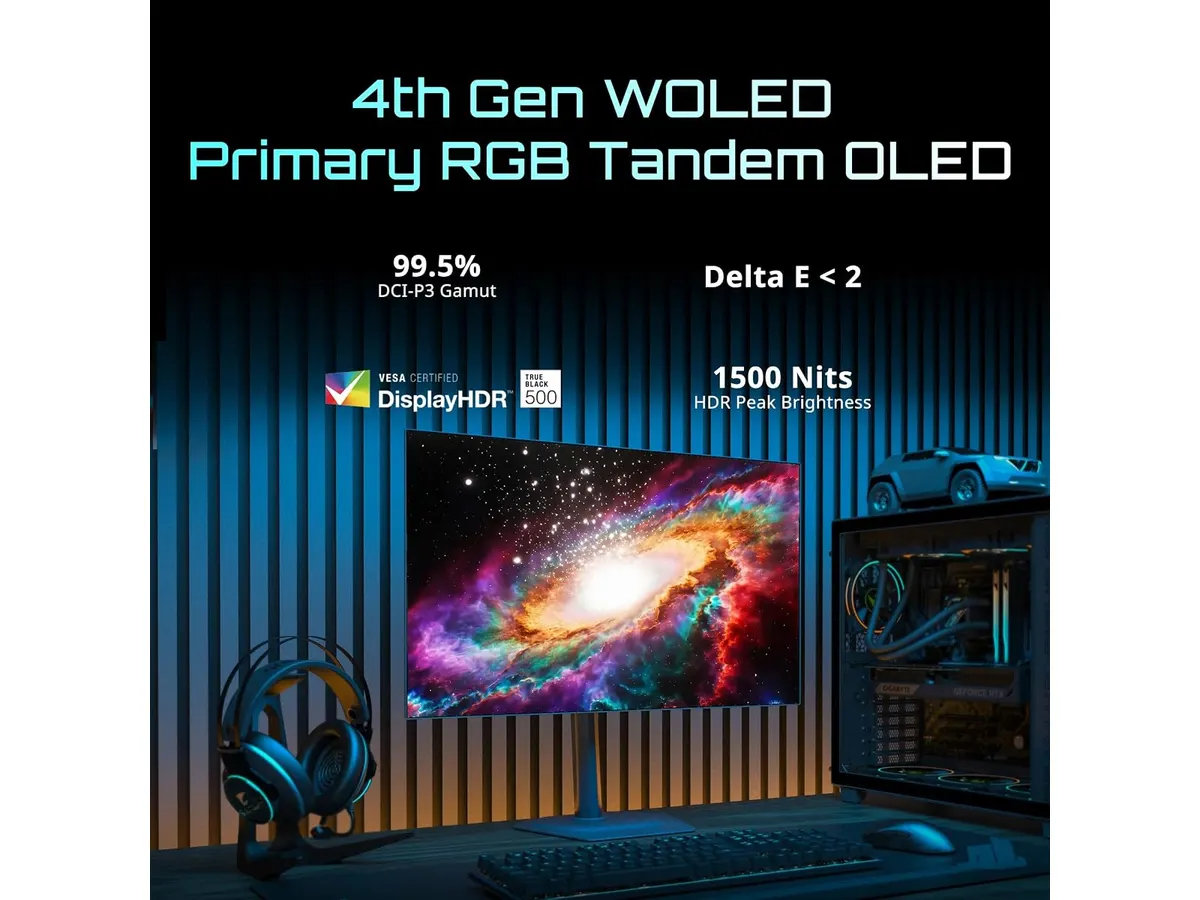
El punto de partida de este monitor es su panel W-OLED de 4.ª generación con tecnología RGB Tandem Primario. Esta arquitectura le permite alcanzar un brillo máximo de 1500 nits, una cifra impresionante para un monitor de 27 pulgadas. La imagen no solo resalta en contenidos HDR, sino que mantiene una fidelidad de color excepcional en entornos de trabajo normales.
Trabajar en espacios iluminados suele ser el enemigo principal de las pantallas OLED. GIGABYTE resuelve este problema incorporando el acabado RealBlack Glossy. Este recubrimiento reduce drásticamente la difusión de la luz ambiental, lo que le ha valido la certificación de UL para preservar niveles de negro perfectos incluso en ambientes con iluminaciones de hasta 500 lux. Los bordes ultra delgados en los cuatro lados complementan la estructura, logrando una estética visual sin distracciones.
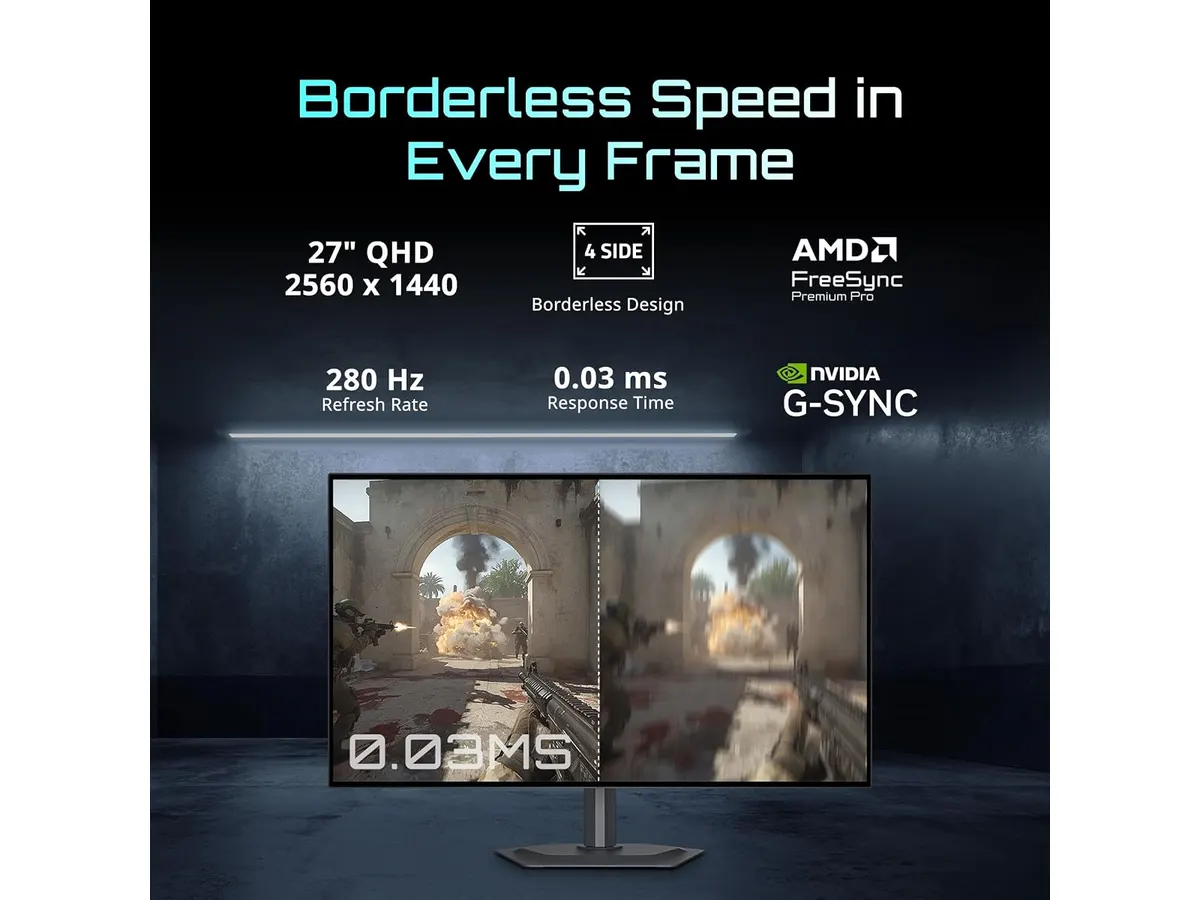
Para el apartado dinámico y de entretenimiento, cuenta con compatibilidad AMD FreeSync Premium Pro. La tasa de refresco variable elimina cualquier rastro de parpadeo o rasgado de imagen en juegos de ritmo rápido. Además, la preocupación por el desgaste del panel disminuye gracias al sistema GIGABYTE OLED Care, un algoritmo impulsado por inteligencia artificial que gestiona rutinas de mantenimiento preventivo en segundo plano para evitar marcas permanentes en la pantalla.
## Especificaciones clave
| Especificación | Detalle |
| --- | --- |
| Tamaño de pantalla | 27" |
| Tipo de panel | W-OLED de 4.ª generación con RGB Tandem Primario |
| Resolución | QHD |
| Brillo máximo | 1500 nits |
| Tecnología de sincronización | AMD FreeSync Premium Pro |
| Protección de panel | GIGABYTE OLED Care basado en IA |
## Dónde flojea
A pesar del tratamiento RealBlack Glossy, el acabado brillante refleja focos de luz directa situados justo detrás del usuario. Si tu escritorio está de espaldas a una ventana grande sin cortinas, notarás destellos que obligarán a reajustar la posición de la pantalla.
El mantenimiento preventivo de la IA requiere cierta disciplina. Aunque los procesos automatizados cuidan la integridad del panel, las notificaciones de limpieza o ciclos de refresco pueden resultar molestas si te encuentras en medio de una llamada de trabajo o una entrega con tiempo límite.
La resolución QHD en un formato de 27 pulgadas entrega una nitidez sólida para el día a día. Sin embargo, quienes trabajan exclusivamente con programación o edición de texto durante diez horas continuas podrían notar la disposición de subpíxeles propia de la tecnología WOLED, la cual no es tan definida como la de una pantalla IPS convencional de alta densidad.
## ¿Para quién es?
Este modelo le encaja perfectamente a la persona que busca un monitor para teletrabajo multifuncional. Si dedicas tus mañanas a redactar documentos, gestionar proyectos y diseñar, pero por las tardes buscas rendimiento máximo en videojuegos con negros puros y excelente contraste, el GIGABYTE MO27Q28GR cumple cada exigencia con solvencia.
Por el contrario, no es la compra adecuada para un usuario de perfil estrictamente corporativo que mantiene ventanas estáticas abiertas todo el día y no tiene interés en el consumo multimedia o el gaming. Para ese caso de uso, el costo de un panel OLED y los cuidados que requiere no aportan un beneficio real frente a opciones tradicionales.
## Alternativas a considerar
Si tu prioridad es la máxima claridad tipográfica para hojas de cálculo y lectura intensiva sin preocuparte por la retención de imagen, conviene revisar paneles IPS de gama alta orientados a la productividad. Puedes consultar nuestro [análisis del monitor Dell UltraSharp U2724D](/blog/2026-09-22-dell-ultrasharp-u2724d) para entender cómo rinde una pantalla puramente enfocada en el confort visual de oficina.
Para presupuestos más contenidos o usuarios que necesitan maximizar el área de trabajo dividiendo aplicaciones en dos pantallas independientes, la gama de entrada en paquetes dobles IPS resulta mucho más pragmática. Una lectura a nuestro [análisis del Gigastone 27" IPS 2-Pack](/blog/2026-09-22-gigastone-27-ips-2-pack) muestra las ventajas de priorizar el espacio de escritorio sobre el contraste extremo.
## Veredicto: ¿Es el mejor monitor para home office?
El GIGABYTE MO27Q28GR demuestra que la tecnología WOLED ha madurado lo suficiente para ganarse un lugar destacado en el escritorio de trabajo. Su brillo de 1500 nits y la certificación de negros a 500 lux resuelven las deficiencias históricas de la categoría en habitaciones iluminadas. Si buscas una pantalla para trabajar desde casa que ofrezca un rendimiento impecable tanto en hojas de cálculo como en sesiones de juego intensas, esta propuesta de GIGABYTE Monitores justifica cada dólar invertido.
## Preguntas frecuentes
### ¿El brillo de 1500 nits es suficiente para trabajar con luz ambiental?
Sí, el nivel de pico de brillo de 1500 nits en conjunto con el acabado RealBlack Glossy permite que el contenido sea perfectamente visible en oficinas bien iluminadas, manteniendo el contraste profundo sin que la imagen se vea lavada.
### ¿Cómo protege el sistema de IA a la pantalla del burn-in?
El algoritmo GIGABYTE OLED Care monitorea el uso del panel en tiempo real. Aplica atenuaciones imperceptibles en elementos estáticos y ejecuta ciclos automáticos de limpieza de píxeles para prevenir la degradación prematura del material orgánico.
### ¿Es recomendable esta pantalla para trabajar desde casa con texto denso?
Funciona bien para la mayoría de las tareas diarias, pero si tu jornada entera consiste en leer código o redactar textos en fondos blancos, un panel IPS tradicional ofrece márgenes de texto ligeramente más definidos debido a la estructura de subpíxeles.
---
# Análisis Keychron K17 Max: Eficiencia en perfil bajo
URL: https://setuplatam.com/blog/2026-11-18-keychron-k17-max
Category: Periféricos
Published: 2026-11-18
El Keychron K17 Max combina diseño delgado y conectividad rápida. Descubre si es uno de los mejores perifericos para home office en nuestro análisis detallado.
El Keychron K17 Max es una herramienta diseñada para quienes buscan optimizar el espacio en su escritorio sin sacrificar el rendimiento técnico. Este teclado mecánico de perfil bajo y formato 96% ofrece una experiencia de escritura sólida, orientada tanto a profesionales del teletrabajo que requieren precisión como a entusiastas que valoran la estética minimalista. Si buscas renovar tu espacio con uno de los mejores perifericos para home office, este modelo destaca por su construcción y versatilidad.
Al explorar nuestra sección de [Perifericos](/categorias/perifericos), notarás que no todos los teclados logran equilibrar la delgadez con la sensación táctil mecánica. El K17 Max lo consigue gracias a su marco de aluminio que aporta una rigidez necesaria para evitar vibraciones molestas.
## Lo que hace bien
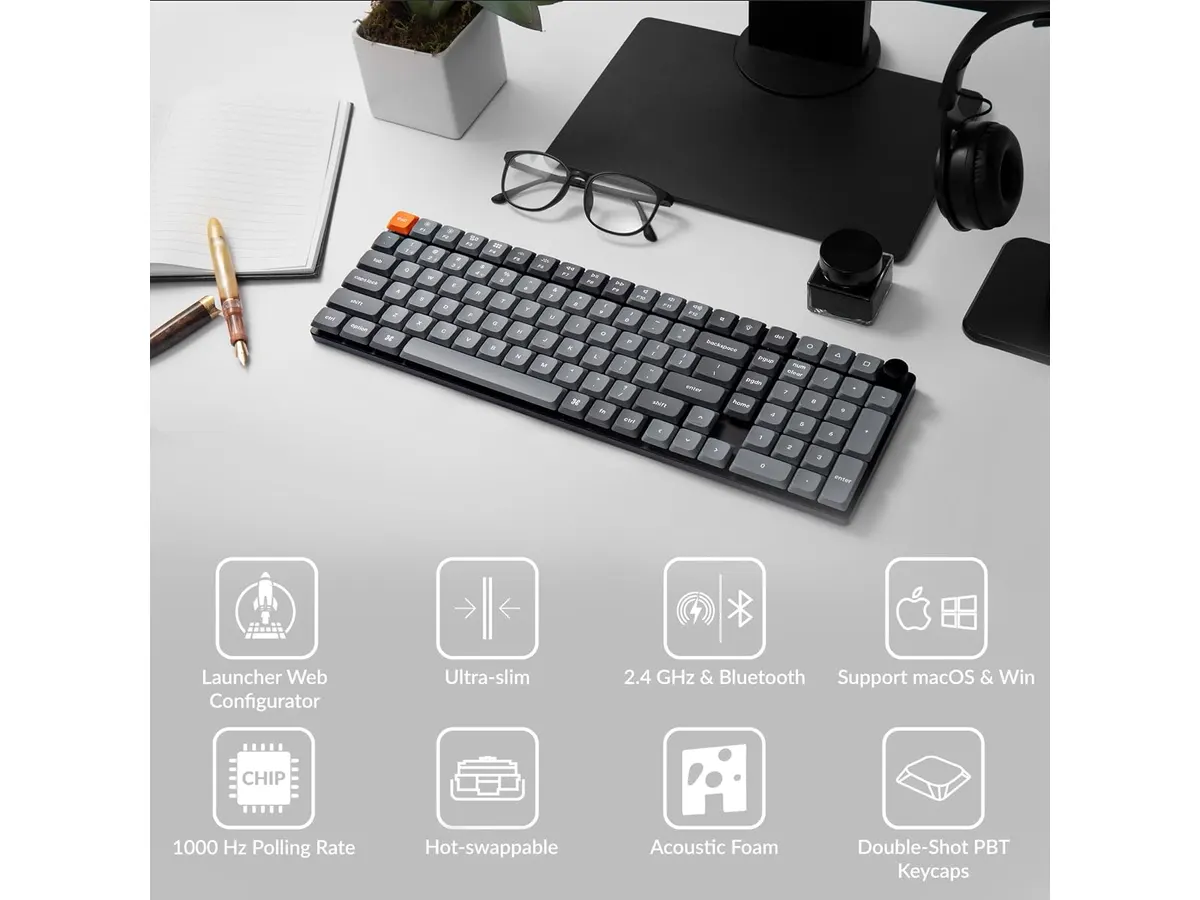
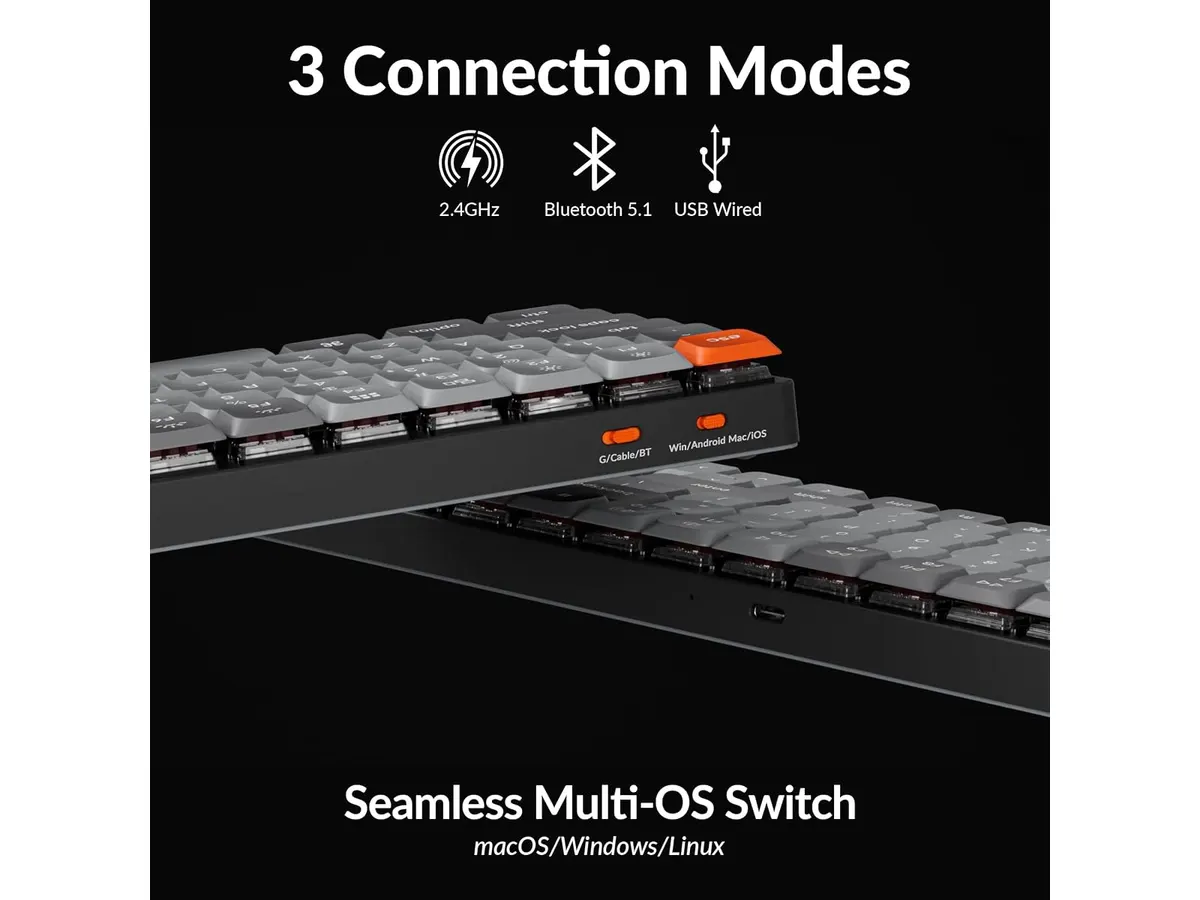
El punto más fuerte de este teclado es su polivalencia. Al contar con conectividad 2.4 GHz, Bluetooth 5.1 y cable, puedes cambiar entre tu equipo de trabajo y tu computadora personal sin esfuerzo. Los 1000 Hz de tasa de sondeo en modo inalámbrico de 2.4 GHz aseguran que no haya retrasos perceptibles, algo que se agradece tanto en sesiones de escritura intensa como en momentos de juego casual.
La durabilidad de las teclas es otro acierto. El uso de PBT double-shot garantiza que las leyendas no se borren y que el acabado no desarrolle ese brillo grasiento que aparece tras semanas de uso constante. Además, el firmware QMK abre un mundo de posibilidades para quienes disfrutan de personalizar macros o capas de teclado a través de Keychron Launcher, adaptando el dispositivo a flujos de trabajo específicos.
## Especificaciones clave
| Característica | Especificación |
| :--- | :--- |
| Formato | 96% |
| Conectividad | 2.4 GHz, Bluetooth 5.1, Cableado |
| Polling Rate | 1000 Hz |
| Firmware | QMK de código abierto |
| Material de teclas | PBT double-shot |
| Iluminación | RGB con 22 efectos |
## Dónde flojea
No todo es perfecto. La naturaleza de perfil bajo implica que el recorrido de las teclas es más corto de lo que un purista de los teclados mecánicos tradicionales esperaría. Si vienes de un teclado con switches de recorrido largo, sentirás una falta de retroalimentación física que puede requerir un periodo de adaptación significativo.
Además, el software, aunque potente gracias a QMK, puede resultar abrumador para el usuario promedio que solo busca conectar y empezar a escribir. La configuración de capas complejas requiere paciencia y dedicar tiempo a leer documentación técnica, lo cual puede ser un obstáculo si lo que buscas es una solución inmediata y sencilla.
## ¿Para quién es?
Este teclado encaja perfectamente con el trabajador remoto que utiliza múltiples dispositivos y aprecia un escritorio despejado. Su diseño compacto y la capacidad de gestionar varias conexiones lo hacen ideal para un entorno multitarea.
Por el contrario, no es para el usuario que prefiere una experiencia de escritura con mucho recorrido o para quienes no están dispuestos a dedicar tiempo a configurar el software. Si buscas algo puramente "plug-and-play" sin interés en personalizar funciones, este dispositivo podría ofrecerte más opciones de las que realmente necesitas.
## Alternativas a considerar
Si tu prioridad es la simplicidad absoluta y la ergonomía extrema en lugar de la personalización mecánica, existen opciones de perfil alto más orientadas al confort físico, como se detalla en el [Logitech MX Master 3S: Análisis del ratón ergonómico ideal para la oficina](/blog/2026-09-22-logitech-mx-master-3s). Estas alternativas se enfocan en reducir la fatiga en sesiones largas de oficina.
Si, en cambio, buscas un teclado mecánico con conectividad inalámbrica pero con un presupuesto más ajustado y un diseño estándar, puedes revisar el [RedThunder K95 Wireless Mechanical Keyboard: Análisis y Opiniones](/blog/2026-09-22-redthunder-k95-wireless-mechanical-keyboard). También es recomendable considerar el [Análisis del iClever Wireless Mouse: Versatilidad y Silencio](/blog/2026-09-22-iclever-wireless-mouse) para completar tu equipo de escritorio con periféricos que priorizan la operatividad en espacios compartidos.
## Veredicto
El Keychron K17 Max es una inversión excelente para quienes necesitan un teclado mecánico confiable, rápido y estéticamente impecable para su oficina en casa. Su combinación de materiales de alta calidad y opciones de personalización avanzada justifica su lugar entre los mejores periféricos actuales. Si valoras el diseño compacto y no te molesta invertir tiempo en la configuración, este modelo te servirá durante años.
## Preguntas frecuentes
### ¿Se puede usar este teclado en sistemas operativos distintos?
Sí, es totalmente compatible con macOS y Windows, permitiendo cambiar entre diseños de teclas y funciones de forma sencilla.
### ¿Qué tan difícil es configurar las macros en QMK?
Requiere usar la aplicación Keychron Launcher. No es automático, pero una vez que aprendes la interfaz, la flexibilidad para crear atajos de productividad es inigualable.
### ¿Es adecuado para jugar juegos de alta exigencia?
Gracias a su tasa de sondeo de 1000 Hz en conexión 2.4 GHz, ofrece una respuesta rápida y precisa, siendo muy capaz para gaming competitivo sin llegar a los extremos de los teclados dedicados solo a juegos.
---
# Análisis: GABRYLLY Silla de Oficina Ergonómica
URL: https://setuplatam.com/blog/2026-11-17-gabrylly-silla-de-oficina-ergonomica
Category: Sillas ergonómicas
Published: 2026-11-17
Evaluamos la GABRYLLY Silla de Oficina Ergonómica. Descubre si es la mejor silla ergonomica para trabajar con soporte lumbar y malla elástica en casa.
Pasar ocho horas seguidas sentado exige una postura impecable. La GABRYLLY Silla de Oficina Ergonómica entra al mercado del teletrabajo buscando colocarse como la **mejor silla ergonomica para trabajar** en despachos pequeños o estaciones profesionales. Su diseño de malla elástica con estructura en Y equilibra firmeza y frescura para jornadas extensas. Si exploras opciones dentro de nuestra sección de [sillas ergonómicas](/categorias/sillas), este modelo ofrece ajustes clave a un precio equilibrado.
## Lo que hace bien
El soporte lumbar acolchado marca una diferencia inmediata al apoyar la espalda baja. A diferencia de las sillas con respaldos rígidos, esta pieza ofrece un alivio constante de la presión en la zona lumbar sin ceder de forma prematura tras meses de uso.
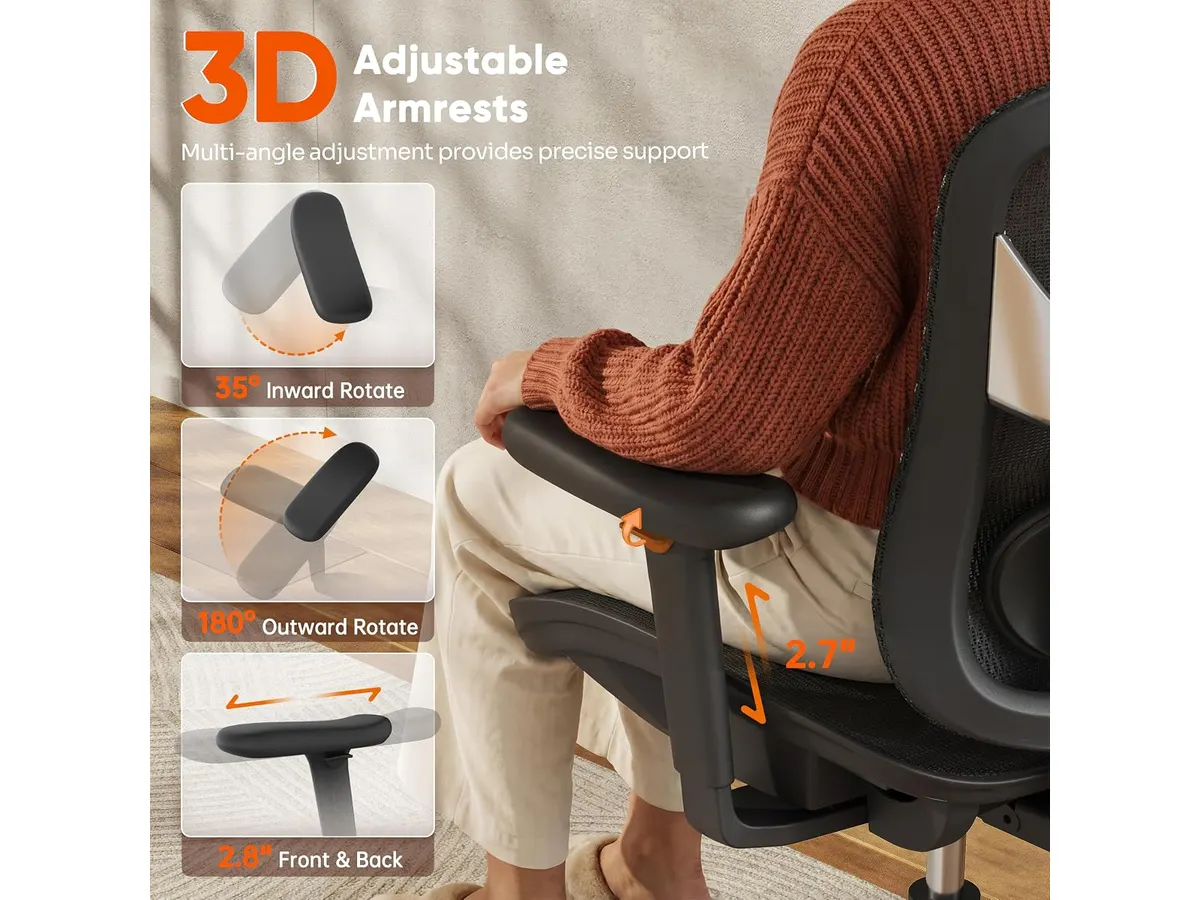
Los reposabrazos 3D acolchados constituyen otro acierto en la experiencia diaria. Permiten regulaciones precisas en altura y profundidad, sumando una rotación amplia de 215 grados. Esta capacidad de giro facilita sostener los antebrazos al escribir en el teclado, sostener un dispositivo móvil o reclinar el torso para leer documentos.
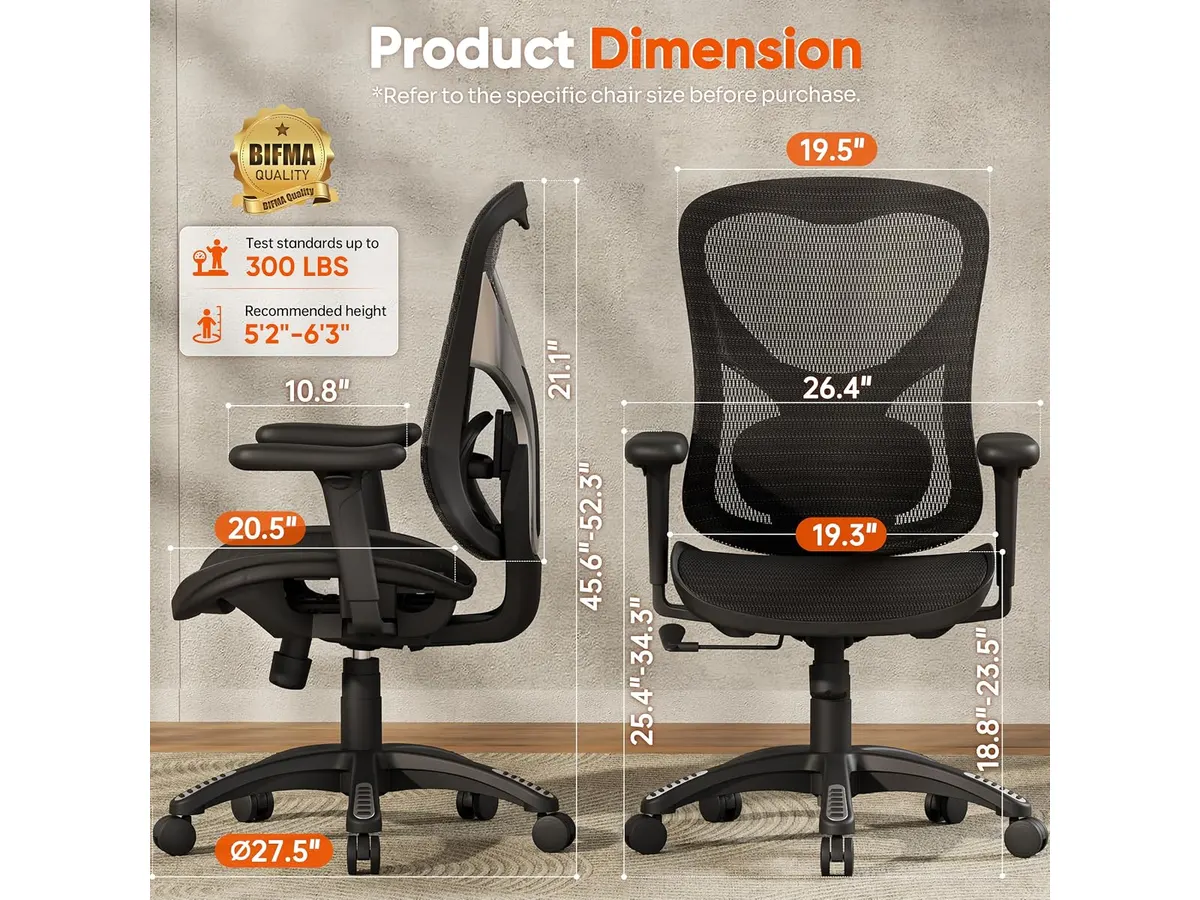
La construcción general demuestra rigidez. Su chasis de malla transpirable con marco en Y reforzado cuenta con certificaciones ANSI/BIFMA X5.1 y SGS. Apoyada en un cilindro de elevación de Clase 4, sostiene con firmeza hasta 300 lbs (136 kg). Además, el asiento con borde en cascada reduce la acumulación de tensión en la parte posterior de los muslos, lo que favorece una circulación sanguínea fluida durante el trabajo diario.
## Especificaciones clave
| Característica | Especificación |
| --- | --- |
| Capacidad de carga | Hasta 300 lbs (136 kg) |
| Certificaciones | ANSI/BIFMA X5.1 y SGS |
| Cilindro de elevación | Clase 4 |
| Reclinación | 3 niveles (90° a 120°) con control de tensión |
| Reposabrazos | 3D acolchados con rotación de 215° (altura y profundidad) |
| Estructura y material | Malla elástica transpirable con marco en Y |
| Soporte lumbar | Acolchado y ajustable |
| Borde del asiento | En cascada para circulación |
| Garantía | 3 años del fabricante |
## Dónde flojea
El rango de inclinación es moderado. Alcanza un ángulo máximo de 120 grados dividido en tres niveles prefijados. Quienes busquen una posición casi horizontal para descansar profundamente entre tareas encontrarán este límite algo escaso.
La firmeza de la malla elástica puede sentirse rígida durante los primeros días para usuarios de contextura muy ligera. Aunque evita la acumulación de calor corporal en climas cálidos, no ofrece la amortiguación acolchada de un cojín de espuma viscoelástica tradicional.
## ¿Para quién es?
**Es ideal para:** profesionales del trabajo remoto y estudiantes que pasan jornadas de seis a ocho horas frente al ordenador. Su malla fresca y los reposabrazos con rotación de 215° benefician a quienes alternan constantemente entre teclear, programar o tomar videollamadas.
**No es aconsejable para:** personas que buscan una silla con reclinación profunda para tomar siestas prolongadas en la oficina. Tampoco convencerá a quienes prefieren la sensación de un asiento mullido de esponja sobre la tensión estructural de la malla.
## Alternativas a considerar
Si necesitas un ajuste postural integral de gama alta con respaldo dividido y acabados metálicos premium, vale la pena revisar la [Ergohuman ME7ERG GEN2](/blog/2026-09-22-ergohuman-me7erg-gen2). Es una opción pensada para usuarios que buscan el máximo nivel de personalización en cada eje de la silla.
Por otro lado, si buscas una alternativa con asiento de espuma convencional a un precio más contenido para tu espacio de estudio, la [SIHOO M18](/blog/2026-09-22-sihoo-m18) ofrece un soporte lumbar funcional con una construcción clásica y accesible.
## Veredicto
La GABRYLLY Silla de Oficina Ergonómica cumple con sobriedad en el entorno del trabajo desde casa. Su marco reforzado en Y, el cilindro de Clase 4 y los 3 años de garantía respaldan una compra segura para uso diario. Aunque su reclinación se detiene en los 120 grados, el soporte lumbar acolchado y la versatilidad de sus reposabrazos 3D protegen la postura de forma efectiva.
## Preguntas frecuentes
### ¿Es la GABRYLLY la mejor silla ergonomica para trabajar si mido más de 1.80 metros?
Su estructura con certificación BIFMA y el cilindro Clase 4 soportan hasta 300 lbs sin perder estabilidad. La regulación de altura del asiento y los reposabrazos 3D acomodan bien a usuarios de talla media y alta, aunque personas de gran estatura deberán utilizar el ajuste máximo de elevación.
### ¿Qué ventaja práctica aporta la rotación de 215° en los reposabrazos?
Permite orientar los apoyabrazos hacia adentro o hacia afuera según la actividad. Facilita apoyar los codos en posición de escritura cerrada o abrir el ángulo para sostener cuadernos y tabletas sin forzar la postura de los hombros.
### ¿La malla transpirable pierde tensión con el uso continuado?
El tejido elástico está probado bajo la norma ANSI/BIFMA X5.1. Mantiene su elasticidad estructural sin deformarse ni ceder en el centro, respaldado por la garantía de 3 años que incluye el fabricante.
---
# Análisis OBSBOT Tiny 2 Lite: Webcam 4K con IA avanzada
URL: https://setuplatam.com/blog/2026-11-17-obsbot-tiny-2-lite
Category: Audio y webcams
Published: 2026-11-17
El OBSBOT Tiny 2 Lite es la mejor webcam para home office con seguimiento de IA. Descubre si esta cámara 4K PTZ se ajusta a tu setup de trabajo profesional.
La OBSBOT Tiny 2 Lite llega al mercado como una solución compacta para quienes buscan automatizar el encuadre durante sus videollamadas. Gracias a su sensor 4K y sus capacidades de movimiento motorizado, es una candidata sólida a ser la mejor webcam para home office para usuarios que se mueven constantemente durante sus presentaciones. Si buscas optimizar tu equipo, explora nuestra selección en [Audio y webcams](/categorias/audio-webcams).
## Lo que hace bien
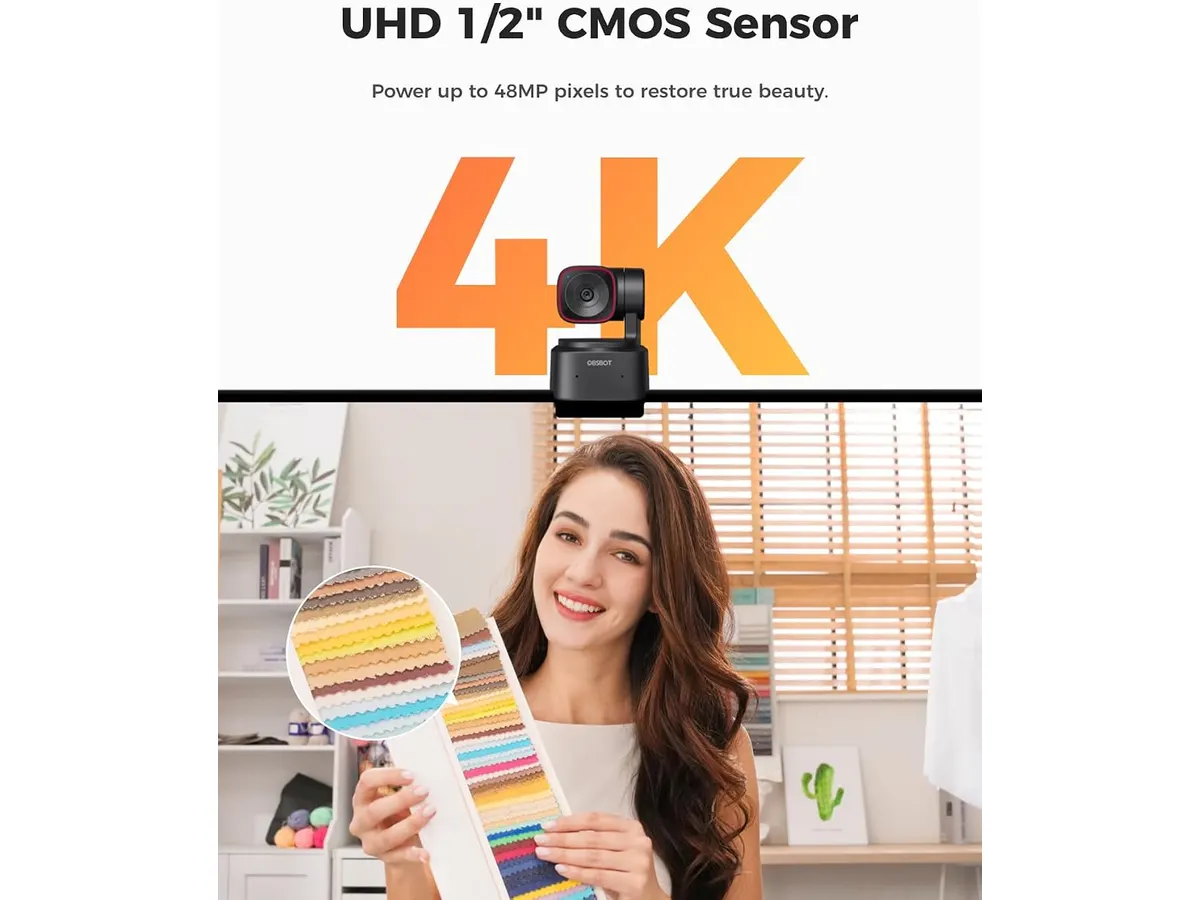
La calidad de imagen es el punto de partida. Al integrar un sensor CMOS de 1/2 pulgada, esta cámara captura detalles precisos incluso en condiciones de iluminación media, superando a los sensores diminutos de las webcams integradas. La nitidez en resolución 4K se mantiene constante, lo que permite recortar el plano sin perder claridad visual.
El seguimiento por IA es su mayor ventaja competitiva. El sistema reconoce tanto la parte superior del cuerpo como las manos, permitiendo que la cámara te mantenga centrado sin necesidad de un operador. Además, el control de gestos 2.0 dinámico es sorprendentemente intuitivo. Con un simple movimiento, puedes activar el zoom o fijar el enfoque, lo cual facilita mucho la gestión del encuadre en tiempo real.
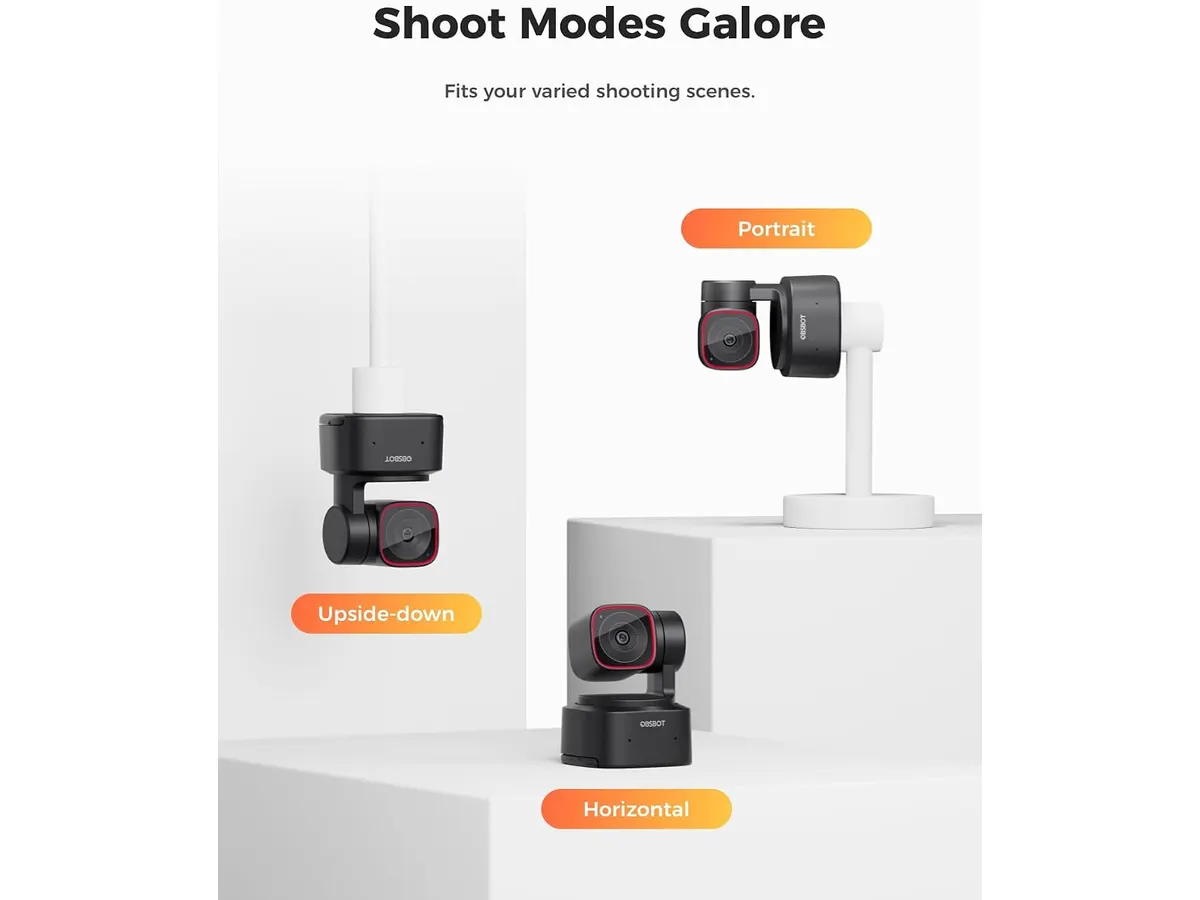
La versatilidad de montaje es otro acierto. La capacidad de girar y ajustar automáticamente la orientación, ya sea en formato horizontal, vertical o incluso boca abajo, es ideal para quienes alternan entre plataformas de streaming y videollamadas corporativas. Además, la compatibilidad con herramientas como Stream Deck y Hotkeys permite una integración profunda en cualquier flujo de trabajo técnico.
## Especificaciones clave
| Característica | Detalle |
| :--- | :--- |
| Resolución | 4K |
| Sensor | CMOS 1/2 pulgada |
| Control de gestos | 2.0 dinámico |
| Seguimiento | Parte superior del cuerpo y manos |
| Orientación | Horizontal, vertical, boca abajo |
| Conectividad/Integración | SDK, OSC, Stream Deck, Hotkeys |
## Dónde flojea
No todo es perfecto. La dependencia de su software para desbloquear todas las funciones de IA puede resultar frustrante si prefieres una experiencia de conectar y usar básica. Si no instalas el software específico, pierdes el control sobre gran parte de sus capacidades de personalización.
Otro punto a considerar es la gestión del calor. Al ser una cámara PTZ compacta con procesamiento de IA constante, el cuerpo tiende a calentarse tras sesiones largas de uso. Si bien no afecta el rendimiento, es una señal de que el hardware está trabajando al límite. Si ya cuentas con dispositivos de alta gama, quizás te interese comparar esto con un [Logitech MX Brio: Webcam 4K ideal para videollamadas](/blog/2026-09-22-logitech-mx-brio).
## ¿Para quién es?
Esta webcam es ideal para docentes, creadores de contenido o trabajadores remotos que necesitan una cámara que los siga mientras explican conceptos en una pizarra o se mueven por su oficina. La función de seguimiento compensa la falta de un equipo de producción dedicado.
Por el contrario, no es la mejor opción para quien busca una cámara estática y sencilla para una oficina pequeña. Si tu trabajo no requiere movimiento y prefieres una configuración minimalista sin software adicional, hay opciones con lente fija y mejor relación precio-valor que no requieren un motor PTZ.
## Alternativas a considerar
Si buscas algo más sencillo, existen opciones en el mercado de gama media que sacrifican el movimiento motorizado por una óptica de mayor calidad y un rendimiento superior en condiciones de baja luz. Estas cámaras suelen enfocarse en la fidelidad del color y la estabilidad sin el procesamiento adicional de IA.
Para quienes requieren un rendimiento superior en inteligencia artificial, el [Análisis OBSBOT Tiny 3 Lite: Calidad 4K con IA](/blog/2026-09-26-obsbot-tiny-3-lite) ofrece una evolución en la precisión del seguimiento. Asimismo, si necesitas mejorar tu entorno, considera unos [Bluedee Computer Speakers: calidad de sonido y diseño compacto](/blog/2026-09-22-bluedee-computer-speakers) para complementar tu espacio.
## Veredicto
El OBSBOT Tiny 2 Lite es una herramienta potente para quienes necesitan que la cámara trabaje por ellos. Su seguimiento de IA y la resolución 4K ofrecen un salto de calidad necesario para entornos profesionales exigentes. Aunque el software requiere un periodo de aprendizaje, los beneficios superan las limitaciones de hardware. Es una inversión inteligente para mejorar tu presencia visual en videollamadas.
## Preguntas frecuentes
### ¿Funciona con cualquier software de reuniones?
Sí, se reconoce como una webcam estándar en aplicaciones como Zoom, Teams y Meet, aunque las funciones de IA requieren el software instalado.
### ¿Es necesario configurar el seguimiento cada vez?
No, puedes guardar posiciones preestablecidas que se activan rápidamente mediante atajos de teclado configurados en tu equipo.
### ¿Se puede usar para grabar contenido vertical?
Absolutamente, la cámara detecta automáticamente la orientación y ajusta el encuadre para plataformas de video corto.
---
# Análisis del FlexiSpot E6 Acacia: Calidad Premium
URL: https://setuplatam.com/blog/2026-11-16-flexispot-e6-acacia-solid-wood-standing-desk
Category: Escritorios
Published: 2026-11-16
Analizamos el FlexiSpot E6 Acacia Solid Wood Standing Desk. ¿Es el mejor escritorio para home office con madera maciza? Descubre nuestra opinión experta aquí.
El FlexiSpot E6 Acacia Solid Wood Standing Desk es una pieza que se distingue en nuestra selección de [Escritorios](/categorias/escritorios) por su enfoque en materiales naturales y durabilidad. Si pasas más de ocho horas diarias frente a la pantalla, este escritorio regulable en altura ofrece la estabilidad y la estética necesarias para un entorno profesional. Es una inversión pensada para quienes buscan una mesa de trabajo para casa que no sacrifique la elegancia por la funcionalidad ergonómica.
## Lo que hace bien
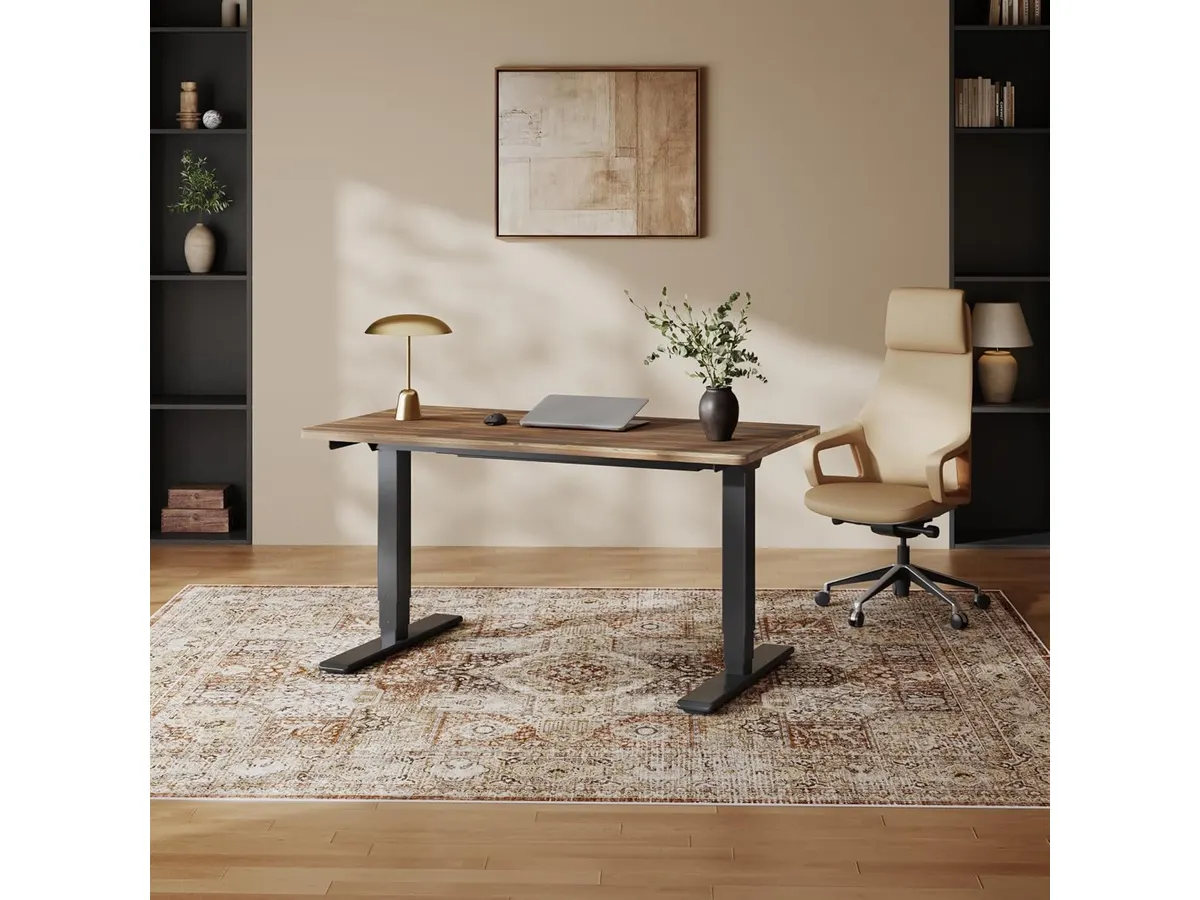
* **Calidad de construcción y estética:** La superficie de madera maciza de acacia aporta una calidez visual que los tableros laminados estándar no pueden replicar. Cada unidad tiene vetas únicas, lo que otorga un carácter auténtico al espacio de trabajo.
* **Ergonomía superior:** El diseño de borde biselado no es solo un detalle decorativo; reduce la fatiga en los antebrazos al escribir o usar el mouse durante sesiones extensas, algo que mejora significativamente la comodidad en comparación con los bordes rectos tradicionales.
* **Rendimiento mecánico:** Gracias a su sistema de motores dobles y columnas de tres etapas, el ajuste de altura es silencioso y fluido. Con una capacidad de carga de 220 libras, el escritorio maneja configuraciones pesadas con monitores dobles y brazos articulados sin esfuerzo.
## Especificaciones clave
| Característica | Especificación |
| :--- | :--- |
| Material de superficie | Madera maciza de acacia |
| Sistema de elevación | Motor doble de 3 etapas |
| Rango de altura | 23.6" a 49.2" |
| Capacidad de carga | Hasta 220 lbs |
| Nivel de ruido | Menos de 45 dB |
| Garantía (marco/motor) | 5 años |
| Garantía (electrónica) | 2 años |
## Dónde flojea
La principal limitación es la disparidad en la cobertura de la garantía. Mientras que la estructura y los motores están protegidos por cinco años, los componentes electrónicos y el panel de control cuentan con solo dos años de respaldo, lo cual parece corto para un producto de esta categoría de precio. Además, al tratarse de madera maciza, requiere un mantenimiento preventivo con aceites específicos para preservar su acabado frente a rayones o manchas, a diferencia de las superficies de melamina que son virtualmente indestructibles ante el uso descuidado.
## ¿Para quién es?
Este modelo es ideal para el profesional creativo o ejecutivo que valora una estética orgánica y necesita un escritorio elevable para trabajar de pie que soporte una configuración de hardware pesada. Si buscas un mueble que sea el centro visual de tu oficina, este cumple de sobra. Por otro lado, no es la opción adecuada para estudiantes con presupuesto limitado o para personas que prefieren una superficie de trabajo que no requiera ningún tipo de mantenimiento periódico para mantenerse impecable.

## Alternativas a considerar
Si buscas un punto de entrada más económico, puedes consultar nuestro [FEZIBO Escritorio de Pie: Análisis y prueba](/blog/2026-09-25-fezibo-escritorio-de-pie), que ofrece una funcionalidad similar de altura regulable pero con acabados más industriales. Por otro lado, si prefieres una experiencia de escritorio de pie más consolidada y con un enfoque en la durabilidad de los componentes electrónicos, revisa el [Análisis del Vari Classic Electric Standing Desk para tu oficina](/blog/2026-09-22-vari-classic-electric-standard-desk). Si no tienes espacio para un escritorio completo, también contamos con el [Análisis del FLEXISPOT 42" Standing Desk Converter para tu oficina](/blog/2026-09-22-flexispot-42-standing-desk-converter).
## Veredicto
El FlexiSpot E6 Acacia es, sin duda, el mejor escritorio para home office si priorizas la calidad del material y la ergonomía activa. La estabilidad que proporcionan sus motores dobles justifica la inversión frente a modelos más básicos de un solo motor. Si valoras el diseño y la salud postural, este modelo es una apuesta segura para tu setup.
## Preguntas frecuentes
### ¿Es difícil montar el escritorio por mi cuenta?
El ensamblaje requiere de tiempo y paciencia debido al peso de la madera maciza. Recomendamos realizarlo entre dos personas para asegurar que la estructura quede correctamente nivelada.
### ¿La madera de acacia requiere cuidados especiales?
Sí, es necesario aplicar aceite para madera ocasionalmente para evitar que el material se reseque, especialmente en climas muy secos o con calefacción constante.
### ¿Es compatible con brazos para monitor estándar?
Totalmente. Al ser una superficie de madera real y sólida, soporta perfectamente la presión de las abrazaderas de los brazos para monitor sin riesgo de dañar el tablero.
---
# Keychron K17 Max: teclado mecánico de perfil bajo
URL: https://setuplatam.com/blog/2026-11-16-keychron-k17-max
Category: Periféricos
Published: 2026-11-16
El Keychron K17 Max combina formato 96% y perfil bajo. Descubre si califica entre los mejores perifericos para home office en este análisis completo.
El Keychron K17 Max es un teclado mecánico inalámbrico con formato del 96% y perfil bajo, pensado para quienes necesitan un teclado numérico sin sacrificar espacio de trabajo. En este Keychron K17 Max análisis evaluamos si realmente merece estar en la lista de los [mejores perifericos para home office](/categorias/perifericos). Si buscas velocidad, ligereza y personalización en tu teclado para teletrabajo, esta propuesta tiene argumentos sólidos.
## Lo que hace bien
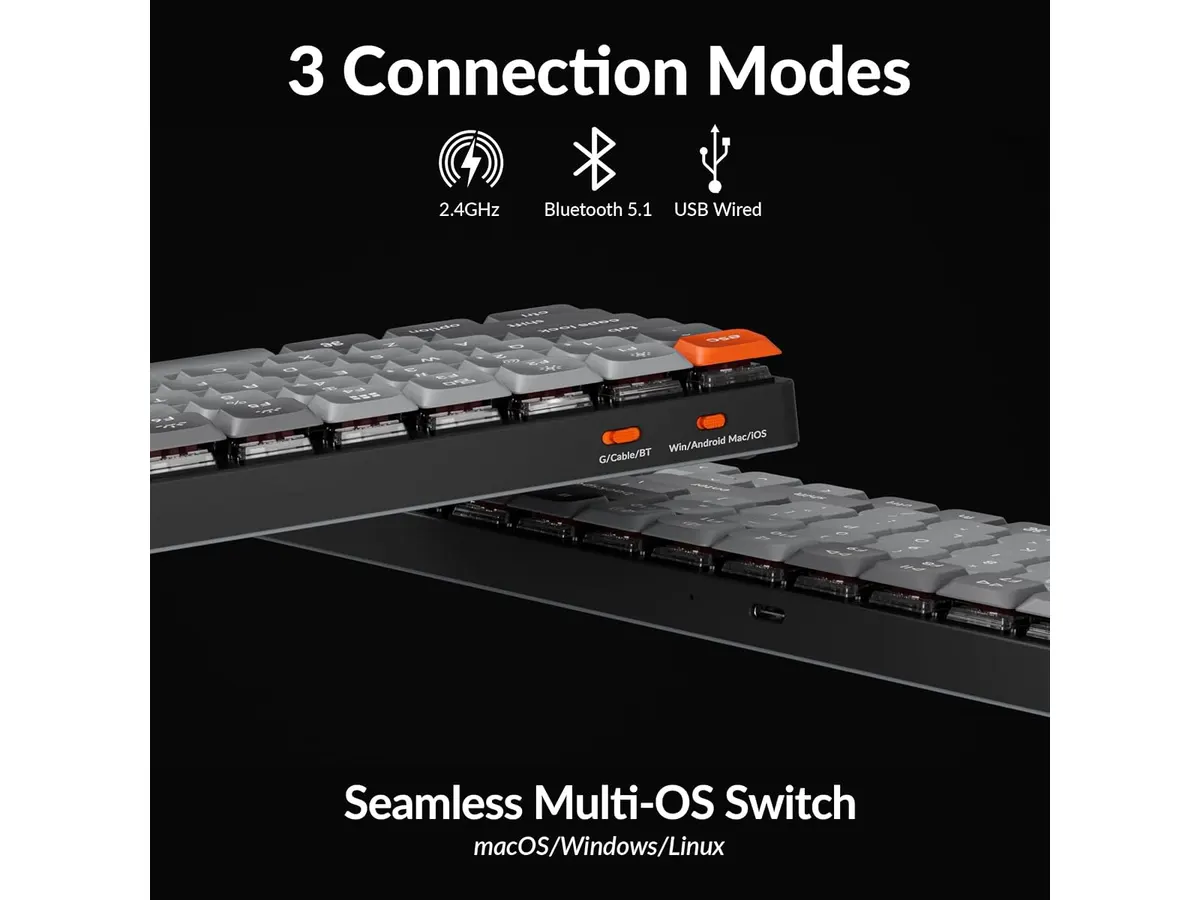
- **Conectividad triple con alto rendimiento**: Ofrece conexión mediante cable, Bluetooth 5.1 para cambiar rápido entre dispositivos y un receptor inalámbrico de 2.4 GHz que alcanza una tasa de sondeo de 1000 Hz. Esta frecuencia en 2.4 GHz asegura una respuesta inmediata sin retrasos al escribir.
- **Construcción ergonómica y delgada**: El marco de aluminio alberga interruptores Gateron de perfil bajo, un 31% más delgados que los interruptores mecánicos estándar. Esto permite mantener una postura de muñeca más natural sin necesitar un reposamuñecas alto.
- **Teclas duraderas de PBT**: Las teclas de PBT de doble inyección (Double-shot) garantizan resistencia contra el desgaste diario y evitan que la superficie se vuelva resbaladiza o brillante por el aceite de la piel.
- **Personalización total de firmware**: Gracias al soporte de QMK de código abierto, puedes cambiar cualquier asignación de tecla o crear atajos desde la aplicación web Keychron Launcher sin instalar software ejecutable pesado.
### Un pilar entre los mejores perifericos para home office
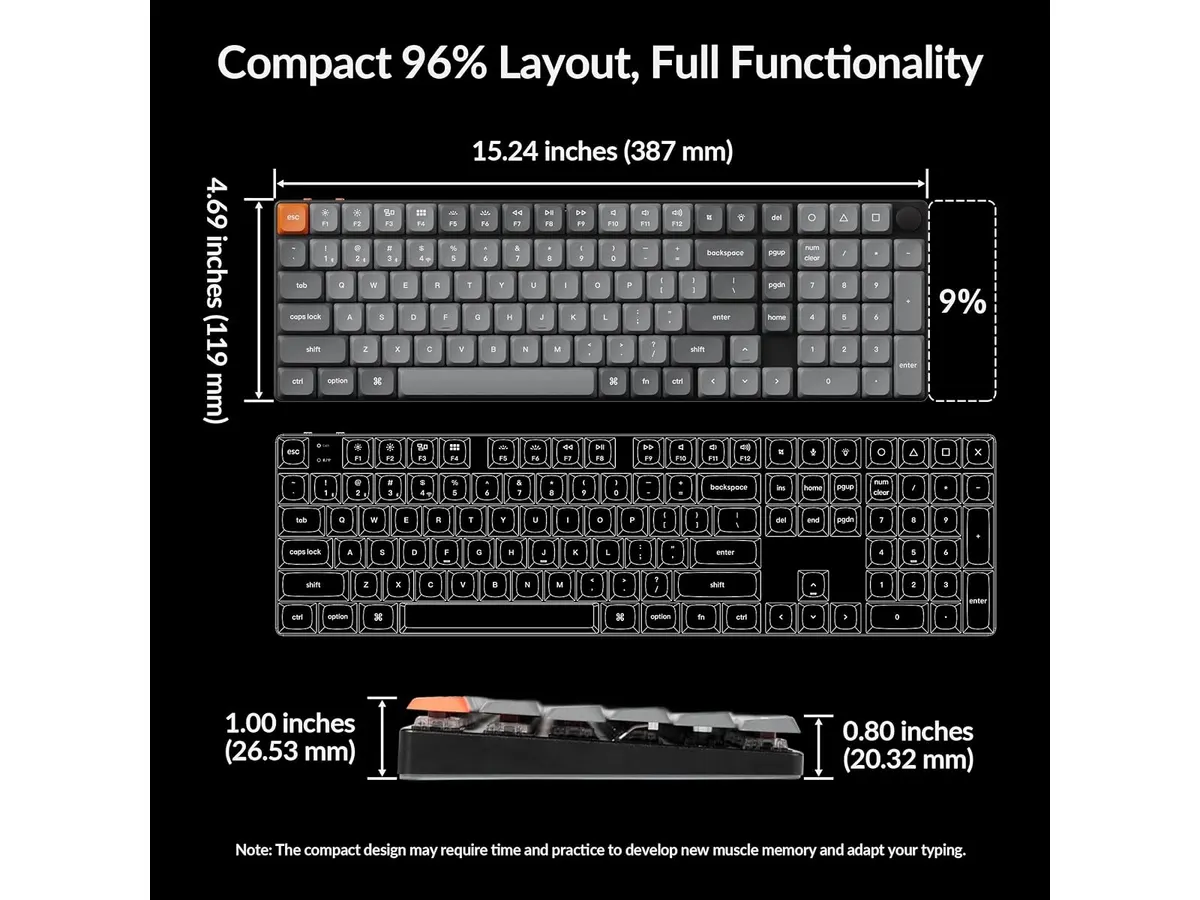
El formato del 96% logra condensar casi todas las funciones de un teclado completo en una huella mucho más ajustada. Mantener el bloque numérico en un perfil tan delgado simplifica la transición para quienes trabajan constantemente con hojas de cálculo o bases de datos.
## Especificaciones clave
| Característica | Detalle |
| --- | --- |
| Formato | 96% |
| Conectividad | 2.4 GHz, Bluetooth 5.1 y cableado |
| Tasa de sondeo | 1000 Hz (modo 2.4 GHz) |
| Interruptores | Gateron de perfil bajo (31% más delgados) |
| Material de teclas | PBT de doble inyección (Double-shot) |
| Chasis | Marco de aluminio |
| Firmware | QMK de código abierto (compatible con Keychron Launcher) |
## Dónde flojea
- La distribución compacta del 96% junta las teclas de navegación y el teclado numérico. Esto exige unos días de aclimatación si estás acostumbrado a las separaciones anchas de un teclado tradicional de tamaño completo.
- La sensación de tecleo en interruptores de perfil bajo ofrece un recorrido más corto que los switches estándar. Aquellos usuarios que busquen el recorrido profundo y la sonoridad de un teclado mecánico alto sentirán la pulsación algo más plana.
- Para sacarle provecho al remapado mediante QMK debes recurrir al navegador web con la herramienta Keychron Launcher, algo que requiere conexión a internet la primera vez que configuras tus capas.
## ¿Para quién es?
- **Es ideal para**: Profesionales de datos, programadores y redactores que utilizan activamente el bloque numérico y buscan reducir la tensión postural con un perfil plano. Si buscas equipar tu zona de trabajo con un ratón ergonómico para trabajar como el [Logitech MX Master 3S](/blog/2026-09-22-logitech-mx-master-3s), este teclado se acopla como una pareja de escritorio de alto nivel.
- **No es para**: Personas que prefieran el tacto de un teclado mecánico clásico de recorrido largo o quienes busquen una opción de entrada muy básica sin necesidades de conectividad avanzada. Si solo requieres algo elemental para tareas esporádicas, opciones como el [iClever Wireless Mouse](/blog/2026-09-22-iclever-wireless-mouse) junto a un teclado sencillo de membrana cubrirán tus necesidades por menos complejidad.
## Alternativas a considerar
- **Teclados mecánicos de perfil estándar y formato completo**: Si el grosor no es un problema y valoras un recorrido de tecla profundo junto con una separación tradicional de bloques, los teclados de perfil alto dentro de la gama media-alta son una alternativa clásica, aunque ocuparán más espacio en el escritorio.
- **Teclados de membrana de gama de entrada**: Para escritorios donde el presupuesto sea el único factor determinante y no se requieran teclas de PBT ni firmware personalizable QMK, un teclado de membrana convencional es suficiente para tareas básicas de oficina.
## Veredicto
El Keychron K17 Max destaca dentro de la línea de Keychron Perifericos por combinar la productividad de un pad numérico con la ligereza de un perfil bajo. El chasis de aluminio, las teclas de PBT de doble inyección y la velocidad de 1000 Hz en 2.4 GHz ofrecen un rendimiento impecable para largas jornadas. Es una inversión firme si deseas armar un combo de teclado y raton para oficina en casa que priorice la postura y la eficiencia sin saturar tu mesa.
## Preguntas frecuentes
### ¿Puedo usar el Keychron K17 Max en múltiples dispositivos?
Sí. Puedes conectarlo simultáneamente o cambiar entre dispositivos mediante su receptor de 2.4 GHz, Bluetooth 5.1 o el cable USB incluido.
### ¿Qué beneficio aportan las teclas de PBT de doble inyección?
El PBT resiste el desgaste por fricción y la acumulación de grasa cutánea. La técnica de doble inyección integra las leyendas en la estructura de la tecla para que nunca se borren.
### ¿Es necesario instalar software para programar las teclas?
No requieres instalar aplicaciones pesadas. El firmware QMK se gestiona desde el navegador web mediante la herramienta oficial Keychron Launcher para modificar capas y atajos.
---
# Análisis de la Quntis ScreenLinear Pink
URL: https://setuplatam.com/blog/2026-11-15-quntis-screenlinear-pink
Category: Iluminación
Published: 2026-11-15
Analizamos la Quntis ScreenLinear Pink, una barra de luz con estética única que compite por ser la mejor lámpara de escritorio para trabajar con estilo.
La Quntis ScreenLinear Pink es una propuesta audaz en el saturado mercado de las barras de luz para monitores. Con su acabado en color rosa y un sistema de iluminación dual, se posiciona como una opción estética para quienes buscan la mejor lámpara de escritorio para trabajar sin sacrificar el diseño. Si buscas mejorar tu [Iluminacion](/categorias/iluminacion) con un toque de personalidad, esta barra ofrece un equilibrio interesante entre funcionalidad y estilo.
## Lo que hace bien
* **Iluminación dual estratégica:** A diferencia de las barras tradicionales, este modelo incluye luz frontal y posterior. Esta configuración no solo ilumina el teclado y el área de trabajo, sino que añade un brillo ambiental detrás del monitor que reduce el contraste entre la pantalla y la pared, disminuyendo la fatiga visual durante jornadas largas.
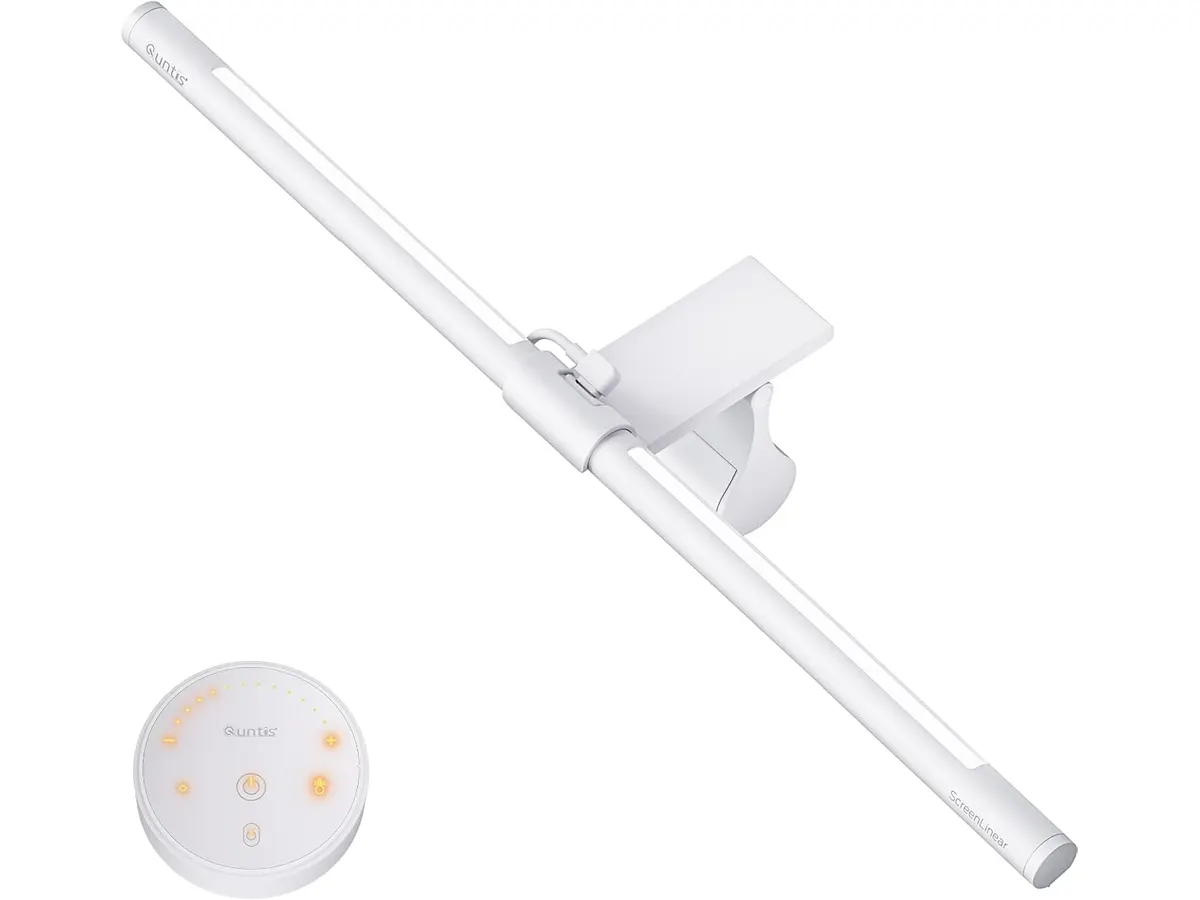
* **Control remoto intuitivo:** La inclusión de un control remoto dedicado facilita enormemente los ajustes de temperatura de color y brillo. No tienes que estirar la mano hacia la parte superior del monitor para tocar botones físicos, lo que ayuda a mantener el setup organizado.
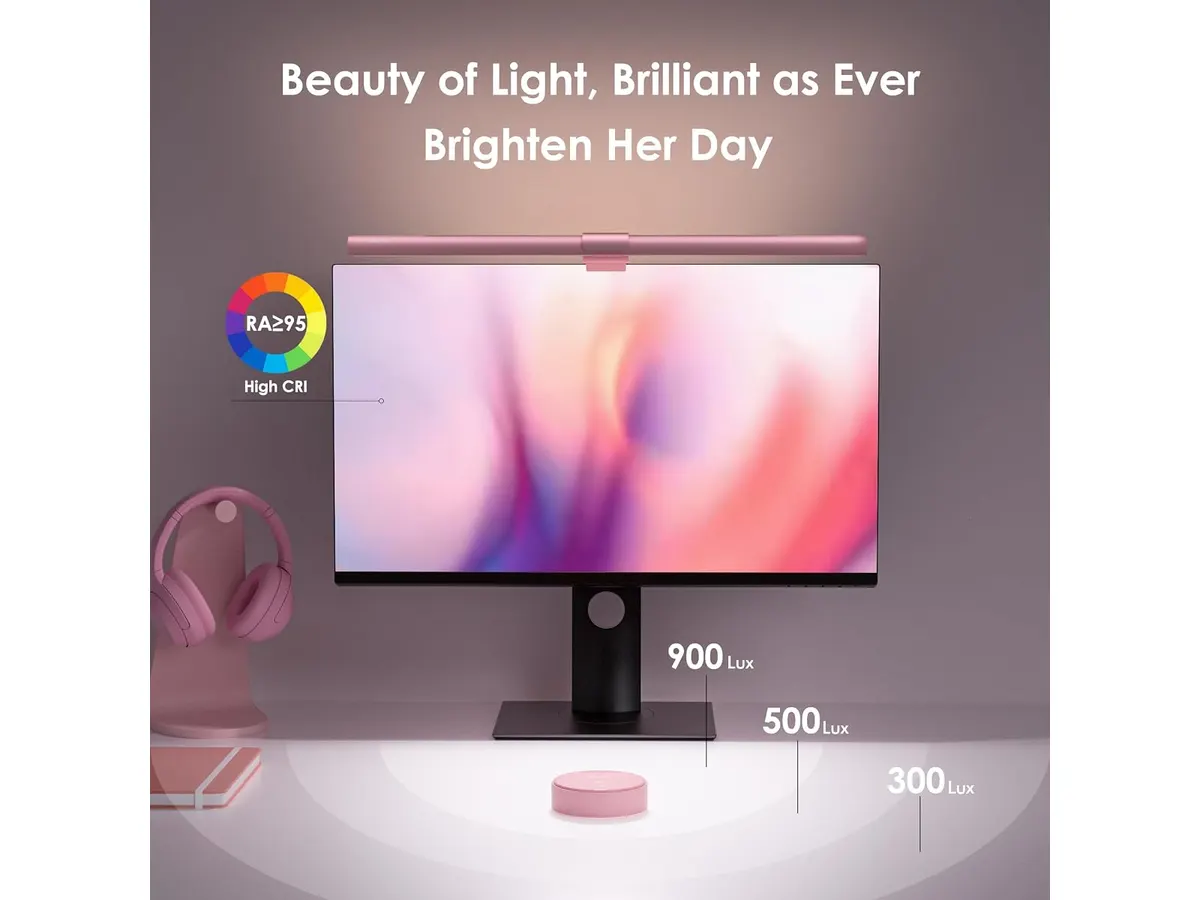
* **Calidad de luz superior:** Con un índice de reproducción cromática (CRI) de RA95, la luz proyectada mantiene los colores naturales de tu entorno. Esto es fundamental para creativos o estudiantes que necesitan ver con precisión lo que hay en su escritorio.
* **Estética distintiva:** El acabado en rosa es poco común en el sector de accesorios para PC. Para quienes han invertido tiempo diseñando un setup minimalista con una paleta de colores específica, esta barra aporta un toque visual que rompe con el habitual negro mate de los periféricos.
## Especificaciones clave
| Característica | Detalle |
| :--- | :--- |
| Tipo de iluminación | Dual (Frontal y posterior) |
| Índice CRI | RA95 |
| Brillo central | > 900 lux |
| Número de LEDs | 84 unidades |
| Longitud | 16.1 pulgadas (41 cm) |
| Control | Remoto inalámbrico |
| Montaje | Clip ajustable (plano/curvo) |
## Dónde flojea
* **Estética segmentada:** El color rosa es una decisión de diseño fuerte que limita su versatilidad. Si decides cambiar el esquema de colores de tu escritorio en el futuro, es posible que la barra se vea fuera de lugar, a diferencia de los modelos negros o grises que se integran en cualquier entorno.
* **Dependencia del control remoto:** Aunque el mando es cómodo, si te quedas sin batería o si se extravía, pierdes gran parte de la capacidad de interacción con la lámpara. La ausencia de controles táctiles de respaldo en la propia barra puede ser frustrante para algunos usuarios.
## ¿Para quién es?
Es ideal para creadores de contenido o trabajadores remotos que priorizan una estética personalizada en su setup y necesitan reducir el cansancio ocular durante las horas nocturnas.
No es para usuarios que prefieren un estilo industrial o minimalista neutro, donde los colores llamativos no encajan. Si buscas una herramienta de trabajo que pase desapercibida en un entorno corporativo serio, el tono rosa puede resultar demasiado llamativo.
## Alternativas a considerar
Si el color rosa no es para ti, existen opciones en el mercado de gama media que ofrecen una construcción más sobria en aluminio negro, enfocándose estrictamente en la funcionalidad técnica y la durabilidad a largo plazo. Por otro lado, si tu presupuesto es limitado, puedes optar por barras de luz básicas que omiten la iluminación posterior y el control remoto, priorizando únicamente la iluminación frontal básica para el teclado. Para entender mejor cómo estas opciones afectan tu entorno, puedes consultar nuestro análisis sobre la [Pzloz LED Desk Lamp: Iluminación Versátil para tu Escritorio](/blog/2026-09-22-pzloz-led-desk-lamp) o revisar nuestra comparativa técnica en [Quntis Computer Monitor Lamp: Análisis de Iluminación Efectiva](/blog/2026-09-22-quntis-computer-monitor-lamp).
## Veredicto
La Quntis ScreenLinear Pink cumple su promesa de ofrecer buena luz con un diseño que destaca. Es una herramienta efectiva para proteger tu vista gracias a su tecnología sin parpadeos y su alta reproducción cromática. Si el diseño encaja con tu espacio, es una compra sólida dentro de la [Iluminacion](/categorias/iluminacion) para tu home office.
## Preguntas frecuentes
### ¿Es compatible con monitores curvos?
Sí, el clip de montaje está diseñado para adaptarse tanto a pantallas planas como a monitores curvos sin comprometer la estabilidad ni interferir con la imagen.
### ¿La memoria de configuración funciona si desconecto la luz?
Sí, la función de memoria permite que la lámpara guarde tus preferencias de brillo y temperatura, restaurándolas automáticamente cuando vuelve a recibir energía.
### ¿La iluminación posterior se puede apagar independientemente?
El sistema está diseñado para ofrecer una experiencia de iluminación dual equilibrada, enfocada en reducir el contraste visual de manera integral.
---
# Análisis del SHW 48-Inch Electric Standing Desk
URL: https://setuplatam.com/blog/2026-11-15-shw-48-inch-electric-standing-desk
Category: Escritorios
Published: 2026-11-15
El SHW 48-Inch Electric Standing Desk es el mejor escritorio para home office si buscas espacio compacto y control ergonómico. Lee nuestro análisis completo.
El SHW 48-Inch Electric Standing Desk se posiciona como una solución funcional para quienes necesitan organizar su espacio de trabajo sin sacrificar la movilidad. Con un diseño compacto y un motor eléctrico eficiente, esta unidad es una opción sólida dentro de nuestra selección de [Escritorios](/categorias/escritorios). Si buscas el mejor escritorio para home office que combine una superficie de trabajo útil con ajustes de altura precisos, este modelo merece tu atención.
## Lo que hace bien
Este escritorio destaca por su capacidad de adaptarse a diferentes necesidades de usuario mediante tres ajustes de memoria programables. Esta característica permite alternar entre posiciones sentado y de pie con un solo toque, evitando la frustración de buscar la altura ideal manualmente cada vez.
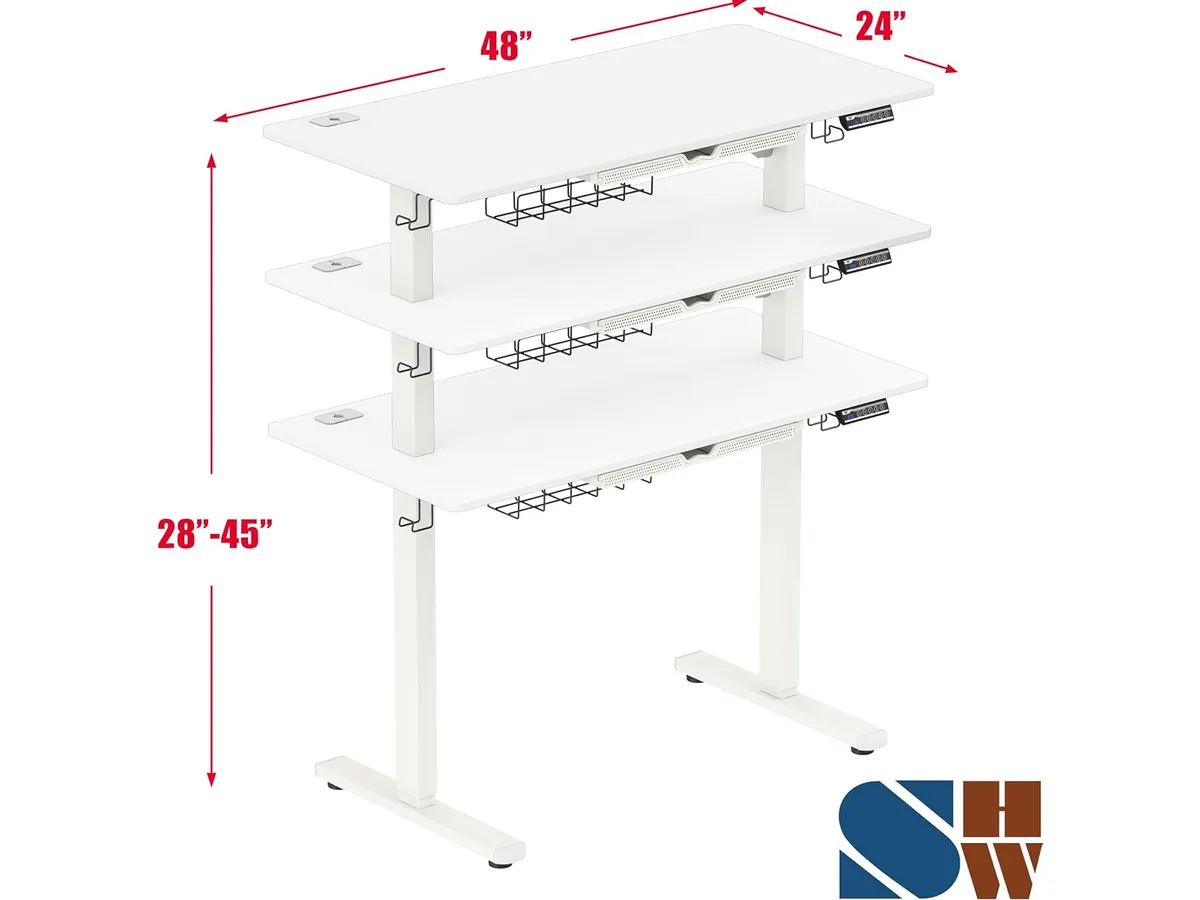
La gestión de cables está bien resuelta. Incluye ojales integrados que mantienen el área de trabajo limpia, algo fundamental cuando se utilizan periféricos con cable. Además, el cajón incorporado ofrece un espacio discreto para guardar artículos de papelería, una ventaja táctica en escritorios de 48 pulgadas donde cada centímetro cuadrado cuenta.
Por último, el sistema de elevación motorizado funciona de forma silenciosa. Esto es vital si compartes espacio con otras personas o si realizas videollamadas con frecuencia mientras ajustas la altura de tu estación.
## Especificaciones clave
| Característica | Detalle |
| :--- | :--- |
| Dimensiones | 47.2" W x 23.6" D |
| Rango de altura | 28 a 45.6 pulgadas |
| Capacidad de carga | 50 kg / 110.2 lbs |
| Motor | Eléctrico silencioso |
| Memoria | 3 ajustes programables |
| Extras | Cajón, bandeja y gestión de cables |
## Dónde flojea
La principal limitación es su capacidad de carga. Con un límite de 50 kilogramos, no es apto para configuraciones de monitores múltiples pesados o equipos de edición de video de gran formato con torres de computadora pesadas sobre la superficie. Si tu equipo es robusto, podrías notar cierta inestabilidad al elevarlo a su altura máxima.
Otro aspecto a considerar es la profundidad de la mesa. Sus 23.6 pulgadas son suficientes para un laptop y un monitor, pero si acostumbras a usar periféricos voluminosos o necesitas mucho espacio para documentos físicos, te sentirás limitado rápidamente. Es un escritorio optimizado para el minimalismo, no para el desorden.
## ¿Para quién es?
Es ideal para el trabajador remoto que vive en un apartamento pequeño o que tiene una zona dedicada a la oficina con espacio restringido. Si valoras la simplicidad y necesitas una mesa que cumpla su función sin complicaciones técnicas, este modelo es una apuesta segura.
No es para el usuario avanzado que requiere una estación de trabajo de alta resistencia. Si tu configuración incluye brazos articulados pesados, múltiples monitores de gran tamaño o equipo de audio profesional, este escritorio no te brindará la rigidez necesaria para trabajar con total confianza.
## Alternativas a considerar
Si buscas algo más versátil o con mayor robustez, puedes explorar el [Análisis del FEZIBO Escritorio de Pie: Análisis y prueba](/blog/2026-09-25-fezibo-escritorio-de-pie), que suele ofrecer opciones de personalización más amplias en cuanto a materiales y accesorios. Para aquellos que ya poseen un escritorio fijo y solo quieren añadir la funcionalidad de altura, el [Análisis del FLEXISPOT 42" Standing Desk Converter para tu oficina](/blog/2026-09-22-flexispot-42-standing-desk-converter) es una opción de gama media que evita cambiar todo el mueble.
Si el presupuesto no es tu principal restricción y priorizas la estabilidad extrema y acabados de gama alta, podrías revisar el [Análisis del Vari Classic Electric Standing Desk para tu oficina](/blog/2026-09-22-vari-classic-electric-standing-desk), una opción premium diseñada para durar años bajo uso intensivo.
## Veredicto
El SHW 48-Inch Electric Standing Desk es una herramienta de trabajo honesta y bien ejecutada para el usuario promedio. Su motor es eficiente, los ajustes de memoria funcionan tal como se espera y los accesorios incluidos facilitan el orden diario. Si tu flujo de trabajo es moderado y buscas una solución ergonómica sin complicaciones, es una opción que te permitirá mejorar tu postura al trabajar.
### pregunta: ¿Es difícil de armar?
No requiere habilidades especiales, pero se recomienda contar con un destornillador propio y preferiblemente una segunda persona para voltear la estructura una vez armada.
### pregunta: ¿Qué tan silencioso es el motor?
Es lo suficientemente silencioso para no interrumpir una llamada telefónica o una reunión virtual en curso.
### pregunta: ¿Puedo instalar un brazo para monitor?
Sí, la estructura admite la mayoría de los brazos para monitor estándar, siempre y cuando no excedas la capacidad de carga total del motor al incluir el peso de tu equipo.
---
# Logitech Lift Vertical: Análisis a fondo
URL: https://setuplatam.com/blog/2026-11-14-logitech-lift-vertical-ergonomic-mouse
Category: Periféricos
Published: 2026-11-14
Analizamos el Logitech Lift Vertical Ergonomic Mouse. Descubre si es uno de los mejores perifericos para home office para mejorar tu postura y productividad.
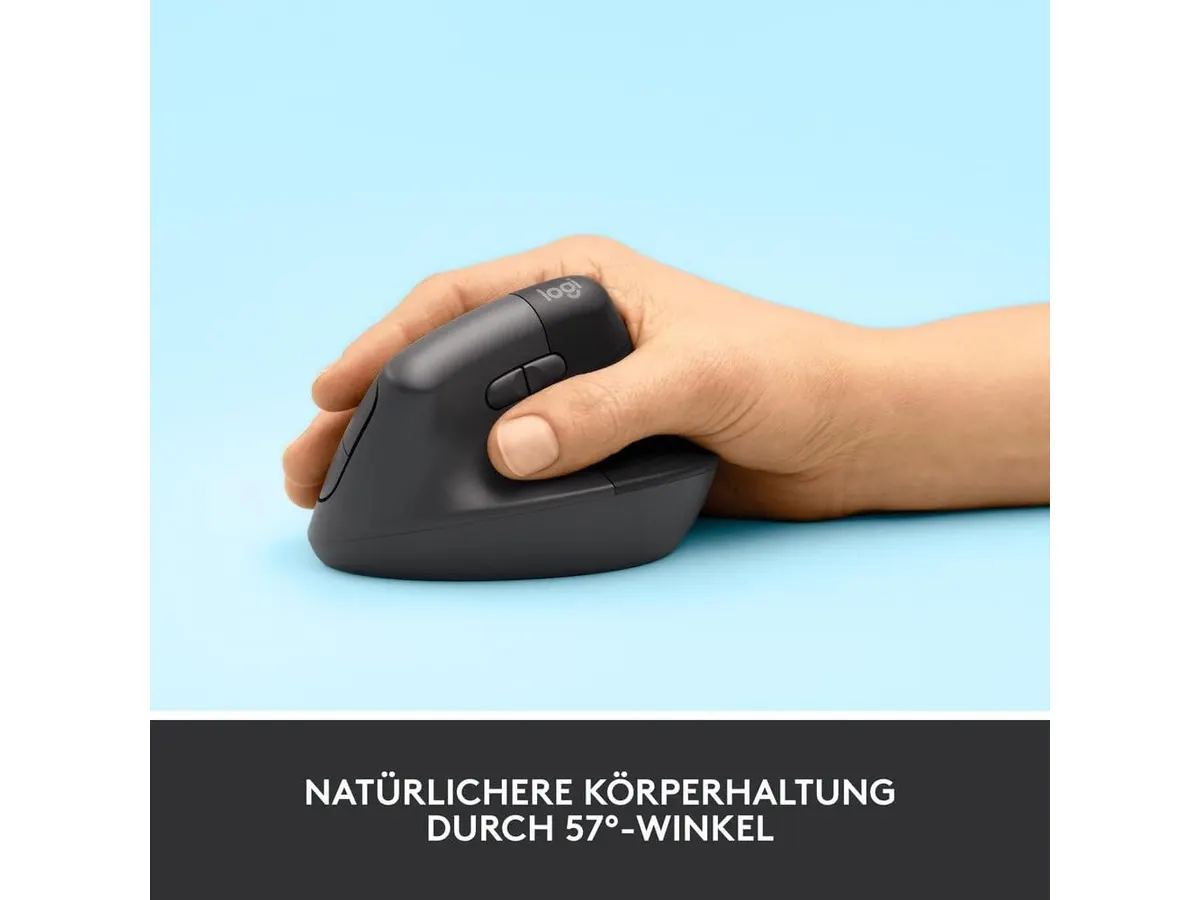
Si pasas ocho horas diarias frente a una pantalla, tu muñeca probablemente te esté enviando señales de auxilio. El Logitech Lift Vertical Ergonomic Mouse llega para corregir esa postura forzada con un ángulo de 57 grados diseñado para aliviar la tensión. Es una pieza esencial dentro de los mejores perifericos para home office si buscas proteger tu salud a largo plazo sin sacrificar el espacio en tu escritorio.
## Lo que hace bien
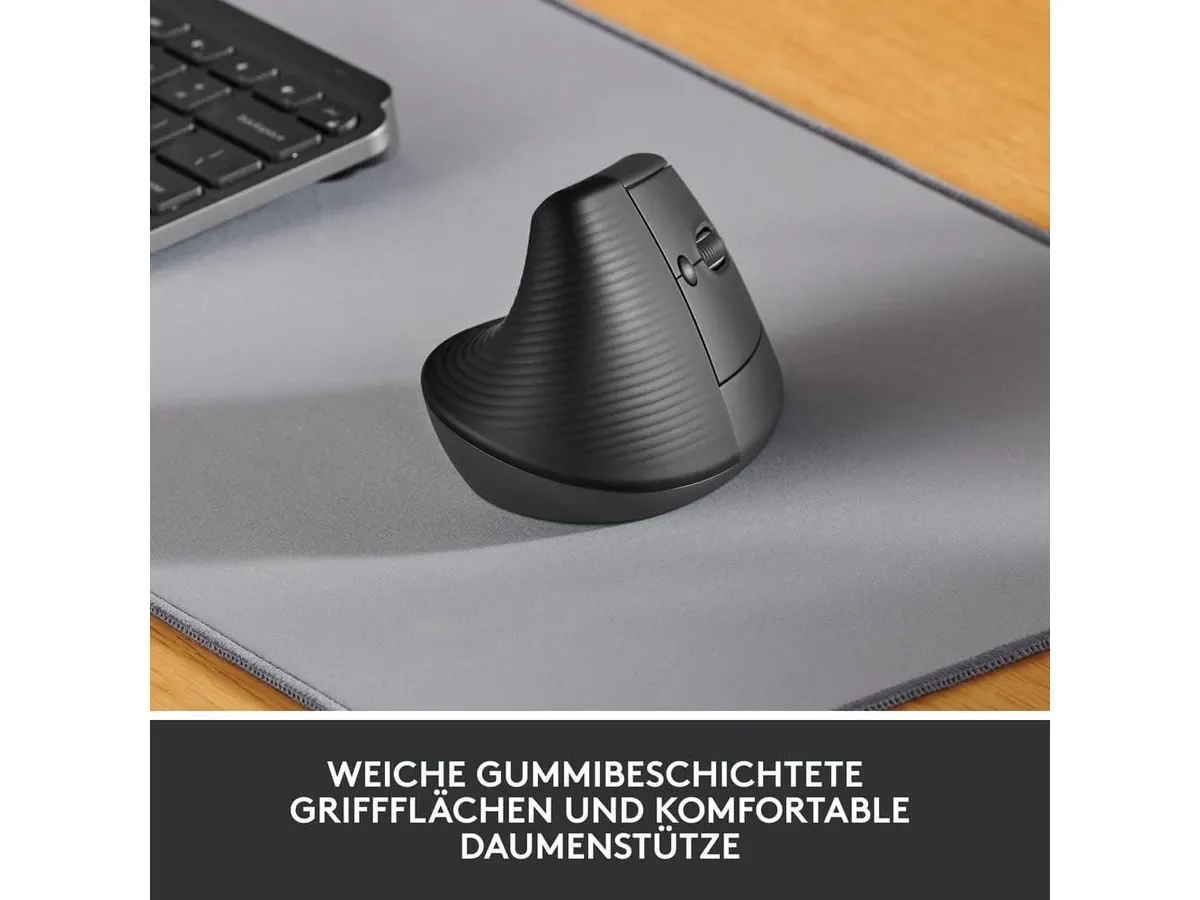
Este dispositivo brilla principalmente por su enfoque ergonómico. Al colocar la mano en una posición de apretón de manos, el antebrazo se relaja de inmediato. La calidad de construcción es sólida, utilizando plástico reciclado que se siente duradero bajo la palma. La rueda SmartWheel es otro acierto, permitiendo desplazamientos precisos y rápidos por documentos largos.
Además, la autonomía es un punto sobresaliente. Con una batería que puede durar hasta dos años, te olvidarás de cables y recargas constantes. La conectividad dual a través de Bluetooth o el receptor USB Logi Bolt asegura que puedas cambiar entre sistemas operativos como Windows o macOS con total fluidez. Por último, los clics silenciosos cumplen su promesa, ideal si trabajas en entornos compartidos donde el ruido mecánico suele ser una distracción.
## Especificaciones clave
| Característica | Especificación |
| :--- | :--- |
| Orientación | Diestros (manos pequeñas a medianas) |
| Ángulo vertical | 57° |
| Conectividad | Bluetooth Low Energy, USB Logi Bolt |
| Compatibilidad | Windows, macOS, iPadOS, Chrome OS, Linux |
| Autonomía | Hasta 2 años |
| Materiales | Plástico reciclado |
## Dónde flojea
La limitación más evidente es su tamaño. Si tienes manos grandes, el Lift se sentirá pequeño e incómodo, obligándote a realizar un agarre en garra que anula sus beneficios ergonómicos. Es un ratón diseñado específicamente para manos pequeñas o medianas, dejando a un grupo importante de usuarios fuera de la ecuación.
Otro aspecto a considerar es la falta de una batería interna recargable. Aunque la duración es excelente, depender de pilas tradicionales puede ser un inconveniente para quienes prefieren conectar su equipo por USB-C al terminar la jornada. No es un dispositivo pensado para usuarios que requieren múltiples botones programables para tareas complejas de edición o diseño avanzado.
## ¿Para quién es?
Este ratón es ideal para el trabajador de oficina o estudiante con manos pequeñas que siente dolor persistente en la muñeca y busca una solución preventiva. Es una inversión inteligente para mejorar la ergonomía de tu puesto sin complicaciones técnicas.
Por el contrario, no es para usuarios con manos grandes que necesitan un soporte total de la palma. Tampoco lo recomiendo para quienes buscan un ratón avanzado con botones laterales configurables para flujos de trabajo profesionales de alta intensidad, para los cuales existen otras opciones en nuestra sección de [Perifericos](/categorias/perifericos).
## Alternativas a considerar
Si buscas un ratón ergonómico más robusto y diseñado para manos grandes, existen opciones premium en el mercado que ofrecen una inclinación similar pero con una estructura más voluminosa y soporte completo para la palma, como puedes observar en este [Logitech MX Master 3S: Análisis del ratón ergonómico ideal para la oficina](/blog/2026-09-22-logitech-mx-master-3s). Estos dispositivos suelen incluir sensores de mayor precisión y materiales de gama alta.
Por otro lado, si tu prioridad es la portabilidad extrema y un precio ajustado para tareas administrativas básicas, existen alternativas en el rango de entrada que priorizan la conectividad inalámbrica sencilla y el silencio absoluto sobre la ergonomía vertical avanzada. Un buen ejemplo de este enfoque se detalla en el [Análisis del iClever Wireless Mouse: Versatilidad y Silencio](/blog/2026-09-22-iclever-wireless-mouse).
## Veredicto
El Logitech Lift Vertical Ergonomic Mouse es una de las opciones más equilibradas para quienes necesitan mejorar su postura sin hacer una transición demasiado radical. Su diseño ergonómico, respaldado por expertos, funciona muy bien para largas jornadas de oficina siempre que tu mano sea del tamaño adecuado. Si buscas completar tu espacio de trabajo, asegúrate de revisar también el [RedThunder K95 Wireless Mechanical Keyboard: Análisis y Opiniones](/blog/2026-09-22-redthunder-k95-wireless-mechanical-keyboard) para complementar tu configuración.
## Preguntas frecuentes
### ¿Es compatible con tablets?
Sí, funciona perfectamente con iPadOS mediante Bluetooth.
### ¿Puedo conectarlo a dos computadoras a la vez?
No, aunque permite una conexión sencilla, no cuenta con interruptor de cambio rápido entre dispositivos en el mismo chasis.
### ¿Hace ruido al hacer clic?
No, sus interruptores están diseñados para ser silenciosos, ideal para entornos de oficina tranquilos.
---
# BenQ PD3226G: análisis de un monitor 4K 144Hz
URL: https://setuplatam.com/blog/2026-11-14-benq-pd3226g
Category: Monitores
Published: 2026-11-14
¿Buscas el mejor monitor para home office? Analizamos el BenQ PD3226G, una pantalla 4K IPS de 32 pulgadas a 144Hz con Thunderbolt 4 y KVM.
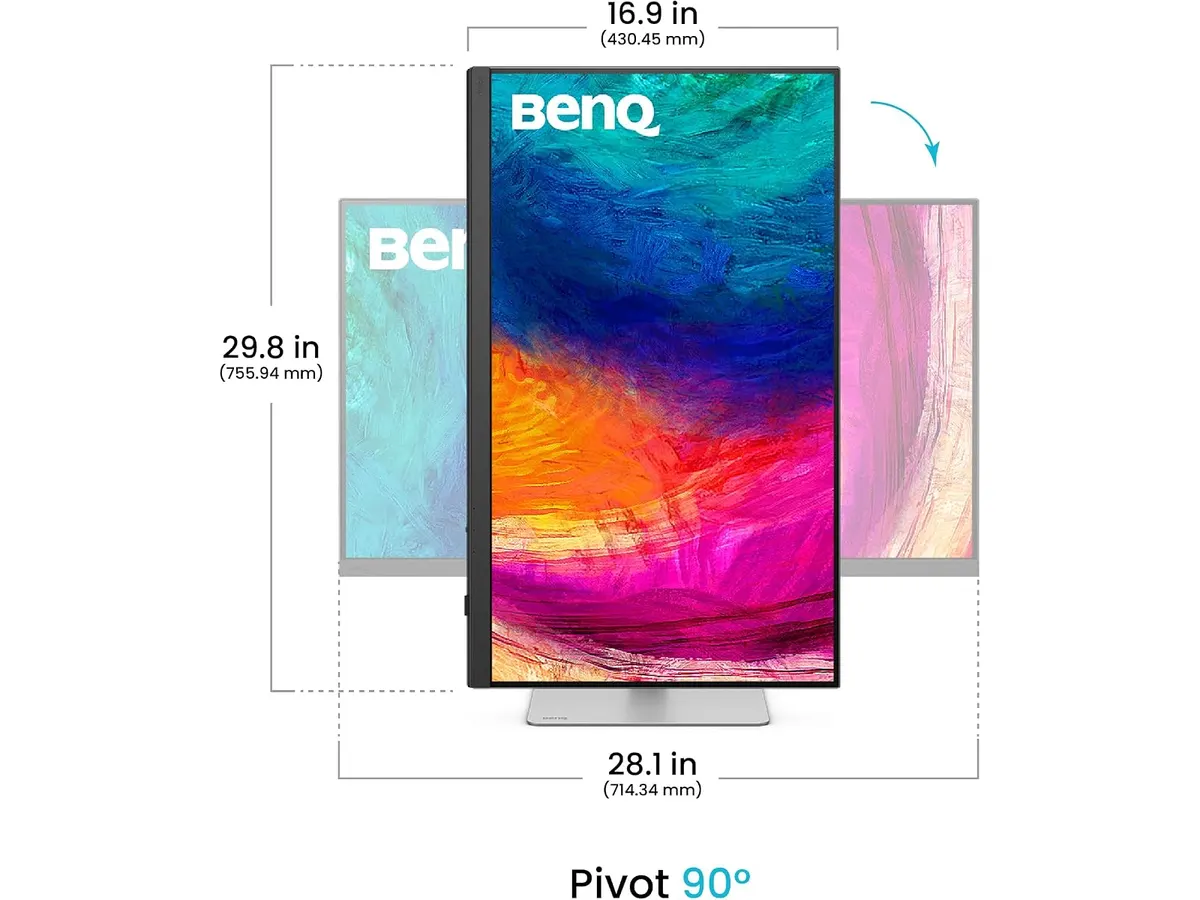
El BenQ PD3226G busca posicionarse como el mejor monitor para home office para profesionales que combinan diseño gráfico, edición visual y gestión diaria. Con un panel de 32 pulgadas 4K UHD y una frecuencia de actualización de 144Hz, ofrece un espacio de trabajo amplio y fluido. Si estás explorando nuestra sección de [monitores](/categorias/monitores), esta propuesta dentro de la línea BenQ Monitores integra características clave para optimizar una pantalla para trabajar desde casa.
## Lo que hace bien
La combinación de resolución 4K UHD en un panel de 32 pulgadas ofrece una nitidez impecable para hojas de cálculo complejas, edición gráfica y líneas de tiempo. Elevar la frecuencia de actualización a 144Hz transforma el desplazamiento de documentos y la fluidez general de la interfaz, un beneficio poco habitual en pantallas enfáticas en colorimetría profesional.
La fidelidad cromática viene respaldada por una calibración de fábrica con Delta E ≤ 2, garantizando precisión inmediata con una cobertura del 95% P3 y 100% sRGB/Rec.709. Además, el acabado IPS Nano Matte dispersa la luz ambiental de forma efectiva para trabajar durante largas jornadas sin sufrir por reflejos de ventanas o lámparas.
En el apartado funcional, el puerto Thunderbolt 4 suministra hasta 90W de energía, alimentando una laptop portátil mediante un solo cable mientras gestiona la señal de video. Por su parte, el switch KVM integrado simplifica la conmutación entre dos computadoras con un único set de teclado y ratón.
## Especificaciones clave
| Especificación | Detalle |
| --- | --- |
| Tamaño de pantalla | 32 pulgadas |
| Resolución | 4K UHD (3840 x 2160) |
| Tasa de refresco | 144Hz |
| Tecnología de panel | IPS Nano Matte |
| Precisión de color | 95% P3, 100% sRGB / Rec.709 (Delta E ≤ 2) |
| Conectividad principal | Thunderbolt 4 (entrega de energía de 90W) |
| Funciones adicionales | Switch KVM integrado |
## Dónde flojea
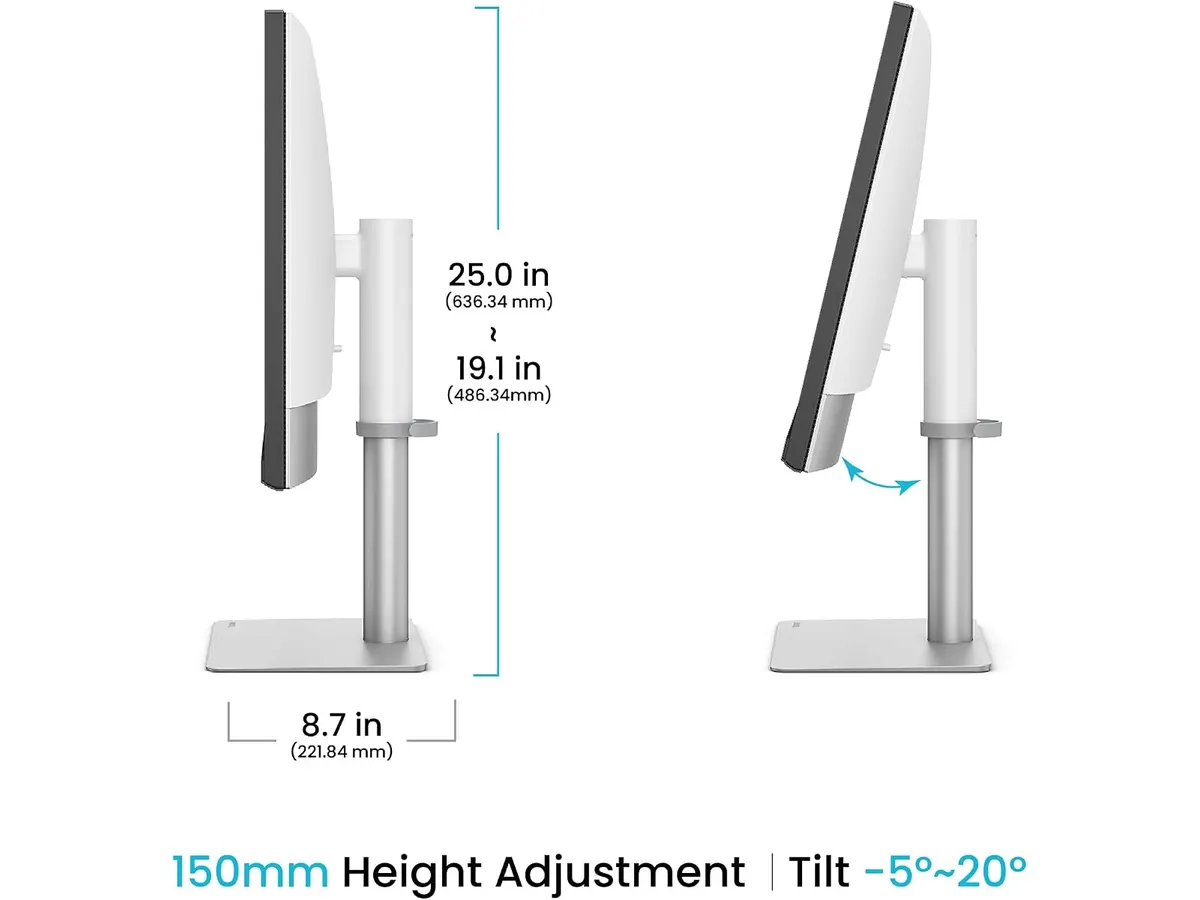
El formato de 32 pulgadas requiere un escritorio de buena profundidad. Si trabajas en una mesa de menos de 70 cm de fondo, la pantalla puede resultar demasiado abrumadora para la vista.
Aunque alcanza los 144Hz, no es un monitor pensado para eSports competitivos. Sus tiempos de respuesta y perfiles de visualización están optimizados para la fidelidad cromática y la productividad en lugar de priorizar tecnologías de baja latencia para videojuegos.
Aprovechar la resolución 4K a 144Hz exige un hardware gráfico moderno. Equipos con procesadores gráficos integrados de generaciones anteriores pueden experimentar cuellos de botella al gestionar esta tasa de refresco a máxima resolución.
## ¿Para quién es?
Es la opción ideal para creadores de contenido, editores de video y diseñadores que necesitan un panel amplio con calibración precisa de fábrica, la practicidad de un cable Thunderbolt 4 de 90W y una alta tasa de refresco para reducir la fatiga visual en el teletrabajo.
No encaja en setups con espacio reducido ni para usuarios que solo requieren tareas de ofimática básica, donde una pantalla de 32 pulgadas con P3 resulta excesiva para el uso cotidiano.
## Alternativas a considerar
Si prefieres un formato más contenido para espacios ajustados, una opción en la gama media de productividad es revisar nuestro [análisis del monitor Dell UltraSharp U2724D](/blog/2026-09-22-dell-ultrasharp-u2724d), idóneo si buscas un monitor para teletrabajo enfocado en ergonomía y un área de visión más compacta.
Si tu objetivo es armar una configuración multipantalla accesible sin necesidad de calibración profesional, te sugerimos leer la [revisión del conjunto Gigastone 27 IPS 2-Pack](/blog/2026-09-22-gigastone-27-ips-2-pack), que permite duplicar el espacio de escritorio mediante un par de pantallas estándar.
## Veredicto: ¿es el mejor monitor para home office?
El BenQ PD3226G destaca como una estación de trabajo visual de primer nivel. La integración de 144Hz en un panel 4K con calibración estricta y conectividad Thunderbolt 4 de 90W resuelve con solvencia las necesidades de los profesionales exigentes. Si tu presupuesto y espacio en el escritorio lo permiten, se trata de una inversión sólida para centralizar todo tu setup en un solo cable.
## Preguntas frecuentes
### ¿El puerto Thunderbolt 4 carga una laptop de alto rendimiento?
El puerto Thunderbolt 4 suministra hasta 90W de potencia, suficiente para mantener cargadas la mayoría de laptops profesionales de 13 a 16 pulgadas mientras se transmite video.
### ¿Qué ventaja aporta el acabado IPS Nano Matte?
Esta tecnología reduce significativamente los reflejos causados por la luz natural o artificial, manteniendo la nitidez de los textos sin alterar la precisión del color.
### ¿Cómo opera el switch KVM integrado?
Permite conectar dos computadoras al monitor y alternar el control de ambas utilizando el mismo teclado y ratón conectados directamente a los puertos USB de la pantalla.
---
# ASUS ROG Strix Scope II 96 Wireless: Análisis
URL: https://setuplatam.com/blog/2026-11-13-asus-rog-strix-scope-ii-96-wireless
Category: Periféricos
Published: 2026-11-13
Análisis completo del ASUS ROG Strix Scope II 96 Wireless. Evaluamos sus switches y batería entre los mejores perifericos para home office actuales.
El teclado mecánico ASUS ROG Strix Scope II 96 Wireless busca resolver el dilema entre espacio en el escritorio y productividad completa. Con un formato del 96% que conserva el bloque numérico en un cuerpo compacto, se coloca entre los [mejores perifericos para home office](/categorias/perifericos) pensados para quienes combinan redacción, hojas de cálculo y sesiones de juego al terminar la jornada.
## Lo que hace bien
El formato del 96% es el gran acierto de este modelo. Logra mantener todas las teclas alfanuméricas, la fila de función y el pad numérico dedicado, recortando únicamente el espacio residual entre bloques. Esto libera centímetros valiosos en la mesa para mover el ratón con soltura sin renunciar a la agilidad de ingresar números rápidamente.
La experiencia de tecleo destaca por encima de la media gracias a los switches lineales ROG NX Snow pre-lubricados de fábrica. El recorrido es fluido, consistente y carece del roce áspero presente en mecanismos no preparados. Además, la estructura incorpora espuma amortiguadora de sonido que absorbe ecos y resonancias metálicas dentro del chasis, generando una acústica grave y agradable en largas jornadas de escritura.
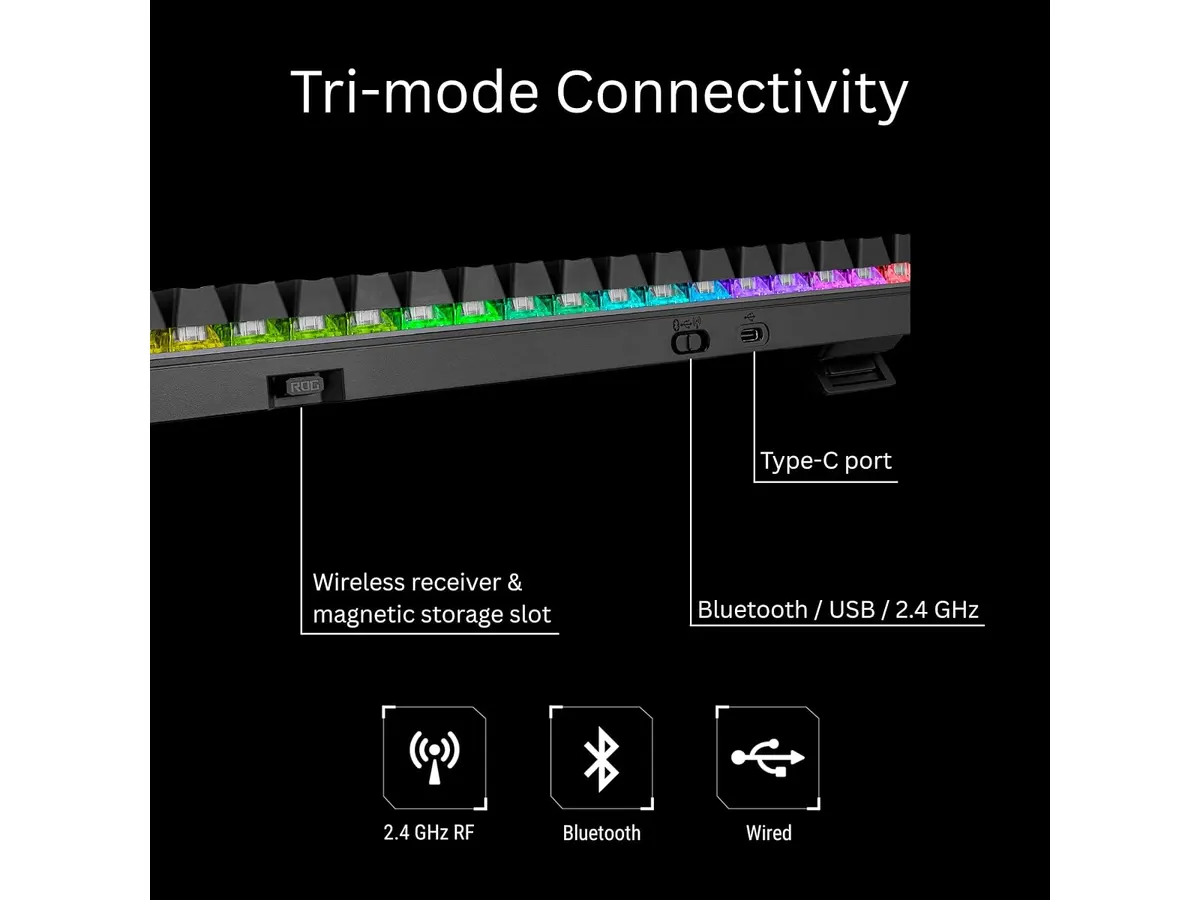
En cuanto a conectividad, la tecnología inalámbrica ROG SpeedNova en la banda de 2.4 GHz ofrece una respuesta instantánea sin interferencias perceptible. Si necesitas alternar entre la computadora del trabajo y una tableta o laptop personal, la conexión Bluetooth integrada facilita el emparejamiento múltiple. Cuando se agota la energía, el cable USB incluido permite continuar trabajando mientras se recarga la unidad.
La autonomía rompe récords en la categoría. Con la iluminación apagada en el modo de 2.4 GHz, la batería alcanza hasta 1,500 horas de uso continuo. El selector multifunción en la esquina superior derecha, acompañado de un botón físico, permite ajustar el volumen, reproducir medios o cambiar la intensidad lumínica sin depender de combinaciones de teclas complejas. La capacidad hot-swappable asegura que puedas reemplazar los switches en el futuro sin usar un cautín.
## Especificaciones clave
| Característica | Especificación |
| --- | --- |
| Factor de forma | 96% compacto |
| Conectividad | Tri-modo (Bluetooth, 2.4GHz, USB) |
| Tipo de switches | ROG NX Snow lineales pre-lubricados |
| Intercambiable en caliente (Hot-swappable) | Sí |
| Duración de batería | Hasta 1,500 horas en 2.4GHz (sin luz) |
| Compatibilidad | PC y Mac |
## Dónde flojea
La densidad del diseño del 96% exige un período de adaptación. Al estar las teclas de dirección empujadas directamente contra el bloque alfanumérico y el teclado numérico, es habitual presionar la flecha izquierda o la tecla suprimir por error durante los primeros días de uso.
El software necesario para personalizar las capas profundas de teclas o la iluminación resulta pesado e intrusivo en el sistema operativo. Aunque muchas configuraciones básicas se gestionan desde el selector multifunción del propio periférico, la asignación de macros complejas obliga a instalar la suite del fabricante.
La estética gaming, aunque sobria en comparación con otros modelos de la marca, conserva tipografías marcadas en las teclas. Quienes busquen una apariencia estrictamente corporativa para reuniones de video deberán apagar por completo los efectos RGB.
## ¿Para quién es?
Este modelo es ideal para profesionales del desarrollo de software, editores de contenido o analistas de datos que requieren el teclado numérico a diario pero buscan optimizar el espacio de su mesa. Es la opción adecuada para quien valora una acústica amortiguada y la versatilidad de alternar entre la computadora de trabajo y un equipo personal con solo tocar un botón, complementándose muy bien con un [ratón ergonómico para trabajar](/blog/2026-09-22-logitech-mx-master-3s).
No es la elección correcta para usuarios que buscan un dispositivo minimalista de viaje o un formato 60% ultraportátil. Tampoco encajará con quien prefiera un teclado mecánico de perfil bajo o busque una alternativa económica Plug and Play para tareas de oficina ocasionales.
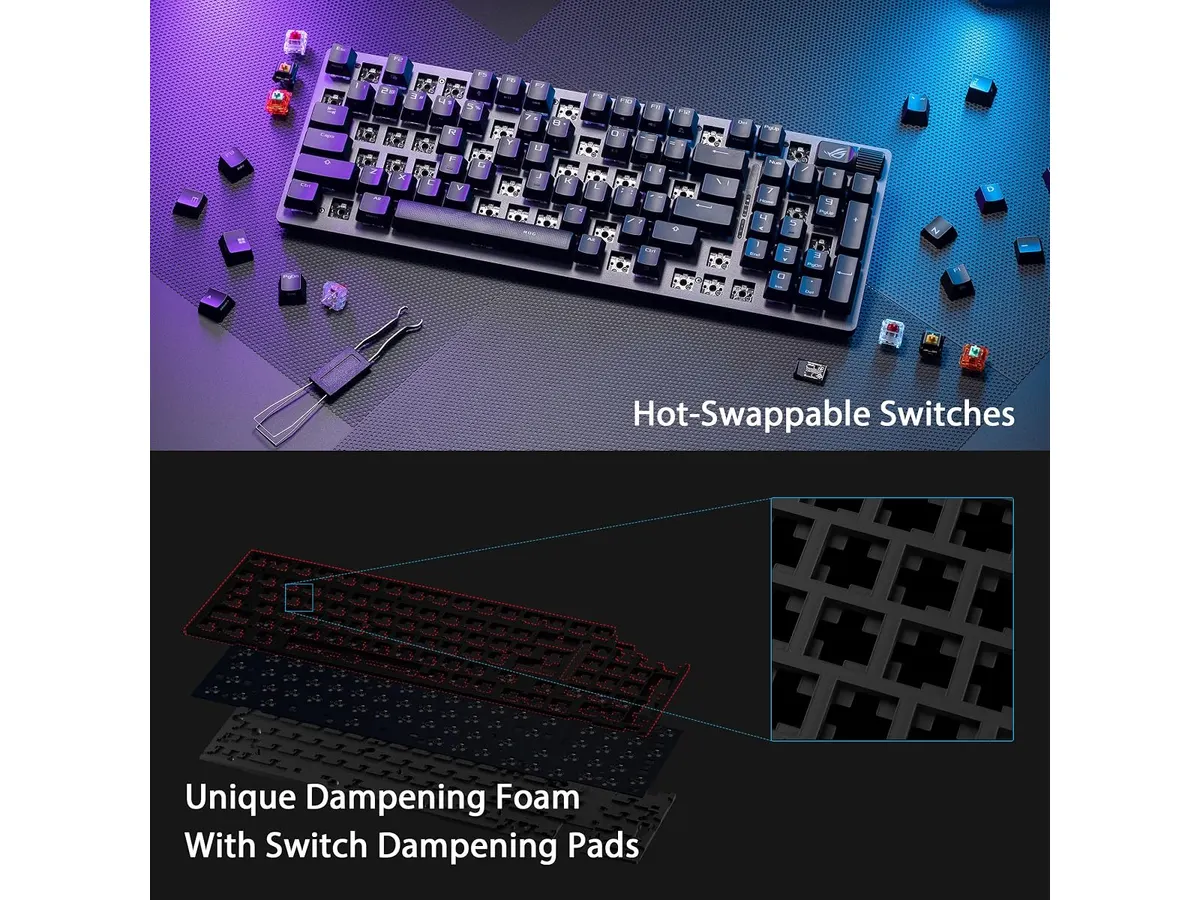
## Alternativas a considerar
Si el presupuesto es ajustado y deseas ingresar al mundo de los teclados mecánicos sin cable, existen opciones de entrada en la categoría. Un [teclado mecánico inalámbrico económico](/blog/2026-09-22-redthunder-k95-wireless-mechanical-keyboard) ofrece la libertad de cables y una escritura táctil aceptable, aunque sacrifica la construcción hot-swappable, la amortiguación acústica interna y la autonomía extrema de batería.
Para entornos donde la discreción visual sea la prioridad absoluta, la alternativa estándar son los teclados de perfil bajo orientados exclusivamente a la productividad de oficina. Estos omiten los switches mecánicos intercambiables e iluminación RGB compleja a cambio de chasis de aluminio extremadamente delgados y teclas planas de membrana o tijera.
## Veredicto
### ¿Uno de los mejores perifericos para home office?
El ASUS ROG Strix Scope II 96 Wireless demuestra que no es necesario elegir entre espacio en el escritorio y un bloque numérico funcional. Su combinación de switches pre-lubricados, aislamiento acústico eficiente y una batería masiva lo convierte en una herramienta de trabajo sólida y agradable de usar durante todo el día. Si buscas elevar la calidad de tu estación de trabajo con un teclado robusto y versátil, este modelo cumple con creces cada expectativa.
## Preguntas frecuentes
### ¿Es compatible con computadoras Mac?
Sí, el teclado funciona mediante Bluetooth, USB o 2.4GHz en sistemas macOS y Windows, permitiendo escribir y navegar sin problemas de compatibilidad gráfica o de entrada.
### ¿Se pueden cambiar los switches por otros modelos?
Sí, gracias a su PCB hot-swappable, puedes extraer los switches ROG NX Snow incluidos y colocar otros switches mecánicos compatibles de 3 o 5 pines sin necesidad de soldar.
### ¿Cuánto dura la batería con la conexión inalámbrica de 2.4GHz?
Ofrece una duración de hasta 1,500 horas de uso continuo utilizando la conexión de 2.4GHz con la tecnología ROG SpeedNova, siempre que la iluminación RGB se mantenga apagada.
---
# SIHOO B100 PRO: análisis de silla ergonómica
URL: https://setuplatam.com/blog/2026-11-13-sihoo-b100-pro
Category: Sillas ergonómicas
Published: 2026-11-13
Evaluamos la SIHOO B100 PRO para descubrir si es la mejor silla ergonomica para trabajar desde casa. Analizamos su soporte lumbar dinámico y reposapiés.
La SIHOO B100 PRO llega para resolver los problemas de postura de quienes pasan jornadas largas frente al escritorio. Concebida como una opción seria para ser la **mejor silla ergonomica para trabajar** a distancia, combina ajustes de alta gama con un reposapiés retráctil para alternar entre trabajo enfocado y descansos breves. Si estás buscando renovar tu espacio de trabajo dentro del catálogo de [sillas ergonómicas](/categorias/sillas), este modelo ofrece prestaciones avanzadas a un valor muy equilibrado.
## Lo que hace bien
El soporte lumbar dinámico con diseño de doble respaldo se adapta activamente al movimiento de la columna. A diferencia de los bloques fijos, esta pieza acompañará los cambios de postura durante el día, manteniendo la zona baja de la espalda apoyada sin presionar en exceso.
Los apoyabrazos ajustables 4D permiten modificar altura, profundidad, ángulo lateral y ancho. Esto resulta clave para alinear codos y muñecas al nivel de la superficie de trabajo, evitando la sobrecarga en hombros. Además, el reposacabezas ultraancho 3D proporciona una superficie amplia para sujetar la cabeza sin importar tu estatura o inclinación.
Para los momentos de desconexión, integra un reposapiés retráctil suave diseñado para estirarse y relajarse durante las pausas. El respaldo ofrece tres ángulos de reclinación bloqueables fijados en 110°, 125° y 135°, lo que facilita pasar de la concentración total a una postura relajada en segundos.
La estructura está construida para durar. Cuenta con una base de metal reforzada, malla transpirable de alta densidad que evita la acumulación de calor y un elevador a gas Clase 4 certificado por SGS. Toda la unidad ha superado pruebas de calidad bajo estándares SGS y BIFMA, garantizando soporte constante para hasta 300 lbs.
## Especificaciones clave
| Característica | Especificación oficial |
| --- | --- |
| Modelo | SIHOO B100 PRO |
| Soporte lumbar | Adaptable dinámico con diseño de doble respaldo |
| Ángulos de reclinación | 110°, 125° y 135° (bloqueables) |
| Apoyabrazos | Ajustables 4D |
| Reposacabezas | Ultraancho 3D |
| Reposapiés | Retráctil suave |
| Material principal | Malla transpirable de alta resistencia |
| Pistón de gas | Clase 4 certificado por SGS |
| Estructura y base | Metal reforzado |
| Certificaciones | Pruebas de calidad bajo estándares SGS y BIFMA |
| Capacidad máxima | 300 lbs (136 kg) |

## Dónde flojea
Aunque los tres ángulos de reclinación bloqueables en 110°, 125° y 135° son prácticos, se echa en falta un mecanismo de inclinación libre o la posibilidad de fijar el respaldo en ángulos intermedios fuera de esas tres posiciones predeterminadas.
El reposapiés retráctil es un gran añadido para los descansos, pero añade peso adicional al chasis en la zona inferior. Si necesitas desplazar la silla constantemente sobre alfombras gruesas, notarás ese peso extra al rodar.
La malla transpirable ofrece una firmeza óptima para la postura, pero quienes estén acostumbrados a cojines de espuma muy blandos necesitarán un periodo de adaptación para acostumbrarse a la tensión del asiento.
## ¿Para quién es?
- **Recomendada para**: Profesionales en modalidad de silla ergonomica teletrabajo, programadores y creadores que buscan una silla de oficina para casa con soporte activo, reposapiés integrado y excelente ventilación para trabajar muchas horas sin acumular calor.
- **No recomendada para**: Personas que pesen más de 300 lbs o usuarios que prefieran asientos de espuma mullida tradicional en lugar de la tensión estructural de la malla.
## Alternativas a considerar
Si buscas un nivel de personalización aún mayor en cada componente y tu presupuesto es más flexible, las [sillas de gama alta con soporte ergonómico avanzado](/blog/2026-09-22-ergohuman-me7erg-gen2) ofrecen chasis metálicos completos y ajustes independientes de tensión en la zona lumbar.
Si necesitas una alternativa de entrada más económica dentro del mismo fabricante sin requerir reposapiés ni apoyabrazos 4D, puedes revisar el [análisis de opciones esenciales para oficina](/blog/2026-09-22-sihoo-m18), que cumplen bien las exigencias básicas de postura.
## Veredicto
Este SIHOO B100 PRO análisis demuestra que la marca ha logrado combinar soporte lumbar dinámico, descansabrazos 4D y durabilidad certificada en una propuesta sólida. Su reposapiés retráctil la convierte en un modelo polivalente tanto para la jornada productiva como para el descanso. Si buscas elevar tu setup con una silla con soporte lumbar efectivo sin pagar precios desorbitados, es una compra totalmente recomendada.
## Preguntas frecuentes
### ¿Es la SIHOO B100 PRO la mejor silla ergonomica para trabajar jornadas de más de 8 horas?
Sí. Su soporte lumbar adaptable con doble respaldo y el reposacabezas ultraancho 3D reducen significativamente la fatiga postural en sesiones prolongadas. Además, la malla transpirable mantiene la frescura durante todo el día.
### ¿Qué certificación tiene el pistón de gas de esta silla?
La SIHOO B100 PRO utiliza un elevador a gas Clase 4 certificado por SGS. Toda la silla ha superado además pruebas de calidad bajo estándares internacionales BIFMA y SGS.
### ¿El reposapiés molesta cuando no se está usando?
No. El reposapiés es retráctil y se pliega de forma suave debajo del asiento. Queda completamente recogido para no interferir con las piernas ni con la altura de la silla durante el trabajo activo.
---
# Análisis del BenQ PD2725U: Precisión para tu Setup
URL: https://setuplatam.com/blog/2026-11-12-benq-pd2725u
Category: Monitores
Published: 2026-11-12
El BenQ PD2725U es una pantalla 4K diseñada para profesionales. Analizamos si es el mejor monitor para home office si buscas fidelidad de color y conectividad.
El BenQ PD2725U se posiciona como una herramienta de trabajo seria para quienes dependen de la fidelidad visual. Si tu jornada transcurre entre la edición de video, la fotografía o el diseño gráfico, este monitor 27 pulgadas para trabajar ofrece una claridad notable gracias a su panel 4K. Es una opción sólida si buscas el mejor monitor para home office, especialmente si ya eres usuario de ecosistemas Apple. Explora otras opciones en nuestra categoría de [Monitores](/categorias/monitores).
## Lo que hace bien
El BenQ PD2725U brilla principalmente por su enfoque en la precisión del color. Gracias a la tecnología AQCOLOR, la pantalla viene calibrada de fábrica con validación Pantone y DeltaE3, lo que garantiza que lo que ves es lo que obtendrás en la impresión o exportación final. La cobertura del 95% del espacio Display P3 es un estándar necesario para quienes trabajan en entornos creativos exigentes.
La conectividad es otro punto a favor. El puerto Thunderbolt 3 no solo simplifica tu escritorio al transmitir datos a 40 Gb/s, sino que entrega 65W de energía para cargar tu portátil con un solo cable. Además, la capacidad de utilizar Daisy-Chain permite encadenar dos monitores 4K sin saturar los puertos de tu computadora, algo que exploramos en detalle en nuestro [Análisis del Gigastone 27" IPS 2-Pack: monitores ideales para un setup dual](/blog/2026-09-22-gigastone-27-ips-2-pack).
Finalmente, la ergonomía está bien resuelta. El soporte permite ajustes de altura, inclinación, giro y pivote, permitiéndote configurar la posición ideal para evitar tensiones durante largas sesiones de teletrabajo. La calidad de construcción se siente sólida y orientada a un uso intensivo profesional.
## Especificaciones clave
| Característica | Especificación |
| :--- | :--- |
| Tamaño de pantalla | 27 pulgadas |
| Resolución | 4K UHD |
| Tipo de panel | IPS |
| Conectividad | Thunderbolt 3, 2x USB-C, 2x HDMI, 1x DP, hub USB |
| Gama de color | 100% sRGB, Rec.709, 95% Display P3 |
| Entrega de energía | 65W mediante Thunderbolt 3 |
| Ergonomía | Altura, inclinación, giro y pivote |
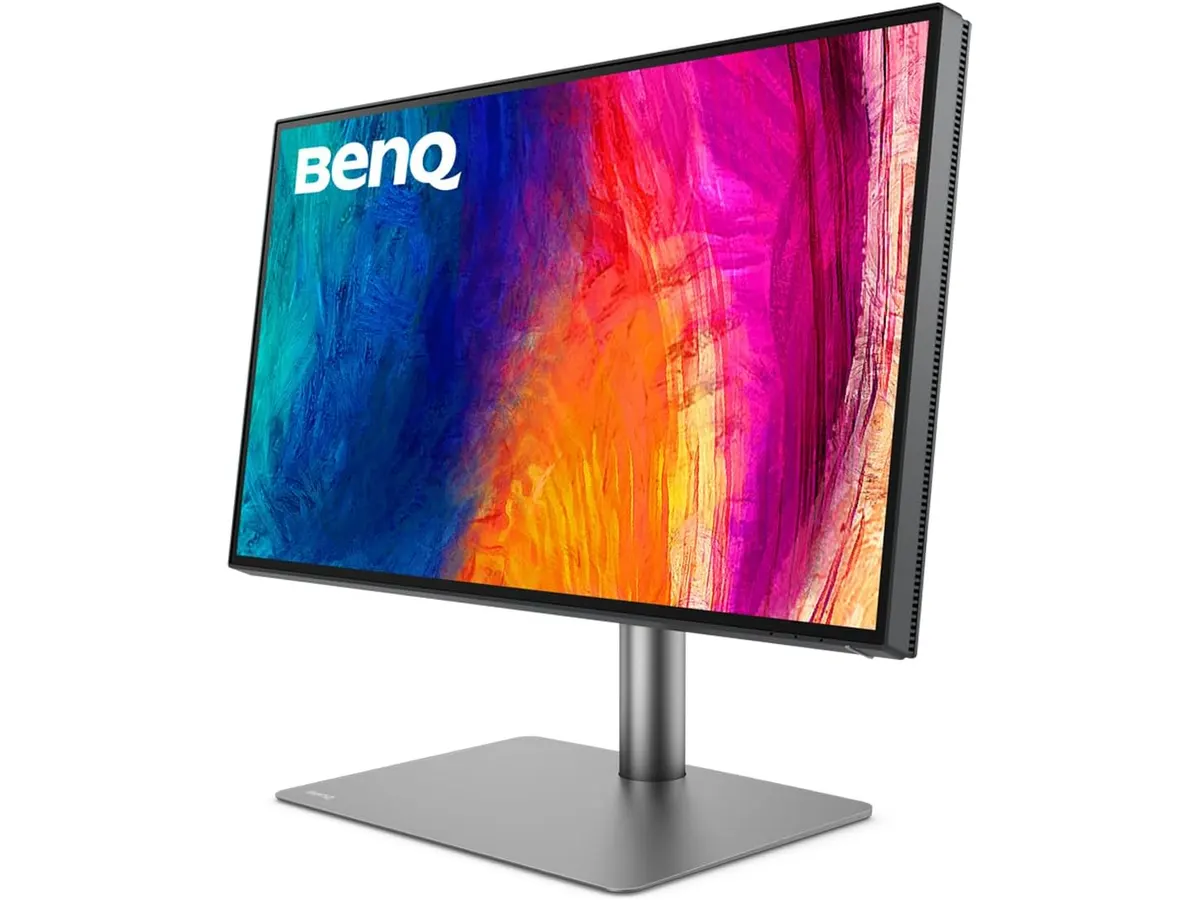
## Dónde flojea
No todo es perfecto en este modelo. Si eres un usuario que también busca entretenimiento de alto nivel, como videojuegos, la tasa de refresco es limitada. Para quienes priorizan la fluidez en movimiento, existen alternativas más enfocadas como el [Revisión del monitor LG UltraGear 27G61ZB-B: rendimiento y calidad](/blog/2026-09-22-lg-ultragear-27g61zb-b).
Además, la entrega de energía de 65W puede resultar insuficiente si utilizas una computadora portátil de alto rendimiento que requiera carga rápida bajo carga de trabajo intensa. Tendrás que mantener el cargador original a mano si tu equipo consume más potencia de la que el monitor puede suministrar.
## ¿Para quién es?
Este monitor es ideal para el diseñador gráfico o editor de video que necesita consistencia cromática y una configuración de escritorio limpia basada en un solo cable. La integración con sistemas Mac es excelente, facilitando el flujo de trabajo sin complicaciones técnicas.
No es para el usuario que busca un panel para gaming competitivo o para quien trabaja en entornos donde el presupuesto es la única variable que importa. Si solo necesitas una pantalla básica para tareas de oficina administrativa, estarías pagando por funciones de color y conectividad que no aprovecharás.
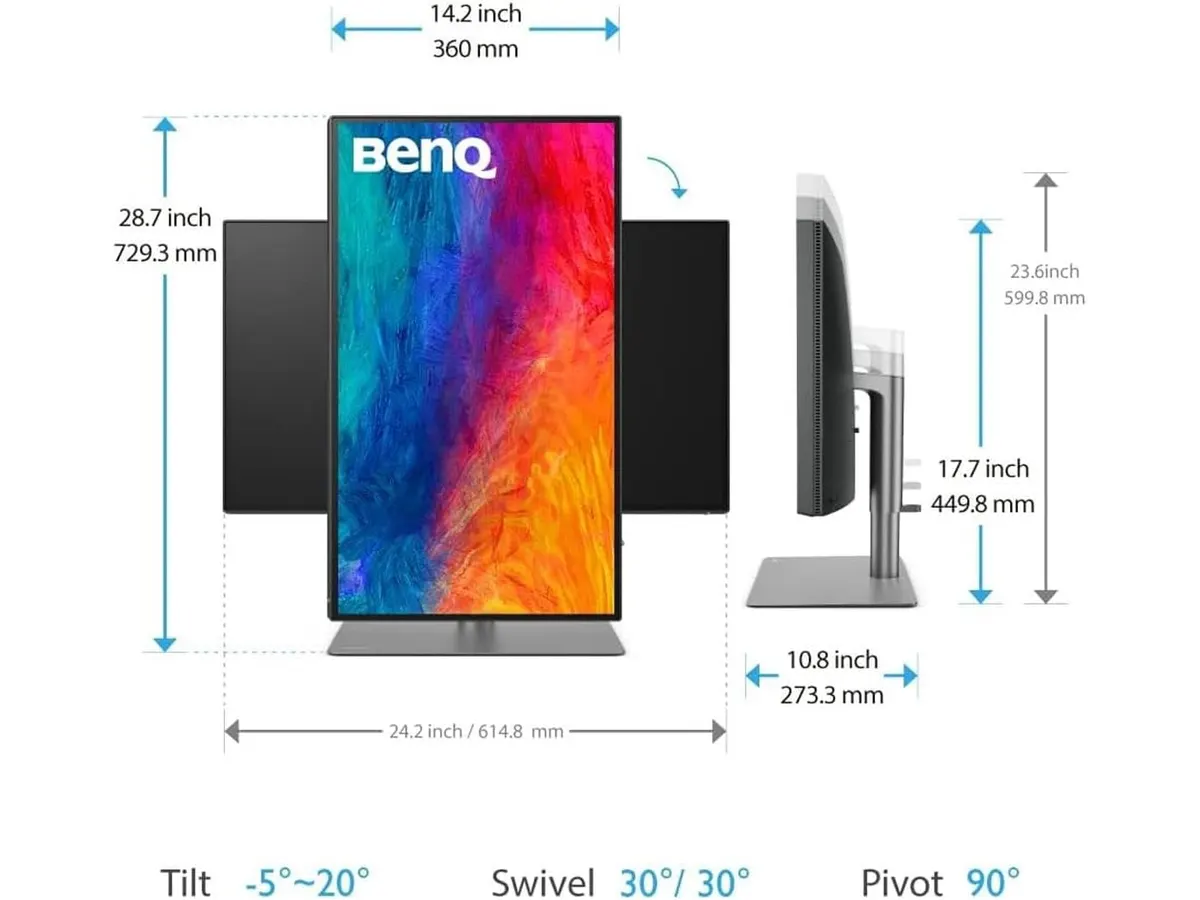
## Alternativas a considerar
Si el presupuesto es una preocupación mayor y no requieres la precisión de color profesional de este BenQ, puedes optar por un monitor IPS de gama media con resolución 1440p. Estos modelos ofrecen una nitidez más que suficiente para tareas diarias sin el sobrecoste de la certificación de color profesional. Puedes comparar esta necesidad con nuestro [Análisis del monitor Dell UltraSharp U2724D: calidad y desempeño](/blog/2026-09-22-dell-ultrasharp-u2724d).
Por otro lado, si te dedicas exclusivamente al trabajo administrativo, una pantalla de 27 pulgadas con resolución 4K y conexión USB-C básica suele ser suficiente. Perderás la conectividad Thunderbolt 3, pero obtendrás una experiencia de escritorio igualmente limpia por un precio menor.
## Veredicto
El BenQ PD2725U cumple con creces su promesa de ser una herramienta de trabajo fiable para creativos. Su excelente calibración de color y la versatilidad de su conectividad lo convierten en una inversión inteligente para quienes valoran la precisión. Aunque no está pensado para el ocio digital, se consolida como un pilar fundamental en cualquier setup profesional de alto nivel.
## Preguntas frecuentes
### ¿Funciona bien con ordenadores Windows?
Sí, aunque está optimizado para flujos de trabajo en Mac por su conectividad Thunderbolt 3, funciona perfectamente en Windows mediante los puertos DisplayPort o HDMI.
### ¿Necesito comprar cables adicionales?
El monitor suele incluir los cables necesarios para sus funciones principales, pero siempre verifica el contenido de la caja según la región, ya que la conectividad Thunderbolt 3 requiere cables certificados específicos.
### ¿Es adecuado para trabajar de noche?
Su panel IPS ofrece buenos ángulos de visión, pero como cualquier monitor con retroiluminación LED, te recomiendo ajustar el brillo y activar el modo de luz azul baja para reducir la fatiga visual durante las horas nocturnas.
---
# Insta360 Link 2 Pro: análisis y prueba real
URL: https://setuplatam.com/blog/2026-11-12-insta360-link-2-pro
Category: Audio y webcams
Published: 2026-11-12
Análisis de la Insta360 Link 2 Pro: evaluamos su sensor de 1/1.3", el seguimiento por IA y si es la mejor webcam para home office. Descubre sus claves.
Insta360 busca dominar el escritorio profesional con la Insta360 Link 2 Pro, una cámara PTZ pensada para quienes transmiten o dictan presentaciones a diario. Dentro del catálogo de [Audio y webcams](/categorias/audio-webcams), este modelo destaca por integrar un sensor enorme y motores dedicados. Si necesitas movimiento y nitidez constante, es una fuerte candidata a mejor webcam para home office.
## Lo que hace bien
El sensor de 1/1.3 pulgadas marca una diferencia inmediata frente a las cámaras convencionales. Al capturar más luz, la imagen en resolución 4K se mantiene limpia incluso en habitaciones con iluminación deficiente. Además, este tamaño físico genera un efecto bokeh natural muy similar al de un objetivo DSLR, separando el fondo sin depender de recortes por software.
El sistema PTZ asistido por inteligencia artificial sigue el rostro y el cuerpo con fluidez. Te puedes levantar hacia una pizarra o moverte por el escritorio sin que la toma pierda el encuadre. A diferencia de las soluciones fijas tradicionales como la [Logitech MX Brio](/blog/2026-09-22-logitech-mx-brio), la alineación mecánica ajusta el ángulo en tiempo real.
Su conjunto de micrófonos duales direccionales filtra el ruido ambiental para mantener la voz clara durante llamadas largas. Para creadores de contenido o trabajadores remotos que usan controladores de producción, la compatibilidad con Elgato Stream Deck facilita alternar modos de seguimiento con un solo botón.
## Especificaciones clave
| Especificación | Detalle |
| --- | --- |
| Resolución | 4K |
| Tamaño del sensor | 1/1.3 pulgadas |
| Tipo de cámara | PTZ con seguimiento por IA |
| Conectividad | USB-C |
| Audio | Micrófonos duales con cancelación de ruido |
| Compatibilidad | Windows, macOS, Chrome OS, Linux |
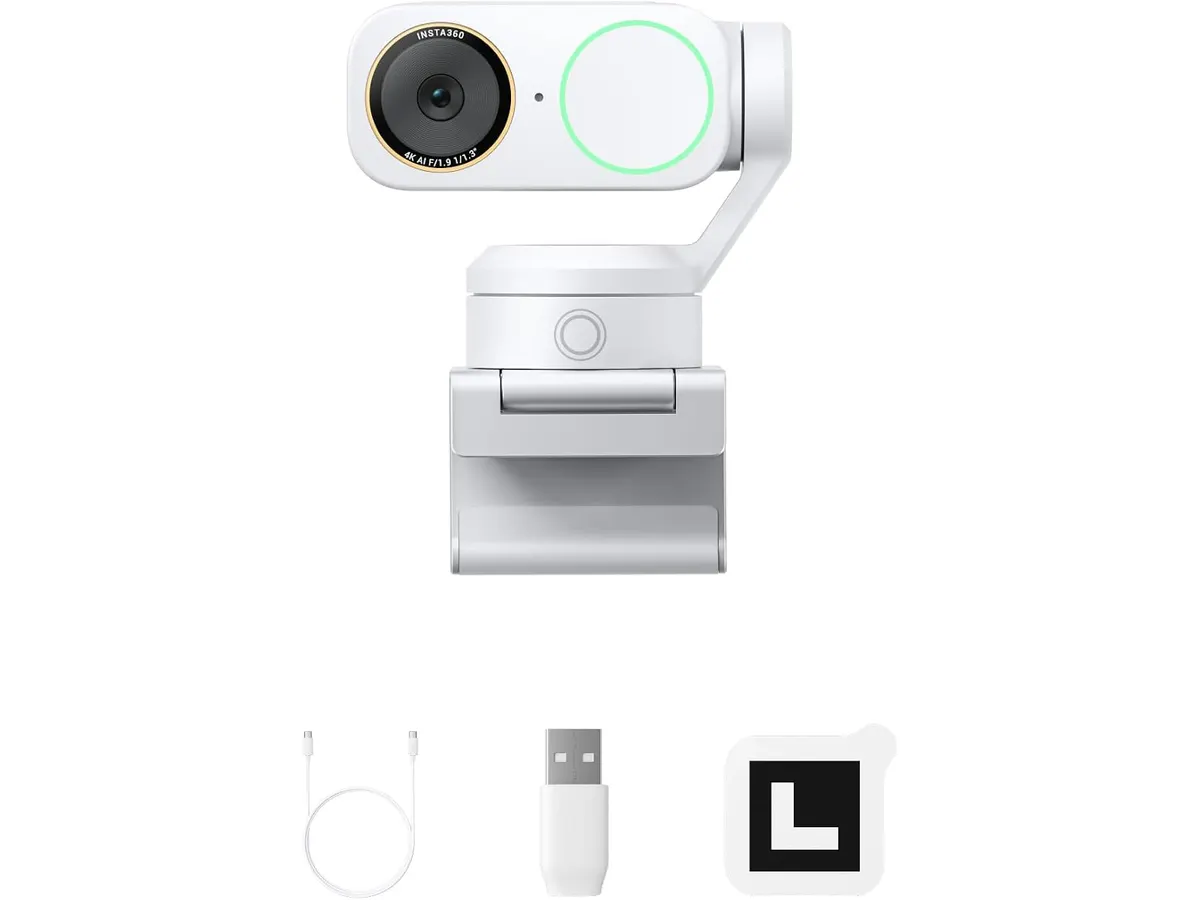
## Dónde flojea
El mecanismo gimbal exige un espacio despejado sobre el monitor. Si tienes barras de luz o soportes ajustados justo arriba de la pantalla, el movimiento físico del cabezal puede chocar con tus accesorios.
Aunque la cancelación de ruido de los micrófonos integrados funciona bien, no sustituye el aislamiento ni el cuerpo tímbrico que ofrece un micrófono USB para videollamadas independiente. Si buscas calidad de audio de estudio, necesitarás un equipo externo.
## ¿Para quién es?
- **Ideal para:** Educadores en línea, presentadores y creadores que necesitan moverse mientras hablan sin perder el enfoque ni el encuadre 4K.
- **No recomendado para:** Usuarios que solo hacen una videollamada corta a la semana y jamás se mueven de la silla, o quienes necesitan una cámara ultraportátil para trabajar en cafeterías.
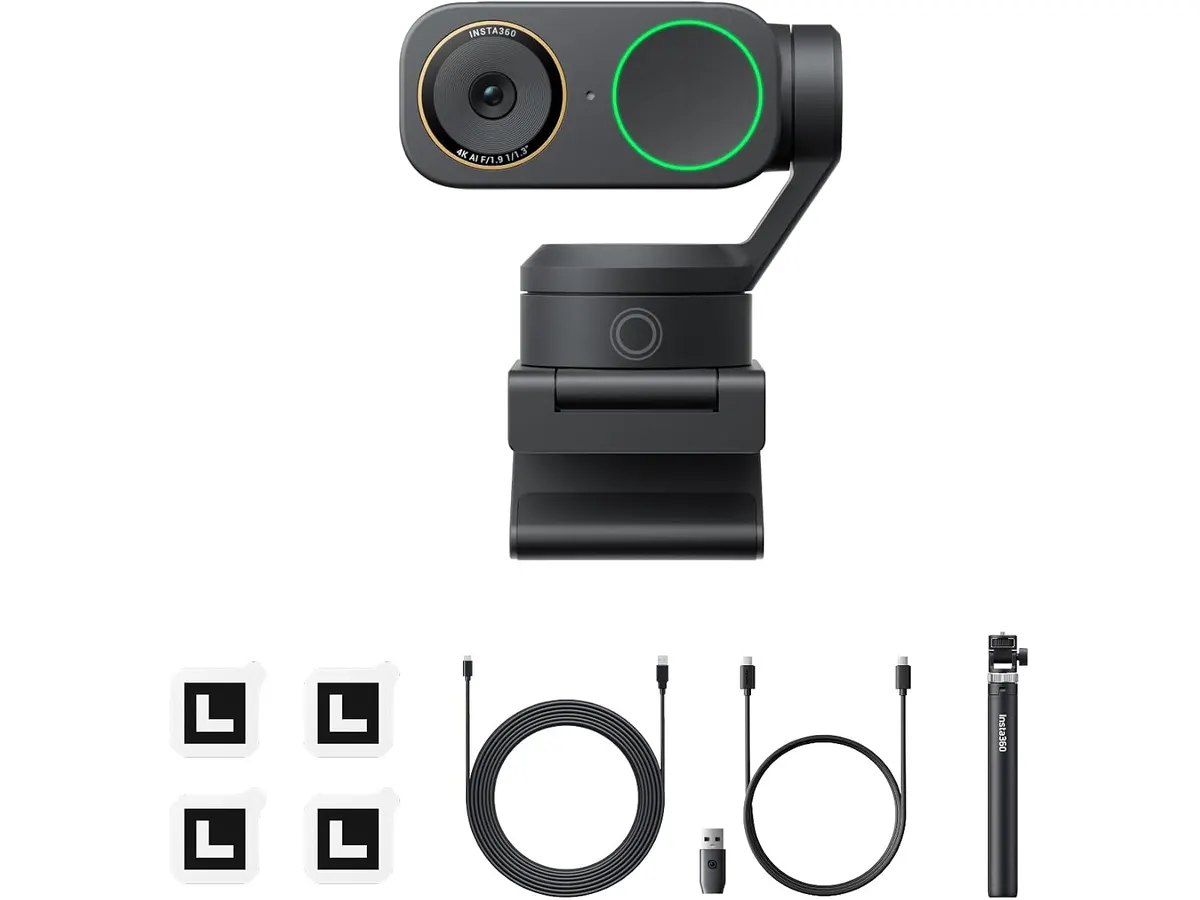
## Alternativas a considerar
Si buscas una webcam para teletrabajo con resolución ultra alta pero prefieres un diseño fijo sin motores, la opción lógica es una cámara 4K de lente fija en la gama alta tradicional. Te ahorrarás el espacio extra que exige un cabezal robótico.
Por otro lado, si la función de encuadre automático te interesa pero quieres explorar otras opciones dentro del segmento robótico, existen alternativas con seguimiento por software en la gama media, como se analiza al comparar la [OBSBOT Tiny 3 Lite](/blog/2026-09-26-obsbot-tiny-3-lite). Tampoco olvides complementar tu espacio con unos buenos auriculares para reuniones si trabajas en entornos ruidosos.
## Veredicto
### ¿Es la Insta360 Link 2 Pro la mejor webcam para home office?
La Insta360 Link 2 Pro justifica su lugar en escritorios exigentes gracias al rendimiento óptico de su sensor de 1/1.3 pulgadas y a un seguimiento robótico imperturbable. Su integración con plataformas diversas vía USB-C la convierte en una herramienta versátil para el día a día. Si das presentaciones en vivo o enseñas frente a la cámara, esta compra resuelve la nitidez y el encuadre de un solo golpe.
## Preguntas frecuentes
### ¿La Insta360 Link 2 Pro requiere controladores en macOS o Linux?
No, se conecta mediante su cable USB-C y es reconocida de forma nativa por Windows, macOS, Chrome OS y Linux sin necesidad de instalar controladores obligatorios para el uso básico.
### ¿Cómo ayuda el sensor de 1/1.3 pulgadas a la imagen?
Un sensor más grande capta más luz de forma natural. Esto reduce el grano en habitaciones oscuras y genera un desenfoque de fondo genuino sin usar filtros digitales.
### ¿Se puede controlar el seguimiento con Elgato Stream Deck?
Sí, la cámara cuenta con integración directa para mapear perfiles, encuadres y funciones de seguimiento en los botones del Stream Deck.
---
# Análisis de Govee Smart RGBWIC Light Bars
URL: https://setuplatam.com/blog/2026-11-11-govee-smart-rgbwic-light-bars
Category: Iluminación
Published: 2026-11-11
Analizamos las Govee Smart RGBWIC Light Bars para tu setup. ¿Es la mejor lámpara de escritorio para trabajar? Descubre su versatilidad, color y rendimiento.
Las Govee Smart RGBWIC Light Bars son un complemento diseñado para quienes buscan transformar su espacio con efectos dinámicos. Aunque muchos usuarios las ven como una pieza decorativa, su capacidad de sincronización las convierte en un elemento funcional para creadores de contenido. Si buscas la mejor lámpara de escritorio para trabajar, explora otras opciones en nuestra categoría de [Iluminacion](/categorias/iluminacion) que se enfoquen en la luz de tarea directa. Este producto es para quienes priorizan el ambiente sobre la precisión lumínica.
## Lo que hace bien
La tecnología RGBWIC es el punto más fuerte de este sistema. Al integrar 27 LEDs adicionales por barra, Govee logra una transición de colores mucho más fluida y, más importante, la capacidad de emitir blancos puros que no se ven lavados o azulados. Esto marca una diferencia real frente a las tiras LED convencionales que suelen sufrir con la fidelidad del color.
La compatibilidad con el estándar Matter es un acierto técnico relevante. Permite integrar las barras en ecosistemas domésticos inteligentes sin la frustración de gestionar hubs propietarios adicionales, conectándose directamente vía Wi-Fi a Alexa o Google Home. Además, el micrófono integrado reacciona con sorprendente rapidez a la música, lo que hace que los efectos lumínicos se sientan ligados al audio y no como un parpadeo aleatorio.
La flexibilidad de montaje es otro punto a favor. Poder colocarlas detrás de un televisor de hasta 70 pulgadas, o simplemente ponerlas en posición vertical u horizontal sobre el escritorio, permite adaptar la configuración a medida que cambias tu espacio. Es una solución versátil para quienes no quieren comprometerse con una sola ubicación permanente.
## Especificaciones clave
| Característica | Especificación |
| :--- | :--- |
| Tamaño | 15 pulgadas por barra |
| Compatibilidad TV | 45 a 70 pulgadas |
| Tecnología | RGBWIC (27 LEDs extra/barra) |
| Conectividad | Wi-Fi, Matter, Alexa, Google Home |
| Modos de audio | 8 modos de sincronización |
| Escenas | 60+ modos predeterminados |
| Instalación | Trasera, vertical u horizontal |
## Dónde flojea
El mayor inconveniente de estas barras es su enfoque. Si esperas que funcionen como una fuente de luz primaria para leer documentos o realizar tareas de precisión, quedarás decepcionado. A diferencia de soluciones como la [Quntis Computer Monitor Lamp: Análisis de Iluminación Efectiva](/blog/2026-09-22-quntis-computer-monitor-lamp), la luz de Govee es difusa y decorativa, no diseñada para reducir la fatiga visual en tareas de oficina.
Otro punto a considerar es la dependencia de la aplicación para exprimir todas sus funciones. Si bien el control por voz es básico y efectivo, la configuración de las escenas avanzadas mediante la IA Govee Bot 2.0 puede volverse una tarea tediosa si prefieres soluciones sencillas de "conectar y usar". La interfaz de la app, aunque completa, no siempre es intuitiva para usuarios novatos.
## ¿Para quién es?
Este producto es ideal para streamers o creadores de contenido que necesitan un fondo visualmente atractivo y dinámico para sus videos. Si buscas añadir personalidad a tu entorno de grabación o simplemente disfrutar de una iluminación ambiental envolvente mientras juegas o consumes multimedia, estas barras ofrecen un rendimiento sólido.
No es para el usuario que necesita una lámpara de escritorio funcional. Si tu prioridad es la ergonomía y reducir el deslumbramiento en documentos físicos, te recomiendo revisar alternativas como la [Pzloz LED Desk Lamp: Iluminación Versátil para tu Escritorio](/blog/2026-09-22-pzloz-led-desk-lamp), que ofrecen un haz de luz enfocado y ajustable para largas horas de trabajo administrativo.
## Alternativas a considerar
Si buscas algo más enfocado a la productividad, las lámparas de barra para monitor son la mejor opción. Estas se sitúan sobre la pantalla y bañan tu espacio de trabajo con una luz dirigida que no causa reflejos en el cristal, ideal para quienes pasan todo el día frente a la computadora. Son opciones de gama media con una utilidad práctica superior a la iluminación ambiental.
Por otro lado, si prefieres una lámpara de escritorio tradicional pero con diseño moderno, existen modelos de gama media-alta que ofrecen temperaturas de color variables y brazos articulados. Estas son mejores si necesitas ajustar la posición de la luz constantemente para tareas de escritura o dibujo manual, donde la precisión es fundamental.
## Veredicto
Las Govee Smart RGBWIC Light Bars son una excelente adición si tu objetivo es mejorar la estética de tu espacio de trabajo o estudio. Su integración con Matter y la calidad de los blancos las sitúan por encima de la media en el segmento de iluminación decorativa inteligente. Sin embargo, recuerda que su propósito es ambiental; si buscas una herramienta para trabajar con documentos, revisa nuestra sección de [Iluminacion](/categorias/iluminacion) para encontrar algo más orientado a la productividad.
## Preguntas frecuentes
### ¿Se pueden sincronizar estas barras con el monitor del PC?
Sí, pero recuerda que el sistema utiliza un micrófono integrado para sincronizar con el sonido, no una captura de pantalla directa del video.
### ¿Es necesario comprar un hub adicional para usar Matter?
No, las barras soportan Matter de forma nativa a través de Wi-Fi, por lo que no requieren hardware adicional para integrarse con otros asistentes inteligentes.
### ¿Puedo usarlas para iluminar una videollamada?
Son útiles para añadir un toque de color de fondo, pero no deben usarse como luz principal, ya que su difusión no es adecuada para iluminar el rostro de manera uniforme.
---
# SHW Escritorio Eléctrico 40 Maple: Análisis
URL: https://setuplatam.com/blog/2026-11-11-shw-escritorio-electrico-ajustable-40-maple
Category: Escritorios
Published: 2026-11-11
Analizamos el SHW Escritorio Eléctrico Ajustable 40" Maple, una opción compacta que busca ser el mejor escritorio para home office en espacios pequeños.
El SHW Escritorio Eléctrico Ajustable 40" Maple llega para resolver la falta de espacio sin renunciar a los beneficios ergonómicos de trabajar de pie. Pensado para apartamentos, dormitorios o habitaciones multifuncionales, este modelo busca convertirse en el mejor escritorio para home office cuando los metros cuadrados son reducidos. Integra funciones avanzadas en una estructura pequeña y bastante práctica.
Si quieres explorar cómo encaja este modelo frente a otras opciones del mercado, puedes revisar nuestra sección de [Escritorios](/categorias/escritorios) para comparar dimensiones y mecanismos.
## Lo que hace bien
El sistema de elevación motorizado funciona mediante un motor eléctrico silencioso que responde con firmeza. Su rango de ajuste va desde los 71.0 cm hasta los 114.3 cm (28" a 45"), lo que permite encontrar una postura cómoda tanto al sentarse como al ponerse de pie. El panel de control digital LED resulta intuitivo y suma tres memorias programables. Esta función evita tener que ajustar a ojo la altura perfecta cada vez que alternas tu posición durante la jornada laboral.
Un aspecto muy positivo es el conjunto de accesorios que vienen incluidos de fábrica. A diferencia de otras alternativas que venden las adiciones por separado, la marca incorpora un cajón de almacenamiento integrado, ideal para guardar cuadernos o papelería básica. Además, incluye una bandeja trasera destinada a la gestión de cables y dos ganchos laterales pensados para colgar auriculares, mochilas o cables adicionales.
El tablero de 101.6 cm de ancho por 61.0 cm de profundidad (40" x 24") optimiza las dimensiones sin saturar la habitación. El acabado en tono maple aporta una estética clara que ayuda a iluminar visualmente el área de trabajo.
## Especificaciones clave
| Característica | Detalle |
| --- | --- |
| Dimensiones de la superficie | 101.6 cm W x 61.0 cm D (40" W x 24" D) |
| Rango de altura | 71.0 cm - 114.3 cm (28" - 45" H) |
| Capacidad de peso | 50 kg (110.2 lbs) |
| Sistema de elevación | Motorizado eléctrico silencioso |
| Control | Digital LED con 3 memorias programables |
| Accesorios incluidos | Cajón, bandeja de gestión de cables y 2 ganchos laterales |
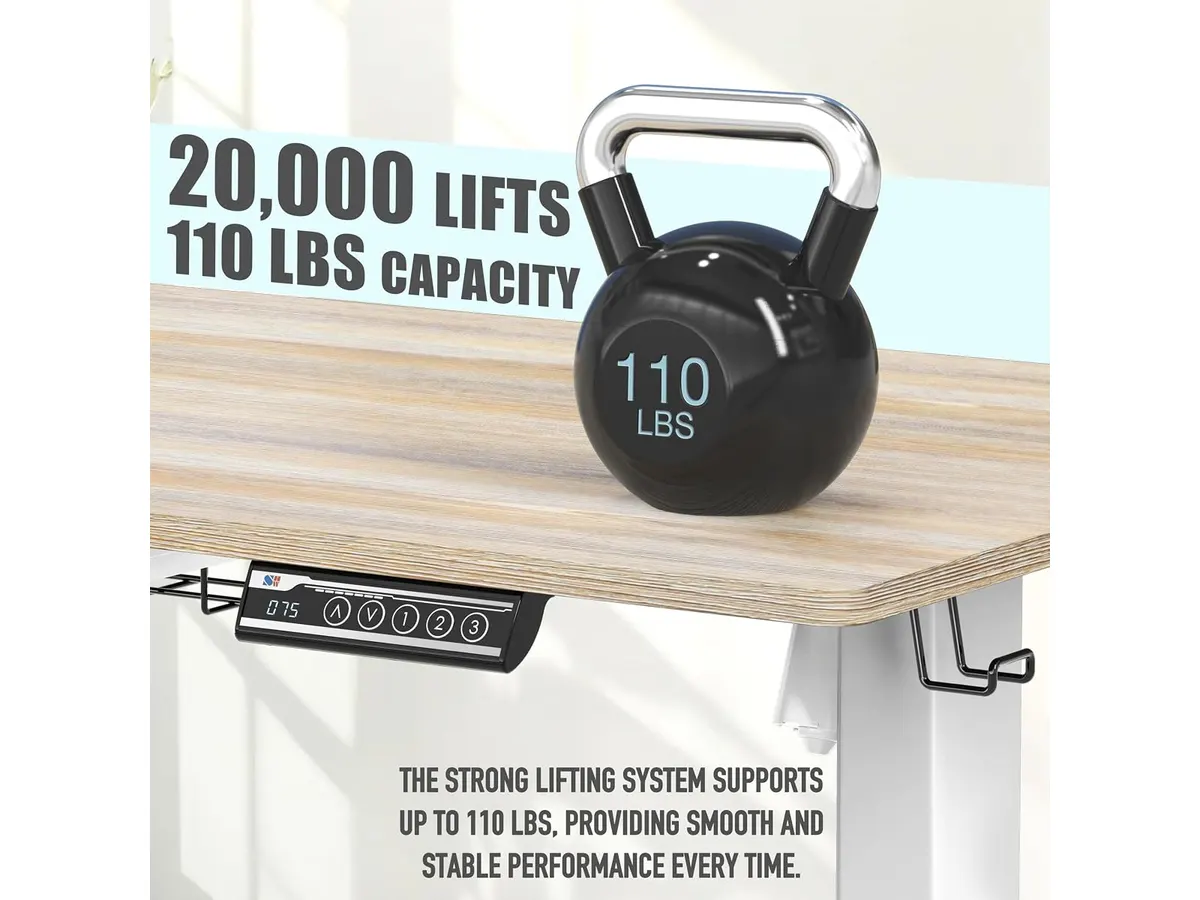
## Dónde flojea
La capacidad de peso máxima se sitúa en los 50 kg (110.2 lbs). Si bien es suficiente para un monitor con su brazo articulado, una computadora portátil y tus periféricos esenciales, se queda corta si planeas colocar una computadora de torre pesada sobre la superficie junto a múltiples pantallas de gran tamaño.
La profundidad de 61.0 cm (24") exige cierta disciplina al organizar tu espacio. Si utilizas monitores con bases muy anchas, la pantalla quedará demasiado cerca de tus ojos. Para trabajar con comodidad, lo ideal es instalar un brazo de monitor sujeto a la parte trasera.
Por último, las dimensiones compactas significan que el cajón integrado es de perfil delgado. Sirve para guardar objetos livianos y papelería, pero no esperes almacenar carpetas gruesas o equipos voluminosos en él.
## ¿Para quién es?
- **Perfil ideal:** Profesionales en trabajo remoto, estudiantes o creativos que viven en espacios reducidos y necesitan una mesa de trabajo para casa que ocupe poco área. Es perfecto para quienes usan una laptop conectada a un solo monitor externo y buscan alternar su postura a lo largo del día sin complicaciones.
- **Para quién no es:** No es apto para usuarios que utilicen tres monitores de gran formato, altavoces pesados de estudio o computadoras de escritorio tipo torre que requieran un soporte de gran volumen. Tampoco es adecuado para personas de gran estatura que necesiten una elevación máxima superior a los 114.3 cm.
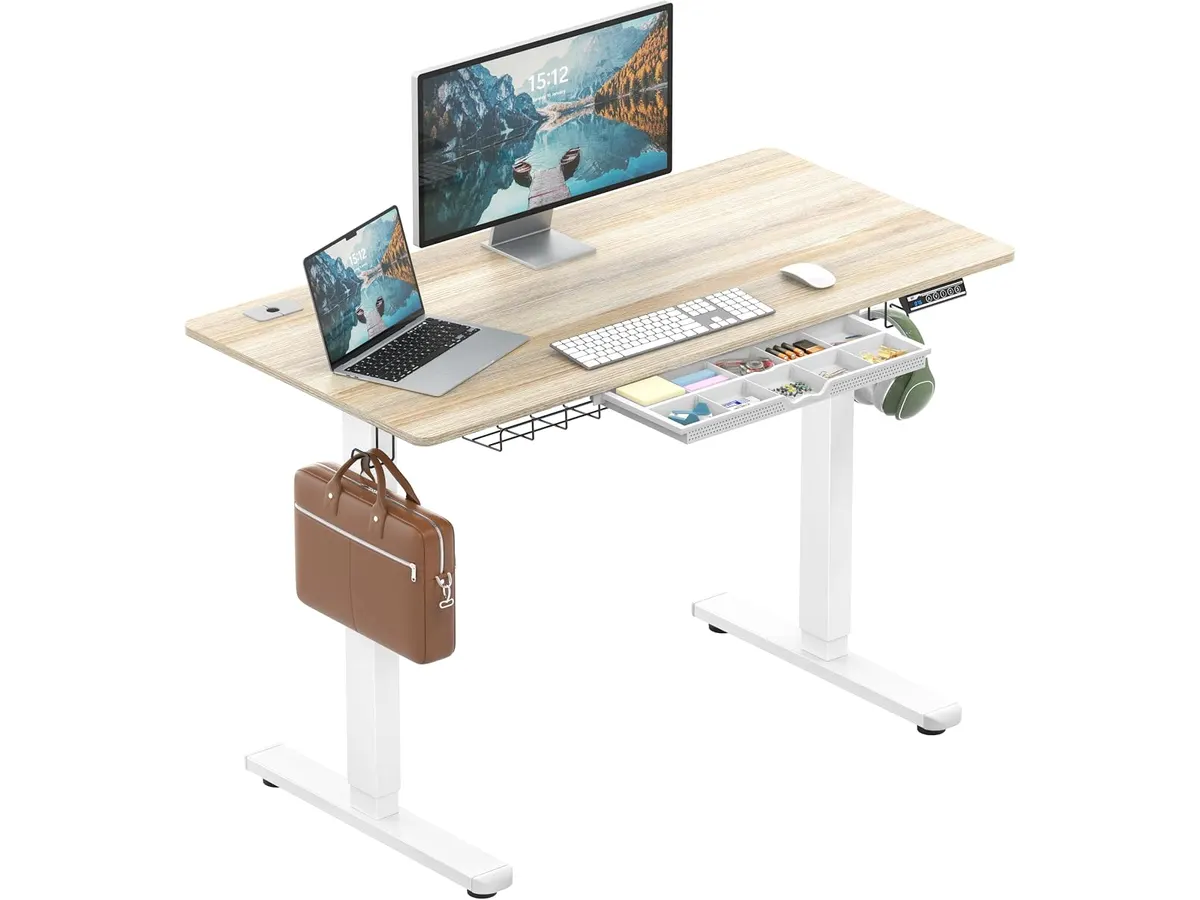
## Alternativas a considerar
Si buscas mantener tu mesa actual sin comprar una estructura completa, puedes evaluar los adaptadores de altura que se colocan directamente sobre la superficie existente. Consulta nuestro [análisis del FLEXISPOT 42" Standing Desk Converter](/blog/2026-09-22-flexispot-42-standing-desk-converter) para ver cómo funciona esa modalidad paso a paso.
Por otro lado, si dispones de una habitación amplia y requieres una estructura que resista más carga o tenga mayor superficie, conviene mirar modelos de gama alta orientados a configuraciones profesionales pesadas. Te sugerimos revisar la [reseña del Vari Classic Electric Standing Desk](/blog/2026-09-22-vari-classic-electric-standing-desk) para entender lo que ofrece un equipo de mayor envergadura física.
## Veredicto: ¿Es el mejor escritorio para home office en espacios reducidos?
El SHW Escritorio Eléctrico Ajustable 40" Maple destaca como un escritorio elevable para trabajar de pie que equilibra funcionalidad, accesorios útiles y dimensiones contenidas. Su motor responde bien, el panel de tres memorias simplifica el uso diario y los ganchos junto al cajón resuelven la organización básica desde el primer día. Si tu presupuesto es medido y necesitas aprovechar cada centímetro de tu habitación, esta opción cumple con creces su promesa ergonómica.
## Preguntas frecuentes
### ¿Qué peso máximo soporta este escritorio regulable en altura?
El motor y la estructura están diseñados para sostener una carga máxima de 50 kg (110.2 lbs), distribuida uniformemente sobre la tabla.
### ¿Se pueden guardar ajustes de altura en la memoria?
Sí, el control digital LED incluye 3 memorias programables para guardar tus posiciones favoritas para estar sentado o de pie con un solo botón.
### ¿Qué accesorios vienen dentro de la caja?
Incluye la bandeja inferior para organizar la gestión de cables, un cajón delgado de almacenamiento y dos ganchos laterales para colgar accesorios como audífonos.
---
# BenQ PD2730S análisis: potencia 5K para Mac
URL: https://setuplatam.com/blog/2026-11-10-benq-pd2730s
Category: Monitores
Published: 2026-11-10
¿Buscas el mejor monitor para home office? Analizamos el BenQ PD2730S: resolución 5K, Thunderbolt 4 a 90W y 98% P3 para creadores visuales exigentes.
El BenQ PD2730S llega al mercado profesional para resolver la falta de definición que afecta a muchos profesionales en sistemas macOS y Windows. Con su panel 5K de 27 pulgadas, ofrece una nitidez impecable para renderizado, edición tipográfica y código. Si buscas el **mejor monitor para home office** centrado en precisión visual, explora nuestra sección de [Monitores](/categorias/monitores) antes de tomar una decisión final.
## Lo que hace bien: la experiencia del mejor monitor para home office
La densidad de píxeles es el argumento principal de este equipo. Con una resolución de 5120 x 2880 distribuida en un diagonal de 27 pulgadas, alcanza los 218 PPI. Esto representa un 77.8% más de píxeles que un panel 4K convencional del mismo tamaño. Las fuentes se ven completamente nítidas, sin bordes suavizados ni aberraciones de escalado.
La fidelidad cromática acompaña la alta definición. Su cobertura del 98% del espacio de color P3 garantiza uniformidad en proyectos de video y fotografía. Además, la relación de contraste de 2000:1 permite discriminar sombras oscuras y matices sutiles sin lavar la imagen, algo poco habitual en paneles IPS mate.
La conectividad está pensada para simplificar la mesa de trabajo. El puerto Thunderbolt 4 ofrece velocidades de transferencia de hasta 40 Gbps y provee hasta 90W de suministro de energía a la computadora portátil. Un solo cable transmite señal de video, datos del concentrador y carga de batería.
Para quienes gestionan múltiples equipos, el switch KVM integrado junto con el mando inalámbrico Hotkey Puck permiten alternar el control entre dos computadoras usando un solo juego de teclado y mouse. El panel Nano Matte con certificación TÜV elimina reflejos directos de luces de techo o ventanas sin sacrificar el brillo ni distorsionar la imagen.
## Especificaciones clave
| Característica | Especificación |
| --- | --- |
| Tamaño de pantalla | 27 pulgadas |
| Resolución | 5120 x 2880 (5K) |
| Densidad de píxeles | 218 PPI (77.8% más que 4K) |
| Relación de contraste | 2000:1 |
| Cobertura de color | 98% P3 |
| Conectividad principal | Thunderbolt 4 (hasta 90W Power Delivery, 40 Gbps) |
| Tratamiento de panel | Nano Matte (antirreflejo con certificación TÜV) |
| Accesorios incluidos | Switch KVM integrado y control inalámbrico Hotkey Puck |
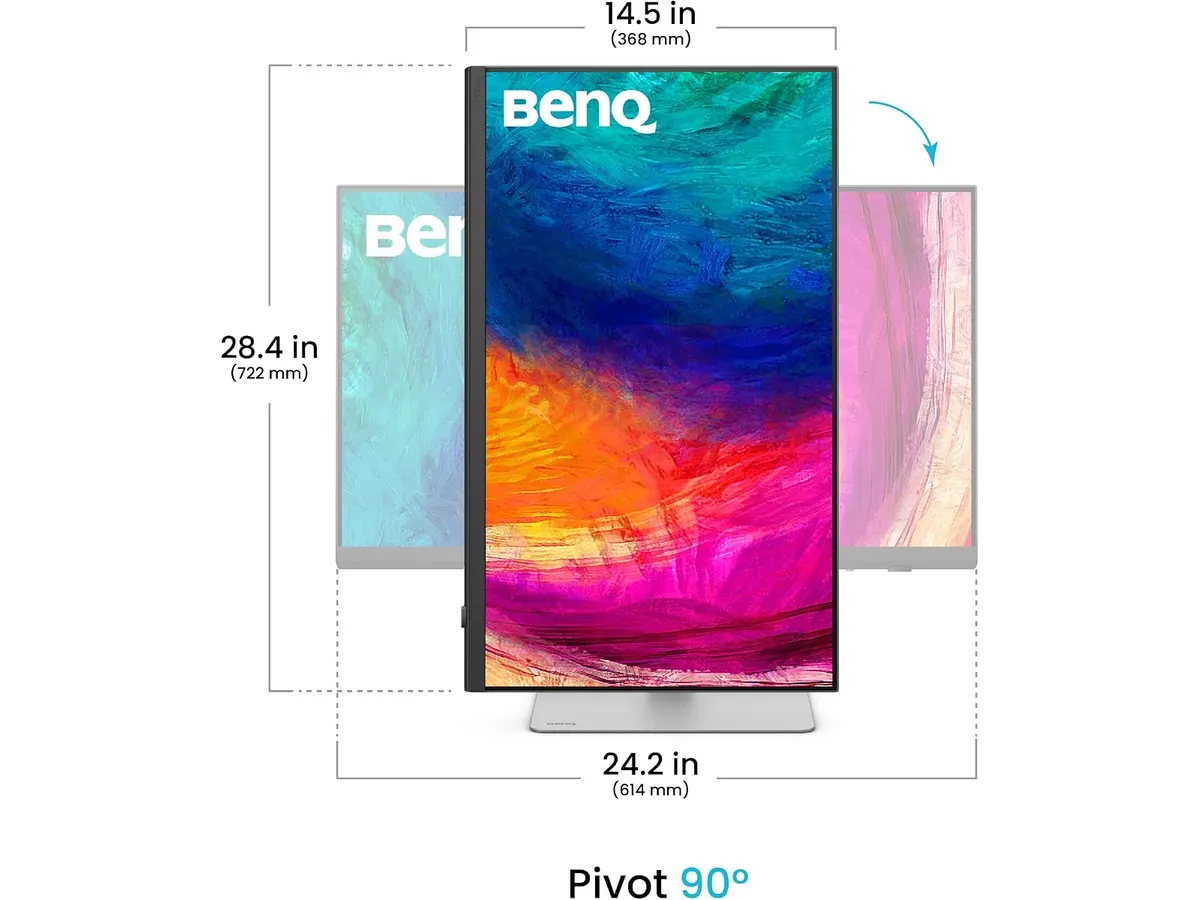
## Dónde flojea
Este modelo está diseñado exclusivamente para trabajo de precisión y productividad visual. La tasa de refresco estándar no está optimizada para juegos competitivos donde se priorizan cuadros por segundo elevados.
Aunque la entrega de energía de 90W por Thunderbolt 4 es suficiente para la inmensa mayoría de las laptops del mercado, algunas estaciones de trabajo portátiles de altísimo consumo podrían requerir su propio cargador bajo cargas extremas de procesamiento.
La exigencia gráfica de mover una resolución 5K requiere que el equipo anfitrión cuente con una GPU moderna para evitar ralentizaciones en la interfaz gráfica durante tareas intensivas.
## ¿Para quién es?
- **Ideal para:** Diseñadores gráficos, editores de video, desarrolladores y creadores de contenido que trabajan con computadoras Mac o PC y necesitan máxima densidad de píxeles, escala nativa y precisión cromática en 27 pulgadas.
- **No apto para:** Jugadores de deportes electrónicos que exigen tasas de refresco extremadamente altas, ni para usuarios con tareas de ofimática básica que no requieren una resolución superior a 1440p.
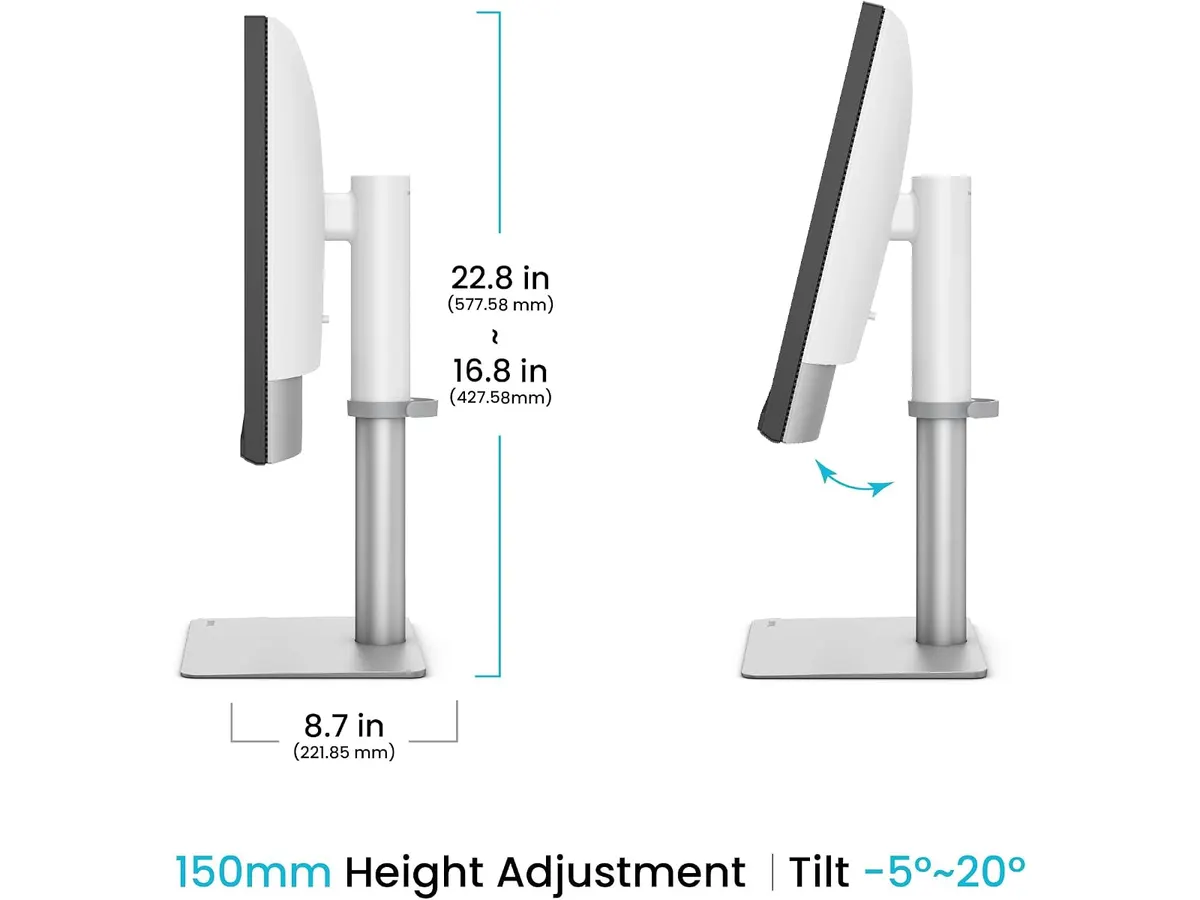
## Alternativas a considerar
Si tu presupuesto es más ajustado pero buscas un panel de 27 pulgadas orientado a la productividad en oficina, una pantalla QHD con excelente ergonomía puede ser suficiente. Puedes consultar nuestro [análisis del Dell UltraSharp U2724D](/blog/2026-09-22-dell-ultrasharp-u2724d) para conocer una opción enfocada en el trabajo diario con menor exigencia gráfica.
Por otro lado, si tu prioridad es multiplicar el espacio horizontal de pantalla mediante una configuración de varios monitores para multitarea pesada, adquirir pantallas secundarias en par resulta conveniente. Revisa nuestra [revisión del Gigastone 27" IPS 2-Pack](/blog/2026-09-22-gigastone-27-ips-2-pack) para evaluar el rendimiento de un setup dual de formato estándar.
## Veredicto
El BenQ PD2730S establece un estándar elevadísimo para los profesionales que necesitan nitidez absoluta en su escritorio. Su panel 5K de 218 PPI, combinado con la cobertura P3 del 98% y la relación de contraste 2000:1, entrega una calidad de imagen excepcional. La integración de Thunderbolt 4 a 90W y el switch KVM con el mando Hotkey Puck convierten a esta pantalla en una herramienta de trabajo extraordinariamente bien resuelta.
## Preguntas frecuentes
### ¿El BenQ PD2730S se conecta fácilmente a computadoras Mac?
Sí, la presencia del puerto Thunderbolt 4 permite conectar computadoras Mac mediante un único cable que transmite video 5K, datos a alta velocidad y suministra hasta 90W de energía para cargar el equipo.
### ¿Para qué sirve el control inalámbrico Hotkey Puck?
El Hotkey Puck es un mando físico inalámbrico que permite cambiar de fuente de entrada, alternar configuraciones de color y controlar el switch KVM sin necesidad de navegar por los botones del marco del monitor.
### ¿Qué ventaja ofrece la pantalla Nano Matte frente a un panel brillante?
El tratamiento Nano Matte con certificación TÜV dispersa las reflexiones causadas por ventanas o lámparas sin degradar la precisión del color ni generar el aspecto granulado de los filtros mate convencionales.
---
# Logitech MX Keys S: análisis del teclado para oficina
URL: https://setuplatam.com/blog/2026-11-10-logitech-mx-keys-s
Category: Periféricos
Published: 2026-11-10
Analizamos el Logitech MX Keys S, una opción clave si buscas los mejores perifericos para home office con teclas cóncavas y conexión multidispositivo.
El Logitech MX Keys S llega para consolidarse como una herramienta central en escritorios dedicados al trabajo continuo. Diseñado para quienes pasan horas redactando, programando o gestionando tareas complejas, este modelo combina un perfil bajo con retroiluminación adaptativa. Si estás buscando armar tu espacio con los [mejores perifericos para home office](/categorias/perifericos), este teclado de escritorio en acabado Graphite destaca por su fluidez y precisión.
## Lo que hace bien: entre los mejores perifericos para home office
La sensación de escritura es el punto más fuerte de este dispositivo. Sus teclas cóncavas esféricas están moldeadas para adaptarse a la forma de las yemas de los dedos, reduciendo errores de pulsación y ofreciendo una respuesta táctil suave pero firme. Al ser un teclado de perfil bajo, minimiza la tensión en las muñecas durante jornadas extensas sin necesidad de recurrir a un reposamuñecas externo.
La conectividad es amplia y resuelve uno de los problemas habituales de la productividad moderna. Puede vincularse con hasta tres dispositivos simultáneamente utilizando Bluetooth Low Energy o el receptor USB Logi Bolt incluido en la caja. Cambiar entre una laptop de trabajo con macOS y un equipo de escritorio con Windows se realiza mediante una sola pulsación. Además, cuenta con compatibilidad oficial para sistemas Linux y Chrome OS.
En cuanto a la iluminación inteligente, los sensores incorporados detectan la proximidad de las manos para encender la retroiluminación justo antes de tocar el teclado. De igual manera, el brillo se ajusta automáticamente de acuerdo con la luz ambiental del entorno. Esta función optimiza el consumo energético, alcanzando hasta 10 días de autonomía continua con iluminación activa, o hasta 5 meses si decides mantener la luz apagada. Su recarga se completa mediante un puerto USB-C estándar.
Por último, la personalización a través del software Logi Options+ añade funciones avanzadas como las Smart Actions. Esta herramienta permite automatizar secuencias de comandos repetitivas, de modo que puedes abrir tus aplicaciones de trabajo habituales y organizar la pantalla con un solo toque. Si combinas este teclado con un [ratón ergonómico para trabajar](/blog/2026-09-22-logitech-mx-master-3s), consigues un flujo de trabajo ágil y unificado.
## Especificaciones clave
| Característica | Especificación |
| --- | --- |
| Diseño | Perfil bajo con teclas cóncavas esféricas |
| Conectividad | Bluetooth Low Energy y receptor USB Logi Bolt |
| Compatibilidad | Windows, macOS, Linux, Chrome OS |
| Conexión multidispositivo | Hasta 3 dispositivos |
| Autonomía de batería | Hasta 10 días (con retroiluminación) / hasta 5 meses (sin retroiluminación) |
| Puerto de carga | USB-C |
| Color | Graphite |
## Dónde flojea
A pesar de su construcción pulida, la autonomía sufre una reducción considerable al mantener la retroiluminación encendida de forma constante. Pasar de cinco meses a solo diez días de uso exige cargarlo con mayor frecuencia si trabajas siempre en entornos oscuros.
El diseño de chasis plano carece de patas traseras elevadoras. La inclinación fija que ofrece el perfil bajo resulta cómoda para la mayoría de los usuarios, pero aquellos acostumbrados a ángulos elevados o a teclados mecánicos más altos echarán en falta la posibilidad de ajustar la altura.
Por otra parte, sacarle el máximo partido a las funciones automatizadas requiere instalar Logi Options+. En entornos corporativos donde la instalación de software de terceros está restringida por políticas de seguridad de la empresa, las Smart Actions y los atajos personalizados quedan inhabilitados, limitando el equipo a sus funciones estándar.
## ¿Para quién es?
Este modelo está pensado para profesionales, consultores y creadores de contenido que buscan una experiencia de escritura silenciosa, pulida y eficiente en setups multidispositivo. Es perfecto para quienes alternan entre computadoras portátiles y de escritorio a lo largo del día y valoran la estética discreta del acabado Graphite.
No es la elección adecuada para jugadores competitivos que requieren la respuesta táctil profunda o los tiempos de activación ultrarrápidos de los interruptores mecánicos. Tampoco encaja con usuarios que prefieren alternativas de formato compacto o quienes consideran explorar opciones más llamativas como un [teclado mecánico inalámbrico](/blog/2026-09-22-redthunder-k95-wireless-mechanical-keyboard).
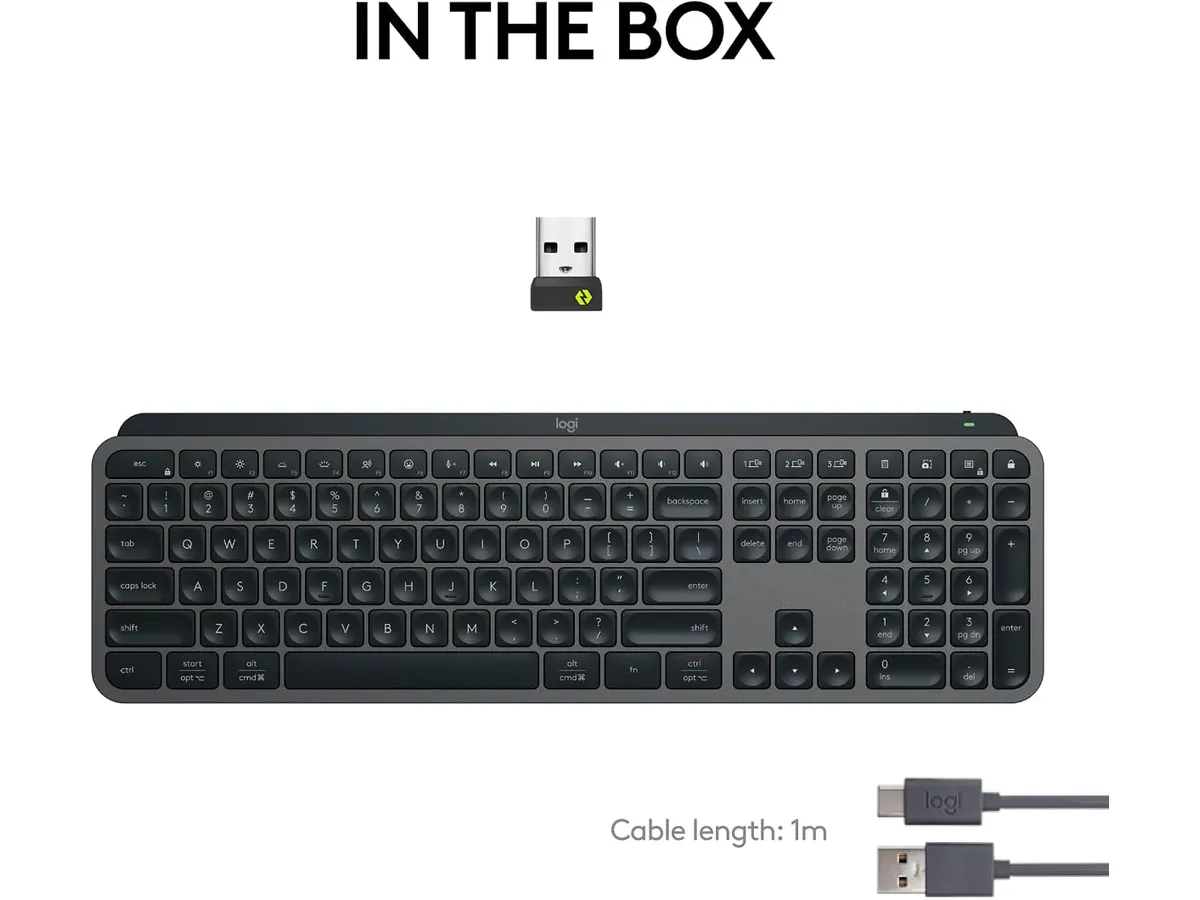
## Alternativas a considerar
**Teclados mecánicos inalámbricos de gama de entrada**: Quienes busquen un mayor recorrido de tecla y una sensación física más marcada al escribir pueden mirar hacia los teclados mecánicos inalámbricos orientados al público general. Estos dispositivos suelen ofrecer retroiluminación continua y varios modos de conexión, aunque carecen del software de automatización y el perfil ultra silencioso de la serie MX.
**Kits básicos inalámbricos de oficina**: Para usuarios cuyo presupuesto es acotado o cuyo trabajo no exige cambiar entre varios equipos al mismo tiempo, las opciones básicas de membrana con conector USB clásico ofrecen una vida útil prolongada con baterías tradicionales. Aunque no cuentan con iluminación ni acabados en materiales pesados, cumplen la función esencial de redacción diaria sin requerir software adicional.
## Veredicto
El Logitech MX Keys S destaca como una recomendación clara para quienes priorizan el silencio, el confort táctil y la conectividad fluida entre múltiples computadoras. La combinación de teclas cóncavas esféricas con una iluminación adaptativa inteligente compensa ampliamente la falta de ajuste en inclinación. Si buscas equipar tu estación de trabajo con herramientas de alto rendimiento, este modelo consolida su posición como una referencia indispensable.
## Preguntas frecuentes
### ¿Cuánto dura la batería del Logitech MX Keys S?
Con la retroiluminación inteligente encendida ofrece hasta 10 días de uso. Si decides apagar las luces, la autonomía se extiende hasta 5 meses con una sola carga por USB-C.
### ¿Es compatible con computadoras Mac y Windows al mismo tiempo?
Sí, permite vincular hasta 3 dispositivos simultáneamente y alternar entre Windows, macOS, Linux y Chrome OS mediante sus teclas de acceso rápido o el receptor Logi Bolt y Bluetooth LE.
### ¿Qué son las Smart Actions en este teclado?
Son atajos personalizables mediante el software Logi Options+ que permiten ejecutar secuencias de tareas repetitivas o abrir múltiples aplicaciones con una sola pulsación.
---
# Análisis de la silla ergonómica GABRYLLY GY01-NT
URL: https://setuplatam.com/blog/2026-11-09-gabrylly-gy01-nt
Category: Sillas ergonómicas
Published: 2026-11-09
Evaluamos la GABRYLLY GY01-NT, una opción destacada para quien busca la mejor silla ergonomica para trabajar desde casa con malla y brazos abatibles.
La GABRYLLY GY01-NT busca resolver una molestia habitual en el trabajo remoto: pasar horas sentado acumula calor y tensión en la espalda. Esta [silla ergonómica](/categorias/sillas) de malla completa combina un diseño transpirable con posabrazos abatibles que facilitan guardar el asiento. Si estás buscando la mejor silla ergonomica para trabajar jornadas largas en casa, este modelo ofrece una base técnica sólida y ajustes adecuados a presupuestos moderados.
## Lo que hace bien: ¿Es la mejor silla ergonomica para trabajar?
El punto más destacado de la GABRYLLY GY01-NT es la integración de su asiento de malla curva y elástica. A diferencia de las sillas con cojines de espuma densa que retienen la temperatura corporal, este tejido disipa el calor durante turnos extensos. La curva del asiento distribuye la presión de las piernas de forma uniforme y soporta una capacidad máxima de peso de hasta 300 lbs.
El sistema de reclinación dispone de tres posiciones fijas: 90° para mantener el enfoque en la computadora, 105° para lectura continua y 120° para descansos breves. Cambiar entre estas etapas ayuda a aliviar la compresión en la zona lumbar sin perder la postura correcta frente al escritorio. Esta versatilidad posiciona al equipo como una sólida silla de oficina para casa.
Los apoyabrazos destacan por su practicidad en espacios reducidos. Tienen un mecanismo que permite abatirlos a 45° hacia arriba, lo que facilita deslizar la silla completamente debajo del escritorio cuando terminas la jornada. Además, ofrecen un ajuste de altura de 1.8 pulgadas para alinear los codos a la altura de la mesa.
El reposacabezas apoya la postura cervical con regulación directa. Puedes ajustar tanto su altura como su ángulo de inclinación para evitar que el cuello se venza hacia adelante durante las horas de mayor concentración. El ensamblaje no genera dolores de cabeza: incluye su propia llave Allen y las instrucciones necesarias para dejarla lista en poco tiempo, respaldada por 3 años de garantía del fabricante con servicio de reemplazo de partes.
## Especificaciones clave
| Característica | Detalle |
| --- | --- |
| Modelo | GABRYLLY GY01-NT |
| Capacidad máxima de peso | 300 lbs |
| Ángulo de reclinación | 90°, 105° y 120° (tres posiciones fijas) |
| Ajuste de apoyabrazos | Abatibles a 45°, altura regulable 1.8 pulgadas |
| Dimensiones del asiento | 20.5 x 20 pulgadas |
| Dimensiones de la silla | 24.5 x 27.5 x 46 a 56.4 pulgadas |
| Estatura recomendada | 5'2" a 6'1" (157 cm a 185 cm) |
| Garantía | 3 años con reemplazo de partes |
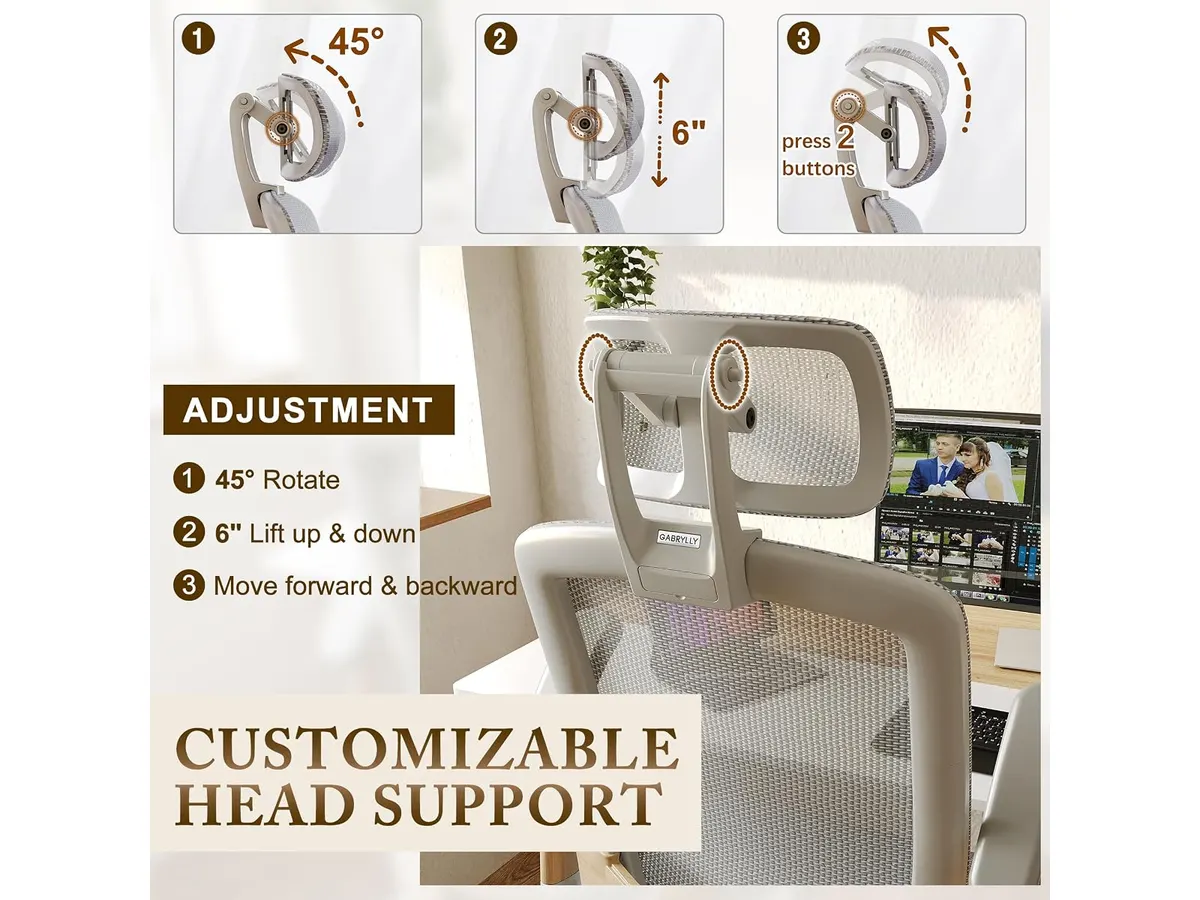
## Dónde flojea
Aunque el rango de reclinación llega a 120°, resulta algo limitado si buscas una posición casi horizontal para tomar una siesta profunda o relajarte totalmente al final del día. Muchas alternativas del sector ofrecen bloqueos de hasta 135° o más.
La estatura recomendada del usuario se sitúa entre 5'2" y 6'1". Las personas que superen los 6'1" notarán que tanto la altura máxima del respaldo como la posición del reposacabezas se quedan cortas para su contextura.
Los posabrazos abaten hacia arriba y se ajustan verticalmente en 1.8 pulgadas, pero carecen de desplazamiento lateral o de rotación en ángulo (ajustes 3D o 4D). Quienes requieran adaptar la distancia de los reposabrazos hacia adentro o afuera para escribir en teclados compactos sentirán esa falta de movilidad.
## ¿Para quién es?
### Es ideal para:
* Profesionales en teletrabajo o estudiantes de estatura media (5'2" a 6'1") que viven en zonas cálidas y necesitan un asiento de malla transpirable.
* Usuarios con escritorios o habitaciones pequeñas que valoran poder levantar los apoyabrazos para guardar la silla bajo la mesa al terminar la jornada.
### No es para ti si:
* Mides más de 6'1" de estatura y requieres un respaldo más alto junto con un reposacabezas de mayor recorrido.
* Buscas reclinaciones profundas superiores a 120° o posabrazos avanzables en tres o cuatro direcciones.
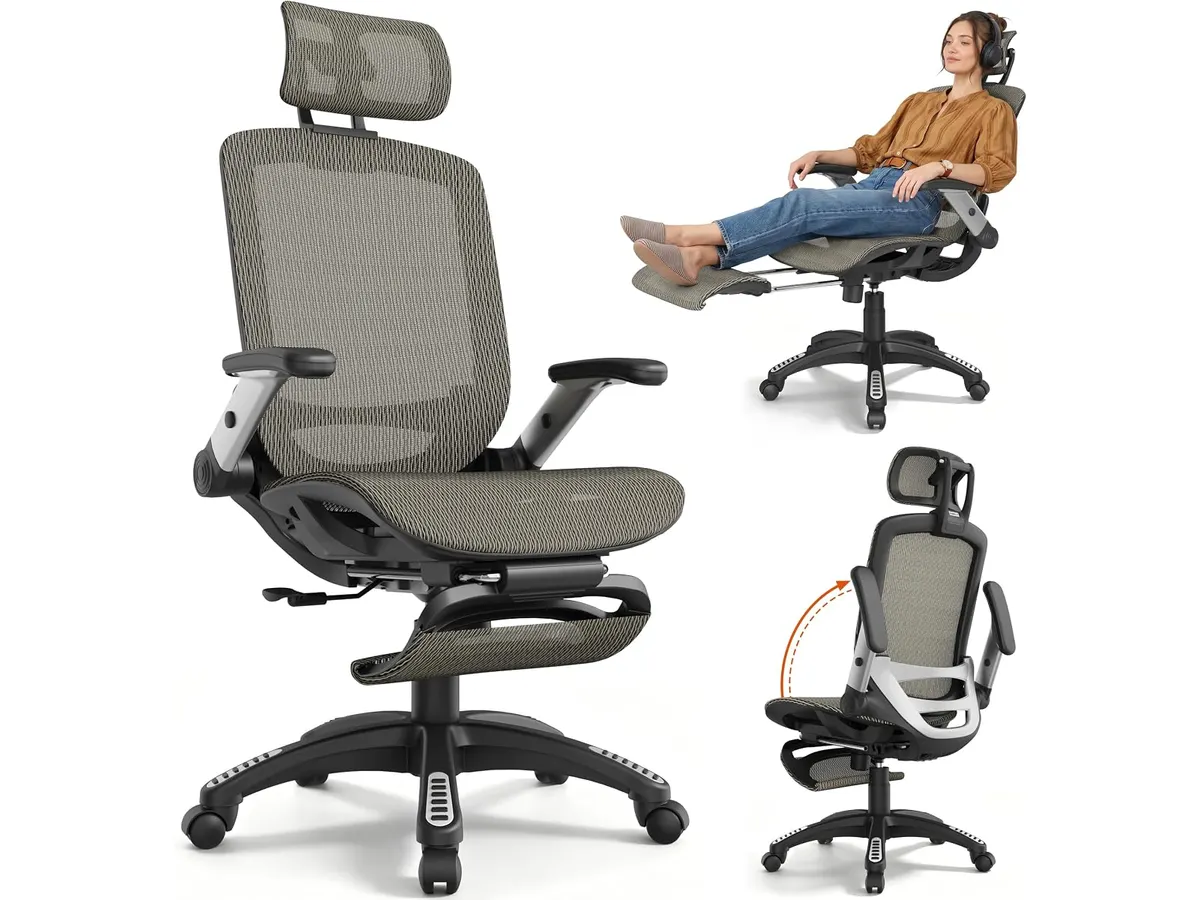
## Alternativas a considerar
Si buscas evaluar otras opciones en el mercado, existen alternativas en distintos rangos de precio según la complejidad anatómica que necesites:
* **Gama media competitiva:** En el mismo segmento de precio y funciones orientadas al hogar, existen opciones con soporte lumbar ajustable por separado. Puedes revisar nuestro [análisis de la silla SIHOO M18](/blog/2026-09-22-sihoo-m18), un modelo popular con cojín denso y estructura tradicional de oficina.
* **Gama alta profesional:** Si tu presupuesto es más amplio y requieres ajustes anatómicos avanzados en chasis de aluminio, conviene mirar modelos prémium. En nuestra evaluación de la [Ergohuman ME7ERG GEN2](/blog/2026-09-22-ergohuman-me7erg-gen2) explicamos cómo el soporte lumbar independiente y los apoyabrazos multidireccionales justifican una inversión mayor.
## Veredicto
La GABRYLLY GY01-NT ofrece un equilibrio convincente entre ventilación, funcionalidad y aprovechamiento del espacio. Su respaldo y asiento en malla evitan la acumulación de calor durante jornadas extensas, mientras que los brazos abatibles a 45° resuelven el problema de almacenamiento en habitaciones reducidas. No es la opción indicada para personas muy altas ni para quien busca reclinación casi horizontal, pero para la mayoría de profesionales en casa es una compra sensata. Si quieres renovar tu espacio de trabajo con una [silla con soporte lumbar](/categorias/sillas) adecuada, la GY01-NT cumple con creces en su categoría.
## Preguntas frecuentes
### ¿Qué peso máximo soporta la silla GABRYLLY GY01-NT?
Soporta una capacidad máxima de peso de 300 lbs gracias a su estructura reforzada y la resistencia del tejido de malla curva.
### ¿Cómo ayudan los apoyabrazos abatibles a optimizar espacio?
Los posabrazos pueden girarse hacia arriba en un ángulo de 45°, permitiendo empujar la silla por completo debajo de la mesa cuando no está en uso.
### ¿La silla incluye las herramientas necesarias para su ensamblaje?
Sí, el paquete viene con una llave Allen, el juego de tornillos y una guía ilustrada para completar el montaje en pocos pasos.
---
# Insta360 Link 2: análisis y prueba en videollamadas
URL: https://setuplatam.com/blog/2026-11-09-insta360-link-2
Category: Audio y webcams
Published: 2026-11-09
Evaluamos la Insta360 Link 2: resolución 4K, seguimiento por IA y micrófono con cancelación de ruido. Descubre si es la mejor webcam para home office.
La Insta360 Link 2 entra al mercado del trabajo remoto para resolver los problemas habituales de encuadre y nitidez. Esta cámara 4K está diseñada para profesionales, educadores y creadores que pasan horas frente a la pantalla y necesitan una presentación impecable. Si buscas la **mejor webcam para home office** con seguimiento de movimiento real, este modelo merece toda tu atención. Consulta nuestra sección de [Audio y webcams](/categorias/audio-webcams) para conocer más periféricos de calidad.
## Lo que hace bien: ¿Por qué destaca como la mejor webcam para home office?
El sensor de 1/2 pulgada marca una diferencia inmediata frente a las cámaras integradas de las computadoras. Capta suficiente luz incluso en espacios de trabajo con iluminación deficiente. La imagen en 4K mantiene un nivel de detalle elevado sin recurrir a un procesamiento digital agresivo.
El sistema de enfoque automático por detección de fase (PDAF) es otro punto sobresaliente. Responde al instante. Si acercas un documento, libreta o producto a la lente, el enfoque cambia hacia el objeto sin titubeos ni giros en busca de contraste.
El seguimiento físico mediante movimiento de inclinación y giro por IA se siente fluido. La cámara gira físicamente para mantenerte en el centro del cuadro si te levantas o te mueves por la habitación. Sus modos dedicados, como DeskView para enfocar el escritorio y Whiteboard para digitalizar pizarras, resultan útiles para presentaciones y tutorías. Además, su micrófono con cancelación de ruido por IA aísla tu voz reduciendo el sonido del teclado o ruidos ambientales en la webcam para teletrabajo.
## Especificaciones clave
| Característica | Detalle |
| --- | --- |
| Resolución | 4K |
| Sensor | 1/2 pulgada |
| Enfoque | Detección de fase (PDAF) |
| Audio | Micrófono con cancelación de ruido por IA |
| Compatibilidad | PC y Mac |
| Funciones especiales | Seguimiento por IA, Panorámica e inclinación |
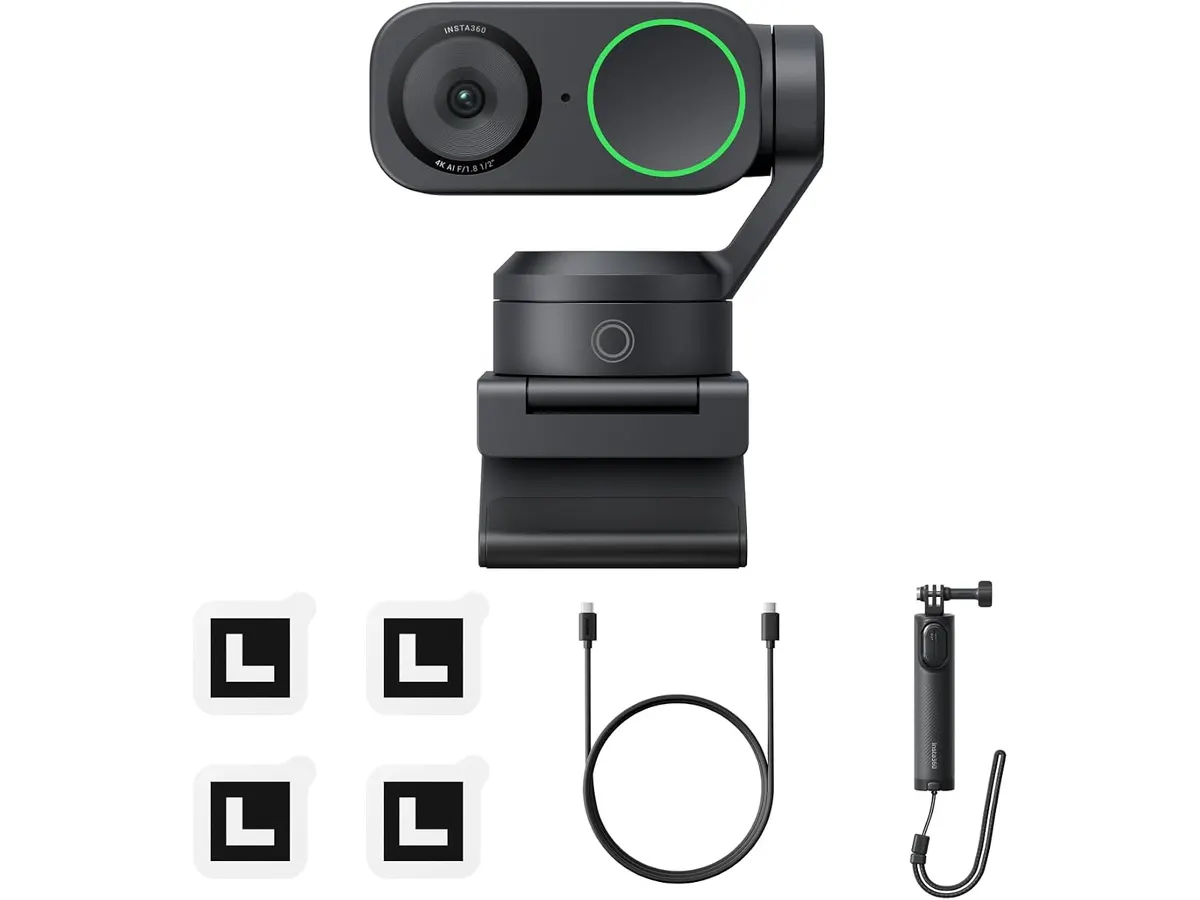
## Dónde flojea
El mecanismo motorizado de giro e inclinación le añade un volumen considerable a la estructura. Si buscas un dispositivo ultraportátil para llevar a diario en la funda de la laptop, la forma y peso de este modelo pueden estorbar en el transporte.
Para exprimir el seguimiento por IA y los modos DeskView o Whiteboard se requiere instalar el software de la marca. Si trabajas en una computadora corporativa con permisos bloqueados para instalar programas externos, perderás el acceso a la mayoría de las funciones inteligentes que justifican este equipo.
## ¿Para quién es?
Es la herramienta ideal para profesionales que dictan clases en línea, realizan demostraciones de producto o imparten capacitaciones donde necesitan moverse frente al escritorio. La capacidad de rotar físicamente y enfocar objetos al instante facilita cualquier presentación dinámica.
No le conviene a quien solo busca una cámara para reuniones ocasionales de diez minutos a la semana. Tampoco es para usuarios que prefieren no ajustar parámetros ni instalar aplicaciones en su sistema. Si no vas a aprovechar el movimiento motorizado ni la resolución 4K, un modelo más sencillo o unos [auriculares para reuniones](/blog/2026-09-22-logitech-mx-brio) bien equipados cubrirán mejor tus necesidades básicas.
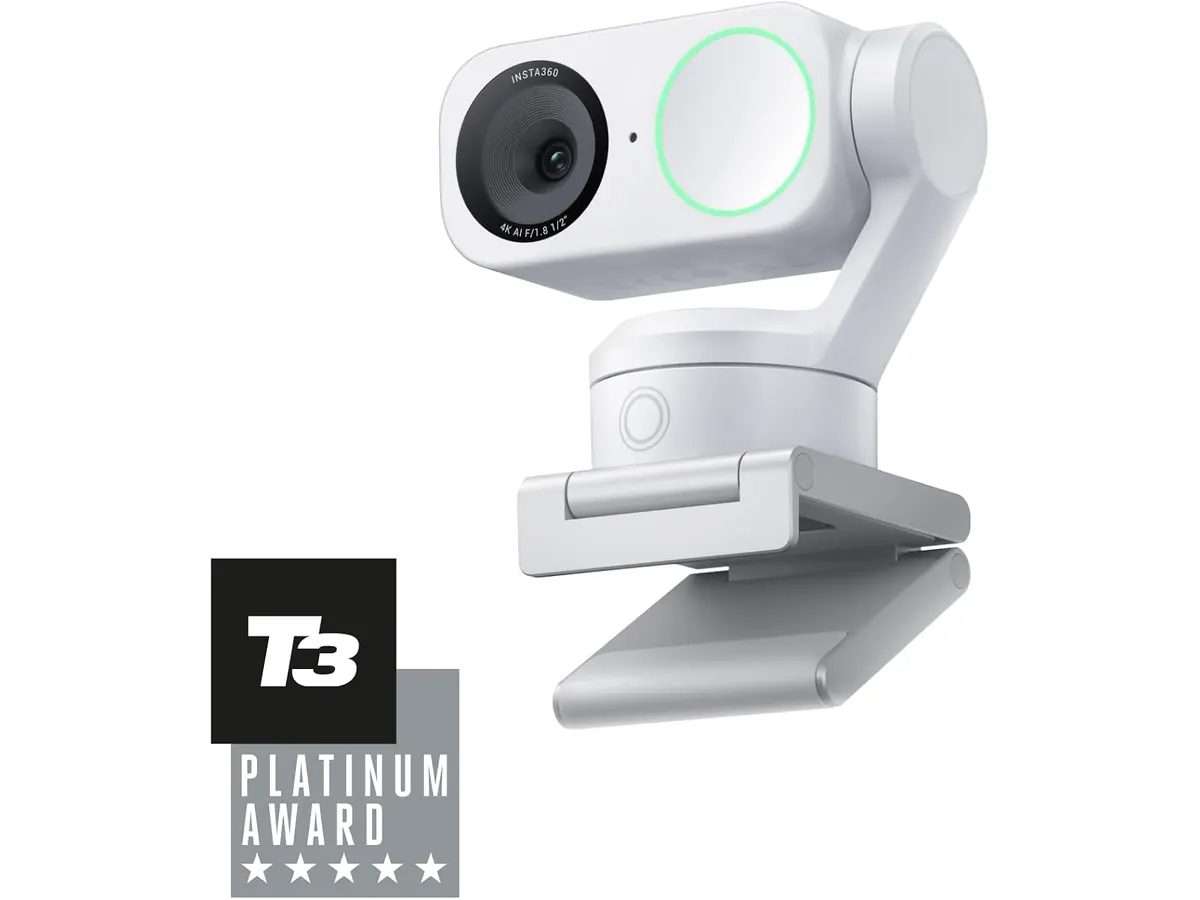
## Alternativas a considerar
En la gama alta existen cámaras fijas de resolución 4K orientadas a quienes no requieren motores de movimiento. Estos modelos ofrecen una calidad óptica excelente y controles de imagen avanzados sin añadir mecanismos de giro que puedan desgastarse con el tiempo.
En la gama media recortada encuentras opciones compactas con encuadre por recorte digital o motores de menor alcance, como las que analizamos en este [análisis del OBSBOT Tiny 3 Lite](/blog/2026-09-26-obsbot-tiny-3-lite). Son una alternativa práctica si buscas seguimiento básico sin invertir en un sensor tan amplio.
## Veredicto
El Insta360 Link 2 análisis demuestra que el seguimiento motorizado por IA y el sensor de 1/2 pulgada marcan un estándar elevado en llamadas de trabajo. El enfoque PDAF reacciona de inmediato y la cancelación de ruido por IA ayuda a prescindir de un microfono usb para videollamadas secundario en entornos tranquilos. Si tus jornadas dependen de videoconferencias fluidas y presentaciones en vivo, esta webcam resolverá tus necesidades visuales con soltura.
## Preguntas frecuentes
### ¿Es compatible la Insta360 Link 2 con computadoras Mac y PC?
Sí, funciona sin problemas en sistemas operativos Windows y macOS, permitiendo usar tanto la cámara como su software de control en ambas plataformas.
### ¿Cómo ayuda el enfoque PDAF durante las reuniones?
La detección de fase ajusta el foco al instante cuando acercas un objeto a la lente, eliminando el molesto parpadeo de desenfoque de las cámaras tradicionales.
### ¿Es necesario usar un micrófono externo con esta webcam?
Su micrófono con cancelación de ruido por IA filtra eficientemente ruidos como ventiladores o el tecleo constante, siendo suficiente para llamadas de voz claras en la oficina.
---
# Amazon Basics Electric Standing Desk: análisis
URL: https://setuplatam.com/blog/2026-11-08-amazon-basics-electric-standing-desk
Category: Escritorios
Published: 2026-11-08
Evaluamos si el Amazon Basics Electric Standing Desk es el mejor escritorio para home office por su ajuste motorizado, memoria y marco de acero.
Trabajar muchas horas sentado desgasta la postura y afecta el rendimiento diario. El Amazon Basics Electric Standing Desk busca resolver esto ofreciendo un cambio de altura ágil mediante un motor integrado. Si buscas el **mejor escritorio para home office** dentro de nuestra selección de [escritorios](/categorias/escritorios), este modelo con estructura de acero ofrece una transición sencilla entre trabajar sentado y de pie.
## Lo que hace bien
El motor integrado mueve la superficie con soltura y sin generar ruido molesto. Pasar de la posición sentada a trabajar de pie toma pocos segundos, lo que facilita alternar la postura durante llamadas o jornadas extensas de concentración.
Los tres botones de memoria programables eliminan la molestia de ajustar la altura a ojo cada vez. Basta con presionar un botón para que el tablero vuelva a tu medida exacta. La pantalla electrónica muestra la altura actual en números claros, garantizando precisión constante.
La superficie de 47 x 24 pulgadas aprovecha de forma eficiente el espacio disponible en habitaciones o apartamentos pequeños. Es suficiente para acomodar una computadora portátil, un monitor secundario, teclado y ratón sin sentirse demasiado ajustado.
El marco de acero industrial aporta firmeza en todo el rango de elevación. Incluso cuando la mesa se encuentra en su punto más alto, la estructura mantiene un apoyo estable para escribir o teclear dinámicamente.
## Especificaciones clave
| Característica | Detalle |
| --- | --- |
| Dimensiones de la superficie | 47 x 24 pulgadas |
| Rango de altura | 28 a 45.7 pulgadas |
| Sistema de memoria | 3 botones programables |
| Estructura | Acero industrial |
| Pantalla | Pantalla electrónica de altura |
| Operación | Motor silencioso |
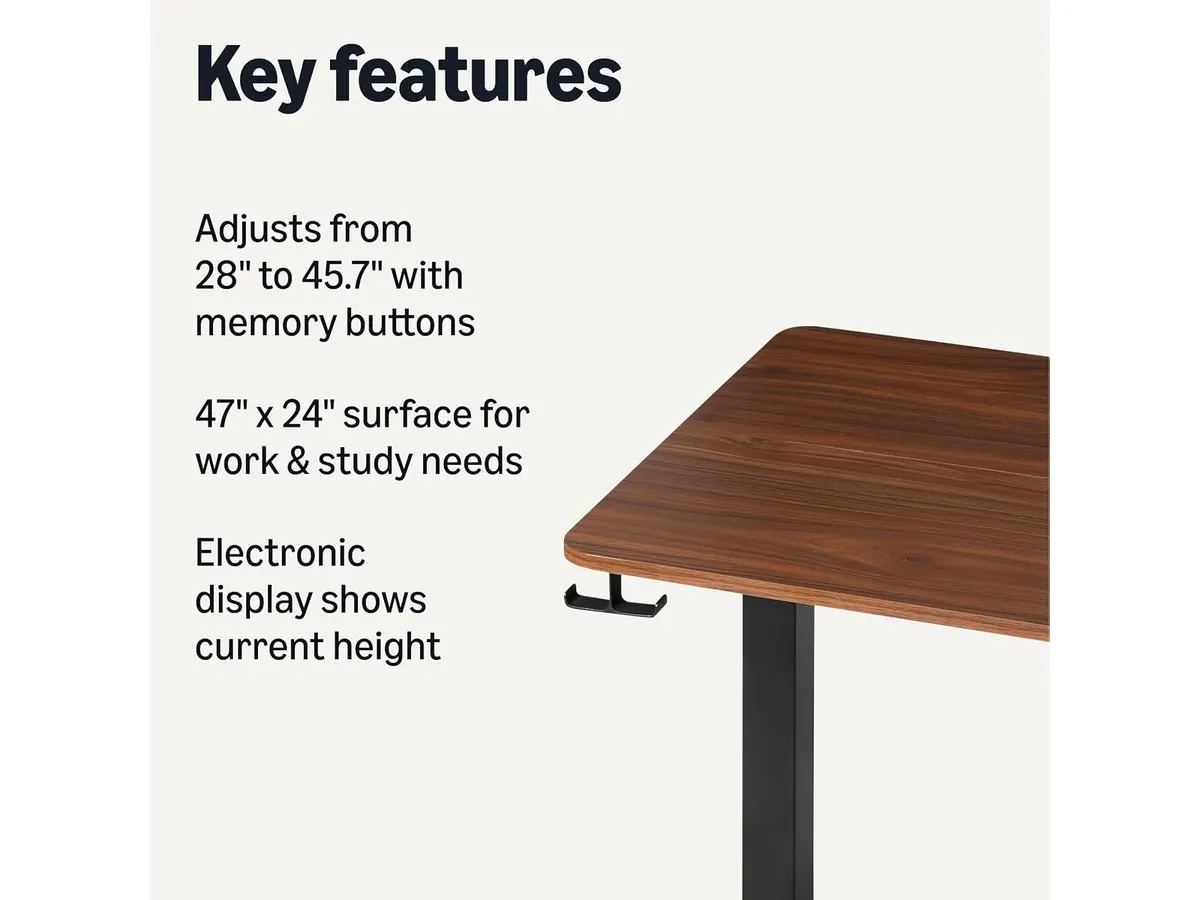
## Dónde flojea
El límite inferior de altura se queda en 28 pulgadas. Para personas de menor estatura, esta elevación mínima al estar sentado puede resultar algo alta sin el uso de un reposapiés o una silla ajustable adecuada.
La profundidad de 24 pulgadas impone ciertas limitaciones si utilizas monitores de gran tamaño con bases anchas. Colocar pantallas de más de 32 pulgadas o dos monitores grandes puede dejar muy poco espacio de separación respecto a los ojos.
El diseño se enfoca estrictamente en lo funcional. No incluye cajones integrados ni accesorios de organización para cables en la caja, por lo que tendrás que gestionar el cableado por tu cuenta.
## ¿Para quién es?
- **Ideal para:** Profesionales en remoto, estudiantes y creadores de contenido que buscan una mesa motorizada confiable sin complicaciones y disponen de un área de trabajo moderada.
- **No recomendado para:** Usuarios que necesitan montar tres monitores grandes, equipos pesados de audio o quienes miden menos de 1.60 metros y prefieren trabajar muy cerca del suelo sin apoyapiés.
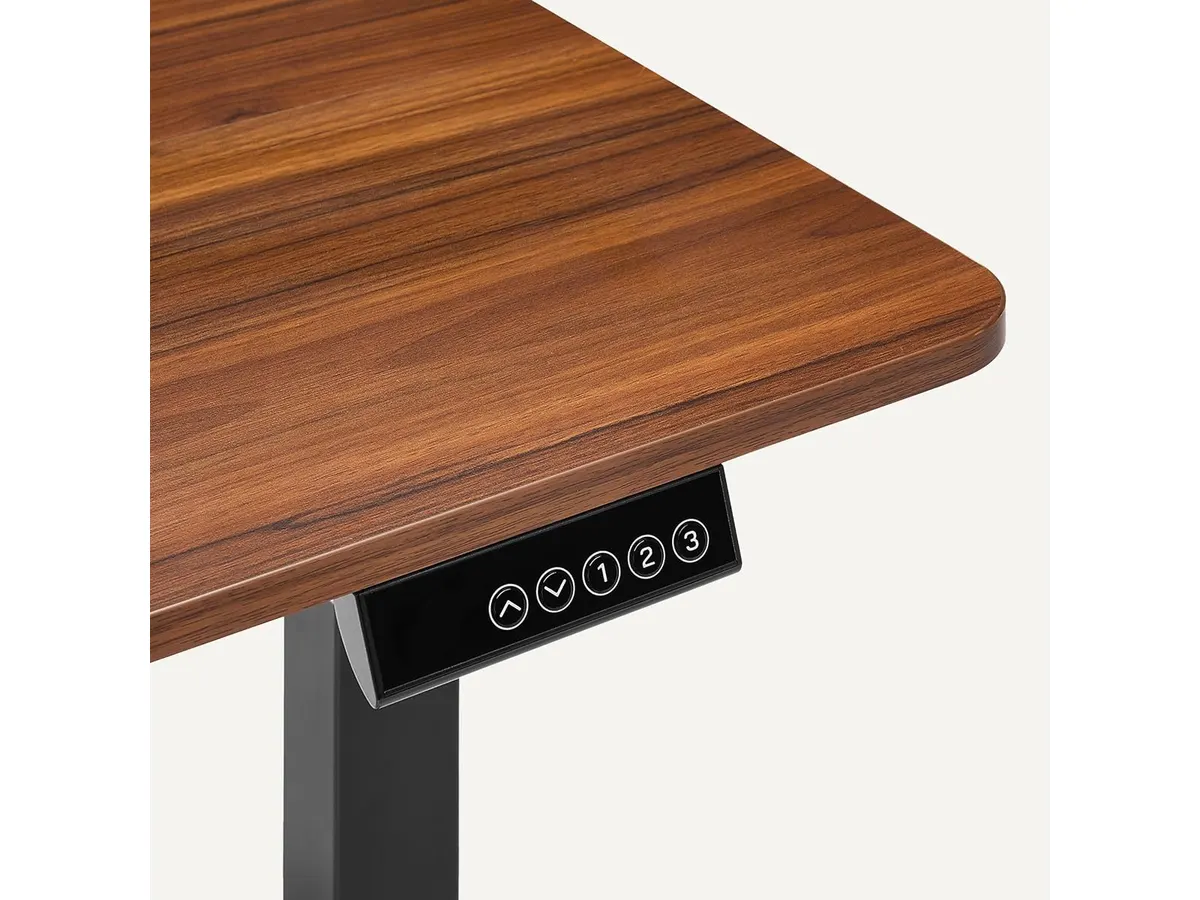
## Alternativas a considerar
Si ya cuentas con una mesa tradicional firme y no quieres deshacerte de ella, una opción práctica en una gama de entrada es utilizar un [convertidor de escritorio elevable para tu oficina](/blog/2026-09-22-flexispot-42-standing-desk-converter). Este tipo de mecanismo se coloca sobre tu mueble actual y te permite alternar de postura con un costo y esfuerzo de armado menores.
Por otro lado, si trabajas con configuraciones más pesadas y buscas acabados de nivel superior con mayor espacio útil, vale la pena mirar un [escritorio elevable premium para tu oficina](/blog/2026-09-22-vari-classic-electric-standing-desk]. Estos modelos suelen ofrecer rangos de altura más amplios, tableros más gruesos y sistemas de gestión de cables más avanzados para usuarios exigentes.
## Veredicto
El Amazon Basics Electric Standing Desk cumple con creces su objetivo principal: ofrecer cambios de postura rápidos, silenciosos y estables. Sus tres botones de memoria y su marco de acero industrial le otorgan un valor práctico alto para el día a día en el trabajo remoto. Si necesitas una mesa de trabajo funcional y compacta sin pagar por extras innecesarios, esta es una recomendación sólida.
## Preguntas frecuentes
### ¿Por qué este modelo destaca como el mejor escritorio para home office básico?
Destaca por equilibrar un motor silencioso, tres memorias programables y un marco rígido de acero industrial en un tamaño muy fácil de acomodar en habitaciones pequeñas.
### ¿Es difícil configurar las memorias de altura en la pantalla electrónica?
No, el proceso es sumamente directo. Solo debes ajustar el escritorio a la altura deseada y mantener presionado el botón de memoria seleccionado para guardar la posición.
### ¿Caben dos monitores en el tablero de 47 x 24 pulgadas?
Es posible colocar dos monitores pequeños de 21 a 24 pulgadas o bien un monitor principal amplio junto a una computadora portátil en su soporte.
---
# Govee Monitor Light Bar: luz RGB y sensor mmWave
URL: https://setuplatam.com/blog/2026-11-08-govee-monitor-light-bar
Category: Iluminación
Published: 2026-11-08
¿Buscas la mejor lampara de escritorio para trabajar? Analizamos la Govee Monitor Light Bar con sensor mmWave, iluminación RGBIC y cuidado ocular TÜV.
La **Govee Monitor Light Bar** llega para resolver el problema recurrente de la fatiga visual en espacios de trabajo saturados. Pensada para profesionales remotos, creadores y usuarios que pasan horas frente al monitor, esta **barra de luz para monitor** combina protección ocular con automatización avanzada. Si evalúas opciones dentro del catálogo de [accesorios de iluminación](/categorias/iluminacion), este modelo ofrece un equilibrio sobresaliente entre luz de trabajo y ambiente inteligente.
## Lo que hace bien
El punto fuerte de este dispositivo es la calidad de su iluminación frontal. Su proyección asimétrica dirige el flujo de luz hacia la mesa sin generar reflejos en el panel. Cuenta con la certificación TÜV Rheinland eye comfort y permite ajustar la temperatura de color entre 2700K y 6500K, pasando de tonos cálidos para la noche a luz fría enfocada para la mañana.
La automatización marca una diferencia clara frente a lámparas convencionales. Integra un sensor de radar mmWave que detecta presencia física en el escritorio para encender o apagar la luz automáticamente, sumado a un sensor de luz ambiental que regula la intensidad según el entorno.
En la parte posterior, dispone de iluminación Dual-Sided RGBIC. Esta luz ambiental se sincroniza con el contenido de la pantalla para crear un entorno inmersivo durante sesiones creativas o de entretenimiento.
Su integración con el hogar inteligente resulta impecable. Soporta protocolos modernos como Matter, además de integración con Google Assistant y SmartThings para control de voz. Su soporte flexible acomoda monitores con un grosor de 0.3 a 16 cm, funcionando tanto en pantallas planas como en paneles curvos.
## Especificaciones clave
| Especificación | Detalle |
| --- | --- |
| Marca | Govee |
| Modelo | Govee Monitor Light Bar |
| Temperatura de color | 2700K - 6500K |
| Iluminación | Asimétrica frontal y Dual-Sided RGBIC trasera |
| Compatibilidad de grosor | 0.3 - 16 cm |
| Certificaciones | TÜV Rheinland eye comfort |
| Sensores | Radar mmWave y sensor de luz ambiental |
| Conectividad | Matter, Google Assistant y SmartThings |
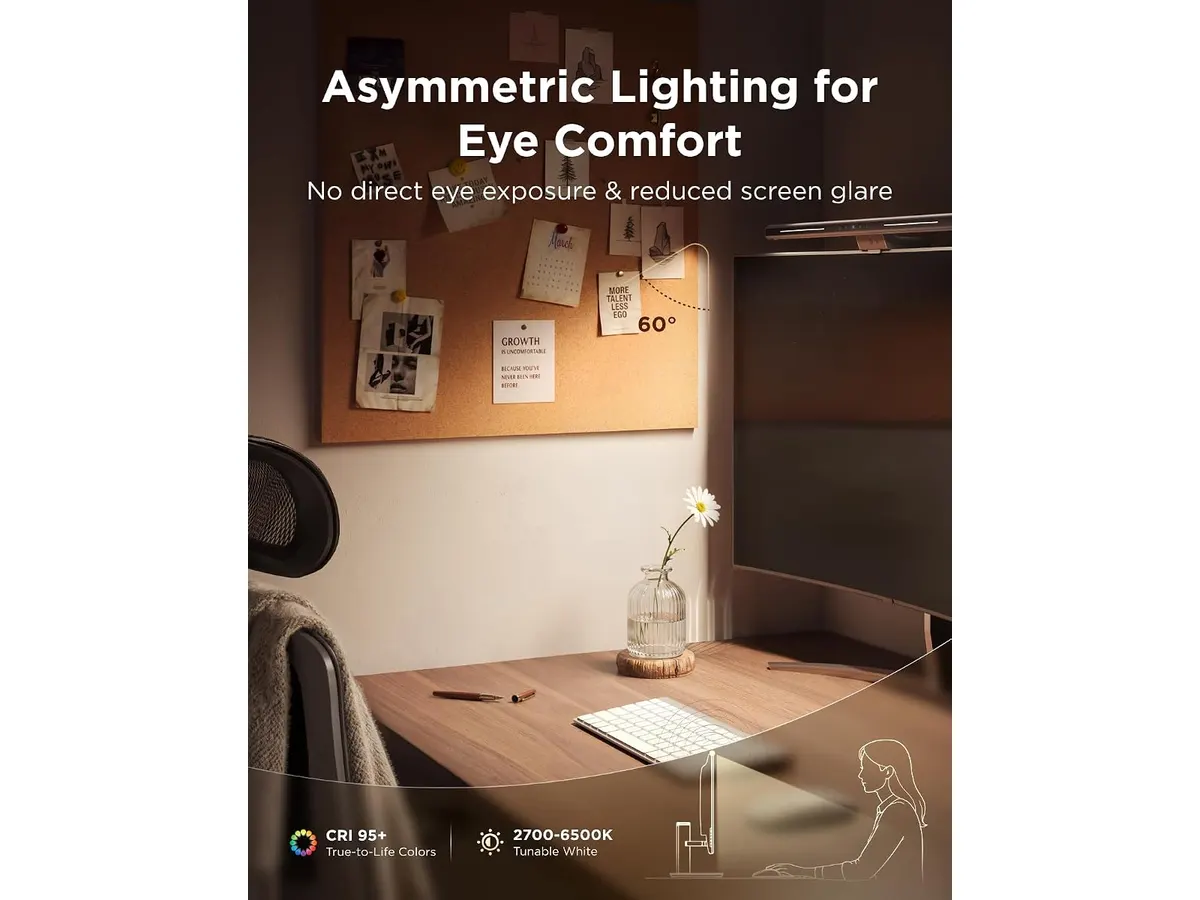
## Dónde flojea
La retroiluminación trasera RGBIC puede ser excesiva para quienes buscan un espacio de trabajo estrictamente sobrio. Si no planeas utilizar efectos de color, estás pagando por una función que dejarás apagada.
Para aprovechar al máximo el control por voz y las automatizaciones complejas, es obligatorio configurar la aplicación oficial o vincularla a un ecosistema smart home. No es una simple lámpara de conectar y olvidar si quieres usar todo su potencial.
Aunque el soporte se adapta a un rango amplio de 0.3 a 16 cm, pantallas con diseños traseros muy irregulares o protuberancias pronunciadas pueden requerir paciencia durante la colocación inicial.
## ¿Para quién es la mejor lampara de escritorio para trabajar?
Esta barra de luz es ideal para profesionales que buscan la **mejor lampara de escritorio para trabajar** en jornadas prolongadas y valoran la automatización. Si quieres encendido por presencia, integración con comandos de voz y una **lampara led para home office** que cuide tus ojos, la inversión rinde desde el primer día.
No es recomendable para usuarios con presupuestos ajustados que solo necesitan iluminación frontal básica de encendido manual, ni para quienes rechazan cualquier tipo de conectividad inteligente en su escritorio.
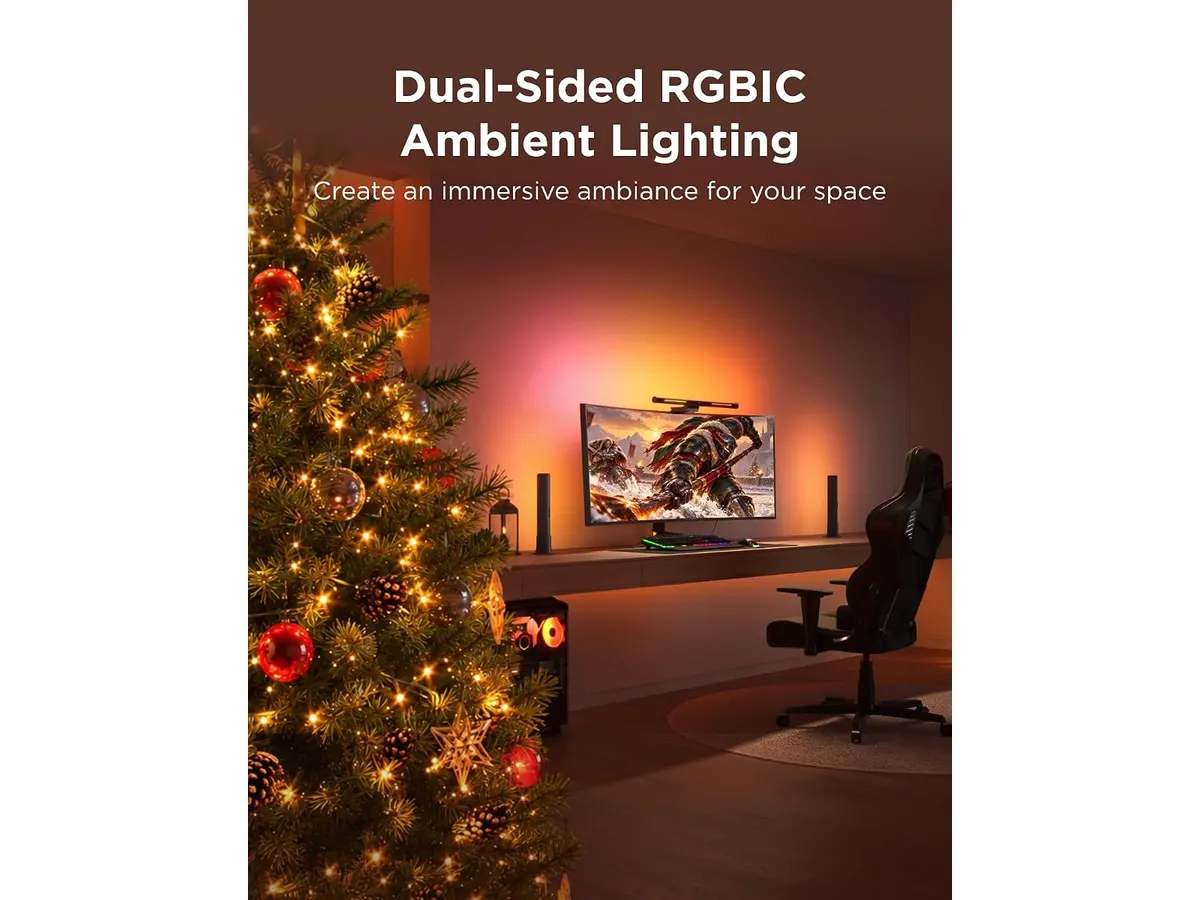
## Alternativas a considerar
En el segmento de iluminación directa para pantalla existen modelos orientados al ahorro. Si no necesitas sensores de presencia ni retroiluminación decorativa, puedes revisar nuestro [análisis de la Quntis Computer Monitor Lamp](/blog/2026-09-22-quntis-computer-monitor-lamp), centrado en funcionalidad básica y directa.
Si prefieres una estructura flexible con brazo articulado sobre la superficie de la mesa en lugar de colgar el accesorio en el monitor, te sugerimos consultar la [reseña de la Pzloz LED Desk Lamp](/blog/2026-09-22-sandroy-volt-led-desk-lamp).
## Veredicto
El **Govee Monitor Light Bar análisis** demuestra que es un producto completo que combina cuidado de la vista con la practicidad de los sensores mmWave y el ecosistema Matter. Su iluminación asimétrica elimina el cansancio ocular y la luz RGBIC aporta versatilidad visual cuando terminas la jornada laboral. Si buscas modernizar tu setup con tecnología útil, esta **Govee Iluminacion** es una compra totalmente acertada.
## Preguntas frecuentes
### ¿Funciona la Govee Monitor Light Bar en monitores curvos?
Sí. Su soporte flexible está diseñado para adaptarse a pantallas planas y curvas con grosores de entre 0.3 y 16 cm sin dañar el panel.
### ¿Para qué sirve el sensor de radar mmWave en esta lámpara?
Detecta la presencia humana frente al escritorio. Esto permite que la luz se encienda automáticamente cuando te sientas a trabajar y se apague al retirarte.
### ¿Proporciona buena iluminacion para videollamadas?
Al ser una luz asimétrica orientada hacia abajo y hacia el escritorio, reduce las sombras molestas frente a la cámara y mejora la iluminación general de tu rostro sin deslumbrarte.
---
# Logitech Ergo M575S: análisis del trackball
URL: https://setuplatam.com/blog/2026-11-07-logitech-ergo-m575s
Category: Periféricos
Published: 2026-11-07
Evaluamos el Logitech Ergo M575S, un raton ergonomico para trabajar que busca posicionarse entre los mejores perifericos para home office y escritorios.
El Logitech Ergo M575S llega para resolver la fatiga de muñeca sin ocupar espacio extra en el escritorio. Diseñado para trabajar largas horas sin desplazar el brazo, este ratón ergonómico para trabajar confía el cursor enteramente al movimiento del pulgar. Es una incorporación valiosa a nuestra categoría de [Perifericos](/categorias/perifericos) que destaca cuando buscas los mejores perifericos para home office en espacios reducidos.
## Lo que hace bien
El punto más fuerte del Logitech Ergo M575S reside en su diseño ergonómico certificado. Al no requerir deslizamiento físico sobre la alfombrilla, reduce en un 25% la tensión muscular del antebrazo en comparación con un ratón convencional. El brazo se mantiene en una posición neutra y descansada durante toda la jornada laboral.
Su precisión depende de una bola accionada por el pulgar que rueda de forma fluida. Lo interesante de este sistema es que funciona sobre cualquier superficie: desde una mesa de cristal hasta el brazo de un sofá o un escritorio saturado de documentos. No necesitas espacio despejado para mover el cursor.
Los clics son notablemente silenciosos, lo que evita distracciones durante llamadas de voz o sesiones nocturnas de trabajo. Para la conectividad, ofrece flexibilidad real al permitir emparejarlo mediante Bluetooth o usar el receptor USB Logi Bolt incluido, garantizando un enlace estable en entornos saturados de señales inalámbricas.
El apartado de personalización está cubierto por el software Logi Options+. Cuenta con 3 botones configurables donde puedes asignar atajos rápidos o acciones automatizadas mediante Smart Actions. Todo esto se complementa con una autonomía sobresaliente de hasta 18 meses usando una única pila AA incluida, además de estar fabricado con un 52% de plástico reciclado posconsumo en su versión Grafito.
## Especificaciones clave
| Característica | Detalle |
| --- | --- |
| Tipo de control | Trackball para pulgar con clics silenciosos |
| Conectividad | Bluetooth y receptor USB Logi Bolt |
| Botones personalizables | 3 botones (soporta Smart Actions en Logi Options+) |
| Autonomía | Hasta 18 meses (1 pila AA incluida) |
| Software | Logi Options+ |
| Sostenibilidad | Plástico reciclado posconsumo (52% en modelo Grafito) |
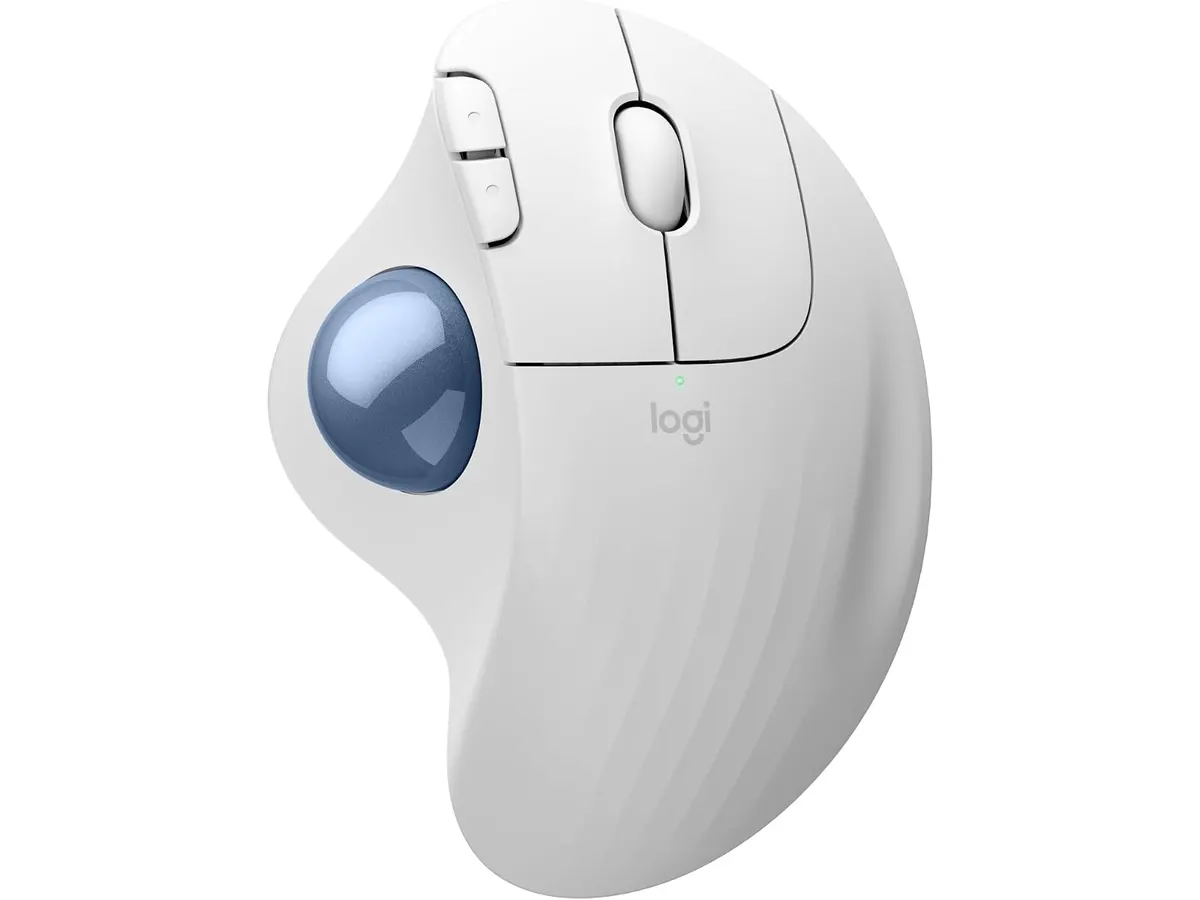
## Dónde flojea
El uso del trackball no es intuitivo desde el primer minuto. Si nunca has operado un cursor con el pulgar, necesitarás entre tres y cinco días para ganar la precisión fina a la que estás acostumbrado con un sensor óptico tradicional.
El mantenimiento es otro factor inevitable. El polvo y la grasa natural de la piel se acumulan periódicamente en el alojamiento interno de la bola, por lo que hace falta extraerla de vez en cuando para limpiar los tres puntos de apoyo internos.
Finalmente, este modelo está diseñado exclusivamente para usuarios diestros. Quienes busquen un formato ambidiestro o una tasa de refresco apta para videojuegos competitivos deberán mirar hacia otras opciones dentro del catálogo de Logitech Perifericos.
## ¿Para quién es?
Este trackball es ideal para profesionales de oficina, programadores y redactores que pasan más de seis horas diarias frente a la pantalla y sufren tensión en la articulación de la muñeca. También encaja a la perfección en escritorios pequeños donde no hay margen para desplazar un ratón clásico.
No es la opción adecuada para jugadores de ritmo rápido ni para personas que dependen de un movimiento completo de brazo para tareas de edición gráfica de alta velocidad. Tampoco servirá a usuarios zurdos debido a la curvatura fija de su chasis.
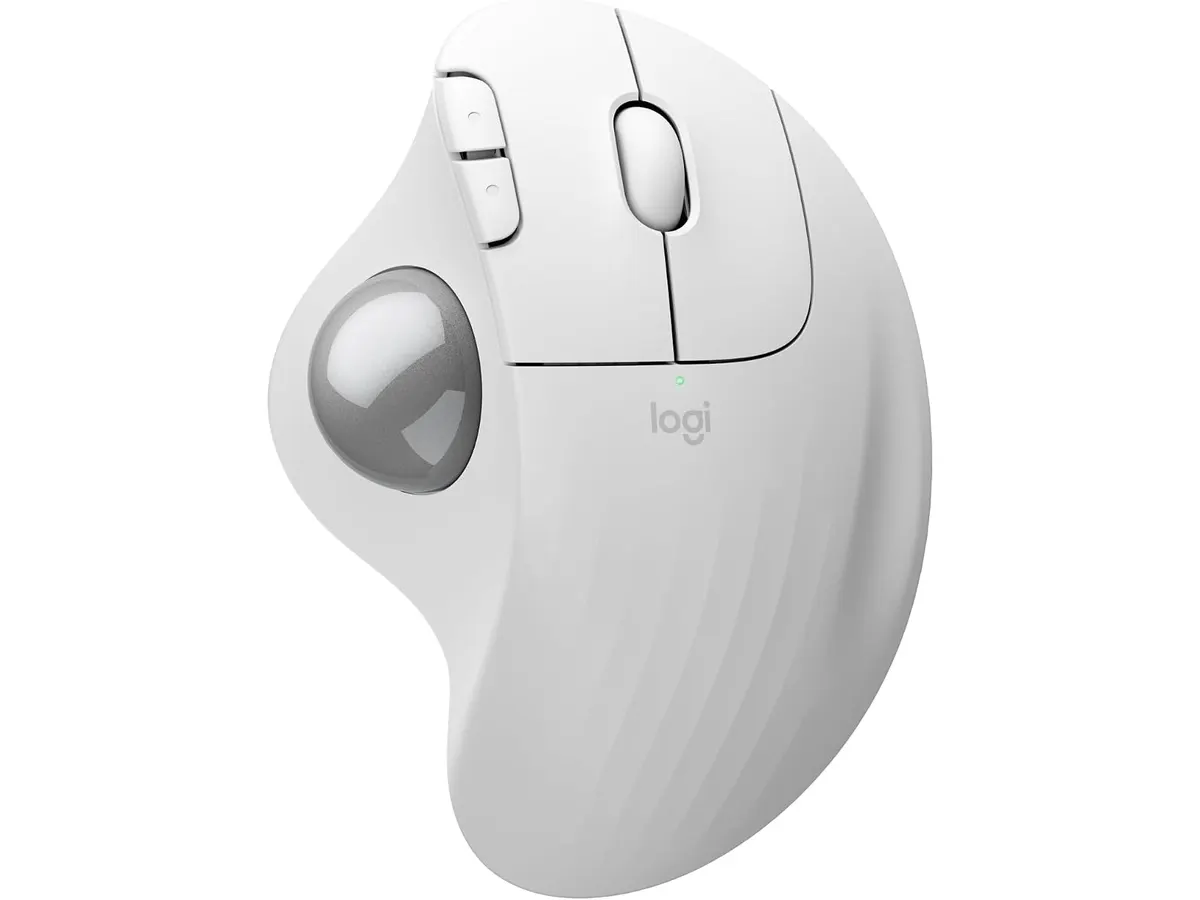
## Alternativas a considerar
Si buscas una ergonomía convencional con desplazamiento completo del antebrazo y rueda de desplazamiento magnética de gama alta, el [Logitech MX Master 3S](/blog/2026-09-22-logitech-mx-master-3s) prescinde del trackball y ofrece un sensor óptico tradicional capaz de rastrear sobre cristal con un perfil de características superior.
Por otro lado, si tu prioridad es un presupuesto más ajustado o un formato ultracompacto para viajar sin complicaciones de aprendizaje, revisar el [Análisis del iClever Wireless Mouse](/blog/2026-09-22-iclever-wireless-mouse) te dará una visión de lo que ofrece un ratón silencioso estándar de formato plano.
## Veredicto: uno de los mejores perifericos para home office
El Logitech Ergo M575S cumple con su promesa de aliviar la fatiga muscular y maximizar el espacio útil en tu mesa de trabajo. Aunque exige un breve periodo de adaptación, su conectividad doble mediante Logi Bolt y Bluetooth, junto a sus 18 meses de autonomía, lo convierten en una recomendación sólida. Si buscas armar un combo eficiente junto a un buen teclado y raton para oficina en casa o un teclado para teletrabajo, este trackball destaca por su comodidad técnica continua.
## Preguntas frecuentes
### ¿Es complicado adaptarse al control por trackball?
La mayoría de los usuarios tarda de dos a cuatro días en recuperar la velocidad de navegación habitual. Al principio se siente inusual mover únicamente el pulgar, pero la reducción de fatiga en el antebrazo compensa rápidamente el proceso de aprendizaje.
### ¿Cómo se limpia la bola del trackball?
La bola se retira fácilmente empujándola desde el orificio inferior del dispositivo con el extremo posterior de un lápiz. Basta con limpiar los tres sensores internos con un paño seco para eliminar el polvo acumulado.
### ¿Funciona sin instalar el software Logi Options+?
Sí, el dispositivo es completamente funcional mediante Bluetooth o el receptor USB Logi Bolt sin instalar nada. Sin embargo, el software es necesario si deseas personalizar los 3 botones y configurar atajos con Smart Actions.
---
# Análisis del ViewSonic VX3276-MHD para tu setup
URL: https://setuplatam.com/blog/2026-11-07-viewsonic-vx3276-mhd
Category: Monitores
Published: 2026-11-07
¿Buscas el mejor monitor para home office con pantalla gigante? Analizamos el ViewSonic VX3276-MHD: panel IPS de 32 pulgadas, modos de visualización y más.
El ViewSonic VX3276-MHD busca resolver la falta de espacio visual para quienes pasan horas frente a planillas y documentos abiertos lado a lado. Diseñado para profesionales y estudiantes, se perfila como un candidato a considerar si buscas el mejor monitor para home office en formato grande. Si deseas explorar más opciones de pantalla, puedes revisar nuestra sección dedicada a [monitores](/categorias/monitores).
## Lo que hace bien
Un panel de 32 pulgadas transforma la manera de trabajar en el escritorio. Los biseles ultra delgados aprovechan al máximo el espacio físico del equipo, dándole una apariencia limpia sobre la mesa de trabajo.
El panel IPS asegura que los colores se mantengan precisos y los ángulos de visión sean amplios. No importa si te inclinas hacia un lado o compartes la pantalla con un compañero, la imagen conserva su tono sin distorsiones molestas.
La inclusión de tecnología de cuidado ocular marca una diferencia real en la rutina diaria. El sistema Flicker-Free elimina el parpadeo invisible de la retroiluminación, mientras que el filtro de luz azul reduce la radiación dañina en sesiones nocturnas.
Para facilitar el uso diario, el fabricante integra modos de visualización preestablecidos para Texto, Juego y Película. Cambiar entre la lectura de reportes y el consumo multimedia requiere apenas un ajuste rápido. Además, la conectividad es versátil gracias a sus puertos HDMI, DisplayPort y VGA.
## Especificaciones clave
| Característica | Especificación |
| --- | --- |
| Tamaño de pantalla | 32 pulgadas |
| Resolución | 1920 x 1080 (Full HD) |
| Tasa de refresco | 75Hz |
| Tipo de panel | IPS |
| Conectividad | HDMI, DisplayPort, VGA |
| Cuidado ocular | Flicker-Free y filtro de luz azul |
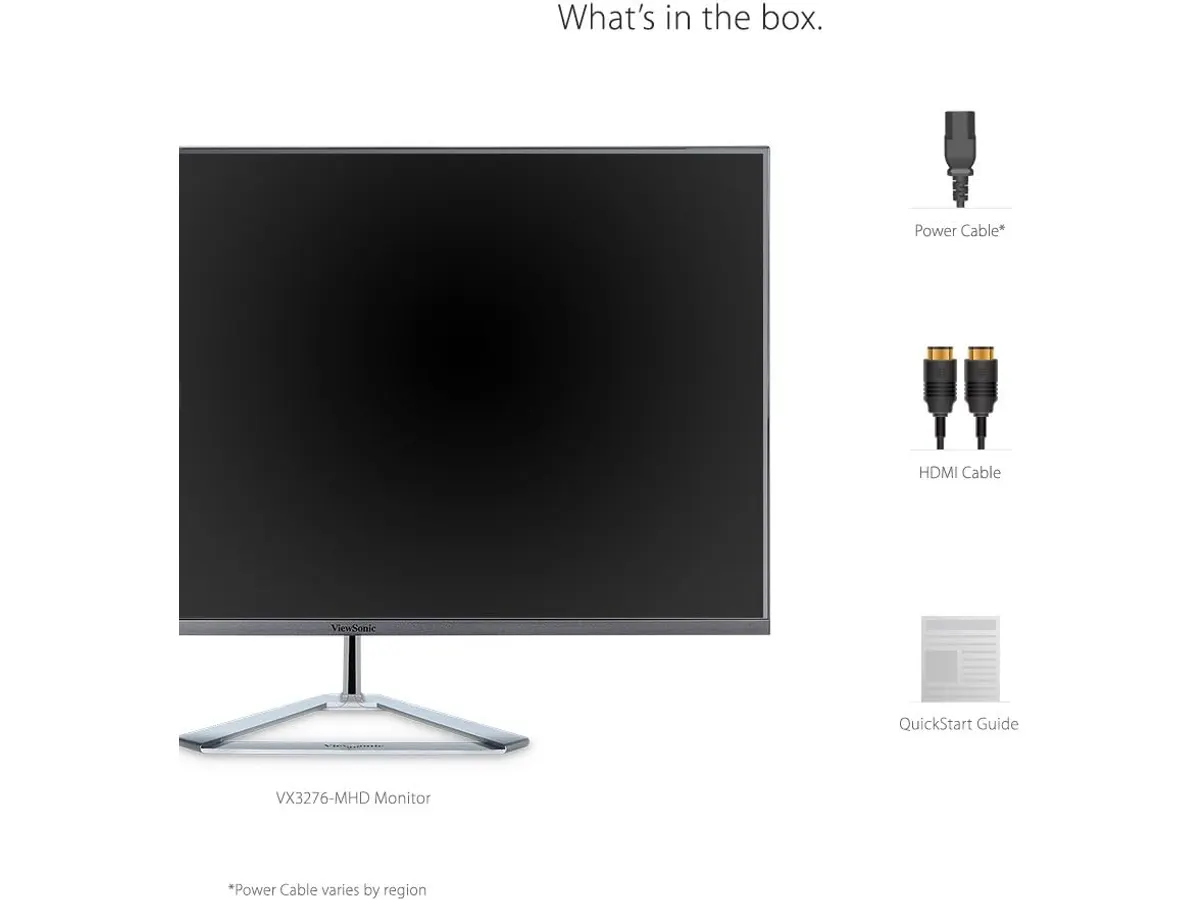
## Dónde flojea
La combinación de 1920 x 1080 píxeles en un formato de 32 pulgadas genera una densidad de píxeles baja. Quienes trabajan muy cerca de la pantalla notarán cierta falta de nitidez en los bordes de los textos y fuentes pequeñas.
La tasa de refresco alcanza los 75Hz. Resulta suficiente para tareas de oficina y navegación fluida, pero se queda corta para quienes buscan un monitor enfocado en videojuegos competitivos de alta velocidad.
## ¿Para quién es el mejor monitor para home office?
Le encaja a profesionales de oficina, administradores y estudiantes que priorizan la escala de los elementos sobre la densidad de píxeles. Quienes prefieren trabajar a una distancia prudente del escritorio o necesitan conectar laptops antiguas mediante puerto VGA encontrarán aquí una solución práctica para el teletrabajo.
No le encaja a editores de fotografía, diseñadores gráficos ni programadores que necesitan máxima claridad de texto por pulgada. Si trabajas con código o edición detallada, te conviene evaluar el [análisis del Dell UltraSharp U2724D](/blog/2026-09-22-dell-ultrasharp-u2724d) para ver lo que ofrece una pantalla de alta resolución y densidad superior.
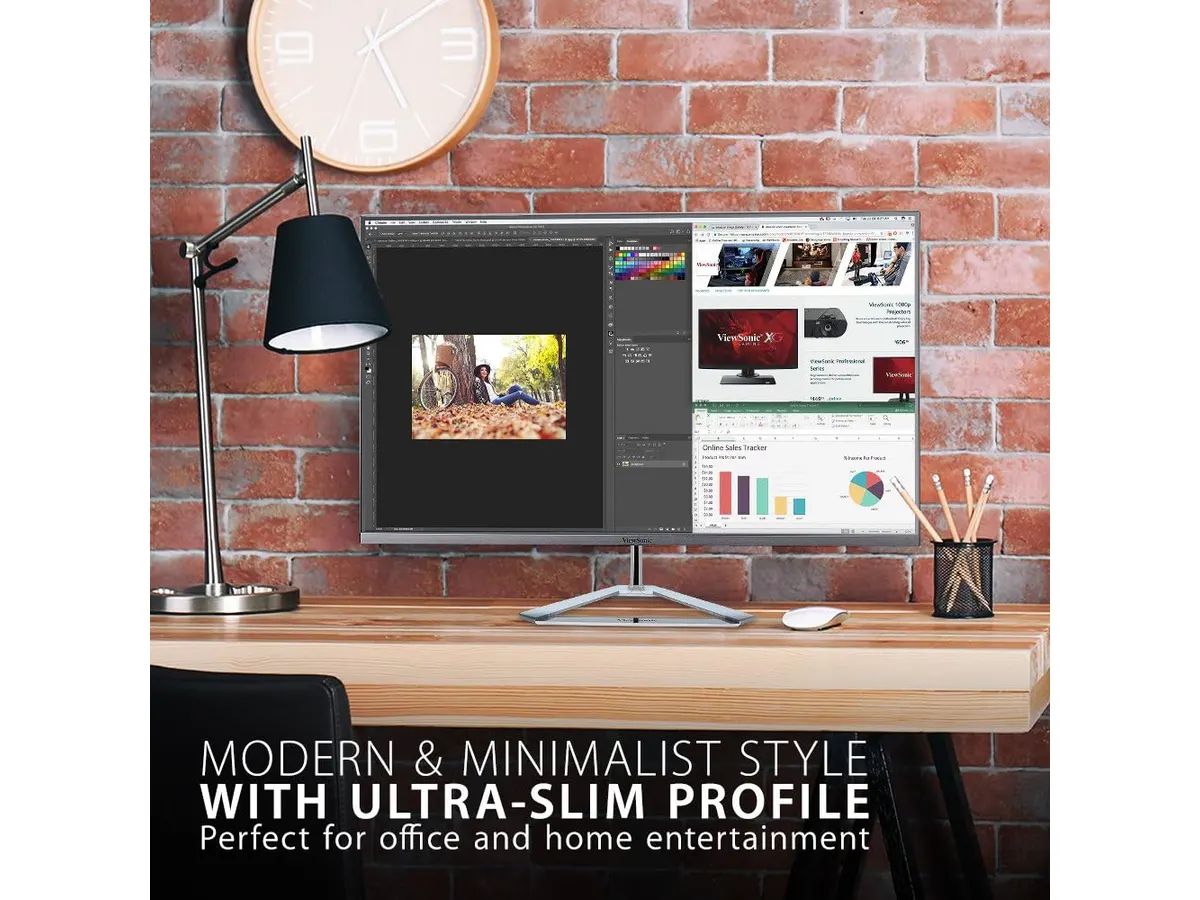
## Alternativas a considerar
- **Gama media de 27 pulgadas en QHD:** Si el tamaño de 32 pulgadas te resulta excesivo o te preocupa la nitidez de las letras, los modelos de 27 pulgadas con resolución 1440p son el punto medio ideal. Si buscas un monitor 27 pulgadas para trabajar con nitidez nítida, esa gama de mayor resolución resulta más conveniente.
- **Setup dual económico de 27 pulgadas:** En lugar de un solo panel grande de 1080p, organizar tu espacio con dos pantallas independientes te permite separar chats de trabajo y aplicaciones principales con facilidad. Para explorar este formato, consulta la [reseña del paquete dual Gigastone](/blog/2026-09-22-gigastone-27-ips-2-pack).
## Veredicto
El ViewSonic VX3276-MHD entrega un espacio de trabajo amplio para la rutina diaria sin complicar tus conexiones. Su panel IPS y sus funciones de cuidado ocular protegen la vista en jornadas extensas. Aunque la resolución Full HD se queda justa en este tamaño, su diseño delgado lo consolida como un práctico monitor para teletrabajo de oficina.
## Preguntas frecuentes
### ¿Se puede conectar este monitor a una laptop antigua?
Sí. El equipo incluye un puerto VGA para computadoras de generaciones anteriores, además de entradas HDMI y DisplayPort para equipos modernos.
### ¿Es adecuado el ViewSonic VX3276-MHD para jugar?
Ofrece 75Hz de refresco y modos preestablecidos de imagen para juegos, pero no está diseñado para deportes electrónicos o juegos de alta velocidad competitiva.
### ¿Ayuda a reducir la fatiga visual?
Cuenta con tecnología Flicker-Free sin parpadeos y un filtro de luz azul integrados, ideal al usar esta pantalla para trabajar desde casa durante muchas horas.
---
# Análisis del Acer CB272K bmiprux para home office
URL: https://setuplatam.com/blog/2026-11-06-acer-cb272k-bmiprux
Category: Monitores
Published: 2026-11-06
Evaluamos el Acer CB272K bmiprux, un candidato destacado a mejor monitor para home office gracias a su panel IPS 4K UHD, conectividad USB-C y 99% sRGB.
El Acer CB272K bmiprux se posiciona como una propuesta relevante para quien busca el **mejor monitor para home office** sin complicaciones técnicas. En este **Acer CB272K bmiprux análisis** examinamos cómo su diagonal de 27 pulgadas y resolución 4K UHD responden a las demandas reales del trabajo diario. Este modelo amplía las opciones en nuestra guía de [Monitores](/categorias/monitores), priorizando la nitidez de texto, la fatiga visual mínima y la practicidad de un único cable sobre el escritorio.
## Lo que hace bien
### Un candidato a mejor monitor para home office
- **Definición de texto 4K**: La densidad de píxeles que ofrece la resolución de 3840 x 2160 en un panel de 27 pulgadas transforma la experiencia al leer documentos, revisar hojas de cálculo o escribir código. Las tipografías lucen delineadas y sin bordes difusos.
- **Conexión simplificada por USB-C**: El puerto USB 3.1 Type-C transmite la señal de video, envía datos y alimenta la batería de tu computadora portátil de forma simultánea. Mantener la superficie de trabajo ordenada requiere solo este cable.
- **Fidelidad sRGB y protección ocular**: Su panel IPS entrega ángulos de visión amplios con una cobertura del 99% del espacio de color sRGB. La tecnología Eyesafe Display filtra las ondas de luz azul perjudiciales sin alterar el equilibrio térmico de la pantalla ni virar la imagen hacia tonos amarillentos.
- **Diseño sin bordes y sincronización fluida**: El acabado sin marco maximiza el espacio útil del panel y simplifica la integración en setups de pantallas múltiples. Además, cuenta con AMD FreeSync para evitar saltos o cortes al reproducir video.
## Especificaciones clave
| Característica | Especificación |
| --- | --- |
| Tamaño de pantalla | 27 pulgadas |
| Resolución | 3840 x 2160 (4K UHD) |
| Tipo de panel | IPS |
| Tasa de refresco | 60 Hz |
| Relación de aspecto | 16:9 |
| Cobertura de color | 99% sRGB |
| Conectividad USB | USB 3.1 Type-C |
| Tecnologías visuales | AMD FreeSync, Eyesafe Display |
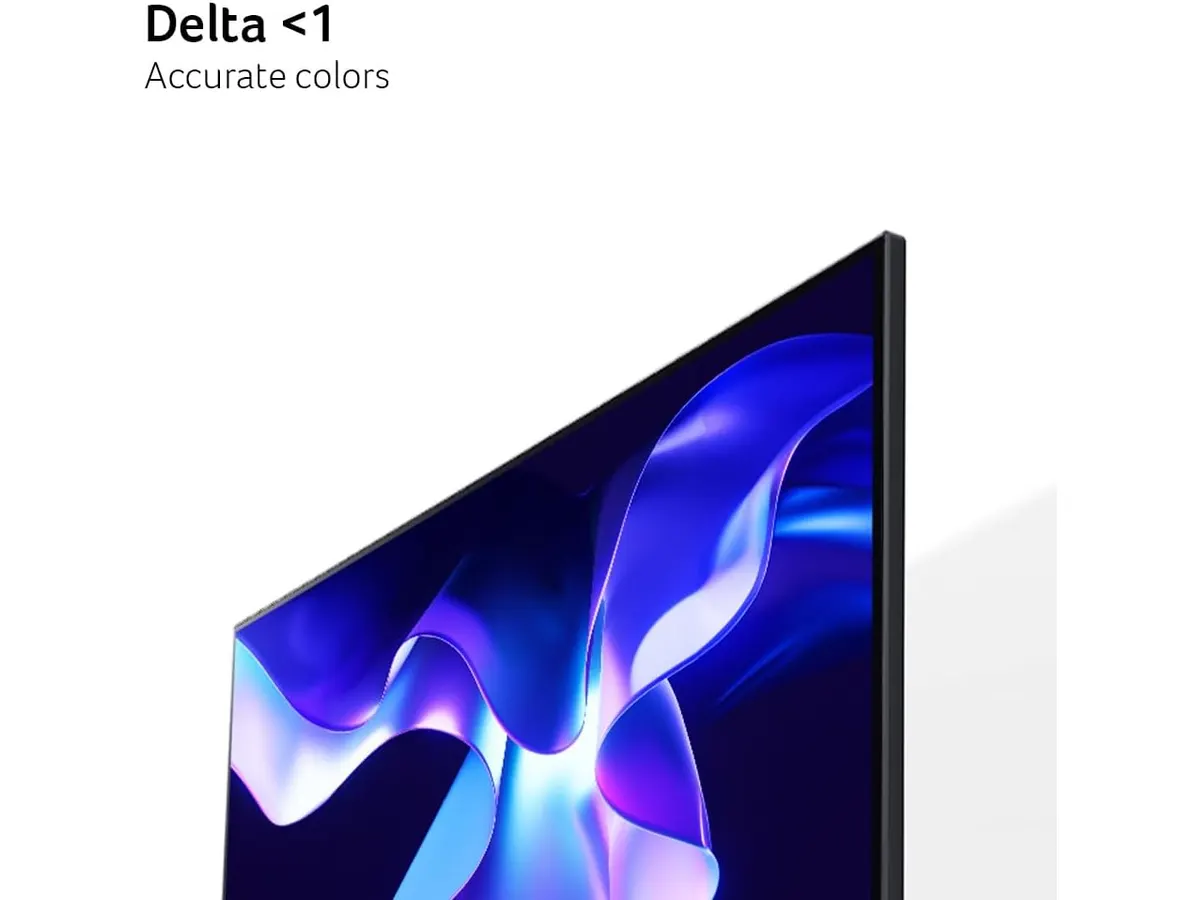
## Dónde flojea
- **Tasa de refresco de 60 Hz**: Es una frecuencia impecable para escribir, editar documentos o ver streaming, pero se queda corta si buscas transiciones ultra fluidas en títulos de alta velocidad o videojuegos competitivos.
- **Perfil cromático pensado en sRGB**: Cubrir el 99% sRGB es suficiente para oficina y programación, pero puede quedarse limitado si tu flujo de trabajo profesional requiere espacios extendidos como DCI-P3 o Adobe RGB para impresión comercial.
- **Hub USB ajustado**: El puerto USB 3.1 Type-C es sumamente útil para conectar el equipo principal, pero el monitor no integra una red más amplia de puertos USB secundarios para conectar múltiples accesorios externos directamente a la pantalla.
## ¿Para quién es?
Este equipo encaja muy bien si buscas un **monitor 27 pulgadas para trabajar** con nitidez absoluta y un cable único de alimentación y video. Es una elección sólida como **monitor para teletrabajo**, orientado a desarrolladores, consultores y profesionales que pasan más de ocho horas frente a la pantalla y valoran la ergonomía visual.
No resulta la compra idónea para gamers entusiastas que demanden tasas de refresco superiores a 120 Hz ni para diseñadores gráficos cuyo trabajo central dependa de la preparación de archivos de impresión en espacios de color extendidos.
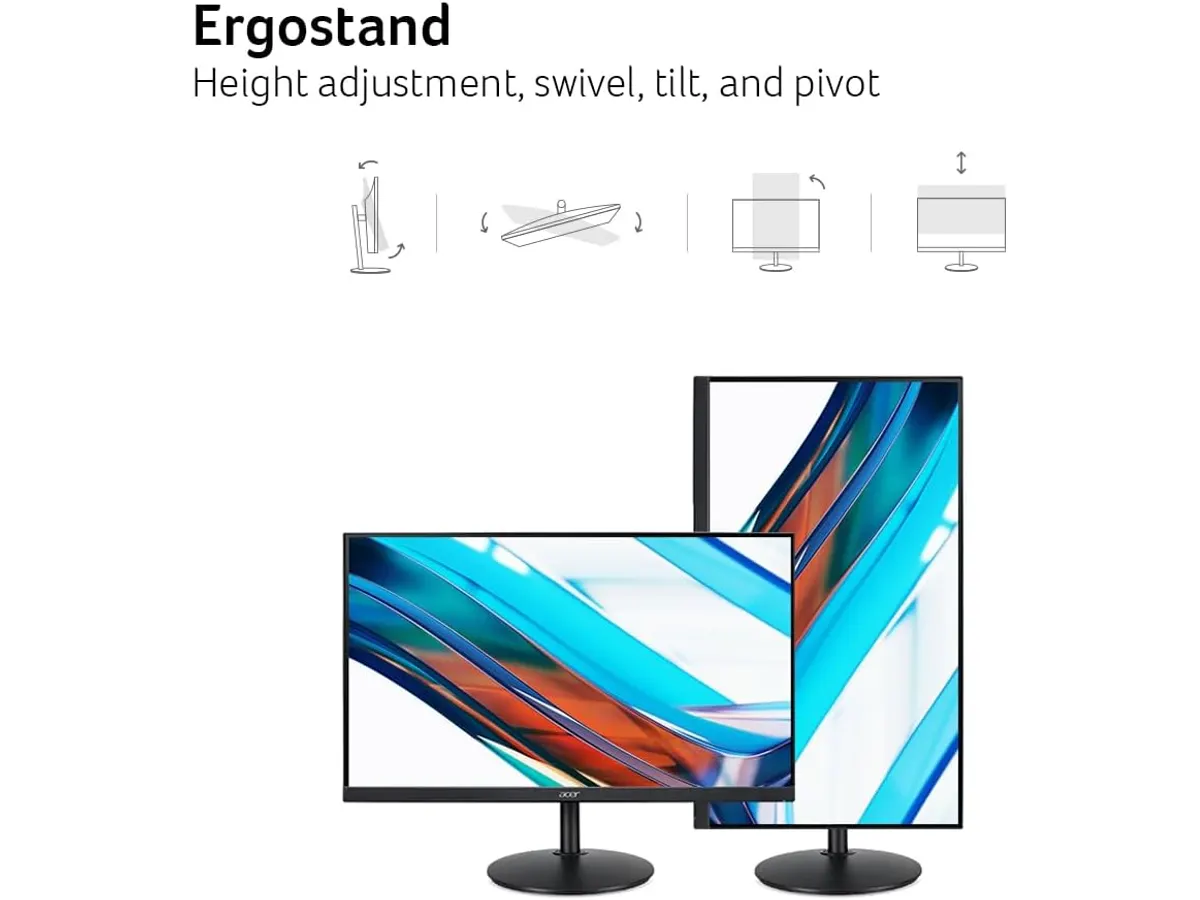
## Alternativas a considerar
Si tu prioridad es armar un espacio de trabajo expansivo mediante pantallas múltiples manteniendo un presupuesto equilibrado, una configuración doble en resolución menor puede darte más espacio horizontal de trabajo. Puedes revisar nuestro [análisis del Gigastone 27" IPS 2-Pack](/blog/2026-09-22-gigastone-27-ips-2-pack) para evaluar las ventajas de operar con dos monitores paralelos.
Para quienes buscan combinar la jornada laboral con el entretenimiento dinámico y priorizan la velocidad de respuesta en la pantalla, existen opciones orientadas a paneles más veloces. Te recomendamos consultar la [revisión del monitor LG UltraGear 27G61ZB-B](/blog/2026-09-22-lg-ultragear-27g61zb-b) para comparar la experiencia entre un monitor de oficina y uno pensado para gaming activo.
## Veredicto
El Acer CB272K bmiprux cumple con solvencia las exigencias centrales de la productividad en casa. Su panel IPS 4K genera una nitidez impecable, mientras que el puerto USB 3.1 Type-C soluciona el desorden de cables con elegancia. Si necesitas una **pantalla para trabajar desde casa** que proteja tu vista durante jornadas largas y mantenga un estándar de calidad elevado, este modelo del catálogo de **Acer Monitores** representa una inversión segura.
## Preguntas frecuentes
### ¿El puerto USB-C del Acer CB272K bmiprux permite cargar mi laptop?
Sí, el puerto USB 3.1 Type-C transmite video, datos y entrega carga eléctrica a las laptops compatibles usando un único cable.
### ¿Es un monitor recomendable para videojuegos?
Ofrece tecnología AMD FreeSync para evitar fragmentaciones en la imagen, pero su tasa de refresco está fijada en 60 Hz. Funciona bien para juegos casuales, no para eSports competitivos.
### ¿Cómo ayuda la tecnología Eyesafe Display en el día a día?
Eyesafe Display reduce la radiación de luz azul dañina directamente en la pantalla, lo que disminuye el cansancio ocular sin distorsionar los colores ni alterar la cobertura del 99% sRGB.
---
# Redragon K768 PRO: Análisis del teclado gasket mount
URL: https://setuplatam.com/blog/2026-11-06-redragon-k768-pro
Category: Periféricos
Published: 2026-11-06
¿Buscas los mejores perifericos para home office? Evaluamos el Redragon K768 PRO, un teclado inalámbrico con batería de 8000 mAh y switches hot-swap.
El Redragon K768 PRO entra al mercado como una opción balanceada para quienes buscan rendimiento y comodidad al escribir o jugar. Al armar un espacio de trabajo eficiente con los [mejores perifericos para home office](/categorias/perifericos), este teclado mecánico inalámbrico de 100 teclas destaca por su montura gasket mount y una batería masiva de 8000 mAh pensada para jornadas largas sin interrupciones por cables.
## Lo que hace bien
### Integración en un conjunto con los mejores perifericos para home office
La amortiguación del sistema gasket mount absorbe el impacto de cada pulsación, logrando una sensación táctil suave y un perfil acústico uniforme. Esto resulta fundamental cuando pasas horas redactando o programando en un entorno donde el ruido repetitivo resulta molesto. Los switches lineales de fábrica se complementan con teclas de PBT, un material de alta densidad que evita el desgaste prematuro y la acumulación de brillo aceitoso tras meses de uso continuo.
Su conectividad tri-modo ofrece flexibilidad total para la rutina diaria. Puedes pasar de la conexión física por cable USB-C a la tecnología inalámbrica de 2.4 GHz mediante el receptor incluido, o sincronizar tu equipo vía Bluetooth. Esta capacidad permite controlar una computadora portátil de trabajo y una torre personal sin cambiar de escritorio ni manipular adaptadores molestos.
La batería de 8000 mAh representa uno de sus mayores aciertos. Con esta capacidad, la autonomía supera con claridad la media del sector, permitiendo trabajar durante semanas sin la molestia de buscar un cable de carga a mitad de la jornada. Además, la perilla giratoria física brinda control inmediato sobre el volumen del sistema y la intensidad de la iluminación RGB sin obligarte a aprender combinaciones complejas de teclas.
La placa interna incluye un sistema hot-swap compatible con interruptores mecánicos de 3 pines y 5 pines. Esta característica facilita personalizar la sensación del teclado en cualquier momento o reemplazar switches gastados sin necesidad de usar un soldador.
## Especificaciones clave
| Característica | Detalle |
| --- | --- |
| Cantidad de teclas | 100 teclas |
| Conectividad | Tri-modo (USB-C, Bluetooth, 2.4 GHz) |
| Capacidad de batería | 8000 mAh |
| Tipo de montaje | Gasket mount |
| Compatibilidad de switches | Hot-swap (3 pines y 5 pines) |
| Material de las teclas | PBT |
| Controles integrados | Perilla giratoria multifunción (volumen e iluminación) |
| Iluminación | RGB personalizable por software |
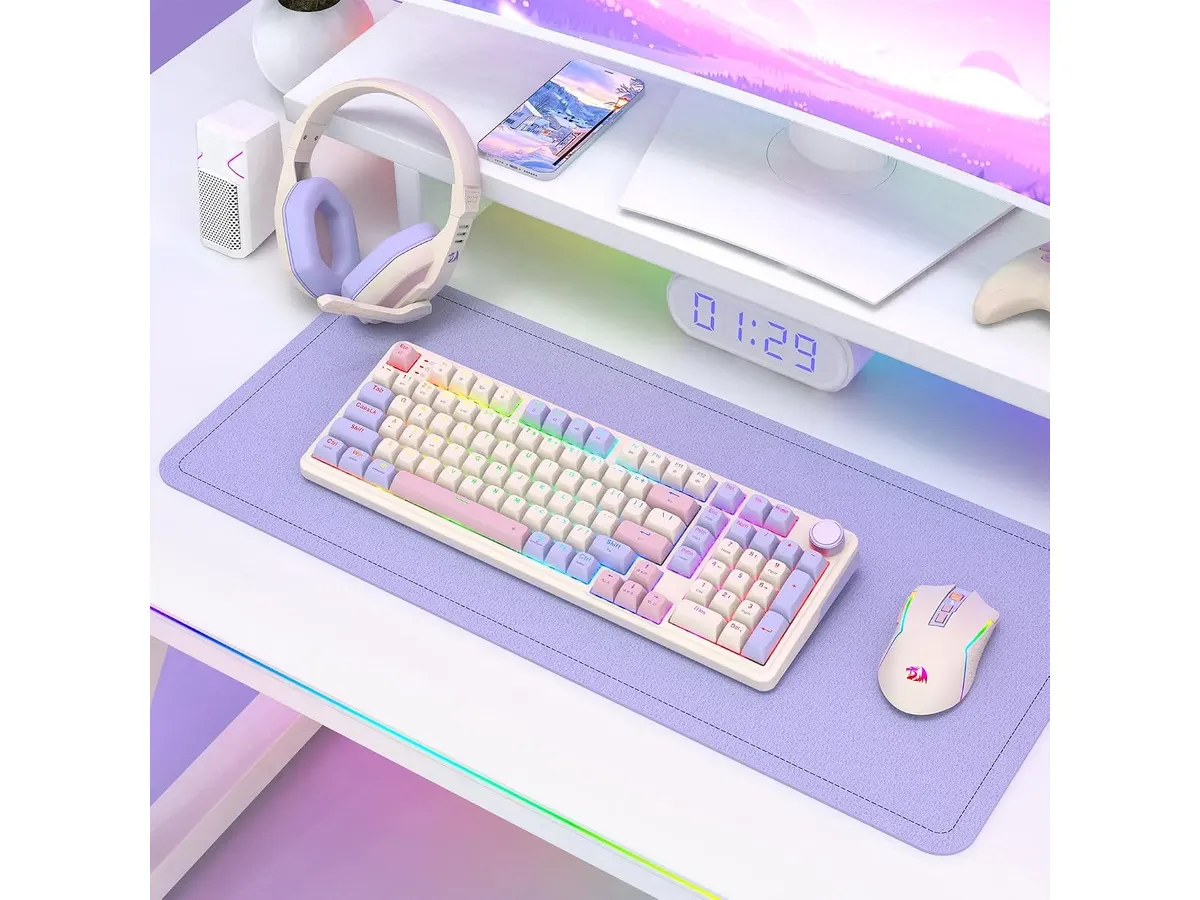
## Dónde flojea
El formato de 100 teclas mantiene el bloque numérico indispensable para hojas de cálculo, pero comprime el espacio entre secciones. Las flechas de dirección y el teclado numérico quedan muy pegados al bloque alfanumérico principal. Esto exige un periodo de adaptación para evitar presionar la tecla equivocada durante las primeras semanas.
Aunque la iluminación RGB es personalizable por software, la opacidad propia del plástico PBT denso reduce la proyección de la luz a través de las letras. Si trabajas en habitaciones con iluminación ambiental muy intensa, el brillo máximo puede sentirse algo tenue.
El peso total del producto es elevado debido a la enorme batería interna y a las capas internas de amortiguación del gasket mount. Si buscas un dispositivo liviano para llevar a diario en la mochila entre la casa y la oficina, este modelo resulta algo pesado. Para complementar una estación fija donde busques cuidar tu postura, te sugerimos revisar nuestro análisis del [Logitech MX Master 3S](/blog/2026-09-22-logitech-mx-master-3s).
## ¿Para quién es?
### Para quien encaja
Este teclado para teletrabajo es ideal si pasas jornadas extensas frente a la pantalla ingresando datos o redactando y necesitas el bloque numérico sin resignar tanto espacio en la mesa. La combinación de la batería masiva, la perilla física de audio y la durabilidad del PBT beneficia a los usuarios que priorizan la estabilidad inalámbrica y el confort acústico.
### Para quien no encaja
No es la alternativa adecuada para quien viaja constantemente y requiere un periférico ultra delgado y ligero. Tampoco convencerá a quienes buscan retroiluminación traslúcida muy brillante o prefieren teclados planos de perfil bajo. Si buscas completar un espacio portátil con accesorios más ágiles y silenciosos, conviene revisar opciones como el [iClever Wireless Mouse](/blog/2026-09-22-iclever-wireless-mouse).
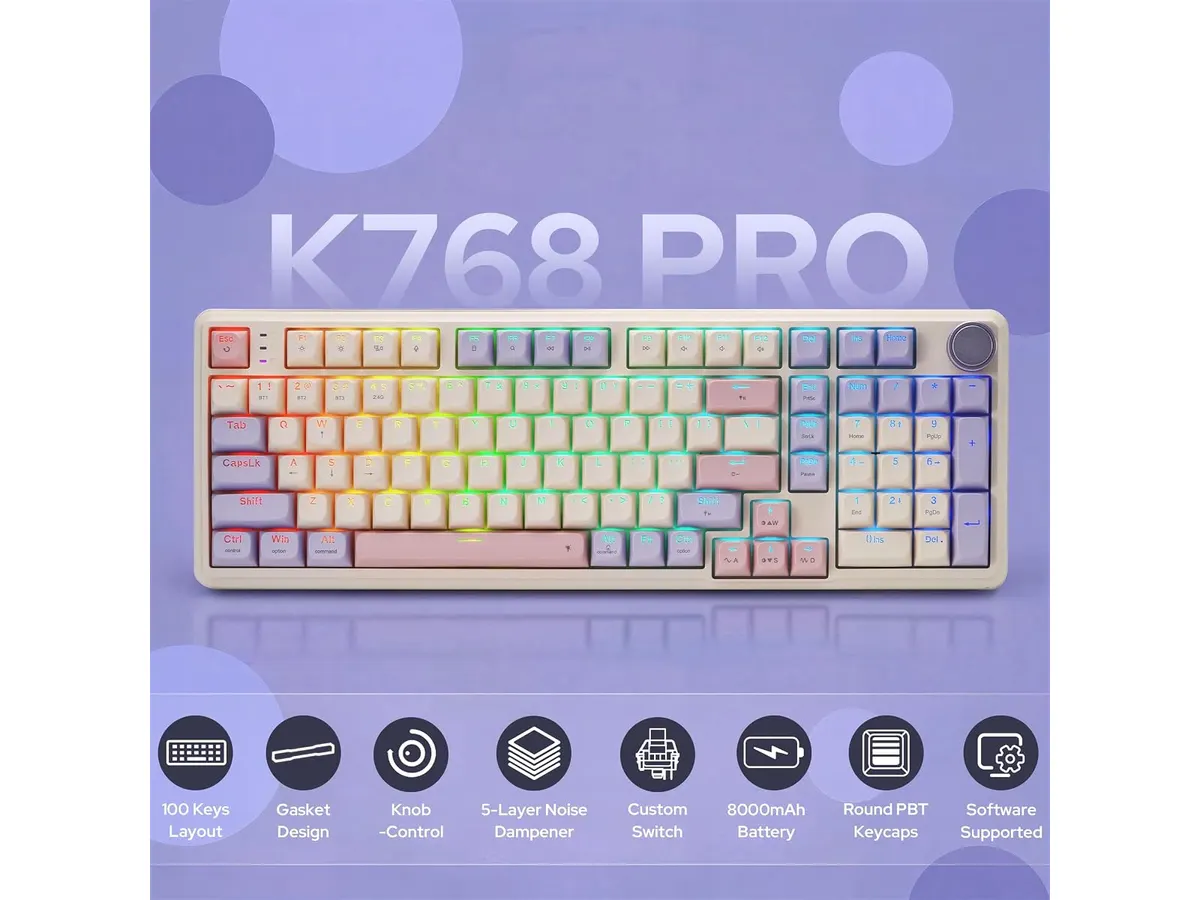
## Alternativas a considerar
En la gama de entrada existen teclados mecánicos e inalámbricos sencillos que recortan la capacidad de la batería a menos de la mitad y utilizan sistemas de montaje rígidos. Esas opciones son válidas si cuentas con un presupuesto ajustado y un uso ocasional, aunque sacrifican la amortiguación del tipeo y requieren cargas más frecuentes.
En la gama alta orientada al segmento profesional corporativo, encuentras teclados de perfil bajo construidos en chasis de aluminio con sensores de presencia. Esos modelos facilitan el transporte y ofrecen una estética refinada, pero pierden la compatibilidad hot-swap de 5 pines y la sensación profunda de los switches mecánicos tradicionales.
## Veredicto
Este Redragon K768 PRO análisis confirma que la marca logró un equilibrio sólido entre autonomía, calidad de construcción y precio. Su montura gasket mount y la batería de 8000 mAh compensan el peso extra del chasis. Si quieres equipar tu espacio con un combo de teclado y raton para oficina en casa que sea confiable y duradero, este modelo cumple con creces su cometido.
## Preguntas frecuentes
### ¿Se pueden cambiar los switches del Redragon K768 PRO sin soldar?
Sí, la placa incluye sockets hot-swap universales que aceptan interruptores mecánicos estándar de 3 y 5 pines.
### ¿Cuánto dura la batería de 8000 mAh en uso continuo?
Rinde varias semanas de trabajo continuo mediante conexión inalámbrica de 2.4 GHz o Bluetooth, dependiendo del nivel de brillo configurado en los LED.
### ¿Cómo se utiliza la perilla giratoria del teclado?
La perilla permite ajustar el volumen general del sistema operativo al girarla y modificar los modos de iluminación RGB al presionar o alternar sus funciones.
---
# FlexiSpot 28: análisis del escritorio elevable
URL: https://setuplatam.com/blog/2026-11-05-flexispot-28
Category: Escritorios
Published: 2026-11-05
Buscando el mejor escritorio para home office en espacios reducidos. Analizamos el FlexiSpot 28: su resorte mecánico, capacidad y estabilidad real.
Quienes buscan el **mejor escritorio para home office** sin remodelar todo el cuarto suelen chocar contra el mismo problema: la falta de espacio. El FlexiSpot 28" entra justo en la categoría de accesorios de nuestra sección de [escritorios](/categorias/escritorios) diseñados para transformar cualquier mesa estándar en una estación activa. No promete motores eléctricos, sino un ajuste mecánico rápido para trabajar de pie o sentado en habitaciones donde cada centímetro cuenta.
## Lo que hace bien
El punto más fuerte de este modelo es la simplicidad de su mecanismo. El sistema de resorte mecánico patentado por la marca permite subir y bajar la plataforma sin esfuerzo físico excesivo ni depender de enchufes cercanos. La asistencia del resorte equilibra el peso para que el movimiento sea fluido y controlado tanto al subir como al bajar.
La estabilidad es otro aspecto sobresaliente. Construido sobre una estructura de acero reforzado, el soporte no cede ni tiembla mientras escribes en el teclado. La bandeja inferior resiste hasta 11 lbs de carga, lo suficiente para un teclado completo y un ratón ergonómico sin flexión visible.
Además, la experiencia fuera de la caja es impecable. El producto llega pre-ensamblado. No hay necesidad de armar piezas complejas ni buscar herramientas en el cajón: basta con desempacarlo, colocarlo sobre tu mesa de trabajo para casa y empezar a usarlo de inmediato.
Su formato compacto de 28 pulgadas de ancho está optimizado para acomodar una laptop con un monitor secundario pequeño o una pantalla individual de hasta 27 pulgadas, aprovechando las 33 lbs de capacidad en la bandeja superior.
## Especificaciones clave
| Especificación | Detalle |
| --- | --- |
| Ancho del escritorio | 28 pulgadas |
| Capacidad de carga (superficie) | 33 lbs |
| Capacidad de carga (bandeja) | 11 lbs |
| Sistema de elevación | Resorte mecánico |
| Material de estructura | Acero reforzado |
| Instalación | Pre-ensamblado |
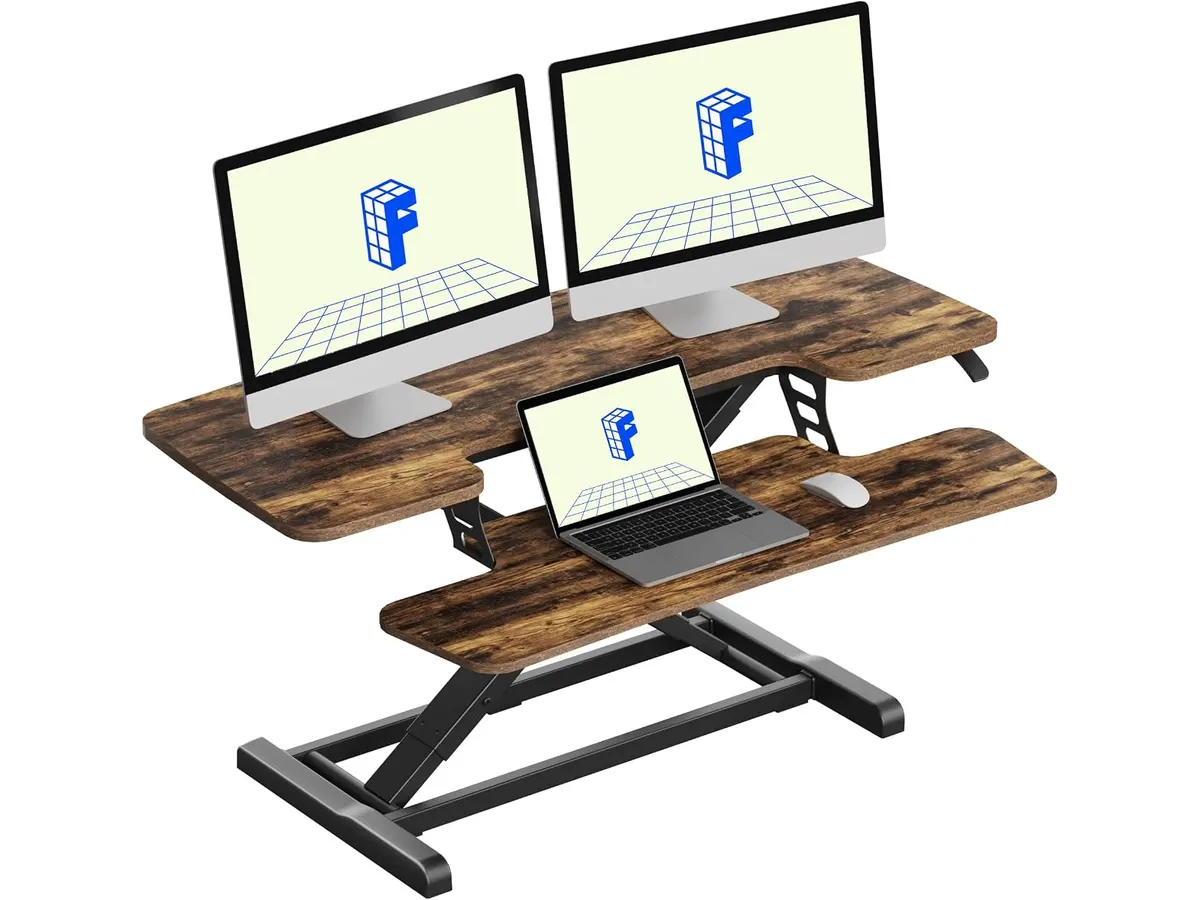
## Dónde flojea
Las 28 pulgadas de ancho son una ventaja para espacios pequeños, pero una limitación clara para configuraciones avanzadas. Si utilizas dos monitores de tamaño estándar o altavoces de estudio sobre la mesa, la superficie se quedará corta de inmediato.
La capacidad de 33 lbs en la base superior exige moderación. Aunque soporta un monitor comercial sin problemas, colocar un brazo articulado doble pesado o una torre de PC sobre la plataforma excede las especificaciones de seguridad del fabricante.
Por último, al tratarse de un escritorio regulable en altura de accionamiento manual, requiere aplicar una ligera presión hacia abajo para iniciar el descenso cuando la superficie tiene poca carga. No es nada grave, pero carece de la comodidad de pulsar un botón que ofrece un sistema motorizado.
## ¿Para quién es?
- **El usuario ideal:** Profesionales en remoto, estudiantes o redactores que trabajan en departamentos pequeños con una sola pantalla o laptop, y que necesitan un escritorio elevable para trabajar de pie de manera intermitente sin alterar sus muebles actuales.
- **Para quién no es:** Creadores de contenido o gamers que requieren varios monitores grandes, equipos de audio pesados o que buscan la automatización electrónica de presionar un botón para cambiar de postura.
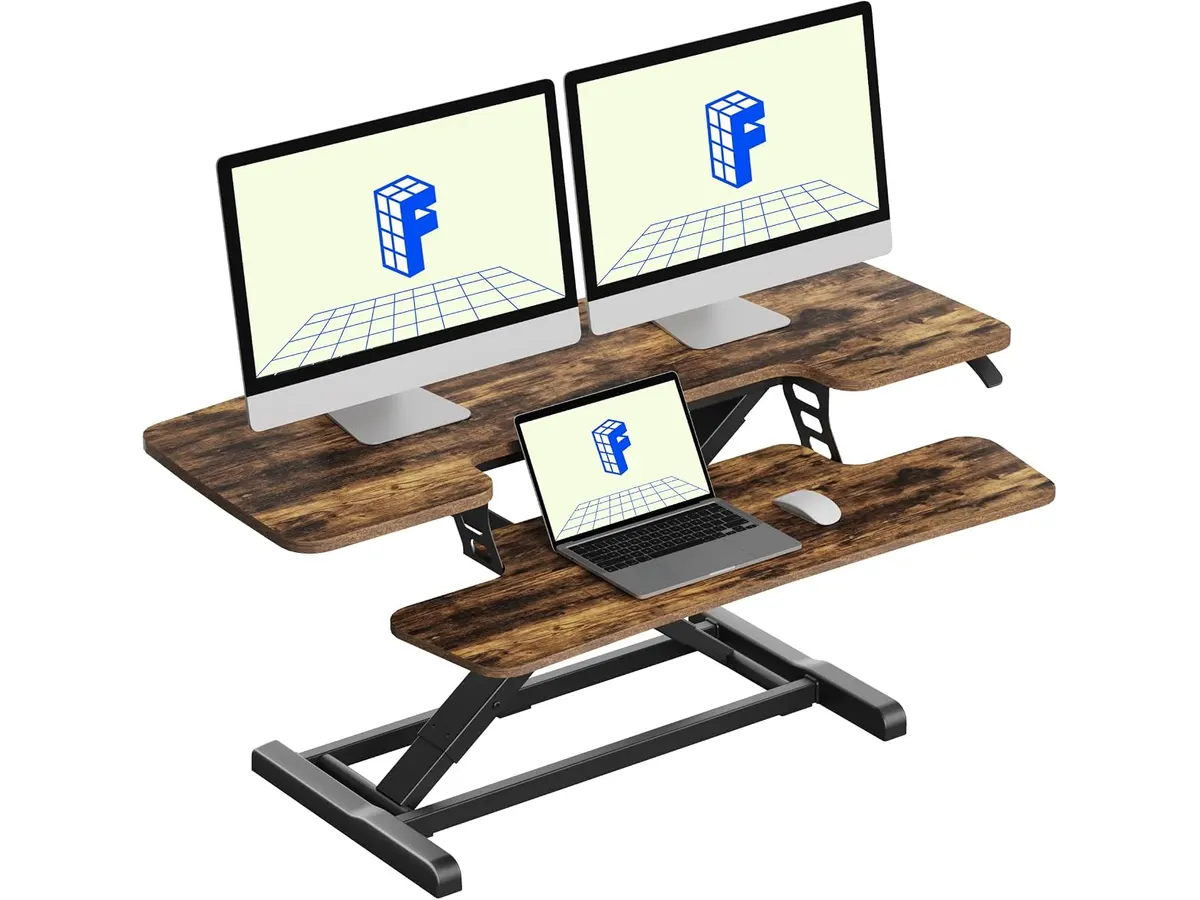
## Alternativas a considerar
Si te atrae la idea de un elevador pero necesitas una superficie de trabajo más amplia para dos pantallas, una excelente opción dentro del segmento de convertidores es evaluar el [análisis del FLEXISPOT 42" Standing Desk Converter para tu oficina](/blog/2026-09-22-flexispot-42-standing-desk-converter), el cual duplica prácticamente el espacio disponible.
Por otro lado, si prefieres deshacerte de tu mesa actual y buscas una solución integral con motorización eléctrica en la gama de entrada, te sugerimos revisar la prueba del [FEZIBO Escritorio de Pie](/blog/2026-09-25-fezibo-escritorio-de-pie), que ofrece un tablero completo articulado por motor.
## Veredicto
El FlexiSpot 28" resuelve un problema concreto con pragmatismo: permite alternar entre estar sentado o de pie en espacios reducidos sin instalaciones complicadas. Su resorte mecánico y su estructura de acero reforzado entregan estabilidad real para el día a día. Si el espacio en tu ambiente es limitado y buscas cuidar tu postura con una laptop o un solo monitor, es una compra funcional y directa.
## Preguntas frecuentes
### ¿El escritorio viene listo para usar o requiere armado?
El equipo viene pre-ensamblado de fábrica. Solo requiere sacarse de la caja y colocarse directamente sobre la superficie donde vayas a trabajar.
### ¿Se necesita mucho esfuerzo para elevar la plataforma con el resorte mecánico?
No. El sistema de resorte mecánico asistido compensa el peso de tu equipo para que el ajuste de altura sea suave y requiera mínima fuerza manual.
### ¿Es este el mejor escritorio para home office si uso dos monitores?
No es la opción idónea para monitores dobles. Con 28 pulgadas de ancho, el espacio está pensado para una laptop con pantalla auxiliar o un monitor individual.
---
# MAONO A04: micrófono USB completo para tu setup
URL: https://setuplatam.com/blog/2026-11-05-maono-a04-usb-microphone
Category: Audio y webcams
Published: 2026-11-05
El MAONO A04 ofrece sonido profesional de 192kHz/24Bit y kit completo. Aunque buscas la mejor webcam para home office, el audio claro es igual de vital.
El MAONO A04 USB Microphone llega listo para instalarse en tu escritorio sin requerir configuraciones complejas ni interfaces adicionales. Está pensado para quienes buscan mejorar la nitidez de su voz en llamadas de trabajo, podcasts o transmisiones sin gastar en accesorios por separado. Si exploras la sección de [Audio y webcams](/categorias/audio-webcams), este equipo destaca por su practicidad y rendimiento directo desde el primer minuto.
En este completo MAONO A04 USB Microphone análisis evaluamos el rendimiento real de su conjunto completo en entornos reales de oficina y estudio.
## Lo que hace bien
El mayor punto a favor del MAONO A04 USB Microphone es su propuesta todo en uno. Sacas la caja y encuentras el micrófono de condensador electret de 16 mm, un brazo articulado, el soporte antivibración metálico, un filtro pop y una cubierta de espuma. No necesitas comprar soportes ni aislantes por separado para montar un espacio de trabajo funcional y organizado.
La fidelidad de grabación soporta una resolución de audio de 192kHz / 24Bit gracias a su chipset de sonido integrado. Esto permite capturar matices vocales claros y limpios, con una respuesta de graves bien definida. En entornos donde realizas presentaciones frecuentes o donde la claridad vocal es prioritaria, este nivel de captura marca una diferencia notoria frente a los micrófonos integrados de las computadoras portátiles.
Su conectividad USB Plug and Play simplifica la rutina diaria. No requiere controladores especiales ni tarjetas de sonido externas para funcionar en PC o laptops. Adicionalmente, mantiene compatibilidad directa con consolas PS4 y PS5, así como con teléfonos móviles mediante adaptadores adecuados. Funciona sin contratiempos en aplicaciones de comunicación cotidianas como Discord, Zoom y Twitch.
El brazo articulado metálico ofrece un ajuste estable que permite mantener el micrófono en la posición ideal sin desplomarse por el peso, protegiendo además la cápsula del ruido mecánico de la mesa mediante su shock mount metálico.
## Especificaciones clave
| Especificación | Detalle |
| --- | --- |
| Marca | MAONO |
| Modelo | A04 USB Microphone |
| Tipo de transductor | Condensador electret de 16 mm |
| Resolución de audio | 192kHz / 24Bit |
| Conectividad | USB (Plug and Play) |
| Rango de uso recomendado | 2 a 6 pulgadas |
| Grosor máximo de abrazadera | Menos de 2.1 pulgadas |
| Compatibilidad | PC, laptops, PS4, PS5, teléfonos móviles |
## Dónde flojea
Aunque la calidad de captura vocal es sobresaliente en su segmento, la sensibilidad de la cápsula de condensador de 16 mm exige atención al entorno. El micrófono tiende a captar el ruido ambiental de fondo si te alejas del rango óptimo. El fabricante recomienda hablar a una distancia de 2 a 6 pulgadas; sobrepasar ese límite reduce la presencia de la voz y requiere elevar la ganancia del sistema informático.
La abrazadera del brazo articulado admite escritorios con un grosor máximo inferior a 2.1 pulgadas. Si tu mesa de trabajo utiliza un marco metálico reforzado o un tablero con grosor superior, tendrás inconvenientes para fijar la base de manera estable sin recurrir a un adaptador o soporte de mesa independiente.
La ausencia de un botón físico de silencio (mute) o perilla de ganancia directa en el cuerpo del micrófono obliga a gestionar el volumen desde el sistema operativo o las aplicaciones de llamadas. Para quienes necesitan silenciar el micrófono de forma instantánea durante una reunión rápida, esta falta de controles físicos integrados puede resultar poco práctica.
## ¿Para quién es?
Este equipo es ideal para profesionales del teletrabajo, creadores de contenido emergentes y estudiantes que necesitan una solución completa de audio para su escritorio. Si grabas voz en off, realizas presentaciones diarias o transmites en directo y quieres un paquete que incluya brazo articulado y montura antivibración sin lidiar con configuraciones técnicas, este conjunto cumple con creces. Si ya utilizas periféricos de alta definición como la [Logitech MX Brio](/blog/2026-09-22-logitech-mx-brio) en tu escritorio, incorporar este micrófono garantiza que la voz mantenga el mismo nivel técnico que el video.
Por el contrario, no es la opción adecuada para usuarios que viajan constantemente y requieren un dispositivo ultracompacto para trabajar en espacios reducidos fuera de casa. Tampoco se ajusta a las necesidades de productores musicales que buscan conexiones XLR analógicas para consolas de mezcla o para habitaciones sin control de ruido ambiente.
## Alternativas a considerar
Si buscas una opción en la gama de entrada orientada a escritorios con espacio limitado, existen micrófonos USB de mesa compactos que prescinden del brazo articulado. Estos modelos ocupan menos espacio físico y caben fácilmente en un bolso de trabajo, aunque pierden la capacidad de filtrado mecánico que otorgan el filtro pop y la montura metálica incluidos en este paquete.
Para quienes apuntan a una gama media con mayores controles integrados, existen alternativas en el mercado que incorporan botones físicos en el cuerpo del dispositivo, tales como monitoreo de auriculares en tiempo real o perillas de volumen de entrada. Asimismo, si tu prioridad actual es renovar el apartado de imagen en lugar de sonido, una [webcam para teletrabajo](/blog/2026-09-26-obsbot-tiny-3-lite) con funciones avanzadas puede ser la pieza prioritaria antes de dar el salto a un microfono usb para videollamadas con brazo dedicado.
## Veredicto
El MAONO A04 USB Microphone destaca por su excelente relación entre rendimiento sonoro y accesorios incluidos en la caja. Su configuración Plug and Play facilita la integración inmediata en cualquier escritorio sin complicaciones de controladores adicionales. Aunque carece de botones físicos de silencio en el cuerpo y exige mantenerse cerca de la cápsula para aislar el ruido ambiente, su resolución de 192kHz/24Bit lo convierte en una compra sumamente sólida para videollamadas y producción de contenidos. Puedes explorar otras opciones para complementar tu equipo en nuestra sección de [Audio y webcams](/categorias/audio-webcams).
## Preguntas frecuentes
### ¿Se puede usar con teléfonos móviles y consolas?
Sí, es compatible con consolas PS4 y PS5 directamente mediante el cable USB, y también funciona en teléfonos móviles utilizando los adaptadores USB correspondientes a tu sistema operativo.
### ¿Puedo combinar este micrófono con la mejor webcam para home office?
Por supuesto. El micrófono gestiona la captura vocal de forma independiente por USB, lo que permite sincronizar la entrada de audio con cualquier cámara web instalada en tu equipo de teletrabajo o estudio.
### ¿Qué distancia de uso se recomienda para evitar captar ruido de fondo?
El fabricante recomienda hablar a una distancia de 2 a 6 pulgadas respecto al filtro pop para capturar la voz con la máxima claridad y evitar que el micrófono recolecte ecos o ruidos ambientales de la habitación.
---
# Quntis Monitor Light Bar Focus: Análisis a Fondo
URL: https://setuplatam.com/blog/2026-11-04-quntis-monitor-light-bar-focus
Category: Iluminación
Published: 2026-11-04
Evaluamos la barra Quntis Monitor Light Bar Focus, una opción con control remoto y CRI Ra95 que busca ser la mejor lampara de escritorio para trabajar.
La iluminación del espacio de trabajo suele ser una consideración secundaria hasta que la fatiga visual cobra factura. La Quntis Monitor Light Bar Focus busca resolver este problema desde la parte superior del monitor, combinando una alta fidelidad de color con un control independiente. Si buscas la mejor lampara de escritorio para trabajar en proyectos creativos o extensas jornadas frente a la pantalla, este modelo ofrece prestaciones clave dentro de nuestra categoría de [iluminación](/categorias/iluminacion).
## Lo que hace bien
### Por qué destaca como la mejor lampara de escritorio para trabajar
El diseño óptico asimétrico de 45 grados es una de sus virtudes más importantes. A diferencia de las lámparas tradicionales que proyectan luz en todas direcciones, este sistema dirige el haz hacia la mesa de trabajo sin incidir sobre la superficie de la pantalla. Esto elimina el deslumbramiento en el panel y reduce el cansancio en la vista tras varias horas de uso continuo. Supera con creces la cobertura de opciones de sobremesa convencionales como la [lámpara de escritorio LED SANDROY VOLT](/blog/2026-09-22-sandroy-volt-led-desk-lamp).
En términos de precisión cromática, cuenta con un índice de reproducción de color Ra95. Esta cifra garantiza que los colores se muestren reales y matizados, algo indispensable si trabajas en edición gráfica, retoque fotográfico o revisión de muestras visuales. La graduación de la temperatura de color va de 3000K a 6500K, permitiendo pasar de un tono cálido para lectura nocturna a uno frío e intenso para mantener el enfoque durante el día.
La inclusión de un control remoto dedicado mejora significativamente la experiencia diaria. En lugar de alargar la mano hacia la parte superior del monitor para presionar botones a ciegas, ajustas el brillo y la temperatura directamente desde tu zona de alcance. La barra incorpora además una función de memoria que conserva la última configuración seleccionada. Respecto a la compatibilidad, el mecanismo de sujeción universal se adapta tanto a pantallas planas como a monitores curvos sin complicar la instalación. Estas mejoras marcan una diferencia clara frente a propuestas anteriores como la [Quntis Computer Monitor Lamp](/blog/2026-09-22-quntis-computer-monitor-lamp).
## Especificaciones clave
| Especificación | Detalle |
| --- | --- |
| Longitud | 41 cm |
| Temperatura de color | 3000K - 6500K |
| Índice de reproducción cromática | Ra95 |
| Control | Control remoto dedicado |
| Diseño óptico | Asimétrico de 45° |
| Conectividad | Puerto USB Tipo-C |
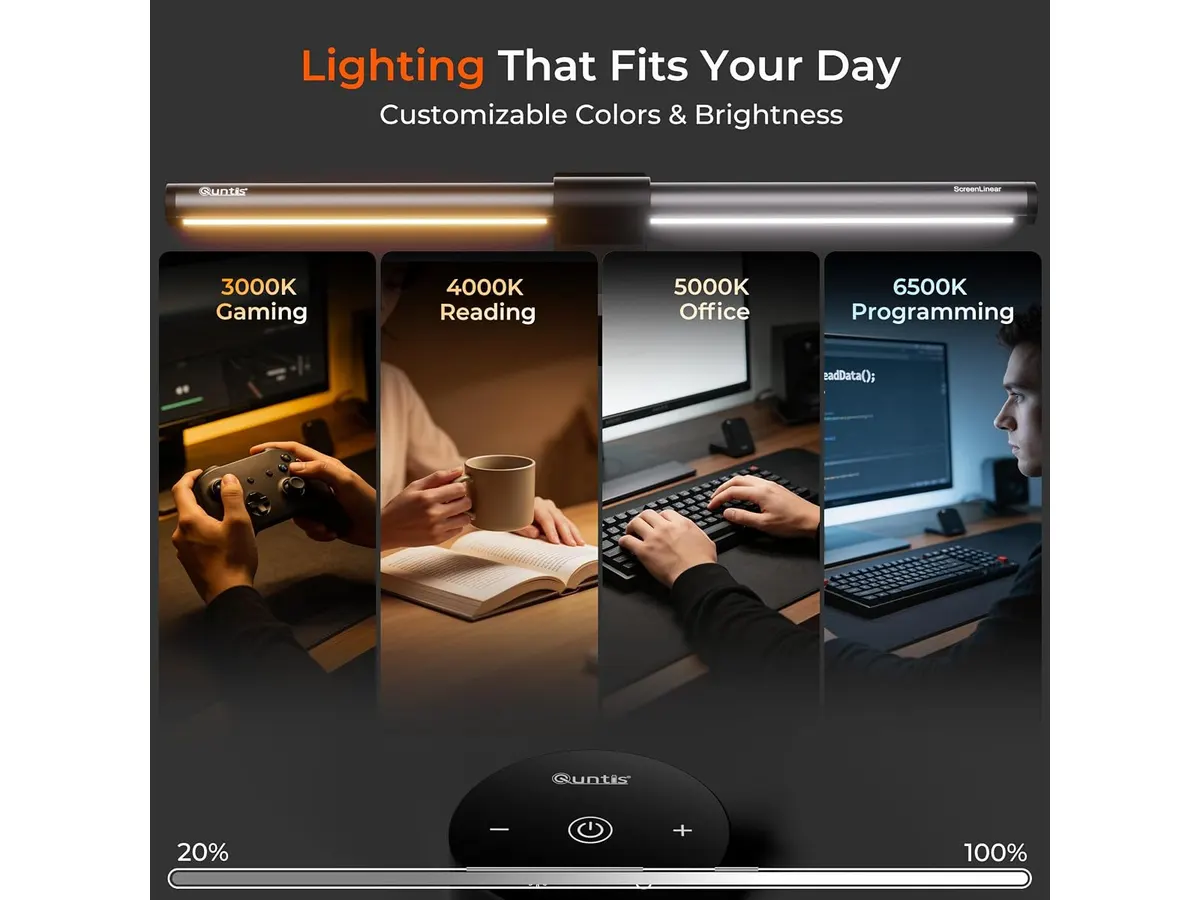
## Dónde flojea
Su extensión física de 41 cm está pensada para monitores de tamaño estándar. Si utilizas un panel ultra-ancho de 34 pulgadas o más, la luz no cubrirá los extremos laterales con la misma intensidad que el centro del escritorio.
El control remoto dedicado requiere espacio en tu mesa y baterías para funcionar. Aunque la comodidad que ofrece es indiscutible, quienes buscan un escritorio completamente despejado de accesorios adicionales podrían preferir controles integrados.
El soporte de fijación universal, si bien es versátil y admite monitores curvos, requiere que el borde superior del monitor mantenga cierta planitud. En pantallas con biseles extremadamente delgados o traseras muy irregulares, ajustar la pinza requiere algo de paciencia.
## ¿Para quién es?
Esta barra de luz es una gran elección para profesionales del diseño, editores de contenido y trabajadores remotos que pasan largas horas frente a la computadora. Si valoras una alta fidelidad de color con un Ra95, buscas ajustar la luz sin interrumpir tu ritmo de trabajo mediante un control remoto y quieres eliminar los reflejos en la pantalla, el producto encaja muy bien con tus necesidades.
En cambio, no es la opción ideal para usuarios con configuraciones de múltiples monitores ultra-anchos o quienes prefieren iluminar áreas alejadas del monitor, como cuadernos de bocetos grandes colocados a un costado. Tampoco convendrá a quienes busquen una luz con brazo articulado orientable en tres dimensiones.
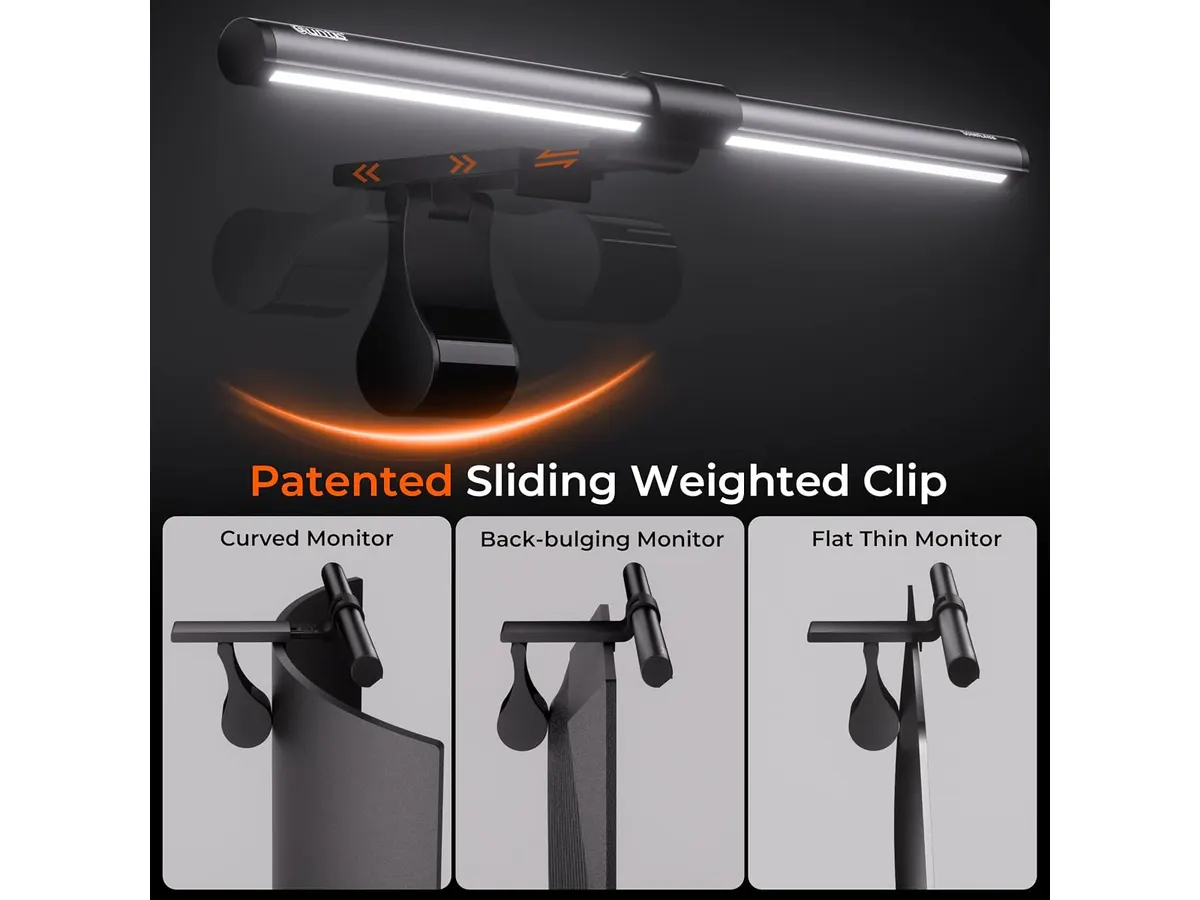
## Alternativas a considerar
En una gama de entrada existen alternativas que prescinden del control remoto dedicado e integran botones táctiles sobre la propia estructura de la luz. Son barras más sencillas que reducen componentes en el escritorio, aunque obligan a estirar el brazo hacia la parte posterior del monitor cada vez que deseas cambiar el nivel de brillo.
Para quienes requieren iluminación sobre áreas de trabajo amplias fuera del eje del monitor, las lámparas de brazo articulado de gama media o alta ofrecen mayor alcance. Este tipo de iluminación permite mover el foco luminoso hacia distintas zonas del escritorio, aunque a costa de ocupar espacio físico en la mesa mediante una base o prensa.
## Veredicto
La Quntis Monitor Light Bar Focus cumple con exactitud en los apartados que más importan para la productividad: cuida la vista gracias a su haz asimétrico de 45 grados y ofrece un índice Ra95 excelente para tareas de precisión. El control remoto dedicado aporta una comodidad que se agradece en el uso diario. Salvo que trabajes en un monitor gigantesco donde 41 cm queden cortos, la **Quntis Monitor Light Bar Focus** es una inversión sumamente recomendable para renovar tu espacio de trabajo.
## Preguntas frecuentes
### ¿Se puede instalar esta barra en un monitor curvo?
Sí. El diseño de la pinza de sujeción universal está preparado para asentarse en la curvatura de la pantalla sin presionar el panel ni obstruir la visibilidad.
### ¿Qué tipo de cable utiliza para la energía?
Utiliza un puerto USB Tipo-C estándar. Puedes conectarlo a un puerto USB de tu computadora, a un concentrador de puertos o a un cargador de pared.
### ¿La barra guarda la iluminación seleccionada al apagarla?
Sí. Cuenta con una función de memoria integrada que guarda automáticamente el último nivel de brillo y temperatura de color ajustados.
---
# UGREEN 10-in-1 USB C Docking Station: análisis
URL: https://setuplatam.com/blog/2026-11-04-ugreen-10-in-1-usb-c-docking-station
Category: Soportes y hubs
Published: 2026-11-04
Evaluamos la UGREEN 10-in-1 USB C Docking Station. Descubre si es el mejor hub usb-c para home office gracias a su doble HDMI 4K y passthrough de 85W.
Conectar varios periféricos a una computadora portátil delgada suele ser un problema diario. La UGREEN 10-in-1 USB C Docking Station busca resolver esa limitación unificando video, red y carga en un chasis compacto. Si estás buscando el mejor hub usb-c para home office para trabajar con dos monitores sin llenar tu escritorio de cables, este dispositivo de nuestra sección de [soportes y hubs](/categorias/soportes-hubs) presenta argumentos muy sólidos.
## Lo que hace bien
El punto más fuerte de este dock es su capacidad gráfica. Contar con dos puertos HDMI capaces de transmitir señal simultánea en 4K a 60Hz cambia por completo la fluidez del trabajo diario. Muchas alternativas en el mercado reducen la frecuencia de actualización a 30Hz cuando conectas dos monitores, lo que provoca un arrastre molesto en el cursor y la ventana. Si usas una sola pantalla compatible, el puerto permite alcanzar una resolución de hasta 8K a 30Hz.
La entrega de energía está muy bien resuelta. Soporta entrada de carga Power Delivery de hasta 100W, reservando 15W para el funcionamiento de sus propios componentes y enviando 85W directos a la laptop. Esta cifra alcanza para alimentar la mayoría de los equipos de trabajo de 13 y 16 pulgadas sin tener que recurrir al cargador original por separado.
En cuanto a conectividad física, el puerto Ethernet Gigabit integrado garantiza una conexión a internet estable a 1000Mbps, indispensable para llamadas de video largas o transferencia de archivos pesados en la red local. Además, los lectores de tarjetas SD y Micro SD independientes simplifican la descarga de fotos o videos sin requerir adaptadores colgantes extra.
Los puertos USB para transferencia de datos ofrecen velocidades de hasta 5Gbps. Esto permite mover archivos grandes a discos externos o memorias de alta velocidad en cuestión de segundos, sin saturar la banda del sistema.
## Especificaciones clave
| Característica | Especificación |
| --- | --- |
| Puertos de video | 2 HDMI |
| Resolución máxima | Doble 4K a 60Hz / Único 8K a 30Hz |
| Carga Power Delivery | 100W entrada (85W para la laptop) |
| Velocidad de datos | Hasta 5Gbps |
| Red cableada | Ethernet Gigabit (1000Mbps) |
| Lectores de memoria | SD y Micro SD |
| Cantidad total de puertos | 10 puertos |
## Dónde flojea
Aunque el rendimiento general es excelente, existen algunas limitaciones concretas. La velocidad de transferencia de datos tope se queda en 5Gbps. Si trabajas habitualmente con unidades SSD portátiles de última generación que superan los 10Gbps, este hub limitará la velocidad máxima de lectura y escritura de tus discos.
La selección de puertos de video se limita exclusivamente a HDMI. Si tus monitores de escritorio solo incluyen entradas DisplayPort, tendrás que utilizar adaptadores adicionales para conectarlos.
Por último, el consumo interno de 15W para la alimentación del propio adaptador significa que si utilizas un cargador de pared de 65W, tu laptop solo recibirá 50W. Para mantener la carga al máximo nivel bajo tareas intensas, necesitarás conectar una fuente de al menos 90W o 100W a la entrada PD.
## ¿Para quién es el mejor hub usb-c para home office?
Este modelo encaja perfectamente con profesionales remotos, creadores de contenido y estudiantes que utilizan una laptop moderna y necesitan un espacio de trabajo fijo con dos monitores 4K, conexión a internet por cable y periféricos de escritorio. Es la solución idónea para quien desea llegar al escritorio, conectar un solo cable USB-C y tener todo el ecosistema listo para trabajar.
No es la opción adecuada para usuarios que buscan movilidad extrema sin cables estorbosos, ni para quienes requieren transferencias masivas de archivos a velocidades de nivel Thunderbolt o conexiones nativas DisplayPort para monitores de tasa de refresco muy alta.
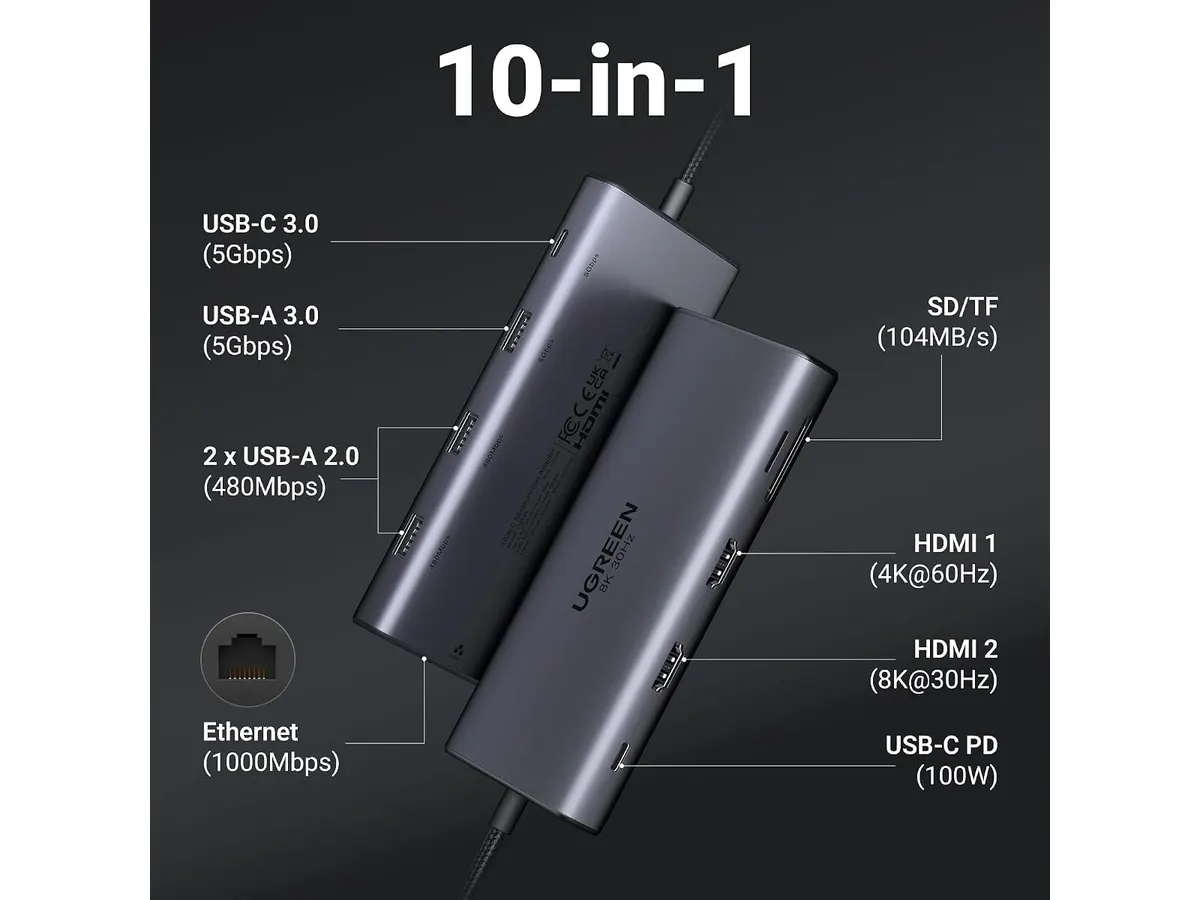
## Alternativas a considerar
Si necesitas un rendimiento aún más avanzado para transferencias masivas y velocidad de grado industrial, un dock de escritorio de gama alta como el que analizamos en el [análisis del CalDigit TS4](/blog/2026-09-25-caldigit-ts4) ofrece conectividad Thunderbolt integral y mayor potencia, aunque exige una inversión sustancialmente superior.
Por otro lado, si tu presupuesto es ajustado y solo buscas expandir un par de puertos USB con salida de video básica para una sola pantalla, un multiport de entrada como el de nuestro [análisis del Anker USB-C Hub 8-in-1](/blog/2026-09-22-anker-usb-c-hub-8-in-1) puede ser suficiente para necesidades más sencillas. Y si deseas liberar espacio físico en el escritorio, siempre puedes combinar este hub con un soporte especializado como el descrito en el [análisis del brazo MOUNTUP para monitores](/blog/2026-09-29-mountup-single-monitor-desk-mount).
## Veredicto
La UGREEN 10-in-1 USB C Docking Station ofrece un equilibrio sobresaliente entre versatilidad, velocidad y capacidad gráfica. Su soporte para doble pantalla 4K a 60Hz y sus 85W de carga real a la laptop justifican su lugar en cualquier escritorio productivo. Salvo que requieras puertos DisplayPort nativos o velocidades de 10Gbps, es una compra totalmente recomendable para consolidar tu espacio de trabajo.
## Preguntas frecuentes
### ¿Cuánta potencia de carga recibe la laptop realmente?
El hub acepta cargadores de hasta 100W PD, pero reserva 15W para alimentar sus propios puertos. Por lo tanto, tu computadora portátil recibirá una carga neta de hasta 85W.
### ¿Permite conectar dos monitores en 4K a 60Hz al mismo tiempo?
Sí, sus dos puertos HDMI integrados admiten una salida simultánea en resolución 4K con una tasa de refresco de 60Hz, siempre que tu computadora sea compatible con esa salida de video.
### ¿Es necesario instalar controladores para usar el puerto Ethernet?
En la gran mayoría de sistemas operativos actuales como Windows y macOS, el puerto Ethernet Gigabit funciona de forma inmediata al conectar el cable, sin requerir software adicional.
---
# EPOMAKER Aula F75 MAX: análisis y experiencia real
URL: https://setuplatam.com/blog/2026-11-03-epomaker-aula-f75-max
Category: Periféricos
Published: 2026-11-03
Analizamos el EPOMAKER Aula F75 MAX, un teclado 75% gasket-mount con pantalla TFT. Descubre si entra en los mejores perifericos para home office.
El EPOMAKER Aula F75 MAX busca resolver el dilema entre espacio disponible y funcionalidad en el escritorio. Este teclado mecánico compacto en formato 75% combina conectividad inalámbrica triple con montura gasket-mount y una pantalla TFT inteligente. Si buscas actualizar tu escritorio dentro de nuestra sección de [Perifericos](/categorias/perifericos) con los mejores perifericos para home office, esta propuesta responde a las demandas de quienes redactan o programan durante jornadas prolongadas.
## Lo que hace bien: uno de los mejores perifericos para home office
La experiencia de escritura destaca desde el primer minuto. La estructura gasket-mount, combinada con varias capas de espuma interna, absorbe las vibraciones metálicas y ofrece una acústica cremosa muy limpia. Escribir durante horas no genera fatiga ni resulta ruidoso para llamadas de trabajo.
La versatilidad de conexión es otro punto determinante. Permite conmutar entre tres modos: Bluetooth para la computadora portátil, receptor USB 2.4GHz de baja latencia a 1000Hz para la estación principal y cable directo. Además, mantiene compatibilidad nativa con sistemas Windows, Mac, Linux y Android.
Su pantalla TFT inteligente aporta utilidad real al mostrar el nivel de batería, el modo de conexión activo y la hora sin necesidad de abrir aplicaciones en la computadora. Por último, la placa PCB hot-swappable acepta conmutadores (switches) mecánicos de 3 y 5 pines. Esto facilita cambiar cualquier interruptor en el futuro sin usar soldador.
## Especificaciones clave
| Característica | Especificación |
| --- | --- |
| Formato | 75% compacto |
| Conectividad | Bluetooth, 2.4GHz e inalámbrico USB |
| Montura | Gasket-mount con capas de espuma |
| Polling Rate | 1000Hz (en modo USB y 2.4GHz) |
| Pantalla | TFT inteligente personalizable |
| Compatibilidad de switches | Hot-swappable (3 o 5 pines) |
| Sistemas compatibles | Windows, Mac, Linux y Android |
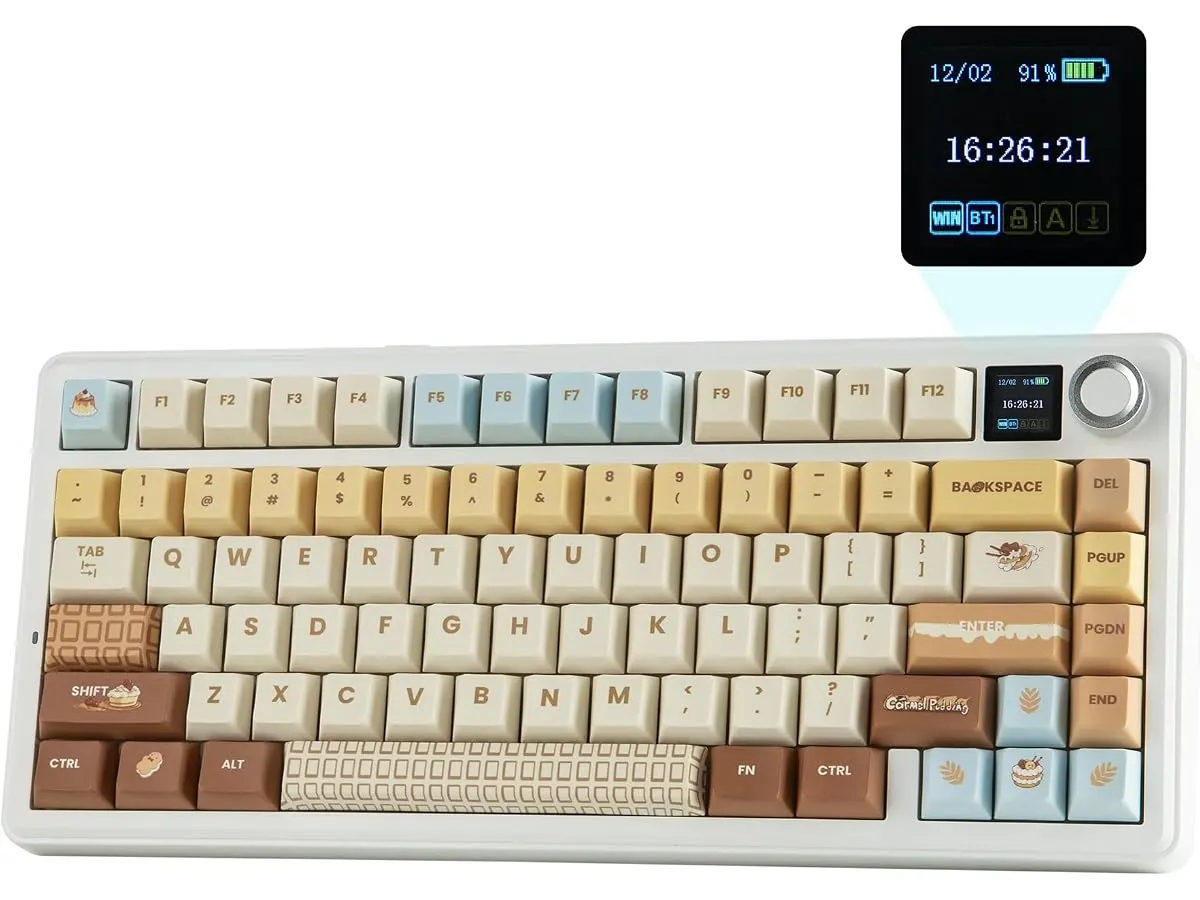
## Dónde flojea
El formato 75% prescinde por completo del bloque numérico lateral. Si trabajas habitualmente ingresando datos numéricos en hojas de cálculo, echarás de menos las teclas dedicadas de la derecha.
La personalización de la pantalla TFT requiere el software propietario del fabricante, el cual solo ofrece soporte completo para Windows. En macOS o Linux puedes usar el teclado con normalidad, pero configurar gifs animados o modificar ciertos parámetros de la pantalla exige acudir a un equipo con el sistema de Microsoft.
El peso del chasis es superior al de teclados de membrana tradicionales debido a las capas de aislamiento acústico. No es un dispositivo pensado para llevar a diario en la mochila, sino para permanecer fijo en el escritorio de trabajo.
## ¿Para quién es?
- **Ideal para:** Redactores, programadores, creadores de contenido y profesionales remotos que buscan un teclado táctil de respuesta impecable, buena acústica y tamaño reducido para ganar espacio en la mesa. Combina perfecto al acompañarlo de un [ratón ergonómico Logitech MX Master 3S](/blog/2026-09-22-logitech-mx-master-3s) para maximizar la productividad.
- **No recomendable para:** Contadores, analistas de datos o usuarios que dependen del teclado numérico completo a diario y prefieren la simplicidad de periféricos ultraligeros de membrana sin configuraciones adicionales.
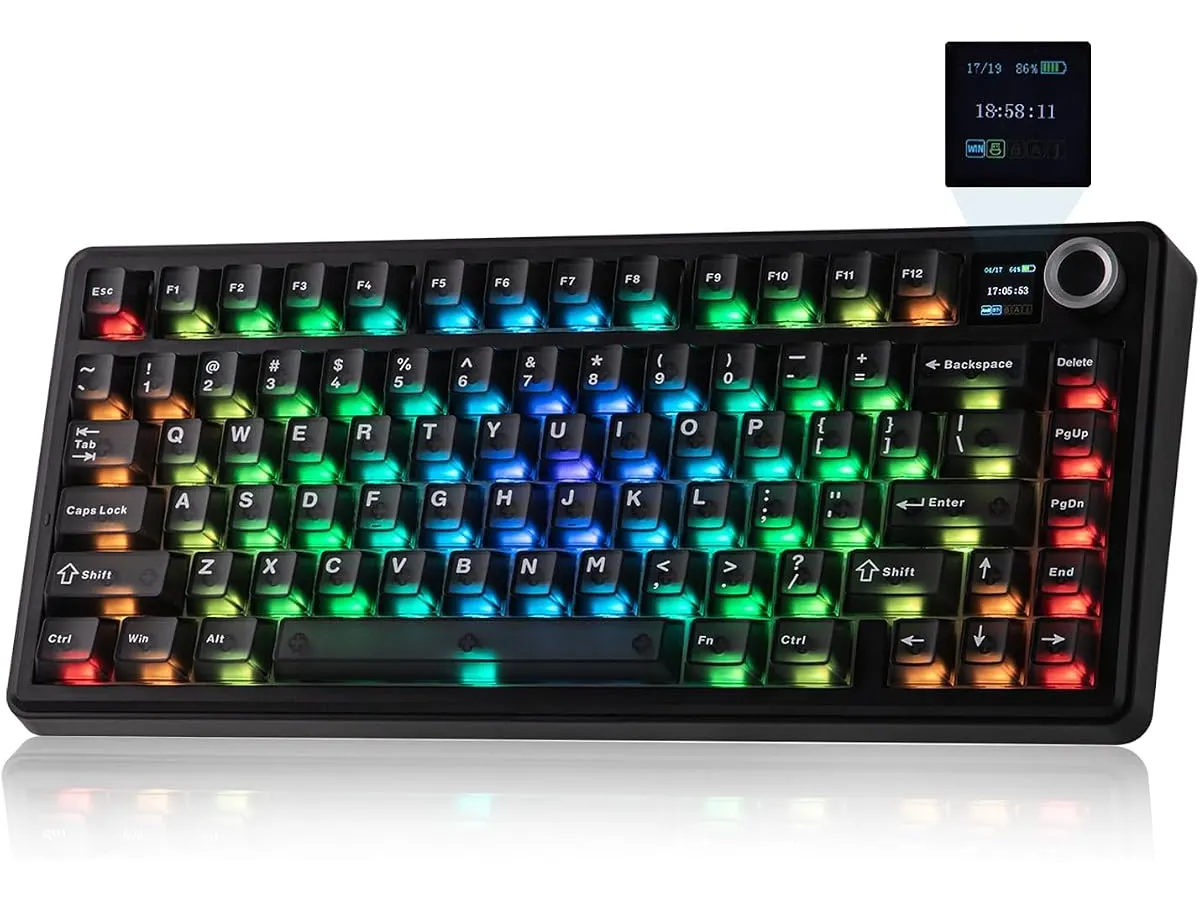
## Alternativas a considerar
Si necesitas movilidad extrema o un perfil ultratraslúcido, existen alternativas en el segmento de teclados de perfil bajo y membrana. Esas opciones pesan la mitad y ocupan menos grosor, aunque sacrifican la sensación táctil y la modularidad del switch mecánico.
Por otro lado, si buscas una solución silenciosa de presupuesto ajustado para espacios compartidos, vale la pena evaluar combinaciones enfocadas en la discreción acústica absoluta. Puedes revisar nuestro [análisis del iClever Wireless Mouse](/blog/2026-09-22-iclever-wireless-mouse) para complementar un espacio orientado al trabajo silencioso sin realizar un desembolso elevado.
## Veredicto
El EPOMAKER Aula F75 MAX entrega una firmeza estructural y una acústica de escritura difíciles de superar en su segmento. La pantalla TFT y la conectividad trimodo añaden valor práctico al flujo de trabajo diario en cualquier sistema operativo. Si puedes prescindir del teclado numérico dedicado, este modelo representa una inversión sólida para mejorar tu estación de trabajo.
## Preguntas frecuentes
### ¿Funciona la pantalla TFT en computadoras Mac?
Sí, la pantalla muestra información básica como la batería y el tipo de conexión en macOS. Sin embargo, subir imágenes personalizadas requiere ejecutar el software en un sistema Windows.
### ¿Es necesario instalar controladores para usarlo por cable o 2.4GHz?
No, el teclado funciona en modo plug-and-play tanto por cable como mediante el receptor de 2.4GHz a 1000Hz en Windows, Mac, Linux y Android.
### ¿Se pueden cambiar los switches por cualquier otra marca?
Sí, la placa es hot-swappable y admite casi cualquier switch mecánico estándar de 3 o 5 pines del mercado sin necesidad de soldar.
---
# INNOCN 49 Ultrawide: el gigante Mini LED plano
URL: https://setuplatam.com/blog/2026-11-03-innocn-49-ultrawide
Category: Monitores
Published: 2026-11-03
Analizamos el INNOCN 49 Ultrawide, una pantalla Mini LED de 32:9 ideal para multitarea. Descubre si es el mejor monitor para home office de 2026.
El INNOCN 49 Ultrawide aborda un dilema recurrente en las estaciones de trabajo pesadas. Esta pantalla de 49 pulgadas combina la superficie equivalente a dos paneles de 27 pulgadas sin la molestia de los marcos intermedios. Diseñado para creadores de contenido, profesionales de finanzas y desarrolladores, busca consolidarse como el mejor monitor para home office en setups multitarea de alto rendimiento.
## Lo que hace bien
El aspecto más distintivo de esta propuesta dentro del catálogo de INNOCN Monitores es su formato totalmente plano. Al ser el primer monitor ultrawide de 49 pulgadas plano, elimina la curvatura agresiva que suele dominar este segmento. Para profesionales del diseño gráfico y la edición técnica, esta decisión de diseño evita la distorsión visual de las líneas rectas en los extremos de la pantalla.
En cuanto a espacio útil, reemplaza con total eficacia la configuración clásica de usar más de un monitor 27 pulgadas para trabajar. Su relación de aspecto 32:9 y la resolución DQHD de 5120 x 1440 permiten colocar tres o cuatro aplicaciones a tamaño completo a lo largo del panel. Todo esto se logra sin biseles divisores molestos interrumpiendo el flujo de trabajo.
La calidad de imagen es otro punto fuerte gracias a la retroiluminación Mini LED con 1760 zonas de atenuación local. Esta tecnología ofrece un contraste profundo y un control de brillo por zonas que resalta en contenido HDR. Además, la precisión cromática viene ajustada de fábrica con un valor Delta E < 2 y una cobertura del 96% del espacio Adobe RGB, algo imprescindible para tareas de colorimetría sensible.
Por último, la tasa de refresco de 165Hz combinada con la resolución 5K2K otorga una fluidez inmediata. El desplazamiento por hojas de cálculo extensas, líneas de tiempo o código se percibe continuo y descansado para la vista durante largas jornadas.
## Especificaciones clave
| Especificación | Detalle |
| --- | --- |
| Tamaño de pantalla | 49 pulgadas |
| Formato del panel | Plano |
| Resolución | 5120 x 1440 DQHD (5K2K) |
| Frecuencia de actualización | 165Hz |
| Tecnología de retroiluminación | Mini LED (1760 zonas de atenuación local) |
| Relación de aspecto | 32:9 |
| Calibración de color | Delta E < 2 |
| Cobertura de color | 96% Adobe RGB |
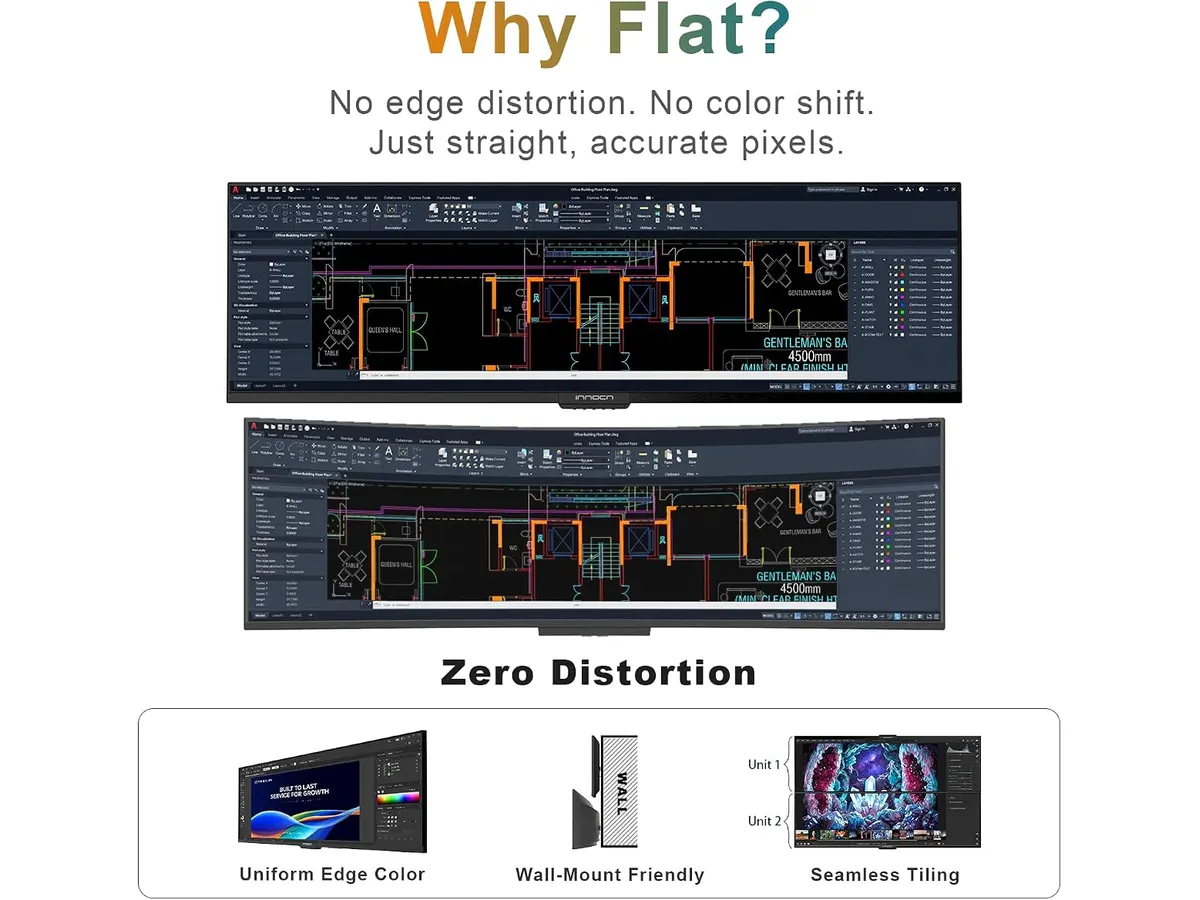
## Dónde flojea
Un panel de 49 pulgadas en formato 32:9 totalmente plano exige una distancia de visión considerable. Al carecer de curvatura, los extremos laterales quedan más alejados de los ojos que el centro. Quien trabaje a menos de 70 u 80 centímetros de la pantalla tendrá que girar el cuello constantemente para revisar los bordes exteriores.
El volumen físico de este equipo requiere un escritorio amplio y profundo. Sus dimensiones imponentes dejan poco margen libre en las esquinas para colocar altavoces dedicados o lámparas de escritorio. Además, requiere un brazo de soporte extremadamente resistente en caso de querer retirarle la base original.
## ¿Para quién es?
### Para profesionales de edición, finanzas y multitarea pesada
Este modelo encaja muy bien si buscas una pantalla para trabajar desde casa con espacio horizontal masivo y geometría sin deformaciones. Quienes editan video con timelines kilométricos, diseñan interfaces vectoriales o analizan paneles de datos simultáneos le sacarán un provecho enorme a cada centímetro de su panel Mini LED.
### Para usuarios con escritorios poco profundos o áreas reducidas
Si tu espacio de trabajo es estrecho o prefieres monitores que envuelvan tu visión periférica sin requerir movimientos de cabeza, esta opción resultará abrumadora. Para áreas más pequeñas, alternativas tradicionales de menor diagonal como las analizadas en nuestra reseña del [Dell UltraSharp U2724D](/blog/2026-09-22-dell-ultrasharp-u2724d) ofrecen una ergonomía más fácil de gestionar.

## Alternativas a considerar
- **Configuraciones de doble monitor de gama de entrada:** Si el presupuesto es ajustado o necesitas ajustar el ángulo de cada panel de forma independiente, armar una estación dual con dos pantallas de 27 pulgadas resulta una opción más flexible. Puedes revisar las impresiones en nuestro análisis del [Gigastone 27 IPS 2-Pack](/blog/2026-09-22-gigastone-27-ips-2-pack) para evaluar este enfoque modular.
- **Monitores ultrawide curvos de gama alta:** Si prefieres la inmersión de un panel curvo para reducir la fatiga en la visión periférica, los ultrawide tradicionales con curvatura pronunciada suelen adaptarse mejor a distancias de uso cortas, aunque sacrifican la fidelidad de las líneas rectas que ofrece este modelo plano de INNOCN.
## Veredicto
Este INNOCN 49 Ultrawide análisis demuestra que es posible llevar un panel de gran formato a la productividad profesional sin caer en la curvatura forzada. Su retroiluminación Mini LED de 1760 zonas y la precisión cromática Adobe RGB lo colocan en un escalón técnico sobresaliente. Si cuentas con un escritorio amplio y buscas un excelente monitor para teletrabajo sin marcos divisorios, esta pantalla plana cumple con nota alta. Puedes explorar más opciones en nuestra sección de [monitores](/categorias/monitores) para comparar distintos formatos.
### ¿Por qué es el mejor monitor para home office en formato ultra ancho?
Porque combina la superficie de trabajo de dos pantallas de 27 pulgadas en un único panel plano Mini LED con una fluidez de 165Hz y precisión de color profesional.
## Preguntas frecuentes
### ¿Por qué elegir un monitor ultrawide plano de 49 pulgadas en lugar de uno curvo?
La pantalla plana asegura que las líneas rectas horizontales y verticales se mantengan geométricamente puras. Esto es crucial en diseño gráfico, arquitectura y edición de video, donde las pantallas curvas pueden deformar la percepción visual de la composición.
### ¿Qué tarjeta gráfica necesito para mover la resolución de este monitor?
Al tener una resolución de 5120 x 1440 a 165Hz, requiere una tarjeta de video moderna con salidas DisplayPort 1.4 o HDMI 2.1 que soporte compresión de flujo de pantalla (DSC) para alcanzar el rendimiento máximo sin comprimir el color.
### ¿La retroiluminación Mini LED ayuda a reducir el cansancio visual?
El panel Mini LED ofrece un control de brillo preciso gracias a sus 1760 zonas de atenuación. Esto genera un alto contraste con negros profundos sin necesidad de elevar excesivamente la potencia de luz general, lo que ayuda a mantener una visión cómoda en jornadas prolongadas.
---
# Análisis de la Duramont Ergonomic Office Chair
URL: https://setuplatam.com/blog/2026-11-02-duramont-ergonomic-office-chair
Category: Sillas ergonómicas
Published: 2026-11-02
Evaluamos la Duramont Ergonomic Office Chair para saber si es la mejor silla ergonomica para trabajar desde casa. Conoce su soporte 4D y comodidad real.
Elegir una silla que no sacrifique tu espalda después de ocho horas frente al monitor es vital. La Duramont Ergonomic Office Chair se posiciona como una opción sólida dentro del mercado de [Sillas ergonomicas](/categorias/sillas), ofreciendo ajustes precisos para quienes pasan largas jornadas en su oficina en casa. Si buscas una silla ergonomica teletrabajo que combine durabilidad y soporte, esta unidad tiene argumentos contundentes.
## Lo que hace bien
El punto más destacado es su soporte lumbar 4D. A diferencia de las sillas básicas que solo ofrecen una altura fija, este sistema permite ajustar la profundidad y la inclinación, asegurando que tu columna mantenga su curvatura natural durante todo el día. Es un nivel de personalización que rara vez se encuentra en este rango de precio.
La construcción también merece reconocimiento. La base de aluminio reforzado no solo aporta estabilidad, sino que eleva la capacidad de carga hasta las 350 libras, un margen de seguridad superior al estándar de la industria. Además, las ruedas tipo rollerblade permiten un desplazamiento silencioso y fluido, evitando dañar el piso de tu oficina.
Por último, la combinación de materiales resulta acertada. El respaldo de malla densa mantiene la circulación de aire, mientras que el cojín de espuma de memoria aporta un alivio de presión necesario que las sillas de malla completa a veces ignoran.
## Especificaciones clave
| Característica | Especificación |
| :--- | :--- |
| Soporte lumbar | Ajustable 4D |
| Material del respaldo | Malla transpirable de alta densidad |
| Cojín del asiento | Espuma de memoria gruesa |
| Capacidad de peso | Hasta 350 lbs |
| Base y ruedas | Aluminio reforzado con ruedas rollerblade |
| Garantía | 5 años |
| Instalación | 8 pasos |
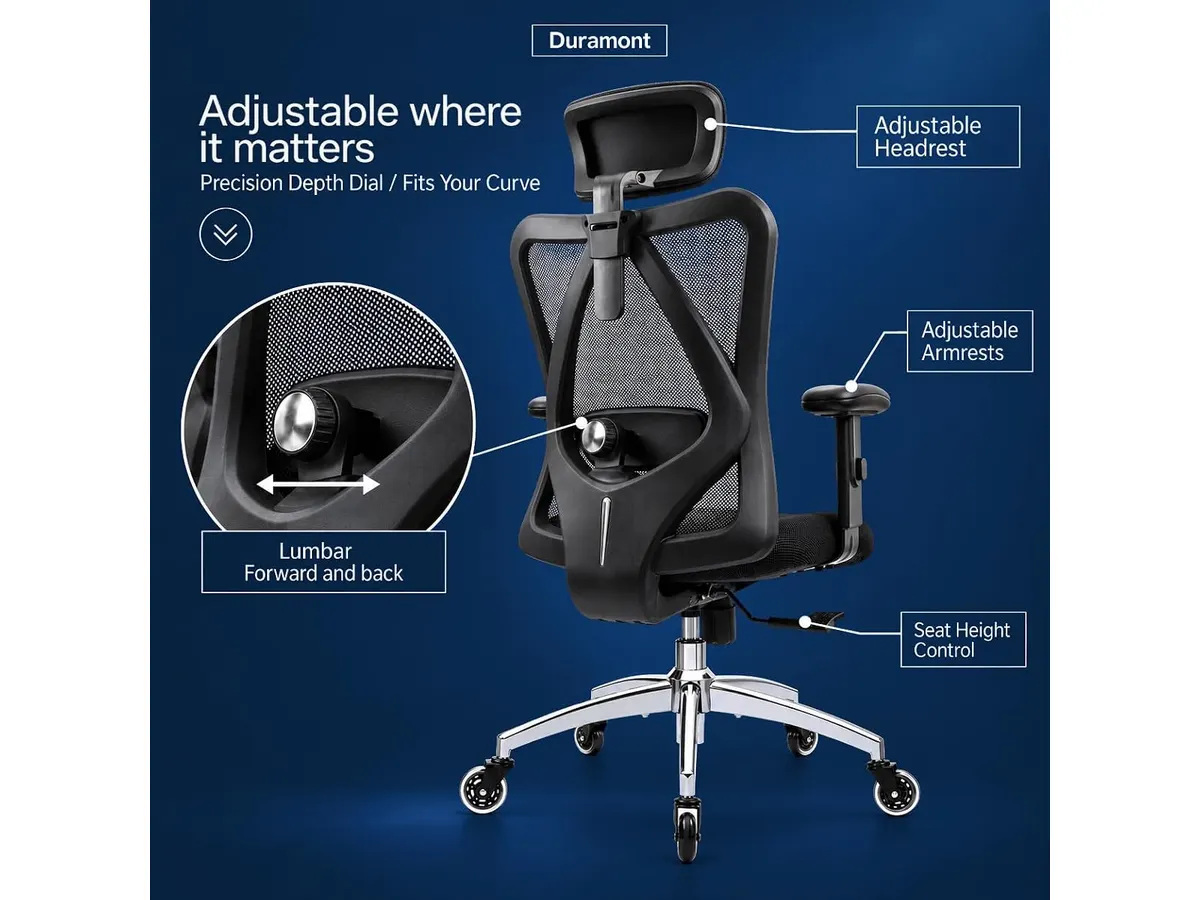
## Dónde flojea
No todo es perfecto. La espuma de memoria, aunque cómoda al principio, puede retener calor si el ambiente no está bien ventilado, lo que contradice parcialmente el propósito del respaldo de malla. Si trabajas en un clima extremadamente cálido, este es un factor a tener en cuenta.
Asimismo, el proceso de ensamblaje aunque está bien documentado, requiere precisión. Los ocho pasos pueden resultar tediosos para quienes no tienen experiencia armando muebles de oficina, y un error en la alineación de los pernos puede generar ruidos molestos a largo plazo. Asegúrate de apretar cada tornillo siguiendo el orden indicado.
## ¿Para quién es?
Esta silla es ideal para el trabajador remoto que mide entre 1.65 y 1.85 metros y valora el soporte lumbar constante. Su capacidad de peso la hace perfecta para usuarios que buscan una base robusta que no se sienta endeble tras unos meses de uso intenso.
No es para ti si prefieres una silla de diseño minimalista con pocos ajustes visibles, o si eres una persona de estatura muy baja. Los ajustes 4D, aunque versátiles, están diseñados para una ergonomía de oficina convencional y podrían no ajustarse correctamente a usuarios que necesitan dimensiones fuera del estándar.

## Alternativas a considerar
Si buscas una experiencia de gama superior con materiales más refinados y un soporte lumbar dinámico que reaccione a tus movimientos, revisa el análisis de la [Ergohuman ME7ERG GEN2: Silla Ergonómica para Oficina](/blog/2026-09-22-ergohuman-me7erg-gen2). Es una inversión mayor, pero los mecanismos de ajuste son más intuitivos.
Por otro lado, si tu prioridad es un modelo de entrada con una relación costo-beneficio muy agresiva y un diseño enfocado en la funcionalidad pura, te sugiero mirar el [SIHOO M18: Análisis de la Silla Ergonómica Ideal para Oficina](/blog/2026-09-22-sihoo-m18). Es una opción muy popular para estudiantes o quienes inician su primer setup.
## Veredicto
La Duramont Ergonomic Office Chair es una compra inteligente para quienes priorizan el soporte lumbar ajustable por encima de la estética minimalista. Tras evaluar su rendimiento, concluimos que es una de las opciones más consistentes para montar una oficina funcional sin gastar una fortuna. Te recomendamos considerar esta silla si buscas durabilidad garantizada y una mejora inmediata en tu postura diaria.
## Preguntas frecuentes
### ¿Es difícil de armar?
No es complejo, pero requiere atención. El manual detalla un proceso de 8 pasos. Si sigues el orden y te aseguras de nivelar las piezas antes de apretar los tornillos, estarás sentado en menos de 30 minutos.
### ¿Las ruedas funcionan en alfombra?
Aunque están diseñadas como ruedas tipo rollerblade para superficies duras o madera, funcionan aceptablemente en alfombras de pelo corto. No obstante, si tu espacio es completamente alfombrado, podrías notar un poco más de resistencia al moverte.
### ¿La garantía cubre el cojín?
La garantía de 5 años es integral para la estructura. Es un respaldo sólido que pocos fabricantes ofrecen en este segmento, protegiendo tanto la base de aluminio como los mecanismos de reclinación.
---
# Flexispot 71x32: análisis del escritorio elevable
URL: https://setuplatam.com/blog/2026-11-02-flexispot-escritorio-elevable-71x32
Category: Escritorios
Published: 2026-11-02
Analizamos el Flexispot 71x32. Descubre si es el mejor escritorio para home office por su amplio tablero, motor silencioso y 4 memorias programables.
El Flexispot Escritorio Elevable 71x32 ofrece un área de trabajo espaciosa para quienes necesitan acomodar múltiples pantallas y periféricos sin perder orden. Diseñado para profesionales con jornadas intensas, busca posicionarse como el mejor escritorio para home office en espacios amplios. Evaluamos su estructura, rendimiento motorizado y ergonomía diaria para determinar si justifica la inversión en nuestra guía de [escritorios](/categorias/escritorios).
## Lo que hace bien
El tablero de 71 por 32 pulgadas transforma la organización diaria. Es una superficie verdaderamente masiva que recibe dos monitores de gran tamaño, una computadora portátil y soportes articulados sin apretujar el espacio para tomar notas.
El ajuste de altura entre 28.9 y 46.5 pulgadas se ejecuta mediante un motor de funcionamiento fluido y silencioso. Pasar de trabajar sentado a levantarse no genera sobresaltos ni vibraciones que pongan en riesgo bebidas o accesorios sobre la mesa.
El panel de control integrado incluye 4 memorias programables. Guardar la medida exacta para estar sentado y la altura ideal para trabajar de pie requiere presionar un solo botón, evitando ajustes a ojo a mitad de la jornada laboral.
La base de acero reforzado aporta un nivel de rigidez sobresaliente. La estructura no balancea al teclear rápido ni al apoyarse levemente en los bordes. El fabricante respalda este chasis con una garantía de 5 años para la estructura y 2 años para los componentes electrónicos.
El ensamblaje no presenta complicaciones insalvables. Siguiendo las instrucciones provistas, la alineación de las patas con el marco superior resulta intuitiva y rápida.
## Especificaciones clave
| Característica | Especificación |
| --- | --- |
| Dimensiones del tablero | 71 x 32 pulgadas |
| Rango de altura | 28.9 a 46.5 pulgadas |
| Memorias programables | 4 ajustes preestablecidos |
| Material de la estructura | Acero reforzado |
| Garantía de estructura | 5 años |
| Garantía de electrónica | 2 años |
| Motor | Funcionamiento silencioso e integrado |
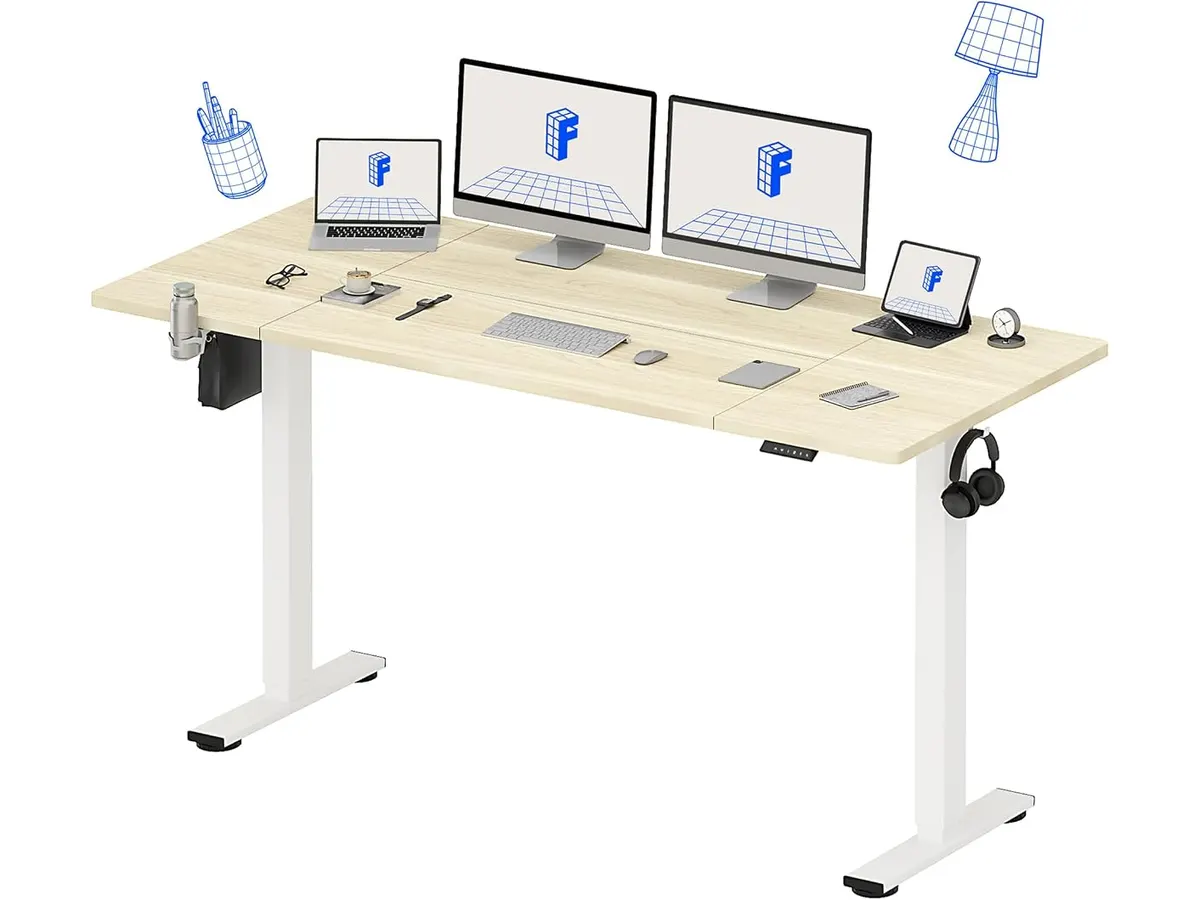
## Dónde flojea
Las dimensiones de este modelo demandan una habitación amplia. Con casi 1.8 metros de largo, en oficinas pequeñas o recámaras secundarias la estructura absorberá demasiado espacio de tránsito.
El límite inferior de 28.9 pulgadas en el rango de elevación puede quedar alto para personas de menor estatura. Si mides menos de 1.65 metros, requerirás un reposapiés para mantener los muslos en ángulo recto al sentarte.
La diferencia entre las coberturas de garantía llama la atención. Mientras la estructura metálica ofrece 5 años de respaldo, los circuitos electrónicos del motor se quedan únicamente en 2 años.
## ¿Para quién es?
- **Ideal para:** Desarrolladores, diseñadores y creadores que utilizan setups de doble monitor con brazo articulado y buscan un escritorio regulable en altura sin limitaciones de espacio en su mesa de trabajo para casa.
- **No recomendado para:** Usuarios que trabajan en rincones estrechos o departamentos pequeños. Si tu presupuesto o espacio son ajustados, evaluar una [opción económica de pie](/blog/2026-09-25-fezibo-escritorio-de-pie) resulta más sensato que comprar un chasis de gran formato. Del mismo modo, quienes prefieren no reemplazar su mesa actual pueden optar por un [convertidor de escritorio elevable](/blog/2026-09-22-flexispot-42-standing-desk-converter).
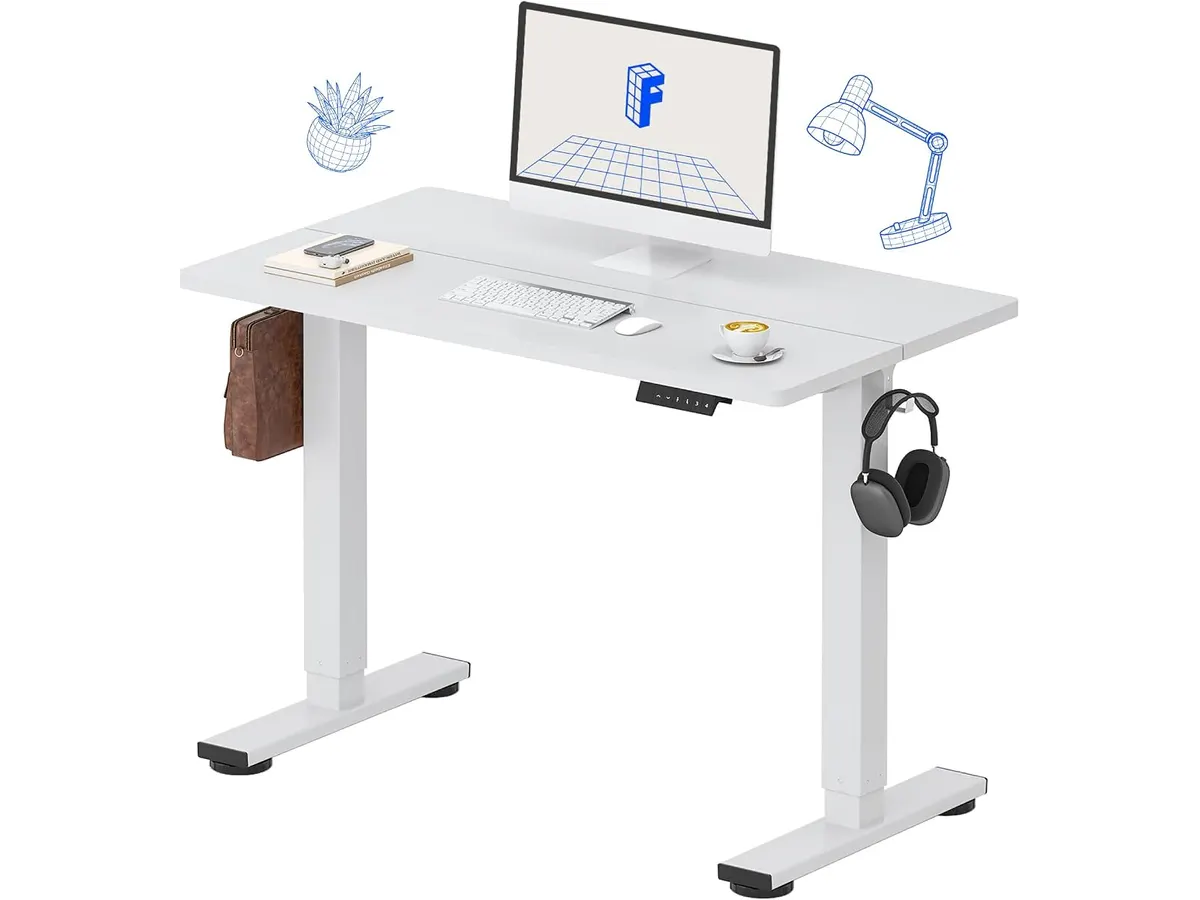
## Alternativas a considerar
- **Modelos motorizados de gama de entrada (48 a 55 pulgadas):** Si te atrae el ajuste motorizado pero dispones de una habitación compacta, la gama media-baja ofrece escritorios con el mismo concepto ergonómico pero en dimensiones más reducidas. Sacrificas área útil a cambio de una integración más sencilla en habitaciones pequeñas.
- **Escritorios de gama alta de doble motor:** Si tu prioridad es la capacidad máxima de carga, garantías prolongadas en la electrónica o rangos de altura que bajen de las 25 pulgadas, las opciones de gama superior resuelven esos aspectos con sistemas motorizados independientes en cada pata.
## Veredicto
El Flexispot Escritorio Elevable 71x32 destaca por su solidez estructural y un tablero masivo que acomoda cualquier herramienta de trabajo sin apretones. El motor opera sin ruidos molestos y sus 4 memorias facilitan alternar posturas a lo largo del día. Aunque la cobertura de la electrónica es más corta que la del chasis, sus prestaciones lo convierten en una opción destacada dentro de nuestro catálogo de [escritorios](/categorias/escritorios) para renovar el espacio de trabajo.
## Preguntas frecuentes
### ¿Es el Flexispot 71x32 el mejor escritorio para home office si uso dos monitores?
Sí, sus 71 pulgadas de ancho permiten acomodar dos monitores de hasta 27 o 32 pulgadas junto a soportes de escritorio, manteniendo espacio libre para bocinas y periféricos.
### ¿Qué nivel de ruido genera el motor al elevar la mesa?
El sistema motorizado emite un zumbido bajo y fluido que no interrumpe llamadas de voz ni molesta a otras personas en la casa durante los ajustes.
### ¿Qué pasa con las memorias guardadas si el escritorio se desconecta?
El controlador guarda los 4 ajustes preestablecidos en su memoria interna, por lo que no perderás la configuración aunque desenchufes el equipo o sufras un corte de energía.
---
# Quntis Monitor Light RGB PRO: análisis y opinión
URL: https://setuplatam.com/blog/2026-11-01-quntis-monitor-light-rgb-pro
Category: Iluminación
Published: 2026-11-01
Buscando la mejor lampara de escritorio para trabajar? Analizamos la Quntis Monitor Light RGB PRO con luz asimétrica, 15 modos RGB y CRI > 95.
La Quntis Monitor Light RGB PRO busca resolver dos problemas comunes en el escritorio: la fatiga por reflejos en la pantalla y la falta de ambiente durante sesiones nocturnas. Si estás evaluando opciones en nuestra sección de [iluminación](/categorias/iluminacion), esta barra de 20 pulgadas combina proyección asimétrica frontal con retroiluminación RGB. Es una propuesta pensada para quienes buscan la mejor lampara de escritorio para trabajar y crear un espacio funcional sin ocupar superficie en la mesa.
## Lo que hace bien
El diseño óptico asimétrico a 45 grados es su mayor virtud. La luz cae proyectada directamente hacia la mesa, justo donde están el teclado y los documentos. Al no enviar luz en dirección directa al cristal del monitor, elimina los destellos que obligan a forzar la vista.
Integra una fuente de luz doble con emisión frontal y trasera. Este esquema balancea la luminosidad del espacio y reduce el contraste brusco entre la pantalla encendida y una pared oscura al fondo. Para quienes trabajan de noche, esta característica marca una diferencia real en el confort diario.
La fidelidad de color está muy bien cuidada. Ofrece un índice de reproducción cromática CRI superior a 95, lo que garantiza que los tonos de cuadernos, bocetos o fotos mantengan su aspecto real sin lavarse ni alterarse. Se combina con cuatro temperaturas de color fijas (3000K, 4000K, 5000K y 6500K) y un ajuste de brillo continuo para adaptar la intensidad exacta a cada momento.
En la parte posterior, sus 15 modos de retroiluminación RGB permiten modificar la atmósfera del área de trabajo. Su estructura en aleación de aluminio se percibe sólida y resiste bien el uso continuo sin sobrecalentarse.
## Especificaciones clave
| Especificación | Detalle |
| --- | --- |
| Longitud | 20 pulgadas (51 cm) |
| Modos RGB | 15 modos de retroiluminación |
| Temperaturas de color | 4 niveles (3000K, 4000K, 5000K, 6500K) |
| Índice de reproducción cromática | CRI > 95 |
| Diseño óptico | Asimétrico a 45° |
| Fuente de luz | Doble (frontal y trasera) |
| Ajuste de brillo | Continuo |
| Conexión de energía | Cable USB Tipo C de 1.5 m (5 pies) |
| Material | Aleación de aluminio |
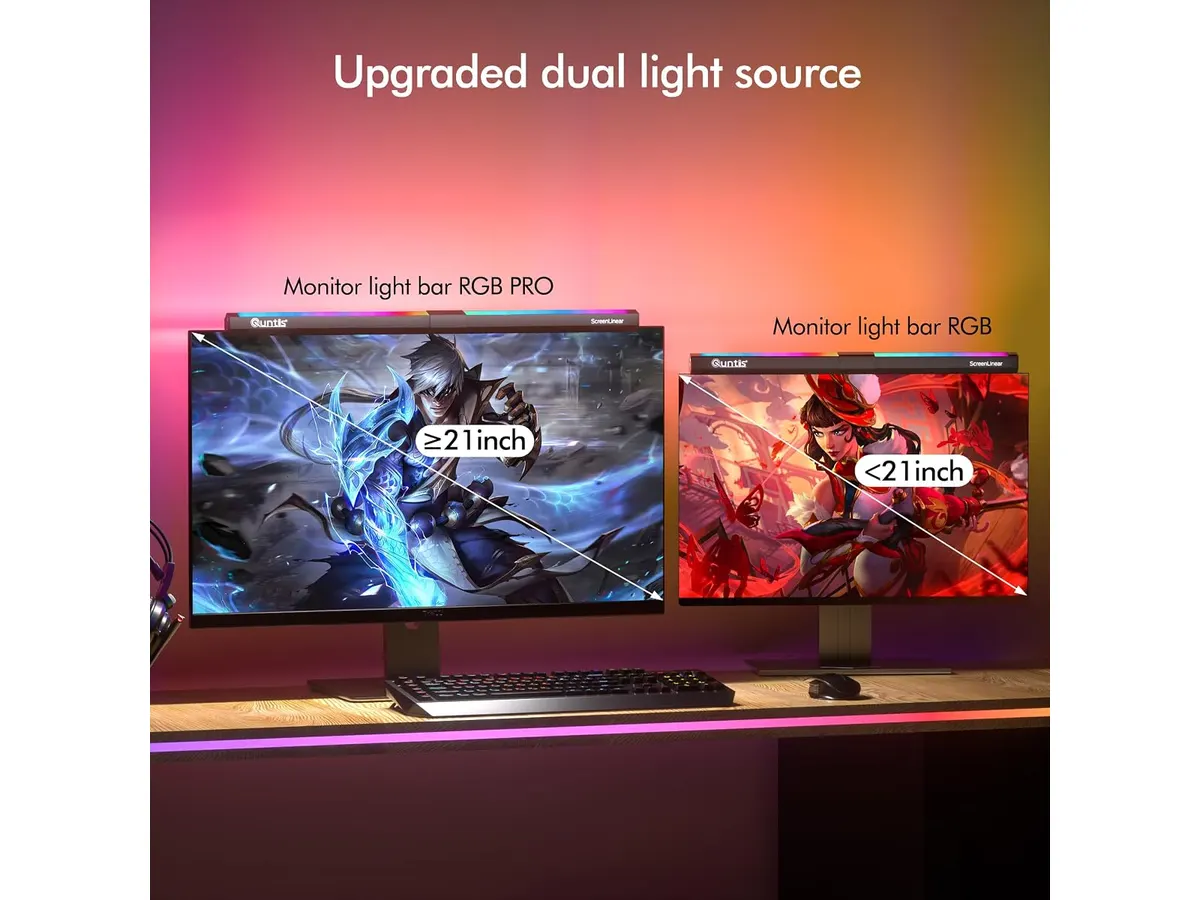
## Dónde flojea
Las temperaturas de color están limitadas a cuatro niveles prefijados. Aunque el brillo permite un ajuste continuo fluido, pasar de una luz cálida a una fría requiere saltar entre los bloques de 3000K, 4000K, 5000K y 6500K. Quienes busquen un control térmico milimétrico no lo encontrarán aquí.
El cable USB Tipo C incluido mide 1.5 metros (5 pies). Si tu torre de computadora está ubicada en el suelo o alejada del soporte del monitor, ese largo puede ser algo justo para organizar los cables con discreción.
Sus 20 pulgadas de longitud encajan en monitores rectos planos de tamaño medio o grande. Sin embargo, en monitores con curvas muy pronunciadas o grosores irregulares en el borde superior, el mecanismo de contrapeso puede requerir paciencia adicional para asentarse de forma totalmente alineada.
## ¿Para quién es?
Esta barra de luz es para profesionales, redactores y programadores que pasan largas horas frente a la pantalla en ambientes oscuros. Si valoras mantener la mesa despejada de bases voluminosas y deseas reducir la fatiga visual con un CRI elevado, el equipo encaja perfectamente en tu rutina.
No es la opción adecuada si buscas una herramienta para iluminar tu rostro durante videollamadas. La luz frontal proyecta hacia el escritorio, no hacia adelante. Tampoco encaja con quienes prefieren una lámpara tradicional de brazo articulado para mover la luz sobre distintas zonas de la habitación. Si ese es tu caso, vale la pena revisar nuestro [análisis de la Lámpara de Escritorio LED SANDROY VOLT](/blog/2026-09-22-sandroy-volt-led-desk-lamp).
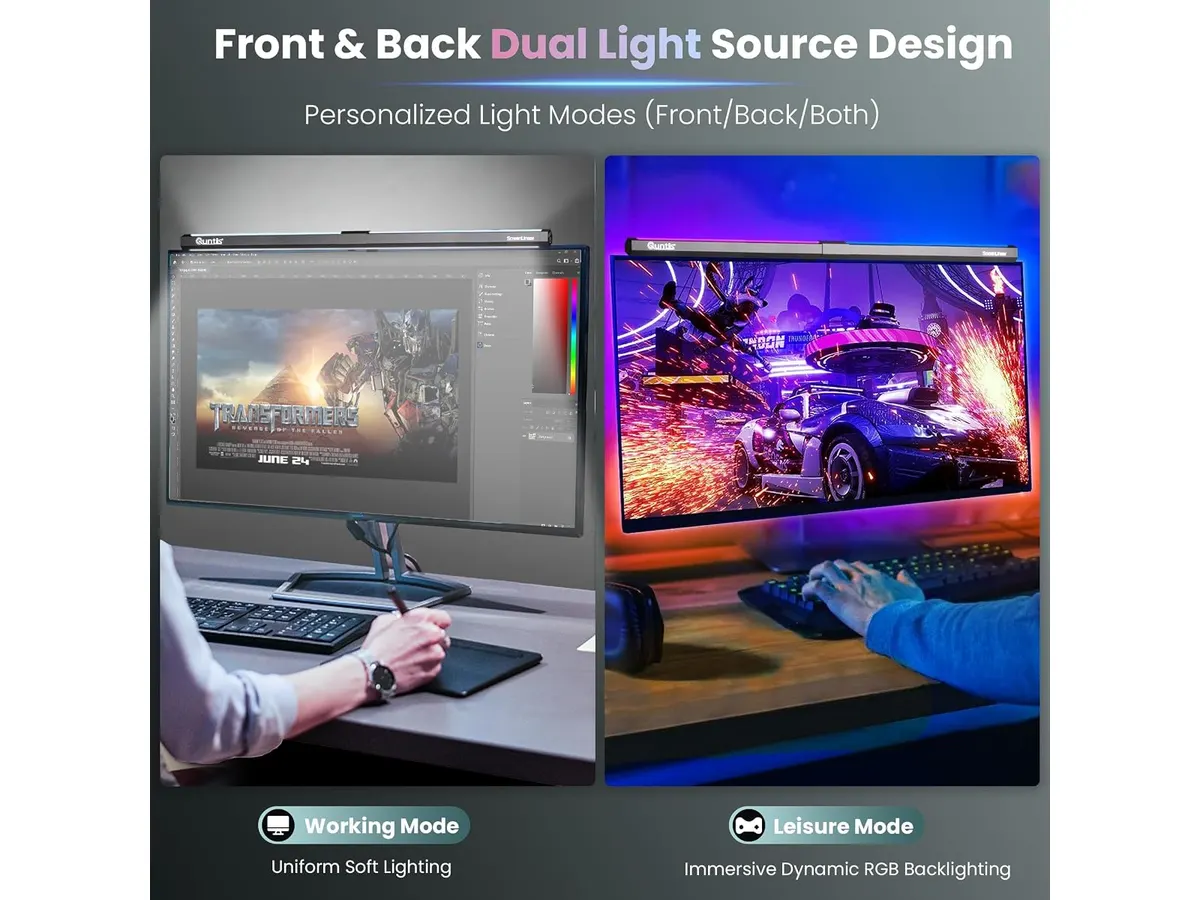
## Alternativas a considerar
- **Barras de luz tradicionales sin RGB**: Si no te interesa la iluminación trasera ni los efectos de color y solo buscas funcionalidad blanca limpia sobre el teclado, existen modelos centrados únicamente en la proyección frontal. Puedes comparar sus prestaciones leyendo nuestro [análisis de la Quntis Computer Monitor Lamp](/blog/2026-09-22-quntis-computer-monitor-lamp).
- **Lámparas de escritorio de brazo mecánico**: Si necesitas iluminar materiales físicos fuera del ángulo de la pantalla, como planos, libros de texto o zonas de dibujo manual, una lámpara articulada de gama media con base pesada ofrece un radio de acción superior.
## Veredicto
### ¿Es la mejor lampara de escritorio para trabajar?
La Quntis Monitor Light RGB PRO cumple lo que promete sin rodeos. Su luz asimétrica a 45 grados y el CRI superior a 95 resuelven de forma efectiva la fatiga visual al tiempo que liberan la mesa. Los 15 modos RGB traseros suman versatilidad estética sin arruinar la función técnica principal. Es una compra inteligente para optimizar un espacio de trabajo moderno.
## Preguntas frecuentes
### ¿La luz refleja en la pantalla del monitor?
No. El diseño óptico asimétrico a 45 grados proyecta la luz hacia abajo sobre la superficie de trabajo, evitando que el haz incida directamente sobre el vidrio del panel.
### ¿Se puede usar la luz frontal sin encender los colores RGB?
Sí. La fuente de luz frontal y la retroiluminación trasera se controlan de forma independiente, permitiendo trabajar únicamente con la luz blanca sin activar los modos RGB.
### ¿Cómo se conecta a la energía?
Se alimenta mediante un cable USB Tipo C de 1.5 metros incluido. Puedes conectarlo directamente a un puerto USB del monitor, a un hub de escritorio o a un adaptador de pared.
---
# Redragon GS560 RGB análisis: barra de sonido 2.0
URL: https://setuplatam.com/blog/2026-11-01-redragon-gs560-rgb
Category: Audio y webcams
Published: 2026-11-01
Evaluamos la barra Redragon GS560 RGB para tu escritorio. Descubre si complementa la mejor webcam para home office con su audio claro y tamaño compacto.
La barra de sonido Redragon GS560 RGB busca resolver la falta de espacio en escritorios ajustados sin sacrificar un sonido limpio. Si ya armaste tu espacio buscando la [mejor webcam para home office](/blog/2026-09-22-logitech-mx-brio), sumar parlantes voluminosos puede desordenar tu superficie de trabajo. Este modelo de 16 pulgadas entrega un canal 2.0 directo para computadoras y móviles, enfocado en optimizar el espacio sin complicar la instalación.
## Lo que hace bien
El formato horizontal de 16 pulgadas se ubica justo debajo del monitor sin ocupar espacio útil para el mouse o el teclado. Redragon aprovecha esta estructura para integrar un sistema de audio 2.0 que proyecta el sonido de forma frontal, mejorando la nitidez de voces y efectos frente a las bocinas integradas de cualquier laptop.
La calidad de audio ofrece claridad en frecuencias medias y graves enriquecidos para su tamaño. Las llamadas de trabajo, videos y sesiones casuales de juego se escuchan definidas, manteniendo un balance adecuado sin distorsionar en volúmenes medios.
El control físico mediante perilla facilita ajustes precisos al instante. No necesitas presionar combinaciones de teclas ni entrar al panel del sistema operativo para subir o bajar el nivel de audio durante una llamada rápida.
La iluminación RGB incluye cuatro modos dinámicos que le dan dinamismo al escritorio. La luz fluye a lo largo de la base, añadiendo un toque visual sobrio que puedes ajustar según la estética de tu espacio.
La conectividad combinada de USB y jack de 3.5mm garantiza compatibilidad inmediata con PC, laptops, televisores y smartphones. Solo conectas los cables y el altavoz queda listo para reproducir sin necesidad de controladores adicionales.
## Especificaciones clave
| Característica | Especificación |
| --- | --- |
| Tipo de altavoz | 2.0 Channel Soundbar |
| Conectividad | USB y jack de 3.5 mm |
| Iluminación | RGB con 4 modos dinámicos |
| Controles | Perilla física de volumen |
| Tamaño | 16 pulgadas |
| Compatibilidad | PC, TV, Laptop y Smartphone |
## Dónde flojea
Requiere dos conexiones simultáneas para funcionar correctamente: el conector USB para recibir energía y la luz RGB, más el conector jack de 3.5 mm para transportar la señal de audio. Si tu laptop tiene pocos puertos, tendrás que usar un concentrador o adaptador adicional.
El perfil de sonido favorece la claridad vocal, pero la ausencia de un subwoofer dedicado limita el impacto en frecuencias extremadamente bajas. Quienes busquen graves profundos para cine o producción musical notarán esa falta de cuerpo en la zona inferior del espectro.
Los modos de iluminación RGB son predeterminados y se cambian desde el propio altavoz, sin integración con software de sincronización de terceros para personalizar patrones específicos por aplicación.
## ¿Para quién es?
- **Ideal para:** Profesionales en teletrabajo y estudiantes que tienen escritorios reducidos y buscan un sistema de audio frontal claro, fácil de controlar y con iluminación decorativa para su setup.
- **No recomendado para:** Audiófilos que exigen respuesta de graves profunda, ni para usuarios que prefieren conexiones totalmente inalámbricas por Bluetooth sin lidiar con cables dobles.
## Alternativas a considerar
En la gama de entrada existen altavoces estéreo independientes en lugar de formato barra. Si prefieres dos bocinas separadas para abrir la escena sonora en los extremos del escritorio, hay opciones de costo similar con alimentación USB que ofrecen una firma acústica equivalente en un formato distinto. Para comparar alternativas de perfil bajo y formato compacto, vale la pena revisar nuestro análisis sobre [calidad de sonido y diseño compacto](/blog/2026-09-22-bluedee-computer-speakers).
Para quien necesita una experiencia auditiva con mayor pegada en graves y aislamiento, la alternativa lógica es dar el salto hacia auriculares con cable o conectividad inalámbrica en una gama de precio superior. Si tu prioridad actual es mejorar la imagen visual de tus videoconferencias antes que el audio externo, puedes revisar el [análisis OBSBOT Tiny 3 Lite: Calidad 4K con IA](/blog/2026-09-26-obsbot-tiny-3-lite).
## Veredicto
La Redragon GS560 RGB es una solución pragmática para despejar el escritorio manteniendo un sonido directo y controlado. Su perilla física y el formato de 16 pulgadas resuelven los problemas habituales de espacio e interactividad en el uso diario. Explora más opciones para equipar tu mesa de trabajo en nuestra sección de [Audio y webcams](/categorias/audio-webcams). Cumple con creces su promesa de diseño compacto y audio claro para el trabajo y el entretenimiento diario.
## Preguntas frecuentes
### ¿Se puede apagar la iluminación RGB mientras se usa la barra?
Sí, la barra permite alternar entre sus cuatro modos de iluminación dynamic RGB y desactivar las luces mediante sus controles integrados sin cortar la reproducción de audio.
### ¿Funciona la barra si solo conecto el cable USB a la computadora?
No, el conector USB únicamente suministra energía para el altavoz y la iluminación RGB. Para transmitir el sonido hacia la barra es obligatorio conectar también el cable jack de 3.5 mm al puerto de audio.
### ¿Es compatible con consolas o televisores que no tienen puerto USB cercano?
Es compatible siempre que el puerto 3.5 mm reciba la señal de sonido y el conector USB se enchufe a un cargador de pared estándar o a un puerto energizado cercano.
---
# Acer Nitro ED300C X1: pantalla curva fluida
URL: https://setuplatam.com/blog/2026-10-31-acer-nitro-ed300c-x1
Category: Monitores
Published: 2026-10-31
Analizamos el monitor Acer Nitro ED300C X1 de 29.5 pulg con 200 Hz y curvatura 1800R. Evaluamos si es el mejor monitor para home office en productividad.
El Acer Nitro ED300C X1 entra en el mercado para resolver el dilema de quienes buscan espacio extra horizontal sin saturar el escritorio. Este modelo ultrawide de 29.5 pulgadas combina la velocidad del entorno competitivo con la amplitud necesaria para el trabajo diario. Si estás buscando el **mejor monitor para home office**, este equipo se presenta como una pantalla para trabajar desde casa con una fórmula mixta muy clara.
## Lo que hace bien
- **Fluidez visual constante**: La tasa de refresco de 200 Hz junto con un tiempo de respuesta de 1 ms cambia por completo la experiencia frente a la pantalla. El movimiento del cursor, la navegación rápida y el desplazamiento por documentos extensos suceden sin interrupciones. La inclusión de AMD FreeSync Premium garantiza que las imágenes en movimiento se mantengan estables sin desgarros visuales.
- **Espacio ultrawide en 21:9**: La resolución UWFHD (2560 x 1080) en una relación de aspecto ultraancha de 21:9 amplía la línea de visión horizontal. Es una ventaja directa para abrir un navegador a un lado y una hoja de cálculo al otro sin comprimir las barras de herramientas.
- **Inmersión y curvatura 1800R**: La curvatura de 1800R está diseñada para envolver el campo de visión. Al mantener los extremos de la pantalla a una distancia uniforme de los ojos, la vista descansa mejor durante jornadas prolongadas de teletrabajo.
- **Construcción pensada para el rendimiento**: El panel responde al instante, eliminando el desdibujamiento de movimiento y el efecto fantasma durante transiciones rápidas en juegos o video.
## Especificaciones clave
| Característica | Especificación |
| --- | --- |
| Tamaño de pantalla | 29.5" |
| Resolución | 2560 x 1080 (UWFHD) |
| Relación de aspecto | 21:9 |
| Curvatura | 1800R |
| Tasa de refresco | 200 Hz |
| Tiempo de respuesta | 1 ms |
| Sincronización | AMD FreeSync Premium |
## Dónde flojea
- **Altura vertical limitada**: Con 1080 líneas horizontales de resolución, la altura del escritorio virtual es la misma que la de un panel Full HD estándar. Para editar documentos muy largos o revisar código vertical, sentirás la falta de espacio en la parte superior e inferior.
- **Nitidez de texto moderada**: Distribuir 2560 x 1080 píxeles a lo largo de 29.5 pulgadas genera una densidad de píxeles más baja en comparación con pantallas de alta definición estrictamente enfocadas a la oficina. El texto pequeño no se ve tan recortado como en un panel QHD.
- **Ajustes de ergonomía básicos**: Al estar enfocado a la línea gaming de Acer Monitores, el soporte requiere espacio en la mesa y ofrece ajustes limitados, lo que puede exigir el uso de un brazo de montaje VESA si buscas ahorrar superficie en tu escritorio.
## ¿Para quién es?
- **Ideal para**: Usuarios que combinan jornadas laborales de teletrabajo con juegos de ritmo acelerado en la tarde. Si usas dos aplicaciones simultáneas en paralelo y buscas transiciones ultra fluidas sin pagar el costo de dos pantallas independientes, este panel ultrawide cumple perfectamente su propósito.
- **No recomendado para**: Diseñadores gráficos, editores de fotografía o profesionales que leen código durante ocho horas continuas y necesitan texto ultra nítido. Tampoco encaja con quien busque un monitor 27 pulgadas para trabajar de diseño plano clásico.
## Alternativas a considerar
- **Gama alta enfocada en productividad pura**: Si tu prioridad absoluta es la claridad tipográfica y la precisión de color sobre la tasa de refresco, un panel plano QHD de 27 pulgadas con panel IPS resultará más cómodo para leer datos numéricos y editar texto. Puedes profundizar en el [análisis del monitor Dell UltraSharp U2724D](/blog/2026-09-22-dell-ultrasharp-u2724d) para conocer las ventajas de este perfil profesional.
- **Setup de monitor dual**: Si prefieres dividir tus aplicaciones en dos pantallas independientes para colocar una en formato vertical, un par de monitores planos estándar puede ser la alternativa ideal. Te sugerimos revisar el [análisis del Gigastone 27" IPS 2-Pack](/blog/2026-09-22-gigastone-27-ips-2-pack) para comparar el costo y la utilidad de dos pantallas frente al formato ultrawide.
## Veredicto: ¿Es el mejor monitor para home office?
El Acer Nitro ED300C X1 es una opción sólida para quienes necesitan multitarea horizontal y valoran una velocidad de actualización muy alta. Su formato 21:9 y los 200 Hz justifican la compra para un perfil de uso mixto entre trabajo y entretenimiento. Aunque la resolución vertical exige transacciones en la nitidez del texto, su relación entre espacio y fluidez es difícil de ignorar. Te invitamos a revisar nuestra categoría de [monitores](/categorias/monitores) para comparar esta propuesta con otras alternativas disponibles en el mercado.
## Preguntas frecuentes
### ¿La curvatura 1800R es adecuada para escribir texto y trabajar en hojas de cálculo?
Sí, la curva de 1800R es suficiente para envolver la vista sin distorsionar las líneas rectas de tablas o procesadores de texto en este tamaño de pantalla.
### ¿Se necesita una tarjeta de video dedicada para aprovechar los 200 Hz?
Para tareas de oficina e interfaz general, la mayoría de los equipos modernos pueden manejar 2560 x 1080 a 200 Hz mediante DisplayPort. Sin embargo, para mantener 200 cuadros por segundo en videojuegos pesados, se requiere un procesador gráfico dedicado.
### ¿Cómo se compara este panel con un monitor para teletrabajo de 27 pulgadas?
La pantalla de 29.5 pulgadas ultrawide ofrece aproximadamente un 30% más de espacio horizontal que un monitor estándar de 27 pulgadas, facilitando el uso de dos ventanas completas sin bordes al centro.
---
# Análisis del Belkin 100W USB C Hub para tu oficina
URL: https://setuplatam.com/blog/2026-10-31-belkin-100w-usb-c-hub
Category: Soportes y hubs
Published: 2026-10-31
Evaluamos el Belkin 100W USB C Hub. ¿Es el mejor hub usb-c para home office si buscas carga rápida y resolución 4K? Descubre nuestra opinión experta aquí.
El Belkin 100W USB C Hub es una herramienta diseñada para quienes necesitan centralizar su conectividad sin sacrificar la velocidad de carga. Si buscas el mejor hub usb-c para home office, este dispositivo se posiciona como una opción confiable para usuarios que trabajan con portátiles modernos que dependen de un solo puerto para todo. Puedes explorar otras opciones en nuestra sección de [Soportes y hubs](/categorias/soportes-hubs) para completar tu configuración.
## Lo que hace bien
Este adaptador destaca principalmente por su capacidad de entrega de energía. Con soporte para hasta 100W Power Delivery, permite mantener tu ordenador cargando a máxima velocidad mientras conectas periféricos adicionales. Es una ventaja real para quienes usan estaciones de trabajo exigentes.
La salida HDMI 2.0 es otro punto fuerte, ya que garantiza una resolución 4K a 60Hz. Esta frecuencia es vital para obtener una experiencia visual fluida en monitores externos, evitando el parpadeo o el retraso que suelen sufrir los adaptadores limitados a 30Hz. Además, integra un sistema de seguridad de 6 puntos que protege contra sobretensiones y temperaturas excesivas, un detalle de tranquilidad para quienes dejan sus equipos conectados durante jornadas largas.
## Especificaciones clave
| Característica | Detalle |
| :--- | :--- |
| Puertos totales | 5 puertos |
| Potencia de carga | Hasta 100W Power Delivery |
| Resolución HDMI | 4K a 60Hz |
| Velocidad de datos | Hasta 5 Gbps |
| Estándar HDMI | HDMI 2.0 |
| Seguridad | Sistema de 6 puntos |
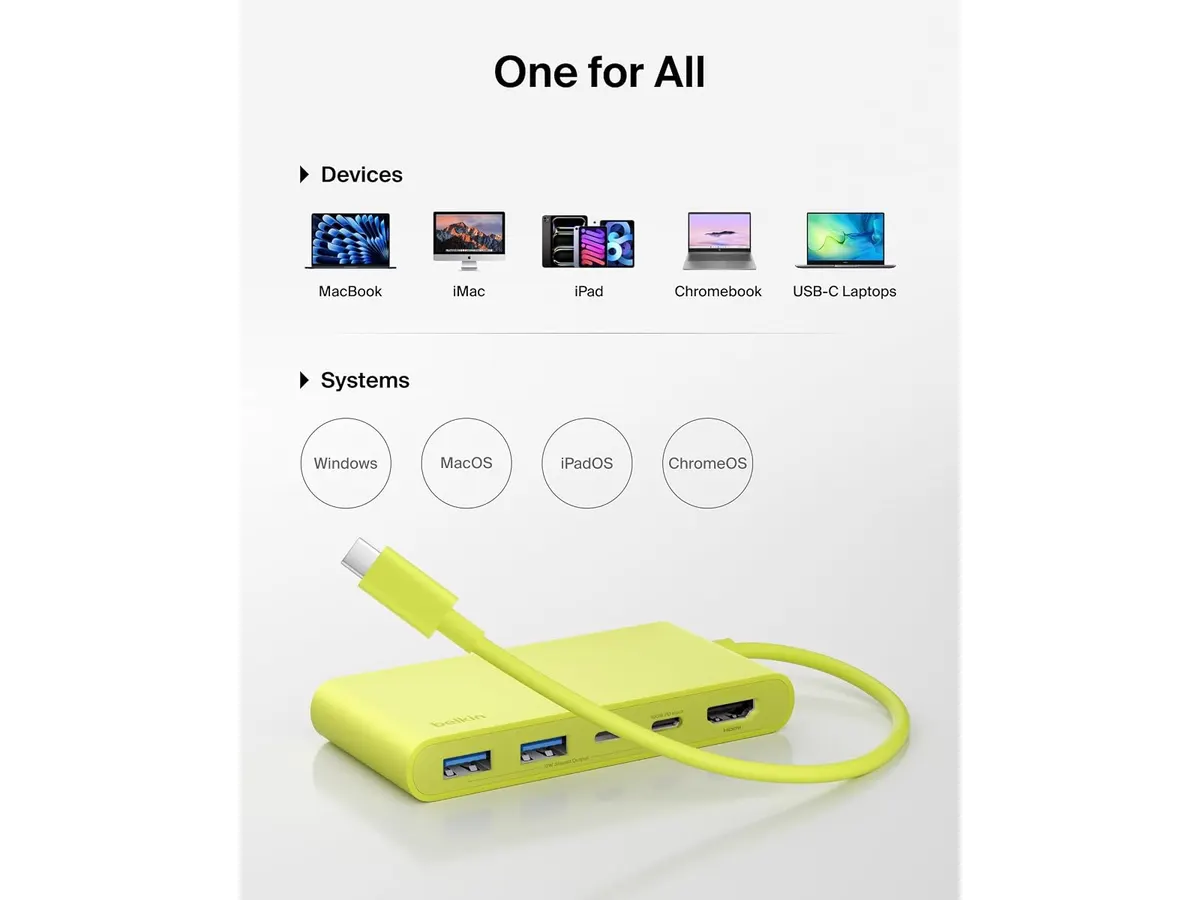
## Dónde flojea
La mayor limitación de este hub es su cantidad de puertos. Al ofrecer solo 5 entradas, puede quedarse corto para usuarios que necesitan conectar múltiples discos duros, lectores de tarjetas SD o periféricos antiguos de forma simultánea. Si tu flujo de trabajo requiere una conectividad masiva, es posible que prefieras algo como el [Anker USB-C Hub 8-in-1: Análisis para tu espacio de trabajo](/blog/2026-09-22-anker-usb-c-hub-8-in-1), que ofrece mayor variedad de conexiones.
Otro aspecto a considerar es la velocidad de transferencia de datos de 5 Gbps. Aunque es estándar para el día a día, aquellos que editan video en alta resolución o transfieren archivos pesados constantemente encontrarán esta velocidad algo lenta comparada con los estándares Thunderbolt más avanzados. Para usuarios de nivel profesional, una opción como el [Análisis del CalDigit TS4: El hub definitivo](/blog/2026-09-25-caldigit-ts4) sería más adecuada.
## ¿Para quién es?
Este producto es ideal para el estudiante o profesional creativo que trabaja en un escritorio ordenado y minimalista. Si solo necesitas conectar un monitor 4K y mantener tu laptop cargada con un solo cable, el Belkin cumple su función sin complicaciones.
No es para ti si trabajas en edición de medios pesados o si tu configuración incluye múltiples periféricos de almacenamiento. Si sueles conectar cables Ethernet, varias tarjetas de memoria y discos duros externos al mismo tiempo, este hub resultará insuficiente y te obligará a usar adaptadores adicionales.
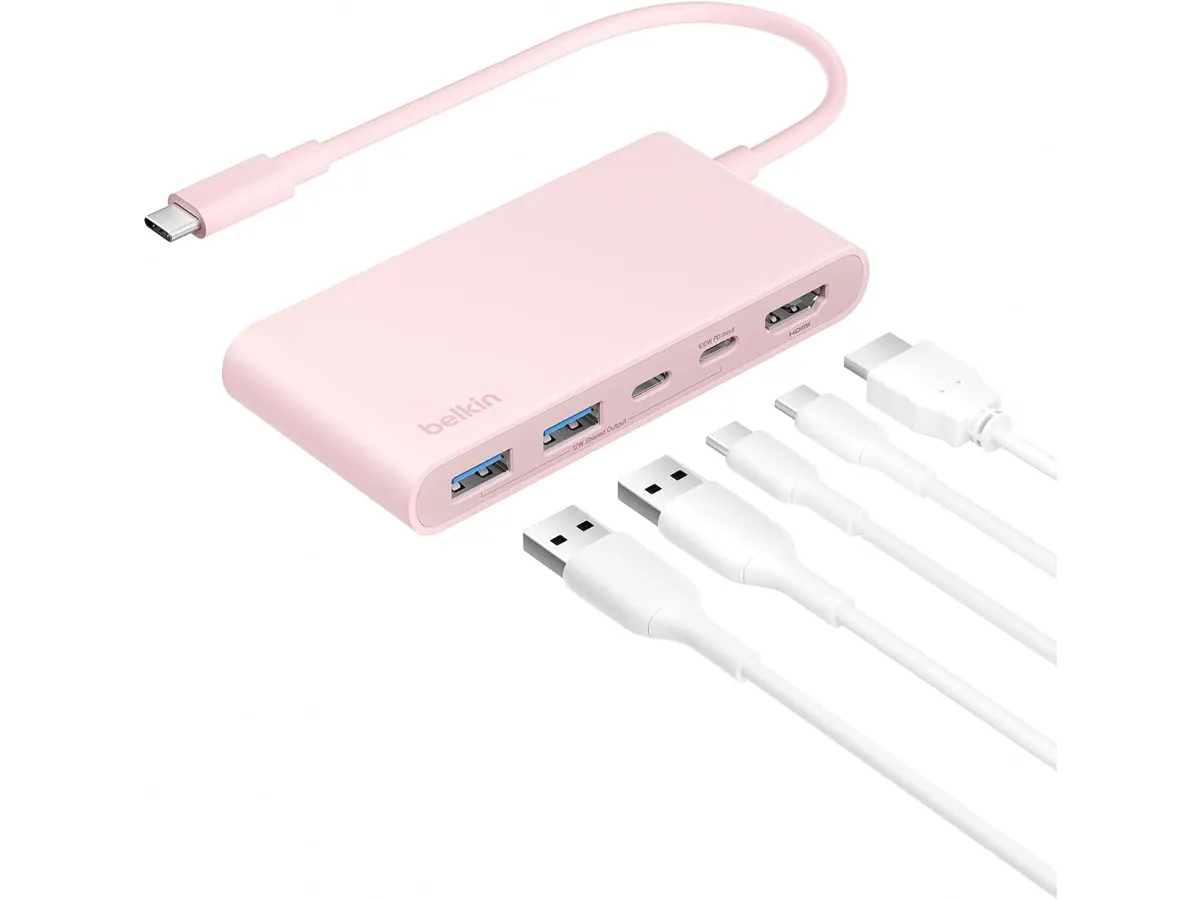
## Alternativas a considerar
Si buscas algo más sencillo y económico para tareas básicas de oficina, existen hubs de gama de entrada que ofrecen puertos USB-A y HDMI sin la carga de 100W, ideales para quienes no necesitan alimentar portátiles de alto rendimiento. Por otro lado, si buscas una solución permanente para un escritorio fijo, existen estaciones de acoplamiento de gama alta que actúan casi como una torre, ofreciendo puertos dedicados para audio, red y múltiples monitores, aunque suelen ocupar mucho más espacio.
## Veredicto
El Belkin 100W USB C Hub es una pieza equilibrada para quienes priorizan la carga rápida y la calidad de imagen 4K sobre la cantidad de puertos. Es un accesorio sólido, construido con estándares de seguridad que lo hacen destacar sobre opciones genéricas de bajo costo. Si lo combinas con un buen [Análisis del brazo MOUNTUP para monitores](/blog/2026-09-29-mountup-single-monitor-desk-mount), tendrás un setup limpio y profesional. Para el usuario promedio, es una inversión inteligente que durará años.
## Preguntas frecuentes
### ¿Funciona con cualquier portátil USB-C?
Sí, siempre que tu portátil admita carga a través de USB-C (Power Delivery) y salida de video DisplayPort Alt Mode, el hub funcionará sin problemas en computadoras con Windows o macOS.
### ¿Se calienta mucho durante el uso?
El diseño incluye un sistema de seguridad de 6 puntos que gestiona el calor de forma activa. Es normal que se sienta tibio al tacto cuando carga a 100W, pero es un comportamiento esperado debido a la transferencia de energía.
### ¿Puedo conectar dos monitores a la vez?
No, este modelo cuenta con un solo puerto HDMI. Si necesitas una configuración multimonitor, deberás buscar estaciones de acoplamiento que soporten salida dual o considerar otras alternativas.
---
# Análisis de la Anker 13-in-1 USB-C Docking Station
URL: https://setuplatam.com/blog/2026-10-30-anker-13-in-1-usb-c-docking-station
Category: Soportes y hubs
Published: 2026-10-30
Analizamos la Anker 13-in-1 USB-C Docking Station. Descubre si es el mejor hub usb-c para home office para organizar tu escritorio y conectar múltiples periféricos.
La Anker 13-in-1 USB-C Docking Station es una solución contundente para quienes necesitan centralizar todo su equipo de trabajo en un solo punto. Si buscas el mejor hub usb-c para home office que mantenga el orden sin sacrificar puertos, este accesorio es un candidato serio. Pertenece a nuestra categoría de [Soportes y hubs](/categorias/soportes-hubs) y está diseñada para usuarios con portátiles modernos que carecen de conectividad física.
## Lo que hace bien
El punto más fuerte de esta base es su capacidad de carga. Gracias a su adaptador de 135W, entrega 85W reales a tu portátil mientras reserva 18W para tu teléfono móvil. Esto elimina la necesidad de cargar con el bloque de alimentación de tu computadora a diario.
La gestión de periféricos también destaca. Con seis puertos USB en total —divididos equitativamente entre USB-C a 10Gbps y USB-A a 5Gbps— puedes conectar discos duros externos, interfaces de audio y otros accesorios sin cuellos de botella. La inclusión de ranuras para tarjetas SD y microSD es una ventaja directa para creadores que trabajan con cámaras fotográficas o drones.
Finalmente, su diseño vertical no es solo estético. Al ocupar una superficie pequeña de 4.9 x 3.5 pulgadas, ahorra espacio valioso, permitiendo que tu escritorio se sienta menos saturado, algo fundamental cuando instalas otros accesorios como un [Análisis del brazo MOUNTUP para monitores](/blog/2026-09-29-mountup-single-monitor-desk-mount).
## Especificaciones clave
| Característica | Detalle |
| :--- | :--- |
| Puertos totales | 13 |
| Potencia de carga | 85W (Laptop) + 18W (Móvil) |
| Salida de video | Triple 1080p@60Hz o 4K@60Hz |
| Puertos datos USB-C | 3x (10Gbps) |
| Puertos datos USB-A | 3x (5Gbps) |
| Conectividad | Gigabit Ethernet, SD, microSD, Jack 3.5mm |
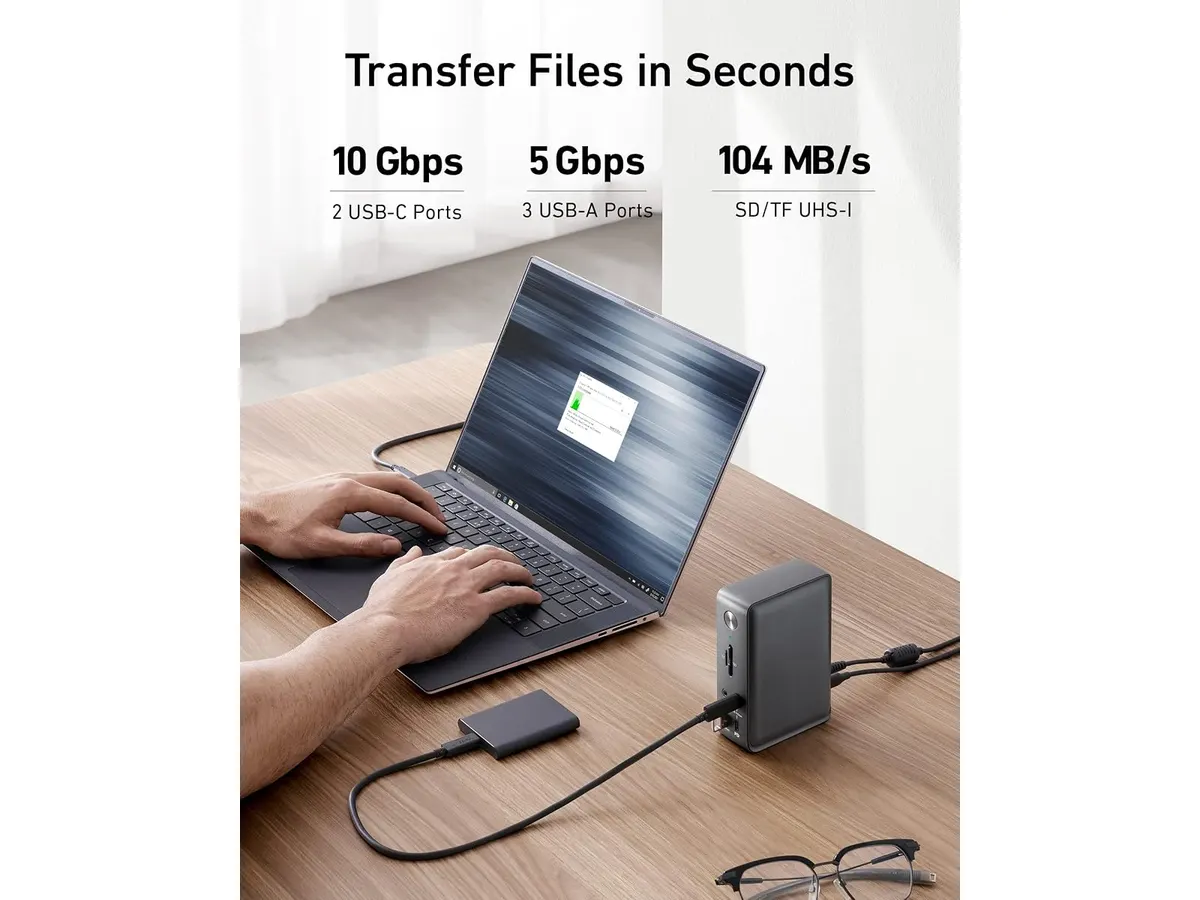
## Dónde flojea
No todo es perfecto. La limitación principal es que su versatilidad de pantalla triple está optimizada para sistemas Windows. Si eres usuario de macOS, no obtendrás el mismo rendimiento en configuraciones multimonitor, lo que podría frustrar tu flujo de trabajo creativo. Es importante que verifiques la compatibilidad de tu sistema operativo antes de decidir.
Además, el diseño vertical, aunque ahorra espacio, puede sentirse inestable si conectas cables pesados o rígidos en todos los puertos frontales. La base es ligera, por lo que un exceso de cables conectados podría moverla si no tiene suficiente espacio de apoyo.
## ¿Para quién es?
Esta base es ideal para el profesional administrativo o estudiante que trabaja en Windows y necesita conectar múltiples pantallas, teclado, ratón y unidades de almacenamiento sin cambiar cables constantemente. Es una herramienta de productividad pura.
No es para ti si eres un usuario avanzado de Apple que requiere soporte nativo para múltiples pantallas externas de alta resolución sin configuraciones adicionales de software. En ese caso, deberías buscar opciones más especializadas como la analizada en el [Análisis del CalDigit TS4: El hub definitivo](/blog/2026-09-25-caldigit-ts4).
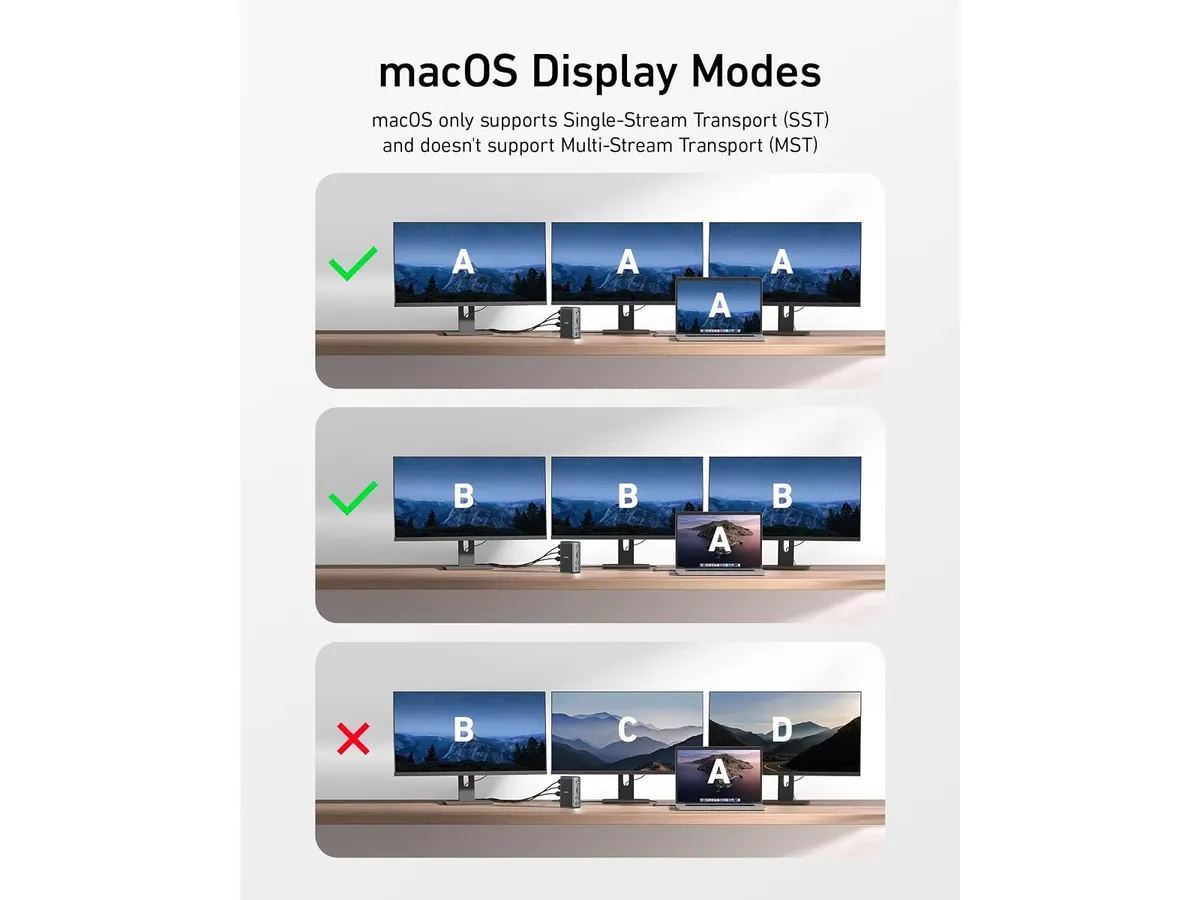
## Alternativas a considerar
Si tu presupuesto es más ajustado y solo necesitas una solución de conectividad básica, existen hubs de formato compacto que se conectan directamente al puerto de la laptop. Estos ofrecen menos potencia de carga, pero son suficientes para setups minimalistas donde no conectas periféricos de alta demanda energética. Consulta el [Anker USB-C Hub 8-in-1: Análisis para tu espacio de trabajo](/blog/2026-09-22-anker-usb-c-hub-8-in-1) para ver si te basta con menos puertos.
Por otro lado, si trabajas en un entorno de alto rendimiento con periféricos Thunderbolt, existen docks de gama premium fabricados con chasis metálicos completos y mayor ancho de banda de datos. Estos dispositivos son significativamente más caros y están diseñados para flujos de edición de video en 8K o configuraciones de almacenamiento masivo tipo NAS.
## Veredicto
La Anker 13-in-1 es una compra sólida si buscas centralizar tu espacio de trabajo con un solo cable. Su potencia de carga y variedad de puertos la sitúan como una opción muy equilibrada dentro de nuestra selección de [Soportes y hubs](/categorias/soportes-hubs). Si trabajas en Windows, difícilmente encontrarás un dispositivo que ofrezca tanta conectividad por su tamaño.
## Preguntas frecuentes
### ¿Puedo cargar mi laptop y mi teléfono al mismo tiempo?
Sí, la estación incluye un adaptador de 135W que permite suministrar 85W a tu computadora portátil y 18W simultáneos a un dispositivo móvil.
### ¿Funciona con monitores 4K?
Sí, soporta una pantalla 4K a 60Hz. Si planeas usar tres monitores, la resolución máxima bajará a 1080p por pantalla.
### ¿Es compatible con todas las laptops con puerto USB-C?
Es compatible con la mayoría de laptops modernas, pero asegúrate de que tu puerto USB-C soporte Power Delivery y DisplayPort Alt Mode para aprovechar la carga y la salida de video.
---
# Redragon K743 PRO: Análisis del teclado mecánico TKL
URL: https://setuplatam.com/blog/2026-10-30-redragon-k743-pro
Category: Periféricos
Published: 2026-10-30
El Redragon K743 PRO es un teclado mecánico con pantalla y gasket mount. Analizamos si es parte de los mejores perifericos para home office hoy mismo.
El Redragon K743 PRO es una pieza que destaca en cualquier escritorio moderno por su combinación de funciones avanzadas y estética refinada. Con su estructura gasket mount y conectividad tri-modo, este equipo se posiciona como una opción sólida para quienes buscan integrar los mejores perifericos para home office sin sacrificar calidad constructiva. Si eres un entusiasta que valora la personalización y una experiencia de escritura amortiguada, este teclado merece tu atención dentro de nuestra categoría de [Perifericos](/categorias/perifericos).
## Lo que hace bien
- La estructura gasket mount junto con las 5 capas de amortiguación logran una acústica envidiable. El uso de espumas PO, IXPE y silicona elimina ese sonido hueco tan molesto en teclados económicos, ofreciendo una sensación sólida y refinada en cada pulsación.
- La pantalla TFT de 1.41 pulgadas es un acierto técnico. Más allá de mostrar animaciones, permite monitorear el estado del teclado, como el nivel de batería o el modo de conexión, lo cual es útil si trabajas de forma inalámbrica.
- Los switches Mint Mambo prelubricados proporcionan una experiencia lineal sumamente suave desde el primer día. Además, la compatibilidad con sockets Hot-Swap de 3 y 5 pines permite que cambies los interruptores a futuro sin soldaduras.
- El diseño del keycap PBT con leyendas laterales no solo luce moderno, sino que evita el desgaste prematuro de las letras por el uso constante, manteniendo el aspecto visual del setup impecable tras largas jornadas de trabajo.
## Especificaciones clave
| Característica | Detalle |
| :--- | :--- |
| Formato | 80% TKL (84 teclas) |
| Conectividad | USB-C, Bluetooth 3.0/5.0, 2.4 GHz |
| Switches | Linear Mint Mambo (Hot-Swap) |
| Estructura | Gasket Mount con 5 capas de amortiguación |
| Pantalla | TFT 1.41 pulgadas |
| Iluminación | RGB South-Facing |
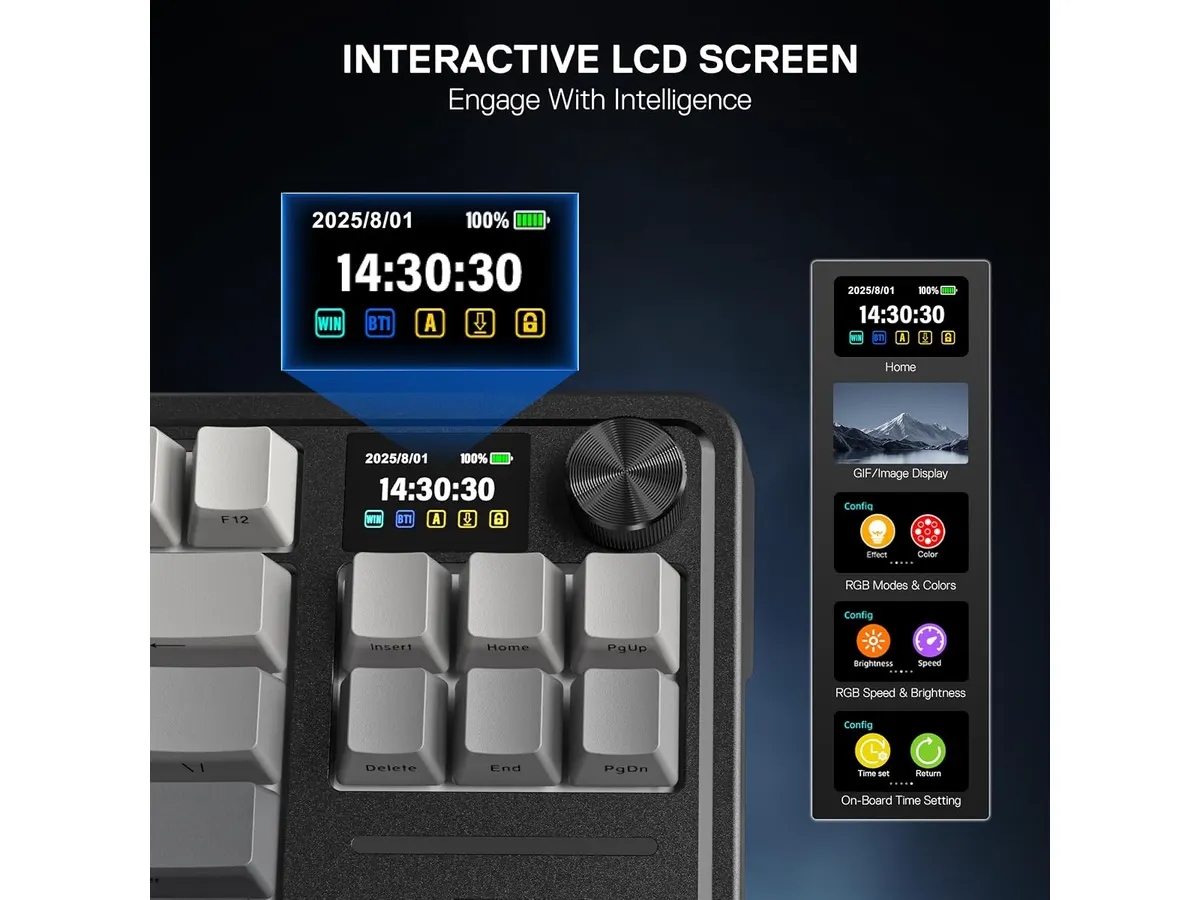
## Dónde flojea
- La curva de aprendizaje del software puede ser frustrante. Gestionar la personalización de la pantalla TFT y las macros requiere tiempo y paciencia, ya que la interfaz no siempre es tan intuitiva como uno esperaría para un usuario de oficina.
- El formato TKL de 84 teclas, aunque compacto, carece de un bloque numérico dedicado. Si tu labor diaria implica introducir datos financieros o contables de forma intensiva, esto podría ralentizar tu flujo de trabajo significativamente.
## ¿Para quién es?
Es ideal para el entusiasta de la productividad que disfruta de un setup estético y funcional. Si pasas horas escribiendo código o redactando documentos, la suavidad de los switches y la amortiguación del gasket mount te brindarán un confort superior al de un teclado de membrana convencional.
No es para el contador o analista de datos puro que necesita el bloque numérico para trabajar a alta velocidad. Tampoco es la elección indicada si prefieres un periférico "conectar y listo" sin intención de configurar pantallas, macros o perfiles de iluminación en el futuro.
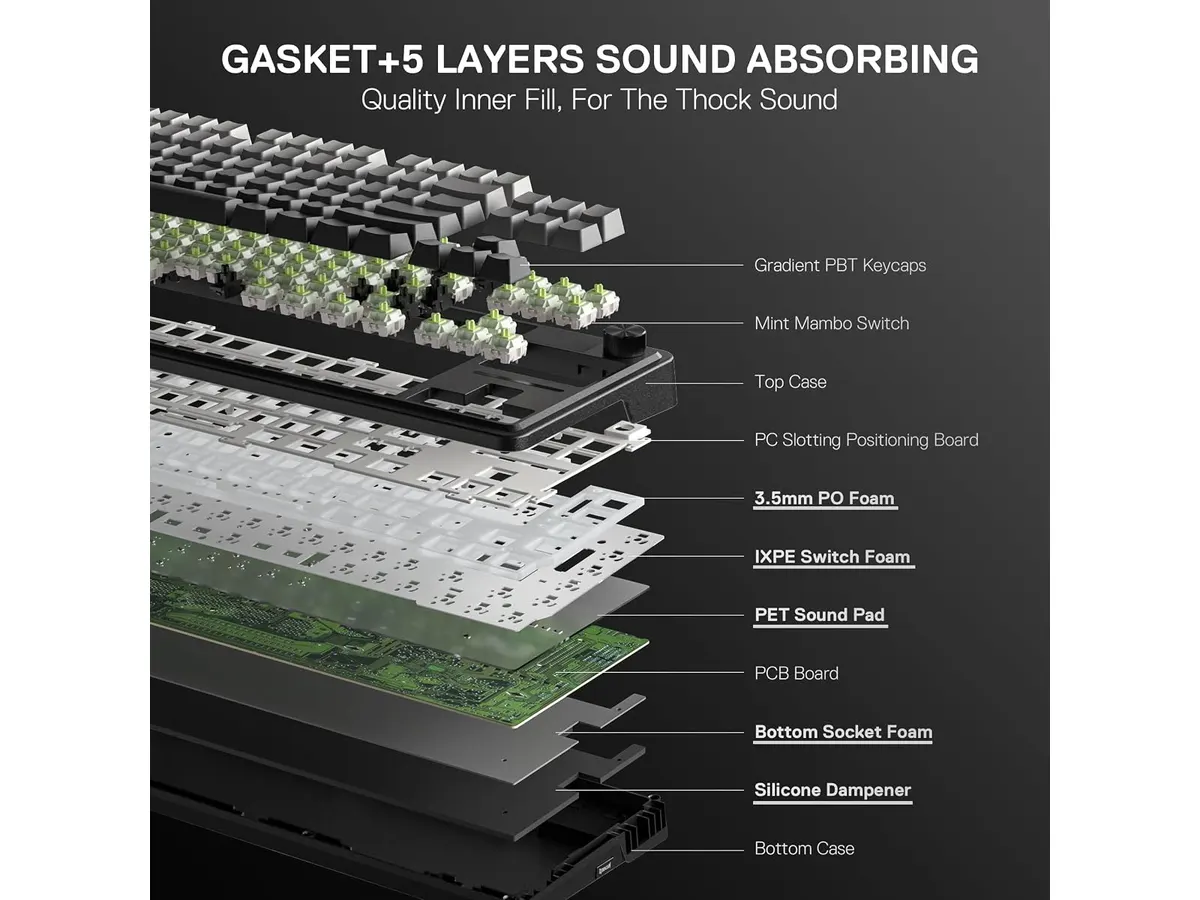
## Alternativas a considerar
Si buscas algo más enfocado en la ergonomía absoluta para largas sesiones de trabajo, el [Logitech MX Master 3S: Análisis del ratón ergonómico ideal para la oficina](/blog/2026-09-22-logitech-mx-master-3s) es un complemento que redefine la comodidad de tu mano. Si prefieres un teclado que priorice la conectividad básica con un diseño más minimalista, puedes consultar el [RedThunder K95 Wireless Mechanical Keyboard: Análisis y Opiniones](/blog/2026-09-22-redthunder-k95-wireless-mechanical-keyboard), que ofrece un desempeño sólido en un paquete más sencillo. Finalmente, si tu prioridad es la movilidad absoluta, un periférico como el [Análisis del iClever Wireless Mouse: Versatilidad y Silencio](/blog/2026-09-22-iclever-wireless-mouse) podría interesarte para completar tu escritorio.
## Veredicto
El Redragon K743 PRO eleva el estándar de lo que esperamos en un teclado mecánico de este segmento, equilibrando sonido, sensación y estética. Si estás armando un espacio de trabajo donde la experiencia táctil es una prioridad, este modelo es una apuesta ganadora. Para explorar más opciones, no dejes de revisar nuestra selección completa de [Perifericos](/categorias/perifericos) para mejorar tu productividad diaria.
## Preguntas frecuentes
### ¿Es compatible con Mac y Windows?
Sí, funciona en ambos sistemas operativos mediante sus modos inalámbricos y cableado, aunque la configuración avanzada de la pantalla se realiza a través de software en Windows.
### ¿Puedo cambiar los switches por otros de otra marca?
Definitivamente. Gracias a sus sockets Hot-Swap, puedes instalar prácticamente cualquier switch mecánico de 3 o 5 pines que prefieras.
### ¿Qué tan útil es la pantalla TFT para el teletrabajo?
Es útil para verificar rápidamente el nivel de batería, el estado de la conexión o el perfil de iluminación activo sin necesidad de abrir menús complejos en tu computadora.
---
# FLEXISPOT EN1 48x24: análisis de escritorio
URL: https://setuplatam.com/blog/2026-10-29-flexispot-en1-48x24
Category: Escritorios
Published: 2026-10-29
Descubre si el FLEXISPOT EN1 48x24 es el mejor escritorio para home office. Evaluamos su tablero continuo, ajuste eléctrico y 4 memorias de altura.
El FLEXISPOT EN1 48x24 busca posicionarse como el mejor escritorio para home office dentro del segmento de entrada. Está pensado para profesionales que trabajan largas jornadas frente a la computadora y necesitan alternar entre estar sentados y de pie sin complicaciones. Si quieres equipar tu espacio de trabajo con una mesa eléctrica funcional y duradera, en nuestra [categoría de escritorios](/categorias/escritorios) verás que este modelo destaca por su equilibrio entre simplicidad y solidez.
## Lo que hace bien
- **Tablero de una sola pieza sin costuras**: A diferencia de muchas mesas regulables económicas que entregan el tablero dividido en dos secciones para abaratar el transporte, este panel de 48 por 24 pulgadas es totalmente continuo. No vas a encontrar una ranura molesta a la mitad de tu espacio donde tropiece el ratón o se acumule el polvo.
- **Sistema eléctrico fluido con 4 memorias**: El motor responde con firmeza al ajustar la superficie entre las 28.9 y las 46.5 pulgadas. La botonera integrada permite guardar cuatro alturas predeterminadas. Pasas de estar sentado a trabajar de pie con presionar un solo botón, evitando hacer ajustes manuales a ojo a mitad del día.
- **Capacidad de carga de 176 lbs**: Su estructura de acero sostiene sin esfuerzo hasta 176 libras. Es margen de sobra para instalar un par de monitores con sus soportes de brazo, una laptop, altavoces de escritorio y una barra de luz sin comprometer el motor.
- **Transición silenciosa**: La elevación ocurre con un zumbido bajo y constante. No interrumpe llamadas ni genera ruidos molestos si trabajas en horarios nocturnos o en espacios compartidos.
## Especificaciones clave
| Especificación | Detalle |
| --- | --- |
| Dimensiones | 48 x 24 pulgadas |
| Tipo de tablero | Una sola pieza sin costuras |
| Capacidad de carga | 176 lbs (79.8 kg) |
| Rango de altura | 28.9 a 46.5 pulgadas |
| Sistema de ajuste | Eléctrico con 4 memorias programables |
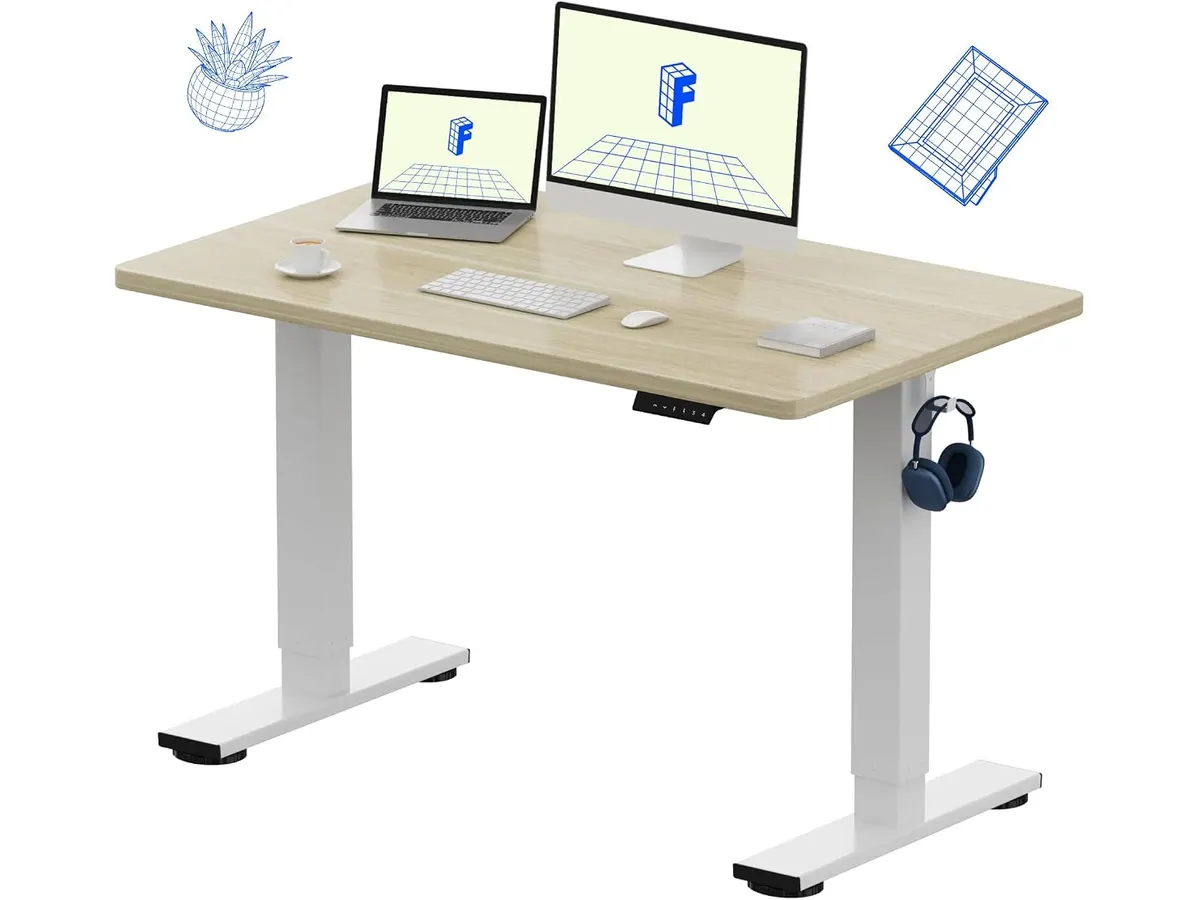
## Dónde flojea
- **Altura mínima elevada para estaturas bajas**: El tope inferior de 28.9 pulgadas puede resultar algo alto para personas que midan menos de 1.65 metros si pretenden sentarse con los pies completamente apoyados en el suelo. En esos casos, será necesario sumar un reposapiés ergonómico.
- **Sin gestión de cables incluida**: El chasis no integra bandejas o canaletas bajo la mesa para ocultar reguladores o cables de corriente. Tendrás que adquirir organizadores adhesivos por separado si no quieres ver cables colgando.
- **Profundidad justa para pantallas gigantes**: Las 24 pulgadas de profundidad alcanzan perfectamente para la mayoría de setups de trabajo diario. Sin embargo, si utilizas un monitor ultraancho de más de 34 pulgadas con su base original, el teclado quedará demasiado cerca de la pantalla.
## ¿Para quién es el mejor escritorio para home office?
Este modelo es ideal para programadores, redactores, analistas y creadores que usan una o dos pantallas sobre brazos articulados y buscan dar el salto al trabajo de pie. Su superficie lisa de una sola pieza marca una diferencia enorme frente a las opciones ensambladas por partes que dominan el mercado de entrada.
No es la alternativa adecuada para usuarios de baja estatura que necesiten mesas que bajen a 25 o 26 pulgadas sin accesorios extra. Tampoco encaja con quienes manejan equipos extremadamente pesados o tres monitores independientes que sobrepasen las dimensiones del tablero. Si tu espacio actual no permite colocar un mueble completo pero deseas alternar tu postura, te conviene considerar un [convertidor de escritorio FlexiSpot 42](/blog/2026-09-22-flexispot-42-standing-desk-converter) para aprovechar la mesa que ya tienes.
## Alternativas a considerar
En la gama económica existen escritorios elevables con paneles divididos. Aunque suelen incluir accesorios como ganchos para audífonos o pequeños soportes para vasos, el corte longitudinal en la madera resta firmeza y arruina la estética visual a largo plazo.
Por otro lado, si buscas funciones organizativas integradas como cajones frontales, el [escritorio de pie FEZIBO](/blog/2026-09-25-fezibo-escritorio-de-pie) compite en un rango similar. No obstante, la propuesta de FlexiSpot mantiene una ventaja clara en la solidez de sus patas de acero y la simplicidad de su tablero limpio.
## Veredicto
El FLEXISPOT EN1 48x24 ofrece el balance idóneo entre construcción robusta, motor confiable y precio sensato. El tablero de una sola pieza resuelve la principal queja de los escritorios de entrada y las cuatro memorias simplifican el cambio de postura diario. Si buscas una mesa ergonómica duradera para elevar la productividad en tu espacio de trabajo sin complicaciones técnicas, esta opción cumple exactamente lo que promete.
## Preguntas frecuentes
### ¿Es difícil ensamblar este escritorio en casa?
No. La estructura principal viene parcialmente armada y el manual incluye instrucciones claras. Una sola persona puede completar el ensamblaje en unos 30 o 40 minutos utilizando las herramientas incluidas en la caja.
### ¿La mesa se tambalea cuando está elevada a la máxima altura?
Las columnas metálicas mantienen buena estabilidad a 46.5 pulgadas. Existe una flexión mínima si empujas la mesa con fuerza intencional, pero al escribir o usar el ratón la superficie no vibra ni tambalea.
### ¿Se pueden guardar alturas personalizadas en el panel?
Sí. Puedes programar hasta cuatro botones con la altura exacta que prefieras para trabajar sentado o de pie. Al presionar el número grabado, la mesa se desplaza automáticamente hasta esa posición exacto.
---
# Hbada J1: análisis de una silla ergonómica
URL: https://setuplatam.com/blog/2026-10-29-hbada-j1
Category: Sillas ergonómicas
Published: 2026-10-29
Evaluamos la Hbada J1, una opción compacta para teletrabajo. Descubre si es la mejor silla ergonomica para trabajar en escritorios pequeños de casa.
La Hbada J1 se presenta como una solución enfocada en quienes necesitan optimizar metros cuadrados sin sacrificar la postura en casa. Pensada para jornadas moderadas, esta [silla ergonomica](/categorias/sillas) destaca por su formato compacto y sus soluciones prácticas para espacios ajustados. Analizamos sus prestaciones para determinar si es la mejor silla ergonomica para trabajar desde el hogar.
## Lo que hace bien
### Una candidata a mejor silla ergonomica para trabajar en espacios reducidos
El elemento diferenciador de la Hbada J1 es su cojín de 4.9 pulgadas de grosor, relleno con esponja de memoria y diseñado con un molde en forma de W. Esta geometría distribuye el peso de los muslos de forma uniforme, evitando la presión concentrada tras varias horas de uso continuo.
Los reposabrazos abatibles con sistema flip-up son la respuesta perfecta para habitaciones multifuncionales. Permiten elevar las coderas 90 grados para deslizar la estructura completamente debajo del escritorio al terminar la jornada, despejando la habitación al instante.
El respaldo con curva ergonómica en forma de S ofrece una estructura firme que acompaña la columna. Funciona muy bien como silla con soporte lumbar pasivo, manteniendo la zona baja de la espalda alineada. Además, su función de inclinación de 105 grados añade un punto de balanceo ligero para pequeñas pausas durante la rutina de trabajo.
## Especificaciones clave
| Característica | Detalle |
| --- | --- |
| Modelo | Hbada J1 |
| Tipo de asiento | Cojín en forma de W con esponja de memoria |
| Grosor del cojín | 4.9 pulgadas |
| Reposabrazos | Abatibles (flip-up) |
| Inclinación | Función de balanceo a 105 grados |
| Respaldo | Diseño ergonómico en forma de S |
| Garantía | 3 años |
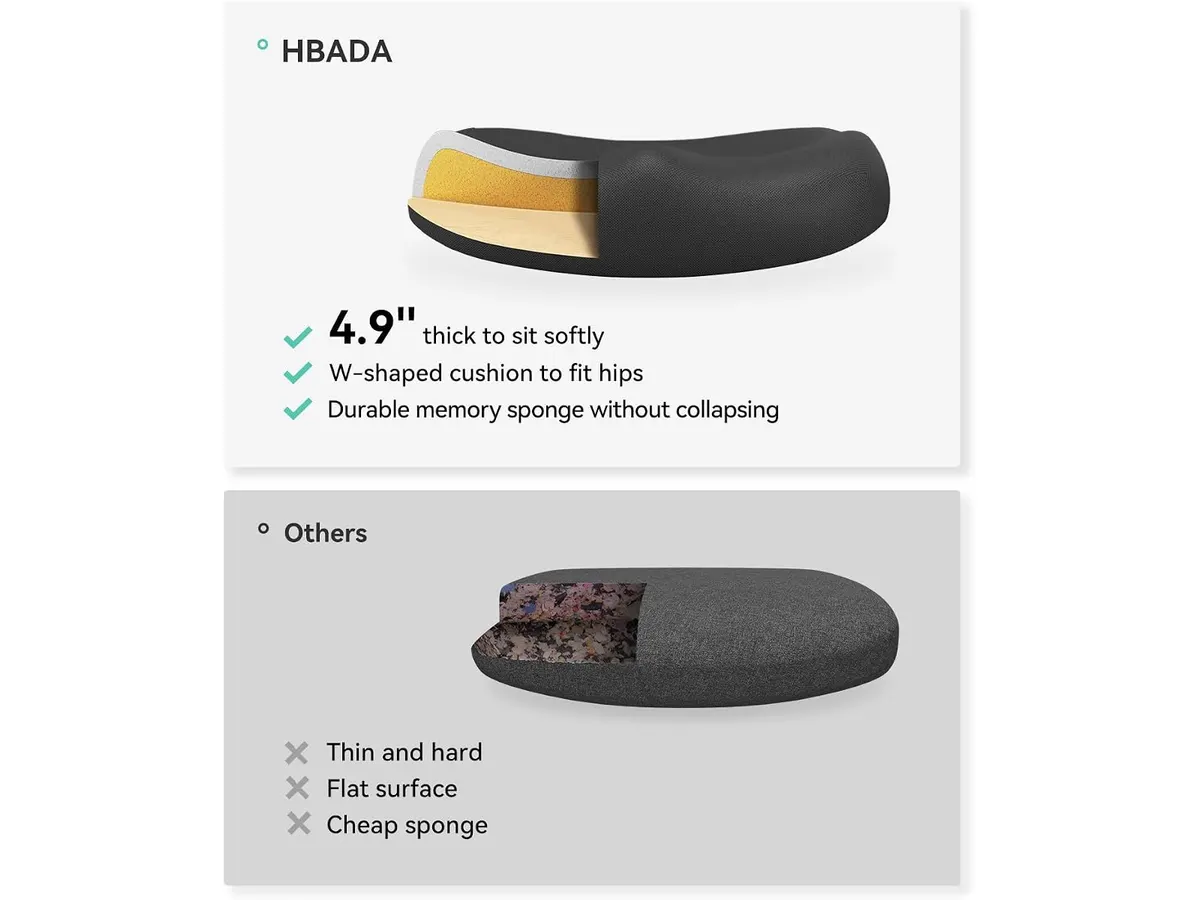
## Dónde flojea
El ángulo de inclinación máximo está acotado a 105 grados. Si buscas una reclinación profunda para descansar o ver contenido multimedia entre tareas, el recorrido se queda bastante corto.
Los reposabrazos no cuentan con regulación en altura ni desplazamiento horizontal. Aunque la función plegable es práctica para guardar la silla, la posición de apoyo mientras trabajas queda fija y no se puede adaptar a distintas estaturas o alturas de mesa.
Para usuarios que pasan más de ocho horas diarias frente a la pantalla, la falta de un ajuste lumbar independiente puede pasar factura. En ese nivel de exigencia, alternativas como las evaluadas en nuestro [análisis de la Ergohuman ME7ERG GEN2](/blog/2026-09-22-ergohuman-me7erg-gen2) ofrecen una ergonomía con muchos más puntos de personalización.
## ¿Para quién es?
- **Para quién sí:** Profesionales en modalidad remota y estudiantes que cuentan con espacios reducidos. Su diseño práctico y reposabrazos abatibles la hacen la silla de oficina para casa perfecta en estudios o dormitorios.
- **Para quién no:** Personas de gran estatura o profesionales que requieren configuraciones de soporte lumbar regulable en profundidad para jornadas maratónicas. En esos casos, vale la pena considerar la [SIHOO B100 PRO](/blog/2026-09-22-sihoo-b100-pro) o revisar la [reseña de la SIHOO M18](/blog/2026-09-22-sihoo-m18) para explorar respaldos de mayor envergadura.
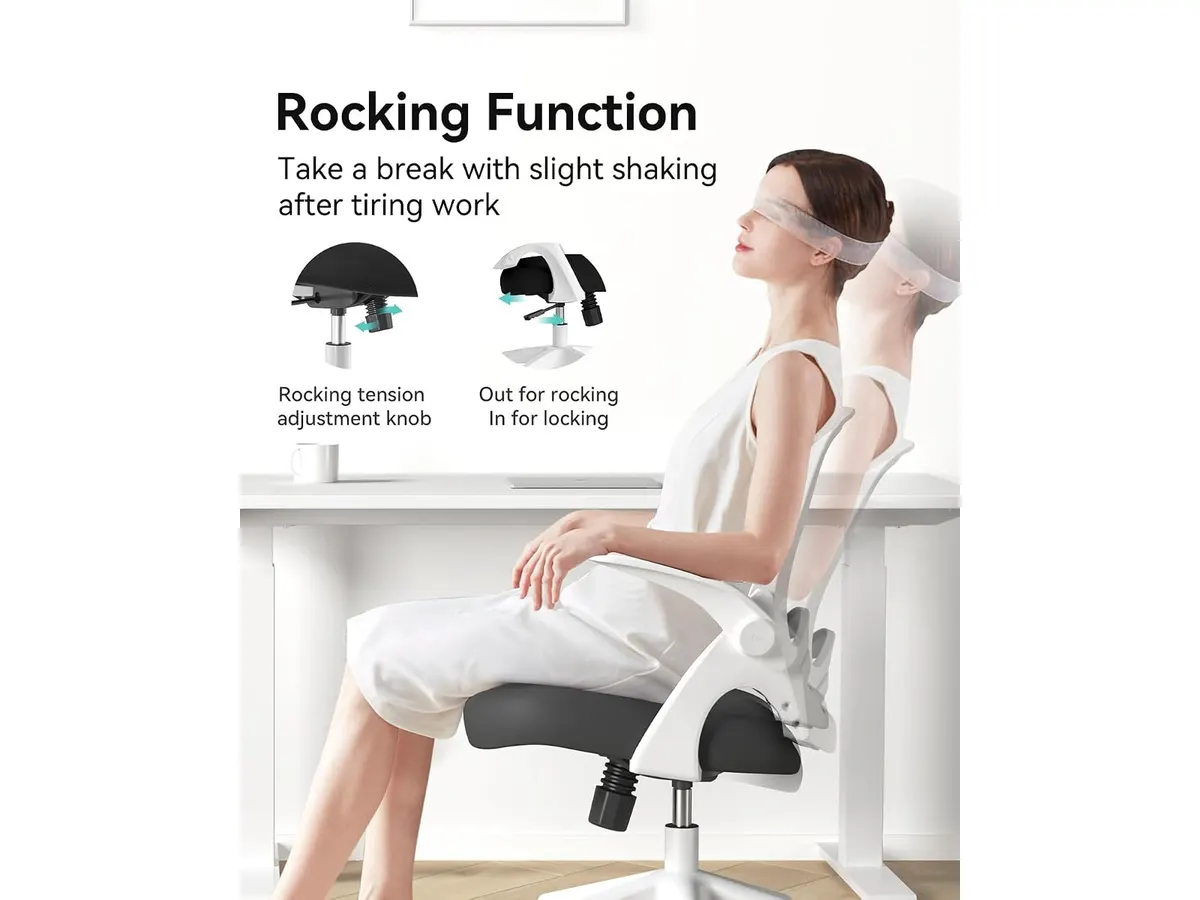
## Alternativas a considerar
En el segmento de entrada existen modelos que priorizan el ajuste lumbar dinámico en lugar del ahorro de espacio. Estas opciones suelen incluir apoyos ajustables en altura y profundidad, aunque pierden la ventaja de esconder los brazos debajo del escritorio.
Subiendo a la gama media, encontramos alternativas con estructuras más robustas, cabezales independientes y mecanismos de reclinación sincrónica de hasta 135 grados. Son sillas pensadas para jornadas de más de ocho horas continuadas, aunque requieren un presupuesto superior y una zona de trabajo más espaciosa.
## Veredicto
La Hbada J1 entrega exactamente lo que promete: comodidad inmediata en un empaque compacto que no invade la habitación. El cojín de 4.9 pulgadas con espuma de memoria y sus brazos plegables justifican la inversión para quien busque una silla ergonomica teletrabajo orientada al uso diario. Si tu prioridad es liberar espacio al apagar la computadora y trabajas en un escritorio pequeño, es una compra inteligente respaldada por sus 3 años de garantía.
## Preguntas frecuentes
### ¿Se puede ajustar la altura de los reposabrazos en la Hbada J1?
No, los apoyabrazos no tienen ajuste vertical ni lateral. Su único mecanismo es el sistema abatible que los pliega en 90 grados hacia el respaldo.
### ¿El cojín de 4.9 pulgadas se deforma rápidamente?
La esponja de memoria del cojín está moldeada en forma de W para resistir el uso constante y mantener su densidad sin perder la forma con el peso diario.
### ¿La silla cuenta con reclinación profunda?
La Hbada J1 no cuenta con reclinación horizontal; su mecanismo ofrece un balanceo relajante con un tope de inclinación de 105 grados.
---
# Análisis del Dell S2725DSM: monitor QHD 144Hz
URL: https://setuplatam.com/blog/2026-10-28-dell-s2725dsm
Category: Monitores
Published: 2026-10-28
¿Buscando el mejor monitor para home office? Evaluamos el Dell S2725DSM con pantalla QHD de 27 pulgadas, 144Hz y soporte ergonómico para tu escritorio.
El Dell S2725DSM llega como una opción equilibrada para quienes buscan el mejor monitor para home office sin saturar su espacio de trabajo. Con un panel de 27 pulgadas y resolución QHD, este equipo entrega nitidez diaria y fluidez visual. Si pasas jornadas largas frente a la pantalla para trabajar desde casa, sus opciones ergonómicas y tasa de refresco ofrecen una combinación directa y funcional.
## Lo que hace bien
- **Claridad de texto y espacio:** La resolución QHD (2560x1440) en un formato de 27 pulgadas genera una densidad de pixeles óptima para leer documentos, editar hojas de cálculo y mantener dos ventanas abiertas lado a lado sin perder definición.
- **Movimiento fluido:** Los 144Hz de tasa de refresco junto a 1ms MPRT de tiempo de respuesta marcan una diferencia notable en el desplazamiento de páginas web, navegación por el sistema y sesiones de juego al terminar la jornada.
- **Ergonomía completa:** El soporte integrado permite ajustar altura, inclinación, giro y pivote vertical. Configurar la pantalla a la altura de los ojos toma segundos y reduce la tensión en el cuello.
- **Cuidado de la vista:** Posee certificación TÜV para la reducción de luz azul y confort visual, un punto clave durante sesiones de monitor para teletrabajo prolongadas.
- **Audio integrado básico:** Incluye altavoces duales de 3W que resuelven llamadas rápidas o videos educativos sin saturar el escritorio con cables adicionales.
## Especificaciones clave
| Característica | Especificación |
| --- | --- |
| Tamaño de pantalla | 27 pulgadas |
| Resolución | QHD (2560x1440) |
| Tasa de refresco | 144Hz |
| Tiempo de respuesta | 1ms MPRT |
| Audio | Altavoces duales de 3W |
| Ajustabilidad | Altura, inclinación, pivote y giro |
| Conectividad | HDMI, DisplayPort 1.4 |
| Certificación | TÜV para confort visual y luz azul |
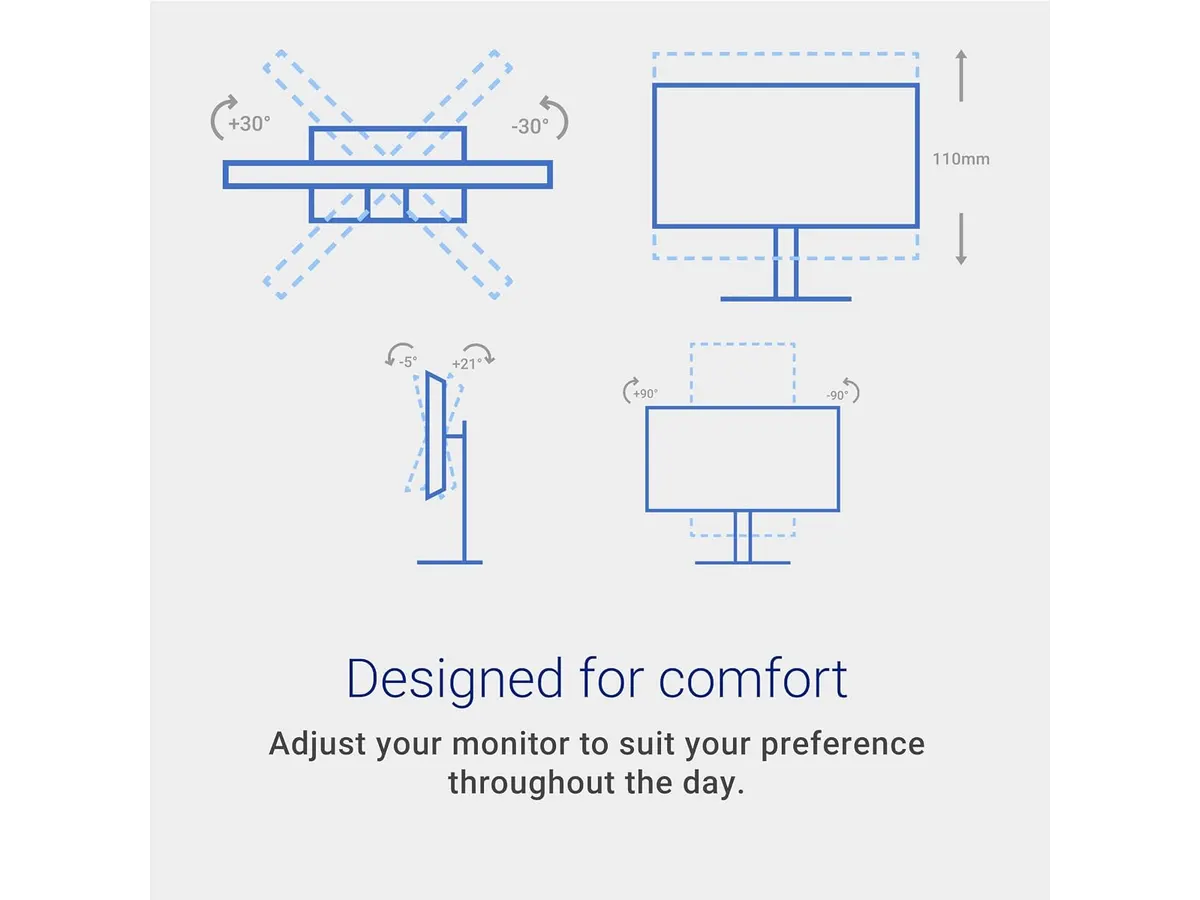
## Dónde flojea
- Los altavoces de 3W son funcionales para llamadas de voz, pero su calidad queda corta para reproducción musical exigente o contenido multimedia con graves profundos.
- No incorpora puertos USB ni entrada USB-C con suministro de energía. Si buscas conectar un portátil y transmitir video mientras lo cargas con un solo cable, requerirás adaptadores o estaciones de acoplamiento independientes.
## ¿Para quién es?
- **Ideal para:** Quien necesita un monitor 27 pulgadas para trabajar con excelente resolución, ergonomía total de postura y la fluidez extra que aportan los 144Hz para balancear trabajo y ocio.
- **No recomendado para:** Usuarios que exigen conectividad USB-C integrada con paso de energía para la laptop o profesionales de edición de video que requieren conectores de transmisión avanzada.
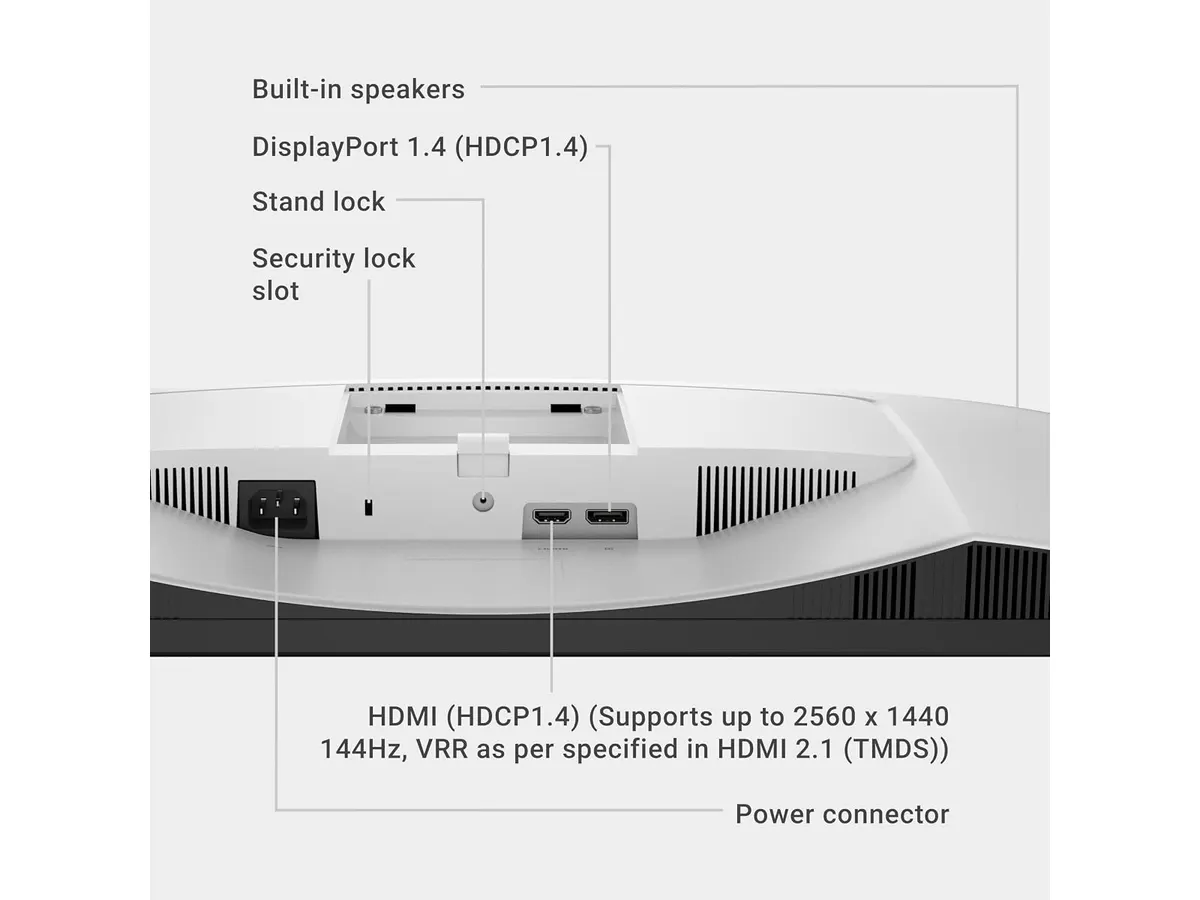
## Alternativas a considerar
- **Para configuraciones de doble pantalla económicas:** Si prefieres montar un espacio de trabajo con dos pantallas idénticas optimizando la inversión, existen kits de dos paneles IPS de 27 pulgadas enfocados en multitarea básica. Te invitamos a leer nuestro [análisis del Gigastone 27" IPS 2-Pack](/blog/2026-09-22-gigastone-27-ips-2-pack) para explorar esta alternativa.
- **Para oficina ejecutiva con concentrador USB:** Si tu flujo de trabajo depende de conectar periféricos directamente al monitor y cargar la computadora portátil mediante USB-C, vale la pena mirar gamas profesionales superiores dentro del catálogo de Dell Monitores. Puedes revisar nuestro [análisis del monitor Dell UltraSharp U2724D](/blog/2026-09-22-dell-ultrasharp-u2724d) para conocer sus ventajas en conectividad.
## Veredicto: ¿el mejor monitor para home office?
El Dell S2725DSM logra un equilibrio consistente entre ergonomía, nitidez QHD y la suavidad visual de sus 144Hz. Su soporte multiajuste resuelve los problemas de postura comunes en jornadas largas de oficina en casa. Aunque prescinde de la comodidad del conector USB-C, su desempeño general y confort visual lo convierten en una recomendación sólida dentro de nuestra sección de [monitores](/categorias/monitores).
## Preguntas frecuentes
### ¿El Dell S2725DSM permite orientar la pantalla en posición vertical?
Sí, el soporte del Dell S2725DSM permite ajustes de pivote para colocar la pantalla a 90 grados, además de regulación en altura, giro e inclinación.
### ¿Sirve este monitor para jugar además de trabajar?
Sí, los 144Hz de tasa de refresco y el tiempo de respuesta de 1ms MPRT aseguran una experiencia ágil y fluida en videojuegos actuales.
### ¿La certificación TÜV viene activada por defecto?
La tecnología de reducción de luz azul certificada por TÜV funciona de manera continua en el panel para proteger la fatiga ocular sin distorsionar drásticamente los colores.
---
# Quntis ScreenLinear Glow Plus 20.1": análisis
URL: https://setuplatam.com/blog/2026-10-28-quntis-screenlinear-glow-plus-20-1
Category: Iluminación
Published: 2026-10-28
Analizamos la Quntis ScreenLinear Glow Plus 20.1", una barra de luz con doble iluminación para quienes buscan la mejor lampara de escritorio para trabajar.
La Quntis ScreenLinear Glow Plus 20.1" ataca dos problemas comunes del trabajo remoto: la falta de espacio en el escritorio y la fatiga visual por contrastes de luz. Diseñada para profesionales que pasan horas frente al monitor, se posiciona como una opción destacada para quien busca la mejor lampara de escritorio para trabajar sin saturar la mesa de cables. Dentro de la línea de Quntis Iluminacion, este modelo añade una zona posterior con LEDs ambientales.
## Lo que hace bien
El sistema dual de iluminación integra 88 LEDs frontales dirigidos hacia el área de trabajo y 55 LEDs traseros para proyectar luz suave sobre la pared. Esta combinación minimiza el deslumbramiento en la pantalla mientras ilumina uniformemente el teclado y los documentos. Puedes conmutar entre tres modos de iluminación: luz frontal exclusiva para concentración, luz trasera ambiente para momentos de lectura o ambas encendidas simultáneamente.
El rendimiento de color es sobresaliente. Su índice de reproducción cromática CRI Ra95 garantiza que los tonos de tus documentos impresos y objetos sobre la mesa se perciban naturales y fieles a la realidad. Además, emite una luz constante y libre de parpadeos que reduce el cansancio ocular en sesiones nocturnas prolongadas.
El control remoto inalámbrico no mecánico marca una diferencia clara frente a los mandos integrados en el cable. Sus botones iluminados permiten ajustar la temperatura de color y el brillo con un dial de atenuación continua muy preciso, fácil de operar incluso en la oscuridad. Por su parte, el clip ponderado deslizante patentado fija la barra firmemente en monitores planos o curvos sin presionar el panel.
## Especificaciones clave
| Especificación | Detalle |
| --- | --- |
| Modelo | Quntis ScreenLinear Glow Plus 20.1" |
| Longitud de la barra | 20.1 pulgadas (51 cm) |
| Acabado / Color | Gris |
| Configuración de LEDs | 88 LEDs frontales y 55 LEDs traseros (143 en total) |
| Índice de reproducción cromática | CRI Ra95 |
| Modos de iluminación | 3 modos (Frontal, Trasera, Frontal y Trasera) |
| Mando de control | Control remoto inteligente con atenuación continua y botones iluminados |
| Sistema de montaje | Clip ponderado deslizante para pantallas planas y curvas |
| Protección ocular | Certificación libre de parpadeos |
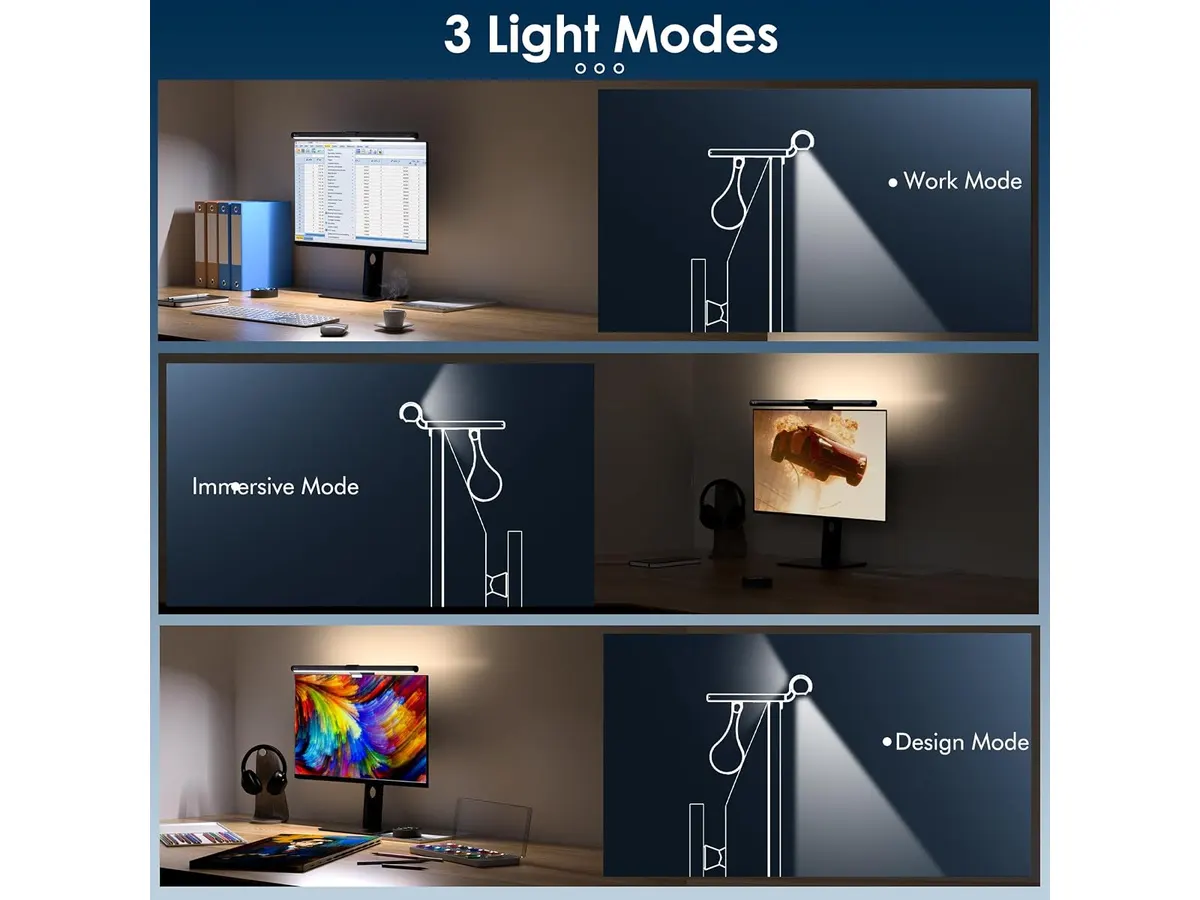
## Dónde flojea
La carcasa de la barra y el sistema de soporte priorizan el plástico en su acabado gris, lo que transmite una sensación táctil menos industrial que otros accesorios metálicos del segmento.
La dependencia absoluta del control remoto inalámbrico implica que, si las baterías del mando se agotan o el control se extravía, no dispones de botones físicos secundarios en la barra para ajustar el brillo rápidamente.
El ángulo de proyección frontal es fijo hacia abajo. Si necesitas proyectar luz hacia adelante para mejorar directamente la iluminacion para videollamadas enfocando tu rostro, la barra no permite rotaciones pronunciadas hacia el frente sin provocar reflejos en el cristal del monitor.
## ¿Para quién es?
### Creadores y profesionales de oficina en casa
Esta barra de luz para monitor es ideal para desarrolladores, analistas y creadores que trabajan hasta tarde y necesitan una lampara led para home office eficiente. Quienes utilizan monitores curvos o ultrawide apreciarán los 51 cm de longitud de la barra y el agarre del clip ponderado, que no obstruye la visibilidad de la pantalla.
### Usuarios que requieren iluminación móvil o focalizada afuera del escritorio
No es la opción adecuada para dibujantes tradicionales, maquetistas o personas que realizan tareas manuales en los extremos de la mesa. Para esos casos, resulta más conveniente optar por [lámparas de escritorio LED tradicionales](/blog/2026-09-22-pzloz-led-desk-lamp) con brazo articulado que permiten mover el foco de luz a cualquier rincón de trabajo.
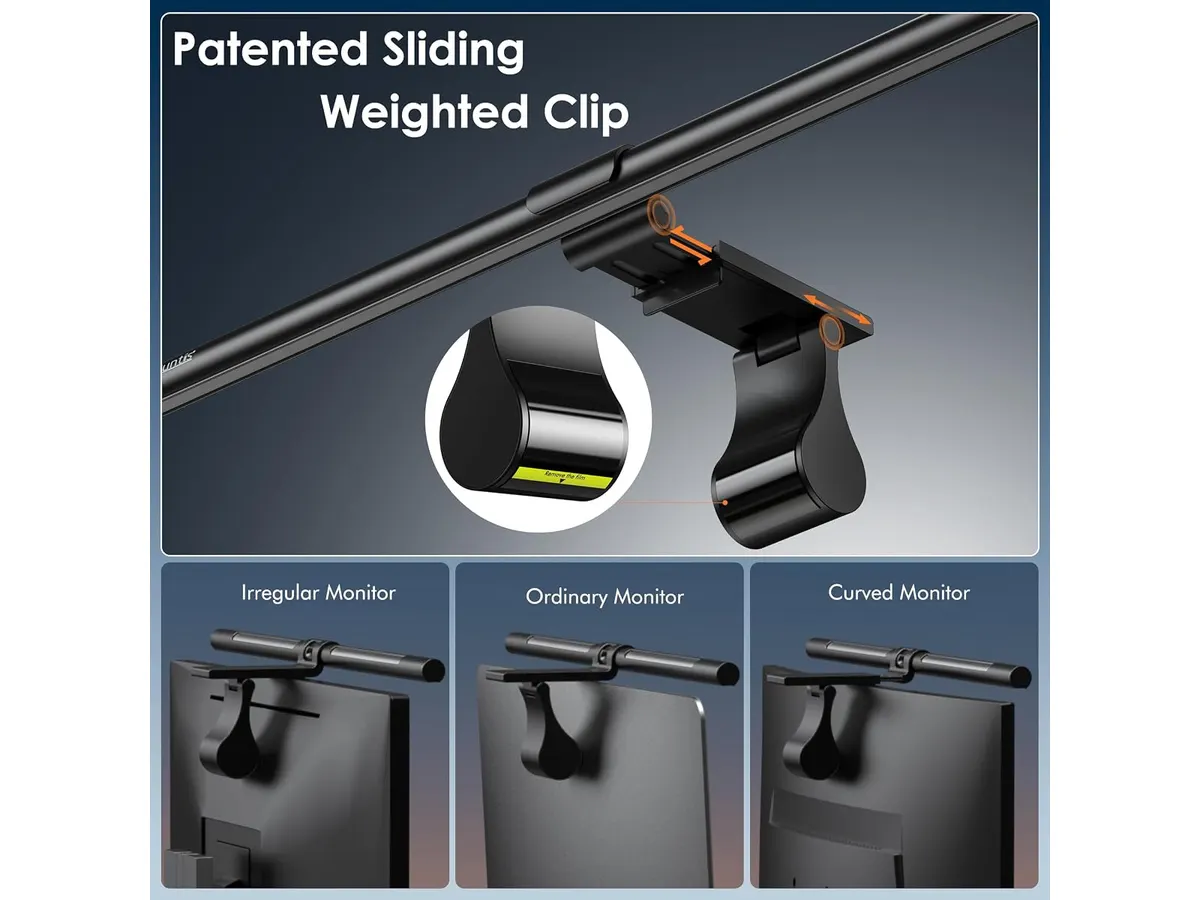
## Alternativas a considerar
Si cuentas con un presupuesto más ajustado y solo necesitas iluminación frontal directa, en nuestra [sección de iluminación](/categorias/iluminacion) encontrarás opciones simplificadas que omiten la luz trasera. Un ejemplo claro de esta categoría es el modelo estándar descrito en nuestro [análisis de la lámpara de monitor Quntis](/blog/2026-09-22-quntis-computer-monitor-lamp), el cual mantiene un rendimiento óptimo sin el control remoto inalámbrico.
Para entornos donde la pantalla no soporta ningún tipo de peso extra en el marco superior, las lámparas de pie tipo arquitecto con fijación mediante prensa de mesa representan una alternativa eficaz. Ofrecen un rango de cobertura más amplio y evitan cualquier contacto con el bisel del monitor, aunque requieren espacio en el borde posterior del escritorio.
## Veredicto
La Quntis ScreenLinear Glow Plus 20.1" resuelve con solidez los desafíos de espacio y fatiga visual en el escritorio moderno. La integración de retroiluminación ambiente y la fidelidad de color CRI Ra95 elevan la calidad del espacio de trabajo sin restar espacio útil. Si buscas liberar tu mesa de lámparas voluminosas manteniendo un control preciso de la luz, este modelo justifica plenamente su inversión.
## Preguntas frecuentes
### ¿Es la Quntis ScreenLinear Glow Plus 20.1" la mejor lampara de escritorio para trabajar de noche?
Sí, la combinación de sus 88 LEDs frontales y 55 LEDs traseros suaviza las diferencias de iluminación entre el monitor y la pared, protegiendo tus ojos del cansancio durante sesiones nocturnas.
### ¿El clip ponderado es compatible con cualquier tipo de pantalla?
Su sistema deslizante patentado está diseñado para sujetarse con firmeza en la gran mayoría de monitores planos y curvos de diversos grosores sin presionar la pantalla.
### ¿Sirve para mejorar la iluminacion para videollamadas?
Proporciona una luz ambiental limpia sobre la mesa, pero su diseño dirige el flujo luminoso hacia abajo para prevenir reflejos en el panel, por lo que no proyecta luz directa sobre tu rostro.
---
# Razer Leviathan V2 X: análisis del audio para PC
URL: https://setuplatam.com/blog/2026-10-27-razer-leviathan-v2-x
Category: Audio y webcams
Published: 2026-10-27
Evaluamos la Razer Leviathan V2 X. Descubre si esta barra de sonido compacta es el complemento ideal para la mejor webcam para home office en tu setup.
La Razer Leviathan V2 X es una barra de sonido compacta diseñada para ubicarse debajo del monitor. Apunta a creadores y profesionales de la sección de [Audio y webcams](/categorias/audio-webcams) que buscan despejar su escritorio. Si ya equipaste tu espacio con la mejor webcam para home office, esta barra resuelve la otra mitad multimedia con una conexión limpia mediante un solo cable.
## Lo que hace bien
El principal atractivo de esta barra de sonido radica en la simplificación del cableado. Razer logró condensar la alimentación de energía y la transmisión de audio digital en un único cable USB Tipo C. Esta decisión elimina la necesidad de contar con una fuente de alimentación voluminosa ocupando enchufes bajo la mesa, algo que se agradece en espacios de trabajo pequeños.
En el apartado acústico, la Razer Leviathan V2 X incorpora dos controladores de rango completo acompañados por dos radiadores pasivos. La combinación ofrece una proyección clara del sonido y alcanza hasta 90 dB de potencia. Los tonos medios y agudos destacan por su nitidez, permitiendo escuchar con claridad voces en reuniones, conferencias o contenido multimedia diario sin requerir volúmenes excesivos que distorsionen el resultado.
La conectividad inalámbrica mediante Bluetooth 5.0 suma versatilidad a la experiencia. Permite alternar rápidamente el origen del audio entre la computadora principal y un teléfono móvil o tableta con baja latencia. Esto resulta útil cuando recibes llamadas o deseas escuchar contenido desde tu dispositivo móvil sin desconectar el equipo principal.
Por último, el aspecto visual se apoya en el sistema Razer Chroma RGB, integrado con 14 zonas de iluminación independientes. El control completo de estos efectos se gestiona mediante el software Razer Synapse en la computadora o la Razer Audio App en dispositivos móviles, lo que facilita ajustar perfiles de color e igualación acústica según las preferencias de cada usuario.
## Especificaciones clave
| Característica | Detalle |
| --- | --- |
| Tipo de producto | Barra de sonido para PC |
| Configuración de altavoces | 2 controladores de rango completo y 2 radiadores pasivos |
| Conexión de energía y audio | USB Tipo C |
| Conectividad inalámbrica | Bluetooth 5.0 |
| Salida de volumen máxima | Hasta 90 dB |
| Iluminación | Razer Chroma RGB con 14 zonas |
| Resistencia al agua | No |
## Dónde flojea
A pesar de sus puntos fuertes, la ausencia de un subwoofer dedicado impone límites físicos claros. Aunque los radiadores pasivos ayudan a dar cuerpo al sonido, las frecuencias subgraves más profundas carecen del impacto retumbante que buscan los entusiastas de películas de acción o juegos competitivos con explosiones pesadas.
Otra limitación relevante es la conectividad física estrictamente digital. Al depender de manera exclusiva del conector USB Tipo C, se descartan los puertos tradicionales de 3.5 mm o las entradas ópticas. Si tu computadora o concentrador USB carece de un puerto Tipo C disponible capaz de suministrar la energía adecuada, necesitarás adaptadores adicionales.
Asimismo, el equipo carece de certificación de resistencia al agua. Esto exige mantener la barra alejada de bebidas o derrames accidentales en la mesa de trabajo. Finalmente, para sacar el máximo provecho a la personalización de iluminación de 14 zonas y a los perfiles de ecualización, es necesario mantener instalado el software de la marca, lo cual puede no ser ideal para quienes prefieren configuraciones completamente libres de programas secundarios.
## ¿Para quién es?
### El complemento de audio para la mejor webcam para home office
Esta barra de sonido encaja de forma precisa en escritorios donde la organización y la estética son prioritarias. Si buscas un perfil bajo que quepa exactamente debajo de la pantalla sin invadir el espacio del mousepad, el formato responde muy bien. Quienes combinan trabajo remoto con producción de contenido encontrarán en este equipo un aliado directo. Al acompañarlo con una [webcam 4K ideal para videollamadas](/blog/2026-09-22-logitech-mx-brio) o una webcam para teletrabajo junto a un micrófono USB para videollamadas, logras un entorno de conferencias funcional y despejado.
### Para quién no es esta barra de sonido
No es la opción idónea para audiófilos exigentes o usuarios que busquen un sistema de cine en casa en miniatura. Si tu prioridad absoluta pasa por bajos estruendosos, sonido envolvente multicanal o si utilizas una tarjeta de audio dedicada con salidas analógicas de 3.5 mm, una barra compacta sin subwoofer te quedará corta. Tampoco resulta adecuada si prefieres utilizar auriculares para reuniones con aislamiento pasivo extremo en entornos de oficina ruidosos.
## Alternativas a considerar
En el mercado existen altavoces de escritorio en un rango económico que buscan resolver el audio básico de PC. Si buscas una opción multicanal tradicional de dos altavoces independientes con iluminación discreta, puedes revisar opciones enfocadas en [calidad de sonido y diseño compacto](/blog/2026-09-22-bluedee-computer-speakers). Este tipo de formato suele ofrecer mayor separación estéreo física al distanciar los altavoces a cada lado del monitor, aunque requiere administrar más cables en la mesa.
Por otro lado, si subes hacia una gama superior con presupuestos más amplios, las alternativas suelen incluir un subwoofer independiente por cable o inalámbrico. Esas opciones entregan graves reales y soporte para audio envolvente posicional, ideales para setups dedicados prioritariamente al entretenimiento exigente, aunque sacrifican el concepto de un único cable y ocupan espacio considerable bajo el escritorio.
## Veredicto
Un Razer Leviathan V2 X análisis demuestra que esta barra de sonido cumple con solvencia su cometido principal: ofrecer un audio claro, suficiente potencia de 90 dB y un diseño impecable para escritorios reducidos. Su sistema de cable único USB Tipo C y la iluminación RGB de 14 zonas justifican la propuesta para quienes buscan orden estético. Aunque la falta de subgraves profundos y de entradas analógicas limita su alcance con audiófilos, es una compra inteligente para optimizar el sonido diario en el trabajo remoto y juegos ocasionales.
## Preguntas frecuentes
### ¿Puedo usar la Razer Leviathan V2 X con un conector de 3.5 mm?
No, esta barra de sonido no dispone de entrada analógica de 3.5 mm. La conexión de energía y transmisión de audio digital se realiza exclusivamente a través de su puerto USB Tipo C o de forma inalámbrica mediante Bluetooth 5.0.
### ¿Necesito instalar software para que la barra funcione?
La barra funciona de manera básica al conectarla por USB Tipo C. Sin embargo, para personalizar los efectos de iluminación Razer Chroma RGB de 14 zonas o modificar la ecualización, es necesario instalar Razer Synapse en la PC o utilizar la Razer Audio App en tu teléfono.
### ¿Es suficiente el volumen para una habitación mediana?
Sí, con su salida de volumen máxima de hasta 90 dB, impulsada por sus dos controladores de rango completo y dos radiadores pasivos, proporciona potencia sonora más que suficiente para llenar una habitación pequeña o mediana sin distorsionar el audio.
---
# Razer Pro Type Ergo: Análisis del teclado dividido
URL: https://setuplatam.com/blog/2026-10-27-razer-pro-type-ergo
Category: Periféricos
Published: 2026-10-27
Evaluamos el Razer Pro Type Ergo, un teclado dividido para largas jornadas de trabajo. Conoce si destaca entre los mejores perifericos para home office.
El Razer Pro Type Ergo busca solucionar la fatiga de muñeca de quienes pasan más de ocho horas diarias tecleando. Su chasis dividido y su perfil ultrabajo ofrecen una postura natural para redactores, analistas y desarrolladores. Si estás buscando equipar tu espacio con los [mejores perifericos para home office](/categorias/perifericos), este modelo integra controles por hardware e inteligencia artificial en una estructura pensada para el bienestar articular.
## Lo que hace bien
El diseño ergonómico dividido destaca por mantener los hombros relajados y los brazos en un ángulo neutro. La inclusión de dos teclas B facilita el proceso de escritura sin importar qué mano utilices para presionar esa letra. La pendiente base de 10°, sumada a las patas elevadoras con ajustes de 4° o 7°, permite calibrar la inclinación exacta que tus articulaciones necesitan.
El perfil ultrabajo con hendiduras esféricas cóncavas ayuda a ubicar la yema de los dedos al centro de cada tecla. Esta forma cóncava acelera la velocidad de digitación y reduce errores. El reposamuñecas acolchado está integrado al cuerpo del teclado para distribuir la presión de forma continua sobre las palmas.
En cuanto a productividad, el Dial de comando físico ofrece acceso inmediato a hasta 8 funciones directas, personalizables mediante la aplicación Razer Synapse. Además, las 5 teclas macro dedicadas y la integración con AI Prompt Master permiten ejecutar instrucciones complejas y atajos de inteligencia artificial con un solo toque.
## Especificaciones clave
| Característica | Detalle |
| --- | --- |
| Diseño físico | Split ergonómico con doble tecla B |
| Inclinación | Pendiente principal de 10° con patas de 4° o 7° |
| Perfil de teclas | Ultrabajo con hendiduras esféricas cóncavas |
| Mandos dedicados | Dial de comando (8 funciones) y 5 teclas macro |
| Apoyo para manos | Reposamuñecas acolchado integrado |
| Integración de IA | AI Prompt Master gestionado por Razer Synapse |
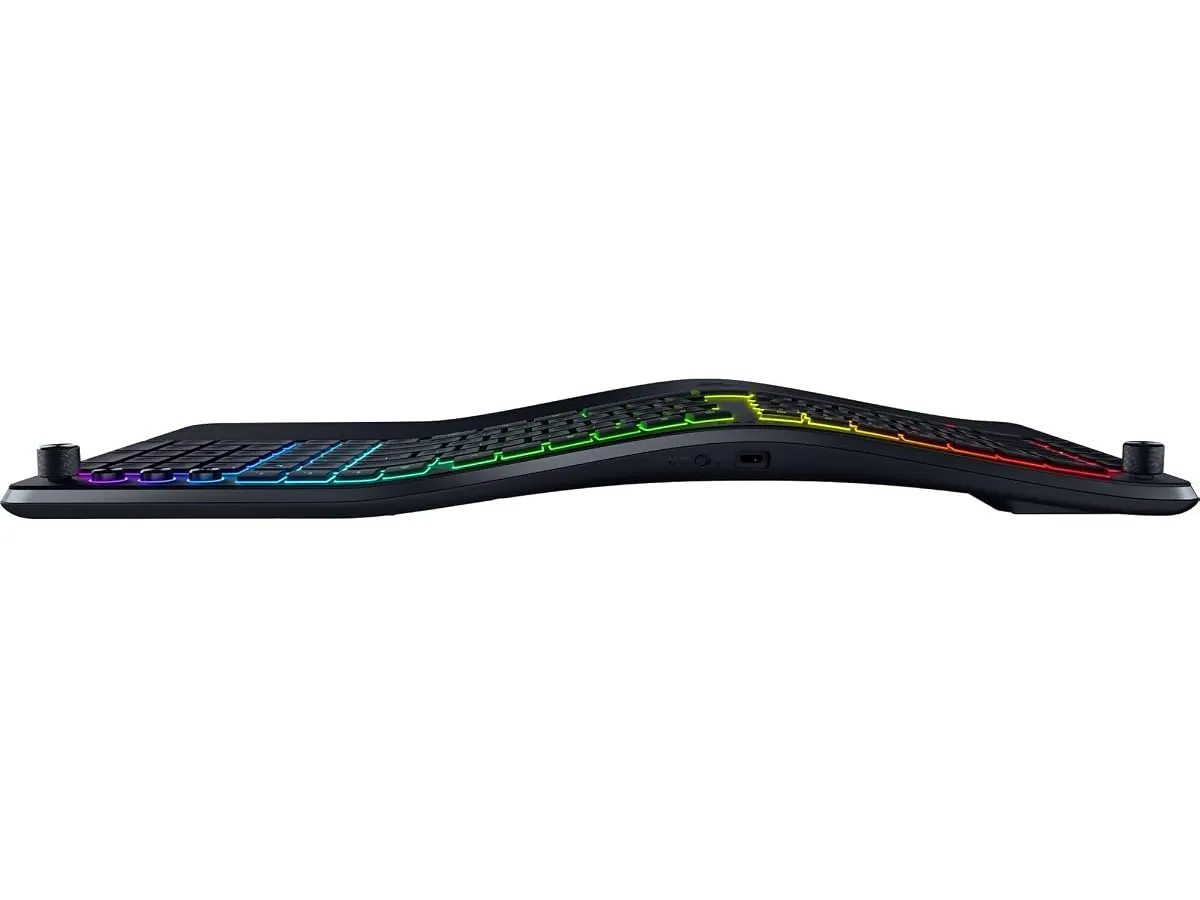
## Dónde flojea
La distribución dividida requiere una curva de aprendizaje importante. Si vienes de un formato tradicional, tus primeros días de trabajo serán más lentos mientras automatizas la posición de las manos.
El reposamuñecas acolchado está construido como una pieza fija con el chasis. No es posible retirarlo ni cambiarlo por una almohadilla independiente si prefieres despejar espacio en el escritorio.
Gran parte del potencial del teclado, incluyendo la configuración del dial, las 5 macros y el AI Prompt Master, requiere mantener Razer Synapse ejecutándose en segundo plano en tu sistema operativo.
## ¿Para quién es?
- **Es ideal para:** Profesionales del teletrabajo, programadores y redactores que experimentan molestias en las muñecas y buscan automatizar tareas repetitivas mediante macros y accesos de IA.
- **No es para:** Usuarios que prefieren teclados compactos para transportar en la mochila o personas acostumbradas a teclas mecánicas de perfil alto tradicional.
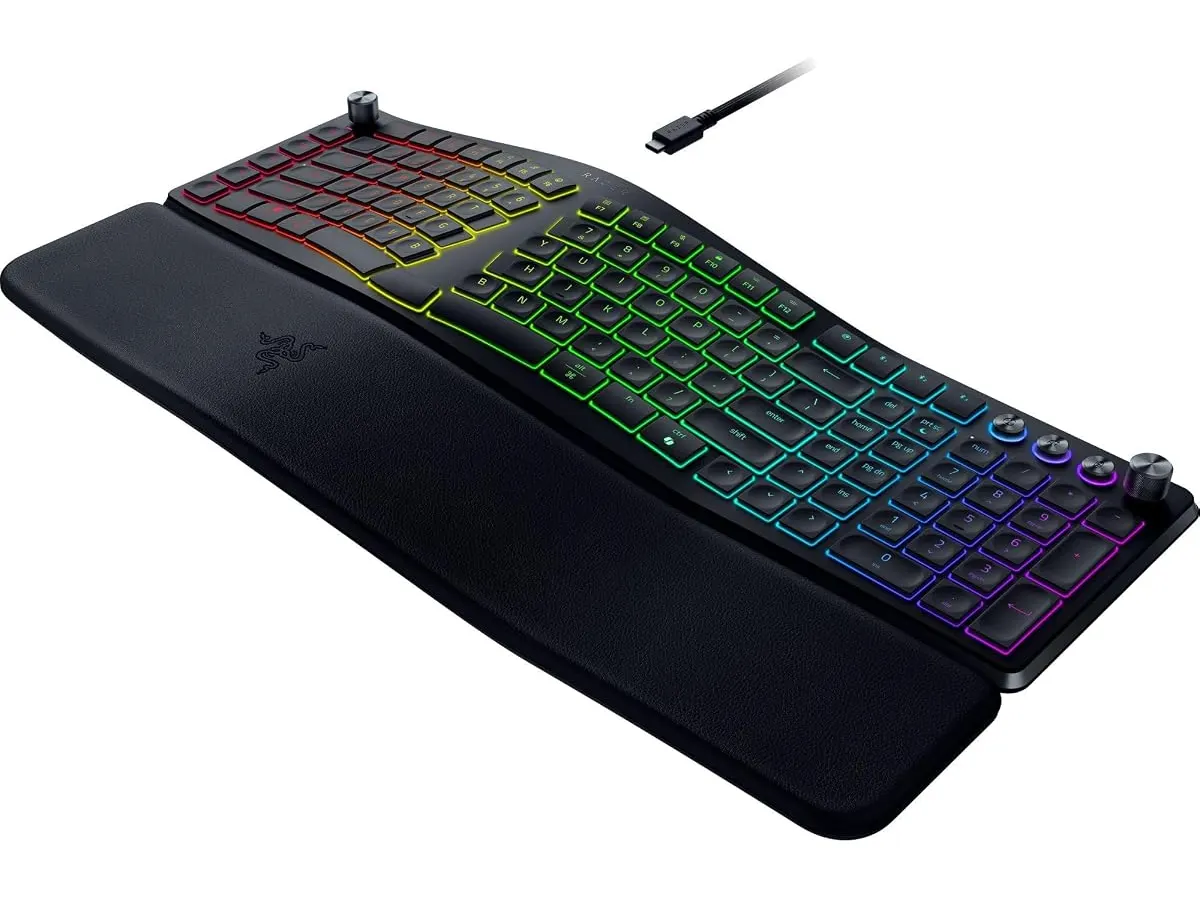
## Alternativas a considerar
Si buscas una opción en la gama media con teclas mecánicas tradicionales y sin inclinación dividida, existen alternativas con conectividad inalámbrica de gran formato como la evaluada en la [reseña del RedThunder K95](/blog/2026-09-22-redthunder-k95-wireless-mechanical-keyboard), orientada a quienes prefieren un recorrido de tecla más profundo.
Por otro lado, para presupuestos ajustados que prioricen la ergonomía en la mano dominante antes que en el teclado, suele ser conveniente invertir primero en un puntero vertical u opcionalmente consultar nuestro [análisis del Logitech MX Master 3S](/blog/2026-09-22-logitech-mx-master-3s) para complementar la postura del brazo.
## Veredicto
El Razer Pro Type Ergo es una propuesta sólida para proteger la salud articular en el trabajo remoto. Su combinación de chasis dividido, ajuste de inclinación y controles directos alivia el esfuerzo físico mientras acelera el flujo de trabajo daily. Aunque su formato requiere unos días de adaptación, la calidad de su construcción y sus herramientas de personalización justifican su lugar en el escritorio.
## Preguntas frecuentes
### ¿Por qué el Razer Pro Type Ergo incluye dos teclas B?
El diseño dividido separa el teclado en dos secciones. Al colocar una tecla B a cada lado del corte central, el fabricante asegura que puedas presionar esa letra con cualquiera de las dos manos sin forzar la postura.
### ¿Se puede desmontar el reposamuñecas acolchado?
No, el reposamuñecas es una estructura integrada directamente al chasis del teclado para garantizar una inclinación continua de 10° y estabilizar el soporte de las palmas.
### ¿Es obligatorio instalar Razer Synapse para usar el teclado?
El teclado funciona de manera básica al conectarse, pero necesitas la aplicación Razer Synapse para programar las 5 teclas macro, calibrar las 8 funciones del dial y utilizar AI Prompt Master.
---
# GABRYLLY GYB01-FT: Análisis de la Silla Ergonómica
URL: https://setuplatam.com/blog/2026-10-26-gabrylly-gyb01-ft
Category: Sillas ergonómicas
Published: 2026-10-26
Evaluamos la GABRYLLY GYB01-FT con reposapiés y malla transpirable. Descubre si es la mejor silla ergonomica para trabajar desde casa en este análisis.
Pasar ocho horas sentado exige un soporte adecuado para evitar molestias físicas. La GABRYLLY GYB01-FT entra al mercado de oficina en casa como una solución versátil que integra un respaldo transpirable, soporte lumbar y un reposapiés retráctil. Si estás evaluando opciones en nuestra sección de [sillas ergonómicas](/categorias/sillas), este modelo propone equilibrar las jornadas de concentración con momentos de descanso en un solo mueble.
## Lo que hace bien
El flujo de aire continuo destaca desde el primer momento. Al incorporar malla de alta densidad tanto en el respaldo como en el amplio asiento de 20.5 pulgadas de ancho por 20 de profundidad, el calor corporal no se acumula. Esta estructura resulta muy conveniente si trabajas en habitaciones donde la temperatura sube durante la tarde.
La versatilidad para el descanso es otro punto favorable. Su reposapiés retráctil de acero se extiende hasta 18.1 pulgadas de manera firme. Cuando combinas este accesorio con el sistema de reclinación ajustado a 135°, la silla pasa de ser un puesto de trabajo erguido a un lugar cómodo para leer, revisar notas o tomar una pausa breve.
El manejo del espacio está bien resuelto. Los reposabrazos abatibles hasta 45° e integrados con ajuste de altura permiten deslizar toda la estructura bajo el escritorio al terminar la jornada. Esta característica beneficia directamente a quienes organizan su espacio de trabajo en un dormitorio o en un estudio con metros cuadrados limitados.
La capacidad estructural genera confianza inmediata. Con una resistencia evaluada en hasta 300 lbs y un chasis firme, el asiento con soporte lumbar mantiene su tensión sin ceder tras varias horas continuas de uso.
## Especificaciones clave
| Característica | Detalle |
| --- | --- |
| Modelo | GABRYLLY GYB01-FT |
| Material | Malla de alta densidad en asiento y respaldo |
| Reclinación | Ajustable a 90°, 110° y 135° con bloqueo |
| Reposapiés | Retráctil de acero (se extiende hasta 18.1") |
| Capacidad de peso | Hasta 300 lbs |
| Dimensiones del asiento | 20.5" ancho x 20" profundidad |
| Estatura recomendada | Entre 5'2" y 6'1" |
| Garantía | 3 años |
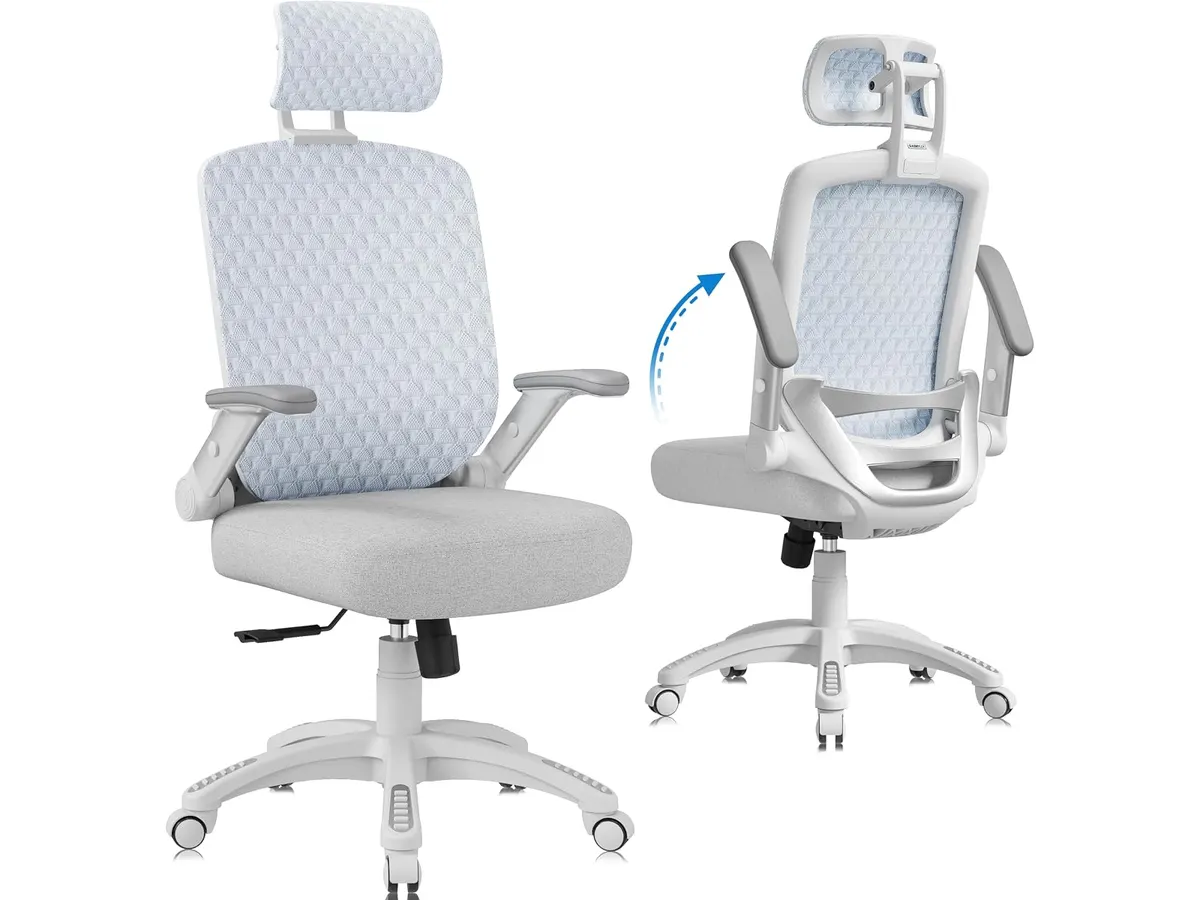
## Dónde flojea
El mecanismo del reposapiés requiere un esfuerzo manual directo. Extraer la estructura de acero y desplegarla bajo el asiento es un proceso totalmente mecánico que puede sentirse algo duro en las primeras semanas de uso.
Los reposabrazos ofrecen abatibilidad y ajuste vertical, pero carecen de desplazamiento horizontal o en profundidad. Quienes prefieren acercar los apoyabrazos hacia el pecho para escribir con el teclado muy cerca extrañarán una modulación tridimensional.
El ajuste lumbar integrado acompaña bien la curvatura de la espalda, pero no ofrece perillas de presión independiente. Depende exclusivamente de la tensión natural de la malla para ejercer el soporte en la zona baja de la columna.
## ¿Para quién es?
Es una opción acertada para profesionales que necesitan una silla de oficina para casa apta tanto para redactar como para pausar la jornada. Si tu estatura se ubica entre 5'2" y 6 mechas y buscas una silla ergonomica teletrabajo que combine Malla transpirable con reposapiés, el diseño responde con solidez.
No la recomendamos a personas que superen los 6'1" de altura, pues la extensión del reposapiés quedará corta para sus piernas. Tampoco es para usuarios que prefieran el tacto de un cojín de espuma viscoelástica, ya que la sensación firme de la malla en el asiento puede no gustar a todo el mundo.
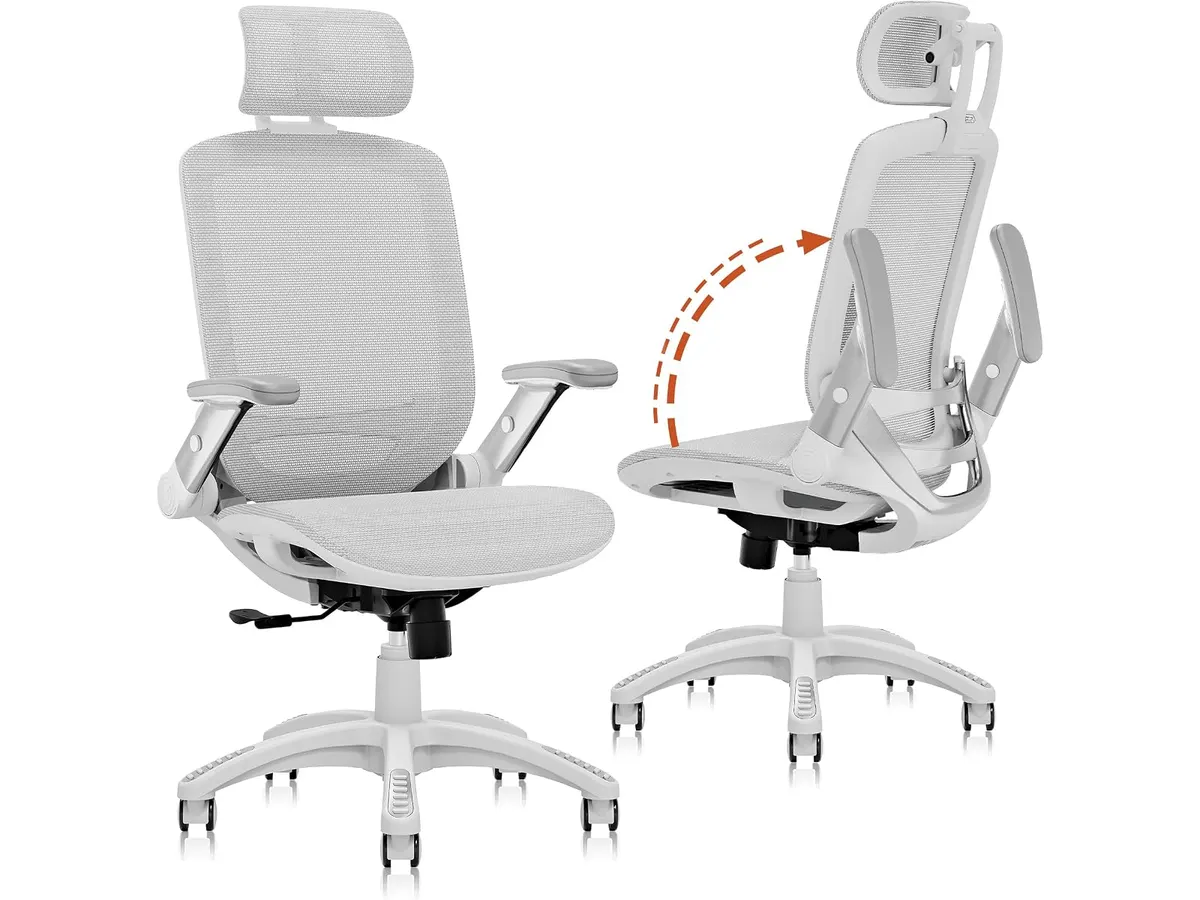
## Alternativas a considerar
Si necesitas un nivel de ajuste superior con soporte lumbar independiente y materiales orientados al uso corporativo intensivo, una opción de gama alta como la [Ergohuman ME7ERG GEN2](/blog/2026-09-22-ergohuman-me7erg-gen2) ofrece mayor personalización anatómica.
Si buscas un presupuesto más ajustado manteniendo la frescura de la malla en el respaldo pero prefieres un asiento acolchado tradicional sin reposapiés, la [SIHOO M18](/blog/2026-09-22-sihoo-m18) representa una alternativa clásica para el trabajo diario de oficina.
## Veredicto: ¿Es la mejor silla ergonomica para trabajar?
En este GABRYLLY GYB01-FT análisis encontramos un producto muy completo que cumple lo que promete. Su combinación de malla integral, estructura para 300 lbs y reposapiés retráctil la posicionan para muchos como la mejor silla ergonomica para trabajar cuando el espacio y el descanso son prioridades simultáneas. La respaldo de 3 años de garantía brinda la tranquilidad necesaria para encarar largas jornadas de trabajo desde casa.
## Preguntas frecuentes
### ¿El reposapiés molesta bajo el asiento cuando se trabaja a 90°?
No. El módulo de acero se pliega por completo debajo del asiento de malla y no interfiere con las piernas ni con la altura estándar del escritorio.
### ¿La malla del asiento pierde tensión con el tiempo?
La malla de alta densidad utilizada mantiene una firmeza constante en usuarios dentro del rango de peso especificado. Evita la deformación que suelen sufrir las espumas de baja densidad.
### ¿Es difícil montar la silla al recibirla?
El paquete incluye las herramientas básicas y la tornillería necesaria. El ensamblaje de la base, el pistón, los reposabrazos y el mecanismo reclinable toma entre 20 y 30 minutos siguiendo el manual.
---
# Microsoft Surface Thunderbolt 4 Dock: Análisis
URL: https://setuplatam.com/blog/2026-10-26-microsoft-surface-thunderbolt-4-dock
Category: Soportes y hubs
Published: 2026-10-26
Análisis del Microsoft Surface Thunderbolt 4 Dock: conectividad de alta velocidad, red 2.5G y soporte para dos monitores 4K en tu escritorio.
El Microsoft Surface Thunderbolt 4 Dock llega para resolver la acumulación de cables en estaciones de trabajo modernas. Diseñado para quienes buscan transformar su computadora portatil en una estación fija mediante un solo cable, este dispositivo destaca en el catálogo de [soportes y hubs](/categorias/soportes-hubs) por su velocidad, rendimiento térmico y flujo constante de energía.
## Lo que hace bien
### Rendimiento para buscar el mejor hub usb-c para home office
Esta estación de trabajo centraliza periféricos demanding sin ralentizar la transmisión de datos. La inclusión de tecnología Thunderbolt 4 permite mover archivos de video pesado o bases de datos masivas a velocidades elevadas, manteniendo la estabilidad del sistema durante jornadas largas.
El soporte de video es uno de sus puntos más sólidos. Puedes conectar hasta dos monitores con resolución 4K a 60 Hz utilizando los puertos USB-C traseros. Esta capacidad resulta ideal si trabajas con edición visual, programación o finanzas y requieres múltiples pantallas sobre un [brazo para monitor](/blog/2026-09-29-mountup-single-monitor-desk-mount) bien ajustado.
La selección de conectores ofrece un equilibrio práctico. Dispones de tres puertos USB-C y tres puertos USB-A distribuidos entre el frente y la parte posterior. Los puertos frontales facilitan la conexión rápida de unidades de almacenamiento externas, mientras que los traseros reciben cables permanentes de teclado, ratón o interfaz de audio.
Su puerto de red Ethernet alcanza velocidades de hasta 2.5G. Esta especificación garantiza transferencias en red local extremadamente rápidas y llamadas de video sin fluctuaciones de latencia, superando el estándar gigabit tradicional.
La fuente de alimentación externa entrega una potencia de 165W. Esta capacidad asegura que la portátil reciba toda la energía necesaria mientras sostiene el consumo simultáneo de discos externos y accesorios cargados por USB.
Microsoft integró detalles funcionales valiosos. La estructura incorpora un 20% de plástico reciclado proveniente del océano y pequeños indicadores táctiles junto a los puertos. Estos resaltes permiten identificar la orientación correcta del cable al tacto sin tener que girar el dispositivo.
## Especificaciones clave
| Característica | Especificación |
| --- | --- |
| Tipo de conexión principal | Thunderbolt 4 |
| Puertos USB-C | 3 puertos |
| Puertos USB-A | 3 puertos |
| Conectividad de red | Ethernet 2.5G |
| Salida de video | Hasta dos monitores 4K |
| Potencia de la fuente | 165W |
| Materiales | 20% plástico reciclado del océano |
| Funciones de accesibilidad | Indicadores táctiles en puertos |
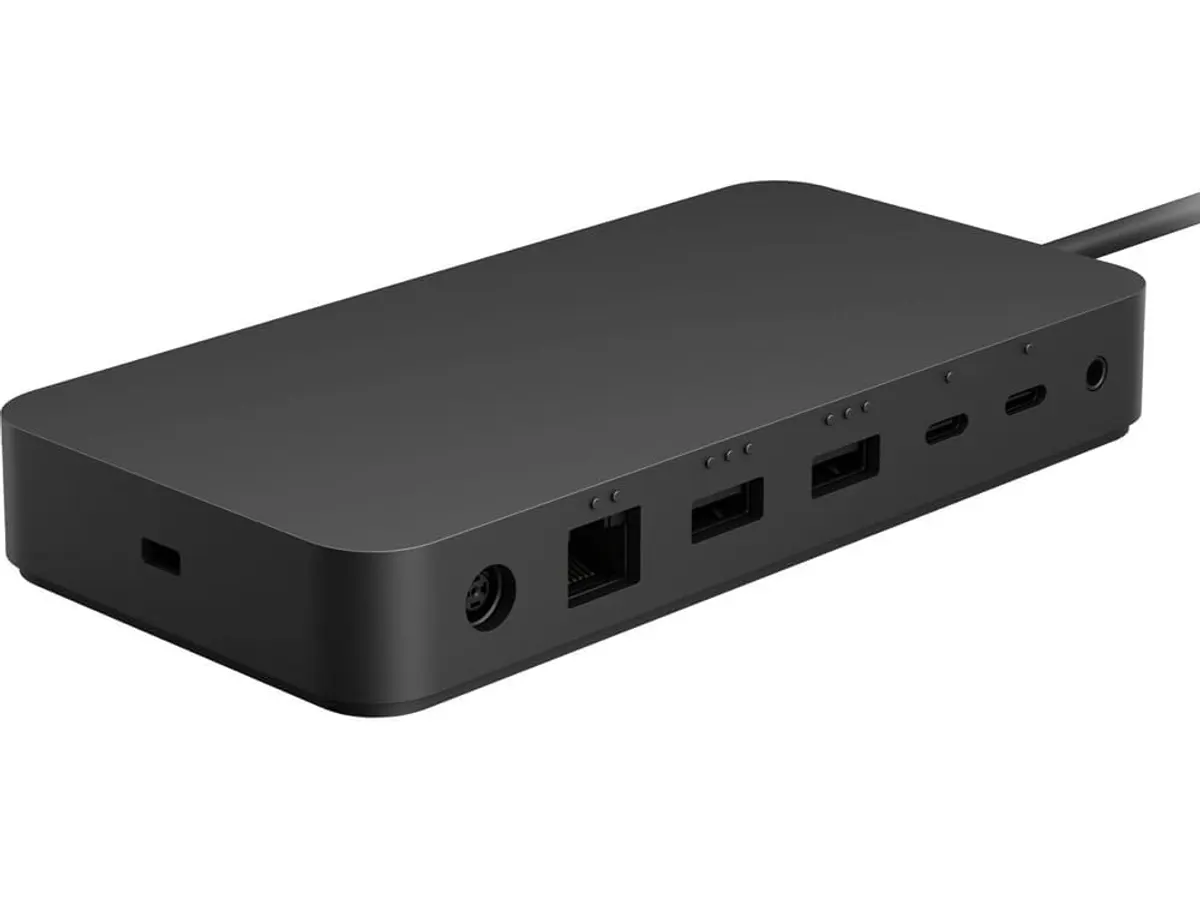
## Dónde flojea
La ausencia de puertos de video dedicados exige planificación previa. El dispositivo no incluye salidas directas HDMI ni DisplayPort. Si tus pantallas no cuentan con entradas USB-C o Thunderbolt, tendrás que adquirir cables adaptadores de USB-C a HDMI por separado.
El bloque de alimentación externo es grande y pesado. La fuente de 165W requiere espacio sustancial en la bandeja inferior del escritorio o en el suelo. No es un accesorio pensado para transportar en la mochila diariamente.
Tampoco incluye una ranura para tarjetas SD o microSD. Quienes trabajan con fotografía o producción de video deberán conectar un lector externo adicional para transferir material desde sus cámaras.
## ¿Para quién es?
### El perfil ideal
Esta docking station para portatil encaja perfectamente con profesionales que mantienen un puesto de trabajo fijo en casa o en la oficina. Desarrolladores, analistas de datos y creadores que requieren conectar dos monitores 4K, red cableada de alta velocidad y múltiples accesorios USB apreciarían el rendimiento constante de este equipo.
### Para quién no es
No conviene a usuarios que necesitan movilidad constante entre diferentes espacios. Tampoco es la opción correcta si buscas un hub usb-c con hdmi integrado para conectar televisores o monitores antiguos sin comprar cables especiales. Si buscas una alternativa compacta y sin fuente de alimentación externa, te conviene revisar nuestro [análisis del hub USB-C 8 en 1](/blog/2026-09-22-anker-usb-c-hub-8-in-1).
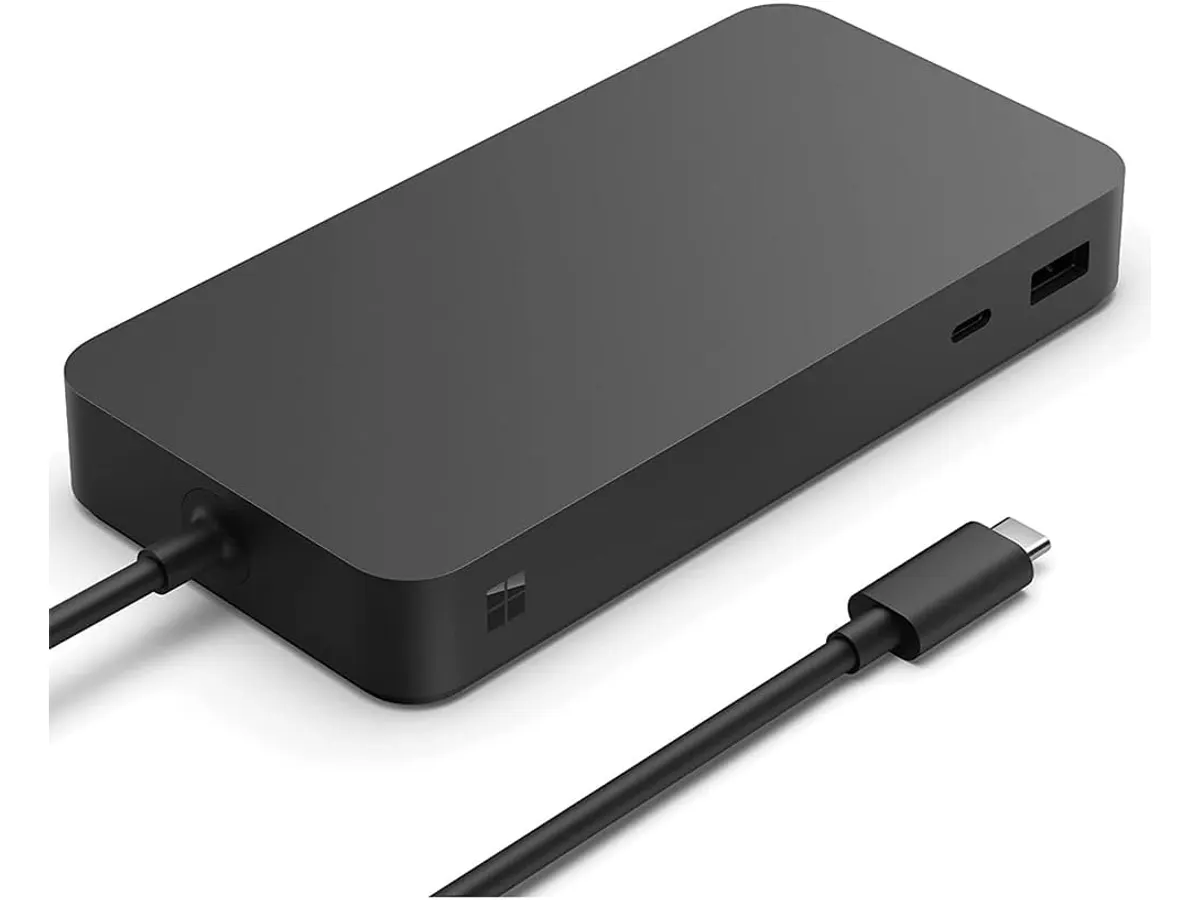
## Alternativas a considerar
Si necesitas un equipo para viajar o trabajar en cafeterías, la mejor opción son los concentradores pasivos de gama media. Esos dispositivos sacrifican la velocidad Thunderbolt y la red 2.5G a cambio de un peso pluma, puerto HDMI integrado y formato de bolsillo.
Por otro lado, si tu flujo de trabajo exige máxima variedad de conexiones nativas en el escritorio —incluyendo lector de tarjetas de memoria, salida de audio de 3.5 mm y puertos de video tradicionales— existen estaciones profesionales de gama alta. Puedes evaluar esas alternativas completas en nuestro [análisis del dock CalDigit TS4](/blog/2026-09-25-caldigit-ts4).
## Veredicto
El Microsoft Surface Thunderbolt 4 Dock es una propuesta refinada para centralizar la conectividad en escritorios de alto rendimiento. Su puerto de red 2.5G y la entrega de energía mediante su fuente de 165W garantizan estabilidad durante cargas intensas de trabajo. Aunque requiere comprar adaptadores si utilizas entradas de video tradicionales, su velocidad de transferencia y calidad de construcción justifican la inversión. Puedes revisar más opciones de organización en nuestra categoría de [soportes y hubs](/categorias/soportes-hubs).
## Preguntas frecuentes
### ¿Funciona esta estación con computadoras de otras marcas?
Sí. Utiliza el estándar universal Thunderbolt 4, por lo que es compatible con computadoras de otros fabricantes que dispongan de puertos Thunderbolt 4, Thunderbolt 3 o USB4.
### ¿Puedo conectar dos monitores 4K directamente al puerto posterior?
Sí. Permite emitir señal a dos monitores 4K a 60 Hz utilizando dos de sus puertos USB-C traseros con los cables correspondientes.
### ¿El puerto de red funciona a velocidad Gigabit normal si mi router es antiguo?
Sí. El puerto Ethernet 2.5G es retrocompatible con redes Gigabit (1000 Mbps) y redes estándar de 100 Mbps.
---
# Samsung ViewFinity S7 (S71H): análisis a fondo
URL: https://setuplatam.com/blog/2026-10-25-samsung-viewfinity-s7-s71h
Category: Monitores
Published: 2026-10-25
Analizamos el Samsung ViewFinity S7 (S71H), un panel 4K de 27 pulgadas. ¿Es el mejor monitor para home office si buscas nitidez y color? Descúbrelo.
El Samsung ViewFinity S7 (S71H) es una propuesta clara para profesionales que le dedican jornadas largas a la redacción, el análisis de datos y la creación de contenido visual. Con una nitidez notable en un formato compacto, compite directamente por ser el mejor monitor para home office en escritorios donde cada pulgada cuenta. Si buscas reemplazar una pantalla borrosa, este modelo exige tu atención.
## Lo que hace bien
La densidad de píxeles es la mayor virtud de este equipo. Al comprimir la resolución 4K UHD (3840 x 2160) en un panel de 27 pulgadas, el texto luce definido y sin bordes pixelados. Para quienes pasan el día leyendo código, redactando informes o revisando planillas extensas, la nitidez reduce el cansancio visual de manera inmediata. Trabajar con dos ventanas lado a lado resulta cómodo sin perder claridad.
La reproducción del color destaca desde el primer encendido. El panel IPS asegura que las imágenes no pierdan contraste ni distorsionen sus tonos al mirarlas desde ángulos laterales. Además, la compatibilidad con HDR10 y una capacidad para mostrar hasta 1.000 millones de colores garantizan transiciones suaves entre degradados, algo crucial si editas fotografías o revisas material gráfico para campañas digitales.
En jornadas extensas de trabajo, la ergonomía visual pasa a primer plano. El sistema Eye Saver Mode, certificado por TÜV, minimiza las emisiones de luz azul para evitar la fatiga ocular al caer la tarde. En la sección de [monitores](/categorias/monitores) de nuestro sitio insistimos siempre en cuidar la vista, y este equipo cumple con ese requisito sin alterar de forma drástica la fidelidad de la paleta cromática.
Por último, la inclusión de Game Mode ofrece un ajuste rápido para momentos de ocio. Aunque no es un panel enfocado al público aficionado a los videojuegos de alta velocidad, esta función optimiza el contraste de las sombras para mejorar la visibilidad en escenas oscuras. Si buscas comparar este rendimiento con alternativas del sector, puedes revisar el [análisis del Dell UltraSharp U2724D](/blog/2026-09-22-dell-ultrasharp-u2724d) para entender las diferencias en tasa de refresco y panel.
## Especificaciones clave
| Característica | Especificación |
| --- | --- |
| Tamaño de pantalla | 27 pulgadas |
| Resolución | 4K UHD (3840 x 2160) |
| Panel | IPS |
| Tecnología de color | HDR10 (1.000 millones de colores) |
| Conectividad | HDMI y DisplayPort |
| Cuidado ocular | Eye Saver Mode (Certificado por TÜV) |
| Ajustes dinámicos | Game Mode |
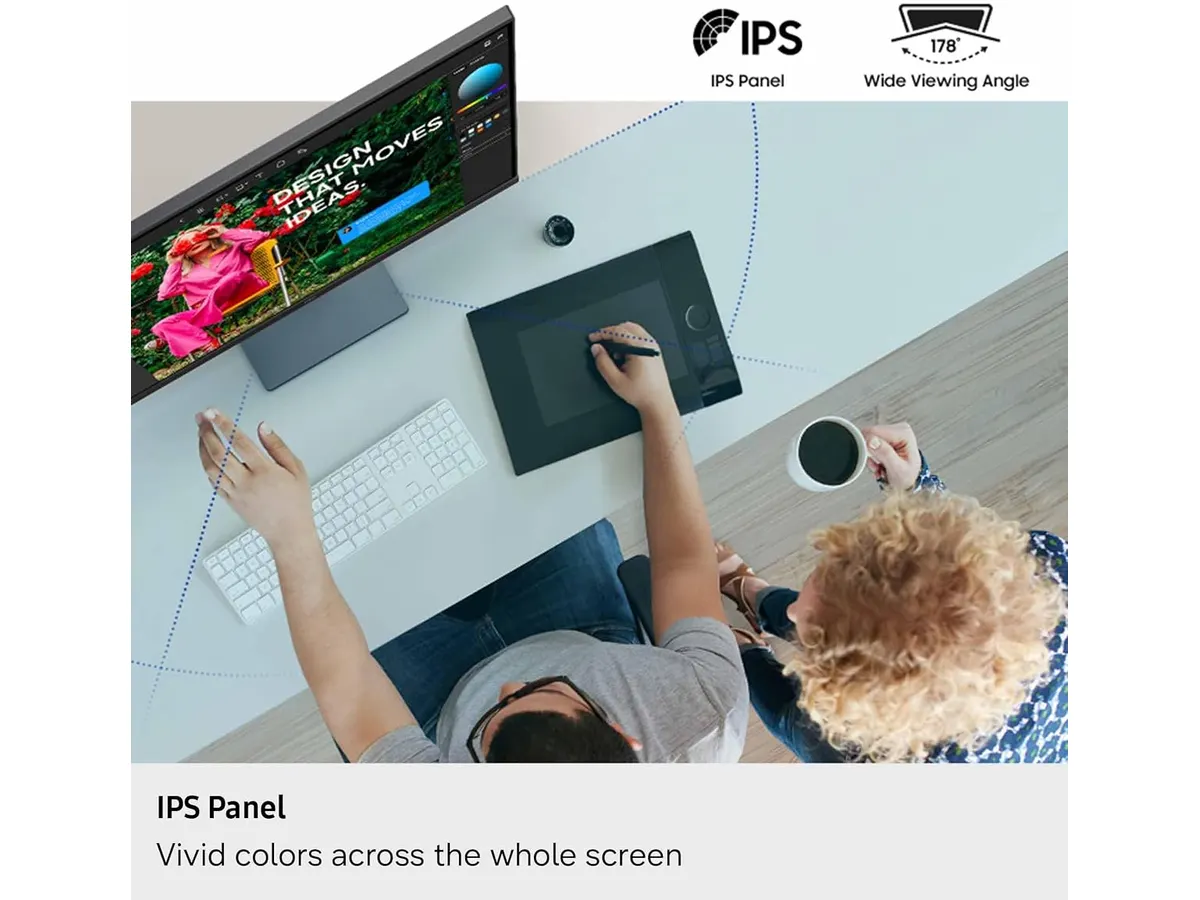
## Dónde flojea
A pesar de sus fortalezas en nitidez, la conectividad resulta bastante austera para las exigencias de un escritorio moderno. La presencia única de entradas HDMI y DisplayPort obliga a quienes utilizan ordenadores portátiles a recurrir a adaptadores externos o a cargadores independientes. Carecer de un puerto USB-C que transmita vídeo y energía mediante un solo cable le quita practicidad en configuraciones limpias.
Tampoco integra altavoces ni un concentrador de puertos USB para conectar periféricos como ratones o teclados directamente a la pantalla. Si tu meta es reducir la cantidad de cables sobre el escritorio, esta limitación te obligará a mantener una estación de acoplamiento sobre la mesa.
Finalmente, el soporte del monitor ofrece los ajustes de inclinación básicos, pero carece de la versatilidad de peanas profesionales que permiten rotar la pantalla en noventa grados o regular la altura con precisión millimétrica. Quienes requieran trabajar en formato vertical para programación o redacción extensa deberán considerar la compra de un brazo articulado VESA independiente.
## ¿Para quién es?
Este monitor encaja perfecto con profesionales del teletrabajo, contadores, analistas de datos y creadores de contenido que buscan un monitor 27 pulgadas para trabajar con resolución impecable. Si tu prioridad absoluta es leer texto cristalino y trabajar con múltiples documentos abiertos sin agotar tu vista, este modelo satisface esas necesidades con holgura. Funciona muy bien como pantalla para trabajar desde casa si ya cuentas con un brazo articulado o un hub USB externo.
Por el contrario, este producto decepcionará a los entusiastas de los videojuegos competitivos que exigen tasas de refresco superiores y tiempos de respuesta ultra rápidos. Tampoco es la opción idónea para usuarios de portátiles que sueñan con un setup de un solo cable para vídeo y carga. Si esa practicidad es indispensable para ti, conviene mirar otras opciones del mercado con conectividad USB-C integrada.
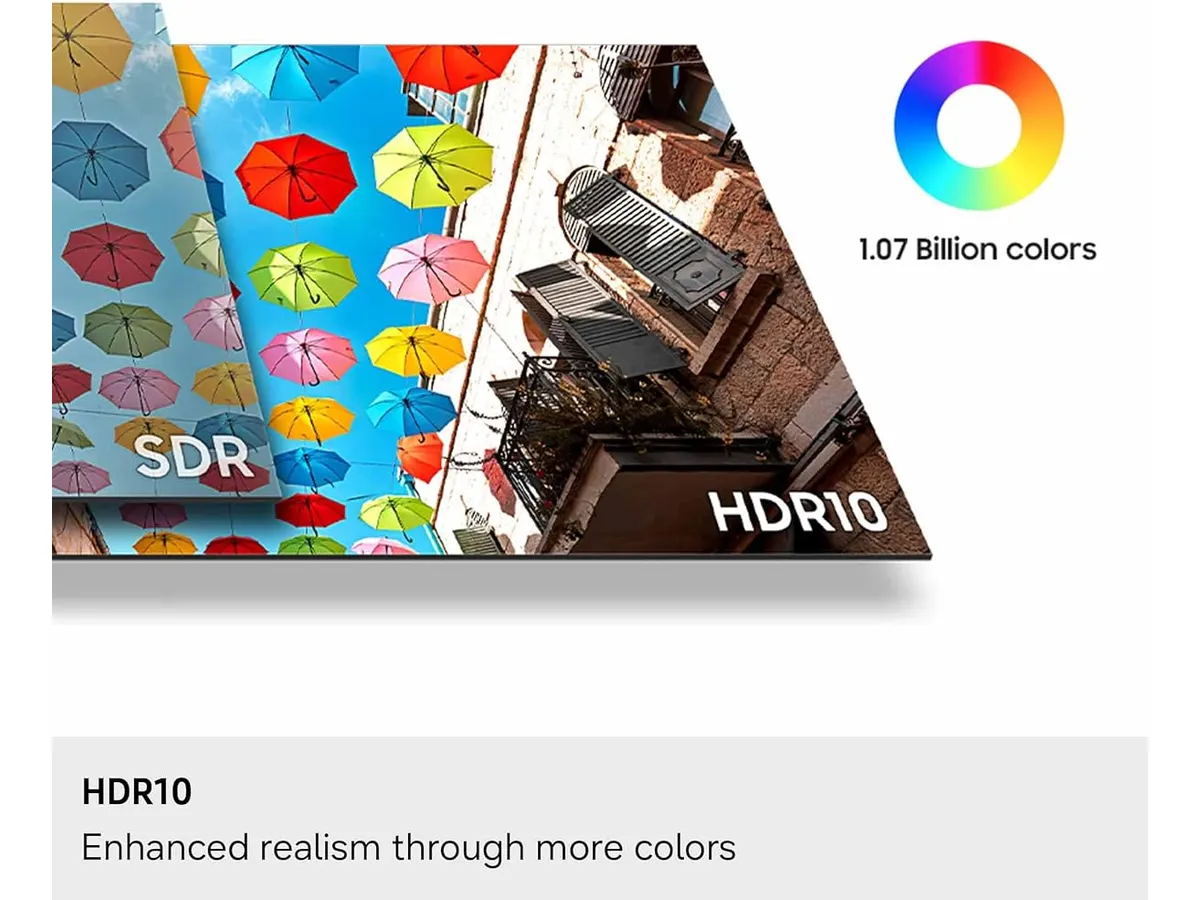
## Alternativas a considerar
Dentro de la categoría de periféricos para productividad, la elección de una pantalla depende fuertemente del presupuesto y del espacio de trabajo. Si en lugar de una sola pantalla de alta densidad prefieres multiplicar el área de trabajo física, una opción popular en el segmento económico son los paquetes dobles de paneles con resolución estándar. Puedes leer la [reseña del Gigastone 27 IPS 2-Pack](/blog/2026-09-22-gigastone-27-ips-2-pack) para evaluar si prefieres tener dos escritorios independientes sobre tu mesa a cambio de una nitidez 4K menor.
Por otro lado, si perteneces al grupo de usuarios que combina las tareas de oficina con largas sesiones de juegos exigentes por las noches, la alternativa adecuada reside en monitores de gama media con paneles IPS de alta frecuencia de actualización. Esos modelos suelen priorizar la fluidez de movimiento y la respuesta inmediata por encima de la densidad 4K pura, sacrificando un poco de nitidez de texto a cambio de rendimiento en escenas de acción rápida.
En la línea de productos de la marca, los Samsung Monitores ofrecen un abanico amplio que va desde pantallas curvas de entrada hasta modelos ViewFinity más avanzados. Esta versión S7 (S71H) se ubica en el punto medio exacto para quien busca dar un salto cualitativo en definición visual sin pagar por funciones adicionales que no va a utilizar en su rutina diaria de oficina.
## Veredicto
El Samsung ViewFinity S7 (S71H) ofrece una calidad de imagen excepcional respaldada por un panel IPS 4K extremadamente nítido y respetuoso con la vista. Sus carencias en materia de puertos avanzados y ergonomía de peana se compensan con una precisión cromática y una densidad de píxeles impecable para el trabajo diario. Si tienes un hub USB a la mano o usas una computadora de escritorio, este monitor para teletrabajo es una compra sólida que transformará la forma en que ves tus aplicaciones diarias.
## Preguntas frecuentes
### ¿Es el mejor monitor para home office si trabajo con textos y hojas de cálculo?
Sí, la densidad de píxeles que logra la resolución 4K UHD en 27 pulgadas hace que las tipografías pequeñas se vean nítidas y limpias, lo que reduce drásticamente el cansancio ocular durante jornadas prolongadas de lectura y edición de documentos.
### ¿Se pueden conectar consolas de videojuegos o dos ordenadores a la vez?
El monitor cuenta con entradas HDMI y DisplayPort, lo que permite tener dos fuentes de vídeo conectadas simultáneamente e ir cambiando entre ellas desde el menú de la pantalla según lo necesites.
### ¿Incluye este monitor altavoces integrados para videollamadas?
No, este modelo no posee altavoces incorporados. Para escuchar audio en tus reuniones o reproducir contenido multimedia deberás utilizar auriculares o unos altavoces externos conectados a tu ordenador.
---
# Análisis del VIVO Electric Standing Desk 60x24
URL: https://setuplatam.com/blog/2026-10-25-vivo-electric-standing-desk-60-x-24
Category: Escritorios
Published: 2026-10-25
Evaluamos el VIVO Electric Standing Desk 60" x 24": capacidad de 220 lbs y 4 memorias. ¿Es el mejor escritorio para home office? Lee el análisis completo.
El VIVO Electric Standing Desk 60" x 24" está diseñado para profesionales remotos y creadores que necesitan espacio real para trabajar sin lidiar con estructuras endebles. Si buscas una mesa de trabajo para casa duradera o analizas cuál es el mejor escritorio para home office, este modelo destaca por su superficie lisa de una sola pieza y un marco de acero capaz de levantar hasta 220 lbs.
## Lo que hace bien
El punto más fuerte de este modelo es la construcción de su tablero. Con dimensiones reales de 59" x 23.6", la superficie está fabricada en una sola pieza de aglomerado con recubrimiento resistente a rayones. La ausencia de cortes trasversales en el centro marca una diferencia enorme al deslizar el ratón, escribir a mano o instalar brazos articulados para monitores.
El sistema de elevación motorizado cumple con solvencia. Su rango de altura abarca desde las 29.3" hasta las 48.5", lo que permite cambiar de postura con fluidez durante la jornada laboral. El panel de control digital integra cuatro botones de memoria programables. Configuras tus alturas preferidas una vez y alternas entre trabajar sentado y trabajar de pie con presionar un solo botón.
La estructura inferior de acero aporta el peso y la rigidez necesarios para evitar vibraciones excesivas. Acepta hasta 220 lbs de peso total. Esto significa que puedes colocar dos monitores de gran tamaño, una torre de computadora, altavoces de estudio y brazos para pantallas sin comprometer el motor eléctrico ni la estabilidad del conjunto. En la categoría de VIVO Escritorios, esta versión de 60 pulgadas es de las más equilibradas en dimensiones físicas y soporte de carga.
## Especificaciones clave
| Característica | Especificación |
| --- | --- |
| Dimensiones del tablero | 59" x 23.6" (150 cm x 60 cm) |
| Material del tablero | Aglomerado resistente a rayones (1 sola pieza) |
| Estructura | Acero reforzado |
| Capacidad de peso | 220 lbs (99.7 kg) |
| Rango de altura | 29.3" a 48.5" (74.4 cm a 123.2 cm) |
| Panel de control | Botones digitales con 4 memorias programables |
| Tipo de mecanismo | Motor eléctrico individual |
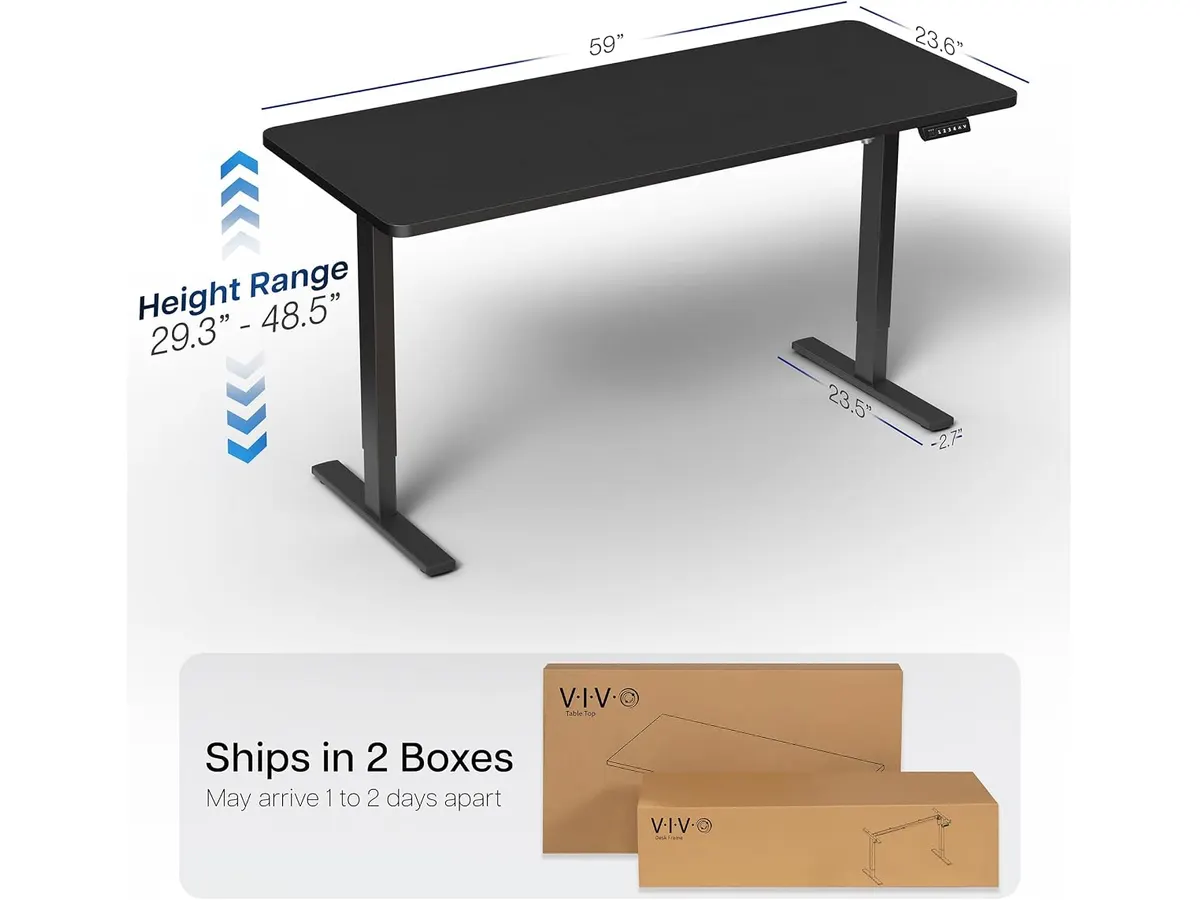
## Dónde flojea
La altura mínima es su limitación más evidente. Con 29.3 pulgadas en su posición más baja, resulta algo elevada para personas de estatura menor a 1.65 metros si buscan mantener una postura ergonómica óptima con los pies totalmente apoyados en el suelo. En esos casos, será imprescindible sumar un reposapiés o ajustar la altura de la silla de trabajo.
El material de la cubierta, aunque resistente al uso diario y fácil de limpiar, no deja de ser aglomerado sintético. Cumple perfectamente su función táctil y estética, pero no ofrece el acabado natural ni la textura pesada de la madera maciza.
Al contar con un solo motor para mover la estructura, el ascenso es constante pero más pausado cuando la mesa está cargada cerca de su límite de 220 lbs. No es un fallo crítico, pero sí un detalle a considerar frente a alternativas con motorización doble.
## ¿Para quién es el mejor escritorio para home office?
- **Ideal para:** Usuarios que trabajan con múltiples monitores, soportes pesados y equipos de audio que requieren un escritorio regulable en altura sin juntas divisorias en la tabla.
- **No recomendado para:** Personas de baja estatura que necesiten trabajar sentadas a menos de 29 pulgadas del suelo, o para quienes busquen superficies de madera noble de alta gama.
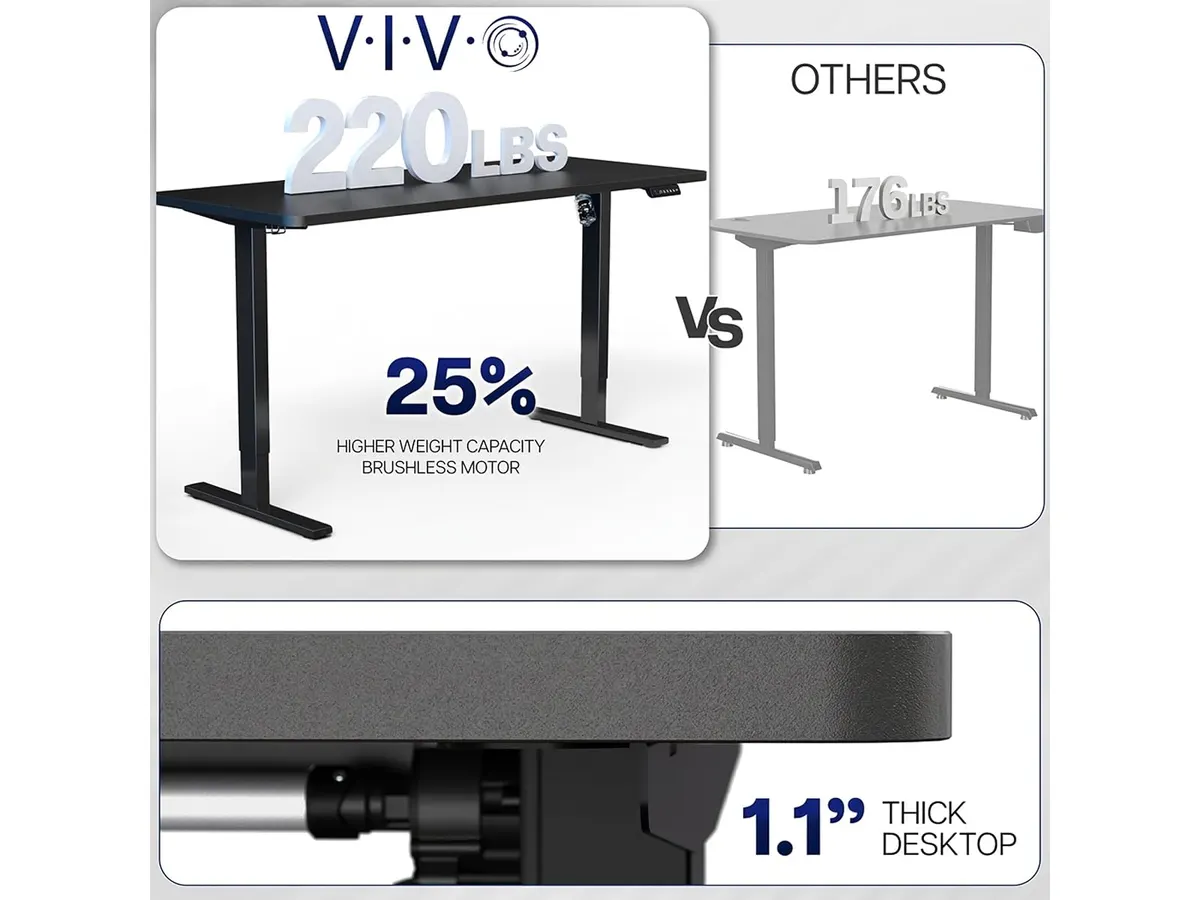
## Alternativas a considerar
Si no deseas reemplazar tu mesa actual pero quieres probar la dinámica de trabajar erguido, los adaptadores mecánicos sobre mesa son una vía directa. Puedes ver cómo funcionan en nuestro [análisis del FLEXISPOT 42" Standing Desk Converter](/blog/2026-09-22-flexispot-42-standing-desk-converter).
Para quienes buscan motores dobles, rangos de elevación más amplios desde cotas más bajas o tableros de calidad superior, la gama alta ofrece opciones sólidas. Te aconsejamos revisar nuestro [análisis del Vari Classic Electric Standing Desk](/blog/2026-09-22-vari-classic-electric-standing-desk) para evaluar alternativas con mayor velocidad de motor y acabados premium.
## Veredicto
Este modelo de VIVO logra responder a las exigencias reales del trabajo remoto diario. Su tablero continuo de 59" x 23.6" y su marco de acero con capacidad para 220 lbs garantizan que no te quedarás corto de espacio ni de soporte. Si tu estatura se adapta a su rango de 29.3" a 48.5", es una compra directa para renovar tu área de trabajo. Puedes explorar más opciones y comparativas en nuestra sección dedicada a [escritorios para home office](/categorias/escritorios).
## Preguntas frecuentes
### ¿El tablero viene dividido en dos partes dentro de la caja?
No. El tablero de 59" x 23.6" viene en una sola pieza continua, garantizando una superficie lisa sin divisiones ni desnivel central.
### ¿Cómo se guardan las posiciones en el panel de memoria?
Ajustas el escritorio elevable para trabajar de pie o sentado a la altura exacta usando las flechas del control y mantienes presionado el botón con el número donde deseas guardar la posición.
### ¿Se tambalea la mesa cuando está extendida a su máxima altura?
Gracias al marco de acero, la estructura permanece firme. A 48.5 pulgadas puede mostrar un ligero balanceo si se empuja con fuerza, pero es totalmente estable durante el tecleo normal y la jornada diaria.
---
# Análisis de Quntis ScreenLinear RGB para tu setup
URL: https://setuplatam.com/blog/2026-10-24-quntis-screenlinear-rgb
Category: Iluminación
Published: 2026-10-24
El Quntis ScreenLinear RGB es la mejor lámpara de escritorio para trabajar si buscas equilibrio entre iluminación funcional y personalización visual en tu oficina.
Si pasas largas jornadas frente al monitor, sabes que la fatiga visual es el enemigo principal de la productividad. La Quntis ScreenLinear RGB llega para resolver esto con un diseño que despeja tu escritorio mientras ilumina tu espacio de trabajo. Es una excelente opción para quienes buscan la mejor lámpara de escritorio para trabajar y desean añadir un toque personal a su área de [Iluminacion](/categorias/iluminacion) sin sacrificar la calidad técnica necesaria para tareas exigentes.
## Lo que hace bien
El diseño óptico asimétrico es el núcleo de esta barra. Al proyectar la luz directamente sobre la superficie de trabajo y no sobre la pantalla, elimina los reflejos molestos que suelen cansar la vista tras horas de uso. Con un índice de reproducción cromática de Ra95, los colores que ves en tus documentos o periféricos se mantienen fieles a la realidad, algo indispensable si trabajas en edición o diseño.
La flexibilidad es otro punto fuerte. La capacidad de ajustar la temperatura de color desde los 3000K hasta los 6500K permite adaptar la luz a diferentes momentos del día: tonos cálidos para la tarde y luz fría para concentrarte por la mañana. Además, el control remoto inalámbrico es intuitivo y evita que tengas que levantarte o estirarte para ajustar el brillo o cambiar entre los 15 modos de retroiluminación RGB, los cuales añaden profundidad a tu espacio durante las sesiones nocturnas.
## Especificaciones clave
| Característica | Especificación |
| :--- | :--- |
| Longitud | 20.1 pulgadas (51 cm) |
| Temperatura de color | 3000K - 6500K |
| Índice de reproducción cromática | Ra95 |
| Modos de luz | Frontal, RGB y combinado |
| Fuente de alimentación | USB-C (DC 5V/1.5A) |
| Vida útil del LED | 50,000 horas |
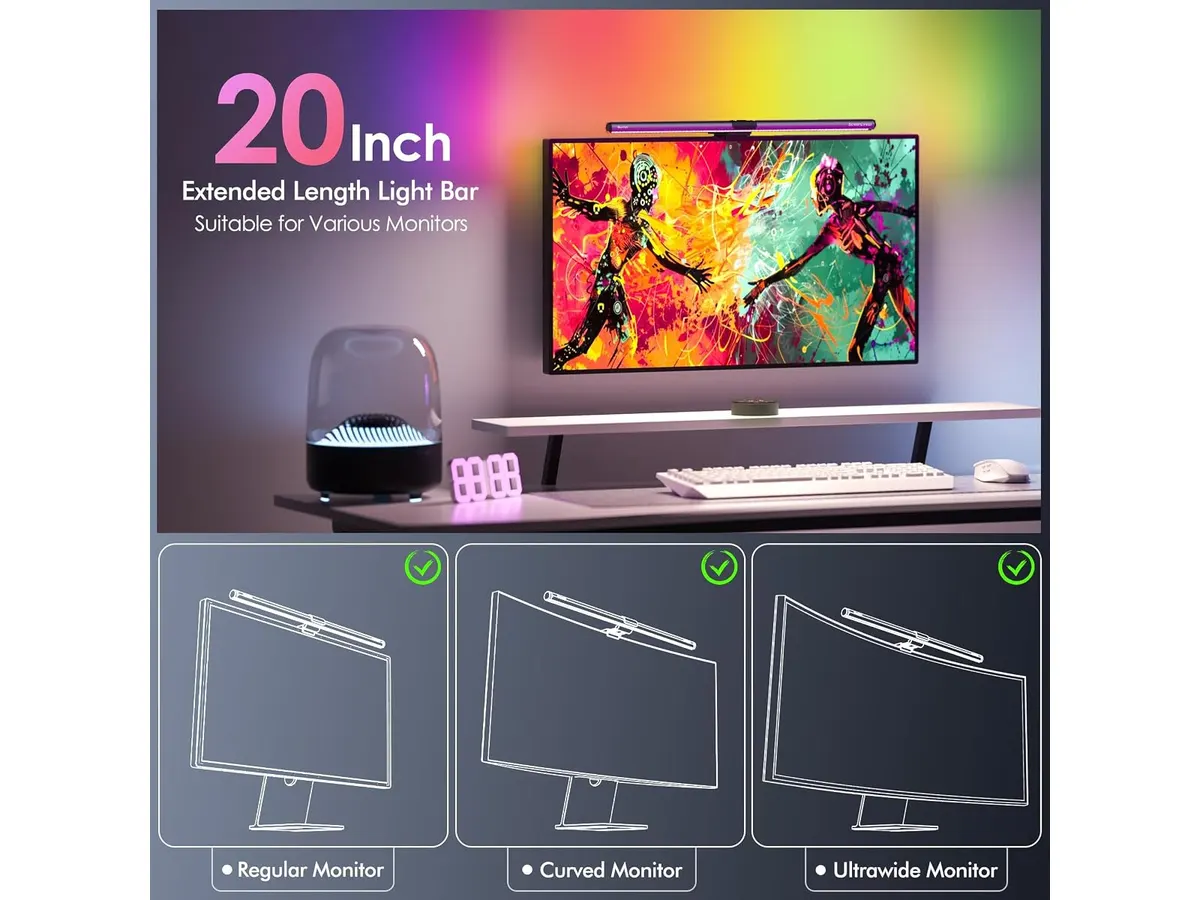
## Dónde flojea
Aunque el sistema de clip es versátil, la instalación en monitores extremadamente delgados o con marcos muy irregulares puede sentirse algo inestable al principio. Requiere paciencia para ajustar el contrapeso correctamente. Además, al alimentarse exclusivamente mediante USB-C, dependes de tener un puerto disponible en tu computadora o un adaptador de pared de buena calidad; si tu setup ya está saturado de cables, esto suma un elemento extra a gestionar en la parte trasera del escritorio. Comparada con otras opciones como esta [Pzloz LED Desk Lamp: Iluminación Versátil para tu Escritorio](/blog/2026-09-22-pzloz-led-desk-lamp), la Quntis está muy enfocada en monitores, perdiendo la versatilidad de una lámpara de brazo articulado tradicional.
## ¿Para quién es?
Esta barra es ideal para el profesional remoto o el estudiante que utiliza un monitor curvo o ultra ancho y necesita optimizar el espacio en su escritorio. Si valoras una estética cuidada y pasas horas editando documentos o programando, agradecerás la precisión cromática y la ergonomía visual que ofrece.
Por el contrario, no la recomiendo para quienes trabajan principalmente con portátiles sin una configuración de monitor externo fijo. Si tu escritorio es una mesa de dibujo analógica o un espacio de trabajo multifuncional donde necesitas luz dirigida a diferentes puntos de la mesa, la naturaleza estática de esta barra te resultará limitante. Para necesidades de iluminación de escritorio más flexibles, el [Análisis de la Lámpara de Escritorio LED SANDROY VOLT](/blog/2026-09-22-sandroy-volt-led-desk-lamp) puede ser un punto de partida más útil.
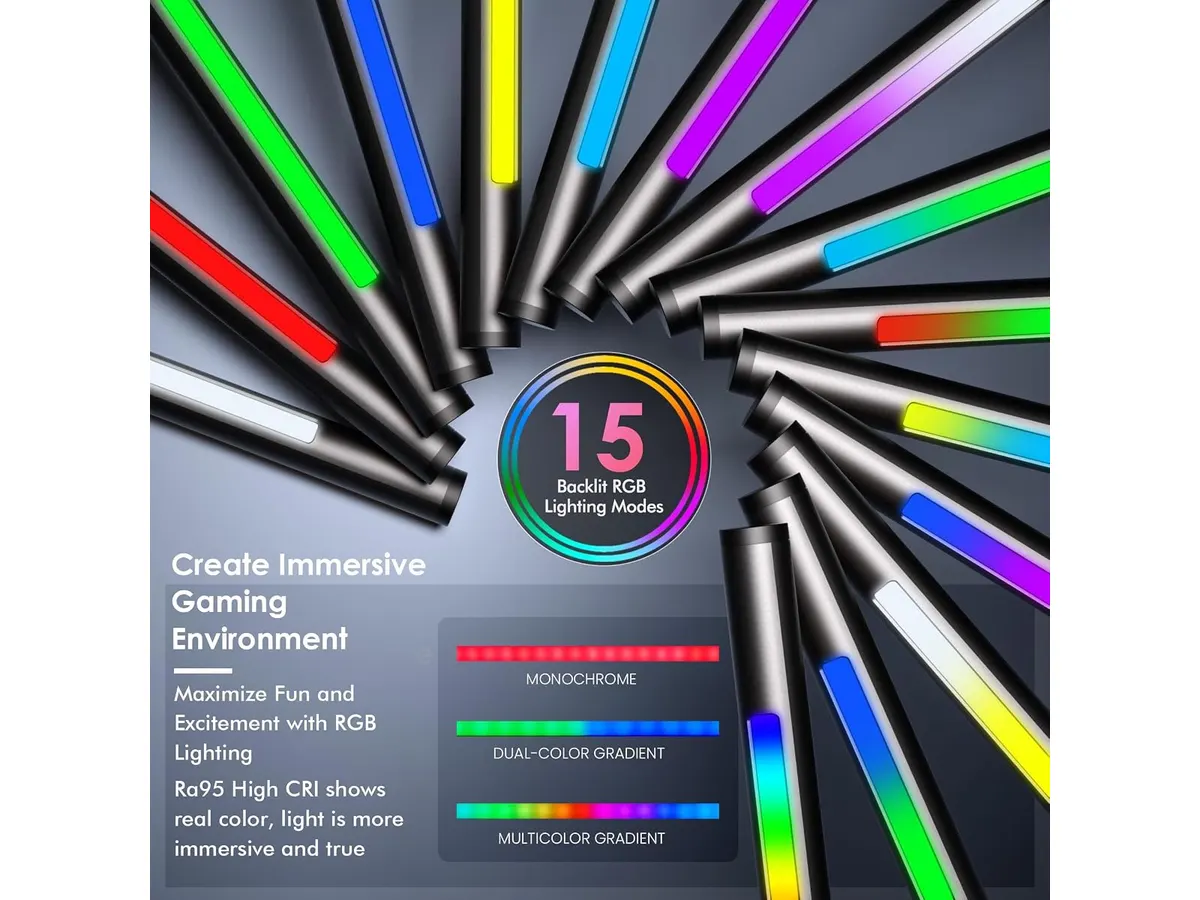
## Alternativas a considerar
Si tu prioridad es la iluminación pura para tareas de lectura intensiva sin distracciones visuales, existen barras de luz de gama básica que omiten los elementos RGB para enfocarse exclusivamente en un haz de luz neutro. Suelen ser dispositivos más económicos y directos, ideales para setups minimalistas donde el color no es una prioridad.
Por otro lado, si buscas un control total sobre el ángulo de luz para iluminar un área específica de tu teclado o documentos fuera de la pantalla, las lámparas de escritorio de brazo articulado en el segmento premium ofrecen una movilidad que ninguna barra de monitor puede igualar. Si ya has probado opciones similares, te recomiendo revisar el [Quntis Computer Monitor Lamp: Análisis de Iluminación Efectiva](/blog/2026-09-22-quntis-computer-monitor-lamp) para comparar cómo evoluciona la tecnología en este formato.
## Veredicto
El Quntis ScreenLinear RGB es una inversión inteligente para quienes buscan mejorar su salud visual y la estética de su espacio. Su combinación de luz funcional de alta calidad y retroiluminación decorativa la posiciona como una herramienta versátil para el día a día. Si buscas un escritorio despejado con una iluminación precisa, esta es la mejor opción que puedes elegir hoy.
### pregunta: ¿Se puede usar con un monitor curvo?
Respuesta: Sí, el sistema de clip ajustable de Quntis está diseñado específicamente para adaptarse a la curvatura de la mayoría de los monitores ultra anchos y curvos sin obstruir la pantalla.
### pregunta: ¿El control remoto es indispensable?
Respuesta: Es la forma principal y más cómoda de operar la lámpara. Aunque podrías desconectarla para apagarla, el control permite ajustar brillo, temperatura y modos RGB de forma independiente, lo cual es vital para el uso diario.
### pregunta: ¿Consume mucha energía?
Respuesta: No, funciona con una entrada estándar de 5V/1.5A, lo que significa que puedes alimentarla directamente desde un puerto USB de tu monitor o computadora sin problemas.
---
# Análisis del Razer BlackWidow V4 TKL Wireless
URL: https://setuplatam.com/blog/2026-10-24-razer-blackwidow-v4-tkl-wireless
Category: Periféricos
Published: 2026-10-24
Evaluamos el Razer BlackWidow V4 TKL Wireless. ¿Es el teclado para teletrabajo que necesitas? Descubre si es parte de los mejores perifericos para home office.
El Razer BlackWidow V4 TKL Wireless llega para ocupar un espacio importante dentro de los mejores perifericos para home office. Su diseño compacto TKL es ideal para quienes buscan maximizar el espacio en el escritorio sin sacrificar la sensación táctil de un teclado mecánico de calidad. Si eres un profesional o creador que divide su tiempo entre el trabajo intenso y el ocio, este teclado ofrece una flexibilidad difícil de ignorar dentro de nuestra categoría de [Perifericos](/categorias/perifericos).
## Lo que hace bien
* **Versatilidad de conexión:** La posibilidad de alternar entre la tecnología Razer HyperSpeed Wireless de 2.4 GHz y tres dispositivos Bluetooth permite gestionar múltiples equipos de trabajo con un solo periférico. Es una herramienta potente para quienes usan una laptop personal y una computadora de escritorio simultáneamente.
* **Personalización y hot-swappable:** Poder cambiar los interruptores por otros compatibles de 3 o 5 pines es un valor añadido para la longevidad del dispositivo. No estás limitado a la configuración de fábrica, lo que permite ajustar la sonoridad y la fuerza de actuación a tu gusto personal.
* **Acústica refinada:** La inclusión de dos capas de espuma de amortiguación de sonido y estabilizadores lubricados desde fábrica transforma la experiencia de escritura. El resultado es un sonido mucho más profundo y menos metálico que en modelos anteriores, algo que agradecerás en sesiones largas de redacción.
* **Control multimedia avanzado:** El rodillo multifunción y los tres botones dedicados facilitan el control de audio sin necesidad de salir de tus aplicaciones de trabajo. Es una mejora de productividad sutil pero constante en el día a día.
## Especificaciones clave
| Característica | Detalle |
| :--- | :--- |
| Conectividad | Razer HyperSpeed (2.4 GHz) y Bluetooth |
| Formato | TKL (Tenkeyless) |
| Interruptores | Razer Orange (Hot-swappable) |
| Autonomía | Hasta 980 horas |
| Iluminación | Razer Chroma RGB |
| Construcción | Espuma acústica de doble capa |
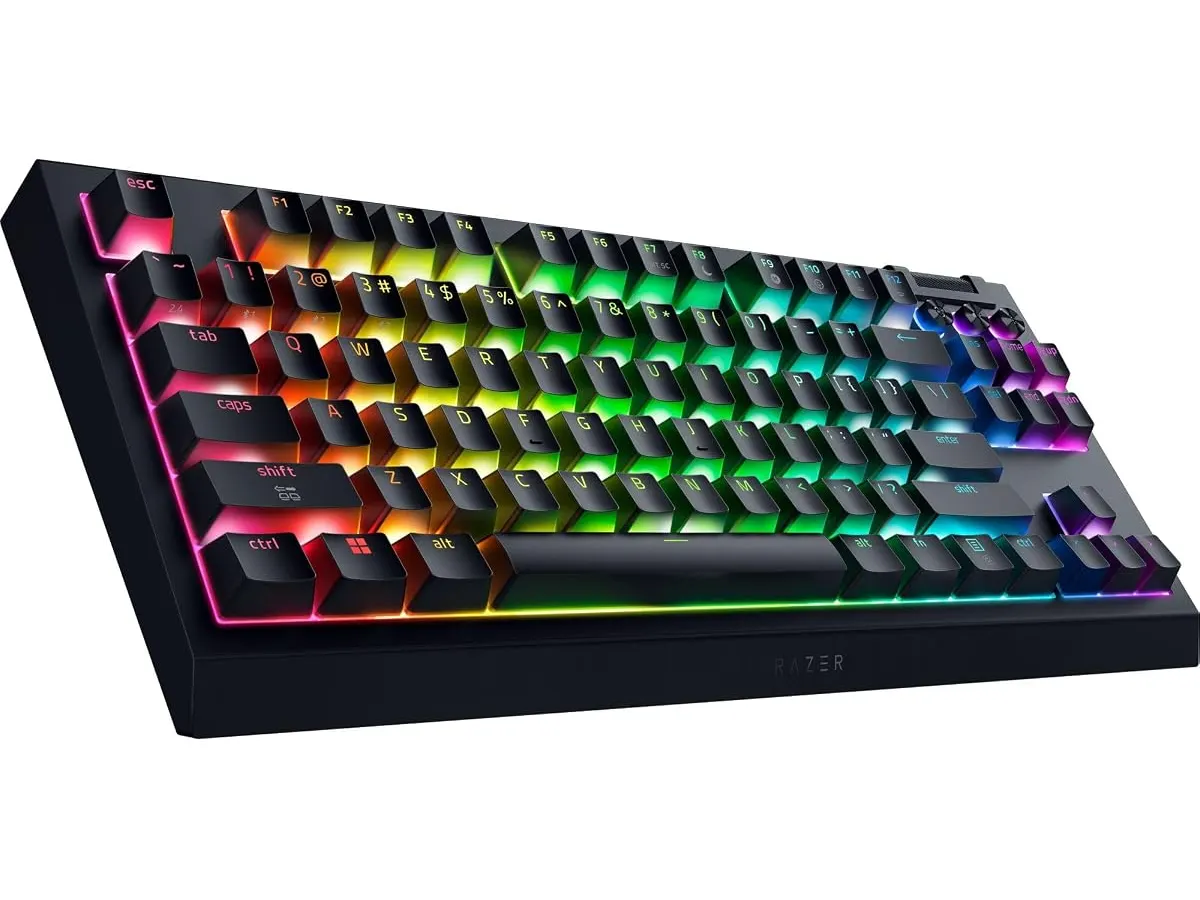
## Dónde flojea
La mayor limitación del Razer BlackWidow V4 TKL Wireless es su dependencia del software propietario para configurar funciones avanzadas y macros. Si trabajas en un entorno corporativo donde no tienes permisos de administrador para instalar programas, perderás acceso a gran parte de la personalización del teclado.
Por otro lado, aunque su autonomía es impresionante, el uso intensivo de la iluminación Razer Chroma RGB reduce drásticamente la vida útil entre cargas. Si decides usarlo sin cables y con los efectos visuales al máximo, te verás obligado a conectarlo al cable USB-C con mucha más frecuencia de lo que sugieren las cifras de laboratorio.
## ¿Para quién es?
Este teclado encaja perfectamente para el profesional creativo que necesita una herramienta rápida, fiable y con un sonido satisfactorio para jornadas de trabajo exigentes. Si valoras la estética y la posibilidad de modificar tus switches para encontrar tu "tecleo" ideal, te sentirás muy a gusto con este modelo.
Sin embargo, este dispositivo no es para quienes buscan un teclado minimalista y austero. Si prefieres un perfil bajo, sin efectos visuales y orientado exclusivamente a la sobriedad corporativa, el exceso de iluminación y los controles específicos de gaming pueden resultarte distractores o innecesarios.
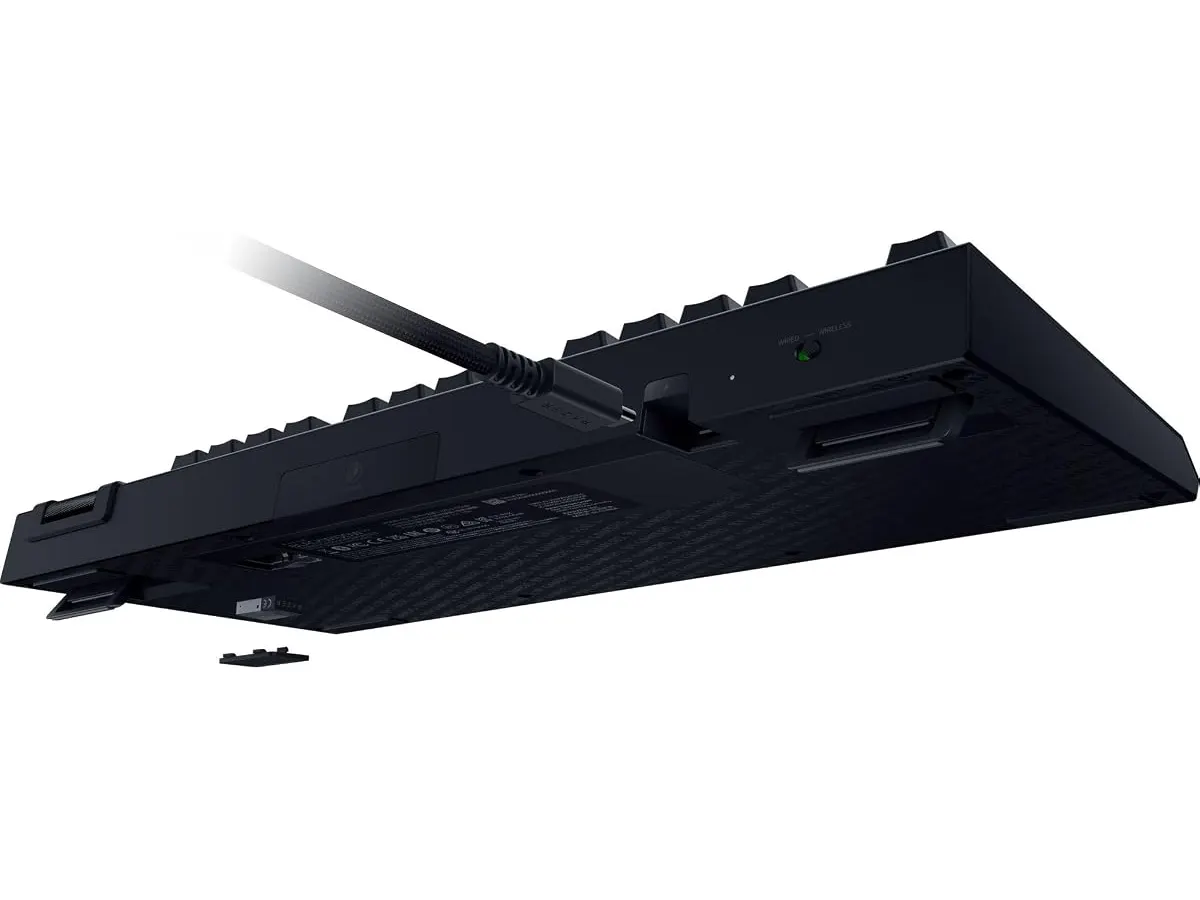
## Alternativas a considerar
Si el enfoque de este Razer no te convence, existen otras rutas. En el mercado de entrada, puedes encontrar opciones de marcas orientadas a la personalización total y precios accesibles, ideales si prefieres un teclado con una estética más sobria y sin el software complejo de un ecosistema gaming; puedes ver nuestra reseña del [RedThunder K95 Wireless Mechanical Keyboard](/blog/2026-09-22-redthunder-k95-wireless-mechanical-keyboard) para comparar.
Por otro lado, si buscas una experiencia enfocada puramente en la productividad y la ergonomía, existen alternativas de gama alta con diseños más conservadores y software optimizado para el flujo de trabajo en oficina, como el [Logitech MX Master 3S: Análisis del ratón ergonómico ideal para la oficina](/blog/2026-09-22-logitech-mx-master-3s) o teclados de perfil bajo que priorizan el confort articular sobre la personalización mecánica. Si buscas algo más silencioso y compacto, el [Análisis del iClever Wireless Mouse: Versatilidad y Silencio](/blog/2026-09-22-iclever-wireless-mouse) te dará una idea de cómo integrar periféricos silenciosos en tu espacio.
## Veredicto
El Razer BlackWidow V4 TKL Wireless es una pieza técnica sobresaliente para quienes no quieren elegir entre gaming y trabajo. Su capacidad de personalización y la calidad de construcción elevan la experiencia de escritura a un nivel profesional. Si buscas integrar los mejores Perifericos en tu espacio, este teclado es una inversión sólida que durará años gracias a su naturaleza modular.
## Preguntas frecuentes
### pregunta
¿Puedo usar este teclado en una computadora sin software de Razer?
Sí, el teclado funcionará perfectamente para escribir en cualquier equipo mediante Bluetooth o 2.4 GHz, pero no podrás configurar macros ni personalizar la iluminación si no instalas el software.
### pregunta
¿Qué tipo de switches incluye originalmente?
Este modelo viene equipado con interruptores Razer Orange, que ofrecen una respuesta táctil, ideal para quienes prefieren sentir el punto de actuación sin el ruido excesivo de un switch clicky.
### pregunta
¿Es compatible con cualquier interruptor del mercado?
Es compatible con interruptores mecánicos estándar de 3 o 5 pines, lo que te da una libertad inmensa para probar diferentes sensaciones de escritura sin necesidad de soldar.
---
# Creative Pebble Pro: análisis de altavoces compactos
URL: https://setuplatam.com/blog/2026-10-23-creative-pebble-pro
Category: Audio y webcams
Published: 2026-10-23
¿Buscas el complemento ideal para la mejor webcam para home office? Analizamos los altavoces Creative Pebble Pro, su potencia USB-C y su sonido RGB.
Los Creative Pebble Pro buscan resolver el clásico problema del audio deficiente en escritorios reducidos. Diseñados para quienes ya invirtieron en la mejor webcam para home office y necesitan escuchar sus llamadas con nitidez sin ocupar espacio, estos altavoces 2.0 ofrecen una solución directa. En la sección de [Audio y webcams](/categorias/audio-webcams), destacan por combinar versatilidad de conexiones con un tamaño sumamente contenido.
## Lo que hace bien
El diseño es una de sus mayores virtudes. La inclinación de 45° dirige el sonido hacia las orejas y no hacia el pecho del usuario. Ese ajuste físico mejora la percepción del audio sin exigir más volumen.
La claridad vocal resalta de inmediato. Gracias al procesamiento Clear Dialog, las voces en videoconferencias y pódcasts se escuchan nítidas, sin ahogarse entre los graves. Para la reproducción musical diaria, la tecnología BassFlex compensa la falta de un altavoz de subgraves dedicado, entregando un cuerpo acústico aceptable para cajas de este tamaño.
En cuanto a conexiones, la flexibilidad es total. Permite recibir audio digital por USB-C, vincular el teléfono mediante Bluetooth 5.3 o conectar una fuente analógica por la entrada AUX de 3,5 mm. Además, incluye puertos al frente para conectar auriculares para reuniones y un micrófono externo directamente en el altavoz.
Los anillos RGB inferiores aportan un toque estético sutil. Si no te gusta la iluminación decorativa en tu lugar de trabajo, un botón dedicado permite apagar los LED al instante.
Para quien busca una alternativa económica en esta categoría, comparar estos parlantes con opciones de [calidad de sonido y diseño compacto](/blog/2026-09-22-bluedee-computer-speakers) demuestra lo mucho que ha avanzado el audio USB de escritorio.
## Especificaciones clave
| Característica | Detalle |
| --- | --- |
| Tipo de altavoces | 2.0 para escritorio |
| Conectividad | USB-C, Bluetooth 5.3, entrada AUX 3.5 mm, conectores para audífonos y micrófono |
| Potencia estándar (USB-C) | Hasta 10W RMS / 20W pico |
| Potencia máxima (USB PD 30W) | Hasta 30W RMS / 60W pico (requiere adaptador no incluido) |
| Ángulo de proyección | Elevado a 45° |
| Tecnologías de audio | BassFlex y Clear Dialog |
| Iluminación | Anillos RGB con 3 efectos (desactivable) |
## Dónde flojea
Para desbloquear la potencia máxima de 30W RMS y 60W de pico se requiere un adaptador de corriente USB PD de 30W. Creative no lo incluye en la caja. Si lo conectas únicamente al puerto USB-C habitual de tu computadora, la potencia se queda en 10W RMS.
El cable que une ambos altavoces es fijo y limita la separación entre ellos. Si tienes un escritorio muy ancho o un monitor ultra amplio, tal vez te cueste ubicarlos a los extremos.
Aunque BassFlex ayuda a extender los tonos bajos, estos parlantes no reemplazan a un sistema de sonido con cajón de graves independiente. La física impone sus límites en pistas musicales con frecuencias muy profundas.
## ¿Para quién es?
- **Ideal para:** Profesionales en teletrabajo, creadores de contenido y estudiantes que quieren un audio claro en videollamadas, flexibilidad para alternar entre la computadora y el celular por Bluetooth, y un escritorio despejado.
- **No es para:** Usuarios que buscan graves profundos para cine o videojuegos exigentes, ni para quienes necesitan llenar salones grandes con niveles de presión sonora muy altos.
## Alternativas a considerar
En una gama de precio más baja, existen altavoces 2.0 alimentados por USB que cumplen la función básica de emitir sonido. Carecen de luces RGB, conexión Bluetooth 5.3 o entradas dedicadas para micrófonos, pero sirven para presupuestos estrictos donde solo importa escuchar alertas y videos casuales.
En un renglón de precio más alto, se encuentran los sistemas 2.1 con subgraves dedicado. Esas opciones ocupan más espacio en el piso o sobre la mesa y requieren un enchufe de pared obligatorio, a cambio de una respuesta en graves mucho más potente.
Si tu prioridad actual es optimizar la imagen antes que el audio, incorporar una [Webcam 4K ideal para videollamadas](/blog/2026-09-22-logitech-mx-brio) transformará tus presentaciones profesionales de forma drástica.
## Veredicto
Los Creative Pebble Pro ofrecen un balance notable entre tamaño, conectividad y calidad de voz. Su ángulo de 45° y la tecnología Clear Dialog resuelven la inteligibilidad en videollamadas sin ocupar espacio de trabajo. La necesidad de un cargador externo opcional para obtener la máxima potencia es un detalle a considerar, pero incluso con alimentación USB estándar entregan un desempeño sólido. Son una compra recomendada para renovar el sonido del escritorio diario.
## Preguntas frecuentes
### ¿Viene incluido el adaptador de corriente USB PD de 30W?
No. La caja incluye los cables necesarios para conexión USB y auxiliar, pero el cargador de 30W para alcanzar la potencia pico máxima se vende por separado.
### ¿Cómo complementa a la mejor webcam para home office en llamadas?
Al procesar el audio mediante Clear Dialog, resalta la voz de tus interlocutores en reuniones virtuales. Además, te permite conectar audífonos con microfono usb para videollamadas directamente en la parte frontal del altavoz.
### ¿Se puede apagar la luz RGB de los altavoces?
Sí. Cuentan con un botón físico integrado que permite alternar entre tres efectos de iluminación o apagar completamente los anillos LED.
---
# GABRYLLY Ergonomic Office Chair: Análisis y Opinión
URL: https://setuplatam.com/blog/2026-10-23-gabrylly-ergonomic-office-chair
Category: Sillas ergonómicas
Published: 2026-10-23
Reseña de la GABRYLLY Ergonomic Office Chair: analiza sus reposabrazos abatibles y malla para saber si es la mejor silla ergonomica para trabajar.
La GABRYLLY Ergonomic Office Chair se posiciona como una opción equilibrada para quienes buscan la mejor silla ergonomica para trabajar desde casa sin complicarse con ajustes excesivos. Su estructura de malla transpirable y sus reposabrazos abatibles solucionan dos grandes problemas del trabajo remoto: el calor acumulado y la falta de espacio. Exploremos si sus prestaciones se adaptan a tu jornada laboral en nuestra categoría de [sillas ergonómicas](/categorias/sillas).
## Lo que hace bien
- **Ahorro efectivo de espacio:** Los reposabrazos se abaten a 45°, permitiendo empujar la silla completamente debajo del escritorio cuando terminas tu jornada. Esta función es clave en dormitorios u oficinas pequeñas.
- **Malla integral de alta calidad:** Tanto el asiento como el respaldo emplean malla transpirable resistente a la deformación. Esto garantiza un flujo de aire constante durante turnos de 4 a 8 horas, evitando la acumulación de calor corporal.
- **Soporte corporal en 4 puntos:** Ofrece apoyo distribuido en cabeza, espalda, caderas y manos, complementado con un soporte lumbar que mantiene la curvatura natural de la columna vertebral.
- **Desplazamiento suave y silencioso:** Las ruedas recubiertas de poliuretano (PU) ruedan sin generar ruido molesto y previenen rayones en pisos de madera dura.
## Especificaciones clave
| Característica | Especificación |
| --- | --- |
| Capacidad máxima de carga | 300 lbs |
| Rango de reclinación | 90° - 120° (3 niveles) |
| Estatura recomendada | 5'2" a 6'1" |
| Dimensiones del asiento | 20.5" W x 20" D x 18.9"-23.6" H |
| Tiempo de ensamblaje | 15 a 20 minutos |
| Garantía | 3 años |
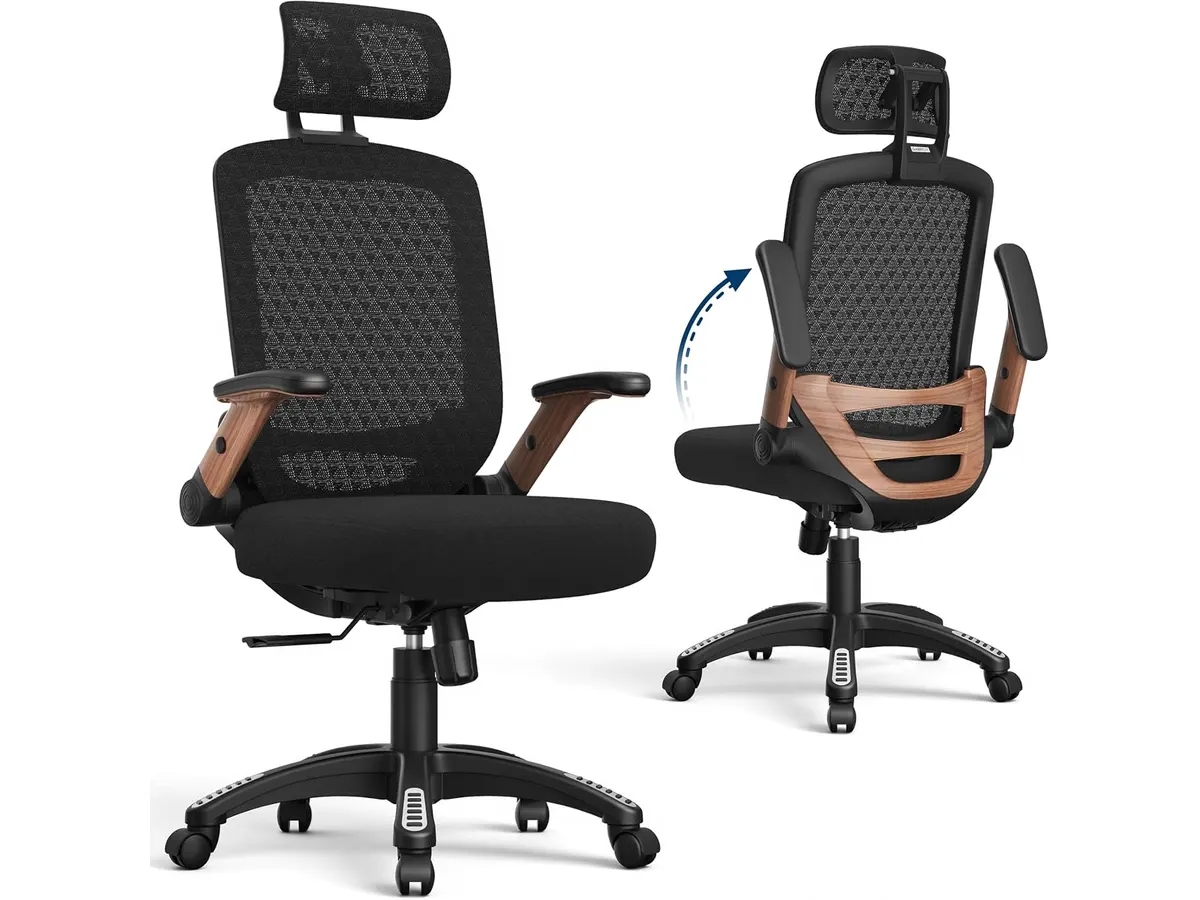
## Dónde flojea
- El ángulo de reclinación está limitado a 120°. Aunque alcanza para trabajar con comodidad o descansar la espalda unos minutos, queda corto comparado con modelos que ofrecen reclinación profunda de 135° o más.
- Los reposabrazos solo se abaten hacia arriba o abajo. Carecen de ajuste en altura independiente, profundidad o ángulo lateral, lo que limita la personalización para escribir o jugar.
- La recomendación de altura máxima de 6'1" es estricta. Si superas esa medida, el reposacabezas quedará presionando la zona alta de los hombros en lugar de la nuca.
## ¿Para quién es?
- **Es para ti si:** Trabajas en habitaciones o espacios reducidos, vives en zonas de clima cálido y necesitas una silla ergonómica funcional para jornadas diarias de hasta 8 horas.
- **No es para ti si:** Mides más de 6'1", buscas una reclinación acentuada para tomar siestas o exiges reposabrazos multidireccionales para tareas de edición avanzada. Para ese nivel de ajuste personalizado, te conviene evaluar la [Ergohuman ME7ERG GEN2](/blog/2026-09-22-ergohuman-me7erg-gen2).
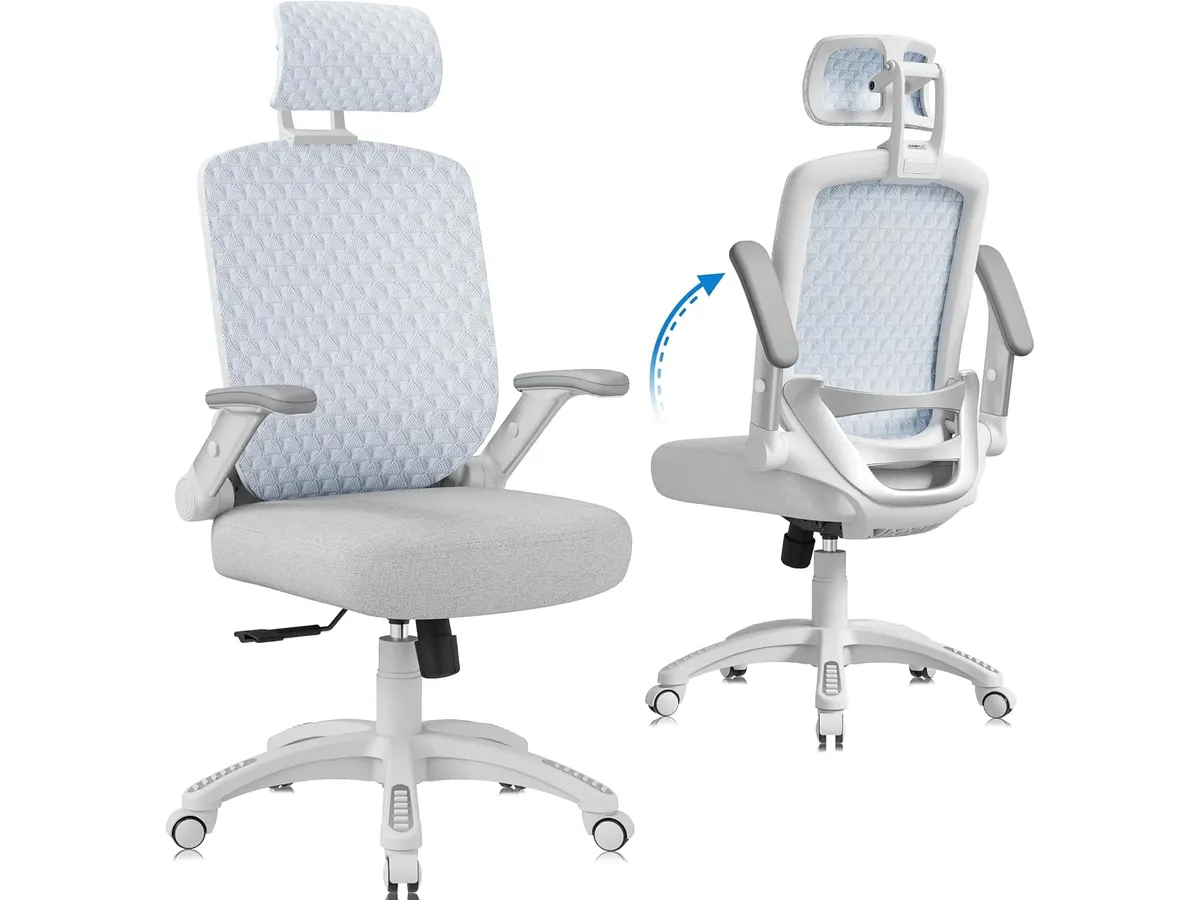
## Alternativas a considerar: la mejor silla ergonomica para trabajar según tu uso
- **En la gama económica:** Si cuentas con un presupuesto más ajustado pero requieres un respaldo de malla eficiente y buen apoyo lumbar para trabajar desde casa, la [SIHOO M18](/blog/2026-09-22-sihoo-m18) ofrece una alternativa muy popular dentro del segmento de entrada.
- **En la gama alta:** Si buscas mecanismos de aluminio, ajuste de tensión personalizado y reclinación profunda para largas jornadas de trabajo continuo, la mejor opción es mirar hacia modelos ergonómicos ejecutivos con soporte lumbar dinámico e independiente.
## Veredicto
La GABRYLLY Ergonomic Office Chair destaca por su practicidad y la comodidad de su malla transpirable en asiento y respaldo. La posibilidad de abatir los reposabrazos resuelve un problema real de almacenamiento en oficinas pequeñas, respaldada por una estructura capaz de soportar hasta 300 lbs. Si bien su reclinación de 120° es modesta, representa una compra muy acertada para organizar un espacio de trabajo remoto eficiente.
## Preguntas frecuentes
### ¿Es difícil de armar la GABRYLLY Ergonomic Office Chair?
No, el proceso es sencillo y toma entre 15 y 20 minutos. El paquete incluye las herramientas y tornillería necesarias para realizar el ensamblaje sin complicaciones.
### ¿Esta silla de oficina para casa sirve si trabajo 8 horas seguidas?
Sí. Su malla transpirable y sus cuatro puntos de apoyo con soporte lumbar están diseñados para brindar comodidad continua en jornadas laborales de 4 a 8 horas.
### ¿Las ruedas de PU rayan el suelo de madera?
No. El revestimiento de poliuretano en las ruedas permite un deslizamiento suave y silencioso que protege las superficies de madera sin necesidad de colocar un tapete adicional.
---
# Análisis del Acer USB C Hub 9-in-1: Conectividad total
URL: https://setuplatam.com/blog/2026-10-22-acer-usb-c-hub-9-in-1
Category: Soportes y hubs
Published: 2026-10-22
El Acer USB C Hub 9-in-1 es un contendiente sólido como mejor hub usb-c para home office. Analizamos su rendimiento, puertos y si vale la pena para tu espacio.
El Acer USB C Hub 9-in-1 llega como una solución práctica para quienes buscan centralizar sus accesorios en un solo puerto. Si trabajas con múltiples periféricos y necesitas organizar tu escritorio, este dispositivo ofrece una estructura clara para conectar monitores, redes y almacenamiento externo. Es una herramienta funcional diseñada para usuarios que valoran la simplicidad y buscan el mejor hub usb-c para home office dentro de nuestra selección de [Soportes y hubs](/categorias/soportes-hubs).
## Lo que hace bien
Este adaptador destaca por su versatilidad de puertos en un chasis compacto. Lo más relevante es su capacidad de carga pass-through de hasta 100W, la cual permite mantener tu laptop energizada mientras utilizas el resto de las conexiones, evitando tener cables adicionales conectados directamente al equipo. La inclusión de un puerto Ethernet Gigabit es un acierto técnico para quienes prefieren la estabilidad de una red cableada sobre el Wi-Fi, especialmente en tareas de transferencia pesada.
La gestión de datos es eficiente gracias a sus tres puertos USB 3.0, que alcanzan velocidades de 5Gbps. Esto es suficiente para discos duros externos, teclados o ratones sin experimentar retrasos. Además, los lectores de tarjetas SD y MicroSD integrados facilitan la vida a los creadores que descargan contenido desde cámaras o drones frecuentemente. La posibilidad de conectar pantallas duales mediante HDMI y VGA ofrece una flexibilidad inusual en este rango, permitiendo extender el escritorio a monitores de distinta generación.
## Especificaciones clave
| Característica | Especificación |
| :--- | :--- |
| Puertos totales | 9 |
| Salida HDMI | 4K a 30Hz |
| Salida VGA | 1080P |
| Ethernet | 1000 Mbps |
| USB-A | 3 x USB 3.0 (5Gbps) |
| Carga pass-through | Hasta 100W |
| Lectores de tarjeta | SD y MicroSD (hasta 1TB) |
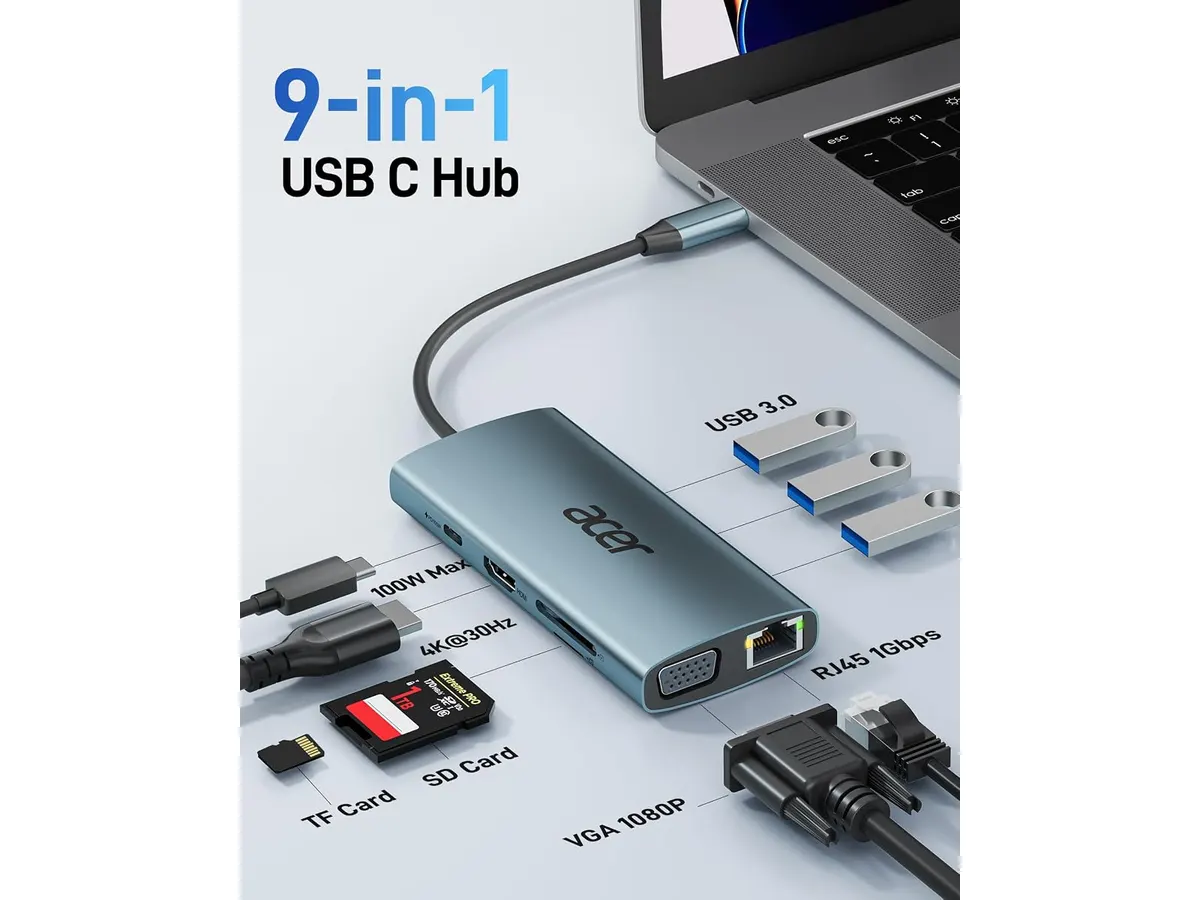
## Dónde flojea
No todo es perfecto en este hub. La limitación más evidente es la salida HDMI, que funciona únicamente a 30Hz cuando se utiliza en resolución 4K. Para tareas de oficina básica esto es aceptable, pero si editas video o buscas una fluidez total en la navegación, notarás que el movimiento del cursor y las animaciones no son tan suaves como en monitores a 60Hz. Si planeas usarlo con pantallas de alta tasa de refresco, esta restricción será un cuello de botella constante.
Otro detalle a considerar es su naturaleza física. Al ser un dispositivo de tipo dongle, el cable integrado es corto y rígido, lo que puede ejercer tensión sobre el puerto USB-C de tu laptop si no lo ubicas correctamente. Si buscas una estación que permanezca fija y con un diseño más orientado a la estética de escritorio premium como el [Análisis del CalDigit TS4: El hub definitivo](/blog/2026-09-25-caldigit-ts4), notarás que este Acer es una solución más utilitaria que elegante.
## ¿Para quién es?
Este hub es ideal para el estudiante o el trabajador remoto que utiliza una laptop moderna con pocos puertos y necesita conectar una configuración básica: un monitor, un teclado mecánico, un mouse y un cable de red. Si tu flujo de trabajo se limita a aplicaciones de productividad y videollamadas, el equilibrio de puertos que ofrece te será de gran utilidad.
No es recomendable para usuarios avanzados o editores de video que requieren monitores 4K a 60Hz. Tampoco es la opción correcta si trabajas en un entorno donde necesitas conectar múltiples dispositivos de alta potencia simultáneamente y buscas una estética impecable en tu setup, similar a lo que logras cuando instalas un [Análisis del brazo MOUNTUP para monitores](/blog/2026-09-29-mountup-single-monitor-desk-mount).
## Alternativas a considerar
Si buscas algo más portátil y enfocado en la fiabilidad del día a día, te sugerimos revisar el [Anker USB-C Hub 8-in-1: Análisis para tu espacio de trabajo](/blog/2026-09-22-anker-usb-c-hub-8-in-1). Es una opción muy popular que suele ofrecer un rendimiento más consistente en la salida de video y una construcción que se siente un poco más duradera en viajes frecuentes.
Por otro lado, si tu presupuesto es menor y solo necesitas un hub básico para conectar un mouse y una memoria USB sin preocuparte por la salida de video 4K o el puerto Ethernet, existen adaptadores de gama de entrada muy económicos. Estos modelos sacrifican la velocidad de red y la potencia de carga para centrarse únicamente en la expansión de puertos USB.
## Veredicto
El Acer USB C Hub 9-in-1 es una herramienta de trabajo sólida que cumple con lo que promete sin grandes pretensiones. Su fuerte reside en la combinación de puertos heredados y modernos, lo que lo hace muy versátil para entornos mixtos. A pesar de la limitación en la tasa de refresco 4K, si lo integras correctamente en tus [Soportes y hubs](/categorias/soportes-hubs), es una compra sensata para quienes priorizan la funcionalidad sobre las especificaciones de gama alta.
## Preguntas frecuentes
### ¿Es compatible con computadoras Mac?
Sí, funciona sin problemas con cualquier laptop que cuente con un puerto USB-C capaz de transmitir video y datos.
### ¿Puedo usar el puerto HDMI y el VGA al mismo tiempo?
Sí, el hub permite la salida de video dual, aunque debes tener en cuenta que la resolución total y la tasa de refresco dependerán de las capacidades de tu computadora.
### ¿La carga pass-through alimenta mi laptop?
Sí, siempre que conectes el cargador original de tu laptop al puerto USB-C del hub, este pasará la energía necesaria hacia tu equipo hasta un máximo de 90W.
---
# Gigabyte G27FC A: Análisis de su desempeño
URL: https://setuplatam.com/blog/2026-10-22-gigabyte-g27fc-a
Category: Monitores
Published: 2026-10-22
Analizamos el Gigabyte G27FC A, un monitor 27 pulgadas equilibrado para gaming y productividad. Descubre si es el mejor monitor para home office para ti.
El Gigabyte G27FC A llega al mercado como una opción que intenta unir mundos habitualmente separados: la fluidez necesaria para el gaming competitivo y la amplitud de pantalla requerida en la oficina moderna. Con una resolución de 1440p y una tasa de refresco de 165Hz, es una pieza de hardware capaz de manejar tanto hojas de cálculo complejas como sesiones intensas de juego. Si buscas el mejor monitor para home office, este dispositivo destaca por su equilibrio técnico, aunque su diseño curvo dicta mucho sobre quién debería comprarlo y quién debería alejarse. Puedes explorar otras opciones en nuestra sección de Monitores.
## Lo que hace bien
Este modelo brilla principalmente por la fluidez de su panel. La frecuencia de actualización de 165Hz transforma la navegación por el sistema operativo y el desplazamiento por documentos largos en una experiencia mucho más suave que los paneles estándar de 60Hz. Esta fluidez, combinada con la tecnología AMD FreeSync Premium Pro, elimina prácticamente cualquier rastro de desgarro visual, lo cual es muy útil si alternas entre trabajo creativo y ocio digital.
La fidelidad de color es otro punto a favor. Con una cobertura del 92% DCI-P3, los colores se ven vibrantes y precisos, superando a muchos paneles básicos en este rango de precio. Además, el diseño ergonómico es una sorpresa agradable, permitiendo ajustes de altura e inclinación que facilitan una postura correcta frente al escritorio, un aspecto vital para jornadas laborales extensas.
## Especificaciones clave
| Característica | Especificación |
| :--- | :--- |
| Tamaño de pantalla | 27 pulgadas |
| Resolución | 2560x1440 |
| Frecuencia de actualización | 165Hz |
| Tiempo de respuesta | 1ms (MPRT) |
| Curvatura | 1500R |
| Gama de colores | 92% DCI-P3 |
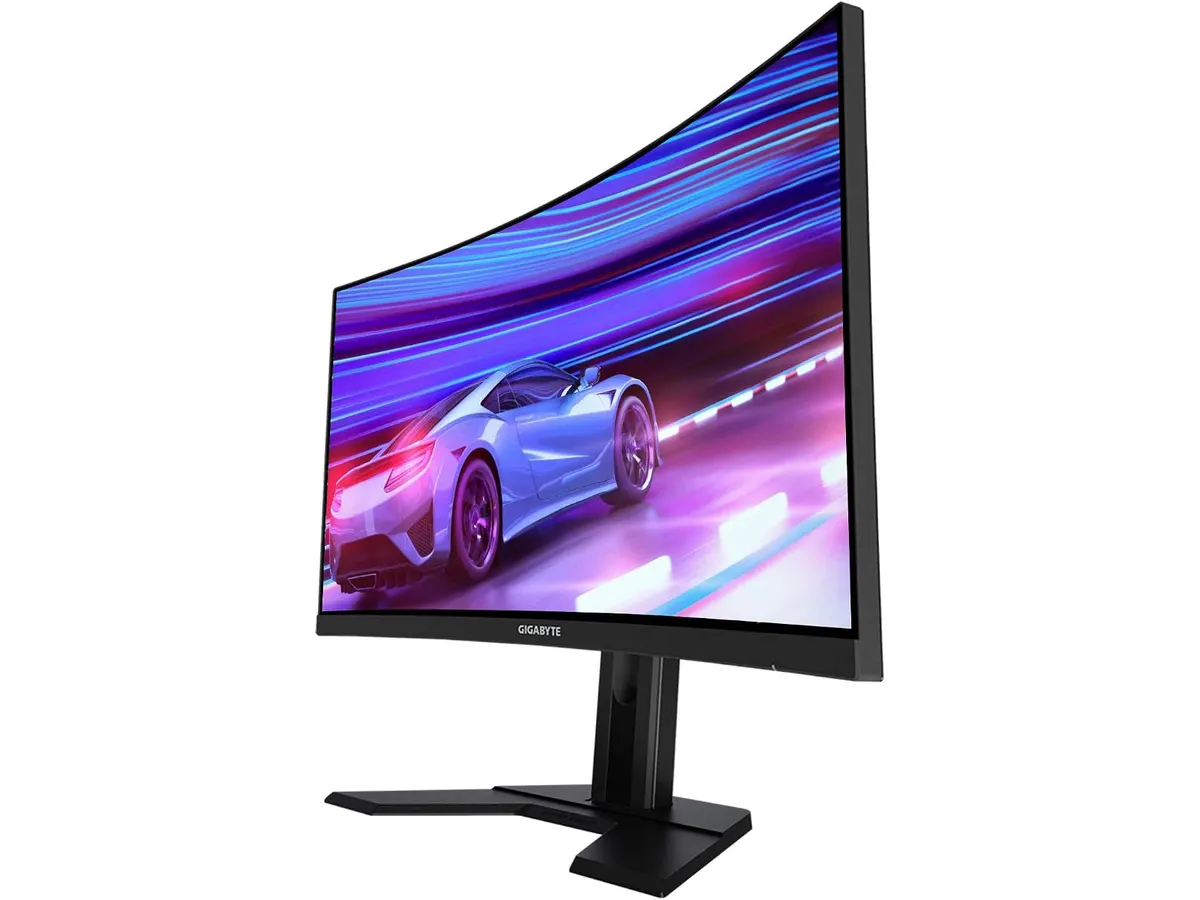
## Dónde flojea
La curvatura 1500R es un arma de doble filo. Aunque ayuda a la inmersión al jugar, puede resultar molesta si tu trabajo principal involucra diseño gráfico, edición de video o arquitectura donde la precisión de las líneas rectas es fundamental. La distorsión geométrica en los bordes es un efecto inherente a este tipo de pantallas que puede cansar la vista en tareas de precisión.
Otro aspecto a considerar es la conectividad. Aunque funcional, el monitor no destaca por ofrecer una cantidad excesiva de puertos de última generación, lo que te obligará a depender de adaptadores si tu setup depende de múltiples periféricos conectados directamente a la pantalla. Además, el acabado estético es claramente gamer, lo cual podría desentonar en una oficina con una estética minimalista o corporativa muy rígida.
## ¿Para quién es?
Este monitor encaja perfectamente en el escritorio de un estudiante o un trabajador remoto que dedica gran parte de su tiempo libre a videojuegos. Si tu jornada laboral requiere una pantalla grande para gestionar múltiples ventanas a la vez y quieres una fluidez superior en tus momentos de ocio, agradecerás la resolución 1440p y la tasa de refresco rápida.
Por el contrario, no es la mejor compra para un profesional creativo, como un editor de fotografía o un diseñador de interfaces. La curvatura constante del panel dificulta la percepción de las líneas rectas, lo cual es una desventaja crítica para quienes necesitan precisión absoluta en su trabajo diario.
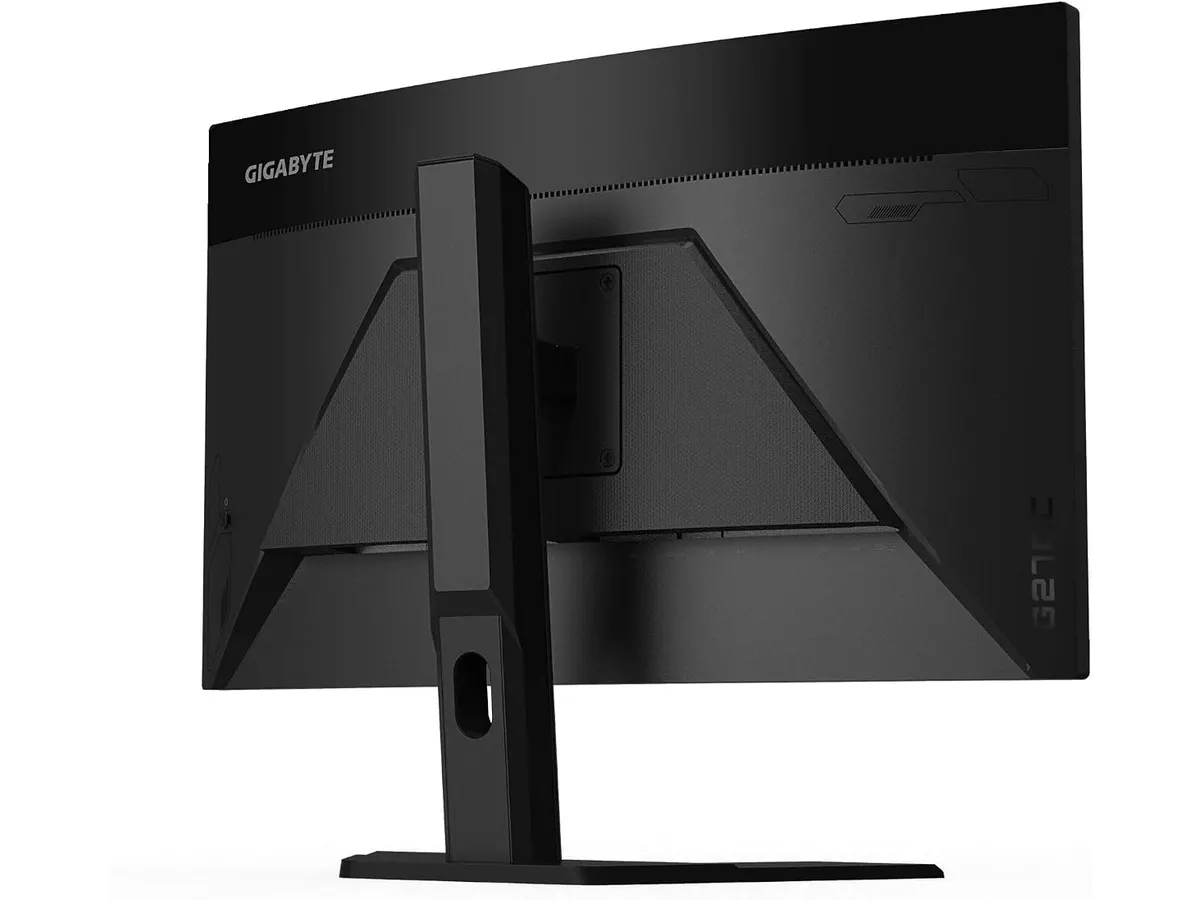
## Alternativas a considerar
Si tu prioridad absoluta es la productividad y la precisión cromática, te sugiero mirar opciones de gama media con paneles planos IPS. Estos modelos suelen priorizar la fidelidad absoluta y ángulos de visión más amplios, ideales para equipos de diseño, como puedes leer en el [Análisis del monitor Dell UltraSharp U2724D: calidad y desempeño](/blog/2026-09-22-dell-ultrasharp-u2724d).
Por otro lado, si lo que buscas es una configuración de doble monitor para mejorar tu flujo de trabajo sin gastar una fortuna, existen soluciones de gama de entrada que ofrecen paneles IPS planos y marcos delgados diseñados específicamente para estar uno al lado del otro, tal como se detalla en el [Análisis del Gigastone 27" IPS 2-Pack: monitores ideales para un setup dual](/blog/2026-09-22-gigastone-27-ips-2-pack). Si buscas un equilibrio intermedio entre gaming y trabajo, también puedes revisar nuestra [Revisión del monitor LG UltraGear 27G61ZB-B: rendimiento y calidad](/blog/2026-09-22-lg-ultragear-27g61zb-b).
## Veredicto
El Gigabyte G27FC A es un monitor sólido para quienes dividen su tiempo equitativamente entre el trabajo y los videojuegos. Si puedes vivir con la curvatura del panel, obtendrás una fluidez y una resolución que mejoran notablemente la experiencia de uso diario. Para un perfil de usuario híbrido, es una apuesta segura que cumple con lo que promete. Si buscas algo más profesional, consulta nuestra categoría de Monitores para ver otras alternativas.
## Preguntas frecuentes
### ¿Es adecuado para trabajar con hojas de cálculo?
Sí, la resolución de 1440p en 27 pulgadas ofrece suficiente espacio para tener dos ventanas abiertas simultáneamente, facilitando la gestión de datos.
### ¿La curvatura afecta la lectura de texto?
Es un periodo de adaptación breve; una vez que te acostumbras, la curvatura ayuda a que tus ojos tengan una distancia focal más uniforme hacia los bordes.
### ¿Viene con soporte VESA?
Sí, el monitor es compatible con soportes VESA, lo que te permite liberar espacio en el escritorio instalándolo en un brazo articulado.
---
# Análisis de Govee Smart Light Bar para tu setup
URL: https://setuplatam.com/blog/2026-10-21-govee-smart-light-bar
Category: Iluminación
Published: 2026-10-21
Analizamos la Govee Smart Light Bar, una opción de iluminación RGBIC para tu espacio. ¿Es la mejor lampara de escritorio para trabajar hoy? Descúbrelo aquí.
La Govee Smart Light Bar se ha posicionado como un accesorio recurrente en escritorios que buscan un equilibrio entre estética y funcionalidad. Este dispositivo no solo añade color a tu entorno, sino que ofrece flexibilidad para quienes desean transformar su espacio de trabajo en un área creativa. Si buscas la mejor lampara de escritorio para trabajar con un toque personal, este sistema destaca por su capacidad de integración en nuestro catálogo de [Iluminacion](/categorias/iluminacion).
## Lo que hace bien
La principal ventaja de este sistema es su tecnología RGBIC, que permite segmentar el color. A diferencia de las tiras LED convencionales, puedes ver múltiples colores proyectados al mismo tiempo en la misma barra, lo que genera efectos de transición mucho más fluidos y menos artificiales.
El micrófono integrado es otra pieza clave. Su capacidad para sincronizar la iluminación con el sonido ambiente en tiempo real resulta efectiva para sesiones de juego o edición de video donde el entorno visual responde a lo que sucede en tu monitor. Además, su compatibilidad con Matter garantiza una integración sencilla en sistemas domóticos, permitiéndote controlar el ambiente mediante voz o aplicaciones sin fricciones.
La versatilidad de montaje merece una mención especial. Al incluir soportes para colocar las barras de forma vertical, horizontal o incluso adheridas a la parte trasera de tu monitor, Govee permite que el usuario decida si prefiere una luz ambiental indirecta o una decoración directa sobre la superficie de trabajo.
## Especificaciones clave
| Característica | Detalle |
| :--- | :--- |
| Tecnología de color | RGBICWW |
| Compatibilidad | Matter, Alexa, Google Home |
| Longitud del cable | 106 pulgadas |
| Recomendación de tamaño | Monitores menores a 45 pulgadas |
| Modos de escena | Más de 60 |
| Control | App Govee Home y voz |
## Dónde flojea
No todo es perfecto. La longitud del cable, aunque generosa con sus 106 pulgadas, puede resultar un estorbo si no cuentas con una buena gestión de cables, especialmente si tu escritorio es amplio y los enchufes están lejos. Si buscas una estética minimalista absoluta, tendrás que dedicar tiempo a ocultar este cableado.
Además, la aplicación Govee Home, si bien es potente, puede abrumar a usuarios que solo quieren una luz blanca funcional. La curva de aprendizaje para dominar los modos DIY y las configuraciones de inteligencia artificial es notable; si no tienes paciencia para los ajustes técnicos, gran parte del valor del producto quedará desaprovechado.
## ¿Para quién es?
Este producto es ideal para creadores de contenido y entusiastas del gaming que pasan muchas horas frente a la pantalla y quieren un entorno dinámico que reaccione a su contenido. Si valoras la personalización visual y ya tienes otros dispositivos inteligentes en casa, te sentirás cómodo integrándolas.
Por el contrario, no es para usuarios que buscan una solución de iluminación pura para tareas de lectura o escritura intensiva. Si tu prioridad es una luz blanca neutra y fija para reducir la fatiga visual durante jornadas largas, existen otras opciones más enfocadas en la ergonomía como la [Quntis Computer Monitor Lamp: Análisis de Iluminación Efectiva](/blog/2026-09-22-quntis-computer-monitor-lamp) que cumplen ese rol con mayor precisión.
## Alternativas a considerar
Si necesitas una solución de iluminación más enfocada en el trabajo productivo que en los efectos de color, las lámparas de escritorio de diseño minimalista con ajuste de temperatura son tu mejor apuesta. Estas ofrecen un haz de luz constante sobre el plano de trabajo, similar a lo que puedes encontrar en la [Pzloz LED Desk Lamp: Iluminación Versátil para tu Escritorio](/blog/2026-09-22-pzloz-led-desk-lamp), ideal para minimizar sombras y reflejos molestos en documentos físicos.
Por otro lado, si prefieres una opción de gama media que combine una construcción metálica de alta calidad con un control táctil más táctil y directo, el [Análisis de la Lámpara de Escritorio LED SANDROY VOLT](/blog/2026-09-22-sandroy-volt-led-desk-lamp) te ofrece una alternativa más sobria y profesional. Ambas opciones eliminan la complejidad de los LEDs RGB a favor de una experiencia de usuario mucho más directa.
## Veredicto
La Govee Smart Light Bar es una compra sólida si tu objetivo es mejorar la estética de tu setup con opciones de personalización avanzadas. Aunque su enfoque es claramente recreativo, su compatibilidad con Matter la convierte en una inversión inteligente para el futuro. Si tu prioridad es la productividad pura, explora nuestra sección de [Iluminacion](/categorias/iluminacion) para encontrar opciones más enfocadas en la salud visual.
## Preguntas frecuentes
### ¿Se pueden usar para iluminar el teclado?
Sí, si las colocas en posición horizontal frente al teclado o las montas en la parte inferior del monitor, pueden ofrecer una luz de acento útil aunque no sustituyen a una lámpara dedicada.
### ¿Es difícil configurar la app?
La aplicación es intuitiva para funciones básicas, pero requiere tiempo si deseas programar efectos personalizados complejos mediante inteligencia artificial.
### ¿Funcionan con monitores grandes?
Están optimizadas para pantallas de hasta 45 pulgadas, por lo que cubren perfectamente la gran mayoría de los monitores de escritorio estándar y ultra-wide.
---
# Análisis Razer Huntsman V3 Pro: Precisión extrema
URL: https://setuplatam.com/blog/2026-10-21-razer-huntsman-v3-pro
Category: Periféricos
Published: 2026-10-21
Analizamos el Razer Huntsman V3 Pro, un teclado mecánico de alto rendimiento para quienes buscan los mejores perifericos para home office y gaming competitivo.
El Razer Huntsman V3 Pro es una herramienta diseñada para usuarios que exigen una respuesta inmediata en cada pulsación. Si pasas horas frente al ordenador alternando entre trabajo intenso y sesiones de juego competitivo, este teclado ofrece una ventaja técnica clara. Es una pieza central en nuestra selección de los mejores perifericos para home office para aquellos que valoran el rendimiento sobre la simplicidad.
## Lo que hace bien
Este teclado destaca por su capacidad de personalización técnica profunda. Los interruptores ópticos analógicos Gen-2 permiten ajustar el punto de actuación desde 0.1 mm hasta 4.0 mm, adaptándose exactamente a tu estilo de escritura o juego. La tecnología Rapid Trigger es su mayor logro; el teclado registra la salida de la tecla en el instante en que comienzas a soltarla, permitiendo pulsaciones repetidas a una velocidad que los teclados mecánicos estándar simplemente no pueden alcanzar.
La tasa de sondeo de 8000 Hz garantiza que cada entrada se procese con una latencia mínima, ideal para entornos donde cada milisegundo cuenta. Además, la construcción es sumamente sólida, utilizando teclas PBT de doble inyección que resisten el desgaste del uso diario. El reposamuñecas magnético incluido es una adición necesaria y cómoda que mejora la ergonomía durante largas jornadas de trabajo o juego.
## Especificaciones clave
| Característica | Detalle |
| :--- | :--- |
| Tipo de interruptores | Ópticos analógicos Gen-2 |
| Tasa de sondeo | 8000 Hz |
| Rango de actuación | 0.1 a 4.0 mm ajustable |
| Vida útil | 100 millones de pulsaciones |
| Material de teclas | PBT de doble inyección |
| Accesorios | Reposamuñecas magnético |
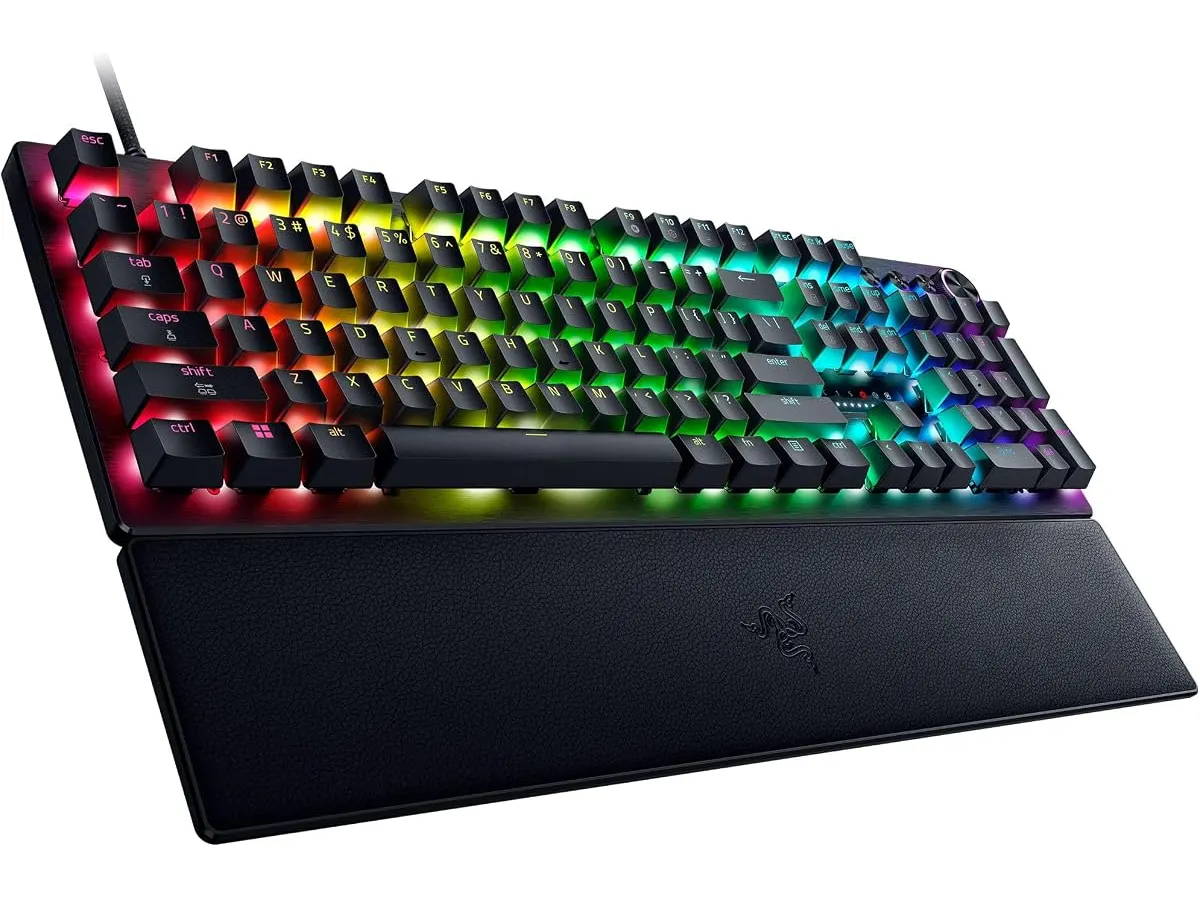
## Dónde flojea
La principal limitación es su complejidad para un usuario convencional. Si solo buscas un dispositivo de escritura para tareas administrativas, la cantidad de opciones de configuración puede resultar abrumadora y poco práctica. La dependencia de software para sacar el máximo provecho a la iluminación y los perfiles de actuación puede incomodar a quienes prefieren una experiencia plug-and-play directa.
Asimismo, el diseño está claramente orientado al mercado de los juegos de alto rendimiento. Aunque es funcional para escribir, no cuenta con la suavidad táctil de los interruptores dedicados para mecanografía. Su perfil acústico es notablemente más ruidoso que las opciones de oficina más silenciosas que analizamos en nuestro catálogo de [Perifericos](/categorias/perifericos).
## ¿Para quién es?
Este teclado es ideal para el entusiasta de los videojuegos competitivos que también utiliza su PC para tareas creativas o de productividad donde la rapidez de respuesta es vital. Si eres un usuario que disfruta ajustando su equipo al milímetro, este dispositivo te fascinará.
Por el contrario, no es la opción adecuada para quienes trabajan en una oficina compartida o requieren un entorno silencioso. Si tu prioridad es la discreción y la ergonomía pura, este modelo te resultará excesivo, siendo mucho más recomendable optar por periféricos especializados en comodidad y silencio como el [Logitech MX Master 3S: Análisis del ratón ergonómico ideal para la oficina](/blog/2026-09-22-logitech-mx-master-3s).
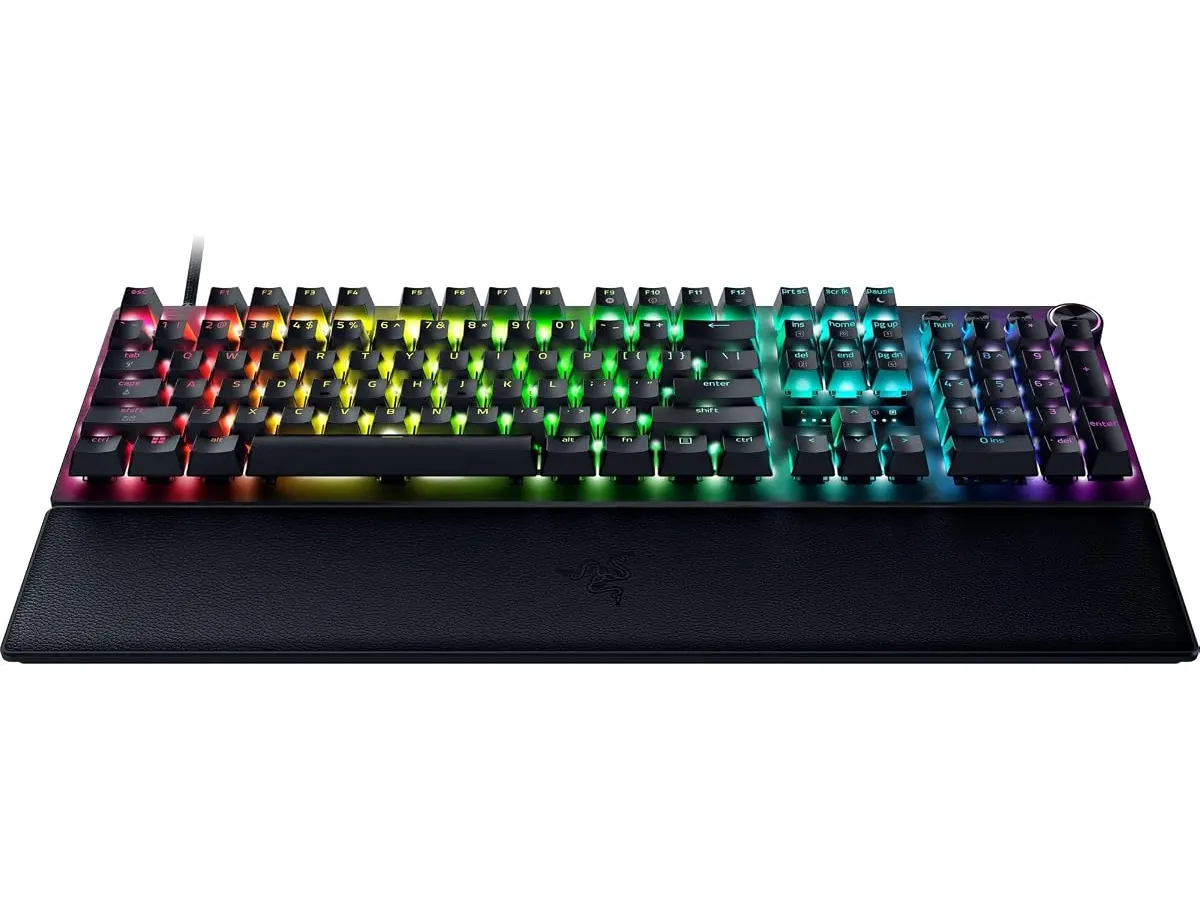
## Alternativas a considerar
Si buscas una experiencia de escritura más enfocada en el confort diario sin tantas funciones orientadas a la velocidad de esports, existen opciones mecánicas de gama media que ofrecen un equilibrio excelente entre precio y calidad, ideales para un entorno de trabajo tranquilo. Puedes consultar nuestra opinión sobre el [RedThunder K95 Wireless Mechanical Keyboard: Análisis y Opiniones](/blog/2026-09-22-redthunder-k95-wireless-mechanical-keyboard) para ver una alternativa más accesible.
Si tu prioridad es la versatilidad inalámbrica y un diseño más compacto para escritorios pequeños, existen alternativas premium de perfil bajo. Estos teclados prescinden de la complejidad analógica a cambio de una mayor facilidad de transporte y una estética más sobria, adecuada para cualquier oficina moderna.
## Veredicto
El Razer Huntsman V3 Pro es un prodigio técnico para quienes necesitan el máximo rendimiento de respuesta. Aunque no es el más silencioso ni el más sencillo de configurar, su precisión es difícil de igualar en el mercado actual. Si te consideras un usuario avanzado que busca integrar tecnología punta en su espacio de trabajo, este teclado es una inversión sólida que elevará tu capacidad de reacción al límite.
## Preguntas frecuentes
### ¿Necesito instalar software para usar el teclado?
No es estrictamente necesario para funciones básicas, pero sí para aprovechar las funciones analógicas avanzadas y la personalización de la iluminación.
### ¿Es adecuado para mecanografía intensa?
Es preciso y duradero, pero su naturaleza técnica está diseñada para la velocidad de juego, lo que puede sentirse diferente a un teclado mecánico tradicional para escribir textos largos.
### ¿Se puede ajustar la sensibilidad de las teclas sin software?
Sí, el teclado permite ajustes de actuación directamente mediante controles integrados en el hardware, lo cual es una gran ventaja para realizar cambios rápidos sin salir del juego.
---
# Análisis de la Silla Ergonómica GABRYLLY
URL: https://setuplatam.com/blog/2026-10-20-gabrylly-ergonomic-office-chair
Category: Sillas ergonómicas
Published: 2026-10-20
Analizamos la GABRYLLY Ergonomic Office Chair para ver si es la mejor silla ergonómica para trabajar desde casa. Descubre su soporte, ajuste y comodidad.
La GABRYLLY Ergonomic Office Chair es una opción sólida para quienes pasan largas jornadas frente al escritorio y buscan una solución de soporte confiable. Con una estructura certificada BIFMA y materiales de malla, esta silla busca equilibrar la durabilidad con la ergonomía necesaria para el teletrabajo. Si exploras diversas [Sillas ergonomicas](/categorias/sillas), notarás que este modelo destaca por su capacidad de carga y versatilidad de ajustes. Es una pieza pensada para usuarios que valoran la estabilidad y necesitan una herramienta de trabajo que no requiera configuraciones complejas.
## Lo que hace bien
- Capacidad de soporte: Con una resistencia de 350 libras, esta silla supera el estándar promedio del mercado. La base de acero certificada BIFMA brinda una sensación de seguridad que pocas sillas en este rango ofrecen, convirtiéndola en una opción robusta para usuarios de mayor peso.
- Versatilidad de los apoyabrazos: El sistema 3D con rotación de 215° permite adaptar el apoyo a distintas tareas, ya sea escribir o descansar los brazos mientras lees en el monitor. Esta amplitud de movimiento es poco común y realmente útil para ajustar el soporte de las muñecas según el ángulo de tu teclado.
- Transpirabilidad y confort: El respaldo de malla doble capa ofrece una ventilación excelente, manteniendo la temperatura corporal estable durante sesiones de trabajo intensas. Además, el soporte lumbar doble y el reposacabezas ajustable permiten adaptar la postura a diferentes curvaturas de la columna.
- Ensamblaje eficiente: La marca ha diseñado el proceso de montaje para durar unos 25 minutos, incluyendo las herramientas necesarias. Es un alivio encontrar un producto que prioriza la experiencia del usuario desde el primer momento, sin necesidad de ayuda profesional.
## Especificaciones clave
| Característica | Detalle |
| :--- | :--- |
| Capacidad de peso | 350 lbs |
| Reclinación | 90° - 120° (3 niveles) |
| Apoyabrazos | 3D, rotación 215° |
| Rango de altura usuario | 5'5" - 6'3" |
| Certificación | BIFMA |
| Garantía | 2 años |
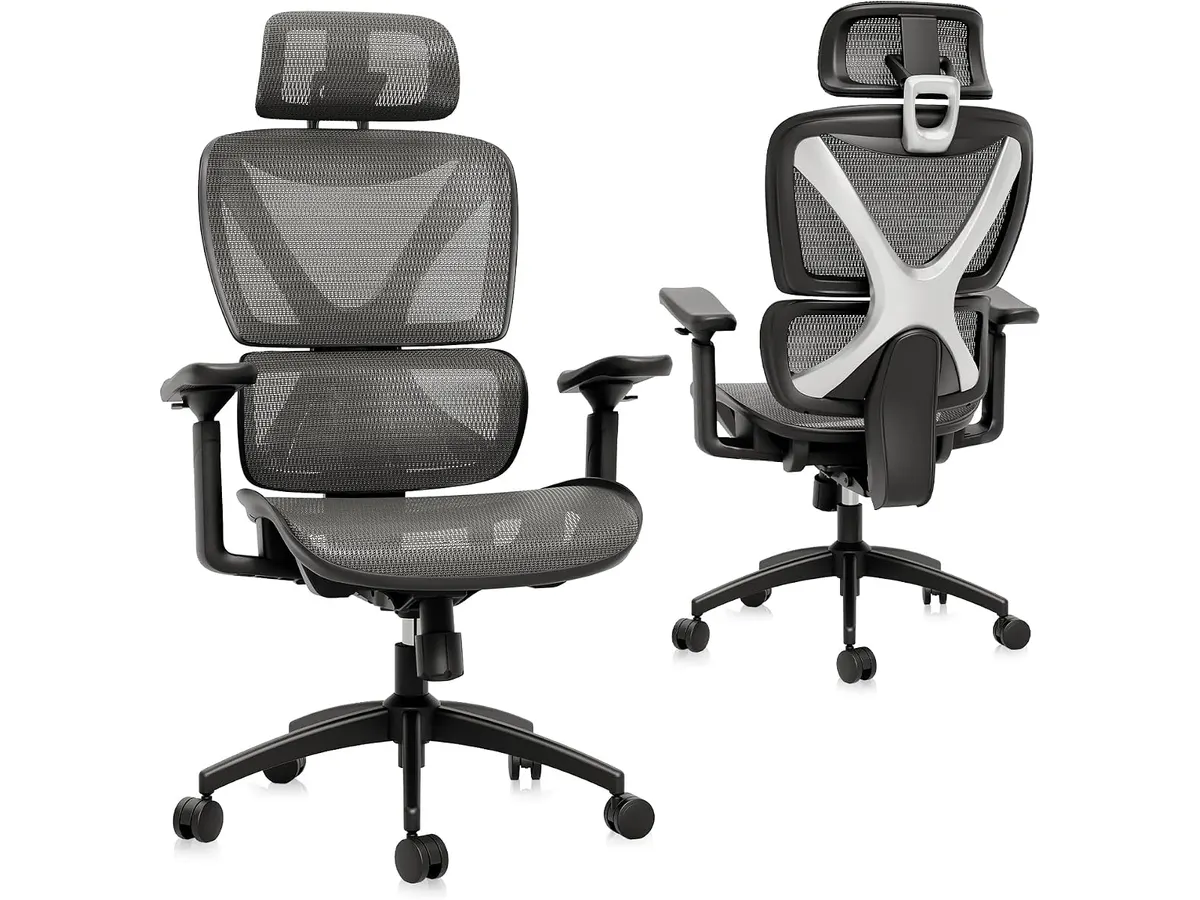
## Dónde flojea
El rango de reclinación está limitado a 120 grados. Si buscas una silla que permita recostarte significativamente para descansar o meditar entre tareas, te sentirás limitado por este diseño que prioriza una postura de trabajo activa sobre el descanso total.
Otro aspecto a considerar es la restricción de altura. Aunque es cómoda para la mayoría, los usuarios fuera del rango de 5'5" a 6'3" podrían experimentar que el reposacabezas o el soporte lumbar no se alinean correctamente con su anatomía, anulando el beneficio ergonómico principal.
## ¿Para quién es?
Esta silla es ideal para el trabajador remoto de contextura grande o mediana que prioriza una base sólida y una construcción que soporte un uso constante de hasta 350 libras sin tambalearse. Si valoras la ventilación de la malla y necesitas ajustes precisos en los brazos para evitar fatiga en las muñecas, te sentirás muy cómodo.
Por el contrario, si eres una persona de baja estatura o buscas una silla que permita una reclinación profunda para relajarte mientras hablas por teléfono, este modelo no cumplirá tus expectativas. La rigidez estructural que la hace resistente también limita la movilidad de quienes prefieren una silla más flexible o con mayor margen de ajuste vertical.
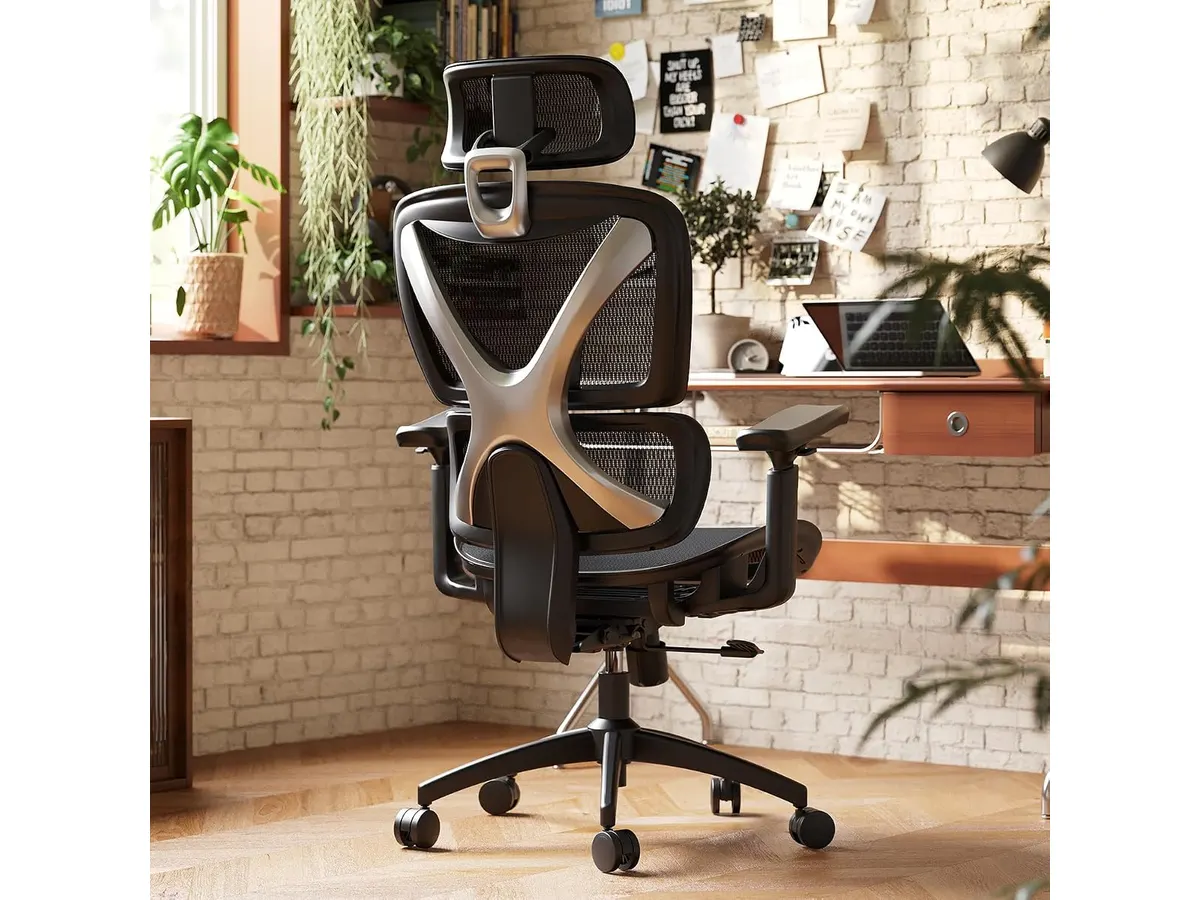
## Alternativas a considerar
Si buscas materiales premium y un mecanismo de reclinación más avanzado, puedes revisar el [Ergohuman ME7ERG GEN2: Silla Ergonómica para Oficina](/blog/2026-09-22-ergohuman-me7erg-gen2). Esta opción, situada en un rango de precio superior, ofrece una personalización mucho más profunda y materiales de grado profesional para usuarios que pasan más de 10 horas al día frente a la pantalla.
Si tu presupuesto es más ajustado pero necesitas un soporte lumbar fiable, el [SIHOO M18: Análisis de la Silla Ergonómica Ideal para Oficina](/blog/2026-09-22-sihoo-m18) es una alternativa muy popular en la gama de entrada. Ofrece una ergonomía funcional, aunque con materiales y una capacidad de carga inferiores a las de GABRYLLY.
## Veredicto
La GABRYLLY Ergonomic Office Chair cumple con lo prometido: es una silla resistente y funcional para quienes buscan mejorar su espacio sin complicaciones excesivas. Su gran capacidad de peso y sus apoyabrazos versátiles la posicionan como una excelente candidata para el usuario promedio que busca una mejor silla ergonomica para trabajar. Si tus medidas se ajustan al rango recomendado, la inversión en comodidad y durabilidad está justificada.
## Preguntas frecuentes
### ¿Es difícil montar la silla?
No, el proceso está diseñado para completarse en unos 25 minutos con todas las herramientas incluidas en la caja.
### ¿Qué peso máximo soporta?
La silla está certificada por BIFMA para soportar hasta 350 libras gracias a su base de acero reforzada.
### ¿El soporte lumbar es ajustable?
Sí, cuenta con un sistema de soporte lumbar doble que ayuda a mantener la curva natural de la espalda durante las horas de oficina.
---
# VIVO Standing Desk Riser 32: análisis y prueba
URL: https://setuplatam.com/blog/2026-10-20-vivo-manual-height-adjustable-standing-desk-riser-32
Category: Escritorios
Published: 2026-10-20
Descubre si el VIVO Standing Desk Riser 32 es el mejor escritorio para home office si buscas trabajar de pie sin cambiar tu mesa.
El VIVO Manual Height Adjustable Standing Desk Riser 32 es un convertidor pensado para transformar cualquier mesa convencional en una estación ergonómica activa. Resulta ideal si quieres alternar entre estar sentado y de pie pero no deseas reemplazar tu mueble actual. Si estás evaluando el mejor escritorio para home office para optimizar tu espacio de trabajo sin realizar cambios estructurales, esta plataforma es una de las opciones más directas. Puedes explorar más alternativas en nuestra sección de [escritorios](/categorias/escritorios).
## Lo que hace bien
El sistema de elevación mediante resorte neumático funciona con una suavidad notable. Permite subir y bajar la estructura sin esfuerzo excesivo ni tirones repentinos, algo crucial cuando tienes pantallas sobre la plataforma.
La estructura de acero de alta resistencia le otorga estabilidad general. Con un rango vertical que va desde las 4.9 hasta las 19.7 pulgadas, ofrece un margen amplio para acomodar a personas de distintas estaturas sin forzar el cuello ni la postura de las muñecas.
Su superficie superior mide 31.5 por 15.8 pulgadas, lo que proporciona espacio suficiente para una computadora portátil junto a un monitor secundario, o bien una pantalla individual de gran tamaño. Además, soporta hasta 26 libras, un límite adecuado para la mayoría de las configuraciones de trabajo diarias.
El acabado en nogal oscuro le da un aspecto limpio y profesional que encaja bien en entornos de oficina en casa. Su ensamblaje es mínimo: prácticamente requiere sacarlo de la caja, colocar la bandeja y empezar a trabajar.
Si necesitas comparar esta plataforma con alternativas de mayor tamaño, puedes revisar nuestro [análisis del FLEXISPOT 42" Standing Desk Converter](/blog/2026-09-22-flexispot-42-standing-desk-converter) para conocer otras opciones de conversión.
## Especificaciones clave
| Característica | Especificación |
| --- | --- |
| Dimensiones de la superficie | 31.5 x 15.8 pulgadas |
| Capacidad de carga | 26 libras |
| Rango de altura | 4.9 a 19.7 pulgadas |
| Material de la estructura | Acero de alta resistencia |
| Mecanismo de elevación | Resorte neumático |
| Acabado | Nogal oscuro |
| Ensamblaje | Mínimo requerido |
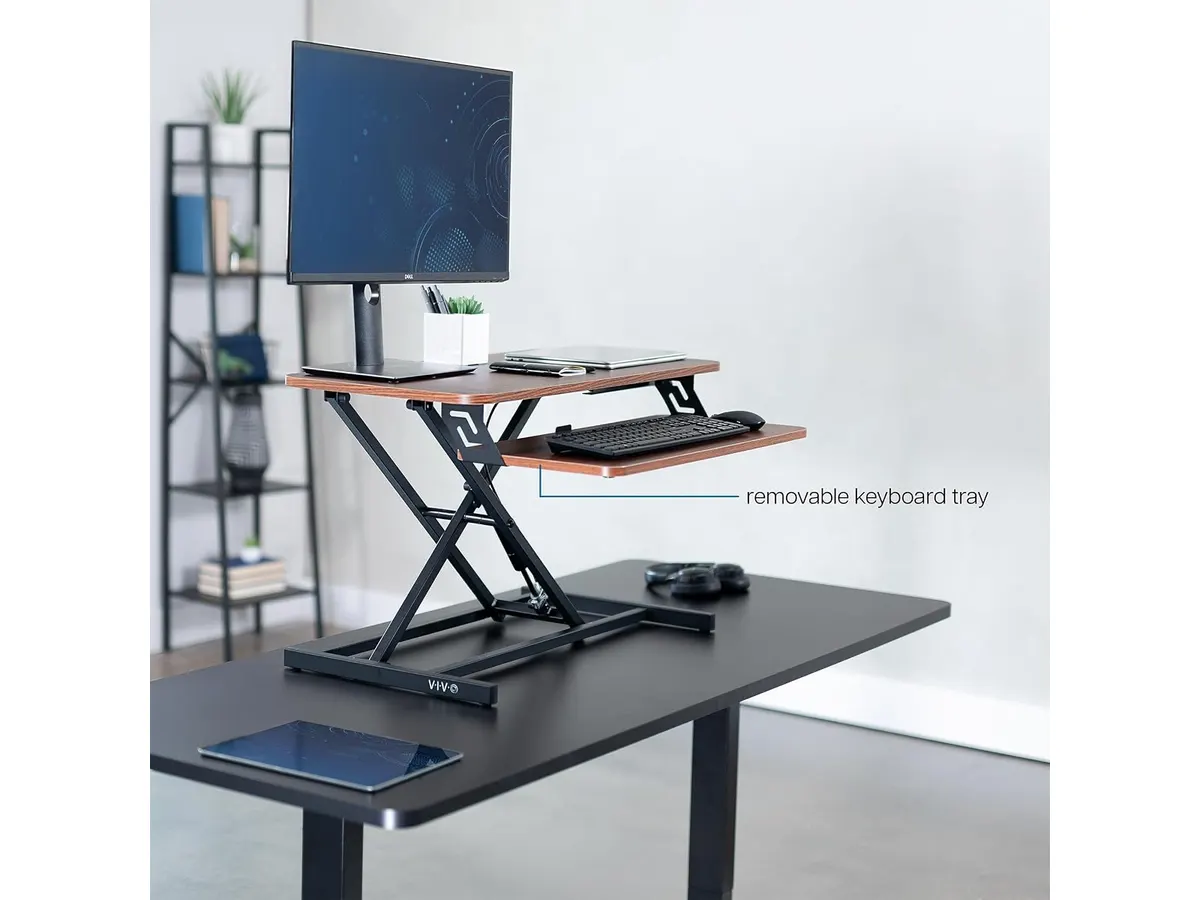
## Dónde flojea
Las 26 libras de capacidad limite restringen el uso de monitores profesionales muy pesados o brazos dobles articulados de gran calibre. Es necesario calcular bien el peso antes de instalar varios periféricos encima.
La profundidad de 15.8 pulgadas en la bandeja principal queda algo ajustada si usas teclados mecánicos anchos o alfombrillas de ratón de tamaño extendido.
El ajuste es manual mediante palanca. Aunque el resorte neumático ayuda, exige acompañar el movimiento con los brazos, a diferencia de los modelos motorizados que realizan la transición mediante un botón.
## ¿Para quién es el mejor escritorio para home office?
Este modelo encaja muy bien con profesionales remotos, redactores y analistas que trabajan con una laptop y un monitor externo y desean un escritorio regulable en altura sin comprar un mueble nuevo. Es perfecto si tienes un escritorio de madera o un mueble integrado que no quieres desechar.
No es recomendable para creadores de contenido o diseñadores que requieren tres monitores, altavoces de estudio pesados y soportes metálicos complejos sobre la mesa de trabajo para casa. Para ese tipo de carga, te conviene evaluar una mesa completa con motor eléctrico. Si prefieres un mueble independiente con elevación automática, lee nuestro [análisis del Vari Classic Electric Standing Desk](/blog/2026-09-22-vari-classic-electric-standing-desk).
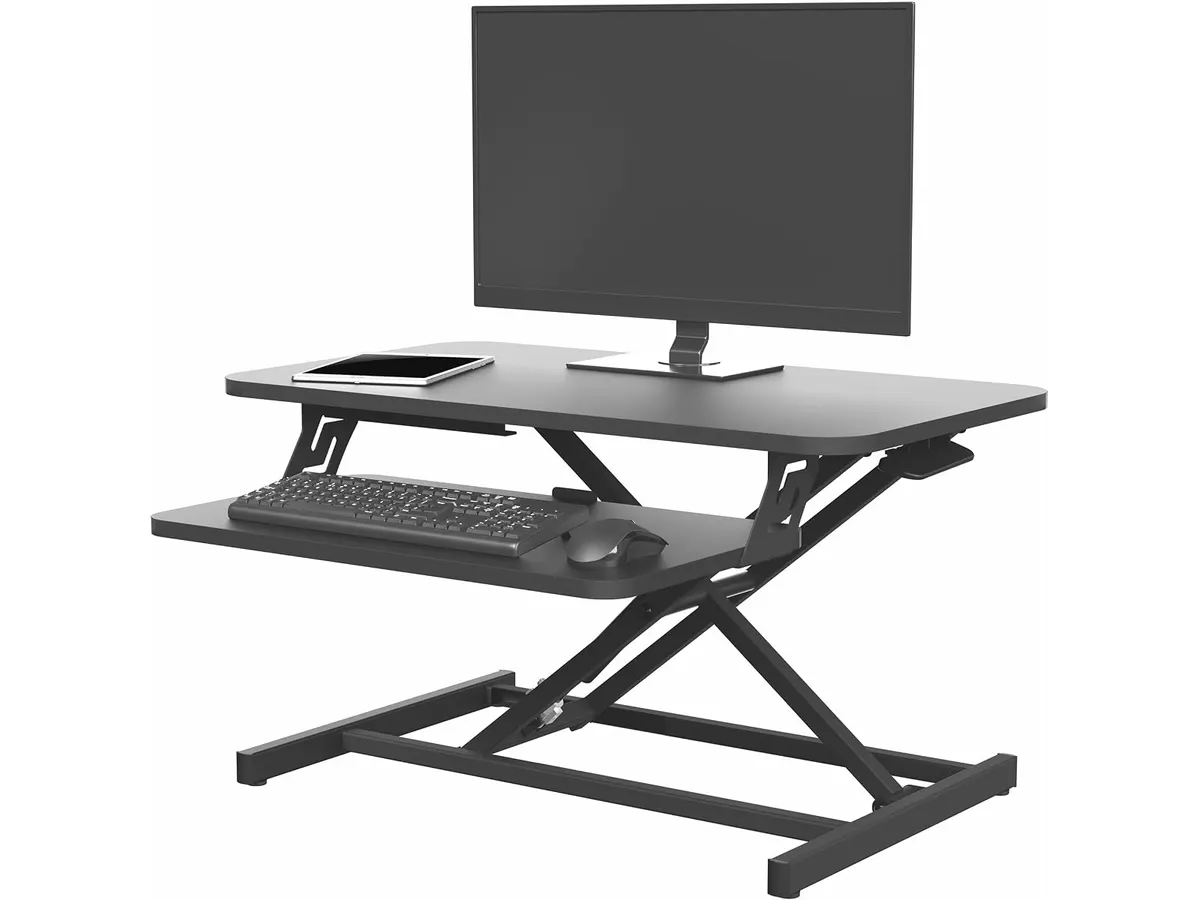
## Alternativas a considerar
Si buscas opciones en la gama económica de plataformas elevables, existen modelos básicos de elevación por tijera que ofrecen ajustes simples. Son más livianos pero suelen ofrecer menor estabilidad en el punto más alto de elevación.
En la gama media e independiente, los escritorios eléctricos completos sustituyen por entero tu mesa actual. Ofrecen mayor capacidad de carga, motores silenciosos y memorias de altura, aunque requieren más espacio físico y un proceso de armado más largo.
## Veredicto
El VIVO Manual Height Adjustable Standing Desk Riser 32 cumple con exactitud lo que promete: añadir flexibilidad ergonómica a tu espacio actual sin complicaciones de instalación. Su construcción sólida en acero y el ajuste neumático garantizan una transición fluida entre trabajar sentado y de pie. Si buscas una solución ergonómica funcional, estable y fácil de integrar en tu mesa actual, esta plataforma es una compra totalmente aconsejable.
## Preguntas frecuentes
### ¿Requiere mucho armado al sacarlo de la caja?
No. El cuerpo principal viene preensamblado y solo requiere ajustar un par de componentes menores antes de colocarlo sobre tu mesa.
### ¿Es estable cuando se eleva al punto máximo?
Sí. La estructura de acero de alta resistencia mantiene firmeza en todo el rango de 4.9 a 19.7 pulgadas, siempre que no superes las 26 libras de peso indicadas.
### ¿Se puede usar con dos monitores?
Soporta dos monitores livianos o de tamaño mediano, siempre que el peso combinado de las pantallas y soportes no exceda el límite máximo de carga.
---
# Análisis del BenQ PD2700Q: Precisión y Diseño
URL: https://setuplatam.com/blog/2026-10-19-benq-pd2700q
Category: Monitores
Published: 2026-10-19
El BenQ PD2700Q es un monitor diseñado para la productividad. Descubre si es el mejor monitor para home office analizando su precisión de color y ergonomía.
El BenQ PD2700Q se posiciona como una herramienta de trabajo seria para quienes priorizan la fidelidad visual sobre el brillo exagerado. Con una pantalla de 27 pulgadas y resolución QHD, este equipo encuentra su lugar en escritorios de profesionales creativos y analistas que necesitan espacio real de trabajo. Si buscas el mejor monitor para home office enfocado en la precisión, este modelo es una opción coherente dentro de nuestra selección de [Monitores](/categorias/monitores).
## Lo que hace bien
Este modelo destaca principalmente por su compromiso con la exactitud del color desde el primer uso. Al incluir una calibración de fábrica y un informe técnico individual, BenQ garantiza que la reproducción de sRGB y Rec.709 sea confiable, algo fundamental si trabajas con edición de imágenes o diseño digital. La certificación de un Delta E menor a 3 asegura que los colores que ves en pantalla se acerquen mucho a la realidad, eliminando gran parte de las dudas durante el proceso creativo.
La ergonomía es otro punto fuerte. El soporte permite ajustes completos: puedes inclinarlo, girarlo y, sobre todo, ponerlo en formato vertical gracias a su función de pivote. Esta versatilidad es vital para leer documentos largos o revisar líneas de código sin fatiga visual. Además, la resolución 1440p en 27 pulgadas ofrece una densidad de píxeles adecuada, brindándote un equilibrio entre nitidez y espacio de trabajo sin requerir una escala de interfaz agresiva.
## Especificaciones clave
| Característica | Detalle |
| :--- | :--- |
| Tamaño de pantalla | 27 pulgadas |
| Resolución | 2560 x 1440 (QHD) |
| Tipo de panel | IPS |
| Espacio de color | 100% Rec.709 y sRGB |
| Precisión de color | Delta E <= 3 |
| Conectividad | HDMI, DisplayPort, Hub USB |
| Ajustes ergonómicos | Inclinación, pivote, giro, altura |
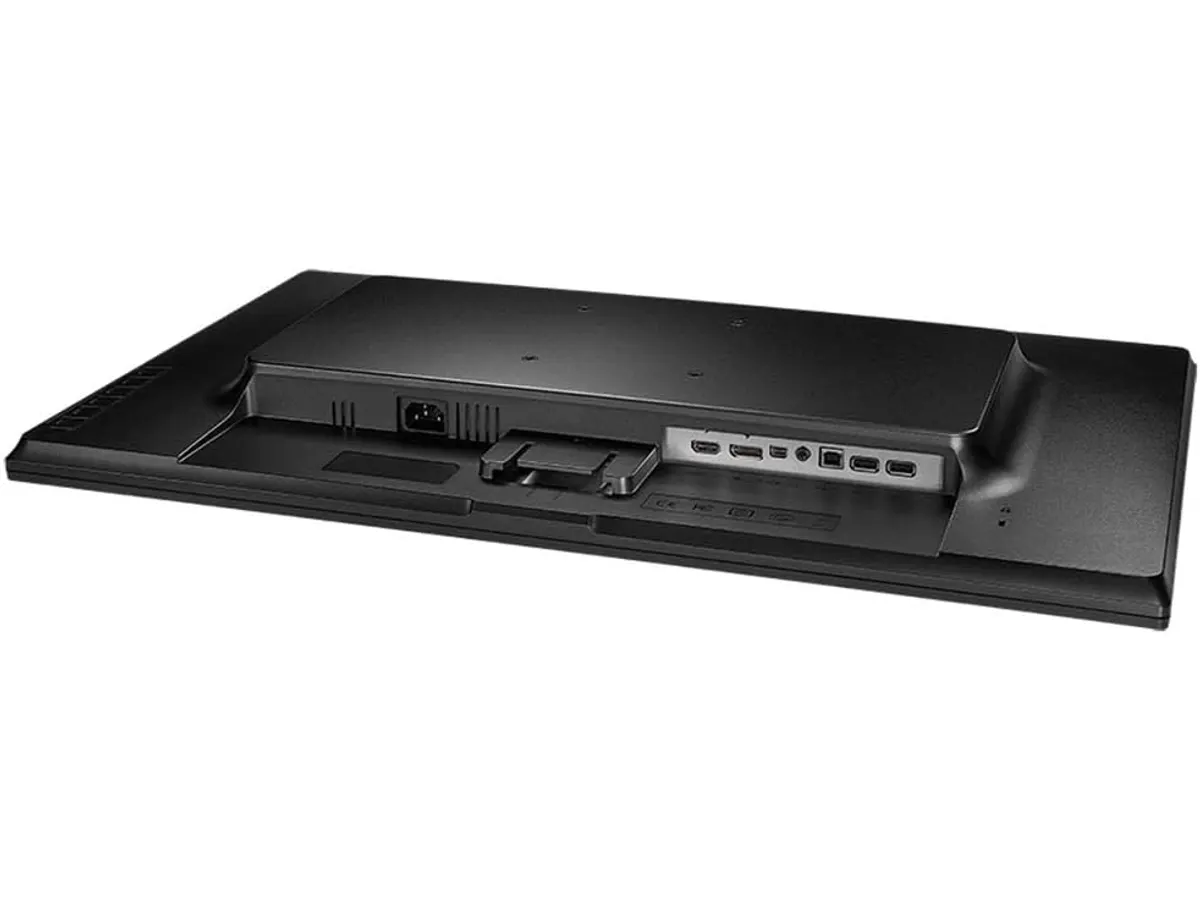
## Dónde flojea
No todo es perfecto. Los altavoces integrados, aunque sirven para liberar espacio, ofrecen una calidad sonora plana que no sustituye a unos auriculares dedicados o a un sistema de audio externo. Si tu trabajo implica edición de video o audio, necesitarás invertir en equipo adicional. Asimismo, su estética es bastante utilitaria; si buscas un monitor que destaque por un diseño minimalista o marcos ultra delgados, este modelo se siente algo anticuado en comparación con las tendencias actuales de diseño industrial.
## ¿Para quién es?
Este monitor encaja a la perfección con diseñadores gráficos, editores de contenido o analistas de datos que requieren consistencia de color y una resolución superior a 1080p para manejar múltiples ventanas simultáneamente. Es una inversión lógica para quienes pasan ocho horas al día frente a la pantalla y valoran la ergonomía.
Sin embargo, este producto no es para ti si eres un entusiasta de los videojuegos. La tasa de refresco y el tiempo de respuesta están orientados exclusivamente a tareas estáticas y de productividad, por lo que una experiencia de juego fluida no es su fuerte. Si buscas algo con mayor rendimiento en movimiento, te recomendamos leer nuestro [Análisis del monitor LG UltraGear 27G61ZB-B: rendimiento y calidad](/blog/2026-09-22-lg-ultragear-27g61zb-b).
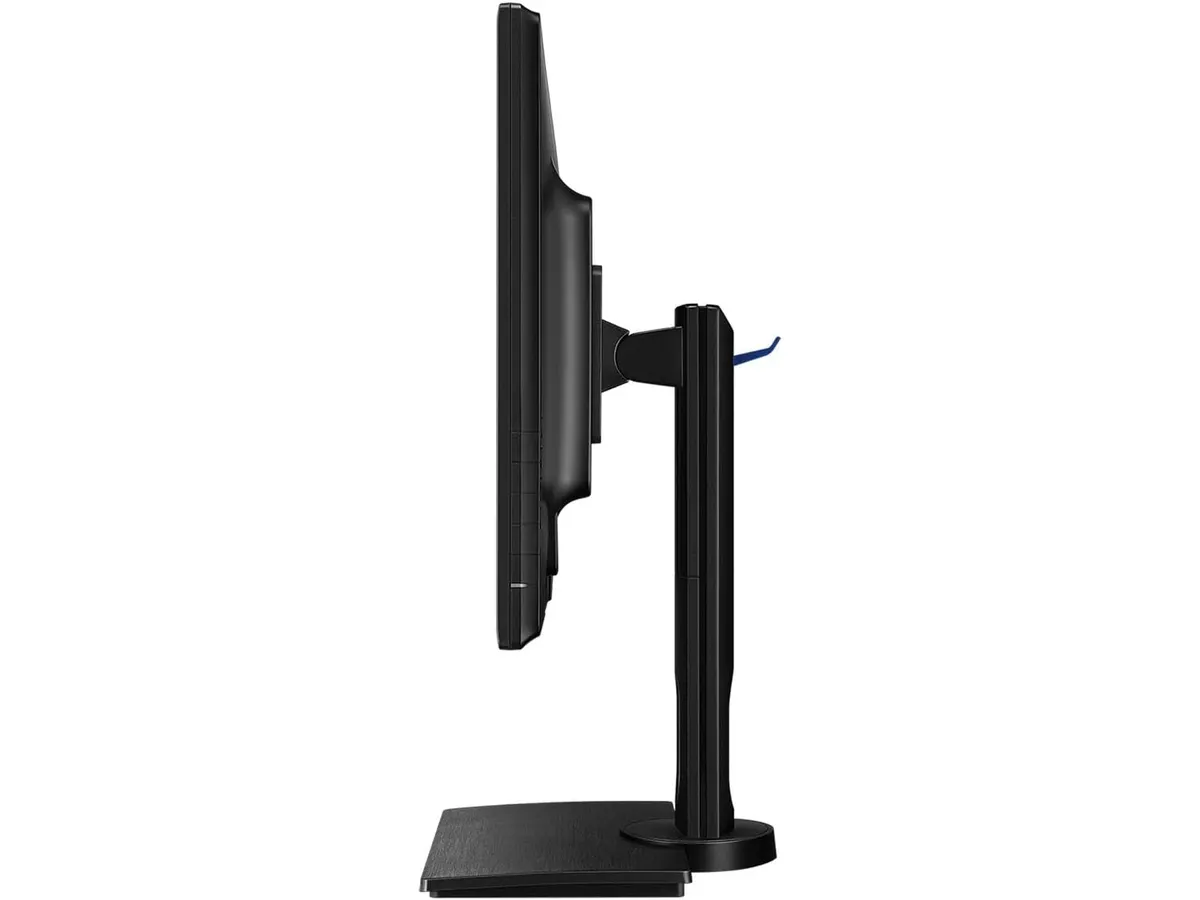
## Alternativas a considerar
Si necesitas un rendimiento más moderno en cuanto a conectividad, como la carga por USB-C, deberías mirar las opciones en la gama media-alta, que simplifican enormemente la gestión de cables en escritorios limpios; un buen ejemplo de este estándar se encuentra en el [Análisis del monitor Dell UltraSharp U2724D: calidad y desempeño](/blog/2026-09-22-dell-ultrasharp-u2724d). Por otro lado, si tu prioridad es maximizar el espacio de trabajo con una configuración de dos pantallas, existen opciones en la gama de entrada que ofrecen un valor excelente por cada dólar invertido, tal como detallamos en nuestro [Análisis del Gigastone 27" IPS 2-Pack: monitores ideales para un setup dual](/blog/2026-09-22-gigastone-27-ips-2-pack).
## Veredicto
El BenQ PD2700Q cumple con su promesa de ser una pantalla confiable y ergonómica. No intenta deslumbrar con funciones extra innecesarias, sino que se enfoca en entregar colores precisos y una resolución funcional para cualquier entorno de oficina profesional. Si priorizas el trabajo estable y serio, es una compra de la que no te arrepentirás.
## Preguntas frecuentes
### ¿Es compatible con soportes VESA?
Sí, cuenta con compatibilidad VESA, lo que te permite montarlo en cualquier brazo articulado estándar para liberar aún más espacio en tu escritorio.
### ¿Incluye cables de conexión en la caja?
Por lo general, BenQ incluye los cables necesarios para sus puertos de entrada principales, pero siempre verifica el contenido específico según la región de compra.
### ¿Funciona bien para trabajar en modo vertical?
Absolutamente. El soporte ergonómico permite girar la pantalla 90 grados, siendo una excelente opción para redactores o programadores que prefieren leer texto en modo vertical.
---
# Análisis Edifier MR3: Sonido de estudio para escritorio
URL: https://setuplatam.com/blog/2026-10-19-edifier-mr3
Category: Audio y webcams
Published: 2026-10-19
El Edifier MR3 ofrece una precisión sonora sorprendente para tu espacio de trabajo. Descubre si es mejor que una webcam para home office en nuestro análisis.
Los Edifier MR3 llegan al mercado como una opción equilibrada para quienes buscan mejorar su entorno de trabajo con una fidelidad sonora superior. Si bien muchos usuarios priorizan la imagen con dispositivos como la [Logitech MX Brio](https://setuplatam.com/blog/2026-09-22-logitech-mx-brio) cuando buscan la mejor webcam para home office, el audio es el pilar olvidado de la productividad. Estos monitores activos son ideales para creadores y profesionales que exigen transparencia en sus sesiones de trabajo.
Al explorar nuestras recomendaciones en [Audio y webcams](/categorias/audio-webcams), notarás que la calidad de los periféricos transforma la experiencia diaria. Los MR3 se sitúan en un punto intermedio entre el equipo de consumo masivo y el equipo de producción profesional, ofreciendo una versatilidad que pocos altavoces de escritorio logran igualar.
## Lo que hace bien
* **Precisión de monitoreo:** La certificación Hi-Res Audio y la respuesta de frecuencia de 52Hz a 40kHz garantizan que el sonido se mantenga fiel a la fuente original. Esto es fundamental si te dedicas a la edición de video o creación de contenido donde la mezcla debe ser precisa.
* **Construcción robusta:** El gabinete fabricado en MDF no es solo estético; su masa y rigidez son clave para minimizar las resonancias internas. Esto permite que los graves suenen definidos y no empañados, incluso a volúmenes moderados.
* **Conectividad total:** La inclusión de entradas TRS balanceadas, RCA y AUX cubre cualquier necesidad de conexión física. Además, su Bluetooth V5.4 con conexión multipunto es un acierto para quienes alternan constantemente entre el audio del ordenador y el del teléfono móvil.
* **Flexibilidad mediante software:** La aplicación EDIFIER ConneX permite cambiar entre modos de ecualización. El modo 'Monitor' es especialmente útil para tareas donde necesitas una respuesta plana, mientras que el modo 'Música' aporta una curva más agradable para escuchar contenido de ocio.
## Especificaciones clave
| Característica | Detalle |
| :--- | :--- |
| Certificación | Hi-Res Audio |
| Respuesta de frecuencia | 52Hz - 40kHz |
| Potencia RMS | 18W x 2 |
| Woofers | 3.5 pulgadas |
| Tweeters | 1 pulgada |
| Conectividad | TRS, RCA, AUX, Bluetooth 5.4 |
| Material | MDF |
## Dónde flojea
El talón de Aquiles de estos altavoces es la gestión de las frecuencias muy bajas. Aunque los 52Hz son decentes para un monitor de 3.5 pulgadas, quienes necesiten sentir el impacto de un subgrave profundo echarán en falta la extensión de un subwoofer dedicado.
Otro aspecto a considerar es el tamaño físico. En escritorios pequeños, el gabinete de MDF puede ocupar un espacio valioso que preferirías dedicar a un brazo de micrófono o a la base de una cámara, como el [Análisis OBSBOT Tiny 3 Lite](https://setuplatam.com/blog/2026-09-26-obsbot-tiny-3-lite). No son altavoces minúsculos, por lo que requieren una planificación del espacio antes de su compra.
## ¿Para quién es?
Este equipo encaja perfectamente con el trabajador remoto que pasa muchas horas en reuniones o editando multimedia y necesita una referencia sonora honesta. Si buscas entender cada matiz de una llamada o una pista de audio, los MR3 son tu mejor aliado.
No son para el usuario casual que solo busca altavoces básicos para escuchar notificaciones de Windows. Si no planeas ajustar la posición de los altavoces o utilizar las entradas balanceadas, existen opciones más económicas y menos voluminosas que cumplirán con tu propósito sin ocupar tanto espacio.
## Alternativas a considerar
Si tu presupuesto es ajustado y buscas un tamaño más compacto para un escritorio minimalista, considera opciones de gama de entrada que priorizan el ahorro de espacio sobre la respuesta plana de estudio. Aunque perderás la fidelidad de alta resolución, son suficientes para el uso cotidiano, similar a lo que ofrecen los [Bluedee Computer Speakers](https://setuplatam.com/blog/2026-09-22-bluedee-computer-speakers).
Para quienes buscan una experiencia audiófila real y tienen presupuesto para subir un escalón, existen monitores con woofers de 5 o 6 pulgadas. Estos ofrecen una respuesta en graves mucho más profunda y una mayor presión sonora, ideales si tu estudio de trabajo también funciona como espacio de mezcla musical profesional.
## Veredicto
Los Edifier MR3 son una compra inteligente para quien busca elevar su setup de audio sin entrar en terrenos profesionales excesivamente costosos. Su versatilidad de conexiones los hace compatibles con cualquier flujo de trabajo, desde el entusiasta hasta el profesional que trabaja en casa. Si priorizas la precisión sobre el volumen estruendoso, estos monitores se convertirán rápidamente en un estándar de tu oficina.
## Preguntas frecuentes
### ¿Se pueden conectar a dos dispositivos al mismo tiempo?
Sí, gracias a su conectividad Bluetooth 5.4 multipunto, puedes mantener una conexión con tu ordenador y otra con tu teléfono de forma simultánea.
### ¿Necesito una interfaz de audio externa?
No es estrictamente necesario, ya que cuentan con entradas RCA y AUX, pero para sacar el máximo provecho de las entradas TRS balanceadas, una interfaz dedicada sería el complemento ideal.
### ¿Son adecuados para gaming?
Sí, su modo 'Música' ofrece un perfil de sonido envolvente y dinámico que funciona muy bien para inmersión en juegos, aunque su fuerte sigue siendo el monitoreo de audio preciso.
---
# Belkin Hub USB-C 11 en 1: análisis a fondo
URL: https://setuplatam.com/blog/2026-10-18-belkin-hub-usb-c-11-en-1
Category: Soportes y hubs
Published: 2026-10-18
Analizamos a fondo el Belkin Hub USB-C 11 en 1. Descubre si realmente es el mejor hub usb-c para home office gracias a sus 11 puertos y diseño cuneiforme.
El **Belkin Hub USB-C 11 en 1** aborda de frente uno de los problemas más comunes en las computadoras portátiles actuales: la escasez de puertos. Diseñado con una estructura alargada en forma de cuña, este dispositivo se ubica debajo de la base del equipo para cumplir una doble función: organizar el cableado del escritorio y elevar el teclado a un ángulo conveniente para la escritura. Si buscas el **mejor hub usb-c para home office**, esta alternativa dentro de nuestra sección de [soportes y hubs](/categorias/soportes-hubs) ofrece un equilibrio práctico entre conectividad, carga e integración con tu espacio de trabajo.
## Lo que hace bien
- **Formato cuneiforme como soporte**: A diferencia de los adaptadores colgantes tradicionales, este modelo se coloca debajo del chasis de la laptop. Esta elevación física mejora la postura de escritura y favorece la circulación de aire en la base del equipo. Además, las conexiones principales quedan agrupadas detrás de la pantalla, manteniendo la mesa ordenada.
- **Carga pass-through de hasta 100W**: Incorpora tecnología Power Delivery 3.0 capaz de gestionar hasta 100W de potencia total (entregando alrededor de 85W efectivos a la laptop). Esto te permite mantener alimentado un equipo demandante usando el mismo cable USB-C que transmite los datos.
- **Variedad de salidas de video integradas**: Reúne un puerto HDMI 1.4, un DisplayPort 1.2 y una conexión VGA tradicional. Esta combinación facilita la integración con monitores modernos y proyectores antiguos sin requerir adaptadores intermedios.
- **Conectividad exhaustiva para la rutina diaria**: Dispone de un puerto Gigabit Ethernet para conectarse a internet por cable, lectores de tarjetas SD 3.0 y MicroSD 3.0 de acceso cómodo, junto con una toma de audio combinada de 3.5 mm. Para quienes prefieren una opción más compacta sin la función de elevación, recomendamos revisar nuestro [análisis del Anker USB-C Hub 8 en 1](/blog/2026-09-22-anker-usb-c-hub-8-in-1).
## Especificaciones clave
| Especificación | Detalle |
| --- | --- |
| Cantidad de puertos | 11 puertos integrados |
| Carga pasante (Pass-through) | Hasta 100W (Power Delivery 3.0) |
| Velocidad de transferencia de datos | Hasta 5 Gbps |
| Salidas de video | HDMI 1.4 (4K), DisplayPort 1.2 (4K), VGA |
| Conexión de red | Gigabit Ethernet (10/100/1000 Mbps) |
| Lector de tarjetas | SD 3.0 y MicroSD 3.0 |
| Puerto de audio | Conector de 3.5 mm (entrada y salida) |
## Dónde flojea
- **Limitación de refresco en la salida HDMI**: El puerto HDMI utiliza la versión 1.4, lo que restringe la transmisión en resolución 4K a una tasa de refresco de apenas 30 Hz. Para trabajar a 60 Hz en monitores de alta resolución es necesario usar el puerto DisplayPort o bajar la resolución a 1080p.
- **Velocidad de datos topeada a 5 Gbps**: Los puertos USB de transferencia funcionan bajo el protocolo USB 3.0 estándar. Cumplen bien para teclados, ratones o memorias flash, pero se perciben lentos si mueves archivos pesados diariamente utilizando unidades SSD externas de alta velocidad.
- **Inclusión de tecnologías heredadas**: Aunque la presencia de la salida VGA ayuda en salas de juntas antiguas, ocupa un espacio físico valioso en el chasis que podría haberse aprovechado para incluir puertos USB-C dedicados exclusivamente a la transferencia de datos.
## ¿Para quién es?
- **Es ideal para**: Trabajadores remotos, profesionales y estudiantes que utilizan la laptop como computadora principal y quieren transformar su escritorio en un puesto de trabajo fijo al conectar un solo cable. Si buscas reducir el desorden de cables, utilizas conexión por red física y lees tarjetas SD con frecuencia, este modelo encaja perfectamente.
- **No es para**: Usuarios con flujos de trabajo pesados que exigen velocidades de transferencia masivas para edición de video 4K en tiempo real desde discos externos. Tampoco es la opción idónea para quienes necesitan conectar múltiples monitores 4K a 60 Hz de forma simultánea. En esos escenarios de máxima exigencia, sugerimos consultar nuestro [análisis del CalDigit TS4](/blog/2026-09-25-caldigit-ts4).
## Alternativas a considerar
- **Hubs portátiles de gama media**: Dispositivos de formato pequeño tipo dongle pensados para llevar en la mochila. Prescinden de la estructura en forma de soporte, pero ofrecen entre 6 y 8 puertos esenciales con una huella mínima sobre la mesa. Son la elección lógica para quien prioriza la movilidad constante.
- **Estaciones de acoplamiento Thunderbolt de gama alta**: Estaciones de trabajo fijas con fuente de alimentación independiente. Ofrecen anchos de banda de hasta 40 Gbps, múltiples salidas de video capaces de gestionar pantallas 4K a 60 Hz sin compresión y un número elevado de puertos USB-C rápidos. Representan una inversión superior para perfiles de creación de contenido profesional.
## Veredicto
### ¿Por qué elegirlo como el mejor hub usb-c para home office?
El Belkin Hub USB-C 11 en 1 resuelve dos necesidades clave en el escritorio: ampliar la conectividad física de la computadora y mejorar el ángulo de escritura mediante su diseño inclinado. Su capacidad de carga pass-through de 100W garantiza que el equipo permanezca con batería completa durante jornadas exigentes. Aunque la velocidad de datos de 5 Gbps y el estándar HDMI 1.4 marcan límites claros para usuarios avanzados, su variedad de 11 puertos ofrece una solución sumamente práctica para la productividad diaria en la oficina en casa.
## Preguntas frecuentes
### ¿El hub funciona sin conectar el cargador a la pared?
Sí, puede operar recibiendo energía directamente desde la computadora portátil para alimentar accesorios de bajo consumo como ratones, teclados o memorias USB. Para recargar la batería de la laptop al mismo tiempo, es necesario conectar el cargador USB-C al puerto de carga pasante del hub.
### ¿Se adapta bien a laptops de diferentes tamaños?
Su formato alargado en cuña está diseñado para sostener con firmeza computadoras portátiles de entre 13 y 16 pulgadas. Cuenta con tiras de goma antideslizante tanto en la parte superior como en la base para evitar que el equipo se desplace al escribir.
### ¿Es compatible con sistemas operativos Mac y Windows?
Funciona bajo el sistema Plug and Play en macOS y Windows sin requerir la instalación de controladores adicionales. Ten en cuenta que la capacidad para extender la pantalla a múltiples monitores independientes depende de las especificaciones del chip y del sistema operativo de tu computadora.
---
# Teclado Redragon K526 PRO: análisis real
URL: https://setuplatam.com/blog/2026-10-18-redragon-k526-pro
Category: Periféricos
Published: 2026-10-18
Analizamos el Redragon K526 PRO. Descubre si este teclado tri-modo con pantalla LED califica entre los mejores perifericos para home office y tu juego.
El Redragon K526 PRO entra al mercado como una opción híbrida para quienes buscan balancear jornadas de trabajo y ocio nocturno. Si estás armando un espacio eficiente y evaluando los **mejores perifericos para home office**, este teclado inalámbrico de membrana combina conectividad tri-modo con controles dedicados para simplificar tu escritorio sin requerir una gran inversión inicial dentro de nuestro catálogo de [periféricos](/categorias/perifericos).
## Lo que hace bien
Este modelo destaca por resolver problemas prácticos de organización en la mesa de trabajo. En nuestro **Redragon K526 PRO análisis**, la inclusión de la pantalla LED integrada resulta ser uno de sus aciertos más claros: permite revisar el nivel de batería restante y el tipo de conexión activa de un vistazo, sin necesidad de abrir aplicaciones secundarias en la computadora.
La conectividad tri-modo ofrece la flexibilidad necesaria para alternar entre diferentes equipos durante el día. Puedes conectarlo mediante el cable USB-C mientras carga, pasar al receptor de 2.4GHz para jugar sin latencia apreciable, o vincularlo por Bluetooth a una tablet o portátil de trabajo. La transición entre dispositivos ocurre de manera fluida.
Su perilla multifunción añade un control físico directo sobre el volumen multimedia y la intensidad del brillo de la iluminación RGB. Esto evita interrumpir llamadas de voz o juegos para realizar ajustes rápidos. Además, sus 14 modos preestablecidos de iluminación RGB le dan vistosidad sin depender del software, aunque la marca incluye un programa dedicado si deseas configurar macros y efectos con mayor detalle.
Para ser un teclado de membrana, la inclusión de un sistema anti-ghosting de 26 teclas asegura que la mayoría de las combinaciones habituales durante la redacción rápida o partidas intensas se registren de forma correcta y sin omisiones de pulsación.
## Especificaciones clave
| Especificación | Detalle |
| --- | --- |
| Tipo de interruptor | Membrana |
| Conectividad | Tri-modo (USB-C, Bluetooth, 2.4GHz) |
| Anti-ghosting | 26 teclas simultáneas |
| Iluminación | RGB con 14 modos preestablecidos |
| Pantalla integrada | LED para estado de batería y conexión |
| Controles físicos | Perilla multifunción para brillo y volumen |
| Software dedicado | Admite personalización de macros y luces |
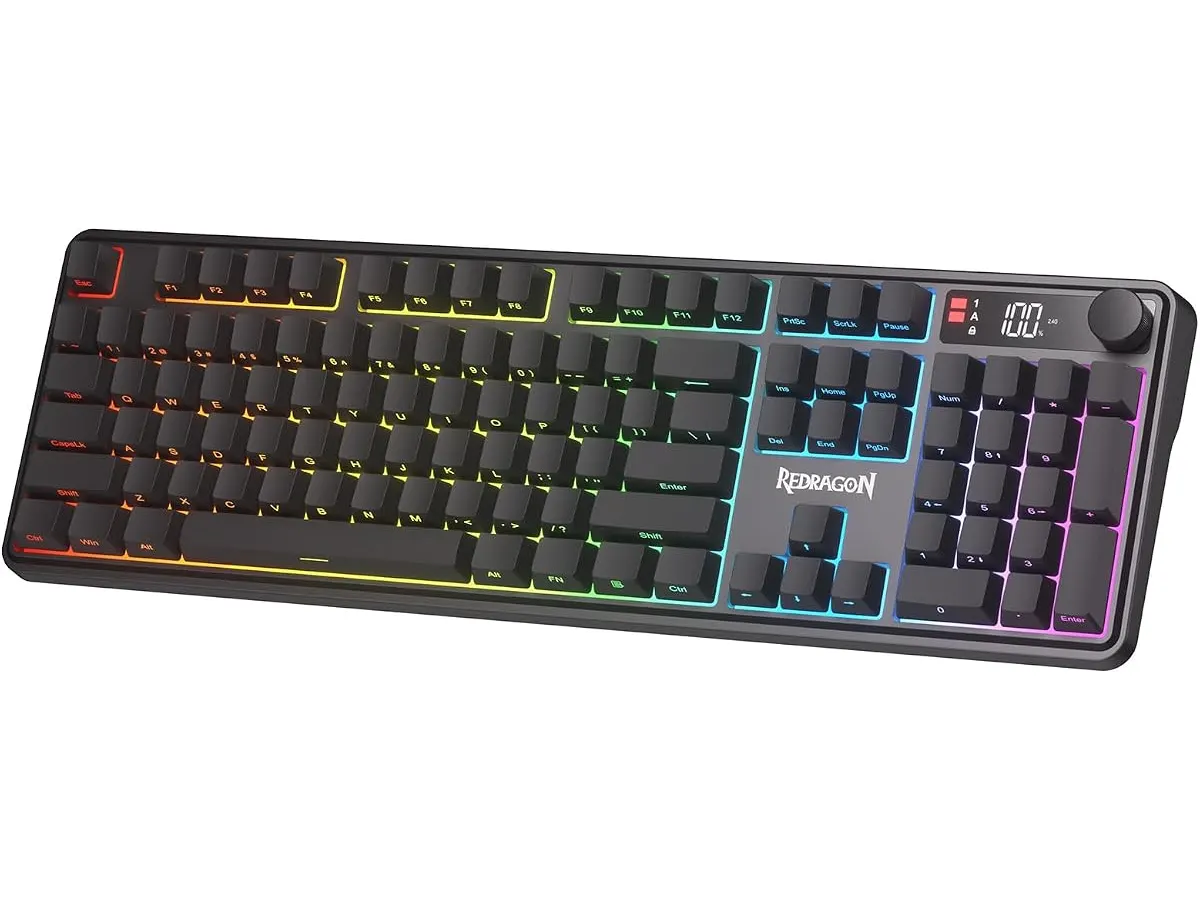
## Dónde flojea
El uso de un mecanismo de membrana marca el límite de este periférico. Quienes estén acostumbrados al tacto firme y la respuesta nítida de los interruptores mecánicos notarán una sensación más blanda al teclear. Si bien esto beneficia el nivel de ruido, reduce la retroalimentación táctil durante la escritura prolongada.
El sistema anti-ghosting cubre únicamente 26 teclas. Para el uso cotidiano de oficina o títulos de estrategia y aventura es más que suficiente, pero los jugadores de ámbito competitivo que exigen *N-key rollover* completo encontrarán este apartado corto.
Finalmente, la dependencia del software específico para programar macros avanzadas significa que la configuración personalizada no se gestiona de forma totalmente autónoma desde el hardware. Si cambias de equipo constantemente entre sistemas donde no puedes instalar el software de la marca, te verás limitado a las funciones integradas por defecto.
## ¿Para quién es?
Este modelo encaja bien con dos perfiles definidos de usuario:
* **Ideal para:** Quienes buscan un **teclado para teletrabajo** que sea silencioso durante llamadas en equipo, pero requieran conectividad múltiple para saltar entre la laptop del trabajo y la computadora personal. La perilla física y la pantalla LED facilitan la rutina diaria.
* **No recomendado para:** Mecanógrafos exigentes que buscan retroalimentación táctil pura o jugadores competitivos que demandan un teclado mecánico dedicado con tasas de sondeo extremas y registro ilimitado de teclas.
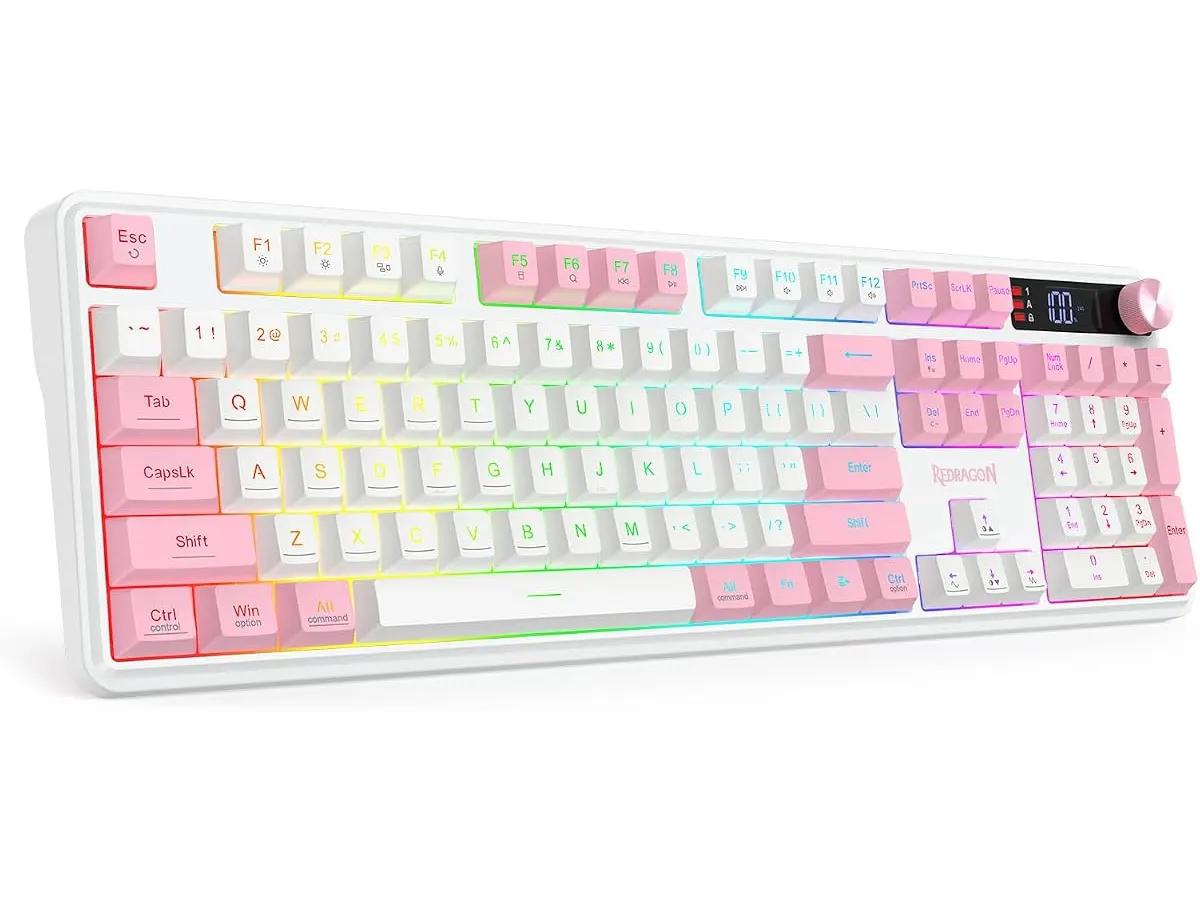
## Alternativas a considerar entre los mejores perifericos para home office
Si buscas armar un combo completo de **teclado y raton para oficina en casa**, conviene comparar la oferta disponible según tus prioridades operativas:
* **Teclados mecánicos de entrada/gama media:** Para quienes prefieren la durabilidad y el tacto distintivo de los interruptores mecánicos sobre el silencio de la membrana. Suelen ofrecer una construcción más pesada y mayor respuesta táctil, aunque sacrifican el funcionamiento silencioso en llamadas. Si te interesa explorar esta línea, puedes revisar la reseña del [RedThunder K95](/blog/2026-09-22-redthunder-k95-wireless-mechanical-keyboard).
* **Teclados de perfil bajo orientados exclusivamente a oficina:** Opciones pensadas para optimizar espacio y ergonomía en entornos ejecutivos. Prescinden por completo de la estética RGB y la pantalla LED a cambio de chasis ultra delgados y baterías con meses de autonomía.
Si buscas complementar tu escritorio con un puntero adecuado, la elección de un [ratón ergonómico para trabajar](/blog/2026-09-22-logitech-mx-master-3s) marcará una diferencia notable en la comodidad diaria junto a los productos de la línea **Redragon Perifericos**.
## Veredicto
El Redragon K526 PRO ofrece un balance funcional muy acertado para escritorios compartidos entre trabajo y entretenimiento. La pantalla LED para monitorear la batería y la perilla giratoria no son simples adornos; aportan practicidad real en el día a día. Aunque la sensación blanda de la membrana decepcionará a los entusiastas mecánicos, su funcionamiento silencioso y la versatilidad inalámbrica lo convierten en un equipo muy fácil de recomendar.
## Preguntas frecuentes
### ¿El Redragon K526 PRO es ruidoso para usar en una oficina compartida?
No, al emplear un mecanismo de membrana, el sonido de las teclas es suave y discreto, siendo adecuado para videollamadas o espacios de trabajo compartidos.
### ¿La pantalla LED requiere instalar el programa en la computadora?
Muestra el nivel de carga de la batería y la vía de conexión activa mediante el propio hardware del teclado, sin necesidad de ejecutar software en segundo plano.
### ¿Se puede usar mediante cable USB-C mientras se carga la batería?
Sí, la conexión por USB-C permite transmitir datos de forma directa a la PC mientras recargas la batería interna, evitando interrupciones en tu jornada laboral.
---
# Hbada P5: análisis de esta silla para teletrabajo
URL: https://setuplatam.com/blog/2026-10-17-hbada-p5
Category: Sillas ergonómicas
Published: 2026-10-17
¿Buscas la mejor silla ergonomica para trabajar? Analizamos la Hbada P5, sus ajustes 3D, soporte lumbar dinámico y reposapiés integrados para tu oficina.
Pasar ocho horas frente a la computadora exige un respaldo que responda a cada movimiento de la espalda. La Hbada P5 busca posicionarse como la [mejor silla ergonomica para trabajar](/categorias/sillas) desde casa, reuniendo ajustes dinámicos y un descanso integrado para profesionales del teletrabajo. Evaluamos si sus prestaciones cumplen lo prometido durante jornadas intensas de escritorio.
## Lo que hace bien
El aspecto central de la Hbada P5 reside en la capacidad de adaptar su estructura a la anatomía del usuario. A diferencia de las sillas convencionales con respaldos rígidos, este modelo implementa soluciones mecánicas enfocadas en aliviar la presión corporal acumulada.
- **Soporte lumbar 3D de ajuste tridimensional**: Permite regular la posición en altura, profundidad y anchura. Esta flexibilidad hace que la pieza de apoyo se adapte a la curvatura lumbar específica de cada persona, acompañando los cambios de postura a lo largo del día sin perder contacto con la columna.
- **Apoyabrazos 3D con rotación de 360°**: Ofrecen modulación completa en múltiples ángulos. Al girar en círculo completo, permiten acomodar los codos con exactitud al redactar en el teclado, manejar el ratón o sostener un dispositivo móvil durante llamadas de trabajo.
- **Malla transpirable y cojín de alta densidad**: El respaldo utiliza una malla sintética de alta resiliencia que facilita el flujo de aire constante, evitando el calor sofocante en jornadas calurosas. En la base, el cojín de alta densidad retiene su firmeza estructural para sostener la pelvis en una postura neutra sin hundirse con el paso de los meses.
- **Reposapiés integrado retráctil**: Debajo del asiento se aloja una extensión desplegable. Resulta práctica para extender las piernas por unos minutos en descansos breves o durante la lectura de documentos largos.
## Especificaciones clave
| Característica | Especificación oficial |
| --- | --- |
| Soporte lumbar | 3D ajustable (altura, profundidad y anchura) |
| Apoyabrazos | 3D con rotación completa de 360° |
| Material del respaldo | Malla transpirable de alta resiliencia |
| Asiento | Cojín de alta densidad de retención de forma |
| Accesorios | Reposapiés integrado retráctil |
| Rango de altura recomendado | 1.62 m a 1.88 m |
| Garantía del fabricante | 3 años |
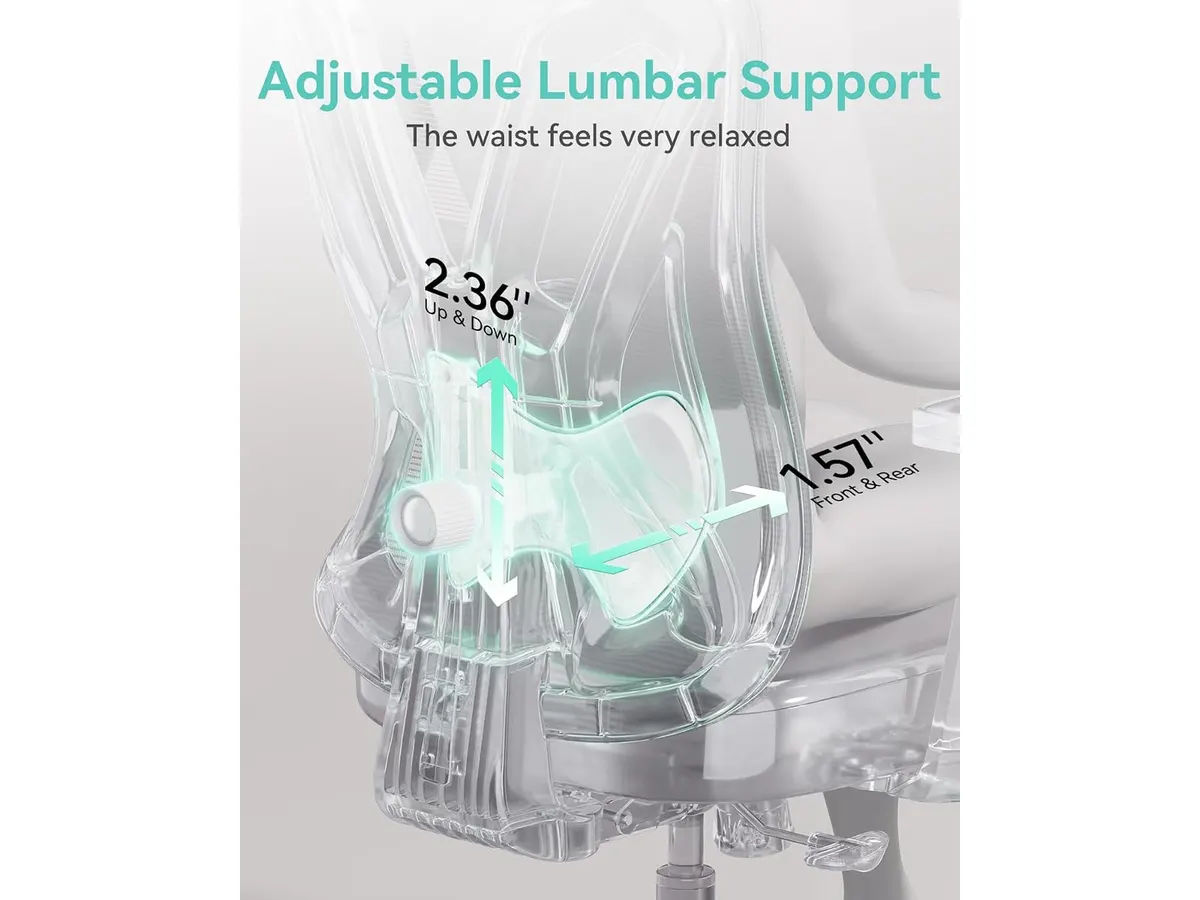
## Dónde flojea
Ninguna silla es perfecta para todos los usuarios. La Hbada P5 presenta ciertos compromisos de diseño que debes considerar antes de tomar una decisión.
El rango de altura recomendado, fijado entre 1.62 m y 1.88 m, deja fuera a personas de menor o mayor estatura. Si mides menos de 1.60 m, el módulo lumbar podría quedar ubicado demasiado arriba en tu espalda, impidiendo un soporte correcto incluso en su posición más baja.
Por otro lado, la inclusión del reposapiés retráctil añade peso muerto a la estructura inferior. Si trabajas en un espacio reducido o prefieres mover la silla con frecuencia sobre alfombras gruesas, la masa adicional se nota al rodar. Además, el mecanismo de rotación de 360° de los apoyabrazos carece de un bloqueo rígido por botón, de modo que podrías moverlos de posición involuntariamente al aplicar fuerza para levantarte.
## ¿Para quién es la mejor silla ergonomica para trabajar?
Esta silla está pensada para profesionales del teletrabajo, creadores de contenido y estudiantes que pasan de seis a ocho horas diarias sentados y buscan personalizar el apoyo lumbar sin complicaciones. Resulta idónea para quien padece molestias en la zona baja de la espalda y necesita variaciones continuas de postura en el escritorio.
Por el contrario, no encajará en la rutina de personas con estaturas fuera del margen de 1.62 m a 1.88 m. Tampoco es adecuada para quienes prefieren la sensación envolvente de un sillón ejecutivo de cuero ni para quienes buscan un asiento minimalista sin componentes pesados debajo de la base.
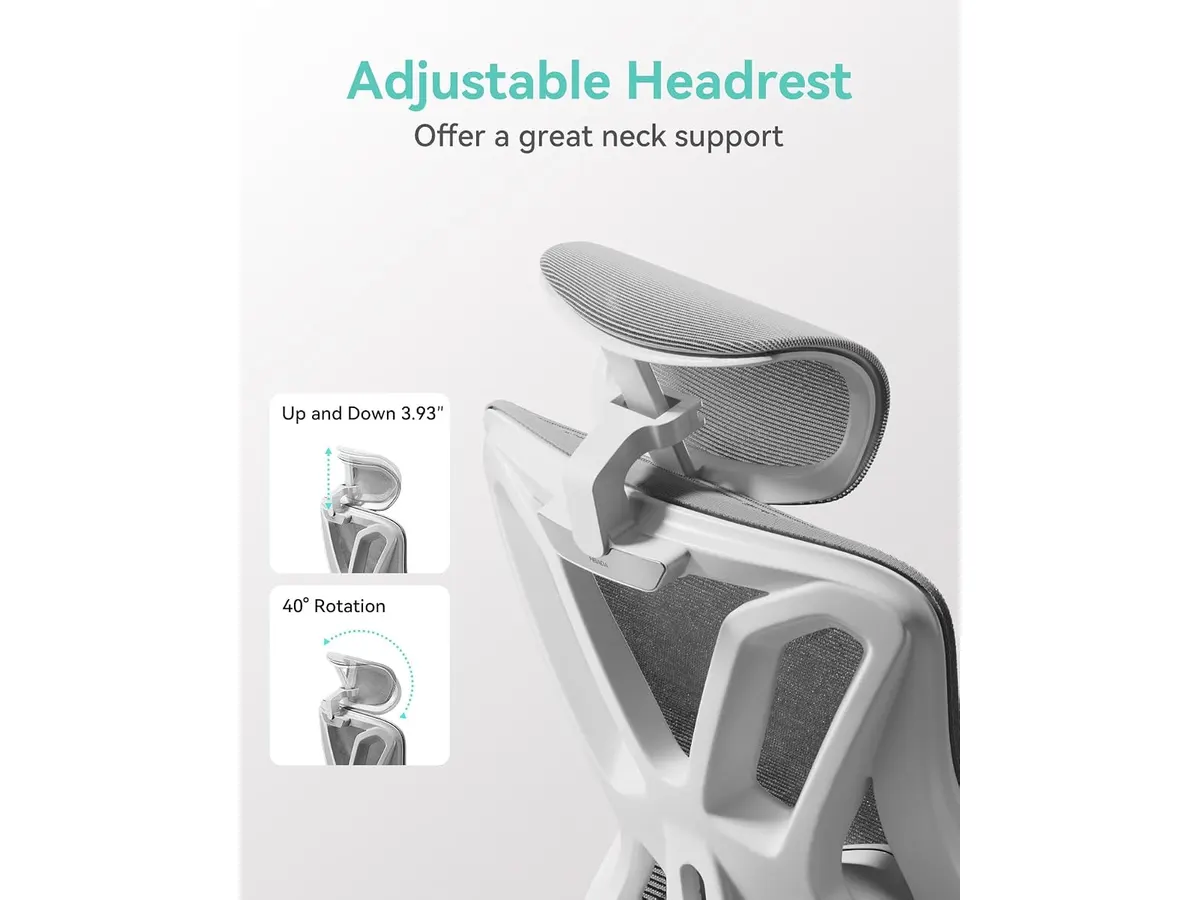
## Alternativas a considerar
Si buscas una propuesta de entrada con un diseño clásico para presupuesto medido, puedes revisar nuestro [análisis de la SIHOO M18](/blog/2026-09-22-sihoo-m18), que prioriza un soporte lumbar tradicional regulable y un cojín de esponja denso.
En caso de que tu presupuesto sea más holgado y requieras una construcción metálica de alta gama orientada a un uso intensivo corporativo, vale la pena consultar la [reseña de la Ergohuman ME7ERG GEN2](/blog/2026-09-22-ergohuman-me7erg-gen2), un referente en personalización anatómica avanzada.
## Veredicto
La Hbada P5 reúne características de ergonomía activa que destacan en el uso cotidiano para la casa u oficina. Su apoyo lumbar tridimensional y la versatilidad de los apoyabrazos superan las opciones estándar de su segmento. Aunque sus dimensiones restringen su uso a un rango medio de estatura, la garantía de 3 años asegura una inversión protegida. Si tus medidas físicas coinciden con la recomendación del fabricante, este modelo funcionará como una pieza clave en tu espacio de trabajo.
## Preguntas frecuentes
### ¿El reposapiés retráctil estorba cuando no se está usando?
No, el reposapiés se pliega por completo debajo del cojín del asiento. Al quedar plegado no choca con las piernas ni interfiere con la postura natural para escribir.
### ¿La malla del respaldo pierde tensión con el uso prolongado?
El fabricante utiliza una malla de alta resiliencia diseñada para mantener su firmeza elástica. Además, la garantía de 3 años cubre fallas de fabricación en el material durante el uso regular.
### ¿Es difícil ensamblar la Hbada P5 al recibirla en casa?
El paquete incluye las herramientas básicas y la tornillería identificada por pasos. El proceso de montaje toma entre 20 y 30 minutos siguiendo el instructivo ilustrado.
---
# Análisis de la Lepro Lámpara de Escritorio con Pinza
URL: https://setuplatam.com/blog/2026-10-17-lepro-lampara-de-escritorio-con-pinza
Category: Iluminación
Published: 2026-10-17
Evaluamos la Lepro Lámpara de Escritorio con Pinza, una opción versátil para tu espacio de trabajo. Descubre por qué es la mejor lampara de escritorio para trabajar.
La Lepro Lámpara de Escritorio con Pinza destaca por su capacidad para liberar espacio en superficies reducidas sin sacrificar la calidad lumínica. Es una herramienta ideal para quienes pasan largas jornadas frente al ordenador y requieren una fuente de luz ajustable que no sature su entorno. Si buscas mejorar tu configuración actual, esta opción se posiciona como una fuerte candidata a ser la mejor lampara de escritorio para trabajar. Puedes explorar más opciones en nuestra sección de [Iluminacion](/categorias/iluminacion) para complementar tu espacio.
## Lo que hace bien
La versatilidad es el punto más fuerte de este modelo. Con 25 modos de iluminación, que resultan de combinar cinco niveles de brillo y cinco temperaturas de color, es posible adaptar el ambiente tanto para tareas de lectura intensa como para sesiones de trabajo nocturno más relajadas. La capacidad de alcanzar una temperatura de color de hasta 5700K asegura una luz blanca clara que ayuda a mantener la concentración.
El diseño físico también es un acierto. Su cabezal de 41 cm permite cubrir un área de hasta 100 cm, lo cual es suficiente para iluminar gran parte de un escritorio estándar. Además, el cuello de ganso con rotación de 360° es fundamental para dirigir la luz exactamente donde la necesitas, evitando reflejos molestos en la pantalla. La pinza metálica incluida es robusta y permite una fijación firme en escritorios de hasta 5.9 cm de grosor, manteniendo la estabilidad incluso cuando se ajusta la altura entre 43 y 61 cm.
## Especificaciones clave
| Característica | Detalle |
| :--- | :--- |
| Modos de iluminación | 25 (5 brillos x 5 temperaturas) |
| Temperatura de color | 2700K – 5700K |
| Brillo central | 1500 lx |
| Ancho del cabezal | 41 cm (16.14") |
| Altura ajustable | 43 cm a 61 cm (24") |
| Grosor máx. escritorio | 5.9 cm (2.32") |
| Longitud del cable | 1.8 m (5.91 ft) |
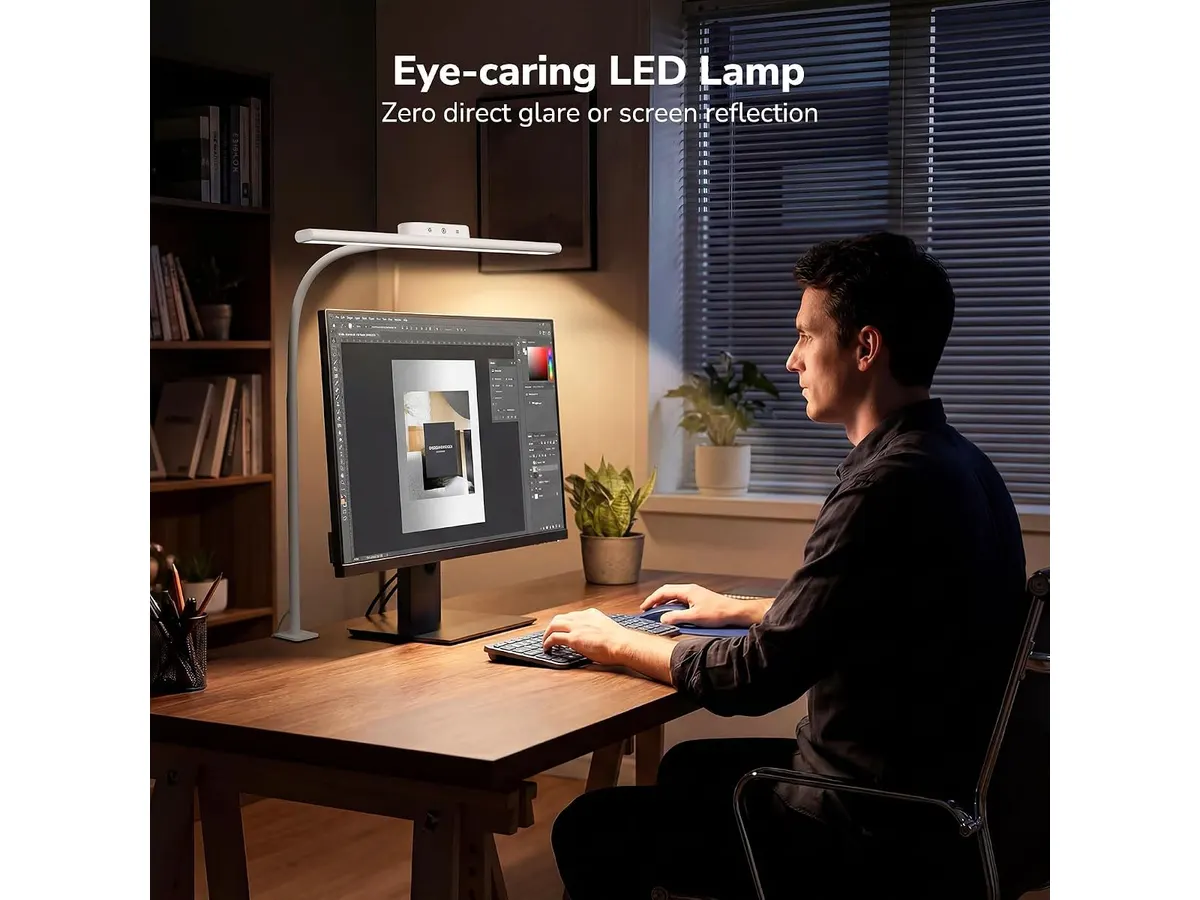
## Dónde flojea
No todo es perfecto en este diseño. El cuello de ganso, aunque flexible y versátil, puede perder un poco de rigidez con el tiempo si se manipula constantemente en posiciones extremas. Esto puede causar que el cabezal se incline ligeramente hacia abajo tras meses de uso intenso.
Otro aspecto a considerar es que, aunque su panel táctil es cómodo, la falta de botones físicos puede ser un inconveniente si tienes manos húmedas o si prefieres una respuesta táctil inmediata y confirmada. Además, el adaptador de corriente requiere una toma libre, lo cual puede ser un desafío si ya tienes demasiados cables conectados a tu regleta.
## ¿Para quién es?
Esta lámpara es perfecta para estudiantes o profesionales que trabajan en escritorios pequeños donde cada centímetro cuenta. Si usas un monitor de hasta 27 pulgadas y necesitas una luz lateral que no interfiera con tu campo de visión, este producto cumplirá con creces su función.
Por el contrario, si eres un usuario que requiere una iluminación de estudio profesional para fotografía o edición de video de alta precisión, la Lepro podría quedarse corta. También es mejor buscar una solución diferente si tu escritorio es de un material muy delicado o de un grosor superior a los 6 cm, ya que la pinza no ofrecerá el agarre seguro que necesitas.
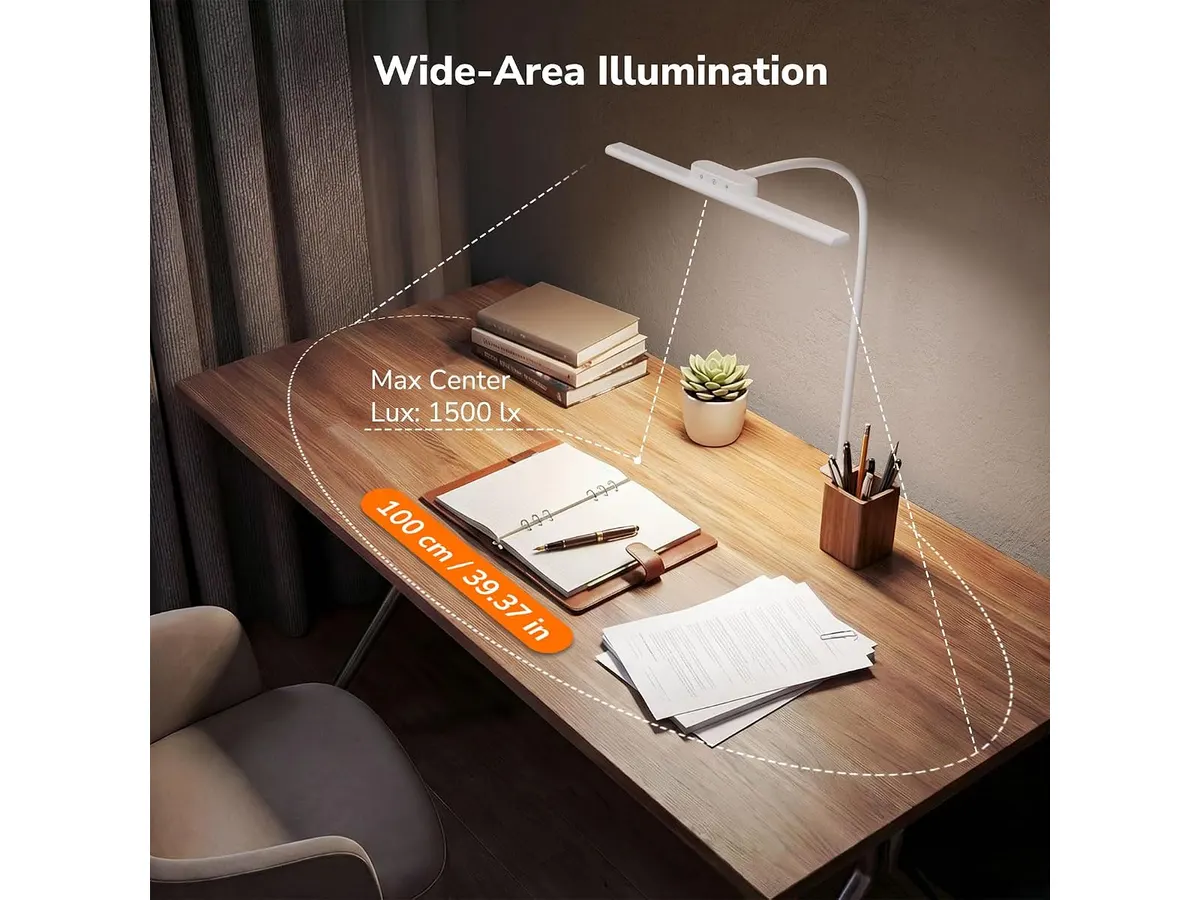
## Alternativas a considerar
Si prefieres una iluminación que se integre directamente sobre la pantalla para ahorrar aún más espacio, puedes revisar nuestro análisis sobre la [Quntis Computer Monitor Lamp: Análisis de Iluminación Efectiva](/blog/2026-09-22-quntis-computer-monitor-lamp). Es una alternativa superior si tu prioridad absoluta es la gestión del espacio en el monitor.
Por otro lado, si buscas una estética distinta o mayor robustez en los materiales de construcción, te sugiero mirar el [Análisis de la Lámpara de Escritorio LED SANDROY VOLT](/blog/2026-09-22-sandroy-volt-led-desk-lamp). Esta opción suele ofrecer un diseño más minimalista que encaja mejor en setups de diseño de alta gama, aunque a un costo mayor.
## Veredicto
La Lepro Lámpara de Escritorio con Pinza es una compra sensata si valoras la funcionalidad sobre los lujos innecesarios. Su rango de ajuste y la flexibilidad del cabezal la convierten en una compañera de escritorio muy eficiente para el día a día. Si necesitas una solución confiable y equilibrada, esta es una apuesta segura.
## Preguntas frecuentes
### ¿Se puede usar con monitores curvos?
Sí, el cuello de ganso permite curvar la lámpara para evitar que el cabezal choque con la curvatura de la pantalla, aunque es más efectiva en monitores planos de hasta 27 pulgadas.
### ¿La lámpara recuerda la configuración de luz al apagarla?
Sí, cuenta con una función de memoria que restaura el último nivel de brillo y temperatura de color utilizado antes de desconectarla o apagarla desde el panel táctil.
### ¿Es necesaria alguna herramienta para la instalación?
No, la pinza se ajusta mediante una rosca manual integrada, permitiendo fijarla al borde del escritorio sin necesidad de herramientas adicionales o perforaciones.
---
# Análisis del KTC H27E6S: Fluidez QHD para tu Setup
URL: https://setuplatam.com/blog/2026-10-16-ktc-h27e6s
Category: Monitores
Published: 2026-10-16
Evaluamos el KTC H27E6S, un monitor de 27 pulgadas con 275Hz, ideal como mejor monitor para home office si buscas alta tasa de refresco y nitidez visual.
El KTC H27E6S se presenta como una opción potente dentro del catálogo de [Monitores](/categorias/monitores), combinando una resolución QHD con una tasa de refresco que supera el estándar habitual. Este panel de 27 pulgadas está diseñado para usuarios que dividen su tiempo entre el trabajo intenso y el entretenimiento digital, buscando una pantalla para trabajar desde casa que no sacrifique el rendimiento en tareas rápidas.
## Lo que hace bien
El punto más sobresaliente es su fluidez. Con una tasa de refresco de 240Hz, que puede alcanzar mediante overclocking los 275Hz, este monitor elimina cualquier rastro de desenfoque en movimientos rápidos. Esta capacidad es sumamente útil no solo para jugar, sino para percibir una mayor suavidad al desplazar documentos extensos o navegar por interfaces pesadas.
La calidad de imagen es otro pilar fundamental gracias a su panel Fast IPS. A diferencia de paneles VA o TN, esta tecnología garantiza ángulos de visión amplios y una reproducción de colores constante. La resolución 2560 x 1440 en un formato de 27 pulgadas ofrece una densidad de píxeles ideal, proporcionando un espacio de trabajo amplio donde las fuentes se ven nítidas y los detalles técnicos del diseño son fáciles de apreciar.
Además, el soporte ergonómico incluido es un acierto, permitiendo ajustes precisos de altura, giro e inclinación. Poder adaptar la posición de la pantalla sin recurrir a un brazo articulado externo es un detalle que muchos usuarios agradecen al configurar su área de trabajo. La inclusión de la certificación HDR400 ayuda a mejorar la experiencia visual en contenido multimedia, elevando el contraste para lograr escenas con más profundidad.
## Especificaciones clave
| Característica | Especificación |
| :--- | :--- |
| Tamaño de pantalla | 27 pulgadas |
| Resolución | 2560 x 1440 QHD |
| Tasa de refresco | 240Hz (OC 275Hz) |
| Tipo de panel | Fast IPS |
| Brillo máximo | 400 cd/㎡ |
| Conectividad | 2x HDMI 2.0, 1x DP 1.4, 1x USB 2.0 |
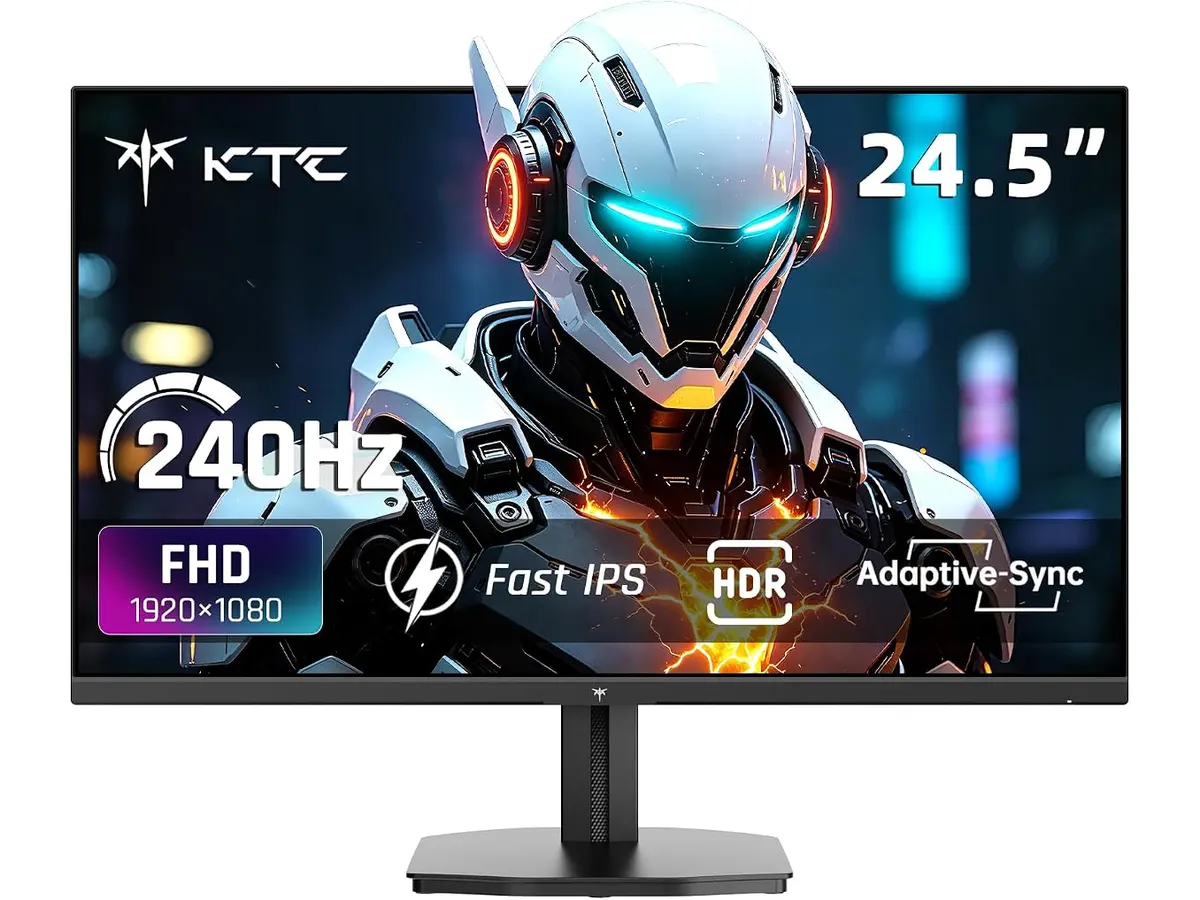
## Dónde flojea
El principal compromiso de este modelo radica en su conectividad. Los puertos HDMI 2.0 limitan la capacidad de aprovechar la tasa de refresco máxima a resoluciones completas si intentas conectar dispositivos de última generación que exijan mayor ancho de banda. Si dependes de una configuración multidispositivo compleja, te encontrarás limitado por la cantidad y velocidad de los puertos disponibles.
Asimismo, aunque el brillo de 400 cd/㎡ es competente, no esperes un rendimiento HDR transformador. El estándar HDR400 es una mejora básica sobre el rango dinámico estándar, pero no ofrece la luminancia necesaria para un HDR de alta gama. Si tu prioridad es la edición de video profesional con color crítico, existen opciones como el [Análisis del monitor Dell UltraSharp U2724D: calidad y desempeño](/blog/2026-09-22-dell-ultrasharp-u2724d) que priorizan la precisión cromática sobre la velocidad.
## ¿Para quién es?
Este monitor es ideal para el creador de contenido o entusiasta que valora la fluidez por encima de todo. Si pasas la mitad del día trabajando y la otra mitad en sesiones de juego intensas, el KTC H27E6S te dará la respuesta táctil y la nitidez que necesitas para ambos mundos.
Por el contrario, no es el equipo adecuado para el profesional administrativo o contable que busca una configuración dual. Para ese perfil, es mucho más eficiente adquirir dos paneles de 60Hz o 75Hz enfocados en la fidelidad de imagen, como los analizados en la [Revisión del monitor LG UltraGear 27G61ZB-B: rendimiento y calidad](/blog/2026-09-22-lg-ultragear-27g61zb-b), que suelen ser más consistentes en entornos de oficina pura.
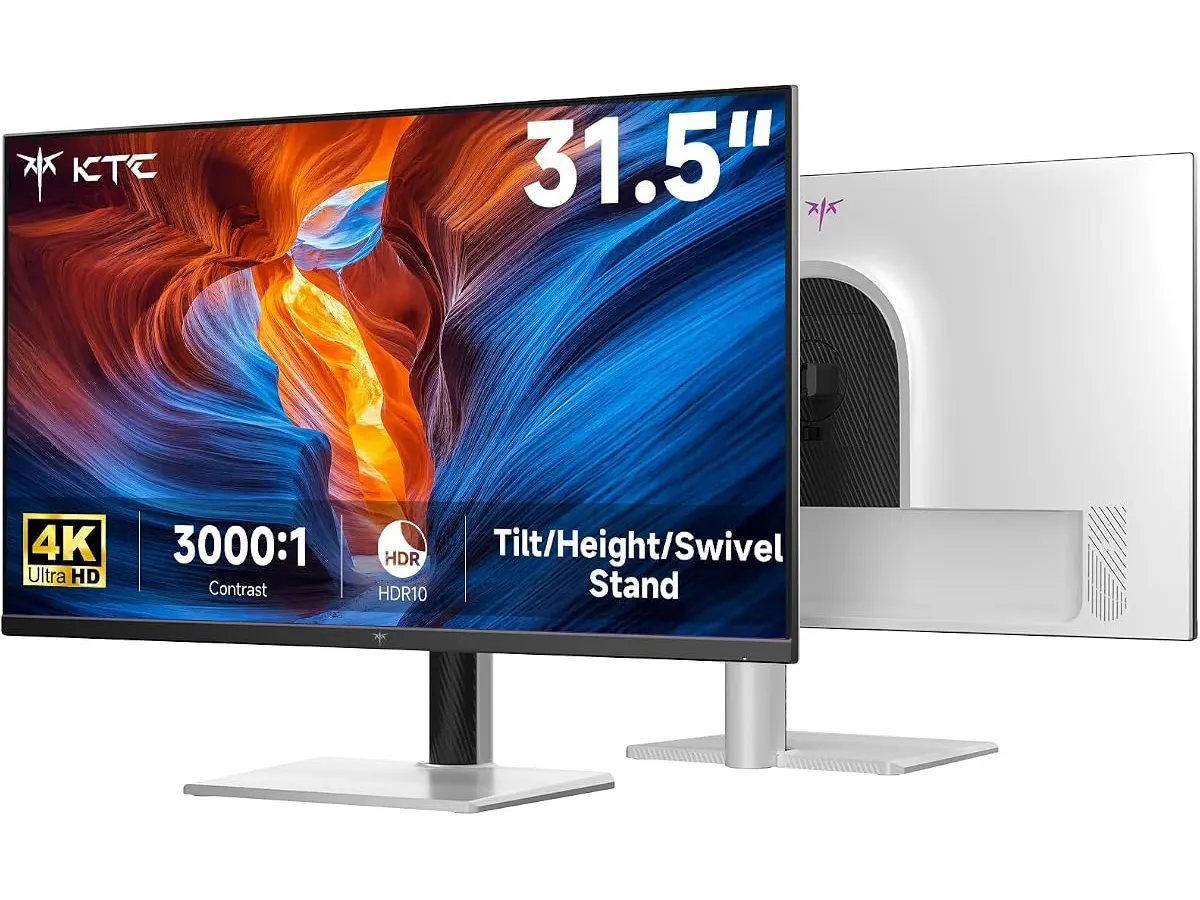
## Alternativas a considerar
Si buscas algo más enfocado en el ahorro de espacio y la productividad de doble monitor, considera las opciones de gama de entrada con paneles IPS estándar. Estas alternativas suelen prescindir de tasas de refresco extremas, pero ofrecen una calidad de panel excelente para leer textos durante horas sin fatiga visual.
Si tu presupuesto te permite subir a una gama media-alta, puedes optar por monitores con mayor cobertura de espacio de color DCI-P3 y puertos USB-C con suministro de energía. Estos modelos simplifican tu escritorio al permitir conectar tu laptop con un solo cable, eliminando la necesidad de hubs adicionales y manteniendo un flujo de trabajo más limpio.
## Veredicto
El KTC H27E6S destaca como una opción agresiva para quienes buscan un rendimiento de alta velocidad en un formato de trabajo cómodo. Sus limitaciones de conectividad son un recordatorio de que su enfoque está puesto en el gaming, pero su calidad visual lo hace más que capaz para tareas de oficina. Si necesitas un monitor 27 pulgadas para trabajar que también funcione como tu consola de juegos principal, esta es una compra justificada. Consulta nuestra selección de [Monitores](/categorias/monitores) para comparar este modelo con otras opciones que hemos probado.
## Preguntas frecuentes
### ¿Es compatible con consolas de nueva generación?
Sí, pero al contar con puertos HDMI 2.0, verás limitada la tasa de refresco en comparación con los estándares de 120Hz a 4K. Para PC, sacarás el máximo provecho mediante el puerto DisplayPort 1.4.
### ¿La resolución QHD es cómoda para trabajar?
Definitivamente. 1440p en 27 pulgadas es considerado el punto ideal para el teletrabajo. Ofrece un espacio de trabajo considerablemente mayor que el 1080p sin que los elementos de la interfaz se vean demasiado pequeños.
### ¿Necesito hardware especial para alcanzar los 275Hz?
Requieres una tarjeta gráfica capaz de gestionar esa tasa de fotogramas y utilizar el cable DisplayPort incluido. Asegúrate de ajustar los parámetros de pantalla en la configuración de tu sistema operativo tras la instalación.
---
# Análisis OBSBOT Tail 2: Potencia PTZR en tu estudio
URL: https://setuplatam.com/blog/2026-10-16-obsbot-tail-2
Category: Audio y webcams
Published: 2026-10-16
Descubre el OBSBOT Tail 2, una cámara robótica avanzada para creadores y profesionales que buscan la mejor webcam para home office con seguimiento inteligente.
El OBSBOT Tail 2 redefine lo que esperamos de una cámara robótica para creadores exigentes y oficinas avanzadas. Si buscas la mejor webcam para home office que integre óptica cinematográfica y automatización por IA sin depender de un operador humano, este modelo merece toda tu atención. Su combinación de conectividad profesional y seguimiento milimétrico resuelve los dolores de cabeza habituales de las transmisiones en vivo y las grabaciones complejas.
## Lo que hace bien — 3 o 4 puntos fuertes en prosa o lista, apoyados en las especificaciones.
El seguimiento inteligente es el motor principal de este equipo. El sistema AI 2.0 fija el enfoque de manera fluida en personas, animales u objetos, eliminando los tirones típicos de la automatización barata. La estructura PTZR integrada permite girar el lente noventa grados completos, facilitando el cambio entre formato vertical y horizontal sin perder calidad ni encuadre.
La calidad óptica marca otra gran diferencia frente a las webcams tradicionales de escritorio. Cuenta con un sensor CMOS de 1/1.5 pulgadas combinado con un sistema de óptica de doce capas que entrega una resolución de video en 4K a 60 cuadros por segundo y capturas fotográficas de 50 megapíxeles. A esto se suma un zoom óptico de cinco aumentos sin pérdida que se extiende hasta doce aumentos híbridos, manteniendo la nitidez incluso cuando la cámara se aleja del sujeto.
La versatilidad de conexiones impresiona a cualquier técnico audiovisual. Dispone de puertos HDMI, SDI, USB-C y Ethernet en el propio chasis, lo que evita el uso de convertidores externos molestos. Además, soporta protocolos avanzados como NDI, SRT, RTMP, VISCA y Free-D, integrándose sin fricciones en flujos de trabajo de transmisión complejos y estudios de cualquier nivel.
## Especificaciones clave — una tabla Markdown con las especificaciones indicadas arriba.
| Característica | Detalle técnico |
| :--- | :--- |
| Resolución de video | 4K a 60FPS |
| Sensor de imagen | CMOS de 1/1.5 pulgadas |
| Resolución fotográfica | 50MP |
| Zoom | 5x óptico sin pérdida y 12x híbrido |
| Conectividad | HDMI, SDI, USB-C y Ethernet |
| Protocolos soportados | NDI, SRT, RTMP, VISCA y Free-D |
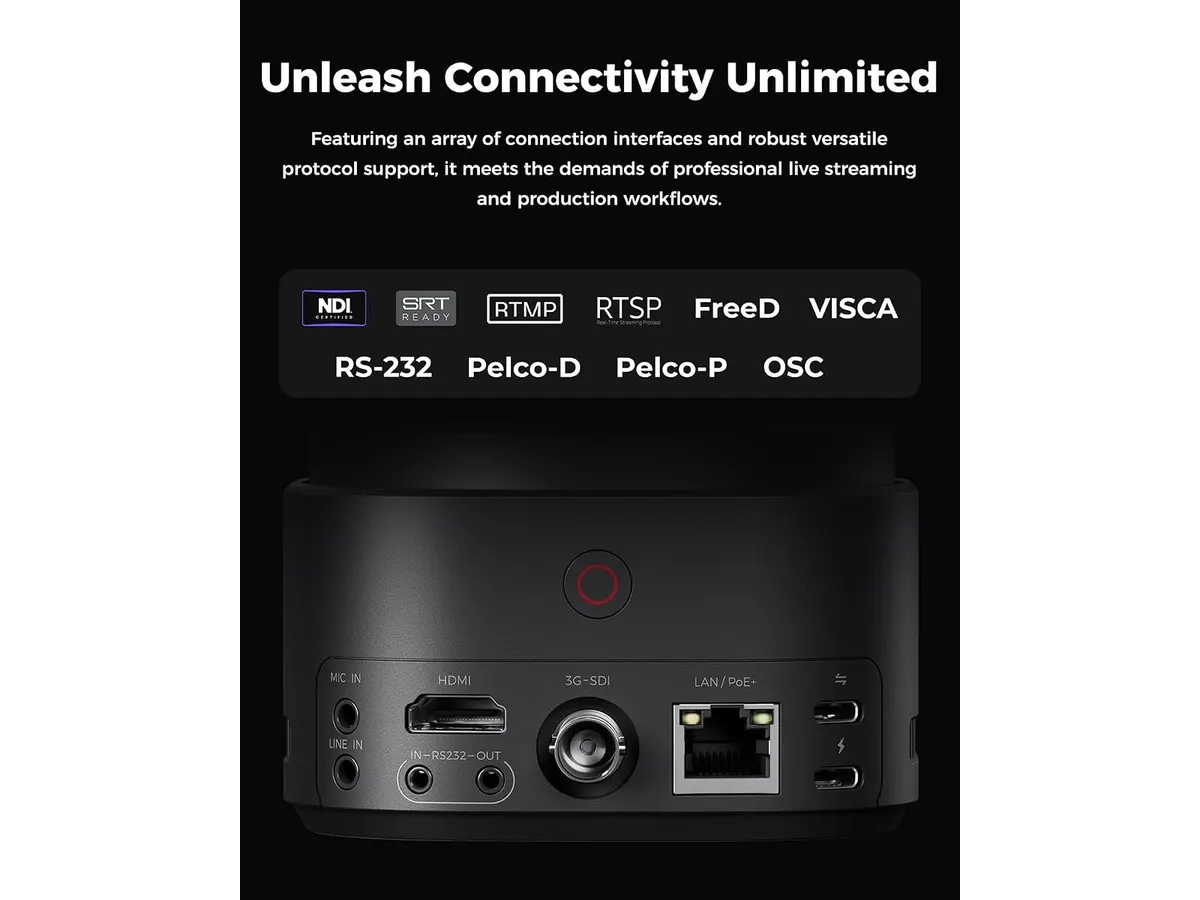
## Dónde flojea — 2 o 3 limitaciones reales y honestas.
Este equipo no está diseñado para el usuario casual que solo quiere conectar un cable USB y empezar una videollamada rápida. Su tamaño y peso superan con creces a una webcam convencional, requiriendo un montaje estable y un espacio de escritorio considerable. Configurar todos los protocolos de transmisión y las opciones avanzadas de la interfaz exige conocimientos técnicos previos que pueden abrumar a los principiantes.
Otro aspecto a considerar es la estabilización física. Aunque el sistema de tres ejes ofrece una precisión de más menos 0.003 grados para mantener las tomas niveladas, el motor mecánico puede generar un zumbido sutil en entornos de grabación ultrasilenciosos si los micrófonos están demasiado cerca de la unidad.
## ¿Para quién es? — 2 perfiles claros: uno al que le encaja y otro al que no.
El dispositivo encaja a la perfección con creadores de contenido, profesores universitarios y productores de transmisiones en vivo que necesitan moverse por el estudio mientras la cámara los sigue con precisión cinematográfica. Es una herramienta ideal si produces contenido educativo, clases magistrales o podcasts en vídeo donde la realización automatizada ahorra horas de edición posterior.
No es para ti si trabajas estrictamente sentado frente al monitor haciendo llamadas corporativas rutinarias. Para ese uso estándar, opciones más sencillas como la comentada en el análisis de la Logitech MX Brio ofrecen resultados excelentes sin la complejidad de una estructura PTZR robótica.

## Alternativas a considerar — 2 alternativas descritas por gama de precio y caso de uso. NO nombres modelos concretos de la competencia.
Si buscas algo más compacto para videollamadas cotidianas en la misma categoría de precio, existen alternativas de gama media enfocadas exclusivamente en la nitidez fija y la corrección automática de iluminación por software, ideales para escritorios pequeños donde el movimiento de la cámara no es necesario. Por otro lado, si tu presupuesto es menor y solo requieres una solución básica para teletrabajo, las opciones de entrada con resolución estándar y conexión USB directa cubren las necesidades básicas de cualquier oficina en casa sin exigir configuraciones avanzadas.
## Veredicto — cierre de 3 o 4 frases con una recomendación clara.
El OBSBOT Tail 2 es una obra de ingeniería impresionante para quienes necesitan automatización de movimiento y calidad de imagen profesional en un solo dispositivo. Si operas dentro de un flujo de transmisión avanzado y requieres un seguimiento por IA impecable, cumple con creces lo que promete. Explora más opciones en nuestra sección de [Audio y webcams](/categorias/audio-webcams) para encontrar el complemento de sonido perfecto para tu configuración.
## Preguntas frecuentes — 3 preguntas y respuestas breves, cada una con un encabezado "### pregunta".
### ¿Necesito una computadora potente para usar esta cámara?
No necesariamente para la captura básica, ya que procesa gran parte de la señal de video de forma interna, pero sí requerirás un equipo competente si vas a transmitir en 4K utilizando protocolos de red avanzados.
### ¿Funciona bien con plataformas de videoconferencia comunes?
Sí, se integra sin problemas mediante USB o capturadoras compatibles, aunque su verdadero potencial se aprovecha al máximo en software de streaming profesional y estudios dedicados.
### ¿Se puede controlar a distancia mientras grabo?
Por supuesto. Permite control mediante múltiples protocolos y aplicaciones dedicadas, facilitando el manejo de los movimientos PTZ y el zoom sin tocar físicamente el dispositivo.
---
# Análisis del Acer Hub USB-C 4 en 1: Versatilidad Pro
URL: https://setuplatam.com/blog/2026-10-15-acer-hub-usb-c-4-en-1
Category: Soportes y hubs
Published: 2026-10-15
El Acer Hub USB-C 4 en 1 es el mejor hub usb-c para home office si priorizas velocidad y carga rápida. Analizamos su rendimiento real y utilidad diaria.
El Acer Hub USB-C 4 en 1 llega para simplificar escritorios minimalistas que dependen de un único puerto en la laptop. Es una solución orientada a profesionales que necesitan transferir archivos pesados con rapidez y mantener su equipo cargado simultáneamente. Si buscas el mejor hub usb-c para home office que no ocupe espacio, esta es tu opción. Para más accesorios de este tipo, explora nuestra selección de [Soportes y hubs](/categorias/soportes-hubs).
## Lo que hace bien
Este dispositivo brilla en tres áreas críticas para la productividad moderna:
* **Velocidad de transferencia:** La inclusión de dos puertos USB-C a 10Gbps es poco común en hubs compactos. Esto permite mover grandes volúmenes de datos entre discos SSD externos sin cuellos de botella notables.
* **Gestión de energía:** Soporta hasta 100W de entrada con una entrega efectiva de 90W al equipo. Esto garantiza que incluso portátiles de alto rendimiento se mantengan cargados mientras conectas periféricos adicionales.
* **Calidad de video:** Su capacidad para gestionar una salida 4K a 60Hz asegura una experiencia visual fluida. Es un salto cualitativo frente a las opciones económicas que se estancan en los 30Hz, ofreciendo una nitidez necesaria para edición o multitarea prolongada.
## Especificaciones clave
| Característica | Detalle |
| :--- | :--- |
| Tipo de dispositivo | Hub multiporta 4 en 1 |
| Puertos de datos | 2 x USB-C 10Gbps |
| Resolución de video | 4K a 60Hz |
| Carga PD | 100W entrada / 90W salida |
| Conectividad | USB-C con soporte DP Alt Mode |
## Dónde flojea
La principal limitación es su enfoque restrictivo hacia los puertos USB-C. Si tu equipo de trabajo aún depende de periféricos con conexión USB-A, necesitarás adaptadores adicionales o cables nuevos, lo cual arruina la simplicidad del espacio. Además, al ser un dispositivo 4 en 1, carece de puertos extra como Ethernet o lectores de tarjetas, lo que obliga a los usuarios que necesitan una conectividad total a buscar alternativas como el [Anker USB-C Hub 8-in-1: Análisis para tu espacio de trabajo](/blog/2026-09-22-anker-usb-c-hub-8-in-1).
## ¿Para quién es?
Es ideal para el usuario que ha renovado sus periféricos hacia el estándar USB-C y necesita un puente rápido y confiable para su flujo de trabajo. Si eres un editor o diseñador que trabaja con discos duros externos rápidos y un monitor 4K externo, este hub cumplirá con creces.
Por el contrario, no es para ti si tu setup depende de dispositivos antiguos con conexiones USB-A o si requieres una estación de trabajo compleja con conexión a internet cableada y múltiples monitores. En ese caso, deberías optar por una [Análisis del CalDigit TS4: El hub definitivo](/blog/2026-09-25-caldigit-ts4) para centralizar todas tus conexiones en un solo punto.
## Alternativas a considerar
Si tu presupuesto es ajustado y priorizas la versatilidad sobre la velocidad extrema de los puertos, existen opciones en el mercado que incluyen múltiples tipos de puertos, aunque sacrifiques la tasa de transferencia de datos de 10Gbps. Por otro lado, si buscas un rendimiento profesional que soporte periféricos de escritorio más avanzados, hay estaciones de acoplamiento más costosas que ofrecen una mayor cantidad de puertos y una gestión térmica superior, ideales si además utilizas accesorios como un [Análisis del brazo MOUNTUP para monitores](/blog/2026-09-29-mountup-single-monitor-desk-mount) para organizar tu espacio.
## Veredicto
El Acer Hub USB-C 4 en 1 es una herramienta técnica muy específica para quienes ya viven en el futuro del USB-C. No intenta ser todo para todos, sino que se especializa en velocidad de transferencia y carga. Es una compra inteligente si tu flujo de trabajo es moderno y directo. Recomendamos revisar nuestra sección de [Soportes y hubs](/categorias/soportes-hubs) antes de decidir si esta configuración es la que mejor se adapta a tu escritorio.
## Preguntas frecuentes
### pregunta
¿Funciona con cualquier computadora con puerto USB-C?
Necesitas que el puerto USB-C de tu laptop sea compatible con DP Alt Mode para que la salida de video funcione correctamente.
### pregunta
¿Se calienta mucho al usar todos los puertos?
Es normal que los hubs de este tamaño se calienten durante transferencias de datos largas o carga intensiva, pero el diseño de Acer maneja bien la disipación térmica.
### pregunta
¿Puedo cargar mi laptop y usar el monitor al mismo tiempo?
Sí, ese es precisamente su propósito principal; el puerto PD permite pasar energía mientras utilizas el ancho de banda para la señal de video.
---
# Análisis del Redragon K524RGB-PRO: ¿Valdrá la pena?
URL: https://setuplatam.com/blog/2026-10-15-redragon-k524rgb-pro
Category: Periféricos
Published: 2026-10-15
Analizamos el Redragon K524RGB-PRO, un teclado mecánico 75% que busca un lugar entre los mejores perifericos para home office. Descubre si es para tu escritorio.
El Redragon K524RGB-PRO llega al mercado como una opción equilibrada para quienes buscan despejar su escritorio sin sacrificar funcionalidad. Con su formato 75%, este teclado se posiciona como una herramienta útil para quienes arman sus mejores perifericos para home office. Es ideal para redactores, estudiantes y profesionales que necesitan un periférico confiable que combine bien con la estética de su espacio de trabajo.
## Lo que hace bien
La versatilidad es su mayor ventaja. Gracias a sus tres modos de conexión, puedes alternar entre el modo inalámbrico 2.4G para mayor estabilidad, Bluetooth 5.0 para ahorrar puertos o el cable USB-C cuando necesitas cargar la batería mientras trabajas. Esta flexibilidad es fundamental si sueles cambiar entre tu computadora personal y la de la oficina.
La autonomía de su batería de 4000mAh merece un reconocimiento especial. Lograr hasta 300 horas de uso sin la iluminación RGB es una cifra que permite olvidarse del cargador durante semanas, incluso con jornadas laborales intensas. Además, el formato 75% mantiene las teclas necesarias para la productividad diaria sin ocupar el espacio excesivo de un teclado completo, lo que deja más área libre para mover un [ratón ergonómico para trabajar](/blog/2026-09-22-logitech-mx-master-3s).
## Especificaciones clave
| Característica | Detalle |
| :--- | :--- |
| Conectividad | Bluetooth 5.0, 2.4G, USB-C |
| Formato | 75% compacto |
| Batería | 4000mAh recargable |
| Autonomía | Hasta 300h (sin RGB) / 50h (con RGB) |
| Anti-ghosting | 26 teclas |
| Iluminación | 16.8 millones de colores RGB |
| Multimedia | 12 teclas dedicadas |
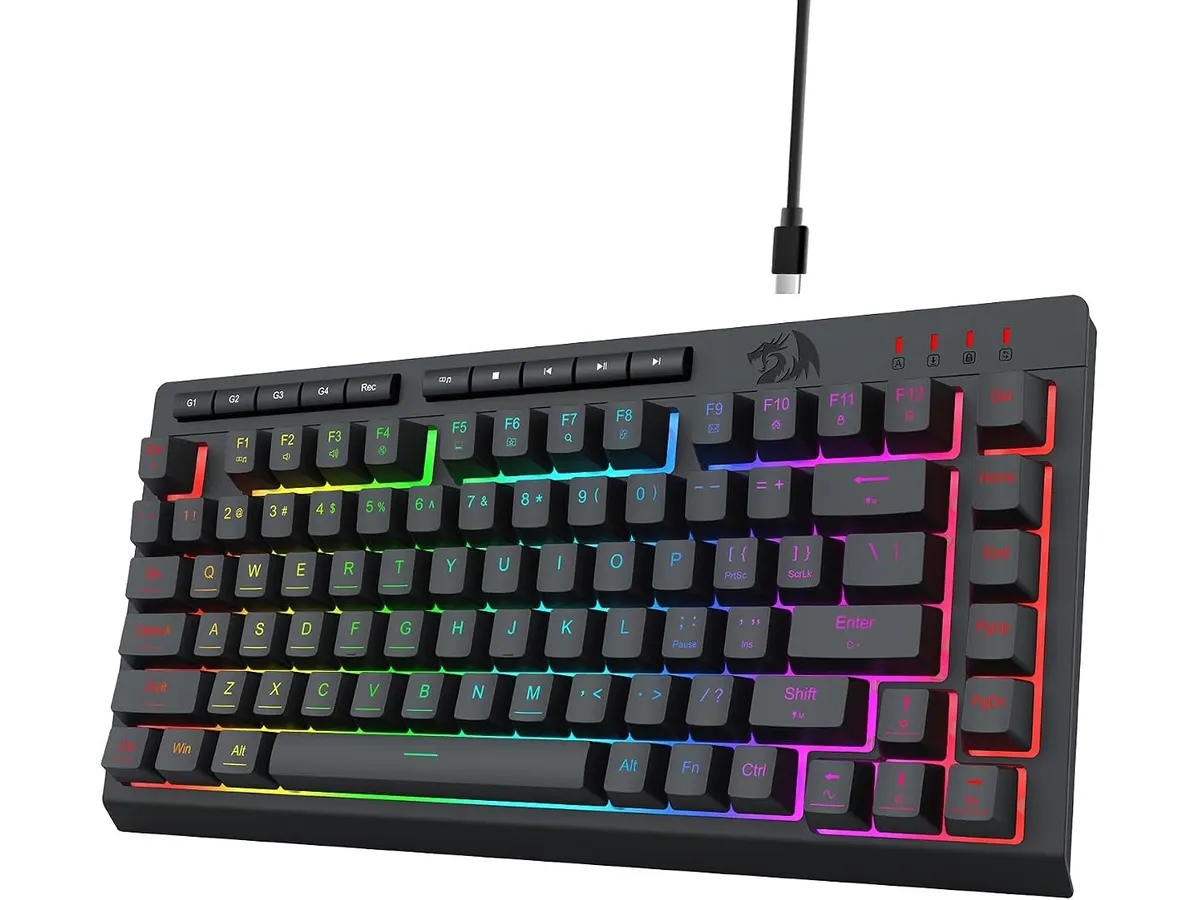
## Dónde flojea
No todo es perfecto. La implementación del RGB, aunque vistosa, consume una cantidad de energía significativa que reduce drásticamente la vida útil de la batería. Si eres de los que prefiere usar el teclado con iluminación constante, tendrás que acostumbrarte a cargarlo con mucha más frecuencia.
Por otro lado, la capacidad de anti-ghosting limitada a 26 teclas puede ser un factor a considerar. Aunque para tareas de escritura y oficina resulta suficiente, algunos usuarios que realizan tareas de edición compleja o juegos competitivos de alta exigencia podrían notar que no alcanza el estándar total de rollover que ofrecen otras opciones del mercado. Si buscas alternativas, quizás prefieras revisar otros [Redragon Perifericos](/categorias/perifericos) o comparar con modelos similares como el [RedThunder K95 Wireless Mechanical Keyboard](/blog/2026-09-22-redthunder-k95-wireless-mechanical-keyboard) para ver qué diseño te resulta más cómodo.
## ¿Para quién es?
Este teclado encaja perfectamente con el estudiante o trabajador remoto que busca optimizar su espacio. Si trabajas en un escritorio pequeño y necesitas cambiar de dispositivo constantemente, la conectividad triple te ahorrará muchos dolores de cabeza.
Sin embargo, no es para usuarios que exigen una respuesta de milisegundos absoluta en juegos de alta competición o para quienes priorizan el silencio absoluto en una oficina compartida. Si tu entorno es un espacio de trabajo colaborativo, considera también un [iClever Wireless Mouse](/blog/2026-09-22-iclever-wireless-mouse) para mantener el ruido al mínimo.
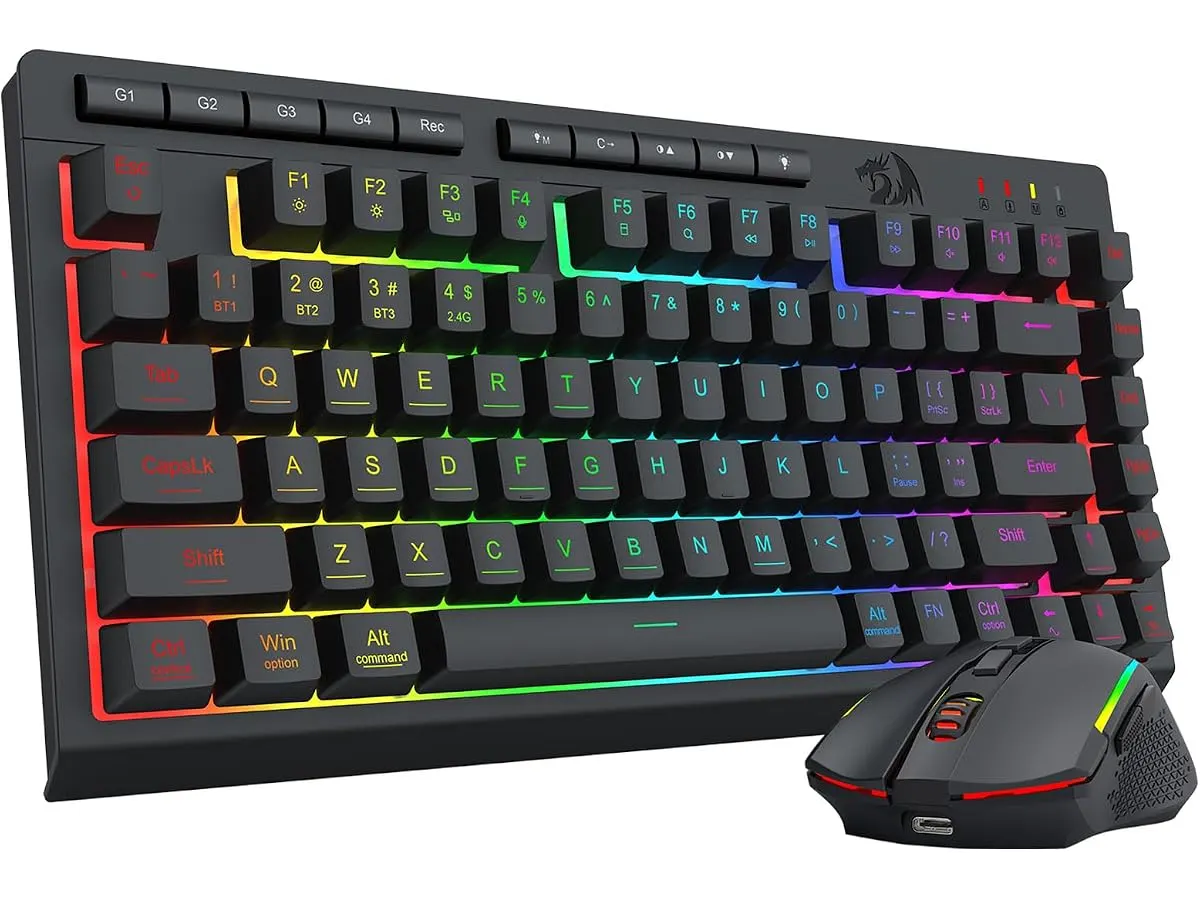
## Alternativas a considerar
Si buscas algo más robusto en materiales y con una respuesta acústica más refinada, existen opciones de gama media-alta que priorizan la construcción en aluminio y una mayor personalización de los switches. Son ideales si planeas usar el teclado durante muchos años.
Por el contrario, si tu presupuesto es limitado y solo buscas una herramienta funcional sin luces llamativas, existen modelos de entrada que sacrifican la conectividad inalámbrica por una conexión cableada sencilla. Estos teclados son más ligeros y fáciles de transportar si tu trabajo requiere movilidad constante.
## Veredicto
El Redragon K524RGB-PRO es una compra sólida si priorizas la conectividad y el ahorro de espacio. Su batería de gran capacidad y su formato compacto lo hacen destacar en la categoría de teclados para teletrabajo. Si puedes vivir con sus limitaciones técnicas y no te importa gestionar la carga de la batería, es una adición muy capaz para tu set.
## Preguntas frecuentes
### ¿Se puede usar mientras se carga?
Sí, gracias a la conexión USB-C puedes utilizarlo como teclado cableado mientras recupera energía.
### ¿Es compatible con sistemas operativos móviles?
Efectivamente, su conectividad Bluetooth permite emparejarlo con tablets o teléfonos compatibles sin inconvenientes.
### ¿Las teclas multimedia son personalizables?
El teclado incluye 12 teclas multimedia integradas, aunque su personalización depende de las funciones que permita el software del fabricante.
---
# Análisis de la lámpara LED Lepro con abrazadera
URL: https://setuplatam.com/blog/2026-10-14-lepro-small-desk-lamp-with-clamp
Category: Iluminación
Published: 2026-10-14
Evaluamos la Lepro Small Desk Lamp with Clamp: una opción compacta para descubrir si es la mejor lámpara de escritorio para trabajar en espacios reducidos.
Aprovechar cada pulgada de la superficie de trabajo es crucial cuando el área disponible es reducida. La Lepro Small Desk Lamp with Clamp entra en escena como una solución eficiente para quienes buscan la mejor lámpara de escritorio para trabajar sin saturar la mesa. Al prescindir de una base tradicional pesada, este modelo enfoca su propuesta en la practicidad, el ajuste flexible y el consumo controlado de energía dentro del catálogo de [iluminación para home office](/categorias/iluminacion).
## Lo que hace bien
El aspecto más destacado de este modelo es su sistema de sujeción mediante abrazadera tipo C. En lugar de ocupar un círculo de diez o quince centímetros sobre la madera, la abrazadera aprisiona el borde de la mesa o repisa, liberando el área de trabajo para el teclado, cuadernos o periféricos.
La versatilidad de la luz está respaldada por sus 54 LEDs de bajo consumo. Ofrece tres modos de color distintos (luz cálida, neutra y fría) combinados con diez niveles de brillo ajustables por cada modo. Esto suma un total de 30 configuraciones de iluminación diferentes, ideales para pasar de una lectura nocturna relajada a una sesión intensa de trabajo técnico frente a la pantalla.
El flujo luminoso de 450 a 460 lúmenes es adecuado para iluminación focalizada. No pretende iluminar una habitación entera, sino entregar la cantidad exacta de luz directa sobre tus manos o documentos sin generar deslumbramientos molestos. Esto resulta especialmente útil como iluminación para videollamadas, ya que permite orientar el haz hacia el rostro sin cegar la cámara.
Su cuello de ganso flexible facilita direccionar el punto de luz en casi cualquier ángulo. Si necesitas comparar este formato articulado de sujeción vertical con modelos que incorporan bases tradicionales, puedes revisar el [análisis de la Pzloz LED Desk Lamp](/blog/2026-09-22-pzloz-led-desk-lamp) para evaluar qué estructura se adapta mejor a tu mesa.
Por último, su consumo energético de solo 5 W garantiza un funcionamiento fresco y eficiente, permitiendo mantener la lámpara encendida durante extensas jornadas de trabajo sin elevar el consumo eléctrico ni generar calor excesivo cerca del rostro.
## Especificaciones clave
| Característica | Detalle |
| --- | --- |
| Potencia | 5 W |
| Flujo luminoso | 450 - 460 lm |
| Fuente de luz | 54 LEDs de bajo consumo |
| Modos de color | 3 modos (cálido, neutro, frío) |
| Niveles de brillo | 10 niveles por modo |
| Tipo de fijación | Abrazadera en C (C-Clamp) |
| Ajuste de posición | Cuello de ganso flexible |
| Alimentación | Cable USB (adaptador de CA no incluido) |
| Tipo de batería | No recargable (requiere conexión constante) |
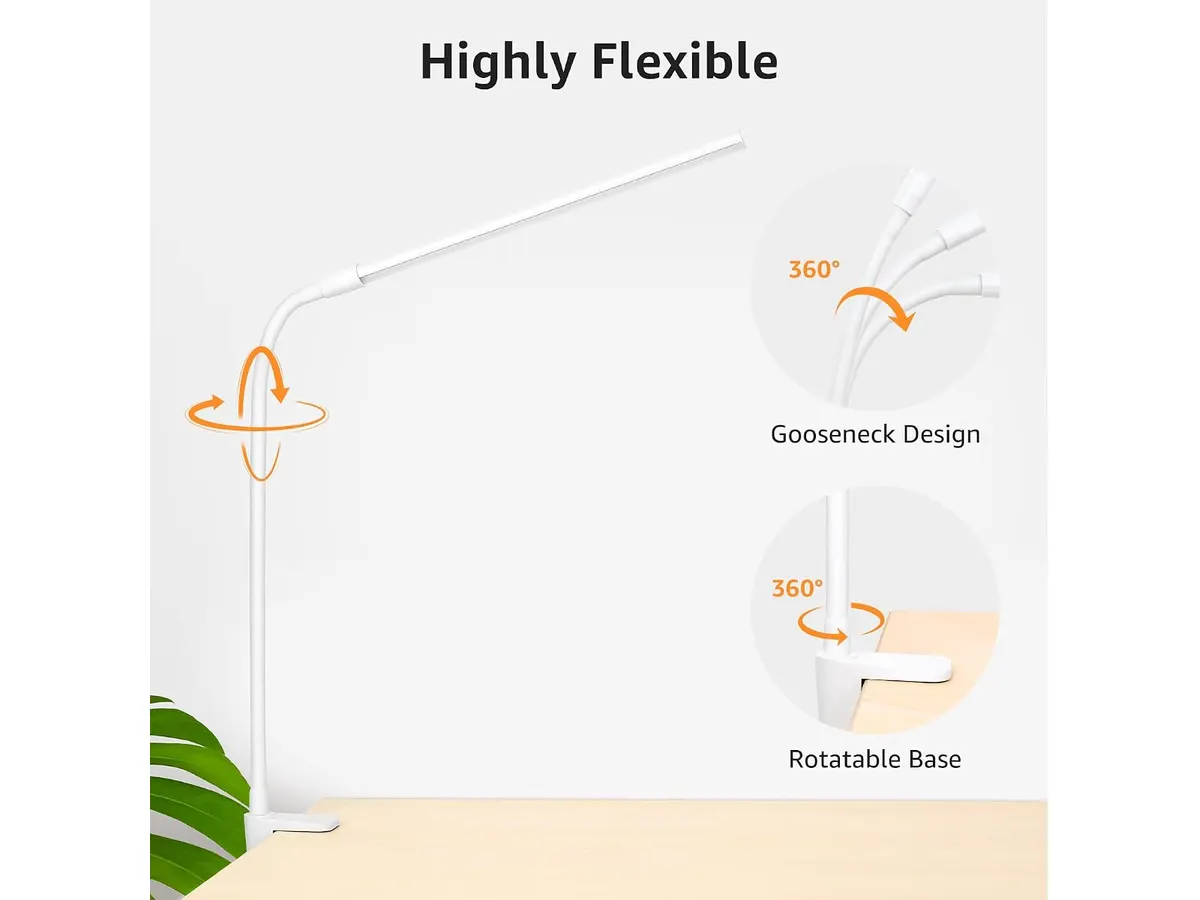
## Dónde flojea
El punto débil más evidente en el empaque es la ausencia del adaptador de corriente a la pared. Aunque incluye el cable USB para conectarla, necesitarás contar con un puerto USB disponible en tu computadora, un concentrador energizado o usar un cargador de teléfono móvil que tengas disponible en casa.
Su dependencia continua del cable es otra limitación importante. No cuenta con batería interna ni es un dispositivo recargable. Si planeas mover la lámpara con frecuencia entre diferentes lugares sin acceso directo a una fuente de energía USB o una batería externa, este modelo no te brindará esa autonomía inalámbrica.
Por otra parte, con 5 W de potencia y un máximo cercano a los 460 lúmenes, su alcance está estrictamente acotado a la zona inmediata de trabajo. Si tu objetivo es iluminar un escritorio amplio de más de un metro y medio de largo con un solo punto de luz, la cobertura se quedará corta en los extremos.
## ¿Para quién es?
### La mejor lámpara de escritorio para trabajar en espacios reducidos
Esta lámpara de Lepro es la opción ideal para estudiantes, profesionales remotos y creadores que operan en escritorios pequeños, mesas auxiliares o esquinas de departamento donde cada centímetro cuenta. Su abrazadera se fija firmemente a bordes de mesas o cabeceros de cama, ofreciendo iluminación limpia y directa sin quitar espacio para el mousepad o el ordenador portátil.
También es una gran adición para quienes realizan llamadas de video continuas y requieren una luz frontal tenue pero clara para eliminar sombras del rostro sin invertir en paneles de iluminación profesional pesados.
### Para quién no es ideal
No es recomendable para usuarios que buscan una lámpara portátil para usar al aire libre o en lugares sin cables de por medio. Al no ser recargable, la necesidad de estar conectada a un puerto USB limita su movilidad libre.
Tampoco encaja en setups donde la mesa carece de un borde expuesto para apretar la abrazadera en C, como escritorios con paneles traseros completamente cerrados o bordes redondeados en exceso. Si prefieres despejar la mesa instalando la luz directamente sobre el bisel del monitor en lugar de sujetarla al mueble, te conviene revisar el [análisis de la Quntis Computer Monitor Lamp](/blog/2026-09-22-quntis-computer-monitor-lamp).
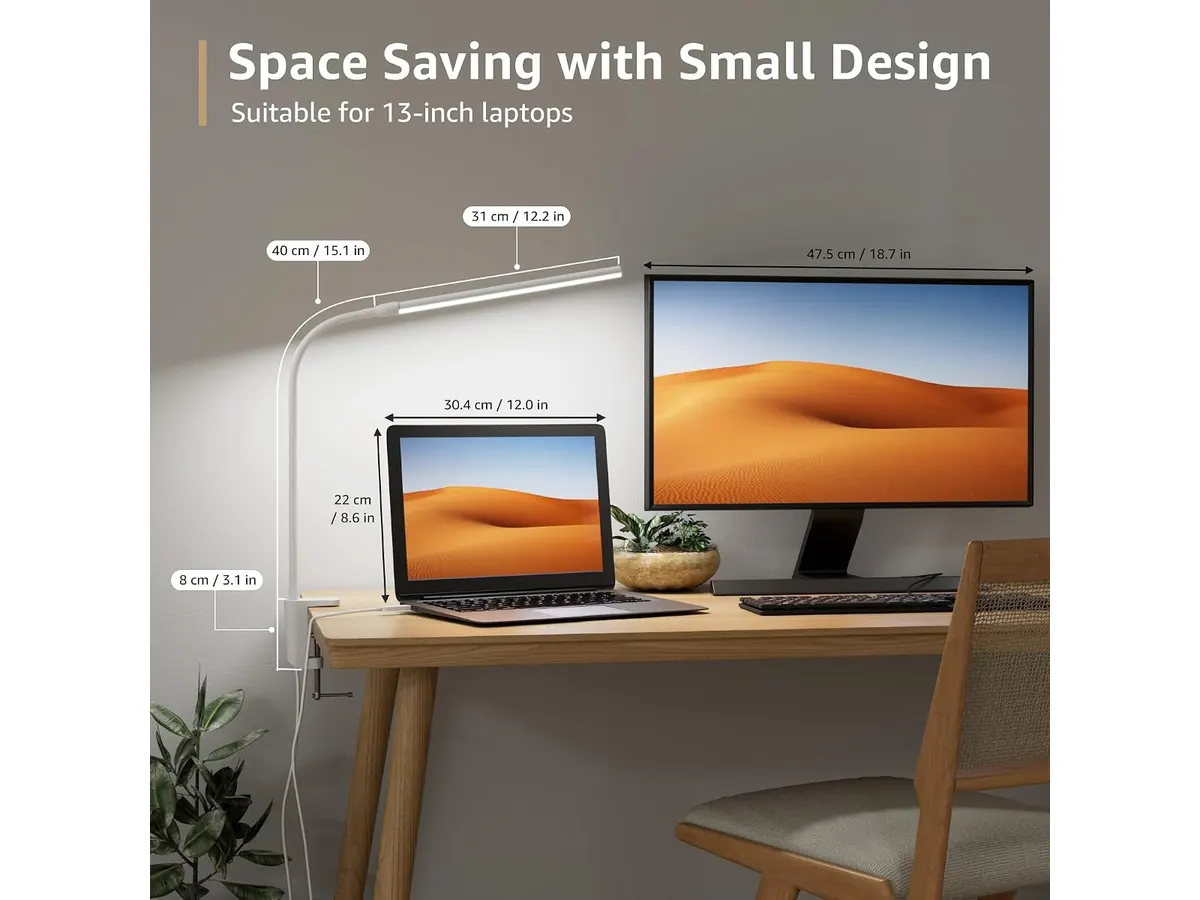
## Alternativas a considerar
En la gama de entrada y gama media existen principalmente dos alternativas frente a esta propuesta con abrazadera.
La primera opción son las barras de luz para monitor. Estas se montan sobre la parte superior de la pantalla mediante un contrapeso, eliminando la necesidad de sujetar clips al borde del escritorio. Son perfectas si el borde de tu mesa es demasiado grueso para una abrazadera estándar o si prefieres que la luz caiga de manera simétrica sobre el teclado sin ocupar espacio lateral.
La segunda alternativa son las lámparas de escritorio de arquitecto o de brazo articulado pesado dentro de una gama de precio superior. Estos modelos ofrecen brazos metálicos de mayor longitud, fuentes de iluminación de mayor wattage y controles táctiles avanzados integrados en el cuerpo. Son recomendables si trabajas con planos impresos grandes, dibujo técnico o manualidades que exigen un área de cobertura mucho más amplia que los 460 lúmenes de esta opción de Lepro.
## Veredicto
La Lepro Small Desk Lamp con abrazadera cumple lo que promete sin rodeos: ilumina de forma clara, consume poca energía y deja libre la superficie de tu mesa. Sus 30 variaciones de luz y su cuello flexible la convierten en una herramienta versátil para el día a día en la oficina en casa. Si tienes un puerto USB a mano y un borde de mesa donde sujetarla, es una compra funcional que resuelve la iluminación focalizada por un costo de espacio nulo. Si necesitas explorar más formatos antes de decidirte, puedes revisar la sección de [iluminación para home office](/categorias/iluminacion) en nuestro sitio.
## Preguntas frecuentes
### ¿Se puede usar con un cargador de teléfono móvil convencional?
Sí, siempre que el cargador tenga un puerto USB estándar tipo A de salida. Solo debes conectar el cable de la lámpara al cargador y enchufarlo a la pared.
### ¿La lámpara guarda la última configuración de brillo al apagarla?
Sí, el control integrado en el cable conserva el último modo de color y nivel de brillo seleccionado siempre que no desconectes el cable de la fuente de energía USB.
### ¿Funciona conectada a una batería externa o powerbank?
Funciona perfectamente conectada a una batería externa. Dado que solo consume 5 W, una batería portatil de capacidad media puede mantener la lámpara encendida durante muchas horas de uso continuo.
---
# Análisis SIHOO Doro C300 Pro V2: ¿Vale la pena?
URL: https://setuplatam.com/blog/2026-10-14-sihoo-doro-c300-pro-v2
Category: Sillas ergonómicas
Published: 2026-10-14
Analizamos la SIHOO Doro C300 Pro V2, una opción sólida si buscas la mejor silla ergonómica para trabajar desde casa con soporte lumbar avanzado y ajustes 8D.
La SIHOO Doro C300 Pro V2 se posiciona como una pieza central para quienes pasan largas jornadas frente al escritorio. Con un enfoque marcado en la adaptabilidad física, esta silla busca eliminar la incomodidad mediante ajustes inteligentes. Es, probablemente, la mejor silla ergonomica para trabajar si valoras la tecnología de soporte activo por encima de los diseños minimalistas tradicionales. Si estás explorando el mercado, te sugiero revisar nuestro catálogo general de [Sillas ergonomicas](/categorias/sillas) para comparar esta propuesta con otros estándares de la industria.
## Lo que hace bien
El punto más fuerte de este modelo es su capacidad de respuesta dinámica. El sistema Self-Adaptive Lumbar Support 2.0 realmente se siente como una extensión del cuerpo, ajustándose a medida que cambias de postura, lo cual evita que la zona lumbar quede desprotegida durante los movimientos laterales. La tecnología SynchroFlex Backrest facilita que el respaldo acompañe el ángulo de inclinación de manera fluida, manteniendo el apoyo constante.
Por otro lado, los apoyabrazos 8D ofrecen un nivel de personalización poco común, permitiendo ajustes en ángulos y alturas que son vitales para quienes utilizan periféricos de distintas formas o tamaños. El reposacabezas 3D también marca una diferencia notable, pues su superficie ampliada ofrece un descanso efectivo para el cuello sin que te sientas limitado por un soporte rígido o pequeño. Además, contar con certificaciones BIFMA, SGS y TÜV brinda una tranquilidad necesaria sobre la durabilidad de sus componentes a largo plazo.
## Especificaciones clave
| Característica | Especificación |
| :--- | :--- |
| Soporte lumbar | Self-Adaptive Lumbar Support 2.0 |
| Ajuste de apoyabrazos | 8D Bionic Armrests |
| Ángulos de reclinación | 105°, 125° y 135° |
| Tecnología de respaldo | SynchroFlex Backrest |
| Reposacabezas | 3D con superficie extendida |
| Certificaciones | BIFMA, SGS, TÜV |
| Garantía | 36 meses |
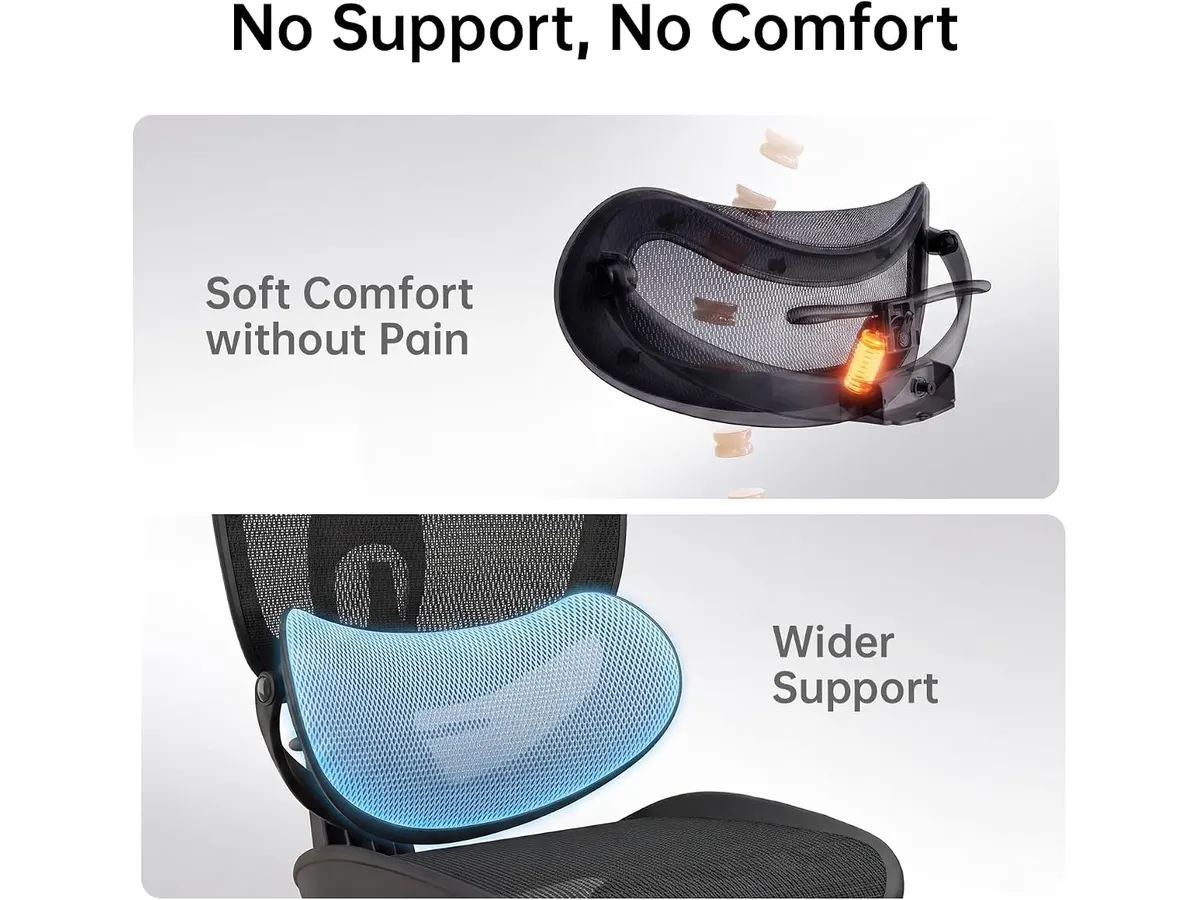
## Dónde flojea
No todo es perfecto. La complejidad de los mecanismos de ajuste, como los apoyabrazos 8D, puede resultar abrumadora o innecesaria para usuarios que prefieren configuraciones estáticas y sencillas. Si buscas una silla que simplemente se mantenga fija en una posición, podrías encontrar que el exceso de movilidad mecánica es más un estorbo que una ayuda. Además, aunque el diseño es funcional, su estética técnica y cargada de piezas plásticas de alta resistencia puede no encajar en espacios de trabajo que busquen un estilo más sobrio o de oficina ejecutiva tradicional.
## ¿Para quién es?
Esta silla es ideal para el trabajador remoto que suele cambiar mucho de postura a lo largo del día y necesita un soporte que se mueva con él. Si sufres de molestias en la parte baja de la espalda o los hombros, el soporte lumbar dinámico y la versatilidad de los apoyabrazos serán tus mejores aliados. Por el contrario, no es para ti si eres un usuario que prefiere configuraciones minimalistas, sin tantas palancas o perillas, o si buscas un diseño tapizado en materiales como el cuero que ofrecen una sensación térmica y táctil distinta a la malla técnica.
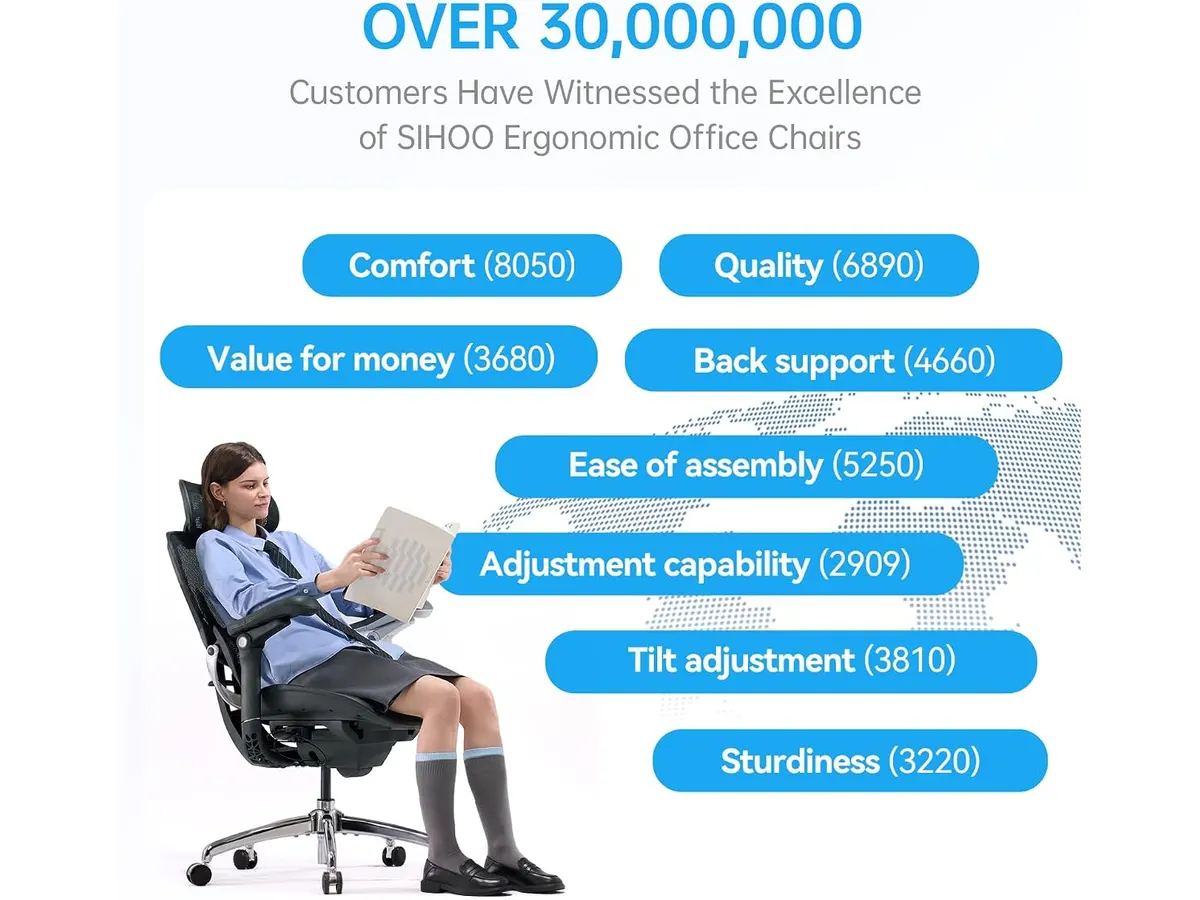
## Alternativas a considerar
Si el enfoque técnico de esta silla no te convence, puedes considerar opciones de gama alta que priorizan la simplicidad mecánica y materiales de mayor peso visual, ideales para oficinas donde se busca una estética más clásica; revisa el [Ergohuman ME7ERG GEN2: Silla Ergonómica para Oficina](/blog/2026-09-22-ergohuman-me7erg-gen2) para comparar esta filosofía. Si, por el contrario, buscas una solución más equilibrada en cuanto a precio y rendimiento base, sin la complejidad de los apoyabrazos 8D pero manteniendo una ergonomía sólida, te recomiendo analizar el [SIHOO M18: Análisis de la Silla Ergonómica Ideal para Oficina](/blog/2026-09-22-sihoo-m18), que sigue siendo un punto de referencia en el sector.
## Veredicto
La SIHOO Doro C300 Pro V2 cumple con creces su promesa de ser una herramienta de trabajo activa. Su capacidad para adaptarse al movimiento del usuario es su mayor activo, justificando su diseño tecnológico. Si pasas más de ocho horas sentado, la inversión en ergonomía avanzada te devolverá el beneficio en salud postural; puedes explorar otras opciones en nuestra guía de [Sillas ergonomicas](/categorias/sillas) para estar seguro de tu elección.
## Preguntas frecuentes
### ¿Qué significa que los apoyabrazos sean 8D?
Significa que tienen ocho ejes de movimiento distintos, permitiendo ajustes no solo en altura y profundidad, sino también en ángulos laterales y rotaciones para adaptarse a cualquier posición de tus brazos al escribir o usar el mouse.
### ¿Es difícil de armar esta silla?
Aunque cuenta con muchos componentes debido a sus mecanismos, el paquete incluye todo lo necesario y las instrucciones están diseñadas para un ensamblaje estándar que toma cerca de 30 a 40 minutos sin requerir herramientas externas.
### ¿El soporte lumbar se puede bloquear en una sola posición?
Está diseñado para ser autoajustable, lo que implica que su gracia reside en seguir el movimiento natural de tu espalda en lugar de permanecer fijo, garantizando que siempre haya contacto y soporte sin importar cómo te sientes.
---
# Análisis del ANYHDD Dell P2425H: Monitor para Oficina
URL: https://setuplatam.com/blog/2026-10-13-anyhdd-dell-p2425h
Category: Monitores
Published: 2026-10-13
Evaluamos el ANYHDD Dell P2425H, un monitor de 24 pulgadas diseñado para el teletrabajo. ¿Es el mejor monitor para home office? Aquí nuestro veredicto profesional.
El ANYHDD Dell P2425H es una opción enfocada en la productividad diaria para quienes pasan largas jornadas frente a la computadora. Con un panel IPS de 24 pulgadas y una frecuencia de actualización de 100 Hz, busca equilibrar la fluidez visual con la comodidad ergonómica. Es una herramienta diseñada específicamente para estudiantes y profesionales que buscan el mejor monitor para home office dentro de un presupuesto razonable en nuestra sección de [Monitores](/categorias/monitores).
## Lo que hace bien
Este modelo destaca por integrar características pensadas para reducir la fatiga visual. La tecnología ComfortView Plus es una solución efectiva para mitigar la luz azul sin alterar significativamente la precisión del color, algo vital si trabajas hasta tarde. La fluidez de los 100 Hz marca una diferencia notable respecto a los paneles estándar de 60 Hz al momento de desplazarte por documentos largos o navegar por la web.
La ergonomía es otro pilar fundamental de este diseño. A diferencia de opciones económicas con bases fijas, el P2425H permite ajustes de altura, inclinación, giro y pivote. Esto facilita encontrar la posición exacta de los ojos respecto al borde superior de la pantalla, reduciendo la tensión cervical. Además, su hub de 4 puertos USB tipo A simplifica la organización de periféricos, permitiendo conectar ratones, teclados o unidades externas directamente al monitor.
## Especificaciones clave
| Característica | Especificación |
| :--- | :--- |
| Tamaño de pantalla | 24 pulgadas |
| Resolución | 1920 x 1080 (Full HD) |
| Frecuencia de actualización | 100 Hz |
| Tecnología de panel | IPS |
| Tiempo de respuesta | 5 ms (GtG) |
| Puertos de video | HDMI 1.4, DisplayPort 1.2, VGA |
| Puertos adicionales | Hub USB tipo A de 4 puertos |
| Ergonomía | Inclinación, giro, pivote, altura |
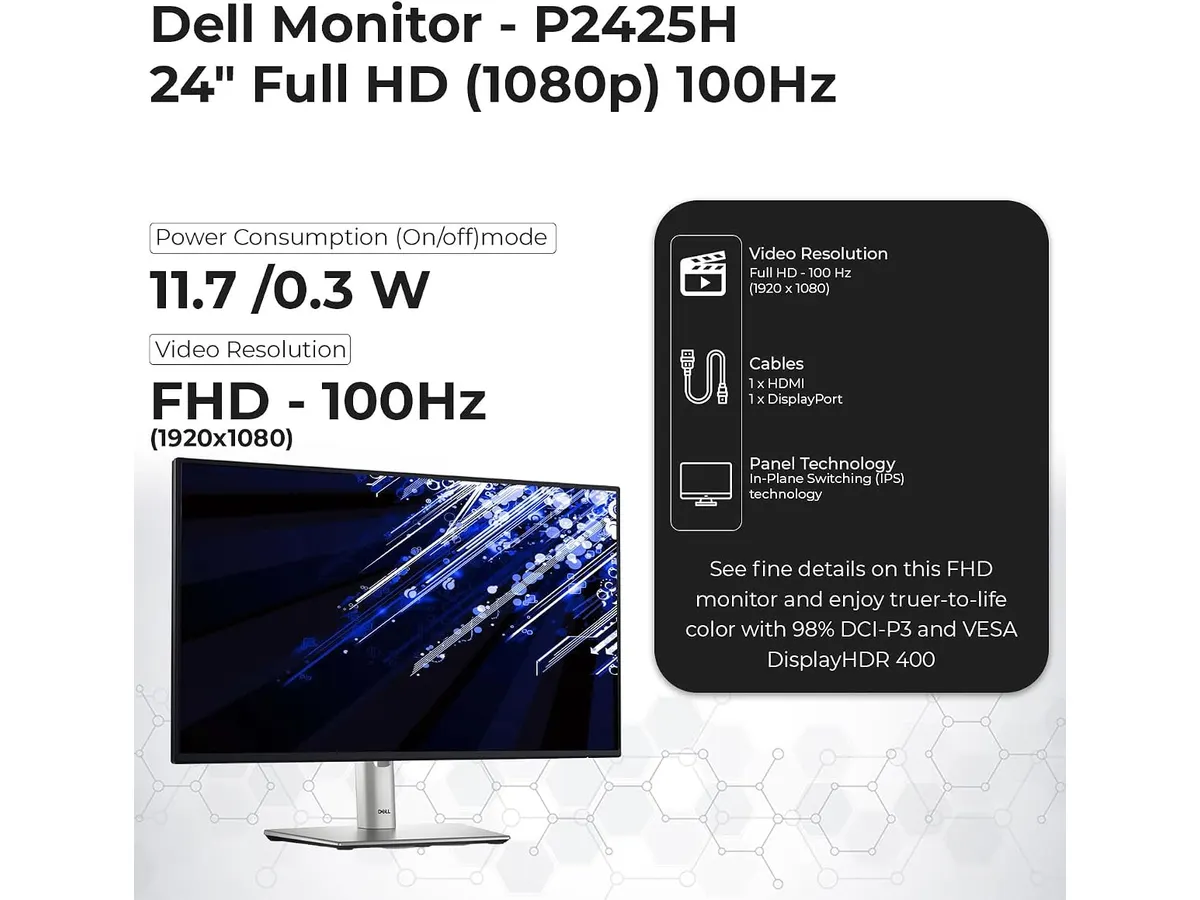
## Dónde flojea
No todo es perfecto. La resolución Full HD en un panel de 24 pulgadas es funcional, pero si estás acostumbrado a densidades de píxeles más altas, notarás que el texto no es tan nítido como en resoluciones QHD. Si buscas una mayor resolución, puedes revisar nuestra [Análisis del monitor Dell UltraSharp U2724D: calidad y desempeño](/blog/2026-09-22-dell-ultrasharp-u2724d).
Otro aspecto limitante es la conectividad de video. Al contar con HDMI 1.4 y DisplayPort 1.2, no estamos ante los estándares más recientes. Esto es suficiente para las tareas de oficina, pero si planeas conectar consolas de videojuegos o equipos que requieran mayor ancho de banda, la experiencia podría verse limitada. Además, la presencia de un puerto VGA resulta un tanto obsoleta en un setup moderno, aunque pueda ser útil en entornos corporativos antiguos.
## ¿Para quién es?
Este monitor es ideal para el trabajador de oficina o estudiante que prioriza la salud visual y la organización del espacio. Si pasas ocho horas al día redactando, analizando hojas de cálculo o realizando videollamadas, los ajustes ergonómicos y la reducción de luz azul te ayudarán a terminar la jornada con menos cansancio.
Por el contrario, este monitor no es para ti si te dedicas al diseño gráfico profesional o a la edición de video de alta complejidad. La resolución 1080p y el espacio de color limitado te dejarán buscando mayor precisión y detalle. Si tu flujo de trabajo exige un rendimiento superior para tareas visuales, te recomendamos consultar el [Revisión del monitor LG UltraGear 27G61ZB-B: rendimiento y calidad](/blog/2026-09-22-lg-ultragear-27g61zb-b).
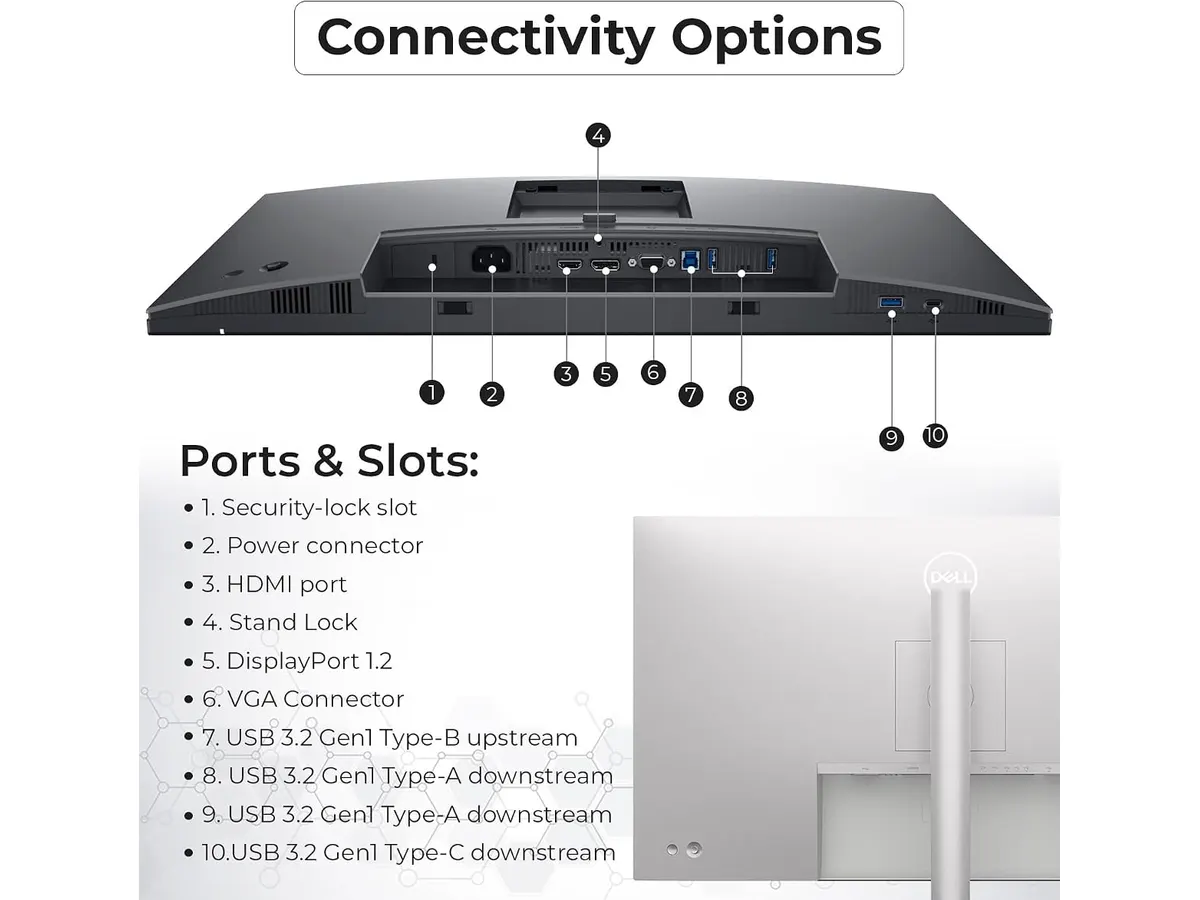
## Alternativas a considerar
Si necesitas más espacio de trabajo, los monitores de 27 pulgadas en el rango de entrada son una alternativa común. Estos ofrecen una mayor área de visualización, aunque a menudo sacrifican la ergonomía avanzada que este modelo de 24 pulgadas sí posee de fábrica. Para quienes buscan una configuración de dos pantallas, existen opciones en el mercado de gama económica que permiten maximizar el flujo de trabajo sin una inversión desmedida.
Otra opción es subir un escalón hacia paneles con mayor densidad de píxeles, como los modelos de resolución QHD. Estos suelen ser más costosos, pero brindan una nitidez superior que justifica el gasto para quienes editan texto constantemente. Si tu prioridad es la multitarea extrema, considera la posibilidad de un setup doble en lugar de un solo monitor de mayor tamaño.
## Veredicto
El ANYHDD Dell P2425H cumple con su propósito de ser una estación de trabajo confiable y ergonómica. La fluidez de sus 100 Hz y la calidad de construcción lo sitúan por encima de los monitores básicos de oficina, convirtiéndolo en una compra inteligente. Si buscas una pantalla sólida para teletrabajar con comodidad, este modelo es una elección muy equilibrada.
## Preguntas frecuentes
### ¿Es compatible con soportes VESA?
Sí, cuenta con los puntos de montaje estándar que te permiten retirar la base incluida y colocarlo en un brazo articulado para liberar espacio en el escritorio.
### ¿Funciona para juegos competitivos?
Aunque sus 100 Hz ofrecen una mejora sobre los monitores de 60 Hz, su tiempo de respuesta de 5 ms no está optimizado para juegos de alta velocidad o competitivos.
### ¿Incluye cables en la caja?
Por lo general, estos paquetes incluyen los cables básicos de conexión, pero te recomendamos verificar el contenido específico del empaque antes de comprar cualquier cable adicional.
---
# AOC 4K Webcam: Análisis y prueba de calidad
URL: https://setuplatam.com/blog/2026-10-13-aoc-4k-webcam
Category: Audio y webcams
Published: 2026-10-13
¿Buscando la mejor webcam para home office? Analizamos la AOC 4K Webcam con micrófono con cancelación de ruido, lente de 80° y cubierta de privacidad.
La AOC 4K Webcam llega como una opción directa para profesionales y trabajadores remotos que necesitan una calidad de imagen impecable en sus reuniones diarias. Dentro de la sección de [Audio y webcams](/categorias/audio-webcams), este modelo busca posicionarse como la mejor webcam para home office combinando un sensor de alta resolución, ajustes de iluminación automáticos y máxima privacidad física sin complicaciones técnicas.
## Lo que hace bien
El punto más fuerte de este dispositivo es la claridad de la imagen. La resolución 4K Ultra HD marca una diferencia sustancial respecto a las cámaras web integradas en la mayoría de las computadoras portátiles. Los detalles faciales se perciben nítidos, la textura de la piel no se degrada por compresión agresiva y la reproducción de color mantiene un tono natural. Además, el algoritmo de corrección de iluminación automática funciona con notable rapidez. Cuando la luz natural de la habitación cae al final de la tarde, la cámara compensa la falta de brillo sin generar un ruido excesivo en la toma.
La versatilidad de montaje y articulación mecánica merece una mención especial. A diferencia de cámaras rígidas que limitan el encuadre, esta unidad ofrece 360 grados de giro horizontal y 180 grados de inclinación vertical. Puedes ajustarla con precisión milimétrica hacia tu rostro, inclinarla hacia la superficie de trabajo para mostrar bocetos o girarla hacia un lado cuando necesites salir de cuadro. Su sistema de sujeción se adapta con firmeza sobre monitores delgados, pantallas gruesas o tripiés estándar.
El apartado de conectividad resuelve un problema habitual en los escritorios modernos. Incluye compatibilidad nativa con puertos USB-A y USB-C mediante un adaptador integrado, lo que facilita cambiar la cámara entre un equipo de escritorio tradicional y una computadora portátil reciente sin buscar accesorios extra.
El micrófono con cancelación de ruido integrado captura la voz con claridad suficiente para llamadas de trabajo, filtrando ruidos constantes de fondo como ventiladores o el zumbido del aire acondicionado. Por último, la cubierta física deslizante aporta la tranquilidad mental que un interruptor de software nunca logra transmitir: cuando la tapa está cerrada, la lente queda bloqueada al cien por cien.
## Especificaciones clave
| Característica | Detalle técnico |
| --- | --- |
| Resolución | 4K Ultra HD |
| Campo de visión | 80 grados |
| Flexibilidad mecánica | 180° de inclinación vertical y 360° de giro horizontal |
| Conectividad | USB-A y USB-C (adaptador incluido) |
| Captura de audio | Micrófono integrado con cancelación de ruido |
| Privacidad | Tapa física deslizante integrada |
| Ajuste de imagen | Corrección automática para entornos oscuros |
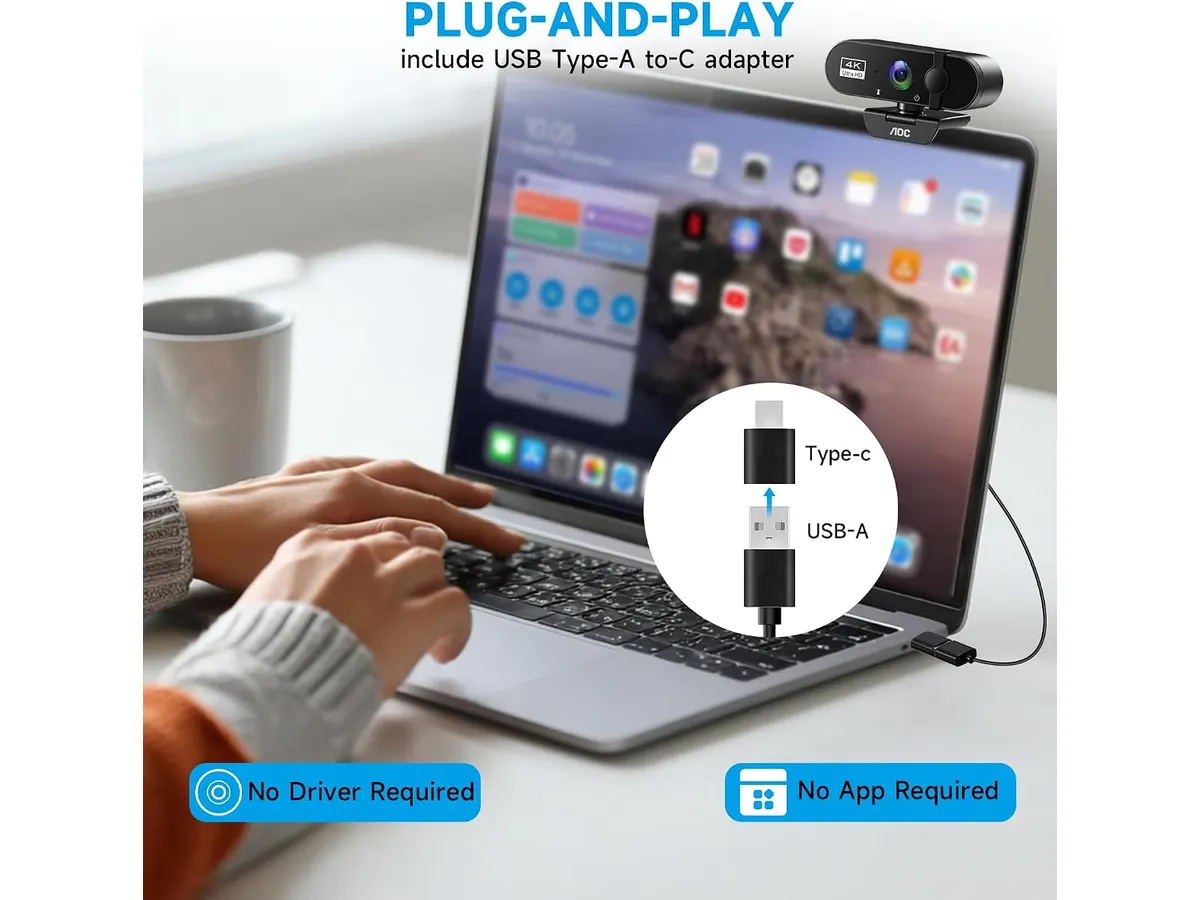
## Dónde flojea
El campo de visión fijo de 80 grados es amplio. Si bien permite encuadrar la cabeza y los hombros de forma holgada, también muestra bastante del entorno que te rodea. Si trabajas en un espacio reducido o tienes un fondo desordenado, la cámara expone más habitación de la que quizás te gustaría enseñar en una videoconferencia formal.
Carece de funciones avanzadas de seguimiento automatizado por hardware o motores paso a paso. La orientación de la cámara depende exclusivamente de tus manos. Si buscas un dispositivo que gire por sí solo para mantenerte centrado mientras te mueves por la habitación, tendrás que mirar opciones especializadas con robotización, como se explica en el [análisis de la OBSBOT Tiny 3 Lite](/blog/2026-09-26-obsbot-tiny-3-lite).
Transmitir video a resolución 4K exige un consumo constante de ancho de banda y recursos del sistema. Aunque funciona sin problemas en computadoras recientes, en equipos antiguos con puertos USB de menor velocidad o procesadores ajustados, la transmisión a máxima resolución puede presentar caídas leves en la tasa de fotogramas.
## ¿Para quién es?
### ¿Es la mejor webcam para home office según tu perfil?
Este modelo está pensado para profesionales del teletrabajo, ejecutivos, docentes y consultores que pasan varias horas al día en plataformas de videoconferencia y exigen una presentación impecable. Si tu prioridad es conectar el cable, encender la pantalla y transmitir una imagen cristalina con colores bien balanceados sin entrar en paneles de configuración complejos, la propuesta de AOC encaja perfectamente en tu rutina.
Por el contrario, no es la opción ideal para creadores de contenido que requieren encuadres cinematográficos con fondo muy desenfocado o creadores que se desplazan constantemente durante sus presentaciones en vivo. Quienes necesiten algoritmos de seguimiento por inteligencia artificial o deseen controlar manualmente cada parámetro de velocidad de obturación e ISO encontrarán este equipo demasiado automatizado para sus exigencias.
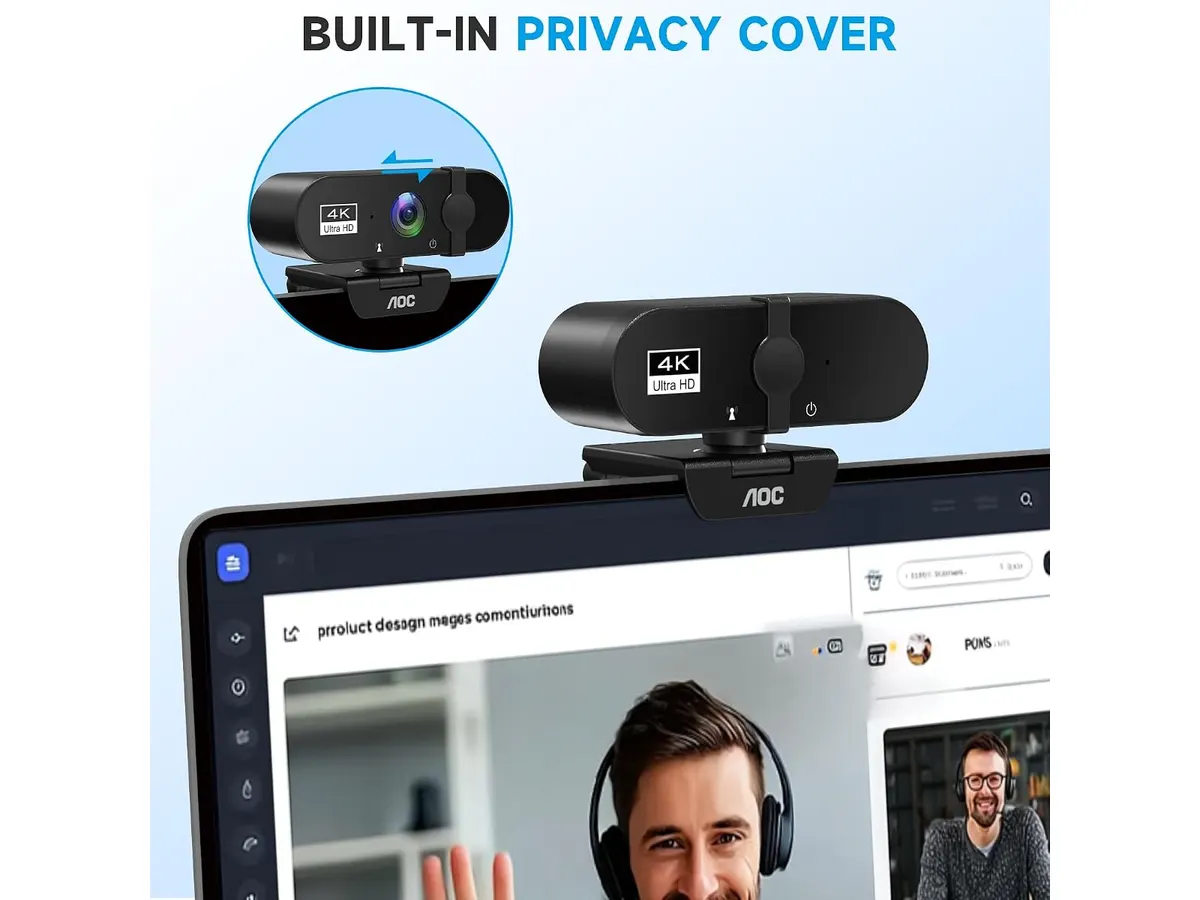
## Alternativas a considerar
En el segmento de gama alta dentro de la categoría de video profesional, existen alternativas enfocadas en brindar sensores de tamaño superior y software dedicado para ajustes finos de colorimetría y campos de visión variables. Para quienes buscan ese nivel de control avanzado y capacidades de transmisión profesional, vale la pena revisar el [análisis de la Logitech MX Brio](/blog/2026-09-22-logitech-mx-brio).
Por otro lado, si tu presupuesto es acotado y únicamente necesitas una cámara básica para reuniones ocasionales de quince minutos a la semana, una periferia 1080p estándar de entrada cumplirá el expediente sin requerir la inversión que exige un sensor 4K.
## Veredicto
La AOC 4K Webcam ofrece una nitidez sobresaliente y una flexibilidad mecánica que muy pocas cámaras de su categoría igualan. Su diseño plug-and-play, la inclusión de conectores USB-A y USB-C y la seguridad de su tapa física redondean un producto sólido para el trabajo remoto. Si buscas actualizar la imagen de tus videollamadas con una herramienta confiable y sin complicaciones, este dispositivo es una compra totalmente recomendada.
## Preguntas frecuentes
### ¿Necesito instalar controladores especiales para usar la AOC 4K Webcam?
No. La cámara utiliza el protocolo estándar UVC (USB Video Class), lo que significa que el sistema operativo la reconoce de inmediato al conectarla. Funciona de manera nativa en Windows, macOS y sistemas afines sin instalar drivers adicionales.
### ¿Se puede montar esta cámara web en un tripié tradicional?
Sí. La base articulada de la cámara incluye una rosca estándar de 1/4 de pulgada en la parte inferior, permitiendo atornillarla a cualquier tripié de escritorio, brazo articulado o soporte de iluminación común.
### ¿Cómo funciona la tapa de privacidad deslizante?
Es un mecanismo puramente físico integrado en el bisel frontal de la cámara. Al deslizar la pestaña, una pieza opaca cubre la lente por completo, bloqueando la captura de imagen a nivel óptico.
---
# Análisis del Redragon K521KS: Teclado Tri-Modo Versátil
URL: https://setuplatam.com/blog/2026-10-12-redragon-k521ks
Category: Periféricos
Published: 2026-10-12
El Redragon K521KS es una opción sólida para quienes buscan eficiencia. Analizamos este teclado dentro de los mejores perifericos para home office hoy.
El Redragon K521KS se presenta como una alternativa funcional para quienes buscan versatilidad en su escritorio sin gastar de más. Es un teclado pensado para usuarios que alternan constantemente entre equipos y necesitan un periférico confiable. Si buscas armar tu espacio de trabajo, este modelo es uno de los mejores perifericos para home office que puedes encontrar en el segmento de entrada.
## Lo que hace bien
La mayor virtud de este teclado es su conectividad tri-modo. La capacidad de alternar entre Bluetooth, el receptor de 2.4 GHz y el cable USB-C permite gestionar hasta cinco dispositivos de forma simultánea, algo inusual en este rango de precio. Esta característica simplifica el flujo de trabajo cuando utilizas una computadora personal y otra de oficina al mismo tiempo.
La batería integrada de 4000 mAh destaca por su capacidad. En un uso diario, esto se traduce en una autonomía que permite olvidarse de la carga durante varias jornadas, incluso con la iluminación RGB activa. Además, la inclusión de software programable brinda control sobre las macros y la personalización de las teclas, permitiendo adaptar el teclado a tareas específicas de productividad o juego.
## Especificaciones clave
| Característica | Especificación |
| :--- | :--- |
| Conectividad | Tri-Modo (Bluetooth, 2.4 GHz, USB-C) |
| Batería | 4000 mAh |
| Sensación de teclas | Sensación mecánica |
| Anti-ghosting | 25 teclas |
| Teclas multimedia | 12 combinaciones |
| Iluminación | RGB (8 modos, 7 colores) |
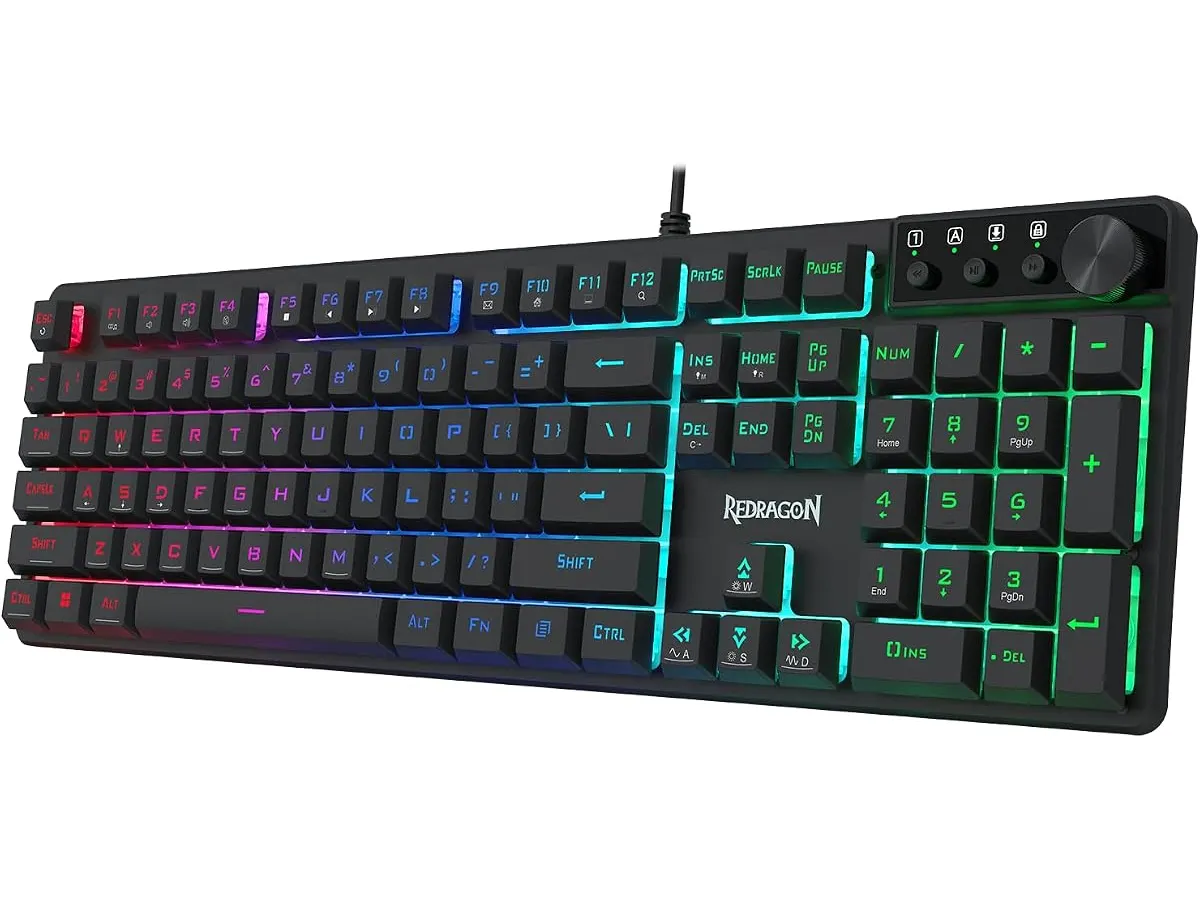
## Dónde flojea
No todo es perfecto. La sensación mecánica es, en última instancia, una emulación. Los usuarios acostumbrados a interruptores mecánicos reales notarán una respuesta distinta, menos táctil y con un recorrido menos definido, lo cual puede ser frustrante para quienes escriben grandes volúmenes de texto. No es una herramienta de escritura de precisión profesional.
La tecnología anti-ghosting está limitada a 25 teclas. Si bien es suficiente para la mayoría de los videojuegos, los usuarios más exigentes podrían encontrar esta cifra restrictiva. Además, el acabado plástico del chasis se siente ligero, lo que resta estabilidad al escribir con fuerza sobre superficies poco adherentes.
## ¿Para quién es?
Este modelo encaja perfectamente con el estudiante o trabajador remoto que necesita un teclado «todo terreno» para su escritorio compartido. Si alternas entre una laptop, una tablet y una torre de PC, la conectividad múltiple te ahorrará mucho tiempo. Por el contrario, no es para el entusiasta de los teclados mecánicos o el profesional de la redacción que requiere interruptores de alta respuesta y una construcción premium para largas jornadas de tecleo intenso.
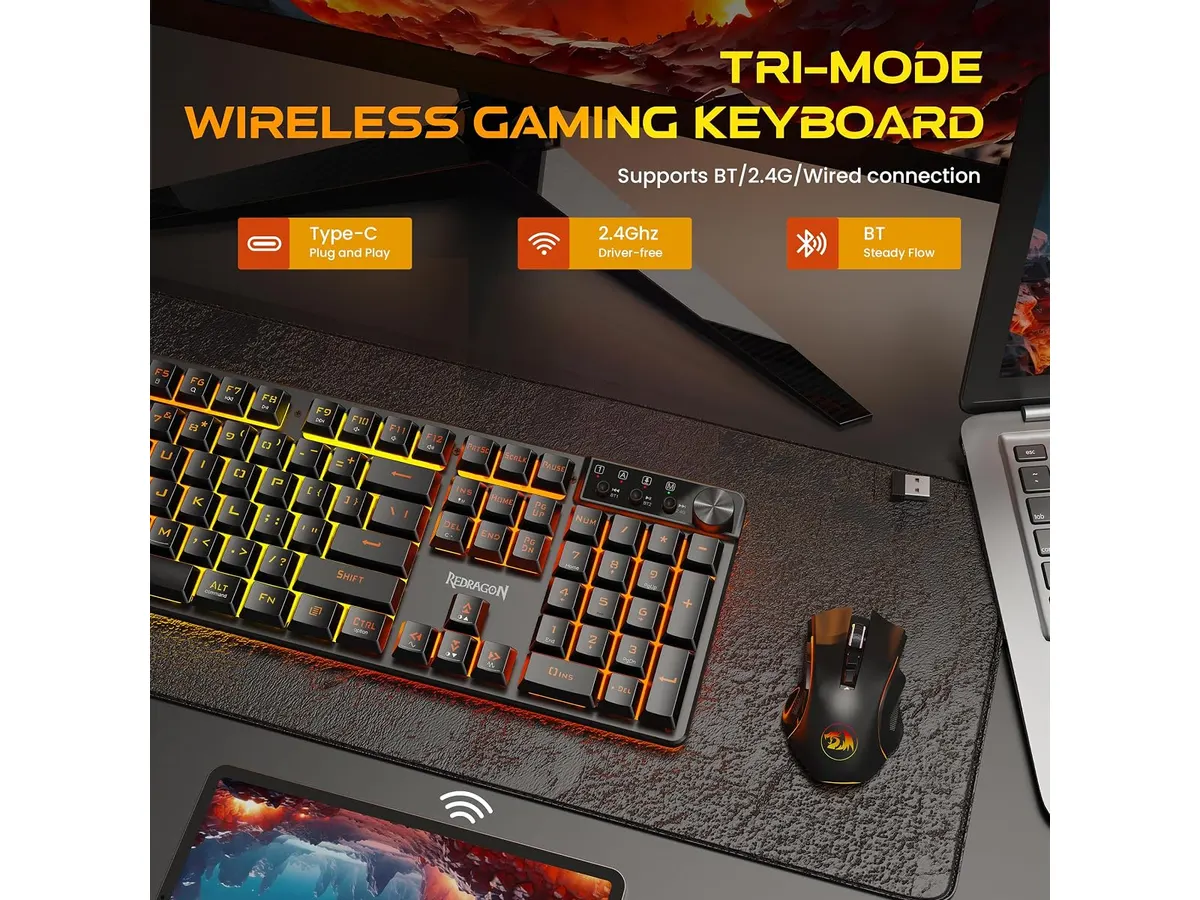
## Alternativas a considerar
Si buscas una experiencia de escritura superior, existen opciones de gama media que utilizan interruptores mecánicos reales, ofreciendo un feedback acústico y táctil muy superior, aunque suelen sacrificar la capacidad de batería por un mayor peso. Si tu prioridad es la ergonomía para largas sesiones, te recomiendo revisar el [Logitech MX Master 3S: Análisis del ratón ergonómico ideal para la oficina](/blog/2026-09-22-logitech-mx-master-3s) para complementar tu espacio.
Para quienes buscan una opción más sencilla y económica en el segmento de entrada, existen alternativas de membrana básicas que priorizan el silencio sobre la estética gamer. Asimismo, si necesitas una opción que combine ligereza con portabilidad, puedes consultar el [Análisis del iClever Wireless Mouse: Versatilidad y Silencio](/blog/2026-09-22-iclever-wireless-mouse) para equipar tu kit de trabajo móvil.
## Veredicto
El Redragon K521KS es una opción pragmática para quienes priorizan la conectividad por encima de la precisión mecánica pura. Es un equipo funcional, con una batería que cumple y una versatilidad difícil de batir en su categoría. Te invito a explorar nuestra sección de [Perifericos](/categorias/perifericos) para ver cómo este modelo se integra en una configuración completa.
## Preguntas frecuentes
### ¿Se puede usar con cable mientras se carga?
Sí, el modo USB-C permite utilizar el teclado de forma cableada mientras la batería interna se recarga simultáneamente.
### ¿Es compatible con consolas?
Gracias a su modo Bluetooth y al receptor de 2.4 GHz, es compatible con la mayoría de las consolas modernas que aceptan entrada de teclado estándar.
### ¿Cómo se cambia entre los dispositivos guardados?
El teclado utiliza combinaciones de teclas específicas para alternar rápidamente entre los equipos conectados, lo que permite pasar de un dispositivo a otro en pocos segundos.
---
# Análisis del convertidor VIVO DESK-V000U
URL: https://setuplatam.com/blog/2026-10-12-vivo-desk-v000u
Category: Escritorios
Published: 2026-10-12
El VIVO DESK-V000U es el mejor escritorio para home office si buscas simplicidad. Analizamos sus pros, contras y si vale la pena para tu espacio de trabajo.
Pasar ocho horas sentado frente a la computadora es una receta para el dolor lumbar y la fatiga. El VIVO DESK-V000U llega como una solución directa para quienes buscan transformar su mesa actual en un espacio activo sin realizar una inversión masiva. Es una herramienta ideal para estudiantes o freelancers que necesitan un empujón ergonómico. Si buscas el mejor escritorio para home office sin complicaciones técnicas, este convertidor merece atención. Dentro de nuestra selección de [Escritorios](/categorias/escritorios), este modelo destaca por su sencillez operativa.
## Lo que hace bien
El punto más fuerte es la inmediatez. Al llegar completamente preensamblado, te ahorras la frustración de las instrucciones confusas y el uso de herramientas. Simplemente lo sacas de la caja y está listo para integrarse a tu superficie actual.
La estabilidad es otro factor clave. Muchos convertidores económicos tambalean al alcanzar alturas elevadas, pero este sistema mantiene una estructura firme gracias a su diseño. Con un rango de ajuste de 1.8" a 16.2", ofrece una flexibilidad suficiente para que la mayoría de los usuarios encuentren una postura cómoda al estar de pie.
Además, la superficie de 29.3" x 17.8" es bastante generosa para su categoría. Tienes espacio real para un monitor, un teclado de tamaño completo y un mouse. Es un diseño funcional que no intenta ser lujoso, sino que cumple con su tarea de soporte de forma eficiente bajo su límite de peso de 22 lbs.
## Especificaciones clave
| Característica | Detalle |
| :--- | :--- |
| Dimensiones | 29.3" x 17.8" |
| Rango de altura | 1.8" a 16.2" |
| Capacidad de carga | Hasta 22 lbs |
| Peso del producto | N/A (ligero) |
| Instalación | Preensamblado |
| Color | Negro |
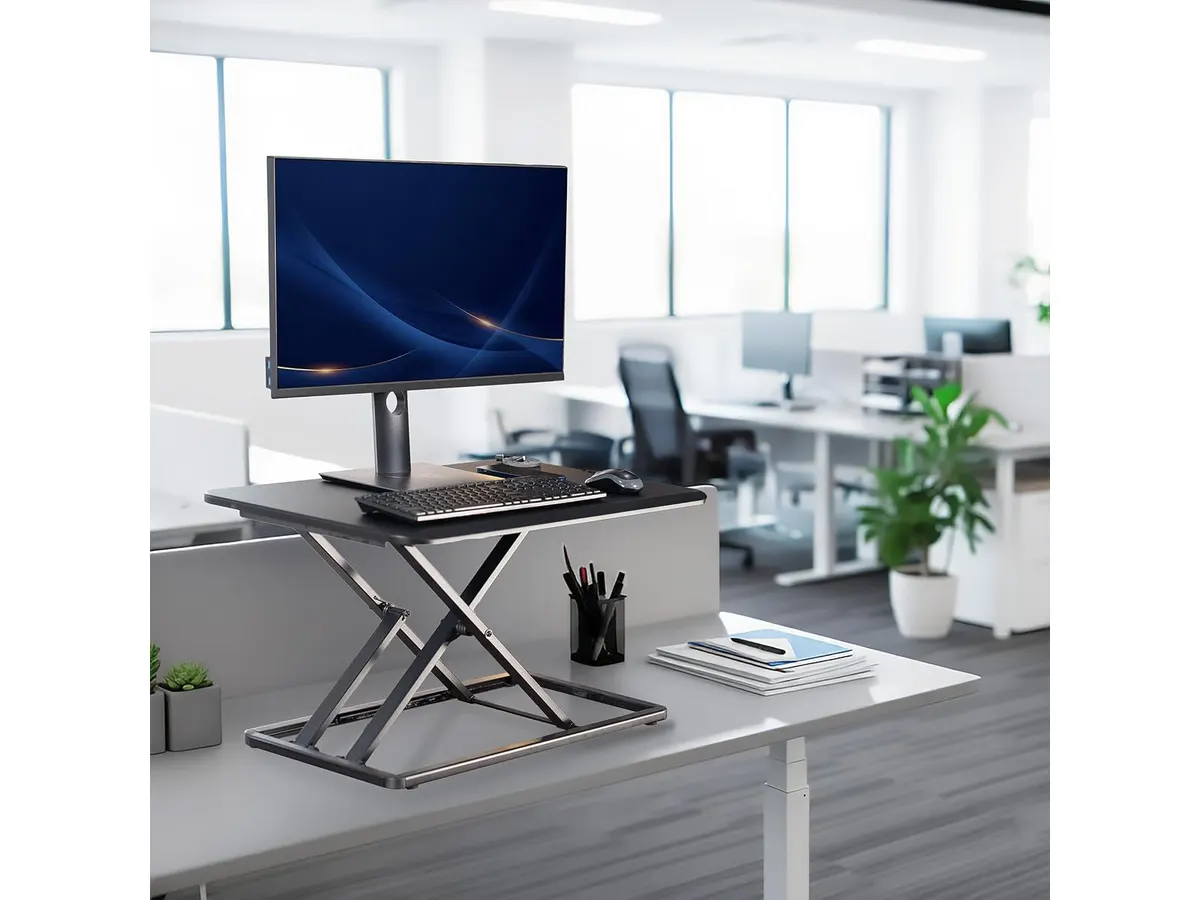
## Dónde flojea
No todo es perfecto. La principal limitación es su sistema de ajuste manual al toque. A diferencia de las opciones motorizadas, requiere un esfuerzo físico cada vez que quieres cambiar de posición, lo cual puede volverse tedioso si planeas alternar entre estar sentado y de pie muchas veces al día. Si prefieres algo más automatizado, puedes comparar esta experiencia con el [Análisis del Vari Classic Electric Standing Desk para tu oficina](/blog/2026-09-22-vari-classic-electric-standing-desk).
Asimismo, el espacio en la superficie es fijo. Si utilizas una configuración de monitores duales muy grande, el área disponible se sentirá limitada rápidamente. Finalmente, al ser un convertidor, elevará tu teclado por encima de la altura original de tu mesa, lo que podría obligarte a ajustar la altura de tu silla para mantener una postura ergonómica correcta en las muñecas.
## ¿Para quién es?
Este producto le encaja perfectamente a quien trabaja en espacios reducidos y no desea deshacerse de su escritorio actual. Es ideal para estudiantes o profesionales que tienen un presupuesto limitado y quieren probar si trabajar de pie mejora su productividad sin comprometer toda su mesa.
Por otro lado, no es para el usuario que busca una estación de trabajo de alta gama. Si trabajas con múltiples monitores grandes o prefieres la comodidad de solo presionar un botón para ajustar la altura, este convertidor se quedará corto. En ese caso, te recomiendo revisar el [Análisis del FLEXISPOT 42" Standing Desk Converter para tu oficina](/blog/2026-09-22-flexispot-42-standing-desk-converter) para ver cómo una mayor superficie cambia la dinámica.
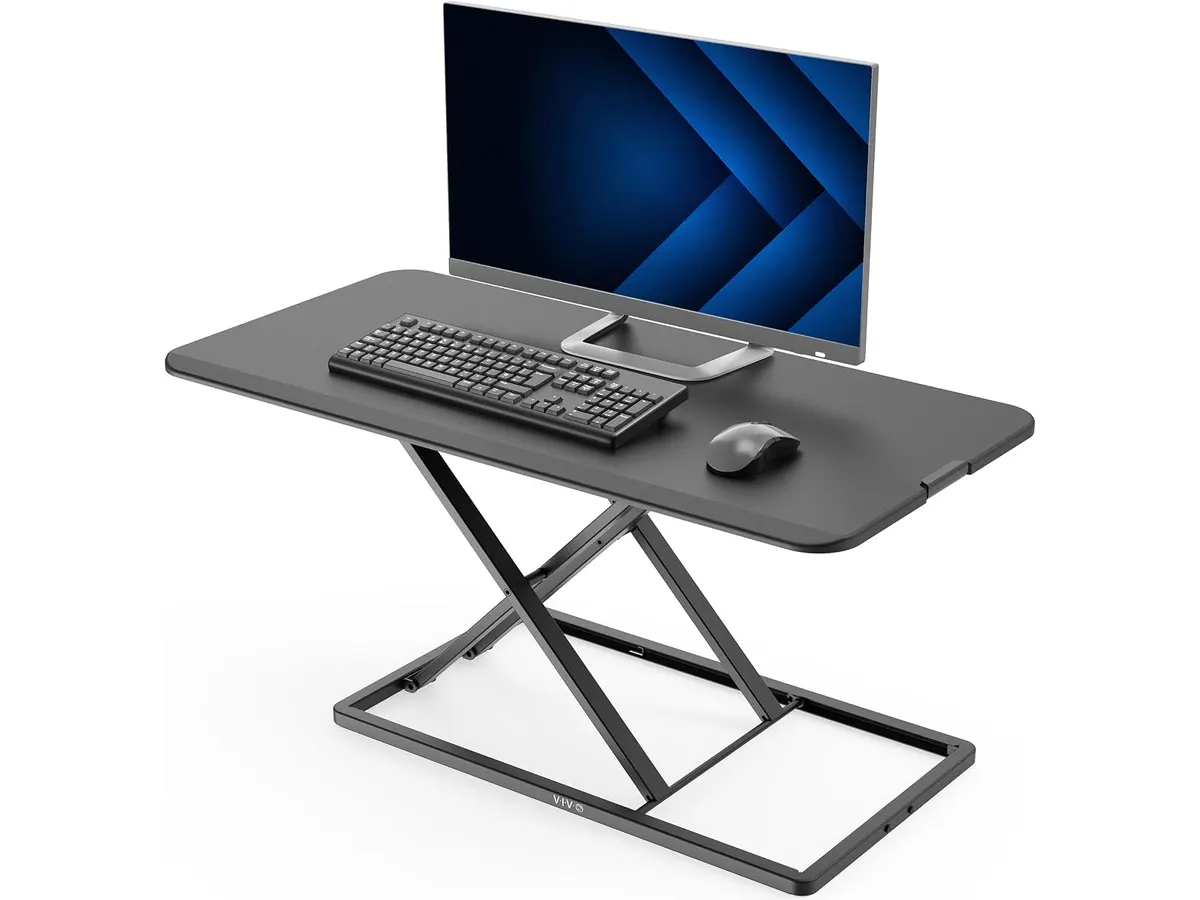
## Alternativas a considerar
Si el ajuste manual no es lo que buscas, existen opciones motorizadas de gama media que eliminan el esfuerzo físico. Son inversiones más altas, pero ganan mucho en comodidad diaria y permiten un flujo de trabajo mucho más dinámico sin distracciones.
Para quienes necesitan una superficie mucho más amplia, existen convertidores con niveles dedicados para teclado y monitor que ofrecen mayor profundidad. Estos son ideales para quienes usan periféricos grandes y necesitan mantener una distancia de visión saludable con su pantalla principal.
## Veredicto
El VIVO DESK-V000U es una herramienta competente para quienes se inician en el trabajo ergonómico. Cumple su promesa de estabilidad y facilidad de uso, pero su naturaleza manual lo limita frente a opciones más avanzadas. Si tu objetivo es mejorar tu salud postural sin gastar una fortuna en un escritorio completo, es una compra inteligente. Recuerda explorar todas nuestras recomendaciones en [Escritorios](/categorias/escritorios) antes de decidir.
## Preguntas frecuentes
### pregunta
¿Es necesario atornillar algo al escritorio existente?
No. El VIVO DESK-V000U llega totalmente preensamblado y simplemente se coloca sobre cualquier superficie plana.
### pregunta
¿Soportará mi monitor de 27 pulgadas?
Siempre que tu monitor y periféricos no superen las 22 lbs en conjunto, funcionará sin problemas.
### pregunta
¿Se tambalea al escribir con fuerza?
Gracias a su mecanismo de bloqueo de altura, se mantiene estable en la mayoría de las posiciones, aunque es normal notar una mínima oscilación si se aplica mucha presión en los niveles de altura máximos.
---
# Acer 10 Gbps USB C Hub: Análisis y rendimiento
URL: https://setuplatam.com/blog/2026-10-11-acer-10-gbps-usb-c-hub
Category: Soportes y hubs
Published: 2026-10-11
¿Buscas el mejor hub usb-c para home office? Analizamos el Acer 10 Gbps USB C Hub con carga PD de 100W y 4 puertos ultrarrápidos para tu espacio.
El Acer 10 Gbps USB C Hub llega para resolver un problema recurrente en los escritorios modernos: la falta de conectividad de alta velocidad en laptops delgadas. Si necesitas el mejor hub usb-c para home office centrado puramente en transferencia de datos, este compacto chasis de aluminio promete agilizar tus respaldos. Encuéntralo dentro de nuestra selección de [soportes y hubs](/categorias/soportes-hubs).
## Lo que hace bien
Este modelo destaca por ir directo al grano en velocidad. Integrar cuatro puertos USB-C bajo el estándar USB 3.2 Gen 2 significa que cada uno alcanza un ancho de banda teórico de hasta 10 Gbps. En la práctica, mover archivos de video pesados o carpetas de fotografías entre unidades SSD externas toma una fracción del tiempo en comparación con concentradores más antiguos.
La inclusión de un puerto de carga Power Delivery de 100W es un gran acierto de ingeniería. Te permite pasar la energía de tu cargador principal directamente a la laptop a través del concentrador, manteniendo un solo cable conectado a tu equipo portátil. No tendrás que sacrificar el único puerto de carga de tu computadora para ganar conectividad.
Su construcción en aleación de aluminio no cumple solo una función estética. El metal actúa como un disipador pasivo eficiente cuando el concentrador maneja transferencias simultáneas y carga simultánea de alta potencia. El chasis permanece tibio pero estable, evitando caídas repentinas de velocidad por sobrecalentamiento. Si vienes de un [análisis del Anker USB-C Hub 8-in-1](/blog/2026-09-22-anker-usb-c-hub-8-in-1), notarás que la propuesta de Acer prescinde de puertos mixtos para enfocarse en la máxima velocidad USB-C.
La compatibilidad entre plataformas es impecable. Funciona de manera inmediata sin necesidad de instalar controladores en sistemas Windows, macOS, Linux, iPadOS, iOS y Android. Puedes moverlo de tu laptop de trabajo a un iPad o smartphone sin configurar nada.
## Especificaciones clave
| Característica | Detalle |
| --- | --- |
| Puertos USB | 4 x USB-C 3.2 Gen 2 |
| Velocidad de transferencia | Hasta 10 Gbps |
| Potencia de carga (PD) | Pass-through de 100W |
| Material de construcción | Aleación de aluminio |
| Tipo de conexión | USB-C integrador |
| Compatibilidad de sistemas | Windows, macOS, Linux, iPadOS, iOS, Android |
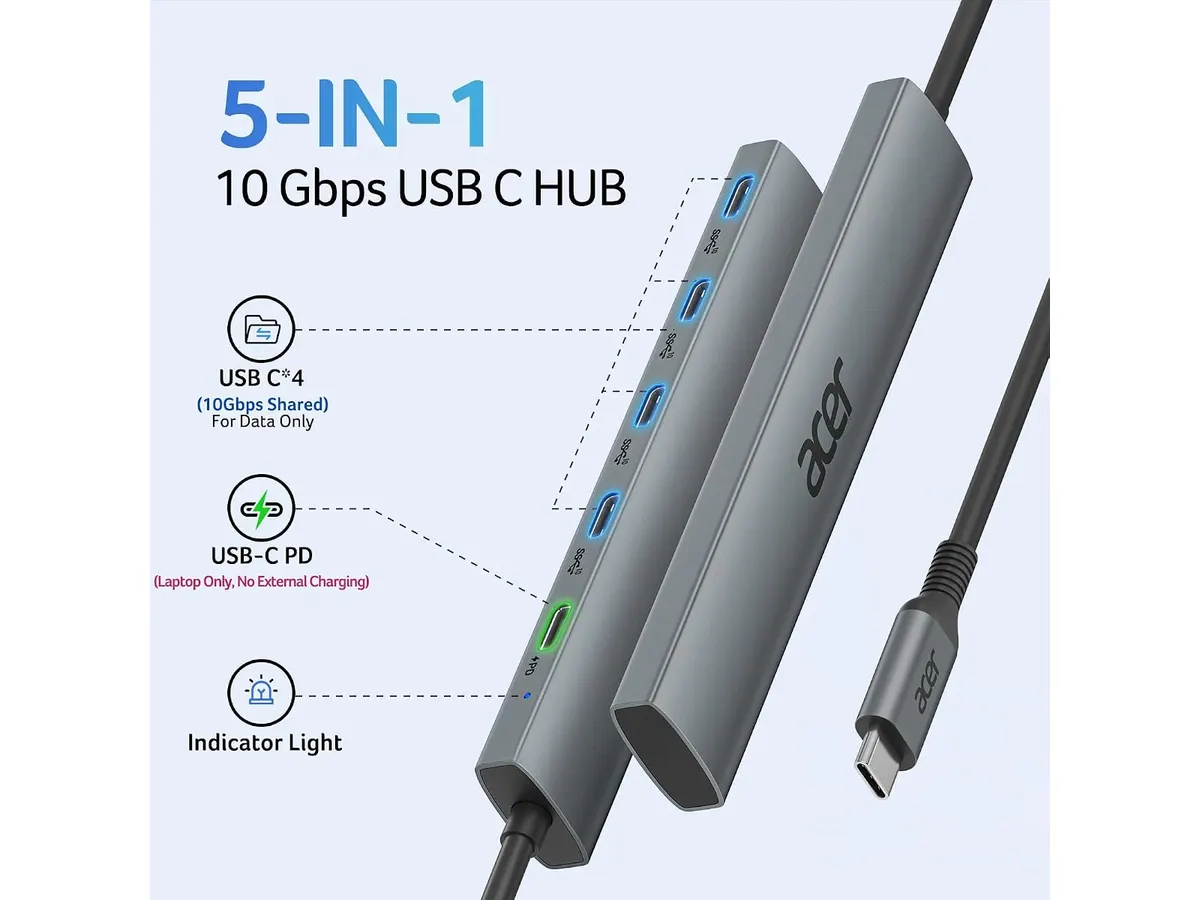
## Dónde flojea
La mayor limitación del Acer 10 Gbps USB C Hub es su absoluta especialización. Al no contar con ningún puerto USB-A, cualquier memoria flash tradicional, receptor de mouse inalámbrico o cable antiguo requerirá un adaptador adicional. Si tu espacio de trabajo todavía depende de conectores rectangulares clásicos, esta opción te resultará restrictiva.
Tampoco ofrece salidas de video dedicadas. No encontrarás un hub usb-c con hdmi en este modelo, por lo que no podrás enviar señal directamente a un monitor externo. Si tu meta es conectar una pantalla montada en un [brazo para monitor](/blog/2026-09-29-mountup-single-monitor-desk-mount), tendrás que conectar la pantalla directamente a otro puerto libre de tu laptop.
Carece de lector de tarjetas SD y puerto de red Ethernet. Para un fotógrafo que busque descargar tarjetas de memoria de cámaras profesionales, este concentrador requerirá un lector USB-C independiente.
## ¿Para quién es el mejor hub usb-c para home office?
Este dispositivo está pensado para el usuario que ya hizo la transición completa al ecosistema USB-C. Es ideal para creadores de contenido, editores de audio o profesionales que manejan múltiples unidades de almacenamiento SSD portátiles y necesitan mover archivos pesados de forma constante sin perder velocidad.
Por el contrario, no se adapta a quien busca una docking station para portatil que resuelva la conexión de monitores externos, red por cable y periféricos antiguos en un solo paso. Si tu flujo de trabajo diario exige salidas DisplayPort o lectores de tarjetas, este modelo se queda corto.
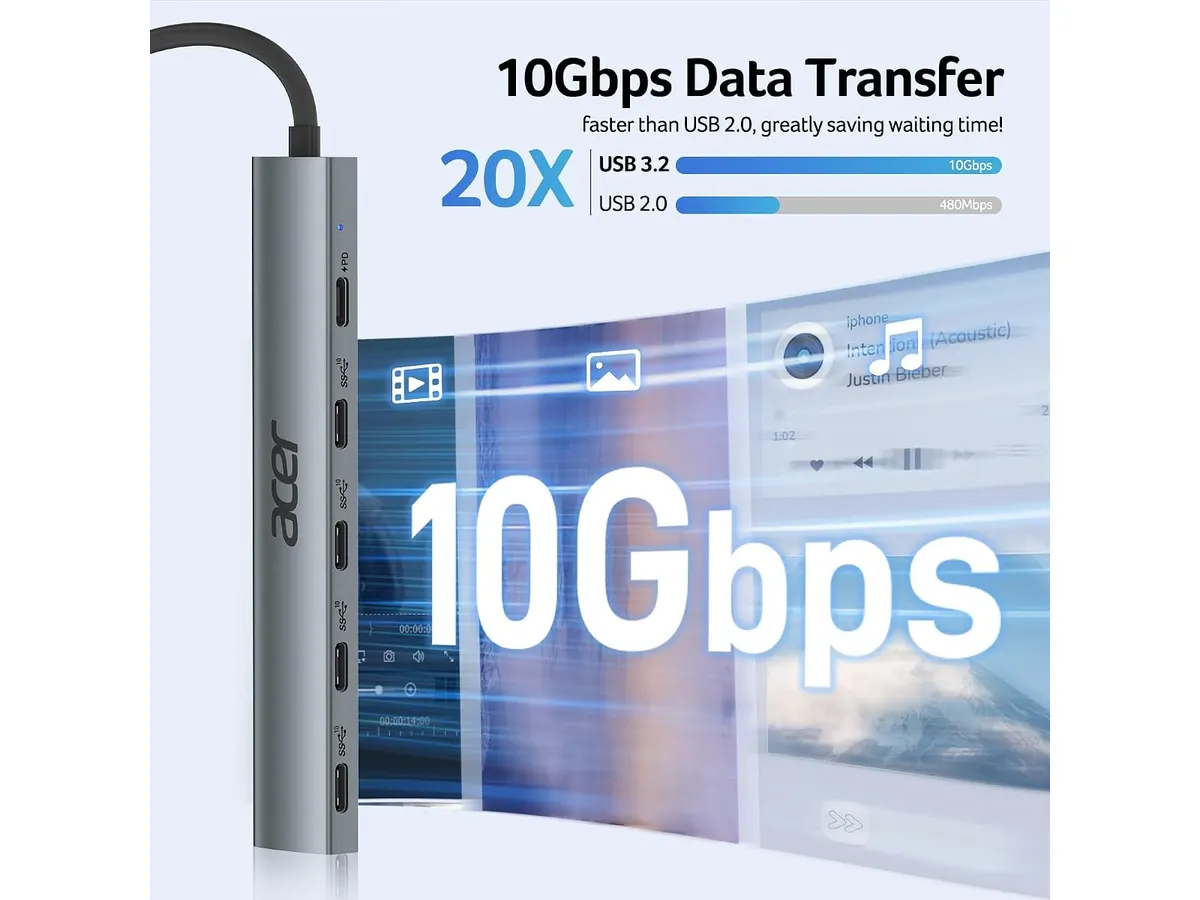
## Alternativas a considerar
Si buscas una opción económica con mayor variedad de puertos, existen concentradores multipuerto en un rango de precio accesible que sacrifican la velocidad de 10 Gbps a cambio de sumar puertos USB-A, lector de tarjetas y una salida HDMI básica a 30 Hz o 60 Hz. Son ideales para tareas de oficina general donde la velocidad de disco no es crítica.
Por otro lado, si buscas una solución de un solo cable para transformar tu laptop en una estación de trabajo completa con soporte para múltiples monitores 4K y puertos Thunderbolt, deberías mirar concentradores de gama alta. Puedes revisar nuestro [análisis del CalDigit TS4](/blog/2026-09-25-caldigit-ts4) para entender qué ofrece un equipo profesional de escritorio de categoría superior.
## Veredicto
El Acer 10 Gbps USB C Hub cumple exactamente lo que promete sin rodeos ni adornos innecesarios. Es un accesorio rápido, sólido y sumamente portátil que aprovecha los 100W de potencia y el gran ancho de banda de los puertos modernos. Si tu equipo de trabajo ya usa cables tipo C en todos sus periféricos, este accesorio de la sección de [soportes y hubs](/categorias/soportes-hubs) mantendrá tu escritorio limpio y tus transferencias al máximo.
## Preguntas frecuentes
### ¿Puedo conectar un monitor a través de los puertos USB-C de este hub?
No. Los cuatro puertos USB-C están diseñados para transferencia de datos a 10 Gbps y entrada de carga Power Delivery, pero no admiten salida de video Alt Mode para monitores.
### ¿El puerto PD de 100W consume energía de la laptop si no está enchufado?
El hub consume una pequeña cantidad de energía de la laptop para alimentar su propio circuito y los periféricos conectados, pero la función de 100W opera cuando conectas el cargador de pared al hub.
### ¿Requiere controladores para funcionar en macOS o iPadOS?
No requiere ningún programa o controlador. Utiliza el estándar nativo USB 3.2 Gen 2 y es reconocido automáticamente al conectarlo a cualquier dispositivo compatible.
---
# SIHOO B100: Análisis de la silla ergonómica
URL: https://setuplatam.com/blog/2026-10-11-sihoo-b100
Category: Sillas ergonómicas
Published: 2026-10-11
Analizamos la SIHOO B100 con soporte lumbar dinámico. Descubre si realmente es la mejor silla ergonomica para trabajar desde casa en este análisis completo.
La SIHOO B100 busca resolver las largas jornadas de escritorio ofreciendo soporte activo a la columna a un costo razonable. Diseñada para profesionales del teletrabajo y estudiantes que pasan horas frente a la pantalla, combina un respaldo de malla transpirable con un asiento amplio. Si buscas la **mejor silla ergonomica para trabajar**, este modelo ofrece una estructura confiable dentro de nuestro catálogo de [sillas ergonómicas](/categorias/sillas).
## Lo que hace bien
El punto fuerte de este modelo es su soporte lumbar dinámico. A diferencia de las almohadillas fijas convencionales, este mecanismo reacciona directamente a la postura del usuario y se amolda a la curvatura lumbar en cada movimiento.
La ventilación es otro factor sobresaliente. Su respaldo de malla completa permite una circulación constante de aire, reduciendo la acumulación de calor corporal en sesiones prolongadas. Además, el asiento ensanchado ayuda a distribuir el peso de manera uniforme, disminuyendo la presión acumulada sobre los muslos.
Para alternar entre tareas intensas y momentos de pausa, el respaldo ofrece tres ángulos de reclinación con bloqueo en 110°, 125° y 135°. La construcción no escatima en firmeza: integra una base metálica reforzada y un pistón de gas con certificación SGS Clase 4 que soporta hasta 300 libras. Todo el conjunto cuenta con una garantía de 36 meses.
## Especificaciones clave
| Característica | Detalle |
| --- | --- |
| Soporte lumbar | Dinámico adaptativo |
| Rango de altura del asiento | 18.3 a 21.9 pulgadas |
| Ángulos de reclinación | 110° / 125° / 135° |
| Capacidad de peso | Hasta 300 libras |
| Certificación del elevador | Clase 4 SGS |
| Estructura de la base | Metálica reforzada |
| Garantía | 36 meses |
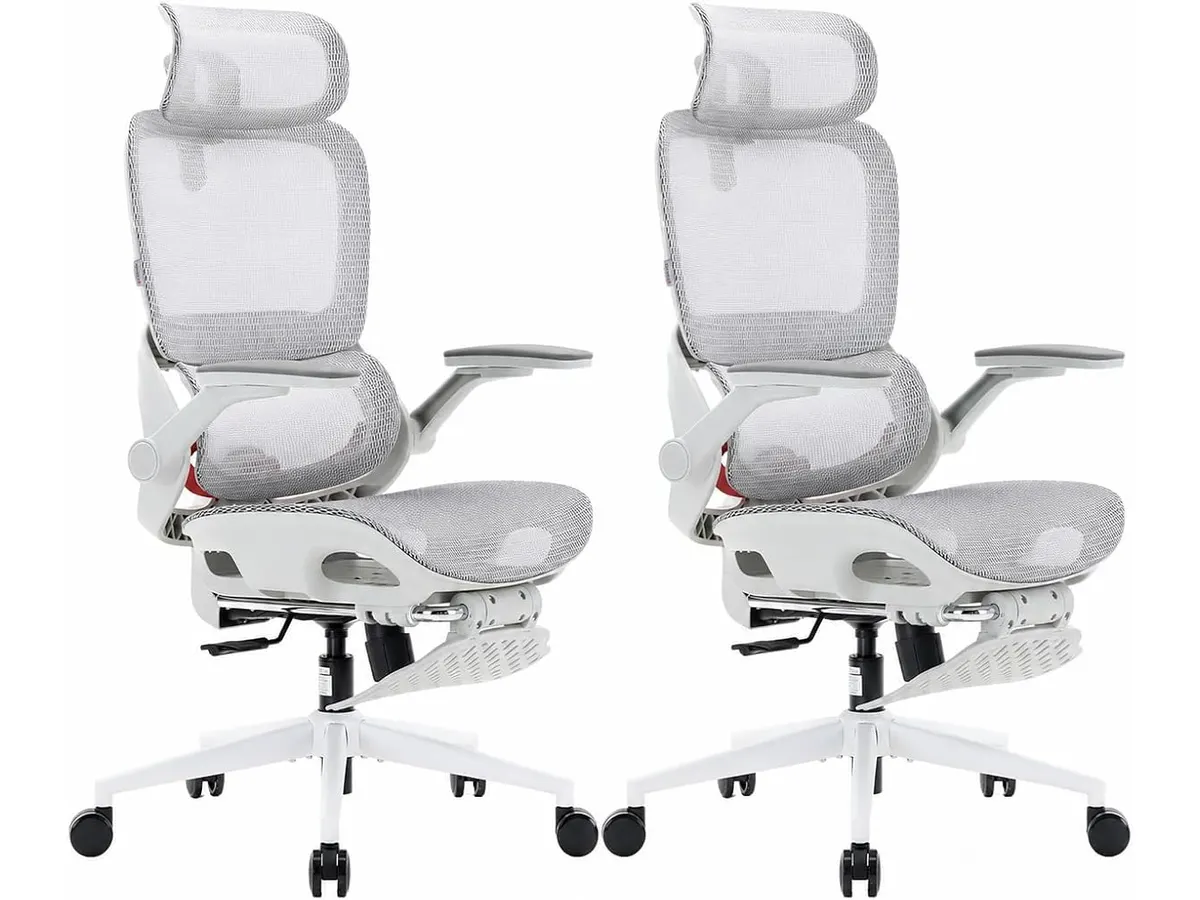
## Dónde flojea
El rango de altura del asiento, que va de 18.3 a 21.9 pulgadas, puede ser algo elevado para usuarios de estatura baja. Si tus piernas son cortas, podrías necesitar un reposapiés independiente para apoyar las plantas completamente en el suelo.
El sistema lumbar es dinámico pero no regulable en dureza manual. Aquellos usuarios que prefieren una presión lumbar rígida o una perilla de ajuste milimétrico deberán conformarse con el empuje automático del mecanismo.
Por último, las posiciones de reclinación están fijadas estrictamente en tres ángulos. No es posible bloquear el respaldo en cualquier punto intermedio fuera de los 110°, 125° o 135°.
## ¿Para quién es?
- **Recomendada para:** Personas que necesitan una silla ergonomica teletrabajo fresca, con capacidad de carga de hasta 300 libras y un respaldo de malla fácil de mantener. Si buscas una silla con soporte lumbar constante para evitar la fatiga diaria, encajará bien en tu espacio. Quienes deseen comparar esta versión con una alternativa avanzada de la misma marca pueden leer nuestro [análisis de la SIHOO B100 PRO](/blog/2026-09-22-sihoo-b100-pro).
- **No recomendada para:** Personas de baja estatura que requieran un asiento muy cercano al suelo o quienes prefieran asientos de espuma densa con tapizado en piel sintética. Para explorar un modelo clásico de la marca con ajustes tradicionales, revisa la reseña de la [SIHOO M18](/blog/2026-09-22-sihoo-m18).
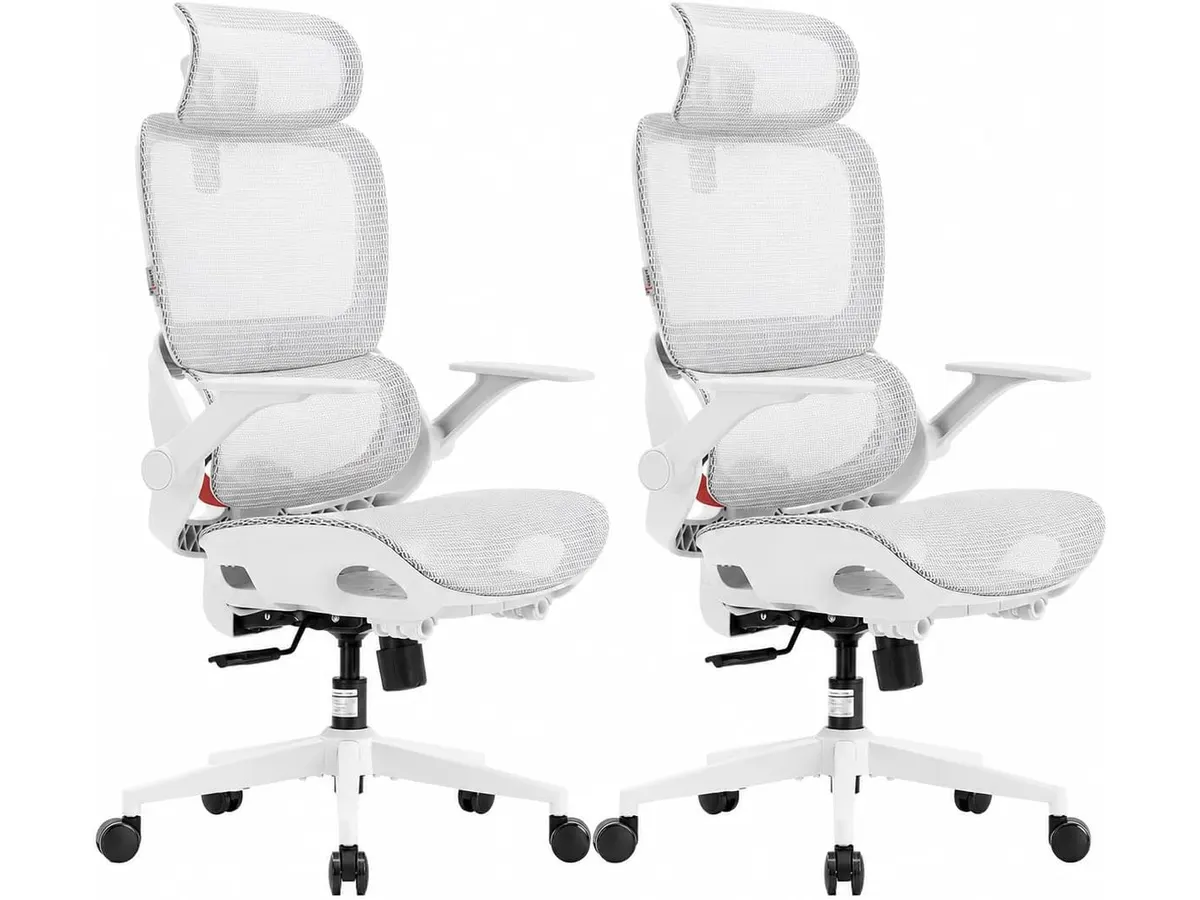
## Alternativas a considerar
- **Gama de entrada básica:** Si tu presupuesto es más ajustado y solo buscas una silla de oficina para casa de uso ocasional, existen modelos de malla con apoyo lumbar fijo. Perderás la amortiguación dinámica y la certificación Clase 4, pero resolverán necesidades de pocas horas al día.
- **Gama alta ejecutiva:** Para jornadas intensivas de más de diez horas que exigen ajustes tridimensionales en apoyabrazos y control de tensión en la reclinación, conviene mirar hacia la gama superior. Requiere un desembolso mayor, pero ofrece adaptabilidad anatómica completa.
## Veredicto: ¿Es la mejor silla ergonomica para trabajar?
La SIHOO B100 logra un buen equilibrio entre firmeza, frescura y ergononomía adaptativa. La inclusión del pistón Clase 4 SGS y la garantía de tres años demuestran que es un mueble construido para durar. Si necesitas renovar tu escritorio con un producto confiable sin gastar de más, esta opción cumple con soltura. Revisa más recomendaciones en nuestra selección de [sillas de oficina](/categorias/sillas).
## Preguntas frecuentes
### ¿El soporte lumbar se ajusta manualmente?
No, funciona de manera dinámica. El mecanismo responde automáticamente al peso y la postura de la espalda para mantener el apoyo lumbar sin requerir perillas.
### ¿Qué capacidad de carga resiste esta silla?
Soporta un máximo de 300 libras gracias a su base metálica reforzada y al elevador de gas certificado por SGS Clase 4.
### ¿Cuántos años de garantía incluye la SIHOO B100?
El fabricante otorga una garantía limitada de 36 meses que cubre componentes estructurales y fallas de fabricación.
---
# Análisis de la Lepro LED Desk Lamp: Iluminación Eficiente
URL: https://setuplatam.com/blog/2026-10-10-lepro-led-desk-lamp
Category: Iluminación
Published: 2026-10-10
Buscamos la mejor lampara de escritorio para trabajar. Analizamos la Lepro LED Desk Lamp, una opción versátil para tu home office que cuida tu vista.
La Lepro LED Desk Lamp es una herramienta funcional diseñada para quienes pasan largas jornadas frente a la computadora. Con un enfoque claro en la ergonomía visual, este dispositivo integra 72 LEDs que eliminan el parpadeo molesto de las luces convencionales. Es una adición sensata para cualquier configuración de oficina en casa que busque mejorar la productividad sin complicaciones. Si quieres explorar otras opciones dentro de nuestra sección de [Iluminacion](/categorias/iluminacion), notarás que esta pieza destaca por su equilibrio entre tamaño y potencia.
## Lo que hace bien
El punto más fuerte de este modelo es su versatilidad lumínica. Con 5 modos de iluminación y 5 niveles de brillo, el usuario dispone de 25 combinaciones posibles, lo que permite adaptar la luz desde una sesión intensa de lectura hasta un ambiente más relajado para tareas administrativas. Esta capacidad de ajuste es fundamental para encontrar la mejor lampara de escritorio para trabajar según el momento del día.
La calidad de la luz es otro factor determinante. La pantalla esmerilada junto con el cabezal largo logra una dispersión amplia, evitando las sombras duras y los puntos de luz concentrados que suelen cansar la vista rápidamente. Además, su estructura plegable permite recogerla por completo, liberando espacio en el escritorio cuando no necesitas luz directa, lo cual es ideal para setups minimalistas.
## Especificaciones clave
| Característica | Detalle |
| :--- | :--- |
| Potencia | 9.5W |
| Flujo luminoso | 800 lm |
| Modos de iluminación | 5 modos |
| Niveles de brillo | 5 niveles |
| Cantidad de LEDs | 72 LEDs |
| Longitud del cable | 1.5 metros |
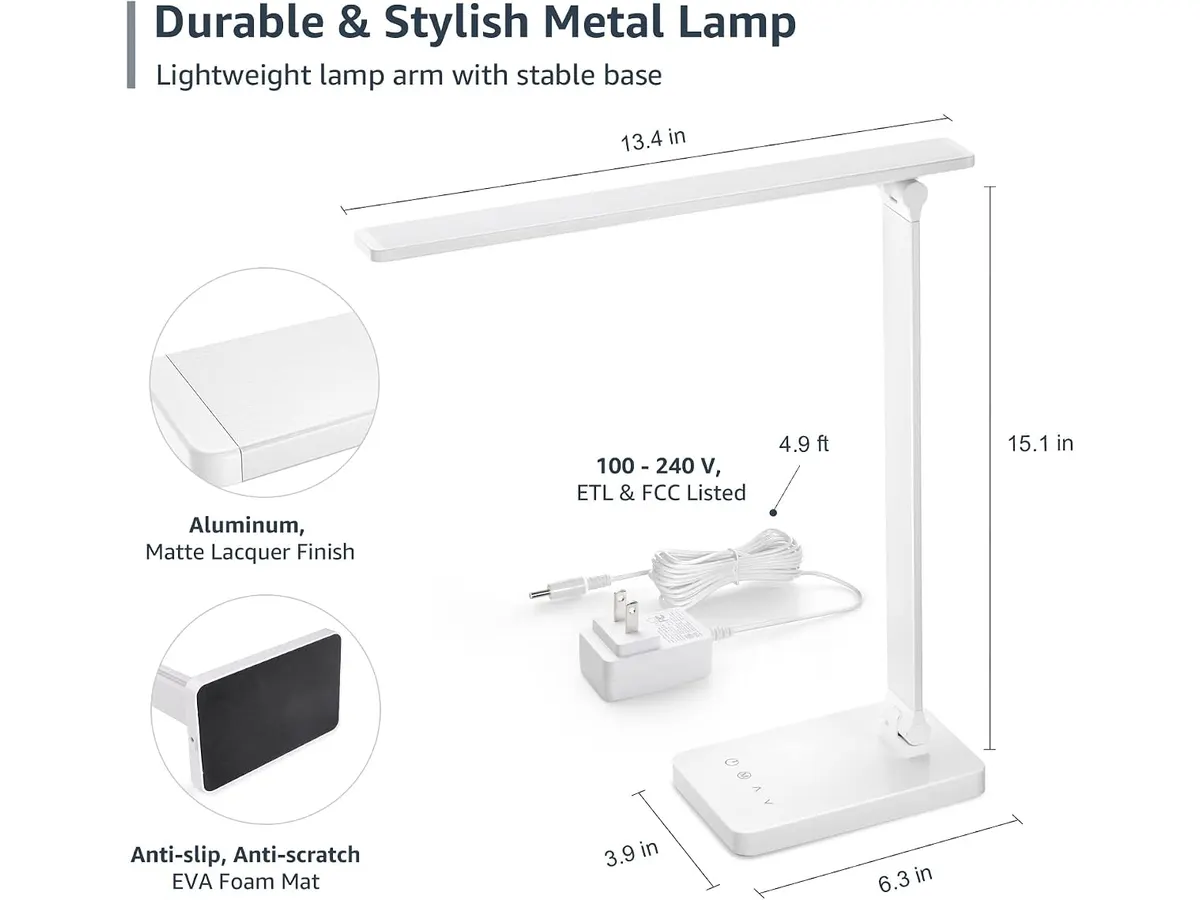
## Dónde flojea
El principal inconveniente es la dependencia total de un cable de alimentación. Aunque el cable tiene una longitud razonable de 1.5 metros, la falta de una batería integrada limita su uso a lugares cercanos a un enchufe, impidiendo que sea una solución portátil para mover por toda la casa.
Asimismo, los controles táctiles pueden resultar un poco sensibles. Si tienes el hábito de mover constantemente el cabezal de la lámpara, es probable que actives o cambies la configuración de luz sin querer al ajustar la posición. La base, aunque estable, ocupa un espacio rectangular que puede no ser la opción más estética para quienes prefieren bases con carga inalámbrica integrada.
## ¿Para quién es?
Esta lámpara es ideal para estudiantes o trabajadores remotos que necesitan una iluminación constante, ajustable y cómoda para sesiones largas de estudio o escritura. Aquellos que sufren de fatiga visual encontrarán en sus 72 LEDs una mejora inmediata respecto a la iluminación de techo tradicional.
Por el contrario, no es la opción recomendada para quienes buscan una estética muy avanzada o funciones inteligentes. Tampoco es para usuarios que necesitan una barra de luz para monitor, un concepto diferente que puedes ver en el [Análisis de la Quntis Computer Monitor Lamp](/blog/2026-09-22-quntis-computer-monitor-lamp) si prefieres ahorrar espacio físico sobre la mesa.
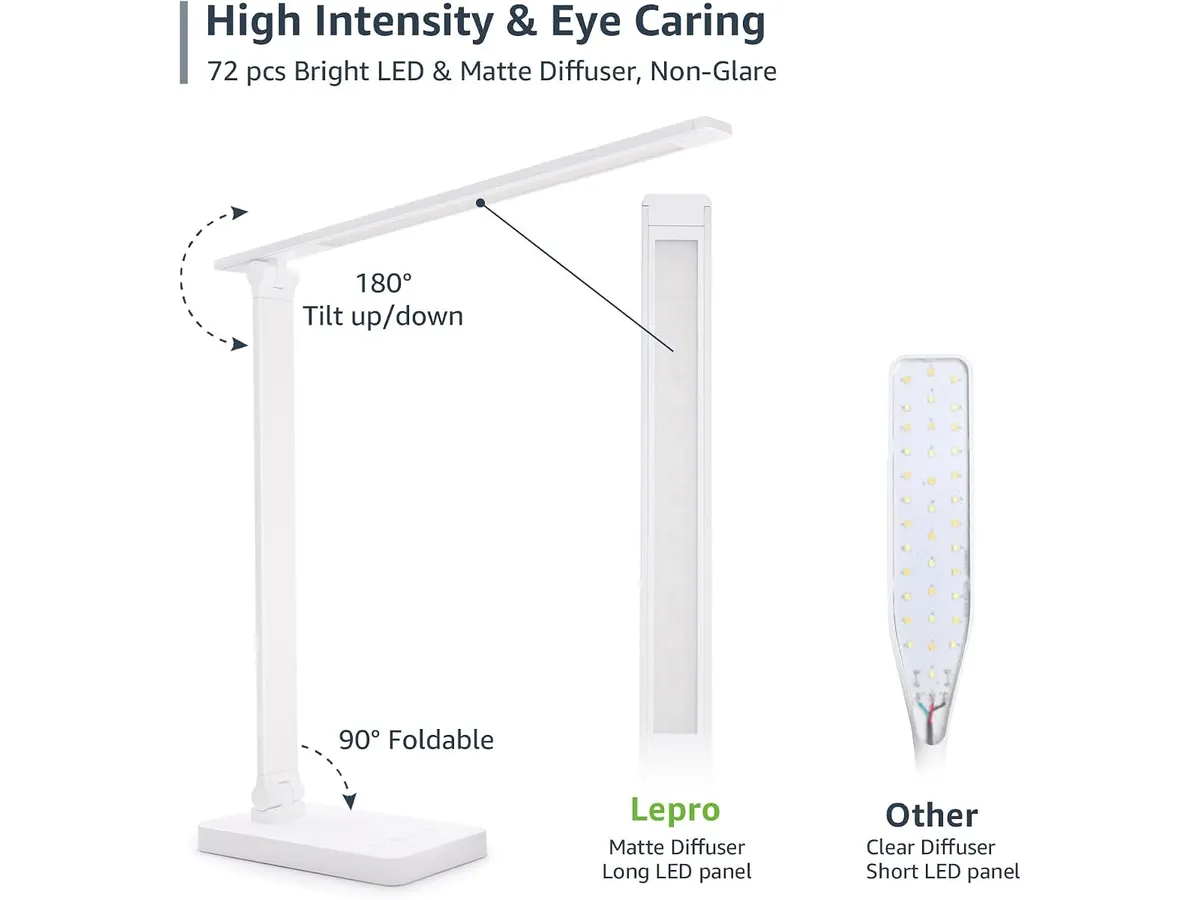
## Alternativas a considerar
Si buscas algo con mayor flexibilidad de brazo y un diseño más articulado, te sugerimos revisar el [Análisis de la Pzloz LED Desk Lamp](/blog/2026-09-22-pzloz-led-desk-lamp), que ofrece ajustes más precisos para espacios reducidos. Por otro lado, si tu prioridad es una estética más premium y una construcción metálica más pesada, existen opciones en la gama de precio superior que ofrecen bases con carga inalámbrica para dispositivos móviles, las cuales resultan más útiles si buscas reducir el desorden de cables en tu área de trabajo.
## Veredicto
La Lepro LED Desk Lamp cumple con su propósito de manera directa: ofrecer luz de calidad sin complicaciones innecesarias. Aunque no cuenta con funciones de alta gama, su capacidad para reducir la fatiga visual mediante la personalización de niveles de brillo la convierte en una compra sólida. Si priorizas la ergonomía y la eficiencia sobre la tecnología avanzada, esta lámpara es una excelente candidata para tu escritorio. Para comparar otras alternativas, te recomendamos consultar nuestro artículo sobre la [Análisis de la Lámpara de Escritorio LED SANDROY VOLT](/blog/2026-09-22-sandroy-volt-led-desk-lamp) antes de tomar tu decisión final.
## Preguntas frecuentes
### ¿Se calienta la lámpara después de varias horas de uso?
No, al utilizar tecnología LED de 9.5W, la lámpara se mantiene a una temperatura baja, lo que garantiza seguridad al tacto incluso tras sesiones largas de trabajo.
### ¿Puede memorizar mi último ajuste de luz?
Sí, la lámpara suele recordar el último nivel de brillo y modo configurado al encenderla nuevamente.
### ¿El cabezal es totalmente articulado?
Cuenta con brazos flexibles que permiten ajustar la dirección de la luz con gran precisión, facilitando que enfoques el haz de luz exactamente donde lo necesites.
---
# Análisis del Samsung LS49C954UANXZA: Pantalla Ultrawide
URL: https://setuplatam.com/blog/2026-10-10-samsung-ls49c954uanxza
Category: Monitores
Published: 2026-10-10
El Samsung LS49C954UANXZA es un monitor masivo para multitarea. Analizamos si es el mejor monitor para home office considerando su diseño 1000R y conectividad.
El Samsung LS49C954UANXZA es una apuesta radical por la productividad sin fisuras. Con 49 pulgadas de extensión, este monitor curvo busca reemplazar configuraciones de múltiples pantallas en un solo panel. Es la opción definitiva para profesionales que manejan flujos de trabajo complejos y buscan el mejor monitor para home office, consolidando su estación de trabajo dentro de nuestra selección de [Monitores](/categorias/monitores).
## Lo que hace bien
La inmersión del Samsung LS49C954UANXZA es su mayor activo. Gracias a su curvatura 1000R, el panel envuelve tu campo visual de manera natural, reduciendo el movimiento constante de cabeza que requieren los monitores planos de gran formato.
La funcionalidad de estación de acoplamiento es otro punto a favor. Al ofrecer carga USB-C de 90W, el monitor limpia tu escritorio de cables, permitiéndote conectar y cargar tu laptop con un solo conector. Además, su tasa de refresco de 120Hz aporta una fluidez superior en la navegación de ventanas y el movimiento del cursor, algo que se agradece tras largas jornadas de trabajo. La resolución Dual QHD garantiza que, a pesar de su tamaño, la densidad de píxeles sea suficiente para mantener textos legibles y gráficos nítidos.
## Especificaciones clave
| Característica | Detalle |
| :--- | :--- |
| Tamaño de pantalla | 49 pulgadas |
| Curvatura | 1000R |
| Resolución | Dual QHD |
| Frecuencia de actualización | 120Hz |
| Conectividad USB-C | 90W (carga) |
| Certificación HDR | VESA DisplayHDR 400 |
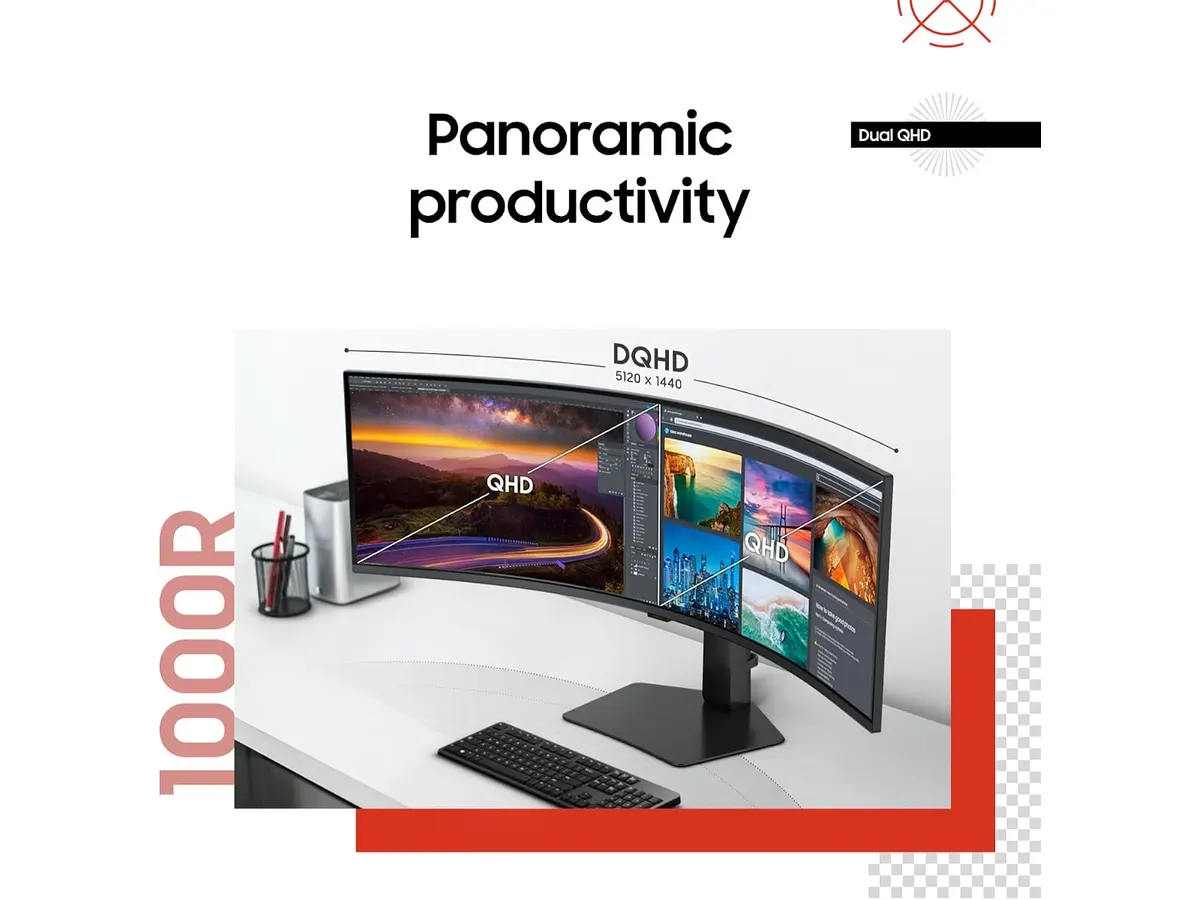
## Dónde flojea
El espacio físico es el primer obstáculo. Este monitor demanda una profundidad de escritorio considerable debido a su base y su curvatura pronunciada, lo que podría no encajar en espacios de trabajo compactos. Si tu escritorio es pequeño, el monitor se sentirá abrumador.
Otro aspecto es la gestión de contenido que no está optimizado para su relación de aspecto. Algunas aplicaciones y sitios web no aprovechan el formato ultra ancho, dejándote con barras negras laterales o contenido estirado de manera poco natural. Además, aunque incluye altavoces integrados, su fidelidad sonora es modesta, ideal para llamadas ocasionales pero insuficiente para quienes priorizan una experiencia de audio inmersiva.
## ¿Para quién es?
Este modelo es ideal para analistas de datos, editores de video o cualquier usuario que necesite tener tres o cuatro ventanas abiertas simultáneamente sin los bordes físicos que imponen los monitores independientes. Es una herramienta diseñada para quienes valoran la eficiencia espacial y la integración de periféricos.
Por el contrario, no es para usuarios que realizan tareas de oficina básicas, como procesar texto o navegar por correo electrónico. Si buscas algo más convencional, quizás prefieras revisar este [Análisis del monitor Dell UltraSharp U2724D: calidad y desempeño](/blog/2026-09-22-dell-ultrasharp-u2724d) o considerar un [Análisis del Gigastone 27" IPS 2-Pack: monitores ideales para un setup dual](/blog/2026-09-22-gigastone-27-ips-2-pack), que ofrecen una flexibilidad mayor para separar las áreas de trabajo.
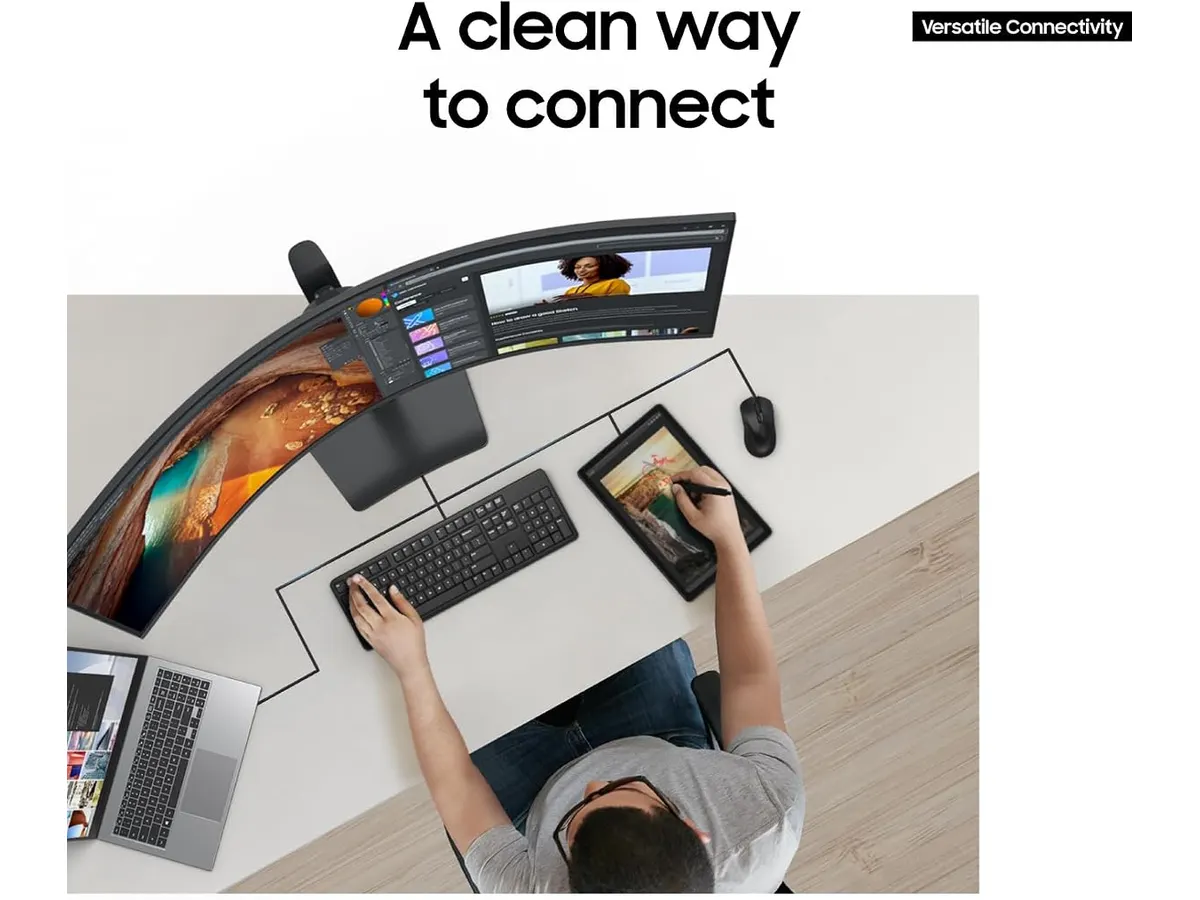
## Alternativas a considerar
Si el formato ultra ancho te parece demasiado extremo, puedes optar por dos monitores de 27 pulgadas de gama media. Esta configuración permite una mayor versatilidad al mover o girar las pantallas según la tarea, ideal para quienes necesitan separar estrictamente el contenido de trabajo del personal.
Por otro lado, si tu prioridad es la precisión del color para diseño gráfico pero no necesitas un tamaño tan masivo, existen monitores profesionales de 32 pulgadas en el segmento de alta gama. Estos ofrecen una densidad de píxeles superior y una reproducción cromática más calibrada para tareas críticas de imagen, a menudo con una ergonomía de soporte más robusta que la que permite un panel curvo tan grande.
## Veredicto
El Samsung LS49C954UANXZA es una pieza de ingeniería impresionante para quienes necesitan maximizar su área de trabajo digital sin interrupciones visuales. Si tienes el espacio necesario y buscas centralizar tu conectividad, es una inversión sólida. Para quienes prefieren una configuración más modular o convencional, existen otras opciones de [Monitores](/categorias/monitores) que ofrecen un mejor equilibrio en términos de tamaño y uso cotidiano.
## Preguntas frecuentes
### ¿Necesito un brazo articulado especial para este monitor?
Debido a su peso y curvatura, asegúrate de que cualquier brazo soporte sea compatible con el estándar VESA y tenga la capacidad de carga adecuada para un monitor de 49 pulgadas.
### ¿Es compatible con computadoras portátiles mediante USB-C?
Sí, siempre que tu computadora sea compatible con DisplayPort Alt Mode y suministro de energía a través de USB-C, el monitor funcionará como una estación de acoplamiento completa.
### ¿La curva 1000R distorsiona el trabajo de diseño gráfico?
La distorsión es mínima, pero sí requiere un periodo de adaptación. Para tareas donde la precisión geométrica absoluta es crítica, un monitor plano de alta resolución sigue siendo la opción recomendada.
---
# Análisis del SHW Electric Height Adjustable Desk
URL: https://setuplatam.com/blog/2026-10-09-shw-electric-height-adjustable-standing-desk
Category: Escritorios
Published: 2026-10-09
Evaluamos el SHW Electric Height Adjustable Standing Desk. Descubre si es el mejor escritorio para home office por su diseño ergonómico y motor eléctrico.
El SHW Electric Height Adjustable Standing Desk es una solución funcional para quienes buscan transicionar hacia un entorno de trabajo activo sin complicaciones. Con su superficie de 55 pulgadas y un motor eléctrico integrado, este modelo se posiciona como una opción accesible para configurar un espacio productivo. Si buscas el mejor escritorio para home office que equilibre espacio y utilidad, este mueble destaca dentro de nuestra selección de [Escritorios](/categorias/escritorios).
## Lo que hace bien
* **Espacio de trabajo amplio:** La superficie de 55 pulgadas por 28 pulgadas es suficiente para montar dos monitores sin sentir que te falta espacio. Es un alivio encontrar un escritorio que no obliga a apretar el equipo contra los bordes.
* **Ergonomía integrada:** El diseño con borde curvo no es solo estético; realmente ayuda a reducir la presión en las muñecas durante largas sesiones de escritura. Además, el cajón integrado es un detalle infravalorado que ayuda a mantener el escritorio despejado de periféricos y cables pequeños.
* **Gestión de cables:** Incluye una bandeja dedicada y ganchos para auriculares, lo que facilita mantener un área limpia. En un entorno doméstico, reducir el desorden visual bajo el escritorio marca una diferencia notable en el enfoque diario.
* **Transiciones silenciosas:** El motor eléctrico cumple su función de manera fluida. Cambiar de posición sentada a levantada no requiere esfuerzo ni genera ruidos molestos que distraigan en una llamada de trabajo.
## Especificaciones clave
| Característica | Detalle |
| :--- | :--- |
| Dimensiones | 55" ancho x 28" profundidad |
| Rango de altura | 28 a 45 pulgadas |
| Capacidad de peso | 50 kg / 110.2 lbs |
| Material del sobre | Acabado en color arce |
| Extras | Cajón integrado, bandeja de cables |
| Estabilidad | Niveladores de piso ajustables |
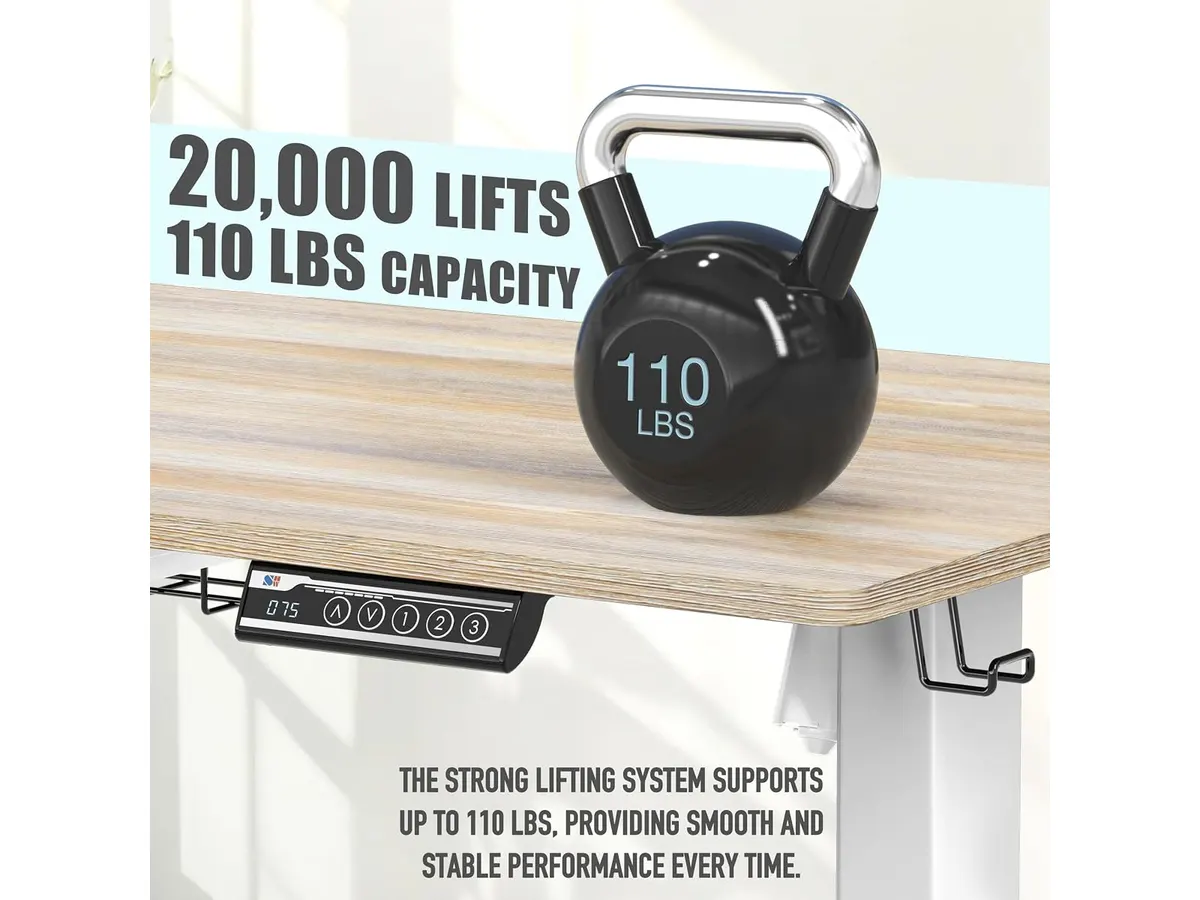
## Dónde flojea
La principal limitación es su capacidad de carga de 50 kg. Si utilizas brazos articulados pesados para monitores de gran tamaño junto con una torre de computadora sobre el escritorio, estarás cerca del límite, lo cual puede comprometer la vida útil del motor. La estabilidad a la altura máxima también es un punto a considerar; si tiendes a escribir con mucha fuerza, notarás un ligero balanceo, algo común en escritorios de esta gama de precio.
## ¿Para quién es?
Este escritorio encaja perfectamente para estudiantes o trabajadores remotos que necesitan una configuración de doble monitor y valoran tener un cajón para guardar lo esencial. No es la opción indicada para usuarios que utilizan configuraciones de PC extremadamente pesadas o equipos de audio de grado profesional que requieren una estructura masiva y reforzada.
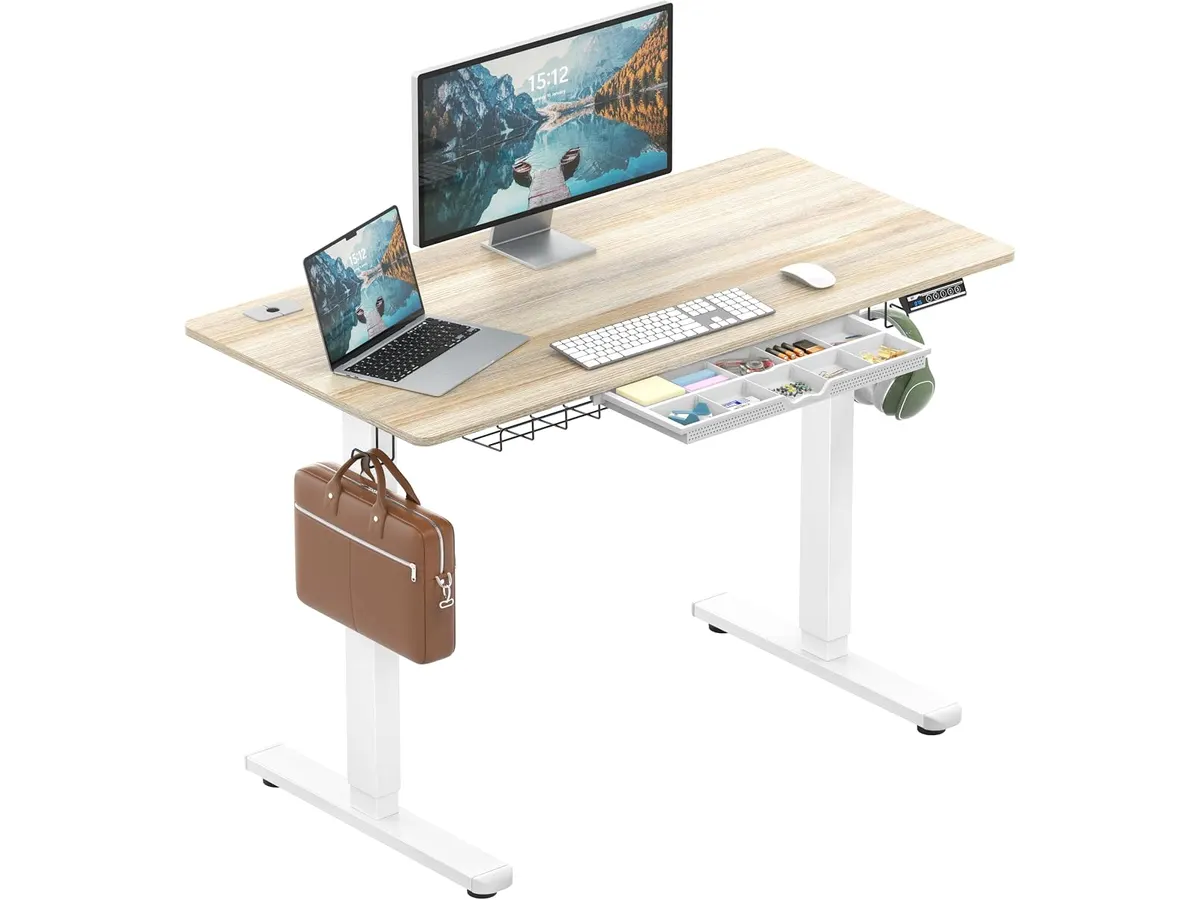
## Alternativas a considerar
Si buscas mayor robustez y una capacidad de carga superior, existen opciones en el mercado de gama media-alta que ofrecen marcos de acero más gruesos y motores dobles, ideales para setups pesados. Por otro lado, si tu presupuesto es ajustado y priorizas la versatilidad sobre la automatización, los convertidores de escritorio manuales son una alternativa válida para probar la ergonomía de pie antes de comprometerte con un escritorio completo. Para más comparativas, puedes revisar el [Análisis del FLEXISPOT 42" Standing Desk Converter para tu oficina](/blog/2026-09-22-flexispot-42-standing-desk-converter) o el [Análisis del Vari Classic Electric Standing Desk para tu oficina](/blog/2026-09-22-vari-classic-electric-standing-desk).
## Veredicto
El SHW Electric Height Adjustable Standing Desk es un producto sólido para quienes inician en la ergonomía de oficina. Aunque no es el más robusto del mercado, cumple con lo esencial para un entorno de trabajo organizado y eficiente. Si tu prioridad es maximizar el espacio de trabajo con un presupuesto razonable, esta es una compra sensata. Antes de decidir, te recomiendo explorar otras opciones en nuestra categoría de [Escritorios](/categorias/escritorios) para comparar acabados y dimensiones.
## Preguntas frecuentes
### ¿Es difícil el montaje del escritorio?
No, el proceso es directo, aunque se recomienda la ayuda de una segunda persona para voltear la estructura una vez terminada debido al peso de las piezas.
### ¿El escritorio incluye herramientas para el montaje?
Sí, el paquete incluye todo lo necesario para ensamblar la estructura, permitiendo que la mayoría de los usuarios completen la instalación en menos de una hora.
### ¿Cómo se gestionan los cables con este modelo?
El escritorio cuenta con una bandeja preinstalada y ganchos externos que permiten dirigir los cables hacia una regleta, evitando que cuelguen desordenadamente.
---
# Análisis Sony WH-1000XM4: ¿Los mejores para oficina?
URL: https://setuplatam.com/blog/2026-10-09-sony-wh-1000xm4
Category: Audio y webcams
Published: 2026-10-09
Analizamos los Sony WH-1000XM4. Si buscas el mejor equipo junto a la mejor webcam para home office, estos auriculares son una pieza esencial para tu escritorio.
Los Sony WH-1000XM4 han mantenido su lugar como un estándar de la industria para quienes trabajan de forma remota. Estos auriculares equilibran una cancelación de ruido excepcional con una conectividad multipunto que facilita el cambio entre dispositivos. Si ya completaste tu configuración con la mejor webcam para home office, este equipo es el siguiente paso lógico para mejorar tu espacio de trabajo. Puedes explorar más opciones en nuestra sección de [Audio y webcams](/categorias/audio-webcams).
## Lo que hace bien
La cancelación de ruido es el punto más fuerte de este modelo. Gracias a la tecnología Dual Noise Sensor, el aislamiento frente a sonidos ambientales de oficina o del hogar es notable, permitiéndote concentrarte en tareas complejas sin distracciones.
La autonomía es otro pilar fundamental. Con 30 horas de reproducción continua, no tendrás que preocuparte por cargarlos constantemente. Además, la carga rápida es un salvavidas: con solo 10 minutos conectado a través del puerto USB Tipo-C, obtienes hasta 5 horas de uso, ideal para esas jornadas donde olvidas cargar tus dispositivos.
La versatilidad en las reuniones es alta gracias a sus cinco micrófonos integrados y a la función de detección de uso. Al quitarte los auriculares, la música o el audio se pausan automáticamente, evitando que pierdas el hilo de lo que escuchas. Asimismo, el sistema Speak-to-Chat reduce el volumen de forma inteligente cuando detecta que comienzas a hablar, lo cual resulta útil para interacciones rápidas sin necesidad de quitarte el equipo.
## Especificaciones clave
| Característica | Detalle |
| :--- | :--- |
| Tipo de cancelación | Dual Noise Sensor |
| Duración de batería | Hasta 30 horas |
| Carga rápida | 10 minutos para 5 horas |
| Conectividad | Multipunto (múltiples dispositivos) |
| Micrófonos | Cinco integrados |
| Interfaz de carga | USB Tipo-C |

## Dónde flojea
Aunque el rendimiento es sólido, el diseño basado en paneles táctiles puede ser frustrante. En ocasiones, los gestos no se registran correctamente o se activan por error al intentar ajustar los auriculares, algo que los botones físicos resuelven mejor. Si eres de los que prefiere una respuesta táctil confirmada, este sistema te requerirá un periodo de adaptación.
Por otro lado, la calidad del micrófono para llamadas en entornos muy ruidosos todavía tiene margen de mejora. Aunque cumple para videoconferencias en interiores, su rendimiento frente a micrófonos dedicados no llega a ser profesional. Si necesitas una calidad de audio superior para transmisiones, te recomendamos complementar tu setup con equipo especializado como el que revisamos en nuestro análisis del [Logitech MX Brio](/blog/2026-09-22-logitech-mx-brio).
## ¿Para quién es?
Este modelo es ideal para el profesional que divide su tiempo entre llamadas, edición de video o música y necesita un aislamiento absoluto. La posibilidad de alternar entre la computadora y el teléfono de manera automática hace que la gestión de llamadas sea fluida.
No es para quien busca una opción ligera o de bajo costo para uso esporádico. Si lo que necesitas es un equipo sencillo que ocupe el mínimo espacio y no te importa sacrificar la cancelación de ruido activa avanzada, existen alternativas de diseño mucho más básico que cumplen con lo esencial sin la complejidad técnica de este modelo.
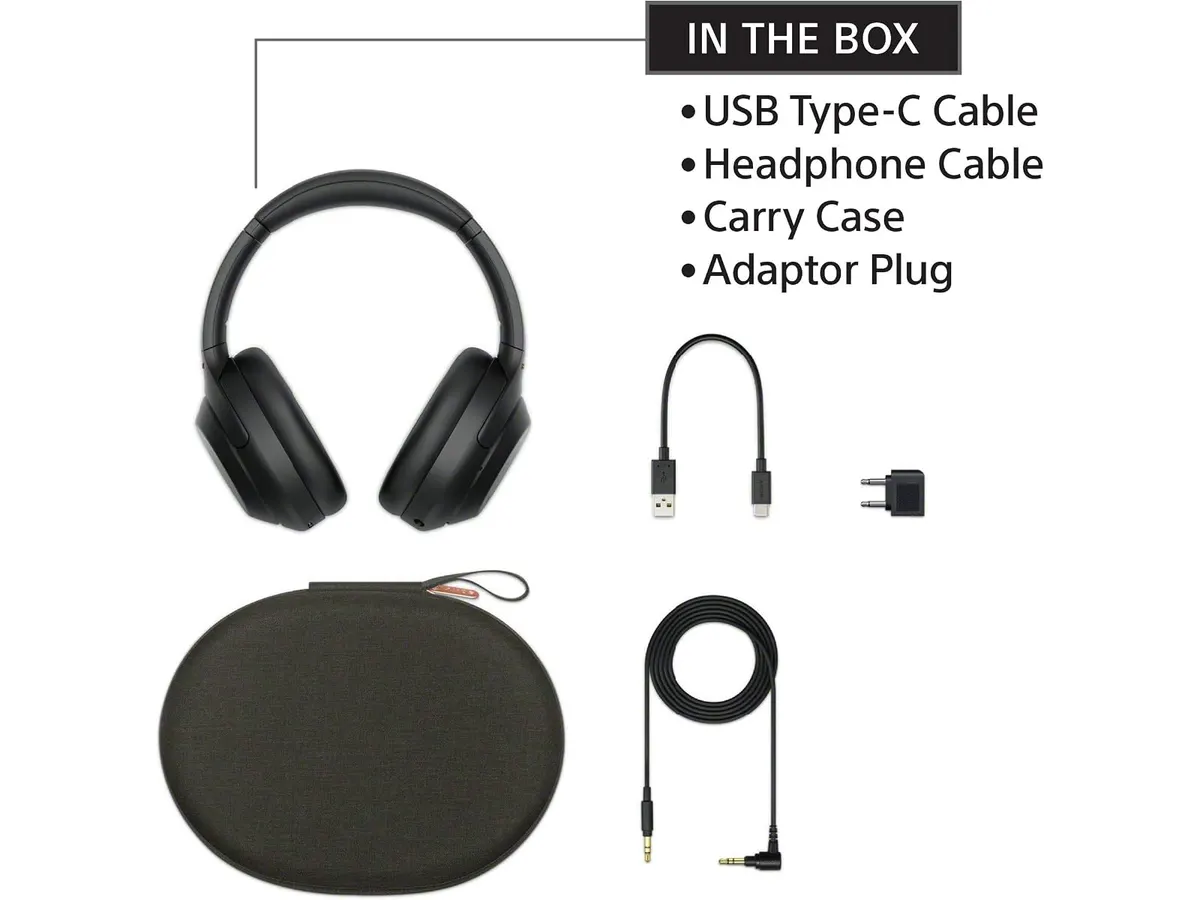
## Alternativas a considerar
Para quienes buscan una experiencia de audio más sencilla en el escritorio, existen opciones en la gama de entrada que se enfocan en la fidelidad acústica mediante altavoces externos, ideales si no deseas usar auriculares durante toda la jornada. Puedes consultar los [Bluedee Computer Speakers](/blog/2026-09-22-bluedee-computer-speakers) como una opción compacta.
Si tu prioridad es la calidad de video para destacar en tus reuniones, considera invertir el presupuesto en una cámara de alta resolución con inteligencia artificial, como la que detallamos en el [Análisis OBSBOT Tiny 3 Lite](/blog/2026-09-26-obsbot-tiny-3-lite). En este caso, podrías optar por auriculares de diadema más económicos y balancear tu inversión.
## Veredicto
Los Sony WH-1000XM4 siguen siendo una inversión segura por su capacidad de aislar el ruido y su conectividad multipunto. Aunque el control táctil exige paciencia, la comodidad y la autonomía compensan con creces cualquier detalle menor. Es una pieza de hardware que justifica su lugar en cualquier escritorio profesional serio. Para más recomendaciones sobre periféricos, no olvides visitar nuestra categoría de [Audio y webcams](/categorias/audio-webcams).
## Preguntas frecuentes
### ¿Se pueden conectar a dos dispositivos al mismo tiempo?
Sí, gracias a la conectividad multipunto, puedes mantenerlos vinculados a tu computadora para el trabajo y a tu teléfono móvil para llamadas simultáneamente.
### ¿Es necesario usar una aplicación para configurarlos?
Aunque funcionan de inmediato vía Bluetooth, la aplicación oficial permite personalizar los niveles de cancelación de ruido y las funciones táctiles según tus preferencias.
### ¿Qué ocurre si me quedo sin batería durante una reunión?
Gracias a su capacidad de carga rápida, 10 minutos de conexión a través de su puerto USB Tipo-C te brindarán hasta 5 horas de uso, permitiéndote retomar tus actividades rápidamente.
---
# Análisis Logitech Lift: Ergonomía para tu escritorio
URL: https://setuplatam.com/blog/2026-10-08-logitech-lift-vertical-ergonomic-mouse
Category: Periféricos
Published: 2026-10-08
Exploramos el Logitech Lift Vertical Ergonomic Mouse para saber si es uno de los mejores perifericos para home office. Ergonomía pensada para manos pequeñas.
El Logitech Lift Vertical Ergonomic Mouse es una respuesta directa a quienes sufren de fatiga en la muñeca tras largas jornadas de trabajo. Al integrar este dispositivo en tu escritorio, buscas una postura más natural sin sacrificar la precisión. Es uno de los mejores perifericos para home office si tienes manos pequeñas o medianas y quieres optimizar tu espacio de trabajo. Si buscas más opciones para completar tu equipo, explora nuestra selección de [Perifericos](/categorias/perifericos).
## Lo que hace bien
* **Ángulo de inclinación eficiente:** La inclinación de 57 grados coloca tu mano en una posición de apretón de manos, lo cual reduce drásticamente la presión sobre el túnel carpiano comparado con ratones planos tradicionales. Esta es la característica central que justifica su existencia.
* **Dimensiones adaptadas:** A diferencia de otros ratones verticales gigantes, este modelo se siente compacto y manejable para usuarios con manos de tamaño medio. El reposapulgar integrado asegura que el agarre sea cómodo desde el primer minuto.
* **Conectividad y autonomía:** La doble opción de Bluetooth Low Energy y el receptor Logi Bolt garantiza que puedas usarlo en prácticamente cualquier sistema operativo moderno, desde Windows hasta Linux. Además, la promesa de dos años de duración de batería elimina la ansiedad por tener cables sobre la mesa.
* **Experiencia de uso silenciosa:** Los clics son imperceptibles, lo que ayuda a mantener la concentración en entornos compartidos. La rueda SmartWheel, por su parte, permite cambiar entre precisión línea a línea y un desplazamiento rápido, algo fundamental para navegar documentos extensos.
## Especificaciones clave
| Característica | Detalle |
| :--- | :--- |
| Orientación | Derecha |
| Ángulo vertical | 57 grados |
| Conectividad | Bluetooth LE / Logi Bolt USB |
| Compatibilidad | Windows, macOS, iPadOS, Chrome OS, Linux |
| Batería | Hasta dos años |
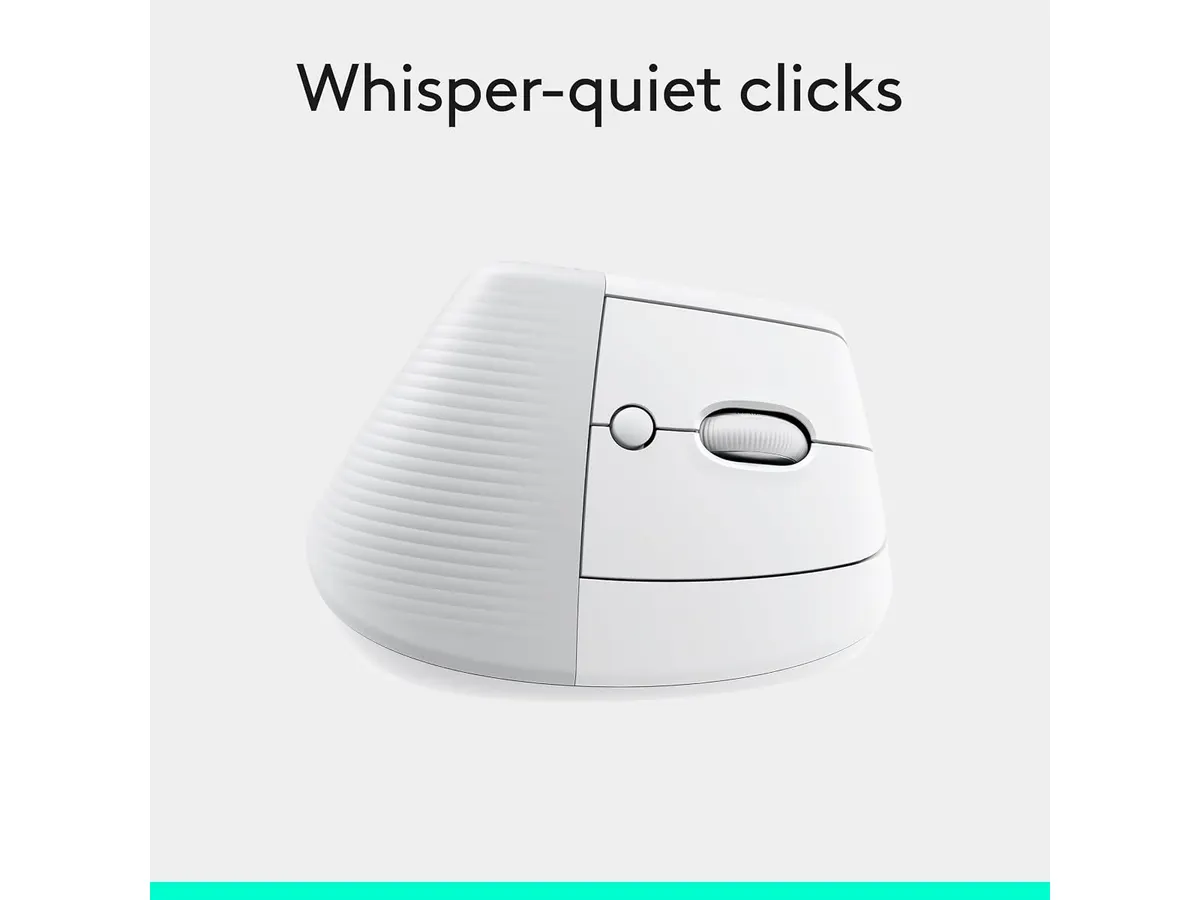
## Dónde flojea
La limitación más evidente es su enfoque exclusivo para diestros. Si tu mano dominante es la izquierda, este modelo simplemente no es una opción, lo que resulta decepcionante para una marca con tantos recursos de diseño.
Otro punto a considerar es la falta de materiales premium. Aunque el tacto es agradable, el plástico se siente menos robusto que en las líneas de gama alta de la marca. Si buscas materiales metálicos o acabados más lujosos, este ratón te parecerá un poco sencillo.
## ¿Para quién es?
Este ratón es ideal para el profesional que pasa ocho horas frente a la computadora y empieza a notar molestias en el antebrazo. Es una herramienta preventiva excelente para quienes requieren un periférico compacto que no ocupe todo el espacio de su escritorio.
No es para ti si eres un usuario con manos grandes o si buscas un ratón con una cantidad masiva de botones programables para tareas complejas de edición. Si ese es tu caso, quizás prefieras revisar el [Logitech MX Master 3S: Análisis del ratón ergonómico ideal para la oficina](/blog/2026-09-22-logitech-mx-master-3s), que ofrece una ergonomía distinta y mayor capacidad de personalización.
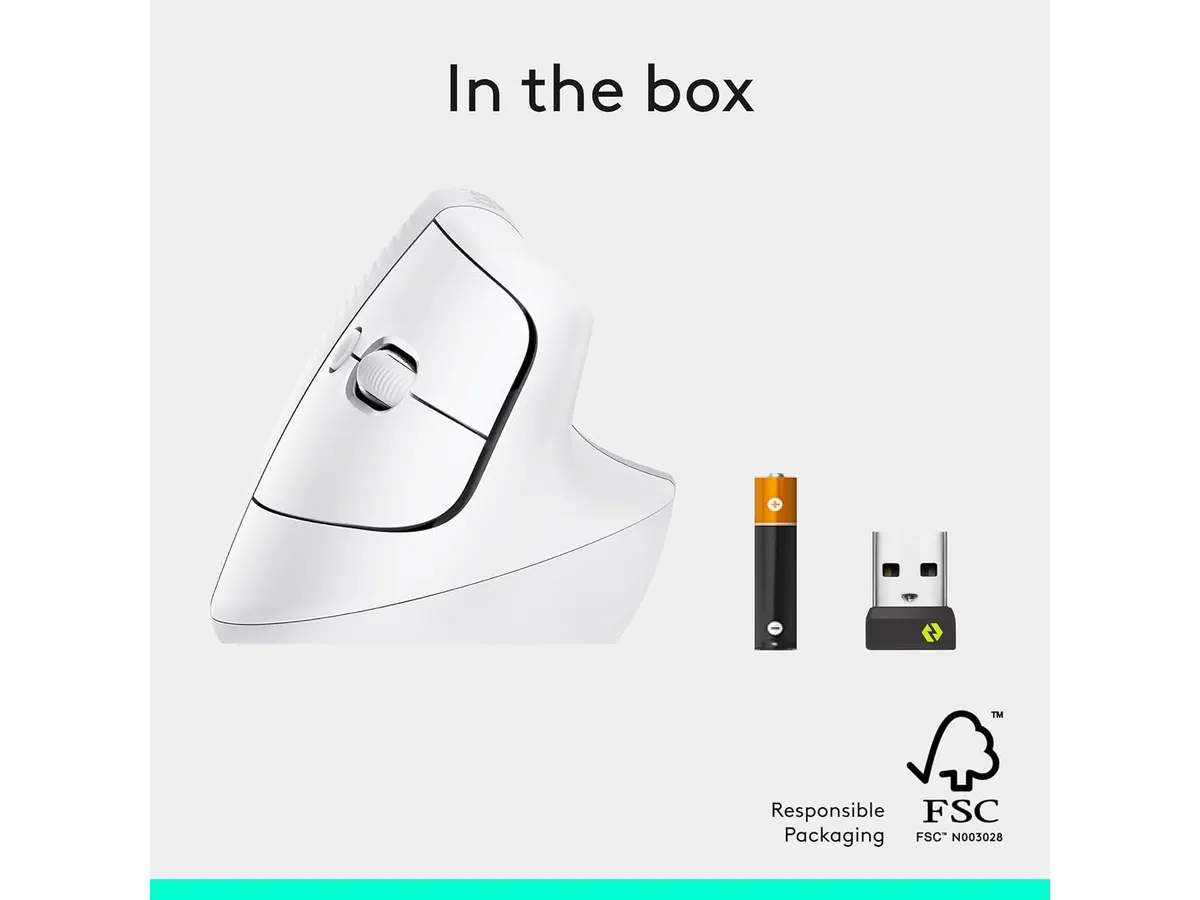
## Alternativas a considerar
Si el presupuesto es una preocupación, existen opciones en la gama económica que priorizan la funcionalidad básica sobre la ergonomía avanzada. Por ejemplo, el [Análisis del iClever Wireless Mouse: Versatilidad y Silencio](/blog/2026-09-22-iclever-wireless-mouse) ofrece una experiencia de uso silenciosa en un factor de forma más tradicional, ideal para quienes no están listos para la curva de aprendizaje de un ratón vertical.
Por otro lado, si buscas un setup completo, podrías considerar equilibrar tu inversión con un teclado mecánico, como el [RedThunder K95 Wireless Mechanical Keyboard: Análisis y Opiniones](/blog/2026-09-22-redthunder-k95-wireless-mechanical-keyboard), que complementa la productividad de un ratón vertical con una experiencia de escritura táctil y satisfactoria.
## Veredicto
El Logitech Lift es una compra inteligente para quienes priorizan su salud articular y cuentan con manos de tamaño pequeño a mediano. Su diseño es funcional, su software es confiable y su integración en el ecosistema de trabajo es impecable. Si buscas mejorar tu configuración diaria, es una adición sólida a tus [Perifericos](/categorias/perifericos) que cumple con lo que promete.
## Preguntas frecuentes
### ¿Es difícil acostumbrarse a un ratón vertical?
La mayoría de los usuarios requiere entre dos y tres días de uso constante para adaptar el movimiento del brazo y la puntería, pero la mejora en la postura es inmediata.
### ¿Puedo conectarlo a varios dispositivos a la vez?
Sí, el ratón permite alternar entre dispositivos mediante la tecnología de conectividad inalámbrica, facilitando el cambio entre una computadora de escritorio y una portátil.
### ¿Necesito instalar software adicional?
Es muy recomendable instalar el software de Logitech para personalizar los botones laterales y ajustar la velocidad del cursor, aunque funciona de forma básica al conectarlo directamente.
---
# Análisis de la silla SIHOO M102 Pro
URL: https://setuplatam.com/blog/2026-10-08-sihoo-m102-pro
Category: Sillas ergonómicas
Published: 2026-10-08
Analizamos la SIHOO M102 Pro, una silla con soporte lumbar dinámico. Descubre por qué es una candidata a ser la mejor silla ergonomica para trabajar desde casa.
La SIHOO M102 Pro se posiciona como una opción sólida dentro del catálogo de [Sillas ergonomicas](/categorias/sillas) para quienes buscan un equilibrio entre soporte técnico y funcionalidad en espacios reducidos. Si pasas jornadas largas frente al escritorio y necesitas una silla que no sacrifique metros cuadrados, este modelo está diseñado para ofrecerte comodidad constante. Es una herramienta pensada para freelancers y profesionales que valoran la versatilidad sin complicaciones innecesarias.
## Lo que hace bien
El punto más destacado es su soporte lumbar 3D dinámico. A diferencia de las piezas fijas que se clavan en la espalda, este sistema responde activamente a tus cambios de postura. Cuando te inclinas hacia adelante o te recuestas, el respaldo acompaña el movimiento, manteniendo la zona baja de tu columna protegida de forma constante.
La versatilidad de los reposabrazos es otro acierto de diseño. Al ser abatibles hasta 55°, puedes plegarlos hacia arriba para acercar la silla totalmente al escritorio, una función que ahorra espacio valioso en habitaciones pequeñas. Además, el asiento de espuma de alta resiliencia evita la deformación rápida, manteniendo su firmeza incluso tras meses de uso diario, mientras que la malla del respaldo garantiza que la temperatura no suba durante las horas de mayor carga laboral.
## Especificaciones clave
| Característica | Detalle |
| :--- | :--- |
| Soporte lumbar | 3D dinámico |
| Ángulo de reclinación | 120° a 130° |
| Reposabrazos | Abatibles 55°, deslizables 4 cm |
| Asiento | Espuma de alta resiliencia |
| Respaldo | Malla transpirable |
| Certificación | BIFMA |
| Reposacabezas | 3D (altura, inclinación, rotación) |
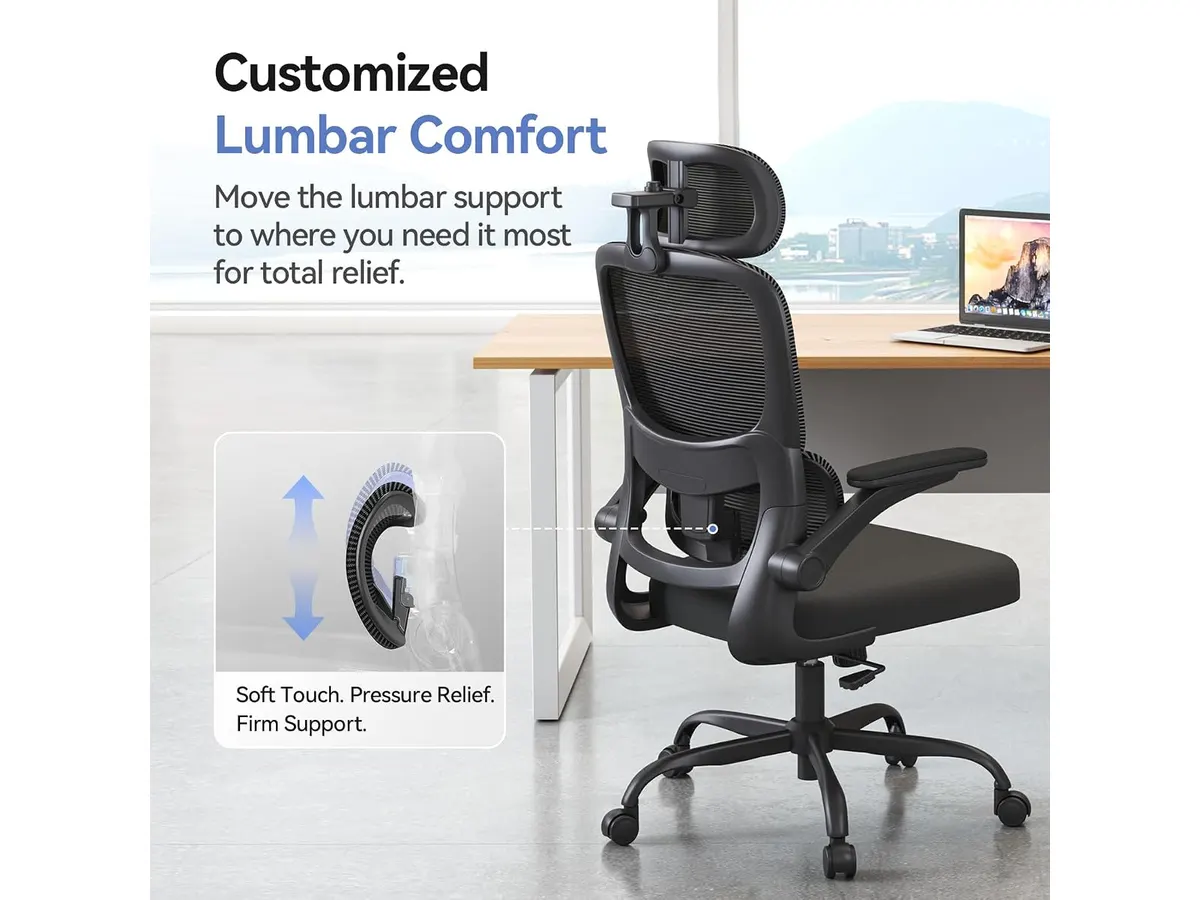
## Dónde flojea
No todo es perfecto en la M102 Pro. El rango de reclinación, limitado a un máximo de 130°, se siente insuficiente si planeas usar la silla para momentos de relajación o lectura prolongada. Si buscas una posición de descanso profundo, podrías notar que la silla te empuja a volver a una postura de trabajo antes de lo deseado.
Otro aspecto a considerar es la construcción de los reposabrazos. Aunque su capacidad de plegado es una ventaja enorme para el espacio, el mecanismo tiende a sentirse menos firme que el de los apoyabrazos fijos o 4D de gama alta. Si sueles apoyar mucho peso sobre los codos, notarás una ligera holgura que podría distraerte durante tareas de alta concentración.
## ¿Para quién es?
Esta silla encaja perfectamente con el estudiante o trabajador remoto que vive en un apartamento compacto y necesita optimizar cada centímetro. Su capacidad para guardarse bajo la mesa es una victoria para el orden visual. Por el contrario, no es la opción ideal para alguien que mide más de 1.90 metros o que requiere una silla con capacidades de reclinación total para descansar durante pausas largas, ya que tanto el soporte lumbar como el reposacabezas tienen rangos de ajuste que podrían quedarse cortos.
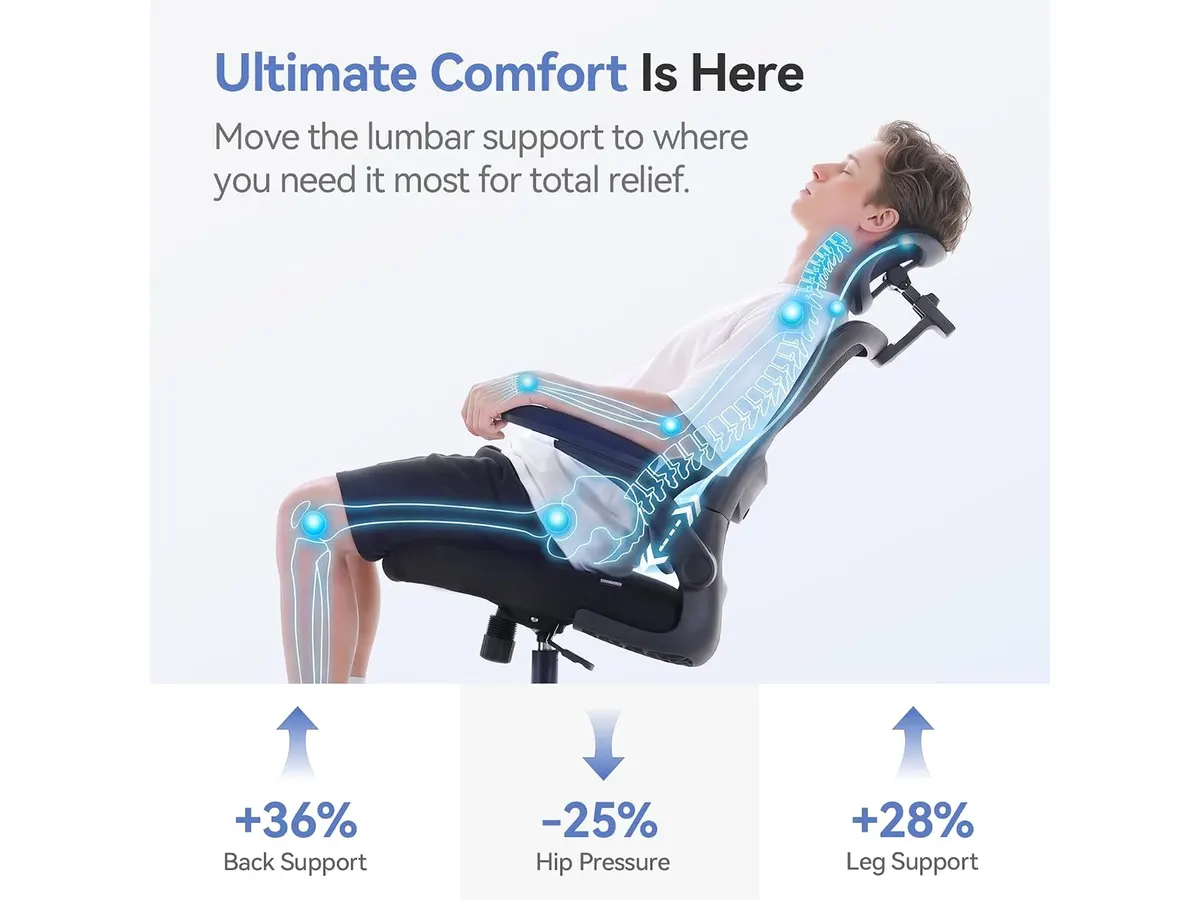
## Alternativas a considerar
Si tu presupuesto es superior y buscas una experiencia premium, puedes explorar opciones de gama alta con marcos de aluminio y ajustes milimétricos, similares a lo que exploramos en nuestro análisis de la [Ergohuman ME7ERG GEN2: Silla Ergonómica para Oficina](/blog/2026-09-22-ergohuman-me7erg-gen2). Estas sillas ofrecen una durabilidad superior y materiales de construcción que justifican un mayor desembolso económico.
Por otro lado, si prefieres mantenerte en la misma marca pero buscas un diseño con mayor enfoque en la robustez estructural y ajustes más rígidos, te recomiendo leer el [SIHOO B100 PRO: Silla Ergonómica con Soporte Avanzado](/blog/2026-09-22-sihoo-b100-pro). También puedes revisar nuestra reseña de la [SIHOO M18: Análisis de la Silla Ergonómica Ideal para Oficina](/blog/2026-09-22-sihoo-m18) si lo que buscas es una alternativa más tradicional y probada en el tiempo.
## Veredicto
La SIHOO M102 Pro cumple con lo que promete: ergonomía adaptativa para el día a día. Aunque tiene limitaciones en su reclinación, es una de las mejores opciones del mercado para optimizar tu estación de trabajo sin complicaciones. Si buscas mejorar tu salud postural, visita nuestra sección de [Sillas ergonomicas](/categorias/sillas) para comparar esta unidad con otros modelos de nuestra selección editorial.
## Preguntas frecuentes
### ¿Es difícil montar la silla por cuenta propia?
No, el montaje es estándar y todas las herramientas necesarias vienen incluidas. La mayoría de los usuarios completan el proceso en unos 30 minutos.
### ¿La malla es resistente al roce constante?
Sí, está diseñada para soportar el uso diario, aunque siempre se recomienda evitar el contacto con objetos metálicos afilados o cremalleras muy gruesas en la ropa.
### ¿Puedo retirar el reposacabezas si no me resulta cómodo?
El diseño permite ajustes en el reposacabezas, pero no está pensado para ser removido permanentemente, ya que el soporte está integrado en la estructura del respaldo.
---
# Análisis del Acer USB-C Hub 5-in-1 para tu setup
URL: https://setuplatam.com/blog/2026-10-07-acer-usb-c-hub-5-in-1
Category: Soportes y hubs
Published: 2026-10-07
El Acer USB-C Hub 5-in-1 es una opción sólida para quienes buscan el mejor hub usb-c para home office. Analizamos su rendimiento, diseño y conectividad.
El Acer USB-C Hub 5-in-1 es una solución compacta diseñada para quienes necesitan expandir la conectividad limitada de sus laptops modernas sin cargar con equipo voluminoso. Si buscas el mejor hub usb-c para home office que priorice la portabilidad y una señal de video estable, este dispositivo cumple con lo esencial. Es una pieza clave dentro de nuestra selección de [Soportes y hubs](/categorias/soportes-hubs) para quienes trabajan entre la oficina y el hogar.
## Lo que hace bien
Este adaptador destaca por su enfoque en la eficiencia técnica y la durabilidad. Aquí están sus mayores aciertos:
* **Salida de video 4K a 60Hz:** Muchos hubs económicos se limitan a 30Hz, lo que genera una experiencia visual poco fluida. El Acer permite una tasa de refresco doble, ideal para monitores externos donde la nitidez y el movimiento suave son necesarios.
* **Gestión de energía PD de 100W:** La capacidad de pasar hasta 100W permite mantener cargada incluso una laptop potente mientras trabajas, eliminando la necesidad de conectar el cargador original al equipo directamente.
* **Construcción en aluminio:** Más allá de la estética, la carcasa metálica ayuda a disipar el calor generado durante la transferencia de datos y la carga, lo que protege los componentes internos a largo plazo.
* **Puertos USB de alta velocidad:** La inclusión de USB 3.0 garantiza que el movimiento de archivos desde discos externos o memorias sea rápido, evitando cuellos de botella en tu flujo de trabajo diario.
## Especificaciones clave
| Característica | Detalle |
| :--- | :--- |
| Puertos | 5-in-1 (HDMI, USB-C 3.0, USB-A 3.0, USB-A 2.0, PD 100W) |
| Resolución HDMI | 4K a 60Hz |
| Carga PD | Hasta 100W de entrada |
| Velocidad de datos | Hasta 5Gbps |
| Material | Aluminio |
| Compatibilidad | Windows, macOS, ChromeOS |
## Dónde flojea
No todo es perfecto en este dispositivo. La mayor limitación es la cantidad de puertos disponibles; al ser un diseño 5-in-1, te verás obligado a desconectar un periférico para conectar otro si tu flujo de trabajo exige múltiples dispositivos simultáneos.
Además, la falta de un puerto Ethernet significa que dependes totalmente de la conectividad inalámbrica. Para quienes necesitan una conexión a internet cableada para realizar videoconferencias estables o subir archivos pesados, este hub no será suficiente. Asimismo, el puerto USB 2.0 es bastante lento comparado con los estándares actuales, limitándolo solo para ratones o teclados básicos.
## ¿Para quién es?
Este dispositivo es ideal para el estudiante o freelancer que trabaja principalmente en cafeterías o espacios compartidos y necesita conectar una pantalla externa y un cargador sin ocupar espacio en su mochila. Es una herramienta de supervivencia minimalista.
Por el contrario, este hub no es para el creador de contenido o profesional de edición de video que requiere múltiples discos duros externos, una tarjeta SD, una conexión Ethernet dedicada y varios monitores conectados simultáneamente. En ese caso, necesitarías una solución de mayor gama como la que detallamos en el [Análisis del CalDigit TS4: El hub definitivo](/blog/2026-09-25-caldigit-ts4).
## Alternativas a considerar
Si necesitas una mayor variedad de puertos para un escritorio fijo, existen opciones en la gama media que ofrecen conectividad Ethernet y lectores de tarjetas SD, aunque a costa de un tamaño ligeramente mayor. Si tu prioridad es mantener un escritorio limpio, te sugerimos revisar primero cómo organizar tus cables y accesorios, tal como explicamos en el [Análisis del brazo MOUNTUP para monitores](/blog/2026-09-29-mountup-single-monitor-desk-mount).
Por otro lado, si buscas algo con un equilibrio distinto entre cantidad de puertos y portabilidad, puedes consultar el [Anker USB-C Hub 8-in-1: Análisis para tu espacio de trabajo](/blog/2026-09-22-anker-usb-c-hub-8-in-1). Esta alternativa es más versátil para quienes conectan periféricos variados, aunque suele tener una huella mayor en el escritorio.
## Veredicto
El Acer USB-C Hub 5-in-1 es una compra inteligente para quienes valoran la simplicidad y la alta frecuencia de actualización en video sobre la cantidad extrema de puertos. Su construcción en aluminio y la carga PD de 100W lo posicionan como un aliado confiable en cualquier setup de trabajo remoto. Si tus necesidades son básicas y directas, no encontrarás una herramienta más sólida dentro de nuestra sección de [Soportes y hubs](/categorias/soportes-hubs).
## Preguntas frecuentes
### ¿Es compatible con tablets como el iPad Pro?
Sí, el hub es compatible con dispositivos que utilizan USB-C con salida de video, aunque la capacidad de carga dependerá de la potencia de tu cargador original.
### ¿Se calienta mucho al usar el puerto HDMI?
Gracias a su carcasa de aluminio, disipa el calor de manera eficiente, manteniéndose en una temperatura funcional incluso tras varias horas de uso continuo en 4K.
### ¿Necesito instalar drivers para que funcione?
No, el dispositivo es totalmente 'plug-and-play' en Windows, macOS y ChromeOS, por lo que estará listo para usarse apenas lo conectes a tu laptop.
---
# Análisis INNOCN 49C1S: El Ultrawide Gigante
URL: https://setuplatam.com/blog/2026-10-07-innocn-49c1s
Category: Monitores
Published: 2026-10-07
Analizamos el INNOCN 49C1S, un monitor de 49 pulgadas con 240Hz que busca ser el mejor monitor para home office. ¿Vale la pena tanto espacio en el escritorio?
El INNOCN 49C1S es una pantalla masiva diseñada para quienes necesitan espacio real de trabajo sin las interrupciones de un borde central. Con su formato 32:9, este monitor reemplaza efectivamente configuraciones de dos pantallas, posicionándose como un contendiente serio para ser el mejor monitor para home office. Si buscas productividad absoluta o una inmersión total en juegos, es una pieza central que dominará tu escritorio. Puedes encontrar más opciones en nuestra sección de [Monitores](/categorias/monitores).
## Lo que hace bien
El punto fuerte del INNOCN 49C1S es su capacidad para gestionar flujos de trabajo complejos gracias a sus 49 pulgadas de diagonal. La resolución DQHD de 5120 x 1440 es nítida y permite colocar tres ventanas de tamaño completo lado a lado sin sacrificar legibilidad.
Además, su frecuencia de actualización de 240Hz lo separa de muchos otros modelos enfocados puramente en oficina, ofreciendo una fluidez excepcional tanto al mover ventanas por el escritorio como en sesiones de juego. La curvatura 1800R es otro acierto, ya que al sentarte frente a él, los bordes del monitor se alinean mejor con tu visión periférica, reduciendo la necesidad de girar el cuello constantemente. Por último, la inclusión de un puerto USB-C con 65W de entrega de energía simplifica tu escritorio, permitiéndote conectar tu laptop y cargarla con un solo cable.
## Especificaciones clave
| Característica | Especificación |
| :--- | :--- |
| Tamaño de pantalla | 49 pulgadas |
| Resolución | 5120 x 1440 DQHD |
| Frecuencia de actualización | 240Hz |
| Curvatura | 1800R |
| Conectividad USB-C | 65W Power Delivery |
| Relación de aspecto | 32:9 |
| Puertos | 2 x DP 1.4, 1 x HDMI 2.1, 1 x USB-C |
| HDR | HDR 400 |
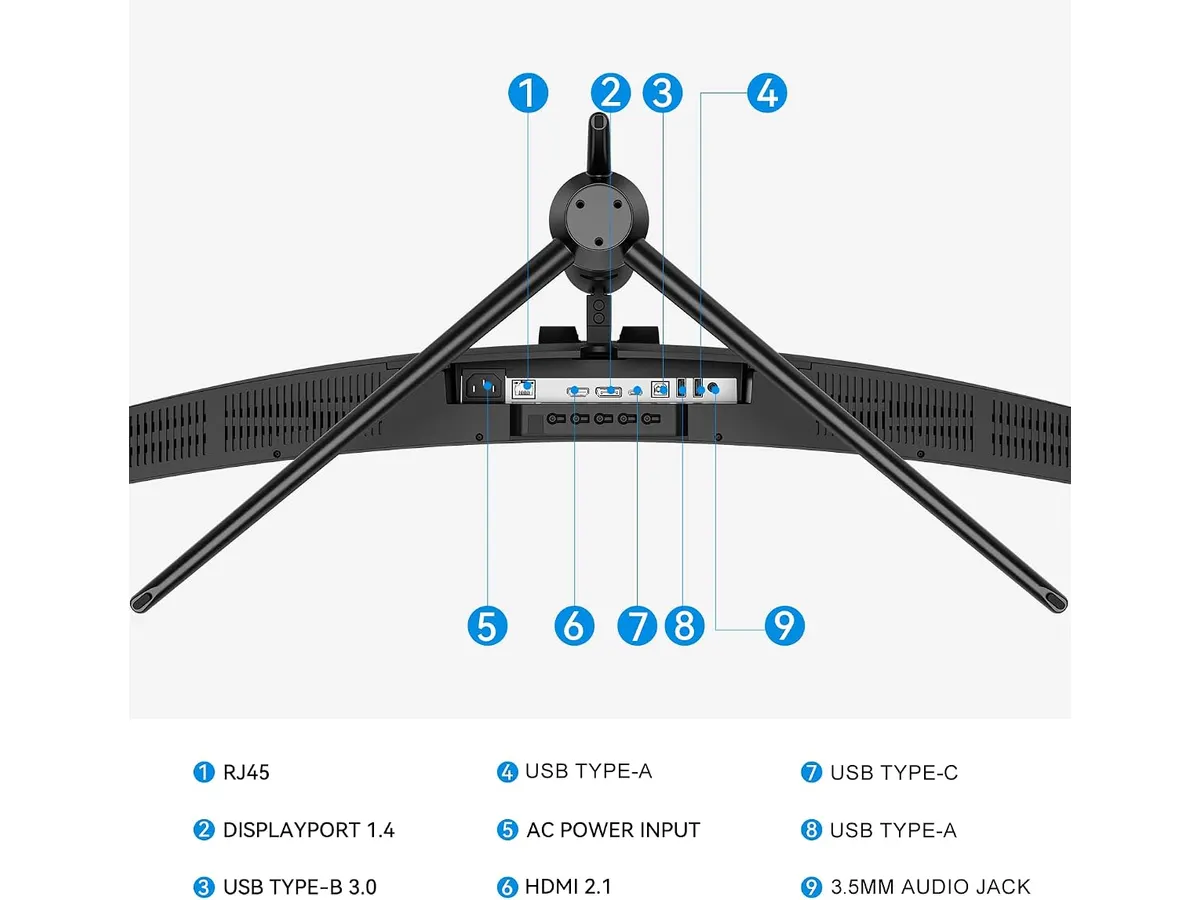
## Dónde flojea
No todo es perfecto. La exigencia de una resolución de 5120 x 1440 requiere una tarjeta gráfica potente si planeas aprovechar esos 240Hz en juegos exigentes; si tu equipo es de gama media o enfocado solo en oficina, podrías estar pagando por potencia que no usarás.
El tamaño físico también es un desafío importante. Requiere un escritorio con una profundidad considerable para que la curvatura y la anchura no resulten abrumadoras. Si prefieres la versatilidad de mover pantallas individuales, como se detalla en el [Análisis del Gigastone 27" IPS 2-Pack: monitores ideales para un setup dual](/blog/2026-09-22-gigastone-27-ips-2-pack), este monitor de 49 pulgadas te hará sentir encadenado a una única posición fija.
## ¿Para quién es?
Este monitor es para el creador de contenido o analista de datos que vive en aplicaciones como Excel, Premiere o editores de código, donde el espacio horizontal extra equivale a menos clics y más eficiencia. Es la herramienta definitiva para quienes odian las configuraciones de dos monitores con biseles en medio.
Por el contrario, no es para el usuario con un escritorio compacto o para quien alterna constantemente entre trabajar en casa y llevar su pantalla a otros lugares. Si tu prioridad es la precisión de color para diseño crítico de impresión, podrías preferir la consistencia de un [Análisis del monitor Dell UltraSharp U2724D: calidad y desempeño](/blog/2026-09-22-dell-ultrasharp-u2724d).
## Alternativas a considerar
Si el formato ultra ancho te parece demasiado extremo, existen alternativas. En la gama media, puedes optar por un monitor IPS de 27 pulgadas con resolución 4K. Estos ofrecen una densidad de píxeles superior para texto y son mucho más fáciles de ubicar en escritorios estándar.
Para quienes priorizan los juegos competitivos sobre el espacio de trabajo, existen pantallas de menor tamaño con paneles de alta velocidad, como puedes ver en la [Revisión del monitor LG UltraGear 27G61ZB-B: rendimiento y calidad](/blog/2026-09-22-lg-ultragear-27g61zb-b). Estas opciones son más económicas y ocupan menos espacio, aunque pierdes la ventaja del lienzo infinito de 49 pulgadas.
## Veredicto
El INNOCN 49C1S es una apuesta ambiciosa que cumple en fluidez y espacio de trabajo. Si tienes el escritorio necesario para albergar sus 49 pulgadas y buscas una experiencia de pantalla ininterrumpida, te servirá de maravilla. Es una herramienta poderosa para maximizar tu productividad diaria.
### pregunta
¿Es necesario un brazo para monitor especial?
Debido a su peso y envergadura, asegúrate de que cualquier brazo que compres soporte monitores de 49 pulgadas. El soporte incluido es funcional, pero un brazo articulado liberará mucho espacio útil en tu mesa.
### pregunta
¿Funciona bien con consolas de videojuegos?
Aunque cuenta con HDMI 2.1, el formato 32:9 no es nativo en la mayoría de las consolas, por lo que verás barras negras a los lados o una imagen estirada. Está pensado principalmente para PCs de alto rendimiento.
### pregunta
¿El USB-C es suficiente para cargar mi laptop?
Los 65W son ideales para laptops de trabajo estándar, pero si usas una estación de trabajo móvil de alto rendimiento, es posible que la carga sea más lenta de lo habitual bajo carga pesada.
---
# Análisis de Quntis Monitor Light Bar Focus 20.1
URL: https://setuplatam.com/blog/2026-10-06-quntis-monitor-light-bar-focus-20-1
Category: Iluminación
Published: 2026-10-06
Evaluamos la Quntis Monitor Light Bar Focus 20.1: la mejor lámpara de escritorio para trabajar frente a la pantalla con iluminación precisa y control total.
Si pasas largas horas frente a la computadora, sabes que el cansancio visual es el enemigo principal de tu productividad. La Quntis Monitor Light Bar Focus 20.1 ofrece una solución directa para iluminar tu área de trabajo sin ocupar espacio en el escritorio, posicionándose como la mejor lámpara de escritorio para trabajar. Esta barra es ideal para quienes buscan optimizar su entorno de oficina en casa con [Iluminacion](/categorias/iluminacion) funcional y bien diseñada.
## Lo que hace bien
El diseño óptico asimétrico de 45 grados es el mayor acierto de este dispositivo. Al dirigir la luz exclusivamente hacia la superficie de trabajo y no hacia el panel, elimina el deslumbramiento y los reflejos molestos que suelen cansar la vista durante las jornadas nocturnas. Con una potencia de más de 1200 lux, ofrece una iluminación intensa y enfocada que realmente transforma el espacio de trabajo.
El control remoto giratorio aporta un nivel de comodidad superior. Poder ajustar el brillo y la temperatura de color (de 3000K a 6500K) de forma continua sin tener que estirarse para tocar la barra es un detalle que se agradece constantemente. Además, su pinza contrapesada con pivote de 15° demuestra una gran flexibilidad, permitiendo un montaje sólido incluso en monitores curvos o irregulares, una característica que a menudo falla en opciones más económicas.
## Especificaciones clave
| Característica | Especificación |
| :--- | :--- |
| Longitud | 20.1 pulgadas (51 cm) |
| Temperatura de color | 3000K - 6500K |
| Índice de reproducción cromática | CRI 95 |
| Nivel de iluminación | ≥1200 lux |
| Compatibilidad de grosor | 0.12 a 3.94 pulgadas |
| Fuente de energía | USB |
| Diseño óptico | Asimétrico (45°) |
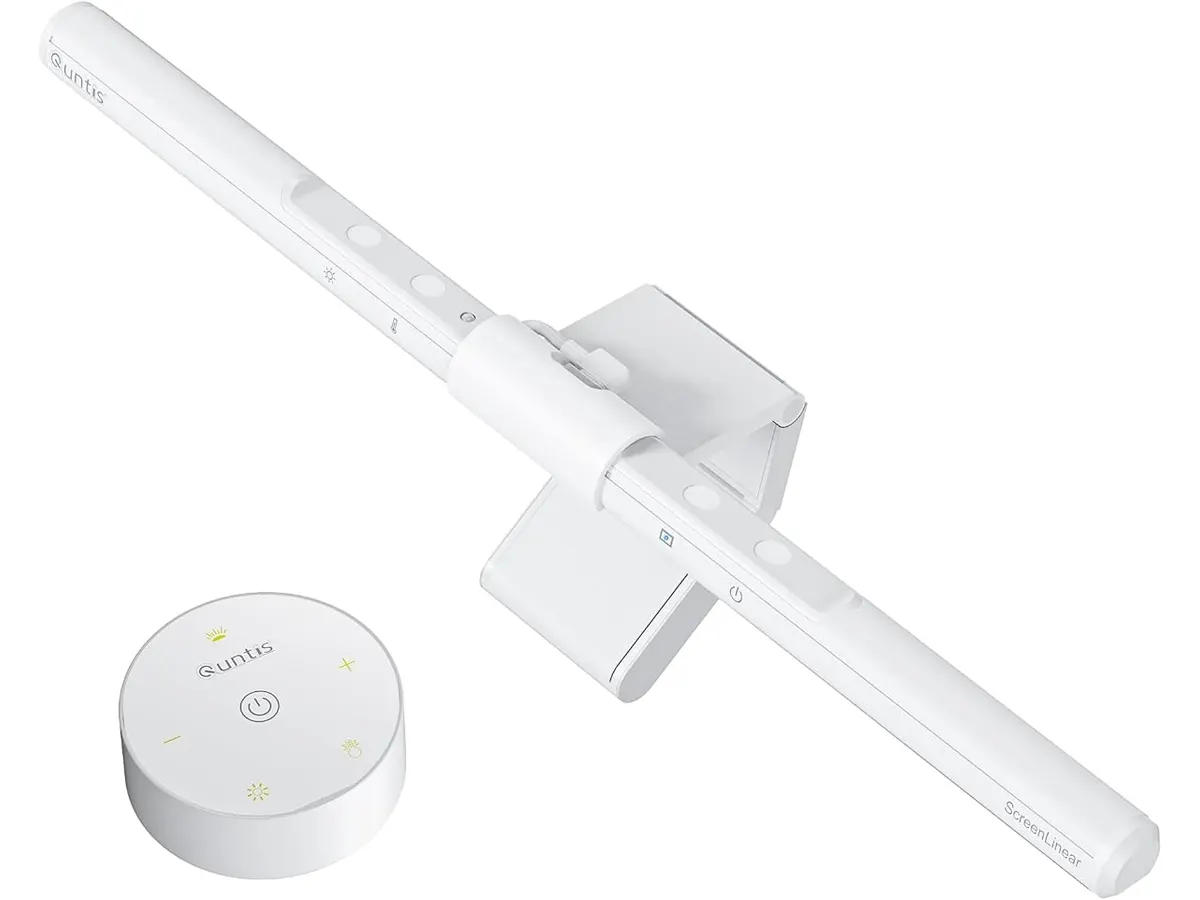
## Dónde flojea
Aunque el rendimiento es sólido, la dependencia absoluta de la conexión USB puede ser un inconveniente. Si tu computadora tiene pocos puertos o estos están muy cargados, tendrás que gestionar cables adicionales para conectarla a una fuente externa, lo que rompe con la limpieza visual que buscas al instalar una barra de luz. No incluye un adaptador de corriente en la caja, lo cual es un detalle menor pero relevante si prefieres tener todo listo para conectar.
Asimismo, el sensor de luz ambiental, aunque útil, a veces resulta demasiado sensible. En habitaciones con cambios frecuentes de luz natural, el ajuste automático puede variar el brillo de forma repentina, obligándote a tomar el control manual para estabilizar la iluminación a tu gusto personal.
## ¿Para quién es?
Esta barra es perfecta para estudiantes y profesionales que trabajan en espacios reducidos y necesitan una solución de iluminación que libere espacio en el escritorio, manteniendo el área enfocada y libre de sombras. Es una mejora sustancial respecto a las lámparas tradicionales de brazo.
Por otro lado, no es la opción ideal para usuarios que buscan un ecosistema de iluminación inteligente controlable por voz o mediante aplicaciones de smartphone. Si tu prioridad es integrar la lámpara en un sistema de domótica complejo, este producto se quedará corto en funciones de conectividad avanzada.
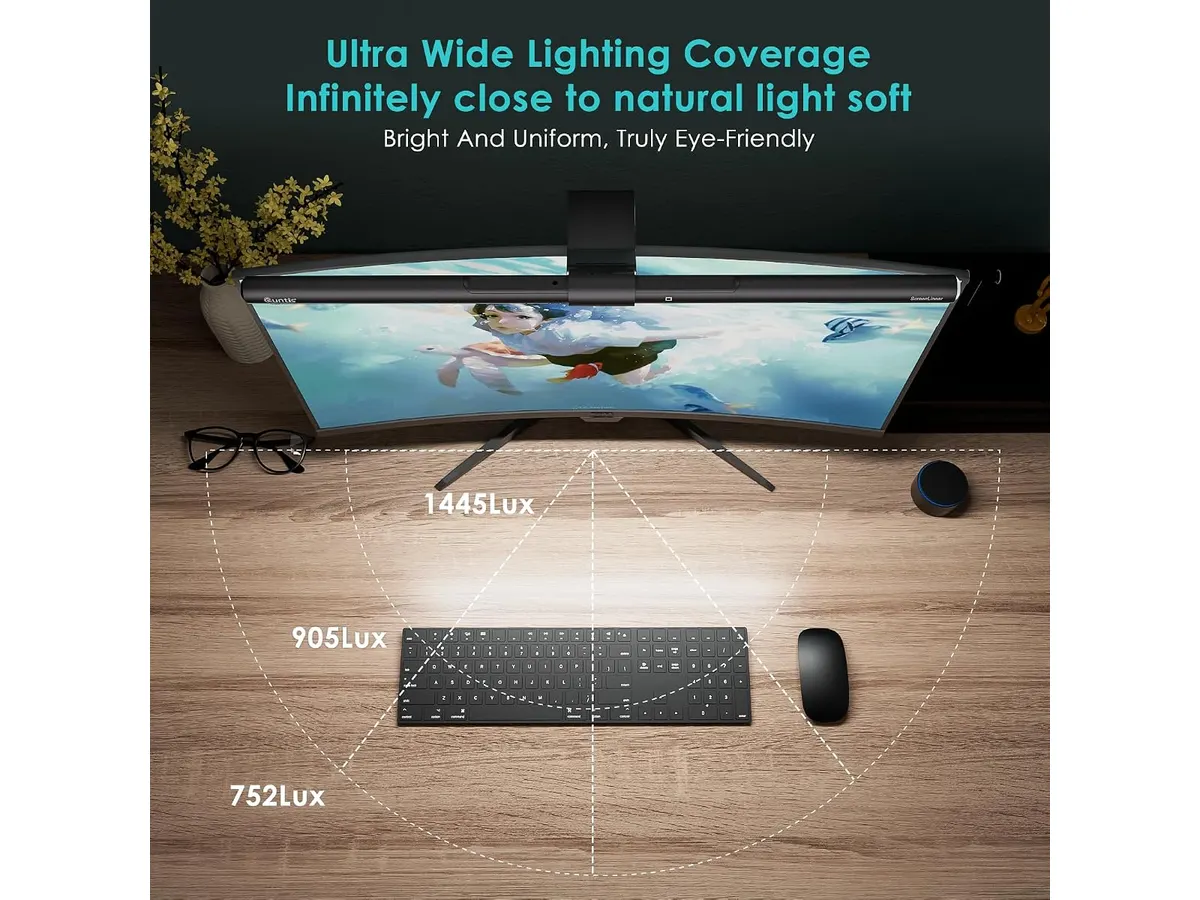
## Alternativas a considerar
Si buscas algo más sencillo y económico, existen opciones de gama de entrada que omiten el control remoto y el sensor de luz ambiental, ofreciendo solo control táctil en el cuerpo de la barra. Son funcionales si el presupuesto es ajustado y solo necesitas eliminar el reflejo de la pantalla.
Por el contrario, si tu flujo de trabajo requiere una iluminación más versátil para grabaciones o videollamadas, considera las lámparas de escritorio de brazo articulado, como las que analizamos en [Pzloz LED Desk Lamp: Iluminación Versátil para tu Escritorio](/blog/2026-09-22-pzloz-led-desk-lamp). Estas permiten posicionar la luz en ángulos laterales, algo que una barra montada en el monitor no puede lograr.
## Veredicto
La Quntis Monitor Light Bar Focus 20.1 destaca por su capacidad para ofrecer una iluminación precisa y cómoda sin complicaciones innecesarias. Cumple con su promesa de cuidar la salud visual, convirtiéndose en una pieza fundamental para cualquier setup moderno. Si buscas una herramienta confiable para trabajar mejor, este producto es una inversión segura, tal como comentamos en nuestra comparativa sobre la [Quntis Computer Monitor Lamp: Análisis de Iluminación Efectiva](/blog/2026-09-22-quntis-computer-monitor-lamp).
## Preguntas frecuentes
### ¿Se puede usar en monitores curvos?
Sí, el pivote ajustable de 15 grados en la pinza contrapesada permite que la barra se asiente firmemente en monitores curvos sin obstruir la pantalla.
### ¿Es necesario instalar software para usarla?
No, el dispositivo es totalmente 'plug and play'. Todas las funciones de brillo, temperatura y temporizador se manejan directamente desde el control remoto físico.
### ¿Qué ocurre si mi monitor no tiene puertos USB libres?
La barra funciona con cualquier cargador de pared USB estándar. Si tu monitor no tiene puertos disponibles, puedes conectarla a un cargador de teléfono para alimentarla sin problemas.
---
# Análisis del SHW Electric Height Adjustable Standing Desk
URL: https://setuplatam.com/blog/2026-10-06-shw-electric-height-adjustable-standing-desk
Category: Escritorios
Published: 2026-10-06
Evaluamos el SHW Electric Height Adjustable Standing Desk, una opción funcional para quienes buscan el mejor escritorio para home office con ajustes de altura.
Elegir la superficie adecuada es el paso más importante al armar un espacio de trabajo productivo. El SHW Electric Height Adjustable Standing Desk se posiciona como una herramienta funcional para quienes necesitan alternar posturas sin complicaciones. Es una pieza básica, enfocada en la utilidad directa, ideal para estudiantes o trabajadores remotos que buscan el mejor escritorio para home office sin complicaciones técnicas excesivas. Si estás explorando opciones, puedes revisar nuestra selección completa en la categoría de [Escritorios](/categorias/escritorios).
## Lo que hace bien
Este escritorio cumple con lo que promete gracias a una estructura sólida y detalles de diseño que facilitan el día a día:
* **Motor eficiente:** El mecanismo eléctrico destaca por su funcionamiento fluido. Permite transiciones rápidas entre las posiciones sentado y de pie, manteniendo un nivel de ruido bajo que no distrae durante las videollamadas.
* **Optimización del espacio:** La superficie de 55 por 28 pulgadas es generosa. Logra acomodar sin esfuerzo un arreglo de dos monitores, teclado, ratón y algunos accesorios, algo esencial para flujos de trabajo multitarea.
* **Gestión de accesorios:** Incluye detalles prácticos como un cajón integrado para artículos de oficina, ganchos laterales para colgar auriculares y una bandeja para cables. Estos elementos ayudan a mantener el área visualmente limpia, evitando el caos de cables sueltos.
* **Comodidad ergonómica:** El borde curvo frontal marca una diferencia real en sesiones largas. Al apoyar los antebrazos, la presión sobre las muñecas disminuye, lo cual reduce la fatiga al escribir durante horas.
## Especificaciones clave
| Característica | Especificación |
| :--- | :--- |
| Dimensiones | 55" ancho x 28" profundidad |
| Rango de altura | 28 a 45 pulgadas |
| Capacidad de carga | 50 kg / 110.2 libras |
| Material de estructura | Acero industrial |
| Almacenamiento | Cajón integrado |
| Extras | Bandeja de cables y ganchos |
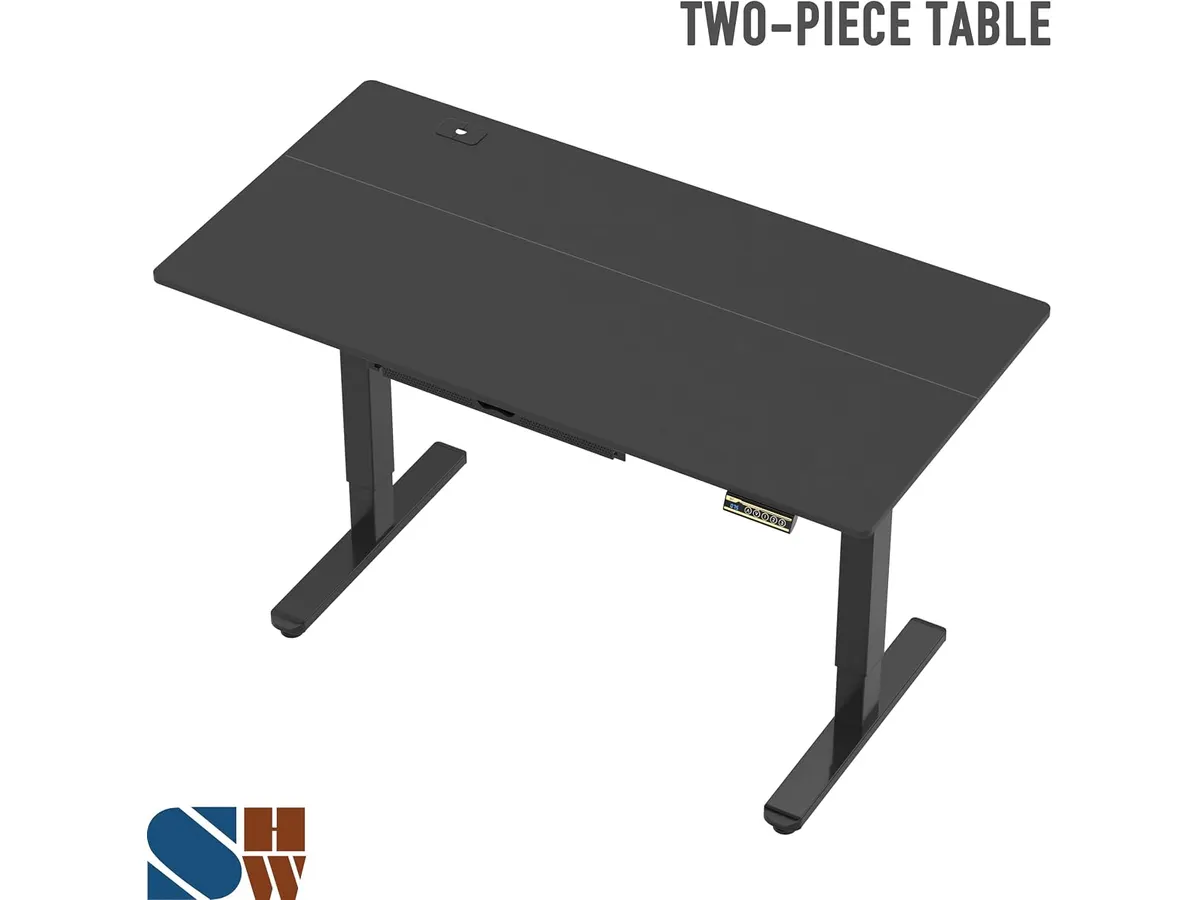
## Dónde flojea
Aunque el rendimiento es sólido para su gama, existen limitaciones que debes considerar antes de decidir:
La capacidad de carga máxima es de 50 kg. Si utilizas un brazo articulado pesado para monitores grandes o equipos de audio de alta gama, te acercarás al límite de seguridad muy rápido. No es un escritorio diseñado para cargas pesadas o configuraciones de computadoras de escritorio masivas.
El rango de altura de 28 a 45 pulgadas puede resultar insuficiente para personas muy altas. Si superas el 1.85 metros de estatura, podrías sentir que la posición de pie no es lo suficientemente elevada para mantener una postura ergonómica correcta. Además, la estructura, aunque es de acero, carece de la rigidez extrema que ofrecen modelos más costosos, presentando una ligera oscilación si se eleva al máximo.
## ¿Para quién es?
Este modelo es ideal para el trabajador remoto que inicia su setup y prioriza un área de trabajo amplia a un costo razonable. Si tu equipo de cómputo consiste en una laptop, uno o dos monitores estándar y periféricos ligeros, este escritorio te ofrecerá una excelente relación entre precio y ergonomía.
Por el contrario, no es para profesionales que utilicen configuraciones de edición de video o diseño con múltiples pantallas pesadas y torres de PC robustas, donde la estabilidad absoluta y una mayor capacidad de carga son innegociables. Tampoco es la mejor opción si eres una persona de estatura elevada que necesita una mayor extensión vertical.
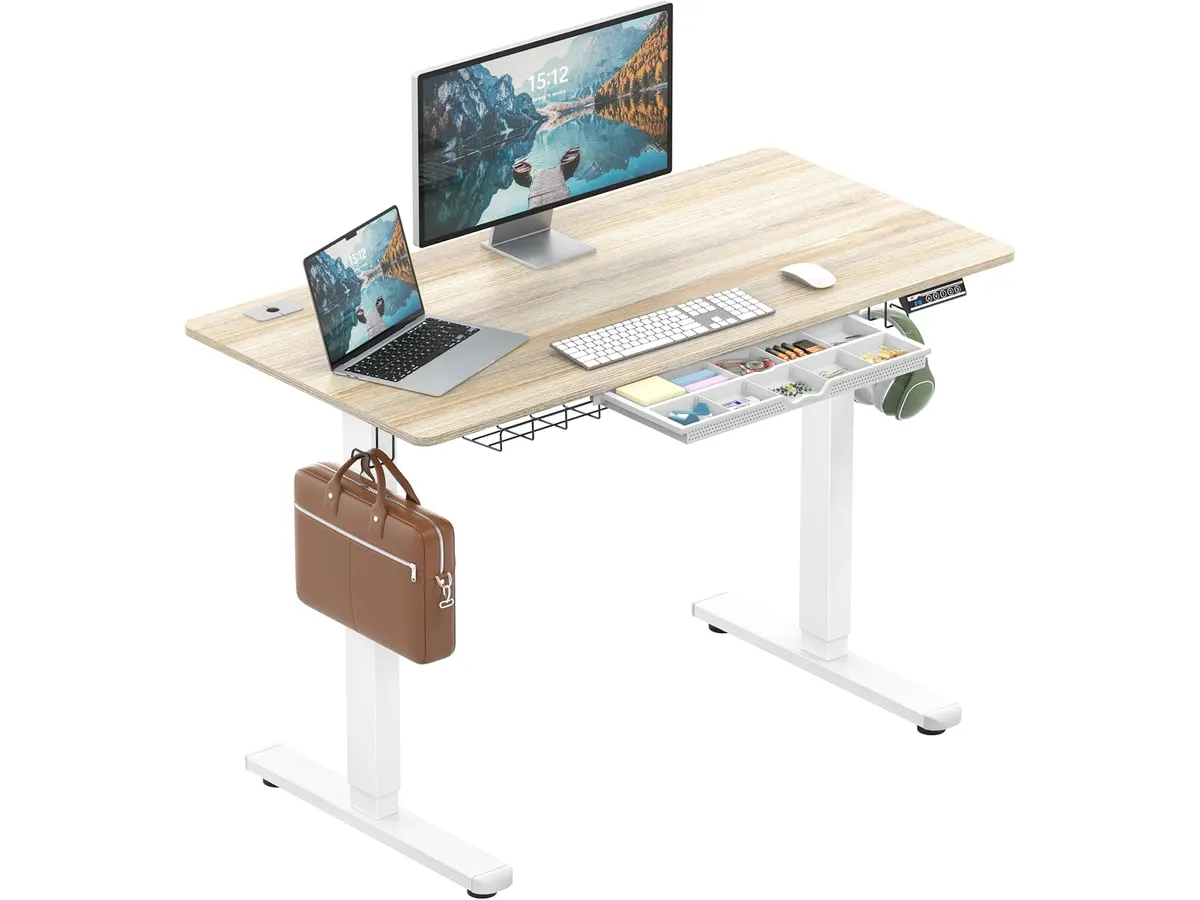
## Alternativas a considerar
Si buscas un enfoque distinto, existen otras rutas dentro del mercado:
* **Gama de entrada manual:** Si el motor eléctrico no es una prioridad y prefieres invertir más en la calidad de los materiales o en un diseño más minimalista, puedes optar por conversores de escritorio que se colocan sobre una mesa existente, como vimos en nuestro [Análisis del FLEXISPOT 42" Standing Desk Converter para tu oficina](/blog/2026-09-22-flexispot-42-standing-desk-converter).
* **Gama superior de alto rendimiento:** Si requieres una estabilidad a prueba de bombas y una construcción de nivel profesional, existen opciones en el mercado con motores duales y rangos de altura extendidos. Puedes comparar esta experiencia con lo que detallamos en el [Análisis del Vari Classic Electric Standing Desk para tu oficina](/blog/2026-09-22-vari-classic-electric-standing-desk).
## Veredicto
El SHW Electric Height Adjustable Standing Desk es un caballo de batalla confiable para quienes buscan funcionalidad sin adornos innecesarios. Su mayor virtud es la combinación de espacio amplio y accesorios incluidos que realmente ayudan a mantener el orden. No es el escritorio más robusto del mercado, pero para el usuario promedio de home office, cumple con creces. Si necesitas algo más sencillo o diferente, también puedes echar un vistazo al [FEZIBO Escritorio de Pie: Análisis y prueba](/blog/2026-09-25-fezibo-escritorio-de-pie).
## Preguntas frecuentes
### ¿Es difícil de armar?
No, el proceso de ensamblaje es directo. Siguiendo las instrucciones, una persona puede tenerlo listo en menos de una hora, aunque contar con ayuda para voltear la estructura facilitará las cosas.
### ¿El motor es muy ruidoso?
El motor es bastante silencioso. Produce un zumbido suave que es apenas perceptible y no interfiere con llamadas telefónicas ni con el entorno en una habitación cerrada.
### ¿Puedo instalar mi propio brazo para monitor?
Sí, la superficie permite la instalación de brazos articulados estándar. Solo asegúrate de verificar que el grosor del borde y la capacidad de peso total de tus monitores no excedan el límite de 50 kg del escritorio.
---
# Análisis de los altavoces Amazon Basics USB
URL: https://setuplatam.com/blog/2026-10-05-amazon-basics-usb-powered-computer-speakers
Category: Audio y webcams
Published: 2026-10-05
Evaluamos los altavoces Amazon Basics USB: compactos, funcionales y básicos para tu escritorio. Descubre si son el complemento ideal para tu home office.
Los Amazon Basics USB-Powered Computer Speakers son una solución directa para quienes buscan mejorar el audio de su computadora sin complicaciones técnicas ni cables de alimentación adicionales. Si trabajas en un espacio reducido y necesitas una mejora inmediata respecto a los altavoces integrados de tu monitor, este producto cumple su propósito. Al explorar nuestras recomendaciones en [Audio y webcams](/categorias/audio-webcams), notarás que estos dispositivos se enfocan en la funcionalidad básica, ideal para usuarios que no requieren fidelidad de estudio pero sí un sonido claro para reuniones y videos. Si ya tienes instalada una [webcam para teletrabajo](/blog/2026-09-22-logitech-mx-brio) de alta calidad, completar tu equipo con estos altavoces te permite organizar tu área de trabajo sin desorden.
## Lo que hace bien
La principal virtud de este sistema es su simplicidad. Al utilizar alimentación USB, eliminas la necesidad de ocupar otro enchufe en tu regleta, lo cual es vital cuando el espacio es escaso. La configuración es genuinamente plug-and-play: conectas el USB y el jack de 3.5mm, y el sonido comienza a fluir de inmediato sin instalar controladores.
El diseño físico destaca por su tamaño contenido. Con medidas de apenas 7.01 x 9.02 x 13.46 cm, se integran discretamente a los lados de cualquier pantalla sin obstruir la vista. Además, el control frontal integrado para el encendido y el volumen es un acierto de ergonomía básica, permitiéndote ajustar el audio en milisegundos sin buscar controles en la parte trasera o dentro de la configuración del sistema operativo. Por último, la inclusión de una toma para auriculares en la parte frontal facilita el cambio a una escucha privada sin tener que desconectar nada de la torre o el puerto trasero de tu laptop.
## Especificaciones clave
| Característica | Detalle |
| :--- | :--- |
| Potencia total | 2.2 watts RMS |
| Respuesta de frecuencia | 103 Hz - 20 KHz |
| Conectividad | USB (alimentación) y jack 3.5mm (audio) |
| Alimentación | 5V (USB) |
| Dimensiones | 7.01 x 9.02 x 13.46 cm |
| Peso | 0.63 kg |
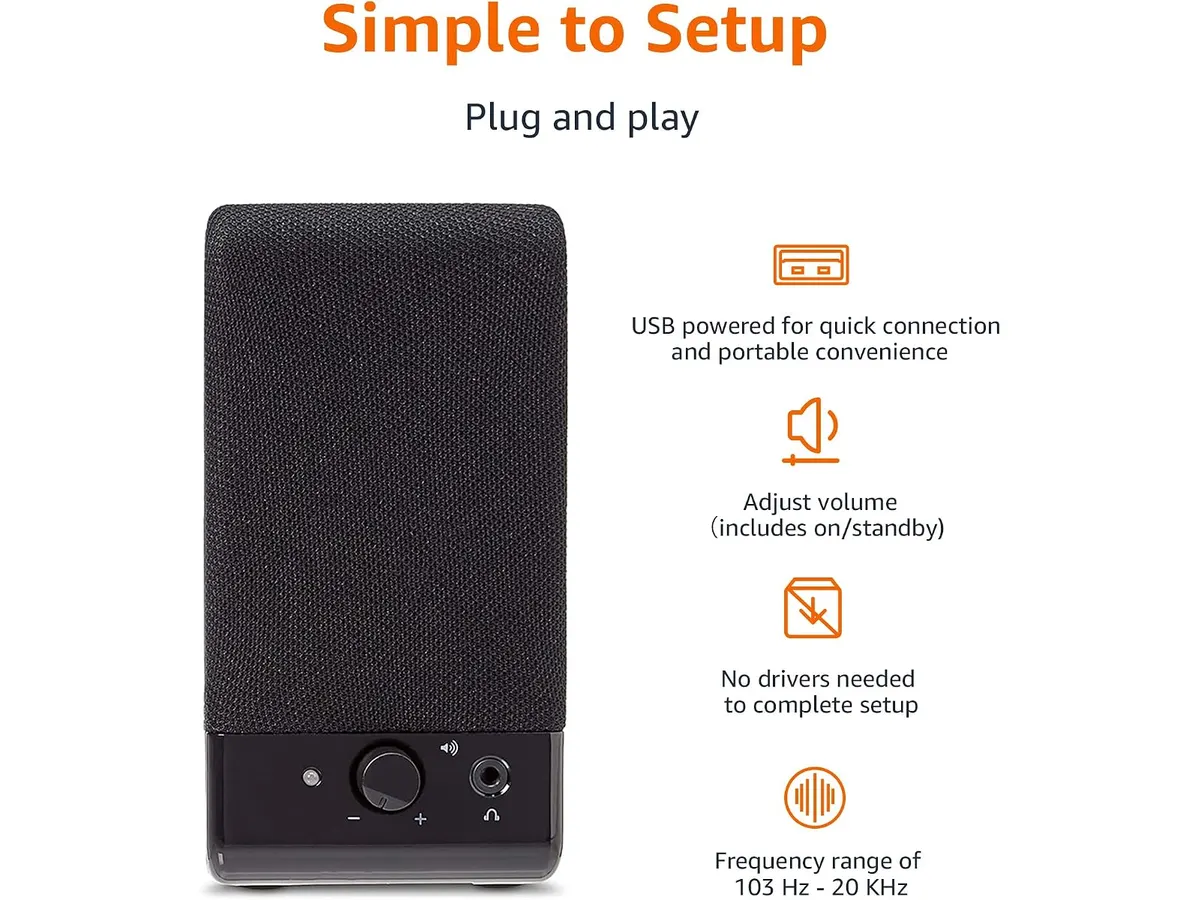
## Dónde flojea
La limitación más evidente es la potencia. Con 2.2 watts RMS, no esperes llenar una habitación ni obtener una respuesta de graves profunda. El rango de frecuencia inicia en 103 Hz, lo que significa que el sonido se centra casi exclusivamente en los tonos medios y agudos; el cuerpo y la calidez que ofrecen sistemas con un subwoofer dedicado simplemente no están presentes.
Otro punto a considerar es la dependencia de dos cables. Aunque la alimentación es por USB, necesitas conectar físicamente el jack de 3.5mm para recibir la señal de audio. Si tu laptop es moderna y carece de este puerto, estarás obligado a comprar un adaptador adicional, lo que complica la instalación que debería ser sencilla. Por último, la construcción es predominantemente plástica, lo que se traduce en una ligereza que puede hacer que los altavoces se muevan si los golpeas accidentalmente.
## ¿Para quién es?
Este producto es ideal para el estudiante o el empleado administrativo que realiza videollamadas frecuentes y necesita escuchar diálogos con claridad sin usar auriculares todo el día. Si tu escritorio es pequeño y buscas orden, estos altavoces son una alternativa eficiente para tener un audio de escritorio funcional.
No son para ti si tu trabajo involucra la edición de audio, video o si disfrutas escuchar música con alta fidelidad durante tus horas de trabajo. Si buscas un sonido envolvente para multimedia, te decepcionará la falta de profundidad en los graves y el límite de volumen máximo que ofrecen estos altavoces.
## Alternativas a considerar
Si buscas un sonido con mayor cuerpo, existen opciones en el mercado de gama media que incluyen un pequeño radiador pasivo para reforzar las frecuencias bajas, ofreciendo una experiencia auditiva más equilibrada sin necesidad de un subwoofer externo. Estos modelos suelen mantener un tamaño similar pero con una construcción un poco más sólida.
Para quienes priorizan la limpieza total del escritorio, existen sistemas que se conectan exclusivamente vía USB para audio y alimentación, eliminando el cable de jack de 3.5mm. Estos modelos suelen ser ligeramente más costosos, pero son preferibles si deseas evitar el desorden de cables en tu estación de trabajo.
## Veredicto
Los Amazon Basics USB-Powered Computer Speakers son una compra pragmática para quienes necesitan una mejora funcional sin gastos excesivos. Si valoras el espacio sobre la excelencia acústica, representan una inversión segura para tu configuración de [Audio y webcams](/categorias/audio-webcams). No intentes compararlos con equipos de alta gama, úsalos para lo que fueron creados: mejorar la voz y el sonido básico de tu computadora.
## Preguntas frecuentes
### ¿Necesito conectar ambos cables para que funcionen?
Sí, el cable USB es exclusivamente para la alimentación de energía, mientras que el cable de jack de 3.5mm transmite la señal de audio desde tu computadora.
### ¿Puedo usarlos con un monitor que no tiene salida de audio?
No, los altavoces requieren una fuente de audio como una laptop, una computadora de escritorio o un monitor que tenga una salida de audífonos (jack 3.5mm) activa.
### ¿Funcionan con una consola de videojuegos?
Solo si la consola cuenta con una salida de audio de 3.5mm y un puerto USB libre para alimentarlos simultáneamente.
---
# Análisis Logitech ERGO K860: Salud para tus manos
URL: https://setuplatam.com/blog/2026-10-05-logitech-ergo-k860
Category: Periféricos
Published: 2026-10-05
Si buscas los mejores perifericos para home office, el Logitech ERGO K860 es clave para evitar la fatiga. Analizamos este teclado ergonómico en profundidad.
El Logitech ERGO K860 es una herramienta diseñada para quienes pasan ocho horas o más frente a la computadora. Este teclado se aleja de la estética convencional para priorizar la salud física mediante una estructura curva y dividida. Es una pieza fundamental dentro de los [Perifericos](/categorias/perifericos) que cualquier profesional debe considerar si su objetivo es integrar los mejores perifericos para home office en su espacio de trabajo diario.
## Lo que hace bien
- Postura natural: El diseño dividido y la curvatura central obligan a que tus antebrazos se mantengan en una posición más relajada, lo que disminuye drásticamente la tensión en los hombros y muñecas tras largas jornadas de redacción.
- Apoyo excepcional: El reposamuñecas acolchado con espuma viscoelástica es, posiblemente, el mejor del mercado. Ofrece una superficie firme pero cómoda que realmente reduce la presión sobre los tejidos blandos de la mano.
- Versatilidad de inclinación: La capacidad de ajustar las patas traseras a -4° y -7° es una joya para quienes escriben de pie o sobre escritorios altos, permitiendo mantener las muñecas en una posición neutra sin importar la altura de la superficie.
- Calidad de tecleo: Las teclas cóncavas Perfect Stroke logran un equilibrio entre recorrido y suavidad, ofreciendo una experiencia táctil precisa que no sacrifica el silencio, ideal para oficinas compartidas o llamadas largas.
## Especificaciones clave
| Característica | Detalle |
| :--- | :--- |
| Diseño | Ergonómico dividido y curvado |
| Conectividad | Bluetooth y receptor USB |
| Reposamuñecas | Espuma viscoelástica integrada |
| Inclinación | 0°, -4°, -7° |
| Formato | Tamaño completo (Full-size) |
| Sostenibilidad | 71% plástico reciclado (Graphite) |
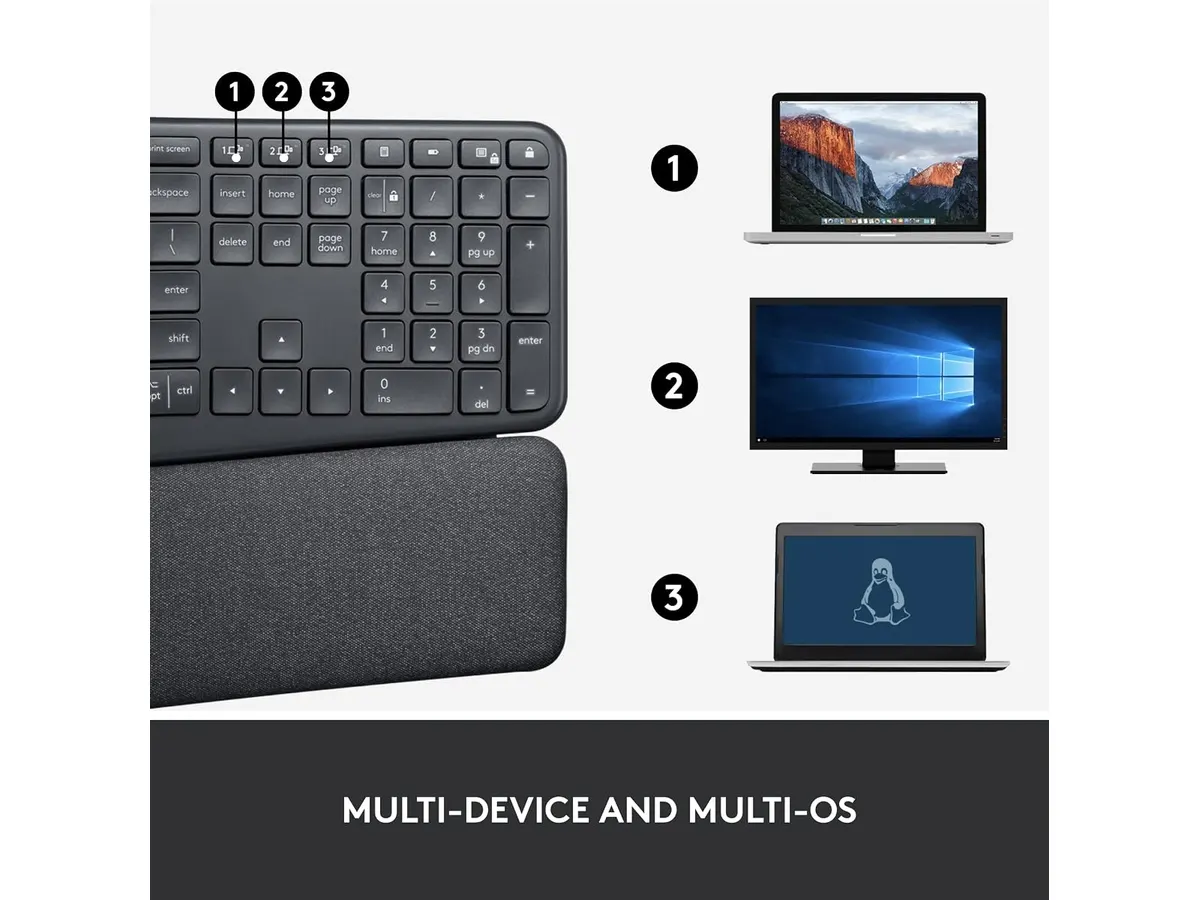
## Dónde flojea
- Curva de aprendizaje: Si nunca has usado un teclado dividido, los primeros tres días serán frustrantes. Cometrás errores al presionar teclas que antes alcanzabas con la mano contraria, lo cual es frustrante si tienes entregas urgentes.
- Falta de retroiluminación: Para un periférico de esta categoría, la ausencia de luz en las teclas es un punto negativo importante, especialmente si prefieres trabajar en condiciones de baja iluminación al final del día.
- Espacio físico: Es un teclado voluminoso. Si tu escritorio es pequeño o si sueles alternar con un ratón de juegos de gran tamaño, ocuparás gran parte del área de trabajo, lo que puede limitar tu libertad de movimiento.
## ¿Para quién es?
Este teclado es ideal para redactores, programadores o administrativos que sufren de molestias en las muñecas y buscan una solución a largo plazo para mejorar su postura. Sin embargo, no es para ti si eres un entusiasta de los teclados mecánicos personalizados o si buscas un dispositivo compacto que puedas llevar fácilmente en tu mochila de trabajo.
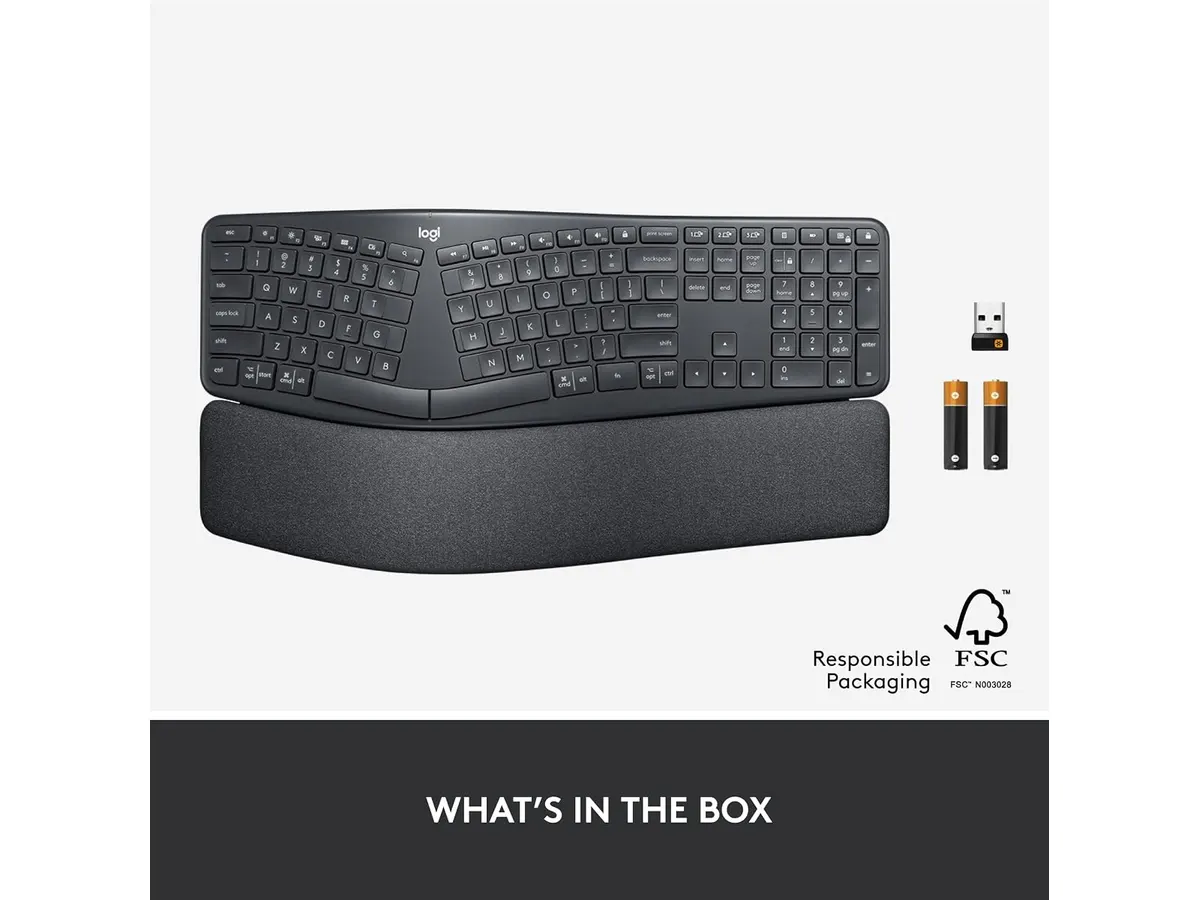
## Alternativas a considerar
Si buscas algo más económico y con un enfoque diferente, podrías considerar un teclado mecánico básico. Aunque carecen de la ergonomía especializada de este modelo, ofrecen una durabilidad superior para tareas de escritura intensiva, como se detalla en este [RedThunder K95 Wireless Mechanical Keyboard: Análisis y Opiniones](/blog/2026-09-22-redthunder-k95-wireless-mechanical-keyboard).
Por otro lado, si tu prioridad es la conectividad y el uso de un periférico de apuntamiento de alto rendimiento, es recomendable complementar tu setup con un dispositivo de precisión. Para una experiencia ergonómica integral, te sugerimos revisar el [Logitech MX Master 3S: Análisis del ratón ergonómico ideal para la oficina](/blog/2026-09-22-logitech-mx-master-3s), que equilibra perfectamente el uso de este teclado con un ratón de alta gama.
## Veredicto
El Logitech ERGO K860 cumple lo que promete: transforma la experiencia de escritura en algo mucho más saludable. Es una inversión inteligente si ya sientes fatiga muscular y quieres optimizar tus [Perifericos](/categorias/perifericos) actuales. Si estás dispuesto a superar la curva de aprendizaje inicial, tus muñecas te lo agradecerán durante años.
## Preguntas frecuentes
### ¿Es compatible con Mac y Windows?
Sí, funciona sin problemas con ambos sistemas operativos, reconociendo automáticamente la configuración de las teclas al conectarse vía Bluetooth o receptor USB.
### ¿Necesito instalar software especial?
Es compatible con las aplicaciones de personalización de la marca, que permiten configurar accesos directos, aunque funciona perfectamente como teclado Plug-and-Play sin software adicional.
### ¿Cómo se limpia el reposamuñecas?
La superficie está tratada para ser duradera, pero se recomienda pasar un paño suave ligeramente humedecido, evitando productos químicos fuertes que puedan degradar la espuma viscoelástica.
---
# Acer Nitro VG270K L1: Análisis de Pantalla 4K
URL: https://setuplatam.com/blog/2026-10-04-acer-nitro-vg270k-l1
Category: Monitores
Published: 2026-10-04
Evaluamos el Acer Nitro VG270K L1 con resolución 4K y 144Hz DFR. Descubre si realmente es el mejor monitor para home office y gaming exigente.
El Acer Nitro VG270K L1 busca equilibrar la nitidez extrema del trabajo profesional con la fluidez necesaria para jugar en los ratos libres. Diseñado con un panel IPS de 27 pulgadas en resolución 4K UHD, se posiciona como una opción seria para quienes buscan el mejor monitor para home office sin renunciar a una tasa de refresco elevada. Si navegas por nuestra sección de [Monitores](/categorias/monitores), notas de inmediato que pocos modelos combinan este nivel de densidad de píxeles con una velocidad de respuesta tan agresiva.
## Lo que hace bien
La definición visual que alcanza este panel de 27 pulgadas es sobresaliente. Al condensar 3840 x 2160 píxeles en esta diagonal, la nitidez del texto elimina la fatiga ocular al revisar hojas de cálculo complejas o editar líneas de código durante horas. Es un monitor para teletrabajo que transforma la lectura diaria en una experiencia mucho más cómoda.
El comportamiento en juegos y video en movimiento supera lo habitual en pantallas de alta resolución. Gracias a la tecnología DFR (Dynamic Frequency Rate), el panel opera nativamente a 72Hz pero escala hasta 144Hz según la exigencia. Sumado a un tiempo de respuesta de 0.5ms GTG y al soporte para AMD FreeSync, las imágenes no presentan desgarros ni rastros borrosos en escenas de acción rápida.
La reproducción cromática cumple con creces las expectativas de los creadores de contenido. La cobertura del 95% del espacio de color DCI-P3, combinada con la compatibilidad HDR10, ofrece colores precisos y tonos bien calibrados sin saturar en exceso la escena.
El diseño ZeroFrame aprovecha el espacio al máximo. Los marcos ultradelgados no solo reducen la distracción visual, sino que permiten alinear dos unidades en el escritorio de forma limpia y eficiente.
## Especificaciones clave
| Característica | Especificación |
| --- | --- |
| Modelo | Acer Nitro VG270K L1 |
| Tamaño de pantalla | 27 pulgadas |
| Resolución | 3840 x 2160 UHD |
| Tipo de panel | IPS |
| Frecuencia de actualización | 72Hz / 144Hz DFR |
| Tiempo de respuesta | 0.5ms GTG |
| Tecnología de frecuencia variable | AMD FreeSync |
| Cobertura de color | 95% DCI-P3 |
| Soporte HDR | HDR10 |
| Diseño de marco | ZeroFrame |
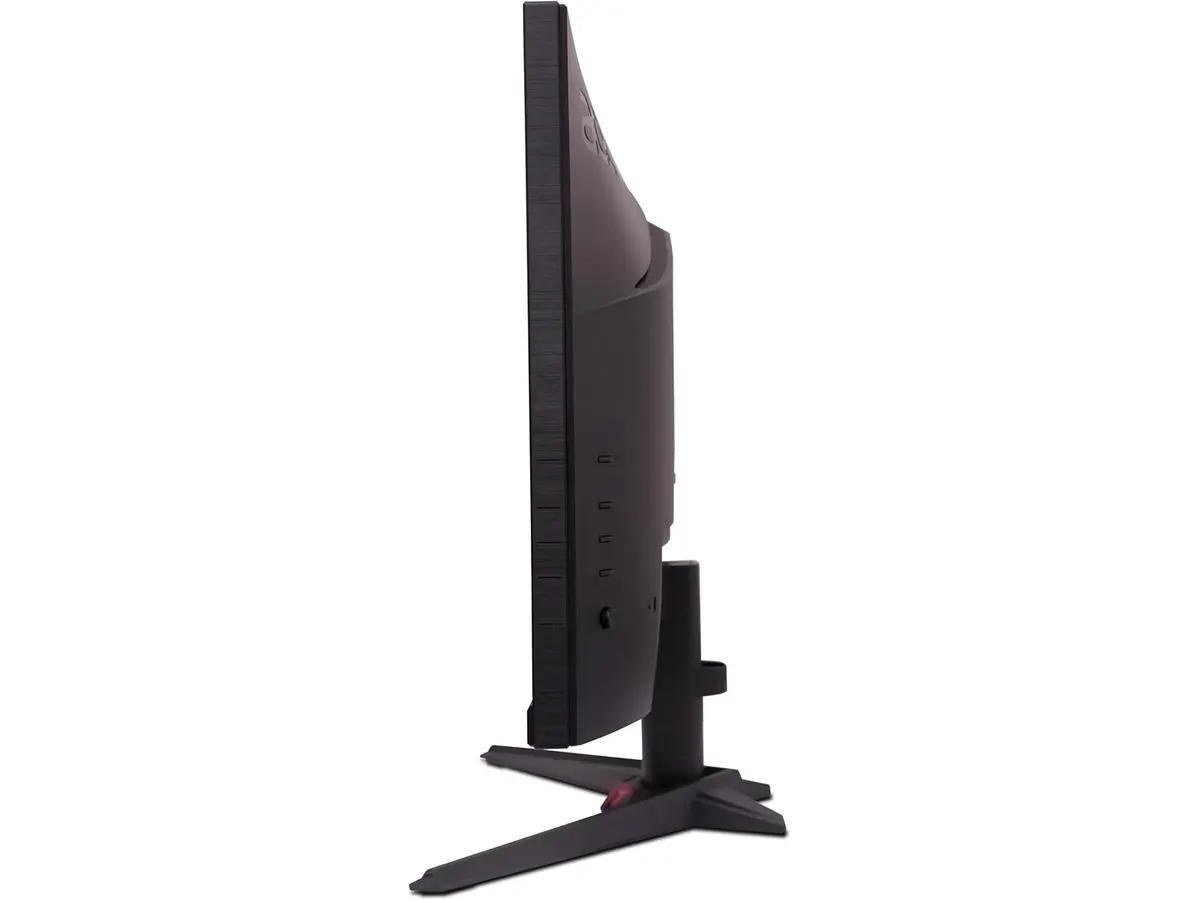
## Dónde flojea
La ergonomía del soporte incluido se queda corta. La base de fábrica ofrece ajustes de inclinación muy limitados y carece de regulación en altura o rotación vertical, algo crítico para mantener una postura saludable durante jornadas laborales extensas.
El rendimiento del soporte HDR10 es meramente testimonial en escenas oscuras. Aunque mejora la representación del color y el contraste general en títulos compatibles, la ausencia de atenuación local limita el impacto visual profundo en entornos de penumbra.
Exige un equipo potente para sacarle jugo. Mover aplicaciones pesadas o videojuegos a resolución UHD con frecuencias elevadas requiere un ordenador con especificaciones gráficas de gama media-alta hacia arriba.
## ¿Para quién es el mejor monitor para home office?
Este modelo encaja a la perfección en el perfil del usuario híbrido. Si trabajas durante el día redactando documentos, analizando datos o editando contenido multimedia y dedicas las noches a videojuegos de ritmo ágil, esta pantalla para trabajar desde casa resuelve ambas necesidades en un solo dispositivo sin despeinarse.
Por el contrario, no es la compra adecuada para quien busca exclusivamente tareas administrativas básicas. Si no vas a consumir contenido en ultra alta definición ni te interesan los beneficios de la fluidez a 144Hz DFR, existen opciones más sencillas centradas en la ergonomía de oficina. Tampoco convencerá a jugadores de eSports competitivos que prefieren paneles de menor resolución pero con frecuencias nativas fijas de 240Hz o superiores.
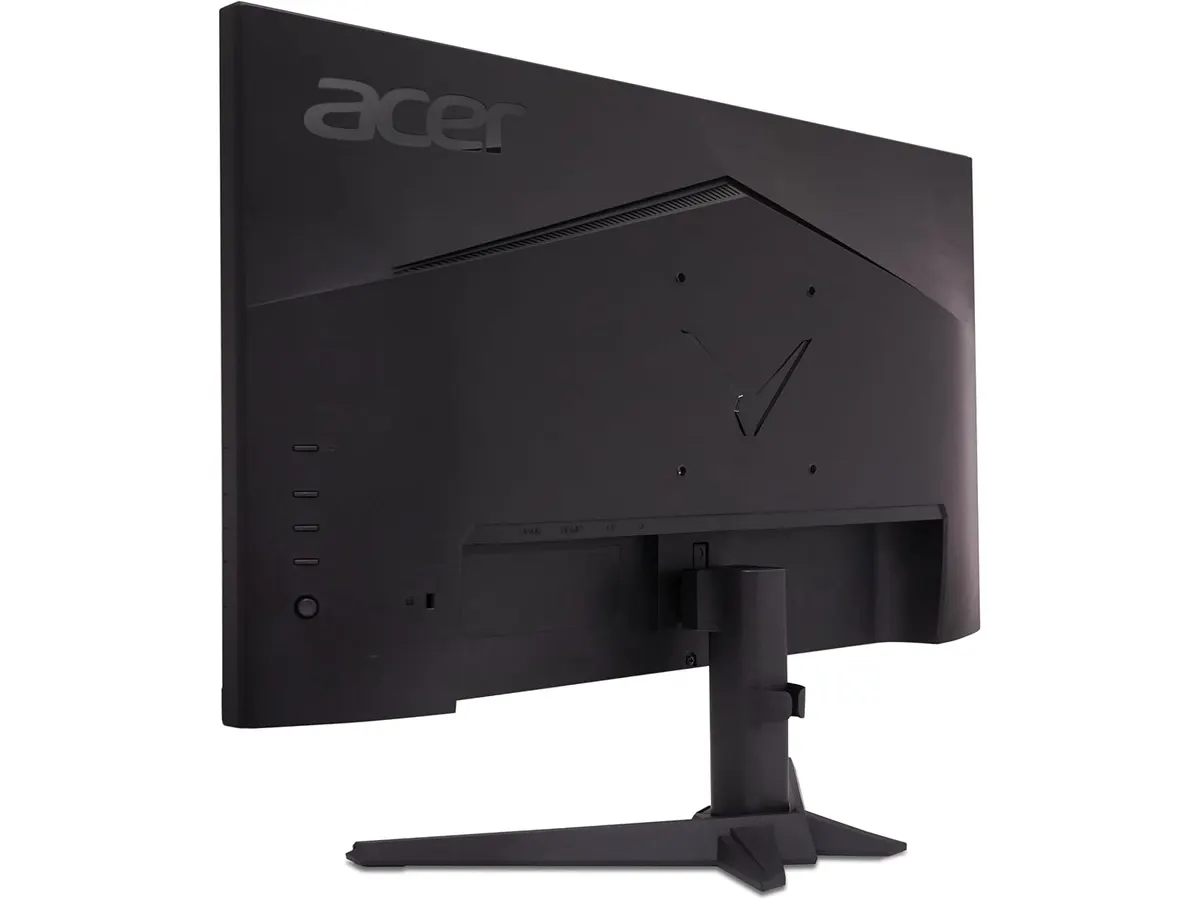
## Alternativas a considerar
Si tu prioridad absoluta es la productividad pura y la ergonomía de fábrica sin importar las altas frecuencias de refresco, los modelos enfocados en oficina corporativa son la ruta lógica. Un ejemplo claro de este enfoque centrado en la comodidad postural lo verás en nuestro [análisis del monitor Dell UltraSharp U2724D](/blog/2026-09-22-dell-ultrasharp-u2724d), donde la flexibilidad de ajuste domina sobre el perfil jugable.
En cambio, si buscas maximizar el área de escritorio mediante un espacio de trabajo extendido sin elevar demasiado la inversión, un paquete doble de resolución estándar resulta más práctico. Puedes evaluar esa configuración en nuestra [reseña del Gigastone 27 IPS 2-Pack](/blog/2026-09-22-gigastone-27-ips-2-pack), ideal para monitorear múltiples ventanas de forma simultánea.
## Veredicto
Este Acer Nitro VG270K L1 análisis demuestra que es posible combinar trabajo pesado y entrenamiento sin compromisos absurdos. La nitidez de su resolución UHD alineada a la velocidad de 0.5ms GTG y la fluidez del sistema DFR hacen que valga cada centímetro de escritorio. Aunque necesitarás instalar un brazo VESA para solucionar la falta de altura regulable, su panel IPS de 27 pulgadas entrega una calidad de imagen impecable. Si buscas un monitor 27 pulgadas para trabajar que rinda al máximo nivel en cualquier escenario, este modelo de la línea de Acer Monitores es una inversión totalmente justificada.
## Preguntas frecuentes
### ¿Es adecuado este monitor 27 pulgadas para trabajar jornadas largas?
Sí, la densidad de píxeles que ofrece la resolución 4K reduce el esfuerzo de la vista al leer texto o editar imágenes. Se recomienda utilizar un brazo articulado VESA para compensar la inclinación fija de su base original.
### ¿Cómo funciona la tasa de refresco de 72Hz / 144Hz DFR?
El monitor funciona de forma nativa a 72Hz en configuraciones estándar de resolución. Mediante la función DFR (Dynamic Frequency Rate), ajusta dinámicamente el refresco hasta alcanzar los 144Hz en modos compatibles para brindar una fluidez superior en contenido en movimiento.
### ¿El diseño ZeroFrame beneficia las configuraciones de varios monitores?
Totalmente. Al tener bordes laterales hiperdelgados, la transición visual entre dos o más pantallas alineadas resulta continua y limpia, optimizando la organización de tus aplicaciones en el escritorio.
---
# Análisis SIHOO B100: Comodidad y Soporte Dinámico
URL: https://setuplatam.com/blog/2026-10-04-sihoo-b100
Category: Sillas ergonómicas
Published: 2026-10-04
El SIHOO B100 es una silla ergonómica de malla con soporte lumbar dinámico. Descubre si es la mejor silla ergonómica para trabajar desde tu oficina en casa.
La SIHOO B100 se posiciona como una opción sólida para quienes pasan largas jornadas frente al escritorio y buscan una silla de oficina para casa que priorice la salud postural. Con su diseño enfocado en la ventilación y la adaptabilidad, esta pieza destaca dentro de nuestra selección de [Sillas ergonomicas](/categorias/sillas) por ofrecer un equilibrio funcional. Si buscas la mejor silla ergonomica para trabajar sin gastar una fortuna, este modelo merece tu atención.
## Lo que hace bien
El núcleo de la experiencia con la SIHOO B100 es su soporte lumbar adaptativo dinámico. A diferencia de las sillas estáticas, este mecanismo acompaña los movimientos de tu columna vertebral en tiempo real, lo que reduce la fatiga acumulada al final del día. La malla completa que recubre la unidad no solo aporta un aspecto limpio, sino que mejora la circulación de aire, manteniéndote fresco incluso durante las jornadas más pesadas.
La versatilidad es otro de sus puntos fuertes. Al contar con tres ángulos de reclinación bloqueables (110, 125 y 135 grados), permite alternar entre una postura erguida de alta concentración y momentos de relajación. Además, la base metálica reforzada junto al gas lift de Clase 4 certificado por SGS y BIFMA aseguran que la estructura pueda soportar hasta 300 lbs con total estabilidad.
## Especificaciones clave
| Característica | Especificación |
| :--- | :--- |
| Soporte Lumbar | Adaptativo dinámico |
| Capacidad de peso | 300 lbs |
| Ajuste de altura | 18.3 a 21.9 pulgadas |
| Reclinación | 110, 125 y 135 grados |
| Certificaciones | SGS y BIFMA |
| Cilindro de gas | Clase 4 |
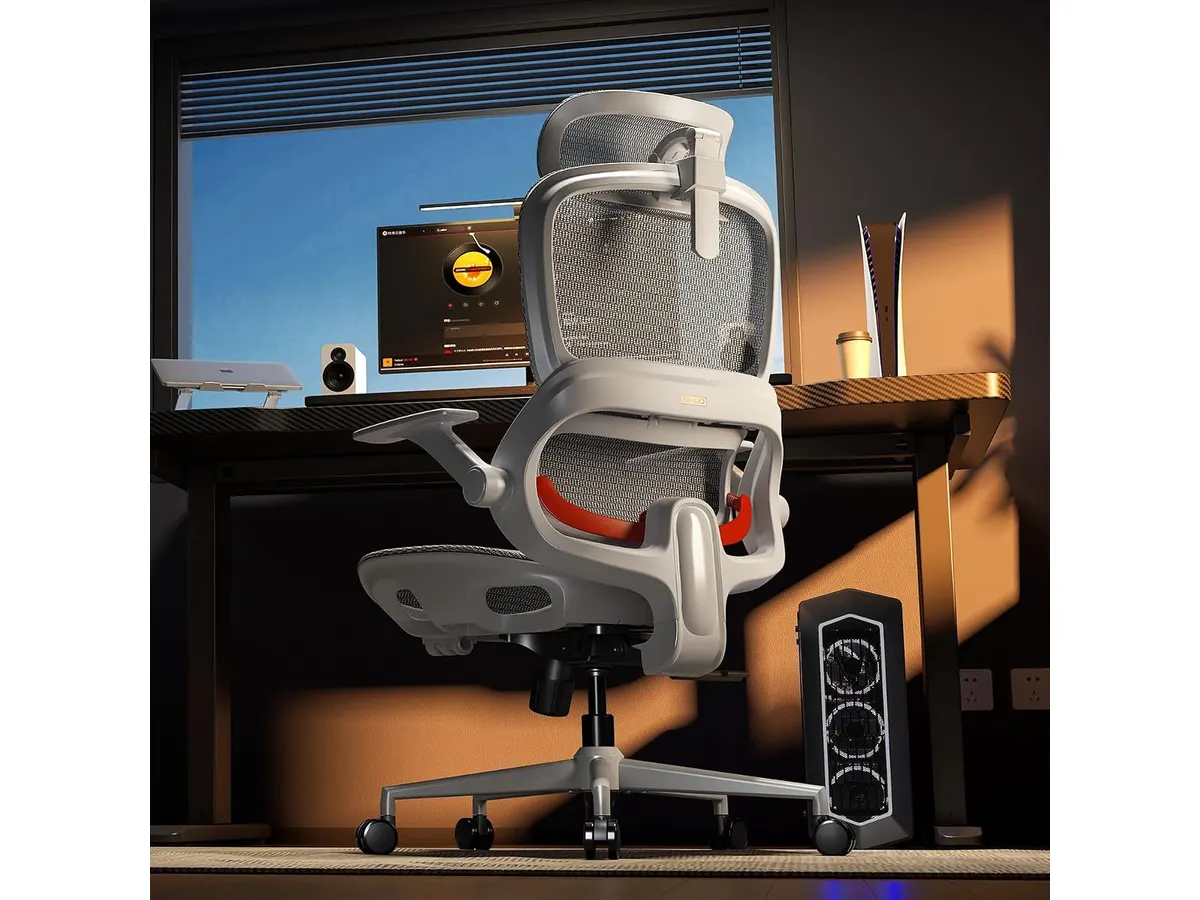
## Dónde flojea
No todo es perfecto. La SIHOO B100 tiene limitaciones, empezando por su rango de ajuste de altura, que puede resultar insuficiente para personas de estatura muy baja o muy alta. Si tus medidas no están dentro del estándar, la ergonomía se verá comprometida desde el inicio.
Asimismo, aunque el cabezal ajustable es un buen detalle, los materiales plásticos en las piezas accesorias se sienten menos premium que el resto de la estructura metálica. Si esperas acabados de aluminio pulido o tapicerías de tacto suave, esta silla te dejará con ganas de más.
## ¿Para quién es?
Esta silla es ideal para el trabajador remoto que necesita un soporte lumbar activo y no quiere complicaciones técnicas. Si valoras la transpirabilidad y trabajas en un ambiente donde la temperatura puede subir, la malla es tu mejor aliada.
Por otro lado, este producto no es para usuarios que exigen ajustes milimétricos en los reposabrazos o en la profundidad del asiento. Si ya tienes una silla con ajustes avanzados como la [Ergohuman ME7ERG GEN2: Silla Ergonómica para Oficina](/blog/2026-09-22-ergohuman-me7erg-gen2), notarás una falta de personalización en la SIHOO B100 que podría resultarte limitante.
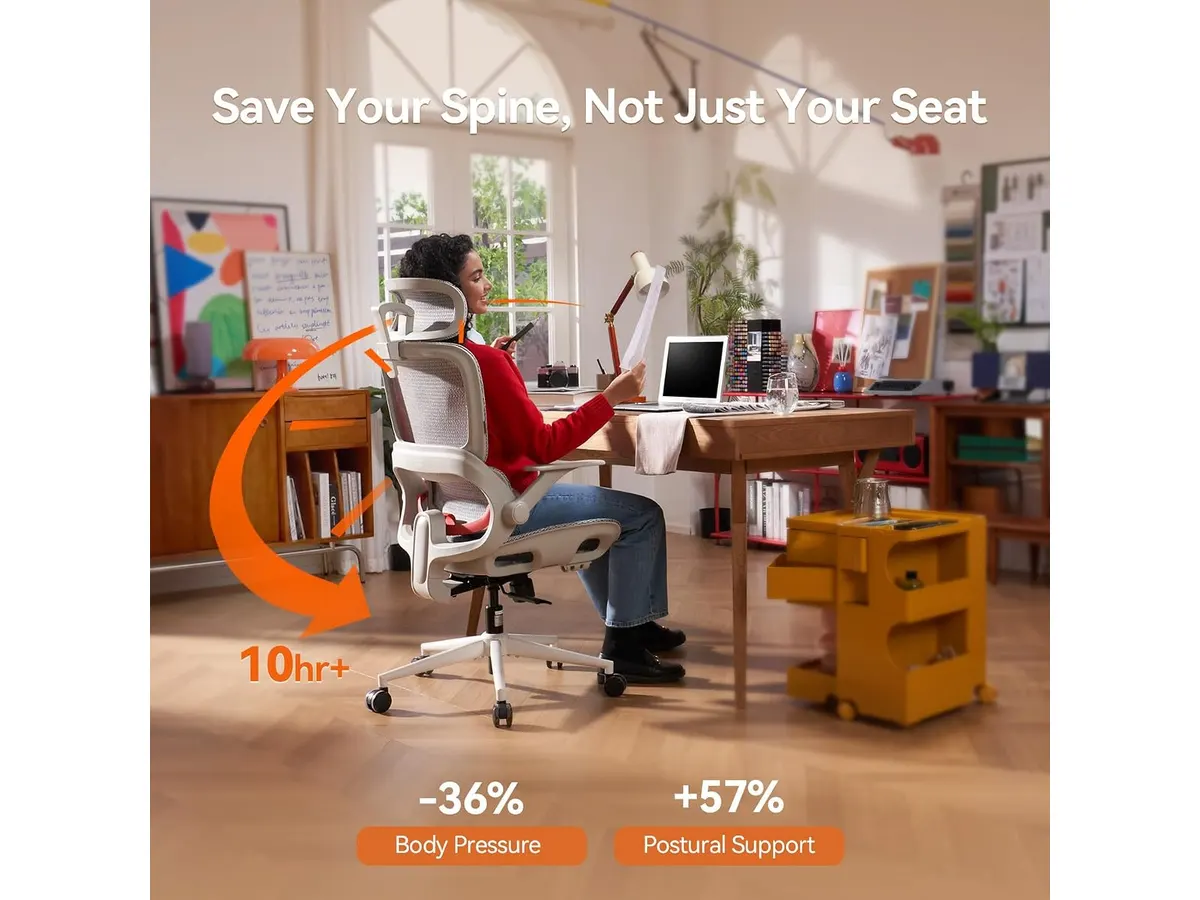
## Alternativas a considerar
Si tu presupuesto es más ajustado pero buscas un rendimiento similar, existen modelos básicos de malla sin soporte dinámico que priorizan la durabilidad sobre la complejidad. Por el contrario, si tu prioridad es el soporte para espalda baja y ajustes multidimensionales, puedes mirar opciones de gama superior que ofrecen mayor control sobre la profundidad del asiento y el ángulo de los reposabrazos.
También es recomendable comparar este modelo con la [SIHOO M18: Análisis de la Silla Ergonómica Ideal para Oficina](/blog/2026-09-22-sihoo-m18), que es un clásico de la marca, o evaluar la [SIHOO B100 PRO: Silla Ergonómica con Soporte Avanzado](/blog/2026-09-22-sihoo-b100-pro) si prefieres un sistema de soporte aún más robusto.
## Veredicto
La SIHOO B100 cumple con lo prometido: es una silla ergonómica teletrabajo competente, estable y fresca. Aunque no ofrece la personalización extrema de modelos de gama alta, su soporte lumbar dinámico es una mejora significativa frente a sillas de oficina convencionales. Recomendamos esta compra para quienes priorizan el confort térmico y la funcionalidad básica certificada.
## Preguntas frecuentes
### ¿Es difícil el montaje de esta silla?
El proceso sigue los estándares de la marca y es sencillo de realizar en unos 20 a 30 minutos con las herramientas incluidas.
### ¿La malla es resistente al uso diario?
Sí, la malla utilizada es de alta tensión y está diseñada para mantener su forma y firmeza tras un uso constante, cumpliendo con los estándares BIFMA.
### ¿Es apta para personas de más de 6 pies de altura?
Depende de la longitud de tu torso, pero debido al rango de ajuste de altura (hasta 21.9 pulgadas), podría resultar justa para usuarios muy altos que busquen un apoyo cervical adecuado.
---
# Amazon Basics Brazo para monitor: análisis
URL: https://setuplatam.com/blog/2026-10-03-amazon-basics-brazo-para-monitor
Category: Soportes y hubs
Published: 2026-10-03
Análisis del Amazon Basics Brazo para monitor. Si buscas liberar espacio y el mejor hub usb-c para home office, conoce sus pros y contras.
El Amazon Basics Brazo para monitor es una solución práctica para despejar la mesa de trabajo y colocar la pantalla a la altura exacta de los ojos. En un espacio donde buscas la ergonomía idónea junto al [mejor hub usb-c para home office](/categorias/soportes-hubs), elevar el monitor cambia radicalmente la postura corporal. Este modelo se dirige a quienes usan pantallas estándar de oficina o estudio.
## Lo que hace bien
El mecanismo de resorte de gas cumple su cometido al permitir cambios de altura continuos sin requerir herramientas tras el ajuste inicial. La pantalla se sostiene con firmeza dentro del rango operativo de 2.0 a 7.0 kg, respondiendo de inmediato cuando necesitas subirla, bajarla o desplazarla hacia los lados.
La versatilidad de movimiento destaca en tareas diarias. El brazo ofrece una extensión máxima de 20.5 pulgadas, lo que permite acercar la pantalla para leer documentos extensos o replegarla contra la pared cuando necesitas espacio libre sobre la mesa. La inclinación de -90° a +85° resulta ideal para evitar reflejos de luz natural o artificial, mientras que la rotación de 360 grados facilita alternar entre modo horizontal y vertical sin desmontar la pantalla.
En cuanto a compatibilidad física, la placa VESA admite las medidas estándar de 75x75 mm y 100x100 mm. La instalación ofrece dos alternativas bien resueltas: una abrazadera en C para bordes de mesa y un sistema de base grommet para orificios pasacables. Ambas opciones soportan un grosor de escritorio de 0.39 a 4 pulgadas (1 a 10 cm approx), lo que cubre desde tableros delgados de aglomerado hasta cubiertas de madera maciza. Para mantener el orden visual, puedes canalizar los cables a lo largo del brazo mientras conectas tus dispositivos a un [Anker USB-C Hub 8-in-1](/blog/2026-09-22-anker-usb-c-hub-8-in-1) situado en la base.
## Especificaciones clave
| Especificación | Detalle |
| --- | --- |
| Tamaño de pantalla compatible | 15 a 27 pulgadas |
| Capacidad de peso | 2.0 a 7.0 kg (4.4 a 15.4 lbs) |
| Compatibilidad VESA | 75x75 mm y 100x100 mm |
| Rango de inclinación | -90° a +85° |
| Extensión máxima | 20.5 pulgadas (52 cm) |
| Grosor de escritorio admitido | 0.39 a 4 pulgadas (1 a 10 cm) |
| Modos de fijación | Abrazadera en C y base grommet |
| Rotación de pantalla | 360 grados (orientación vertical u horizontal) |
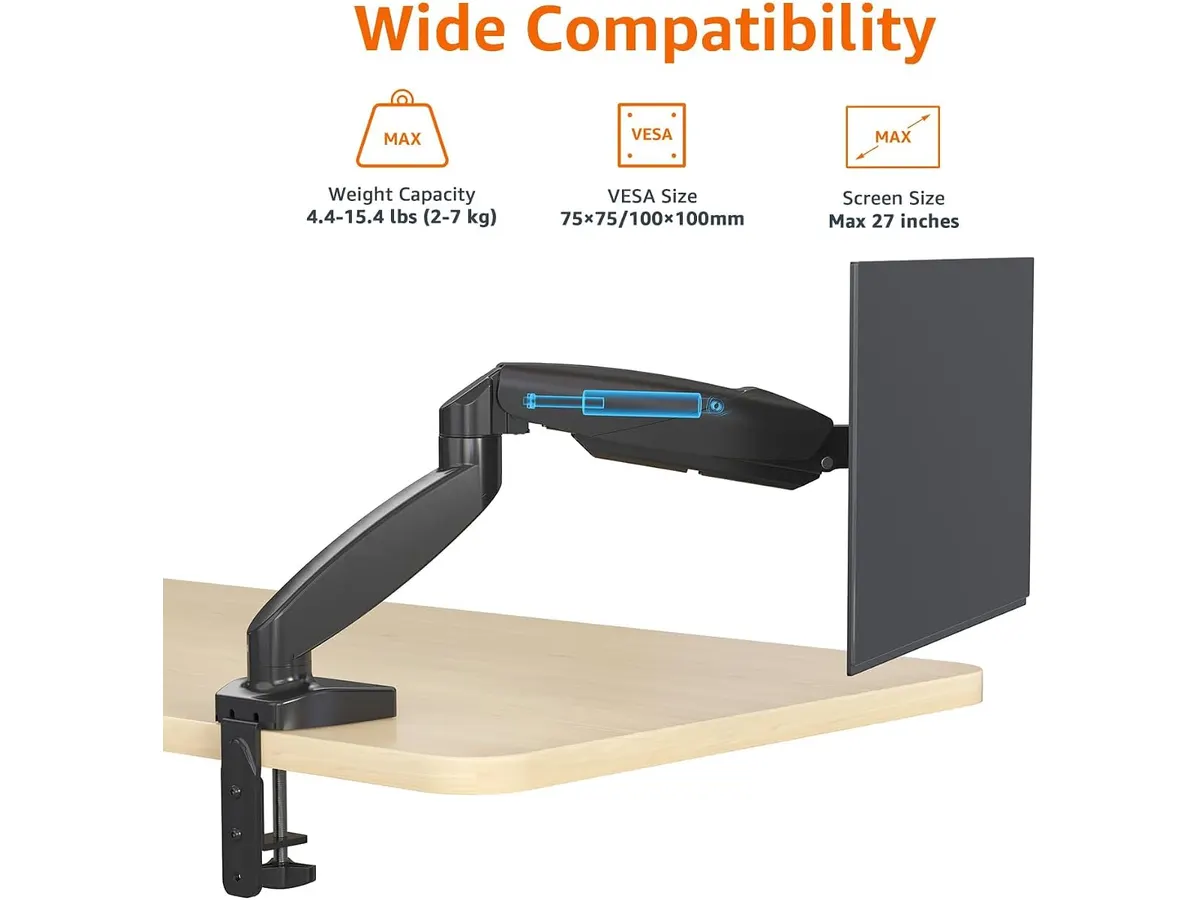
## Dónde flojea
El límite estricto de 27 pulgadas de diagonal deja fuera a quienes utilizan pantallas ultrapanorámicas modernas o monitores de 32 pulgadas. Aunque el peso total de un monitor grande sea inferior a los 7 kg, el tamaño de la carcasa puede comprometer la amplitud de movimiento del brazo o entorpecer el giro vertical.
El ajuste inicial de la tensión del resorte requiere paciencia. Si el monitor pesa cerca del límite inferior (2 kg) o superior (7 kg), es necesario girar el tornillo Allen varias vueltas completas hasta encontrar el punto exacto de equilibrio. De lo contrario, la pantalla tenderá a subir sola o a caer gradualmente.
Los canales de plástico destinados a la gestión de cables son estrechos. Introducir un cable de alimentación grueso junto a un cable DisplayPort y una línea USB de datos puede resultar complicado, obligándote a forzar la cubierta o a dejar algún cable por fuera.
## ¿Para quién es?
Este producto encaja muy bien si trabajas con un monitor individual de entre 15 y 27 pulgadas y quieres recuperar superficie útil en tu escritorio. Si pasas horas leyendo documentos en formato vertical o redactando código, la fluidez con la que gira la pantalla aporta un valor real al trabajo cotidiano.
No es recomendable si tienes un monitor pesado de más de 27 pulgadas, un panel curvo profundo o un escritorio de vidrio templado. En esos casos, la presión de la abrazadera podría dañar la superficie o el resorte no lograría mantener el ángulo deseado. Si buscas un soporte para cargas mayores o especificaciones distintas, conviene revisar el [análisis del brazo MOUNTUP para monitores](/blog/2026-09-29-mountup-single-monitor-desk-mount).
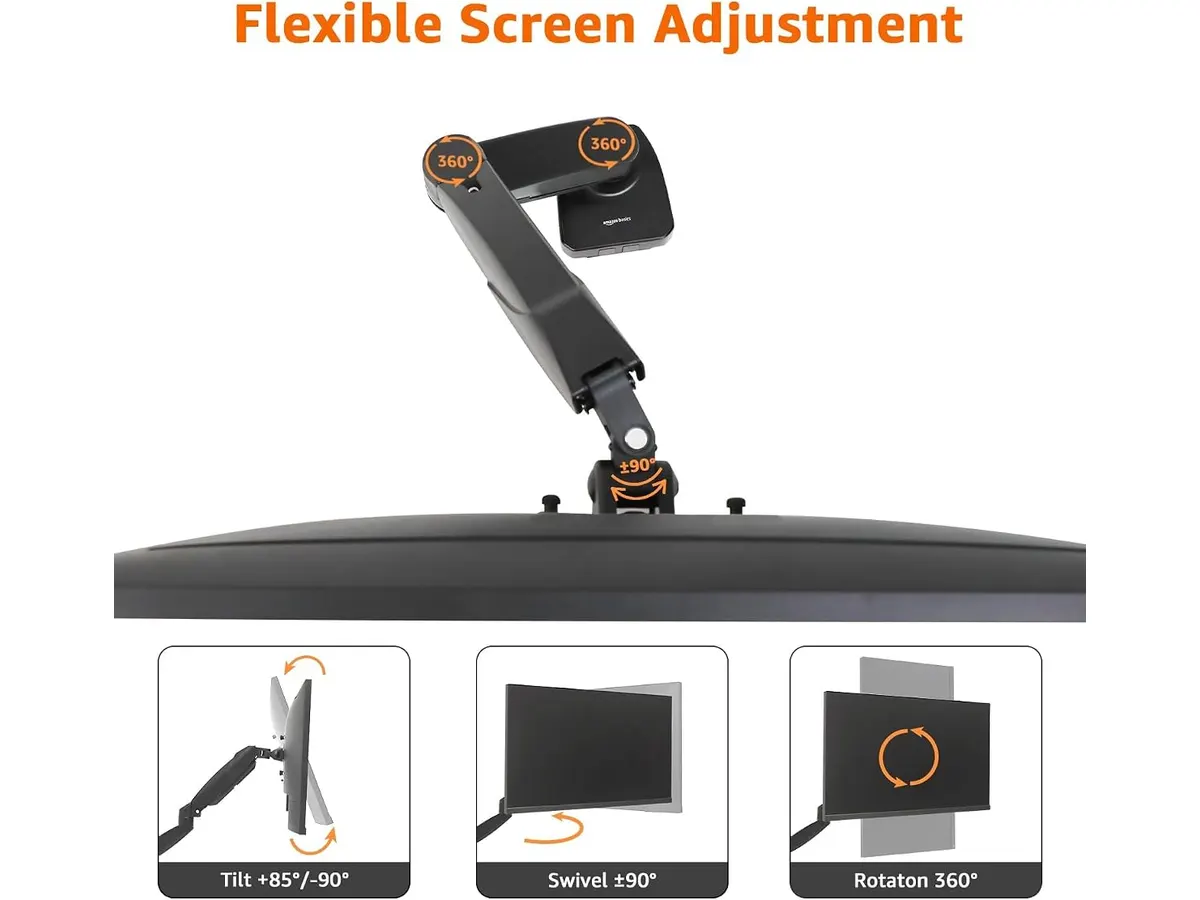
## Alternativas a considerar
En la gama económica existen brazos de monitor con columna fija y articulación mecánica manual. Estos modelos carecen de resorte de gas, por lo que ajustar la altura requiere aflojar una abrazadera con llave Allen cada vez. Son una opción aceptable si nunca cambias la posición de la pantalla y tienes un presupuesto muy ajustado, aunque pierdes toda la flexibilidad operativa en el día a día.
En el segmento de gama alta se encuentran brazos construidos en aluminio denso con capacidades de carga superiores a los 10 kg. Estas alternativas avanzadas permiten acomodar paneles ultrapanorámicos o monitores de gran formato con sistemas de gestión de cables integrados de mayor volumen. Resultan ideales para estudios de diseño o espacios de edición técnica donde la estabilidad bajo cargas pesadas es la máxima prioridad.
## Veredicto
El Amazon Basics Brazo para monitor cumple con lo necesario para transformar la ergonomía de un escritorio de oficina. Su resorte de gas responde adecuadamente con pantallas de hasta 27 pulgadas y los dos métodos de fijación facilitan su montaje en casi cualquier mesa. Aunque la gestión de cables es ajustada y no admite paneles de gran tamaño, su balance entre rango de movimiento y firmeza lo convierte en una compra acertada para trabajo remoto.
## Preguntas frecuentes
### ¿Cómo combinar este soporte con el mejor hub usb-c para home office?
Para mantener un escritorio despejado, puedes montar el monitor en este brazo y colocar el hub justo debajo del centro de la pantalla o adherido a la parte inferior del tablero. De esta forma, usas un solo cable USB-C hacia la computadora portátil mientras el soporte mantiene libres los cables de video y corriente por la parte trasera.
### ¿Qué ocurre si mi monitor pesa menos de 2.0 kg?
Si la pantalla pesa menos del mínimo especificado de 2.0 kg, la fuerza ascendente del resorte de gas empujará el brazo hacia arriba continuamente. Incluso ajustando la tensión al mínimo, el brazo no se quedará en una posición baja fija debido a la falta de contrapeso.
### ¿Es compatible con escritorios que tienen un marco metálico inferior?
Sí, siempre que la abrazadera en C pueda sujetar el grosor combinado del tablero y la barra metálica dentro del rango de 0.39 a 4 pulgadas. Si el marco metálico está muy cerca del borde posterior, también puedes utilizar la instalación mediante el sistema de base grommet realizando una perforación en la madera.
---
# Análisis BenQ ScreenBar Halo 2: Iluminación Premium
URL: https://setuplatam.com/blog/2026-10-03-benq-screenbar-halo-2
Category: Iluminación
Published: 2026-10-03
El BenQ ScreenBar Halo 2 es la mejor lámpara de escritorio para trabajar gracias a su control preciso y luz trasera. Lee nuestro análisis detallado hoy mismo.
La BenQ ScreenBar Halo 2 redefine cómo iluminamos nuestro espacio de trabajo. Diseñada para profesionales que pasan largas jornadas frente a la pantalla, esta barra de luz evita reflejos molestos mientras optimiza el entorno visual. Si buscas la mejor lampara de escritorio para trabajar que combine diseño, ergonomía y funcionalidad, esta pieza de nuestra categoría de [Iluminacion](/categorias/iluminacion) merece toda tu atención.
## Lo que hace bien
* **Tecnología antirreflejos superior:** El sistema ASYM-Light con su ángulo de 18° dirige la luz exactamente donde la necesitas, sobre el teclado y los documentos, sin que un solo rayo rebote en el cristal del monitor. Es una diferencia notable frente a soluciones genéricas.
* **Control total mediante dial:** Olvida los botones táctiles imprecisos en la barra. El controlador inalámbrico es una joya de diseño que permite ajustar la temperatura de color de 2700K a 6500K y la intensidad con una precisión absoluta, manteniendo el escritorio limpio.
* **Luz trasera ambiental:** El añadido de luz posterior reduce drásticamente el contraste entre la pantalla brillante y la pared oscura, disminuyendo la fatiga visual al final del día. Es un detalle que realmente cambia la experiencia de uso prolongado.
* **Versatilidad de montaje:** Su diseño se adapta a casi cualquier pantalla del mercado, desde paneles delgados hasta monitores curvos extremos de 1000R, fijándose con seguridad sin necesidad de herramientas o adhesivos que dañen tu equipo.
## Especificaciones clave
| Característica | Detalle |
| :--- | :--- |
| Tecnología | ASYM-Light (18°) |
| Rango de color | 2700K - 6500K |
| Compatibilidad grosor | 0.43 cm - 6 cm |
| Curvatura monitor | 1000R - 1800R |
| Vida útil LED | +50,000 horas |
| Controlador | Dial inalámbrico con pantalla |
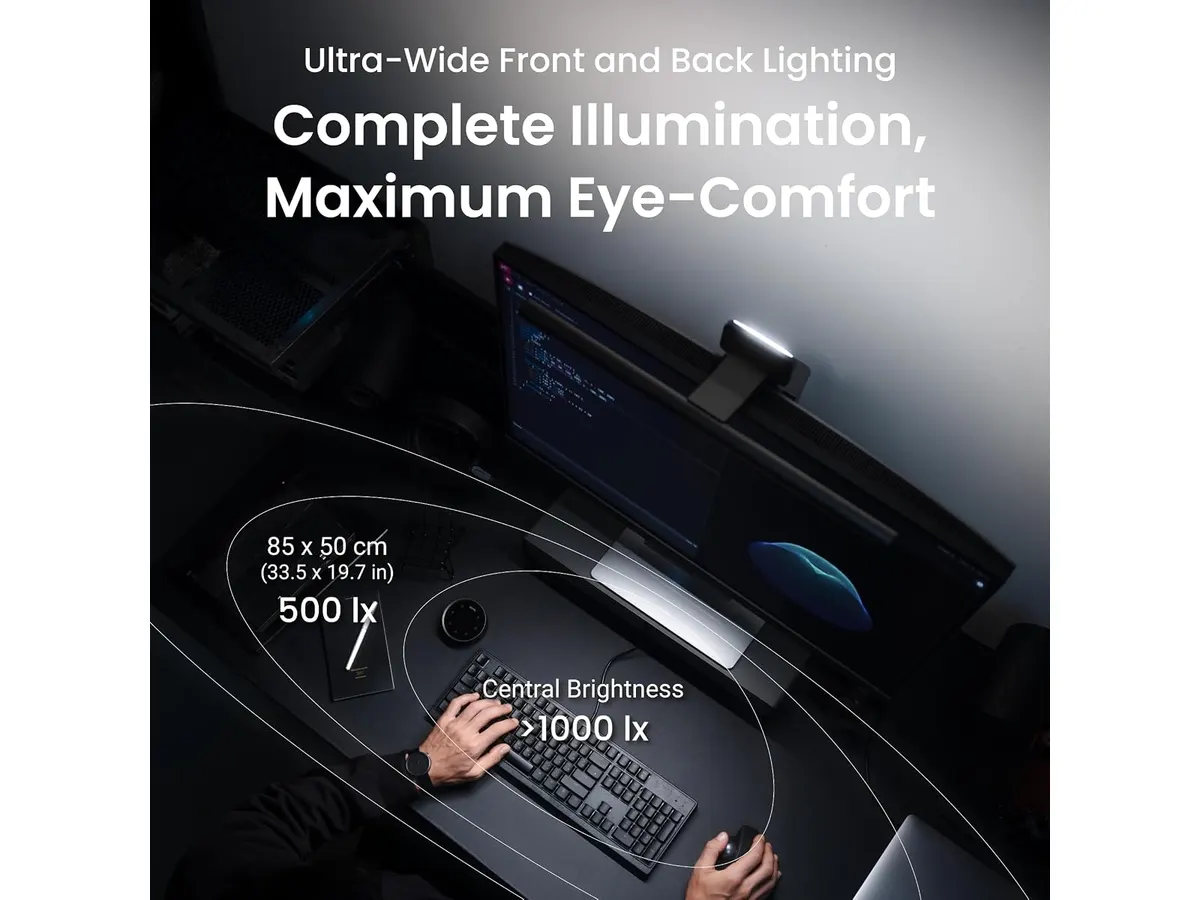
## Dónde flojea
No todo es perfecto. La principal limitación es su precio, que la sitúa fuera del alcance de estudiantes con presupuestos ajustados. Por mucho que brille, sigue siendo un accesorio de lujo.
Además, el controlador inalámbrico utiliza pilas. Aunque el consumo es eficiente, nos gustaría ver una opción de carga vía USB-C para evitar la gestión de baterías desechables en un setup que busca ser minimalista.
## ¿Para quién es?
Esta lámpara es ideal para editores de video, programadores y diseñadores que necesitan un control lumínico absoluto y valoran la ergonomía visual por encima del precio. Es una inversión en salud ocular.
Por el contrario, si tu setup es básico y pasas poco tiempo trabajando de noche, o si prefieres una solución simple de "conectar y olvidar" sin periféricos adicionales sobre la mesa, este producto probablemente sea demasiado complejo para tus necesidades.
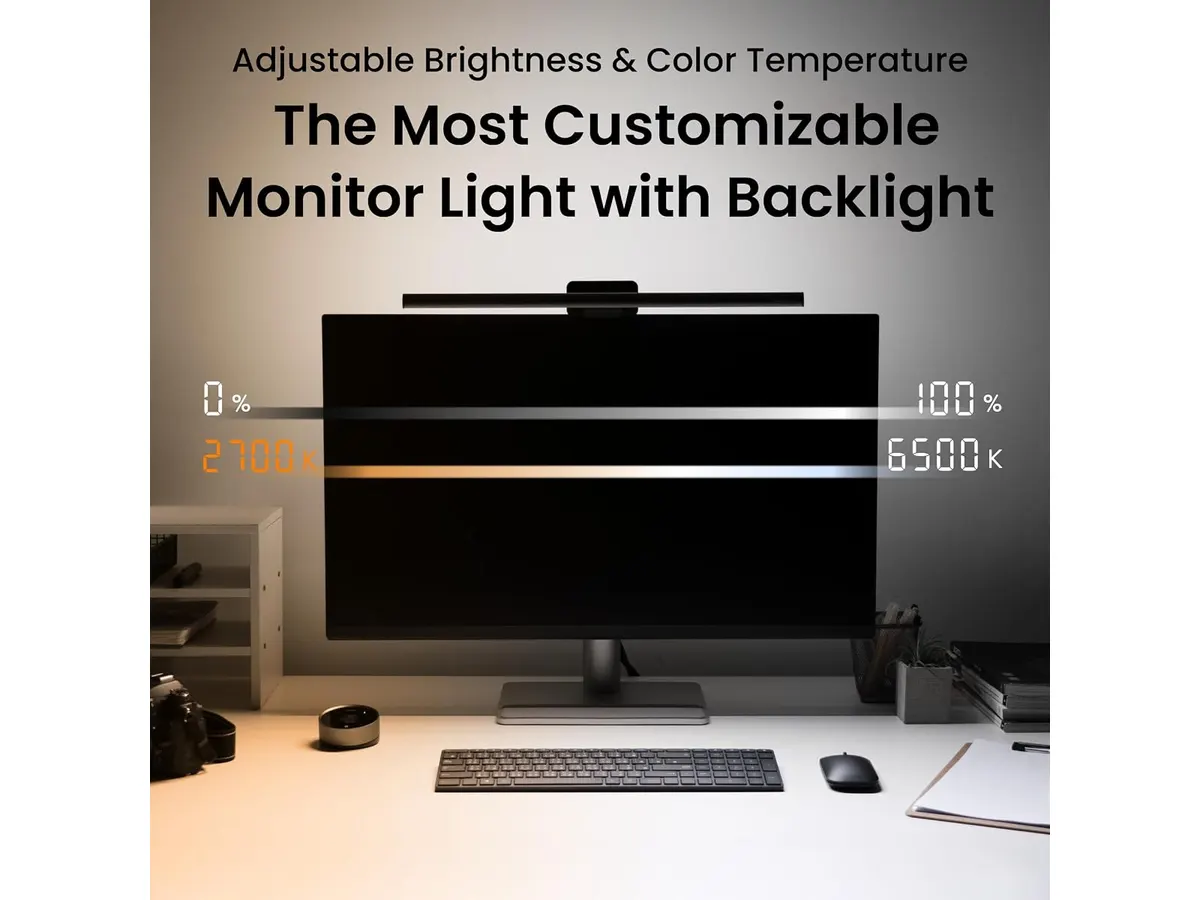
## Alternativas a considerar
Si buscas algo más accesible, existen opciones de gama media que ofrecen una iluminación decente para tareas generales, aunque carecen de la calidad de construcción y la luz trasera de este modelo. Puedes consultar el [Quntis Computer Monitor Lamp: Análisis de Iluminación Efectiva](/blog/2026-09-22-quntis-computer-monitor-lamp) para ver una alternativa más orientada al valor.
Para quienes buscan una estética distinta, hay lámparas de escritorio de brazo articulado que permiten desplazar el foco de luz de manera más libre, ideal si trabajas con papel y necesitas orientar la luz manualmente. El [Análisis de la Lámpara de Escritorio LED SANDROY VOLT](/blog/2026-09-22-sandroy-volt-led-desk-lamp) ofrece una perspectiva sobre esa flexibilidad mecánica.
## Veredicto
La BenQ ScreenBar Halo 2 es, sin duda, una pieza maestra de la ingeniería para el escritorio moderno. Su capacidad para reducir la fatiga visual mediante un control preciso y una luz trasera bien ejecutada justifica su lugar en cualquier setup profesional de alta gama. Si el presupuesto lo permite, es la opción definitiva dentro de nuestra sección de [Iluminacion](/categorias/iluminacion) para quienes no aceptan compromisos en su productividad.
## Preguntas frecuentes
### pregunta: ¿Daña la pantalla curva?
No. Está diseñada específicamente para pantallas con curvaturas desde 1000R hasta 1800R, con un sistema de sujeción que distribuye el peso sin ejercer presión puntual sobre el panel.
### pregunta: ¿Funciona con monitores muy delgados?
Sí, es compatible con grosores desde 0.43 cm, lo que la hace apta para la gran mayoría de monitores modernos, incluyendo los modelos más estilizados del mercado.
### pregunta: ¿La luz trasera se puede apagar?
Sí, puedes ajustar la luz trasera independientemente de la frontal, permitiéndote usar solo una, la otra, o ambas simultáneamente según tus preferencias de iluminación ambiental.
---
# Anker Wireless Vertical Mouse: Análisis y Opinión
URL: https://setuplatam.com/blog/2026-10-02-anker-wireless-vertical-ergonomic-mouse
Category: Periféricos
Published: 2026-10-02
Evaluamos el Anker Wireless Vertical Ergonomic Mouse. Descubre si este ratón inalámbrico entra en la lista de mejores perifericos para home office.
El Anker Wireless Vertical Ergonomic Mouse está diseñado para profesionales que pasan jornadas extensas frente a la pantalla y buscan aliviar la fatiga en la muñeca. Si buscas armar un espacio de trabajo cómodo con los [mejores perifericos para home office](/categorias/perifericos), este ratón vertical ofrece una postura neutral a un costo accesible.
## Lo que hace bien
El principal argumento a favor de este dispositivo es su ergonomía vertical. Al sostenerlo, la mano adopta la posición natural de un 'apretón de manos'. Esta alineación reduce de inmediato la torsión del antebrazo que provocan los ratones tradicionales. Para quienes pasan más de seis horas continuas escribiendo o navegando, la diferencia postural se nota desde la primera jornada.
Su peso de 3.4 oz es adecuado para mantener el control sin exigir esfuerzo adicional al mover el brazo. Las dimensiones de 120 x 62.8 x 74.8 mm permiten que la palma repose de forma completa sobre el cuerpo del dispositivo, evitando que los dedos arrastren sobre el escritorio.
En cuanto a la respuesta óptica, integra un botón dedicado para alternar entre tres niveles de sensibilidad: 800, 1200 y 1600 DPI. Esto facilita ajustar la velocidad del cursor según el tipo de tarea, ya sea para edición precisa o navegación rápida entre múltiples monitores. Los botones laterales de avance y retroceso agilizan la interacción en exploradores web y carpetas del sistema operativo.
La gestión energética resulta eficiente en la rutina diaria. El ratón entra automáticamente en modo de reposo tras 8 minutos de inactividad, lo que evita el consumo innecesario de energía cuando te levantas del escritorio. Además, la base cuenta con un compartimento integrado para guardar el receptor USB de 2.4 GHz, un detalle útil para evitar pérdidas durante los traslados.
## Especificaciones clave
| Especificación | Detalle |
| --- | --- |
| Conexión | Inalámbrica 2.4 GHz mediante receptor USB |
| Sensibilidad óptica | 800 / 1200 / 1600 DPI (ajustable) |
| Dimensiones | 120 x 62.8 x 74.8 mm |
| Peso | 3.4 oz (~96.4 g) |
| Alimentación | 2 pilas AAA (no incluidas) |
| Garantía | 18 meses de respaldo del fabricante |
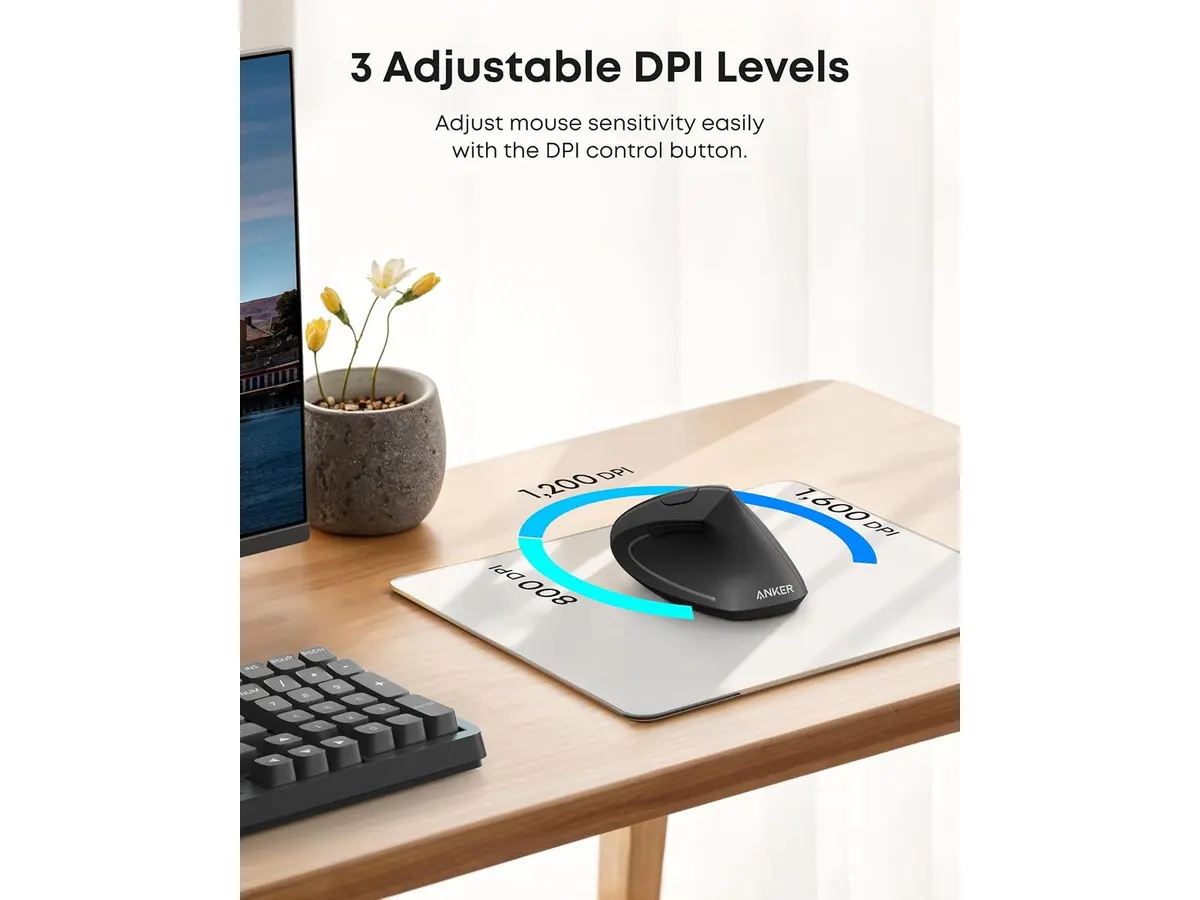
## Dónde flojea
El punto débil más evidente radica en su sistema de alimentación. La dependencia de dos pilas AAA exige tener repuestos a mano, excluyendo la comodidad de una batería interna recargable por USB-C.
La calidad de los materiales refleja su enfoque económico. Aunque el acabado ofrece buen agarre, el plástico de la estructura se siente sencillo al tacto y puede acumular marcas con el uso prolongado. Asimismo, carece de conectividad Bluetooth. Esto significa que estás obligado a sacrificar un puerto USB-A en tu computadora para conectar el receptor inalámbrico de 2.4 GHz.
Por diseño, la distribución de los botones está pensada exclusivamente para usuarios diestros. Las personas zurdas quedan marginadas de este modelo, ya que la curvatura y los botones laterales no son ambidiestros.
## ¿Para quién es?
- **Ideal para:** Usuarios diestros que trabajan a distancia, redactan documentos o analizan datos durante muchas horas y experimentan tensión en la muñeca o antebrazo. Es una excelente puerta de entrada para probar el formato vertical sin hacer una inversión alta.
- **No recomendado para:** Usuarios zurdos, profesionales que requieren ruedas de desplazamiento con desplazamiento infinito, o personas que trabajan en laptops modernas con puertos USB-C exclusivos y no quieren usar adaptadores para el dongle.
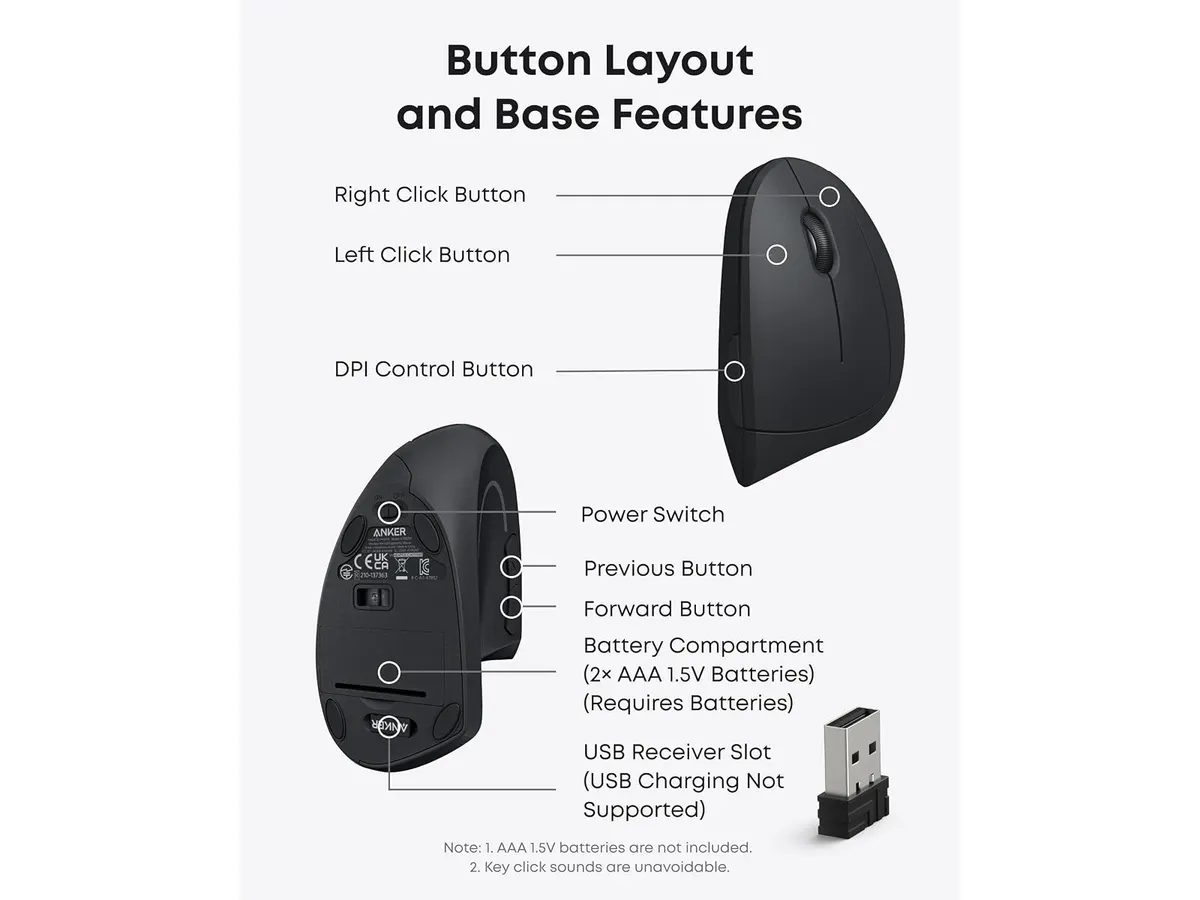
## Alternativas a considerar
### Opciones entre los mejores perifericos para home office
Si buscas una experiencia de gama alta con batería recargable integrada, botones personalizables y conectividad Bluetooth multisistema, la categoría premium ofrece modelos más avanzados. Una referencia de este segmento es el [Logitech MX Master 3S](/blog/2026-09-22-logitech-mx-master-3s), diseñado para productividad intensa con desplazamiento magnético.
Por el contrario, si prefieres mantener un perfil plano, sumamente portátil y con clics silenciosos para trabajar en bibliotecas o cafeterías, un ratón compacto tradicional de gama de entrada puede ser más conveniente. Puedes revisar el [análisis del iClever Wireless Mouse](/blog/2026-09-22-iclever-wireless-mouse) para comparar un formato plano frente a la propuesta vertical de Anker.
Si además estás renovando tu estación de trabajo completa con herramientas mecánicas para escribir, un [teclado inalámbrico como el RedThunder K95](/blog/2026-09-22-redthunder-k95-wireless-mechanical-keyboard) complementa bien un entorno enfocado en comodidad.
## Veredicto
El Anker Wireless Vertical Ergonomic Mouse ofrece una solución efectiva y directa contra la fatiga muscular de la mano en el trabajo remoto. La falta de batería recargable y el uso obligatorio del receptor USB son concesiones acordes a su propuesta económica. Si pasas el día frente a la computadora y quieres cuidar tus articulaciones, su formato vertical justifica la compra desde el primer día de uso dentro del catálogo de [Periféricos](/categorias/perifericos).
## Preguntas frecuentes
### ¿El mouse incluye las pilas en la caja?
No. El dispositivo requiere dos pilas AAA para funcionar, las cuales debes adquirir por separado.
### ¿Cómo se cambia la sensibilidad del cursor?
Debes presionar el botón de ajuste de DPI ubicado en la parte superior del cuerpo del ratón para alternar entre 800, 1200 y 1600 DPI.
### ¿Es compatible con computadoras que solo tienen puertos USB-C?
El receptor inalámbrico incluido es USB-A estándar. Para usarlo en laptops que solo disponen de puertos USB-C, necesitarás un adaptador o hub USB intermediario.
---
# Análisis del VIVO DESK-V000K-M2 para tu espacio
URL: https://setuplatam.com/blog/2026-10-02-vivo-desk-v000k-m2
Category: Escritorios
Published: 2026-10-02
Evaluamos el VIVO DESK-V000K-M2, una solución compacta para quienes buscan el mejor escritorio para home office sin cambiar toda su configuración actual.
El VIVO DESK-V000K-M2 no intenta reemplazar toda tu mesa, sino transformarla. Este conversor destaca como una opción práctica si ya cuentas con una superficie sólida pero necesitas integrar ergonomía vertical y gestión de pantallas sin complicaciones. Si buscas el mejor escritorio para home office que maximice el espacio reducido, esta es una solución directa, aunque con limitaciones físicas claras. Encuentra más opciones en nuestra sección de [Escritorios](/categorias/escritorios).
## Lo que hace bien
Este modelo se distingue por su integración total. Al incluir un soporte dual para monitores directamente en la estructura, eliminas la necesidad de abrazaderas adicionales en tu escritorio original. Esto mantiene la superficie limpia.
- **Estabilidad estructural:** Construido con acero sólido, el marco ofrece una base firme que no se siente endeble al subir o bajar la plataforma.
- **Flexibilidad visual:** El soporte integrado permite inclinación, giro y rotación de 360 grados, cubriendo prácticamente cualquier ángulo necesario para dos monitores de hasta 30 pulgadas.
- **Ajuste vertical versátil:** Con un rango de 4.5 a 20 pulgadas, el ajuste permite transiciones ergonómicas reales para usuarios de diferentes estaturas, facilitando el cambio de postura durante la jornada.
- **Montaje seguro:** El sistema de montaje de ojal reforzado garantiza que el conjunto permanezca anclado de forma segura, reduciendo el riesgo de bamboleo cuando alcanzas la altura máxima.
## Especificaciones clave
| Especificación | Detalle |
| :--- | :--- |
| Capacidad de pantallas | 2 monitores (13 a 30 pulgadas) |
| Capacidad de carga | Hasta 17.6 lbs por pantalla |
| Rango de altura | 4.5 a 20 pulgadas |
| Superficie de trabajo | 31.5 x 15.7 pulgadas |
| Montaje VESA | 75x75mm y 100x100mm |
| Material principal | Acero sólido |
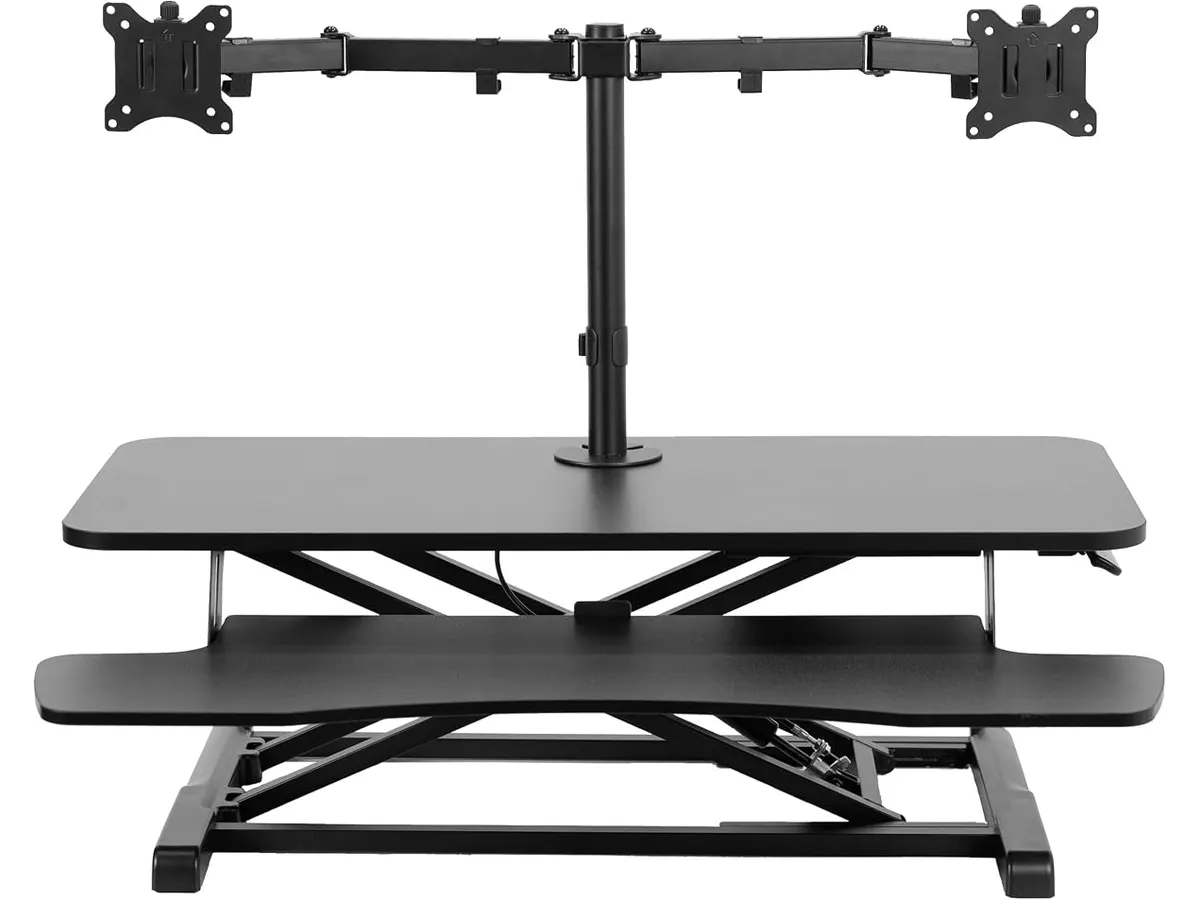
## Dónde flojea
No todo es perfecto con este diseño. La superficie de trabajo de 31.5 x 15.7 pulgadas es bastante estrecha, lo que te deja poco espacio real para algo más que un teclado y un ratón compactos. Si acostumbras tener libretas, café o periféricos adicionales a mano, te sentirás limitado rápidamente.
Además, la capacidad de carga está estrictamente limitada a 17.6 lbs por pantalla. Si utilizas monitores profesionales muy pesados o configuraciones con brazos articulados externos complejos, podrías exceder este límite y comprometer la integridad del soporte. La falta de espacio para reposamuñecas amplios también es un detalle que los usuarios de teclados mecánicos grandes notarán de inmediato.
## ¿Para quién es?
Este conversor es ideal para el estudiante o profesional remoto con una mesa pequeña que no permite instalar un escritorio eléctrico completo. Si priorizas la organización de tus monitores y quieres pasar de estar sentado a trabajar de pie con un presupuesto contenido, te servirá perfectamente.
Por el contrario, no es para ti si trabajas con múltiples dispositivos, tabletas gráficas grandes o accesorios que requieran un área de trabajo espaciosa. Si tu flujo de trabajo exige un escritorio motorizado amplio, consulta nuestro [Análisis del FEZIBO Escritorio de Pie: Análisis y prueba](/blog/2026-09-25-fezibo-escritorio-de-pie) antes de decidir.
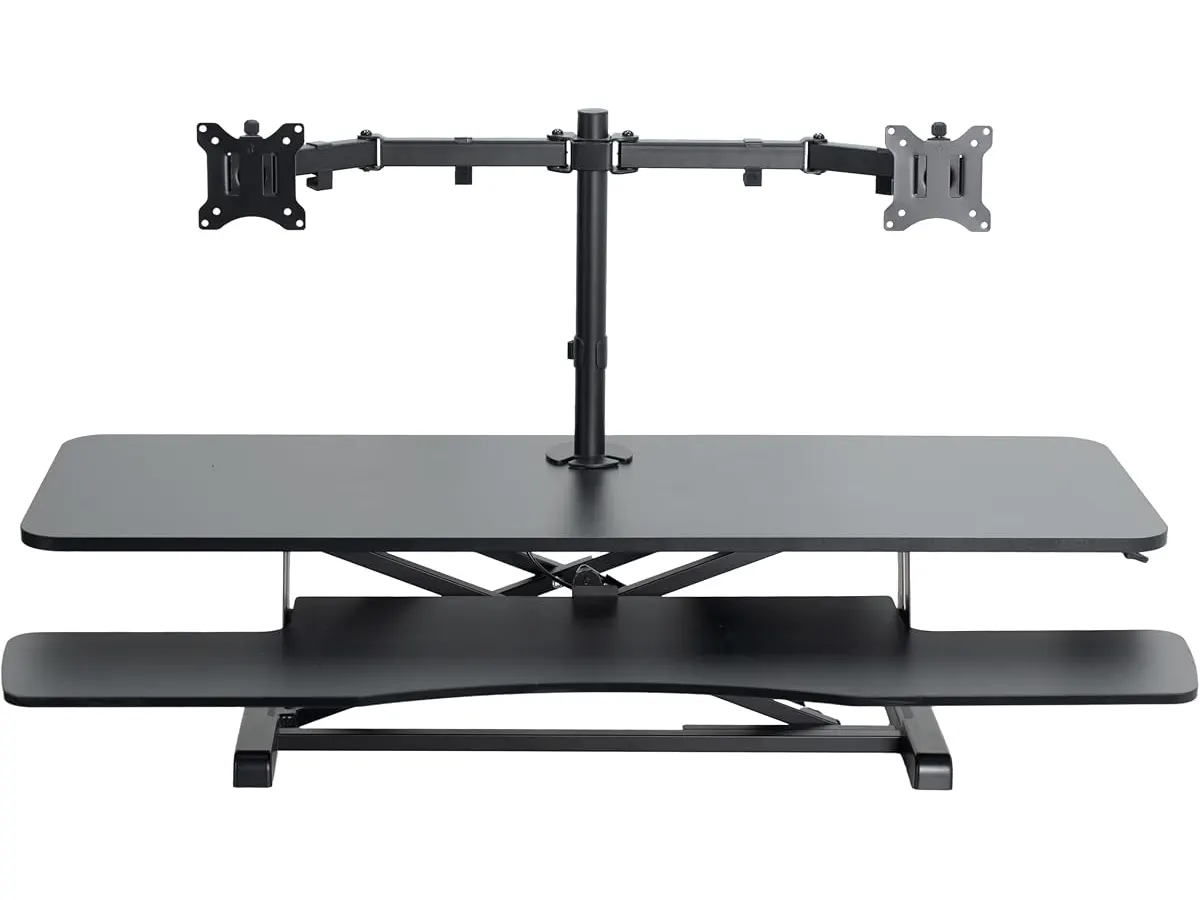
## Alternativas a considerar
Si necesitas más superficie de trabajo, existen conversores de gama media que ofrecen bandejas de teclado extendidas y mayor profundidad, ideales para usuarios con periféricos de mayor tamaño. Estos modelos, aunque más grandes, proporcionan una postura de escritura mucho más natural al separar la altura del teclado de la altura de los monitores.
Para quienes buscan una experiencia premium sin usar conversores, los escritorios eléctricos completos de gama alta son la alternativa lógica. Si prefieres un sistema con motorización integrada y mayor estabilidad, revisa nuestro [Análisis del Vari Classic Electric Standing Desk para tu oficina](/blog/2026-09-22-vari-classic-electric-standing-desk) o el [Análisis del FLEXISPOT 42" Standing Desk Converter para tu oficina](/blog/2026-09-22-flexispot-42-standing-desk-converter) si aún prefieres la opción de conversión.
## Veredicto
El VIVO DESK-V000K-M2 es una pieza de ingeniería sensata para quienes tienen poco espacio pero necesitan ergonomía. Cumple su función principal de elevar monitores y teclado con solidez, siempre que seas consciente de sus limitaciones de superficie. Es una herramienta eficiente para optimizar tu setup sin complicaciones innecesarias. Si tu prioridad es maximizar tu espacio de trabajo actual, esta unidad es una apuesta segura.
## Preguntas frecuentes
### ¿Es difícil montar el soporte de monitores?
No, el proceso está diseñado para ser intuitivo, aunque requerirás un poco de paciencia para nivelar ambos monitores con precisión la primera vez.
### ¿Puedo usar este escritorio con monitores curvos?
Sí, siempre que los monitores cumplan con los estándares VESA 75x75mm o 100x100mm y no superen el límite de peso especificado de 17.6 lbs por unidad.
### ¿El escritorio se tambalea cuando está en la altura máxima?
Gracias al marco de acero y el montaje de ojal reforzado, el bamboleo es mínimo, pero siempre dependerá de la estabilidad de la mesa sobre la que lo coloques.
---
# Análisis Audio-Technica ATH-M50X: Referencia en Audio
URL: https://setuplatam.com/blog/2026-10-01-audio-technica-ath-m50x
Category: Audio y webcams
Published: 2026-10-01
El Audio-Technica ATH-M50X es un estándar en monitoreo. Evaluamos si es la mejor opción para tu setup junto a la mejor webcam para home office este año.
Los Audio-Technica ATH-M50X se han ganado un lugar privilegiado en estudios de grabación y escritorios de creadores de contenido. Estos auriculares destacan por ofrecer un perfil sonoro equilibrado que permite escuchar cada detalle de una mezcla o reunión con gran fidelidad. Si buscas mejorar tu equipo de [Audio y webcams](/categorias/audio-webcams), este modelo es una inversión lógica. Aunque muchos usuarios priorizan la mejor webcam para home office al armar su espacio, la calidad de audio es lo que realmente sostiene una jornada laboral productiva. Son ideales para quienes valoran la precisión sobre la coloración excesiva del sonido.
## Lo que hace bien
* **Precisión acústica:** Gracias a sus controladores de 45 mm con imanes de tierras raras, ofrecen una claridad excepcional en todo el rango de frecuencias. La respuesta de graves es profunda pero controlada, sin invadir los medios.
* **Construcción orientada al trabajo:** El diseño circumaural proporciona un aislamiento pasivo del ruido exterior muy efectivo. Esto es fundamental si trabajas en entornos compartidos donde necesitas concentración total.
* **Diseño modular:** La inclusión de un cable desmontable facilita su transporte y prolonga la vida útil del producto, permitiendo reemplazarlo ante cualquier fallo sin necesidad de cambiar los audífonos completos.
* **Ergonomía funcional:** Las copas rotan 90 grados, una característica pensada originalmente para DJs que resulta útil si necesitas monitorear el entorno rápidamente sin quitarte el equipo.
## Especificaciones clave
| Característica | Detalle |
| :--- | :--- |
| Tipo de controlador | 45 mm gran apertura |
| Diseño | Circumaural |
| Imanes | Tierras raras |
| Bobinas de voz | Aluminio revestido de cobre |
| Rotación de copas | 90 grados |
| Cable | Desmontable |
## Dónde flojea
La comodidad a largo plazo es el punto más débil de este modelo. Las almohadillas tienden a generar calor después de varias horas de uso continuo, lo cual puede resultar molesto durante sesiones de edición maratónicas o videollamadas prolongadas. Además, su naturaleza cableada es un inconveniente si buscas un escritorio minimalista sin cables de por medio; no ofrecen conectividad inalámbrica, lo que limita la movilidad dentro de tu espacio de trabajo.
## ¿Para quién es?
Este modelo es perfecto para el estudiante de producción musical o el editor de video que necesita una referencia sonora honesta para trabajar sin sorpresas. Su durabilidad aguanta bien el uso diario intensivo. Por otro lado, no es para el profesional que prioriza la libertad de movimiento y prefiere una solución sin cables para pasear por la oficina mientras atiende llamadas. Si buscas algo más casual o ligero, este peso y presión de sujeción podrían resultarte excesivos.
## Alternativas a considerar
Si buscas una experiencia auditiva más relajada y menos enfocada en el monitoreo técnico, existen opciones en la gama media que priorizan la comodidad sobre la respuesta de frecuencia plana. Por otro lado, si tu prioridad es la comunicación clara y el uso multimedia, considera integrar un equipo que combine un buen micrófono con altavoces de escritorio, como los descritos en nuestro análisis de [Bluedee Computer Speakers](/blog/2026-09-22-bluedee-computer-speakers) para mejorar el entorno sonoro sin el aislamiento extremo de los auriculares cerrados.
## Veredicto
Los Audio-Technica ATH-M50X siguen siendo una herramienta de trabajo sólida que cumple con su promesa de fidelidad. Si tu flujo de trabajo exige escuchar grabaciones con precisión, su desempeño compensa con creces sus limitaciones ergonómicas. Para completar tu equipo, te sugerimos revisar opciones como la [Logitech MX Brio](/blog/2026-09-22-logitech-mx-brio) si buscas la mejor webcam para home office, o si prefieres automatización, el [Análisis OBSBOT Tiny 3 Lite](/blog/2026-09-26-obsbot-tiny-3-lite). Es una compra segura para quienes ponen la calidad del audio por encima de la comodidad estética.
## Preguntas frecuentes
### ¿Necesito un amplificador para estos auriculares?
No es estrictamente necesario, ya que su sensibilidad permite que funcionen correctamente conectados directamente a cualquier computadora o interfaz de audio profesional.
### ¿Son adecuados para usar en videollamadas largas?
Ofrecen una calidad de voz excelente, pero debido a su diseño circumaural cerrado, pueden sentirse algo calurosos tras varias horas de uso constante.
### ¿El cable se puede reemplazar fácilmente?
Sí, el cable es desmontable, lo que te permite cambiarlo por otras longitudes o tipos de cable compatibles sin complicaciones si llegara a dañarse con el tiempo.
---
# LG 27U411A-B: Análisis de este monitor 120Hz
URL: https://setuplatam.com/blog/2026-10-01-lg-27u411a-b
Category: Monitores
Published: 2026-10-01
Analizamos el LG 27U411A-B, un monitor de 27 pulgadas que busca ser el mejor monitor para home office. Descubre si su fluidez de 120Hz vale la pena para ti.
El LG 27U411A-B llega al mercado como una opción equilibrada para quienes buscan fluidez visual sin complicaciones. Con un panel IPS de 27 pulgadas y una frecuencia de 120Hz, este equipo se posiciona como una alternativa interesante si buscas el mejor monitor para home office para tareas diarias que se benefician de una navegación más suave. Puedes explorar más opciones en nuestra sección de Monitores.
## Lo que hace bien
Este modelo destaca principalmente por la fluidez de su tasa de refresco. Al ofrecer 120Hz, el movimiento del cursor y el desplazamiento de páginas web se siente notablemente más ágil que en los monitores estándar de 60Hz. Es una mejora que se percibe desde el primer minuto de uso.
La calidad de color es otro de sus puntos fuertes. Su cobertura del 99% del espacio sRGB asegura que los tonos sean precisos y vivos, algo fundamental tanto para crear contenido como para ver documentos con gráficos complejos. La tecnología IPS garantiza ángulos de visión amplios, permitiendo que la imagen no se distorsione si no estás sentado perfectamente alineado frente al centro de la pantalla.
Finalmente, la integración del modo lector es una adición sensata para largas jornadas de trabajo. Esta función ajusta los parámetros de visualización para reducir la fatiga ocular, haciendo que el tiempo frente al computador sea más llevadero durante la tarde o noche.
## Especificaciones clave
| Característica | Especificación |
| :--- | :--- |
| Tamaño de pantalla | 27 pulgadas |
| Resolución | 1920 x 1080 |
| Frecuencia de actualización | 120Hz |
| Tiempo de respuesta | 1ms (reducción de desenfoque) |
| Gama de colores | 99% sRGB |
| Conectividad | HDMI |
| Ajustes | Inclinación |
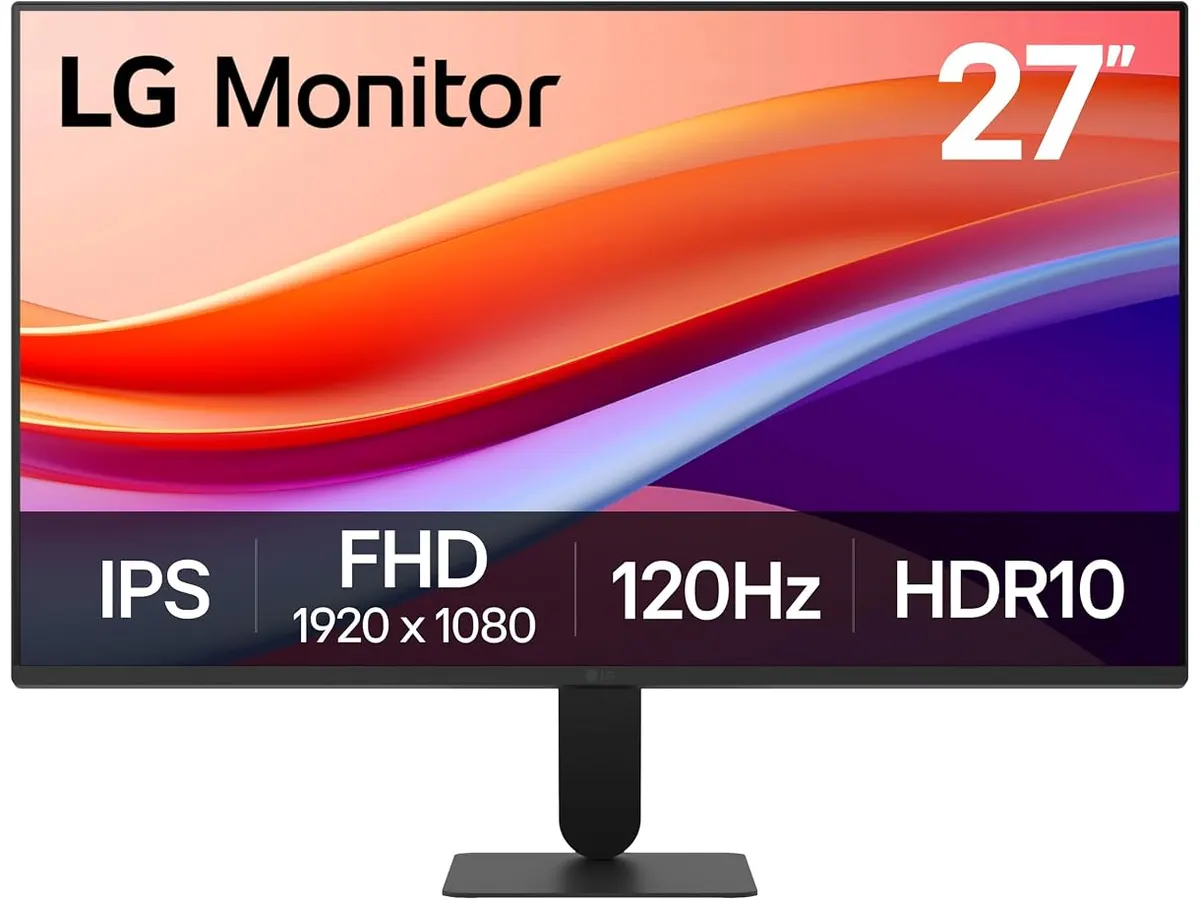
## Dónde flojea
La principal limitación de este monitor es su resolución. En un panel de 27 pulgadas, 1920 x 1080 puede resultar insuficiente para quienes trabajan intensivamente con hojas de cálculo o edición de texto, ya que la densidad de píxeles es baja y los bordes de los textos no son tan nítidos como en pantallas de mayor resolución. Si vienes de monitores con más densidad, notarás los píxeles.
Además, la conectividad es bastante limitada. Al depender únicamente de HDMI, los usuarios que necesiten conectar múltiples dispositivos o prefieran estándares de mayor ancho de banda se verán restringidos. La falta de un soporte ergonómico avanzado, limitándose solo a la inclinación, también obliga a muchos usuarios a comprar un brazo articulado externo para mejorar la postura, lo cual es un gasto adicional.
## ¿Para quién es?
Este monitor encaja bien para estudiantes o trabajadores de oficina que valoran la suavidad de movimiento por encima de una alta densidad de píxeles. Si tu flujo de trabajo se basa en videollamadas, navegación web y gestión de tareas, la fluidez de los 120Hz te dará una experiencia cómoda.
No es para diseñadores gráficos profesionales ni para redactores que pasan 10 horas al día leyendo textos pequeños. Para ese perfil de usuario, la nitidez de una resolución 1440p es innegociable, tal como analizamos en nuestro artículo sobre el [Dell UltraSharp U2724D: calidad y desempeño](/blog/2026-09-22-dell-ultrasharp-u2724d).
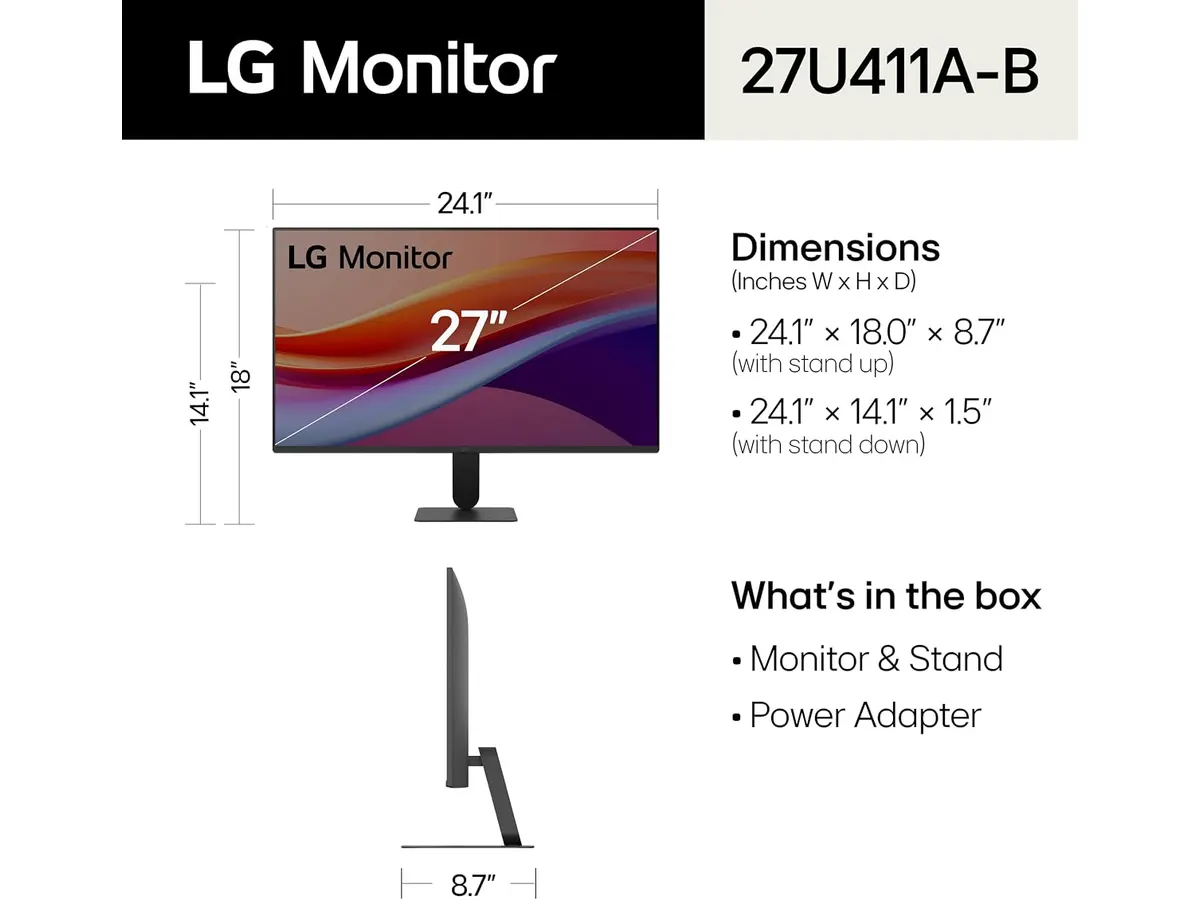
## Alternativas a considerar
Si necesitas una configuración de dos pantallas para mayor productividad, te recomendamos evaluar opciones de gama media con mejores marcos y conectividad, similares a las que discutimos en nuestra [guía del Gigastone 27" IPS 2-Pack](/blog/2026-09-22-gigastone-27-ips-2-pack). Estos kits suelen ofrecer un valor superior para quienes priorizan el espacio de escritorio.
Por otro lado, si tu prioridad es el rendimiento para juegos competitivos dentro del mismo ecosistema de la marca, te sugerimos revisar el [LG UltraGear 27G61ZB-B: rendimiento y calidad](/blog/2026-09-22-lg-ultragear-27g61zb-b). Es una alternativa de gama entusiasta que ofrece mejores tiempos de respuesta y opciones de configuración más avanzadas, aunque a un costo mayor.
## Veredicto
El LG 27U411A-B es un monitor capaz que cumple con lo que promete: una imagen fluida y colores decentes para el día a día. Si bien su baja resolución es un punto a considerar, su desempeño general es sólido para usuarios que no exigen una nitidez extrema. Recomendamos comprarlo solo si los 120Hz son tu prioridad absoluta en este rango de precio.
## Preguntas frecuentes
### ¿Es compatible con soportes VESA?
Sí, el monitor cuenta con soporte para monturas VESA, lo cual es altamente recomendado dado que su base original solo permite inclinación.
### ¿Puedo usar este monitor para jugar?
Absolutamente. Sus 120Hz y el tiempo de respuesta de 1ms lo hacen apto para juegos, aunque la resolución 1080p es su límite técnico.
### ¿Incluye cables en la caja?
El paquete incluye lo básico para comenzar, pero te sugerimos verificar que el cable HDMI suministrado sea compatible con la tasa de refresco máxima de 120Hz.
---
# Logitech C920x HD Pro: La opción confiable para oficina
URL: https://setuplatam.com/blog/2026-09-30-logitech-c920x-hd-pro
Category: Audio y webcams
Published: 2026-09-30
Analizamos la Logitech C920x HD Pro, una webcam versátil y eficiente. Descubre por qué es considerada la mejor webcam para home office en nuestro análisis.
La Logitech C920x HD Pro es un estándar en el mercado por una razón sencilla: funciona sin complicaciones. Si buscas mejorar tu presencia en reuniones virtuales sin configurar equipos complejos, esta cámara ofrece una claridad de imagen constante. Es una herramienta diseñada para profesionales que valoran la estabilidad en su espacio de trabajo y necesitan un equipo confiable. Al explorar opciones en nuestra sección de [Audio y webcams](/categorias/audio-webcams), verás que pocas opciones equilibran precio y rendimiento como este modelo.
## Lo que hace bien
La calidad de video es el punto más fuerte. Su resolución 1080p a 30 fps proporciona una imagen nítida que supera por mucho a cualquier cámara integrada en portátiles. El ajuste de iluminación automático es otra ventaja notable; compensa cambios bruscos de luz en la habitación, como cuando el sol se oculta tras una nube, evitando que tu rostro se vea subexpuesto o demasiado brillante.
La versatilidad es su sello distintivo. Incluye una licencia para XSplit VCam, lo que te permite desenfocar o eliminar el fondo de forma digital sin necesidad de pantallas verdes. Además, los micrófonos duales ofrecen un sonido estéreo natural que resulta adecuado para entornos de oficina tranquilos, eliminando la necesidad inmediata de adquirir periféricos externos.
## Especificaciones clave
| Característica | Detalle |
| :--- | :--- |
| Resolución | Full HD 1080p |
| Fotogramas | 30 fps |
| Audio | Estéreo con micrófonos duales |
| Enfoque | Automático |
| Software | Windows 11 compatible / XSplit VCam |
## Dónde flojea
No todo es perfecto. Al ser un diseño con años en el mercado, el enfoque automático puede ser algo lento si te mueves mucho frente a la cámara. Si eres de los que gesticula constantemente o cambia de posición durante las llamadas, notarás un pequeño retraso en la reconfiguración de la nitidez.
Otro punto a considerar es que, aunque los micrófonos son útiles para una llamada rápida, no sustituyen a un equipo dedicado. Si realizas podcasts o presentaciones donde la fidelidad vocal es crítica, el audio estéreo integrado se quedará corto en cuanto a profundidad y aislamiento de ruido ambiente. Finalmente, el software incluido es una licencia temporal, lo que obliga a considerar costos adicionales a largo plazo si planeas mantener el uso de funciones avanzadas de fondo.
## ¿Para quién es?
La Logitech C920x HD Pro es ideal para el trabajador remoto que necesita una actualización inmediata de su equipo básico. Si tu jornada consiste en videollamadas constantes y buscas una solución que funcione apenas conectas el cable, este periférico es para ti.
Sin embargo, no es para el creador de contenido que requiere una estética cinematográfica o un seguimiento facial preciso mediante inteligencia artificial. Quienes buscan una experiencia de gama alta con resolución 4K y mayor fluidez de movimiento deberían considerar modelos más avanzados como la [Logitech MX Brio](/blog/2026-09-22-logitech-mx-brio).
## Alternativas a considerar
Si tu presupuesto es ajustado y priorizas la funcionalidad básica, existen opciones de marcas genéricas en la gama de entrada que ofrecen 1080p, aunque suelen sacrificar la fidelidad del color y el rendimiento en poca luz. Estas son adecuadas solo para usuarios que hacen videollamadas ocasionales.
Por otro lado, si te dedicas profesionalmente al streaming o buscas la mejor calidad de imagen posible con funciones de encuadre automático mediante IA, te conviene explorar cámaras de gama alta que superan los 60 fps y ofrecen sensores mucho más grandes. Puedes comparar estas opciones con el [Análisis OBSBOT Tiny 3 Lite](/blog/2026-09-26-obsbot-tiny-3-lite) para ver cómo la tecnología de seguimiento marca una diferencia real en la experiencia de usuario.
## Veredicto
La Logitech C920x HD Pro mantiene su lugar como una de las herramientas más sólidas para el día a día. Aunque existen opciones más modernas, su rendimiento confiable y compatibilidad total con Windows 11 la convierten en una compra segura. Para complementar tu configuración, recuerda revisar nuestra guía sobre los [Bluedee Computer Speakers](/blog/2026-09-22-bluedee-computer-speakers) para elevar también tu experiencia sonora.
## Preguntas frecuentes
### ¿Necesito instalar software adicional para que funcione?
No, la cámara es plug-and-play en Windows 11. Solo necesitas conectarla a un puerto USB disponible y el sistema la reconocerá automáticamente para tus aplicaciones de videoconferencia.
### ¿Puedo usarla para grabar videos para YouTube?
Es posible, especialmente para videos tipo blog o explicativos. Sin embargo, ten en cuenta que a 30 fps, el movimiento rápido puede verse menos fluido comparado con cámaras de gama profesional.
### ¿El enfoque automático se puede desactivar?
Sí, a través del software de configuración de Logitech puedes ajustar manualmente el enfoque si prefieres que la cámara mantenga una distancia focal fija durante tus transmisiones.
---
# Análisis de la Silla Ergonómica SIHOO B100 SE
URL: https://setuplatam.com/blog/2026-09-30-sihoo-b100-se
Category: Sillas ergonómicas
Published: 2026-09-30
Analizamos la SIHOO B100 SE, una silla de oficina para casa con soporte lumbar dinámico. Descubre si es la mejor silla ergonómica para trabajar desde tu hogar.
La SIHOO B100 SE se posiciona como una opción sólida dentro del mercado actual de mobiliario para oficina en casa. Diseñada específicamente para quienes pasan largas horas frente al escritorio, esta pieza busca equilibrar el soporte físico con un precio accesible. Si buscas una herramienta funcional que mejore tu postura sin complicaciones excesivas, esta unidad merece ser considerada dentro de nuestras [Sillas ergonomicas](/categorias/sillas) recomendadas.
## Lo que hace bien
El punto más destacable de esta silla es su soporte lumbar dinámico. A diferencia de los sistemas estáticos que obligan a tu espalda a adaptarse a la silla, este mecanismo acompaña tus movimientos naturales. Esto reduce significativamente la fatiga acumulada durante sesiones de trabajo intensas.
Además, el cojín destaca por su densidad. Muchos fabricantes optan por espumas que se hunden rápidamente, pero el acolchado de la B100 SE mantiene su forma, distribuyendo el peso de manera uniforme sobre caderas y muslos. La capacidad de ajuste es otro acierto, permitiendo modificar la altura del asiento entre 18.3 y 21.9 pulgadas, lo cual es fundamental para alcanzar una posición de 90 grados en las rodillas.
La versatilidad para el descanso es real gracias a sus tres posiciones de bloqueo. Poder fijar el respaldo a 110°, 125° o 135° permite transicionar rápidamente entre una postura de enfoque profundo y un momento de relajación, algo que valoramos mucho en jornadas de teletrabajo extendidas.
## Especificaciones clave
| Característica | Detalle |
| :--- | :--- |
| Soporte lumbar | Adaptativo dinámico |
| Rango de altura | 18.3" a 21.9" |
| Reclinación | 3 posiciones (110°, 125°, 135°) |
| Certificación | SGS y BIFMA |
| Garantía | 36 meses |
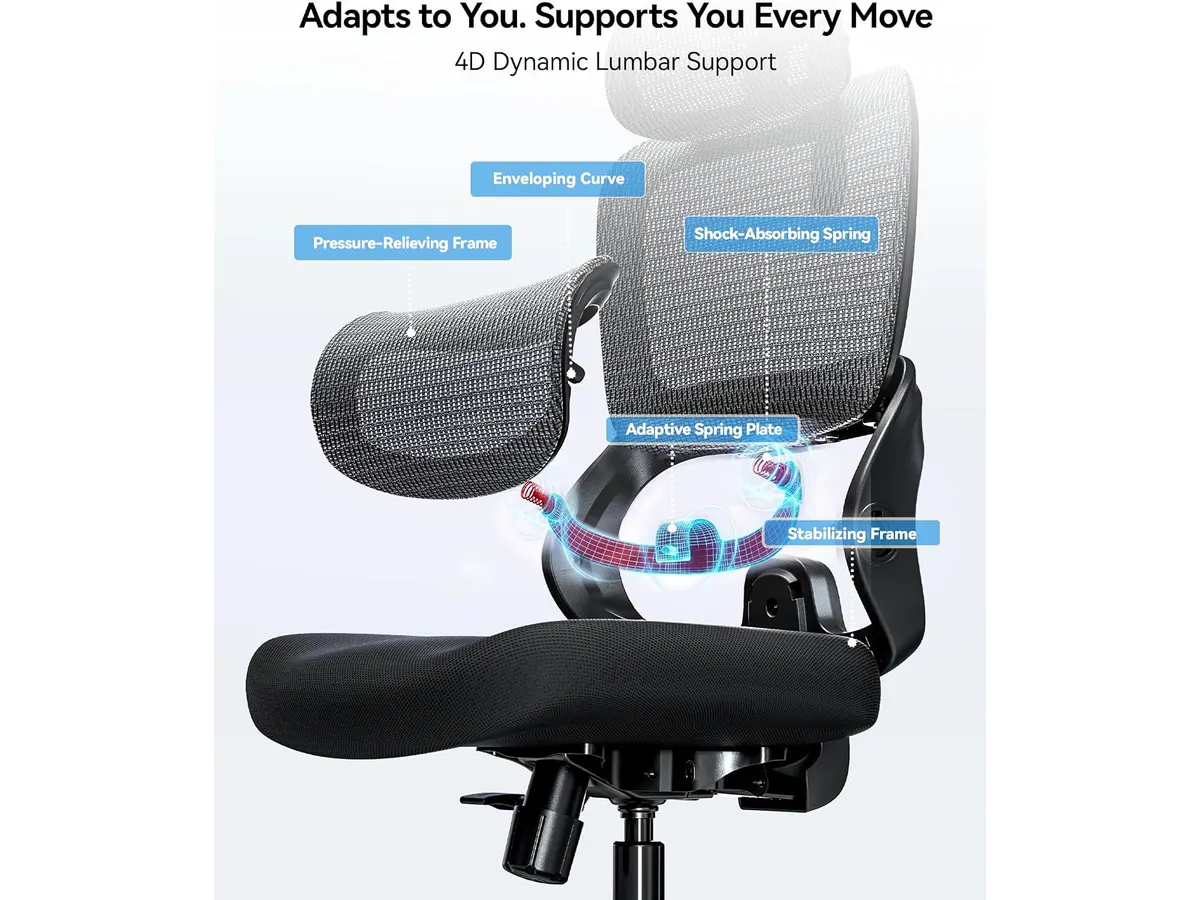
## Dónde flojea
No todo es perfecto. La construcción, aunque cumple con los estándares BIFMA y SGS, depende en gran medida de plásticos técnicos que no transmiten la sensación de solidez de gamas más altas. Si buscas materiales premium como aluminio pulido o mallas de ingeniería de alto rendimiento, este modelo te parecerá limitado en cuanto a acabados.
Otro aspecto es la complejidad del ajuste fino. Al ser un sistema dinámico, el soporte lumbar no permite una regulación milimétrica en tensión o profundidad. Si tu morfología requiere un soporte lumbar extremadamente prominente o rígido, es posible que sientas que esta silla es demasiado permisiva.
## ¿Para quién es?
La SIHOO B100 SE es ideal para el trabajador remoto que busca su primera silla ergonómica de nivel serio. Si vienes de una silla de comedor o una básica de oficina, notarás una mejora inmediata en tu salud postural y nivel de energía al final del día.
No es para ti si eres una persona que prefiere una silla con un ajuste lumbar de presión firme y constante. Asimismo, si tu configuración de escritorio es muy alta o muy baja, la falta de capacidad de modificar la profundidad del asiento o el ángulo de los apoyabrazos de forma multidireccional podría dejarte con una sensación de incomodidad.
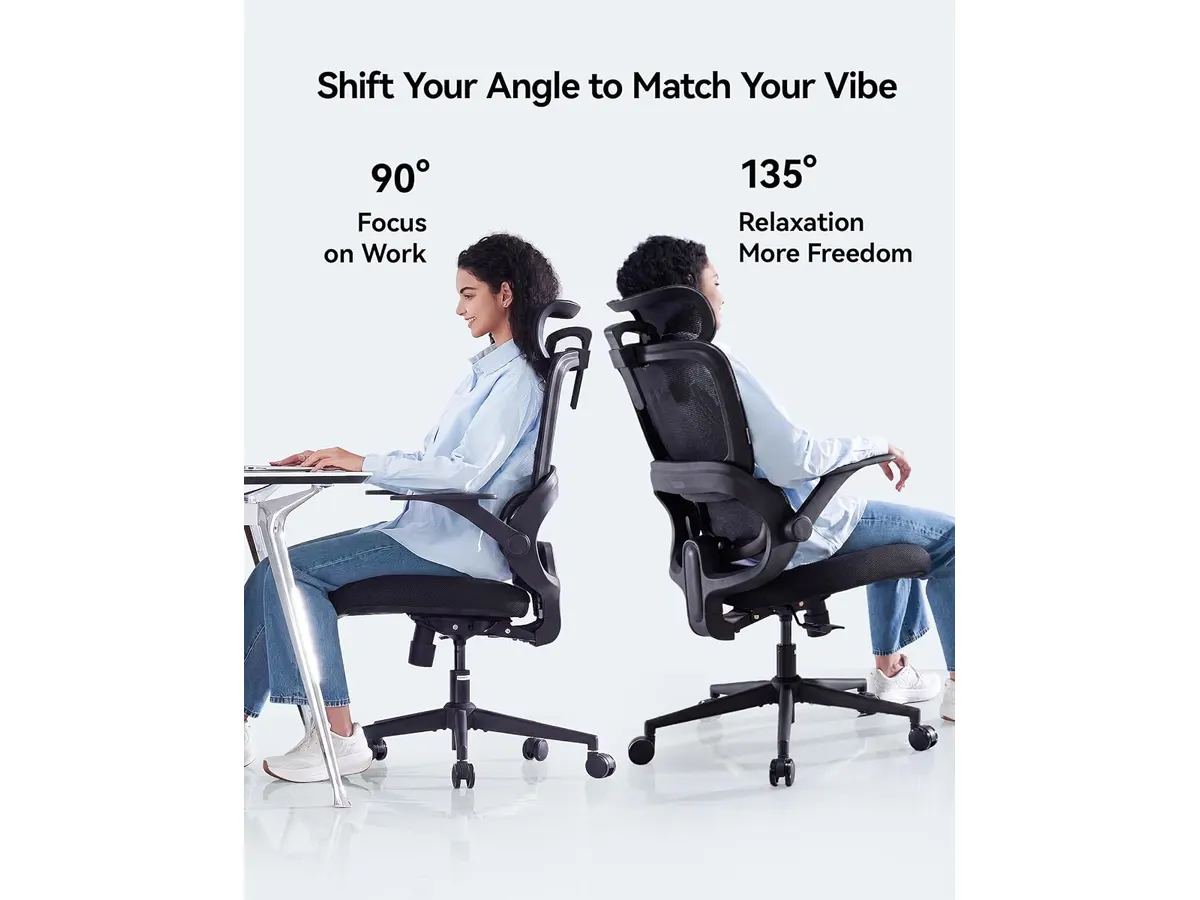
## Alternativas a considerar
Si necesitas un nivel de personalización superior, te recomendamos revisar el análisis de la [Ergohuman ME7ERG GEN2: Silla Ergonómica para Oficina](/blog/2026-09-22-ergohuman-me7erg-gen2). Esta opción está pensada para presupuestos más holgados que priorizan materiales duraderos y ajustes en cada punto de contacto.
Por otro lado, si prefieres mantenerte dentro de la marca pero buscas un equilibrio distinto en cuanto a la respuesta del respaldo, puedes comparar este modelo con la [SIHOO B100 PRO: Silla Ergonómica con Soporte Avanzado](/blog/2026-09-22-sihoo-b100-pro). Esta alternativa mejora los puntos de ajuste en los apoyabrazos, siendo una mejor opción para quienes escriben mucho tiempo o usan dispositivos periféricos constantemente.
## Veredicto
La SIHOO B100 SE cumple con lo prometido: ofrece una ergonomía funcional para el trabajo diario a un costo razonable. Aunque carece de la construcción premium de modelos de alta gama, su soporte dinámico es suficiente para prevenir dolores de espalda comunes. Es una compra inteligente si valoras la garantía de 36 meses y la certificación de seguridad, convirtiéndola en una candidata sólida a mejor silla ergonomica para trabajar en entornos domésticos.
## Preguntas frecuentes
### ¿La silla requiere mucho tiempo para armarse?
No, el proceso está diseñado para ser intuitivo y generalmente se completa en menos de 30 minutos utilizando las herramientas incluidas en la caja.
### ¿Qué pasa si la silla no me resulta cómoda?
El fabricante ofrece una política de devolución de 30 días, lo que permite probar la silla en tu propio entorno de trabajo sin riesgos a largo plazo.
### ¿El soporte lumbar se puede bloquear en una sola posición?
No, el soporte es dinámico por diseño; su objetivo es acompañar el movimiento de la columna, por lo que no está pensado para mantenerse estático.
---
# Análisis del MAONO PD200XS: Versatilidad Pro
URL: https://setuplatam.com/blog/2026-09-29-maono-pd200xs
Category: Audio y webcams
Published: 2026-09-29
El MAONO PD200XS es un micrófono dinámico con conexión dual USB y XLR. Analizamos si es el complemento ideal para mejorar tu audio en el home office hoy.
El MAONO PD200XS es una propuesta sólida para quienes buscan elevar la calidad de su voz sin complicarse con interfaces complejas desde el inicio. Este micrófono dinámico destaca por su doble conectividad USB y XLR, lo que permite empezar con una conexión directa a la computadora y migrar a una consola profesional en el futuro. Si buscas complementar tu espacio con equipo de calidad, explora nuestra sección de [Audio y webcams](/categorias/audio-webcams) para encontrar accesorios que completen tu configuración. Es una herramienta equilibrada para podcasters principiantes y trabajadores remotos que necesitan una voz clara, aunque no pretende ser la mejor webcam para home office, ya que su enfoque es estrictamente sonoro.
## Lo que hace bien
* **Versatilidad de conexión:** La posibilidad de elegir entre USB para un uso rápido y XLR para una cadena de audio más elaborada le otorga una vida útil mucho mayor que a otros micrófonos de entrada.
* **Control total:** La perilla 2-en-1 es un acierto de diseño. Poder ajustar la ganancia y el volumen de monitoreo en el mismo lugar ahorra tiempo y espacio en el escritorio, evitando la necesidad de menús digitales en pantalla.
* **Software integrado:** El uso de MAONO Link permite que el usuario no dependa solo de las características físicas del hardware. La capacidad de ajustar el EQ y el compresor desde el software ayuda a corregir deficiencias acústicas de habitaciones no tratadas.
* **Construcción física:** Incluir un brazo articulado en el paquete es un valor añadido significativo. Permite colocar el micrófono a la distancia ideal para captar esos graves profundos que caracterizan a los dinámicos, mejorando drásticamente el resultado final en comparación con micrófonos de solapa o integrados.
## Especificaciones clave
| Característica | Detalle |
| :--- | :--- |
| Tipo de conexión | USB y XLR dual |
| Patrón polar | Cardioide |
| Respuesta de frecuencia | 40Hz-16kHz |
| Iluminación | RGB con 9 colores |
| Controles | Perilla 2-en-1 y botón de silencio |
| Monitorización | Jack de auriculares de 3.5mm |
## Dónde flojea
El rango de respuesta de frecuencia, limitado a 16kHz, se queda un poco corto para grabaciones vocales de alta fidelidad o voces que requieran mucho aire en las frecuencias agudas. Aunque es suficiente para llamadas y podcasts estándar, si buscas un acabado profesional muy detallado, notarás una falta de brillo en la parte superior del espectro.
Además, el software MAONO Link, aunque útil, puede resultar intrusivo en computadoras con recursos limitados. Si ya cuentas con software de procesamiento de audio externo o prefieres una configuración puramente analógica, terminarás ignorando gran parte del valor añadido del micrófono.
## ¿Para quién es?
Este micrófono es ideal para el estudiante o creador de contenido que está armando su primer estudio serio y quiere un equipo que crezca con él. La flexibilidad de la conexión XLR asegura que, cuando decidas comprar una interfaz de audio dedicada, no necesites cambiar de micrófono.
Por otro lado, no es para el profesional que busca una solución ultracompacta para viajar. Debido a su peso y al uso obligatorio del brazo articulado, no es un equipo que puedas guardar y montar en segundos en una cafetería o un espacio de coworking, donde un micrófono más discreto sería preferible.
## Alternativas a considerar
Si necesitas mejorar tu entorno de trabajo, recuerda que además de un buen micrófono, la imagen es clave. Puedes revisar el análisis del [Logitech MX Brio](/blog/2026-09-22-logitech-mx-brio) si buscas una cámara de alta resolución, o si prefieres una opción con inteligencia artificial, el [Análisis OBSBOT Tiny 3 Lite](/blog/2026-09-26-obsbot-tiny-3-lite) es una excelente referencia. Para completar tu escritorio con sonido ambiental, considera los [Bluedee Computer Speakers](/blog/2026-09-22-bluedee-computer-speakers), que ofrecen un perfil equilibrado en un formato compacto para quienes no quieren sacrificar espacio en la mesa.
## Veredicto
El MAONO PD200XS es una compra inteligente para quien prioriza la versatilidad sobre la perfección absoluta en frecuencias altas. Su construcción robusta y la inclusión del brazo articulado lo colocan por encima de opciones similares en su rango. Si quieres mejorar tu presencia sonora en videollamadas y grabaciones sin gastar una fortuna, esta es una apuesta segura.
## Preguntas frecuentes
### ¿Necesito una interfaz de audio para usar este micrófono?
No, puedes conectarlo directamente por USB a tu computadora y funcionará de inmediato. La opción XLR está ahí para cuando decidas escalar tu equipo a una interfaz profesional.
### ¿El RGB se puede apagar?
Sí, el sistema de iluminación es personalizable, lo cual es excelente si prefieres un entorno de trabajo más sobrio o profesional durante tus reuniones.
### ¿Es compatible con consolas de juego?
El dispositivo funciona bien a través de su conexión USB en la mayoría de los sistemas, permitiendo una mejora inmediata sobre los auriculares convencionales utilizados en gaming.
---
# Análisis del brazo MOUNTUP para monitores
URL: https://setuplatam.com/blog/2026-09-29-mountup-single-monitor-desk-mount
Category: Soportes y hubs
Published: 2026-09-29
Analizamos el brazo MOUNTUP Single Monitor Desk Mount. Descubre si es la opción ergonómica ideal para tu escritorio antes de buscar el mejor hub usb-c para home office.
El MOUNTUP Single Monitor Desk Mount es un brazo articulado diseñado para quienes necesitan recuperar espacio en su superficie de trabajo. Es una herramienta sólida para usuarios de pantallas de entre 17 y 32 pulgadas que buscan mejorar su postura evitando la fatiga cervical. Si además planeas complementar tu configuración con el mejor hub usb-c para home office, este soporte te brinda la estabilidad física necesaria para organizar tu equipo. Explora más opciones similares en nuestra sección de [Soportes y hubs](/categorias/soportes-hubs).
## Lo que hace bien
Este soporte destaca por su capacidad para manejar pantallas de hasta 19.8 libras, lo que cubre la gran mayoría de los monitores de consumo actuales. La durabilidad es un punto central; el sistema de tensión ha sido probado a través de 20,000 ciclos, asegurando que el brazo no pierda su firmeza con el paso del tiempo o tras múltiples ajustes de altura.
La flexibilidad es notable. El usuario puede inclinar la pantalla entre -45° y 90°, además de rotarla 360 grados, lo cual resulta ideal para quienes trabajan con documentos largos o necesitan orientar el monitor en vertical. La gestión de cables integrada permite mantener una apariencia limpia y despejada, un aspecto fundamental cuando el escritorio está saturado con periféricos.
## Especificaciones clave
| Característica | Detalle |
| :--- | :--- |
| Tamaño de pantalla | 17 a 32 pulgadas |
| Capacidad de peso | 4.4 a 19.8 libras |
| Compatibilidad VESA | 75x75mm y 100x100mm |
| Ajuste de altura | Hasta 16.9 pulgadas |
| Inclinación | -45°/+90° |
| Rotación | 360° |
| Instalación | C-clamp o base con ojal |
## Dónde flojea
La principal limitación es el ajuste de tensión inicial. Si tu monitor se encuentra en el rango de peso más ligero, configurar la resistencia correcta puede requerir varios intentos con la llave hexagonal incluida antes de que la pantalla se mantenga fija en la posición deseada.
Además, la base del soporte ocupa un espacio considerable en el borde del escritorio. Si cuentas con una mesa con un marco de acero grueso o un borde con formas irregulares, la instalación mediante la prensa C podría ser complicada. Es fundamental verificar que la superficie del escritorio sea plana y lo suficientemente resistente para soportar la presión del montaje.
## ¿Para quién es?
Este brazo es ideal para el profesional que trabaja desde casa y busca una solución de montaje estándar que mantenga su monitor estable y bien posicionado durante largas jornadas. Es perfecto para quienes ya tienen una estación organizada y necesitan elevar la altura de visualización para mejorar su ergonomía.
Por el contrario, no es la opción adecuada para usuarios que necesitan mover constantemente la posición de su monitor a lo largo del día o para quienes utilizan monitores ultra-ligeros que no alcanzan el peso mínimo de 4.4 libras, ya que el brazo no se sostendrá en la altura deseada.
## Alternativas a considerar
Si necesitas integrar más conectividad en tu flujo de trabajo, considera el [Anker USB-C Hub 8-in-1: Análisis para tu espacio de trabajo](/blog/2026-09-22-anker-usb-c-hub-8-in-1), que ofrece puertos adicionales para periféricos. Para configuraciones de gama alta con necesidades de conexión avanzadas, el [Análisis del CalDigit TS4: El hub definitivo](/blog/2026-09-25-caldigit-ts4) permite centralizar toda tu carga y transferencia de datos en un solo lugar.
## Veredicto
El MOUNTUP Single Monitor Desk Mount cumple con lo que promete: un soporte robusto, duradero y altamente ajustable. Si buscas una forma sencilla de optimizar tu espacio, esta es una compra recomendada que no decepciona en su categoría. Es el complemento ideal para organizar tus periféricos junto a una buena base de carga o hub. Para más soluciones de organización, revisa nuestra guía completa en [Soportes y hubs](/categorias/soportes-hubs).
## Preguntas frecuentes
### ¿Es difícil la instalación?
No, el proceso es sencillo e incluye todo lo necesario para montarlo mediante prensa C o a través de un orificio en el escritorio.
### ¿Se puede usar con monitores curvos?
Sí, siempre que el monitor cuente con una montura VESA de 75x75mm o 100x100mm y no supere el límite de peso de 19.8 libras.
### ¿El brazo se mantiene firme al moverlo?
Una vez ajustada la tensión según el peso de tu monitor, el brazo mantiene la posición seleccionada de forma constante gracias a su construcción en acero.
---
# Análisis de la lámpara Lepro LED para escritorio
URL: https://setuplatam.com/blog/2026-09-28-lepro-led-desk-lamp
Category: Iluminación
Published: 2026-09-28
Buscando la mejor lámpara de escritorio para trabajar? Analizamos la Lepro LED Desk Lamp, una opción eficiente y ajustable para tu oficina en casa. Lee más.
La Lepro LED Desk Lamp es una herramienta funcional para quienes necesitan ajustar la temperatura y el brillo de su entorno sin complicaciones. Si buscas la mejor lámpara de escritorio para trabajar que combine eficiencia energética con un diseño discreto, este modelo cumple con lo básico de forma efectiva. Es una adición sensata para cualquier configuración de [Iluminacion](/categorias/iluminacion) que priorice el orden y la salud visual.
## Lo que hace bien
La flexibilidad es su mayor activo. Con 5 modos de iluminación y 5 niveles de brillo, el usuario dispone de 25 combinaciones para adaptar la luz a tareas específicas, ya sea lectura intensa o sesiones nocturnas frente a la computadora. Esta versatilidad permite encontrar un punto cómodo que no fatiga la vista durante jornadas largas.
El diseño difuso es otro acierto notable. A diferencia de las bombillas convencionales que generan destellos molestos, esta lámpara minimiza el parpadeo. Esto es fundamental para reducir la fatiga ocular, un problema común en oficinas mal iluminadas. Además, su estructura minimalista libera espacio valioso, permitiendo que el área de trabajo se mantenga despejada, algo esencial para quienes tienen escritorios pequeños.
Por último, su eficiencia energética es destacable. Al consumir solo 9.5W, reduce el uso de energía en un 75% comparado con opciones tradicionales, lo cual es un beneficio tangible a largo plazo. La capacidad de ajustar el ángulo de la cabeza permite dirigir los 750LM exactamente donde se necesitan, eliminando sombras incómodas sobre el teclado o documentos físicos.
## Especificaciones clave
| Característica | Detalle |
| :--- | :--- |
| Potencia | 9.5W |
| Flujo luminoso | 750LM |
| Modos de iluminación | 5 modos |
| Niveles de brillo | 5 niveles |
| Configuraciones | 25 combinaciones |
| Color | Negro |
| Tipo de luz | Difusa sin parpadeo |
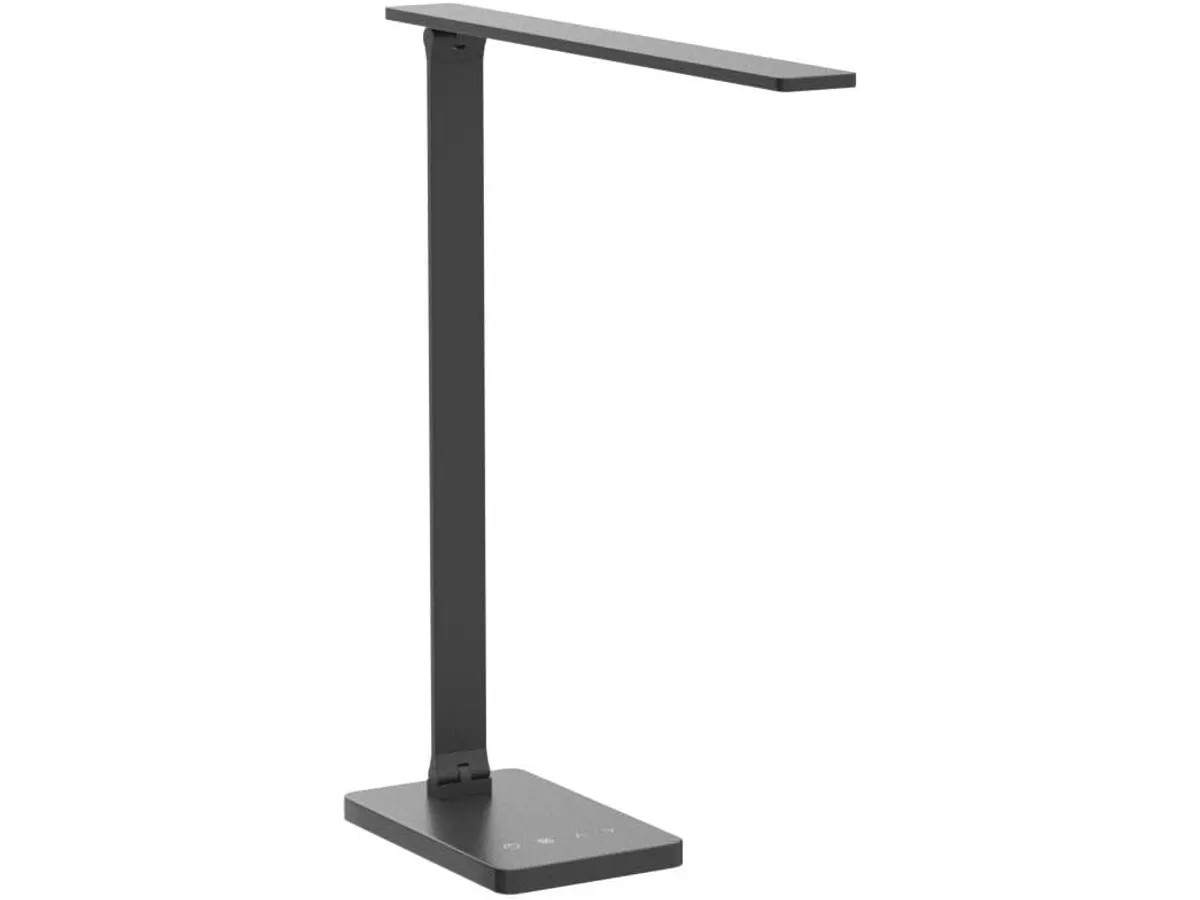
## Dónde flojea
Aunque es funcional, la Lepro LED Desk Lamp no está diseñada para usuarios que buscan una experiencia de hogar inteligente. No ofrece integración con asistentes de voz ni conectividad inalámbrica para control remoto desde el smartphone, lo que puede resultar limitante si acostumbras automatizar tu setup. La falta de estas funciones modernas es una omisión clara frente a opciones más costosas que sí incluyen domótica básica.
Otro aspecto a considerar es la estabilidad del brazo articulado. Si bien cumple con su función de posicionamiento, su construcción depende de componentes plásticos que, con el uso intensivo a largo plazo, pueden perder firmeza si se ajustan constantemente. No es una lámpara diseñada para el abuso diario o para cambios drásticos de posición cada hora.
## ¿Para quién es?
Este modelo es ideal para el estudiante o el profesional remoto que necesita una luz de escritorio fiable y sin distracciones. Si valoras la sencillez y el ahorro de espacio, esta lámpara encajará perfectamente en tu escritorio. Por el contrario, no es para ti si buscas una solución de alta gama con carga inalámbrica integrada o si prefieres una barra de luz que se monte sobre el monitor, como la [Quntis Computer Monitor Lamp: Análisis de Iluminación Efectiva](/blog/2026-09-22-quntis-computer-monitor-lamp).
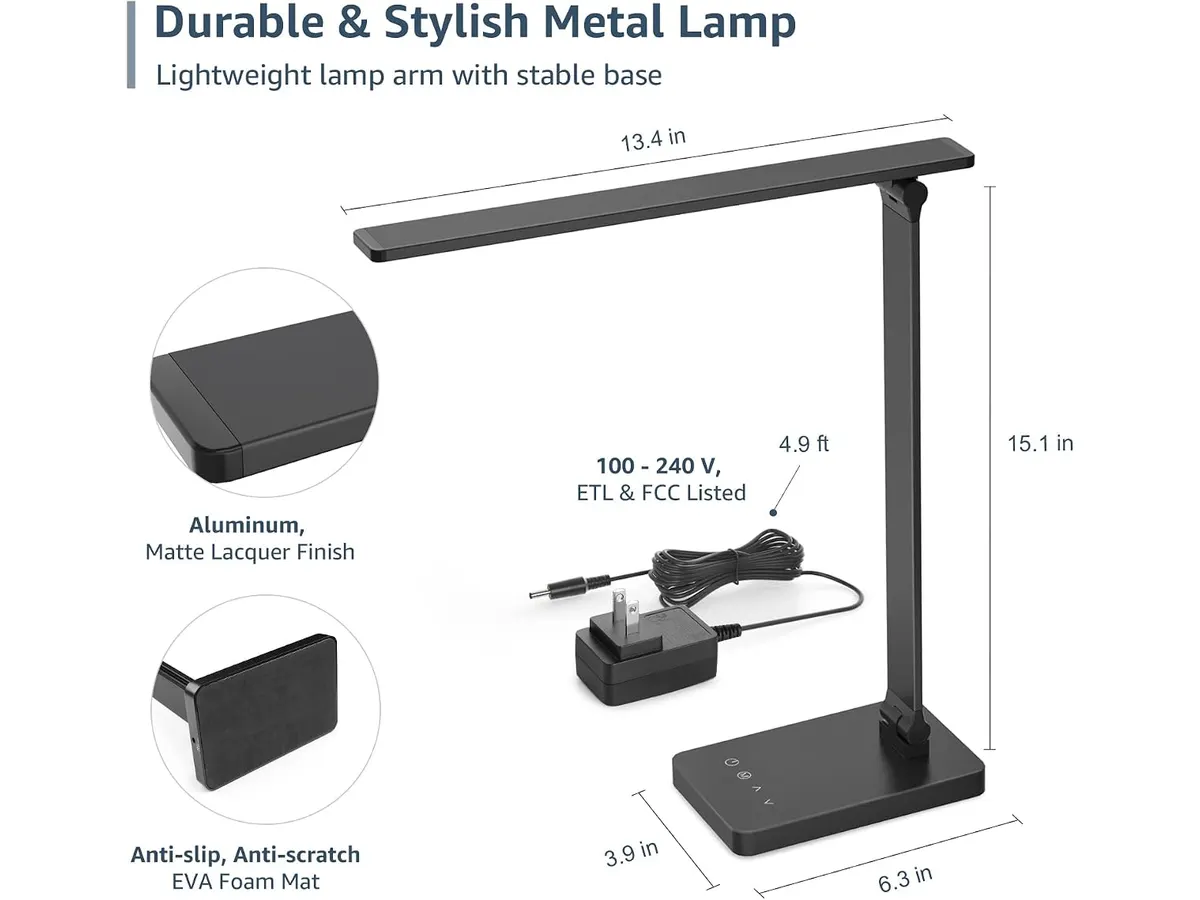
## Alternativas a considerar
Si necesitas una mayor capacidad de ajuste y un diseño más robusto con materiales premium, existen opciones en el mercado de gama media-alta. Estas alternativas suelen ofrecer una base más pesada y un rango de movimiento más amplio, ideal para configuraciones con múltiples monitores donde el espacio es muy restringido.
Por otro lado, si buscas una estética minimalista orientada exclusivamente a la lectura en papel sin ocupar espacio en la superficie, podrías explorar modelos con clip de sujeción. Estos dispositivos ahorran más espacio que los modelos de base tradicional, aunque suelen carecer de la misma potencia lumínica total que una lámpara de escritorio convencional. Puedes comparar esta experiencia con la descrita en el [Análisis de la Lámpara de Escritorio LED SANDROY VOLT](/blog/2026-09-22-sandroy-volt-led-desk-lamp).
## Veredicto
La Lepro LED Desk Lamp es una compra pragmática para quienes priorizan el rendimiento sobre la tecnología innecesaria. Aunque no incluye funciones inteligentes, su capacidad para proteger la vista mediante un diseño sin parpadeo la coloca por encima de las lámparas genéricas de oficina. Es una pieza fundamental dentro de una configuración de [Iluminacion](/categorias/iluminacion) equilibrada y eficiente.
## Preguntas frecuentes
### ¿Se puede usar para videollamadas?
Sí, su flujo luminoso de 750LM es suficiente para iluminar tu rostro, aunque lo ideal es situarla lateralmente para evitar reflejos directos en la cámara.
### ¿La lámpara incluye puerto de carga USB?
Este modelo específico no cuenta con puertos USB para cargar otros dispositivos, enfocándose únicamente en la función de iluminación.
### ¿Es compatible con enchufes inteligentes?
Sí, al tener un interruptor físico simple, puedes conectarla a un enchufe inteligente externo para encenderla o apagarla mediante comandos de voz.
---
# Análisis del Philips 27E1N1800A: nitidez 4K para oficina
URL: https://setuplatam.com/blog/2026-09-28-philips-27e1n1800a
Category: Monitores
Published: 2026-09-28
El Philips 27E1N1800A es un monitor 4K con panel IPS que promete mejorar tu productividad. Descubre si es el mejor monitor para home office en nuestro análisis.
El Philips 27E1N1800A es una pieza de hardware diseñada para quienes pasan jornadas extensas frente a una computadora. Con su resolución 4K y panel IPS, busca equilibrar la fidelidad visual con el espacio de trabajo necesario para tareas multitarea. Si buscas el mejor monitor para home office que priorice la claridad de texto sobre funciones adicionales, este dispositivo entra directamente en tu lista de opciones dentro de nuestros [Monitores](/categorias/monitores).
## Lo que hace bien
El punto más fuerte de este monitor es, sin duda, su resolución. La densidad de píxeles que ofrece el 4K en un formato de 27 pulgadas permite que el texto se vea extremadamente nítido, eliminando el efecto de bordes dentados. Esto es fundamental si trabajas con hojas de cálculo pesadas o código, donde cada carácter debe ser legible.
La tecnología del panel IPS cumple con su promesa de mantener los colores consistentes incluso si miras la pantalla desde ángulos laterales. Es un alivio para quienes necesitan mostrar datos a un compañero o simplemente ajustar su postura a lo largo del día sin que el brillo o el tono cambien. Además, la integración de Adaptive-Sync ayuda a que el movimiento sea fluido, lo cual se agradece incluso en entornos de escritorio al desplazar ventanas o navegar por interfaces densas.
Por último, Philips incorporó funciones pensadas para la salud. El modo de baja luz azul y la tecnología Flicker-free no son solo aditivos de marketing; realmente alivian el esfuerzo visual tras varias horas de trabajo. Combinado con un hardware de calidad, el desempeño es predecible y estable, similar a lo que discutimos en nuestro [análisis del monitor Dell UltraSharp U2724D: calidad y desempeño](/blog/2026-09-22-dell-ultrasharp-u2724d).
## Especificaciones clave
| Característica | Especificación |
| :--- | :--- |
| Resolución | 3840 x 2160 (4K UHD) |
| Panel | IPS |
| Conectividad | HDMI, DisplayPort |
| Flicker-free | Sí |
| LowBlue Mode | Sí |
| Adaptive-Sync | Sí |
## Dónde flojea
No todo es perfecto. La conectividad, aunque funcional, es básica. En un mercado donde muchos usuarios buscan un solo cable para transmitir video, datos y carga, la ausencia de USB-C limita la capacidad de este monitor para funcionar como un hub central. Si tu portátil es moderna, tendrás que recurrir a adaptadores externos para mantener el orden.
Además, la ergonomía del soporte es limitada. Si eres de los que necesita ajustar la altura o girar la pantalla constantemente para adaptar tu espacio, es posible que el soporte incluido se quede corto y debas considerar una montura VESA independiente. Es un detalle que los usuarios avanzados suelen notar desde el primer día.
## ¿Para quién es?
Este modelo es ideal para el profesional de oficina que prioriza la resolución 4K y la calidad del panel IPS por encima de los lujos. Si trabajas principalmente con documentos, gestión administrativa o desarrollo, la claridad de esta pantalla es una mejora directa para tu productividad diaria.
Por el contrario, no es la opción indicada para editores de video de alto nivel que requieren precisión de color profesional o para jugadores competitivos que buscan tasas de refresco elevadas. Si buscas algo para gaming, te recomendamos mirar nuestra [revisión del monitor LG UltraGear 27G61ZB-B: rendimiento y calidad](/blog/2026-09-22-lg-ultragear-27g61zb-b).
## Alternativas a considerar
Si necesitas funciones de conectividad avanzadas, como una base de conexión integrada con un solo cable, existen alternativas en el segmento premium que ofrecen puertos USB-C con carga de energía, ideales para setups minimalistas. Por otro lado, si tu presupuesto es más ajustado y prefieres tener dos pantallas de resolución inferior para maximizar tu espacio de trabajo en lugar de una sola 4K, podrías optar por configuraciones de doble monitor, un enfoque que analizamos en nuestro [análisis del Gigastone 27" IPS 2-Pack: monitores ideales para un setup dual](/blog/2026-09-22-gigastone-27-ips-2-pack).
## Veredicto
El Philips 27E1N1800A es una herramienta sólida para quienes necesitan una pantalla nítida y confiable para su jornada laboral. Aunque carece de extras modernos como la conectividad USB-C, su desempeño visual es innegable. Si buscas el mejor monitor para home office basado en la claridad y el cuidado ocular, esta es una inversión segura que no te decepcionará.
## Preguntas frecuentes
### ¿Es compatible con monturas VESA?
Sí, aunque el soporte incluido tiene ajustes limitados, el panel es compatible con soportes VESA estándar para que puedas instalarlo en un brazo articulado.
### ¿Funciona bien para ver películas?
Gracias a su panel IPS y su alta resolución 4K, ofrece una excelente calidad de imagen y ángulos de visión, lo que lo hace muy capaz para el consumo de contenido multimedia.
### ¿Incluye cables en la caja?
Por lo general, Philips incluye los cables básicos necesarios para su funcionamiento, pero siempre es recomendable verificar el contenido específico según la región de compra.
---
# SIHOO M57: análisis de una silla ergonómica
URL: https://setuplatam.com/blog/2026-09-27-sihoo-m57
Category: Sillas ergonómicas
Published: 2026-09-27
Evaluamos la SIHOO M57, considerada por muchos la mejor silla ergonomica para trabajar. Descubre su soporte lumbar 2D, malla y construcción resistente.
La SIHOO M57 busca posicionarse como la mejor silla ergonomica para trabajar durante largas jornadas frente al escritorio. Diseñada con un respaldo de malla transpirable y ajustes enfocados en cuidar la postura, se orienta a profesionales del teletrabajo y estudiantes que pasan horas sentados. Si buscas renovar las [sillas ergonómicas](/categorias/sillas) de tu espacio de trabajo sin complicaciones, este modelo ofrece un firme equilibrio estructural.
## Lo que hace bien
El elemento central de esta silla de oficina para casa es su soporte lumbar ajustable. Permite modificar tanto la altura como la profundidad de la curvatura lumbar, lo que ayuda a alinear la columna lumbar según la estatura del usuario sin forzar posturas antinaturales.
La construcción de la base utiliza aluminio reforzado, un detalle diferenciador frente a las alternativas con patas plásticas de poliuretano. Esta estructura otorga una capacidad de carga probada de hasta 330 lbs y cuenta con las certificaciones internacionales BIFMA y SGS, garantizando seguridad estructural en un entorno de uso diario intensivo.
En cuanto a la adaptabilidad de los brazos, los apoyabrazos 3D brindan regulación en tres ejes: altura, ángulo horizontal y desplazamiento hacia adelante o atrás. Esto facilita apoyar los antebrazos al redactar o programar, reduciendo la tensión acumulada en hombros y trapecios.
El tejido de malla transpirable cubre tanto el asiento como el respaldo, promoviendo el flujo constante de aire. Esta característica evita la acumulación de calor corporal en sesiones prolongadas. Además, las ruedas silenciosas permiten deslizar la silla sobre suelo duro o alfombra fina sin rayar la superficie.
## Especificaciones clave
| Característica | Detalle |
| --- | --- |
| Capacidad de carga | 330 lbs |
| Ángulo de reclinación | 90° a 126° |
| Material de la base | Aluminio reforzado |
| Certificaciones | BIFMA y SGS |
| Apoyabrazos | Ajuste 3D |
| Garantía del fabricante | 3 años |
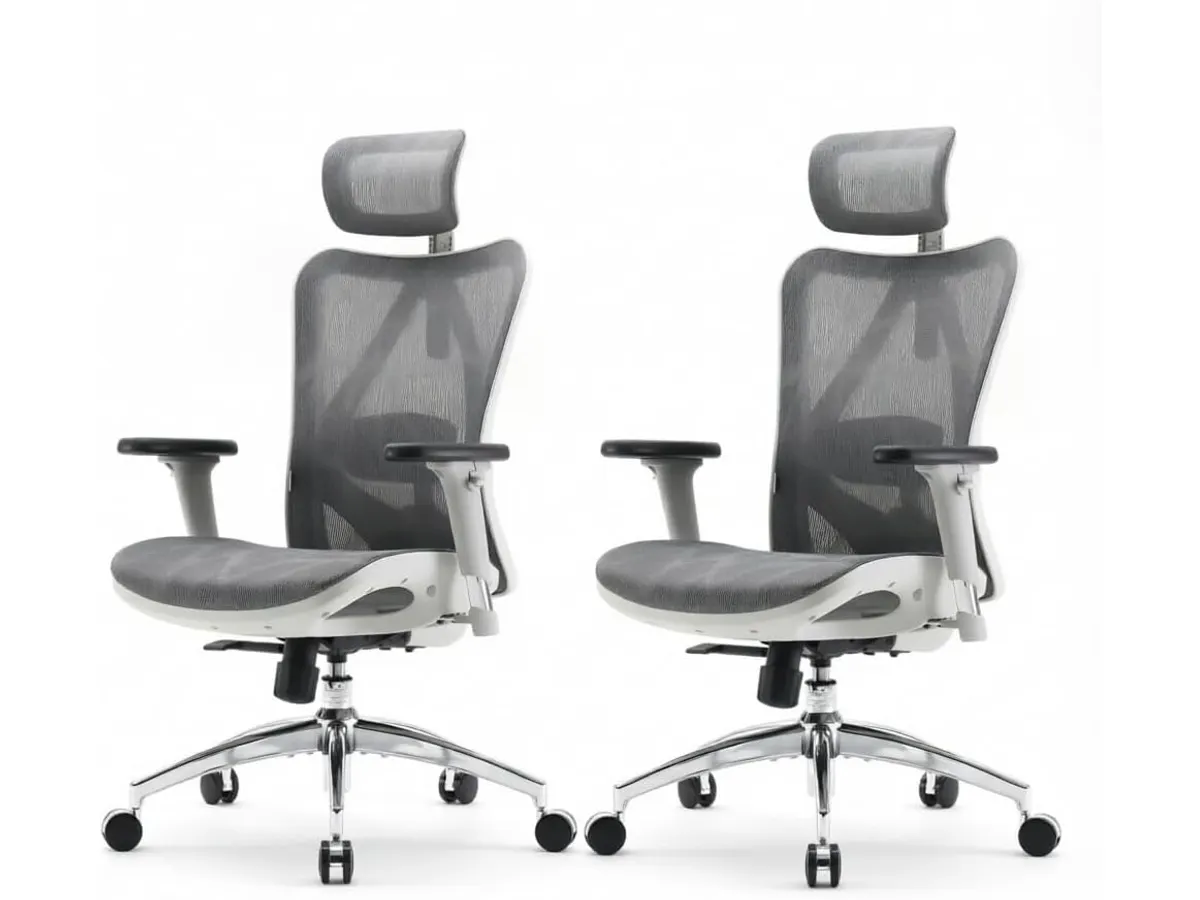
## Dónde flojea
El ángulo de reclinación máximo alcanza los 126 grados. Aunque resulta suficiente para tomar breves descansos o inclinarse a leer, se queda corto si buscas una posición de descanso profundo o casi horizontal durante tus pausas laborales.
La firmeza de la malla en el asiento no agrada a todos. Aquellos acostumbrados a cojines de espuma densa o viscoelástica pueden sentir la superficie demasiado tensa al principio, requiriendo un periodo de adaptación de varias jornadas.
Los pernos de ajuste del soporte lumbar requieren manipulación manual desde la parte posterior del respaldo. Cambiar la profundidad sobre la marcha exige estirar la mano por detrás de la silla, lo cual resulta menos ágil que utilizar palancas integradas en los laterales del asiento.
## ¿Para quién es la mejor silla ergonómica para trabajar?
- **Ideal para:** Teletrabajadores, creadores de contenido y estudiantes que permanecen más de seis horas al día frente a la pantalla en climas cálidos o templados. Encaja perfectamente con quienes necesitan un marco resistente con capacidad para 330 lbs y una silla con soporte lumbar personalizable en dos ejes.
- **No recomendada para:** Usuarios que prefieren la sensación envolvente de un asiento mullido con espuma o personas de gran estatura que busquen inclinaciones pronunciadas para descansar. Si buscas opciones dentro de la misma marca con un perfil diferente, el modelo [SIHOO M18](/blog/2026-09-22-sihoo-m18) plantea una aproximación distinta en el diseño del acolchado.
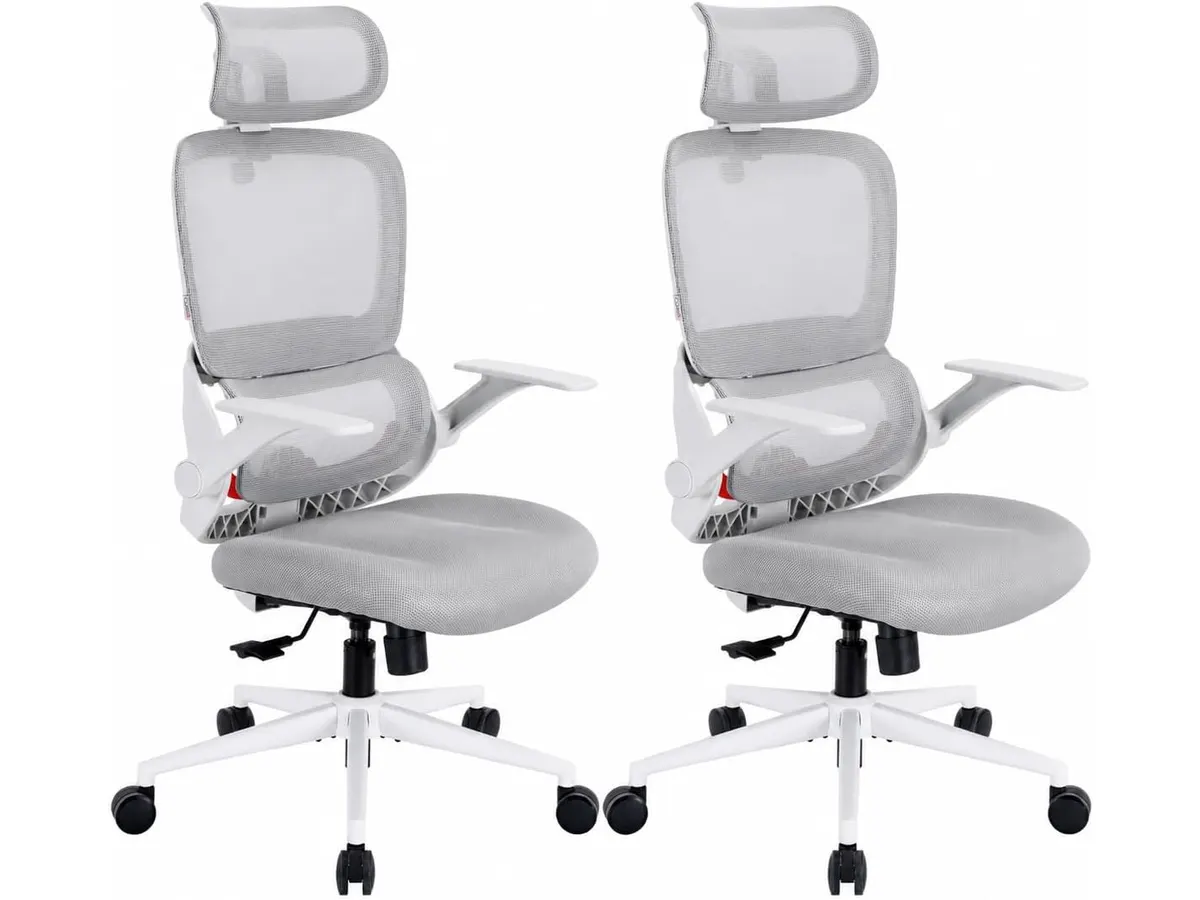
## Alternativas a considerar
Dentro de la gama de entrada existen modelos más económicos construidos totalmente en nylon y con apoyabrazos fijos. Estas alternativas reducen el costo sacrificando la durabilidad de la base de aluminio y restringiendo la movilidad de los brazos, siendo viables solo para uso ocasional de dos o tres horas diarias.
En la gama alta encontramos opciones con sistemas de inclinación sincrónica avanzada y múltiples zonas de tensión dinámica en la malla. Diseños de nivel superior como la [Ergohuman ME7ERG GEN2](/blog/2026-09-22-ergohuman-me7erg-gen2) ofrecen una articulación completa para quienes requieren ajustes milimétricos y apoyo continuo en jornadas de más de diez horas.
## Veredicto
En este SIHOO M57 análisis queda claro que su chasis de aluminio reforzado con certificaciones BIFMA y SGS ofrece una solidez superior frente a competidores directos de plástico. Su soporte lumbar de dos vías junto a los apoyabrazos 3D proporcionan una postura correcta para mantener el enfoque en el escritorio. Aunque su reclinación se limita a 126 grados, la calidad de sus materiales y sus tres años de garantía justifican su elección. Es una inversión inteligente para armar un espacio de trabajo eficiente sin pagar de más.
## Preguntas frecuentes
### ¿Qué certificaciones de calidad tiene esta silla de oficina para casa?
Cuenta con certificaciones internacionales BIFMA y SGS, las cuales avalan la resistencia física de los mecanismos, la estabilidad de la base y la durabilidad del pistón.
### ¿Cuánto peso soporta la base de aluminio?
La estrella de aluminio reforzado está probada para resistir una capacidad de carga máxima de 330 lbs de forma segura.
### ¿Cómo funciona la reclinación en esta silla ergonomica teletrabajo?
Permite fijar la inclinación en un rango que va desde los 90 grados en posición erguida de trabajo hasta un límite de 126 grados para momentos de descanso.
---
# VIVO DESK-V000V: análisis y prueba en casa
URL: https://setuplatam.com/blog/2026-09-27-vivo-desk-v000v
Category: Escritorios
Published: 2026-09-27
Evaluamos el convertidor VIVO DESK-V000V. Descubre si esta opción es el mejor escritorio para home office para trabajar de pie con dos monitores.
Transformar una mesa tradicional en una estación de trabajo ergonómica no requiere cambiar todo el mobiliario. El VIVO DESK-V000V es un convertidor de escritorio pensado para quienes buscan alternar entre trabajar sentado y de pie sin complicaciones. Si buscas el mejor escritorio para home office sin hacer una reforma completa, esta estructura regulable ofrece una solución práctica dentro de nuestro catálogo de [escritorios](/categorias/escritorios).
## Lo que hace bien
El área principal de 91 cm por 56 cm ofrece suficiente espacio para colocar dos monitores de tamaño estándar o una pantalla grande junto con un ordenador portátil. Gracias a su capacidad de carga de 15 kg, la estructura se mantiene estable incluso cuando la cargamos con equipos pesados.
El mecanismo de elevación utiliza un resorte neumático dual que facilita el ajuste de altura entre los 17 cm y los 43 cm. Elevar la plataforma requiere poco esfuerzo físico, ya que los pistones de gas compensan el peso de los monitores. Además, la bandeja para teclado de 64 cm x 27 cm se desplaza de forma sincronizada con la superficie superior, manteniendo la alineación ergonómica de los brazos en todo momento.
A diferencia de otros modelos que exigen procesos de armado complejos, este convertidor requiere un ensamblaje mínimo antes de ponerse en marcha. Si buscas comparar opciones dentro de este formato sobremesa, puedes consultar nuestro [Análisis del FLEXISPOT 42" Standing Desk Converter para tu oficina](/blog/2026-09-22-flexispot-42-standing-desk-converter) para evaluar diferentes dimensiones de plataforma. VIVO respalda este modelo con una garantía de 3 años, lo que aporta tranquilidad sobre la durabilidad de sus componentes mecánicos.
## Especificaciones clave
| Especificación | Detalle |
| --- | --- |
| Dimensiones de la superficie | 91 cm x 56 cm |
| Dimensiones de la bandeja | 64 cm x 27 cm |
| Capacidad de carga | 15 kg |
| Rango de altura | 17 cm a 43 cm |
| Mecanismo de elevación | Resorte neumático dual |
| Garantía | 3 años |
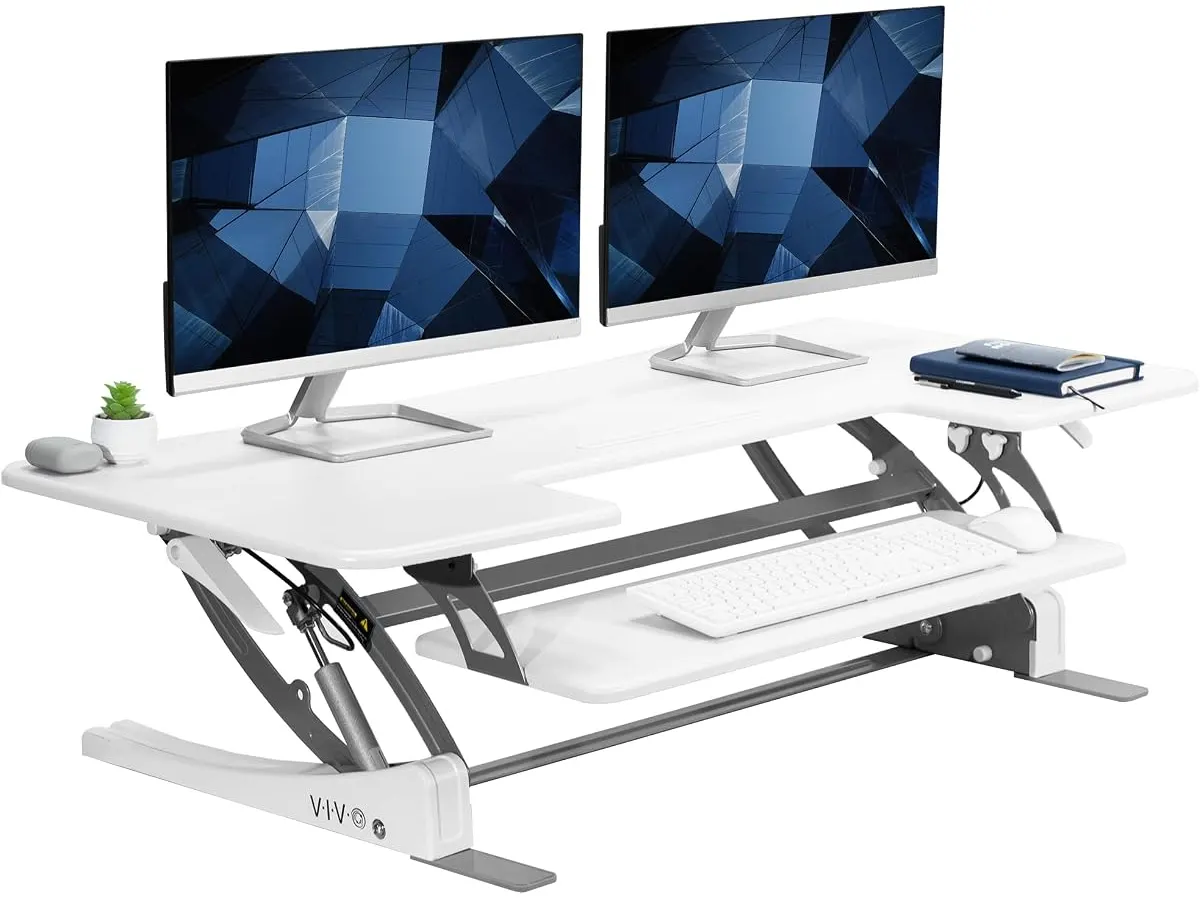
## Dónde flojea
Aunque la superficie superior es amplia, la bandeja del teclado se queda algo ajustada con sus 64 cm x 27 cm. Si utilizas un teclado mecánico completo con bloque numérico y una alfombrilla grande, el área para maniobrar el ratón se reduce bastante.
El rango de altura máxima de 43 cm resulta adecuado para la mayoría de los usuarios, pero personas que midan más de 1.85 metros pueden notar que la pantalla queda ligeramente por debajo de su línea de visión si la mesa base es baja. Asimismo, la altura mínima de 17 cm agrega un grosor considerable sobre tu mesa actual cuando estás sentado, lo que obliga a elevar un poco la silla de trabajo.
## ¿Para quién es?
Este convertidor encaja muy bien con profesionales que ya poseen un escritorio firme en casa y no desean deshacerse de su mueble actual. Es una compra adecuada para quienes trabajan con dos pantallas y necesitan cambiar de postura de forma regular para evitar dolores de espalda durante jornadas extensas.
No es la alternativa recomendada para quienes prefieren una mesa de trabajo despejada, libre de estructuras superpuestas y con tableros continuos. Si buscas un mueble completo con motorización eléctrica, te sugerimos leer nuestro [Análisis del Vari Classic Electric Standing Desk para tu oficina](/blog/2026-09-22-vari-classic-electric-standing-desk).
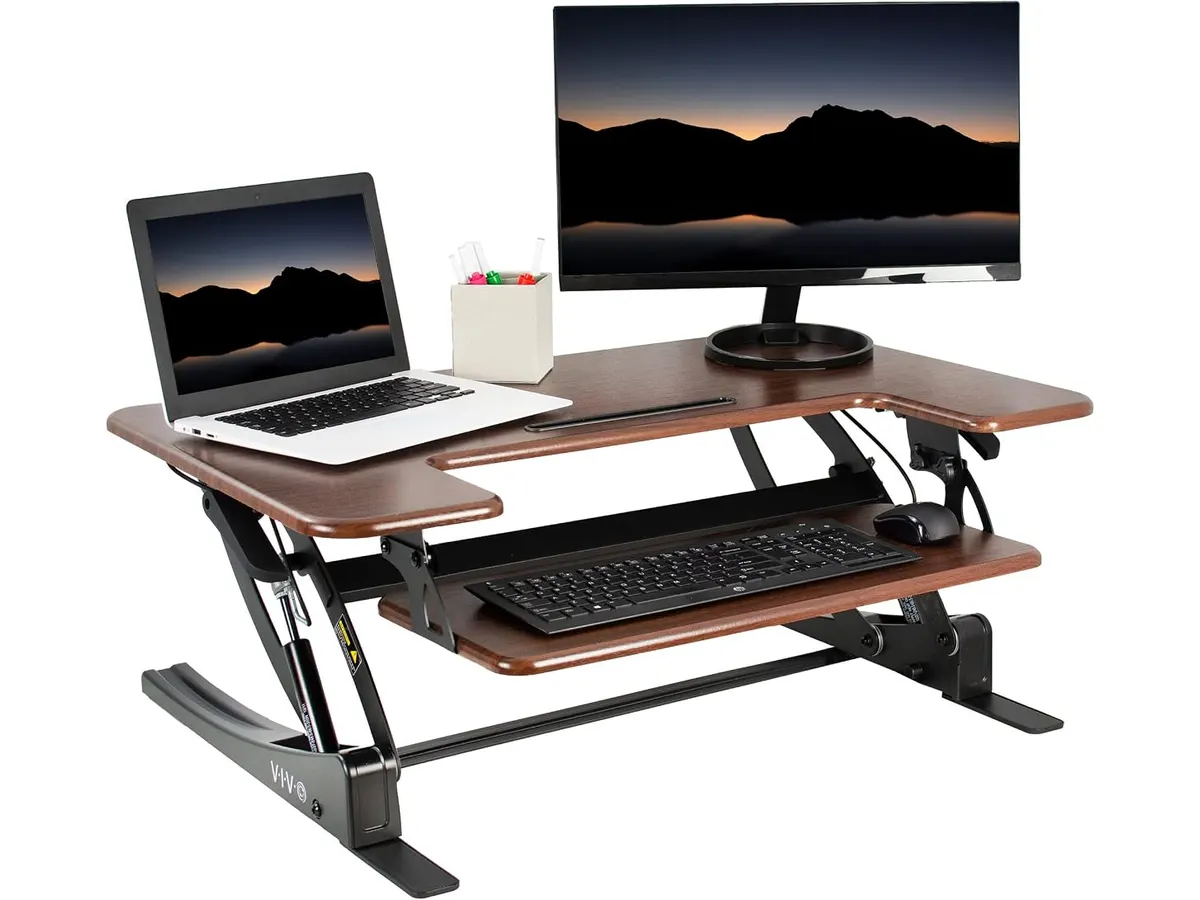
## Alternativas a considerar
Si necesitas una superficie de trabajo más amplia sin salir del formato convertidor, existen opciones de gama alta que extienden el ancho de la plataforma por encima del metro. Estas alternativas suelen incluir bandejas de teclado extraíbles y un rango de elevación superior para personas de gran estatura.
Si tu presupuesto permite reemplazar todo el mueble, los escritorios elevables motorizados de gama de entrada representan una solución más limpia. Esta clase de escritorios elimina la necesidad de colocar una estructura pesada sobre tu mesa base y ofrece un rango de altura continuo desde el nivel habitual de sentado.
## Veredicto: ¿El mejor escritorio para home office en formato convertidor?
El VIVO DESK-V000V cumple con solidez su promesa de convertir cualquier mesa fija en una estación de trabajo ergonómica e híbrida. Su resorte neumático dual funciona de forma suave y aguanta perfectamente una configuración con doble monitor sin perder estabilidad. Aunque la bandeja del teclado exige medir bien el espacio del ratón, su solidez de construcción y su garantía de 3 años lo convierten en una inversión inteligente para mejorar tu postura en casa.
## Preguntas frecuentes
### ¿Cuánto peso puede sostener la superficie del VIVO DESK-V000V?
La superficie soporta hasta 15 kg de peso total, lo que permite colocar con seguridad dos monitores con sus bases o una pantalla ancha junto a un ordenador portátil.
### ¿Es difícil ensamblar este convertidor de escritorio?
No, el producto viene preensamblado en su mayor parte. Solo debes fijar la bandeja del teclado a la estructura principal antes de colocarlo sobre tu mesa de trabajo.
### ¿Se puede ajustar la altura a cualquier punto intermedio?
Sí, el sistema de resorte neumático dual permite detener la elevación en cualquier punto dentro del rango de 17 cm a 43 cm de altura.
---
# Análisis de la BOHON LED Desk Lamp para tu espacio
URL: https://setuplatam.com/blog/2026-09-26-bohon-led-desk-lamp
Category: Iluminación
Published: 2026-09-26
Analizamos la BOHON LED Desk Lamp, una opción sólida para tu oficina. Descubre si es la mejor lampara de escritorio para trabajar según nuestras pruebas.
Una buena iluminación es la diferencia entre terminar la jornada con fatiga visual o hacerlo con energía. La BOHON LED Desk Lamp se posiciona como una herramienta funcional para quienes pasan horas frente a la computadora. Si buscas mejorar tu área de trabajo, nuestra guía de [Iluminacion](/categorias/iluminacion) te ayudará a encontrar el equilibrio perfecto entre estética y utilidad.
## Lo que hace bien
Esta lámpara destaca por su construcción y versatilidad funcional. Aquí están sus puntos más fuertes:
* **Construcción duradera:** El uso de metal tanto en la base como en la pantalla le otorga una estabilidad que rara vez se encuentra en opciones de plástico. No se tambalea al ajustar el ángulo y se siente como un equipo diseñado para durar.
* **Calidad de luz:** Con 56 cuentas LED y una potencia de 10 vatios, entrega hasta 900 lúmenes. Esta intensidad es suficiente para iluminar áreas de trabajo extensas sin generar parpadeos molestos.
* **Gestión de energía y ajustes:** La función de memoria es un detalle de diseño muy acertado; no tendrás que reconfigurar la temperatura de color cada vez que enciendas la lámpara. Además, el puerto USB integrado permite cargar periféricos directamente desde la base, liberando espacio en tu hub o computadora.
* **Adaptabilidad ambiental:** Su modo de atenuación automática es útil para mantener una iluminación constante a medida que cambia la luz natural del día, evitando cambios bruscos de intensidad en tus ojos.
## Especificaciones clave
| Característica | Especificación |
| :--- | :--- |
| Tecnología LED | 56 SMD2835 LED beads |
| Modos de color | 3 (natural, blanca, cálida) |
| Brillo máximo | 900 lúmenes |
| Potencia | 10 vatios |
| Material | Metal |
| Extras | Puerto USB, memoria de luz |
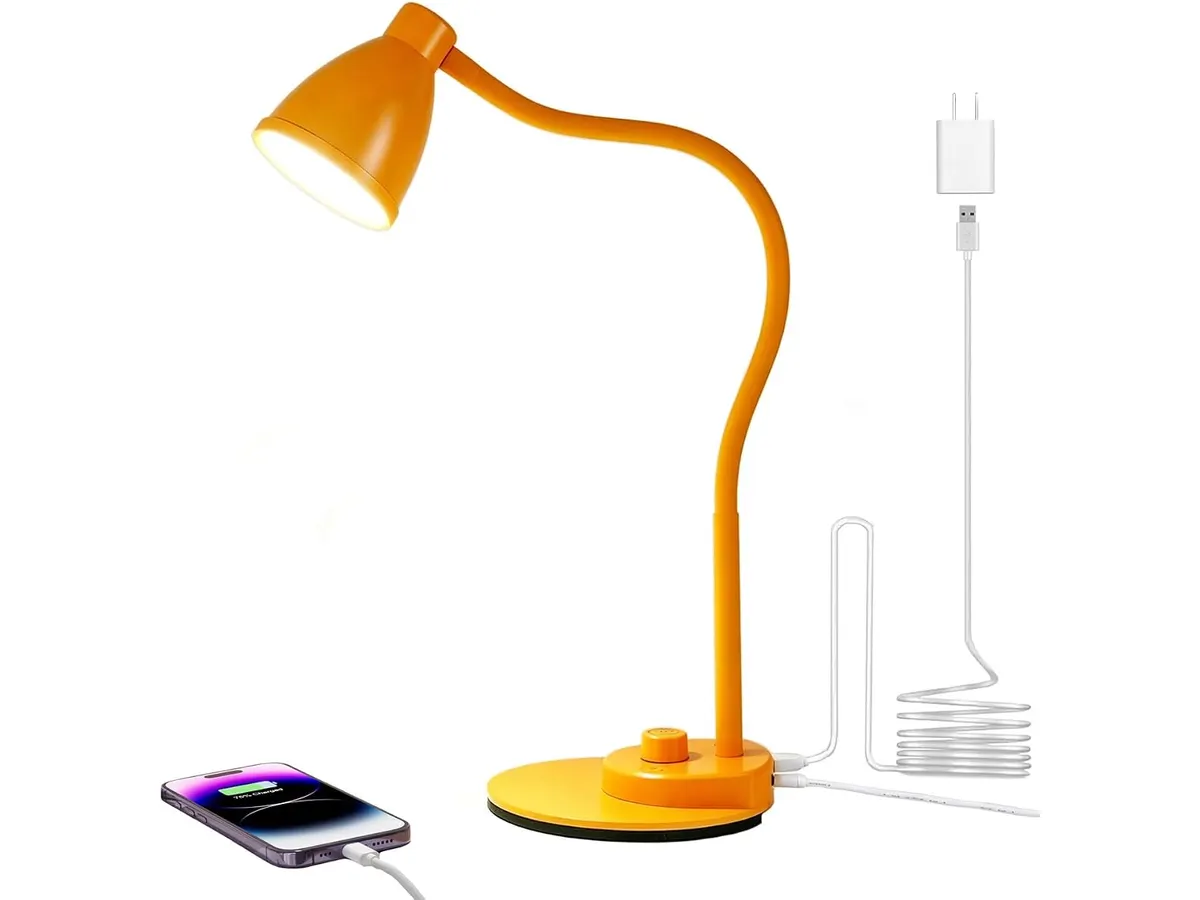
## Dónde flojea
Aunque es un equipo sólido, no es perfecto para todos los escenarios. Primero, su diseño de brazo tradicional ocupa una huella considerable en el escritorio. Si tienes un espacio muy limitado o un área de trabajo minimalista, puede sentirse invasiva en comparación con una [barra de luz para monitor](https://setuplatam.com/blog/2026-09-22-quntis-computer-monitor-lamp). Segundo, el puerto USB incluido no especifica carga rápida, por lo que si pretendes cargar un teléfono o tableta de alta gama, el proceso será lento y poco eficiente comparado con un cargador de pared dedicado.
## ¿Para quién es?
La BOHON LED Desk Lamp es ideal para estudiantes o trabajadores de oficina que requieren una fuente de luz directa y ajustable para leer documentos físicos o escribir. Su construcción metálica la hace resistente al uso diario constante.
No es para quienes buscan un setup extremadamente minimalista. Si tu prioridad es mantener el escritorio libre de objetos y prefieres una luz que se integre físicamente en tu monitor, este diseño de lámpara de brazo te resultará estorboso. En esos casos, es mejor optar por soluciones de montaje superior como las que exploramos en el [Análisis de la Lámpara de Escritorio LED SANDROY VOLT](https://setuplatam.com/blog/2026-09-22-sandroy-volt-led-desk-lamp).
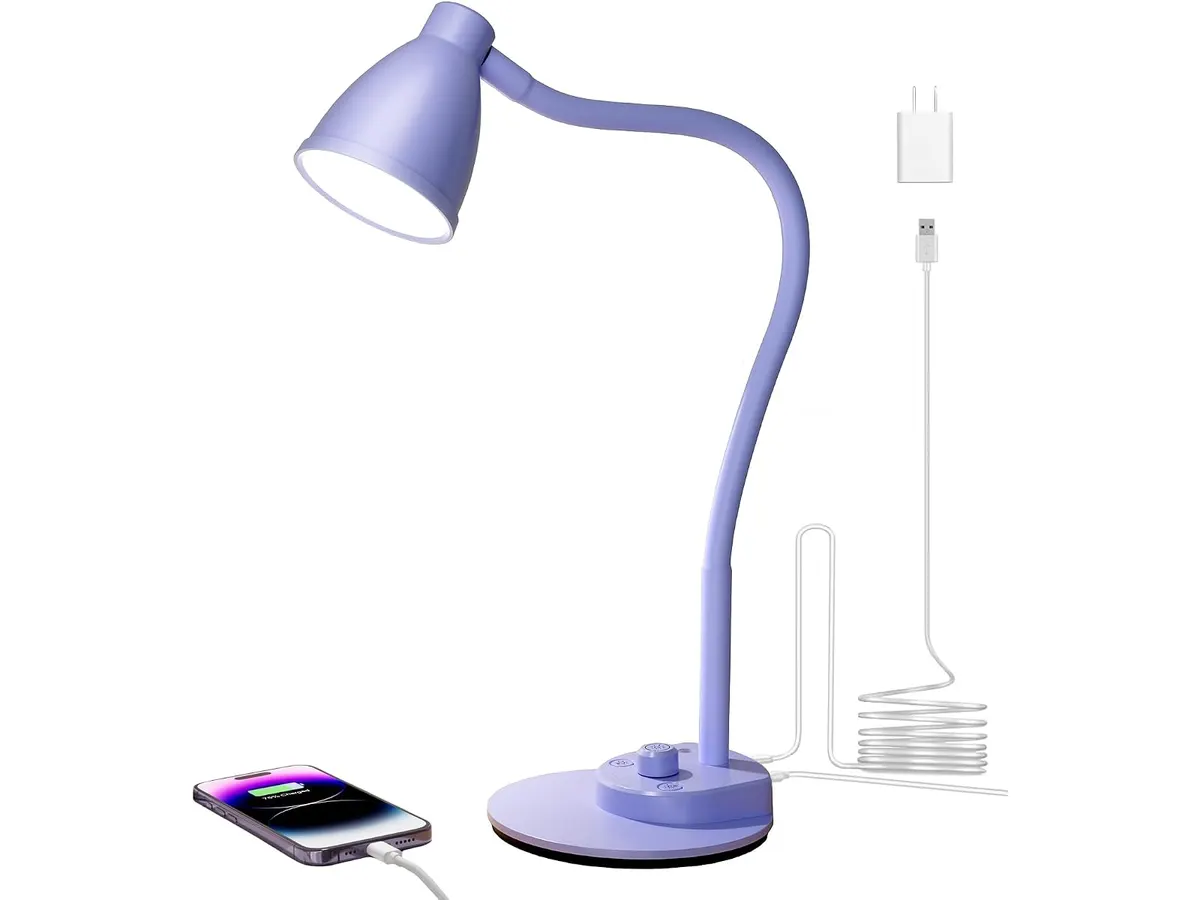
## Alternativas a considerar
Si buscas algo con mayor flexibilidad, considera una opción de gama media con brazo articulado de triple eje, que permite orientar la luz con mayor precisión sin ocupar tanto espacio en la superficie. Para quienes necesitan una solución más compacta, existen modelos de gama de entrada que se sujetan al borde del escritorio con una pinza, ideales para mesas pequeñas donde cada centímetro cuenta. También puedes revisar la [Pzloz LED Desk Lamp: Iluminación Versátil para tu Escritorio](https://setuplatam.com/blog/2026-09-22-pzloz-led-desk-lamp) para ver cómo otras configuraciones de iluminación afectan tu espacio.
## Veredicto
La BOHON LED Desk Lamp cumple con lo que promete: es una luz estable, brillante y bien construida. Es una compra segura para quien prioriza la durabilidad metálica sobre un diseño invisible. Si buscas la mejor lampara de escritorio para trabajar bajo un presupuesto moderado, esta unidad es una inversión inteligente que difícilmente te decepcionará.
## Preguntas frecuentes
### ¿El puerto USB carga rápido?
No. El puerto USB está diseñado para carga estándar, por lo que es mejor usarlo para periféricos pequeños o carga nocturna lenta.
### ¿Se calienta mucho al usarla durante horas?
Gracias a su tecnología LED de 10 vatios, la lámpara se mantiene templada incluso después de largos periodos de uso, lo cual es una mejora respecto a las bombillas incandescentes antiguas.
### ¿Puedo usarla para videollamadas?
Funciona bien como luz de apoyo lateral, pero al ser una fuente de luz puntual, recomendamos difundirla un poco si quieres evitar sombras duras en tu rostro durante una conferencia.
---
# Análisis OBSBOT Tiny 3 Lite: Calidad 4K con IA
URL: https://setuplatam.com/blog/2026-09-26-obsbot-tiny-3-lite
Category: Audio y webcams
Published: 2026-09-26
La OBSBOT Tiny 3 Lite destaca como la mejor webcam para home office gracias a su seguimiento por IA y resolución 4K. Conoce si es la herramienta ideal para ti.
La OBSBOT Tiny 3 Lite llega al mercado para quienes buscan automatizar el encuadre sin complicaciones. Esta cámara está diseñada para profesionales y creadores que pasan gran parte del día en videollamadas o produciendo contenido rápido. Si buscas la mejor webcam para home office que combine seguimiento inteligente y una configuración sencilla, este equipo merece tu atención. Explorar nuestra sección de [Audio y webcams](/categorias/audio-webcams) es un excelente punto de partida para quienes buscan integrar mejores periféricos en su espacio de trabajo.
## Lo que hace bien
El punto más fuerte es su capacidad de seguimiento por IA 2.0. A diferencia de las cámaras estáticas tradicionales, esta unidad mantiene al sujeto en el centro del encuadre incluso si te mueves por la habitación. Es una funcionalidad que realmente ahorra tiempo durante presentaciones dinámicas.
La calidad de imagen es otro pilar fundamental. Con su sensor de 1/2'' CMOS y resolución 4K a 30FPS, ofrece una claridad superior a la mayoría de las cámaras integradas en laptops. El soporte HDR ayuda a equilibrar la iluminación, lo cual es vital si trabajas en oficinas con ventanas detrás de ti.
El sistema de triple matriz de micrófonos es una sorpresa bienvenida. Captura audio espacial con una fidelidad que evita la necesidad de un micrófono de solapa en entornos silenciosos. Si buscas una configuración más robusta, puedes complementar este audio con unos [Bluedee Computer Speakers](/blog/2026-09-22-bluedee-computer-speakers) para mejorar la escucha general de tus reuniones.
## Especificaciones clave
| Característica | Especificación |
| :--- | :--- |
| Resolución máxima | 4K@30FPS o 1080P@120FPS |
| Sensor de imagen | 1/2'' CMOS |
| Rango ISO | 100-6400 |
| Sistema de audio | Triple matriz con audio espacial |
| Enfoque | Automático PDAF |
| Controles | Gestos y comandos de voz |
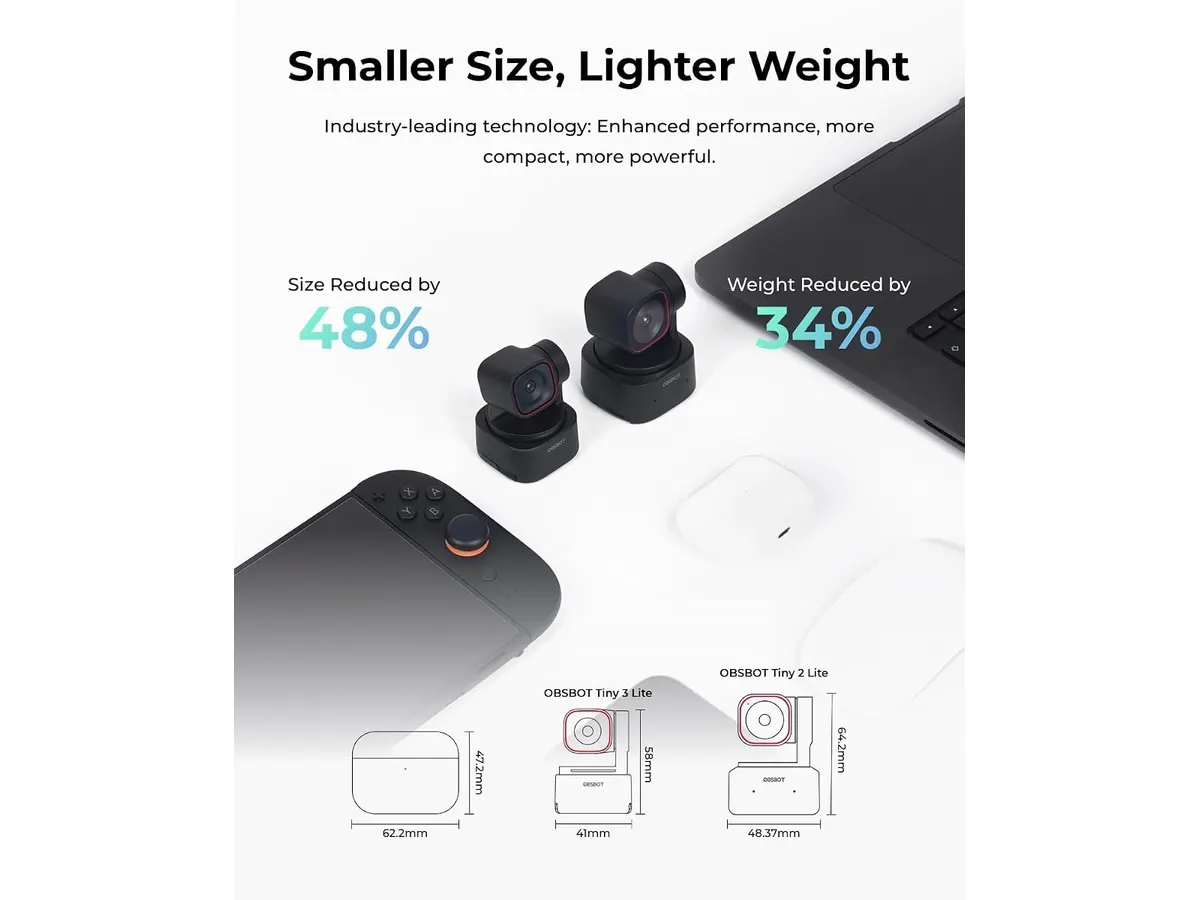
## Dónde flojea
La dependencia del software para desbloquear funciones avanzadas puede ser un obstáculo. Si no instalas el programa propietario, pierdes acceso a los efectos de belleza y al control total del desenfoque, lo que limita el potencial del hardware.
El rendimiento en condiciones de luz muy baja sigue mostrando algo de grano, a pesar del rango ISO de hasta 6400. Aunque es superior a una webcam promedio, el pequeño tamaño del sensor físico impone límites físicos que ninguna IA puede compensar totalmente sin una iluminación externa adecuada.
Finalmente, el formato compacto es una virtud para el transporte, pero hace que el dispositivo sea menos estable en monitores muy delgados o con biseles irregulares. Necesitarás asegurar bien la base para evitar vibraciones no deseadas.
## ¿Para quién es?
Este modelo es ideal para el profesional del teletrabajo que realiza presentaciones frecuentes o sesiones de formación. La capacidad de moverse libremente sin preocuparse por quedar fuera de cuadro es un valor añadido indiscutible para quienes no quieren estar atados a una silla.
Por el contrario, no es la opción adecuada para el usuario que solo busca una webcam para llamadas casuales de cinco minutos y prefiere evitar configuraciones de software. Si tu prioridad es una calidad de imagen pura y cristalina sin funciones automáticas, un modelo como la [Logitech MX Brio](/blog/2026-09-22-logitech-mx-brio) podría ofrecerte una experiencia más directa y orientada a la fidelidad visual.
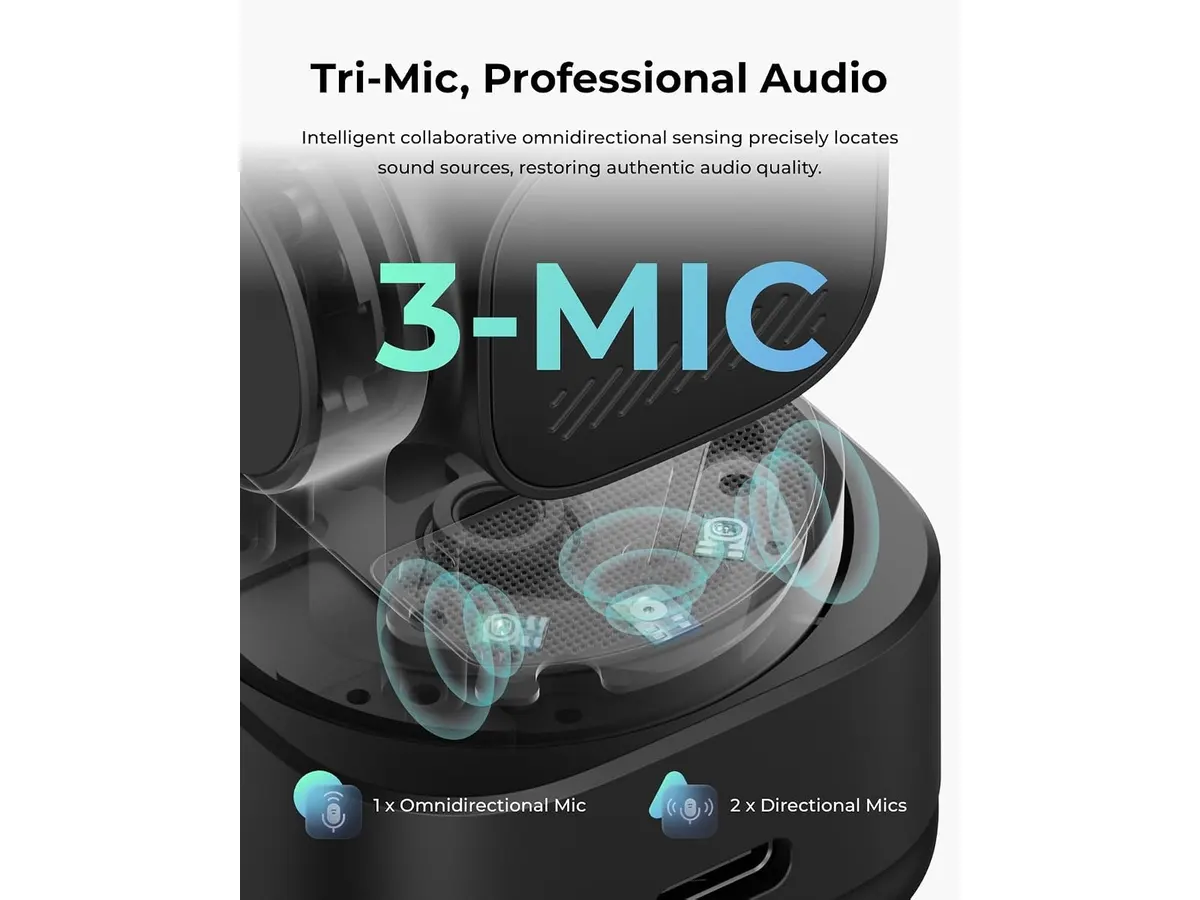
## Alternativas a considerar
Si tu presupuesto es ajustado y no necesitas el seguimiento por IA, existen opciones en la gama de entrada que se enfocan exclusivamente en una resolución 1080p sólida con buenos lentes fijos. Son ideales para quienes tienen un espacio de trabajo estático y no requieren que la cámara los siga.
Por otro lado, si te encuentras en una gama de precio superior, encontrarás cámaras con sensores de mayor pulgada que permiten un desenfoque de fondo óptico natural, sin recurrir a procesamiento digital. Estas son recomendables para quienes buscan un look más cinematográfico y profesional en su streaming.
## Veredicto
La OBSBOT Tiny 3 Lite cumple con lo que promete al ofrecer un seguimiento inteligente y una calidad de imagen nítida. Si valoras la automatización en tus reuniones, es una herramienta poderosa que justifica su inversión. Para aquellos que prefieren una experiencia más tradicional, siempre pueden revisar nuestra categoría de [Audio y webcams](/categorias/audio-webcams) para comparar con otras tecnologías. Es una compra sólida para el trabajador remoto moderno.
## Preguntas frecuentes
### ¿Necesito instalar software obligatoriamente?
No para el funcionamiento básico, pero sí es necesario para configurar el seguimiento por IA, los gestos y los efectos de imagen.
### ¿Es compatible con cualquier software de reuniones?
Sí, funciona como una cámara USB estándar reconocida por plataformas como Zoom, Teams o Google Meet sin complicaciones.
### ¿Qué tal es el rendimiento en 1080p?
Es excelente. Al bajar a 1080p, puedes alcanzar hasta 120 FPS, lo que resulta en una fluidez de movimiento superior para videollamadas de alta exigencia.
---
# Análisis del CalDigit TS4: El hub definitivo
URL: https://setuplatam.com/blog/2026-09-25-caldigit-ts4
Category: Soportes y hubs
Published: 2026-09-25
El CalDigit TS4 es el mejor hub USB-C para home office. Con 18 puertos y carga de 98W, simplifica tu escritorio profesional. Lee nuestro análisis técnico aquí.
El CalDigit TS4 es una de las soluciones de conectividad más completas del mercado actual. Diseñado para quienes exigen una infraestructura de escritorio seria, este dispositivo centraliza todo tu equipo bajo un solo cable Thunderbolt 4. Si buscas el mejor hub USB-C para home office y necesitas fiabilidad absoluta, este dock es la pieza central que tu espacio de trabajo merece. Puedes encontrar más opciones similares en nuestra sección de [Soportes y hubs](/categorias/soportes-hubs).
## Lo que hace bien
La capacidad de gestión de puertos del TS4 no tiene rival en su clase. Con 18 puertos totales, resuelve cualquier problema de escasez de conexiones en laptops modernas. Los tres puertos Thunderbolt 4 ofrecen una transferencia de datos de 40Gb/s que resulta esencial para quienes trabajan con almacenamiento externo de alta velocidad.
La potencia de entrega es otro punto brillante. Con 98W de carga, este hub mantiene incluso las laptops más potentes con batería completa sin necesidad de conectar el cargador original. Además, su capacidad para gestionar configuraciones de doble pantalla en 6K o una única pantalla de 8K lo convierte en una herramienta versátil para editores de video y diseñadores gráficos.
Por último, la inclusión de un puerto Ethernet de 2.5GbE garantiza que tu conexión a internet sea significativamente más rápida que el estándar Gigabit. Esto es un cambio fundamental para quienes transfieren archivos pesados a través de la red local o necesitan la menor latencia posible en videollamadas de larga duración.
## Especificaciones clave
| Característica | Especificación |
| :--- | :--- |
| Puertos totales | 18 |
| Potencia de carga | 98W |
| Thunderbolt 4 | 3 puertos de 40Gb/s |
| Puertos USB | 3x USB-C y 5x USB-A (10Gb/s) |
| Ethernet | 2.5 Gigabit |
| Lectores de tarjetas | SD y microSD 4.0 UHS-II |
## Dónde flojea
No todo es perfecto en el TS4. Su tamaño es considerable, lo que obliga a reservar un espacio físico importante sobre el escritorio, algo que podría incomodar a quienes prefieren setups minimalistas. Además, la inversión inicial es elevada en comparación con soluciones portátiles más sencillas.
Otra limitación es que, al ser un equipo tan potente, no es la opción ideal si solo buscas algo ligero para llevar en la mochila. Si tu rutina implica cambiar constantemente de lugar de trabajo, existen alternativas más compactas como el [Anker USB-C Hub 8-in-1: Análisis para tu espacio de trabajo](/blog/2026-09-22-anker-usb-c-hub-8-in-1), que cumplen funciones básicas con mayor portabilidad.
## ¿Para quién es?
Este hub es para el profesional que trabaja en una estación fija y utiliza múltiples periféricos, almacenamiento externo y pantallas de alta resolución. Si pasas ocho horas al día frente al monitor y odias desconectar cables cada vez que mueves tu laptop, el TS4 está diseñado para ti.
Por el contrario, no es para el usuario casual. Si tu setup se limita a una laptop y un monitor básico, o si viajas constantemente, estarás pagando por una potencia y una cantidad de puertos que simplemente no vas a aprovechar en tu día a día.
## Alternativas a considerar
Si necesitas algo con menos puertos pero un rendimiento confiable para tareas diarias, las soluciones de gama media ofrecen un equilibrio decente sin ocupar tanto espacio. Por otro lado, si tu presupuesto es limitado y solo requieres extender un par de puertos USB para accesorios periféricos, existen hubs básicos de gama de entrada que cumplen su función con un coste menor, aunque sacrificando la carga de alta potencia y la velocidad de red avanzada.
## Veredicto
El CalDigit TS4 es el estándar de oro para quienes no aceptan compromisos en su productividad. A pesar de su precio y dimensiones, la estabilidad y la cantidad de puertos que ofrece justifican la inversión para cualquier profesional serio. Es una compra única que elimina la frustración de la conectividad limitada. Para explorar otras soluciones complementarias, no olvides visitar nuestra categoría de [Soportes y hubs](/categorias/soportes-hubs).
## Preguntas frecuentes
### ¿Es compatible con laptops que no tienen Thunderbolt 4?
Sí, es compatible con dispositivos USB4 y USB-C, aunque la velocidad total dependerá de las especificaciones de tu puerto.
### ¿Puedo cargar mi laptop y otros dispositivos a la vez?
El puerto principal entrega 98W a la laptop, mientras que los otros puertos USB proporcionan energía suficiente para periféricos estándar.
### ¿Necesito instalar controladores para que funcione?
No, el dispositivo funciona bajo el estándar plug-and-play, facilitando su uso inmediato en la mayoría de los sistemas actuales.
---
# Análisis LG 27US500-W: Claridad 4K para tu escritorio
URL: https://setuplatam.com/blog/2026-09-25-lg-27us500-w
Category: Monitores
Published: 2026-09-25
Evaluamos el LG 27US500-W, una pantalla 4K que busca ser el mejor monitor para home office. Calidad de imagen y ergonomía para trabajar con comodidad.
El LG 27US500-W se posiciona como una opción sólida si buscas nitidez absoluta en tu escritorio. Con su panel IPS y resolución 4K, este equipo es una herramienta pensada para quienes pasan horas frente a hojas de cálculo, edición de documentos o navegación intensa. Si estás explorando la categoría de [Monitores](/categorias/monitores), este modelo ofrece una entrada equilibrada al ecosistema de alta resolución sin complicaciones innecesarias. Es, en esencia, un candidato serio a ser el mejor monitor para home office para el usuario que prioriza la fidelidad visual sobre extras de lujo.
## Lo que hace bien
La principal fortaleza del LG 27US500-W es su densidad de píxeles. La resolución 4K en una pantalla de 27 pulgadas hace que el texto se vea extremadamente definido, reduciendo la fatiga visual al leer documentos largos. Gracias a su cobertura del 90% del espectro DCI-P3, los colores se sienten vibrantes y precisos, algo que se agradece tanto en tareas creativas ligeras como en el consumo de multimedia.
El diseño sin bordes ayuda a que el área de trabajo se sienta más amplia y limpia, permitiendo configuraciones de escritorio minimalistas. Además, la integración del Modo Lector es un acierto técnico; esta función ajusta la temperatura del color para replicar la experiencia de un libro impreso, protegiendo tus ojos durante las jornadas nocturnas. Por último, su soporte ergonómico permite ajustar la inclinación, lo cual es vital para encontrar el ángulo de visión correcto según la altura de tu silla y escritorio.
## Especificaciones clave
| Característica | Detalle |
| :--- | :--- |
| Resolución | 3840x2160 (4K) |
| Tamaño | 27 pulgadas |
| Tipo de Panel | IPS |
| Contraste | 1000:1 |
| Gama de color | 90% DCI-P3 |
| Conectividad | HDMI, DisplayPort |
| Funciones | Modo lector, Control en pantalla |
## Dónde flojea
No todo es perfecto. La conectividad se siente algo limitada para los estándares actuales; solo cuentas con puertos HDMI y DisplayPort, sin opciones de USB-C que faciliten la carga de laptops o la conexión de periféricos mediante un solo cable. Si dependes de un ecosistema de accesorios conectados directamente al monitor, necesitarás un hub adicional.
Además, aunque la base permite inclinar la pantalla, no ofrece ajuste de altura ni rotación vertical. Esto obliga a muchos usuarios a comprar un brazo articulado independiente para lograr una ergonomía real, sumando un gasto extra al presupuesto inicial. Por último, el contraste 1000:1 es estándar para paneles IPS, lo que significa que los negros pueden verse ligeramente grisáceos en habitaciones totalmente oscuras.
## ¿Para quién es?
Este monitor es ideal para el trabajador remoto que necesita espacio de trabajo virtual extra. Si trabajas con múltiples ventanas abiertas simultáneamente o redactas textos técnicos que requieren máxima claridad, la nitidez 4K del LG 27US500-W cambiará tu flujo de trabajo. Es una mejora sustancial frente a cualquier pantalla Full HD básica.
Sin embargo, no es para el usuario que busca una estación de trabajo "todo en uno" con conexión de un solo cable para su laptop. Si tu prioridad es la conectividad simplificada o si eres un jugador competitivo que requiere altas tasas de refresco, deberías mirar otras opciones. Para entender mejor cómo se comparan distintos niveles de desempeño, puedes revisar el [Análisis del monitor Dell UltraSharp U2724D: calidad y desempeño](/blog/2026-09-22-dell-ultrasharp-u2724d).
## Alternativas a considerar
Si buscas algo más avanzado en conectividad, existen monitores en un rango de precio superior que incluyen puertos USB-C con Power Delivery. Estas opciones eliminan el desorden de cables en tu escritorio, ideal si usas una laptop como equipo principal. Si, en cambio, necesitas maximizar el área de pantalla con un presupuesto ajustado, podrías considerar un conjunto de dos monitores de menor resolución. Puedes leer nuestra comparativa sobre el [Análisis del Gigastone 27" IPS 2-Pack: monitores ideales para un setup dual](/blog/2026-09-22-gigastone-27-ips-2-pack) para ver si esa configuración se adapta mejor a tu espacio.
## Veredicto
El LG 27US500-W destaca donde realmente importa: la calidad de imagen. Si tu prioridad es la nitidez para trabajar y no te importa gestionar los cables de forma manual, es una inversión sensata para cualquier setup profesional. Si buscas un rendimiento orientado al gaming o mayor versatilidad en puertos, quizás prefieras explorar otras alternativas como el [Revisión del monitor LG UltraGear 27G61ZB-B: rendimiento y calidad](/blog/2026-09-22-lg-ultragear-27g61zb-b). En general, es una pantalla sólida que cumple con lo prometido para entornos de productividad.
## Preguntas frecuentes
### ¿Es compatible con brazos VESA?
Sí, el monitor cuenta con compatibilidad para soportes VESA, lo que te permite reemplazar la base incluida por un brazo articulado para mejorar la ergonomía.
### ¿Puedo usar este monitor para editar fotos?
Gracias a su cobertura del 90% DCI-P3 y panel IPS, es más que capaz para edición de fotos y diseño gráfico a nivel aficionado o semiprofesional.
### ¿Incluye cables en la caja?
Por lo general, el fabricante incluye un cable HDMI, aunque siempre recomendamos verificar el inventario específico según tu región al momento de la compra.
---
# Samsung ViewFinity S7 (S70H): Monitor 4K para Home Office
URL: https://setuplatam.com/blog/2026-09-25-samsung-viewfinity-s7-s70h
Category: Monitores
Published: 2026-09-25
Descubre el Samsung ViewFinity S7 (S70H), el mejor monitor para home office que combina calidad de imagen y ergonomía.
# Samsung ViewFinity S7 (S70H): Monitor 4K para Home Office
El **Samsung ViewFinity S7 (S70H)** es un monitor de 27 pulgadas diseñado para quienes pasan largas horas frente a la pantalla. Con una resolución 4K UHD, es una excelente opción para teletrabajo, ofreciendo una visualización nítida y cómoda. Ideal para estudiantes, creativos y profesionales que buscan calidad y ergonomía en su setup.
## Lo que hace bien
- **Resolución 4K UHD**: Con 3840x2160 píxeles, las imágenes son impresionantes y los detalles están a la altura de cualquier tarea, desde diseño gráfico hasta edición de video.
- **Amplio ángulo de visión**: Su ángulo de 178° permite una visualización clara desde casi cualquier posición, lo que es crucial para compartir pantalla en videollamadas o trabajar desde ángulos diferentes.
- **Comodidad ocular**: La certificación TÜV y el modo Eye Saver son perfectos para quienes pasan muchas horas trabajando. Reducción de la fatiga ocular significa más productividad al final del día.
- **Conectividad versátil**: Equipado con puertos HDMI y DP, el ViewFinity S7 facilita la conexión a múltiples dispositivos, ajustándose a diversas configuraciones de trabajo.
## Especificaciones clave
| Especificación | Detalle |
|----------------------------------|---------------------|
| Tamaño de pantalla | 27 pulgadas |
| Resolución | 4K UHD (3840x2160) |
| Ángulo de visión | 178° |
| Conectividad | HDMI y DP |
| Certificación | Tecnología TÜV |
| Modo Eye Saver | Sí |
| Samsung Display Manager | Sí |
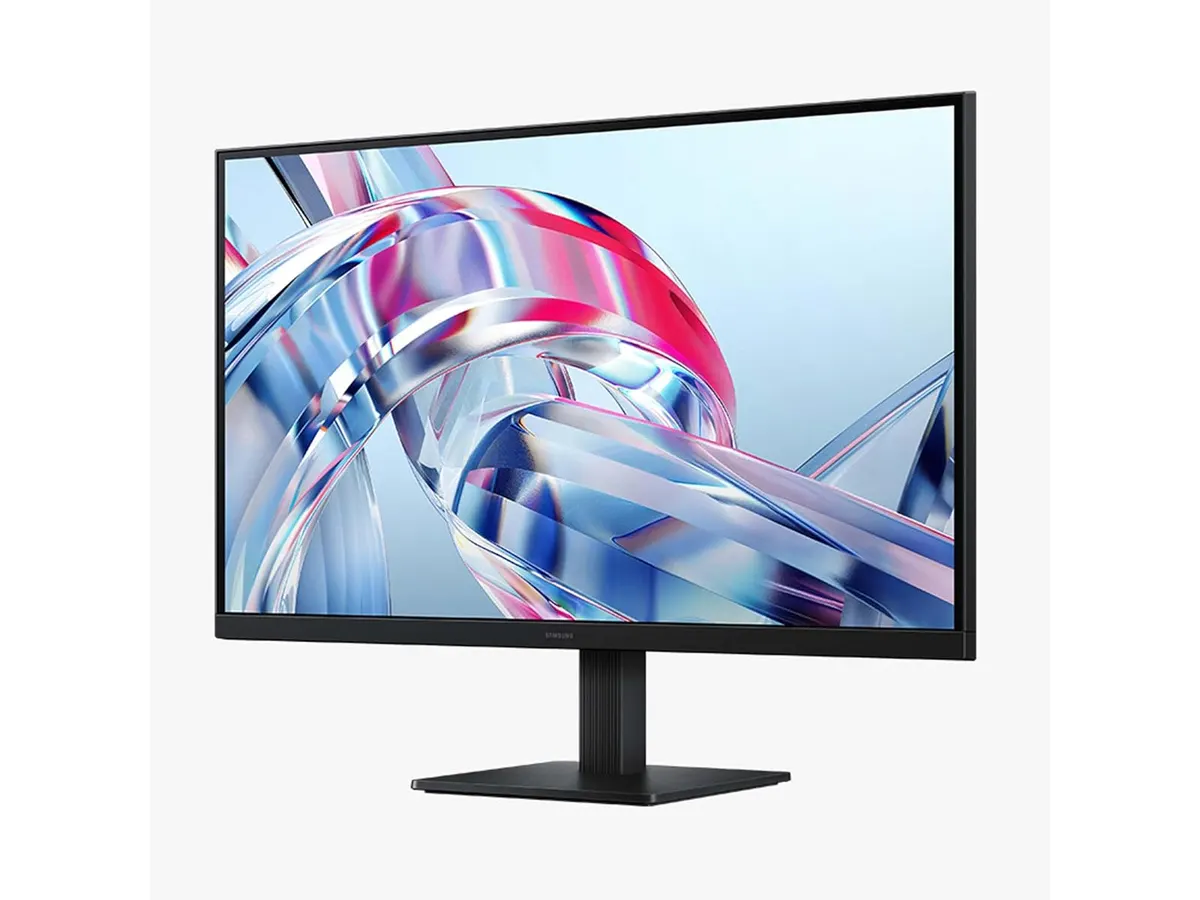
## Dónde flojea
A pesar de sus muchas ventajas, hay algunas limitaciones. Primero, el tamaño de 27 pulgadas puede no ser suficiente para quienes prefieren pantallas más grandes o configuraciones duales. Segundo, aunque la conectividad es buena, carece de puertos USB-C, lo que puede ser un inconveniente para algunos usuarios. Por último, su precio podría no ser el adecuado para quienes buscan opciones más económicas sin tantas características premium.
## ¿Para quién es?
El Samsung ViewFinity S7 (S70H) es perfecto para profesionales que trabajan desde casa, creativos y estudiantes que valoran una excelente calidad de imagen y ergonomía. Sin embargo, no es ideal para aquellos que requieren un tamaño de pantalla más grande o múltiples conexiones, como los que utilizan setups duales intensivos en puertos.
## Alternativas a considerar
Si el Samsung ViewFinity S7 (S70H) no se ajusta a tus necesidades, considera alternativas de otros rangos de precio. Dentro de la gama media, hay monitores de 27 pulgadas con buena resolución y diseño ergonómico que se adaptan al home office. En la gama alta, existen opciones que incluyen características extras como pantallas curvas o tecnología OLED, ideales para quienes buscan una experiencia visual superior.
## Veredicto
El Samsung ViewFinity S7 (S70H) se destaca como un contendiente sólido en el mercado de monitores para home office. Su excelente resolución y características de comodidad ocular lo convierten en una opción muy recomendable. Si buscas un **mejor monitor para home office**, definitivamente deberías considerar este modelo. Para más opciones, explora nuestra categoría de [Monitores](/categorias/monitores) para encontrar la pantalla adecuada para ti.
## Preguntas frecuentes
### ¿Es adecuado para juegos?
Aunque el Samsung ViewFinity S7 se centra en la productividad, su tasa de refresco no está optimizada para juegos competitivo, por lo que no es la mejor opción si buscas rendimiento en este ámbito.
### ¿Qué tipo de cable HDMI necesito?
Requiere un cable HDMI 2.0 o superior para aprovechar al máximo la resolución 4K a 60 Hz.
### ¿Se puede ajustar la altura del monitor?
No, este modelo no cuenta con ajuste de altura, pero tiene inclinación, lo que permite alguna personalización en la visualización.
---
# EPOMAKER TH108 PRO: Teclado mecánico y gamer
URL: https://setuplatam.com/blog/2026-09-25-epomaker-th108-pro
Category: Periféricos
Published: 2026-09-25
Descubre el EPOMAKER TH108 PRO, el teclado mecánico ideal para teletrabajo y gamers, con gran autonomía y personalización RGB. Mejores periféricos para home office.
El EPOMAKER TH108 PRO es un teclado mecánico pensado para gamers y profesionales que buscan eficiencia en su trabajo diario. Con características impresionantes, se presenta como una de las mejores opciones en el mercado de periféricos para home office debido a su versatilidad y personalización.
## Lo que hace bien
- La batería de 10000mAh permite hasta 200 horas de uso sin cables, garantizando que no te quedes sin energía durante largas jornadas de trabajo o juego.
- Su diseño hot-swappable te permite cambiar los interruptores fácilmente, algo ideal si quieres experimentar con diferentes tipos de teclas o si alguna se daña.
- Cuenta con retroiluminación RGB ajustable, que no solo añade un toque estético, sino que también facilita el uso en ambientes oscuros.
- La pantalla inteligente permite personalizar la experiencia del usuario, haciendo que cada sesión sea única y adaptada a tus necesidades.
## Especificaciones clave
| Especificación | Detalle |
|-------------------------------|-----------------------|
| Tamaño | Completo (104 teclas) |
| Tipo de interruptores | Hot-Swappable 5-pines |
| Batería | 10000mAh |
| Modo de conexión | Cable, 2.4Ghz, Bluetooth |
| Latencia | 2ms en modo cable |
| Peso | 1.1kg |
| Retroiluminación | RGB ajustable |
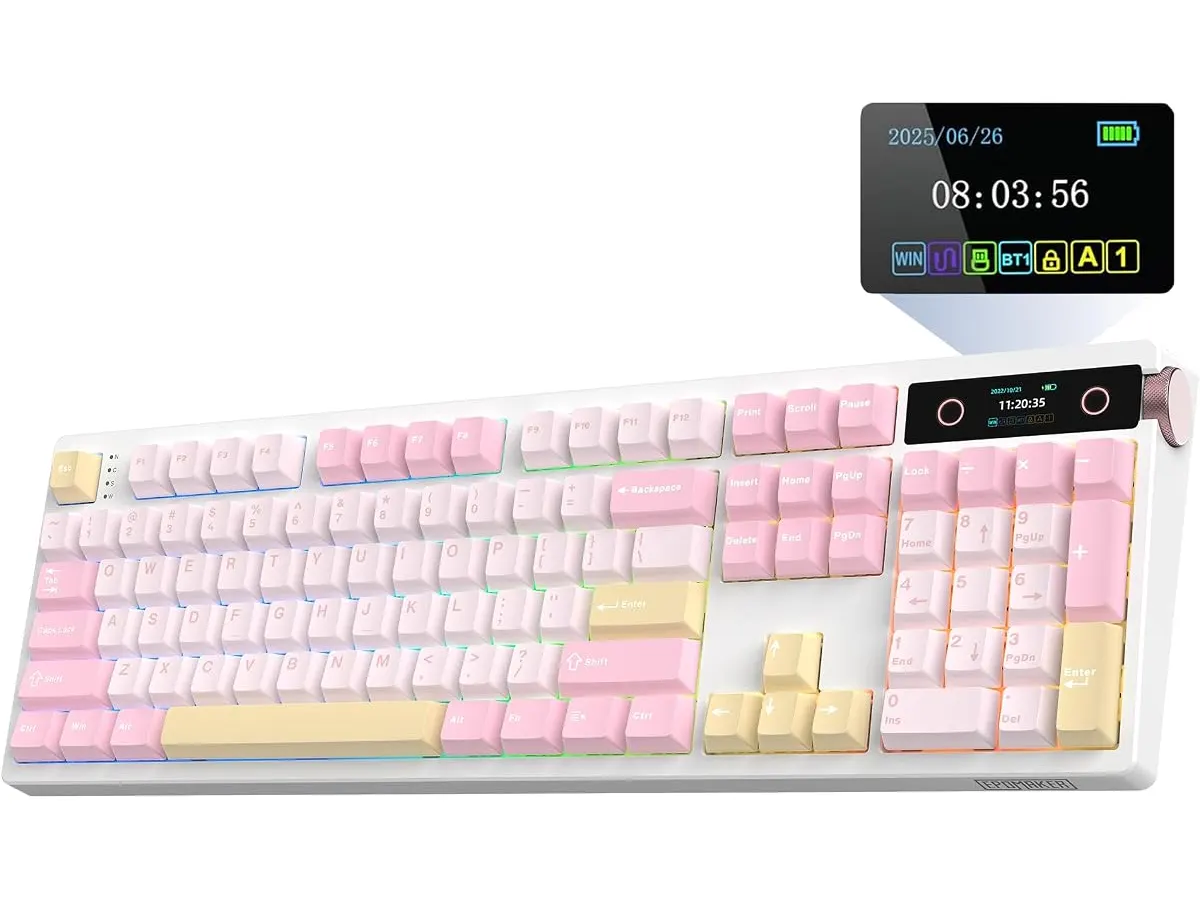
## Dónde flojea
A pesar de sus muchas ventajas, el EPOMAKER TH108 PRO tiene algunas limitaciones. Su peso de 1.1 kg lo hace menos portátil, lo que puede ser un inconveniente para quienes buscan un teclado ligero para llevar a diferentes lugares. Además, la falta de ciertos atajos de software puede ser un obstáculo para usuarios que requieren personalizaciones más avanzadas.
## ¿Para quién es?
Este teclado es ideal para quienes pasan largas horas frente a la computadora, ya sea jugando o trabajando. Su batería de larga duración y la personalización lo convierten en la opción perfecta para gamers y teletrabajadores. Por otro lado, no es la mejor opción para quienes buscan un teclado extremadamente ligero o para aquellos que no requieren retroiluminación RGB.
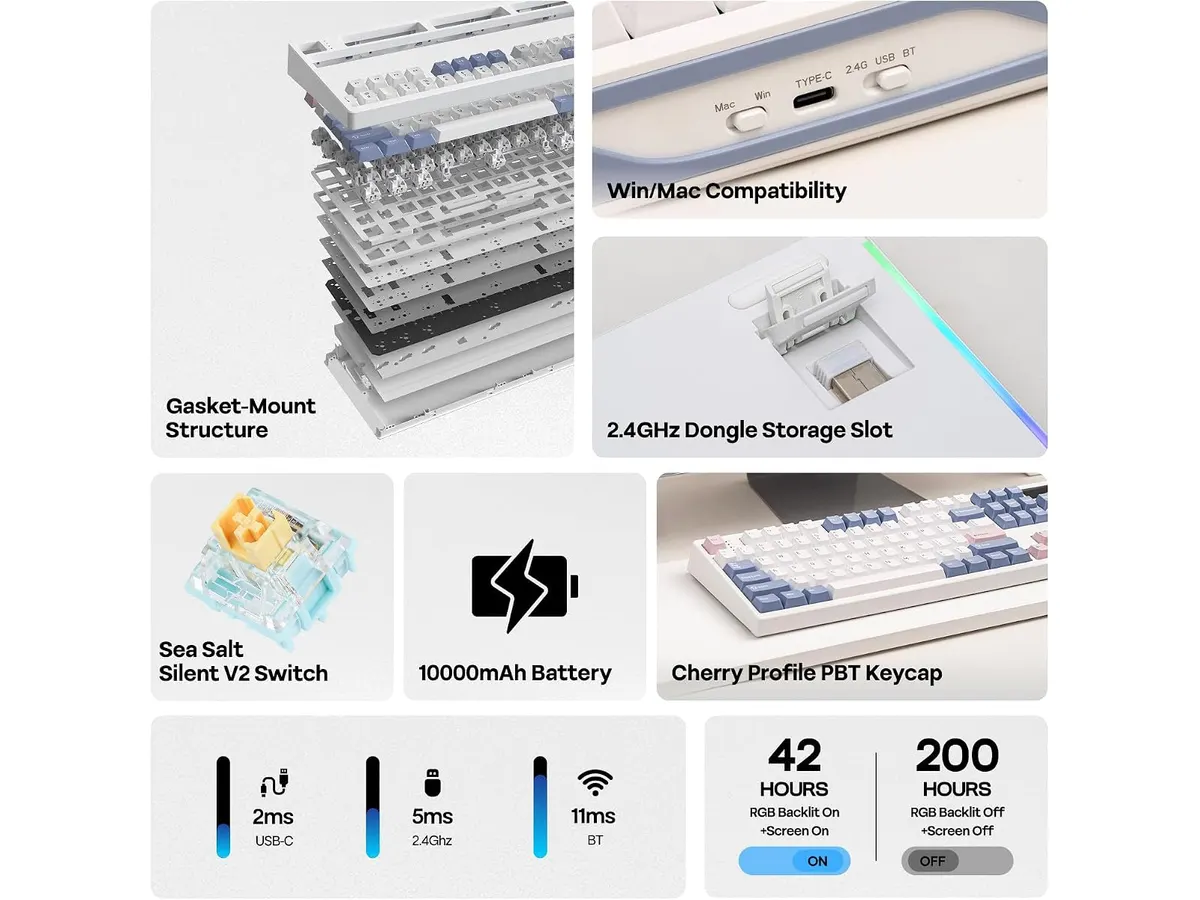
## Alternativas a considerar
Si el EPOMAKER TH108 PRO no se ajusta a tus necesidades, considera un teclado mecánico de gama media que ofrezca buena durabilidad y confort, o un teclado inalámbrico básico para tareas de oficina que priorice la portabilidad. Ambos pueden ser opciones adecuadas según tu presupuesto y uso.
## Veredicto
El EPOMAKER TH108 PRO es un teclado mecánico que combina calidad y funcionalidad, ideal para gamers y profesionales buscando un buen teclado para teletrabajo. Con su batería de larga duración y retroiluminación RGB, se posiciona entre los mejores periféricos para home office. Si valoras la personalización y una experiencia fluida, este teclado es una excelente elección. No olvides explorar más sobre [Perifericos](/categorias/perifericos) para complementar tu setup.
## Preguntas frecuentes
### ¿Es fácil cambiar los interruptores de este teclado?
Sí, el EPOMAKER TH108 PRO es hot-swappable, lo que facilita el cambio de interruptores sin necesidad de soldadura.
### ¿Cuál es la duración de la batería en uso normal?
La batería de 10000mAh puede proporcionar hasta 200 horas de uso sin conexión, dependiendo de la intensidad de la retroiluminación.
### ¿Se puede usar el teclado en modo inalámbrico y con latencia baja?
Sí, mientras se conecta por cable la latencia es de 2ms, asegurando una respuesta rápida en todo momento.
---
# FEZIBO Escritorio de Pie: Análisis y prueba
URL: https://setuplatam.com/blog/2026-09-25-fezibo-escritorio-de-pie
Category: Escritorios
Published: 2026-09-25
Evaluamos el FEZIBO Escritorio de Pie. Descubre si esta mesa de trabajo es el mejor escritorio para home office por su ajuste eléctrico y madera FSC.
El FEZIBO Escritorio de Pie es una mesa de trabajo para casa pensada para quienes buscan alternar entre trabajar sentado y de pie sin complicaciones. Con un tablero de 48 por 24 pulgadas, encaja de forma excelente en habitaciones de tamaño mediano o pequeño. Si buscas el mejor escritorio para home office con motorización accesible, esta propuesta reúne estabilidad y facilidad de uso.
## Lo que hace bien
El sistema de elevación motorizado destaca por su funcionamiento fluido. Transitar entre los 28.3 y los 46.5 pulgadas de altura requiere presionar un solo botón. La respuesta es inmediata y limpia, lo que facilita cambiar de postura varias veces durante la jornada laboral.
El ruido operativo se mantiene por debajo de los 45 dB. Puedes ajustar la altura en medio de una llamada o temprano en la mañana sin distraer a nadie en casa. Además, el fabricante certifica una vida útil de hasta 50,000 ciclos de levantamiento, un número que garantiza tranquilidad a largo plazo.
Su estructura de acero reforzado ofrece un soporte firme. Con una capacidad de carga de hasta 176 lbs, sostiene con holgura una computadora portátil, dos monitores de tamaño medio, brazos mecánicos y accesorios de escritorio. En nuestro catálogo de [Escritorios](/categorias/escritorios) vemos muchas opciones, pero pocas equilibran esta firmeza con un armado tan ágil.
El aspecto ambiental también suma puntos. El tablero está fabricado con madera certificada por FSC, lo que asegura un origen responsable de los materiales. Por último, la presencia de componentes preensamblados permite completar la instalación en unos 30 minutos.
## Especificaciones clave
| Característica | Especificación |
| --- | --- |
| Dimensiones del tablero | 48 × 24 pulgadas |
| Rango de altura | 28.3" a 46.5" |
| Capacidad de carga | 176 lbs |
| Ruido operativo | Menos de 45 dB |
| Ciclos de levantamiento | Hasta 50,000 |
| Material de la superficie | Madera certificada por FSC |
| Estructura | Acero reforzado |
| Tiempo estimado de montaje | ~30 minutos |
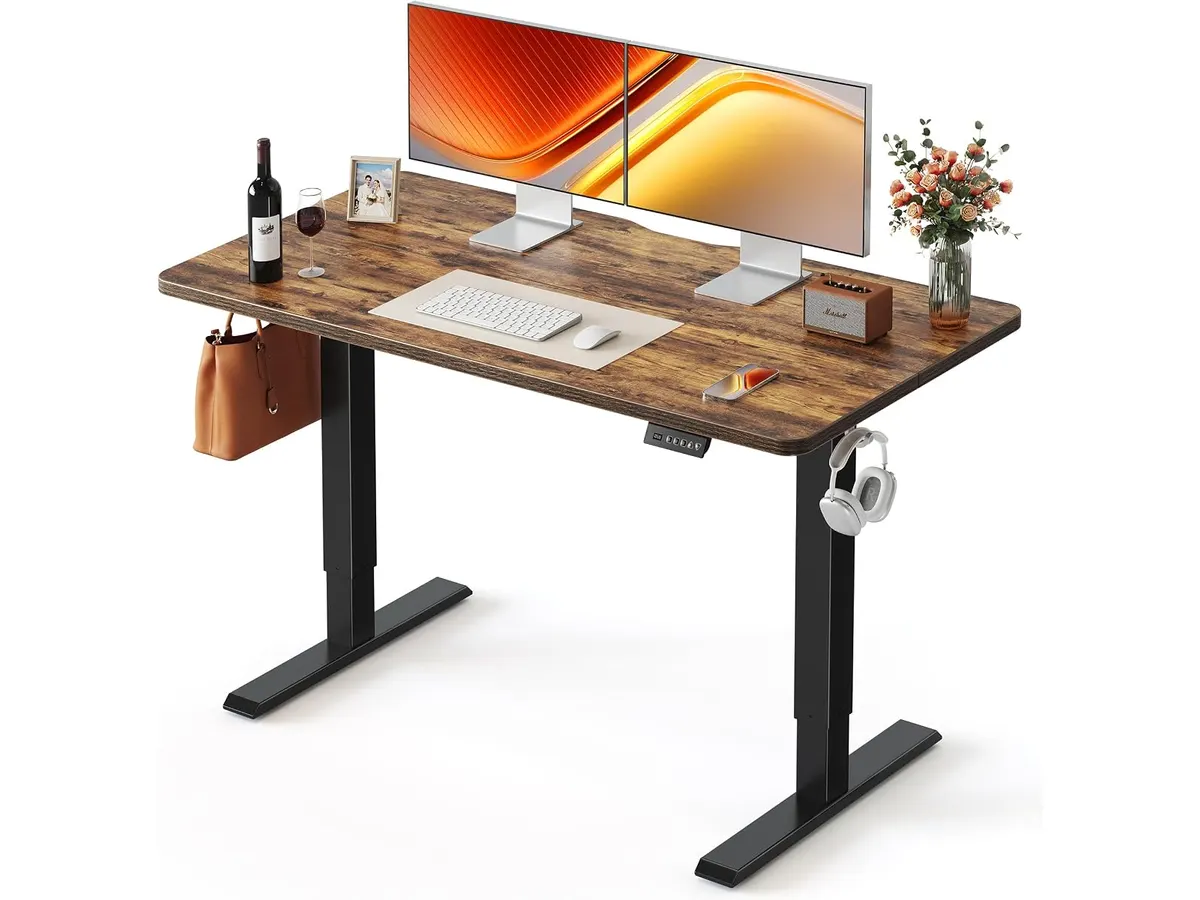
## Dónde flojea
La profundidad de 24 pulgadas exige mantener un orden riguroso. Si utilizas una pantalla ultrawide junto con un teclado amplio y cuadernos de notas, el espacio de trabajo puede sentirse algo ajustado. Es una dimensión ideal para espacios compactos, pero exige ser consciente de sus límites.
La altura mínima de 28.3 pulgadas puede resultar ligeramente elevada para personas de menor estatura si no se combina con una silla con reposapiés adecuado. Si buscas trabajar sentado a una altura inferior a las 28 pulgadas, esta estructura no bajará más de ese límite.
Aunque soporta 176 lbs, el tablero sufrirá si colocas gabinetes de computadora pesados directamente en un extremo. Es recomendable distribuir el peso hacia el centro o sobre los soportes de acero para evitar flexiones no deseadas con el paso del tiempo.
## ¿Para quién es?
Este modelo es ideal para profesionales remotos, estudiantes y creadores que disponen de un espacio limitado y necesitan un escritorio regulable en altura confiable. Si tu prioridad es alternar entre estar sentado y de pie con un motor silencioso y una superficie de origen sostenible, este mueble cumple perfectamente.
No es la mejor opción para usuarios con equipos de trabajo masivos. Quienes utilicen tres monitores grandes, parlantes de estudio pesados y múltiples accesorios deberían buscar tableros más amplios. Tampoco encajará con quienes necesiten un rango de bajada inferior a las 28.3 pulgadas.
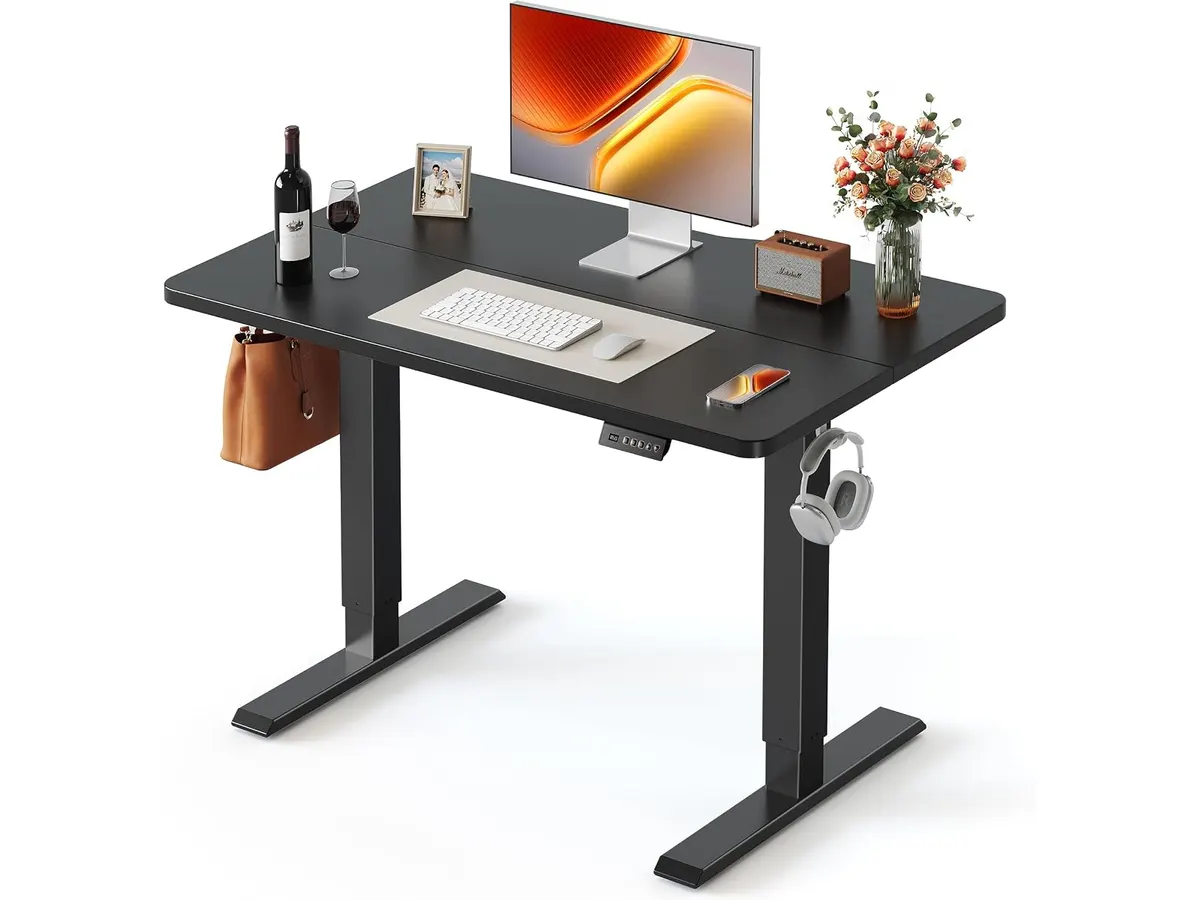
## Alternativas a considerar
Si no quieres reemplazar la mesa que ya tienes en casa, los convertidores de escritorio de gama de entrada son una solución práctica. Opciones como las revisadas en el [Análisis del FLEXISPOT 42" Standing Desk Converter para tu oficina](/blog/2026-09-22-flexispot-42-standing-desk-converter) te permiten elevar tu monitor y teclado sobre cualquier superficie rígida sin armar un mueble entero.
Para quien disponga de un presupuesto más holgado y busque acabados premium con tableros más gruesos y sistemas de doble motor, la gama alta es el camino a seguir. En nuestro [Análisis del Vari Classic Electric Standing Desk para tu oficina](/blog/2026-09-22-vari-classic-electric-standing-desk] exploramos cómo se comportan estas alternativas pensadas para sostener cargas superiores en espacios ejecutivos.
## Veredicto: ¿Es el mejor escritorio para home office?
El FEZIBO Escritorio de Pie demuestra que no hace falta complicarse para tener ergonomía en el trabajo diario. Su motor silencioso de menos de 45 dB, sus 50,000 ciclos de resistencia y la madera con certificación FSC construyen una propuesta muy sólida. Si buscas un escritorio elevable para trabajar de pie que equilibre precio, firmeza y armado rápido en 48 pulgadas, esta es una recomendación directa.
## Preguntas frecuentes
### ¿Cuánto ruido hace el motor al subir o bajar la mesa?
El ruido operativo se mantiene por debajo de los 45 dB, lo que equivale a un susurro o al murmullo de una biblioteca silenciosa. Puedes accionarlo durante videollamadas sin interrumpir la conversación.
### ¿Es complicado el proceso de ensamblaje?
No. Al incluir piezas preensambladas y una estructura simple, el tiempo de montaje toma unos 30 minutos siguiendo el manual incluido.
### ¿El tablero de madera soporta brazos para monitores?
Sí. La madera certificada por FSC y la base de acero reforzado permiten instalar soportes o brazos para monitores, siempre que no superen la capacidad máxima de carga de 176 lbs.
---
# ELABEST X100: la mejor silla ergonómica para trabajar
URL: https://setuplatam.com/blog/2026-09-23-elabest-x100
Category: Sillas ergonómicas
Published: 2026-09-23
Descubre el análisis de la ELABEST X100, la mejor silla ergonómica para trabajar que combina comodidad y soporte lumbar.
La **ELABEST X100** es una silla ergonómica diseñada para quienes pasan largas horas en la oficina o en casa. Ideal para teletrabajo y gaming, esta silla combina confort y soporte lumbar, posicionándose como una de las mejores sillas ergonómicas para trabajar.
## Lo que hace bien
- **Soporte lumbar dinámico**: El sistema de soporte lumbar 3D Synchro-Tilt ajustable proporciona un excelente apoyo a la columna, mejorando la postura y reduciendo el riesgo de dolores de espalda.
- **Ajustabilidad**: Los reposabrazos 5D Flip-Up son totalmente ajustables, permitiendo adaptarlos según las preferencias personales del usuario, lo que aumenta la comodidad durante largas jornadas.
- **Material de alta calidad**: La malla Dual-Stripe AirMesh asegura una buena ventilación, manteniendo la frescura y comodidad, incluso en climas cálidos.
- **Reposapiés extensible**: Su reposapiés de 18” con ajuste de ángulo permite transiciones suaves entre trabajo y descanso, lo cual es esencial para quienes buscan un equilibrio en su día a día.
## Especificaciones clave
| Especificación | Detalle |
|---------------------------------------|-------------------------------------------|
| Sistema de soporte lumbar | 3D Synchro-Tilt ajustable |
| Reposabrazos | 5D Flip-Up ajustables |
| Material de malla | Dual-Stripe AirMesh |
| Reposapiés | Extensible 18" con ajuste de ángulo |
| Diseño ortopédico | Sistema de alineación de columna dinámica |
| Capacidad de peso | Diseñada para personas grandes y altas |
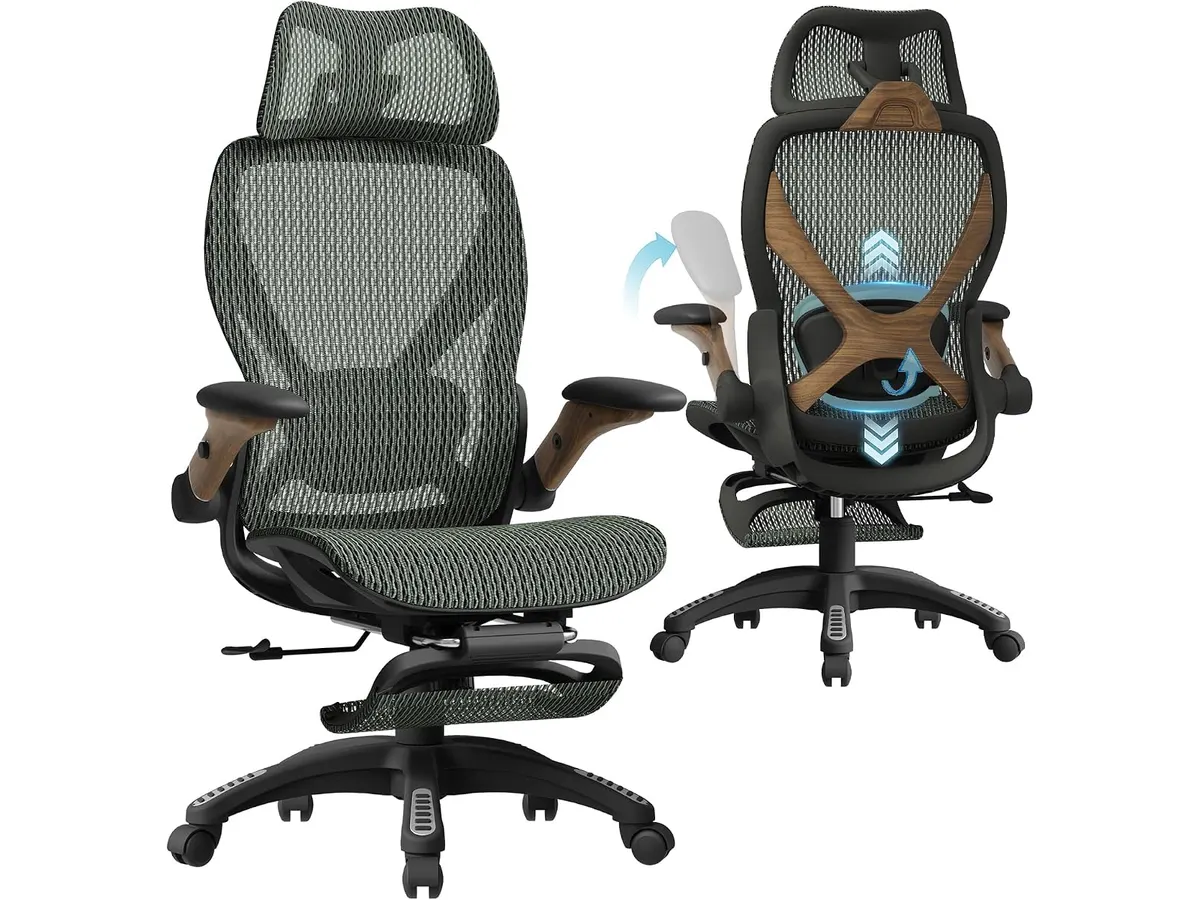
## Dónde flojea
No todo es perfecto. La **ELABEST X100** presenta algunas limitaciones. Primero, su diseño puede resultar un poco voluminoso para espacios pequeños. Además, aunque es adecuada para personas grandes y altas, puede no ser lo suficientemente ajustable para usuarios de estatura más baja. Finalmente, el precio puede ser un factor a considerar, ya que no es la opción más económica del mercado.
## ¿Para quién es?
La ELABEST X100 es perfecta para trabajadores remotos, gamers y quienes pasan largas horas sentados. Su ergonomía y soporte lumbar la hacen ideal para quienes buscan una silla cómoda y ajustable. Sin embargo, no es recomendable para quienes tienen un espacio reducido o para aquellos que prefieren sillas más ligeras y compactas.
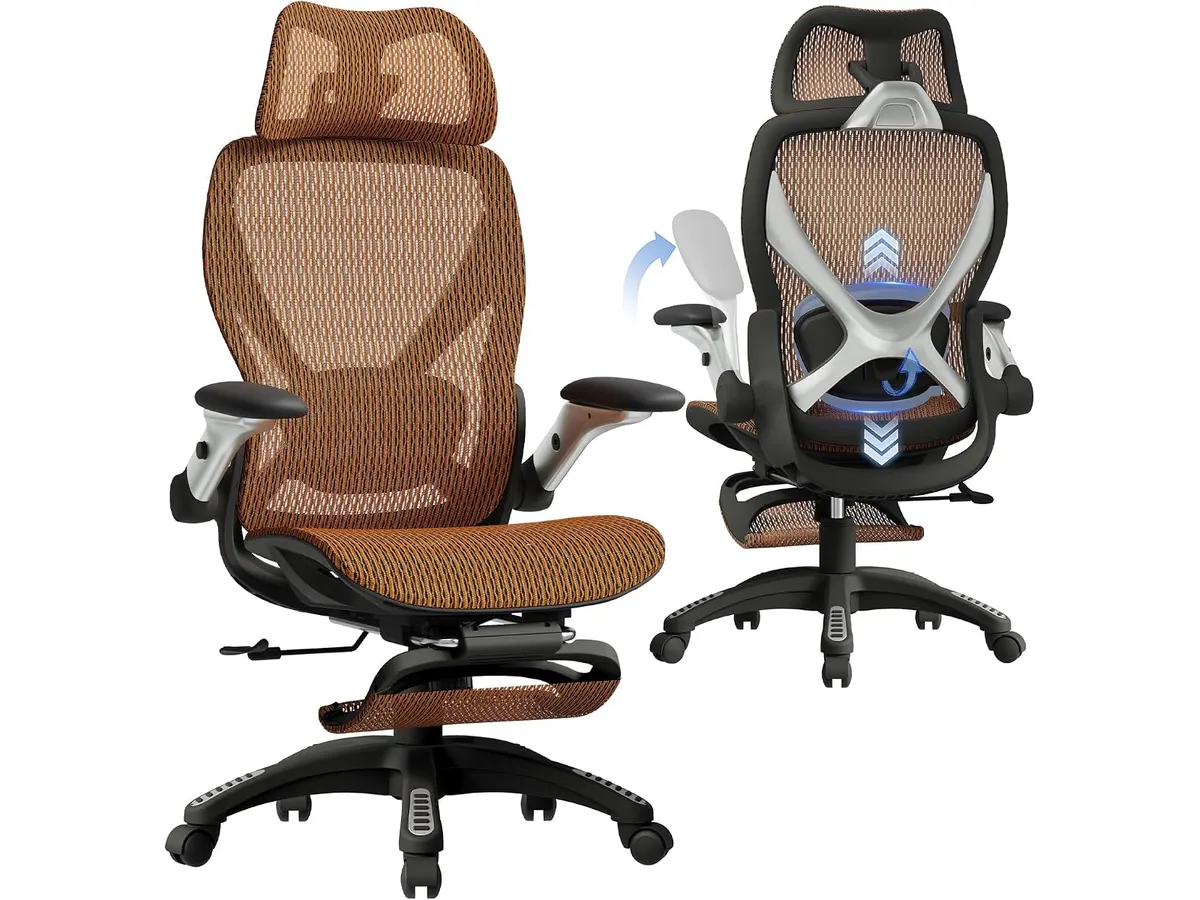
## Alternativas a considerar
En el mercado existen varias opciones. Para quienes buscan una opción más económica, hay sillas ergonómicas que ofrecen soporte básico y comodidad, aunque sin tantos ajustes. Si el presupuesto no es un problema y se busca calidad superior, existen modelos de gama alta con características avanzadas que se adaptan a necesidades específicas.
## Veredicto
La **ELABEST X100** se destaca como una de las mejores sillas ergonómicas para trabajar, combinando confort, soporte lumbar y ajustabilidad. Si buscas una silla de oficina para casa que se adapte a tus necesidades, esta es una excelente opción. Sin embargo, si el espacio es un problema, podrías considerar otras **sillas ergonómicas** en nuestra categoría. Para más recomendaciones, puedes revisar nuestro análisis de la [Ergohuman ME7ERG GEN2](https://setuplatam.com/blog/2026-09-22-ergohuman-me7erg-gen2) y de la [SIHOO B100 PRO](https://setuplatam.com/blog/2026-09-22-sihoo-b100-pro).
## Preguntas frecuentes
### ¿La ELABEST X100 es adecuada para personas altas?
Sí, la silla está diseñada específicamente para personas grandes y altas, ofreciendo un soporte adecuado.
### ¿Es fácil de ensamblar la ELABEST X100?
El ensamblaje es bastante sencillo y no requiere herramientas especiales, lo que facilita su montaje.
### ¿La malla es cómoda en climas cálidos?
Sí, el material Dual-Stripe AirMesh permite una buena ventilación, reduciendo la sudoración y mejorando la comodidad durante el uso.
---
# INNOCN 27C1U-D: análisis de un monitor 4K ideal
URL: https://setuplatam.com/blog/2026-09-23-innocn-27c1u-d
Category: Monitores
Published: 2026-09-23
Descubre el INNOCN 27C1U-D, el mejor monitor para home office con excelente calidad de imagen y conectividad versátil.
El INNOCN 27C1U-D es un monitor de 27 pulgadas que se destaca como una excelente opción para aquellos que buscan un mejor monitor para home office. Con su resolución 4K UHD y tecnología IPS, este modelo es perfecto para trabajar desde casa, editar contenido y disfrutar de videojuegos con alta calidad de imagen.
## Lo que hace bien
Este monitor tiene varias características que lo hacen atractivo:
1. **Calidad de Imagen**: La resolución de 3840 x 2160 ofrece imágenes nítidas y vibrantes, perfectas para tareas de edición de fotos y videos.
2. **Conectividad Versátil**: Con puertos USB-C, DP y HDMI, se adapta fácilmente a diferentes dispositivos, asegurando que puedas conectar y trabajar sin problemas.
3. **Tecnología HDR 400**: Esto mejora el rendimiento del color y el contraste, ofreciendo una experiencia visual más rica, especialmente en contenido multimedia.
4. **Ergonomía Ajustable**: El soporte ajustable permite rotar, inclinar y ajustar la altura del monitor, lo que facilita una postura adecuada y reduce la fatiga durante largas jornadas de trabajo.
## Especificaciones clave
| Especificación | Detalle |
|------------------------------|-----------------------|
| Tamaño de pantalla | 27 pulgadas |
| Resolución | 3840 x 2160 |
| Tecnología de panel | IPS |
| Brillo máximo | 400 nits |
| Relación de contraste | 1000:1 |
| Frecuencia de actualización | 60 Hz |
| Colores | 1.07B (8bits+FRC) |
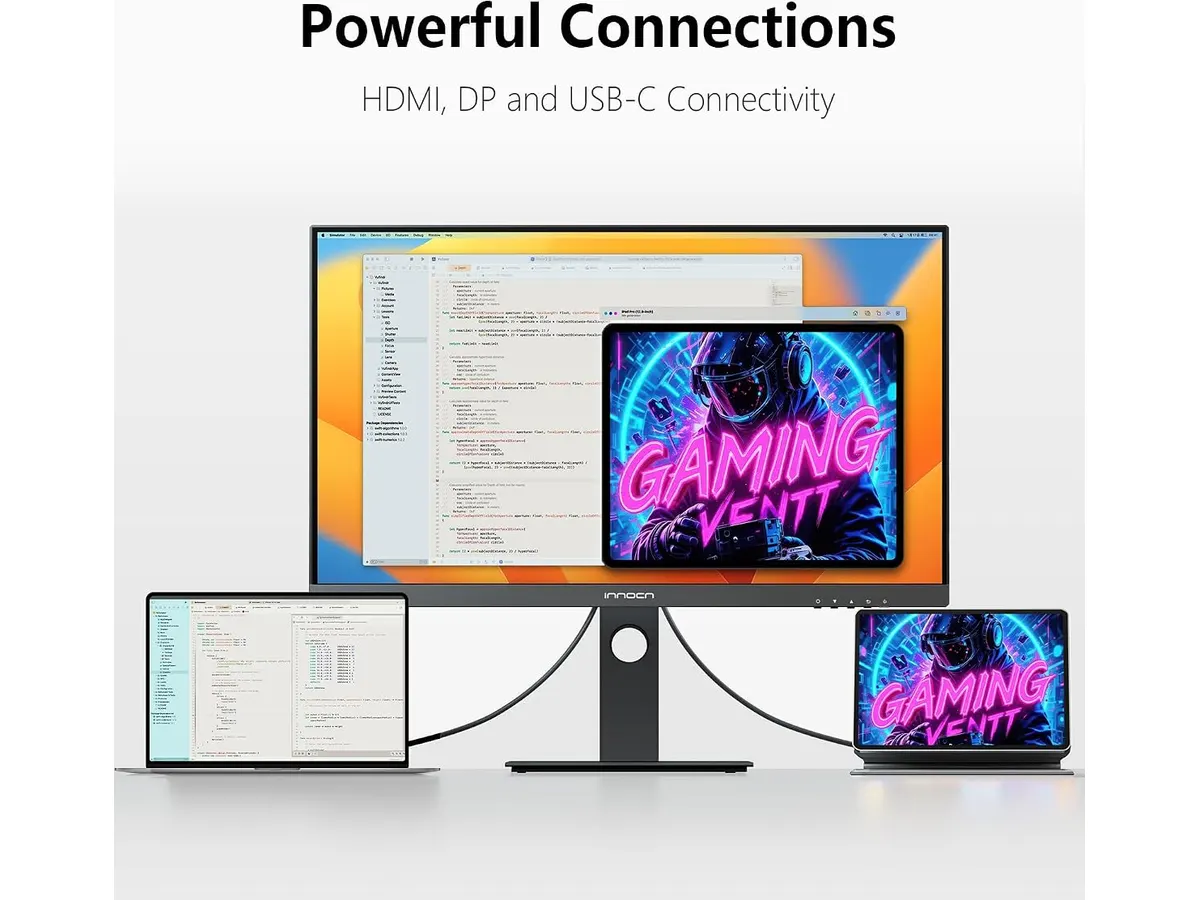
## Dónde flojea
A pesar de sus muchas ventajas, el INNOCN 27C1U-D tiene limitaciones:
1. **Frecuencia de Actualización**: Con solo 60 Hz, puede no ser la mejor opción para los gamers más exigentes que buscan monitores con altas tasas de refresco para una experiencia de juego más fluida.
2. **Característica HDR Limitada**: Aunque cuenta con HDR 400, no alcanza la misma capacidad que los monitores de gama alta, lo que puede resultar en un rendimiento de color menos impresionante en comparación con modelos superiores.
## ¿Para quién es?
Este monitor es ideal para:
- **Profesionales Creativos**: Su alta resolución y tecnología de panel IPS lo hacen perfecto para diseñadores gráficos, editores de video y fotógrafos que necesitan colores precisos.
- **No recomendado para**: Gamers serios que requieren una alta frecuencia de refresco y características avanzadas de juego, ya que puede no satisfacer esas necesidades específicas.
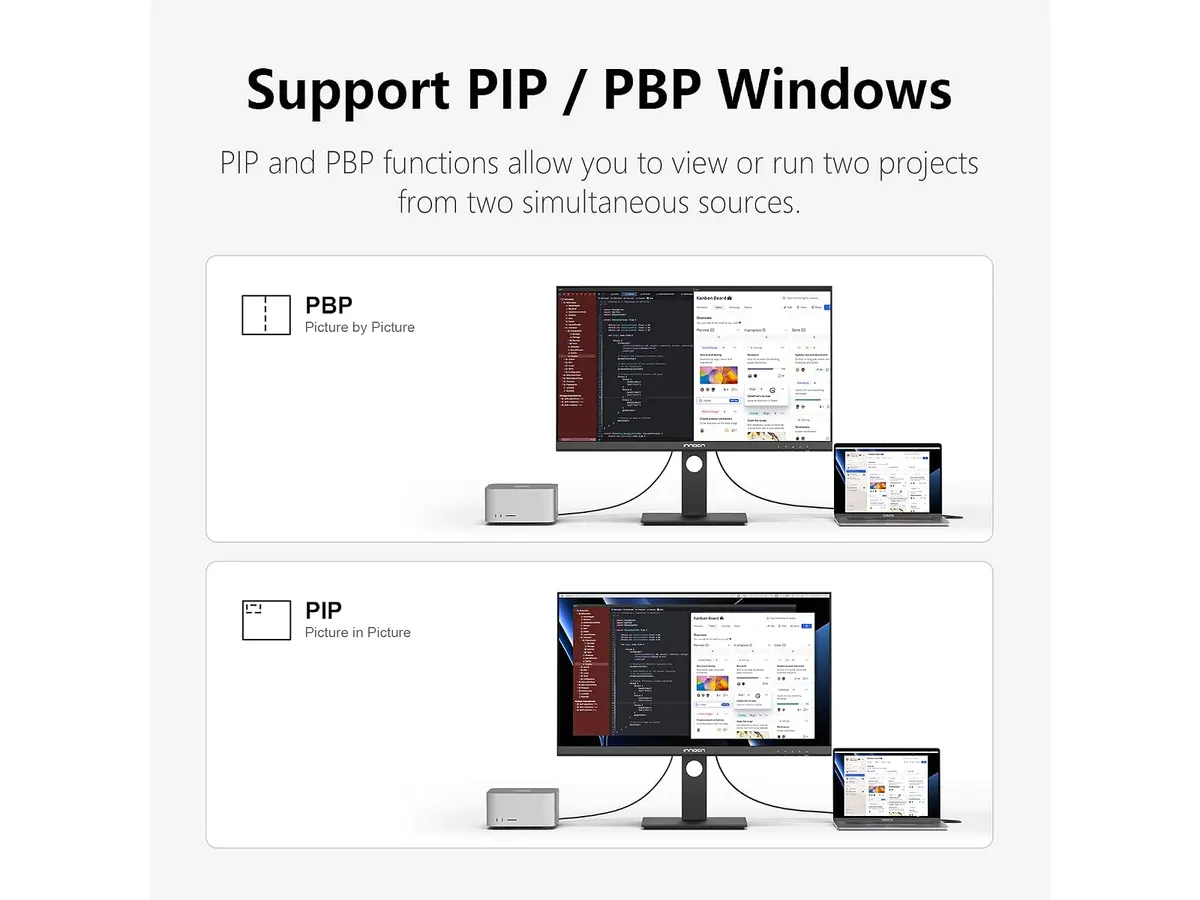
## Alternativas a considerar
- **Gama de precio media**: Busca monitores de 27 pulgadas con frecuencia de actualización de 120 Hz y resolución 1440p, ideales para quienes desean un equilibrio entre trabajo y entretenimiento.
- **Gama alta**: Monitores de 27 pulgadas con resolución 4K y características avanzadas de gaming, perfectos para quienes buscan lo mejor en rendimiento visual.
## Veredicto
El INNOCN 27C1U-D es un monitor sólido y confiable, ideal para quienes buscan un mejor monitor para home office o para trabajar desde casa. Con su excelente calidad de imagen y versatilidad de conexiones, se convierte en una herramienta valiosa para profesionales creativos. Sin embargo, si tu prioridad son los juegos o el rendimiento HDR extremo, podría no ser la opción más adecuada. Si estás interesado/a en más opciones, visita nuestra sección de [Monitores](https://setuplatam.com/categorias/monitores). Para más análisis, consulta el [análisis del monitor Dell UltraSharp U2724D](https://setuplatam.com/blog/2026-09-22-dell-ultrasharp-u2724d) y el [análisis del Gigastone 27" IPS 2-Pack](https://setuplatam.com/blog/2026-09-22-gigastone-27-ips-2-pack).
## Preguntas frecuentes
### ¿El INNOCN 27C1U-D es adecuado para el gaming?
Aunque ofrece buena calidad de imagen, su frecuencia de actualización de 60 Hz puede no ser suficiente para los gamers más exigentes.
### ¿Se puede ajustar la altura del monitor?
Sí, su soporte ajustable permite rotación, inclinación y ajuste de altura para una mejor ergonomía.
### ¿Qué tipo de puerto USB-C tiene?
El monitor incluye un puerto USB-C que permite la conexión de diversos dispositivos, haciendo la conectividad más sencilla y eficiente.
---
# Dell SE2426HG: el mejor monitor para home office
URL: https://setuplatam.com/blog/2026-09-23-dell-se2426hg
Category: Monitores
Published: 2026-09-23
Analizamos el Dell SE2426HG, un monitor ideal para teletrabajo con alta tasa de refresco y calidad de imagen. Descubre por qué es el mejor monitor para home office.
# Introducción
El Dell SE2426HG es un monitor que combina rendimiento y calidad visual, ideal para quienes trabajan desde casa o disfrutan de los videojuegos. Con una pantalla de 23.8 pulgadas y una impresionante tasa de refresco de 240 Hz, este modelo destaca por su fluidez y precisión en la reproducción de imágenes.
## Lo que hace bien
- **Tasa de refresco alta**: Con 240 Hz, el Dell SE2426HG ofrece un movimiento extremadamente fluido, lo que es crucial tanto para el gaming como para la visualización de videos en alta velocidad.
- **Tiempo de respuesta rápido**: Un tiempo de respuesta de 0.5 ms significa que las imágenes cambian velozmente, reduciendo el desenfoque de movimiento en escenas rápidas, ideal para gamers.
- **Panel Fast IPS**: Este tipo de panel asegura una alta precisión de color y ángulos de visión amplios, permitiendo que puedas ver la pantalla desde diferentes posiciones sin perder calidad de imagen.
- **Cobertura de color del 99% sRGB**: Esto proporciona colores vívidos y detallados, lo que es especialmente útil para tareas de diseño y edición de imágenes.
## Especificaciones clave
| Característica | Detalle |
|-------------------------|-------------------------|
| Tamaño de pantalla | 23.8 pulgadas |
| Resolución | FHD (1920x1080) |
| Tasa de refresco | 240 Hz |
| Tiempo de respuesta | 0.5 ms |
| Tecnología de panel | Fast IPS |
| Cobertura de color | 99% sRGB |
| Puertos | 2x HDMI, DisplayPort 1.4|
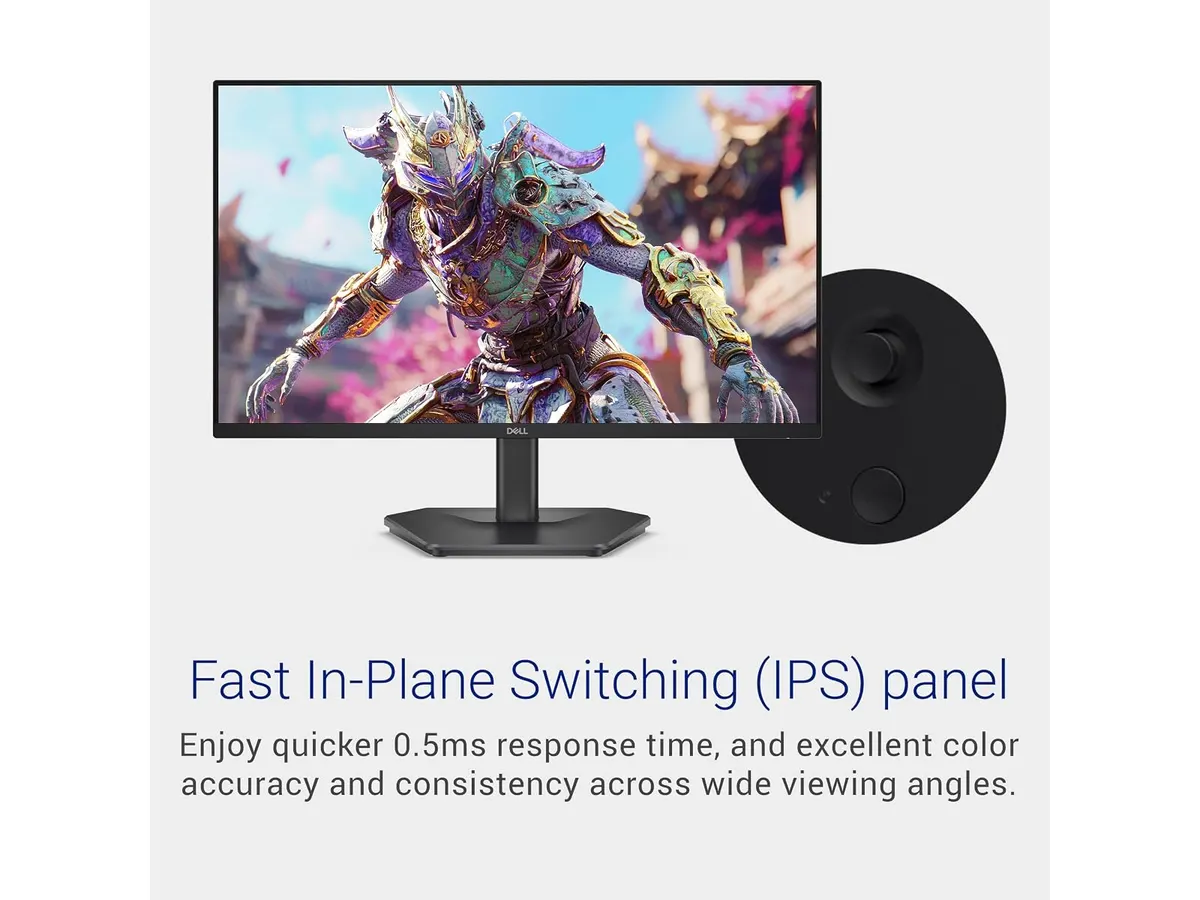
## Dónde flojea
A pesar de sus muchas virtudes, el Dell SE2426HG tiene algunas limitaciones. Primero, su tamaño de 23.8 pulgadas puede resultar pequeño para quienes prefieren pantallas más grandes, un punto a considerar si trabajas con múltiples ventanas. Además, carece de altavoces integrados, lo que implica que tendrás que invertir en altavoces externos o auriculares para disfrutar del audio.
## ¿Para quién es?
Este monitor es perfecto para **gamers y teletrabajadores** que valoran un rendimiento fluido y colores vibrantes en sus tareas diarias. Sin embargo, no es la mejor opción para **profesionales que requieren pantallas de mayor tamaño**, como diseñadores gráficos que necesitan más espacio para trabajar con múltiples aplicaciones a la vez.
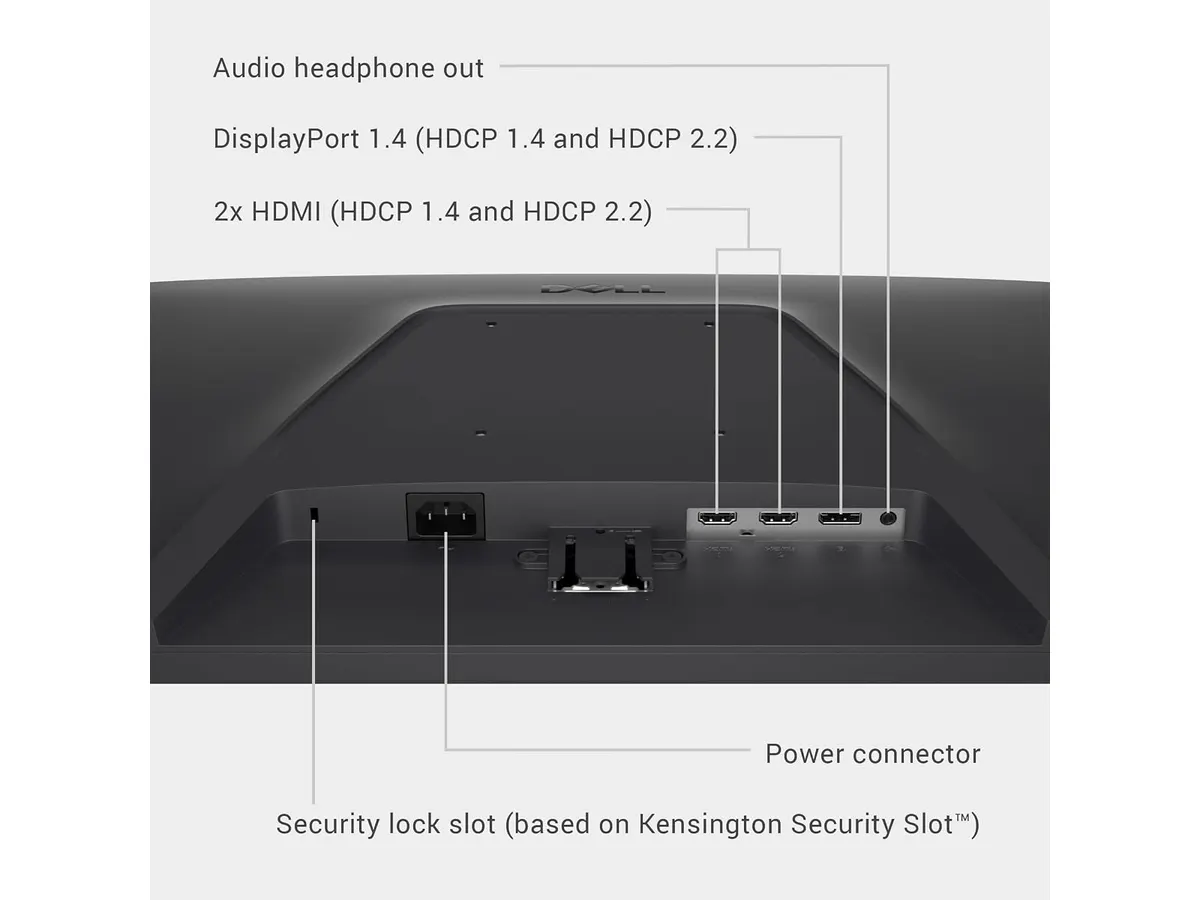
## Alternativas a considerar
Existen alternativas en diferentes gamas de precio. Si buscas un monitor más económico, puedes considerar opciones que ofrecen buenas especificaciones a un precio menor, ideal para estudiantes o teletrabajadores ocasionales. Por otro lado, si prefieres invertir en un monitor premium, hay opciones disponibles que ofrecen pantallas más grandes y características adicionales, adecuadas para profesionales creativos que trabajan en diseño o edición.
## Veredicto
En resumen, el Dell SE2426HG es una excelente opción y se posiciona como el mejor monitor para home office gracias a su alta tasa de refresco y calidad de imagen. Su diseño compacto y su rendimiento lo convierten en un competidor robusto en el mercado. Si buscas un monitor que combine trabajo y entretenimiento, este modelo definitivamente debería estar en tu lista. Para más opciones, visita nuestra sección de [Monitores](/categorias/monitores).
## Preguntas frecuentes
### ¿Es bueno el Dell SE2426HG para juegos?
Sí, su tasa de refresco de 240 Hz y tiempo de respuesta de 0.5 ms lo hacen ideal para gaming, proporcionando una experiencia fluida y sin retrasos.
### ¿Este monitor tiene altavoces integrados?
No, el Dell SE2426HG no incluye altavoces. Es recomendable utilizar altavoces externos o auriculares.
### ¿Cuál es la cobertura de color de este monitor?
El Dell SE2426HG ofrece una cobertura del 99% sRGB, lo que garantiza colores ricos y precisos para diversas aplicaciones.
---
# Análisis del Gigastone 27" IPS 2-Pack: monitores ideales para un setup dual
URL: https://setuplatam.com/blog/2026-09-22-gigastone-27-ips-2-pack
Category: Monitores
Published: 2026-09-22 · Updated: 2026-09-22
Descubre el Gigastone 27" IPS 2-Pack, perfectos para un setup de trabajo eficiente. Conoce sus ventajas y limitaciones.
El **Gigastone 27" IPS 2-Pack** es una opción destacada para quienes buscan potenciar su entorno de trabajo a través de un sistema de doble pantalla. Este conjunto de monitores resulta ideal tanto para profesionales que están frente a la computadora durante horas, como para creadores de contenido que necesitan manejar varias aplicaciones a la vez. Gracias a sus características, facilita la productividad y mejora la experiencia visual en cualquier oficina en casa.
## Lo que hace bien
- **Resolución y calidad de imagen**: Con una resolución Full HD de 1920 x 1080 y tecnología IPS, estos monitores no solo ofrecen colores vibrantes, sino que también mantienen la claridad de la imagen desde diferentes ángulos, algo crucial al trabajar en entornos de colaboración o al mostrar contenido a otras personas. Los ángulos de visión amplios de hasta 178 grados aseguran que todos en la habitación puedan disfrutar de la misma calidad de imagen sin distorsión.
- **Refresco y respuesta**: Un refresco de 100 Hz y un tiempo de respuesta de 1 ms (MPRT) contribuyen a una experiencia visual más fluida, lo que es particularmente beneficioso no solo para el trabajo cotidiano, sino también para quienes disfrutan de los videojuegos o visualizan contenido multimedia. Esto significa que las imágenes en movimiento se verán más nítidas y menos borrosas, reduciendo la fatiga visual durante largas sesiones de uso.
- **Diseño sin marcos**: El diseño sin marcos no solo proporciona una estética moderna, sino que también facilita la configuración de múltiples monitores en una misma estación de trabajo. Esto es ideal para quienes desean crear un entorno más inmersivo y productivo al extender su espacio de trabajo visualmente, aumentando la eficacia al gestionar múltiples tareas.
- **Cuidado ocular**: Incorporando tecnología de baja luz azul y anti-flicker, estos monitores están diseñados para disminuir la fatiga visual. Esto es fundamental para aquellos que pasan largas jornadas frente a la pantalla, ayudando a prevenir molestias o problemas de visión a largo plazo.
## Especificaciones clave
| Especificaciones | Detalles |
|---------------------------|-------------------------------|
| Pantalla | 27 pulgadas IPS LED (pack de 2) |
| Resolución | Full HD 1920 x 1080 |
| Refresco | 100 Hz |
| Ángulo de visión | 178 grados |
| Respuesta | MPRT 1 ms |
| Diseño | Sin marcos, altavoces integrados, montaje VESA |
| Garantía | 3 años |
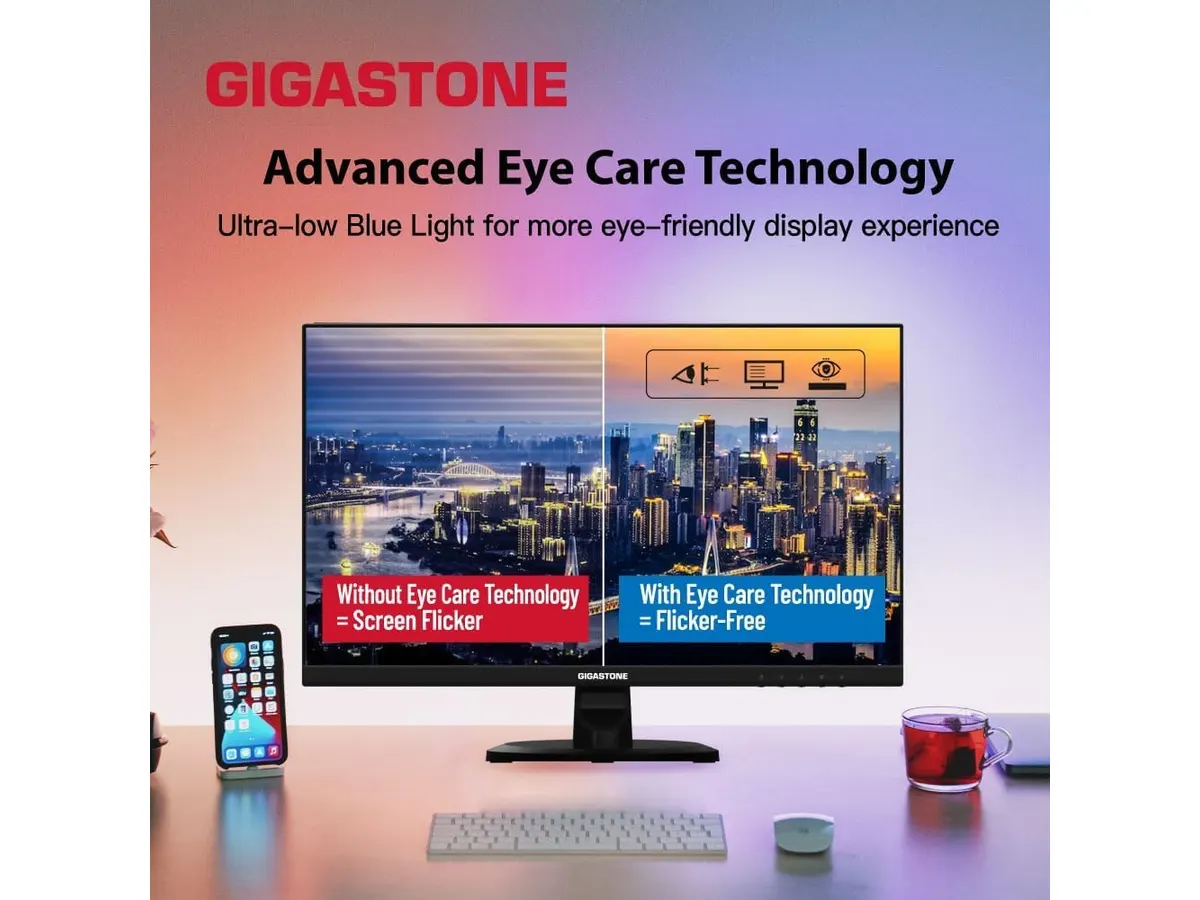
## Dónde flojea
- **Altavoces integrados**: A pesar de contar con altavoces, la calidad de audio puede dejar que desear para aquellos que buscan una experiencia sonora óptima. Esto es especialmente importante para creadores de contenido que pueden necesitar un sonido más claro y detallado al editar videos o realizar presentaciones. Por lo tanto, se recomienda el uso de altavoces externos o auriculares específicos para obtener una mejor calidad de audio.
- **Soporte de ajuste limitado**: El soporte que acompaña a estos monitores puede no ofrecer la flexibilidad deseada, como opciones completas de ajuste de inclinación o altura. Esto podría ser un inconveniente para usuarios que buscan un mayor control sobre la ergonomía de su setup. Para quienes pasan muchas horas frente a la pantalla, la falta de estas opciones puede afectar el confort y la postura a lo largo del día.
## ¿Para quién es?
- **Ideal para**: Este paquete de monitores es perfecto para profesionales y creadores de contenido que necesitan un entorno de trabajo eficaz. Aquellos que utilizan múltiples aplicaciones simultáneamente encontrarán en el Gigastone 27" IPS 2-Pack una herramienta valiosa que mejora su flujo de trabajo. Además, su tecnología de cuidado ocular lo convierte en una excelente opción para quienes pasan largas horas frente a la pantalla, ayudando a mitigar la fatiga ocular.
- **No recomendado para**: Por otro lado, este producto puede no ser adecuado para usuarios que requieren una solución de audio de alta calidad o que valoran en gran medida la flexibilidad en los ajustes ergonómicos de su monitor. Aquellos que buscan un sistema de sonido integrado de primera o un soporte ergonómico que permita un ajuste exhaustivo deberían considerar otras opciones.
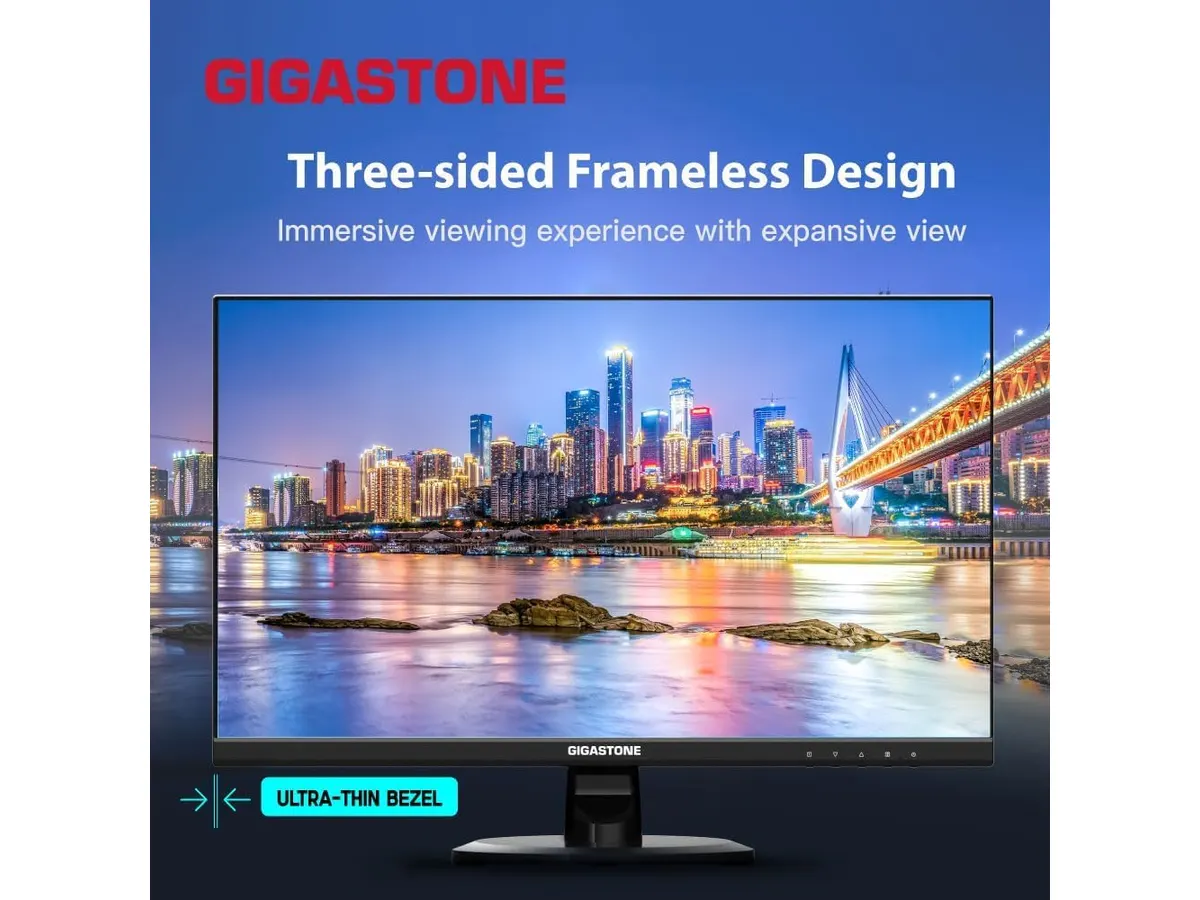
## Alternativas a considerar
- **Gama de precio medio**: Para aquellos que buscan una solución más económica, existen monitores de 24 a 27 pulgadas que también ofrecen buena resolución y tasas de refresco aceptables. Estos pueden ser ideales para usuarios que prefieren un solo monitor de calidad sin el compromiso de una configuración de doble pantalla. Muchos cuentan con mejores opciones de ajuste ergonómico, lo que puede ser un punto a favor para quienes priorizan la comodidad.
- **Gama alta**: Para los usuarios que son diseñadores gráficos o gamers, los monitores de 27 pulgadas con tecnología avanzada como 4K y tasas de refresco superiores a 100 Hz son opciones atractivas. Estos monitores ofrecen un nivel de calidad visual y rendimiento que se adapta perfectamente a las exigencias de usuarios que necesitan lo mejor en su equipo de trabajo o de juego.
## Veredicto
El **Gigastone 27" IPS 2-Pack** se presenta como una opción sólida para quienes buscan potenciar su productividad con una configuración de doble pantalla. A pesar de sus limitaciones en la calidad de audio y la falta de ajustes ergonómicos extensos, sus características destacadas como el diseño sin marcos y la tecnología de cuidado ocular lo hacen recomendable para un público amplio. Este pack resulta ser una inversión valiosa para aquellos que priorizan un entorno de trabajo eficiente. Para más información sobre opciones de monitores, puedes visitar nuestra sección de [Monitores](/categorias/monitores).
## Preguntas frecuentes
### ¿Los monitores son compatibles con montajes VESA?
Sí, el Gigastone 27" IPS 2-Pack incluye compatibilidad con montajes VESA, lo que permite un montaje limpio y personalizado, ideal para configuraciones que buscan optimizar el espacio de trabajo.
### ¿Cuál es la garantía de estos monitores?
Los monitores cuentan con una garantía de 3 años, lo que proporciona tranquilidad ante cualquier fallo de fabricación y asegura la inversión a largo plazo.
### ¿Son adecuados para jugar videojuegos?
Con una tasa de refresco de 100 Hz y un tiempo de respuesta de 1 ms, estos monitores son adecuados para juegos casuales. Proporcionan una experiencia fluida durante las sesiones de juego, haciendo que sean una opción interesante para quienes disfrutan de jugar en sus ratos libres.
---
# Análisis del iClever Wireless Mouse: Versatilidad y Silencio
URL: https://setuplatam.com/blog/2026-09-22-iclever-wireless-mouse
Category: Periféricos
Published: 2026-09-22 · Updated: 2026-09-22
Descubre el iClever Wireless Mouse, ideal para quienes buscan un mouse versátil y silencioso para su oficina o estudio en casa.
El iClever Wireless Mouse es una opción sólida para quienes buscan un ratón inalámbrico versátil y silencioso. Ideal para trabajadores remotos, estudiantes o creadores que necesitan un dispositivo confiable para su oficina en casa. Este ratón combina conveniencia y tecnología moderna, lo que lo hace una opción a considerar para cualquier setup.
## Lo que hace bien
- **Conexión dual**: Ofrece conectividad mediante Bluetooth 5.1 y 2.4 GHz USB, permitiendo una conexión estable y rápida con diferentes dispositivos. Esta versatilidad es especialmente útil para quienes manejan múltiples equipos, como una computadora de escritorio y una laptop o tabletas.
- **Multidispositivo**: Permite conectar hasta tres equipos y cambiar entre ellos con un solo clic. Esto es ideal para quienes utilizan varias computadoras o tabletas simultáneamente, ya que simplifica el flujo de trabajo y reduce el tiempo perdido al conectar y desconectar dispositivos.
- **Clic silencioso**: Diseñado para minimizar el ruido de los clics, lo hace perfecto para trabajar en bibliotecas, oficinas o espacios compartidos. Esto resulta en menos distracciones tanto para el usuario como para quienes lo rodean, creando un ambiente de trabajo más armonioso.
- **Batería recargable**: La batería se carga a través de USB-C, eliminando la necesidad de pilas desechables. Esto representa un beneficio tanto para el medio ambiente como para la comodidad del usuario, ya que no hay que preocuparse por la compra constante de pilas y su reemplazo.
## Especificaciones clave
| Especificación | Detalles |
|------------------------|------------------------------|
| Conexión | Dual: Bluetooth 5.1 y 2.4 GHz USB |
| Multidispositivo | Hasta 3 equipos |
| Batería | Recargable por USB-C |
| Clic | Silencioso |
| DPI | 5 niveles (800 a 2400) |
| Extras | Botones de avance y retroceso|
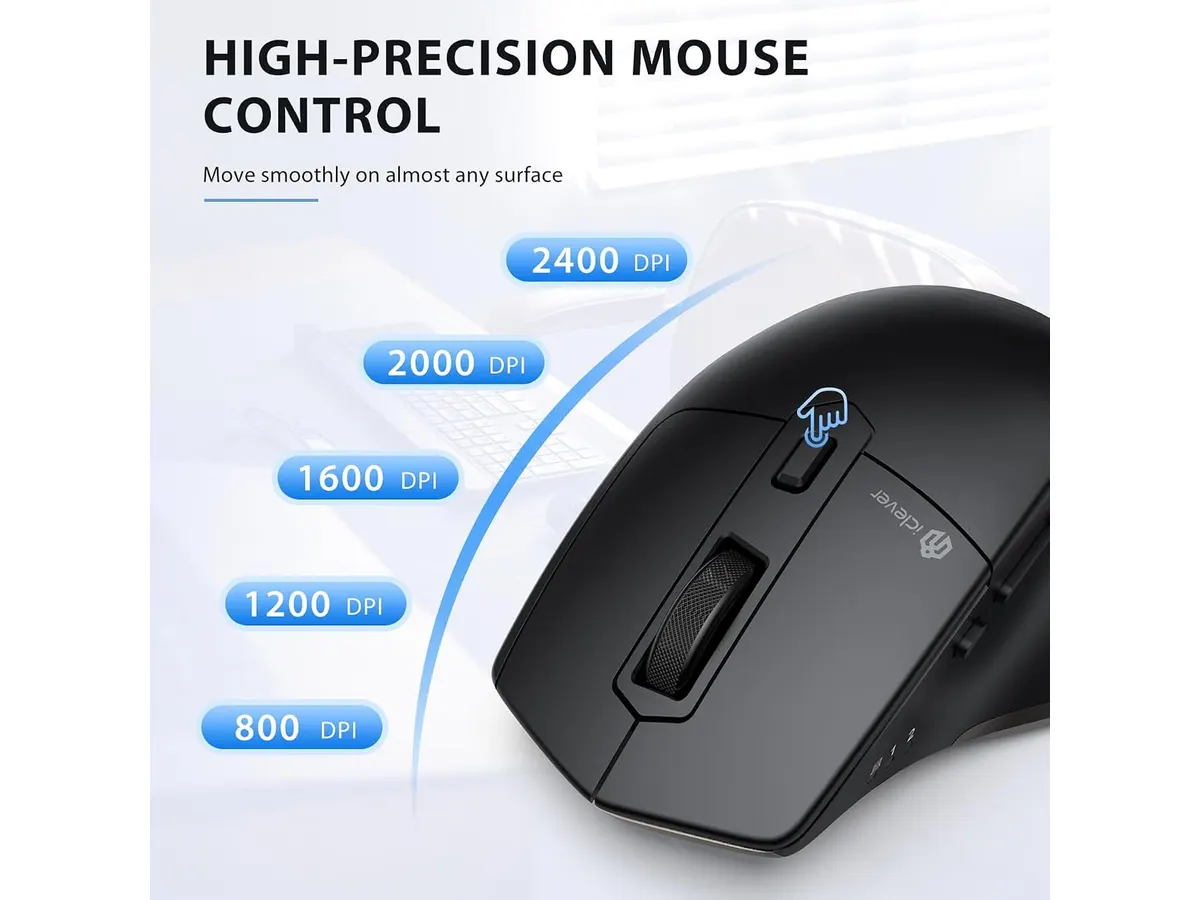
## Dónde flojea
- **Sin retroiluminación**: Aunque no es una característica esencial, algunos usuarios prefieren ratones con retroiluminación para facilitar su uso en entornos oscuros. La falta de esta función podría ser un inconveniente para aquellos que trabajan en ambientes con poca iluminación o que simplemente disfrutan de un aspecto más moderno en su equipo.
- **Diseño estándar**: Si bien es funcional, el diseño no es ergonómico. Esto podría resultar incómodo en largas sesiones de uso para quienes requieren soporte adicional para la muñeca. Usuarios que pasan horas trabajando en proyectos podrían experimentar fatiga en la mano y la muñeca, lo que limita la conveniencia del ratón.
- **Alcance limitado**: Aunque la conexión es estable, el alcance del Bluetooth puede no ser suficiente si se planea usar a grandes distancias de la computadora. Esto puede ser un problema si el usuario prefiere tener su computadora en un lugar y el ratón en otro, como ocurre a veces en setups más amplios o en configuraciones de presentaciones.
## ¿Para quién es?
- **Para quienes sí**: Es perfecto para trabajadores remotos o estudiantes que buscan un ratón silencioso y versátil que se pueda conectar a múltiples dispositivos. Su naturaleza recargable y su bajo nivel de ruido lo hacen ideal para espacios compartidos, como oficinas o salas de estudio. Además, su capacidad para cambiar rápidamente entre dispositivos lo convierte en una herramienta eficiente para quienes requieren movilidad y flexibilidad en su trabajo.
- **Para quienes no**: No es la mejor opción para usuarios que requieren un mouse ergonómico específicamente diseñado para largas horas de uso o para quienes necesitan características avanzadas como retroiluminación. Aquellos con problemas de salud en la muñeca o que pasan mucho tiempo usando el ratón podrían beneficiarse más de opciones que ofrecen un diseño adaptado a la ergonomía.
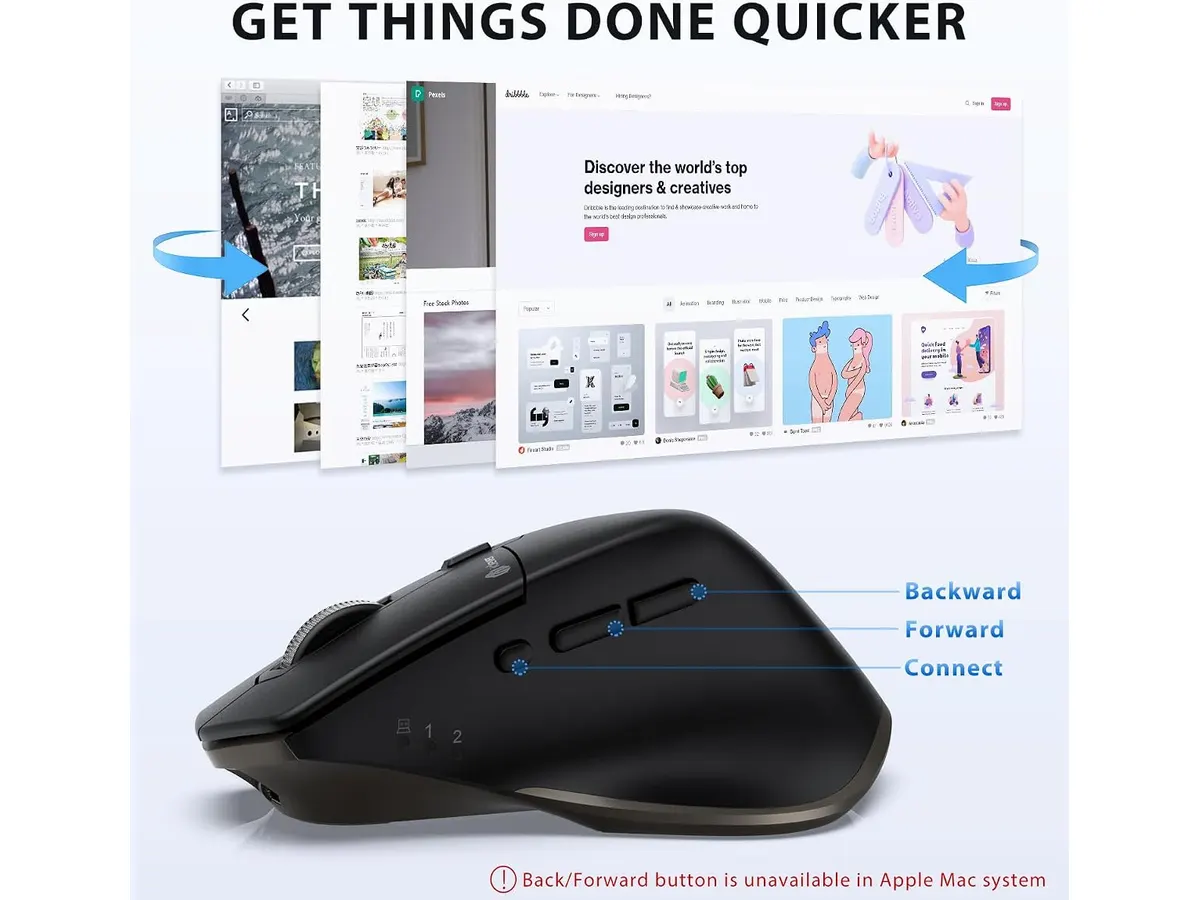
## Alternativas a considerar
- **Gama económica**: Un ratón básico inalámbrico que permite conexión USB pero carece de la funcionalidad multidispositivo. Esta opción es ideal para quienes buscan una alternativa asequible para uso ocasional. Aunque no ofrecerá el mismo nivel de comodidad ni características, es una buena elección para tareas simples.
- **Gama alta**: Un ratón ergonómico diseñado para largas horas de uso, con características avanzadas como retroiluminación y personalización de botones. Este es ideal para jugadores o profesionales que requieren mayor precisión y confort. Estos modelos suelen ser más costosos, pero la inversión puede valer la pena para quienes pasan extensas horas trabajando o jugando.
## Veredicto
El iClever Wireless Mouse se presenta como una opción válida para quienes buscan un ratón inalámbrico silencioso y funcional. Su capacidad para conectarse a múltiples dispositivos y su batería recargable son características que lo destacan en su categoría. No obstante, si necesitas un diseño ergonómico o funciones más avanzadas, considera explorar alternativas en la gama alta. Es un producto que cumple con las expectativas de un segmento de usuarios que valoran la practicidad y la simplicidad en su uso diario. Para más opciones en el mundo de los **Periféricos**, revisa nuestra categoría dedicada.
## Preguntas frecuentes
### ¿El iClever Wireless Mouse es compatible con Mac?
Sí, se puede conectar a dispositivos Mac a través de Bluetooth o USB. Esto facilita su uso en un entorno de trabajo mixto, donde se utilizan diferentes sistemas operativos, garantizando que el usuario no esté limitado a un solo tipo de dispositivo.
### ¿Cuánto dura la batería del ratón?
La duración de la batería depende del uso, pero su diseño recargable permite un uso prolongado sin pilas desechables. Esto es especialmente útil para quienes no quieren preocuparse por el reemplazo de baterías, permitiendo una experiencia más fluida y continua.
### ¿Es fácil cambiar entre dispositivos?
Sí, cambiar entre hasta tres dispositivos es sencillo con solo un clic. Esta característica no solo ahorra tiempo, sino que también aumenta la productividad, permitiendo al usuario adaptarse rápidamente a diferentes tareas sin complicaciones.
---
# Pzloz LED Desk Lamp: Iluminación Versátil para tu Escritorio
URL: https://setuplatam.com/blog/2026-09-22-pzloz-led-desk-lamp
Category: Iluminación
Published: 2026-09-22 · Updated: 2026-09-22
Descubre el análisis de la Pzloz LED Desk Lamp, ideal para un trabajo cómodo y eficiente en tu hogar.
La **Pzloz LED Desk Lamp** es una lámpara de escritorio diseñada para quienes buscan una iluminación eficiente y personalizable. Ideal para freelancers, estudiantes y creadores, esta lámpara ofrece múltiples opciones de temperatura y brillo, permitiendo crear un ambiente de trabajo adaptado a tus necesidades específicas. En un mundo donde la calidad de la iluminación puede afectar la productividad y bienestar visual, esta lámpara se posiciona como una solución interesante para quienes pasan largas horas frente a un escritorio.
## Lo que hace bien
- **Variedad de Modos**: Con 25 combinaciones de luz, la lámpara permite ajustar la temperatura de color de 3000K a 5500K. Esto es especialmente útil para diferentes actividades; por ejemplo, una luz más cálida (3000K) es ideal para la lectura y tareas que requieren concentración, mientras que una luz más fría (5500K) puede ser beneficiosa para trabajos de precisión o cuando necesitas mantenerte alerta y concentrado. Esta flexibilidad en los modos de iluminación contribuye a la adaptabilidad del producto según la actividad que se realice.
- **Ajustabilidad**: Sus brazos permiten rotaciones de 360 grados en la base y 180 grados en los brazos, además de una cabeza rotatoria de 270 grados. Esto facilita dirigir la luz exactamente donde más se necesita, lo que es particularmente beneficioso si trabajas en un espacio donde la luz natural es limitada. Esta característica es fundamental para quienes necesitan iluminar un área específica de su escritorio o incluso varias áreas de un mismo espacio de trabajo.
- **Control Remoto**: Incluye un mando inalámbrico que facilita la selección de modos y ajuste de brillo sin necesidad de levantarse del escritorio. Esta función puede parecer un detalle menor, pero en la práctica, agrega un nivel de comodidad y eficiencia que puede ser invaluable durante largas jornadas de trabajo. Puedes ajustar la luz sin interrumpir tu flujo de trabajo, lo que es ideal para aquellos que realizan tareas que requieren mucha atención.
- **Luz Saludable**: Su diseño evita el parpadeo y el deslumbramiento, y elimina la luz azul peligrosa, ofreciendo una iluminación más cómoda para largas jornadas de trabajo. Esta es una característica importante a considerar, ya que la exposición prolongada a luz azul puede causar fatiga visual y afectar la calidad del sueño. La lámpara de Pzloz se presenta como una opción más saludable para el cuidado ocular, especialmente para quienes pasan horas trabajando en computadoras.
## Especificaciones clave
| Característica | Detalle |
|------------------------------|-------------------------------|
| Modos | 25 combinaciones (5 temperaturas x 5 niveles) |
| Temperatura de color | 3000K - 5500K |
| Brillo | 20% a 100% |
| Brazos | 360 grados (base), 180 grados (brazos), 270 grados (cabeza) |
| Control | Mando inalámbrico |
| Potencia | 24 W |
| Extras | Modo luz nocturna y lectura; montaje de pinza |
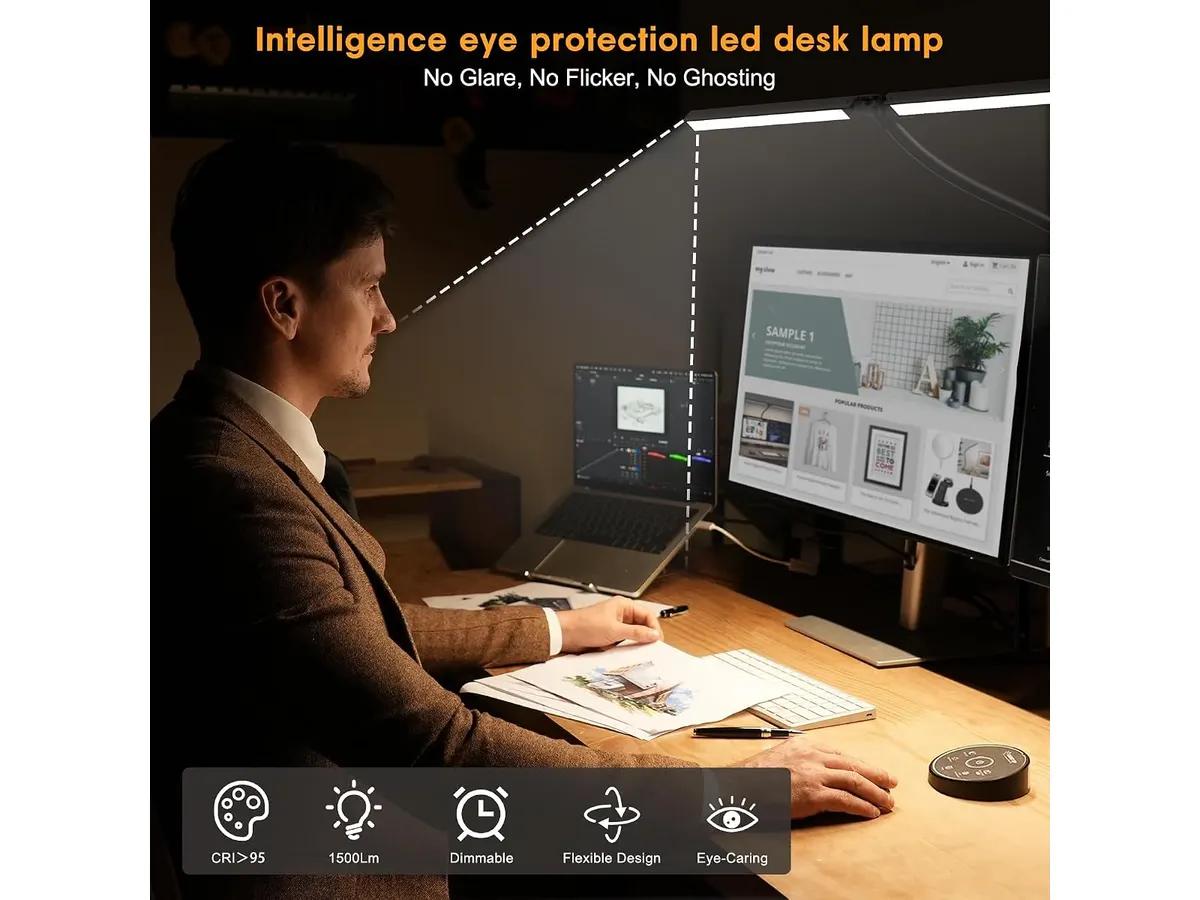
## Dónde flojea
- **Falta de portabilidad**: Aunque el diseño de pinza ahorra espacio, esto puede limitar su uso en diferentes ubicaciones o sobre superficies que no soporten una pinza. Si trabajas en un espacio flexible donde cambias de ubicación frecuentemente, la falta de portabilidad puede ser un inconveniente significativo. La lámpara está pensada para un uso fijo, lo que podría no ser adecuado para quienes requieren movilidad en su espacio de trabajo.
- **Potencia fija**: Con una potencia de 24 W, puede no ser suficiente para aquellos que requieren una fuerte iluminación en espacios más grandes. Si tu oficina en casa es amplia o si realizas actividades que demandan un nivel alto de luz, es posible que necesites buscar soluciones alternativas. Mientras que para un escritorio o una mesa de trabajo más pequeña es más que suficiente, aquellos que busquen una lámpara para áreas extensas podrían encontrar limitaciones en su rendimiento.
## ¿Para quién es?
- **Para quienes sí**: Es ideal para trabajadores de oficina en casa que buscan optimizar su espacio y personalizar su ambiente de trabajo con diferentes tipos de luz. También es adecuada para estudiantes que pasan largas horas leyendo o estudiando, ya que su variedad de modos de luz puede ayudar a mantener la concentración durante períodos prolongados. Creador de contenido y artistas también podrán beneficiarse de su capacidad de ajustar la luz para diferentes tareas.
- **Para quienes no**: No es recomendada para quienes necesitan iluminación en múltiples áreas de su hogar o quienes prefieren lámparas de pie independientes. Si te gusta trabajar en diferentes espacios o cambiar de lugar frecuentemente, la Pzloz LED Desk Lamp podría no ser la solución ideal. Aquellos que necesitan más potencia o versatilidad en la ubicación de la lámpara podrían encontrarla insuficiente.
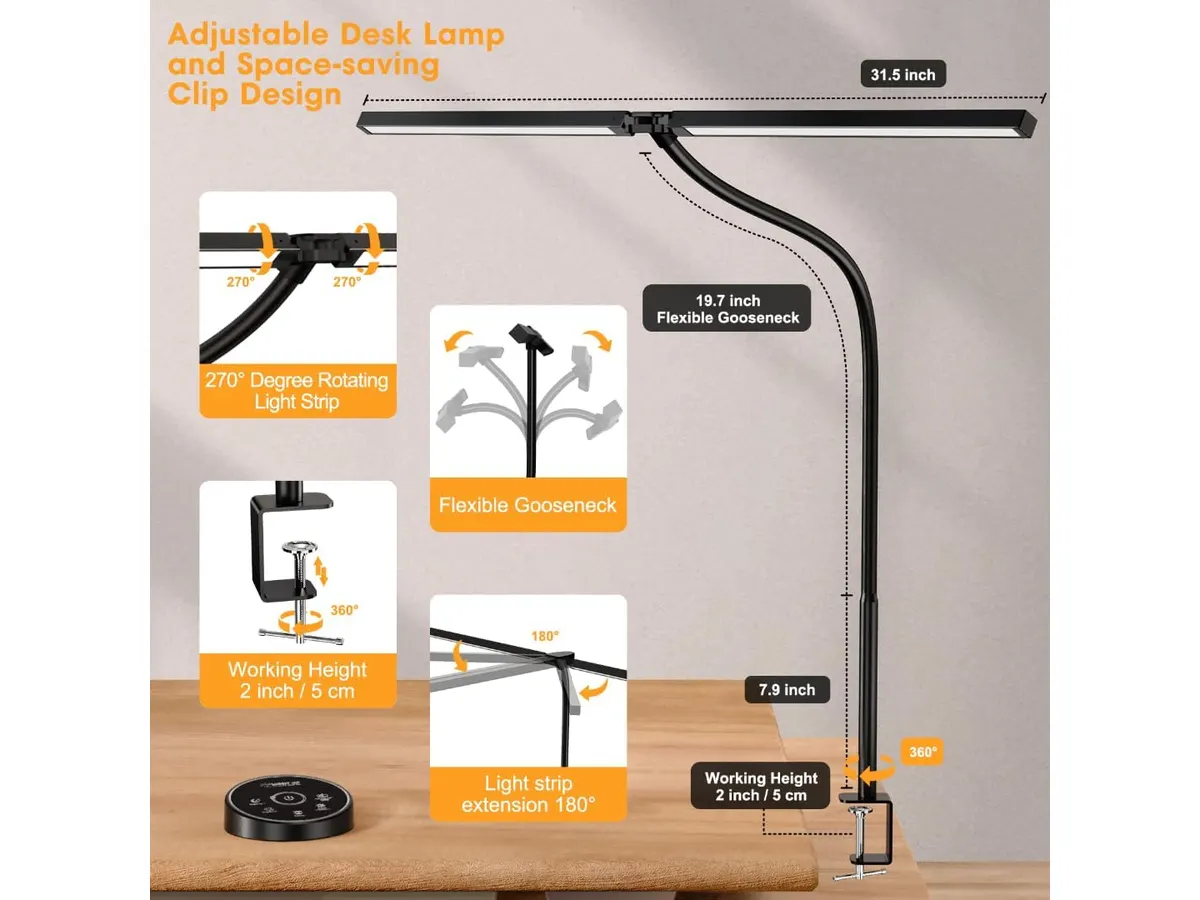
## Alternativas a considerar
- **Gama de entrada**: Lámparas de escritorio sencillas que ofrecen un solo nivel de brillo y temperatura de luz. Son adecuadas para uso básico, pero con limitaciones en personalización. Estas opciones son perfectas para quienes tienen un presupuesto limitado o para aquellos que no requieren de ajustes complejos en su iluminación.
- **Gama media**: Lámparas LED con mayor flexibilidad en modos de luz y ajustes similares, ideales para quienes trabajan en tareas más detalladas y requieren más opciones de iluminación. Estas alternativas suelen ofrecer características similares, pero a un costo ligeramente más alto y con una mayor funcionalidad, ofreciendo un balance entre calidad y precio.
## Veredicto
La **Pzloz LED Desk Lamp** es una opción sólida para quienes buscan una lámpara de escritorio funcional y versátil. Su capacidad de personalización la hace ideal para un ambiente de trabajo cómodo. Si buscas más opciones de iluminación, puedes explorar más en nuestra sección de [Iluminacion](/categorias/iluminacion). Para más análisis, revisa el [Análisis de Iluminación Efectiva](/blog/2026-09-22-quntis-computer-monitor-lamp) y el [Análisis de la Lámpara de Escritorio LED SANDROY VOLT](/blog/2026-09-22-sandroy-volt-led-desk-lamp).
## Preguntas frecuentes
### ¿Puedo utilizar la lámpara en una mesa pequeña?
Sí, su diseño de pinza permite montarla en mesas estrechas, ahorrando espacio en el escritorio. Esta característica es especialmente útil en entornos de trabajo donde el espacio es limitado.
### ¿La lámpara tiene algún modo de ahorro de energía?
No se especifica un modo de ahorro de energía, pero su diseño eficiente ofrece una buena relación de luminosidad por vatio consumido. Esto significa que, aunque no tenga un modo específico para ahorrar energía, su consumo es relativamente bajo en comparación con otras lámparas.
### ¿Es fácil de usar el control remoto?
Sí, el control remoto es intuitivo y permite cambiar configuraciones de manera simple y rápida. Esta facilidad de uso contribuye a una experiencia de trabajo más fluida, evitando interrupciones innecesarias.
---
# SIHOO B100 PRO: Silla Ergonómica con Soporte Avanzado
URL: https://setuplatam.com/blog/2026-09-22-sihoo-b100-pro
Category: Sillas ergonómicas
Published: 2026-09-22 · Updated: 2026-09-22
Descubre el análisis de la SIHOO B100 PRO, una silla ergonómica que ofrece comodidad y soporte para largas jornadas de trabajo.
La **SIHOO B100 PRO** es una silla ergonómica diseñada para quienes pasan largas horas trabajando desde casa, ideal para freelancers, estudiantes y creadores. Esta silla combina funcionalidad y confort, ofreciendo características que apuntan a mejorar la postura y el bienestar durante la jornada laboral. Con el aumento del teletrabajo, es crucial contar con una silla que no solo sea cómoda, sino que también promueva una buena postura y reduzca la fatiga a lo largo del día. La SIHOO B100 PRO se presenta como una opción viable en este contexto.
## Lo que hace bien
- **Soporte lumbar dinámico**: La SIHOO B100 PRO cuenta con un diseño de doble respaldo que se adapta a los movimientos de la columna, proporcionando un soporte constante y previniendo molestias. Este soporte lumbar es fundamental para quienes pasan más de ocho horas frente a la computadora, ya que ayuda a mantener una postura correcta y puede reducir el riesgo de problemas de salud a largo plazo, como el dolor de espalda.
- **Reposapies retráctil**: Este elemento permite estirar las piernas y descansar entre tareas, lo que mejora la circulación y reduce la fatiga. Al poder reclinarse cómodamente con el reposapies extendido, los usuarios pueden disfrutar de un descanso reparador, lo cual es especialmente útil durante largas maratones de trabajo o sesiones de estudio.
- **Reposabrazos 4D**: La posibilidad de ajustar los reposabrazos en múltiples direcciones (altura, rotación y orientación) se adapta a diferentes preferencias y tipos de trabajo. Esto es particularmente beneficioso para quienes utilizan diferentes dispositivos, como computadoras y tablets, permitiendo un descanso adecuado para los brazos y muñecas, lo que puede ser crucial para prevenir lesiones por esfuerzo repetitivo.
- **Inclinación ajustable**: La presencia de tres ángulos de inclinación (110, 125 y 135 grados) permite encontrar la posición más cómoda para cada actividad. Este ajuste es útil para cambiar de postura durante el día, lo que puede ayudar a mantener la energía y la concentración, además de ofrecer una experiencia de trabajo más versátil.
## Especificaciones clave
| Especificación | Detalle |
|-------------------------|----------------------------------|
| Soporte lumbar | Dinámico adaptativo, doble respaldo |
| Reposapies | Retráctil |
| Reposabrazos | 4D (ajustar, rotar y voltear) |
| Inclinación | 3 ángulos: 110, 125 y 135 grados |
| Reposacabezas | 3D ultraancho |
| Carga máxima | 300 lbs (136 kg) |
| Certificaciones | SGS y BIFMA |
| Garantía | 36 meses |
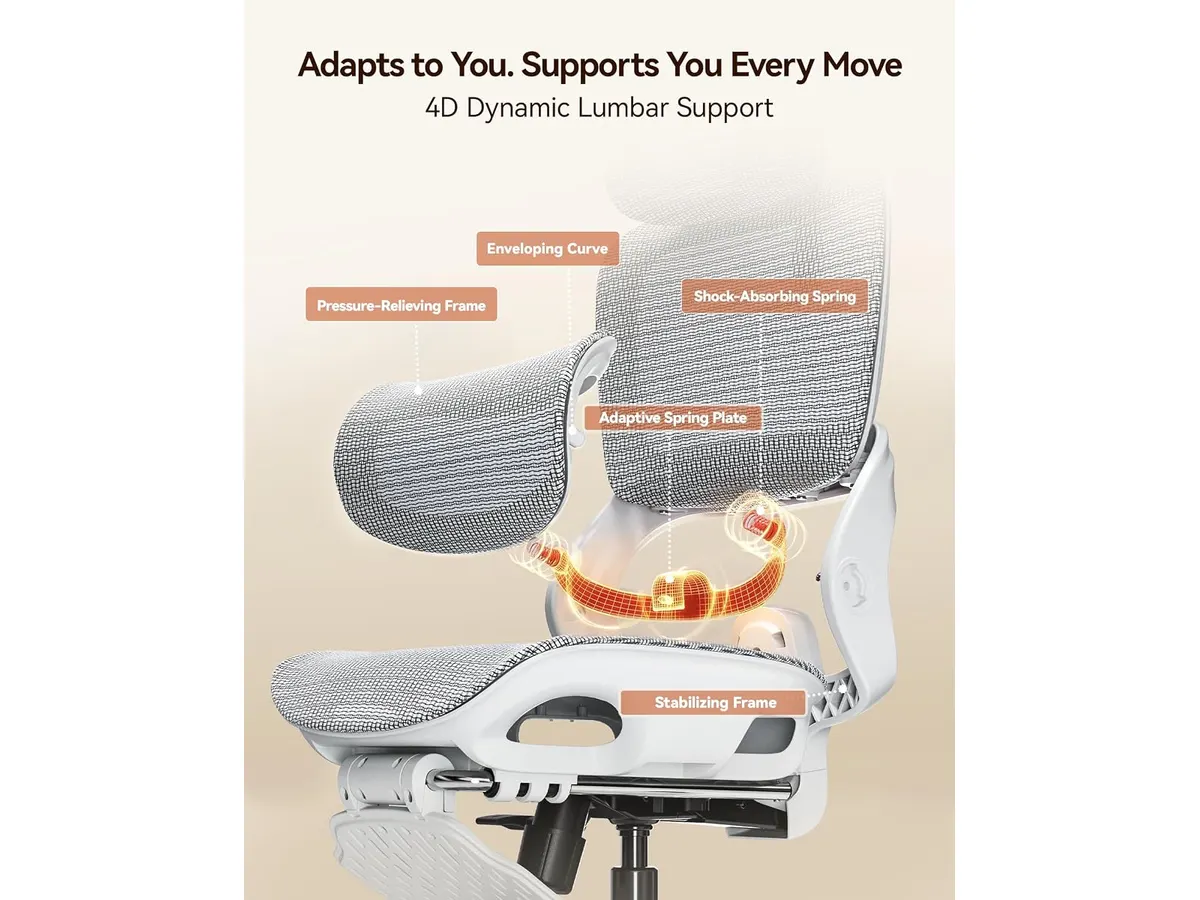
## Dónde flojea
- **No es ideal para usuarios más pequeños**: Aunque la silla es ajustable, personas de menor estatura pueden encontrar difícil alcanzar sus mejores configuraciones. Esto puede resultar en una experiencia incómoda y podría contrarrestar los beneficios ergonómicos que la silla ofrece. Para estos usuarios, podría ser necesario considerar sillas diseñadas específicamente para su altura.
- **Falta de soporte en el asiento**: Si bien el respaldo es robusto, el acolchado del asiento podría ser insuficiente para aquellos que prefieren una mayor suavidad. Esto podría causar incomodidad tras períodos prolongados de uso, especialmente para quienes pasan muchas horas sentados y requieren un mayor nivel de amortiguación en el área del asiento.
## ¿Para quién es?
- **Ideal para**: Usuarios que pasan muchas horas sentados, como teletrabajadores o estudiantes, que valoran un buen soporte lumbar y la capacidad de ajustar la silla a sus necesidades. También es beneficiosa para aquellos que buscan una silla funcional que fomente la salud en el trabajo, maximizando la productividad y minimizando el malestar físico.
- **No es adecuada para**: Personas muy pequeñas o con preferencias por sillas con mayor acolchado en el asiento. Aquellos que valoran un diseño más estético o lujoso tampoco encontrarán en esta silla la opción ideal, ya que su enfoque está más en la funcionalidad que en el diseño decorativo.
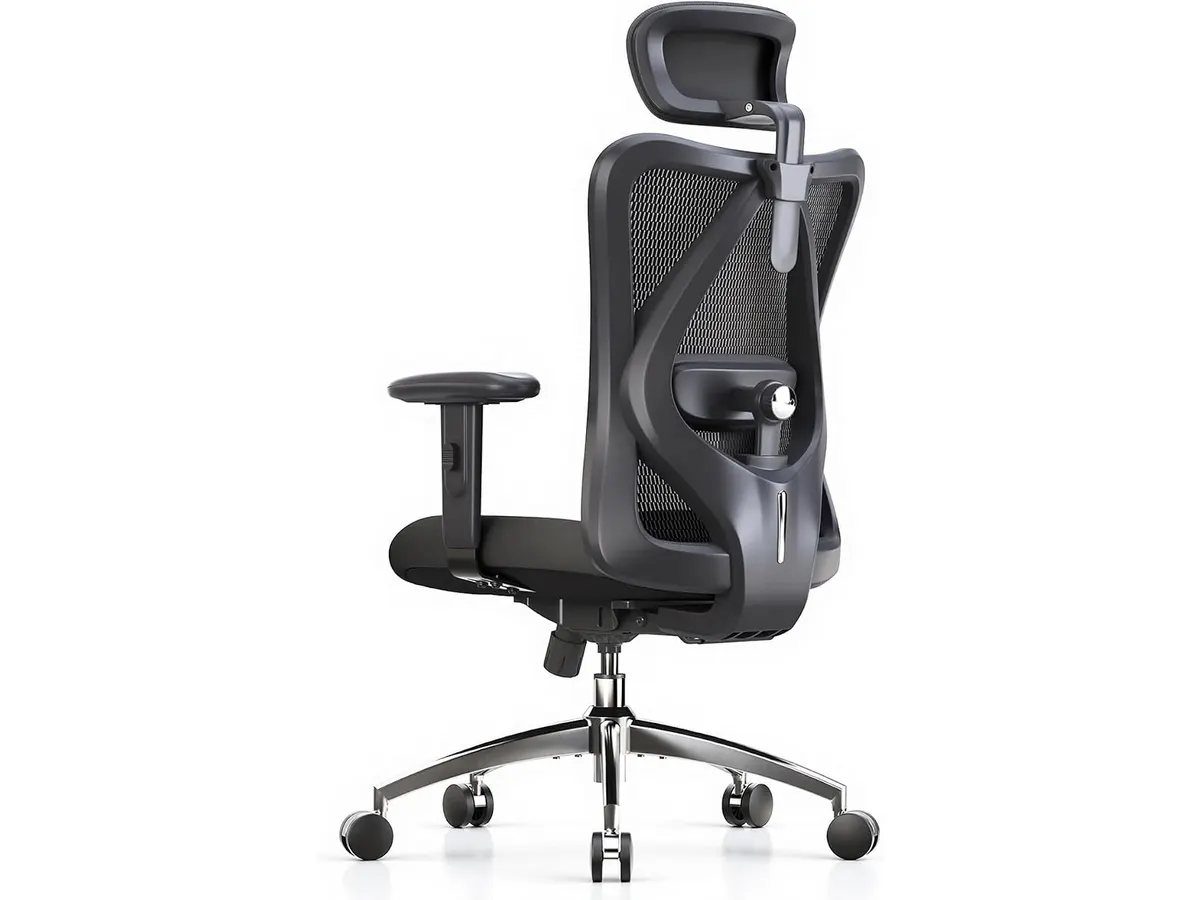
## Alternativas a considerar
- **Bajo costo**: Sillas básicas de gama económica son adecuadas para quienes buscan algo funcional para uso ocasional, aunque carecen de ajustes ergonómicos avanzados. Estas sillas pueden ser una opción temporal para quienes no pasan tantas horas sentados o para quienes están iniciando en el trabajo remoto y buscan reducir costos.
- **Gama alta**: Modelos premium ofrecen una gama más amplia de ajustes y materiales de mayor calidad, ideales para quienes buscan un diseño estético y máximo confort. Estas sillas pueden incluir características adicionales como soporte lumbar ajustable, materiales transpirables y sistemas de amortiguación más sofisticados, que valen la pena considerar para una inversión a largo plazo.
## Veredicto
La **SIHOO B100 PRO** se destaca como una silla ergonómica bien diseñada para quienes buscan confort y soporte en largas jornadas laborales. Aunque tiene limitaciones para algunos usuarios, sus características hacen de esta silla una opción sólida en la categoría de **sillas ergonómicas**. Esta silla es particularmente valiosa para aquellos que priorizan la salud postural y la comodidad a lo largo del día. Para más opciones, puedes explorar nuestra sección de [Sillas ergonomicas](/categorias/sillas). Si deseas comparar, también te recomendamos el análisis de la [Ergohuman ME7ERG GEN2](https://setuplatam.com/blog/2026-09-22-ergohuman-me7erg-gen2) y el de la [SIHOO M18](https://setuplatam.com/blog/2026-09-22-sihoo-m18).
## Preguntas frecuentes
### ¿La SIHOO B100 PRO es fácil de ensamblar?
Sí, la silla incluye instrucciones claras y todas las herramientas necesarias para un ensamblaje sin complicaciones. Este aspecto es crucial para los usuarios que desean una experiencia de compra sencilla y sin contratiempos.
### ¿Cuánto tiempo dura la garantía de la SIHOO B100 PRO?
La SIHOO B100 PRO cuenta con una garantía de 36 meses, lo que refleja la confianza en su durabilidad. Esto brinda tranquilidad a los usuarios que buscan una inversión segura en su bienestar diario.
### ¿Es adecuada para personas de más de 300 lbs?
No, la carga máxima es de 300 lbs (136 kg). Para quienes superen este peso, se deberá considerar una opción con mayor capacidad de peso, asegurando que la silla pueda soportar adecuadamente a su usuario.
---
# Bluedee Computer Speakers: calidad de sonido y diseño compacto
URL: https://setuplatam.com/blog/2026-09-22-bluedee-computer-speakers
Category: Audio y webcams
Published: 2026-09-22 · Updated: 2026-09-22
Analizamos los Bluedee Computer Speakers para tu oficina en casa. Conéctalos fácilmente y disfruta de un sonido equilibrado.
Los **Bluedee Computer Speakers** son una opción atractiva para quienes buscan mejorar su experiencia de audio en el hogar, ya sea para trabajar, estudiar o disfrutar de entretenimiento. En un mundo donde la calidad del sonido se ha vuelto crucial, estos altavoces ofrecen una solución práctica y accesible. Con su diseño compacto y funcionalidad plug and play, se adaptan a cualquier espacio de trabajo, ofreciendo una alternativa de fácil instalación para quienes valoran la calidad de sonido sin complicaciones.
## Lo que hace bien
- **Calidad de sonido:** Equipados con un doble driver y doble diafragma, los altavoces Bluedee proporcionan un sonido equilibrado con agudos claros y graves profundos. Esto los hace ideales no solo para escuchar música, sino también para videollamadas y juegos, donde una buena calidad de audio puede marcar la diferencia. En entornos de trabajo, el sonido claro ayuda a mantener la concentración y a participar activamente en reuniones virtuales.
- **Conectividad versátil:** Con opciones de conexión vía jack de 3.5 mm y Bluetooth 5.0, se pueden conectar fácilmente a diferentes dispositivos sin necesidad de instalar drivers o software. Esto simplifica su uso, especialmente para quienes no son tan técnicos o están buscando una solución rápida y sencilla. Puedes cambiar entre dispositivos como laptops, tablets y teléfonos móviles sin complicaciones.
- **Diseño compacto:** Su perfil delgado permite colocarlos debajo de un monitor, lo que ayuda a mantener un escritorio limpio y ordenado. Este aspecto es particularmente beneficioso en espacios pequeños donde cada centímetro cuenta. Además de su funcionalidad, las tiras de luz ambiental que incluyen añaden un toque estético que puede realzar el ambiente de tu oficina en casa, convirtiéndolos también en un elemento decorativo.
- **Instalación sencilla:** Alimentados por USB y con un diseño plug and play, estos altavoces se pueden utilizar de inmediato, sin complicaciones. Esto es ideal para quienes buscan eficiencia en sus setups. No es necesario pasar tiempo configurando el aparato; simplemente conéctalos y disfruta de una mejora inmediata en la calidad de sonido.
## Especificaciones clave
| Especificación | Detalle |
|-------------------------------|-------------------------------|
| Tipo | Barra de sonido para escritorio |
| Sonido | Doble driver y doble diafragma, antimagnetico |
| Conexión | Jack 3.5 mm y Bluetooth 5.0 |
| Alimentación | USB, plug and play |
| Iluminación | Tiras de luz ambiental |
| Medidas | 16,4 x 2,6 x 2,6 pulgadas |
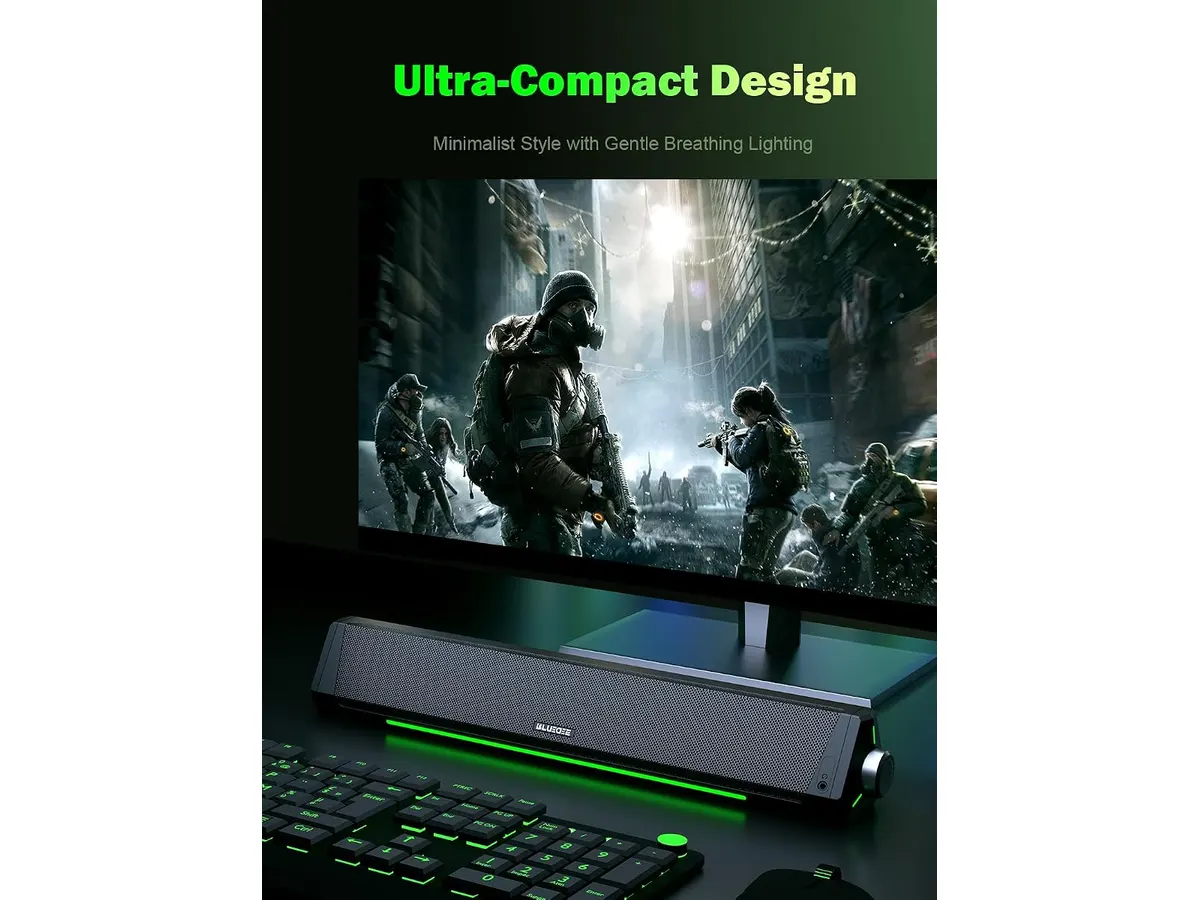
## Dónde flojea
- **Sin opciones de personalización:** Aunque tienen un sonido equilibrado, carecen de ecualizadores o personalización del audio. Esto puede ser limitante para los audiófilos que buscan ajustar el sonido a su gusto específico. Sin esta capacidad de personalización, es posible que no puedas obtener el rendimiento óptimo que esperas de los altavoces en situaciones de audio más complejas.
- **Potencia de sonido moderada:** Si bien son ideales para un uso cotidiano, su potencia puede no ser suficiente para quienes buscan un volumen alto en ambientes ruidosos o para fiestas. En un espacio más grande o con varias personas, es probable que necesites un sistema de sonido más potente. Esto limita su uso a entornos más tranquilos, como oficinas en casa o habitaciones pequeñas, donde el volumen moderado es suficiente.
## ¿Para quién es?
- **Para quienes sí encaja:** Estos altavoces son perfectos para estudiantes, freelancers y profesionales que pasan largas horas frente a la computadora y desean una mejor calidad de sonido sin la necesidad de un sistema de audio complejo. Si tu actividad incluye asistir a videoconferencias o disfrutar de música mientras trabajas, estos altavoces pueden realzar significativamente tu experiencia diaria.
- **Para quienes no encaja:** No son recomendables para músicos o profesionales del audio que requieren un sistema de sonido más robusto y configurable. Además, su diseño y potencia no son adecuados para espacios grandes donde se necesite un mayor volumen de sonido. En estos casos, sería más sensato buscar opciones que ofrezcan mejor personalización y mayor capacidad de rendimiento.
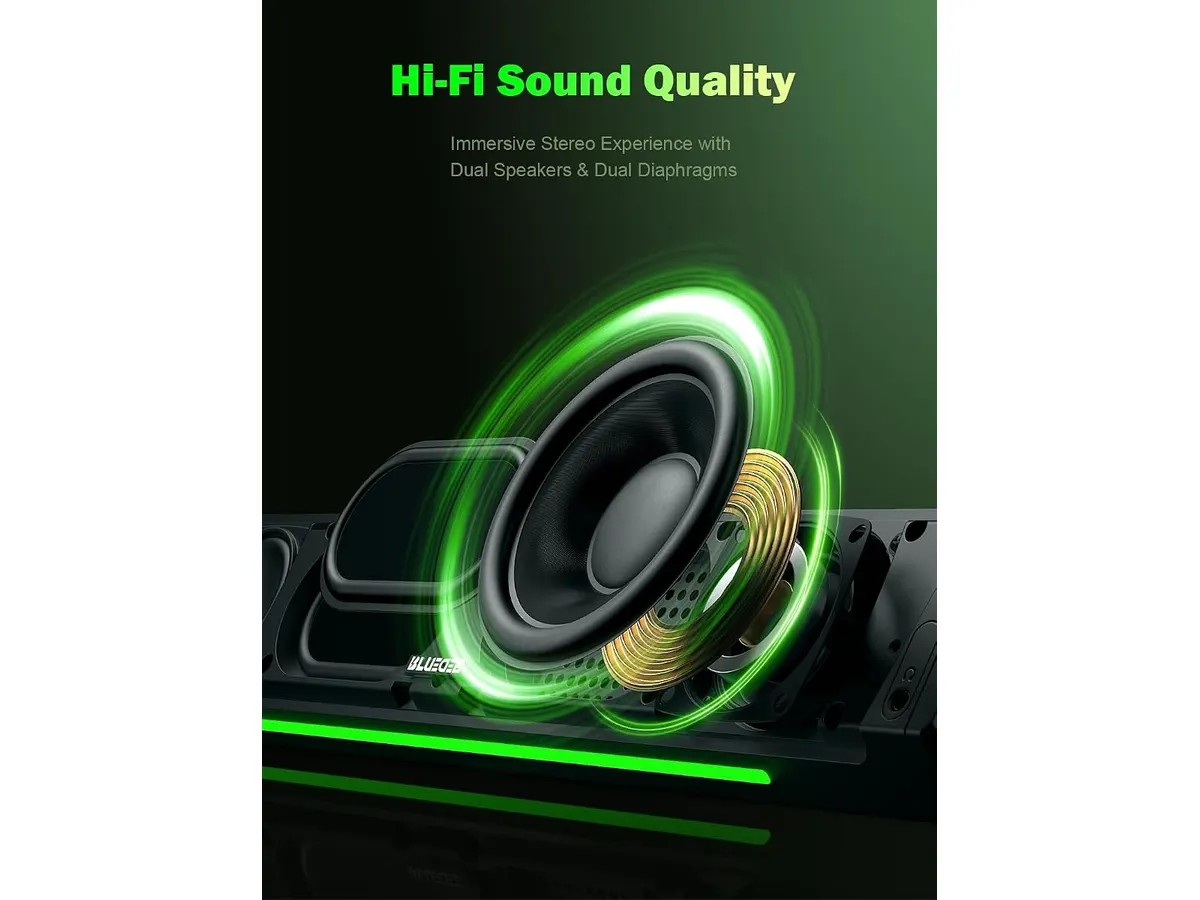
## Alternativas a considerar
- **Gama baja:** Considera altavoces Bluetooth sencillos que ofrezcan sonido básico para uso ocasional, adecuados para quienes buscan una solución económica y portátil. Estos modelos suelen ser fáciles de transportar, pero su calidad de sonido y durabilidad pueden no ser superiores.
- **Gama media:** Busca barras de sonido con mejores características de personalización de audio y mayor potencia. Estas son ideales para quienes desean una experiencia auditiva más completa tanto para entretenimiento como para productividad. A menudo, estos dispositivos ofrecen conectividad adicional y opciones de ajuste que mejoran el rendimiento general y se adaptan a diferentes necesidades de uso.
## Veredicto
Los **Bluedee Computer Speakers** son una excelente opción para quienes buscan mejorar la calidad de audio en su home office sin complicaciones. Con su diseño práctico y conectividad fácil, son ideales para el uso diario. Sin embargo, si buscas un sistema de sonido potente o personalizable, tal vez debas considerar otras opciones. Es recomendable reflexionar sobre tus necesidades específicas antes de realizar una compra. Explora más sobre [Audio y webcams](https://setuplatam.com/categorias/audio-webcams) para encontrar el equipo que mejor se adapte a tus requisitos y al ambiente en el que trabajas.
## Preguntas frecuentes
### ¿Puedo usarlos para videollamadas?
Sí, los Bluedee Computer Speakers ofrecen un sonido claro y equilibrado, lo que los hace adecuados para videollamadas, mejorando la calidad del audio en tus reuniones. Esto puede ser especialmente beneficioso en entornos de trabajo remoto donde la comunicación clara es fundamental.
### ¿Se pueden conectar a un televisor?
Sí, puedes conectar los altavoces a un televisor que tenga un puerto de jack de 3.5 mm o mediante Bluetooth. Esto te permite disfrutar de un mejor sonido al ver tus programas favoritos, lo que convierte a los altavoces en una opción versátil para entretenimiento en el hogar además de su uso en la oficina.
### ¿Tienen garantía?
Sí, Bluedee generalmente ofrece garantía en sus productos, pero es recomendable revisar los términos específicos al momento de la compra. Esto puede brindarte tranquilidad y confianza en tu compra, especialmente si te preocupa la durabilidad del producto.
---
# Ergohuman ME7ERG GEN2: Silla Ergonómica para Oficina
URL: https://setuplatam.com/blog/2026-09-22-ergohuman-me7erg-gen2
Category: Sillas ergonómicas
Published: 2026-09-22 · Updated: 2026-09-22
Descubre el análisis de la silla Ergohuman ME7ERG GEN2, ideal para quienes buscan comodidad y soporte lumbar en su oficina.
La **Ergohuman ME7ERG GEN2** es una silla ergonómica diseñada específicamente para quienes pasan largas horas en la oficina, como profesionales remotos y freelancers. Este modelo está pensado para proporcionar un equilibrio entre comodidad y soporte, lo que resulta esencial para quienes priorizan una buena postura durante su jornada laboral, contribuyendo así a la reducción de fatiga y a un aumento en la productividad.
## Lo que hace bien
- **Soporte lumbar dinámico**: Este soporte se flexiona con el cuerpo, lo que proporciona un soporte continuo que se adapta a los movimientos del usuario. Esto es especialmente beneficioso para quienes tienden a cambiar de posición frecuentemente, ya que el soporte se ajusta para mantener la columna alineada y evitar molestias.
- **Ajustes ergonómicos**: Con ocho diferentes ajustes, la silla permite personalizar la inclinación, el bloqueo, el ángulo y la altura del respaldo, asiento y brazos. Esta personalización es fundamental para optimizar la ergonomía y la comodidad del usuario, permitiendo un ajuste detallado que puede ser adaptado a distintas actividades, desde trabajar en la computadora hasta realizar videoconferencias.
- **Malla transpirable**: La silla está fabricada en EE.UU. y cuenta con un respaldo de malla que ofrece resistencia y una adecuada transpiración. Esto es ideal para climas cálidos o para aquellos que tienden a calentarse mientras trabajan, ya que la malla ayuda a mantener una temperatura cómoda.
- **Diseño moderno**: La combinación de ergonomía con estética hace que sea una opción no solo funcional, sino también atractiva visualmente. Su diseño contemporáneo se adapta bien a cualquier oficina moderna o espacio de trabajo en casa, lo que puede sumar un valor estético al ambiente laboral.
## Especificaciones clave
| Característica | Detalles |
|------------------------------|---------------------------------------|
| Tipo | Silla de oficina de malla con reposacabezas |
| Soporte lumbar | Dinámico, se flexiona con el cuerpo |
| Ajustes | Ocho: tensión de inclinación, bloqueo, respaldo, asiento y brazos |
| Respaldo | Malla fabricada en EE.UU. |
| Garantía | Limitada de por vida |
| Montaje | Sencillo, con instrucciones y herramientas incluidas |
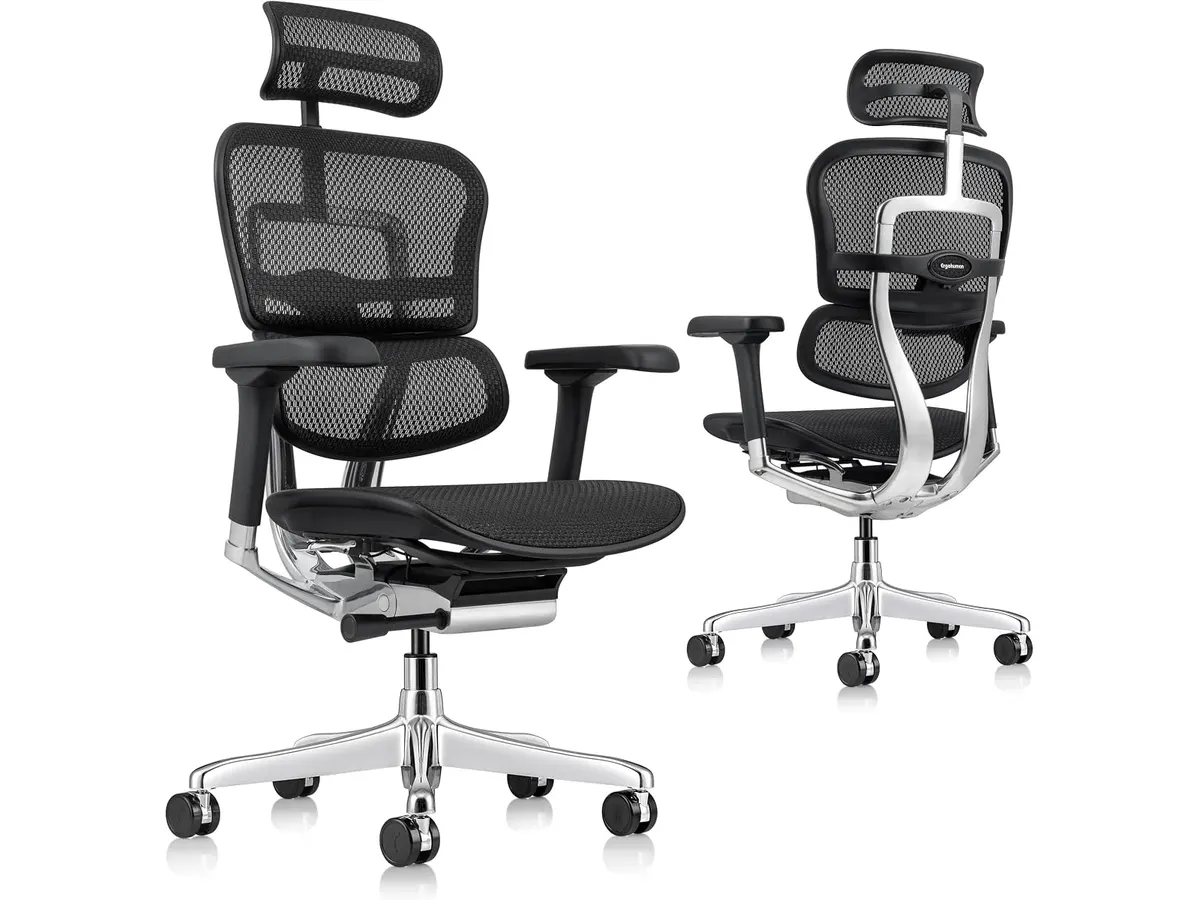
## Dónde flojea
- **Precio**: Aunque no se menciona un precio específico, se posiciona en un rango más alto, lo que puede no ser accesible para todos los usuarios. Este costo puede ser un factor decisivo para quienes buscan opciones de mobiliario más asequibles. Es importante considerar si la inversión en esta silla se alinea con las necesidades diarias y el tiempo que se espera utilizarla.
- **Estilo limitado**: A pesar de su diseño moderno, puede no agradar a quienes prefieren un estilo más clásico o tradicional. Aquellos que buscan una estética más convencional podrían sentirse insatisfechos con la apariencia de la silla, lo que podría afectar su decisión de compra.
## ¿Para quién es?
- **Para quien le encaja**: Ideal para profesionales remotos o freelancers que buscan una silla que ofrezca soporte integral durante largas horas de trabajo. También es adecuada para estudiantes que pasan muchas horas en su escritorio, ya que ofrece una buena postura y comodidad prolongada. La Ergohuman ME7ERG GEN2 es perfecta para quienes priorizan la salud postural y el bienestar general en su entorno laboral.
- **Para quien no es**: No es la mejor opción para quienes necesitan una silla extremadamente ligera y portátil, como aquellos que se mueven frecuentemente entre espacios de trabajo. Además, puede no ser la opción más adecuada para personas que prefieren sillas con un diseño más sencillo y menos funcionalidades, o que no cuentan con un espacio de oficina dedicado donde se pueda aprovechar su capacidad de ajuste y soporte.
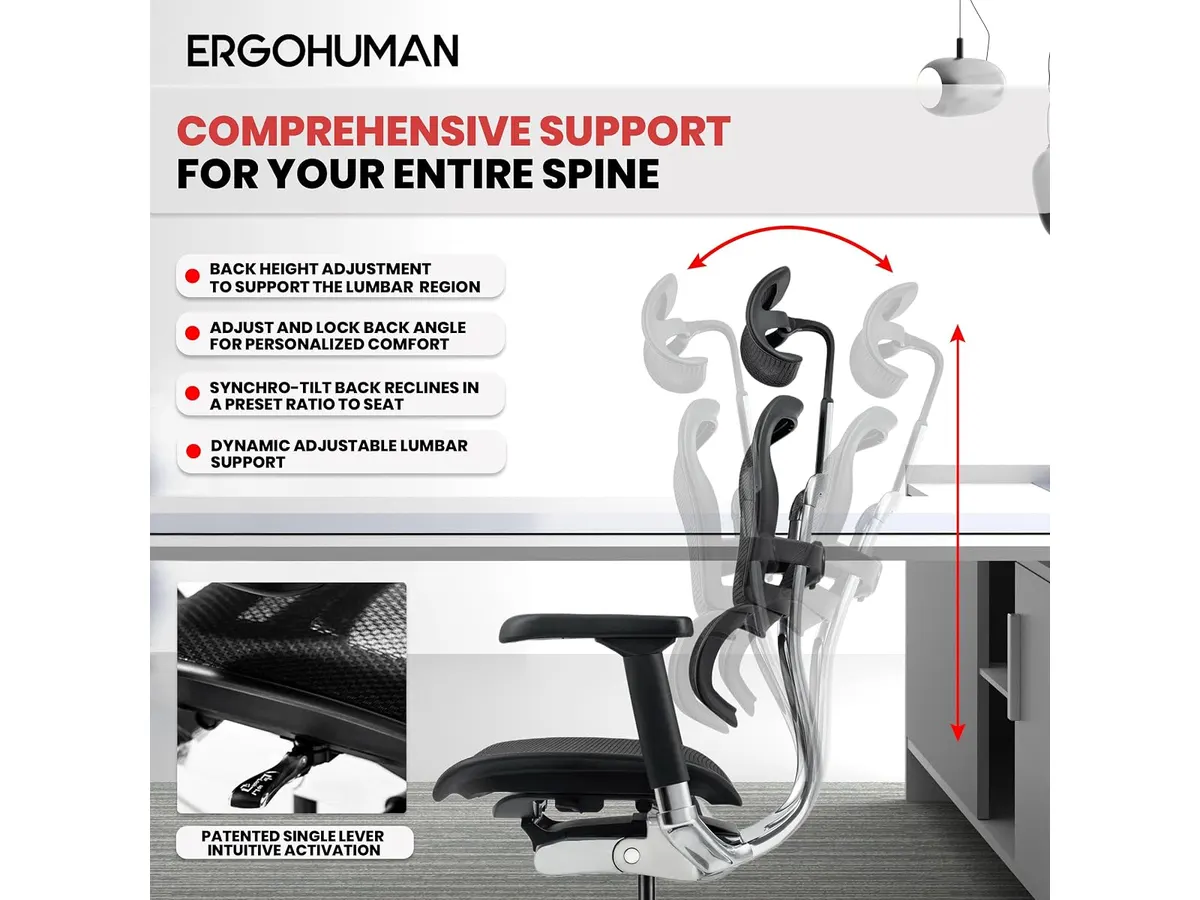
## Alternativas a considerar
- **Gama económica**: Para aquellos que buscan opciones más asequibles, existen sillas de oficina básicas que ofrecen un soporte limitado pero cumplen con lo esencial para un uso ocasional. Estas sillas pueden ser adecuadas para quienes no pasan tantas horas sentados o necesitan una solución temporal. Sin embargo, es importante tener en cuenta que la falta de ajustes ergonómicos puede resultar en incomodidad a largo plazo.
- **Gama de alta gama**: Para quienes buscan lo mejor en ergonomía y diseño, hay sillas premium con características avanzadas, como materiales de mayor calidad o tecnología incorporada para el seguimiento postural. Estas sillas suelen tener un rango de precios considerablemente más alto, pero ofrecen beneficios adicionales que pueden justificar la inversión para usuarios que pasan muchas horas sentados.
## Veredicto
La **Ergohuman ME7ERG GEN2** es una excelente opción para quienes necesitan una silla ergonómica que ofrezca soporte y ajuste personalizable. Si bien puede no ser la opción más económica del mercado, las características que proporciona justifican su inversión, especialmente para quienes pasan mucho tiempo sentados. Su diseño moderno y su capacidad de adaptación la convierten en una elección adecuada para una amplia variedad de usuarios. Si buscas más opciones, explora nuestra categoría de [Sillas ergonomicas](/categorias/sillas) para encontrar la que mejor se adapte a tus necesidades. También te invitamos a leer el [análisis de la SIHOO M18](https://setuplatam.com/blog/2026-09-22-sihoo-m18) para comparar alternativas.
## Preguntas frecuentes
### ¿Cuál es la garantía de la Ergohuman ME7ERG GEN2?
La silla cuenta con una garantía limitada de por vida que cubre defectos de fabricación. Esto ofrece tranquilidad a los usuarios, sabiendo que están protegidos ante problemas que puedan surgir por el uso normal del producto.
### ¿Es fácil de montar?
Sí, incluye instrucciones claras y todas las herramientas necesarias para su montaje. Esto es un punto positivo, ya que permite que cualquier usuario pueda ensamblarla sin complicaciones, ahorrando tiempo y esfuerzo.
### ¿Se puede ajustar la altura del asiento?
Sí, uno de los ajustes permite modificar la altura del asiento para adaptarse a diferentes usuarios. Esto es fundamental, especialmente en entornos de trabajo donde varios usuarios pueden usar la misma silla.
---
# Revisión del monitor LG UltraGear 27G61ZB-B: rendimiento y calidad
URL: https://setuplatam.com/blog/2026-09-22-lg-ultragear-27g61zb-b
Category: Monitores
Published: 2026-09-22 · Updated: 2026-09-22
Descubre el análisis del LG UltraGear 27G61ZB-B, un monitor ideal para gamers y creadores de contenido que buscan una experiencia visual superior.
El LG UltraGear 27G61ZB-B es un monitor de 27 pulgadas diseñado especialmente para entusiastas de los videojuegos y creadores de contenido. Con su pantalla IPS QHD y una frecuencia de actualización de 200 Hz, este monitor promete una experiencia visual fluida y de alta calidad. Es una opción atractiva para quienes buscan un equilibrio entre rendimiento y características gráficas avanzadas, especialmente en un mundo donde el trabajo remoto y el entretenimiento digital son cada vez más importantes.
## Lo que hace bien
- **Calidad de imagen superior**: Con una resolución QHD de 2560 x 1440 y cobertura de hasta el 99% sRGB, los colores son vivos y los detalles son nítidos, lo que lo hace ideal para juegos y edición de fotos. Esta calidad de imagen no solo beneficia a los jugadores, sino también a creadores de contenido que requieren precisión en la representación del color para proyectos gráficos y de video. Esto asegura que las imágenes se vean consistentes en diferentes dispositivos.
- **Frecuencia de actualización alta**: Con 200 Hz nativos, el LG UltraGear 27G61ZB-B ofrece un juego fluido, reduciendo el desenfoque y mejorando la respuesta en juegos de ritmo rápido. Este aspecto es fundamental para los jugadores competitivos que necesitan la máxima rapidez y precisión en sus movimientos, lo que puede marcar la diferencia en partidas intensas.
- **Tiempo de respuesta rápido**: Su tiempo de respuesta de 1 ms (GtG) minimiza el ghosting, lo que resulta en una experiencia más inmersiva y precisa durante el juego. Esta característica es particularmente útil en juegos de disparos en primera persona, donde cada milisegundo cuenta. Sin embargo, para tareas de oficina o uso casual, este tiempo de respuesta puede no parecer tan crucial.
- **Funciones de juego integradas**: Este monitor incluye tecnologías como AMD FreeSync Premium, Dynamic Action Sync y Black Stabilizer, que optimizan el rendimiento en tiempos críticos. FreeSync ayuda a eliminar el tearing de la pantalla, permitiendo que los jugadores disfruten de gráficos fluidos sin interrupciones. Estos detalles son atractivos para quienes pasan largas horas en sesiones de juego, proporcionando un nivel de confort visual que puede reducir la fatiga ocular.
## Especificaciones clave
| Característica | Detalle |
|-----------------------|--------------------------------------|
| Pantalla | 27 pulgadas IPS QHD (2560 x 1440) |
| Refresco | 200 Hz nativo |
| Tiempo de respuesta | 1 ms (GtG) |
| Cobertura de color | Hasta 99% sRGB |
| Sincronización | AMD FreeSync Premium |
| HDR | HDR10 |
| Ajustes | Altura, inclinación, giro y pivote |
## Dónde flojea
- **Conectividad limitada**: Aunque es un monitor de alto rendimiento, la falta de puertos adicionales como USB-C puede ser un inconveniente para algunos usuarios que buscan múltiples opciones de conexión. Esto es especialmente relevante para creadores de contenido que podrían necesitar conectar varios dispositivos al mismo tiempo, como cámaras y tabletas gráficas. La falta de flexibilidad en la conectividad podría hacer que algunos usuarios tengan que invertir en adaptadores adicionales.
- **No es el más barato**: Potencialmente, podría resultar más costoso en comparación con opciones de monitores de gama de entrada, lo que puede ser un factor a considerar para quienes tienen un presupuesto ajustado. Aquellos que no necesitan todas las características avanzadas pueden encontrar alternativas más económicas que aún ofrezcan un rendimiento aceptable para tareas básicas.
## ¿Para quién es?
- **Ideal para jugadores y creadores de contenido**: Aquellos que buscan un monitor con alta capacidad de respuesta, excelente calidad de imagen y herramientas de juego encontrarán en el LG UltraGear 27G61ZB-B un gran aliado. Gamers competitivos, así como editores de video y diseñadores gráficos, podrán aprovechar sus características para mejorar su rendimiento y la calidad de su trabajo.
- **No recomendado para usuarios casuales**: Usuarios que solo necesitan un monitor para tareas básicas y navegación en internet pueden no aprovechar todas las características avanzadas de este modelo. Si tu uso se limita a la visualización de documentos y navegación web, este modelo podría ser excesivo y no justificar la inversión, ya que existen opciones más económicas que cumplirían con esos requerimientos.
## Alternativas a considerar
- **Gama alta**: Para quienes buscan un monitor de gama alta, existen opciones que ofrecen características similares, como paneles más grandes o mejor resolución, ideales para diseñadores gráficos que requieren precisión de color. Estos monitores son perfectos para quienes trabajan en medios visuales donde los detalles son cruciales.
- **Gama media**: Hay alternativas en el rango medio que proporcionan una buena calidad de imagen y respuesta, pero con una frecuencia de actualización más baja, adecuadas para jugadores casuales que no exigen un rendimiento extremo. Estos modelos pueden ser más accesibles y cumplir con las expectativas de usuarios que no necesitan las especificaciones más altas.
## Veredicto
El LG UltraGear 27G61ZB-B es un monitor que combina altos estándares de rendimiento y calidad visual. Aunque no es la opción más económica, su gama de características lo convierte en una elección sólida para aquellos que buscan sumergirse en juegos de alto ritmo y tareas creativas. Este monitor se destaca no solo en el ámbito del gaming, sino también en aplicaciones de diseño gráfico y edición de video, lo que lo convierte en una inversión viable para una amplia gama de usuarios. Si buscas un monitor con un rendimiento excepcional, definitivamente vale la pena considerar. Para explorar más opciones, visita nuestra sección de [Monitores](/categorias/monitores).
## Preguntas frecuentes
### ¿Este monitor es adecuado para el trabajo de oficina?
No es la mejor opción para trabajos de oficina básicos, ya que su diseño está más orientado a gamers y creadores de contenido. Sin embargo, si trabajas con gráficos o ediciones de video, este monitor podría brindarte beneficios significativos.
### ¿El LG UltraGear 27G61ZB-B tiene buenas opciones de ajuste ergonométrico?
Sí, permite ajustes de altura, inclinación, giro y pivote para un mejor confort visual. Esta flexibilidad es importante para mantener una postura adecuada y prevenir la fatiga durante largas horas de uso.
### ¿Es compatible con consolas de videojuegos?
Sí, es compatible con consolas de videojuegos que admiten resoluciones de hasta QHD, ofreciendo una excelente experiencia de juego. Esto lo hace ideal para quienes disfrutan de jugar en consolas y buscan disfrutar de gráficos detallados e imágenes nítidas.
---
# RedThunder K95 Wireless Mechanical Keyboard: Análisis y Opiniones
URL: https://setuplatam.com/blog/2026-09-22-redthunder-k95-wireless-mechanical-keyboard
Category: Periféricos
Published: 2026-09-22 · Updated: 2026-09-22
Descubre las fortalezas y debilidades del teclado RedThunder K95. Ideal para gamers y profesionales que buscan un equipo versátil.
El RedThunder K95 Wireless Mechanical Keyboard es un teclado mecánico inalámbrico diseñado para gamers y profesionales que buscan un equilibrio entre funcionalidad y estética. Con su conectividad versátil y retroiluminación RGB, es una opción atractiva para quienes desean mejorar su configuración de oficina o gaming. Este teclado no solo se destaca por su diseño moderno, sino también por sus características técnicas que satisfacen a una amplia gama de usuarios.
## Lo que hace bien
- **Conectividad flexible**: Ofrece tres modos de conexión (Bluetooth 5.0, 2.4 GHz y USB-C), permitiendo cambiar entre dispositivos fácilmente. Esta versatilidad es especialmente útil para aquellos que utilizan múltiples dispositivos, como una laptop y una PC de escritorio. Puedes alternar entre ellos sin problemas, lo que es ideal para freelancers o profesionales que trabajan en diferentes entornos.
- **Batería de larga duración**: Su batería de 8000 mAh asegura hasta 48 horas de uso con retroiluminación y 266 horas sin ella, lo que reduce la necesidad de recargas frecuentes. Esto significa que puedes usar el teclado durante largos periodos en sesiones de trabajo o gaming sin interrupciones, una gran ventaja para quienes pasan horas en la computadora, como estudiantes o creadores de contenido.
- **Personalización**: Los switches hot-swap prelubricados permiten cambiar los switches sin necesidad de soldadura, lo que ofrece grandes posibilidades de personalización según las preferencias del usuario. Esto es especialmente atractivo para entusiastas de los teclados que buscan experimentar diferentes tipos de switches para mejorar su experiencia de escritura o juego. Sin embargo, es importante mencionar que no todos los switches son compatibles, lo que podría limitar algunas opciones de personalización.
- **Estructura robusta**: La construcción gasket de cinco capas proporciona una experiencia de tecleo cómoda y reduce el ruido, ideal para un entorno de trabajo o juego silencioso. La combinación de materiales y diseño asegura que el teclado sea duradero y capaz de soportar el uso diario. Esto es un factor clave para los usuarios que buscan una inversión a largo plazo en su equipo de oficina.
## Especificaciones clave
| Especificación | Detalle |
|---------------------------|-----------------------------------------|
| Formato | 90% compacto con flechas, números y teclas de función |
| Conectividad | Triple modo: Bluetooth 5.0, 2.4 GHz y USB-C |
| Pantalla | TFT de 1,14 pulgadas con mando CNC |
| Switches | Lineales prelubricados, hot-swap (3 y 5 pines) |
| Estructura | Gasket con cinco capas de amortiguación |
| Batería | 8000 mAh: unas 48 h con RGB y 266 h sin retroiluminación |
| Iluminación | RGB completo (1,68 M de colores), LEDs orientados al sur |
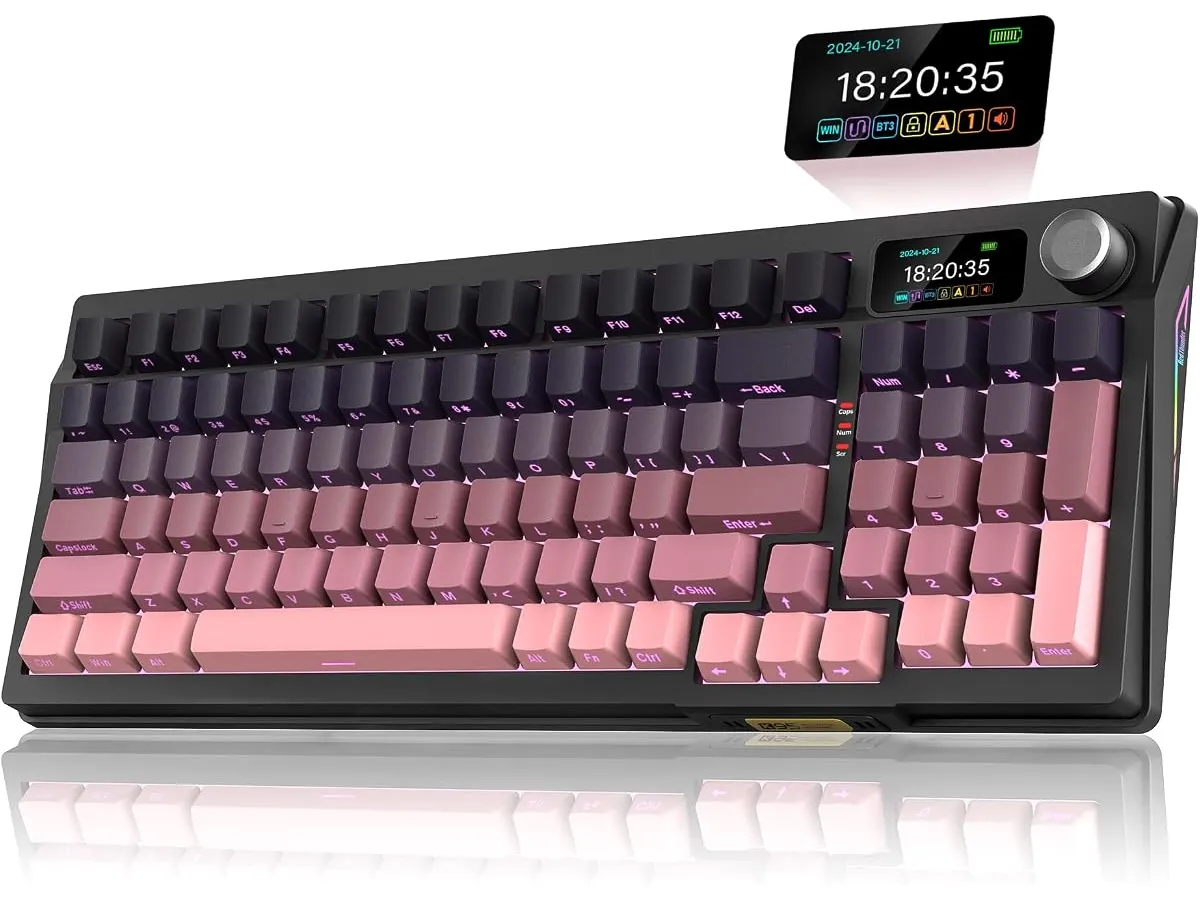
## Dónde flojea
- **Sin retroiluminación automática**: Aunque la batería dura mucho tiempo sin RGB, carece de una función de retroiluminación automática al usarla en condiciones de poca luz. Esto puede ser un inconveniente para quienes trabajan en entornos oscuros, ya que tendrán que encender la iluminación manualmente cada vez que necesiten usar el teclado. Para aquellos que realizan tareas nocturnas o que prefieren trabajar en ambientes con poca luz, esta limitación puede ser un factor decisivo.
- **Compatibilidad limitada de switches**: Los switches hot-swap son una ventaja, pero la compatibilidad está limitada a modelos específicos de 3 y 5 pines. Esto significa que aunque puedes personalizar tu teclado, no podrás utilizar cualquier tipo de switch, lo que podría desanimar a quienes buscan una mayor variedad en su experiencia de tecleo.
## ¿Para quién es?
- **Para quienes lo encaja**: Es ideal para gamers y profesionales que buscan un teclado mecánico compacto y versátil que ofrezca tanto rendimiento como personalización. Los gamers apreciarán la rapidez de respuesta y la personalización de los switches, mientras que los profesionales podrán disfrutar de una experiencia de tecleo cómoda y duradera durante largas horas de trabajo. Además, su estética moderna puede complementar un entorno de oficina bien diseñado.
- **Para quienes no lo encaja**: No es la mejor opción para quienes prefieren teclados más grandes o quienes buscan una experiencia de tecleo más silenciosa y suave, ya que los switches son lineales y pueden resultar ruidosos para algunos. Aquellos que trabajan en ambientes compartidos o que necesitan un teclado silencioso para no distraer a otros pueden encontrarlo poco adecuado para sus necesidades. Además, los usuarios que requieren retroiluminación automática en condiciones de poca luz también deberían considerar otras alternativas.
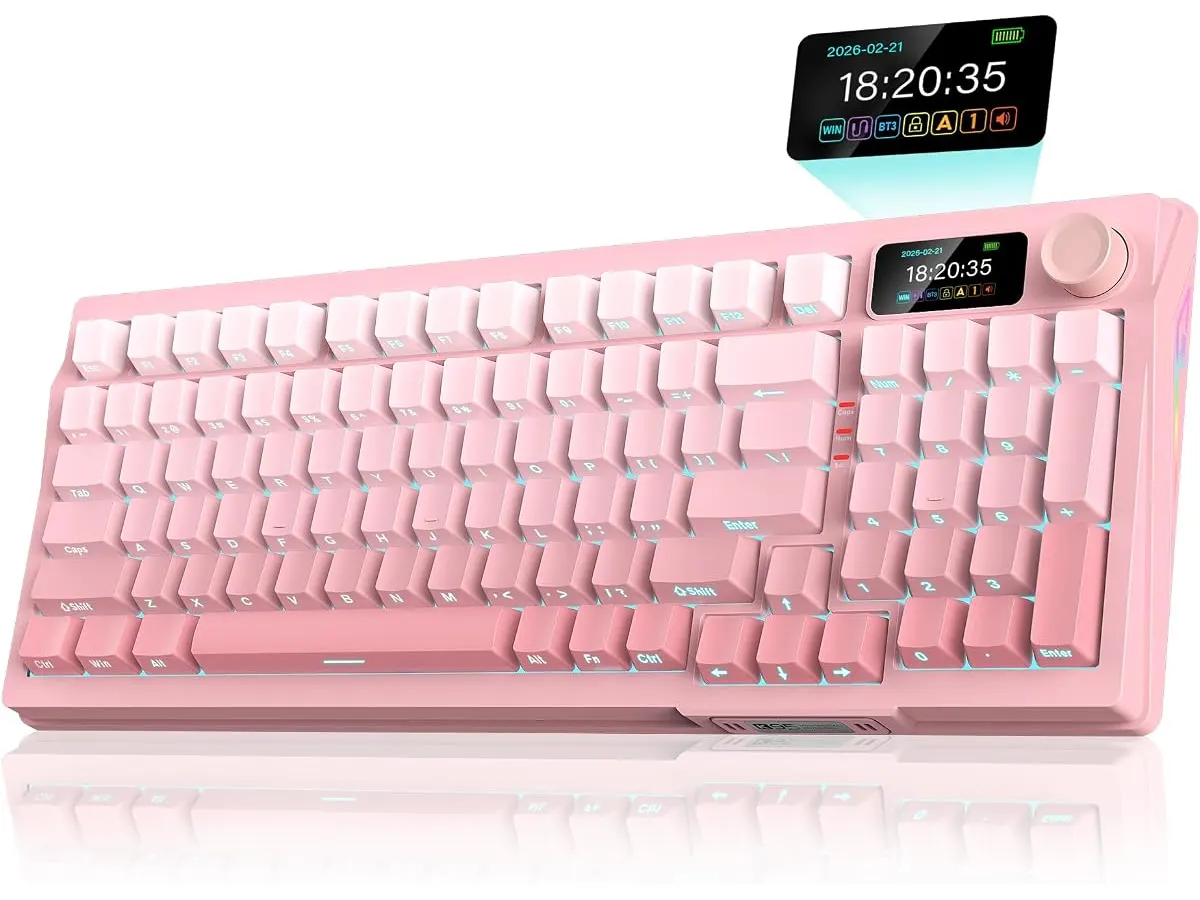
## Alternativas a considerar
- **Teclados mecánicos de gama baja**: Si buscas una opción más económica para tareas básicas de oficina, considera un teclado mecánico de gama baja que ofrezca buena calidad de construcción y un rendimiento adecuado sin las características avanzadas del K95. Estos teclados pueden ser ideales para quienes realizan tareas sencillas, como escritura o navegación por internet, sin necesidad de las configuraciones avanzadas.
- **Teclados mecánicos de gama alta**: Para quienes desean una experiencia premium, hay opciones de teclados mecánicos más caros que ofrecen materiales de mayor calidad, retroiluminación avanzada y switches más especializados. Estos modelos pueden ser más apropiados para gamers profesionales o diseñadores que buscan una experiencia de tecleo excepcional y una estética cuidada para sus estaciones de trabajo.
## Veredicto
El RedThunder K95 Wireless Mechanical Keyboard es una excelente opción para quienes buscan un teclado mecánico que combine conectividad versátil, personalización y una construcción robusta. Sin embargo, quienes requieren características específicas como la retroiluminación automática o una experiencia de tecleo más silenciosa deberían considerar otras opciones. La combinación de su batería de larga duración y la capacidad de personalización lo hacen atractivo, pero es importante que cada usuario evalúe sus necesidades individuales antes de realizar una compra. Para más información sobre productos en esta categoría, visita nuestra sección de [Perifericos](/categorias/perifericos).
## Preguntas frecuentes
### ¿El teclado es compatible con Mac?
Sí, el RedThunder K95 puede ser utilizado con dispositivos Mac, aunque algunas teclas pueden no tener las mismas funciones que en un teclado diseñado exclusivamente para Mac. Este aspecto es importante para los usuarios de Mac que buscan un teclado mecánico, ya que la disposición de algunas teclas puede diferir.
### ¿Puedo personalizar la retroiluminación?
Sí, el teclado cuenta con una amplia gama de opciones de retroiluminación RGB que se pueden personalizar usando el panel de control en la pantalla TFT. Esto permite a los usuarios elegir entre diferentes efectos y colores, lo que puede ser especialmente divertido para gamers que desean personalizar su equipo.
### ¿Es fácil cambiar los switches?
Sí, el sistema hot-swap permite cambiar los switches de forma sencilla, sin necesidad de soldadura, lo que facilita la personalización del teclado. Este proceso es accesible incluso para quienes son nuevos en el mundo de los teclados mecánicos y desean experimentar con diferentes tipos de switches para encontrar el que mejor se adapte a su estilo de escritura o juego.
---
# Análisis de la Lámpara de Escritorio LED SANDROY VOLT
URL: https://setuplatam.com/blog/2026-09-22-sandroy-volt-led-desk-lamp
Category: Iluminación
Published: 2026-09-22 · Updated: 2026-09-22
Descubre cómo la lámpara SANDROY VOLT mejora tu iluminación en el hogar con sus características avanzadas y diseño funcional.
La **SANDROY VOLT LED Desk Lamp** es una elección destacada para quienes buscan optimizar su espacio de trabajo en casa. Esta lámpara se adapta a las necesidades de trabajadores remotos, estudiantes y creadores que pasan largas horas concentrados en tareas específicas. Su diseño y funcionalidad la convierten en una herramienta esencial para aquellos que valoran la iluminación adecuada para mantener la productividad y el bienestar visual.
## Lo que hace bien
- **Iluminación amplia y uniforme**: Gracias a su doble tira LED, la SANDROY VOLT minimiza las sombras y proporciona una iluminación más homogénea. Esto resulta especialmente beneficioso para quienes leen o escriben, ya que evita la fatiga ocular que puede surgir de luces mal distribuidas. En un entorno de trabajo donde el confort visual es clave, esta característica se traduce en menos distracciones y mayor concentración.
- **Control de temperatura de color**: Con temperaturas de color ajustables de 3000K a 5000K, la lámpara permite personalizar la luz según la actividad. Por ejemplo, una luz más cálida (3000K) es ideal para momentos de relajación o lectura, mientras que una luz más fría (5000K) es adecuada para tareas que requieren mayor atención y enfoque, como el trabajo en computadora. Esta flexibilidad es especialmente útil en un entorno de trabajo dinámico, donde las necesidades pueden cambiar a lo largo del día.
- **Facilidad de uso**: Incluye un mando de rueda inalámbrico y un panel táctil, lo que proporciona un control intuitivo sobre la intensidad y el color de la luz. Esto es especialmente útil para cambios rápidos sin interrumpir el flujo de trabajo. Además, el panel táctil facilita ajustes precisos, lo que permite a los usuarios encontrar el tono perfecto de luz para cada momento.
- **Diseño práctico**: Su montaje con pinza facilita la colocación en cualquier borde de escritorio o estante, lo cual es una ventaja significativa para quienes tienen espacios limitados. El diseño compacto no solo ahorra espacio, sino que también permite una mayor flexibilidad en la organización del área de trabajo. Esto es crucial para quienes utilizan escritorios pequeños o para aquellos que desean mantener una estética minimalista en su oficina en casa.
## Especificaciones clave
| Especificación | Detalle |
|--------------------------------|---------------------------|
| Fuente | Doble tira LED |
| Reproducción cromática | CR97 |
| Temperatura de color | 3000K - 5000K |
| Control | Mando de rueda inalámbrico y panel táctil |
| Montaje | Pinza para borde de escritorio o estante |
| Extras | Temporizador de 10 y 40 min, cuello flexible |
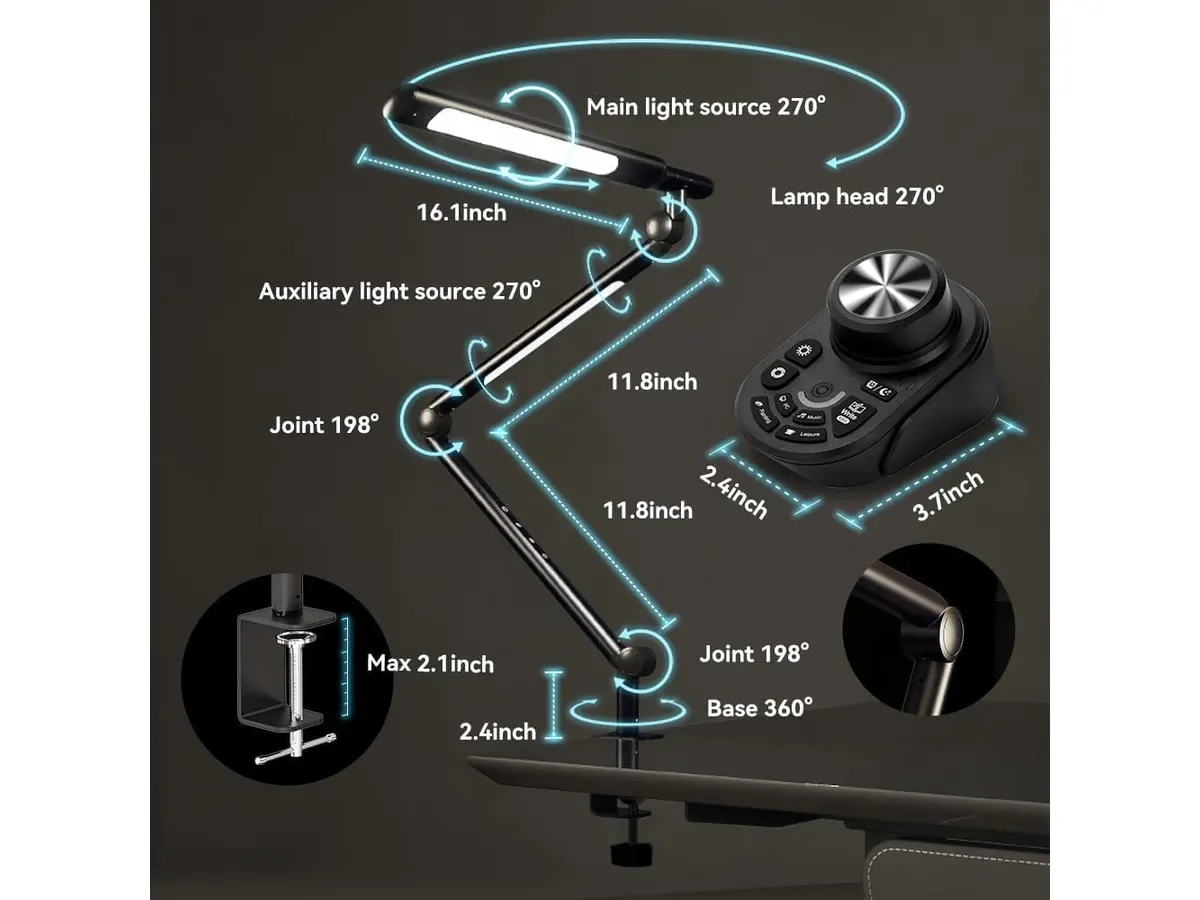
## Dónde flojea
- **Limitación de características**: Aunque la lámpara tiene varias opciones de ajuste, carece de conectividad adicional, como puertos USB o Bluetooth. Esto puede ser un inconveniente para usuarios que buscan un enfoque más integrado en su configuración tecnológica. La falta de estas características puede limitar su funcionalidad para aquellos que dependen de múltiples dispositivos mientras trabajan.
- **Alcance de la pinza**: La pinza puede no ajustarse adecuadamente a escritorios más gruesos, lo que puede limitar su versatilidad en ciertos entornos de trabajo. Si su escritorio es bastante robusto o tiene un grosor superior al promedio, esto podría ser un desafío. Por lo tanto, es importante revisar las dimensiones de su mobiliario antes de considerar esta lámpara como una opción viable.
## ¿Para quién es?
- **Para quienes les encaja**: Es perfecta para quienes necesitan una buena iluminación en espacios reducidos, como escritorios en habitaciones pequeñas o apartamentos. Aquellos que trabajan sobre la marcha o utilizan escritorios temporales también se beneficiarán de su fácil instalación y versatilidad. La SANDROY VOLT es una gran opción para estudiantes que necesitan concentrarse en sus estudios o para creativos que requieren una iluminación adecuada para proyectos detallados.
- **Para quienes no es adecuada**: No es la mejor opción para personas que requieran una lámpara de pie o de mesa. Su diseño está específicamente orientado para montaje con pinza, lo que puede ser una limitante para quienes prefieren una solución de iluminación que no dependa de un borde de escritorio. Además, aquellos que necesitan una iluminación ambiental más completa en espacios más grandes pueden encontrar que esta lámpara no cumple sus expectativas.
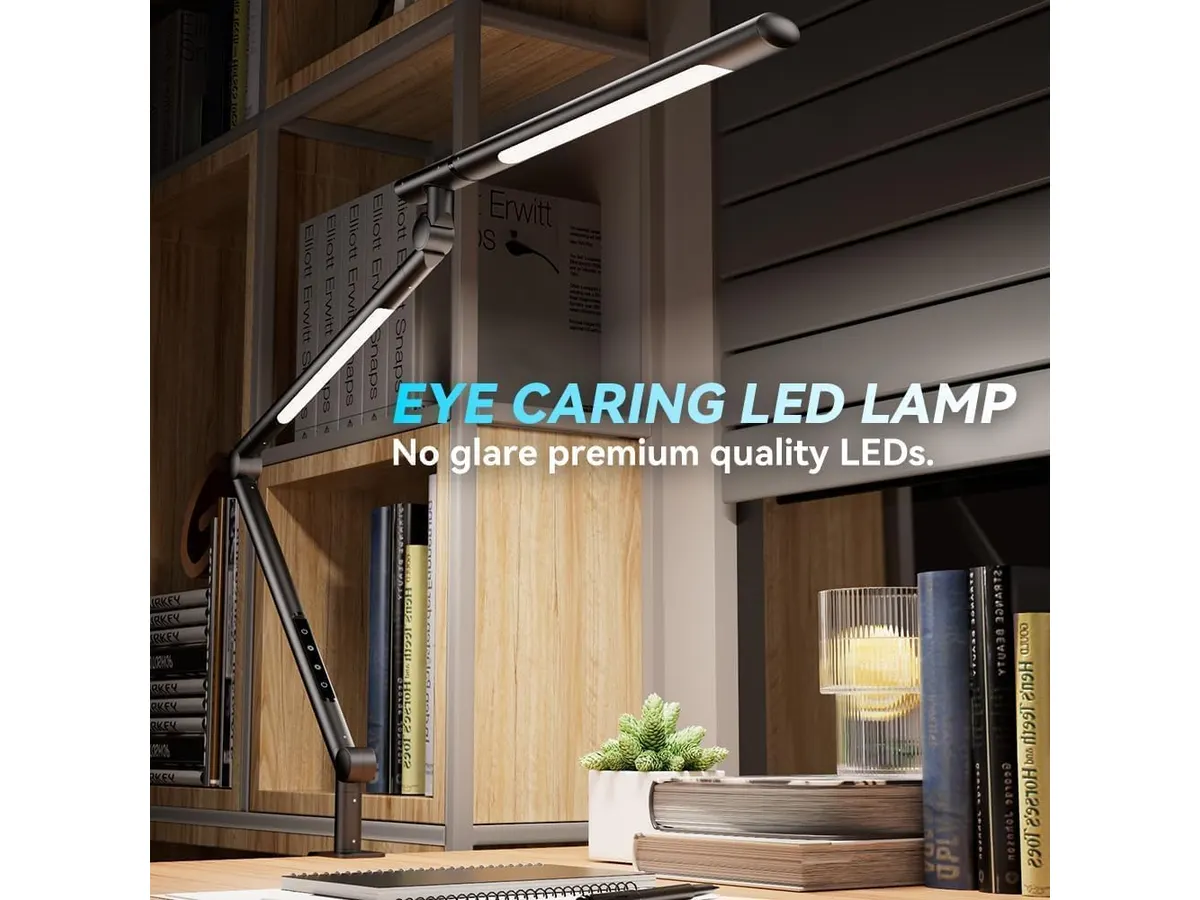
## Alternativas a considerar
- **Gama de precio medio**: Existen lámparas de escritorio que ofrecen características similares, pero con un enfoque en luz más cálida o de diseño más decorativo. Estas opciones pueden atraer a quienes buscan una lámpara que combine funcionalidad y estética, adecuándose mejor a estilos de decoración específicos. Esto es ideal para quienes priorizan la armonía visual de su espacio de trabajo.
- **Gama de precio más alta**: Las lámparas con tecnología inteligente que se integran con otros dispositivos del hogar son recomendables para aquellos que desean un sistema de iluminación más avanzado y personalizable. Si bien estas opciones pueden ser más costosas, ofrecen características como control por aplicaciones móviles y adaptaciones automáticas de luz según el momento del día, lo que puede ser beneficioso para los entusiastas de la tecnología.
## Veredicto
La **SANDROY VOLT LED Desk Lamp** es una excelente opción para quienes buscan mejorar su experiencia de trabajo en casa. Su capacidad de personalización en términos de temperatura de color y su diseño eficiente la convierten en una de las mejores opciones en el mercado. Aunque carece de algunas características como conectividad USB, su funcionalidad básica es sólida y cumple con las necesidades de la mayoría de los usuarios de oficina en casa. Aquellos que busquen más opciones en iluminación pueden explorar nuestra sección de [Iluminacion](/categorias/iluminacion).
## Preguntas frecuentes
### ¿Es fácil de montar?
Sí, la SANDROY VOLT viene con una pinza que permite un montaje sencillo en la mayoría de los escritorios. Su diseño sencillo facilita el proceso, lo que es ideal para quienes no tienen experiencia previa con montajes de este tipo.
### ¿Puedo usarla en un espacio grande?
La lámpara es ideal para espacios pequeños; en áreas más grandes, es posible que necesites más de una fuente de luz. Si trabajas en un espacio amplio, considerar más lámparas o fuentes de luz adicionales puede ayudar a lograr una iluminación más uniforme y confortable.
### ¿Es regulable en intensidad?
Sí, cuenta con un mando de rueda que permite ajustar continuamente la intensidad de la luz. Esta característica es especialmente útil para personalizar la iluminación según la actividad, lo que puede ayudar a reducir la fatiga visual durante largas horas de trabajo.
---
# Análisis del Vari Classic Electric Standing Desk para tu oficina
URL: https://setuplatam.com/blog/2026-09-22-vari-classic-electric-standing-desk
Category: Escritorios
Published: 2026-09-22 · Updated: 2026-09-22
Descubre las ventajas y limitaciones del Vari Classic Electric Standing Desk para optimizar tu espacio de trabajo en casa.
El Vari Classic Electric Standing Desk es una excelente opción para quienes buscan un escritorio ajustable que combine funcionalidad y diseño. Ideal para trabajadores remotos, creadores y estudiantes que pasan largas horas en la computadora, este escritorio permite alternar entre sentarse y estar de pie, promoviendo una postura más saludable y cómoda durante el trabajo. La posibilidad de ajustar la altura del escritorio permite a los usuarios encontrar la postura más adecuada para su estilo de trabajo, lo que puede ayudar a reducir el riesgo de lesiones relacionadas con la mala postura a largo plazo. Sin embargo, este modelo puede no ser la opción perfecta para todos, especialmente aquellos con limitaciones de espacio o presupuesto. Si deseas equipar tu oficina en casa, este modelo es una opción que vale la pena considerar.
## Lo que hace bien
- **Rango de altura ajustable:** Con un rango de altura de 25 a 50,5 pulgadas, este escritorio se adapta a diferentes estaturas y preferencias de trabajo. Esto es especialmente beneficioso para los hogares compartidos, donde varias personas pueden usar el mismo escritorio. La capacidad de personalizar la altura asegura que cada usuario pueda trabajar en una posición cómoda, promoviendo la salud postural durante las largas horas de uso.
- **Sistema de memoria:** Permite programar hasta 4 alturas memorizables, facilitando el ajuste rápido entre posiciones sentadas y de pie. Esta característica es útil para aquellos que alternan frecuentemente entre estas dos posturas, ya que ahorra tiempo y mejora la comodidad. Con solo presionar un botón, se puede ajustar el escritorio a la altura preferida, lo que es particularmente ventajoso durante la jornada laboral dinámica.
- **Montaje rápido:** El sistema quick-attach del Vari Classic permite armar el escritorio en menos de 10 minutos, lo cual es conveniente para quienes no desean lidiar con procesos complicados al instalar muebles. Esto se traduce en una experiencia sin estrés al configurar tu oficina, permitiéndote comenzar a trabajar casi de inmediato.
- **Construcción robusta:** Con un tablero de una sola pieza y patas de acero T-Style, este escritorio promete durabilidad y estabilidad, lo que es fundamental para mantener la concentración mientras trabajas. La calidad de construcción es un aspecto importante para quienes utilizan el escritorio para equipar dispositivos pesados, como monitores grandes o equipos de audio, ya que asegura que no habrá movimientos indeseados que puedan distraer o causar accidentes.
## Especificaciones clave
| Especificación | Detalle |
|-----------------------------------------|-----------------------------------|
| Tipo | Escritorio regulable eléctrico |
| Medidas | 72 x 30 pulgadas |
| Acabado | Butcher Block / Slate |
| Rango de altura | 25 a 50,5 pulgadas |
| Motor | Doble, funcionamiento silencioso |
| Memoria | Hasta 4 alturas programables |
| Montaje | Sistema quick-attach |
| Garantía | De por vida |
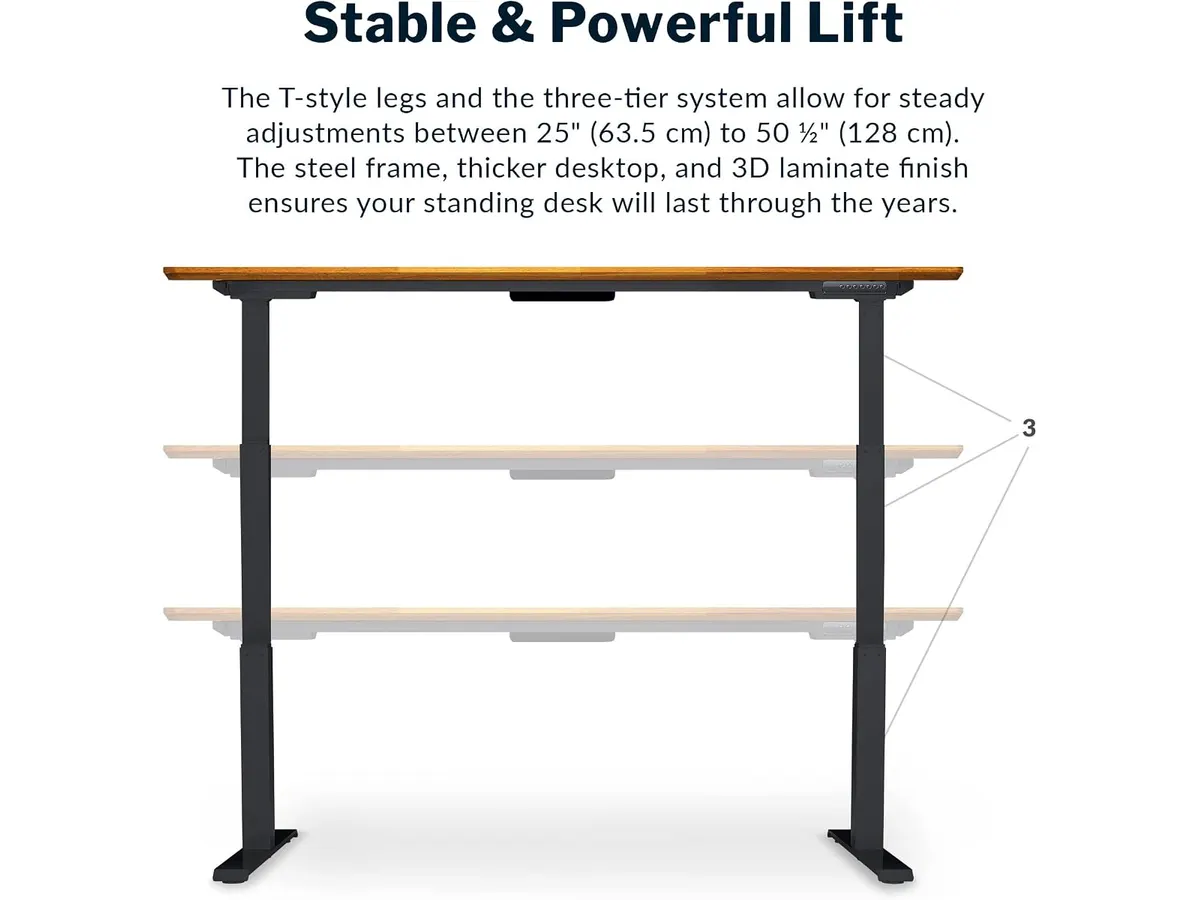
## Dónde flojea
- **Opciones de color limitadas:** Aunque el acabado Butcher Block y Slate es atractivo, puede no ser del gusto de todos. La falta de más opciones de color podría ser una desventaja para quienes buscan personalizar su espacio de trabajo. Esto puede influir en la armonía estética de la oficina, lo que es especialmente relevante para los creadores que buscan inspiración en su entorno.
- **Precio no accesible para todos:** Al ser un escritorio eléctrico de calidad, su costo puede ser elevado para quienes tienen un presupuesto más limitado. Los estudiantes o freelancers que recién comienzan podrían encontrar alternativas más económicas. Por lo tanto, es importante considerar si las características premium justifican la inversión en comparación con otras opciones disponibles en el mercado.
## ¿Para quién es?
- **Para quienes buscan versatilidad:** Este escritorio es ideal para profesionales que requieren alternar entre posiciones sentadas y de pie durante su jornada laboral. Además, es adecuado para personas que valoran la comodidad y el diseño en su espacio de trabajo, ya que el Vari Classic no solo cumple su función práctica, sino que también añade un toque estético. Los trabajadores creativos y los estudiantes que pasan largas horas en el escritorio pueden beneficiarse enormemente de esta versatilidad.
- **No recomendable para espacios pequeños:** Si posees un lugar limitado o buscas un escritorio sencillo, este modelo puede no ser la mejor opción, ya que sus dimensiones podrían resultar abrumadoras en un ambiente pequeño. Los usuarios que tienen un espacio limitado deben considerar escritorios más compactos que ofrezcan funcionalidad sin ocupar tanto espacio. Esto es importante para mantener un entorno de trabajo organizado y cómodo.
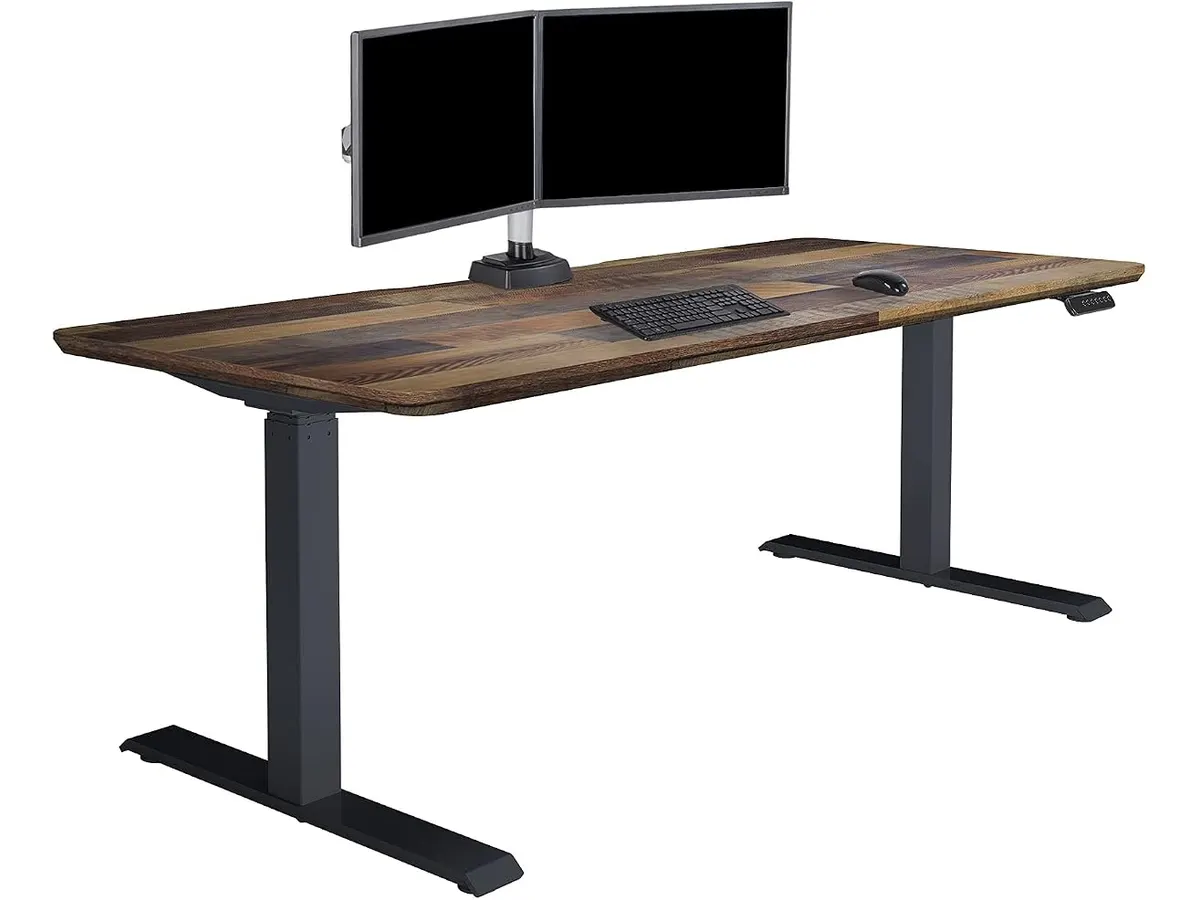
## Alternativas a considerar
- **Escritorios manuales:** Si buscas algo más económico y no te importa ajustar la altura de manera manual, un escritorio manual puede ser una opción más accesible. Estos generalmente tienen un diseño simple y son ideales para quienes no necesitan cambiar de posición con frecuencia. Aunque carecen de las características eléctricas, siguen siendo funcionales y pueden ser una excelente opción de entrada para quienes están comenzando su carrera profesional o académico.
- **Escritorios eléctricos de gama media:** Otra opción serían los escritorios eléctricos de gama media que ofrecen características similares, pero a un costo menor. Estos pueden ser adecuados para quienes desean un escritorio ajustable sin las características premium del Vari Classic. Es importante evaluar qué características son esenciales para tu uso diario, ya que esto puede ayudarte a tomar una decisión más informada sobre qué producto se adapta mejor a tus necesidades y presupuesto.
## Veredicto
El Vari Classic Electric Standing Desk es una excelente elección para quienes buscan un escritorio ajustable de calidad que combine durabilidad y funcionalidad. Sus características son ideales para mejorar la ergonomía y la comodidad durante el trabajo, lo que puede resultar en una mayor productividad y bienestar general. Sin embargo, es crucial tener en cuenta que puede no ser accesible para todos los presupuestos. Si deseas explorar otras opciones, te invitamos a revisar nuestra categoría de [Escritorios](/categorias/escritorios) y otros análisis como el [análisis del FLEXISPOT 42" Standing Desk Converter para tu oficina](/blog/2026-09-22-flexispot-42-standing-desk-converter) para encontrar el escritorio adecuado para ti.
## Preguntas frecuentes
### ¿Es difícil de montar el Vari Classic Electric Standing Desk?
No, cuenta con un sistema de montaje quick-attach que permite armarlo en menos de 10 minutos, lo cual es una ventaja para quienes prefieren evitar complicaciones. Esto es especialmente beneficioso para quienes tienen poco tiempo o no son expertos en montaje de muebles.
### ¿Es adecuado para personas altas?
Sí, el rango de altura se extiende hasta 50,5 pulgadas, lo que lo hace adecuado para usuarios de diferentes estaturas, incluyendo personas altas. Esto asegura que todos los usuarios pueden disfrutar de una experiencia laboral cómoda sin compromisos.
### ¿El escritorio tiene garantía?
Sí, el Vari Classic Electric Standing Desk cuenta con una garantía de por vida, lo que refleja la confianza del fabricante en la durabilidad del producto y proporciona tranquilidad al usuario, sabiendo que está protegido por un respaldo sólido.
---
# Anker USB-C Hub 8-in-1: Análisis para tu espacio de trabajo
URL: https://setuplatam.com/blog/2026-09-22-anker-usb-c-hub-8-in-1
Category: Soportes y hubs
Published: 2026-09-22
Analizamos el Anker USB-C Hub 8-in-1. Descubre si sus puertos de 10 Gbps, carga de 85 W y salida 4K a 60 Hz valen la pena para tu escritorio.
El Anker USB-C Hub 8-in-1 es una solución de conectividad compacta diseñada para usuarios de laptops modernas que necesitan expandir su selección de puertos en un solo paso. Si trabajas desde casa o en constante movimiento y requieres conectar monitores externos, redes por cable y unidades de almacenamiento rápido, este dispositivo busca resolver esa falta de conexiones. En nuestra sección de [Soportes y hubs](/categorias/soportes-hubs) evaluamos cómo se comporta este modelo en la rutina diaria.
## Lo que hace bien
En este Anker USB-C Hub 8-in-1 análisis destaca principalmente el ancho de banda dedicado a las transferencias de datos. A diferencia de adaptadores más sencillos que limitan los puertos USB a velocidades tradicionales de 5 Gbps, esta unidad incluye tanto un puerto USB-C de datos como dos puertos USB-A capaces de alcanzar hasta 10 Gbps. Esto se traduce en tiempos de espera significativamente menores al mover archivos pesados desde discos de estado sólido externos o memorias de alta velocidad.
La salida de video HDMI es otro punto fuerte cuando se conecta a equipos actuales. El hub admite resolución 4K a 60 Hz en dispositivos con DisplayPort 1.4 (DP 1.4). Para quienes trabajan con edición de contenido, diseño gráfico o simplemente aprecian la fluidez en el desplazamiento por el sistema operativo, los 60 Hz marcan una diferencia notable en comparación con la tasa de refresco básica.
La entrega de energía integrada también resulta conveniente. Con soporte para carga pass-through de hasta 85 W, permite alimentar la laptop directamente a través del hub mientras se mantienen activos los demás accesorios. Esto evita tener que ocupar un puerto adicional en la computadora exclusivamente para el cable de corriente.
Por último, la inclusión de un puerto de red Ethernet gigabit junto a las ranuras para tarjetas microSD y SD convierte a este adaptador en un centro de conexiones completo. Es posible mantener una conexión a internet por cable estable para videollamadas prolongadas y, al mismo tiempo, descargar fotografías o videos de una tarjeta de memoria sin necesidad de adaptadores extra.
## Especificaciones clave
| Especificación | Detalle |
| --- | --- |
| Puertos incluidos | USB-C PD, USB-C datos, 2x USB-A, HDMI, Ethernet, microSD/SD |
| Salida de video HDMI | 4K@60Hz (requiere DP 1.4) / 4K@30Hz (con DP 1.2) |
| Velocidad de transferencia | Hasta 10 Gbps (en puertos USB-C de datos y USB-A) |
| Carga pass-through | Hasta 85 W |
| Cable integrado | USB-C de 7,48 pulgadas (aprox. 19 cm) |
| Compatibilidad de sistema | macOS 12+, Windows 10/11, ChromeOS |
| Estándares soportados | USB-C, USB4 y Thunderbolt |
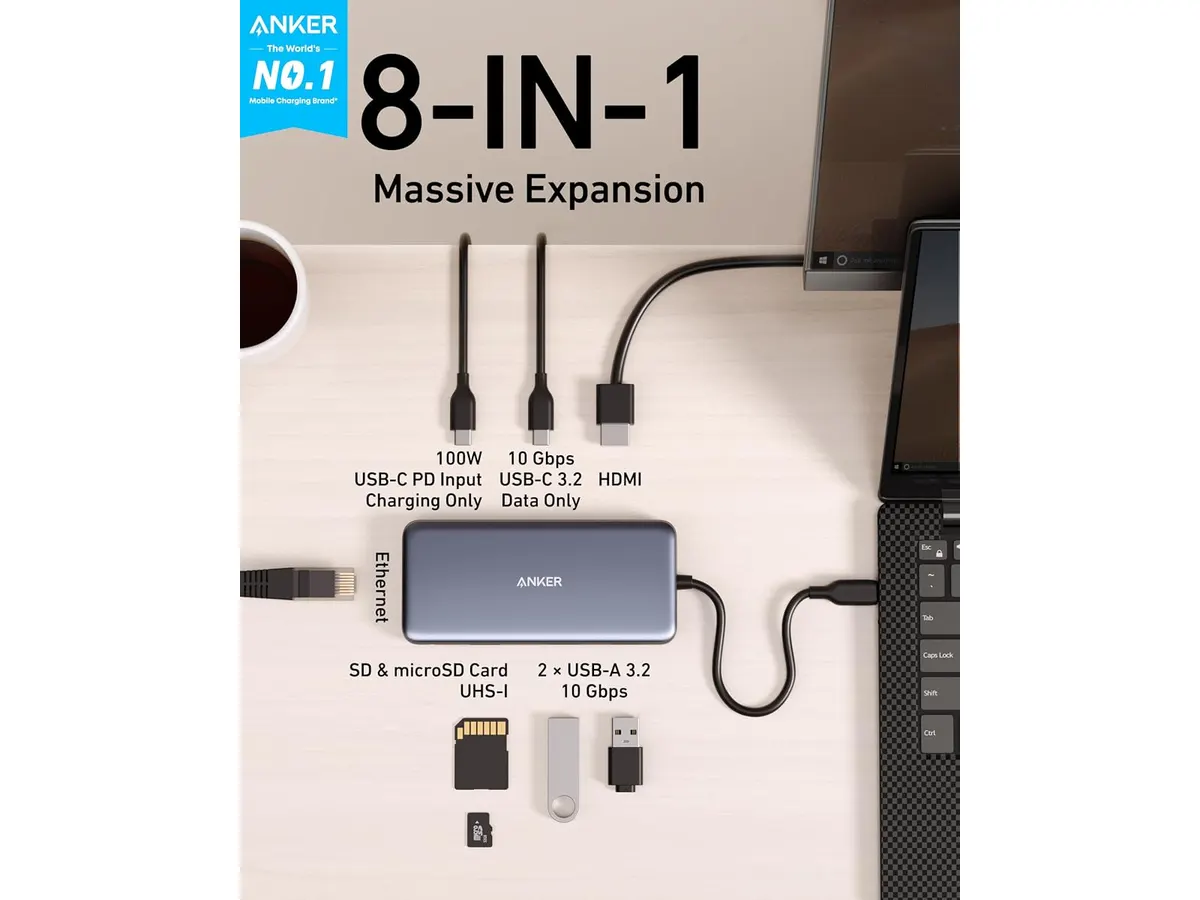
## Dónde flojea
El cable USB-C integrado tiene una longitud fija de 7,48 pulgadas. Si utilizas la laptop colocada sobre un soporte elevado para mantener la pantalla a la altura de los ojos, el hub puede quedar colgando en el aire o requerir una posición incómoda sobre el escritorio. Un cable más largo o removible habría ofrecido mayor flexibilidad de organización.
El rendimiento del puerto HDMI depende estrictamente de la versión de DisplayPort que entregue la computadora. En laptops o equipos más antiguos que cuentan con DisplayPort 1.2 (DP 1.2), la salida de video queda limitada automáticamente a 4K a 30 Hz. En ese escenario, el movimiento del cursor y la interfaz del sistema no se perciben del todo fluidos.
Además, hay que considerar que la función de carga pass-through requiere un cargador de pared con potencia de salida elevada para alcanzar los 85 W efectivos hacia la computadora. Dado que el propio hub consume una pequeña fracción de energía para operar sus componentes internos y puertos activos, el usuario debe suministrar un adaptador de corriente adecuado para no experimentar reducciones en la velocidad de carga de su laptop.
## ¿Para quién es?
- Ideal para: profesionales en modalidad remota, creadores de contenido y estudiantes que utilicen computadoras portátiles recientes (macOS 12+, Windows 10/11 o ChromeOS) compatibles con DP 1.4. Es para quienes necesitan transferir archivos a 10 Gbps, conectarse a redes gigabit por cable y mantener su equipo cargado con un solo puerto ocupado.
- No recomendado para: usuarios que posean laptops con DisplayPort 1.2 y consideren indispensable trabajar en monitores 4K a 60 Hz. Tampoco es la opción ideal si buscas conectar dos o más pantallas externas independientes simultáneamente, ya que este modelo dispone únicamente de una salida HDMI.
## Alternativas a considerar
- Adaptadores de gama de entrada: Si tu trabajo se limita a conectar un teclado, un mouse y un monitor secundario Full HD o 4K a 30 Hz, existen hubs más económicos con velocidades de transferencia estándar de 5 Gbps. Son adecuados para tareas de oficina generales donde no se mueven grandes volúmenes de datos ni se requiere la máxima fluidez en pantalla.
- Estaciones de acoplamiento de escritorio (Docks): Para setups fijos que no requieren movilidad, una estación de acoplamiento más robusta con fuente de alimentación dedicada y múltiples salidas de video (como varios puertos HDMI o DisplayPort) resulta una mejor inversión. Estas alternativas de gama superior permiten gestionar escritorios multimonitor complejos sin depender del protocolo de carga pass-through.
## Veredicto
El Anker USB-C Hub 8-in-1 es una solución de expansión equilibrada y altamente funcional para quienes buscan maximizar la productividad en su espacio de trabajo diario. Su combinación de transferencias de hasta 10 Gbps, lectura de tarjetas, red gigabit y carga de 85 W resuelve los cuellos de botella de las laptops modernas. Dentro de la línea de Anker Soportes y hubs, este modelo destaca como una herramienta confiable y versátil para crear un entorno de trabajo limpio y eficiente.
## Preguntas frecuentes
### ¿Es compatible este hub con sistemas macOS y Windows?
Sí, funciona con laptops y computadoras que ejecuten macOS 12 o posterior, Windows 10 u 11, y ChromeOS, siempre que dispongan de un puerto USB-C, USB4 o Thunderbolt compatible.
### ¿Qué velocidad de transferencia ofrecen los puertos USB de este dispositivo?
Tanto el puerto USB-C dedicado exclusivamente a datos como los dos puertos USB-A ofrecen velocidades de transferencia de hasta 10 Gbps para mover archivos rápidamente.
### ¿Por qué mi monitor solo alcanza 4K a 30 Hz al conectarlo por HDMI?
Para obtener 4K a 60 Hz, el puerto USB-C de la computadora debe ser compatible con DisplayPort 1.4. Si el equipo solo soporta DisplayPort 1.2, la señal de salida transmitida por el hub se limitará a 4K a 30 Hz.
---
# Análisis del monitor Dell UltraSharp U2724D: calidad y desempeño
URL: https://setuplatam.com/blog/2026-09-22-dell-ultrasharp-u2724d
Category: Monitores
Published: 2026-09-22 · Updated: 2026-09-22
Descubre el Dell UltraSharp U2724D, un monitor ideal para profesionales que buscan calidad de imagen y ergonomía en su oficina.
El Dell UltraSharp U2724D es un monitor de 27 pulgadas diseñado para profesionales que buscan una excelente calidad de imagen y ajuste ergonómico en su espacio de trabajo. Este modelo destaca por su panel de 120 Hz, ideal para quienes trabajan con gráficos o necesitan fluidez en la visualización. Con un enfoque en la precisión del color y la ergonomía, este monitor se convierte en una herramienta clave para aquellos que pasan largas horas frente a la pantalla.
## Lo que hace bien
- **Calidad de imagen superior**: Su panel de 27 pulgadas ofrece colores vibrantes y nitidez, lo que resulta fundamental para diseñadores gráficos y editores de video. La precisión del color es una característica destacada, con un amplio espectro de colores que hacen que las imágenes y los videos cobren vida. Esta calidad es especialmente apreciada por aquellos que trabajan en proyectos donde la exactitud del color es crucial, como la fotografía digital y el diseño de productos.
- **Frecuencia de actualización de 120 Hz**: Permite un desplazamiento más fluido y reduce el parpadeo, mejorando la experiencia visual en tareas que requieren movimiento constante. Para quienes realizan tareas que involucran animaciones o gráficos en movimiento, esta característica proporciona una visualización más cómoda y menos fatigante. Si bien no es un monitor diseñado específicamente para juegos, su alta frecuencia de actualización lo hace bastante efectivo en este ámbito.
- **Ergonomía ajustable**: El soporte permite ajustes de inclinación, giro, pivote y altura, facilitando una postura adecuada durante largas jornadas de trabajo. Esto es especialmente beneficioso para los usuarios que experimentan tensión en el cuello y la espalda, ya que se puede adaptar a diferentes alturas de escritorio y posiciones de asiento. La capacidad de realizar estos ajustes es un gran valor añadido que ayuda a prevenir lesiones relacionadas con el trabajo prolongado en una computadora.
- **Diseño InfinityEdge**: Con bordes reducidos casi a cero, proporciona una experiencia inmersiva al minimizar las distracciones visuales. Este diseño no solo se ve bien en cualquier oficina moderna, sino que también permite que múltiples monitores se alineen perfectamente, creando una configuración de trabajo expansiva y envolvente sin interrupciones visuales en los bordes.
## Especificaciones clave
| Especificación | Detalle |
|----------------------------------|-----------------------------|
| Pantalla | 27 pulgadas (68,47 cm) |
| Refresco | 120 Hz |
| Sensor de luz | Sensor ambiental integrado |
| Ajustes | Inclinación, giro, pivote y altura |
| Bordes | Pantalla InfinityEdge |
| Perfiles de color | Gestión de perfiles ICC por software |
## Dónde flojea
- **Sin funcionalidades avanzadas de conectividad**: Aunque el Dell UltraSharp U2724D se centra en la calidad de imagen, carece de algunas opciones de conectividad más avanzadas que otros modelos pueden ofrecer, como puertos USB-C. Esto puede limitar la versatilidad para aquellos que utilizan dispositivos más modernos o que prefieren conectar varios periféricos al monitor. Sin embargo, sigue siendo compatible con los puertos HDMI y DisplayPort estándar, lo que permite una buena conectividad en la mayoría de los entornos de trabajo.
- **Precio elevado**: Es un monitor de gama alta, lo que puede representar un desafío para quienes tienen un presupuesto limitado. Si bien su calidad y características justifican una inversión, puede no ser la mejor opción para estudiantes o trabajadores ocasionales que solo necesitan un monitor para tareas básicas. Es importante considerar si las características avanzadas son necesarias para su trabajo antes de realizar la compra.
## ¿Para quién es?
- **Ideal para creativos y profesionales**: Este monitor es perfecto para diseñadores, editores de video y profesionales que trabajan con gráficos, ya que la calidad de imagen y la frecuencia de actualización son cruciales para su trabajo. Su capacidad para mostrar colores precisos y detalles finos hace que sea una opción atractiva para quienes necesitan el mejor rendimiento visual en sus proyectos.
- **No recomendable para uso casual**: Si buscas un monitor solo para tareas básicas como navegar por la web o ver videos, este modelo puede resultar excesivo y costoso. Para el usuario promedio que no requiere una calidad de imagen superior, existen alternativas más económicas en el mercado que cumplen con las necesidades básicas, sin las características premium que ofrece el Dell UltraSharp U2724D.
## Alternativas a considerar
- **Gama económica**: Si tu enfoque es más hacia el uso casual y no necesitas características de alta gama, un monitor de 24 pulgadas con una frecuencia de actualización estándar podría ser una opción más accesible. Estos monitores son ideales para tareas como navegar por internet, trabajar con documentos o ver películas, y suelen tener un precio más amigable para quienes tienen un presupuesto limitado.
- **Gama media para gamers**: Si eres un gamer ocasional, considera un monitor de 27 pulgadas con una frecuencia de actualización de 144 Hz, que ofrecerá un buen equilibrio entre rendimiento y precio, aunque puede que no tenga la misma calidad de imagen que el Dell UltraSharp U2724D. Estos monitores están diseñados para proporcionar una experiencia de juego más inmersiva y fluida, siendo muy adecuados para aquellos que disfrutan de los videojuegos y también hacen un uso ocasional de herramientas creativas.
## Veredicto
El Dell UltraSharp U2724D se posiciona como una excelente opción para aquellos que buscan calidad y ajuste ergonómico en su oficina. Su alta frecuencia de actualización y capacidad de personalización lo hacen destacar en el mercado. Sin embargo, su precio y falta de conectividad avanzada pueden no ser ideales para todos. Si buscas un monitor que se adapte a tu trabajo creativo, este modelo puede ser una inversión valiosa. Para ver más opciones, visita nuestra sección de [Monitores](/categorias/monitores).
## Preguntas frecuentes
### ¿El Dell UltraSharp U2724D es adecuado para juegos?
Sí, su frecuencia de 120 Hz proporciona una experiencia de juego suave, aunque existen opciones más específicas para gamers que podrían ser más adecuadas. Para quienes priorizan el juego sobre otras tareas, los monitores diseñados específicamente para gaming pueden ofrecer características adicionales como un tiempo de respuesta más rápido y tecnologías específicas para mejorar la experiencia de juego.
### ¿Puedo ajustar la altura del monitor fácilmente?
Sí, el soporte del Dell UltraSharp U2724D permite ajustes en altura, inclinación y giro, facilitando una adecuada configuración ergonómica. Esto es crucial para mantener una postura saludable durante largas horas de trabajo, previniendo dolores y molestias que pueden surgir por una mala alineación de la pantalla.
### ¿Qué tipo de software necesito para gestionar los perfiles ICC?
Puedes utilizar el software proporcionado por Dell, que permite crear y gestionar perfiles ICC de manera sencilla para optimizar los colores según tus necesidades. Esta funcionalidad es especialmente útil para los profesionales que requieren realizar ajustes de color precisos y consistentes en sus trabajos creativos.
---
# Análisis del FLEXISPOT 42" Standing Desk Converter para tu oficina
URL: https://setuplatam.com/blog/2026-09-22-flexispot-42-standing-desk-converter
Category: Escritorios
Published: 2026-09-22 · Updated: 2026-09-22
Descubre el FLEXISPOT 42" Standing Desk Converter, ideal para quienes buscan ergonomía y funcionalidad en su espacio de trabajo.
El FLEXISPOT 42" Standing Desk Converter es una solución ideal para quienes pasan largas horas trabajando en casa y buscan un escritorio regulable que les permita alternar entre estar sentados y de pie. Este elevador de escritorio es perfecto para freelancers, estudiantes y creadores que desean maximizar su comodidad y productividad. En un entorno laboral donde la comodidad y la salud son primordiales, este producto destaca por su diseño y funcionalidad.
## Lo que hace bien
- **Diseño ergonómico:** Este escritorio ajustable permite alternar entre posiciones de sentado y de pie, ayudando a reducir la fatiga durante largas jornadas laborales. La posibilidad de cambiar de posición no solo mejora la comodidad, sino que también puede incrementar la circulación sanguínea y reducir el riesgo de problemas de espalda asociados con el sedentarismo prolongado.
- **Transiciones suaves:** Gracias a su mecanismo de resorte mecánico patentado, el FLEXISPOT ofrece un ajuste suave y duradero, lo que facilita el cambio de altura. Esto es especialmente útil durante las reuniones en línea o cuando se necesita cambiar rápidamente a una posición de pie para mantenerse alerta y concentrado.
- **Amplia plataforma:** Con 42 pulgadas de ancho, admite configuraciones de doble monitor, ideal para quienes necesitan más espacio en su área de trabajo. La amplitud de la superficie permite utilizar múltiples dispositivos, como monitores, laptops y otros periféricos, sin sentir que el espacio se vuelve abarrotado.
- **Fácil montaje:** Llega casi completamente montado, solo necesita que se fije la bandeja del teclado, lo que permite comenzar a usarlo en minutos. Esta facilidad de ensamblaje es un gran beneficio para quienes no tienen experiencia en montaje de mobiliario, ahorrando tiempo y esfuerzo.
## Especificaciones clave
| Especificación | Detalle |
|---------------------------------|--------------------------|
| Tipo | Elevador de escritorio (sit-stand) |
| Ancho | 42 pulgadas |
| Mecanismo | Resorte mecánico patentado|
| Carga superior | Hasta 15 kg (33 lbs) |
| Bandeja de teclado | Hasta 2 kg (4,4 lbs) |
| Montaje | Casi montado, listo en minutos |
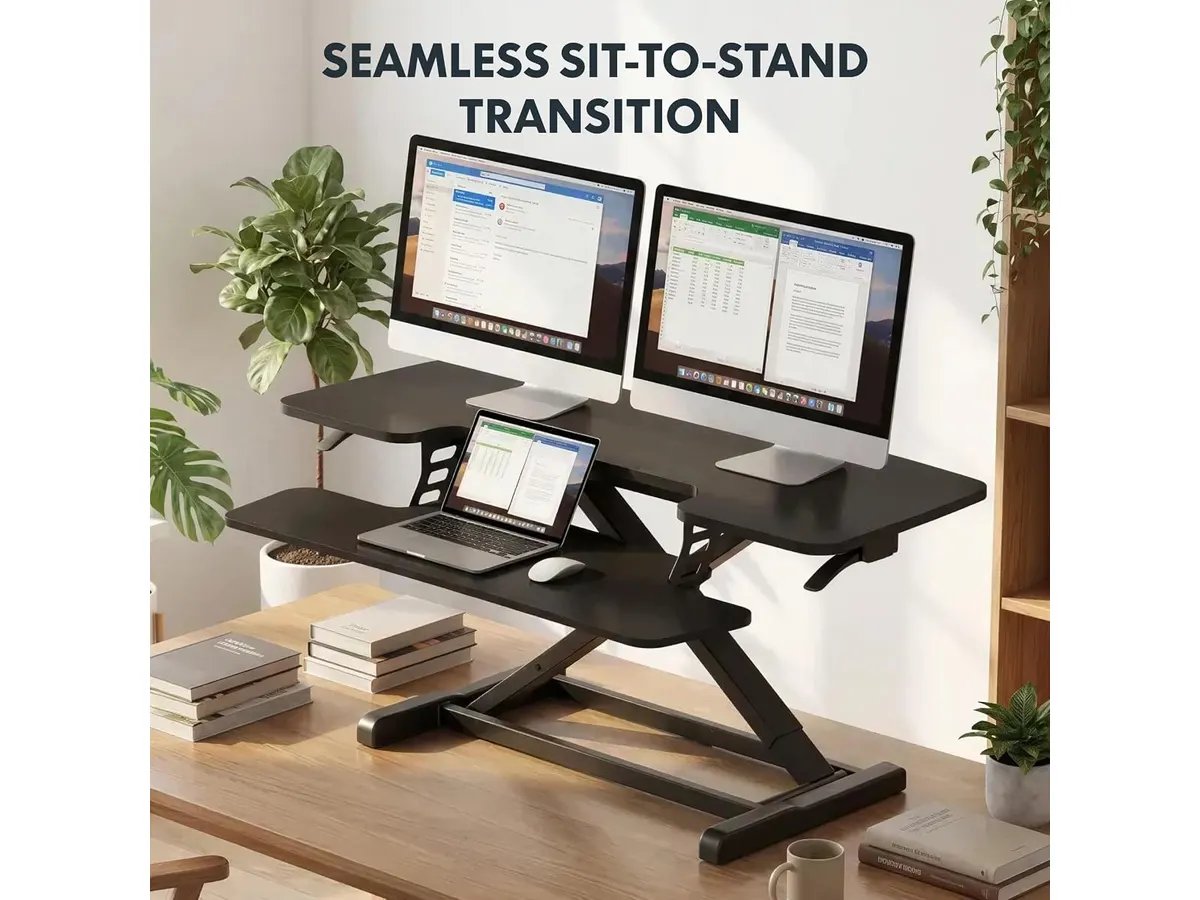
## Dónde flojea
- **Límite de carga:** Aunque soporta hasta 15 kg, puede no ser suficiente para quienes usan equipos pesados o múltiples pantallas. Esto es un aspecto a considerar si tu configuración incluye un par de monitores grandes, un ordenador de escritorio, o cualquier otro equipo que pueda exceder este peso, ya que podría afectar la estabilidad del escritorio.
- **Falta de características avanzadas:** No incluye funcionalidades adicionales como puertos USB o gestión de cables, lo cual podría ser un inconveniente para algunos usuarios. Para aquellos que requieren un entorno de trabajo muy organizado y tecnológico, la falta de estas características puede ser un detrimento significativo, ya que una mala gestión de los cables puede generar un espacio de trabajo desordenado.
## ¿Para quién es?
- **Para quien le encaja:** Ideal para trabajadores remotos o estudiantes que buscan un escritorio flexible y ergonómico que les ayude a mantener la energía a lo largo del día. Su diseño práctico es perfecto para quienes realizan tareas de escritura, diseño o programación y pasan mucho tiempo frente a la computadora. La alternancia entre posiciones también puede ayudar a mantener la motivación y el enfoque durante horas de trabajo.
- **Para quien no es:** No es la mejor opción para quienes requieren configuraciones complejas o tienen un equipo de trabajo muy pesado, como estaciones de trabajo con múltiples herramientas especializadas. Si tu trabajo implica el uso de equipos que necesiten una base más robusta o si prefieres un escritorio que incluya más características integradas, como la gestión de cables, es posible que desees considerar otras opciones.
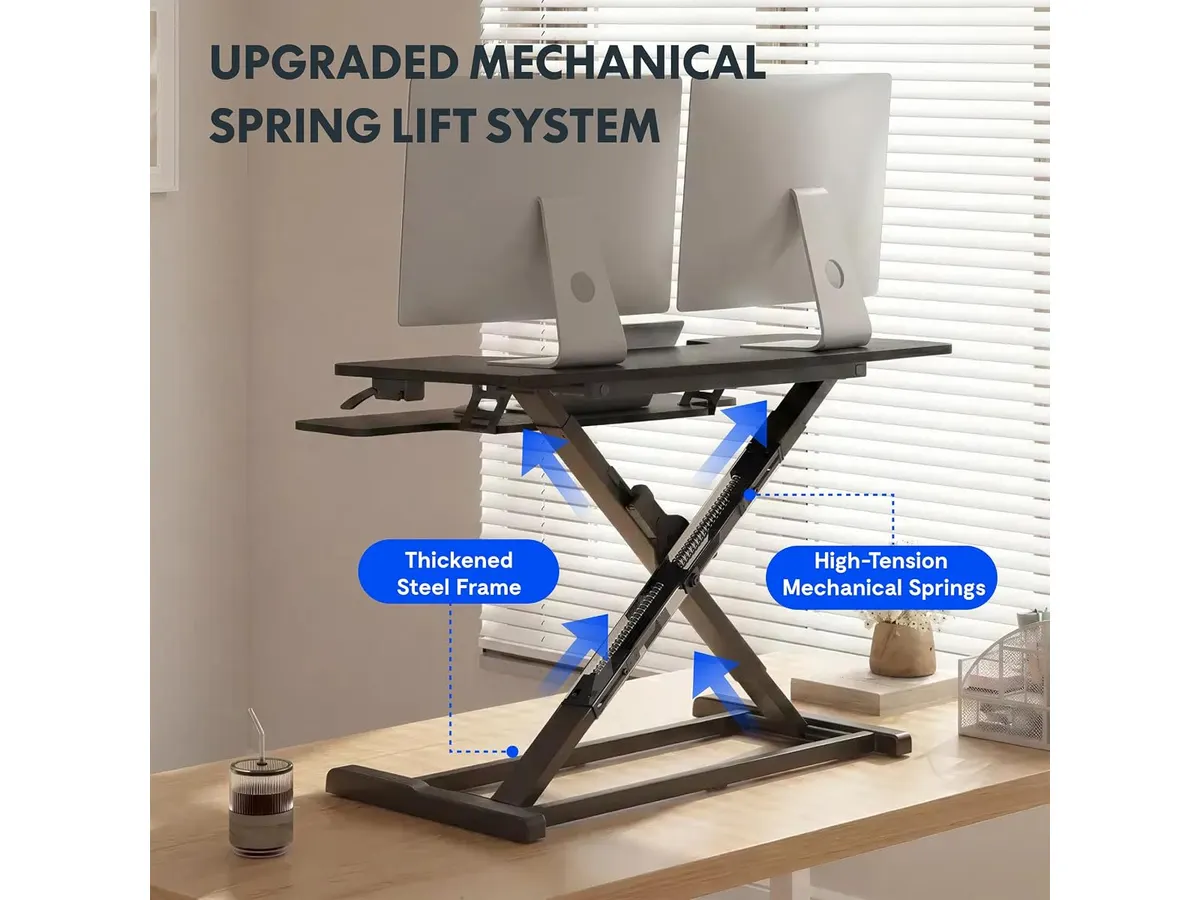
## Alternativas a considerar
- **Escritorios de gama económica:** Existen opciones más asequibles que ofrecen escritorios ajustables, pero suelen carecer de la estabilidad y durabilidad que ofrece el FLEXISPOT. Estos modelos pueden ser suficientes para un uso ocasional, pero a menudo no soportan un uso intensivo y pueden presentar problemas de ajuste y estabilidad.
- **Escritorios de gama alta:** Para quienes buscan características premium, hay modelos que incluyen funcionalidades como gestión de cables, múltiples ajustes de altura y materiales de mayor calidad, ideales para un entorno de trabajo más profesional. Estos escritorios suelen estar diseñados para un uso prolongado y pueden ofrecer más opciones de personalización para adaptarse a diferentes necesidades de trabajo.
## Veredicto
El FLEXISPOT 42" Standing Desk Converter es una excelente opción para quienes buscan un equilibrio entre ergonomía y funcionalidad en su oficina en casa. Con su fácil montaje y diseño práctico, mejora la experiencia de trabajo remoto. Es una elección valiosa para quienes aprecian la flexibilidad de poder alternar entre una posición sentada y de pie, contribuyendo no solo a su confort, sino también a su salud general. Si deseas explorar más opciones para tu espacio, visita nuestra sección de [Escritorios](https://setuplatam.com/categorias/escritorios).
## Preguntas frecuentes
### ¿Es fácil de montar?
Sí, el FLEXISPOT llega casi completamente montado y solo requiere fijar la bandeja del teclado, lo que permite comenzar a usarlo rápidamente. Esto es un gran atractivo para aquellos que valoran el tiempo y la simplicidad en el proceso de instalación.
### ¿Cuánto peso puede soportar?
Este escritorio puede soportar hasta 15 kg en la superficie principal y 2 kg en la bandeja del teclado. Es importante considerar esta capacidad de carga al elegir los dispositivos que se utilizarán en su superficie.
### ¿Es adecuado para configuraciones de doble monitor?
Sí, su amplia plataforma de 42 pulgadas permite acomodar configuraciones de doble monitor sin problemas. Esto lo convierte en una opción ideal para profesionales que manejan múltiples tareas a la vez.
---
# Logitech MX Brio: Webcam 4K ideal para videollamadas
URL: https://setuplatam.com/blog/2026-09-22-logitech-mx-brio
Category: Audio y webcams
Published: 2026-09-22 · Updated: 2026-09-22
Descubre el análisis del Logitech MX Brio, la webcam 4K que transforma tus videollamadas con calidad profesional y sonido nítido.
El Logitech MX Brio es una webcam 4K diseñada para aquellos que buscan mejorar su experiencia en videollamadas y streaming. Con características avanzadas, esta cámara se adapta tanto a profesionales como a estudiantes que desean captar la esencia de sus presentaciones con claridad y detalle. Su diseño robusto y elegante también la convierte en un atractivo complemento estético para cualquier espacio de trabajo.
## Lo que hace bien
- **Resolución Impecable**: Graba y emite en 4K a 30 fps o en 1080p a 60 fps, asegurando imágenes nítidas que destacan incluso en situaciones de poca luz gracias a sus píxeles un 70% más grandes. Esta superioridad en calidad de imagen se traduce en un aspecto más profesional en videollamadas, lo que puede marcar la diferencia en reuniones laborales o conferencias virtuales.
- **Audio de Calidad**: Incorpora dos micrófonos beamforming con reducción de ruido, lo que permite captar la voz de manera clara y minimizar sonidos no deseados del entorno. Esto es crucial para aquellos que participan en debates en línea o necesitan presentar ideas de manera efectiva sin distracciones acústicas.
- **Controles Personalizados**: Permite ajustes manuales de ISO, obturación, tinte y viveza. Para quienes prefieren la simplicidad, el modo automático ajusta la configuración por ti. Esta versatilidad es útil no solo para videollamadas, sino también para la creación de contenido, donde cada detalle puede influir en la calidad final del trabajo.
- **Modo Show Innovador**: Inclina la cámara para facilitar la visualización de tu escritorio, ideal para compartir notas o bocetos durante una presentación. Esta característica es especialmente valiosa para educadores o creadores que desean mostrar su trabajo en tiempo real, haciendo que las interacciones sean más dinámicas y atractivas.
## Especificaciones clave
| Especificación | Detalle |
|-------------------------------|-----------------------------|
| Resolución | 4K a 30 fps / 1080p a 60 fps |
| Sensor | Píxeles un 70% más grandes |
| Micrófonos | Duales beamforming |
| Controles | ISO, obturación, tinte y viveza |
| Modo Show | Inclina la cámara |
| Imagen | Autoexposición, balance de blancos y autofoco |
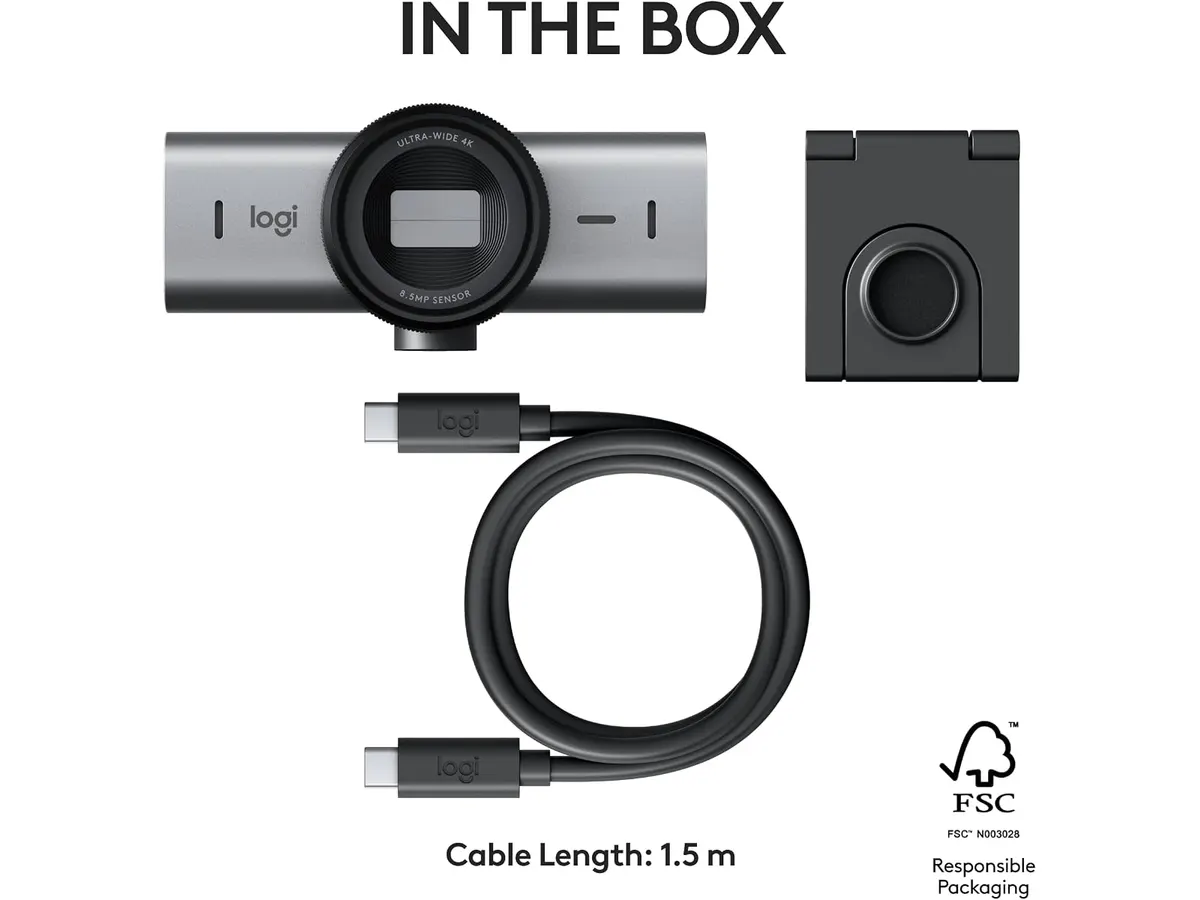
## Dónde flojea
- **Limitaciones de Conexión**: Aunque ofrece una calidad de imagen excepcional, algunos usuarios han reportado problemas de conexión en redes de baja velocidad, lo que puede afectar la experiencia de streaming. Esto indica que, para sacar el máximo provecho a esta cámara, es recomendable contar con una buena conexión a Internet, especialmente si se planea utilizar en sesiones prolongadas o de alta demanda.
- **Sin Soporte para 4K en Todas las Plataformas**: No todas las aplicaciones de videollamadas admiten 4K, lo que significa que podrías no obtener el máximo provecho de su calidad de imagen en todos los casos. Esto es un aspecto a considerar si tu trabajo depende de una plataforma específica que no soporta esta resolución. Además, el hecho de que algunas configuraciones automáticas pueden no ajustarse de manera ideal a diferentes condiciones de luz podría ser un inconveniente para usuarios que necesiten adaptarse a varios entornos.
## ¿Para quién es?
- **Para quienes sí**: Ideal para creadores de contenido, profesionales que realizan presentaciones importantes y cualquier persona que necesite una calidad de imagen y sonido superior en sus videollamadas. Su capacidad para capturar detalles finos y su calidad de audio la hacen perfecta para quienes trabajan en entornos virtuales donde la imagen y el sonido son primordiales, como videoconferencias corporativas o sesiones de streaming en vivo.
- **Para quienes no**: No es la mejor opción para quienes solo requieren una webcam básica para videoconferencias informales, ya que sus características avanzadas pueden ser innecesarias. Aquellos que solo necesitan una solución temporal para chats ocasionales o reuniones familiares pueden considerar opciones más simples y menos costosas que se adapten mejor a sus necesidades.
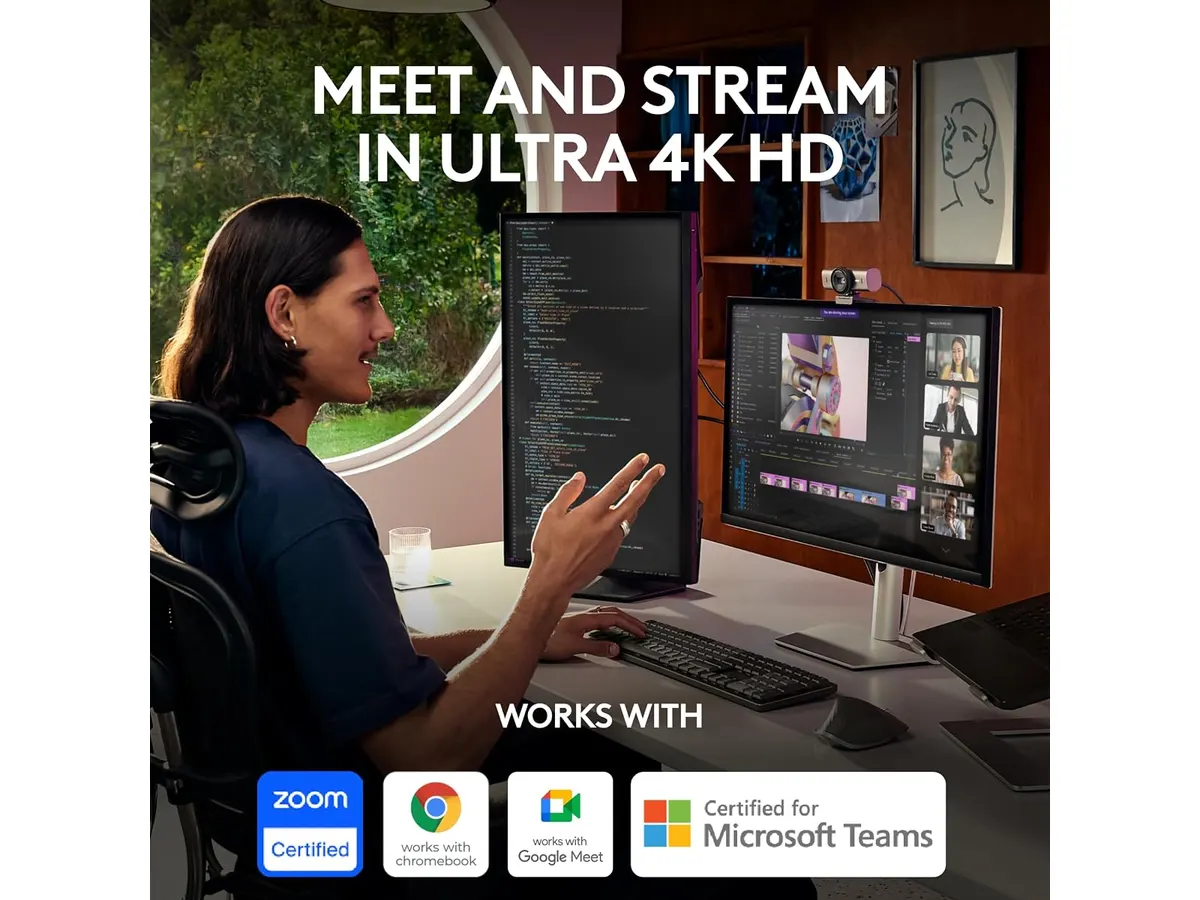
## Alternativas a considerar
- **Gama de precio medio**: Una webcam que ofrece buena calidad de imagen y sonido, ideal para quienes buscan mejorar sus videollamadas sin necesidad de funciones avanzadas. Este tipo de opciones pueden ser ideales para estudiantes o profesionales que trabajan en ambientes menos exigentes y no requieren la claridad y nitidez que ofrece el MX Brio.
- **Gama de precio más bajo**: Una opción básica, perfecta para estudiantes y usuarios ocasionales que solo necesitan lo esencial para videoconferencias sin necesidad de características premium. Estas alternativas pueden ser suficientes para reuniones rápidas o clases en línea, aunque sacrifican la calidad de imagen y sonido que el MX Brio proporciona.
## Veredicto
El Logitech MX Brio es una excelente elección para quienes buscan calidad de imagen y sonido en sus videollamadas y streaming. Con características avanzadas y un diseño práctico, es una inversión que vale la pena para profesionales y creadores. Su capacidad para adaptarse a diferentes condiciones de iluminación y su modo de inclinación la hacen destacarse en su categoría. Para más opciones en este espacio, visita nuestra sección de [Audio y webcams](/categorias/audio-webcams).
## Preguntas frecuentes
### ¿La Logitech MX Brio es compatible con todas las plataformas de videollamadas?
Sí, es compatible con la mayoría de las plataformas, aunque la resolución 4K puede no estar disponible en todas. Es importante verificar la compatibilidad de la aplicación que utilizas antes de invertir en esta cámara.
### ¿Se puede ajustar el enfoque manualmente?
Sí, la webcam permite ajustes manuales como el enfoque, junto con otras configuraciones como ISO y obturación. Esto le da al usuario un mayor control sobre cómo se verá su video, lo que es especialmente útil en ambientes cambiantes.
### ¿La reducción de ruido de los micrófonos es efectiva en entornos ruidosos?
Sí, los micrófonos beamforming son efectivos para reducir el ruido ambiental, pero no eliminan completamente todos los sonidos de fondo. Esto significa que, aunque mejora significativamente la claridad de la voz, el usuario aún podría necesitar prestar atención al entorno en que se encuentra.
---
# Logitech MX Master 3S: Análisis del ratón ergonómico ideal para la oficina
URL: https://setuplatam.com/blog/2026-09-22-logitech-mx-master-3s
Category: Periféricos
Published: 2026-09-22 · Updated: 2026-09-22
Descubre el Logitech MX Master 3S, el ratón inalámbrico ergonómico perfecto para tu oficina. Ideal para largas jornadas de trabajo.
El **Logitech MX Master 3S** es un ratón inalámbrico diseñado para quienes pasan largas horas trabajando en la computadora. Este dispositivo combina ergonomía y tecnología avanzada, siendo una opción adecuada para trabajadores remotos, freelancers y creadores que buscan un periférico que mejore su productividad y comodidad. Su diseño y funcionalidad se alinean perfectamente con las necesidades de quienes enfrentan tareas que requieren precisión, como diseño gráfico, programación o edición de video.
## Lo que hace bien
- **Conexión inalámbrica eficiente:** El MX Master 3S utiliza un receptor Logi Bolt que proporciona una conexión estable y rápida. Esto es especialmente importante en entornos de trabajo donde se utilizan múltiples dispositivos, ya que permite una transición fluida entre computadoras y tabletas sin perder la conexión. Esto es especialmente útil para quienes trabajan en proyectos que implican el uso de varias pantallas o dispositivos.
- **Larga duración de batería:** Este ratón ofrece una autonomía de hasta 18 meses con una sola carga. Esto significa que puedes usarlo durante mucho tiempo sin preocuparte por la carga frecuente, un punto a favor para aquellos que desean mantener su espacio de trabajo ordenado y libre de cables. En una rutina diaria, donde el tiempo es clave, esta característica se traduce en menos interrupciones.
- **Sensor láser de alta precisión:** Su sensor láser permite un seguimiento exacto en diversas superficies, lo cual es fundamental para tareas que requieren precisión. Esto lo hace ideal para diseñadores gráficos o editores de video que necesitan movimientos precisos y controlados, incluso en superficies difíciles. La capacidad de rastrear en diferentes texturas mejora la versatilidad del ratón, permitiendo un uso efectivo en diferentes entornos.
- **Diseño ergonómico:** Su contorno está pensado para ajustarse cómodamente a la mano, proporcionando soporte durante largas horas de uso. Esto ayuda a reducir la fatiga, lo cual es crucial para trabajos que implican largas sesiones frente a la computadora. Además, la disposición de los botones facilita el acceso a funciones importantes sin necesidad de mover mucho la mano, lo que contribuye a una mejor postura y confort a largo plazo.
## Especificaciones clave
| Especificación | Detalle |
|---------------------|----------------------------------|
| Conexión | Inalámbrica (receptor Logi Bolt incluido) |
| Batería | Hasta 18 meses |
| Sensor | Láser de alta precisión |
| Diseño | Contorno ergonómico |
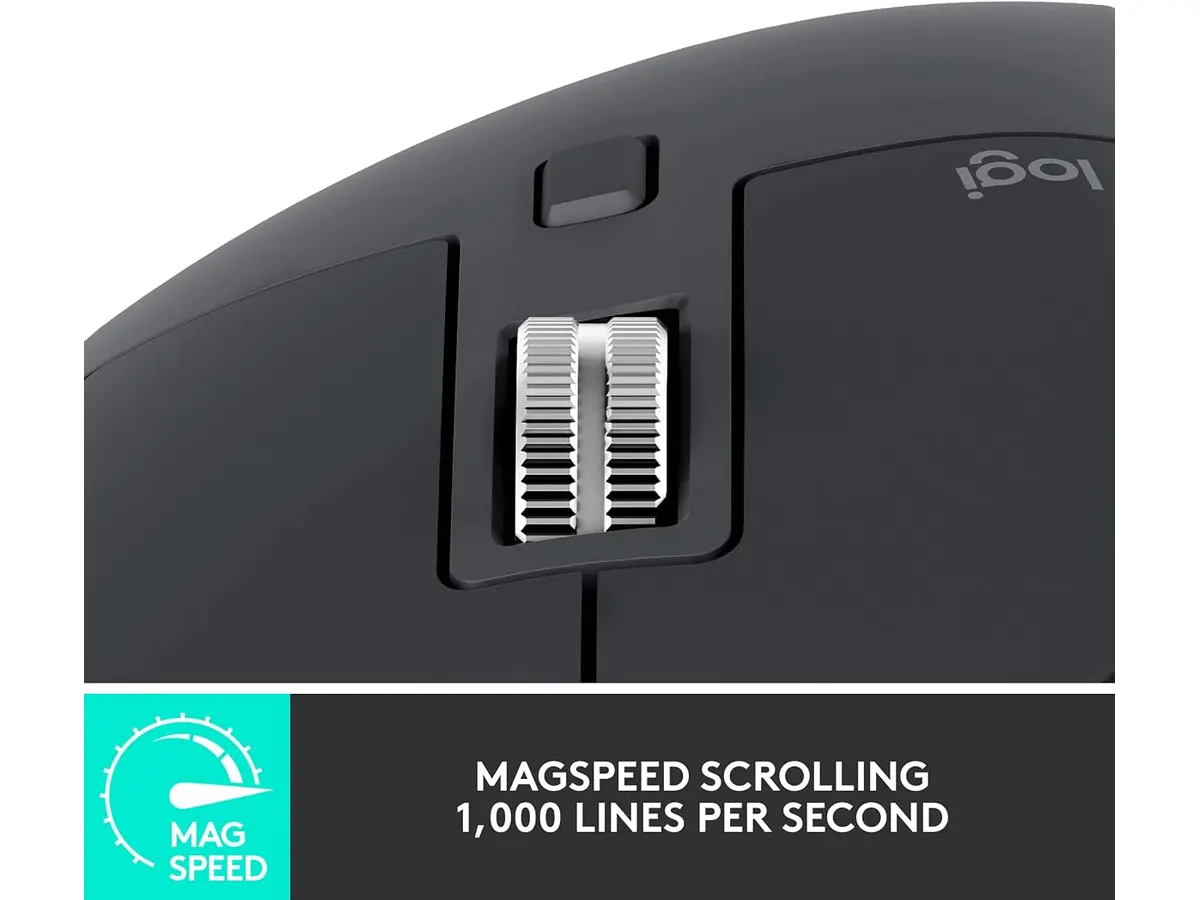
## Dónde flojea
- **Peso:** Aunque su diseño ergonómico es positivo, el peso del ratón puede ser un inconveniente para algunos usuarios que prefieren un periférico más ligero. Especialmente para aquellos que trasladan su equipo de un lugar a otro frecuentemente, un ratón más ligero puede resultar más fácil de manejar.
- **Opciones de personalización limitadas:** Aunque cuenta con algunas funciones programables, podría no satisfacer a usuarios avanzados que buscan una personalización exhaustiva. Esto puede ser un inconveniente para quienes trabajan en campos que requieren una configuración específica de botones y funciones. Para aquellos usuarios que no necesitan estas complejidades, el MX Master 3S aún ofrece un rendimiento excepcional, pero aquellos que buscan profundizar en la personalización pueden encontrarlo limitado.
## ¿Para quién es?
- **Para quienes sí:** Es ideal para profesionales y estudiantes que pasan muchas horas en la computadora y buscan un ratón que les brinde comodidad y eficiencia en su trabajo diario. Si tus tareas incluyen la edición de textos, diseño gráfico o programación, este ratón puede ser un gran aliado en tu día a día, ayudando a mejorar tu flujo de trabajo y comodidad.
- **Para quienes no:** No se recomienda para gamers o usuarios que necesitan funciones avanzadas y configuraciones ajustables que este modelo no ofrece. El MX Master 3S está más enfocado en la productividad en entornos de oficina que en el rendimiento para juegos, donde la rapidez y la personalización son cruciales.
## Alternativas a considerar
Si el **Logitech MX Master 3S** no se ajusta a tus necesidades o presupuesto, aquí hay algunas alternativas:
- **Gama media:** Existen ratones ergonómicos inalámbricos que ofrecen características como conectividad Bluetooth y diseño ligero, ideales para quienes buscan un buen equilibrio entre precio y funcionalidad. Estos modelos pueden ser una buena opción para aquellos que desean un ratón cómodo sin las características avanzadas del MX Master 3S.
- **Gama económica:** También hay opciones más básicas que, aunque carecen de ciertas características avanzadas, pueden ser adecuadas para tareas diarias simples. Estos son ideales para estudiantes o usuarios ocasionales que no requieren un dispositivo de alto rendimiento y buscan una solución funcional y asequible.
## Veredicto
El **Logitech MX Master 3S** es un ratón excepcional para quienes valoran la ergonomía y la conectividad. Su duración de batería y precisión son características que destacan en cualquier entorno de trabajo. Aunque tiene algunas limitaciones en personalización, sigue siendo una opción sólida para mejorar tu espacio de trabajo. Sin lugar a dudas, este ratón es un recurso valioso para aquellos que pasan muchas horas frente a la pantalla y buscan una herramienta que complemente su esfuerzo diario. Para más opciones, visita nuestra sección de [Perifericos](https://setuplatam.com/categorias/perifericos).
## Preguntas frecuentes
### ¿Qué tan cómodo es el Logitech MX Master 3S?
El diseño contorneado del MX Master 3S está pensado para ajustarse a la mano y ofrecer soporte durante largas horas de uso, lo que reduce la fatiga. Su forma se adapta bien a la mayoría de las manos, haciendo que la experiencia de uso sea más placentera.
### ¿Puedo usar el Logitech MX Master 3S con varios dispositivos?
Sí, el ratón puede conectarse a múltiples dispositivos, lo que permite alternar entre ellos fácilmente. Esta funcionalidad es ideal para quienes utilizan más de un dispositivo simultáneamente, como un ordenador y una laptop.
### ¿Cuánto tiempo dura la batería del Logitech MX Master 3S?
La batería del MX Master 3S puede durar hasta 18 meses con una sola carga, según el uso. Esta característica es uno de sus puntos más fuertes, ya que minimiza la necesidad de carga frecuente y mantiene el flujo de trabajo ininterrumpido.
---
# Quntis Computer Monitor Lamp: Análisis de Iluminación Efectiva
URL: https://setuplatam.com/blog/2026-09-22-quntis-computer-monitor-lamp
Category: Iluminación
Published: 2026-09-22 · Updated: 2026-09-22
Descubre el Quntis Computer Monitor Lamp, ideal para crear un ambiente de trabajo cómodo y saludable. Conoce sus características aquí.
La **Quntis Computer Monitor Lamp** es una lámpara diseñada específicamente para mejorar la iluminación en su espacio de trabajo. En un mundo donde cada vez más personas trabajan desde casa, esta lámpara se ha convertido en una herramienta esencial para quienes pasan largas horas frente a una pantalla. Su tecnología avanzada la hace ideal para trabajadores remotos, estudiantes o creadores que buscan reducir la fatiga ocular y optimizar su entorno laboral. Con su capacidad de ajustar el brillo y la temperatura del color, esta lámpara busca ofrecer una experiencia visual óptima que se adapte a las necesidades de cada usuario.
## Lo que hace bien
- **Iluminación personalizable**: La Quntis Computer Monitor Lamp permite ajustar la temperatura de color entre 3000K y 6500K. Esto resulta especialmente ventajoso, ya que un tono más cálido puede ser ideal para sesiones de trabajo menos intensivas o para relajarse al final del día, mientras que una luz fría favorece la concentración durante las horas de estudio o trabajo creativo. Este nivel de personalización ayuda a crear un ambiente adecuado para diferentes tareas, lo que puede influir positivamente en la productividad.
- **Brillo automático**: Esta lámpara está equipada con un sensor ambiental que ajusta el brillo automáticamente hasta 900 lux. Esto significa que, independientemente de las condiciones de luz externas en su espacio de trabajo, la lámpara garantiza que siempre haya la cantidad adecuada de luz. Esto no solo es conveniente, sino que también ayuda a evitar la fatiga ocular, ya que la luz se adapta a su entorno sin necesidad de intervención manual.
- **Diseño óptico asimétrico**: Un aspecto destacado de la Quntis Computer Monitor Lamp es su diseño que evita los reflejos en la pantalla del monitor. Este enfoque es fundamental para mantener la concentración y la comodidad visual. Al eliminar las distracciones causadas por la luz que se refleja en la pantalla, los usuarios pueden trabajar durante períodos más largos sin interrupciones.
- **Certificaciones de seguridad**: La seguridad es una prioridad, y esta lámpara está certificada para no emitir luz azul peligrosa, además de no presentar parpadeo. Estos aspectos son cruciales para quienes pasan muchas horas frente a pantallas, ya que contribuyen a la salud ocular a largo plazo.
## Especificaciones clave
| Característica | Detalle |
|--------------------------------|-------------------------------------|
| Temperatura de color | 3000K - 6500K |
| Reproducción cromática | CRI Ra98 |
| LED | 78 diodos de alta calidad |
| Brillo automático | Hasta 900 lux con sensor ambiental |
| Control | Táctil con regulación continua |
| Certificaciones | IEC/TR 62778 e IEC/EN 62471 |
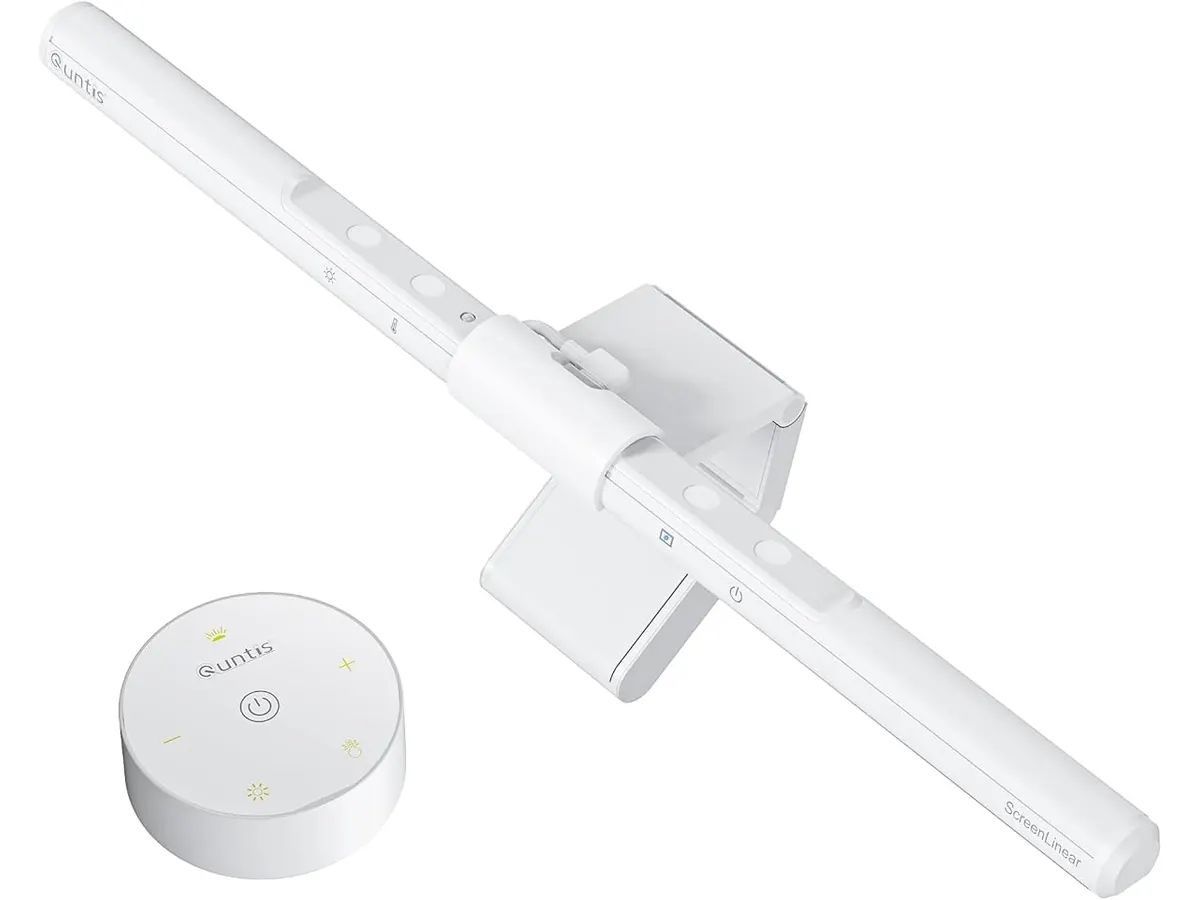
## Dónde flojea
- **Falta de opciones de montaje**: Si bien la lámpara está diseñada para ser colocada en la parte superior del monitor, esto puede no ser adecuado para quienes tienen escritorios más pequeños o configuraciones poco convencionales. Para personas con monitores grandes o varios monitores, la instalación puede volverse complicada, limitando la flexibilidad de uso.
- **Funcionalidad limitada en ambientes muy oscuros**: Aunque cuenta con el sensor ambiental, en entornos con poca luz, puede no ajustar el brillo de manera óptima. Esto podría requerir ajustes manuales, lo cual podría ser un inconveniente para usuarios que buscan una solución completamente automática.
## ¿Para quién es?
- **Ideal para**: Esta lámpara es especialmente adecuada para trabajadores que pasan mucho tiempo frente al ordenador y necesitan una iluminación adecuada para evitar la fatiga ocular. Los estudiantes que requieren concentración durante largas horas de estudio también se beneficiarán de sus características personalizables. Además, será bien recibida por creadores de contenido que necesitan una luz adecuada para trabajar de manera efectiva en sus proyectos.
- **No es para**: No es la opción ideal para personas que prefieren una iluminación ambiental fija o aquellos que trabajan en espacios donde montar la lámpara en el monitor no es práctico debido al tamaño o la disposición del escritorio. Tampoco es recomendable para quienes buscan una iluminación que pueda integrarse en un sistema de automatización del hogar más amplio, ya que carece de funcionalidades inteligentes avanzadas.
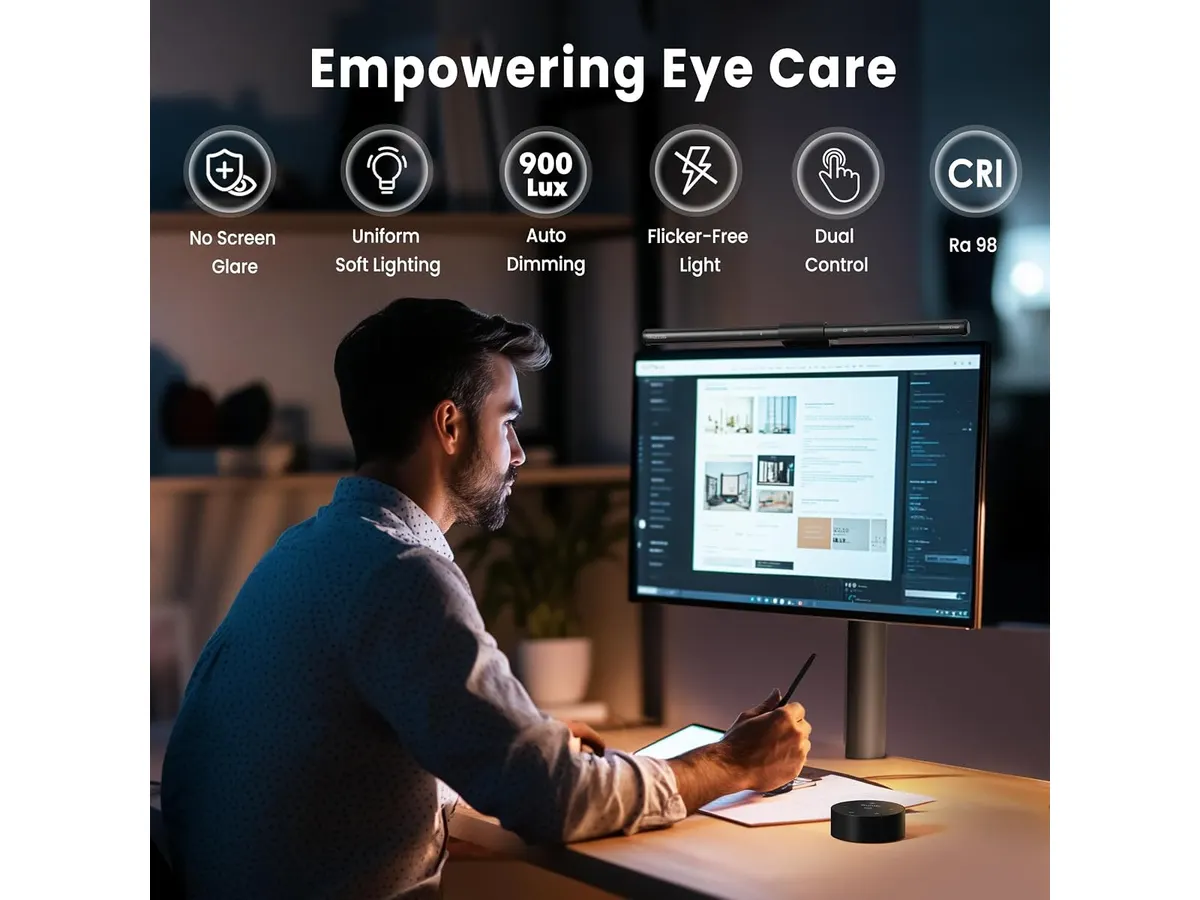
## Alternativas a considerar
- **Gama económica**: Existen lámparas de escritorio que ofrecen iluminación básica y son más accesibles. Estas lámparas pueden proporcionar una solución adecuada para aquellos que no necesitan características avanzadas y prefieren una opción más sencilla. Sin embargo, carecen del ajuste automático del brillo y temperatura de color, lo que puede ser un inconveniente a largo plazo.
- **Gama premium**: Para quienes buscan una experiencia aún más sofisticada, hay opciones de lámparas inteligentes que permiten control por aplicación y pueden integrarse con sistemas de hogar inteligente. Estas lámparas suelen ofrecer más ajustes de personalización, como programaciones temporales y diferentes modos de luz, aunque a un costo mayor y con una instalación más compleja.
## Veredicto
La **Quntis Computer Monitor Lamp** es una excelente opción para quienes buscan mejorar su entorno de trabajo con una iluminación eficiente y personalizable. Su diseño asimétrico y características avanzadas, como el ajuste automático de brillo y temperatura de color, la convierten en una herramienta útil para evitar la fatiga visual. Sin embargo, para aquellos que enfrentan limitaciones de espacio o que prefieren una opción más fija, podría ser recomendable explorar otras alternativas. Para más opciones de iluminación, visite nuestra sección de [Iluminación](/categorias/iluminacion).
## Preguntas frecuentes
### ¿La lámpara es fácil de instalar?
Sí, la Quntis Computer Monitor Lamp se instala fácilmente en la parte superior de la mayoría de los monitores sin necesidad de herramientas adicionales. Su diseño permite un ajuste rápido, lo que es conveniente para quienes desean una solución de iluminación sin complicaciones.
### ¿Es segura para usar durante largos períodos?
Sí, cuenta con certificaciones que garantizan que no emite luz azul peligrosa y no presenta parpadeo, lo que la hace segura para el uso prolongado. Esto es un aspecto crítico para quienes trabajan largas horas, asegurando la salud ocular a lo largo del tiempo.
### ¿Funciona en todos los tipos de monitores?
La lámpara está diseñada para adaptarse a la mayoría de los monitores, pero es recomendable verificar las dimensiones y el diseño de su monitor antes de la compra. Esta verificación garantizará que la instalación sea adecuada y que la lámpara funcione como se espera.
---
# SIHOO M18: Análisis de la Silla Ergonómica Ideal para Oficina
URL: https://setuplatam.com/blog/2026-09-22-sihoo-m18
Category: Sillas ergonómicas
Published: 2026-09-22 · Updated: 2026-09-22
Descubre el SIHOO M18, la silla ergonómica que ofrece soporte completo y comodidad para largas horas de trabajo.
El SIHOO M18 es una silla ergonómica diseñada para brindar soporte y comodidad durante largas jornadas de trabajo. Ideal para quienes buscan una solución que se adapte a su postura y necesidades de confort, esta silla es adecuada tanto para profesionales que trabajan desde casa como para estudiantes que pasan horas en su escritorio. En la actualidad, el confort y la salud postural son esenciales, especialmente en un contexto donde el teletrabajo y el estudio en casa se han vuelto la norma.
## Lo que hace bien
- **Soporte completo:** El SIHOO M18 ofrece cuatro puntos de apoyo (cabeza, espalda, cadera y manos) que ayudan a mantener una postura correcta, minimizando la fatiga. Esto es fundamental para quienes pasan muchas horas sentados, ya que una mala postura puede generar dolor y malestar a largo plazo.
- **Ajustes personalizables:** La silla cuenta con altura de asiento, reposacabezas y respaldo ajustables. Esto permite que cada usuario adapte el mobiliario a sus necesidades individuales, lo cual es particularmente beneficioso en hogares donde múltiples personas utilizan la misma silla. La posibilidad de ajustar la altura del asiento es especialmente importante para garantizar que los pies puedan descansar completamente en el suelo, lo cual ayuda a mantener una correcta circulación.
- **Malla transpirable:** El respaldo de malla transpirable asegura una buena circulación del aire, manteniendo la espalda fresca y cómoda durante las largas horas de uso. Esto es un aspecto a tener en cuenta especialmente en climas cálidos o para aquellos que tienden a calentarse mientras trabajan. La transpirabilidad de los materiales es un factor que contribuye a una experiencia de uso más agradable y menos sofocante.
- **Alta resistencia:** Con una carga máxima de 150 kg y certificación BIFMA, el SIHOO M18 es robusto y está diseñado para soportar un uso intenso. Esto lo convierte en una opción viable no solo para trabajadores regulares, sino también para aquellos que pueden tener una carga de trabajo más alta o que comparten la silla con otras personas. La durabilidad es un aspecto clave a considerar, ya que una silla que no aguanta el uso diario puede resultar en gastos adicionales a largo plazo.
## Especificaciones clave
| Característica | Detalle |
|--------------------------|---------------------------|
| Soporte | 4 puntos |
| Ajustes | Altura de asiento, reposacabezas, respaldo |
| Altura recomendada | 1,68 m a 1,88 m |
| Respaldo | Malla transpirable |
| Carga máxima | 150 kg |
| Garantía | 3 años con repuestos gratuitos |
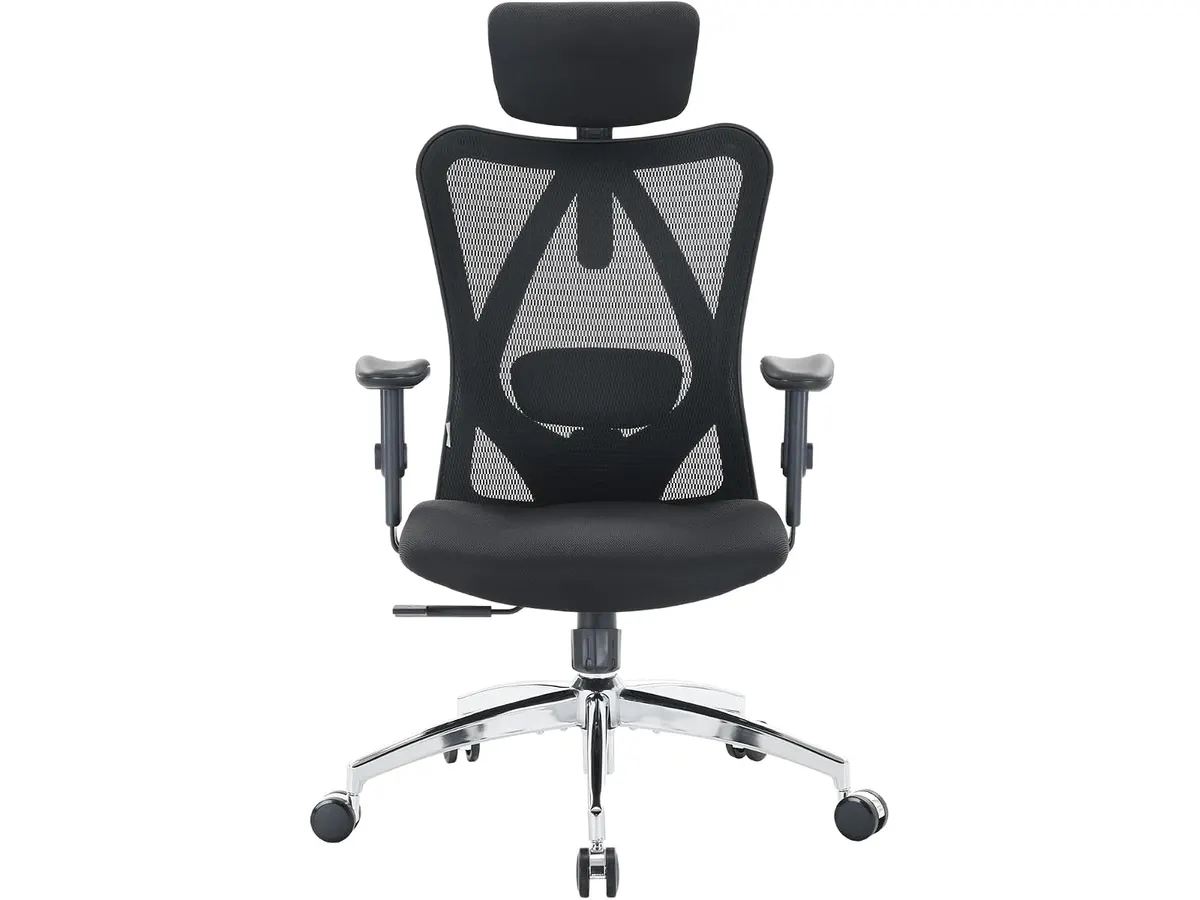
## Dónde flojea
- **Limitaciones de altura:** Aunque es adecuada para personas de entre 1,68 m y 1,88 m, quienes midan menos de 1,68 m pueden encontrarla incómoda debido a la altura mínima del asiento. Esto puede ser un inconveniente para hogares donde no todos los usuarios encajan en este rango de altura, lo que podría ocasionar que no se aprovechen todas las características de la silla. Es importante considerar esto al momento de la compra, ya que una mala ergonomía puede resultar en problemas de salud.
- **Diseño básico:** El diseño es práctico, pero puede no ser el más estético para quienes buscan una silla que complemente la decoración de su oficina. Si bien la funcionalidad es primordial, la estética también juega un papel en el entorno de trabajo. Quienes quieren una silla que se integre con un estilo decorativo moderno o particular pueden encontrar que el SIHOO M18 no cumple con sus expectativas visuales.
## ¿Para quién es?
- **Perfil que le encaja:** Ideal para trabajadores remotos o estudiantes que pasan largas horas en la computadora y buscan una silla que ofrezca soporte lumbar adecuadamente ajustable. También es adecuada para aquellos que priorizan la salud postural y el confort, permitiendo así concentrarse mejor en sus tareas sin distracciones provocadas por incomodidades físicas.
- **Perfil que no le encaja:** No es la mejor opción para personas que buscan un diseño más estilizado o que requieran una silla compacta para espacios reducidos. Asimismo, quienes necesiten una silla que se adapte a personas de menor estatura podrían encontrar que el SIHOO M18 no satisface sus necesidades. Es crucial para el bienestar de los usuarios que la silla se ajuste correctamente a su altura.
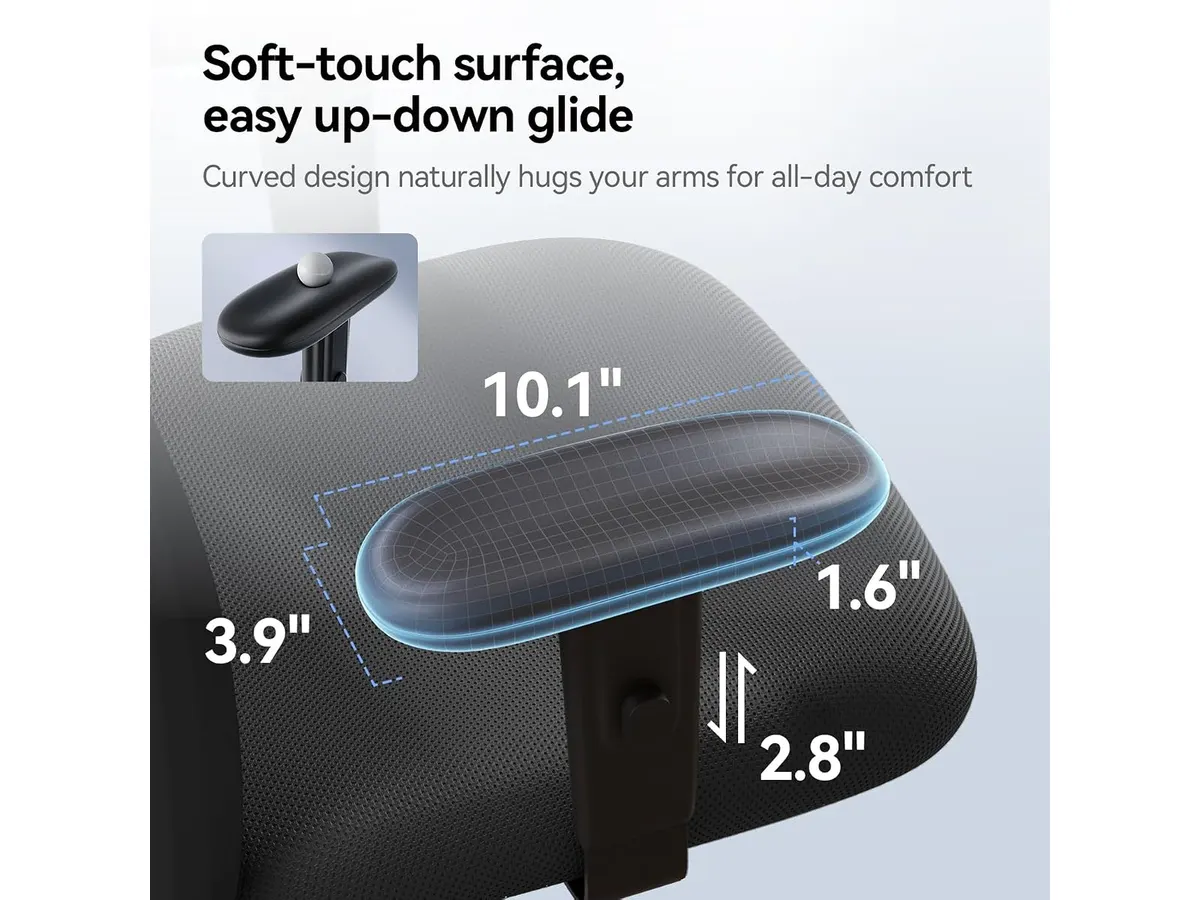
## Alternativas a considerar
- **Sillas en la gama de precios bajos:** Para aquellos que buscan una opción más económica, existen sillas básicas que ofrecen ajustes limitados y pueden ser adecuadas para uso ocasional. Sin embargo, es crucial tener en cuenta que estas sillas podrían no proporcionar el soporte necesario para largas jornadas, lo que podría conllevar a problemas de salud a largo plazo.
- **Sillas en la gama alta:** Para quienes están dispuestos a invertir más, hay sillas ergonómicas premium que ofrecen opciones más avanzadas de personalización y materiales de lujo. Estas sillas pueden incluir características como soporte lumbar dinámico, materiales de alta calidad y un diseño más atractivo, que pueden ser más adecuadas para personas con necesidades específicas de confort o estilo.
## Veredicto
El SIHOO M18 se presenta como una excelente opción para quienes buscan una silla ergonómica funcional y cómoda para su oficina en casa. Con su soporte ajustable y respaldo de malla, es una inversión inteligente para mejorar la productividad y la salud postural. Sin embargo, es importante considerar las limitaciones de altura y diseño si estas características son cruciales para tu elección. Asegúrate de que la silla se ajuste a tus necesidades específicas y espacio de trabajo. Si deseas explorar más opciones, visita nuestra sección de [sillas ergonómicas](https://setuplatam.com/categorias/sillas).
## Preguntas frecuentes
### ¿Es fácil de montar la SIHOO M18?
Sí, el montaje se realiza en ocho pasos sencillos, lo que facilita su ensamblaje en poco tiempo. Esto es un aspecto positivo para quienes no tienen experiencia previa, ya que no se requiere herramienta especializada ni habilidades avanzadas.
### ¿Cuánto tiempo de garantía tiene la silla?
La SIHOO M18 ofrece una garantía de tres años con repuestos gratuitos, lo que asegura una buena inversión a largo plazo. Esta garantía es un indicativo de la confianza del fabricante en la durabilidad del producto y puede ofrecer tranquilidad a los compradores.
### ¿Es adecuada para personas de diferentes alturas?
La silla es ideal para personas de entre 1,68 m y 1,88 m, por lo que quienes midan menos de 1,68 m podrían encontrarla incómoda. Antes de realizar la compra, es recomendable probarla o verificar si se ajusta a las características físicas del usuario.
# Redragon S157-PRO Keyboard and Mouse Combo Review
URL: https://setuplatam.com/en/blog/2026-11-20-redragon-combo-teclado-60-y-mouse-s157-pro
Category: Peripherals
Published: 2026-11-20
Looking for the best home office peripherals? Our Redragon Combo Teclado 60% y Mouse S157-PRO review covers battery life, tri-mode connection, and layout.
Desk real estate is precious when you manage spreadsheets, write code, or edit video at home. The Redragon Combo Teclado 60% y Mouse S157-PRO targets remote workers who want a minimal footprint without sacrificing wireless freedom. If you are upgrading your workspace with the best home office peripherals, this compact set combines long battery life, tri-mode connectivity, and customized RGB lighting in a tight package.
## What it does well
The unified 2-in-1 2.4 GHz USB receiver stands out immediately. Instead of clogging your desktop hub with multiple wireless dongles, a single USB adapter controls both the 60% keyboard and the 7-button mouse. You can also switch to Bluetooth 5.0 across laptop devices or plug in directly via USB-C when charging.
Battery performance is another massive win for daily productivity. Packing a 4000 mAh battery in the keyboard and 700 mAh in the mouse, the pair delivers up to 300 hours of continuous runtime when you keep the RGB lighting off. Even with the full 16.8 million color RGB spectrum glowing across 8 dynamic lighting modes, you still get up to 50 hours of wireless work time between charges.
Precision and button flexibility on the included mouse punch above expectations. It features five hardware DPI presets ranging from 400 to 3200, which expand from 100 up to 12800 through software customization. Paired with 7 programmable buttons, you can map essential macro shortcuts for navigation or media playback. Meanwhile, the 60% keyboard maintains reliable key entry through 26-key anti-ghosting technology.
## Key specifications
| Feature | Specification |
| --- | --- |
| Keyboard Layout | Compact 60% (No Numpad) |
| Connectivity | Tri-mode (Bluetooth 5.0, 2.4 GHz Wireless, USB-C Wired) |
| Wireless Receiver | Single 2-in-1 2.4 GHz USB dongle for both devices |
| Keyboard Battery | 4000 mAh |
| Mouse Battery | 700 mAh |
| Battery Life | Up to 50 hours (RGB on) / 300 hours (RGB off) |
| Mouse DPI Levels | Hardware: 400 / 800 / 1600 / 2400 / 3200 (100–12800 via software) |
| Mouse Buttons | 7 programmable buttons |
| Keyboard Anti-Ghosting | 26 keys |
| Backlighting | 16.8 Million RGB colors, 8 dynamic modes, DIY modes |

## Where it falls short
A 60% keyboard layout demands a learning curve. Stripping away dedicated function keys, arrow keys, and the numeric keypad saves space, but it forces heavy spreadsheet operators and accountants to rely on secondary key layers. If your daily workflow depends on rapid numeric entry, this ultra-compact layout will slow you down initially.
Software customization for the mouse DPI levels and macro programming requires installing desktop utilities. While plug-and-play operation via the 2-in-1 dongle works straight out of the box for standard typing, accessing the full 12800 DPI range or tweaking custom DIY RGB modes means dipping into desktop configuration screens.
The 26-key anti-ghosting is tailored for general typing and standard input, which covers office tasks effortlessly. However, power users who demand full N-key rollover across every key simultaneous stroke might find this limitation noticeable during high-speed macro execution.
## Who is it for?
This set fits minimalist remote workers, students, and traveling professionals who need maximum desk space. If you want an uncluttered workspace, multi-device connectivity options, and a battery that lasts weeks without backlighting, this pair makes an efficient daily driver.
It is not for finance professionals, data analysts, or users who refuse key-combination shortcuts for basic navigation. Anyone who needs a physical numpad or dedicated arrow keys for intense document auditing should look toward full-size or 96% layout setups.

## Alternatives to consider for the best home office peripherals
If you want a dedicated ergonomic pointer for long office sessions, mid-tier ergonomic wireless mice offer contoured thumb rests and quiet click switches. You can read our [Logitech MX Master 3S Review: Ergonomic Wireless Mouse for Professionals](/en/blog/2026-09-22-logitech-mx-master-3s) to see how full-sized productivity mice compare against gaming-focused models.
For workers who prefer budget-friendly single pointers, lightweight productivity mice remain a reliable choice. Check out our [iClever Wireless Mouse Review: A Versatile Choice for Remote Work](/en/blog/2026-09-22-iclever-wireless-mouse) for an alternative look at daily navigation tools.
Alternatively, if you require a full-sized wireless deck with a numeric pad, higher-tier full-layout boards eliminate the adjustment period of a 60% board while keeping your desk wireless. Explore options across our full [Peripherals](/en/categorias/perifericos) index.
## Verdict
The Redragon Combo Teclado 60% y Mouse S157-PRO delivers exceptional wireless utility through its unified 2-in-1 dongle and massive 300-hour maximum battery capacity. While the compact layout requires an adjustment period for heavy numeric data entry, the tri-mode flexibility makes it a smart investment for clean desk setups. We recommend it for remote workers who prioritize desk space and multi-device versatility.
## Frequently asked questions
### Can I connect both the keyboard and mouse with a single USB dongle?
Yes. The included 2-in-1 2.4 GHz USB receiver controls both devices simultaneously, saving open USB ports on your laptop or desktop dock.
### How long does the battery last with RGB backlighting turned off?
The 4000 mAh keyboard battery and 700 mAh mouse battery combine to deliver up to 300 hours of continuous operational time when backlighting is disabled.
### Does the mouse allow software DPI adjustments?
Yes. While the mouse features five physical DPI stages from 400 to 3200, you can customize the sensitivity anywhere from 100 up to 12800 DPI using software.
---
# Quntis Monitor Light Bar Pro White Review
URL: https://setuplatam.com/en/blog/2026-11-19-quntis-monitor-light-bar-pro-white
Category: Lighting
Published: 2026-11-19
Looking for the best desk lamp for work? Our Quntis Monitor Light Bar Pro White review explores how this sleek accessory clears clutter and saves your eyes.
If you are tired of eye strain and a cluttered desk, the Quntis Monitor Light Bar Pro White might be the missing piece of your setup. This light bar attaches directly to your monitor, clearing your desk surface while providing focused illumination exactly where you need it. It is a practical upgrade for professionals and students seeking the best desk lamp for work without sacrificing precious space. Whether you are building your first station or upgrading your current desk, checking out our [Lighting](/en/categorias/iluminacion) category provides more context on how to balance your workspace.
## What it does well
The standout feature here is the asymmetric optical design. By projecting light downward and forward, it eliminates screen glare while keeping your workspace well-lit. This is a massive improvement over traditional lamps that often wash out your monitor or cast annoying reflections.
Control is another highlight. You get a two-tier system: a standard touch interface on the bar itself and a dedicated desktop remote. This makes adjusting the color temperature—which ranges from a warm 3000K to a crisp 6500K—effortless without needing to reach up toward the monitor.
The inclusion of a 900-lux ambient sensor is surprisingly helpful for maintaining consistent brightness throughout the day. It automatically shifts the intensity based on your room's light levels, which is one less thing to manage while you work. Additionally, the three-stage mounting bracket is well-engineered; it provides a stable perch for the light and even leaves enough room to mount a small webcam above your display.
## Key specifications
| Feature | Specification |
| :--- | :--- |
| Length | 16.1 inches (41 cm) |
| Color | White |
| Color Temperature | 3000K - 6500K |
| Control System | Dual (Touch + Desktop Remote) |
| Light Sensor | 900 lux ambient sensor |
| Optical Design | Asymmetric anti-glare |
| Timer | 2-hour auto-off |

## Where it falls short
The white aesthetic is a double-edged sword. While it looks clean and matches modern, minimalist setups, it can show dust or fingerprints more easily than its black counterparts. You will likely find yourself wiping it down more frequently to keep that pristine look.
Additionally, the desktop remote, while convenient, takes up space on your desk surface. If your setup is extremely cramped, you might find the remote to be another piece of clutter rather than a tool for convenience. For those who prefer a completely minimalist desktop, the reliance on an external physical controller might feel slightly regressive compared to pure touch or software-based controls.
## Who is it for?
This light is perfect for the remote worker or student who spends long hours at their desk and wants to minimize eye fatigue without losing desk space. Its ability to accommodate a webcam makes it a smart choice for professionals who spend their day on video calls.
It is not for someone with a high-end ultra-wide monitor with a steep curve. The mounting brackets on these bars often struggle to stay stable on deep curves, and the light projection may be uneven across very wide screens. If you use a massive curved monitor, you would be better served by a light specifically designed with adjustable tension mounts.

## Alternatives to consider
For those who want a more traditional approach, the [Pzloz LED Desk Lamp Review: Versatile Lighting for Any Space](/en/blog/2026-09-22-pzloz-led-desk-lamp) explores a flexible option that sits on your desk rather than your monitor. This is a great choice if you prefer moving your light source to illuminate documents or specific physical tasks away from your screen.
If you are looking for a more standard monitor-mounted solution, the [Quntis Computer Monitor Lamp Review: Ideal Lighting for Work](/en/blog/2026-09-22-quntis-computer-monitor-lamp) offers a more utilitarian design. This is a solid pick if you want the core benefits of screen-glare reduction without paying for the premium features like a separate physical remote.
## Verdict
The Quntis Monitor Light Bar Pro White is a thoughtful, well-executed tool for anyone serious about their home office environment. Its anti-glare performance and intuitive controls make it a top contender in the monitor lighting space. For most remote workers, this is a clear recommendation to improve comfort and desk organization. It remains a reliable partner for daily productivity.
## Frequently asked questions
### Will this light block my webcam?
The bracket is designed to leave space at the top of your monitor, allowing most standard webcams to sit comfortably on the light bar itself.
### Can I use this with a laptop screen?
It is primarily designed for desktop monitors. Using it on a thin laptop screen may be unstable and could potentially put excessive pressure on the display hinge.
### Do I have to use the remote?
No, you can operate the primary functions, including brightness and color temperature adjustments, using the touch controls located on the light bar itself.
---
# SHW 48-Inch Standing Desk Review: Compact Ergonomics
URL: https://setuplatam.com/en/blog/2026-11-19-shw-escritorio-elevable-48-inch
Category: Desks
Published: 2026-11-19
Read our SHW Escritorio Elevable 48-Inch review to see if this motorized standing desk is the best home office desk for your small workspace setup.
Finding a reliable height adjustable standing desk that fits comfortably into a spare bedroom or apartment corner requires measuring every inch. The SHW Escritorio Elevable 48-Inch targets remote workers who want electric motorized adjustments and smart cable organization without surrendering their floor space. If you need clean storage and push-button transitions throughout your workday, this model stands out as a candidate for the best home office desk in small rooms. Explore our complete guide on [desks](/en/categorias/escritorios) to compare options for your workspace.
## What it does well
### Choosing the best home office desk for tight quarters
The SHW Escritorio Elevable 48-Inch nails the fundamentals of compact motorized furniture. Its 47.2-inch by 23.6-inch surface provides enough room for a laptop, an external monitor, and a keyboard tray without crowding a standard room. The maple finish gives the desktop a warm, clean aesthetic that blends well into residential environments.
Adjustment performance is smooth. The built-in electric motor drives the surface between 28 inches and 45.6 inches quietly, letting you shift positions during long calls without interrupting your train of thought or making loud mechanical noise. The control scheme keeps things effortless by featuring a digital LED panel equipped with three programmable memory presets. Once you store your preferred sitting and standing heights, returning to them requires a single button tap.
Organization options often get sacrificed on compact desks, but SHW built practical storage directly into the frame. The integrated slide-out drawer holds small accessories like notebooks, pens, and flash drives out of sight. Cable management is equally thoughtful: an under-desk cable tray pairs with desktop wire grommets to keep power strips and monitor lines off your floor.
If you already own a heavy static table and prefer not to replace it completely, you might look into a tabletop unit like the [FLEXISPOT 42" Standing Desk Converter](/en/blog/2026-09-22-flexispot-42-standing-desk-converter). However, for a self-contained unit with an integrated drawer and full motorization, SHW offers a far cleaner complete package.
## Key specifications
| Feature | Specification |
| --- | --- |
| Desktop Width | 47.2 inches |
| Desktop Depth | 23.6 inches |
| Height Range | 28.0 to 45.6 inches |
| Maximum Weight Capacity | 50 kg (110 lbs) |
| Surface Finish | Maple |
| Control System | Digital LED panel with 3 memory presets |
| Included Storage | Integrated central drawer |
| Cable Management | Under-desk tray and wire pass-through grommets |

## Where it falls short
While the motorized mechanics perform well for standard office gear, the 50 kg weight limit forces hard choices. A desktop tower computer, dual heavy monitor arms, studio speakers, and a heavy microphone mount can approach that threshold rapidly. Pushing close to the capacity ceiling strains the motor over time and slows down transition speeds.
Surface area is another trade-off. At 47.2 inches wide, this footprint works brilliant for single-monitor setups or a laptop paired with one display. If your workflow requires dual 27-inch monitors, large desktop reference monitors, or wide writing pads, the surface will feel restricted.
Lastly, tall users should measure their sitting posture carefully. The minimum height of 28 inches sits slightly higher than standard ergonomic recommendations for shorter individuals, while taller professionals over six feet two inches might find the maximum 45.6-inch ceiling borderline for relaxed elbow angles.
## Who is it for?
This desk fits remote workers, freelancers, and students operating out of bedroom offices or multi-use spaces. If your gear consists of a single display, a laptop dock, a keyboard, and standard office stationery, the integrated storage drawer and tidy cable routing make maintaining a clutter-free work environment simple.
It is not the right pick for heavy power users, video editors with dual-tower rigs, or audio producers with heavy gear racks. Those setups require wider desktop dimensions and a much higher lifting capacity than this frame's 50 kg limit provides. If your setup leans toward heavy commercial equipment, reading our [Vari Classic Electric Standing Desk Review](/en/blog/2026-09-22-vari-classic-electric-standing-desk) offers perspective on heavy-duty motorized builds.

## Alternatives to consider
In the lower price tier, basic manual crank desks or simple static tables offer zero electronic components to fail. They lack memory presets and electric motors, making height changes slow, but they lower the barrier to entry if budget is your absolute priority.
In the mid-to-high price tier, full-size commercial motorized desks offer expanded lifting capacities up to 100 kg or more along with larger 60-inch surfaces. These heavy-duty models swap out compact convenience for heavy dual-motor lifting power, accommodating massive multi-monitor arms and heavy desktop hardware at the cost of requiring a significantly larger room footprint.
## Verdict
The SHW Escritorio Elevable 48-Inch delivers a practical, well-organized motorized workstation designed for modern remote work. Its quiet height adjustment, three LED memory presets, and integrated drawer solve daily ergonomic and storage friction in tight home offices. As long as your hardware stays within the 50 kg weight capacity, this desk provides exceptional value for anyone looking to stay active while working from home.
## Frequently asked questions
### How do the memory presets work on the SHW Escritorio Elevable 48-Inch?
The digital LED control panel features three program buttons. Once you adjust the desk to your preferred sitting or standing height using the manual adjustment keys, hold down a preset button until the display confirms the position. Tapping that preset button later automatically moves the surface to your stored height.
### Does this standing desk include cable management accessories?
Yes. The desk features built-in wire pass-through grommets on the desktop surface alongside an under-desk cable management tray to hide power strips, surge protectors, and messy power bricks.
### Can the SHW Escritorio Elevable 48-Inch support heavy dual-monitor arms?
It can support light dual-monitor setups, but total weight must stay strictly under the 50 kg capacity. Heavy desk clamps, heavy-duty monitor arms, and massive displays combined with desktop computer towers will exceed the motor's designed weight ceiling.
---
# GIGABYTE MO27Q28GR Review: OLED Excellence
URL: https://setuplatam.com/en/blog/2026-11-18-gigabyte-mo27q28gr
Category: Monitors
Published: 2026-11-18
Read our GIGABYTE MO27Q28GR review. Discover why this 27-inch QHD WOLED screen might be the best home office monitor for deep blacks and bright work.
The GIGABYTE MO27Q28GR brings high-end panel engineering straight to your personal workstation. Built around a 4th generation W-OLED panel, this 27-inch QHD display targets creators and professionals who need punchy contrast and peak visual detail. If you are searching for the best home office monitor, this screen demands serious consideration for your setup.
## What it does well
- **4th Gen W-OLED Panel:** Uses Primary Tandem RGB subpixels to push peak brightness all the way up to 1,500 nits, delivering dramatic dynamic range.
- **RealBlack Glossy Finish:** Specially engineered surface minimizes ambient light diffusion, holding UL-certified perfect black levels even in rooms illuminated up to 500 lux.
- **Borderless Aesthetic:** A four-sided borderless frame creates a clean, distraction-free environment that looks sleek on any desk and scales effortlessly in multi-display arrangements.
- **AI-Based Burn-in Defense:** Integrated AI-driven GIGABYTE OLED Care actively manages panel routines in the background to minimize pixel wear and burn-in risks over long workdays.
- **Fluid Frame Delivery:** Supports AMD FreeSync Premium Pro, guaranteeing smooth visual motion whether playing back high-frame-rate footage or relaxing with demanding games after working hours.
## Key specifications
| Feature | Specification |
| --- | --- |
| Screen Size | 27 inches |
| Panel Type | 4th Gen W-OLED (Tandem Primary RGB) |
| Resolution | QHD |
| Peak Brightness | 1500 nits |
| Sync Technology | AMD FreeSync Premium Pro |
| Panel Protection | AI-based GIGABYTE OLED Care |
| Anti-Reflective Finish | RealBlack Glossy |
| Certification | UL-certified perfect blacks at 500 lux |
| Design | Four-sided borderless |

## Where it falls short
While the contrast and colors are breathtaking, WOLED technology comes with standard trade-offs that office workers should consider. Text rendering on QHD OLED panels can appear slightly less crisp on fine fonts when compared to high-density IPS displays, such as the panel evaluated in our [Dell UltraSharp U2724D review](/en/blog/2026-09-22-dell-ultrasharp-u2724d).
The RealBlack Glossy coating does an admirable job controlling light diffusion, but glossy panels still pick up direct reflections if your desk setup sits opposite an unshaded window during peak sun hours. You will need to position your lighting thoughtfully.
Finally, running an OLED monitor for remote work requires a slight habit shift. Even with AI-based protective algorithms running, users who keep static spreadsheets or fixed code editors open for 10 hours straight must allow automated care cycles to run regularly.
## Who is it for? — Finding the best home office monitor
This monitor fits the creative professional, video editor, graphic designer, and power user who prioritizes picture quality above all else. If your day involves color grading, digital media creation, or high-definition streaming alongside standard workflows, the contrast performance of this GIGABYTE monitor for productivity stands in a class of its own.
On the flip side, this model is not designed for budget-focused users who primarily write text documents, edit basic spreadsheets, or work inside terminal windows all day. If you only need a practical monitor for remote work without worrying about panel maintenance, a traditional IPS alternative like the display covered in our [LG UltraGear 27G61ZB-B review](/en/blog/2026-09-22-lg-ultragear-27g61zb-b) or a choice from our main [Monitors](/en/categorias/monitores) hub will serve your routine far more cost-effectively.

## Alternatives to consider
For buyers who prefer zero maintenance concerns and razor-sharp text clarity for daily document editing, a mid-tier 27-inch IPS productivity monitor remains the safest choice. These displays deliver high visual consistency, standard matte anti-glare coatings, and reliable ergonomics without requiring burn-in prevention routines.
If your priority is sheer screen real estate for multitasking across several windows on a limited budget, entry-level dual-monitor packages offer immense value. You give up the contrast and 1,500-nit highlights of WOLED, but you gain double the display area for managing communications, reference documents, and administrative tools simultaneously.
## Verdict
The GIGABYTE MO27Q28GR stands out among top-tier GIGABYTE Monitors by bringing stunning 4th Gen WOLED visual quality to modern desk setups. Its 1,500-nit peak brightness, UL-certified black levels, and sleek four-sided borderless frame turn daily visual work into a joy. While text heavy workflows require minor considerations around subpixel layout and panel maintenance, the overall visual output is undeniably impressive. If you want a 27 inch work monitor that excels at high-end content creation and media consumption, this model earns a top recommendation.
## Frequently asked questions
### Does the glossy finish create heavy reflections in bright rooms?
The RealBlack Glossy finish is designed to curb light diffusion, certified by UL to maintain true black levels even at 500 lux ambient room light. Avoid placing it directly facing bright windows for best results.
### How does the AI panel care protect against burn-in?
GIGABYTE OLED Care uses an AI-based algorithm to monitor static screen elements, intelligently shifting pixels and managing heat to minimize burn-in risks over time.
### Is QHD resolution ideal for a 27 inch work monitor?
Yes, QHD resolution on a 27-inch display offers a sharp pixel density that balances readable text with generous workspace, making it a strong choice as the best monitor for productivity.
---
# Keychron K17 Max Review: Slim 96% Layout
URL: https://setuplatam.com/en/blog/2026-11-18-keychron-k17-max
Category: Peripherals
Published: 2026-11-18
Deep dive Keychron K17 Max review: a low-profile 96% wireless keyboard built to fit the best home office peripherals setup for daily work.
Finding the [best home office peripherals](/en/categorias/perifericos) often means balancing desktop space with numeric entry capabilities. The Keychron K17 Max addresses this directly, packing a full number pad into a sleek 96% low-profile wireless mechanical layout. Designed for spreadsheet crunchers, remote workers, and casual after-hours gamers, it promises a refined typing experience without consuming your entire workspace.
## What it does well
Keychron built this board around a low-profile design that drastically lowers the distance your hands rest above the desk. The solid aluminum frame delivers structural rigidity without adding unnecessary vertical bulk. Because the keys sit lower, you can type comfortably for hours without needing a thick wrist rest.
The tri-mode connectivity gives you three distinct ways to link your devices. You can pair up to three separate devices simultaneously over Bluetooth 5.1 for fast switching across laptops, phones, or tablets. When low latency matters, plugging in the included 2.4 GHz wireless receiver unlocks a 1000 Hz polling rate. That high refresh rate guarantees every keystroke registers instantly during fast-paced games or rapid data entry. If wireless energy runs low, plugging in a standard USB cable keeps you working while charging.
Keychron also chose double-shot PBT keycaps over cheaper ABS plastic. PBT material resists surface oils, preventing the unsightly greasy shine that develops on budget boards after a few months of heavy use. The legends are molded into the keycap itself, meaning the labels will never rub off no matter how many millions of words you type.
Customization is another massive strength thanks to open-source QMK firmware. Rather than forcing you to install bloated background software that drains system RAM, you configure key remapping and macros straight inside a web browser using the Keychron Launcher app. You can remap keys, build functional layers, or tweak any of the 22 built-in RGB lighting effects in seconds.
Building an efficient desktop means pairing a capable keyboard with a reliable pointer. If you are refining your workstation setup, read our [Logitech MX Master 3S review](/en/blog/2026-09-22-logitech-mx-master-3s) to see how an ergonomic mouse pairs with a low-profile layout. Alternatively, our [iClever wireless mouse review](/en/blog/2026-09-22-iclever-wireless-mouse) covers a practical option for lighter travel needs.
## Key specifications
| Feature | Specification |
| --- | --- |
| Brand & Model | Keychron K17 Max |
| Layout Format | 96% (Low-profile) |
| Connectivity | 2.4 GHz wireless, Bluetooth 5.1, Wired USB |
| Polling Rate | 1000 Hz (2.4 GHz & Wired) |
| Firmware Support | Open-source QMK (via Keychron Launcher app) |
| Keycap Material | Double-shot PBT |
| Frame Material | Aluminum frame construction |
| Backlighting | RGB with 22 lighting effects |

## Where it falls short
The compressed 96% layout squeezes the arrow keys and number pad together without traditional spacing gaps. If you rely on muscle memory to hit delete, insert, or arrow keys without looking, you will likely hit adjacent keys during your first couple of weeks. It requires an adjustment period if you are transitioning directly from a standard full-size keyboard.
Low-profile mechanical switches offer shorter total travel distance than full-height switches. While this short movement speeds up key actuation, tactile feedback feels less pronounced than traditional mechanical boards. Typing purists who want deep key travel and loud acoustic feedback might find low-profile switches a bit shallow.
Running vivid RGB illumination wirelessly drains the internal battery faster than expected. Keeping all 22 lighting effects active on maximum brightness cuts down operating time significantly, forcing you to recharge more frequently or tone down the backlighting.
## Who is it for?
The Keychron K17 Max excels for financial analysts, programmers, and creators who need a dedicated number pad but work on compact desks. It suits remote workers who switch between a corporate laptop and a personal computer throughout the workday thanks to its instant multi-device Bluetooth toggling. The 1000 Hz polling rate over 2.4 GHz wireless also makes it a great double-duty board for evening gaming sessions.
It is not the right choice for mechanical keyboard traditionalists who demand massive full-height key travel and spacious, uncompressed cluster layouts. If you want a traditional high-profile typing feel or prefer standard key gaps, take a look at our [RedThunder K95 review](/en/blog/2026-09-22-redthunder-k95-wireless-mechanical-keyboard) to explore standard-height alternatives.

## Alternatives to consider for the best home office peripherals
If you prefer standard-height typing over a slim profile, consider a full-size wireless membrane or standard mechanical board. Entry-level full-size options offer wider spacing around the arrow keys and number pad at a lower price tier, though you give up premium aluminum framing and open-source QMK key remapping.
If maximum desk space takes priority over numeric entry, look toward compact 75% or tenkeyless wireless boards. These mid-to-high tier options eliminate the number pad entirely, leaving a much larger horizontal area for your mouse to glide. You lose fast data entry capabilities, but gain significant ergonomic clearance for narrow work desks.
## Verdict
The Keychron K17 Max stands out as a highly functional 96% low-profile board that combines clean ergonomics with top-tier versatility. Its double-shot PBT keycaps and aluminum frame give it a premium physical feel, while QMK support delivers total control over layout customization. Small key-cluster spacing requires a short learning curve, but its crisp performance across Bluetooth, 2.4 GHz, and wired modes makes it an exceptional choice for remote work.
## Frequently asked questions
### Can I use the Keychron K17 Max for fast-paced gaming?
Yes. When connected via the 2.4 GHz wireless receiver or USB cable, the board operates at a 1000 Hz polling rate. This delivers a 1ms response time, eliminating input delay during fast gaming sessions.
### How do double-shot PBT keycaps improve the board?
Double-shot PBT keycaps use two separate layers of plastic to mold the key legends. This process prevents the key surfaces from becoming shiny over time and ensures the printed characters never fade or wear off under heavy daily typing.
### How do I remap keys on the Keychron K17 Max?
Because the board runs open-source QMK firmware, you do not need to install software executables. You simply connect the keyboard to your computer and open the web-based Keychron Launcher application in your browser to change key functions, set up shortcuts, and create custom layers.
---
# GABRYLLY Ergonomic Chair Review: A Budget-Friendly Pick
URL: https://setuplatam.com/en/blog/2026-11-17-gabrylly-silla-de-oficina-ergonomica
Category: Ergonomic Chairs
Published: 2026-11-17
Is the GABRYLLY Ergonomic Chair the best ergonomic office chair for your home? We analyze its support, mesh quality, and durability for remote work setups.
Finding a reliable seat for eight-hour workdays shouldn't require a down payment on a car. The GABRYLLY Silla de Oficina Ergonómica positions itself as an accessible solution for those building a functional home office. If you are a remote worker or student seeking a chair with lumbar support that doesn't compromise on airflow, this model deserves a look. It is one of the most practical options among [Ergonomic Chairs](/en/categorias/sillas) for those who need utility without the high-end price tag.
## What it does well
The primary draw here is the mesh construction. The elastic material covers both the backrest and the seat, which keeps you cool during long sessions. This is a massive upgrade over traditional foam-padded chairs that tend to trap heat.
- **Adjustability:** The 3D armrests are surprisingly versatile. Their ability to rotate 215 degrees means you can find a comfortable angle whether you are typing, using a controller, or just leaning back to read.
- **Structural Integrity:** It uses a reinforced Y-shaped frame that feels stable. With ANSI/BIFMA X5.1 certification and a Class 4 gas lift, the chair inspires confidence regarding its weight capacity of 300 lbs.
- **Ergonomic Features:** The seat features a waterfall edge design. By curving downward, it reduces pressure on the back of your thighs, which is crucial for maintaining circulation during extended periods of sitting.
## Key specifications
| Feature | Specification |
| :--- | :--- |
| Weight Capacity | Up to 300 lbs |
| Certifications | ANSI/BIFMA X5.1 and SGS |
| Gas Lift | Class 4 |
| Recline | 3 levels (90° to 120°) with tension control |
| Armrests | 3D with 215° rotation |
| Material | Breathable elastic mesh with Y-frame |
| Warranty | 3 years |

## Where it falls short
The recline function is somewhat limited. While you get three locking positions, the 120-degree maximum angle is strictly for upright or slightly relaxed work. If you prefer to lounge or take deep naps in your office chair, you will find this transition feels abrupt rather than fluid.
Additionally, while the lumbar support is adjustable, the mechanism feels a bit basic. Heavier users might find that the mesh loses some of its tension over time, potentially requiring the chair to be used with an aftermarket pad to maintain the same level of lower back support found in the [SIHOO M18 Review: A Comfortable Ergonomic Chair for Home Offices](/en/blog/2026-09-22-sihoo-m18).
## Who is it for?
This chair is a perfect match for the remote worker who spends most of their day at a desk and needs a cool, breathable surface to avoid overheating. It is also a smart buy for college students who need a durable, certified piece of equipment that won't break the bank and can handle daily wear and tear.
However, it is not for the power user who demands extreme customization. If you need a chair with a headrest that offers independent depth adjustment or a deep, synchronous recline, you should look at the [Ergohuman ME7ERG GEN2 Review: Versatile Ergonomic Chair](/en/blog/2026-09-22-ergohuman-me7erg-gen2) instead.

## Alternatives to consider
If you want more premium features, consider chairs in the mid-range tier. These models often swap the plastic-heavy construction of entry-level chairs for aluminum bases and offer multi-directional lumbar support that moves with your spine.
For those on a tighter budget, look for entry-level models that offer basic height and tilt-lock features. While they lack the 3D armrests and advanced mesh quality found here, they provide a utilitarian base for those who prioritize price over long-term ergonomic refinement.
## Verdict
The GABRYLLY Silla de Oficina Ergonómica is a solid, honest workhorse. It hits the necessary safety certifications and provides the cooling benefits of mesh that every serious desk user should prioritize. While it isn't the most adjustable chair on the market, it offers the best balance of features for its category. It is a reliable choice for any home office setup.
## Frequently asked questions
### Can the lumbar support be adjusted for different heights?
Yes, the support is designed to be moved vertically to align with the natural curve of your lower spine.
### Does the chair come with tools for assembly?
Yes, the package includes all necessary hardware and tools, making the assembly process straightforward for most users.
### Is the mesh seat durable enough for daily use?
Yes, the elastic mesh is rated to support up to 300 lbs, provided you follow the maintenance guidelines to keep the tension consistent over the 3-year warranty period.
---
# OBSBOT Tiny 2 Lite Review: Smart AI Tracking
URL: https://setuplatam.com/en/blog/2026-11-17-obsbot-tiny-2-lite
Category: Audio & Webcams
Published: 2026-11-17
Looking for the best webcam for home office use? Our OBSBOT Tiny 2 Lite review breaks down why this AI-powered 4K camera is a smart choice for remote pros.
The OBSBOT Tiny 2 Lite enters a crowded market by prioritizing movement over static image quality. If you move around your desk during presentations or need a camera that tracks you automatically, this is a top contender for the best webcam for home office setups. It is designed for remote professionals who want a polished, professional look without needing a camera operator. For more gear in this category, check our [Audio & Webcams](/en/categorias/audio-webcams) section.
## What it does well
The standout feature here is the AI-driven tracking. Utilizing a 1/2-inch CMOS sensor, the camera delivers a crisp 4K image that stays focused on you even if you pace while talking. It handles both upper-body and hand-tracking modes effectively, which is a major convenience for teachers or presenters who use whiteboards or gestures to explain concepts.
Integration is another strength. Because it supports SDK, OSC, and Stream Deck, power users can map complex camera movements to physical buttons. If you frequently switch between horizontal, vertical, or upside-down orientations, the automatic adjustment saves you from digging through software settings every time you change your mount.
## Key specifications
| Feature | Specification |
| :--- | :--- |
| Resolution | 4K |
| Sensor Size | 1/2 inch CMOS |
| AI Tracking | Upper body and hands |
| Gesture Control | 2.0 Dynamic |
| Compatibility | SDK, OSC, Stream Deck, Hotkeys |
| Mounting Modes | Horizontal, Vertical, Inverted |

## Where it falls short
The reliance on motorized movement and AI processing means the camera body is larger than a standard fixed lens. It takes up more visual space on your monitor and requires a stable, flat surface or a sturdy arm mount to perform its best. If you have a flimsy monitor bezel, the weight of the unit might cause some sway when it pans.
Additionally, while the software is powerful, the learning curve for the advanced gesture controls can be steep. You will likely spend an hour or two in the settings dialing in your preferred sensitivity so the camera does not follow your cat or a poster in the background instead of you.
## Who is it for?
This camera is perfect for creators and educators who stand up, move around, or demonstrate products on camera. If your meetings involve constant interaction with a physical workspace, the PTZ functionality makes you look like you have a production team following your every move.
It is not for the minimalist who wants a "set it and forget it" device. If you stay anchored in one spot at your desk and prioritize raw aesthetic color science over active tracking, you will find the motorized components unnecessary and potentially distracting.

## Alternatives to consider
For those who prefer a high-end, stationary experience, consider a premium fixed-lens webcam. These models often prioritize superior color reproduction and lens glass over motion-tracking motors, making them the standard choice for executives who want a cinematic, static look during video calls. Read our [Logitech MX Brio Review: Premium Webcam for Professionals](/en/blog/2026-09-22-logitech-mx-brio) to see if that fits your needs better.
If you need even more advanced smart features or faster processing speeds for live streaming, you might look at a higher-tier AI-integrated model. These options come at a higher price point but offer more robust SDK support for custom OBS setups. Compare these against our [OBSBOT Tiny 3 Lite Review: Smart AI Streaming](/en/blog/2026-09-26-obsbot-tiny-3-lite) to determine if the hardware upgrade is worth your investment. Also, remember to complement your video with clear audio, perhaps by exploring a [Bluedee Computer Speakers Review: Compact Soundbar for Desktops](/en/blog/2026-09-22-bluedee-computer-speakers) for a better overall meeting experience.
## Verdict
The OBSBOT Tiny 2 Lite is a specialized tool that succeeds by putting movement control in the user's hands. It is an excellent choice for anyone who needs to engage an audience while moving freely around their office. Provided you have a stable mounting solution, its 4K performance and AI tracking make it a serious upgrade for your daily workflow.
## Frequently asked questions
### Does this webcam work on a tripod?
Yes, it features a standard mounting thread, making it fully compatible with most tripods and desk-mounted light stands.
### Can I use the gesture controls for other apps?
Through the use of Hotkeys and Stream Deck integration, you can map various camera commands to your existing desktop software workflow.
### Is the AI tracking fast enough for fast movement?
It is highly responsive for standard presentations, though it is not designed to track fast-paced athletic activities or rapid, erratic movements.
---
# FlexiSpot E6 Acacia Wood Standing Desk Review
URL: https://setuplatam.com/en/blog/2026-11-16-flexispot-e6-acacia-solid-wood-standing-desk
Category: Desks
Published: 2026-11-16
Read our FlexiSpot E6 Acacia Solid Wood Standing Desk review to see if this dual-motor frame makes it the best home office desk.
Buying a standing desk for remote work often forces a choice between synthetic laminate tops and noisy single-motor frames. The FlexiSpot E6 Acacia Solid Wood Standing Desk takes a different path, combining a genuine hardwood top with quiet dual motors. If you want a height adjustable standing desk built for long daily shifts, this model stands out as a serious contender for the best home office desk on the market.
## What it does well
The stand-out feature of this desk is its solid acacia wood surface. Unlike cheap particle boards with wood grain stickers, this top features natural, unique grain patterns sourced from renewable acacia. FlexiSpot finished the desktop with an ergonomic beveled edge that stops the sharp front rim from digging into your forearms during long typing sessions.
Underneath the wood top, the lifting mechanics deliver excellent performance. The 3-stage dual-motor system operates under 45 dB, keeping height transitions quiet enough for late-night work or live video calls. The frame covers a broad vertical range from 23.6 inches up to 49.2 inches, making it versatile enough for shorter sitting postures as well as tall standing positions.
With a 220-pound weight capacity, the motors lift dual monitors, a laptop dock, heavy desk mats, and studio speakers without struggling. If you compare this build to lighter options reviewed in our [FEZIBO Standing Desk Review: A Solid Home Choice](/en/blog/2026-09-25-fezibo-escritorio-de-pie), the FlexiSpot E6 offers a noticeable step up in motor strength and material quality. FlexiSpot backs the product with a 5-year warranty on the frame and motor alongside a 2-year warranty on the electronic control panel.
If you prefer full-desk motorized units over desktop risers like the ones featured in our [FLEXISPOT 42" Standing Desk Converter Review for Ergonomic Workspaces](/en/blog/2026-09-22-flexispot-42-standing-desk-converter), this dedicated desk provides a cleaner aesthetic and far more working area.
## Key specifications
| Feature | Specification |
| --- | --- |
| Surface Material | Renewable Solid Acacia Wood |
| Lifting Mechanism | 3-Stage Dual Motor |
| Height Range | 23.6" to 49.2" |
| Weight Capacity | Up to 220 lbs |
| Operating Noise Level | Below 45 dB |
| Edge Design | Ergonomic Beveled Edge |
| Warranty Coverage | 5 Years (Frame & Motor), 2 Years (Electronics) |

## Where it falls short
While the solid acacia wood top looks incredible, real wood requires extra mindfulness. Hot coffee mugs without coasters or harsh cleaning chemicals can damage natural wood finishes over time, so it demands more care than disposable laminate tops.
Another point to note is the warranty structure. While five years of frame and motor coverage gives great peace of mind, the electronics and control panel carry only two years of protection. If a control handset fails in year three, you will need to replace that component out of pocket.
Finally, the 220-pound load limit is more than enough for normal office gear, but users who mount heavy dual-computer steel rigs or massive ultrawide monitor arms directly onto the back edge might approach that threshold faster than expected.
## Who is it for?
- **Ideal for:** Remote workers, writers, and digital creators who prioritize natural materials, quiet dual-motor operation, and an ergonomic front edge for long daily work sessions.
- **Not for:** Users looking for a maintenance-free plastic laminate desk that can take rough abuse, or anyone building extreme heavy-duty setups requiring over 220 lbs of lifting force.

## Alternatives to consider: Why it stands out as the best home office desk
If you browse our full collection of ergonomic [standing desks](/en/categorias/escritorios), you will find options across several price tiers and design styles.
Budget single-motor desks offer a cheaper entry point if price is your primary concern. However, those budget frames move slower, make more noise, and rely on artificial laminate tops that lack the warmth and durability of real solid wood.
Commercial-grade 4-leg standing workstations fit ultra-heavy equipment needs better than 2-leg designs. However, those industrial setups take up significantly more room, cost much more, and look more at home in a warehouse than in a modern living space.
## Verdict
The FlexiSpot E6 Acacia Solid Wood Standing Desk earns its place among top-tier office furniture by combining premium materials with reliable dual-motor lifting. The natural wood grain and comfortable beveled edge make daily work far more enjoyable, while the quiet 3-stage legs offer smooth height adjustments. For remote workers ready to upgrade to genuine wood without compromising on modern ergonomics, this desk is an easy recommendation.
## Frequently asked questions
### What is the height adjustment range of the FlexiSpot E6?
The 3-stage motor system adjusts smoothly from a minimum height of 23.6 inches to a maximum height of 49.2 inches.
### How much weight can the FlexiSpot E6 lift?
The dual-motor frame supports a maximum weight capacity of up to 220 pounds, easily handling multiple monitors and desktop gear.
### What does the manufacturer warranty cover?
FlexiSpot provides a 5-year warranty covering the steel frame and dual motors, plus a 2-year warranty covering the control panel and electronic components.
---
# Keychron K17 Max Review: Low-Profile Control
URL: https://setuplatam.com/en/blog/2026-11-16-keychron-k17-max
Category: Peripherals
Published: 2026-11-16
Our Keychron K17 Max review details how this low-profile 96% keyboard stands out among the best home office peripherals for speed and custom code.
The Keychron K17 Max solves a persistent problem for professionals who need a full number pad without losing desk space. Packing a 96% layout into a slim aluminum chassis, this low-profile board delivers speed and flexibility. If you want a refined keyboard for remote work, it bridges the gap between compact ergonomics and full-sized productivity.
## What it does well
The centerpiece of the K17 Max is its low-profile architecture. Keychron built this board around low-profile Gateron switches that sit 31% thinner than traditional mechanical switches. Combined with double-shot PBT keycaps that resist oil and shine over long work sessions, the typing feel remains crisp while keeping your wrists at a far lower, more natural angle. You get precise tactile feedback without needing a bulky palm rest.
Connectivity options suit almost any workstation layout. The board supports three distinct modes: Bluetooth 5.1 for pairing across multiple laptops, a direct wired USB connection, and a 2.4 GHz wireless receiver. In 2.4 GHz mode, the keyboard achieves a fast 1000 Hz polling rate. That means instantaneous keystroke registration for fast typing sessions or casual gaming after work.
Software customization often frustrates remote workers who cannot install third-party applications on locked-down corporate laptops. Keychron avoids that headache by leveraging open-source QMK firmware. Using the web-based Keychron Launcher app, you remap keys, adjust layers, and save complex macros directly to the keyboard’s onboard memory from any web browser. Pairing this keyboard with a precision tool like the [Logitech MX Master 3S](/en/blog/2026-09-22-logitech-mx-master-3s) creates a flexible productivity setup.
## Key specifications
| Feature | Specification |
| --- | --- |
| Layout | 96% |
| Connectivity | 2.4 GHz, Bluetooth 5.1, Wired |
| Polling Rate | 1000 Hz (2.4 GHz mode) |
| Switches | Low-profile Gateron mechanical switches |
| Keycap Material | Double-shot PBT |
| Frame Material | Aluminum frame |
| Firmware | Open-source QMK (via Keychron Launcher web app) |

## Where it falls short
While the 96% layout keeps the number pad, it squeezes the arrow keys and navigation cluster right up against the rest of the keys. If you frequently jump between the arrow keys and the main typing zone, expect a brief adjustment period while your fingers learn the condensed spacing.
The ultra-thin design also limits key travel distance. Switches that are 31% thinner mean less key dip than traditional mechanical boards. If you prefer the deep thunk of classic desktop switches, this low-profile feel might seem shallow at first.
Lastly, pushing the polling rate to 1000 Hz over 2.4 GHz wireless consumes noticeable battery life. Users who leave the board in high-performance wireless mode will need to plug it in for charging much more frequently than when using basic Bluetooth 5.1 connection mode.
## Who is it for?
The Keychron K17 Max fits data analysts, accountants, coders, and remote workers who rely heavily on a number pad but refuse to crowd their mouse area. Its low profile suits typists looking for comfortable ergonomics without add-on wrist rests, while open-source QMK customization serves power users who want browser-based macro control across Linux, macOS, and Windows.
It is not ideal for mechanical keyboard traditionalists who demand standard full-height switches, deep key travel, or classic spaced-out navigation clusters. Those who prioritize total silence in open office spaces may also find low-profile mechanical switches slightly clickier than standard membrane keys.

## Alternatives to consider
If you want a full-sized layout with standard key height and budget pricing, consider an entry-level board like the [RedThunder K95](/en/blog/2026-09-22-redthunder-k95-wireless-mechanical-keyboard). It provides basic wireless functionality for casual setups without the premium aluminum build or open-source QMK firmware customization.
Alternatively, if your primary goal is absolute silence and low maintenance, look toward mid-tier membrane keyboards. These options trade away mechanical feedback and web-based key remapping in exchange for whisper-quiet keystrokes and extended battery life, making them simple plug-and-play choices for shared quiet offices.
## Verdict
Keychron delivered a practical typing tool with the K17 Max. By combining 1000 Hz wireless performance, low-profile Gateron switches, and open-source QMK customization inside an aluminum frame, it maximizes desk space without forcing you to give up the number pad. It stands out for anyone curating the best keyboard and mouse for home office environments. Check out our broader directory of [Peripherals](/en/categorias/perifericos) to discover more gear for your setup.
## Frequently asked questions
### How do low-profile Gateron switches differ from standard switches?
Low-profile Gateron switches are 31% thinner than standard mechanical switches. This design reduces overall keyboard height, which lessens wrist strain without requiring a separate wrist rest, all while maintaining crisp mechanical feedback.
### Can I customize the key assignments on Linux or macOS?
Yes. The K17 Max runs open-source QMK firmware and uses the browser-based Keychron Launcher app. Because the tool runs directly inside compatible web browsers, you can remap keys and macro layers on macOS, Windows, or Linux without installing background software.
### Is the Keychron K17 Max one of the best home office peripherals for typing standard spreadsheets?
Yes. The 96% layout retains a full dedicated number pad while saving roughly 20 percent of the width found on standard full-sized keyboards. Data entry professionals retain full numerical speed while keeping their mouse closer to the desk center.
---
# Quntis ScreenLinear Pink Review: Dual Desk Lamp
URL: https://setuplatam.com/en/blog/2026-11-15-quntis-screenlinear-pink
Category: Lighting
Published: 2026-11-15
Looking for the best desk lamp for work? Our Quntis ScreenLinear Pink review covers its dual lighting, wireless remote, and color accuracy setup performance.
The Quntis ScreenLinear Pink brings high color accuracy and dual illumination to minimalist setups. If you are searching for the best desk lamp for work that saves space while protecting your eyes, this monitor-mounted bar delivers. Designed to mount cleanly on top of your display, it illuminates your desk without taking up valuable surface area. Explore our full hub of [desk lighting gear](/en/categorias/iluminacion) for more setup inspiration.
## What it does well
The standout feature of this light bar is its dual-source design. It casts light downward onto your desk while simultaneously illuminating the wall area behind your monitor. This balanced glow eliminates harsh contrast in dim rooms, reducing visual fatigue during long editing or writing sessions.
Color rendering is another area where Quntis Lighting shines here. With an Ra95 CRI rating, colors under this lamp look natural and accurate, making it suitable for photo editing, graphic design, or reviewing physical color proofs. Central brightness exceeds 900 lux, powered by an array of 84 LEDs that maintain flicker-free illumination.
Controlling your light is effortless thanks to the included wireless remote control. You can adjust brightness levels and color temperature from anywhere on your desktop without reaching up to touch the bar itself. A built-in memory function saves your last used settings, so you do not have to readjust your lighting every time you power up your setup.
The mounting mechanism relies on a weighted, adjustable clip. It fits both flat and curved monitors securely while keeping the light beam directed downward, ensuring zero direct glare reaches your display screen.
## Key specifications
| Specification | Details |
| --- | --- |
| Lighting Type | Dual (Front and Back) |
| Color Rendering Index | Ra95 CRI |
| Central Brightness | Superior to 900 lux |
| LED Count | 84 LEDs |
| Bar Length | 16.1 inches (41 cm) |
| Control | Wireless remote control |
| Special Function | Setting memory function |
| Technology | Flicker-free eye care |
| Compatibility | Flat and curved monitors |

## Where it falls short
The pink finish is distinct and stylish, but it limits setup versatility. If your office workspace features a traditional black, dark wood, or industrial metallic aesthetic, this light bar will stand out rather than blend seamlessly into your background.
At 16.1 inches long, the bar fits standard displays well, but it might look short on ultra-wide monitors spanning 34 inches or more. While central brightness remains strong, the extreme edges of very wide desks might receive slightly less light coverage.
Because it mounts directly to the top of your monitor, you cannot swing or swivel the light bar off to the side. Users who regularly need focused light on side tables or physical drafting boards will miss the positional flexibility of a traditional articulated arm.
## Who is it for?
This light bar is ideal for remote workers, students, and content creators who want color-accurate desk lighting, reduced eye strain, and a distinct pink aesthetic for their setup. It works especially well for small to medium-sized desks where surface space is at a premium.
It is not for users who want standard black office gear or those who need a light source they can move around their desk. If you prefer a traditional dark fixture, read our [standard Quntis monitor lamp review](/en/blog/2026-09-22-quntis-computer-monitor-lamp) to explore alternative finishes.

## Alternatives to consider
If you prefer a classic desk-mounted fixture rather than a screen bar, look at budget-friendly swing-arm lamps. These traditional options clamp to the edge of your desk and provide extended reach across wide surfaces. For a breakdown of that style, read our [Pzloz LED desk lamp review](/en/blog/2026-09-22-pzloz-led-desk-lamp).
For ultra-wide displays requiring broader light diffusion, higher-end wide-head architectural lamps present another alternative. They cost more and require sturdy desk edges to clamp onto, but they offer wider horizontal coverage for expansive multi-monitor setups.
## Verdict: Is it the best desk lamp for work?
Our Quntis ScreenLinear Pink review highlights a functional, well-designed monitor light bar that solves screen glare while delivering high Ra95 color accuracy. The dual front and back lighting system effective reduces eye fatigue in dark rooms, and the wireless remote adds genuine convenience. While the pink color scheme caters to specific desktop aesthetics, its overall performance matches larger and more expensive setup lighting. It earns a strong recommendation for anyone building an eye-friendly, space-saving workspace.
## Frequently asked questions
### Does the Quntis ScreenLinear Pink work on curved monitors?
Yes. The included mounting clip is engineered to adjust to both flat and curved monitor backings without putting pressure on the display glass.
### How does the dual light feature reduce eye strain?
The front LEDs illuminate your immediate workspace while the rear LEDs project ambient light onto the wall behind your monitor. This balanced glow lowers screen contrast in dark rooms, keeping your eyes comfortable.
### Does the wireless remote remember my previous light settings?
Yes. The lamp features a built-in setting memory function that preserves your chosen brightness and color temperature levels when you turn it back on.
---
# SHW 48-Inch Electric Standing Desk Review
URL: https://setuplatam.com/en/blog/2026-11-15-shw-48-inch-electric-standing-desk
Category: Desks
Published: 2026-11-15
Our SHW 48-Inch Electric Standing Desk review breaks down this compact workspace solution to see if it is the best home office desk for your remote setup.
The SHW 48-Inch Electric Standing Desk is a compact, functional solution for anyone navigating the constraints of a small home office. It balances essential features like motorized height adjustment and memory presets without taking up excessive floor space. If you are looking for a reliable, no-frills entry point into the world of [Desks](/en/categorias/escritorios), this model offers a practical foundation for your daily work.
## What it does well
The standout feature of the SHW 48-Inch Electric Standing Desk is its motorized lift mechanism, which operates with a smooth, quiet motion. You can transition between sitting and standing heights ranging from 28 to 45.6 inches with minimal effort, making it easy to maintain your posture throughout the day.
Efficiency is clearly the priority here. The integrated digital controller allows you to save three specific height positions, so you can return to your preferred settings instantly. Beyond the mechanics, the desk includes thoughtful additions such as an integrated drawer for small office supplies and a dedicated cable management system to keep your workspace free of clutter.
## Key specifications
| Feature | Specification |
| :--- | :--- |
| Dimensions | 47.2" W x 23.6" D |
| Height Range | 28" - 45.6" |
| Load Capacity | 110.2 lbs (50 kg) |
| Adjustment | Motorized Electric |
| Presets | 3 Memory Slots |
| Extras | Drawer, Cable Tray, Grommets |

## Where it falls short
While the desk is effective for basic tasks, the 110-pound weight capacity is relatively low. If your setup involves multiple heavy monitors, a large PC tower, or a heavy-duty monitor arm, you might find yourself pushing the limits of the frame. This stability ceiling is a common trade-off in the entry-level market, but it limits the desk's long-term utility for power users.
Additionally, the desktop surface is fairly shallow at 23.6 inches. While this is sufficient for a laptop and a slim monitor, it does not leave much room for deep accessories like a full-sized desk mat, secondary peripherals, or heavy-duty audio equipment. If you require a deep, expansive surface for creative workflows, this frame might feel restrictive.
## Who is it for?
The SHW 48-Inch Electric Standing Desk is a natural fit for students or remote workers living in apartments where space is at a premium. If your daily workflow is limited to a laptop, a single monitor, and a few notebooks, this desk provides everything you need to stay active without overwhelming your room.
Conversely, this is not the right desk for professional editors, heavy gamers, or those who use large multi-monitor setups. The limited depth and weight capacity will likely lead to a cramped, unstable experience for anyone requiring significant hardware support. If you need more room, you might be better served by comparing your options against a [FEZIBO Standing Desk Review: A Solid Home Choice](/en/blog/2026-09-25-fezibo-escritorio-de-pie).

## Alternatives to consider
If you find the SHW model too limited, there are two primary directions to take. In the budget-friendly segment, you can look for manual crank alternatives or basic standing desk converters like the [FLEXISPOT 42" Standing Desk Converter Review for Ergonomic Workspaces](/en/blog/2026-09-22-flexispot-42-standing-desk-converter), which keep your existing furniture while adding height adjustability.
For those ready to commit to a more robust, long-term workstation, look toward the premium mid-range tier. These desks often feature dual-motor systems for faster, more stable lifts and deeper tabletops that accommodate large monitor arms. The [Vari Classic Electric Standing Desk Review for Ergonomic Home Offices](/en/blog/2026-09-22-vari-classic-electric-standing-desk) highlights the type of stability and build quality that professionals should prioritize if they intend to work at their desk for eight or more hours a day.
## Verdict
The SHW 48-Inch Electric Standing Desk is a solid, entry-level choice for those who value a clean, compact aesthetic. It gets the fundamentals of motorized height adjustment right, making it a viable "best home office desk" candidate for beginners. However, keep your gear light, and recognize that this is a starter desk rather than a permanent workstation for a heavy-duty setup.
## Frequently asked questions
### Is the assembly process difficult?
The desk comes with the necessary tools and instructions. Most users find that setting it up takes about 30 to 45 minutes, though having a second person to help flip the desk once assembled makes the process easier.
### Can I add my own monitor mount?
Yes, the desk can accommodate standard clamp-style monitor mounts. Just ensure the monitor arm and your screens do not exceed the 110-pound total load limit of the desk frame.
### How quiet is the motor?
The motor is designed for quiet operation, producing a subtle hum that is unlikely to disturb others in your home. It is quiet enough for use during conference calls without being picked up by a standard microphone.
---
# Logitech Lift Vertical Ergonomic Mouse Review
URL: https://setuplatam.com/en/blog/2026-11-14-logitech-lift-vertical-ergonomic-mouse
Category: Peripherals
Published: 2026-11-14
Our Logitech Lift Vertical Ergonomic Mouse review explores if this is one of the best home office peripherals for users with small to medium-sized hands.
If you spend eight hours a day clicking away at a desk, your wrist is likely screaming for a change. The Logitech Lift Vertical Ergonomic Mouse is designed specifically for people with small to medium-sized hands who struggle with traditional, flat mice. By prioritizing physical comfort, it stands out as one of the best home office peripherals for those looking to upgrade their desk setup. Whether you are a student or a remote worker, this mouse focuses on long-term health rather than flashy gaming features. Before you fill your workspace with new gear, explore our full range of [Peripherals](/en/categorias/perifericos) to see how it fits into a cohesive desk environment.
## What it does well
The core strength of the Lift is its 57-degree vertical angle. This position mimics a natural handshake, which significantly reduces forearm strain compared to standard mice that force your palm to face the desk. Logitech worked with ergonomic specialists to validate this design, and it shows in the way the device sits under your hand.
Beyond comfort, the mouse is impressively quiet. The silent click mechanism is a godsend for anyone working in a shared home office or a quiet studio apartment. You won't annoy your partner or colleagues with aggressive clicking sounds during meetings.
Connectivity is equally reliable. You can switch between Bluetooth Low Energy and the included Logi Bolt receiver. The ability to pair with multiple devices is standard for modern setups, but it is executed smoothly here. Plus, the battery life is a massive win; reaching up to two years on a single charge means you can simply forget about the power level for months at a time.
## Key specifications
| Feature | Specification |
| :--- | :--- |
| Hand Orientation | Right-handed (small to medium) |
| Vertical Angle | 57° |
| Connectivity | Bluetooth Low Energy, Logi Bolt USB |
| Compatibility | Windows, macOS, iPadOS, Chrome OS, Linux |
| Battery Life | Up to 2 years |
| Sustainability | Recycled plastic (54% to 70% depending on color) |
| Noise Level | Silent clicks |

## Where it falls short
The primary limitation is size. If you have large hands, the Lift will feel cramped and awkward. Logitech clearly segmented this product for a specific anatomy, meaning larger users will likely find themselves clawing the mouse rather than resting their hand on it. You should also check out our [Logitech MX Master 3S Review: Ergonomic Wireless Mouse for Professionals](/en/blog/2026-09-22-logitech-mx-master-3s) if you need something with a more substantial footprint.
Another drawback is the lack of a rechargeable battery. While the two-year lifespan is impressive, it uses a standard battery rather than a built-in lithium-ion cell with USB-C charging. Some users prefer the convenience of plugging in their mouse to recharge rather than hunting for spare batteries when the device eventually dies.
## Who is it for?
This mouse is an ideal match for administrative workers, writers, and students who have small or medium-sized hands and spend all day navigating spreadsheets or documents. If you suffer from mild wrist fatigue, this is the corrective tool you need.
It is not for power users with large hands, nor is it for gamers. If you need a high-performance sensor for competitive play or a larger chassis to support a bigger palm, this mouse will feel like a toy. For those who need something more budget-friendly, consider the [iClever Wireless Mouse Review: A Versatile Choice for Remote Work](/en/blog/2026-09-22-iclever-wireless-mouse) as a simpler alternative.

## Alternatives to consider
If the Lift is not the right fit, consider the following options:
1. The entry-level ergonomic market: There are several budget vertical mice that offer a similar 57-degree tilt but use lower-quality plastics and louder switches. These are great if you are testing the waters of vertical ergonomics for the first time without a heavy investment.
2. The premium productivity market: If you need more buttons, a better sensor, and a larger frame, look toward full-sized ergonomic mice. These cater to professionals who need specialized thumb buttons and a weightier feel for complex software workflows.
## Verdict
The Logitech Lift is a focused, intelligent piece of hardware that solves the specific problem of wrist strain for small-handed users. It keeps your workspace quiet and your posture neutral without requiring a learning curve that lasts for weeks. If you fit the target demographic, it is an essential investment for your daily desk setup.
## Frequently asked questions
### Is the Logitech Lift compatible with my computer?
It works with Windows, macOS, iPadOS, Chrome OS, and Linux. As long as your device supports Bluetooth or has a USB-A port for the receiver, you are set.
### Does the mouse come with a rechargeable battery?
No, it is powered by replaceable batteries that last up to two years. It does not support USB-C charging.
### Is this mouse suitable for gaming?
The Lift is designed for productivity and ergonomics. It lacks the sensor precision and button layout required for serious gaming, so it is best kept in the office.
---
# BenQ PD3226G Review: High-Performance 4K Display
URL: https://setuplatam.com/en/blog/2026-11-14-benq-pd3226g
Category: Monitors
Published: 2026-11-14
Read our detailed BenQ PD3226G review to see why this 32-inch 4K 144Hz display with Thunderbolt 4 power is the best home office monitor for creators.
The BenQ PD3226G targets creative professionals and demanding remote workers who need uncompromising color accuracy paired with fluid motion. Combining a 32-inch 4K UHD resolution with a 144Hz refresh rate, this display serves designers, video editors, and power users looking for the best home office monitor to drive complex workflows. Explore our curated selection of [monitors](/en/categorias/monitores) to see how it fits into your setup.
## What it does well
Color precision is where this screen establishes its dominance. With factory calibration reaching Delta E ≤ 2, coverage of 95% Display P3, and 100% sRGB/Rec.709, colorists and visual artists get immediate out-of-the-box reliability without needing custom profiling gear.
The inclusion of a 144Hz refresh rate on a 4K creative display sets it apart from typical 60Hz workstation panels. Motion across timeline scrubbing, 3D rendering navigation, and general UI scrolling is remarkably fluid, reducing eye fatigue during long editing sessions.
Desk management becomes significantly cleaner thanks to the integrated Thunderbolt 4 connectivity. Supplying up to 90W of power delivery, a single cable handles high-resolution video output, high-speed data transfer, and laptop charging simultaneously.
Workstation flexibility gets a major boost through the built-in KVM switch. You can plug in a desktop workstation alongside a work laptop and control both environments seamlessly using a single keyboard and mouse.
- Factory-calibrated color accuracy (Delta E ≤ 2, 95% P3, 100% sRGB/Rec.709)
- Smooth 144Hz refresh rate paired with crisp 3840x2160 4K resolution
- Thunderbolt 4 port with 90W single-cable power delivery
- IPS Nano Matte panel designed to minimize harsh reflections
- Integrated KVM switch for simple dual-system control
## Key specifications
| Specification | Details |
| --- | --- |
| Screen Size | 32 inches |
| Resolution | 4K UHD (3840x2160) |
| Refresh Rate | 144Hz |
| Panel Type | IPS Nano Matte |
| Color Accuracy | 95% Display P3, 100% sRGB / Rec.709, Delta E ≤ 2 |
| Connectivity | Thunderbolt 4 (90W Power Delivery) |
| Hardware Features | Built-in KVM Switch, Factory Calibrated |

## Where it falls short
The 32-inch footprint requires a deep, dedicated desk to maintain comfortable viewing distances. If your workstation setup is cramped, a smaller [27 inch work monitor](/en/blog/2026-09-22-dell-ultrasharp-u2724d) may offer a more practical spatial fit.
While the IPS Nano Matte coating effectively neutralizes reflections, IPS panel technology inherently struggles to match the deep black levels of OLED displays. Dark-room video grading will reveal the typical contrast limits of traditional backlighting.
The feature set targets heavy visual workloads. Users who only write text documents or manage basic spreadsheets will pay for high-end color accuracy and 144Hz refresh rates they rarely utilize.
## Who is it for?
This display is tailored for graphic designers, video editors, 3D animators, and software engineers who switch between two computers and demand absolute color fidelity. If you run a modern laptop via Thunderbolt 4 and want high refresh rates without sacrificing precise color gamut coverage, this panel fits right into your workflow.
It is not meant for budget-conscious remote workers or those operating on tight desk surfaces. If your day consists primarily of static browser windows, text documents, or basic administrative tasks, opting for an accessible multi-screen arrangement like [dual monitors for productivity](/en/blog/2026-09-22-gigastone-27-ips-2-pack) will deliver better functional value per square inch.

## Alternatives to consider
For users restricted by shallow desks, a mid-tier 27-inch QHD screen provides excellent pixel density and sharp text clarity without occupying massive desktop real estate. These mid-range options deliver strong ergonomic adjustment and solid color output for everyday office tasks at a lower commitment.
If fast-action gaming is your primary focus outside working hours, dedicated high-refresh gaming monitors offer aggressive panel response times and variable refresh features tailored strictly for competitive play rather than color-critical studio mastering.
## Verdict: Finding the Best Home Office Monitor
The BenQ PD3226G delivers a impressive balance of color precision, fast 144Hz refresh rates, and streamlined cable management. Features like Thunderbolt 4 with 90W charging and an integrated KVM switch make it a genuine power center for dual-system workstations. While its 32-inch size demands adequate desk depth, professionals who rely on accurate visual rendering will find it an outstanding center-piece for their daily work.
## Frequently asked questions
### Does the BenQ PD3226G charge my laptop while connected?
Yes, the built-in Thunderbolt 4 port provides up to 90W of power delivery, allowing compatible laptops to charge while sending display data through a single cable.
### How does the KVM switch work on this screen?
The integrated KVM switch allows you to connect two separate computer systems to the monitor and control both using just one set of peripherals.
### Does the Nano Matte panel help with glare?
The IPS Nano Matte treatment actively diffuses ambient light and window glare, allowing you to maintain clear image visibility without distracting reflections.
---
# ASUS ROG Strix Scope II 96 Wireless Review
URL: https://setuplatam.com/en/blog/2026-11-13-asus-rog-strix-scope-ii-96-wireless
Category: Peripherals
Published: 2026-11-13
Looking for the best home office peripherals? Our ASUS ROG Strix Scope II 96 Wireless review covers battery life, linear switches, and desktop feel.
Finding the ideal balance between full functionality and desk space isn't simple. The ASUS ROG Strix Scope II 96 Wireless aims to solve that problem by squeezing a full numeric keypad into a compact 96% frame. Designed for users building out their setup with the [best home office peripherals](/en/categorias/perifericos), this keyboard brings speed, customized typing, and cross-platform flexibility to demanding remote work environments.
## Why it ranks among the best home office peripherals
The typing feel stands out immediately. ASUS equips this board with pre-lubricated ROG NX Snow linear switches that slide smoothly with every keystroke. Internal sound-dampening foam absorbs hollow pinging sounds, producing a deep, quiet acoustic signature that will not disturb roommates or coworkers during extended video calls.
Desk space efficiency is another major strength. By using a 96% layout, you retain access to the dedicated number pad needed for spreadsheets and data entry while keeping the board slim enough to allow mouse movement. Pairing this setup with an [ergonomic mouse for work](/en/blog/2026-09-22-logitech-mx-master-3s) creates a balanced, comfortable workflow for long hours.
Connectivity flexibility is exceptional. You can toggle between Bluetooth, low-latency 2.4GHz wireless powered by ROG SpeedNova technology, and a direct wired USB connection. In 2.4GHz mode, battery life stretches up to an impressive 1,500 hours, meaning weeks or months of daily use without reaching for a cable.
Customization and hardware control complete the highlight reel. The switches are fully hot-swappable, letting you pop out default switches without soldering if you ever want a different tactile sensation. On the top corner, a multi-function wheel gives immediate tactile control over media playback and RGB lighting adjustments.
## Key specifications
| Feature | Specification |
| --- | --- |
| Form Factor | 96% compact |
| Connectivity | Tri-mode (Bluetooth, 2.4GHz, USB) |
| Switch Type | Pre-lubricated ROG NX Snow linear |
| Hot-Swappable | Yes |
| Battery Life | Up to 1,500 hours (2.4GHz mode) |
| Compatibility | PC and Mac |

## Where it falls short
While the 96% layout saves physical space, the key spacing takes time to master. Because the arrow keys and numeric keypad are tightly clustered, misclicks are common during your first few days of typing.
The aggressive styling might not fit every clean, minimalist desk aesthetic. If you want a subtle device that blends into a conservative corporate environment, the gaming accents and bold top-corner controls might feel overly busy.
While PC integration is flawless, macOS support covers core typing functions but lacks deep software key-remapping options natively available on Windows systems. If you switch platforms frequently, you might feel that friction.
## Who is it for?
This keyboard fits data-heavy workers, financial analysts, and creators who need a physical number pad but refuse to give up desktop space. If you switch between a work laptop and a personal desktop, the tri-mode wireless connectivity makes daily platform switching fast and painless.
Skip this board if you prefer ultra-minimalist, low-profile designs or quiet office-style chiclet keys. Users who rarely touch a number pad will get better desk clearance with a 75% or tenkeyless board instead.

## Alternatives to consider
If you want a budget-friendly option, consider entry-level wireless mechanical keyboards in the lower price bracket. Models like the one discussed in our [RedThunder K95 wireless mechanical keyboard review](/en/blog/2026-09-22-redthunder-k95-wireless-mechanical-keyboard) offer full-sized membrane layouts at a lower entry point, making them accessible for basic typing setups.
On the other hand, productivity-focused wireless keyboards in the premium tier offer ultra-quiet scissor switches and slim profiles built specifically for quiet office work. These alternatives sacrifice hot-swappable mechanical switches in exchange for thinness and quiet operation.
## Verdict
The ASUS ROG Strix Scope II 96 Wireless delivers a compelling package for remote workers who want high-performance mechanical switches without giving up the number pad. Its stellar battery life, pre-lubricated linear switches, and sound-dampening foam make it a joy to type on all day. While the crammed key layout has a brief learning curve, the versatility across PC and Mac makes it an outstanding addition to any setup. It easily earns a top recommendation for anyone shopping for a high-end keyboard for remote work.
## Frequently asked questions
### Can you swap the switches without soldering?
Yes. The PCB features hot-swappable sockets, allowing you to pull out existing switches and insert new ones easily.
### How long does the battery last in 2.4GHz mode?
The battery lasts up to 1,500 hours on a single charge when connected using the 2.4GHz wireless mode with lighting turned off.
### Is this keyboard compatible with macOS?
Yes, it connects seamlessly to both PC and Mac operating systems using Bluetooth, 2.4GHz wireless, or a wired USB cable.
---
# SIHOO B100 PRO Review: Built for All-Day Focus
URL: https://setuplatam.com/en/blog/2026-11-13-sihoo-b100-pro
Category: Ergonomic Chairs
Published: 2026-11-13
Searching for the best ergonomic office chair? Read our SIHOO B100 PRO review to see if its dynamic lumbar support and 4D arms fit your home office setup.
If you spend long hours at your desk, finding the best ergonomic office chair is critical for avoiding back fatigue. The SIHOO B100 PRO targets remote workers and creators who need continuous spinal alignment alongside dedicated relaxation options. Featuring dynamic back support and a pull-out footrest, this seat keeps you supported through intense focus blocks and short breaks. Check out our [ergonomic chair collection](/en/categorias/sillas) for more desk gear guides.
## What it does well
- **Active posture tracking:** The dynamic dual-backrest automatically shifts with your spine's natural motion, providing constant support without manual dial adjustments. It serves as an effective chair with lumbar support for demanding typing sessions.
- **Versatile resting modes:** Three lockable recline positions (110°, 125°, and 135°) combine directly with the soft retractable footrest, allowing you to transition from typing to full relaxation in seconds.
- **Extensive adjustability:** The 4D armrests and ultra-wide 3D headrest provide precise height, depth, and angle tweaks to relieve tension across your shoulders and neck.
- **Sturdy construction:** Built on a reinforced metal frame with a Class 4 SGS-certified gas lift, the seat comfortably holds up to 300 lbs while meeting SGS and BIFMA structural standards.
## Key specifications
| Feature | Specification |
| --- | --- |
| Lumbar Support | Dynamic adaptable dual-backrest |
| Recline Angles | 110°, 125°, 135° (3 lockable angles) |
| Armrests | 4D adjustable |
| Headrest | Ultra-wide 3D adjustable |
| Gas Lift | Class 4 certified by SGS |
| Max Weight Capacity | Up to 300 lbs |
| Footrest | Soft retractable |
| Safety Certifications | SGS & BIFMA standards |
| Base | Reinforced metal base |

## Where it falls short
- **Fixed tilt positions:** You can only lock the recline at 110°, 125°, or 135°. If you prefer fine-tuning your recline to intermediate degrees, the fixed locks may feel restrictive.
- **Footrest length:** Taller individuals over six feet tall might find the retractable leg support slightly short for complete calf extension.
- **Distinct lumbar pressure:** The dynamic dual backrest actively pushes against the lower back, which takes a few days to get used to if you prefer soft cushion seating.
## Who is it for?
The SIHOO B100 PRO is tailor-made for remote workers and creators who want an ergonomic chair for remote work that supports proper alignment during work hours and lets them stretch out during mid-day pauses. Its wide range of adjustments suits people looking for heavy-duty build quality without spending high-end designer budgets.
It is not the right pick for people who want traditional plush leather seating or tall users who need extended footrest length. If you want a straightforward seat without footrest mechanics, check our [entry-level SIHOO M18 review](/en/blog/2026-09-22-sihoo-m18) for a simpler home setup.

## Alternatives to consider
If you want top-tier refinement, high-end mesh chairs in the premium price tier offer continuous lock-free tilt control, polished aluminum frames, and finer tension control. Read our [high-end Ergohuman ME7ERG GEN2 review](/en/blog/2026-09-22-ergohuman-me7erg-gen2) to explore premium seating options.
For those on a strict budget, entry-level office chairs provide basic height and fixed lumbar adjustments without extras like 4D armrests or retractable leg rests. These lower-tier options suit light daily use where heavy reclined resting is not required.
## Verdict: Is it the best ergonomic office chair for your setup?
The SIHOO B100 PRO delivers impressive adjustability and sturdy build quality for any remote setup. Its active dual backrest keeps your lower back aligned, while the 4D arms and retractable leg support handle breaks seamlessly. If you need a reliable office chair for home that balances work focus with kick-back comfort, this model deserves a spot at your desk.
## Frequently asked questions
### How does the dynamic lumbar support function?
The dual backrest moves flexibly with your body, pivoting slightly as you lean forward or recline. This design keeps constant contact with your lower spine without requiring manual knob adjustments.
### What weight does the SIHOO B100 PRO support?
The chair supports a maximum weight capacity of 300 lbs, anchored by a reinforced metal base and an SGS-certified Class 4 gas lift piston.
### Can I lock the recline at any angle?
No, the recline mechanism locks strictly at three fixed angles: 110° for upright work, 125° for casual tasking, and 135° for relaxing with the footrest extended.
---
# BenQ PD2725U Review: 4K Color for Creators
URL: https://setuplatam.com/en/blog/2026-11-12-benq-pd2725u
Category: Monitors
Published: 2026-11-12
Looking for the best home office monitor? Our BenQ PD2725U review covers its 4K IPS display, Thunderbolt 3 setup, and color accuracy for creators.
If your daily workflow revolves around color-critical tasks, video editing, or dual-screen macOS setups, finding the best home office monitor comes down to panel quality and single-cable convenience. The BenQ PD2725U combines a 27-inch 4K IPS display with Thunderbolt 3 connectivity, targeting creative professionals who want factory-calibrated color output. It fits cleanly into modern [monitors](/en/categorias/monitores) setups where desk space and cable management matter.
## What it does well
Thunderbolt 3 integration is the star feature here. With 40 Gb/s bandwidth and 65W power delivery, a single cable handles high-resolution display signals, data transfers for the built-in 3-port USB hub, and laptop charging simultaneously. BenQ also built in support for daisy-chaining, letting you connect up to two 4K displays directly through the monitor without running extra video cables to your computer.
Color precision out of the box is exceptional. Powered by BenQ's AQCOLOR technology, the 27-inch 4K UHD IPS panel arrives factory-calibrated with a Delta E score below 3 and Pantone validation. It covers 100% of the sRGB and Rec.709 color spaces alongside 95% of Display P3, making it particularly well-suited for designers working within the Apple ecosystem.
Physical adjustability matches its professional focus. The heavy-duty stand supports complete ergonomic customization, offering smooth height adjustment, tilt, swivel, and full 90-degree pivot into portrait mode. Port selection is equally generous, packing two USB-C ports, two HDMI ports, a DisplayPort input, and the aforementioned USB hub.
## Key specifications
| Feature | Specification |
| --- | --- |
| Screen Size | 27 inches |
| Resolution | 4K UHD (3840 x 2160) |
| Panel Type | IPS |
| Color Coverage | 100% sRGB, 100% Rec.709, 95% Display P3 |
| Factory Calibration | Delta E ≤ 3, Pantone Validated, AQCOLOR |
| Primary Ports | 1x Thunderbolt 3 (65W PD), 2x USB-C, 2x HDMI, 1x DisplayPort |
| USB Hub | 3-Port USB Hub |
| Daisy-Chain | Supported (up to dual 4K) |
| Ergonomics | Height, tilt, swivel, and pivot |

## Where it falls short
While the 65W power supply through Thunderbolt 3 easily charges standard 13-inch or 14-inch laptops, it might struggle to keep heavy-duty 16-inch mobile workstations topped off during intensive 4K video rendering. If you strain your CPU and GPU constantly, you will still need your laptop's proprietary power brick plugged into the wall.
Gamers should look elsewhere. The display focuses entirely on color accuracy and resolution rather than speed. If you want high refresh rates for competitive gaming after work, specialized displays detailed in our [LG UltraGear 27G61ZB-B review](/en/blog/2026-09-22-lg-ultragear-27g61zb-b) will serve you much better.
Print production specialists might also find the 95% Display P3 coverage slightly short of full AdobeRGB support. While ideal for web, video, and UI work, high-end commercial print pre-press standardly demands wider AdobeRGB gamuts.
## Who is it for?
### Finding the best home office monitor for your work
The BenQ PD2725U is built for content creators, visual designers, photo editors, and remote professionals who rely on reliable color reproduction and clean desktop setups. Mac users in particular benefit from the Display P3 color profile match and single-cable Thunderbolt integration.
It is not the right choice for budget-focused office workers who only edit spreadsheets or users who prioritize high refresh rates for fast-paced gaming. If your primary need is general office productivity with versatile ergonomics, reading our [Dell UltraSharp U2724D review](/en/blog/2026-09-22-dell-ultrasharp-u2724d) might highlight a more economical resolution target.

## Alternatives to consider
If the PD2725U sits beyond your budget, consider a standard QHD ergonomic monitor. Lowering the resolution to 1440p reduces costs significantly while preserving full height and swivel adjustments for general remote work tasks.
Alternatively, users needing raw screen real estate for multitasking rather than color-critical accuracy might prefer multi-monitor bundles. A dual-screen 1080p or 1440p setup provides twice the window area for broad administrative workflows at a comparable investment.
## Verdict
The BenQ PD2725U delivers top-tier panel performance for creative professionals who refuse to compromise on color fidelity. Thunderbolt 3 support makes single-cable laptop dock setups effortless while keeping desk wiring minimal. While power-hungry workstation laptops might require supplementary charging, its factory-calibrated 4K display makes it a standout choice for high-end home offices.
## Frequently asked questions
### Can I connect two 4K displays using the BenQ PD2725U?
Yes. The monitor features Thunderbolt 3 daisy-chaining capabilities, allowing you to daisy-chain a second 4K display directly from the primary panel using a single connection to your computer.
### Does the BenQ PD2725U work well with MacBooks?
It performs exceptionally well with Mac laptops. The 95% Display P3 color space aligns directly with Apple's native color targets, and the Thunderbolt 3 port delivers video, data hub access, and 65W charging through one cable.
### Is the BenQ PD2725U suitable for gaming?
No. This panel is engineered specifically for design, video editing, and color accuracy. It lacks high refresh rate features and target response speeds found on dedicated gaming displays.
---
# Insta360 Link 2 Pro Review: Top AI 4K PTZ Camera
URL: https://setuplatam.com/en/blog/2026-11-12-insta360-link-2-pro
Category: Audio & Webcams
Published: 2026-11-12
Looking for the best webcam for home office setups? Read our Insta360 Link 2 Pro review to see how its 1/1.3-inch sensor and AI PTZ tracking perform.
The Insta360 Link 2 Pro is built for creators, remote executives, and educators who need broadcast-quality video without managing a complex DSLR camera setup. Featuring a massive 1/1.3-inch sensor and motorized PTZ tracking, it makes a compelling case as the **best webcam for home office** environments where visual presence matters. If your workday involves continuous client presentations or streaming, this unit delivers exceptional image quality across desktop platforms. Explore our [Audio & Webcams](/en/categorias/audio-webcams) hub to see how it fits into a broader desk setup.
## What it does well
Image clarity is where this camera immediately separates itself from standard desktop webcams. The large 1/1.3-inch sensor captures significantly more light than typical webcams, keeping color tones accurate and control over exposure balanced even in poorly lit rooms. Because of that physical sensor size, the camera generates a natural DSLR-like background blur directly in hardware, avoiding the blurry edge artifacts common with artificial software backgrounds.
### The best webcam for home office movement and dynamic presentations
The motorized PTZ (Pan-Tilt-Zoom) mechanical gimbal combined with AI tracking shifts how you interact with your audience during video calls. Instead of remaining locked in one spot in front of your display, you can stand up, walk over to a whiteboard, or demonstrate a physical product. The camera smoothly pans and tilts to keep you centered in the frame without manual adjustment.
Audio capture is surprisingly capable thanks to dual directional microphones paired with noise cancellation. They effectively isolate background noise like PC cooling fans or keyboard clatter, making it convenient when you prefer not to wear a headset for meetings or connect a dedicated USB microphone for video calls.
For workflow customization, the camera integrates with Elgato Stream Deck. You can toggle tracking modes, switch zoom presets, or change angles with a single button press. Combined with native USB-C connectivity across Windows, macOS, Chrome OS, and Linux, setting up the unit on your primary work device takes seconds.
## Key specifications
| Feature | Specification |
| --- | --- |
| Video Resolution | 4K |
| Sensor Size | 1/1.3-inch |
| Camera Type | PTZ with AI tracking |
| Audio | Dual directional microphones with noise cancellation |
| Connectivity | USB-C |
| Operating System Support | Windows, macOS, Chrome OS, Linux |
| Software Integration | Elgato Stream Deck compatible |

## Where it falls short
While the motorized gimbal is smooth, the physical presence of a PTZ camera sitting on top of a thin monitor is noticeable. If you use a compact laptop screen or an ultra-thin display, mounting requires careful alignment to avoid blocking screen real estate.
The AI tracking feature excels in open spaces, but in tight, static desk configurations, the camera can occasionally re-frame unnecessarily if you shift in your chair. Fine-tuning tracking sensitivity inside the desktop application is necessary to avoid unexpected shifts.
While the noise-canceling dual microphones clean up ambient background noise, power users recording polished podcasts or client voiceovers will still prefer a standalone desktop microphone over any built-in webcam mic.
## Who is it for?
- **The Active Presenter:** Remote workers, stream hosts, tutors, and executives who move around their room during live sessions and need crisp 4K visuals with natural background blur.
- **The Minimalist Worker:** Professionals who only attend brief check-ins, keep their video off frequently, or prefer a discreet, tiny webcam that remains hidden above the monitor.

## Alternatives to consider
If you want high-end 4K image quality but prefer a traditional stationary camera without moving parts, read our [premium fixed-lens webcam review](/en/blog/2026-09-22-logitech-mx-brio). It leaves out motorized gimbals in favor of a rigid form factor suitable for static desk setups.
For users interested in smart AI tracking on a smaller footprint or lower budget tier, take a look at our [compact smart streaming camera guide](/en/blog/2026-09-26-obsbot-tiny-3-lite). It offers automatic framing in a lighter package designed for smaller workspaces.
## Verdict
The Insta360 Link 2 Pro sets a strong benchmark for desk video gear by pairing a 1/1.3-inch sensor with fluid AI tracking. It addresses the common pain points of poor low-light performance and rigid framing in video calls. While its motorized hardware might be excessive for passive meeting participants, it serves as a powerful tool for serious creators and remote professionals. If you need broadcast optics delivered over simple USB-C, this camera delivers.
## Frequently asked questions
### Is the Insta360 Link 2 Pro compatible with Mac and Windows?
Yes. It connects via USB-C and offers full compatibility across Windows, macOS, Chrome OS, and Linux systems without requiring specialized hardware adapters.
### Can the dual microphones replace a headset for meetings?
Yes, for standard video calls. The dual directional microphones feature active noise cancellation to suppress background ambient noise, allowing clear communication without needing to wear a headset for meetings.
### How does the AI tracking handle movement during video calls?
The camera utilizes an internal PTZ motorized gimbal alongside AI detection software to track your movement, keeping you cleanly framed whether you shift in your chair or walk around the room.
---
# Govee Smart RGBWIC Light Bars Review: Great Visuals
URL: https://setuplatam.com/en/blog/2026-11-11-govee-smart-rgbwic-light-bars
Category: Lighting
Published: 2026-11-11
Our Govee Smart RGBWIC Light Bars review tests how these 15-inch bars fit your desk setup. Read why they might not be the best desk lamp for work tasks.
If you want to turn a plain workspace into an atmospheric environment, the Govee Smart RGBWIC Light Bars deliver serious ambient illumination. Designed for backlighting TVs from 45 to 70 inches or framing large monitors, they target creators and remote workers building an immersive setup. While they differ from standard workspace [lighting](/en/categorias/iluminacion), testing them reveals whether ambient bars can replace the best desk lamp for work.
## What it does well
Color rendition is where Govee Lighting stands out. By integrating dedicated RGBWIC technology with 27 additional LEDs per bar, the light output feels dense and fluid rather than splotchy. Whites look crisp instead of washed-out, while rich colors wash across walls smoothly. When mounted behind a screen, the bounce light creates an expansive backdrop that reduces eye strain in dark rooms.
Ecosystem integration is seamless. With native Matter standard support, these bars pair directly with Alexa and Google Home without requiring a proprietary hub. You can adjust brightness, switch presets, or trigger automation routines using simple voice commands or your primary smart home dashboard.
Customization goes deep inside the companion app. You get access to over 60 preset scenes along with the AI Govee Bot 2.0 for generating personalized lighting profiles. For dynamic setups, an integrated microphone captures ambient audio and syncs light patterns across eight distinct music modes without needing external software processing.
Physical installation options are genuinely flexible. Each 15-inch bar comes ready for three different placements: mounted to the back of a display, rested horizontally on a shelf, or docked vertically in the included floor stands.
## Key specifications
| Specification | Details |
| --- | --- |
| Bar Size | 15 inches |
| Recommended Display Size | 45 to 70 inches |
| Lighting Engine | RGBWIC (27 additional LEDs per bar) |
| Wireless Connectivity | Wi-Fi, Matter standard |
| Smart Assistants | Amazon Alexa, Google Home (No hub required) |
| Audio Sync | Integrated microphone with 8 music modes |
| Scene Controls | 60+ preset modes & AI Govee Bot 2.0 |
| Mounting Configurations | Rear display mount, vertical stands, horizontal placement |

## Where it falls short
These light bars excel at ambient accent lighting, but they fail if you expect direct task illumination. Because the light diffuses outward in a broad pattern, they cannot throw focused beams onto paper documents or writing pads. If you need dedicated downward lighting on your desk surface, a traditional [led desk lamp for home office](/en/blog/2026-09-22-sandroy-volt-led-desk-lamp) remains necessary.
Placement requires careful thought. Positioned on top of a desk facing forward, the raw LEDs produce intense glare that strains your vision. They must sit behind a display or face toward a back wall to perform as intended. If your desk sits flush against a bare wall without space behind the screen, you lose much of the visual benefit.
Navigating the companion app presents a learning curve. With dozens of scenes, community profiles, and AI features packed into one interface, basic adjustments can feel buried under unnecessary menus.
## Who is it for?
This kit suits remote workers, streamers, and gamers who want rich background illumination that syncs with their environment. If you want smart home connectivity via Matter and want display backlighting that reduces dark-room visual fatigue, this package makes complete sense.
It is not for minimalists who just need focused light for typing or reading paperwork. Anyone searching for a compact, downward-pointing light to illuminate a narrow desk space will be better served by a dedicated [monitor light bar](/en/blog/2026-09-22-quntis-computer-monitor-lamp).

## Alternatives to consider
If you need direct workspace visibility rather than wall washes, consider a standard mid-tier task lamp. Basic desk lamps feature articulated arms and downward shade hoods designed specifically to light up paperwork without flooding the rest of the room with colored light.
Another direction is a monitor-mounted task light. Premium screen-mounted light bars clip directly onto the top rim of your monitor, directing glare-free light straight down to your keyboard area while preserving valuable desk space.
## Verdict
The Govee Smart RGBWIC Light Bars deliver impressive ambient backlighting, simple Matter connectivity, and flexible mounting options for display-heavy setups. They do not replace functional downward desk lamps, as their sole purpose is filling space with vivid, indirect glow. If your goal is to build an engaging background visual for video work or dark-room computing, this set performs exceptionally well.
## Frequently asked questions
### Is this the best desk lamp for work setups?
No, these light bars act as ambient background lights rather than direct task lamps. They wash walls with colored or white light behind your monitor, but they do not illuminate physical documents on your desk surface.
### Can I use these light bars for lighting for video calls?
Yes, but only as background fill lighting. Placing them behind your display facing the wall creates a clean halo effect behind your head on camera, though you will still need a front-facing key light for your face.
### Do these light bars require a smart home hub?
No extra hub is required. The light bars connect over Wi-Fi and feature native support for Matter, Alexa, and Google Home out of the box.
---
# SHW 40 Inch Electric Standing Desk Review
URL: https://setuplatam.com/en/blog/2026-11-11-shw-escritorio-electrico-ajustable-40-maple
Category: Desks
Published: 2026-11-11
Looking for the best home office desk for small spaces? Our SHW Escritorio Eléctrico Ajustable 40 Maple review breaks down features, build, and value.
Finding the best home office desk when square footage is limited can feel frustrating. The SHW Escritorio Eléctrico Ajustable 40" Maple addresses this challenge directly by pairing smooth electric motorized height adjustments with a compact 40-inch footprint. Designed specifically for tight quarters, this desk integrates essential organization tools into a clean maple-finished workstation tailored for productive remote work.
## What it does well
Transitioning between sitting and standing needs to be effortless, or you simply will not use the feature. SHW equips this desk with a quiet motorized lift system that moves the surface smoothly from a low position of 28 inches (71.0 cm) up to a max height of 45 inches (114.3 cm). Operation is whisper-quiet, meaning you can adjust your position mid-call without broadcasting motor noise to your coworkers.
The digital LED control panel removes the guesswork from height positioning. With 3 programmable memory presets, you can map your ideal sitting height, your preferred standing height, and a third custom level for a walking pad or secondary task. Pressing a single button brings the desktop straight to your target height without manual tweaking.
Organization options set this model apart from typical budget standing desks. It comes outfitted with an integrated storage drawer directly under the center frame, keeping pens, notebooks, and small electronics out of sight. Behind the frame, a built-in cable management tray captures power strips and cords, while 2 sturdy side hooks give your headphones or work bags a dedicated spot off the floor.
The compact surface measuring 40 inches wide by 24 inches deep (101.6 cm x 61.0 cm) optimizes small bedrooms, alcoves, and apartment corners. It delivers sufficient workspace for a laptop setup, a secondary monitor, and a notepad without overwhelming the surrounding room.
## Key specifications
| Specification | Details |
| --- | --- |
| Desktop Dimensions | 101.6 cm W x 61.0 cm D (40" W x 24" D) |
| Height Adjustment Range | 71.0 cm - 114.3 cm (28" - 45" H) |
| Weight Capacity | 50 kg (110.2 lbs) |
| Lift Mechanism | Quiet motorized electric system |
| Controller Type | Digital LED with 3 programmable presets |
| Storage & Accessories | Integrated drawer, cable tray, 2 side hooks |

## Where it falls short
The 50 kg (110.2 lbs) weight capacity requires careful gear management. While this payload handles standard laptop setups, a heavy desktop tower, heavy studio monitors, and dual large display mounts will push the motorized frame near its limit. Keeping heavy hardware off the desktop surface is essential for smooth long-term operation.
Desktop real estate remains tight by design. At 40 inches wide, fitting dual 27-inch monitors side by side will cause display edges to hang over the sides of the desk. Users who rely on wide multi-monitor spreads may find the surface crowded once a keyboard and mouse pad are laid out.
The integrated storage drawer offers convenient access for flat supplies, but its slim depth will not fit bulky items like thick books or large gear cases. It functions best as an organizer for daily stationery and small peripherals rather than heavy storage.
## Who is it for?
This workstation is tailored for remote workers, freelancers, and students operating in smaller rooms who want an ergonomic height adjustable standing desk. If you work primarily on a laptop paired with a single external monitor and value built-in storage tools like hooks and cable trays, this compact layout delivers high utility.
It is not intended for power users or content creators who manage heavy desktop chassis, dual Ultrawide monitors, or heavy desktop audio gear. If your setup demands a high weight payload and expansive tabletop space, explore a full-sized electric desk review like our coverage of the [Vari Classic Electric Standing Desk](/en/blog/2026-09-22-vari-classic-electric-standing-desk) to match those hardware requirements.

## Alternatives to consider
If you already own a sturdy traditional desk frame that you love and simply want sit-stand capabilities, a standing desk converter is a practical alternative. You can read our detailed [FLEXISPOT 42 standing desk converter review](/en/blog/2026-09-22-flexispot-42-standing-desk-converter) to see how desktop risers add height flexibility without replacing your existing office furniture.
If you require significantly more desk surface and a higher weight capacity, stepping up to mid-tier full-size electric standing desks provides wide dual-motor frames designed to support heavy multi-display mount setups comfortably.
## Verdict
The SHW Escritorio Eléctrico Ajustable 40" Maple offers an impressive balance of functionality and space efficiency for home offices. Its quiet motor, 3 programmable memory presets, integrated storage drawer, and cable management features make daily ergonomic movement easy. While high-end gear rigs will require heavier lifting capacity, this model remains a smart choice among compact [desks](/en/categorias/escritorios) for creating a clean standing desk for remote work.
## Frequently asked questions
### Is this the best home office desk for a small bedroom?
Yes, its 40-inch width and 24-inch depth make it exceptionally well-suited for small bedrooms and tight apartment nooks. It provides full motorized sit-stand functionality without dominating the floor space of a smaller room.
### How much weight can the motor lift safely?
The electric lift system is rated for up to 50 kg (110.2 lbs). This capacity easily handles laptops, single or dual lightweight monitors, desktop accessories, and small speakers.
### Does the desk save custom height positions?
Yes, the built-in digital LED controller features 3 programmable memory buttons. You can set your exact sitting and standing preferences once and return to them instantly with a single button press.
---
# BenQ PD2730S Review: Premium 5K Display for Mac
URL: https://setuplatam.com/en/blog/2026-11-10-benq-pd2730s
Category: Monitors
Published: 2026-11-10
Looking for the best home office monitor for your Mac? Our BenQ PD2730S review covers 5K crispness, 90W Thunderbolt 4, KVM controls, and color accuracy.
The BenQ PD2730S is built specifically for Mac power users, creative professionals, and remote workers who need extreme visual clarity. Packing a native 5K resolution across a 27-inch panel, this display delivers razor-sharp text and precise color calibration right out of the box. If you want the best home office monitor to turn your desk into a clean workstation, this display deserves serious consideration among modern [monitors](/en/categorias/monitores).
## What it does well
Text sharpness on a 27 inch work monitor lives or dies by pixel density. With a 5120 x 2880 resolution, the BenQ PD2730S hits 218 PPI, giving macOS render scaling native-level crispness. You get 77.8% more pixels than a standard 4K display, eliminating soft fonts and jagged edges across spreadsheets, code editors, and timeline controls. In long desktop sessions, this visual precision noticeably reduces eye fatigue.
Color delivery is equally focused. Covering 98% of the P3 color space with a high 2000:1 contrast ratio, it delivers deeper blacks and richer tonal gradients than traditional IPS screens. Photographers, video editors, and UI designers get true-to-life preview rendering without guessing color balance or shadow detail.
Single-cable connectivity simplifies daily desktop organization. The integrated Thunderbolt 4 port transfers data at speeds up to 40 Gbps while supplying up to 90W Power Delivery directly to your laptop. You plug in one cable to handle display signal, power, and hub peripherals simultaneously.
Managing workflow between two computers feels direct and fast. The built-in KVM switch lets you operate a desktop system and a laptop using one set of peripherals. BenQ also includes the wireless Hotkey Puck, a dedicated physical dial that lets you toggle color presets, switch inputs, or adjust brightness instantly without reaching behind the panel.
Glare control is another highlight. The TÜV-certified Nano Matte panel neutralizes strong overhead light fixtures and window reflections without degrading image contrast or introducing fuzzy grain to dark scenes.
## Key specifications
| Specification | Value |
| --- | --- |
| Screen Size | 27 inches |
| Resolution | 5120 x 2880 (5K) |
| Pixel Density | 218 PPI |
| Contrast Ratio | 2000:1 |
| Color Gamut | 98% P3 |
| Panel Type | Nano Matte (anti-glare, TÜV reflection-free) |
| Connectivity | Thunderbolt 4 (up to 90W Power Delivery, 40 Gbps) |
| Control Features | Integrated KVM switch, wireless Hotkey Puck |

## Where it falls short
The 5K pixel density demands substantial graphics processing power. Older laptops or integrated graphics chips without full Thunderbolt 4 support might struggle to run this native resolution without frame drops or scaling limitations.
Gamers expecting high refresh rates will need to look elsewhere. The panel focuses entirely on color accuracy and static clarity for desktop workflows rather than fast motion performance. If high-frame-rate gaming is your top priority alongside work, consider dedicated high-refresh options like the [LG UltraGear 27G61ZB-B Review: High-Performance Gaming Monitor](/en/blog/2026-09-22-lg-ultragear-27g61zb-b).
The physical footprint requires generous desk depth. While the stand offers solid height, tilt, and swivel adjustments, the sturdy base takes up noticeable surface real estate on compact home office desks.
## Who is it for?
This screen fits digital creators, photo editors, software engineers, and Mac users who spend eight hours a day staring at detailed assets. The 218 PPI density matches macOS interface scaling natively, providing razor-sharp typography for split-screen apps. Anyone operating a dual setup as a monitor for remote work will benefit immediately from the KVM switch and 90W Thunderbolt 4 laptop charging.
It is not built for casual web browsing, budget-focused buyers, or competitive gamers. If your daily routine consists mostly of video calls, spreadsheet entry, or fast-paced gaming, paying for a 5K P3-calibrated panel is unnecessary.

## Alternatives to consider
If you want standard resolution with focus on ergonomic flexibility at a mid-range price point, QHD displays serve as practical alternatives for general office work. For a closer look at that class, check out our [Dell UltraSharp U2724D Review: A Versatile 27-Inch Monitor](/en/blog/2026-09-22-dell-ultrasharp-u2724d).
For users who prioritize raw screen area over high pixel density, budget multi-screen packages offer far more desktop real estate. If you are setting up a dual-display workstation on a tighter budget, exploring bundles like the [Gigastone 27" IPS 2-Pack Review: Dual Monitors for Productivity](/en/blog/2026-09-22-gigastone-27-ips-2-pack) can deliver solid multitasking capability.
## Verdict: Is it the best home office monitor for Mac users?
In this BenQ PD2730S review, the display proves itself as a top-tier option among professional BenQ monitors. The combination of a 218 PPI 5K Nano Matte panel, 98% P3 color accuracy, and 90W Thunderbolt 4 power delivery creates an exceptional workstation tool. While it targets high-end creative setups, its KVM switch and Hotkey Puck dial streamline real-world daily productivity. It earns our enthusiastic recommendation as the best monitor for productivity on a high-end Mac desk.
## Frequently asked questions
### Does the BenQ PD2730S work smoothly with MacBook Pro models?
Yes. The Thunderbolt 4 connection supplies up to 90W of Power Delivery and 40 Gbps bandwidth, driving native 5K resolution over a single cable while charging your laptop.
### How does the KVM switch work on this display?
The built-in KVM switch allows you to connect two different computers to the monitor and control both using a single keyboard and mouse set, switching between inputs cleanly.
### What makes the Nano Matte panel different from glossy screens?
The TÜV-certified Nano Matte coating reduces glare from overhead lights and windows without adding the fuzzy surface grain often seen on standard anti-glare coatings.
---
# Logitech MX Keys S Review: Quiet Productivity
URL: https://setuplatam.com/en/blog/2026-11-10-logitech-mx-keys-s
Category: Peripherals
Published: 2026-11-10
Looking for the best home office peripherals? Our Logitech MX Keys S review covers typing comfort, battery life, and multi-device setup for remote work.
If you spend hours writing code, spreadsheets, or client emails, your basic desk setup needs a real upgrade. The Logitech MX Keys S sits among the top [Peripherals](/en/categorias/perifericos) for remote workers who switch between laptops and desktops throughout the day. It offers a low-profile typing feel with quiet keycaps and intelligent illumination built into a sleek graphite body.
## What it does well
The typing feel stands out immediately. The low-profile build features spherically-dished concave keys that match the natural shape of your fingertips. Every keystroke lands cleanly in the center of the keycap, reducing mistyped characters when fast-drafting emails or code. Operational noise remains low, so typing during calls will not disturb your meeting participants.
Connecting across different operating systems is simple. You can pair up to three devices using Bluetooth Low Energy or the included Logi Bolt USB receiver. Switching between a personal Mac, a corporate Windows laptop, or a Linux workstation takes a single button press. The key layout accommodates both Windows and macOS function keys natively.
Customization and smart illumination add genuine utility to daily tasks. Through the Logi Options+ software, you can program Smart Actions to execute multiple shortcuts with one keystroke. The backlighting responds automatically as your hands approach the board, adjusting brightness based on your room lighting to preserve battery life.
Battery performance depends heavily on your backlighting preferences. With proximity backlighting turned on, the USB-C rechargeable battery lasts up to 10 days on a charge. Turn the backlighting off, and that endurance jumps to 5 months.
## Key specifications
| Feature | Specification |
| --- | --- |
| Design | Low-profile with spherically-dished concave keys |
| Connectivity | Bluetooth Low Energy & Logi Bolt USB receiver |
| Multi-Device Pairing | Up to 3 devices |
| Compatibility | Windows, macOS, Linux, Chrome OS |
| Battery Life | Up to 10 days (backlit) or 5 months (backlight off) |
| Charging Port | USB-C |
| Color | Graphite |
| Software Support | Logi Options+ (Smart Actions support) |

## Where it falls short
The low-profile membrane key switches provide short travel. If you prefer deep key travel or tactile mechanical switches, this keyboard will feel flat under your fingers. It lacks height adjustment feet, relying on a fixed slight tilt that might not suit every desk layout.
Battery life takes a sharp hit if you leave backlighting on high all day. Recharging every ten days is not terrible, but it pales in comparison to the five-month runtime achieved with backlighting off. Furthermore, configuring custom macros requires keeping the Logi Options+ software running, which IT departments on strict corporate laptops might restrict.
## Who is it for?
This keyboard fits remote workers, writers, and software developers who prioritize silent typing and multi-device control. If your workflow involves toggling between a work laptop and a desktop workstation, the smooth switching and low-profile concavity keep your wrists comfortable without extra clicky noise. Pairing it with an [ergonomic mouse for work](/en/blog/2026-09-22-logitech-mx-master-3s) creates a clean, efficient desk footprint.
It is not for gamers who need high-polling rate mechanical keys, nor for enthusiasts who love custom keycap swapping. If you prefer high-travel tactile feedback, consider a budget mechanical option like the [RedThunder K95](/en/blog/2026-09-22-redthunder-k95-wireless-mechanical-keyboard) instead of a low-profile scissor board.

## Alternatives to consider
If you want full tactile response and mechanical key switches, budget full-height mechanical keyboards offer higher key travel for a lower investment. They skip software-based macro suites and multi-device instant swapping, but they provide the deep response that mechanical fans desire.
For those shopping in lower price tiers who only need basic Bluetooth connectivity, minimalist travel keyboards present a lightweight, budget-friendly choice. They drop smart proximity illumination and multi-device memory buttons to keep costs low, making them decent backup options for light typing on the go.
## Verdict
The Logitech MX Keys S delivers precision, whisper-quiet typing, and versatile multi-host connectivity. Smart Actions and proximity lighting raise the convenience bar for high-volume typists. If you need a reliable keyboard for remote work across several machines, this graphite low-profile board is an outstanding anchor for your setup.
## Frequently asked questions
### Is the Logitech MX Keys S one of the best home office peripherals?
Yes. Its combination of multi-device connectivity, comfortable low-profile concave keys, and whisper-quiet operation makes it an exceptional choice for daily remote work.
### How long does the battery last on a single charge?
The built-in USB-C rechargeable battery lasts up to 10 days when using smart backlighting, or up to 5 months with backlighting disabled.
### Can I switch between a Mac and a Windows PC easily?
Yes. The keyboard pairs with up to 3 devices simultaneously via Bluetooth Low Energy or Logi Bolt, letting you toggle between OS environments with dedicated easy-switch keys.
---
# GABRYLLY GY01-NT Review: Smart Home Office Mesh Chair
URL: https://setuplatam.com/en/blog/2026-11-09-gabrylly-gy01-nt
Category: Ergonomic Chairs
Published: 2026-11-09
Our GABRYLLY GY01-NT review tests if this breathable mesh seating option stands as the best ergonomic office chair for tight remote work spaces.
Finding a practical [ergonomic chair for remote work](/en/categorias/sillas) often means balancing daily comfort with limited floor space. The GABRYLLY GY01-NT targets remote workers, students, and creators who need continuous spinal alignment and breathable seating without cluttering a small room. With flip-up arms and a flexible neck rest, this model focuses on practical daily functionality for average-height desk workers.
## What it does well
- **Space-saving flip-up arms**: The armrests adjust vertically by 1.8 inches and flip back at a 45-degree angle. This design lets you roll the entire frame underneath low desk surfaces when your workday ends, saving precious floor space.
- **Breathable mesh build**: Both the 20.5 x 20-inch seat cushion and backrest use high-elastic curved mesh. This material disipates body heat efficiently during long work sessions while maintaining its tension over time.
- **Adaptable neck and spinal support**: The included headrest lets you modify both height and angle to match your posture. Combined with the contoured backrest, it delivers consistent lumbar support whether you are typing upright or leaning back.
- **Three-position tilt mechanism**: The recline mechanism locks at three distinct angles: 90 degrees for focused typing, 105 degrees for reviewing documents, and 120 degrees for quick breaks.
- **Solid weight rating and warranty**: A maximum weight capacity of 300 lbs ensures long-term stability, while the included 3-year warranty with parts replacement service provides peace of mind against early wear.
## Key specifications
| Feature | Specification |
| --- | --- |
| Maximum Weight Capacity | 300 lbs |
| Recline Angles | 90°, 105°, 120° (3 locked positions) |
| Armrest Adjustability | 1.8" vertical range, 45° flip-up mechanism |
| Seat Pan Dimensions | 20.5" W x 20" D |
| Overall Chair Dimensions | 24.5" W x 27.5" D x 46" to 56.4" H |
| Recommended Height Range | 5'2" to 6'1" |
| Assembly Hardware | Allen wrench and step-by-step guide included |
| Manufacturer Warranty | 3 years (includes parts replacement) |

## Where it falls short
- **Limited maximum recline angle**: While the 120-degree lock works well for casual reading, users looking for a deep tilt position for afternoon breaks will find it restrictive compared to full-recline task chairs.
- **Fixed height bracket constraints**: The frame geometry and headrest travel are specifically tuned for individuals between 5'2" and 6'1". Shorter or taller users will struggle to position the lumbar curve and headrest where they actually need them.
- **Basic armrest adjustments**: You get height tuning and flip-up functionality, but the arm pads do not pivot inward or slide back and forth. If your typing style requires specific width or depth adjustments, this setup might feel rigid.
## Who is it for?
- **Home office workers with small desks**: If you manage your workday from a bedroom corner or a short desk, the 45-degree flip-up armrests allow the chair to nest neatly out of the way.
- **Daily computer operators needing heat regulation**: People working long hours in warm environments will benefit from the full-mesh seat pan and backrest, which prevent heat buildup far better than standard foam padding.
- **Outlier height profiles to avoid**: Individuals under 5'2" or over 6'1" should skip this model, as the fixed lumbar contour and headrest range won't line up properly with their spine.

## Alternatives to consider: finding the best ergonomic office chair fit
If you require advanced 4D armrests, deeper recline angles, and independent seat depth adjustment, premium-tier ergonomic chairs provide deeper customization for demanding workdays. You can read our [SIHOO B100 PRO review](/en/blog/2026-09-22-sihoo-b100-pro) to learn how higher-tier seating options handle full-body adjustability.
On the other hand, if you prefer traditional high-density foam padding over an all-mesh seat surface, mid-tier entry models remain popular for standard home work setups. Take a look at our [SIHOO M18 review](/en/blog/2026-09-22-sihoo-m18) to evaluate how traditional cushion designs fare against full mesh options.
## Verdict
The GABRYLLY GY01-NT stands out as a smart contender for anyone hunting for the best ergonomic office chair to fit a tight workspace. Its elastic mesh seat pan keeps thermals under control, and the 300 lbs load capacity provides sturdy support for daily desk work. While the recline range caps out at 120 degrees, the combination of space-saving flip-up arms and a 3-year parts replacement warranty makes it a dependable pick for remote workers within the standard height range.
## Frequently asked questions
### How hard is it to assemble the GABRYLLY GY01-NT?
Assembly is straightforward. The box includes a dedicated Allen wrench and a clear assembly guide, letting most users put the full unit together in under 30 minutes without extra tools.
### Can the armrests be moved out of the way for low desks?
Yes. The armrests feature a 45-degree flip-up feature along with 1.8 inches of vertical adjustment, allowing you to tuck the chair beneath low-clearance tables easily.
### Is the mesh seat comfortable for full 8-hour workdays?
The seat utilizes a high-elasticity curved mesh designed to distribute body weight evenly up to 300 lbs and allow constant airflow, keeping you comfortable during extended shifts.
---
# Insta360 Link 2 Review: The Best 4K PTZ Webcam
URL: https://setuplatam.com/en/blog/2026-11-09-insta360-link-2
Category: Audio & Webcams
Published: 2026-11-09
Read our Insta360 Link 2 review to learn why this 4K PTZ model is the best webcam for home office setups requiring AI tracking and noise cancellation.
The Insta360 Link 2 enters a crowded market of desktop cameras with hardware that actually justifies its presence. Built for remote workers, educators, and content creators who need more than a static wide shot, this camera pairs physical pan-and-tilt motion with high-end optical components. If you are searching for the best webcam for home office presentations, this unit demands immediate attention across our [Audio & Webcams](/en/categorias/audio-webcams) coverage.
## What it does well
The image quality relies on a large 1/2-inch sensor capable of outputting native 4K resolution. That extra sensor surface area captures superior light and detail compared to typical built-in laptop lenses. Facial features remain clear, room lighting looks balanced, and fine text on handheld documents stays crisp.
Focus speed is another major advantage. Thanks to Phase Detection Auto Focus (PDAF), the camera locks onto target objects immediately. You can bring a document or product up to the lens, and the hardware adjusts without visible focus hunting.
Physical movement sets this model apart from software-based digital cropping cameras. The integrated pan and tilt motor actively tracks your body across the room, keeping you centered while standing at a height-adjustable desk or moving toward a whiteboard. When paired with specialized modes like DeskView and Whiteboard mode, switching views happens with precise physical positioning.
Audio capture gets real hardware attention too. The integrated AI noise-canceling microphone strips away background air conditioning hum and keyboard clicks without requiring an external USB microphone for video calls.
## Key specifications
| Feature | Specification |
| --- | --- |
| Video Resolution | 4K |
| Image Sensor | 1/2-inch |
| Autofocus System | Phase Detection (PDAF) |
| Audio | Integrated AI noise-canceling microphone |
| Motion Control | Physical Pan and Tilt motorized tracking |
| Special Modes | DeskView, Whiteboard Mode, AI Tracking |
| OS Compatibility | Windows PC and macOS |

## Where it falls short
The motorized mechanics increase the physical size of the camera. Mounted on top of a thin display, the unit feels bulkier than standard fixed webcams. It requires a solid monitor edge or mini tripod to stay anchored.
All tracking features and specialized camera modes rely heavily on running Insta360's dedicated software on your host computer. If your company laptop locks down background software installations, you will lose access to dynamic mode switching and tracking controls.
The physical pan-and-tilt tracking is excessive if you spend your entire workday sitting still in a standard office chair. Basic calls do not demand motorized motion.
## Who is it for?
This camera shines for active presenters, teachers, and professionals who move while speaking or switch frequently between face camera views and physical desk documents. It transforms a solo desk into an interactive demonstration station.
It is not the right choice for minimalists or workers who strictly participate in routine internal check-ins. If your camera stays off most of the day while you speak through a basic [headset for meetings](/en/blog/2026-09-22-bluedee-computer-speakers), the motorized gimbal and specialized 4K modes are unnecessary features.

## Alternatives to consider
If you prefer pure optical fidelity without moving parts, high-end fixed 4K desktop cameras are worth evaluating. Models like the one analyzed in our [Logitech MX Brio Review](/en/blog/2026-09-22-logitech-mx-brio) provide ultra-sharp image processing in a static chassis without motorized tracking.
On the other hand, if you want intelligent subject centering on a tighter budget, entry-level smart webcams utilize digital cropping instead of motorized gimbals. Our [OBSBOT Tiny 3 Lite Review](/en/blog/2026-09-26-obsbot-tiny-3-lite) breaks down how lightweight software tracking compares against full hardware rotation.
## Verdict
The Insta360 Link 2 delivers outstanding performance by marrying a 1/2-inch 4K sensor with true physical pan-and-tilt tracking. Phase-detection autofocus ensures instantaneous clarity, while the onboard noise-canceling microphone keeps your voice front and center. If your daily workflow involves presenting, teaching, or remote product demos, this unit easily stands among the best tools you can mount on your monitor.
## Frequently asked questions
### Is the Insta360 Link 2 the best webcam for home office work?
For professionals who move around, present on whiteboards, or need overhead desk views, its motorized tracking and 4K sensor make it one of the top choices available. Users who sit still during basic calls may prefer standard fixed cameras.
### Does phase detection autofocus (PDAF) really make a difference?
Yes. Unlike traditional contrast-based autofocus that pulses in and out while searching for focus, PDAF calculates distances instantly. It snaps focus directly onto your face or handheld items without blur.
### Can I use the Insta360 Link 2 on both Mac and Windows?
The webcam offers full software and hardware compatibility across both macOS and Windows systems, letting you control tracking and special modes on either platform.
---
# Amazon Basics Electric Standing Desk Review
URL: https://setuplatam.com/en/blog/2026-11-08-amazon-basics-electric-standing-desk
Category: Desks
Published: 2026-11-08
Read our Amazon Basics Electric Standing Desk review to see if this height adjustable model is the best home office desk for your daily setup.
Switching between sitting and standing shouldn't require an overly complicated setup or a massive budget. The Amazon Basics Electric Standing Desk delivers a straightforward, height adjustable standing desk designed specifically for daily remote work. With an industrial steel frame and simple motorized controls, it targets work-from-home professionals who need reliable ergonomics without extra clutter. If you are browsing practical [desks](/en/categorias/escritorios) to upgrade your workspace, this model offers essential features at a practical scale.
## What it does well
Evaluating a standing desk comes down to frame stability, motor noise, and control precision. In our testing of the Amazon Basics Electric Standing Desk, several key design choices stand out for daily usability.
First, the core lifting mechanism relies on an integrated quiet motor paired with a digital electronic height display. The motor raises and lowers the desktop smoothly across a range of 28 inches to 45.7 inches without loud mechanical whines. Having the real-time height readout on the screen takes the guesswork out of finding your ideal position.
Second, the control panel features 3 programmable memory buttons. Instead of holding down direction keys every time you switch positions, you program your favorite seated and standing heights once. A quick tap returns the desk to your exact posture preference, making regular position changes effortless throughout the workday.
Third, structural integrity comes from an industrial steel frame. Standing desks can wobble when extended to their upper limit, but the heavy steel chassis keeps the work surface steady under daily typing and monitor arm weight. For anyone seeking the best home office desk for budget-conscious setups, this rigid base provides confidence during active work sessions.
Finally, the 47-inch by 24-inch surface hits a balanced sweet spot. It provides ample room for a laptop, external display, keyboard, and peripheral hub without swallowing your entire room.
## Key specifications
| Feature | Specification |
| --- | --- |
| Desktop Dimensions | 47 in x 24 in |
| Height Adjustment Range | 28 in to 45.7 in |
| Frame Construction | Industrial Steel |
| Height Memory | 3 programmable buttons |
| Control Interface | Electronic height display screen |
| Motor Operation | Integrated quiet motor |

## Where it falls short
No workstation solution fits every single scenario, and this desk has clear boundaries you should keep in mind before buying.
The lower limit of the height adjustment range sits at 28 inches. For shorter individuals or those who prefer low-profile seating postures, a 28-inch minimum top height might feel slightly high without an elevated footrest or taller ergonomic chair.
The fixed 47 x 24-inch surface dimensions also limit expanding setups. If your work requires ultra-wide dual monitors, heavy desktop tower chassis, or massive studio speaker monitors, this surface area will quickly feel cramped.
Additionally, the overall design leans heavily toward functional utility. The aesthetic is clean and practical, but it lacks decorative wood veneers, chamfered edges, or advanced integrated cable channels found on higher-end office furniture.
## Who is it for?
This table suits specific home office profiles while missing the mark for others.
* **Who it is for:** Remote employees, freelancers, and students looking for a simple standing desk for remote work. If you work from a bedroom corner or small dedicated home office and want standard 3-button memory presets with steel stability, this model delivers solid value without unnecessary complexity.
* **Who it is NOT for:** Power users with multi-monitor arrays, heavy desktop towers, or extensive audio gear who require wide tops. It is also not ideal for users shorter than 5'2" who require a minimum sitting height lower than 28 inches for proper ergonomic leg placement.

## Alternatives to consider
If your workspace demands a different approach, consider these functional categories:
* **Desktop Converters:** If you already own a sturdy traditional desk and prefer not to replace your entire furniture setup, a desktop converter like the one in our [FLEXISPOT 42 standing desk converter review](/en/blog/2026-09-22-flexispot-42-standing-desk-converter) provides dual-tier sit-stand versatility directly on top of your existing tabletop.
* **Premium Commercial Standing Desks:** For users who need higher load capacity, wider surface options, or extended lower-to-higher elevation ranges, exploring high-tier commercial units like the model detailed in our [Vari classic electric standing desk review](/en/blog/2026-09-22-vari-classic-electric-standing-desk) offers heavy-duty frame stability and expansive desktop dimensions.
## Verdict
The Amazon Basics Electric Standing Desk focuses on core functionality: a sturdy industrial steel frame, a quiet motor, and convenient 3-button memory presets. While its 47x24 inch footprint and 28-inch minimum height set clear boundaries, it provides consistent ergonomic performance for everyday setups. Among simple height adjustable standing desk options, it is a pragmatic, cost-effective choice for remote workers looking to build an active routine.
## Frequently asked questions
### Does the Amazon Basics Electric Standing Desk include memory presets?
Yes, the electronic control panel features 3 programmable memory buttons that allow you to save and quickly recall your preferred sitting and standing heights.
### What is the height adjustment range of this desk?
The desk adjusts from a minimum height of 28 inches up to a maximum standing height of 45.7 inches using its integrated motor.
### Is the tabletop large enough for dual monitors?
The 47-inch by 24-inch surface comfortably fits a single monitor with a laptop or two modest side-by-side screens. However, users with dual large displays or desktop towers may find the top cramped.
---
# Govee Monitor Light Bar Review: Smart Desk Lamp
URL: https://setuplatam.com/en/blog/2026-11-08-govee-monitor-light-bar
Category: Lighting
Published: 2026-11-08
Is the Govee Monitor Light Bar the best desk lamp for work? Read our review covering its RGBIC backlighting, mmWave radar, and smart home features.
If you spend long hours staring at screens, finding the best desk lamp for work comes down to reducing glare without cluttering your desktop space. The Govee Monitor Light Bar mixes front-facing asymmetrical task lighting with customizable RGBIC backlighting and mmWave presence detection. It targets hybrid professionals and creators who want to refine their [desktop lighting setup](/en/categorias/iluminacion) with modern automation.
## What it does well
Govee built this bar with clear practical priorities. The main illumination projects at an asymmetrical angle across your desk surface, directing light downward onto your workspace rather than reflecting off the monitor glass. With a color temperature range between 2700K and 6500K and official TÜV Rheinland eye comfort certification, you can switch from warm evening light to cool daytime white without eye strain.
Automation sets this model apart from standard desk accessories. The integrated mmWave radar sensor detects when you arrive at your desk and turns the lamp on automatically, turning it back off after you leave. Combined with an ambient light sensor, the light bar adjusts brightness based on surrounding conditions.
For smart home integration, Govee Lighting included support for Matter, Google Assistant, and SmartThings. Voice control makes adjusting color temperature effortless during long workdays. Additionally, the dual-sided RGBIC rear lighting casts customizable ambient hues onto the wall behind your monitor. This backlighting can sync with your screen content, creating immersive bias lighting that reduces contrast fatigue during late-night sessions.
Mounting versatility is another strong point. The flexible mount mechanism handles monitor thicknesses ranging from 0.3 cm to 16 cm. Whether you mount it on an ultra-thin flat panel or a thick curved display, the clamp stays secure without pressing against the display matrix. It also functions well as clear lighting for video calls, illuminating your face evenly without casting harsh shadows.
## Key specifications
| Specification | Detail |
| --- | --- |
| Brand | Govee |
| Color Temperature | 2700K – 6500K |
| Thickness Compatibility | 0.3 cm – 16 cm |
| Lighting Type | Dual-Sided RGBIC |
| Eye Care Certification | TÜV Rheinland eye comfort |
| Connectivity | Matter, Google Assistant, SmartThings |
| Built-in Sensors | mmWave Radar, Ambient Light Sensor |

## Where it falls short
The feature-heavy design is not without trade-offs. The dual-sided RGBIC backlighting requires configuring through the Govee app to unlock its full potential. If you prefer a pure plug-and-play led desk lamp for home office use without app setup or smart home connectivity, the initial setup adds unnecessary friction.
Physical mounting bulk is another consideration. Accommodating screens up to 16 cm thick requires a substantial clamp counterweight. While stable, the mounting bracket sits prominently on top of thin bezels and may block top-mounted webcams on certain displays.
Finally, bias backlighting is not for everyone. Users seeking strict minimal task illumination might view RGB wall washes as an unneeded extra rather than a productivity enhancement.
## Who is it for?
This monitor light bar suits remote workers, creators, and smart home enthusiasts who want automated lighting integrated into their existing ecosystems. If you value automated presence sensing, screen-synced ambient backlighting, and hands-free voice adjustments through Matter or Google Assistant, it delivers exceptional functionality.
It is not ideal for minimalists who only want basic white illumination without app setup, or users with ultra-thin monitor bezels who frequently mount top webcams in the exact center spot occupied by the clamp.

## Alternatives to consider
### Finding the best desk lamp for work
If you want straightforward overhead illumination without backlighting or smart home integration, mid-range monitor light bars offer simpler mechanical controls and glare-free task lighting at a lower entry point. For a detailed look at a budget-friendly alternative with direct touch controls, read our [Quntis Computer Monitor Lamp review](/en/blog/2026-09-22-quntis-computer-monitor-lamp).
If you prefer a traditional swing-arm lamp that clamps to the side of your desk rather than mounting atop your screen, look toward flexible arm desk lamps. They provide wider physical adjustability across large L-shaped desks. You can check our [Pzloz LED Desk Lamp review](/en/blog/2026-09-22-pzloz-led-desk-lamp) for a breakdown of swing-arm ergonomics.
## Verdict
The Govee Monitor Light Bar stands out as a feature-packed lighting upgrade for modern workstations. Its asymmetrical optics reduce screen glare effectively, while mmWave presence detection and Matter support bring genuine smart convenience to daily routines. While the app setup and ambient RGB backlighting may exceed the needs of minimalists, its core illumination performance and display compatibility make it an easy recommendation.
## Frequently asked questions
### Will this monitor light bar work on curved monitors?
Yes. The flexible mounting bracket accommodates monitor thicknesses from 0.3 cm up to 16 cm, making it compatible with both flat and curved displays.
### How does the mmWave radar sensor work?
The radar sensor detects human presence at your desk. It turns the light bar on automatically when you sit down and powers it off when you walk away.
### Can I use voice commands to control the light bar?
Yes. Thanks to native integration with Matter, Google Assistant, and SmartThings, you can turn the light on or off and adjust color temperature using voice commands.
---
# Logitech Ergo M575S Review: Space-Saving Trackball
URL: https://setuplatam.com/en/blog/2026-11-07-logitech-ergo-m575s
Category: Peripherals
Published: 2026-11-07
Read our Logitech Ergo M575S review to see why this silent trackball is among the best home office peripherals for small desks and wrist comfort.
Desk space comes at a premium when you build a compact work environment. The Logitech Ergo M575S targets remote workers and creators who want to eliminate arm fatigue without sweeping a traditional mouse across a wide pad. As a standout entry among modern desktop [Peripherals](/en/categorias/perifericos), this stationary device relies entirely on a smooth thumb trackball and quiet switches, earning its place among the best home office peripherals for crowded desks.
## What it does well: Best home office peripherals for tight spaces
A static footprint is the primary advantage here. Because the body of the Logitech Ergo M575S stays completely still while your thumb navigates the cursor, you can place it on messy desks, glass tops, or even your lap. You do not need a mousepad or a polished wooden surface to get smooth tracking.
Logitech built this model with a certified ergonomic posture that reduces muscle strain in the forearm by 25 percent compared to a standard pointing device. Your wrist rests in a natural palm-supported position, taking pressure off your carpal tunnel during back-to-back spreadsheet sessions. Additionally, the silent click switches keep your workspace quiet during late-night projects or remote video meetings.
Connectivity options are flexible and reliable. You can pair it immediately via Bluetooth or plug in the included Logi Bolt USB receiver for a fast wireless link. Through the Logi Options+ software, you can configure its 3 customizable buttons to trigger Smart Actions or routine shortcuts, streamlining your daily workflow.
Power management is another strong suit. A single included AA battery runs the unit for up to 18 months, removing the need for charging cables cluttering your desk. Environmentally conscious buyers will also appreciate that the Graphite version uses 52 percent post-consumer recycled plastic.
## Key specifications
| Specification | Detail |
| --- | --- |
| Device Type | Thumb-operated stationary trackball with silent clicks |
| Wireless Connectivity | Bluetooth and Logi Bolt USB Receiver |
| Ergonomic Certification | Design reduces forearm muscle strain by 25% |
| Customizable Controls | 3 buttons via Logi Options+ (supports Smart Actions) |
| Battery & Autonomy | Up to 18 months (1x AA battery included) |
| Materials & Sustainability | 52% post-consumer recycled plastic (Graphite model) |
| Software Compatibility | Logi Options+ |

## Where it falls short
Thumb navigation requires a distinct adjustment period. If you have spent years dragging a standard optical mouse across a desk, fine-tuning precise cursor movements with your thumb feels awkward for the first few days. Graphic designers and photo editors who rely on rapid pixel-level precision might find thumb control frustrating initially.
Button count remains modest. You get only 3 customizable buttons, which might disappoint power users who want extensive multi-button layouts for complex audio or video editing timelines.
The lack of an internal rechargeable lithium-ion battery means you must keep a spare battery nearby when the 18-month mark approaches. While a single AA battery lasts a very long time, some users prefer direct USB-C charging over disposable power cells.
## Who is it for?
This trackball is built for remote workers, writers, and analysts who suffer from wrist fatigue or work on small, clutter-heavy desks. It is ideal if you operate from non-traditional surfaces like couch cushions or tiny coffee shop tables where sliding a mouse is impossible.
It is not suited for fast-paced gamers or creative professionals who need high-speed twitch movements across multiple screens. Anyone who refuses to learn thumb-based tracking or demands a high button count should look at traditional options instead.

## Alternatives to consider
If you want top-tier ergonomic wrist support but prefer moving your entire hand, consider a flagship high-end [ergonomic wireless mouse for professionals](/en/blog/2026-09-22-logitech-mx-master-3s). That class of peripheral offers heavy-duty scroll wheels, expanded thumb controls, and rechargeable power for demanding desktop workflows.
If your budget is tight and you want a simple, portable pointing device without a learning curve, look at a standard [versatile mobile wireless mouse](/en/blog/2026-09-22-iclever-wireless-mouse). Compact travel mice offer familiar optical tracking and plug-and-play simplicity in a lightweight package.
## Verdict
The Logitech Ergo M575S provides genuine physical relief and exceptional space savings for crowded home workstations. Its silent clicks, reliable Logi Bolt connectivity, and marathon 18-month battery life easily offset the initial thumb-tracking learning curve. If wrist comfort and desk real estate top your priority list, this ergonomic trackball is an outstanding investment for your daily setup.
## Frequently asked questions
### How does a thumb trackball reduce forearm strain?
By remaining completely stationary, the trackball eliminates the repetitive side-to-side sweeping motion of your entire arm. Resting your hand on the sculpted shell angled to reduce muscle strain by 25 percent keeps your forearm muscles relaxed throughout the workday.
### Can I use the Logitech Ergo M575S without a USB port?
Yes, you can connect directly via Bluetooth to laptops, tablets, or desktop computers that support Bluetooth peripheral pairing. Alternatively, you can use the included Logi Bolt USB receiver for a dedicated wireless connection.
### How do I customize the buttons on the Logitech Ergo M575S?
You install the free Logi Options+ software on your computer. From there, you can reassign the 3 customizable buttons to specific keyboard shortcuts, navigation commands, or automated Smart Actions.
---
# ViewSonic VX3276-MHD Review: Big Screen Value
URL: https://setuplatam.com/en/blog/2026-11-07-viewsonic-vx3276-mhd
Category: Monitors
Published: 2026-11-07
Looking for a monitor for remote work? Read our ViewSonic VX3276-MHD review to see if this 32-inch display is the best home office monitor for you.
The ViewSonic VX3276-MHD targets remote workers and budget-conscious buyers who want maximum screen real estate without buying multiple displays. If you are browsing our [monitors guide](/en/categorias/monitores) for a massive canvas to handle spreadsheets and video calls, this display makes an immediate impression. But size alone does not make the best home office monitor, especially when pixel density enters the conversation.
## What it does well
The most obvious advantage of the ViewSonic VX3276-MHD is physical size. Spanning 32 inches diagonally, it fills your field of view and gives documents, browser windows, and video calls plenty of breathing room. ViewSonic paired this large panel with ultra-thin bezels, which keeps the overall design looking sleek on a desk rather than bulky or outdated.
Color consistency and viewing angles are solid thanks to the IPS panel. Colors stay true even when you lean back or look at the screen from an angle. The inclusion of preset view modes—specifically tailored for Game, Movie, and Text—allows you to tweak contrast and brightness quickly depending on what you are doing without diving deep into complex menus.
For daily productivity, the 75Hz refresh rate offers a subtle step up over traditional 60Hz screens. Cursor movements and window dragging feel slightly smoother, which reduces subtle visual fatigue over an eight-hour shift. Furthermore, ViewSonic built in hardware eye care features. The Flicker-Free technology and Blue Light Filter work together to minimize eye strain during long work sessions in front of spreadsheets.
Connectivity options are flexible. You get DisplayPort, HDMI, and a legacy VGA port. Having VGA available alongside modern inputs makes it simple to hook up an older workstation or secondary desktop without hunting for specialized adapters.
## Key specifications
| Specification | Detail |
| --- | --- |
| Screen Size | 32 inches |
| Panel Type | IPS |
| Resolution | 1920 x 1080 (Full HD) |
| Refresh Rate | 75Hz |
| Video Inputs | HDMI, DisplayPort, VGA |
| Eye Care | Flicker-Free, Blue Light Filter |
| Preset Modes | Game, Movie, Text |
| Design Feature | Ultra-thin bezels |

## Where it falls short
Resolution is the primary trade-off with this monitor. Stretching 1920 x 1080 pixels across a 32-inch diagonal results in a low pixel density. Text appears softer and less defined compared to smaller 1080p displays or 1440p models of the same size. If your work involves reading small typography or editing detailed code all day, you will notice the lack of sharpness.
The monitor also misses out on modern single-cable connectivity. Without a USB-C port, laptop users will need separate cables for power, display output, and peripheral data transfer. Lastly, while the stand keeps the unit stable, it offers limited adjustability, so you may need a VESA arm or monitor riser to achieve proper ergonomic height.
## Who is it for?
This monitor suits remote workers who struggle with small laptop screens and want a large display for general multitasking, web browsing, and document handling. It works remarkably well for users who prefer larger text sizes and enlarged UI elements over sharp pixel density.
It is not the right fit for graphic designers, video editors, or programmers who depend on crisp font rendering and high screen real estate density. If you regularly work with tiny code blocks or high-resolution photography, the low pixel density of 1080p at 32 inches will feel restrictive.

## Alternatives to consider for the best home office monitor
If you prefer crisp text over maximum display size, a 27-inch monitor with higher resolution offers much tighter pixel density. For a deeper look at how enhanced resolution improves daily productivity, read our [Dell UltraSharp U2724D review](/en/blog/2026-09-22-dell-ultrasharp-u2724d).
For users who prefer physical separation between applications rather than one giant panel, a dual-monitor bundle in the lower price bracket might be a better setup choice. You can evaluate that approach in our [Gigastone 27 IPS 2-Pack review](/en/blog/2026-09-22-gigastone-27-ips-2-pack).
## Verdict
The ViewSonic VX3276-MHD is a straightforward choice for remote workers who prioritize big screen space and easy connectivity above high pixel density. Its IPS panel, eye care tech, and clean thin-bezel look deliver good value for simple daily office tasks. However, if your job demands razor-sharp text, consider stepping down in screen size or looking toward higher-resolution options.
## Frequently asked questions
### Is 1080p resolution crisp enough on a 32-inch screen?
Full HD resolution on a 32-inch screen creates larger pixels, meaning text and icons look bigger but less sharp. It works fine for basic web browsing and media consumption, but users who need fine detail or tiny text may prefer higher resolution displays.
### Can I connect older computers to the ViewSonic VX3276-MHD?
Yes, the monitor includes a VGA input alongside HDMI and DisplayPort connections. This makes it compatible with older PCs as well as modern laptops.
### Does this display include features for eye fatigue?
ViewSonic equips this model with Flicker-Free backlighting and an integrated Blue Light Filter. These features help reduce visual stress during extended remote work sessions.
---
# Acer CB272K bmiprux Review: Premium 4K Clarity
URL: https://setuplatam.com/en/blog/2026-11-06-acer-cb272k-bmiprux
Category: Monitors
Published: 2026-11-06
Looking for the best home office monitor? Our Acer CB272K bmiprux review breaks down its 4K resolution, USB-C connectivity, and color performance.
Finding a display that handles daily spreadsheets, code, and design files without clogging your desk with power bricks is no small task. The Acer CB272K bmiprux makes a compelling case for anyone hunting for the best home office monitor. Built around a 27-inch 4K IPS panel, it targets remote workers who value extreme text sharpness and simplified cable setups above all else. If you are browsing our full catalog of [monitors](/en/categorias/monitores), this model deserves your attention.
## What it does well
Text rendering on a 27-inch 4K display is exceptionally sharp. Pixels disappear, leaving crisp vector fonts and detailed graphics across every open window. Combined with an IPS panel that offers wide viewing angles, color consistency remains rock solid even if you sit off-center during long work shifts.
Color accuracy is another highlight. With 99% sRGB coverage, the display handles basic graphic design, photo editing, and media consumption without pushing oversaturated tones. The edge-to-edge zero-frame design gives it a sleek appearance that fits modern desk setups nicely.
The built-in USB 3.1 Type-C port simplifies connectivity immensely. A single cable carries video signals, transfers data, and charges connected devices simultaneously. This eliminates cable clutter and turns the screen into an immediate workstation hub.
Acer also integrated Eyesafe Display technology, filtering blue light without distorting the color balance of your screen. Coupled with AMD FreeSync to prevent screen tearing during video playback or casual gaming, this display protects your eyes while keeping movement fluid. For professionals who compare this to higher-end productivity screens, detailed evaluations like the [Dell UltraSharp U2724D Review](/en/blog/2026-09-22-dell-ultrasharp-u2724d) show how much performance this category offers.
## Key specifications
| Feature | Specification |
| --- | --- |
| Screen Size | 27 inches |
| Resolution | 3840 x 2160 (4K UHD) |
| Panel Type | IPS |
| Refresh Rate | 60 Hz |
| Aspect Ratio | 16:9 |
| Color Coverage | 99% sRGB |
| Connectivity | USB 3.1 Type-C (Video, Data, Power) |
| Sync Technology | AMD FreeSync |
| Eye Protection | Eyesafe Display Technology |
| Bezel Design | Edge-to-edge zero-frame |

## Where it falls short
While the display excels at static work, its 60 Hz refresh rate creates clear limits. Gamers seeking high frame rates or ultra-smooth motion will feel restricted. It is strictly built for work productivity and light, casual play rather than competitive action.
The single USB-C port design works brilliantly for laptops, but power users with multiple desktop inputs might miss having additional upstream USB ports. You will still depend on external docks if you switch between multiple rigs daily.
Lastly, while the 27-inch form factor provides immense pixel density in 4K, some users might need to adjust OS scaling settings. Running 4K at native 100% scale on a screen this size makes interface elements tiny, requiring 150% scaling for comfortable daily reading.
## Who is it for?
This unit is designed specifically for remote workers, coders, writers, and content editors who need a reliable 27 inch work monitor with single-cable USB-C convenience. If your typical workday revolves around documents, browser tabs, video calls, and light photo edits, the extreme clarity and eye-care features will transform your workflow.
Conversely, competitive gamers should steer clear. If high frame rates are your primary priority, dedicated high-refresh-rate gaming monitors will suit you far better. Similarly, users who prefer massive multi-display productivity setups on a budget might prefer exploring multi-monitor packages, similar to what we detailed in our [Gigastone 27" IPS 2-Pack Review](/en/blog/2026-09-22-gigastone-27-ips-2-pack).

## Alternatives to consider
If you want a different approach to your workspace layout, look at entry-level dual-monitor bundles. Choosing two lower-resolution screens in a single package provides massive physical screen real estate for multitasking, though you sacrifice the extreme pixel density and single-cable USB-C convenience of this 4K unit.
On the other hand, if gaming takes priority over office work, high-refresh-rate displays in a lower resolution tier offer far smoother motion and faster response times. Those models trade away 4K crispness to give fast-paced action games the fluid movement they demand.
## Verdict
The Acer CB272K bmiprux delivers outstanding visual clarity, accurate colors, and hassle-free laptop connectivity. By combining a 4K IPS panel with USB-C power delivery and protective eye technology, Acer created a focused display for daily productivity. It earns a solid spot among Acer Monitors as a dependable choice for any workstation. If you want a clean setup that handles long workdays with minimal eye strain, this monitor is an easy recommendation.
## Frequently asked questions
### Can the USB-C port charge my laptop while transmitting video?
Yes. The USB 3.1 Type-C port handles video transmission, data transfer, and power delivery over a single cable, keeping your laptop charged while displayed.
### Is the Acer CB272K bmiprux good for photo editing?
Yes, it provides 99% sRGB color coverage on an IPS panel, making it accurate enough for web graphic design, general photo editing, and digital content creation.
### Does this monitor support AMD FreeSync for gaming?
Yes, it includes AMD FreeSync technology, which reduces screen tearing and stuttering during video playback and casual gaming sessions.
---
# Redragon K768 PRO Review: Built for Work and Play
URL: https://setuplatam.com/en/blog/2026-11-06-redragon-k768-pro
Category: Peripherals
Published: 2026-11-06
Read our Redragon K768 PRO review to see why it fits the best home office peripherals lineup with its gasket mount design and massive 8000 mAh battery.
Finding the right keyboard for remote work can be tricky when you want tactile feedback without cluttering your desk. The Redragon K768 PRO fills that gap as a full-featured 100-key mechanical board built for productivity and gaming. If you are curating the best home office peripherals for your daily workflow, this versatile option delivers strong wireless performance and serious battery endurance.
## Why it stands out among the best home office peripherals
The stand-out feature of this keyboard is its massive 8000 mAh battery. Most wireless mechanical keyboards settle for half that capacity, forcing you to recharge every few days when running backlights. With this unit, you can work wirelessly for weeks on end without reaching for a cable. When you do need to plug in, the USB-C port handles charging while maintaining a direct connection.
Redragon chose a gasket mount design for the internal structure, which cushions your typing. Combined with pre-lubed linear switches, each keystroke lands with a soft, quiet bottom-out rather than a harsh metallic clack. That dampened sound profile makes it ideal for open workspaces and shared home offices where loud typing distracts others.
Keycap durability often gets overlooked on mid-tier boards, but Redragon used thick PBT material here. PBT resists oil buildup and surface shine over months of heavy typing, keeping the legend markings crisp. The keycaps sit on top of a hot-swappable PCB that accommodates both 3-pin and 5-pin mechanical switches. If you ever want to swap out the stock linear switches for tactile or clicky alternatives down the road, you can pull them without touching a soldering iron.
Connectivity flexibility is another strong point. The tri-mode system lets you flip between standard USB-C wired mode, a low-latency 2.4 GHz wireless dongle for gaming, and Bluetooth for pairing multiple laptops or tablets. On top of the chassis, a dedicated rotary knob gives you quick control over audio volume and backlighting brightness, saving you from remembering obscure function key shortcuts.
## Key specifications
| Feature | Specification |
| --- | --- |
| Key Count | 100 keys |
| Mount Type | Gasket mount |
| Switch Type | Linear switches |
| Switch Compatibility | 3-pin and 5-pin hot-swap PCB |
| Connectivity | Tri-mode (USB-C, 2.4 GHz wireless, Bluetooth) |
| Battery Capacity | 8000 mAh |
| Keycap Material | PBT |
| Media Controls | Integrated volume and lighting rotary knob |
| Lighting | Customizable RGB (software supported) |

## Where it falls short
While the 100-key layout preserves the number pad in a condensed footprint, the cluster keys sit flush against the main typing zone. If you are accustomed to standard full-size boards with wide spacing around the arrow keys, you will experience a short adjustment period. Misclicks are common during your first few days on the board.
The board is noticeably heavy. That massive 8000 mAh battery and thick internal damping layers add real weight to the frame. It sits rock-solid on a desk mat, but it is not something you want to toss into a backpack for daily commuting.
Finally, customizing the RGB lighting animations and remapping keys requires dedicated software. That software runs exclusively on Windows PCs. While the physical keyboard works fine across macOS and Android via standard Bluetooth, Mac users lose out on deep lighting adjustments and macro programming.
## Who is it for?
This board suits remote workers, spreadsheet editors, and gamers who need a dedicated number pad but want to save horizontal desk space. If you hate frequent charging cycles and want a cushioned, quiet typing feel right out of the box, the spec sheet matches your needs. Pairing this board with an [ergonomic mouse for work](/en/blog/2026-09-22-logitech-mx-master-3s) creates a clean, wireless layout that handles long spreadsheet sessions without wrist fatigue.
It is not the right fit for frequent travelers or minimalists. If you need a lightweight board to work from coffee shops, a compact 60% or 75% low-profile design will serve you better. Writers who insist on loud, clicky feedback out of the box may also prefer to look elsewhere unless they plan to swap the switches immediately.

## Alternatives to consider
If you want a basic desk setup without spending extra on mechanical switches or hot-swap customizability, entry-level wireless desktop sets sit at a much lower price tier. Those membrane keyboards offer simple plug-and-play functionality, though you sacrifice typing feel, keycap durability, and repairability.
On the other hand, if you want something ultra-portable for hybrid work, compact 75% mechanical keyboards cut out the number pad entirely to save weight. Or check out our [RedThunder K95 review](/en/blog/2026-09-22-redthunder-k95-wireless-mechanical-keyboard) for another budget-friendly setup option that approaches full-size productivity from a different angle. Choosing between them comes down to whether you prioritize number pad efficiency or backpack space.
## Verdict
The Redragon K768 PRO delivers exceptional value for anyone upgrading their workspace. Its massive 8000 mAh battery and gasket-mounted linear switches make typing comfortable through extended work sessions. While the compact 100-key layout takes a few days to master, its hot-swap versatility and tri-mode connectivity easily balance out the trade-offs. You can browse more options in our [Peripherals](/en/categorias/perifericos) catalog to build the best keyboard and mouse for home office productivity.
## Frequently asked questions
### Can I swap the switches on the Redragon K768 PRO without soldering?
Yes. The PCB features hot-swappable sockets compatible with both 3-pin and 5-pin mechanical switches. You can pull the stock linear switches out with the included keycap and switch puller and snap in your preferred aftermarket switches in minutes.
### How long does the 8000 mAh battery last on a single charge?
Battery life depends heavily on RGB brightness. With the backlighting turned off or kept at low intensity, the 8000 mAh pack lasts several weeks of daily work use via 2.4 GHz or Bluetooth. Maxing out the RGB brightness reduces runtime, but it still outperforms standard 3000 mAh wireless keyboards.
### Does the rotary knob control both volume and RGB lighting?
Yes. The integrated physical knob allows you to adjust your computer's audio volume or switch through backlighting brightness levels and modes directly from the keyboard without needing complex function key shortcuts.
---
# FlexiSpot 28 Review: Compact Standing Desk
URL: https://setuplatam.com/en/blog/2026-11-05-flexispot-28
Category: Desks
Published: 2026-11-05
Read our FlexiSpot 28 review to see if this compact standing desk converter fits your workspace. Find out why it could be the best home office desk option.
The FlexiSpot 28" standing desk converter provides a practical sit-stand transition for cramped apartments and narrow cubicles. Built for remote workers looking to upgrade their current setup into the [best home office desk](/en/categorias/escritorios) arrangement without replacing existing furniture, this unit focuses on core ergonomics. If you need a height adjustable standing desk for a single monitor or laptop, this model delivers immediate comfort.
## What it does well
Setting up a standing desk for remote work often requires cleared floor space and tedious assembly. The FlexiSpot 28" avoids both issues entirely. It arrives fully pre-assembled, allowing you to unbox it, place it directly onto your table, and start working right away without grabbing a screwdriver.
Adjustment speed is another strong point. The patented mechanical spring system lets you lift or lower the platform smoothy between sitting and standing heights. You can switch positions throughout the day to reduce muscle fatigue without fighting heavy latches.
Despite its compact footprint, the double-tier layout handles everyday gear with confidence. The main surface supports up to 33 lbs, easily holding a monitor and laptop combination. Below it, the dedicated keyboard tray handles up to 11 lbs, keeping your wrist angle comfortable during long typing sessions.
Stability remains solid even at full elevation. FLEXISPOT Desks use a reinforced steel structure for this unit, preventing the wobble that often plagues lightweight desk toppers when typing actively.
## Key specifications
| Feature | Specification |
| --- | --- |
| Surface Width | 28 inches |
| Surface Weight Capacity | 33 lbs |
| Tray Weight Capacity | 11 lbs |
| Elevation System | Patented mechanical spring |
| Frame Material | Reinforced steel |
| Assembly Required | Pre-assembled (tool-free) |

## Where it falls short
While the compact frame fits tiny desks, the 28-inch width leaves little room for expansion. If you rely on dual monitors or wide studio speakers, the surface area will feel crowded instantly.
The 11-lb keyboard tray capacity works well for standard peripherals, but heavy mechanical keyboards and bulky wrist rests eat into that weight budget quickly. Additionally, because the lift mechanism uses a mechanical spring, adjusting the height requires manual lifting guidance rather than push-button electric controls.
## Who is it for?
This converter fits remote workers, freelancers, and students operating in small apartments who want to alternate between sitting and standing. If you already have a sturdy writing desk or table and want a hassle-free ergonomic upgrade for a single monitor setup, it fits your workflow naturally.
It is not for power users who require massive multi-monitor arrays, heavy desktop gear, or expansive surface space. If you want a motorized workstation or need to replace your main desk entirely, a full standing frame is a better path.

## Alternatives to consider
If you prefer the converter style but need significantly more screen real estate for dual monitors, a larger mid-tier model like the [42-inch standing desk converter](/en/blog/2026-09-22-flexispot-42-standing-desk-converter) provides extra width while keeping the simple desk-top setup.
If you want to replace your entire desk with a motorized frame rather than adding a topper, reviewing a [full electric standing desk review](/en/blog/2026-09-22-vari-classic-electric-standing-desk) will show how electric height adjustments compare for mid-tier budgets.
## Verdict
The FlexiSpot 28" offers a smart, space-saving solution for professionals who want sit-stand flexibility without buying all-new furniture. Its pre-assembled design and reliable mechanical spring system make daily adjustments quick and simple. While surface area limits you to single-monitor configurations, the steady steel frame makes it a dependable choice for finding the best desk for home office setups in small rooms.
## Frequently asked questions
### Is the FlexiSpot 28" the best home office desk option for small rooms?
Yes, for tight spaces where you cannot fit a standalone standing desk. Its 28-inch footprint rests on top of existing tables, adding sit-stand capability without claiming extra floor space.
### Does the FlexiSpot 28" require tools to assemble?
No. The converter comes pre-assembled inside the box. You simply place it on your work surface and start using it immediately.
### How much weight can the FlexiSpot 28" hold?
The main top surface holds up to 33 lbs, while the lower tray supports up to 11 lbs for your keyboard and mouse.
---
# MAONO A04 USB Microphone Review: Clear Studio Audio
URL: https://setuplatam.com/en/blog/2026-11-05-maono-a04-usb-microphone
Category: Audio & Webcams
Published: 2026-11-05
Pairing the best webcam for home office setups with the MAONO A04 USB Microphone gives you crisp 192kHz/24Bit audio for calls and podcasts.
Upgrading your vocal clarity is just as vital as finding the best webcam for home office meetings. The MAONO A04 USB Microphone is a complete desktop audio solution designed for remote professionals, podcasters, and streamers. Browsing through our [Audio & Webcams category](/en/categorias/audio-webcams), this kit stands out by delivering high-resolution capture without requiring extra gear.
## What it does well
The MAONO A04 USB Microphone stands out by bundling everything you need directly out of the box. You do not need to buy separate mounting arms, pop filters, or shock mounts. The included adjustable arm attaches to desks up to 2.1 inches thick, keeping your workspace uncluttered while isolating vocal input from desk bumps.
At its core, the microphone features a 16 mm electret condenser transducer paired with a sound chipset capable of 192kHz / 24Bit audio resolution. This combination provides a rich sound profile with a surprisingly solid bass response. Voices sound full and present, avoiding the harsh, tinny noise typical of built-in laptop microphones.
Simplicity is another key strength. With pure USB plug-and-play operation, it connects directly to PCs, laptops, PS4, PS5, and supported mobile phones. You will not need driver installations or external phantom power supplies. It works instantly across Zoom, Discord, and Twitch.
### Sound clarity for the best webcam for home office builds
When you combine clear video from a webcam for remote work with high-resolution 192kHz audio sampling, your meeting presence improves immediately. Using a dedicated usb microphone for video calls ensures your voice stays focused. Keeping the mic within its recommended 2 to 6-inch range minimizes background room reflections and keeps your output crisp.
## Key specifications
| Feature | Specification |
|---|---|
| Transducer Type | 16 mm Electret Condenser |
| Audio Resolution | 192kHz / 24Bit |
| Connectivity | USB (Plug and Play) |
| Recommended Distance | 2 to 6 inches |
| Compatibility | PC, Laptops, PS4, PS5, Mobile phones |
| Max Clamp Thickness | Under 2.1 inches |
| Included Accessories | Boom arm, metal shock mount, pop filter, foam windscreen |

## Where it falls short
While the audio quality is impressive for a USB package, the physical microphone body lacks hardware controls. There is no physical mute button or gain knob on the mic chassis itself. Adjusting your input volume or muting on the fly requires using software controls or keybinds in your communication app.
The 16 mm electret condenser capsule is quite sensitive. If you work in a noisy environment without acoustic treatment, it will pick up mechanical keyboard clicks and room reverberation unless you stay strictly within the 2 to 6-inch recommended range.
The included desktop clamp maxes out at under 2.1 inches. If your desk has a thick chamfered edge or exceeds that measurement, securing the boom arm will require an alternative mounting point.
## Who is it for?
This setup is ideal for remote workers, casual podcasters, and creators who want broadcast-style voice quality without managing XLR cables or audio interfaces. If you spend your day on video calls or streaming on Twitch, the MAONO A04 delivers clear speech and a clean desk presence. If you already use a high-end camera like the [Logitech MX Brio 4K webcam](/en/blog/2026-09-22-logitech-mx-brio), this mic provides the matching audio performance your video deserves.
It is not for mobile workers who need a portable setup for coffee shops or travelers relying solely on a wireless headset for meetings. The boom arm assembly is designed to stay anchored at a permanent desk setup. Audio engineers who demand analog gain knobs, direct headphone monitoring, or switchable pickup patterns should also look elsewhere.

## Alternatives to consider
If you want a more flexible setup for traveling or quick desk swaps, consider entry-level desktop USB microphones with weighted tabletop stands. These sacrifice the boom arm's positioning flexibility but fit easily into a backpack for remote work outside the home office.
For users in open office spaces or noisy environments, a dedicated headset with active noise cancellation offers superior background isolation. While headsets rarely match the full frequency warmth of a 16 mm condenser capsule, they prevent background chatter from bleeding into your calls. If you prefer open audio listening alongside a dedicated microphone, pairing your setup with tabletop options like [Bluedee computer speakers](/en/blog/2026-09-22-bluedee-computer-speakers) allows for comfortable monitoring during low-stakes meetings.
## Verdict
The MAONO A04 USB Microphone delivers detailed 192kHz / 24Bit audio and a complete boom arm kit in one straightforward package. Its lack of physical mute buttons and onboard gain control are minor drawbacks compared to the value its crisp condenser capsule provides. If you want a permanent desktop voice upgrade for calls, streaming, or recording, this microphone is an easy recommendation.
## Frequently asked questions
### Does the MAONO A04 require software installation?
No. It uses standard USB plug-and-play drivers and works automatically when connected to PCs, laptops, PS4, and PS5.
### Can I use the MAONO A04 on a thick standing desk?
The included clamp supports desk edges under 2.1 inches thick. Ensure your desk edge is within this limit before mounting.
### How close should I speak to the microphone?
For optimal audio warmth and clarity, position the microphone capsule between 2 to 6 inches from your mouth using the included boom arm.
---
# Quntis Monitor Light Bar Focus Review: Clean Light
URL: https://setuplatam.com/en/blog/2026-11-04-quntis-monitor-light-bar-focus
Category: Lighting
Published: 2026-11-04
Read our Quntis Monitor Light Bar Focus review. Discover why this Ra95 CRI monitor light bar is the best desk lamp for work on clean, glare-free setups.
If you want to upgrade your home office [Lighting](/en/categorias/iluminacion) and find the best desk lamp for work, screen glare is your biggest enemy. The Quntis Monitor Light Bar Focus solves this by mounting directly onto your screen. Designed for remote workers, designers, and students, this 41 cm bar illuminates your desk without taking up valuable surface area or casting unwanted reflections on your screen.
## What it does well
The standout feature of the Quntis Monitor Light Bar Focus is its optical precision. The 45-degree asymmetric optical design directs light strictly downward onto your desk surface rather than into your eyes or onto the monitor glass. You get zero screen glare, which significantly reduces eye strain during late-night typing or editing sessions.
Color rendering is another area where this model excels. With a Color Rendering Index of Ra95, colors under its beam appear vivid and true to life. Graphic designers and photo editors will appreciate this level of accuracy, which is rarely found in standard office fixtures. Comparing it to traditional desk-bound fixtures like the [Pzloz LED Desk Lamp](/en/blog/2026-09-22-pzloz-led-desk-lamp), the light bar form factor keeps your desktop entirely free from bulky bases.
### Why it stands out as the best desk lamp for work productivity
Adjustability is effortless thanks to the included dedicated remote control. You can smoothly transition the color temperature between a warm 3000K for evening relaxation and a crisp 6500K for focused daytime tasks. A built-in memory function automatically saves your preferred temperature and brightness settings, meaning you do not have to re-adjust your light every time you power up your workstation. Furthermore, the universal clamp fits both flat screens and curved monitors securely.
## Key specifications
| Feature | Specification |
| :--- | :--- |
| Product Length | 41 cm |
| Color Temperature Range | 3000K – 6500K |
| Color Rendering Index | Ra95 |
| Optical Design | 45° Asymmetric |
| Controls | Dedicated Remote Control |
| Connectivity | USB Type-C Port |
| Compatibility | Flat and Curved Monitors (Universal Clamp) |
| Additional Feature | Automatic Memory Function |

## Where it falls short
While the dedicated remote control keeps your desk neat, relying on it entirely means you have no physical touch buttons on the light bar itself. If the remote runs out of power or gets misplaced, adjusting your settings becomes temporary guesswork until you replace the battery or locate the dial.
Power delivery relies entirely on an active USB Type-C port. If your monitor lacks built-in USB ports or if your laptop hubs are already fully occupied, you will need to dedicate a separate wall adapter or cable routing solution just to power the light.
At 41 cm long, the bar provides excellent coverage for standard 24-inch to 27-inch displays. However, if you operate an extra-wide or dual-monitor setup, the outer edges of your desk may receive slightly less illumination compared to the center zone.
## Who is it for?
This light bar is ideal for remote workers, coders, and visual artists who spend long hours in front of a screen and want to clear physical clutter from their desk. Anyone working with color-critical projects will benefit directly from the high Ra95 color accuracy and the glare-free beam angle.
It is not intended for users who need facial illumination for streaming or video calls. Because the 45-degree beam angle points downward onto your desk, it leaves your face in shadow rather than lighting you up for a camera. If you prefer a simpler alternative, consider reading our review of the standard [Quntis Computer Monitor Lamp](/en/blog/2026-09-22-quntis-computer-monitor-lamp) for another perspective.

## Alternatives to consider
Budget-tier desk lamps: Traditional folding or gooseneck LED lamps provide physical flexibility and can be pointed anywhere on your desk. However, they occupy precious desk space and frequently cause severe reflections on monitor glass unless placed far off to the side.
Premium monitor light bars: Higher-end models in the market add dual-side ambient backlighting and automatic environment sensors that adjust light levels on the fly. While those extra features are neat, they come at a drastically higher price point for subtle gains in daily utility.
## Verdict
The Quntis Monitor Light Bar Focus delivers exactly what a modern workstation needs: clean, shadow-free light without taking up a single inch of desk surface. Its Ra95 rating ensures exceptional color performance, while the asymmetric 45-degree design prevents distracting screen reflections. Paired with a wireless remote and memory settings, it earns a top recommendation for anyone looking to build a clean, productive home office workspace.
## Frequently asked questions
### Will the Quntis Monitor Light Bar Focus work on a curved monitor?
Yes. The universal clamp design is engineered to fit both traditional flat screens and curved displays without blocking the screen area.
### How does the light bar receive power?
It powers via a standard USB Type-C port. You can plug it directly into your monitor's USB downstream port, a PC tower, a docking station, or a standard USB wall adapter.
### Does the light bar remember my brightness settings when turned off?
Yes. The light bar features an automatic memory function that retains your last selected color temperature and brightness level whenever you turn it back on.
---
# UGREEN 10-in-1 USB C Docking Station Review
URL: https://setuplatam.com/en/blog/2026-11-04-ugreen-10-in-1-usb-c-docking-station
Category: Mounts & Hubs
Published: 2026-11-04
Searching for the best usb-c hub for home office setups? Read our UGREEN 10-in-1 USB C Docking Station review for dual 4K video performance and specs.
Single-cable clutter ruins focus. If you are searching for the best usb-c hub for home office productivity, the UGREEN 10-in-1 USB C Docking Station offers dual 4K video output and reliable power delivery in a streamlined package. It gives modern laptop users a straightforward path to transform a single port into a functional workstation without cluttering your desk.
## What it does well
The video capabilities set this hub apart from basic adapters. Featuring two HDMI ports, it supports dual displays up to 4K resolution at 60Hz. If you connect a single display, it can push up to 8K resolution at 30Hz. This high refresh rate ensures smooth window scrolling and reduces eye strain during long working sessions.
Power delivery is equally capable. The unit accepts up to 100W PD input, directing up to 85W of pass-through power to your connected computer. That is plenty of headroom to keep standard ultrabooks and mid-range laptops charged while running external accessories.
Network stability matters for video calls and quick downloads. The integrated Gigabit Ethernet port delivers full 1000Mbps speeds, skipping the latency spikes common to Wi-Fi connections.
For media management, the built-in SD and Micro SD card readers handle daily photo transfers easily. Combined with standard 5Gbps USB data ports, you get steady speeds for backing up flash drives and peripherals without waiting around.
## Key specifications
| Feature | Specification |
| --- | --- |
| Video Ports | 2x HDMI |
| Max Resolution | Dual 4K @ 60Hz / Single 8K @ 30Hz |
| Power Delivery | 100W PD input (85W pass-through output) |
| Data Transfer Rate | Up to 5Gbps |
| Ethernet Speed | 1000Mbps (Gigabit) |
| Card Readers | SD and Micro SD |
| Total Ports | 10 ports |

## Where it falls short
While the 5Gbps data speed works fine for everyday peripheral connection, high-volume creators might find it limiting. Transferring massive video projects to external NVMe storage will take longer than on Thunderbolt or 10Gbps hubs.
The pass-through charging reserves 15W to power the internal board and ports. While 85W charges most 13-inch and 14-inch laptops quickly, large 16-inch workstation laptops running heavy CPU or GPU loads might draw power faster than the dock can supply it.
Having dual HDMI ports is great, but the lack of a DisplayPort connection means you are locked into HDMI cables. If your monitors only offer DisplayPort inputs for high refresh rates, you will need extra adapters.
## Who is it for?
This UGREEN Mounts & Hubs device suits remote workers, analysts, and general creators who want a clean desktop layout with dual monitors. If you want to connect a single USB-C cable to charge your laptop, grab wired internet, and drive two 4K screens, this hub matches your daily needs well.
It is not meant for heavy data wranglers or users needing extreme multi-monitor setups across three or more screens. If your workflow depends on transferring hundreds of gigabytes per hour or high-wattage desktop charging, explore a heavy-duty option like our [CalDigit TS4 review](/en/blog/2026-09-25-caldigit-ts4).

## Alternatives to consider
If your desk layout is compact and you do not need dual 4K output, a lower price tier travel hub will save money while expanding basic ports. For a lighter portable solution, read our [Anker USB-C Hub 8-in-1 review](/en/blog/2026-09-22-anker-usb-c-hub-8-in-1) to see how smaller options compare.
On the other hand, if you manage intensive media production, jumping to a higher price tier stationary Thunderbolt dock makes more sense. Those top-tier hubs provide 10Gbps to 40Gbps speeds, high-wattage charging, and native DisplayPort or Thunderbolt video outputs.
If you are setting up dual monitors, pairing your laptop docking station with a sturdy [MOUNTUP Single Monitor Desk Mount](/en/blog/2026-09-29-mountup-single-monitor-desk-mount) can help free up even more surface space on your desk.
## Verdict
The UGREEN 10-in-1 USB C Docking Station hits a sweet spot between versatility and physical size. Dual 4K at 60Hz display support paired with 85W laptop charging covers the real needs of most remote professionals. While data speeds top out at 5Gbps, the overall feature set makes it a compelling choice for everyday productivity. Explore more hub reviews and desk organization options in our [Mounts & Hubs](/en/categorias/soportes-hubs) section.
## Frequently asked questions
### Does the UGREEN 10-in-1 USB C Docking Station support dual 4K monitors?
Yes, the dock features two HDMI ports capable of running two displays at 4K resolution with a smooth 60Hz refresh rate simultaneously.
### How much power does this laptop docking station supply to the host computer?
It supports 100W Power Delivery input, reserving 15W for internal operations while supplying up to 85W pass-through charging directly to your connected laptop.
### Does this usb-c hub with hdmi need special drivers to work?
No additional drivers are required for standard operation. However, your host computer must support DisplayPort Alt Mode over USB-C to output video signals to external monitors.
---
# EPOMAKER Aula F75 MAX Review: Smart Setup
URL: https://setuplatam.com/en/blog/2026-11-03-epomaker-aula-f75-max
Category: Peripherals
Published: 2026-11-03
Looking for the best home office peripherals? Read our EPOMAKER Aula F75 MAX review to see if this tri-mode gasket-mount keyboard fits your setup.
Finding a keyboard for remote work often feels like balancing physical desk space with daily typing comfort. The EPOMAKER Aula F75 MAX addresses that challenge with a 75% compact layout, internal sound dampening, and flexible wireless modes. Whether managing spreadsheets or drafting reports, choosing reliable [Peripherals](/en/categorias/perifericos) shapes your daily workflow. This review examines how its features perform under everyday workload demands.
## What it does well
The physical construction is the main selling point here. The gasket-mount design isolates the switch plate with flexible gaskets, preventing the harsh bottoming-out feel typical of standard tray-mount office boards. Combined with internal acoustic dampening foams, typing yields a deep, subdued thock rather than a high-pitched click. Your housemates or office coworkers won't complain during intense typing sessions.
Connectivity handles multi-device environments without fuss. You get Bluetooth for tablets or secondary laptops, a 2.4GHz wireless receiver for low-latency desktop connections, and a detachable USB cable for traditional wired use. Switching between paired devices takes a single toggle, making it easy to hop between a work Mac and a personal Windows rig. The 1000Hz polling rate across both wired and 2.4GHz connections ensures fast responsiveness.
Customization options keep the hardware flexible over time. The integrated smart TFT display provides quick visual feedback on battery life and connection status without forcing you to open software utility menus. If you eventually want to change the typing feel, the PCB is hot-swappable with standard 3-pin and 5-pin mechanical switches. You can swap out switches in minutes without soldering a single contact point.
## Key specifications
| Feature | Specification |
| --- | --- |
| Form Factor | 75% Compact |
| Connectivity | Bluetooth, 2.4GHz Wireless, USB Wired |
| Integrated Display | Smart TFT Screen |
| Mounting Structure | Gasket-mount |
| Polling Rate | 1000Hz (USB Wired & 2.4GHz Wireless) |
| OS Compatibility | Windows, Mac, Linux, Android |
| Switch Compatibility | Hot-swappable (3-pin and 5-pin) |

## Where it falls short
The compact 75% footprint saves desktop space, but it comes with a physical learning curve. You give up a dedicated numeric keypad entirely. Anyone heavily reliant on data entry, financial accounting, or heavy numerical input will feel the loss immediately.
While the smart TFT screen looks sharp, configuring custom images or advanced system metrics requires navigating dedicated desktop software. Drivers can feel unpolished compared to larger mainstream peripheral software ecosystems. Furthermore, the added weight of internal acoustic dampening foams makes this board heavier than basic plastic office keyboards, reducing its appeal for digital nomads who travel daily with light bags.
## Who is it for?
This keyboard belongs on the desk of remote workers, writers, and software developers who want an exceptional typing experience without cluttering their setup. If you appreciate clean desk aesthetics, quiet acoustic dampening, and standard 75% arrow key layouts, it fits seamlessly. Pairing it with a high-end work mouse like the [Logitech MX Master 3S Review](/en/blog/2026-09-22-logitech-mx-master-3s) creates a balanced, highly functional workspace.
Pass on this model if your daily routine depends on typing numbers into spreadsheets for hours. Dedicated accountants and data analysts should look for full-sized boards with physical Numpads. Similarly, minimalist travelers looking for an ultra-thin membrane keyboard to toss into a slim laptop sleeve will find this gasket-mounted board too thick and heavy.

## Alternatives to consider
If you need a full-size layout on a budget, consider lower-tier membrane or tray-mounted wireless options. Those entry-level models sacrifice switch customization and gasket dampening, but they offer full Numpads and lower weight profiles for basic office tasks.
If you want a dedicated gaming layout with a broader key footprint, explore alternative options like the [RedThunder K95 Wireless Mechanical Keyboard Review](/en/blog/2026-09-22-redthunder-k95-wireless-mechanical-keyboard). Higher-tier enthusiast custom boards exist as well, offering heavy aluminum cases and web-based firmware programming, though they demand significant setup time and custom tuning.
## Verdict
The EPOMAKER Aula F75 MAX strikes an impressive balance between enthusiast keyboard engineering and daily productivity features. Its gasket-mount assembly and internal foams deliver a quiet, cushioned feel that makes long writing sessions comfortable. While the lack of a Numpad excludes heavy number crunchers, its tri-mode wireless performance and hot-swappable sockets make it an outstanding desk upgrade. It earns a confident recommendation for any modern workspace.
## Frequently asked questions
### Is the EPOMAKER Aula F75 MAX one of the best home office peripherals for quiet typing?
Yes. Thanks to its gasket-mount structure and internal dampening foams, it absorbs typing vibrations and muffles key impacts. It produces a soft, creamy sound rather than the loud, clicky noise common in cheaper mechanical keyboards.
### Can I use this mechanical keyboard on both macOS and Windows?
Yes. The EPOMAKER Aula F75 MAX supports Windows, Mac, Linux, and Android. You can connect it via Bluetooth, 2.4GHz wireless, or USB cable and switch between operating systems easily.
### What does a hot-swappable keyboard mean for remote workers?
Hot-swappable sockets allow you to remove and replace switches without soldering. If a switch wears out or if you prefer a different tactile feel, you can plug in any standard 3-pin or 5-pin mechanical switch directly.
---
# INNOCN 49 Ultrawide Review: Flat Screen Brilliance
URL: https://setuplatam.com/en/blog/2026-11-03-innocn-49-ultrawide
Category: Monitors
Published: 2026-11-03
Our INNOCN 49 Ultrawide review explores why this massive flat monitor is the best home office monitor for multitaskers who hate curved screen distortion.
The INNOCN 49 Ultrawide is a massive shift in how you manage digital real estate. By opting for a flat design, INNOCN targets creators and power users who need perfect geometric accuracy for their work. If you are looking for the best home office monitor to replace a clunky dual-screen setup, this panel demands your attention. It is a serious tool for those who spend their entire day in professional software, which you can find more of in our section on Monitors at /en/categorias/monitores.
## What it does well
- **Flat Panel Precision:** Most screens of this width force a curve, which is annoying for graphic design or architectural drafting. The INNOCN 49 Ultrawide remains perfectly flat, eliminating edge distortion entirely.
- **Mini LED Contrast:** With 1760 dimming zones, the display delivers deep blacks that standard IPS panels simply cannot match. This makes it an excellent choice for high-end color work where the 96% Adobe RGB coverage is put to good use.
- **Multitasking Efficiency:** The 32:9 aspect ratio is functionally equivalent to two 27-inch monitors side-by-side, minus the black bars in the middle. The 5120 x 1440 DQHD resolution provides enough horizontal space to open three full-size windows without feeling cramped.
- **Smooth Performance:** Combining high resolution with a 165Hz refresh rate ensures that window dragging and cursor movement feel snappy. It bridges the gap between productivity workhorses and responsive gaming screens.
## Key specifications
| Feature | Specification |
| :--- | :--- |
| Screen Size | 49 inches |
| Resolution | 5120 x 1440 DQHD |
| Refresh Rate | 165Hz |
| Panel Tech | Mini LED |
| Aspect Ratio | 32:9 |
| Color Accuracy | Delta E < 2 |

## Where it falls short
- **Desk Depth Requirements:** Because the screen is flat and massive, you need a very deep desk to sit at a comfortable viewing distance. If your desk is standard depth, the extreme corners of the screen might cause neck fatigue as you turn your head to scan the edges.
- **Lack of Curve:** While the flat design is a win for professional creative work, some users find the edges harder to see compared to curved competitors. You lose that sense of immersion and peripheral wrap-around that many people prefer for long coding or spreadsheet sessions.
## Who is it for?
This monitor is built for creative professionals like video editors and graphic designers who require zero geometric distortion. If your workflow relies on straight lines and precise color grading, this is a top-tier choice. Conversely, this is not for someone with a small, shallow home office desk. If you do not have the physical space to sit back, the size will feel overwhelming and difficult to navigate comfortably.

## Alternatives to consider
If you prefer a traditional dual-monitor approach, the [Gigastone 27" IPS 2-Pack Review: Dual Monitors for Productivity](/en/blog/2026-09-22-gigastone-27-ips-2-pack) is a budget-friendly way to achieve similar screen space without the single-panel commitment. For those who prioritize industry-standard color management and a more compact footprint for detail-oriented tasks, the [Dell UltraSharp U2724D Review: A Versatile 27-Inch Monitor](/en/blog/2026-09-22-dell-ultrasharp-u2724d) is a high-end alternative that fits better on smaller workspaces.
## Verdict
The INNOCN 49 Ultrawide is a specialized powerhouse that succeeds by avoiding the gimmicks found in curved displays. It provides a massive, high-contrast canvas that replaces dual setups with cleaner, more accurate visuals. If your desk has the depth to accommodate 49 inches of flat screen, it is a fantastic upgrade for serious productivity.
## Frequently asked questions
### Is the 165Hz refresh rate overkill for office work?
It is not necessary, but it makes a noticeable difference in how smooth the interface feels. Once you get used to the higher fluidity, going back to a standard 60Hz screen feels sluggish.
### Does the flat design cause eye strain?
Because of the extreme width, you will have to move your head more than with a curved monitor. It is great for accuracy, but it requires a deeper desk setup to keep the edges in your comfortable field of view.
### Can I use this for professional color grading?
Yes. With a Delta E < 2 and 96% Adobe RGB coverage, it is built to handle professional color standards, making it a viable primary display for designers and editors.
---
# Duramont Ergonomic Office Chair Review: 4D Support
URL: https://setuplatam.com/en/blog/2026-11-02-duramont-ergonomic-office-chair
Category: Ergonomic Chairs
Published: 2026-11-02
Looking for the best ergonomic office chair? Our Duramont Ergonomic Office Chair review breaks down its 4D lumbar support, memory foam, and overall value.
Long work sessions require gear that supports your back without making you sweat. The Duramont Ergonomic Office Chair brings high-density mesh and heavy-duty hardware to remote workers seeking the best ergonomic office chair for long hours. If you spend eight hours daily at a desk, this model delivers solid lumbar customization. Explore more options in our [ergonomic chair catalog](/en/categorias/sillas) before deciding.
## What it does well
The centerpiece of this chair is its 4D adjustable lumbar support. You can adjust the lower back pad up, down, in, and out. This double-axis movement lets you pinpoint the curve of your spine instead of settling for a generic bump. Paired with a high-density breathable mesh backrest, it maintains air circulation during warmer workdays.
Sitting comfort comes from a thick memory foam cushion. Unlike rigid plastic mesh seats, the memory foam contours to your body to distribute weight evenly across the hips. It reduces pressure points during extended writing or coding sessions.
The structural base punches above its weight class. Duramont uses a reinforced aluminum base fitted with smooth rollerblade-style wheels. These casters glide quietly across hard surfaces without scratching wood floors. The structure supports up to 350 lbs, providing stability that budget nylon bases cannot match.
Customization features are easy to adjust while seated. You can tweak the recline tension, lock in multiple tilt angles, and alter the armrest height. Assembly is straightforward, taking eight clear steps to build. A 5-year warranty backs the entire unit, offering long-term protection for your home office setup. If you want to compare high-end full-mesh ergonomics, check out our [Ergohuman ME7ERG GEN2 review](/en/blog/2026-09-22-ergohuman-me7erg-gen2).
## Key specifications
| Specification | Feature Details |
| --- | --- |
| Lumbar Support | 4D Adjustable (height and depth) |
| Backrest Material | High-density breathable mesh |
| Seat Cushion | Thick memory foam |
| Weight Capacity | Up to 350 lbs |
| Base & Wheels | Reinforced aluminum with rollerblade wheels |
| Recline Settings | Multiple angles with tilt tension control |
| Armrests | Height adjustable |
| Assembly | 8-step simple installation |
| Warranty | 5-year manufacturer warranty |

## Where it falls short
While the seat cushion offers soft memory foam, foam retains heat longer than mesh. If you work in an unconditioned room, the seat cushion might warm up after several consecutive hours. Users wanting full-body airflow might prefer an all-mesh build.
The armrests only adjust vertically. While height adjustment works for basic typing, you cannot pivot the pads inward or shift them fore and aft. Writers who tilt their elbows inward when using compact keyboards might feel limited by this single-axis movement.
The rollerblade wheels glide effortlessly on hard floors, but they can move too fast on smooth tile. A slight nudge might cause the chair to roll back when standing up. Placing a desk mat beneath your desk easily solves this issue.
## Who is it for?
This chair fits remote workers, writers, and software developers who need precise lower-back positioning. If standard chairs leave your lower back aching, the 4D lumbar adjustment provides target support. It is also ideal for larger users who require a sturdy 350 lb capacity and an aluminum base.
Skip this model if you demand a full-mesh design or wide-ranging 4D armrest movement. Dedicated gamers or typists who recline with inward-pivoted armrests will find the basic vertical arms restrictive. For a budget-friendly home entry, read our [SIHOO M18 review](/en/blog/2026-09-22-sihoo-m18).

## Alternatives to consider
If you prefer a entry-level price point, look toward budget home office chairs. Lower-tier options usually offer basic 1D lumbar support and nylon bases. They work fine for part-time desk use but lack the 350 lb weight capacity and rollerblade wheels found here.
If you have a higher budget, premium ergonomic chairs offer synchronized tilt mechanisms and 4D armrests. These top-tier seats feature full-mesh construction on both the back and seat pan. They offer superior cooling, though they cost significantly more and feature firmer seat feel than memory foam.
## Verdict: Is this the best ergonomic office chair for your desk?
The Duramont Ergonomic Office Chair balances heavy-duty construction with targeted back relief. Its standout 4D lumbar system and thick memory foam cushion protect your posture throughout long workdays. Minor trade-offs in armrest movement do not obscure its exceptional build quality and 350 lb support capacity. It earns a strong recommendation for anyone building a serious work-from-home setup.
## Frequently asked questions
### How does the 4D lumbar support work?
The lumbar pad adjusts in four directions: up, down, forward, and backward. You turn dial controls and slide the mechanism to match the exact depth and height of your lumbar curve.
### Are the rollerblade wheels safe for hardwood floors?
Yes, the soft polyurethane rollerblade wheels roll smoothly over hardwood without scratching the finish. They eliminate the need for a plastic floor mat on most hard surfaces.
### Is the assembly process complicated?
Assembly takes roughly 20 to 30 minutes. The package includes necessary tools and simple instructions divided into eight clear installation steps.
---
# Flexispot Escritorio Elevable 71x32 Desk Review
URL: https://setuplatam.com/en/blog/2026-11-02-flexispot-escritorio-elevable-71x32
Category: Desks
Published: 2026-11-02
Looking for the best home office desk? Read our honest Flexispot Escritorio Elevable 71x32 review covering features, frame stability, and key trade-offs.
Finding the best home office desk means balancing raw surface area with height stability. The Flexispot Escritorio Elevable 71x32 targets professionals who demand ample room for multi-monitor setups without sacrificing ergonomic flexibility. If you spend long hours switching between sitting and standing, this standing desk for remote work offers the footprint and motorized power needed for a heavy workload. Browse our main guide to [desks](/en/categorias/escritorios) for broader setup ideas.
## What it does well
The 71 by 32-inch desktop provides serious real estate. You can fit two 27-inch monitors, studio monitor speakers, and a full-sized keyboard tray with plenty of breathing room left for documents or audio interfaces. Many height adjustable standing desk designs suffer from cramped depth, but the 32-inch depth ensures your eyes remain at a comfortable distance from large screens.
Structural stability is another strong suit. Flexispot uses a reinforced steel frame that minimizes front-to-back sway, even when raised toward its maximum height of 46.5 inches. The motor operates smoothly and quietly, avoiding the jarring starts or mechanical whines common in lower-tier electric desks.
The controller module features four programmable memory presets. Setting your preferred sitting and standing heights takes seconds, allowing quick transitions throughout your workday. The 5-year frame warranty offers long-term peace of mind, backed by a separate 2-year warranty for the motorized electronics.
Assembly is surprisingly straightforward. Clear printed instructions and intuitive hardware sorting mean one person can assemble the frame and desktop in under forty-five minutes.
### Why it works as the best home office desk for multi-monitor setups
If your daily work relies on spread-out windows, reference papers, and hardware peripherals, small desks create immediate bottlenecks. The physical footprint of this desk acts as a true command center, holding heavy equipment without flexing at the center seam.
## Key specifications
| Feature | Specification |
| --- | --- |
| Desktop Dimensions | 71 x 32 inches |
| Height Adjustment Range | 28.9 to 46.5 inches |
| Memory Presets | 4 programmable slots |
| Frame Material | Reinforced steel |
| Motor Operation | Quiet, smooth electric adjustment |
| Structure Warranty | 5 years |
| Electronics Warranty | 2 years |

## Where it falls short
While the 71x32 footprint is a major asset for big rooms, it demands significant floor space. Smaller bedrooms or compact studio apartments will feel overcrowded instantly. Measure your physical layout before committing to a desk of this width.
The electronic components carry a 2-year warranty, which is noticeably shorter than the 5-year frame protection. While the motor operates reliably under normal daily use, heavy daily adjustments past the two-year mark fall outside electrical coverage.
The minimum height of 28.9 inches might feel slightly tall for shorter individuals sitting in standard office chairs without a footrest. Ergonomic comfort for people under 5'4" may require adjusting chair height and adding lower leg support.
## Who is it for?
- **Ideal for:** Remote workers, software engineers, video editors, and content creators who use dual-monitor arms and need high surface capacity alongside programmable sit-stand adjustments.
- **Not for:** People working in tight studio apartments or small bedrooms who need a compact workstation, or users seeking smaller [standing desk converter options](/en/blog/2026-09-22-flexispot-42-standing-desk-converter) that rest on an existing table.

## Alternatives to consider
If you prefer high-end commercial durability with longer electronics coverage, consider premium electric standing desk models. These upper-tier options often cost significantly more, but they cater to users who want maximum weight capacities and extended multi-year warranties across all electronic components.
On the other hand, if budget is your main constraint or space is limited, mid-range compact electric desks offer motorized height adjustments in footprints under 55 inches wide. You can read our detailed breakdown of [full-size electric standing desks](/en/blog/2026-09-22-vari-classic-electric-standing-desk) to see how larger models compare against smaller desktop designs.
## Verdict
The Flexispot Escritorio Elevable 71x32 delivers outstanding surface area, solid frame stability, and dependable motorized height controls. While its large physical footprint requires a dedicated room, the smooth transit and four memory presets make it a compelling choice for multi-monitor power users. We recommend it to anyone building a spacious, ergonomic workspace designed for long daily work sessions.
## Frequently asked questions
### Can the desktop fit two 27-inch monitors side by side?
Yes. The 71-inch width comfortably holds two 27-inch monitors alongside audio monitors, a laptop dock, and desktop accessories.
### How loud is the motor during height adjustments?
The electric motor runs quietly and smoothly, generating minimal operational noise that will not disrupt calls or surrounding housemates.
### Does the desk wobble when extended to its highest setting?
The reinforced steel frame prevents significant sway, maintaining solid stability across its full 28.9 to 46.5-inch adjustment range.
---
# Quntis Monitor Light RGB PRO Review: Dual Beam
URL: https://setuplatam.com/en/blog/2026-11-01-quntis-monitor-light-rgb-pro
Category: Lighting
Published: 2026-11-01
Looking for the best desk lamp for work? Our Quntis Monitor Light RGB PRO review tests its dual lighting, CRI 95 rating, and glare-free asymmetric beam.
The Quntis Monitor Light RGB PRO targets remote workers, creators, and night owls who need proper workspace illumination without sacrificing desk real estate. By mounting directly on top of your display, it delivers focused illumination right where your hands and paper documents rest. If you want a clean setup that handles daytime tasks and late-night sessions, this fixture presents a compelling case for the best desk lamp for work.
Be sure to check our dedicated [Lighting guides](/en/categorias/iluminacion) to see how light positioning impacts productivity across different desk arrangements.
## What it does well
Color rendering is where this bar genuinely shines. Featuring an index rating above CRI 95, it reproduces colors with high accuracy. Designers, photo editors, and anyone dealing with physical color samples will notice that objects beneath the lamp look natural rather than washed out.
Screen reflections are a non-issue thanks to the 45-degree asymmetric optical design. Instead of casting light backward onto the screen panel, the beam points strictly forward and down. Your display stays dark and clear while your keyboard, notepad, and desk pad receive full coverage.
The dual light source architecture changes the game for nighttime comfort. While the front bar handles direct task lighting, the rear backlighting throws ambient illumination against the wall behind your monitor. This balance smooths out harsh contrast in dark rooms, making long sessions much easier on the eyes.
Adjustability is smooth across all main functions. You get four distinct color temperatures ranging from a warm 3000K to a crisp 6500K daylight, paired with stepless brightness control. The 15 backlight RGB modes add subtle ambient lighting for evening casual use.
## Key specifications
| Feature | Specification |
| --- | --- |
| Length | 20 inches (51 cm) |
| RGB Backlight | 15 distinct modes |
| Color Temperatures | 4 presets (3000K, 4000K, 5000K, 6500K) |
| Color Rendering Index | CRI > 95 |
| Optical Design | 45° asymmetric angle |
| Power Supply | 1.5 m (5 ft) USB Type-C cable |
| Frame Material | Aluminum alloy |

## Where it falls short
The 1.5-meter USB Type-C power cable gets the job done for standard setups, but it limits routing options on larger motorized standing desks. If your power strip sits near the floor and your desk rises high, cable tension becomes a real factor.
Stepless brightness control offers fine tuning, but reaching your exact desired illumination level can take a few seconds of continuous holding. Discrete percentage steps or quick-preset shortcuts would speed up daily daytime adjustments.
The 15 RGB modes cater well to evening relaxed setups, yet productivity purists might view the backlighting features as extra bulk if all they want is plain white light.
## Who is it for?
This light bar fits full-time remote professionals, writers, and digital artists who spend long hours at a single screen. If you work past sunset and want color-accurate desk coverage without light hitting your screen glass, it makes perfect sense.
It is not for users who want traditional overhead swing-arm lights capable of pivoting to illuminate off-desk projects. If your work involves drawing on a tilted drafting table or working away from a computer monitor, a standard desk lamp remains the better tool.

## Alternatives to consider
If you prefer standard task lighting without secondary backlighting or color effects, consider a simplified front-only light bar. You can read our detailed [Quntis computer monitor lamp review](/en/blog/2026-09-22-quntis-computer-monitor-lamp) to evaluate a straightforward, work-focused model that skips the extra RGB elements.
For setups requiring physical height adjustments, flexible lamp arms, or wide directional angling across large L-shaped desks, a tabletop base model is a solid alternative. Read our [SANDROY VOLT LED desk lamp review](/en/blog/2026-09-22-sandroy-volt-led-desk-lamp) for an in-depth breakdown of a traditional surface-standing option.
## Verdict
The Quntis Monitor Light RGB PRO delivers high-CRI illumination, zero screen glare, and smart contrast balancing via its dual front and rear light sources. It keeps your workspace clear of clutter while protecting your eyes during late hours. If you want crisp color accuracy and ambient versatility in a single monitor mount, this light bar is easy to recommend.
## Frequently asked questions
### Is the Quntis RGB PRO the best desk lamp for work setups?
For monitor-centric workflows, it ranks among the top choices. The combination of a CRI > 95 color accuracy rating and asymmetric beam geometry gives it a clear advantage over traditional desk lamps that throw unwanted glare on display panels.
### How does the 45-degree asymmetric optical design prevent glare?
The internal lens system directs light downward at a sharp 45-degree angle in front of the display panel. Light never hits the screen directly, keeping the glass free from washing out or producing distracting reflections.
### Does the lamp require an external power brick?
It runs off a standard USB Type-C connection using the included 1.5-meter cable. You can power it using a powered USB hub, desktop dock, or a basic wall charger adapter.
---
# Redragon GS560 RGB Review: Compact Desktop Audio
URL: https://setuplatam.com/en/blog/2026-11-01-redragon-gs560-rgb
Category: Audio & Webcams
Published: 2026-11-01
Our Redragon GS560 RGB review evaluates clear sound quality and dynamic RGB modes to sit right alongside the best webcam for home office desk setups.
While searching for the best webcam for home office video calls often takes priority, desktop audio deserves equal attention. The Redragon GS560 RGB soundbar targets remote workers, students, and casual gamers who want clear sound and a space-saving design without cluttering their desk. Designed for PCs, laptops, TVs, and smartphones, this 16-inch unit packs stereo sound and dynamic lighting into a practical footprint.
## What it does well
Desk real estate is precious, especially when balancing a monitor, keyboard, and external camera. The 16-inch compact form factor sits neatly under most desktop monitors or laptop stands. It reclaims space that standard two-piece bookshelf speakers usually steal from your sides.
Audio delivery relies on a 2.0 channel setup engineered for clarity and enriched bass. Voice calls stay distinct, making dialogue in meetings, podcasts, and videos easy to follow. For casual media consumption and everyday tasks, the output delivers balanced mid-range tones without sounding hollow.
Physical controls make a huge difference during busy workdays. A dedicated tactile volume knob sits right on the unit, allowing instantaneous volume adjustments without minimizing windows or hunting through software menus. If you alternate between calls using a headset for meetings and open audio, quick hardware control is essential.
Visual customization comes built-in with four dynamic RGB lighting modes. The ambient illumination adds light to your workspace without requiring extra software suites. Power comes via USB cable while audio signals run through a traditional 3.5mm jack, granting instant broad compatibility across desktop rigs, laptops, monitors, and mobile devices.
For those interested in compact desktop audio comparisons, our [Bluedee Computer Speakers Review](/en/blog/2026-09-22-bluedee-computer-speakers) offers additional insight into low-profile desktop soundbars.
## Key specifications
| Feature | Specification |
| --- | --- |
| Speaker Type | 2.0 Channel Soundbar |
| Connectivity | USB (power) & 3.5mm Audio Jack |
| Lighting | RGB with 4 Dynamic Modes |
| Controls | Tactile Volume Knob |
| Size | 16 inches |
| Compatibility | PC, TV, Laptop, Smartphone |

## Where it falls short
Dual-cable connectivity creates extra cord management on pristine desks. Because the soundbar requires a USB port for power alongside a standard 3.5mm jack for audio transmission, you must run two separate lines to your computer or hub. Users looking for a single USB-C cable solution or wireless Bluetooth pairing will find this tethered arrangement restrictive.
The 2.0 channel configuration lacks dedicated subwoofer hardware. While the internal tuning enhances low-end response, it cannot replicate the deep, room-shaking rumble of multi-piece speaker systems with separate bass units. Bass-heavy music genres and cinematic sound effects lack deep sub-bass extension.
Because left and right drivers reside inside a single 16-inch chassis, physical stereo separation remains limited. You cannot spread the speakers apart to create a wider soundstage across large desk surfaces.
## Who is it for? Pairing with the best webcam for home office setups
This soundbar suits remote workers, creators, and students who want clean sound, simple physical controls, and subtle RGB accents beneath their display. It pairs well with a streamlined desktop layout, especially when building a video conference station alongside a dedicated webcam for remote work or a standalone USB microphone for video calls. If you are upgrading your visual stream, pair your audio gear with top-tier camera reviews like our [Logitech MX Brio Review](/en/blog/2026-09-22-logitech-mx-brio).
It is not intended for audio professionals, sound engineers, or audiophiles who demand precise spatial audio, flat frequency curves, or wireless connectivity options. Minimalist builders who want zero visible cables or true multi-channel surround setups should look elsewhere.

## Alternatives to consider
If you need cable-free flexibility, look toward entry-level wireless Bluetooth speakers. These models eliminate the 3.5mm physical connection entirely, allowing easy switching between laptops and smartphones without plugging in wires.
For users requiring heavy low-end impact for movies or gaming, consider mid-tier 2.1 speaker systems. These alternatives include a dedicated external subwoofer that sits under the desk, delivering far deeper bass response than any compact soundbar can produce on its own.
## Verdict
The Redragon GS560 RGB offers an effective balance of clear audio, tactile hardware control, and space-saving utility for home office environments. Its 16-inch frame fits under almost any screen, making it a natural addition to our broader [Audio & Webcams](/en/categorias/audio-webcams) recommendations. While dual cabling and moderate low-end extension are real trade-offs, its easy plug-and-play operation and reliable volume controls make it a solid addition to Redragon Audio & Webcams setups.
## Frequently asked questions
### How does the Redragon GS560 RGB connect to devices?
It connects using a dual-plug design featuring a USB connector for power and a standard 3.5mm audio cable for sound transmission to PCs, laptops, screens, or smartphones.
### Can I adjust the RGB lighting on the soundbar?
Yes, the speaker includes four built-in dynamic RGB lighting modes that can be cycled directly on the device without needing external control software.
### Does the soundbar require software installation?
No software is required. The speaker functions immediately upon plugging the USB connector into a power source and the 3.5mm jack into your audio output.
---
# Acer Nitro ED300C X1 Review: Speed Meets 21:9
URL: https://setuplatam.com/en/blog/2026-10-31-acer-nitro-ed300c-x1
Category: Monitors
Published: 2026-10-31
Read our Acer Nitro ED300C X1 review to see if this 200Hz 21:9 curved display is the best home office monitor for your dual-duty work setup.
The Acer Nitro ED300C X1 brings an intriguing combination of ultra-wide screen real estate and high-speed performance to your workspace. If you want a display that handles dual-window workflows during the day and fluid gaming at night, this 29.5-inch panel makes a compelling case. It stands as a solid candidate for anyone seeking the best home office monitor that transitions effortlessly into an evening entertainment display.
## What it does well
### Generous 21:9 aspect ratio for multitasking
Among Acer Monitors, this 29.5-inch panel stands out by offering a 2560 x 1080 resolution across an expanded 21:9 format. You can keep two full-sized documents or browser windows open side by side without constantly switching tabs. For anyone seeking a monitor for remote work, this extra width replaces the need for a cluttered dual-display arrangement on a compact desk.
### 1800R curve wraps around your field of view
The 1800R curvature keeps the outer edges of this ultra-wide screen at an equal focal distance from your eyes. This design reduces neck movement and visual fatigue during long spreadsheets or editing sessions. The gentle arc prevents annoying visual distortion at the screen boundaries, keeping window borders straight and easy to scan.
### 200 Hz refresh rate and 1 ms response time
A 200 Hz refresh rate paired with a 1 ms response time keeps motion exceptionally clear. Dragging windows across the desktop or scrolling through long web pages feels instantaneous. When you transition to evening gaming, fast-moving action remains sharp without motion blur or ghosting dragging behind object edges.
### AMD FreeSync Premium for clean visuals
AMD FreeSync Premium synchronizes the display refresh rate with your computer's graphics output. This technology prevents screen tearing and visual stuttering during hardware-heavy workloads or fast video playback. Your display output stays smooth and clean regardless of frame rate fluctuations.
## Key specifications
| Feature | Specification |
| --- | --- |
| Screen Size | 29.5" |
| Resolution | 2560 x 1080 (UWFHD) |
| Aspect Ratio | 21:9 |
| Curvature | 1800R |
| Refresh Rate | 200 Hz |
| Response Time | 1 ms |
| Sync Technology | AMD FreeSync Premium |

## Where it falls short
### Moderate pixel density at UWFHD resolution
Spreading 2560 x 1080 pixels over a 29.5-inch diagonal results in lower pixel density than a standard 1440p panel. Fine text can appear slightly soft around the edges if you sit close to your screen. Users who focus heavily on high-resolution photo editing or vector graphics might notice the lack of pin-sharp detail.
### Curved geometry is less ideal for precise design work
While the 1800R curve adds comfort for general productivity, curved displays can subtly warp straight horizontal lines. CAD draftspeople, illustrators, and fine-art graphic designers often prefer a traditional flat panel to guarantee accurate visual proportions across the entire canvas.
### Vertical real estate remains standard
The 1080 vertical pixel count provides standard vertical height, offering no additional headroom compared to a standard 27 inch work monitor. If your daily work relies on reading long blocks of code or tall vertical documents, you will still find yourself scrolling regularly.
## Who is it for?
### The hybrid worker and evening gamer
This monitor suits remote workers, students, and general users who want one versatile screen for work productivity and fast-paced gaming. If you manage multiple office apps simultaneously and enjoy high-frame-rate titles during off-hours, the 21:9 layout and 200 Hz refresh rate deliver great practical value.
### The precision graphic designer
This monitor is not intended for visual artists, professional video colorists, or users who prioritize ultra-dense typography. Those who need maximum screen sharpness and geometric accuracy should look toward specialized flat productivity screens in our dedicated roundup of [Monitors](/en/categorias/monitores).

## Alternatives to consider
If your priority is sharp text rendering for long writing or coding sessions, consider a standard 1440p flat display in a mid-tier price range. Detailed reviews like our [Dell UltraSharp U2724D review](/en/blog/2026-09-22-dell-ultrasharp-u2724d) highlight how high-density 16:9 panels offer crisp text legibility without curved distortions.
If you prefer high-speed gaming without the extra physical width of an ultra-wide, a traditional 27-inch high-refresh panel in a mid-range tier is worth exploring. Dedicated gaming options covered in our [LG UltraGear 27G61ZB-B review](/en/blog/2026-09-22-lg-ultragear-27g61zb-b) provide exceptional motion handling in a conventional aspect ratio.
## Verdict
The Acer Nitro ED300C X1 delivers an effective mix of ultra-wide workspace and fluid 200 Hz motion performance. Its 1800R curve and 21:9 aspect ratio simplify daily multitasking while reducing desktop cable clutter. While the UWFHD resolution limits pure text sharpness for specialized designers, it serves as a highly practical option for remote workers who want one display for both productivity and gaming.
## Frequently asked questions
### Is a 29.5-inch ultra-wide better than a dual-monitor setup?
A 29.5-inch 21:9 monitor gives you expanded side-by-side window space without a central plastic frame dividing your vision. It requires fewer cables, uses a single power outlet, and takes up less physical desk depth than two separate screens.
### Does the 1800R curvature help with eye strain?
Yes. The 1800R arc matches the natural visual curvature of human vision. This keeps the outer edges of the screen at a uniform distance from your eyes, reducing the continuous refocusing that causes fatigue during long work sessions.
### Can I use the Acer Nitro ED300C X1 for photo editing?
It handles basic photo cropping and casual image editing fine. However, serious graphic artists usually prefer flat panels with higher pixel density to ensure crisp text rendering and accurate straight-line geometry.
---
# Belkin 100W USB C Hub Review: Compact Power
URL: https://setuplatam.com/en/blog/2026-10-31-belkin-100w-usb-c-hub
Category: Mounts & Hubs
Published: 2026-10-31
Looking for the best usb-c hub for home office setups? Our Belkin 100W USB C Hub review covers 4K 60Hz HDMI video, 100W PD, and transfer speeds.
Single-cable setups are essential for maintaining a clean, efficient workspace. The Belkin 100W USB C Hub targets remote workers and creators who want reliable display output and fast charging without clogging their desk with bulky power bricks. If you need a straightforward adapter that handles daily video and power demands, this compact 5-port hub stands out in our [Mounts & Hubs](/en/categorias/soportes-hubs) collection as a prime contender for the best usb-c hub for home office minimalists.
## What it does well
Belkin focuses on stability and fluid display performance rather than padding the chassis with unnecessary ports.
- **Fluid 4K at 60Hz Video:** Budget hubs often cap external monitor refresh rates at 30Hz, causing visible cursor lag and choppy scrolling. Built with an HDMI 2.0 port, this hub drives a 4K display at 60Hz, keeping your visual workspace smooth and responsive.
- **100W Pass-Through Power Delivery:** Modern laptops require significant juice under workload. Supporting up to 100W Power Delivery pass-through, the hub keeps demanding laptops charged while powering connected external hardware.
- **6-Point Safety System:** Compact hubs frequently run warm under heavy electrical load. Belkin integrates a 6-point safety architecture designed to safeguard host hardware against overvoltage, electrical surges, and excessive heat.
- **5 Gbps Transfer Speeds:** Transferring standard files, photo libraries, or project backups across USB ports happens quickly without hitting bandwidth bottlenecks.
## Key specifications
| Feature | Specification |
|---|---|
| Total Ports | 5 ports |
| Power Delivery | Up to 100W Pass-Through |
| HDMI Standard | HDMI 2.0 |
| Maximum Resolution | 4K at 60Hz |
| Data Transfer Speed | Up to 5 Gbps |
| Integrated Protection | 6-point safety system |

## Where it falls short
Five ports keep the overall footprint slim, but multi-display power users will hit clear physical limitations. With only a single HDMI 2.0 output, driving dual external screens from this single hub is impossible. Anyone seeking a true multi-monitor powerhouse should look toward a full desktop [laptop docking station](/en/blog/2026-09-25-caldigit-ts4) instead.
Data transfer rates peak at 5 Gbps. While perfectly fine for standard flash drives, external hard drives, and peripherals, high-speed NVMe solid-state drives will experience throttled read and write speeds compared to 10 Gbps or Thunderbolt connections. Additionally, the limited port selection means users who regularly attach media cards, legacy devices, and wired networking will run out of available sockets fast.
## Who is it for?
**The Mobile Professional or Hybrid Worker:**
Your work moves between a home desk and shared spaces. You want a single adapter that slips effortlessly into a backpack, charges your machine at full speed, and connects cleanly to a high-resolution 4K monitor.
**The Peripheral-Heavy Power User:**
Your setup requires multiple wired accessories, dedicated card readers, dual monitors, and gigabit ethernet. If you use a [MOUNTUP Single Monitor Desk Mount](/en/blog/2026-09-29-mountup-single-monitor-desk-mount) alongside secondary displays and external media storage, this minimalist hub will leave you looking for extra adapters.

## Alternatives to consider
If you require card readers or direct ethernet connectivity, consider mid-tier expanded hubs like the [Anker USB-C Hub 8-in-1](/en/blog/2026-09-22-anker-usb-c-hub-8-in-1). These mid-range options offer expanded media interfaces for creators who regularly transfer camera footage without stepping up to heavy desktop enclosures.
For permanent desktop environments that demand multi-monitor outputs and maximum data throughput, look at full-sized Thunderbolt desktop docks. While premium-tier docks require a higher investment and a dedicated power supply, they transform your laptop into a complete workstation over a single cable.
## Verdict
The Belkin 100W USB C Hub delivers full-speed charging, stable video performance, and dependable data transfer in a portable form factor. It solves the annoying screen lag of cheaper dongles by offering true 4K output at 60Hz while keeping your computer powered under load. While power users with complex peripheral setups will need a larger dock, this compact adapter covers all the core fundamentals exceptionally well.
## Frequently asked questions
### Is this the best usb-c hub for home office display setups?
It is an exceptional choice if you rely on a single 4K monitor. Thanks to its HDMI 2.0 interface, it outputs 4K resolution at a fluid 60Hz, avoiding the lagging cursor issues typical of lower-spec adapters.
### Does the hub supply the full 100W directly to my laptop?
The hub supports up to 100W Power Delivery pass-through. A small portion of wattage powers the internal circuitry and connected USB accessories, with the remaining power passed directly to your connected computer.
### Do I need to install software or drivers to use it?
No external drivers are necessary. The hub works automatically across macOS, Windows, ChromeOS, and iPadOS devices as soon as you plug it into a compatible USB-C port.
---
# Anker 13-in-1 USB-C Docking Station Review
URL: https://setuplatam.com/en/blog/2026-10-30-anker-13-in-1-usb-c-docking-station
Category: Mounts & Hubs
Published: 2026-10-30
Looking for the best usb-c hub for home office setups? Read our detailed Anker 13-in-1 USB-C Docking Station review covering specs and performance.
If you want to declutter a cluttered desk, finding the best usb-c hub for home office efficiency comes down to ports and power delivery. The Anker 13-in-1 USB-C Docking Station transforms a single laptop cable into a command center for your monitors, storage drives, and peripherals. You can browse our complete [Mounts & Hubs](/en/categorias/soportes-hubs) section to see how docking stations pair with modern setups.
## What it does well
Power delivery is a stand-out highlight here. Thanks to the included 135W AC power adapter, this laptop docking station routes a dedicated 85W straight to your notebook. You do not need to supply a separate charger or compromise on power. On top of that, an independent 18W USB-C Power Delivery port on the front handles fast charging for your mobile phone simultaneously.
Data transfer performance is equally impressive. Anker equips this unit with three USB-C ports that hit up to 10Gbps transfer speeds, alongside three USB-A ports operating at 5Gbps. Moving massive video files or backing up external drives takes seconds rather than minutes. Having both legacy USB-A ports and fast modern USB-C ports means older accessories and high-speed drives sit side by side without extra adapters.
The vertical design footprint measures just 4.9 x 3.5 x 1.6 inches. Standing upright on your desk, it leaves plenty of room for keyboard movements and cable management under a monitor arm. It packs Gigabit Ethernet, SD and microSD card readers, and a 3.5mm audio jack into that tiny footprint, giving you desktop-grade connectivity.
For display flexibility, it functions as a comprehensive usb-c hub with hdmi and DisplayPort connections. Windows users can run up to three external screens at 1080p@60Hz. If you prefer a single sharp display, it outputs a clean 4K@60Hz signal without stutter.
## Key specifications
| Feature | Specification |
| --- | --- |
| Total Ports | 13 |
| Laptop Charging | 85W via main USB-C host port |
| Mobile Charging | 18W via front USB-C PD port |
| Power Supply | Included 135W external AC power adapter |
| Video Output | Single display up to 4K@60Hz; Triple display up to 1080p@60Hz |
| High-Speed Data | 3x USB-C ports (up to 10Gbps) |
| Standard Data | 3x USB-A ports (up to 5Gbps) |
| Memory Card Support | SD slot and microSD slot |
| Audio & Network | 3.5mm audio jack, Gigabit Ethernet (10/100/1000 Mbps) |
| Physical Dimensions | 4.9 x 3.5 x 1.6 inches |

## Where it falls short
Multi-monitor power comes with resolution trade-offs. Driving three external monitors limits each panel to a 1080p resolution at 60Hz. If your workflow demands dual or triple 4K monitors, this dock's internal display bandwidth will not meet your expectations.
The external power brick is physically bulky. While the dock itself occupies very little surface area on top of your desk, hiding the massive 135W brick underneath or behind your cable tray requires extra planning. Portable workers who move around will find this setup too heavy to travel with.
Bandwidth across the USB-A ports stays capped at 5Gbps. While adequate for mice, keyboards, and flash drives, external high-speed SSDs will run slower on these ports compared to the 10Gbps USB-C ports on the front panel.
## Who is it for?
This device fits remote professionals who keep their laptops stationed at a home office desk. If you run multiple 1080p or a single 4K monitor alongside a keyboard, mouse, web camera, and wired network cable, this single-cable dock organizes your entire workspace effortlessly. It also fits users who demand fast dedicated phone charging without clogging extra wall outlets.
It is not built for frequent travelers or creators who require multi-4K setups. If you work from coffee shops daily or edit high-bitrate media across dual 4K color-calibrated monitors, you should skip this model in favor of travel hubs or full Thunderbolt hardware.

## Alternatives to consider
If you prefer a lightweight adapter that slides into a laptop sleeve, consider a bus-powered portable hub like the [Anker USB-C Hub 8-in-1](/en/blog/2026-09-22-anker-usb-c-hub-8-in-1). It bypasses the need for a massive external power brick while retaining vital video and card reader features for on-the-go work.
For heavy video editors and power users needing multi-screen 4K capabilities at maximum bandwidth, look toward a top-tier Thunderbolt dock such as the [CalDigit TS4](/en/blog/2026-09-25-caldigit-ts4). It sits in a higher price bracket, but provides unmatched speed and display flexibility over single-cable connections.
## Verdict
This Anker 13-in-1 USB-C Docking Station review shows that dedicated desk power and versatile port selection can transform your workflow. Delivering a true 85W host charge alongside 18W phone charging, it keeps all your gear powered without messy power strips. Unless you need higher multi-monitor resolutions, it stands as an excellent anchor for any home desk setup.
## Frequently asked questions
### Can this dock charge my laptop and smartphone simultaneously?
Yes, the included 135W power adapter allows the dock to deliver up to 85W of charge to your connected laptop while simultaneously outputting 18W from the front USB-C Power Delivery port to fast-charge your phone.
### Does this docking station output 4K video across multiple monitors?
No. The dock supports single-monitor output up to 4K at 60Hz. When connecting three external displays on Windows, the output resolution caps at 1080p at 60Hz per monitor.
### Does the docking station require a separate power brick?
It includes a 135W AC power adapter in the box. The dock requires this external power supply connected to function properly and supply high-wattage charging to your laptop.
---
# Redragon K743 PRO Review: A Gasket-Mounted TKL Gem
URL: https://setuplatam.com/en/blog/2026-10-30-redragon-k743-pro
Category: Peripherals
Published: 2026-10-30
Looking for the best home office peripherals? Our Redragon K743 PRO review tests this feature-packed TKL keyboard to see if it belongs on your desk.
The Redragon K743 PRO is a distinct departure from the brand’s entry-level roots, leaning heavily into the enthusiast-grade features that modern remote workers crave. By packing a gasket mount design and a high-resolution display into a compact 80% TKL footprint, it secures its spot among the best home office peripherals for those who want tactile satisfaction without sacrificing desk space. If you value a refined typing experience and deep customization, this board is a serious contender for your setup. For more options to round out your workspace, check out our full collection of [Peripherals](/en/categorias/perifericos).
## What it does well
* **Acoustic refinement:** The implementation of a gasket mount structure combined with five layers of dampening foam is the highlight here. It effectively eliminates the hollow, metallic ping common in stock keyboards, resulting in a muted, thocky sound profile that is perfect for shared office environments or home setups where loud clicking is a distraction.
* **Modern connectivity:** Offering tri-mode connectivity makes this board remarkably versatile. You can switch between a low-latency 2.4 GHz wireless connection for gaming, Bluetooth for your tablet or secondary laptop, and a wired USB-C connection when you need to charge. The transition between devices is snappy and reliable.
* **Visual customization:** The 1.41-inch TFT screen is not just a gimmick; it provides genuine utility. You can monitor your connection status and battery levels at a glance without digging into software menus. Plus, the ability to upload custom GIFs gives you a creative outlet to personalize your desktop aesthetic.
* **Hot-swap flexibility:** The inclusion of 3/5 pin hot-swap sockets means you are not stuck with the stock Linear Mint Mambo switches forever. As your preferences evolve, you can swap in tactile or clicky switches without needing a soldering iron, extending the lifespan of the board significantly.
## Key specifications
| Feature | Specification |
| :--- | :--- |
| Layout | 80% TKL (84 keys) |
| Connectivity | Tri-mode (USB-C, Bluetooth 3.0/5.0, 2.4 GHz) |
| Switches | Linear Mint Mambo (Hot-Swappable) |
| Dampening | 5-layer foam structure |
| Display | 1.41" TFT screen with control knob |
| Keycaps | PBT gradient with side-printed legends |
| Lighting | South-facing RGB |

## Where it falls short
While the build quality is impressive, the PBT gradient keycaps feature side-printed legends. While this looks sleek and creates a clean look, it can be frustrating if you are not a touch typist. In low-light conditions, the legends can be difficult to read since the light is south-facing and directed away from the side-print.
Furthermore, the complexity of the screen and the custom software required to manage GIFs and macros might overwhelm casual users. If you are looking for a plug-and-play board that works instantly without any configuration, you might find the initial setup phase a bit tedious compared to more basic options.
## Who is it for?
This keyboard fits the **office enthusiast** perfectly. If you spend eight hours a day typing and want a board that feels dampened, premium, and visually unique, the Redragon K743 PRO is a joy to use. The gasket mount provides an ergonomic benefit by offering a slightly softer landing for your fingers during long work sessions.
It is not for the **minimalist minimalist or the ultra-mobile professional**. If you prefer a sparse desk with no screens or bells and whistles, the extra circuitry and the necessary software bloat will feel unnecessary. Similarly, those who frequently travel for work may find the TKL size and extra features heavier and more cumbersome than a dedicated 60% or 65% wireless board.

## Alternatives to consider
If you prefer a more traditional, minimalist design without the screen or advanced gasket mounting, consider a standard mechanical board from a mid-range brand that prioritizes pure wireless stability. These options often focus on a cleaner aesthetic and longer battery life for professional environments. If you want something more budget-friendly that still offers mechanical switches for a starter setup, look toward basic wireless mechanical boards that strip away the TFT screen and high-end dampening to focus purely on connectivity.
Pairing your keyboard with the right mouse is equally critical. For a balanced workflow, consider matching this board with the [iClever Wireless Mouse Review: A Versatile Choice for Remote Work](/en/blog/2026-09-22-iclever-wireless-mouse) for general tasks, or invest in the [Logitech MX Master 3S Review: Ergonomic Wireless Mouse for Professionals](/en/blog/2026-09-22-logitech-mx-master-3s) if you need high-end productivity features.
## Verdict
The Redragon K743 PRO successfully bridges the gap between budget hardware and enthusiast-level typing performance. Its gasket-mounted structure and thoughtful sound dampening make it one of the most pleasant typing experiences in its tier. While the side-printed legends require an adjustment period, the overall value and flexibility for a home office make it an easy recommendation.
## Frequently asked questions
### Does the TFT screen drain the battery quickly?
Yes, keeping the screen active at full brightness will reduce your total battery life compared to using the board without it. You can manage this through the settings to prioritize performance or longevity.
### Can I use the screen to control my PC volume?
The integrated knob is the primary tool for volume and playback control, while the screen provides visual feedback for those changes.
### Is this keyboard compatible with Mac?
Yes, the Bluetooth and USB-C connectivity are fully compatible with macOS, though you may need to adjust your system settings to map specific function keys properly.
---
# FLEXISPOT EN1 48x24 Standing Desk Review
URL: https://setuplatam.com/en/blog/2026-10-29-flexispot-en1-48x24
Category: Desks
Published: 2026-10-29
Looking for the best home office desk? Our FLEXISPOT EN1 48x24 review examines motor speeds, weight limits, memory presets, and workspace layout.
Looking to build an ergonomic setup without cluttering your room? The FLEXISPOT EN1 48x24 gives remote workers a dedicated motor-driven workstation. Its single-piece top measuring 48 by 24 inches fits easily into tight bedrooms or small apartments. If you want a height adjustable standing desk for remote work, this model covers essential ergonomics well. Browse our complete selection of [home office desks](/en/categorias/escritorios) to evaluate top setups.
## What it does well
The single-piece desktop top is an immediate practical advantage over cheaper competitors that split the board into two separate panels. Having an unbroken 48x24 inch surface means writing utensils never drop into center gaps and mouse sensors glide smoothly across the entire board. The top feels unified, rigid, and resistant to sagging when loaded with heavy gear.
Motorized height adjustments run fluidly from 28.9 inches up to 46.5 inches. The motor handles elevation changes quietly without jitter, keeping coffee cups steady while shifting from sitting to standing positions. This range lets average-height users transition between active standing and grounded seated postures in less than ten seconds.
The digital controller features four memory presets. Instead of holding down up or down arrows every time you change positions, you set your ideal sitting height, standing posture, and secondary presets with one button push. This removes friction from posture switching during long work hours.
Frame stability is respectable. With a 176-pound maximum load capacity, the metal base easily holds a heavy laptop, a monitor mount with dual 27-inch displays, desk speakers, and everyday accessories without flexing or straining the electric motor.
## Key specifications
| Feature | Specification |
| --- | --- |
| Desktop construction | Single-piece board without center seam |
| Surface dimensions | 48 x 24 inches |
| Height adjustment range | 28.9 inches to 46.5 inches |
| Weight capacity | 176 lbs (80 kg) |
| Adjustment system | Electric motor drive |
| Digital controller | 4 programmable memory presets |

## Where it falls short
The lowest height setting sits at 28.9 inches. Shorter individuals under 5'4" may find this minimum height slightly elevated for comfortable typing while sitting, requiring an ergonomic footrest to maintain proper knee alignment.
At 48 inches wide by 24 inches deep, workspace surface area is intentionally compact. If your daily workflow requires triple monitors, full-sized desktop computer towers on top of the desk, or massive audio mixing gear, this desktop layout will quickly feel cramped.
While the 176 lb payload capacity handles typical workstation gear effortlessly, high-end creator setups with cast-iron monitor arms, heavy PC chassis, and solid wood accessories might push closer to the weight ceiling compared to heavy-duty dual-motor alternatives.
## Who is it for?
This model serves remote workers, university students, and freelancers operating out of compact apartments or multi-purpose spare bedrooms. If you work primarily on a laptop coupled with one or two monitor arms and need quick posture switching via programmable controls, it fits daily routines neatly.
This desk is not suitable for power users with expansive multi-monitor setups, heavy desktop towers, or bulky studio hardware. It is also less than ideal for very short individuals who need a desk surface that drops down to 25 inches without requiring a footrest.

## Alternatives to consider
If you already own a reliable static desk and prefer not to assemble a complete motorized frame, consider a desktop riser. Add-on converters sit right on your existing table, providing vertical movement for monitors and keyboards without changing your current furniture layout. Check out our [FLEXISPOT 42 standing desk converter review](/en/blog/2026-09-22-flexispot-42-standing-desk-converter) to evaluate desktop risers.
For creators who demand heavier weight ratings, broader desktops, and lower minimum height settings, higher-tier motorized frames offer extra stability for larger multi-monitor setups. You can read our detailed [Vari Classic Electric Standing Desk review](/en/blog/2026-09-22-vari-classic-electric-standing-desk) to compare full-frame standing alternatives.
## Verdict
Our FLEXISPOT EN1 48x24 review shows that simple design executed cleanly beats complex gimmicks. Its single-piece surface and quiet motor handle standard dual-monitor laptop setups without hesitation. The four programmable memory presets make daily posture shifts effortless. For small to mid-sized rooms, it stands as a strong candidate when searching for the best desk for home office setups focused on essential ergonomics.
## Frequently asked questions
### Is the FLEXISPOT EN1 48x24 the best home office desk for small apartments?
Yes, its 48x24 inch footprint strikes an ideal balance between providing ample workspace for laptops and monitors while fitting neatly into small spaces.
### How does the single-piece desktop design benefit daily work?
Unlike split-panel desks that join two boards in the middle, the single-piece top provides a completely smooth, level surface. Mouse pads lay flat, writing pens do not catch on seams, and structural integrity remains solid across the whole board.
### Can the 176 lb motor weight capacity support dual monitors?
Yes, 176 pounds is more than sufficient for a dual monitor setup, monitor arms, laptops, docking stations, and tabletop accessories without overworking the electric motor.
---
# Hbada J1 Review: Compact Ergonomic Desk Chair
URL: https://setuplatam.com/en/blog/2026-10-29-hbada-j1
Category: Ergonomic Chairs
Published: 2026-10-29
Searching for the best ergonomic office chair for small spaces? Read our detailed Hbada J1 review to see if its memory foam seat fits your home setup.
Finding the [best ergonomic office chair](/en/categorias/sillas) for tight working quarters often requires sacrificing thick padding for compact frames. The Hbada J1 takes a different route, pairing a space-saving design with a plush seat cushion. Built specifically as an office chair for home setups, remote workers, and students, this chair combines practical flip-up arms with essential posture support.
## What it does well
The centerpiece of the Hbada J1 is its 4.9-inch W-shaped cushion packed with memory sponge. Unlike thin, cheap pads that bottom out after an hour, this seat contours to your thighs and distributes weight evenly. If you sit for extended remote work sessions, the pressure relief is immediately noticeable.
Space management is another major victory. The flip-up armrests swing up 90 degrees out of the way effortlessly, allowing you to slide the chair flush against your desk when your workday ends. For studio apartments or shared home offices, this feature reclaims valuable floor area.
The S-shaped backrest follows the natural curve of your spine. As an ergonomic chair for remote work, it provides targeted relief across your lower back without requiring cumbersome external pillows. The integrated 105-degree tilt function adds a gentle rocking movement when you need a brief moment to stretch and refocus. Among budget Hbada Ergonomic Chairs, this combination of cushion depth and foldability stands out.
## Key specifications
| Feature | Specification |
| --- | --- |
| Seat Cushion | 4.9-inch W-shaped memory sponge |
| Backrest | S-shaped ergonomic design |
| Armrests | Flip-up (90-degree folding) |
| Tilt Range | 105 degrees rocking function |
| Warranty | 3 years |

## Where it falls short
While the flip-up armrests excel at saving space, they offer zero height or lateral adjustments. If your desk height demands custom armrest elevation, you are out of luck. You get an up-or-down pivot, but no 3D or 4D positioning.
The 105-degree tilt mechanism is also strictly built for upright work and mild rocking. It does not recline deeply for relaxed media consumption or afternoon breaks. Anyone hunting for a deep lounge recline will feel restricted by this ceiling.
Finally, the fixed S-shaped backrest relies on a standard frame size. If your height sits far outside average proportions, the built-in curve might hit your spine slightly above or below your natural lumbar arch.
## Who is it for?
The Hbada J1 is tailored for remote professionals and students operating in compact spaces. If you need a reliable chair with lumbar support that stows away easily and keeps your posture upright during long calls, this chair hits the spot.
It is not designed for users who want intense customization or deep reclining options. Gamers or workers seeking multi-axis armrests and deep back tilt should look toward higher-tier models with flexible mechanisms. If you want a more traditional entry-level chair with adjustable height arms, check out our [SIHOO M18 review](/en/blog/2026-09-22-sihoo-m18).

## Alternatives to consider
Mid-tier ergonomic chairs offer independent lumbar height adjustment and 3D armrests for users spending eight or more hours at their desk. If you need dedicated lumbar tuning and greater back flexibility, consider reading our [SIHOO B100 PRO review](/en/blog/2026-09-22-sihoo-b100-pro) to see how step-up ergonomics perform.
Premium workstation chairs provide full mesh backrests, synchro-tilt controls, and extensive lumbar tuning designed for all-day heavy usage. While these command a higher investment tier, they suit power users who prioritize multi-angle lock positions over space-saving flip-up arms.
## Verdict
The Hbada J1 delivers straightforward comfort and smart spatial design for anyone setting up a home office on a budget. Its 4.9-inch memory sponge cushion and fold-away armrests solve two of the biggest pain points in small workspaces. While it skips advanced 3D armrest tuning and deep reclining angles, it excels at basic posture support. We recommend it as a practical office chair for home workers who value clear desk space and daily cushion comfort.
## Frequently asked questions
### Is the Hbada J1 the best ergonomic office chair for small desks?
Yes, its flip-up armrests allow you to push the chair completely under desks with low clearance, making it an ideal choice for compact home offices.
### How thick is the seat cushion on the Hbada J1?
The seat cushion features a 4.9-inch thick W-shaped memory sponge that helps distribute body weight and reduce sitting pressure during long sitting sessions.
### Does the Hbada J1 include a warranty?
Hbada provides a 3-year warranty covering manufacturing defects and structural components for peace of mind.
---
# Dell S2725DSM Review: Sharp 27-Inch QHD Display
URL: https://setuplatam.com/en/blog/2026-10-28-dell-s2725dsm
Category: Monitors
Published: 2026-10-28
Our Dell S2725DSM review tests this 144Hz 27 inch work monitor. Find out if it is the best home office monitor for remote work and daily productivity.
Finding a 27 inch work monitor that balances smooth motion and crisp visual detail can transform your desk setup. The Dell S2725DSM mixes QHD resolution with a snappy 144Hz refresh rate, making it a strong contender for the best home office monitor. It targets remote workers, creators, and professionals who want smooth scrolling, sharp text, and comfortable ergonomic flexibility without buying dedicated gaming hardware.
## What makes it a top contender for best home office monitor
The standout aspect of this display is the pairing of a 2560x1440 resolution with a 144Hz refresh rate. Traditional office screens lock you into 60Hz, where mouse movement and document scrolling feel sluggish. Running at 144Hz makes desktop navigation fluid, reducing eye fatigue during long spreadsheets or editing sessions. The QHD density on a 27-inch panel strikes a great balance, giving you ample screen space without needing heavy display scaling.
Ergonomic flexibility is another primary strength. The included factory stand supports full height adjustment, tilt, swivel, and 90-degree pivot. You can quickly switch to portrait mode for reading code or reviewing long documents. That level of adjustment helps maintain healthy posture throughout the workday without needing a separate monitor arm.
For visual comfort, the panel includes TÜV certification for low blue light emissions. This hardware filter limits harsh blue wavelengths during extended work hours without ruining color balance. Integrated audio is another clean touch. Dual 3W built-in speakers eliminate desk clutter by handling video conference calls, voice notes, and background audio directly from the frame.
## Key specifications
| Specification | Details |
| --- | --- |
| Screen Size | 27 inches |
| Resolution | QHD (2560x1440) |
| Refresh Rate | 144Hz |
| Response Time | 1ms MPRT |
| Audio | Dual 3W built-in speakers |
| Stand Adjustability | Height, tilt, swivel, and pivot |
| Connectivity | HDMI, DisplayPort 1.4 |
| Eye Comfort | TÜV certified blue light reduction |

## Where it falls short
While the feature set is broad, connectivity is limited to HDMI and DisplayPort 1.4. There is no USB-C port with power delivery. Laptop users who want a single-cable setup to handle video output and device charging will need a separate hub or dock on their desk.
The integrated 3W dual speakers are adequate for spoken video calls and casual notifications, but they lack deep low-end audio performance. If your routine involves serious audio production or immersive media viewing, external speakers or headphones remain necessary.
Finally, while the 1ms MPRT response time keeps motion blur low, the display prioritizes standard office work and general media over extreme dynamic range brightness. Users who need dedicated high-peak HDR performance for high-end color grading will find its brightness target tailored more for typical indoor workspaces.
## Who is it for?
This screen fits remote workers, software developers, and general content managers who spend hours looking at text and multitasking across split screens. The sharp QHD resolution gives you extra workspace over basic 1080p panels, while the 144Hz refresh rate and full ergonomic stand make daily computer work noticeably smoother and more comfortable.
It is not ideal for users who rely solely on modern ultrabooks and require single-cable USB-C connectivity to pass power and video at once. Specialized graphic designers needing professional wide color reproduction or high HDR peak luminance should also look toward dedicated photo-editing lines.

## Alternatives to consider
If you want single-cable power delivery and extra connectivity hubs built directly into the frame, consider moving up to a higher-end productivity display line. For example, our [Dell UltraSharp U2724D review](/en/blog/2026-09-22-dell-ultrasharp-u2724d) explores a model focused heavily on color depth and advanced office connectivity.
If your primary goal is maximizing screen area on a budget without needing high refresh rates, a multi-monitor bundle might be a practical fit instead. You can read our [Gigastone 27 IPS 2-Pack review](/en/blog/2026-09-22-gigastone-27-ips-2-pack) to see how a dual-screen arrangement compares for raw multitasking space.
## Verdict
This screen proves that a monitor for remote work does not need to feel slow or rigid. The combination of QHD sharpness, 144Hz motion clarity, and a fully adjustable stand makes daily desk work feel effortless. While laptop power users will need a separate hub for USB-C charging, its visual performance and eye-comfort features make it a reliable choice from our curated list of [monitors](/en/categorias/monitores).
## Frequently asked questions
### Does the Dell S2725DSM stand allow portrait orientation?
Yes. The included stand offers full adjustability, allowing you to alter height, tilt, swivel, and pivot the display 90 degrees into a vertical portrait orientation.
### Is 144Hz useful for standard office work?
Yes. While higher refresh rates originated in gaming displays, 144Hz provides smoother mouse movement, fluid window dragging, and reduced eye strain during fast document scrolling.
### Does this monitor include built-in speakers?
Yes. It features dual 3W built-in speakers that easily handle virtual meetings, podcasts, and general operating system sounds without taking up desk space.
---
# Quntis ScreenLinear Glow Plus 20.1" Review
URL: https://setuplatam.com/en/blog/2026-10-28-quntis-screenlinear-glow-plus-20-1
Category: Lighting
Published: 2026-10-28
Looking for the best desk lamp for work? Our Quntis ScreenLinear Glow Plus 20.1" review breaks down its Ra95 color accuracy, controls, and dual LEDs.
Finding the best desk lamp for work means balancing glare reduction with adequate desktop brightness. The Quntis ScreenLinear Glow Plus 20.1" addresses this with a dual-light setup that illuminates both your desk surface and the wall behind your monitor. If you spend long hours typing or reviewing documents late into the night, this grey monitor light bar keeps eye strain down while saving precious desk space. Check out our main [Lighting](/en/categorias/iluminacion) section for more setup inspiration.
## What it does well
The dual-direction lighting configuration makes a noticeable difference during extended work sessions. Featuring 88 front-facing LEDs and 55 rear-facing LEDs, the fixture offers three distinct modes: front illumination, rear ambient light, or both combined. The front array directs light down onto your keyboard and desk mat without creating direct reflections on the glass surface. Meanwhile, the rear backlight softens the harsh contrast between a bright screen and a dark wall, creating a balanced visual background.
Color representation remains clean and true. With a high color rendering index of CRI Ra95, the LEDs render physical paper documents, notebook sketches, and desk accessories with accurate warmth and depth. For graphic designers, video editors, or anyone inspecting print proofs, high color accuracy prevents visual misjudgments caused by standard low-CRI office fixtures.
Mounting is straightforward and adaptable across different display styles. The patented sliding weighted clip attaches securely to both flat monitors and curved panels. The counterweight design holds the bar stable without requiring adhesive pads or bulky brackets that clutter the top edge of your display bezel.
Adjusting settings during the workday is seamless thanks to the included wireless remote control. The smart dial features illuminated buttons and continuous stepless dimming, letting you adjust color temperature and brightness without reaching up to smudge your monitor bar or hunt for tiny physical switches on the top frame.
## Key specifications
| Specification | Detail |
| --- | --- |
| Model | Quntis ScreenLinear Glow Plus 20.1" |
| Bar Length | 20.1 inches (51 cm) |
| Finish Color | Grey |
| LED Count | 88 front LEDs, 55 rear LEDs |
| Color Rendering Index | CRI Ra95 |
| Lighting Modes | 3 modes (Front, Rear, Front + Rear) |
| Control Method | Wireless remote with stepless dimming |
| Mounting System | Sliding weighted clip (flat and curved displays) |
| Eye Care | Flicker-free certification |

## Where it falls short as the best desk lamp for work
While the sliding weighted clip works well on most display housings, its rear balance weight demands physical space behind your monitor. If your desk sits tight against a wall or an office partition, you might need to pull the screen forward an inch or two to clear the mounting bracket.
Complete reliance on the wireless remote control creates a small vulnerability. Because the lamp housing lacks physical backup switches, losing the remote or running out of batteries leaves you unable to switch modes or dim the light until you replace the batteries.
At 20.1 inches long, the bar provides wide light distribution across large workspaces, but it can visually dominate smaller 21-inch or 24-inch monitors. Users with compact screens might find the bar proportions slightly wide for their monitor frame.
## Who is it for?
- **The night-owl remote worker**: If you routinely work in low-light environments, the front-and-rear dual lighting mitigates eye fatigue by reducing screen glare and balancing wall contrast. The flicker-free Ra95 LEDs ensure clean, comfortable lighting over long spreadsheets or editing timelines.
- **The clean-desk minimalist**: Users who want to eliminate base plates and heavy lamp arms from their desk mat will appreciate the overhead mounting system. However, if you require a traditional swing-arm for flexible angled illumination across a drafting table, check out our [Pzloz LED Desk Lamp review](/en/blog/2026-09-22-pzloz-led-desk-lamp) for a multi-jointed alternative.

## Alternatives to consider
- **Single-source basic light bars**: If you do not work in dark rooms and only need light casting directly downward on your desk, basic single-source bars offer straightforward overhead lighting at a lower entry point. They usually eliminate the wireless dial, substituting touch sensors directly on the aluminum bar. For a clear look at basic single-source units, read our [Quntis Computer Monitor Lamp review](/en/blog/2026-09-22-quntis-computer-monitor-lamp) to evaluate single-light setups.
- **Architect swing-arm lamps**: For users who need extreme flexibility, wide desktop coverage, or heavy directional control for physical assembly and artwork, heavy-duty clamp lamps offer greater positioning range than monitor-mounted bars, though they consume rear desk edge real estate.
## Verdict
The Quntis ScreenLinear Glow Plus 20.1" is a well-designed lighting solution that successfully tackles screen glare and eye strain. Its 88 front and 55 rear LEDs create a balanced workspace lighting environment, while the CRI Ra95 rating delivers crisp, accurate color rendering for physical tasks. The wireless remote control makes brightness adjustments effortless throughout the day. For any professional building a clean desk setup, this light bar provides dependable, space-saving illumination.
## Frequently asked questions
### Does the Quntis ScreenLinear Glow Plus 20.1" glare on curved screens?
No, the fixture uses an asymmetrical optical projection that casts light downward on your desktop without reflecting off flat or curved monitor glass.
### How does the rear lighting mode help reduce eye strain?
The 55 rear-facing LEDs project soft light onto the wall behind your monitor. Equalizing the ambient room brightness with your screen output reduces the visual contrast that causes eye fatigue during long night sessions.
### Can you adjust the color temperature smoothly?
Yes, the included wireless remote control features stepless dimming for both brightness levels and color temperature, allowing precise adjustments across all three lighting modes.
---
# Razer Leviathan V2 X Review: Compact PC Soundbar
URL: https://setuplatam.com/en/blog/2026-10-27-razer-leviathan-v2-x
Category: Audio & Webcams
Published: 2026-10-27
Our Razer Leviathan V2 X review explores this compact USB soundbar. Pair it with the best webcam for home office setups to complete your desktop audio.
Desk space is premium real estate. When building a clean workspace around your monitor and the best webcam for home office work, bulky stereo speakers often get in the way. The Razer Leviathan V2 X is a dedicated PC soundbar built to tuck directly beneath your display, offering a streamlined upgrade for your setup inside our [Audio & Webcams](/en/categorias/audio-webcams) catalog.
## What it does well
The most practical design decision Razer made here is the single USB Type-C connection. One cable handles both power delivery and digital audio signal directly from your computer. You do not need to hunt for an open wall socket or route thick power bricks behind your desk.
Audio output hits up to 90 dB of volume, powered by two full-range drivers paired with two passive radiators. For an under-monitor bar, it pushes surprising volume and mid-range clarity. Voice audio in videos, podcasts, and casual media comes through crisp and intelligible without distorting at elevated levels.
Its physical footprint is specifically tailored to fit under standard desktop monitors. Because it stays low and narrow, your desk remains clutter-free for your keyboard, mousepad, or a dedicated usb microphone for video calls.
Bluetooth 5.0 inclusion adds genuine versatility. With low-latency wireless connectivity built in, switching between your primary desktop feed and your smartphone takes seconds. Audio customization and 14-zone Razer Chroma RGB lighting can be configured directly through Razer Synapse on desktop or the Razer Audio App on your phone.
## Key specifications
| Specification | Details |
| --- | --- |
| Product Type | PC Soundbar |
| Speaker Array | 2 full-range drivers, 2 passive radiators |
| Power & Audio Connection | Single USB Type-C |
| Wireless Connectivity | Bluetooth 5.0 (low latency) |
| Maximum Volume | Up to 90 dB |
| RGB Lighting | Razer Chroma RGB (14 zones) |
| Water Resistance | No |
| Software Control | Razer Synapse & Razer Audio App |

## Where it falls short
Bass reproduction has clear physical limits. While the two passive radiators reinforce lower frequencies, they cannot replace a dedicated wooden subwoofer enclosure. Music genres that rely heavily on sub-bass will sound somewhat flat compared to full-sized desktop speaker systems.
Connectivity options remain strictly digital. There is no standard 3.5mm analog auxiliary input port on the soundbar. If you intended to plug in legacy audio gear or analog console adapters, you are out of luck.
The unit lacks water resistance ratings. Keep drinks away from the top grille, as accidental spills could damage the internal drivers and lighting circuitry.
## Who is it for?
This soundbar is ideal for remote workers and gamers who want clean, loud desktop audio without managing multiple cables or floor subwoofers. If your setup prioritizes minimalism, low-profile accessories, and customizable lighting, it fits under your screen perfectly.
It is not built for home theater enthusiasts or audio producers demanding raw low-end power and neutral studio response. If you frequently swap between analog audio gear or prefer taking private calls on a headset for meetings, a dedicated soundbar may not serve as your primary output device.

## Alternatives to consider
If you want a basic desktop speaker setup on a tight budget, entry-level USB soundbars provide functional audio output for casual daily use without software controls or custom lighting. For a breakdown of budget-friendly desktop audio, check our [Bluedee Computer Speakers Review](/en/blog/2026-09-22-bluedee-computer-speakers).
For those who prioritize deep bass for gaming and movie watching, higher-tier 2.1 speaker packages featuring standalone subwoofers offer significantly stronger low-frequency response, though they demand far more physical space beneath your desk.
## Verdict
The Razer Leviathan V2 X is a smart, space-saving solution for anyone who wants clear desktop audio without cable mess. Its single USB-C cable setup and compact frame keep your desk clean while delivering impressive 90 dB volume output. If you want strong voice clarity and subtle ambient RGB lighting without adding extra clutter, this soundbar earns a solid recommendation. To complete your video conferencing configuration alongside clear audio, take a look at our [Logitech MX Brio Review](/en/blog/2026-09-22-logitech-mx-brio) to find a high-end webcam for remote work.
## Frequently asked questions
### Does the Razer Leviathan V2 X require a wall outlet?
No. The soundbar draws all necessary operational power and receives digital audio signals through a single USB Type-C cable connected directly to your computer.
### Can I connect mobile devices via Bluetooth?
Yes. The soundbar features Bluetooth 5.0 with low latency support, allowing you to pair smartphones or tablets and adjust settings via the Razer Audio mobile app.
### How does this fit with the best webcam for home office setups?
Because of its slim under-monitor profile, the Leviathan V2 X stays flat against your desk surface. This leaves the area directly above your monitor completely clear for mounting your camera without blocking line-of-sight or cable routing.
---
# Razer Pro Type Ergo Review: Low-Profile Ergonomics
URL: https://setuplatam.com/en/blog/2026-10-27-razer-pro-type-ergo
Category: Peripherals
Published: 2026-10-27
Looking for the best home office peripherals? Our Razer Pro Type Ergo review breaks down its split low-profile design, AI tools, and daily ergonomics.
Typing for hours on a flat standard board eventually takes its toll on your wrists and shoulders. The Razer Pro Type Ergo aims to solve that physical fatigue while upgrading your productivity setup. Designed specifically for writers, software developers, and remote workers who want one of the [best home office peripherals](/en/categorias/perifericos), this keyboard combines a split ergonomic geometry with fast, low-profile typing.
## What it does well
Ergonomic split keyboards often force buyers to choose between physical comfort and typing efficiency. Razer addresses this trade-off directly by mounting ultra-low profile keys onto a gently contoured chassis. The keycaps feature spherical concave indentations that center your fingertips naturally, reducing accidental slips while keeping key travel short and quiet.
The physical layout centers around posture alignment. A built-in 10-degree tenting slope keeps forearms in a neutral pronation angle, while adjustable feet beneath the base offer secondary 4-degree and 7-degree tilt settings. To prevent muscle tension across split boundaries, Razer includes duplicate B keys on both sides of the divide—a simple detail that prevents missed keystrokes when touch typing at speed.
Physical controls on this board extend far beyond standard media keys. On the top corner sits a physical command dial capable of storing up to eight direct actions, ranging from canvas zoom to timeline scrolling. Five dedicated macro keys line the side edge for quick app switching or frequent shortcuts. Through Razer Synapse software, users can harness AI Prompt Master functions, launching custom artificial intelligence shortcuts with a single keypress.
Long working sessions also benefit from the integrated padded wrist rest. Soft foam cushions the base of your palms, maintaining a level horizontal surface that eliminates the uncomfortable wrist extension typical of raised desk setups.
## Key specifications
| Specification | Details |
| --- | --- |
| Design | Split ergonomic layout with dual B keys |
| Slope & Tilt | 10° fixed slope with 4° or 7° tilt adjustments |
| Key Profile | Ultra-low profile with concave spherical indentations |
| Hardware Controls | Customizable command dial (8 functions) and 5 macro keys |
| Wrist Support | Integrated padded wrist rest |
| Smart Features | AI Prompt Master integration via Razer Synapse |

## Where it falls short
The physical integration of the wrist rest comes with a real trade-off. Because the cushioned palm pad is fixed directly to the chassis, you cannot detach it to save desk space or swap it for a leatherette alternative. If you work on a shallow desk, this keyboard occupies a substantial footprint.
Customization and advanced features rely heavily on background software. While basic typing works out of the box, accessing the AI Prompt Master routines and mapping all eight functions on the command dial requires keeping Razer Synapse running. Users on locked-down enterprise laptops without admin privileges will not be able to utilize these advanced features.
The split geometry and dual B keys also demand a short adjustment period. Touch typists accustomed to straight key rows may find themselves missing keys for the first few days.
## Who is it for?
This keyboard fits professionals who write code, draft documents, or manage complex workflows for six to ten hours a day. If wrist soreness or forearm fatigue interferes with your work, the combination of a split layout, low travel, and integrated padding offers immediate physical relief. Remote workers looking for a versatile keyboard for remote work with customizable macro hardware will find plenty of utility here.
It is not built for minimalists or frequent travelers who need to pack their rig into a slim laptop sleeve. The fixed wrist rest makes it bulky in a backpack. Furthermore, if your work device strictly blocks third-party background utilities, you won't be able to map the command dial or execute custom AI triggers.

## Alternatives to consider
If you prefer a classic straight layout without a split center, consider traditional high-end mechanical models built for office tasks. A full-sized board like the [RedThunder K95 Wireless Mechanical Keyboard](/en/blog/2026-09-22-redthunder-k95-wireless-mechanical-keyboard) provides deep tactile switch travel and standard key spacing, making it easier for traditional typists who dislike split keybeds.
For buyers focusing on full desktop ergonomics, pairing a neutral keyboard with a specialized pointer is essential. If wrist strain affects your mouse arm as well as your typing hand, pairing your setup with an ergonomic mouse like the [Logitech MX Master 3S](/en/blog/2026-09-22-logitech-mx-master-3s) provides tailored hand positioning across your entire desk surface. Alternatively, versatile compact options like the [iClever Wireless Mouse](/en/blog/2026-09-22-iclever-wireless-mouse) offer portable precision for tighter workspaces.
## Verdict
The Razer Pro Type Ergo delivers a well-engineered balance between active ergonomic relief and fast desktop control. Its low-profile keys, dual B layout, and customizable dial make daily typing comfortable and efficient. While reliance on Synapse and the permanent wrist rest won't suit every minimalist setup, it remains an impressive workhorse for long typing sessions. We highly recommend it for anyone building a focused, posture-friendly workstation.
## Frequently asked questions
### Is the Razer Pro Type Ergo among the best home office peripherals for typing?
Yes, especially for users who suffer from wrist strain during long typing sessions. Its combination of a 10-degree slope, low-profile concave keys, and dedicated macro controls makes it a top performer for desk posture and daily productivity.
### How do the dual B keys work on a split keyboard?
The split design places a letter B key on both the left and right key clusters. This accommodates different touch-typing habits, ensuring you never miss a stroke regardless of which hand you use to hit the key.
### Does the command dial require Razer Synapse to work?
Basic functions work driverlessly, but mapping custom actions or expanding the dial to its full eight-function capacity requires the Razer Synapse software running on your computer.
---
# GABRYLLY GYB01-FT Mesh Office Chair Review
URL: https://setuplatam.com/en/blog/2026-10-26-gabrylly-gyb01-ft
Category: Ergonomic Chairs
Published: 2026-10-26
Discover if the GABRYLLY GYB01-FT is the best ergonomic office chair for your home workspace. Read our hands-on review covering mesh, footrest, and support.
Finding the best ergonomic office chair for long remote work sessions usually means choosing between breathability and relaxation features. The GABRYLLY GYB01-FT balances both by adding a steel retractable footrest to a full high-density mesh frame. Designed for daily home workspace use, it caters to remote workers looking for solid chair with lumbar support and flexible recline angles without cluttering the room.
## What it does well
The full mesh construction on both the seat and backrest stands out immediately. Unlike hybrid options with padded foam bases that retain body heat over time, this chair uses high-density breathable mesh throughout. The seat pan measures 20.5 inches wide by 20 inches deep, providing generous surface area while maintaining steady airflow during extended sitting sessions.
Reclining functionality is another major highlight. The backrest locks into three distinct positions: 90 degrees for task work, 110 degrees for general viewing, and 135 degrees for full relaxation. Paired with the built-in steel footrest—which extends outward up to 18.1 inches—you can shift seamlessly from focused typing to a quick break without leaving your workstation.
Space management is surprisingly practical. The armrests adjust in height and flip up to 45 degrees. This simple mechanism lets you roll the chair completely under desks with low clearance, freeing up valuable floor space in smaller home offices. Built with a frame rated for up to 300 lbs, the overall structure feels sturdy under pressure and comes backed by a 3-year warranty.
## Key specifications
| Specification | Details |
| --- | --- |
| Recline Angles | 90°, 110°, 135° with multi-angle lock |
| Weight Capacity | Up to 300 lbs |
| Seat Dimensions | 20.5" W x 20" D |
| Material | High-density mesh (seat and backrest) |
| Footrest | Retractable steel (extends up to 18.1") |
| Recommended Height | 5'2" to 6'1" |
| Armrests | Height-adjustable, 45° flip-up |
| Warranty | 3 years |

## Where it falls short
Height compatibility is strictly enforced by the physical frame geometry. The manufacturer recommended range sits between 5'2" and 6'1". Anyone taller than 6'1" will likely find the headrest position sitting too low on their neck and the 18.1-inch footrest extension too short to support their legs comfortably.
While the flip-up armrests excel at saving space, they lack 3D or 4D adjustability. You cannot pivot the arm pads inward or slide them fore and aft. If your elbows require specific lateral angles for specialized typing setups, these armrests might feel somewhat restrictive.
Finally, the steel footrest requires manual deployment and retraction underneath the seat. While sturdy, pulling it out and pushing it back in takes a slight physical effort each time you want to switch modes.
## Who is it for?
This model is tailored for remote workers between 5'2" and 6'1" who want a breathable mesh chair capable of transforming into a recliner during breaks. If your work area is tight and you need armrests that fold out of the way to stash the chair under a low desk, this design fits your setup nicely.
It is not suitable for individuals over 6'1" or under 5'2" who need precise ergonomic fitting. It is also not ideal for users who demand advanced multi-directional armrests to support complex arm angles while typing or gaming.

## Alternatives to consider
If you prefer a traditional office chair layout without an integrated footrest, lower-priced entry options in our guide to [Ergonomic Chairs](/en/categorias/sillas) focus strictly on essential lumbar support and dense foam padding. Check out our [SIHOO M18 review](/en/blog/2026-09-22-sihoo-m18) to see how a classic padded seat design handles everyday home office duty.
For those who need maximum adjustability across every single touchpoint, premium tier chairs offer multi-directional armrests and independent back recline resistance controls. Reading our [Ergohuman ME7ERG GEN2 review](/en/blog/2026-09-22-ergohuman-me7erg-gen2) will give you a sense of what higher-end ergonomic hardware provides for intensive desk work.
## Verdict
The GABRYLLY GYB01-FT delivers an excellent balance of full-mesh breathability, solid weight capacity, and functional relaxation features. Its folding armrests solve practical storage problems, while the steel footrest makes taking midday breaks genuinely comfortable. If your height falls within the recommended range and you want a flexible chair for home, this model earns a confident recommendation.
## Frequently asked questions
### Is this the best ergonomic office chair for remote work?
It is one of the strongest contenders for remote workers who value a full mesh design combined with a retractable footrest. The 135-degree recline and folding armrests make it particularly versatile for multi-purpose home offices.
### How does the retractable steel footrest work?
The footrest is mounted on steel rails underneath the mesh seat pan. You slide it out manually when reclining and flip the padded mesh pad over to support your legs, then push it back completely out of sight when returning to work.
### Can the flip-up armrests fit under low desks?
Yes. By pivoting the armrests upward at a 45-degree angle, you reduce the front profile height of the chair, allowing it to slide cleanly beneath desks with tight bottom clearances.
---
# Microsoft Surface Thunderbolt 4 Dock Review
URL: https://setuplatam.com/en/blog/2026-10-26-microsoft-surface-thunderbolt-4-dock
Category: Mounts & Hubs
Published: 2026-10-26
Our Microsoft Surface Thunderbolt 4 Dock review breaks down performance, dual 4K support, and why it is the best usb-c hub for home office workstations.
The Microsoft Surface Thunderbolt 4 Dock aims to eliminate desk cable chaos while offering maximum bandwidth for multi-screen setups. Built for demanding desktop environments, it merges heavy power delivery with high-speed connectivity. If you need the best usb-c hub for home office productivity, this sleek laptop docking station delivers a clean, reliable anchor for your entire peripheral ecosystem.
## What it does well
High-speed desktop connectivity defines this unit. With Thunderbolt 4 technology under the hood, data transfer speeds remain exceptionally fast even when routing heavy bandwidth tasks. You can drive up to two 4K monitors simultaneously without experiencing display lag or refresh rate drop-offs, making it a powerful choice for multitasking professionals.
Port versatility is another clear highlight. Microsoft equips this station with a balanced mix of six USB connections: three USB-C ports and three USB-A ports. This setup lets you run high-speed external SSDs alongside legacy keyboard dongles or wireless mouse receivers without juggling extra adapters.
Network reliability gets a major bump thanks to the integrated 2.5G Ethernet port. Standard Gigabit connections can choke during large local file transfers or heavy media streaming, but 2.5G bandwidth provides a noticeable head start. Power delivery is equally impressive. The included 165W power supply ensures your connected laptop receives ample power while supplying steady wattage to all attached devices.
Accessibility features set this hardware apart from generic aluminum bricks. Built with 20% ocean-bound recycled plastic, the casing features raised tactile indicators near the ports. These subtle physical markers let you orient cables and align connectors entirely by touch without craning your neck behind your desk. For setup ideas featuring Microsoft Mounts & Hubs, combining this dock with a sturdy workspace arrangement creates a streamlined workflow. If you want to compare lighter travel-focused hubs, take a look at our [Anker USB-C Hub 8-in-1 Review](/en/blog/2026-09-22-anker-usb-c-hub-8-in-1).
## Key specifications
| Feature | Specification |
| --- | --- |
| Connection Standard | Thunderbolt 4 |
| USB-C Ports | 3 ports |
| USB-A Ports | 3 ports |
| Wired Networking | 2.5G Ethernet |
| Display Support | Up to dual 4K monitors |
| Included Power Supply | 165W |
| Material Construction | 20% ocean-bound recycled plastic |
| Accessibility Features | Tactile port alignment indicators |

## Where it falls short
The most obvious physical trade-off is the power supply brick. Delivering 165W of system juice requires a massive external power block that demands significant under-desk or floor real estate. Stash it inside a cable management tray if you prefer a floating desk look.
Display connectivity might confuse users accustomed to standard monitor cables. The dock relies strictly on USB-C and Thunderbolt protocols for video passthrough. If your monitors only accept direct HDMI or DisplayPort connections, you must buy dedicated adapter cables separately. Anyone specifically hunting for a standalone usb-c hub with hdmi built into the housing will need to look at traditional multi-port dongles instead.
Full performance hinges on your host laptop. Plugging this dock into a non-Thunderbolt USB-C port limits display output and data rates. For an in-depth review of dedicated desktop stations with alternative port configurations, read our [CalDigit TS4 Review](/en/blog/2026-09-25-caldigit-ts4).
## Who is it for?
### Choosing the Best USB-C Hub for Home Office Needs
This docking station shines for remote workers, developers, and creators who work from a permanent desk setup. If your daily routine involves driving dual 4K monitors, transferring large files over 2.5G Ethernet, and charging a high-draw laptop through a single cable, this station easily justifies its presence.
On the flip side, this unit is not meant for digital nomads or minimalist travelers. The heavy 165W power supply makes it impractical for travel bags. Users with a single modest monitor or older laptops without Thunderbolt support will pay for overhead they simply cannot utilize. If your primary goal is elevating a single screen to eye level, investing in a robust monitor arm and a lightweight pass-through dongle is a far smarter spend.

## Alternatives to consider
Portable pass-through hubs offer an alternative for users on the move. These lightweight dongles draw power directly from your laptop charger and fit easily into a sleeve pocket, though they usually top out at single 4K screen output and offer standard Gigabit Ethernet speeds.
Full-size desktop expansion hubs serve users who want integrated legacy video ports. Certain desktop stations feature native HDMI ports, built-in SD card readers, and dedicated optical audio connectors on the main chassis, catering to audio engineers and video editors who prefer zero external display adapters.
## Verdict
The Microsoft Surface Thunderbolt 4 Dock is a enterprise-grade command center built for high-demand workstations. Its combination of dual 4K monitor support, 2.5G Ethernet speed, and 165W power delivery removes bottleneck worries for heavy multitaskers. Minor trade-offs like the bulky power brick are easy to forgive once you experience a single-cable desk setup. Browse our curated guide to [Mounts & Hubs](/en/categorias/soportes-hubs) to find ideal desk organizers and mounting arms to pair with this docking station.
## Frequently asked questions
### Can the Microsoft Surface Thunderbolt 4 Dock run two 4K monitors at once?
Yes, the dock fully supports dual 4K monitor configurations when connected to a host computer that features Thunderbolt 4 compatibility.
### Does this dock require special software drivers to operate?
No, it operates as a plug-and-play Thunderbolt 4 device on modern operating systems, though firmware updates may occasionally download automatically through system updates.
### What do the tactile indicators on the dock do?
They are raised physical ridges placed next to the ports that allow you to identify port locations and cable alignment by touch without having to look behind the dock.
---
# Samsung ViewFinity S7 (S71H) Review
URL: https://setuplatam.com/en/blog/2026-10-25-samsung-viewfinity-s7-s71h
Category: Monitors
Published: 2026-10-25
Is the Samsung ViewFinity S7 (S71H) the best home office monitor? We test its 4K IPS clarity, color accuracy, and productivity features for remote workers.
# Samsung ViewFinity S7 (S71H) Review
The Samsung ViewFinity S7 (S71H) enters the workspace as a sharp, high-resolution solution for professionals who need more screen real estate without clutter. As a 27-inch 4K panel, it balances pixel density with usable desktop space, making it a strong contender for the title of best home office monitor for document-heavy workflows and creative tasks. If you browse our collection of Monitors, you will see why this balance of size and resolution matters.
## What it does well
The standout feature here is the 4K UHD resolution. At 27 inches, this density creates text so crisp you might forget you are looking at a screen, which is a significant relief if you spend eight hours a day in spreadsheets or code. The IPS panel ensures that colors remain consistent even if you are not sitting perfectly centered, which is rare at this price bracket.
Color reproduction is another highlight. With HDR10 support and a palette capable of rendering a billion colors, the display manages deep blacks and bright highlights that make images pop. It avoids the washed-out look common in cheaper panels. Samsung also included an Eye Saver Mode certified by TÜV, which genuinely helps minimize the strain that hits your eyes during late-night work sessions.
## Key specifications
| Feature | Specification |
| :--- | :--- |
| Screen Size | 27 inches |
| Resolution | 4K UHD (3840 x 2160) |
| Panel Type | IPS |
| Color Technology | HDR10 (1 billion colors) |
| Connectivity | HDMI and DisplayPort |
| Eye Protection | TÜV-certified Eye Saver Mode |

## Where it falls short
The most glaring omission is the lack of modern connectivity. While you get standard HDMI and DisplayPort inputs, there is no USB-C power delivery or data hub functionality. This means you will need an external dongle or dock to connect your laptop, cluttering your desk and potentially negating the clean look of the monitor.
Ergonomically, the stand is basic. While it fulfills the standard requirements, it lacks the deep adjustment range found in more premium office gear. If you are a stickler for specific height and tilt angles, you might find yourself shopping for a separate VESA arm shortly after unboxing.
## Who is it for?
This monitor is built for the remote worker or student who prioritizes visual clarity above everything else. If your primary goal is reading, writing, or basic photo editing, the 4K resolution provides the sharpness you need to reduce eye fatigue. It is a fantastic choice if you already have a docking station and just need a reliable, high-quality visual output.
It is not for the professional who wants a single-cable setup. If you were hoping to plug your laptop into the monitor and have it charge while transferring data, this device will frustrate you. It is also not the right pick for competitive gamers, despite the inclusion of a "Game Mode," as it lacks high refresh rates and specialized motion-blur reduction tech.

## Alternatives to consider
If you need better ergonomics and more advanced connectivity, look at the professional-grade options in the mid-to-high price tier. These models often feature built-in USB-C hubs that act as a central nervous system for your desk, as seen in the Dell UltraSharp U2724D Review: A Versatile 27-Inch Monitor.
Alternatively, if you find that a single 27-inch screen is not enough for your multitasking, consider a dual-monitor setup. Buying a matched pair of standard IPS displays can often be more cost-effective and provide more usable screen area than one premium 4K unit. For a deeper look at that approach, check out the Gigastone 27" IPS 2-Pack Review: Dual Monitors for Productivity.
## Verdict
The Samsung ViewFinity S7 (S71H) is a solid, no-nonsense display that puts image quality first. While it lacks the bells and whistles of high-end hubs, its 4K IPS panel is a joy to work on all day. It is a dependable choice for anyone needing a sharper, more vibrant workspace on a reasonable budget.
### Can I use this monitor for gaming?
While it includes a Game Mode to optimize contrast, it is primarily an office monitor. It will handle casual gaming just fine, but it is not built for high-refresh-rate competitive play.
### Does it support VESA mounting?
Yes, the monitor is compatible with standard VESA mounts, which is recommended if you want to clear up desk space and improve your ergonomic posture.
### Does it include a USB-C port?
No, it relies on HDMI and DisplayPort. You will need a separate adapter or docking station if your computer only has USB-C outputs.
---
# VIVO 60x24 Electric Standing Desk Review
URL: https://setuplatam.com/en/blog/2026-10-25-vivo-electric-standing-desk-60-x-24
Category: Desks
Published: 2026-10-25
Looking for the best home office desk? Our VIVO Electric Standing Desk 60" x 24" review breaks down its solid steel frame, single-piece top, and presets.
Finding the best home office desk comes down to stability, usable surface area, and reliable height adjustment. The VIVO Electric Standing Desk 60" x 24" targets remote workers, creators, and students who need a spacious workspace without setup headaches. If you are browsing our [standing desks category](/en/categorias/escritorios), this motorized frame offers a balanced foundation for multi-monitor setups.
## What it does well
Most budget height adjustable standing desk options save shipping costs by splitting the desktop down the middle. VIVO avoids that compromise entirely. The 59" x 23.6" desktop arrives as a solid single-piece surface made from scratch-resistant particle board. You get a completely smooth work area without a center seam interfering with your mouse pad or writing balance.
Motor performance is quiet and controlled. The electric motor transitions the frame smoothly between 29.3 inches and 48.5 inches, letting you change positions throughout your workday. You do not have to guess your ideal elevation every time you stand. The built-in control panel includes four memory presets, so saving your preferred sitting and standing heights takes a single button push.
Structural support is another clear highlight for VIVO Desks. The heavy-duty steel frame handles up to 220 lbs of hardware without flexing. Whether you mount two 27-inch monitors, heavy studio speakers, or a full desktop tower, the frame stays planted. It provides the rigid support you expect when looking for a reliable standing desk for remote work.
If you prefer testing standing ergonomics before replacing your entire furniture layout, reading our [FLEXISPOT 42 standing desk converter review](/en/blog/2026-09-22-flexispot-42-standing-desk-converter) highlights how retrofitting compares to a dedicated motorized desk.
## Key specifications
| Feature | Specification |
| --- | --- |
| Desktop Dimensions | 59" x 23.6" (Single piece) |
| Height Adjustment Range | 29.3" to 48.5" |
| Weight Capacity | 220 lbs |
| Frame Material | Steel |
| Desktop Material | Scratch-resistant particle board |
| Controller | Button panel with 4 programmable memory presets |
| Motor | Single electric motor |

## Where it falls short
The minimum height limit sits at 29.3 inches. For shorter individuals under 5'4", sitting with proper ergonomic posture might require a footrest to keep feet flat on the floor. If low minimum heights are critical for your ergonomics, reading our detailed [Vari Classic Electric Standing Desk review](/en/blog/2026-09-22-vari-classic-electric-standing-desk) provides a helpful point of reference for full-range frames.
Cable management is minimal straight out of the box. While the frame is rigid, VIVO does not include built-in tray enclosures or wire raceways under the tabletop. You will need to purchase aftermarket adhesive clips or a wire tray to avoid dangling power cords when raising the surface.
While the single motor handles standard office gear comfortably, lifting setups that approach the 220 lb weight limit results in slower transition speeds. It never stalls, but heavy dual-monitor arms and full tower PCs make the motor work harder compared to dual-motor alternatives.
## Who is it for?
This desk fits remote professionals, software developers, and content creators who need a wide 60-inch workspace for multiple screens and gear. If you spend eight hours a day shifting between sitting and standing, the four memory presets save time and reduce friction.
It is not the best desk for home office users under 5'3" who require sitting height clearance around 25 or 26 inches. It is also not meant for users who demand built-in wire trays or ultra-fast lifting speeds under heavy capacity loads.

## Alternatives to consider
If you need premium lifting speed and lower seating options, higher-tier dual-motor desks offer extended height ranges and integrated cable management systems. These premium models cost significantly more but serve users who sit below average height standard levels.
If you already own a high-quality static wooden desk that you do not want to replace, consider a tabletop desk converter. Converters rest on top of your existing furniture and provide vertical elevation at a lower entry cost, though they sacrifice total surface area compared to a dedicated 60-inch top.
## Verdict: Is it the best home office desk?
The VIVO Electric Standing Desk 60" x 24" delivers exactly what a daily remote worker needs: generous tabletop space, simple memory controls, and a rigid steel frame. While shorter users may need a footrest to maintain ideal seating posture, the single-piece top and 220 lb weight capacity make daily standing transitions painless. If you want a spacious motorized workstation that stays steady under multi-monitor loads, this is a top recommendation for your workspace.
## Frequently asked questions
### How much weight can the VIVO electric standing desk hold?
The steel frame and motor support up to 220 lbs of equipment. This capacity easily accommodates multiple monitors, heavy monitor arms, desktop PCs, speakers, and everyday desk accessories.
### Is the top surface one single board or split into multiple pieces?
The 59" x 23.6" desktop is a single solid board made of scratch-resistant particle board. It provides a flat surface without any center seams or gaps.
### What is the height range on this motorized desk?
The electric motor adjusts the surface continuously from a low height of 29.3 inches up to a maximum standing height of 48.5 inches.
---
# Quntis ScreenLinear RGB Review: A Desk Upgrade
URL: https://setuplatam.com/en/blog/2026-10-24-quntis-screenlinear-rgb
Category: Lighting
Published: 2026-10-24
The Quntis ScreenLinear RGB is a strong contender for the best desk lamp for work. Read our honest review of its performance, design, and lighting features.
# Intro paragraph
If you spend eight hours a day staring at a screen, your eyes are likely paying the price. The Quntis ScreenLinear RGB is a monitor light bar designed to brighten your workspace without creating glare or taking up desk space. It is a solid choice for office workers who want to improve their ergonomics while adding some personality to their setup. If you are looking for the best desk lamp for work that integrates seamlessly into your monitor, this is worth your attention. You can find more options for your space in our [Lighting](/en/categorias/iluminacion) section.
## What it does well
The primary strength of this light bar is its asymmetric optical design. By projecting light forward rather than down onto the screen, it eliminates the annoying reflections that plague traditional desk lamps. This makes it an effective tool for maintaining focus during long shifts. Additionally, the Ra95 color rendering index ensures that colors appear accurate, which is essential if you do any color-sensitive work or creative projects.
Beyond basic functionality, the 15 RGB backlight modes offer a quick way to change the mood of your room. Whether you want a neutral tone for deep work or something more vibrant for gaming, the included wireless remote makes switching between modes and adjusting brightness straightforward. The adjustable clip is another high point, as it handles both standard and curved monitors with ease, ensuring the bar stays securely mounted without blocking your webcam or interfering with your view.
## Key specifications
| Feature | Specification |
| :--- | :--- |
| Length | 20.1 inches (51 cm) |
| Color Temperature | 3000K - 6500K |
| Color Rendering Index | Ra95 |
| Light Modes | Frontal, RGB, Combined |
| Power Input | USB-C (DC 5V/1.5A) |
| LED Life | 50,000 hours |

## Where it falls short
While the remote control is convenient, it is not without flaws. It can feel slightly inconsistent in its responsiveness compared to touch-sensitive buttons located directly on a light bar. If you prefer a tactile, immediate connection, this wireless setup might feel like a minor step backward.
Furthermore, the reliance on USB-C power means you need to dedicate a port on your computer or find a reliable power brick for your wall. If your desk is already crowded with peripherals, managing yet another cable running up to the monitor might clutter your aesthetic, even if the unit itself saves footprint space on the desk surface.
## Who is it for?
This light bar is ideal for the remote worker or student who has a cluttered desk and needs to save every inch of surface area. It suits those who want a clean, professional aesthetic by day and a customizable environment by night. If you frequently find yourself struggling with screen glare or eye strain at the end of the day, this provides immediate relief.
However, it is not for the minimalist who despises visible cables or the user who prefers a traditional, articulated desk lamp for occasional task lighting away from the monitor. If you need a light that you can move around to illuminate a physical notebook or a keyboard drawer, a fixed monitor bar will leave you wanting more versatility. For those needs, consider the [Pzloz LED Desk Lamp Review: Versatile Lighting for Any Space](/en/blog/2026-09-22-pzloz-led-desk-lamp).

## Alternatives to consider
For users on a tighter budget who want similar ergonomic benefits without the RGB flair, there are many entry-level monitor light bars that strip away the extra light modes to focus purely on white-light quality. These models often rely on a tethered controller rather than a wireless remote, which some users find more reliable over time. Check out our [Quntis Computer Monitor Lamp Review: Ideal Lighting for Work](/en/blog/2026-09-22-quntis-computer-monitor-lamp) to see if a simpler version fits your needs.
On the other end of the spectrum, if you require extreme flexibility for a multi-monitor setup or a desk with a lot of physical paperwork, a high-end balanced-arm lamp is the better choice. These lamps offer a much wider range of motion and can be positioned exactly where you need light, though they occupy significantly more desk space. For a middle-ground solution, you might look at the [SANDROY VOLT LED Desk Lamp Review: Ideal Lighting for Any Setup](/en/blog/2026-09-22-sandroy-volt-led-desk-lamp).
## Verdict
The Quntis ScreenLinear RGB is a balanced, high-performing accessory that effectively solves the problem of screen glare while adding a touch of modern ambiance. It is an excellent upgrade for anyone moving away from traditional bulky lamps toward a more ergonomic setup. While the wireless remote is a love-it-or-hate-it feature, the overall light quality and build justify the investment. I recommend it for most remote professionals looking to build a more comfortable, productive office.
## Frequently asked questions
### Does this light cause glare on curved monitors?
No, the mounting system is specifically designed to accommodate curved displays without creating reflections or interfering with the screen.
### Is the remote control rechargeable?
No, the remote operates on batteries, which allows for a clean, wire-free desk setup, though it does mean you will need to replace them eventually.
### Can I use the RGB lights and the main light at the same time?
Yes, the unit supports a combined mode that allows you to use the front-facing task light alongside the RGB backlight for a layered lighting effect.
---
# Razer BlackWidow V4 TKL Wireless Review
URL: https://setuplatam.com/en/blog/2026-10-24-razer-blackwidow-v4-tkl-wireless
Category: Peripherals
Published: 2026-10-24
Looking for the best home office peripherals? Our Razer BlackWidow V4 TKL Wireless review explores if this hot-swappable keyboard is right for your desk.
The Razer BlackWidow V4 TKL Wireless is a polished piece of hardware that bridges the gap between gaming aesthetics and daily productivity. As remote work becomes the standard, finding the best home office peripherals is essential for maintaining comfort and efficiency. This keyboard offers a clean, TKL layout that keeps your workspace organized while providing enough versatility to handle both intense gaming sessions and long hours of spreadsheet management. You can browse more options in our guide to Peripherals.
## What it does well
The typing experience is the star here. Razer has included two layers of sound-dampening foam, which significantly cuts down on the hollow, pingy resonance common in mass-market mechanical boards. The Razer Orange switches feel tactile without being obnoxious, making them suitable for shared office spaces or quiet home environments.
Customization is another major win. Because the board is hot-swappable, you aren't locked into the stock switches. If you decide you want a different feel, you can pull the current switches out and replace them with almost any 3 or 5-pin alternative. The addition of a multi-function roller and three dedicated media keys is a massive quality-of-life upgrade for someone who manages video calls or music while working.
Finally, the battery life is staggering. Rated for up to 980 hours, you will rarely find yourself tethered to a charging cable. Even if you run the RGB lighting heavily, you get enough headroom to go weeks without needing a top-up.
## Key specifications
| Feature | Specification |
| :--- | :--- |
| Connectivity | Razer HyperSpeed Wireless (2.4 GHz) and Bluetooth |
| Switch Type | Razer Orange (Hot-swappable, 3 or 5 pin) |
| Layout | TKL (Tenkeyless) |
| Battery Life | Up to 980 hours |
| Lighting | Razer Chroma RGB |
| Extra Controls | Multi-function roller and 3 media buttons |
| Sound Dampening | Two layers of internal foam |

## Where it falls short
The TKL layout is a double-edged sword. If you work in finance or data entry, the absence of a dedicated number pad will force you to rely on top-row numbers, which slows down workflow significantly. You might need to pair this with a standalone number pad if your tasks are math-heavy.
Additionally, the software ecosystem required to manage the deep customization of the keys and the RGB lighting can be resource-heavy. While the board functions perfectly as a plug-and-play device, you lose access to the advanced macro programming and lighting profiles unless you run the proprietary software in the background.
## Who is it for?
This keyboard is perfect for the hybrid professional who wants a single board for both high-end gaming and standard office work. Its ability to switch between 2.4 GHz wireless and multiple Bluetooth connections makes it ideal for someone who toggles between a work laptop and a gaming desktop daily.
Conversely, it is not for the purist who craves the deepest, thockiest sound profile out of the box. While the dampening foam is good, it cannot match custom-built mechanical boards. If you are looking for a more budget-friendly entry into mechanical typing, check out the [RedThunder K95 Wireless Mechanical Keyboard Review](/en/blog/2026-09-22-redthunder-k95-wireless-mechanical-keyboard) for an alternative perspective.

## Alternatives to consider
If you prioritize ergonomics above all else, you should look at high-end office-focused peripherals. For example, a premium ergonomic mouse often pairs better with a low-profile board than a mechanical one. See the [Logitech MX Master 3S Review: Ergonomic Wireless Mouse for Professionals](/en/blog/2026-09-22-logitech-mx-master-3s) to understand how a specialized pointer can change your desk setup.
For those on a tighter budget who still want a reliable wireless experience, mid-tier options exist that drop the hot-swap functionality in favor of a lower price point. You can also explore the [iClever Wireless Mouse Review: A Versatile Choice for Remote Work](/en/blog/2026-09-22-iclever-wireless-mouse) to see how simple, effective gear can balance your setup without over-complicating your workspace.
## Verdict
The Razer BlackWidow V4 TKL Wireless is a reliable, high-performance tool that earns its place on a professional desk. Its long battery life and hot-swappable switches make it a future-proof investment for most users. If you can live without the numpad, it is one of the most well-rounded Peripherals you can buy for a modern home office.
## Frequently asked questions
### Can I use this keyboard with my tablet or phone?
Yes, the keyboard supports Bluetooth connectivity, allowing you to pair it with up to three different mobile devices or computers seamlessly.
### Is the hot-swap feature limited to Razer switches?
No, the board is compatible with most standard 3 or 5-pin mechanical switches, giving you significant freedom to customize the feel and sound of your typing experience.
### Does the keyboard include a wrist rest?
The product package focuses on the keyboard itself; for ergonomic support during long work sessions, you may want to purchase a separate foam or gel wrist rest to match the TKL profile.
---
# Creative Pebble Pro Review: Upgraded Desk Audio
URL: https://setuplatam.com/en/blog/2026-10-23-creative-pebble-pro
Category: Audio & Webcams
Published: 2026-10-23
Looking for clean desk sound? Read our Creative Pebble Pro review to see if these 2.0 speakers complement the best webcam for home office setups.
The Creative Pebble Pro is a compact 2.0 desktop speaker setup designed for remote workers, students, and creators who need clear daily audio without cluttering their desks. Whether you are assembling a full workspace alongside the best webcam for home office meetings or simply replacing tinny laptop drivers, these compact spheres direct sound straight to your ears.
## What it does well
Direct sound projection makes a massive difference on a busy desk. Creative positions the drivers at a 45-degree elevated angle, steering audio directly toward your head rather than into your chest. This physical orientation instantly improves clarity without needing higher volume levels.
Voice clarity stands out as another key advantage. With built-in Clear Dialog technology, human speech stays sharp during video conference calls. You will not have to strain to hear colleagues over background tracks or muffled software processing. For music and video playback, BassFlex technology extends low-frequency response, giving basslines noticeable presence despite the small enclosure.
Connectivity options offer practical versatility. You can connect to your computer via USB-C for audio power, link a phone using Bluetooth 5.3, or plug in legacy devices through the 3.5mm AUX input. Front-facing headset and microphone ports let you plug in a headset for meetings directly without reaching behind your computer tower.
Power scalability gives these speakers extra headroom. Running purely off a standard USB-C port provides up to 10W RMS and 20W peak power, which is plenty for personal listening. If you connect an optional 30W USB PD power adapter, output scales up to 30W RMS and 60W peak power. Rounding out the physical design are RGB light rings at the base with 3 selectable lighting modes, complete with a dedicated button to turn off the LEDs entirely for a clean professional look.
## Key specifications
| Feature | Specification |
| --- | --- |
| Speaker Configuration | 2.0 Desktop Spheres |
| Native Power Output (USB-C) | Up to 10W RMS / 20W Peak |
| Max Power Output (30W USB PD) | Up to 30W RMS / 60W Peak |
| Driver Angle | 45° Angled Elevation |
| Wireless Connectivity | Bluetooth 5.3 |
| Wired Connections | USB-C Audio, 3.5mm AUX Input |
| Audio Pass-Through | Headset and Microphone Ports |
| Sound Enhancement | BassFlex, Clear Dialog |
| RGB Lighting | Base Rings with 3 Modes (Turn-off button) |

## Where it falls short
Maximum loudness comes with a catch. Reaching the peak 30W RMS rating requires buying a 30W USB PD wall plug separately. If you rely solely on standard computer USB ports, output remains capped at the standard 10W RMS level.
Physical size places inevitable limits on bass depth. While BassFlex improves low-end performance compared to typical built-in monitor speakers, small desktop drivers cannot deliver deep sub-bass vibrations. Electronic tracks and heavy action films miss out on real low-end punch.
Desk spacing is somewhat constrained by fixed satellite wiring. The cable connecting the left and right speakers limits how far apart you can position them, which can be restrictive if you run a massive dual-monitor arrangement.
## Who is it for?
This setup works well for remote workers and students operating in tight spaces. If your routine revolves around virtual meetings, casual listening, and clean desk aesthetics, these speakers provide crisp vocal performance and flexible inputs without swallowing desktop real estate.
It is not intended for bass heavyweights or competitive gamers. Anyone who wants deep sub-bass for action movies or positional surround sound for immersive gaming should skip compact 2.0 spheres in favor of a full subwoofer setup.

## Alternatives to consider
If you prefer an all-in-one horizontal footprint beneath your display, a compact soundbar tier is worth evaluating. Options like the device in our [Bluedee Computer Speakers Review](/en/blog/2026-09-22-bluedee-computer-speakers) sit directly under a screen to save horizontal space, though soundbars generally lack independent stereo separation and scaled wattage options.
Users who want genuine room-shaking bass should consider a mid-range 2.1 system. Adding a dedicated floor subwoofer delivers low frequencies that compact 2.0 speakers cannot reproduce, though it demands considerably more cable management and floor space.
## Verdict
The Creative Pebble Pro delivers clean voice reproduction, versatile inputs, and clever angled drivers in a tight form factor. They complement high-resolution cameras like the one reviewed in our [Logitech MX Brio Review](/en/blog/2026-09-22-logitech-mx-brio) or other functional [Audio & Webcams](/en/categorias/audio-webcams) gear. For daily call clarity and neat desk organization, this pair is an easy recommendation.
## Frequently asked questions
### Do I need a separate power adapter to use the Creative Pebble Pro?
No. The speakers run directly over a single USB-C cable connected to your computer at up to 10W RMS. Plugging the unit into an optional 30W USB PD power charger simply unlocks higher volume levels up to 30W RMS.
### How do BassFlex and Clear Dialog help during work tasks?
Clear Dialog separates human voices from background sound, making speech far easier to understand during calls. BassFlex boosts low frequencies so background audio sounds fuller without needing a heavy external subwoofer when using a usb microphone for video calls or a dedicated webcam for remote work.
### Can I pair these speakers with the best webcam for home office setups?
Yes. The 45-degree sound angle directs incoming call audio straight to your ears while keeping desk space free for camera mounts. Plugs on the front let you switch instantly to a headset when privacy is needed alongside the best webcam for home office environments.
---
# GABRYLLY Ergonomic Office Chair Review
URL: https://setuplatam.com/en/blog/2026-10-23-gabrylly-ergonomic-office-chair
Category: Ergonomic Chairs
Published: 2026-10-23
Looking for the best ergonomic office chair? We test the GABRYLLY to see if this mesh model delivers the support needed for your home office setup.
The GABRYLLY Ergonomic Office Chair is a focused piece of hardware designed for those who spend a standard eight-hour day at a desk. It prioritizes breathability and space-saving design, making it a strong contender if you are building out your first serious home office. If you are browsing for the best ergonomic office chair, this model deserves a look alongside the options in our guide to [Ergonomic Chairs](/en/categorias/sillas).
## What it does well
The standout feature here is the material choice. The mesh back and seat are resistant to deformation and keep you cool, which is a massive upgrade if you are currently sitting on a foam cushion that traps heat. The four-point support system—targeting the head, back, hips, and hands—provides a structured sitting experience that keeps your posture honest.
Practicality is where this chair shines for smaller rooms. The armrests flip up 45 degrees, allowing you to slide the chair entirely under your desk when you finish your work. This is a rare convenience for a chair with this level of adjustability. Additionally, the PU wheels are silent and glide over wood or tile without leaving marks, meaning you can stop buying plastic floor mats.
## Key specifications
| Feature | Specification |
| :--- | :--- |
| Max Load Capacity | 300 lbs |
| Recline Range | 90° - 120° (3 levels) |
| Recommended Height | 5'2" to 6'1" |
| Seat Dimensions | 20.5" W x 20" D x 18.9"-23.6" H |
| Assembly Time | 15 - 20 minutes |
| Warranty | 3 years |

## Where it falls short
The recline functionality is somewhat limited. While 90 to 120 degrees is sufficient for focused tasks, it lacks the deep, fluid recline found in premium task chairs. You get three preset locking positions, which feels a bit rigid compared to chairs that offer tension-controlled, free-floating recline mechanisms.
Furthermore, the fit is strictly for a specific stature. If you are significantly taller than 6'1" or shorter than 5'2", the lumbar support and headrest will likely hit you at the wrong points, causing more discomfort than relief. Ergonomics are not one-size-fits-all, and this chair is a clear example of a design tailored to the average frame.
## Who is it for?
This chair is for the remote worker or student who lives in an apartment where space is at a premium. If you need a chair that can tuck away and keeps you cool during long afternoon sessions, the GABRYLLY is a sensible, reliable choice. It is also a great pick if you value a quick setup, as the 20-minute assembly time is refreshingly short compared to more complex high-end models.
It is not for the power user who wants to spend twelve hours a day at their desk or someone who needs infinite customization. If you require specialized seat depth adjustments or a 4D armrest setup, you will outgrow this chair within a few months. For those demanding more advanced mechanical features, we recommend comparing it against the [SIHOO M18 Review: A Comfortable Ergonomic Chair for Home Offices](/en/blog/2026-09-22-sihoo-m18).

## Alternatives to consider
If you want more premium adjustability, you might consider an entry-level professional chair in a higher price bracket. These usually offer more robust tilt mechanisms and premium build materials that last longer under heavy use, similar to the features detailed in our [Ergohuman ME7ERG GEN2 Review: Versatile Ergonomic Chair](/en/blog/2026-09-22-ergohuman-me7erg-gen2).
Conversely, if your budget is tighter and you simply need a basic stool or task chair without the extra lumbar support or headrest, you can find various "budget-office" options. These prioritize cost over long-term comfort, often sacrificing mesh quality for cheaper, less durable fabrics.
## Verdict
The GABRYLLY Ergonomic Office Chair is a solid, no-nonsense tool for the average remote worker. It hits the right balance between mesh comfort and footprint, earning its place in our [Ergonomic Chairs](/en/categorias/sillas) collection. If your height falls within the recommended range and you want a clean setup, this is a product you can buy once and use for years.
## Frequently asked questions
### Is the assembly difficult?
Not at all. The design is straightforward, and most people can have it fully functional in under 20 minutes with the included tools.
### Can the armrests be removed?
While they are designed to flip up to save space, the chair is best used as intended to maintain the integrity of the support system.
### Is the mesh durable?
Yes, it is designed to resist sagging and deformation even after extended use, provided you stay within the 300-pound weight limit.
---
# Acer USB C Hub 9-in-1 Review: A Reliable Workhorse
URL: https://setuplatam.com/en/blog/2026-10-22-acer-usb-c-hub-9-in-1
Category: Mounts & Hubs
Published: 2026-10-22
Searching for the best usb-c hub for home office setups? Our Acer USB C Hub 9-in-1 review breaks down its performance, connectivity, and real-world utility.
Modern laptops have become impressively thin, but that usually means sacrificing the ports you actually need during a workday. The Acer USB C Hub 9-in-1 steps in to bridge that gap, consolidating your peripherals, external displays, and power delivery into one tidy connection. If you are curating your [Mounts & Hubs](/en/categorias/soportes-hubs) collection, this device stands out as a functional, no-nonsense choice that functions as a solid entry point for a streamlined home office. It is the best usb-c hub for home office users who prioritize stability and legacy port support over cutting-edge video refresh rates.
## What it does well
This hub excels at turning a single USB-C port into a comprehensive workstation interface. The inclusion of three USB 3.0 ports is a major win, as it allows you to connect a mouse, keyboard, and an external drive simultaneously without needing additional dongles. The 1000 Mbps Ethernet port is another standout feature; it provides a consistent, lag-free connection that is often more reliable for video calls than standard Wi-Fi, especially in crowded urban environments.
Furthermore, the hub handles power pass-through exceptionally well. By supporting up to 100W, it keeps your laptop charged while you run multiple accessories. For those who still rely on older hardware, the dual-video output capability—featuring both HDMI and VGA—is a practical inclusion. It allows you to extend your desktop across two displays, which is essential for managing multiple spreadsheets or reference documents simultaneously.
## Key specifications
| Feature | Specification |
| :--- | :--- |
| Total Ports | 9 |
| HDMI Output | 4K at 30Hz |
| VGA Output | 1080P |
| Ethernet Speed | 1000 Mbps |
| USB-A Ports | 3 x USB 3.0 (5Gbps) |
| Power Delivery | Up to 100W (90W output) |
| Card Readers | SD and MicroSD (up to 1TB) |

## Where it falls short
While the utility is high, the HDMI output is capped at 30Hz. If you are accustomed to the fluid motion of a 60Hz or 144Hz monitor, this will feel sluggish during daily navigation or creative tasks. It is fine for spreadsheets and word processing, but it is not built for high-refresh-rate productivity. Additionally, the build quality, while functional, lacks the premium feel and thermal management found in more expensive, aluminum-housed alternatives. When running multiple peripherals and high-speed data transfers, the unit can get warmer than you might expect.
## Who is it for?
This hub is ideal for the student or remote worker who uses a mix of modern and legacy gear. If you have an older projector or monitor that requires VGA, this is one of the few reliable ways to keep using that hardware without building an entire adapter graveyard on your desk. Conversely, this is not the right choice for creative professionals or competitive gamers. If you require dual 4K monitors at 60Hz or need to move massive video files across high-speed connections consistently, you will hit the bandwidth limits of this device quickly.

## Alternatives to consider
If you need a more portable, lightweight solution with a focus on travel, a premium mid-range adapter with a focus on compact design and high-speed data transfer is a better bet; see our [Anker USB-C Hub 8-in-1 Review: Versatile Connectivity Solution](/en/blog/2026-09-22-anker-usb-c-hub-8-in-1) for a look at a popular alternative in that class. For users with a heavy-duty professional setup involving multiple high-resolution displays and a need for extreme data throughput, you should look toward high-end, dedicated desktop docking stations. Our [CalDigit TS4 Review: The Ultimate Desktop Hub](/en/blog/2026-09-25-caldigit-ts4) covers the gold standard for those power users.
## Verdict
The Acer USB C Hub 9-in-1 is a practical, value-driven peripheral that solves common connectivity issues for most remote workers. It manages your desk clutter effectively as long as you can live with the 30Hz refresh rate limitation. If your daily flow involves office applications and standard web browsing, it is a dependable addition to your setup. For more advanced workflows, you may need to look at more expensive, specialized docks to get the performance you require.
## Frequently asked questions
### Can I use both the HDMI and VGA ports at the same time?
Yes, the hub supports dual display output, allowing you to use both ports simultaneously to extend your workspace.
### Will this hub charge my laptop while I use it?
Yes, it supports pass-through charging up to 100W, provided you connect your laptop's own power adapter to the hub.
### Does this hub require any special drivers to work?
No, this is a plug-and-play device. It should work immediately upon connection with any standard USB-C port that supports video and power delivery.
---
# Gigabyte G27FC A Review: A Curved Daily Driver
URL: https://setuplatam.com/en/blog/2026-10-22-gigabyte-g27fc-a
Category: Monitors
Published: 2026-10-22
Looking for the best home office monitor? We put the Gigabyte G27FC A to the test to see if its 1500R curve and 165Hz refresh rate deliver on productivity.
The Gigabyte G27FC A enters a crowded market as a mid-range curved display that straddles the line between high-speed gaming and daily desk utility. While many professionals opt for flat panels, this 27-inch unit brings a 1500R curve that aims to provide a more immersive workspace. If you are browsing [Monitors](/en/categorias/monitores) for a setup that blends weekend gaming with your weekday grind, this display earns a spot on your shortlist.
## What it does well
The primary draw here is the motion fluidity. With a 165Hz refresh rate, the Gigabyte G27FC A makes windows dragging and cursor movement feel snappy and responsive. This is a noticeable step up from standard 60Hz panels, especially if you spend long hours navigating dense spreadsheets or scrolling through long web documents.
Color reproduction is another highlight. The 92% DCI-P3 color gamut provides deeper, more saturated tones than many budget monitors, making it suitable for hobbyist photo editing or video consumption. The 1500R curvature also adds a touch of comfort for those who prefer to keep their screen content within a natural line of sight without constantly turning their head.
Finally, the ergonomic stand is a welcome inclusion. It offers both height and tilt adjustments, which is rare in this segment. Getting the monitor to your eye level is the easiest way to prevent neck strain during long remote work sessions.
## Key specifications
| Feature | Specification |
| :--- | :--- |
| Screen Size | 27 Inches |
| Resolution | 2560x1440 |
| Refresh Rate | 165Hz |
| Response Time | 1ms (MPRT) |
| Curvature | 1500R |
| Color Gamut | 92% DCI-P3 |

## Where it falls short
Curved monitors are a double-edged sword for professionals. If you work in graphic design, architecture, or any field that requires drawing straight lines, the 1500R curve will introduce a subtle geometric distortion that can be frustrating. You have to accept that this monitor is built for entertainment and immersion, not for high-precision CAD work or layout design.
Furthermore, the panel type and viewing angles don't match the standard set by more expensive, productivity-focused displays like those discussed in our [Dell UltraSharp U2724D Review: A Versatile 27-Inch Monitor](/en/blog/2026-09-22-dell-ultrasharp-u2724d). If you rely on accurate color consistency across the entire screen from various angles, you may notice a slight drop-off compared to professional-grade IPS panels found in more expensive alternatives.
## Who is it for?
This monitor is for the remote worker who wants to reclaim their desk for gaming once the clock hits five. If your daily tasks involve communication, document writing, and spreadsheet management, you will appreciate the smooth interface and the ergonomic stand.
It is not for the color-critical professional or the user who prefers a dual-monitor setup. If you need two screens side-by-side, a curved monitor creates a messy gap at the edges, which is why we often recommend a pair of flat screens, as seen in our [Gigastone 27" IPS 2-Pack Review: Dual Monitors for Productivity](/en/blog/2026-09-22-gigastone-27-ips-2-pack).

## Alternatives to consider
If you prioritize pure gaming performance over office ergonomics, consider a flat-panel display from a high-performance tier. These monitors usually offer faster pixel response times and are better suited for competitive shooters, similar to the experience detailed in the [LG UltraGear 27G61ZB-B Review: High-Performance Gaming Monitor](/en/blog/2026-09-22-lg-ultragear-27g61zb-b).
If your primary goal is professional productivity, look at flat-panel 27-inch monitors in the premium tier. These models focus on color accuracy, USB-C power delivery, and superior build quality, which are more beneficial for office-heavy workflows than the high refresh rate of this Gigabyte model.
## Verdict
The Gigabyte G27FC A is a capable jack-of-all-trades that excels at making the desktop experience feel fluid. While the curve limits it for creative professionals, it remains a solid choice for general office users who want a high-refresh monitor. For more options to build out your workspace, check our guide to [Monitors](/en/categorias/monitores).
## Frequently asked questions
### Is this monitor good for text-heavy work?
Yes, the resolution is sufficient for 27 inches, keeping text sharp and clear for long reading sessions.
### Can I mount this to a monitor arm?
Yes, the monitor supports standard VESA mounting, allowing you to free up desk space.
### Does the curve affect spreadsheet work?
It is mostly a matter of preference, though some users find that the slight wrap-around effect makes viewing large tables more comfortable.
---
# Govee Smart Light Bar Review: RGBIC Desk Glow
URL: https://setuplatam.com/en/blog/2026-10-21-govee-smart-light-bar
Category: Lighting
Published: 2026-10-21
Looking for the best desk lamp for work or play? Our Govee Smart Light Bar review breaks down if these RGBIC bars fit your setup and home lighting needs.
Your desk setup needs more than just a standard bulb to feel complete. The Govee Smart Light Bar brings a layer of dynamic, addressable color that changes how your workspace feels after the sun goes down. If you are tired of a flat, sterile desk environment, these bars offer a way to inject personality without needing a complex bridge or complicated wiring. While they are marketed toward the gaming crowd, they hold their own as a functional ambient light for anyone spending long hours at their desk.
Finding the best desk lamp for work often means balancing focused task lighting with room atmosphere. While these bars are not a replacement for a dedicated task light like the ones found in our [Lighting](/en/categorias/iluminacion) guide, they excel at reducing eye strain during late-night sessions by providing a soft bias glow behind your monitor. They are a solid pick for creators or remote workers who want to upgrade their environment without spending a fortune.
## What it does well
* **Dynamic Color Precision:** The RGBICWW technology is the standout feature. Unlike standard RGB lights that can only display one color at a time, these bars segment the light, allowing for gradients and multi-colored effects that look genuinely polished rather than like a cheap toy.
* **Smart Home Versatility:** Support for Matter is a major win for future-proofing. Whether you use Alexa or Google Home, the integration is fluid. You can trigger scenes or adjust brightness via voice commands, which is convenient when your hands are full.
* **Physical Flexibility:** The mounting system is surprisingly well-thought-out. You can stand them vertically on the desk, lay them horizontally, or stick them to the back of your monitor. The 106-inch cable provides enough slack to route behind most desks without needing an extension cord.
* **Reactive Sync:** The integrated microphone is sensitive enough to pick up audio from your speakers, syncing the light effects to your music or game audio in real-time. It adds a layer of immersion that is difficult to replicate with static LEDs.
## Key specifications
| Feature | Specification |
| :--- | :--- |
| Color Technology | RGBICWW |
| Connectivity | Matter, Alexa, Google Home |
| Cable Length | 106 inches |
| Compatibility | Monitors under 45 inches |
| Scene Modes | Over 60 |
| Controls | Govee Home App, Voice |

## Where it falls short
* **Not a Task Light:** These bars are designed for ambient light, not focus. If you need intense, direct light for reading documents or drawing, they will leave you wanting more. You should pair these with a dedicated light like the one analyzed in our [Quntis Computer Monitor Lamp Review: Ideal Lighting for Work](/en/blog/2026-09-22-quntis-computer-monitor-lamp).
* **App Dependency:** To get the most out of the 60+ scene modes and the AI-driven DIY effects, you are forced to use the app. If you prefer a "dumb" device with a simple physical switch, the interface can feel like overkill.
## Who is it for?
This product is perfect for the home office dweller who spends their evenings working or gaming and wants to reduce eye strain with bias lighting. It is also a great entry point for someone building a smart home ecosystem who wants devices that play nice with modern standards.
This is not for the minimalist who values a clean, white-light-only setup. If your primary goal is professional-grade lighting for video calls or detailed technical work, you should look toward more traditional solutions like the [SANDROY VOLT LED Desk Lamp Review: Ideal Lighting for Any Setup](/en/blog/2026-09-22-sandroy-volt-led-desk-lamp).

## Alternatives to consider
If you want more directional control for reading and writing, consider a high-end balanced-arm LED lamp. These usually occupy a premium price tier and offer adjustable color temperatures and brightness levels designed specifically for productivity rather than aesthetic flair.
For those on a tighter budget, look for basic LED bias light strips. While you lose the RGBIC segmented color and the fancy smart home integrations, they perform the primary function of bias lighting—reducing contrast strain—at a significantly lower cost.
## Verdict
The Govee Smart Light Bar is a fun, functional upgrade for anyone looking to add character to their workspace. It is reliable, easy to integrate into a smart home, and provides enough color customization to keep your desk feeling fresh. For those seeking a better desk setup, this is a top-tier choice for ambient mood lighting.
## Frequently asked questions
### Can these bars be used for video calls?
They work well as background accent lighting to add depth to your shot, but they should not be your primary source of illumination for your face. You will still need a proper front-facing light for professional calls.
### Do I need a hub to use these?
No, they connect directly to your home Wi-Fi and pair with the app without needing a separate hub, making setup much faster.
### Will they fit my 32-inch monitor?
Yes, they are sized perfectly for monitors under 45 inches, so a 32-inch display will be well-covered by the light distribution.
---
# Razer Huntsman V3 Pro Review: Precision Gaming Tech
URL: https://setuplatam.com/en/blog/2026-10-21-razer-huntsman-v3-pro
Category: Peripherals
Published: 2026-10-21
The Razer Huntsman V3 Pro offers unmatched speed for competitive players. Discover if this high-end keyboard belongs in your setup for best home office peripherals.
The Razer Huntsman V3 Pro is a specialized tool engineered for those who prioritize millisecond-level responsiveness above all else. While many keyboards cater to general office tasks, this board is built for the high-intensity world of competitive esports. If you are building out your [Peripherals](/en/categorias/perifericos) collection, this board stands out as a top-tier choice for users who demand absolute control over their keystroke registration, whether for gaming or high-speed data entry. It is a precise, heavy-duty piece of hardware that transforms how you interact with your PC.
## What it does well
The standout feature of the Huntsman V3 Pro is its Gen-2 analog optical switches. These allow you to adjust the actuation point from a feather-light 0.1mm up to 4.0mm, giving you total control over how much pressure is needed for a key to register. The Rapid Trigger functionality is equally impressive, resetting the switch the moment you lift your finger, which effectively eliminates the latency found in traditional mechanical boards.
Combined with an 8000 Hz polling rate, the keyboard ensures your inputs are processed almost instantly. The inclusion of Snap Tap technology further refines movement by prioritizing the latest input in a pair of keys, which is a massive advantage in fast-paced titles. Build quality is consistent with high-end expectations; the PBT keycaps are durable, and the magnetic leatherette wrist rest provides genuine comfort for long sessions.
## Key specifications
| Specification | Details |
| :--- | :--- |
| Switch Type | Gen-2 Analog Optical |
| Polling Rate | 8000 Hz |
| Actuation Range | 0.1 mm to 4.0 mm |
| Lifespan | 100 million keystrokes |
| Keycaps | Double-shot PBT |
| Accessories | Magnetic leatherette wrist rest |

## Where it falls short
The primary drawback is the complexity of the feature set. Because it is designed so heavily for competitive gaming, the software requirements can feel bloated for a user who just wants a straightforward typing experience. You are paying for advanced sensors and processing power that may be completely wasted if you are not playing titles that require rapid-fire input.
Furthermore, the keyboard lacks wireless connectivity. At this price point, many users expect the clean look of a wireless setup. If you are trying to minimize cable clutter on your desk, you will find the tethered nature of this board limiting. The dedicated multimedia controls are useful, but their placement and feel are functional rather than premium.
## Who is it for?
This keyboard is perfect for the competitive gamer who treats their desk setup like a professional arena. If you play fast-paced shooters or games where movement speed is the difference between winning and losing, the adjustable actuation and Rapid Trigger features are genuinely transformative.
It is not for the minimalist home office user who values a clean, wireless aesthetic above raw performance. If your primary goal is a quiet, sleek desk setup for professional communication and document creation, you will likely find the extra features redundant and the thick cable an unnecessary eyesore.

## Alternatives to consider
If you prefer a wireless experience, consider a high-end mechanical keyboard from the premium tier that focuses on build quality and connectivity over specialized gaming sensors. For those who need something more portable and versatile, an entry-to-mid-level wireless mechanical board like the [RedThunder K95 Wireless Mechanical Keyboard Review](/en/blog/2026-09-22-redthunder-k95-wireless-mechanical-keyboard) is a better fit for general office work.
If your setup prioritizes ergonomics over gaming speed, you should look toward specialized input devices. For your mouse, the [Logitech MX Master 3S Review: Ergonomic Wireless Mouse for Professionals](/en/blog/2026-09-22-logitech-mx-master-3s) remains the industry standard for comfort, while the [iClever Wireless Mouse Review: A Versatile Choice for Remote Work](/en/blog/2026-09-22-iclever-wireless-mouse) offers a budget-friendly way to improve your workflow.
## Verdict
The Razer Huntsman V3 Pro is arguably the most responsive keyboard on the market today. While it isn't a traditional 'office' peripheral, its precision makes it a formidable tool for anyone who values speed and customization in their hardware. I recommend this board to anyone who treats gaming as a serious discipline and wants to remove every possible hardware bottleneck from their experience.
## Frequently asked questions
### Can I adjust the actuation without using software?
Yes, the keyboard supports onboard adjustments, allowing you to change the actuation range and other settings directly through keyboard shortcuts.
### Is this keyboard good for long typing sessions?
While it is built for gaming, the PBT keycaps and the included wrist rest make it comfortable for extended periods of writing, provided you do not mind the mechanical switch feel.
### Do I need a special USB port to get the 8000 Hz polling rate?
To take full advantage of the 8000 Hz polling rate, ensure you are plugging the keyboard directly into a high-speed USB port on your PC, rather than a hub, to ensure maximum data throughput.
---
# GABRYLLY Ergonomic Office Chair Review
URL: https://setuplatam.com/en/blog/2026-10-20-gabrylly-ergonomic-office-chair
Category: Ergonomic Chairs
Published: 2026-10-20
Looking for the best ergonomic office chair? We test the GABRYLLY Ergonomic Office Chair to see if its lumbar support and build hold up for remote work.
Finding the best ergonomic office chair is often the difference between a productive workday and a chronic backache. The GABRYLLY Ergonomic Office Chair enters a crowded market with a focus on adjustability and durability for taller users. It is a solid candidate for those building out a professional home office who need reliable support without overcomplicating their setup. If you are still exploring your options, our guide to [Ergonomic Chairs](/en/categorias/sillas) offers a broader look at the current landscape for remote workers.
## What it does well
The most impressive aspect of this chair is the build quality relative to its class. The steel base and overall structure are rated for a 350-pound weight capacity, which is higher than many competitors in this tier. It feels stable, and the BIFMA certification provides a level of assurance that the materials are tested for long-term use.
Comfort is managed through a double-layer mesh backrest, which keeps air circulating better than foam alternatives. The 3D armrests are particularly useful; the 215° rotation allows you to tuck your arms in close to your body while typing or swing them out if you prefer a wider stance. The integrated dual lumbar support system does a decent job of maintaining the natural curve of the spine, and the 3-position recline lock gives you enough range to shift postures without feeling unstable.
## Key specifications
| Feature | Specification |
| :--- | :--- |
| Weight Capacity | 350 lbs |
| Recline Range | 90° - 120° (3 locking positions) |
| Armrests | 3D Adjustable with 215° rotation |
| Recommended Height | 5'5" - 6'3" |
| Seat Dimensions | 20.5" W x 20.5" D x 22.8"-26.8" H |
| Certification | BIFMA |
| Warranty | 2 Years |

## Where it falls short
While the chair is sturdy, the seat depth is not adjustable. Users at the lower end of the height spectrum may find the seat too deep, which can lead to pressure behind the knees during long sessions. If your legs do not sit comfortably, you will find yourself sliding forward, which defeats the purpose of the lumbar support.
Additionally, the recline mechanism is limited to three set positions. While this covers most basic needs, it lacks the fluid, tension-controlled recline found in premium chairs. You are locked into specific angles, which can feel slightly abrupt if you are used to a chair that mimics natural movement.
## Who is it for?
This chair is an excellent choice for a user between 5'5" and 6'3" who values a high weight capacity and a cool, mesh-based seat. It is a reliable workhorse for anyone who spends eight hours a day at a desk and needs consistent lumbar support without the high price tag of professional-grade task chairs.
It is not for someone who is exceptionally petite. If you are under 5'5", you will likely struggle to find a comfortable position because the fixed seat depth will force you away from the backrest. It is also not for users who prefer a plush, sink-in feeling, as the tension of the mesh is firm.

## Alternatives to consider
If you find the GABRYLLY doesn't fit your needs, there are two distinct paths. If you have a larger budget and want a more premium, highly adjustable experience, consider reading our [Ergohuman ME7ERG GEN2 Review: Versatile Ergonomic Chair](/en/blog/2026-09-22-ergohuman-me7erg-gen2). It offers a more refined recline mechanism and advanced materials for those who treat their chair as an investment.
For those on a tighter budget looking for a balance between standard features and comfort, you might want to check out our [SIHOO M18 Review: A Comfortable Ergonomic Chair for Home Offices](/en/blog/2026-09-22-sihoo-m18). It is a well-regarded option for entry-level setups that prioritize basic adjustments over complex, multi-part design features.
## Verdict
The GABRYLLY Ergonomic Office Chair is a capable, well-built option for the average remote worker who needs a sturdy frame and reliable lumbar support. It hits the necessary benchmarks for comfort and build quality, making it a safe choice for those who do not require custom-fit adjustments. While it lacks the fluid recline of higher-end models, its solid construction justifies its place in any serious home office. For more comparisons, browse our full selection of [Ergonomic Chairs](/en/categorias/sillas) to see how it stacks up against other top-rated models.
## Frequently asked questions
### Is the assembly process difficult?
No, the chair is designed for quick assembly. You can expect to have it fully built in about 25 minutes using the included tools.
### Does this chair work for tall users?
Yes, the design accommodates users up to 6'3" comfortably. The adjustable headrest and 3D armrests help tailor the fit for taller frames.
### Can I lock the chair in any position while reclining?
No, the recline is limited to three specific locking positions between 90° and 120°. You cannot lock it at an arbitrary angle.
---
# VIVO Desk Riser 32 Review: Sit-Stand Balance
URL: https://setuplatam.com/en/blog/2026-10-20-vivo-manual-height-adjustable-standing-desk-riser-32
Category: Desks
Published: 2026-10-20
Read our VIVO Manual Height Adjustable Standing Desk Riser 32 review to see if this compact converter is the best home office desk upgrade for you.
If you want to switch between sitting and standing without replacing your current table, a converter is a practical choice. The VIVO Manual Height Adjustable Standing Desk Riser 32 brings solid active ergonomics to your existing tabletop. If you are browsing our review catalog of [home office desks](/en/categorias/escritorios) for the best home office desk addition, this compact riser provides a functional, space-saving solution.
## What it does well
Transitioning between sitting and standing needs to be effortless, or you simply won't do it. VIVO built this riser around a pneumatic spring mechanism that smoothly lifts and lowers your equipment across a 4.9 to 19.7-inch range. You do not have to fight heavy manual latches or crank a noisy handle. A quick squeeze of the side lever lets you stop at whatever height matches your elbow position.
Structural rigidity is where cheap converters fail, but this unit holds up under daily use. The heavy-duty steel frame keeps your gear steady even when extended to its top height limit. With a 26-pound weight capacity, it safely holds two lightweight screens or a single display paired with a laptop.
Visuals matter when gear sits on top of your main table. The dark walnut finish gives the 31.5 x 15.8-inch top surface an understated, warm aesthetic that looks natural alongside modern peripherals. It provides enough surface area for essential work gear without taking over your entire room.
Setup effort is another strong point. Unlike full desk builds that take two hours and a tray of hardware, this riser arrives almost ready out of the box. You unpack it, place it on top of your desk, set your hardware on top, and get straight back to work. If you prefer a full motorized surface instead of a tabletop riser, read our [FEZIBO Standing Desk review](/en/blog/2026-09-25-fezibo-escritorio-de-pie) for a complete stand-alone alternative.
## Key specifications
| Specification | Detail |
| --- | --- |
| Brand | VIVO |
| Model | Manual Height Adjustable Standing Desk Riser 32 |
| Top Surface Dimensions | 31.5 x 15.8 inches |
| Height Adjustment Range | 4.9 to 19.7 inches |
| Weight Capacity | 26 lbs |
| Frame Material | Heavy-duty steel |
| Lifting Mechanism | Pneumatic spring |
| Finish | Dark Walnut |

## Where it falls short
The 26-pound load limit is adequate for basic setups, but it caps your expansion options. If you use heavy ultrawide monitors, studio reference speakers, or cast-iron dual monitor arms, you will quickly breach that threshold. Exceeding the weight limit strains the pneumatic spring, making the lift heavier and less smooth.
Surface depth is another trade-off. At 15.8 inches deep, space is tight if you like pushing your keyboard far back while keeping a large monitor stand on the board. You need to keep your layout organized to avoid crowding your wrist area.
While the pneumatic lift assists your movement, raising a load near the 26-pound maximum still takes manual effort. Pushing down to return the platform to its flat 4.9-inch starting position requires leaning into the deck with moderate upper-body force.
## Who is it for?
### Ideal for compact workspaces
This converter is built for remote workers, students, and writers who already own a sturdy flat desk and want ergonomic movement. If you work primarily on a single monitor, a laptop setup, or two lightweight displays, this platform offers an instant posture upgrade without cluttering your room.
### Not for heavy hardware setups
Skip this model if you rely on heavy desktop towers, triple monitors, or heavy studio audio gear. Creative professionals who need a massive single-tier desk or push-button electric elevation should look elsewhere. For an automated solution, check our [Vari Classic Electric Standing Desk review](/en/blog/2026-09-22-vari-classic-electric-standing-desk) to evaluate full-sized motorized desks.

## Alternatives to consider
### Finding the best home office desk option for your space
If you prefer full desk replacements rather than a riser, entry-level motorized standing desks exist in a similar functional tier. They replace your standard table entirely with push-button electric legs, giving you a wider continuous surface at the cost of requiring a larger room footprint.
On the other hand, if you want a desk converter but need more real estate, wide dual-tier converters sit in a slightly higher price tier. Those models feature separate lower keyboard trays and higher load ratings, making them better suited for multi-monitor power users who need dedicated wrist support space.
## Verdict
The VIVO Manual Height Adjustable Standing Desk Riser 32 delivers clean, accessible sit-stand flexibility to any existing home office desk. Its steel structure and smooth pneumatic lift make changing postures throughout the workday simple and reliable. While the 26-pound weight limit and 15.8-inch depth demand careful setup planning, it remains a smart choice for remote workers looking to stay active without replacing their furniture.
## Frequently asked questions
### Does this desk riser require assembly out of the box?
It requires minimal setup right out of the box, letting you place it on your workstation and begin working almost immediately.
### Can this VIVO riser hold two monitors at once?
Yes, it can support dual monitors as long as their combined weight stays within the 26-pound maximum limit.
### How high does the pneumatic lift extend?
The lift ranges from a minimum flat height of 4.9 inches to a maximum vertical limit of 19.7 inches.
---
# BenQ PD2700Q Review: A Reliable Workhorse Monitor
URL: https://setuplatam.com/en/blog/2026-10-19-benq-pd2700q
Category: Monitors
Published: 2026-10-19
Our BenQ PD2700Q review examines this 27-inch display to see if it is the best home office monitor for creators needing color accuracy and screen real estate.
The BenQ PD2700Q is a utilitarian choice for professionals who prioritize color consistency and screen real estate over flash. As a 27-inch work monitor, it bridges the gap between basic office displays and high-end design hardware. If you are building a workspace that demands reliable performance for design or data-heavy workflows, this is a sensible starting point within our collection of [Monitors](/en/categorias/monitores). It is arguably the best home office monitor for those who want factory-calibrated color without the headache of manual setup.
## What it does well
* **Color Accuracy Out of the Box:** Thanks to BenQ's AQCOLOR technology and factory calibration, you get 100% Rec.709 and sRGB coverage. A Delta E <= 3 rating ensures that what you see on screen matches industry standards for professional graphics and photo editing.
* **Ergonomic Versatility:** Many budget-friendly displays force you to buy a separate arm, but this stand is fully functional. You can adjust the height, tilt, swivel, and pivot the screen into portrait mode, which is essential for reading long documents or coding.
* **Sharp QHD Clarity:** The 1440p resolution at 27 inches is the sweet spot for productivity. You get significantly more workspace than a standard 1080p panel, allowing you to snap two windows side-by-side comfortably without the text becoming tiny, as it often does on 4K displays of this size.
## Key specifications
| Feature | Specification |
| :--- | :--- |
| Screen Size | 27 inches |
| Resolution | 2560 x 1440 (QHD) |
| Panel Type | IPS |
| Color Space | 100% Rec.709 and sRGB |
| Color Accuracy | Delta E <= 3 |
| Connectivity | HDMI, DisplayPort, USB Hub |
| Adjustability | Tilt, Pivot, Swivel, Height |

## Where it falls short
While the color reproduction is impressive for the price, this is not a high-refresh-rate display. If you spend your downtime playing fast-paced games, the standard refresh rate will feel sluggish compared to specialized panels like the [LG UltraGear 27G61ZB-B Review: High-Performance Gaming Monitor](/en/blog/2026-09-22-lg-ultragear-27g61zb-b).
Additionally, the integrated speakers are purely functional. They lack the depth and bass required for serious audio work or immersive media consumption. You will definitely want to pair this with external desktop speakers or a decent pair of headphones to get a quality sound experience.
## Who is it for?
This monitor is perfect for the graphic designer, web developer, or spreadsheet-heavy office worker who needs color reliability and ergonomic comfort to get through an eight-hour shift. If you fall into this category, the factory-calibrated panel will save you hours of configuration time.
It is not for the competitive gamer or the creative professional who requires DCI-P3 or Adobe RGB color gamuts for print production. If your work involves high-end video grading or professional photography for print, you will need a more specialized, wide-gamut display.

## Alternatives to consider
If you want more modern connectivity features like USB-C Power Delivery to charge your laptop with a single cable, look toward the mid-range premium tier. A display like the [Dell UltraSharp U2724D Review: A Versatile 27-Inch Monitor](/en/blog/2026-09-22-dell-ultrasharp-u2724d) offers a more refined design and newer panel technology if you are willing to spend extra for a cleaner desk setup.
Alternatively, if you are looking to maximize your screen surface area on a limited budget, consider a dual-monitor setup. Buying two budget-tier, high-quality panels like those found in the [Gigastone 27\" IPS 2-Pack Review: Dual Monitors for Productivity](/en/blog/2026-09-22-gigastone-27-ips-2-pack) can often provide more total workspace than a single 27-inch display, depending on your desk size and multi-tasking habits.
## Verdict
The BenQ PD2700Q is a straightforward, reliable tool that prioritizes the essentials of professional work. While it lacks the latest bells and whistles like USB-C connectivity, its color accuracy and ergonomic stand make it a dependable work monitor. It remains a solid, no-nonsense choice for anyone building a productive home office.
## Frequently asked questions
### Can I mount this monitor on an arm?
Yes, it is VESA compatible, so you can easily attach it to a monitor arm if you want to clear more space on your desk.
### Does this monitor come with a calibration report?
Yes, BenQ includes a factory calibration report in the box, confirming its accuracy out of the factory.
### Is this good for gaming?
It is fine for casual, non-competitive gaming, but its refresh rate is standard and does not include advanced features for high-speed motion.
---
# Edifier MR3 Review: Precise Studio Sound for Desks
URL: https://setuplatam.com/en/blog/2026-10-19-edifier-mr3
Category: Audio & Webcams
Published: 2026-10-19
The Edifier MR3 is a capable monitor for creators. We tested these speakers to see if they fit your desk setup while you find the best webcam for home office.
Your desk audio often gets ignored in favor of finding the best webcam for home office, but your speakers do the heavy lifting for every meeting and focus session. The Edifier MR3 brings Hi-Res Audio certification to the desktop, aiming to bridge the gap between casual listening and critical monitoring. If you are looking to upgrade your setup, explore our [Audio & Webcams](/en/categorias/audio-webcams) section to see how these fit into your wider gear ecosystem.
## What it does well
The MR3 excels at clarity. With a frequency response spanning 52Hz to 40kHz, these speakers capture subtle details in your audio that standard computer speakers often smear or lose entirely. The use of an MDF cabinet is a smart choice here; it provides the density required to keep the sound tight and minimize the cabinet resonance that leads to muddy playback.
Connectivity is another major win. You are not locked into one input method. The inclusion of balanced TRS inputs is a rare feature at this level, which is essential if you want to connect a professional audio interface without introducing ground loop hum. When you aren't working, the Bluetooth V5.4 with multipoint connectivity makes switching between your workstation and a mobile device nearly instant.
Finally, the versatility provided by the EDIFIER ConneX app is genuinely useful. Being able to toggle between a flat 'Monitor' mode for editing and a more colored 'Music' profile allows you to adapt the speaker's personality to your current task. It turns a single set of speakers into a dual-purpose tool for both production and entertainment.
## Key specifications
| Feature | Specification |
| :--- | :--- |
| Frequency Response | 52Hz - 40kHz |
| Power Output | 18W x 2 RMS |
| Transducers | 3.5" Woofer, 1" Tweeter |
| Connectivity | BT V5.4, TRS Balanced, RCA, AUX |
| Audio Certification | Hi-Res Audio |
| Cabinet Material | MDF |

## Where it falls short
While the 18W per channel output is sufficient for near-field listening at a standard desk, it lacks the raw headroom for filling a large room. If you intend to use these as the primary sound system for a home cinema setup or a large living space, you will find the dynamic range somewhat constrained.
Additionally, the reliance on an app for deep customization can feel like an extra hurdle. While the physical controls are present, some of the most granular sound adjustments are hidden behind software. If you prefer a pure analog experience, you might find the need to toggle through menus on your phone to be a slight friction point in your workflow.
## Who is it for?
The Edifier MR3 is the ideal choice for content creators and editors who need a reliable, transparent sound stage on a budget. If you are starting to produce video content or record voiceovers, these provide the accuracy you need to identify clipping or unwanted artifacts in your audio. They are not for the casual listener who wants a massive, bass-heavy 'party' sound; if you value raw thump over midrange detail, you will likely feel these are too clinical for your taste.

## Alternatives to consider
For those who need extreme space savings, look into compact soundbar solutions like the [Bluedee Computer Speakers Review: Compact Soundbar for Desktops](/en/blog/2026-09-22-bluedee-computer-speakers). These are strictly for casual office use and do not offer the audio fidelity of a dedicated monitor, but they clear significant desk real estate.
If you are focusing more on your video presence than your audio, prioritize your budget toward a high-end imaging device like the [Logitech MX Brio Review: Premium Webcam for Professionals](/en/blog/2026-09-22-logitech-mx-brio). A superior camera will have a much higher impact on your remote work experience than an audio upgrade if your current video quality is lacking.
## Verdict
The Edifier MR3 delivers high-fidelity sound in a compact, professional-grade package that respects your desk space. Its balanced inputs and flat frequency response make it a standout for anyone looking to step up their audio game without moving to massive floor-standing speakers. We recommend these for any workspace where precision audio is a priority. Check out our [Audio & Webcams](/en/categorias/audio-webcams) page for more gear to complete your setup.
## Frequently asked questions
### Can I use these for professional mixing?
Yes, they are suitable for entry-level monitoring and editing thanks to their flat response and Hi-Res certification, though they are best suited for near-field desk setups.
### Is the Bluetooth connection stable?
Bluetooth V5.4 is highly stable and the multipoint feature works well, allowing you to switch between a laptop and a phone without constant re-pairing.
### Do I need an external amplifier?
No, these are active monitors with built-in amplification, so you can connect them directly to your computer or audio interface without extra gear.
---
# Belkin 11-in-1 USB-C Hub Review: Desktop Utility
URL: https://setuplatam.com/en/blog/2026-10-18-belkin-hub-usb-c-11-en-1
Category: Mounts & Hubs
Published: 2026-10-18
Is the Belkin 11-in-1 USB-C Hub the best usb-c hub for home office setups? We test its pass-through charging, port variety, and design to help you decide.
Your laptop is powerful, but modern ports are a vanishing resource. If you are tired of swapping dongles every time you move from your desk to the couch, you need a dedicated hub. The Belkin 11-in-1 USB-C Hub simplifies this by acting as a bridge between your machine and your desktop peripherals. It is a solid contender for those seeking the best usb-c hub for home office environments where organization is as important as connectivity. You can explore more options in our [Mounts & Hubs](/en/categorias/soportes-hubs) collection.
## What it does well
The standout feature of this device is its dual functionality as a dock and a laptop stand. By elevating your machine, it improves airflow and creates a more ergonomic viewing angle while keeping your ports accessible.
- **Power Delivery:** With 100W pass-through charging, it comfortably keeps high-end laptops topped up while handling power-hungry peripherals.
- **Video Versatility:** It offers a triple-threat of video outputs—HDMI, DisplayPort, and VGA—which is rare for a hub at this level. This makes it an excellent choice for legacy setups or multi-monitor configurations.
- **Port Density:** With 11 ports, you have enough room for an Ethernet cable, an SD card, a 3.5mm headset, and multiple USB devices without needing additional adapters.
## Key specifications
| Feature | Specification |
| :--- | :--- |
| Total Ports | 11 |
| Power Delivery | Up to 100W (PD 3.0) |
| Data Speed | Up to 5 Gbps |
| HDMI Output | 4K |
| DisplayPort Output | 4K |
| Networking | Gigabit Ethernet |
| Card Readers | SD 3.0 and MicroSD 3.0 |
| Audio | 3.5 mm Input/Output |

## Where it falls short
The primary drawback is the data transfer speed, capped at 5 Gbps. If you are a video editor moving massive 4K raw files from an external NVMe drive daily, you will feel that bottleneck compared to faster, more expensive Thunderbolt-based alternatives.
Additionally, the footprint is larger than a standard dongle because of the physical stand design. If your desk is already cramped with a [MOUNTUP Single Monitor Desk Mount](/en/blog/2026-09-29-mountup-single-monitor-desk-mount), the extra width of this hub might interfere with your cable management or keyboard placement.
## Who is it for?
This hub is ideal for the remote worker who wants to minimize clutter by combining their laptop riser and port expansion into one footprint. If you have a desk setup with varied legacy and modern connections, this is your solution.
It is not for the professional power user or creative who requires massive throughput for high-speed storage. If you find yourself frequently transferring hundreds of gigabytes of data between drives, you should look at a premium [CalDigit TS4 Review: The Ultimate Desktop Hub](/en/blog/2026-09-25-caldigit-ts4) to handle those bandwidth demands.

## Alternatives to consider
If you need something more portable for travel, a compact [Anker USB-C Hub 8-in-1 Review: Versatile Connectivity Solution](/en/blog/2026-09-22-anker-usb-c-hub-8-in-1) offers excellent reliability in a much smaller, pocket-friendly size. While it lacks the stand functionality, it is easier to toss into a bag for coffee shop work.
For those who do not care about the riser design and just want high-speed data ports for external SSDs, consider a dedicated high-bandwidth dock in the higher price tier. These units prioritize data throughput over integrated laptop stands and often include more USB-C downstream ports.
## Verdict
The Belkin 11-in-1 USB-C Hub is a highly practical choice for the average professional who values a clean desk. While it won't break speed records for data transfer, the combination of a laptop stand and comprehensive port selection makes it a smart, utilitarian purchase. It earns its place on your desk by doing exactly what it promises without unnecessary complexity.
## Frequently asked questions
### Does this hub support charging my laptop?
Yes, it supports up to 100W pass-through charging via Power Delivery 3.0, which is enough to power most modern laptops.
### Can I use the HDMI and DisplayPort simultaneously?
Yes, it is designed to support multiple video outputs, allowing you to expand your workspace across external monitors.
### Do I need to install software drivers to use this?
No, this is a plug-and-play device that works across most modern operating systems without the need for manual driver installation.
---
# Redragon K526 PRO Review: Quiet Desk Upgrade
URL: https://setuplatam.com/en/blog/2026-10-18-redragon-k526-pro
Category: Peripherals
Published: 2026-10-18
Looking for the best home office peripherals? Our Redragon K526 PRO review covers this quiet tri-mode keyboard with LED display and dedicated controls.
Finding versatile gear for work and play usually means making compromises. The Redragon K526 PRO enters the scene as a quiet membrane option built for multi-device setups. If you are curating a setup with the [best home office peripherals](/en/categorias/perifericos), this board targets remote workers who want customizable RGB lighting without the noise of mechanical keys.
## What it does well
Redragon packed a thoughtful feature set into this deck that goes far beyond standard office gear.
First, multi-device connectivity is remarkably versatile. The tri-mode system lets you hop between a primary desktop via 2.4GHz wireless, a work laptop over Bluetooth, and a tablet using the detachable USB-C cable. You switch between devices on the fly without fumbling with menus or re-pairing connections.
Second, the physical controls solve daily friction points. An integrated LED display on the top casing provides real-time information on remaining battery life and connection status. No more guessing when your keyboard will power down during an important call. Directly next to the display sits a multifunction knob that lets you tweak RGB brightness levels and adjust media volume with a quick twist.
Finally, typing feel strikes a comfortable balance for shared environments. While it relies on membrane switches, key travel feels cushioned yet responsive. The 26-key anti-ghosting matrix prevents missed inputs during rapid typing sessions or casual gaming. Users can also utilize the dedicated software suite to customize macros and cycle through 14 pre-set RGB lighting modes.
## Key specifications
| Feature | Specification |
| --- | --- |
| Switch Type | Membrane |
| Connectivity | Tri-mode (USB-C, Bluetooth, 2.4GHz) |
| Anti-Ghosting | 26 keys |
| Lighting | RGB with 14 preset modes |
| Integrated Display | LED screen for battery and connection status |
| Physical Controls | Multifunction knob for brightness and volume |
| Customization | Desktop software for macros and lighting effects |

## Where it falls short
Membrane switches keep noise levels low, but they cannot replicate the crisp tactile feedback of mechanical switches. If you rely on sharp physical actuation for touch-typing speed, the cushioned key feel can seem soft during extended typing sessions.
The 26-key anti-ghosting setup handles everyday workloads easily, but it falls short of full N-key rollover. Highly competitive gamers who trigger complex key combinations simultaneously might reach the limits of this matrix. Additionally, deep macro customization requires downloading Redragon's dedicated Windows software, limiting advanced tweaks on non-PC platforms.
## Who is it for?
This keyboard fits well on the desk of remote workers, students, and casual gamers who share their space with family or roommates. If you need a quiet keyboard for remote work that effortlessly toggles between a work laptop and personal tablet, the silent keystrokes and visible battery monitor keep your daily routine seamless.
It is not meant for mechanical switch purists or esports players. If your setup demands hot-swappable switches, distinct tactile bump feedback, or individual switch durability, this membrane deck will disappoint you. Pairing a mouse like the [iClever Wireless Mouse](/en/blog/2026-09-22-iclever-wireless-mouse) alongside this board creates a far better quiet desk combination.

## Alternatives to consider
If you want superior tactile precision, step up to an entry-level wireless mechanical board. Choosing mechanical hardware provides individual switches for longer lifespan and better tactile response, though you trade away the whisper-quiet operation of rubber dome keys. Read our full [RedThunder K95 review](/en/blog/2026-09-22-redthunder-k95-wireless-mechanical-keyboard) if you prefer physical switch feedback over membrane quietness.
Alternatively, if ergonomics rank highest on your priority list, dedicated split or wave keyboards in the mid-tier bracket focus on forearm alignment and wrist comfort. Those models skip RGB effects and status displays to maximize long-term typing posture.
## Verdict
The Redragon K526 PRO brings useful features like an onboard status screen and physical control knob down to an accessible membrane format. It eliminates hassle for multi-device users who must maintain a quiet environment for video calls. While mechanical fans should look elsewhere, this deck delivers solid practical value when assembling the best keyboard and mouse for home office efficiency.
## Frequently asked questions
### How do you switch between connection modes on this keyboard?
You switch between USB-C wired, 2.4GHz wireless, and Bluetooth channels using physical controls, with the active connection mode reflected on the built-in LED display.
### Is the Redragon K526 PRO suitable for gaming?
It handles casual and mid-tier gaming comfortably thanks to its 26-key anti-ghosting matrix, though competitive gamers might prefer mechanical switches for faster actuation.
### Should I include this board among the best home office peripherals for quiet environments?
Yes. Its membrane design generates minimal sound, making it ideal for late-night work, open office layouts, or shared rooms where clicky switches cause distractions.
---
# Hbada P5 Review: Versatile Ergonomic Comfort
URL: https://setuplatam.com/en/blog/2026-10-17-hbada-p5
Category: Ergonomic Chairs
Published: 2026-10-17
Looking for the best ergonomic office chair for remote work? Read our honest Hbada P5 review to see if its 3D lumbar support and footrest fit your setup.
The Hbada P5 targets remote workers who sit for long hours and need precise spine support. If you are browsing our [ergonomic chairs category](/en/categorias/sillas) for a versatile seat, this model combines extensive adjustments with an integrated pull-out footrest. In this Hbada P5 review, we test whether its dynamic lumbar design makes it a strong contender for the best ergonomic office chair in its class.
## What it does well
### Adaptable design for the best ergonomic office chair experience
Customization is where this chair truly shines. The 3D lumbar support moves across three dimensions: height, depth, and width. Instead of forcing your lower back into a rigid posture, the lumbar system adapts dynamically as you shift position throughout the workday, keeping your spine properly aligned.
Upper body support is equally flexible. The 3D armrests do not just move up and down; they offer full 360-degree rotation. Whether you are leaning forward to type, angling your forearms inward for phone calls, or reclining to read, you can pivot the armrests to relieve direct tension on your elbows and shoulders.
Material choices cater directly to all-day sitting. High-resilience mesh stretches across the backrest to promote continuous airflow, preventing uncomfortable heat buildup during long shifts. Beneath you, a high-density cushion provides firm, stable support that retains its shape over extended use without bottoming out.
When it is time to step away from active work, the integrated retractable footrest slides out easily. Combined with a reclined backrest, it transforms a standard office chair for home use into a comfortable spot for short rests or media viewing.
## Key specifications
| Feature | Specification |
| --- | --- |
| Lumbar Support | 3D adjustable (height, depth, width) |
| Armrests | 3D adjustable with 360° rotation |
| Back Material | High-resilience breathable mesh |
| Seat Cushion | High-density foam retain-shape cushion |
| Included Accessories | Integrated retractable footrest |
| Recommended Height | 1.62 m to 1.88 m (5'4" to 6'2") |
| Warranty | 3 years |

## Where it falls short
While the adjustable features cover a wide range of body types, height limitations exist. The recommended maximum user height is 1.88 m (6'2"). If you are taller than this threshold, the backrest and lumbar pad may sit too low on your spine, forcing an awkward curve rather than providing natural support.
Having so many adjustable components adds moving hardware to the frame. The retractable footrest mechanism adds slight weight underneath the seat, which makes sliding the chair across thick carpets somewhat heavier than lightweight task seats.
Finding your ideal ergonomic setup takes patience. Because the armrests rotate 360 degrees and the lumbar pad adjusts in three separate axes, initial setup requires trial and error to lock in your preferred positions.
## Who is it for?
This model is ideal for remote workers, freelancers, and creators measuring between 1.62 m and 1.88 m who spend six to ten hours at a desk. If you want an ergonomic chair for remote work that transitions smoothly from focused typing to relaxing breaks, the combination of 360-degree rotating armrests and a built-in footrest fits that daily routine perfectly.
It is not the right fit for users taller than 1.88 m who need an extended backrest frame. Minimalists who prefer a simple, stationary chair without footrests or multiple moving mechanical joints should also look elsewhere.

## Alternatives to consider
If you have a higher budget and want commercial-grade adjustability with all-metal structural elements and a broader fit, consider stepping up to premium tier seating. You can read our [Ergohuman ME7ERG GEN2 review](/en/blog/2026-09-22-ergohuman-me7erg-gen2) to see how high-end mesh builds perform over long shifts.
For buyers looking for a straightforward entry-level chair with solid core support and fewer moving accessories, lower price point alternatives offer essential comfort. Check out our [SIHOO M18 review](/en/blog/2026-09-22-sihoo-m18) for a practical look at a dependable everyday desk chair.
## Verdict
The Hbada P5 strikes an impressive balance between active ergonomic support and relaxation features. Its 3D lumbar mechanism and 360-degree rotating armrests keep your upper body aligned during intense work, while the high-density cushion and breathable mesh maintain physical comfort over long hours. Provided you fall within the recommended height range, it stands out as a reliable, versatile choice among Hbada Ergonomic Chairs for any home setup, backed by a reassuring 3-year warranty.
## Frequently asked questions
### Is the Hbada P5 suitable for tall users?
The manufacturer recommends this model for users between 1.62 m and 1.88 m tall. Anyone over 1.88 m (6'2") may find the top of the backrest and lumbar mechanism sitting too low for proper postural support.
### How does the dynamic lumbar support work?
The chair features a dynamic chair with lumbar support that adjusts in height, depth, and width. As you shift weight or alter your posture, the floating lumbar section maintains contact with your lower back to relieve pressure on your lumbar vertebrae.
### Does the pull-out footrest get in the way during regular work?
No. The integrated footrest is fully retractable and folds neatly under the seat cushion when not in use, keeping your leg movement completely clear while typing or moving near your desk.
---
# Lepro Clamp LED Lamp Review: Flexible Desk Light
URL: https://setuplatam.com/en/blog/2026-10-17-lepro-lampara-de-escritorio-con-pinza
Category: Lighting
Published: 2026-10-17
Searching for the best desk lamp for work? Our Lepro Clamp LED Lamp review covers its 25 light modes, flexible neck, and wide coverage desktop beam.
If your desk feels cramped and poorly lit, a standard table base lamp will not solve the issue. The Lepro Lámpara de Escritorio con Pinza fixes both problems by clamping directly onto your table edge. Designed for modern home offices, it positions crisp illumination right over your workspace without occupying valuable surface area. For remote workers looking for the [best desk lamp for work](/en/categorias/iluminacion), this flexible arm solution deserves serious attention.
## What it does well
Task lighting needs to be bright, adaptable, and unobtrusive. Lepro delivers on all three fronts with a well-thought-out structural design.
- **Broad beam coverage:** The 41 cm (16.14") light head throws a wide, uniform beam across desks up to 100 cm wide. With a central brightness reaching 1500 lx, reading physical documents, sketching, or typing in dark rooms feels comfortable on the eyes.
- **Extensive color and brightness control:** With 5 distinct brightness levels and 5 color temperatures ranging from 2700K (warm yellow) to 5700K (cool white), you get 25 total lighting combinations. You can switch to warm light for late-night reading or dial in cool white for morning video calls.
- **Flexible physical positioning:** The 360-degree gooseneck offers height adjustments between 43 cm and 61 cm (up to 24 inches). This clearance allows the lamp head to hover smoothly over monitors up to 27 inches without blocking screen real estate or casting reflection glare.
- **Space-saving clamp mounting:** The sturdy metal clamp anchors securely to desk edges up to 5.9 cm (2.32") thick. This keeps your entire desk surface clear for key accessories, notebooks, or audio gear.
- **Smart touch controls:** The base head features intuitive touch controls and an built-in memory function that restores your last brightness and color temperature preference automatically when powered back on.
If you prefer dedicated monitor-mounted bars that clamp onto your display bezel instead of the desk edge, read our [Quntis Computer Monitor Lamp Review](/en/blog/2026-09-22-quntis-computer-monitor-lamp) to compare designs.
## Key specifications
| Specification | Details |
| --- | --- |
| Brand / Model | Lepro Lámpara de Escritorio con Pinza |
| Central Brightness | 1500 lx |
| Color Temperature | 2700K – 5700K (5 steps) |
| Brightness Levels | 5 levels (25 total modes) |
| Light Head Width | 41 cm (16.14") |
| Height Range | 43 cm to 61 cm (24") |
| Max Desk Thickness | 5.9 cm (2.32") |
| Power Supply | 12V adapter with 1.8 m (5.91 ft) cable |
| Mounting Type | Metal desktop clamp |

## Where it falls short
While the flexible neck provides freedom of movement, frequent repositioning over long periods can cause the internal gooseneck wire to loosen slightly. You need to hold the base steady when adjusting the upper arm to maintain precise alignment.
Power delivery relies on a dedicated 12V power adapter rather than a universal USB-C port. The 1.8 m cable length provides reasonable reach, but desktop setups situated far from wall outlets might require an extension cable. If USB flexibility is critical to your mobile setup, check out our [Pzloz LED Desk Lamp Review](/en/blog/2026-09-22-pzloz-led-desk-lamp) for a different approach to desktop illumination.
Finally, while the 41 cm light bar provides ample coverage for single displays, power users running dual 27-inch screens or 34-inch ultrawide monitors might find the outer edges of their desk slightly dimmer than the center point.
## Who is it for?
This light fits specific desk configurations better than others depending on your physical setup and gear.
- **Ideal fit:** Remote professionals, coders, and students who work on standard single-monitor setups up to 27 inches. If desk real estate is at a premium and you need tall over-the-monitor illumination with soft dimming, this model hits the sweet spot.
- **Not recommended for:** Owners of deep standing desks with frames thicker than 5.9 cm, or users who want a simple USB-powered portable lamp they can easily stash in a laptop bag for travel.

## Alternatives to consider
If this clamp model does not match your exact workstation layout, consider these general product categories:
- **Screenbar Light Bars:** These units sit directly on top of your display frame rather than clamping to the desk edge. They excel at saving maximum desk space on compact setups, though they lack the height adjustment and off-axis angle flexibility of a gooseneck arm.
- **Architectural Dual-Arm Lamps:** Higher-end commercial lamps feature articulated metal hinges and dual light bars. They offer wider horizontal beam spans for massive multi-monitor arrays, though they take up significantly more vertical visual space and cost notably more.
## Verdict
The Lepro Lámpara de Escritorio con Pinza solves desk clutter by moving task lighting off your tabletop and onto a tall, flexible clamp arm. Its 1500 lx output and 25 customizable modes deliver balanced lighting across your workspace, making it easier to work long hours without eye strain. Minor trade-offs like a dedicated power adapter do not compromise its core utility. It remains a reliable, space-saving lighting upgrade for any modern home office.
## Frequently asked questions
### Is this the best desk lamp for work on a dual-monitor setup?
It works well for single displays up to 27 inches or compact side-by-side screens. However, if you use dual 32-inch monitors, a wider architectural light bar or two separate screenbars will offer more even light coverage.
### Will the metal clamp fit thick standing desks?
The integrated metal clamp opens up to 5.9 cm (2.32 inches). Measure your desk surface and underlying steel frame support before purchasing to ensure a secure grip.
### Does the lamp remember your previous light settings?
Yes. The lamp features a built-in memory function that restores your last used brightness level and color temperature when turned on using the touch control panel.
---
# KTC H27E6S Review: Fast Refresh Rate Monitor
URL: https://setuplatam.com/en/blog/2026-10-16-ktc-h27e6s
Category: Monitors
Published: 2026-10-16
Read our KTC H27E6S review to see if this 27-inch QHD Fast IPS display qualifies as the best home office monitor for your dual-purpose setup.
The KTC H27E6S is a high-refresh-rate display built for users who split their time between intense gaming sessions and daily desktop tasks. This 27-inch QHD panel targets gamers and remote workers who want responsive motion handling without sacrificing screen real estate.
## What it does well
Motion clarity is the standout trait here. By pairing a Fast IPS panel with a native 240Hz refresh rate that overclocks to 275Hz, the display handles fast-moving visuals with virtually no ghosting. For productivity, the 2560 x 1440 QHD resolution provides enough workspace to snap two windows side by side comfortably.
Peak brightness reaches 400 cd/㎡, paired with HDR400 support to give highlights an extra punch in supported titles and media. Physical comfort is also addressed out of the box. The ergonomic stand lets you adjust height, swivel the panel, and tilt it to suit your posture.
Furthermore, built-in blue light protection and flicker-free technology help reduce eye strain during long working hours or late-night gaming marathons.
## Key specifications
| Specification | Detail |
|---|---|
| Screen Size | 27 inches |
| Resolution | 2560 x 1440 QHD |
| Refresh Rate | 240Hz (OC 275Hz) |
| Panel Type | Fast IPS |
| Peak Brightness | 400 cd/㎡ |
| Connectivity | 2x HDMI 2.0, 1x DP 1.4, 1x USB 2.0 |
| Ergonomics | Height, swivel, and tilt adjustment |

## Where it falls short
Connectivity is somewhat limited for a modern desktop hub. You only get two HDMI 2.0 ports, one DisplayPort 1.4, and a single USB 2.0 port, which falls short if you run multiple peripherals requiring data pass-through. HDR400 certification is an entry-level standard that lacks local dimming zones, meaning HDR content will not look dramatically different from standard dynamic range.
## Who is it for?
The KTC H27E6S suits competitive gamers who also need a sharp, spacious canvas for daily work tasks like writing, coding, or managing spreadsheets. It is not for creative professionals who require wide color gamut coverage and color-accurate workflows out of the box, nor for users hunting for a productivity-first display with an integrated USB-C docking station.

## Alternatives to consider
If you prioritize color accuracy and professional ergonomics over ultra-high refresh rates, consider a mid-tier IPS panel designed specifically for office work and detailed document review, similar to the options explored in our [Dell UltraSharp U2724D Review: A Versatile 27-Inch Monitor](/en/blog/2026-09-22-dell-ultrasharp-u2724d). If your workflow relies on having two screens side by side for multitasking, a dual-monitor bundle like the setup featured in the [Gigastone 27" IPS 2-Pack Review: Dual Monitors for Productivity](/en/blog/2026-09-22-gigastone-27-ips-2-pack) might serve you better than a single high-refresh screen.
## Verdict
The KTC H27E6S delivers impressive motion performance and a crisp QHD workspace for a reasonable investment. While its port selection is basic and HDR performance is modest, the core panel quality makes it a strong contender for hybrid setups. Explore more top choices over in our primary [Monitors](/en/categorias/monitores) category guide.
## Frequently asked questions
### Can the KTC H27E6S reach 275Hz out of the box?
No, you need to enable the overclocking feature in the monitor settings menu to push the refresh rate from its native 240Hz up to 275Hz using a compatible DisplayPort cable.
### Does this monitor include built-in speakers?
No, audio output requires connecting external speakers or headphones directly to your PC or to the audio jack on the display if routed through the video cable.
### Is the stand VESA compatible?
Yes, the included ergonomic stand can be removed to mount the screen on any standard VESA monitor arm.
---
# OBSBOT Tail 2 Review: AI-Powered Cinematic Streaming
URL: https://setuplatam.com/en/blog/2026-10-16-obsbot-tail-2
Category: Audio & Webcams
Published: 2026-10-16
The OBSBOT Tail 2 is a powerhouse for creators. Discover why this PTZR camera is a contender for the best webcam for home office use in our deep dive.
The OBSBOT Tail 2 is not your typical plug-and-play peripheral. It is a sophisticated piece of hardware designed for creators and professionals who need cinematic quality without a dedicated camera crew. While it fits into our [Audio & Webcams](/en/categorias/audio-webcams) collection, it functions more like a robotic broadcast unit. This is the best webcam for home office setups where the user needs automated tracking and high-end image quality.
## What it does well
The AI 2.0 tracking system is the star of the show. It locks onto subjects—whether human, animal, or object—with impressive persistence, making it ideal for solo presenters who move around their office. The PTZR (Pan-Tilt-Zoom-Rotation) structure enables a 90-degree flip, allowing for seamless transitions between vertical and horizontal content. This is a massive time-saver for creators who cross-post to different social media platforms.
Image quality feels professional right out of the box. The 1/1.5-inch CMOS sensor and 12-layer optical system produce a crisp 4K image at 60FPS that avoids the digital noise common in cheaper units. Furthermore, the three-axis stabilization keeps the frame rock-steady, maintaining a precision of ±0.003 degrees, which is essential when using the 5x optical zoom.
Connectivity is another strong suit. By including HDMI, SDI, USB-C, and Ethernet ports, the device integrates directly into professional broadcast workflows. Supporting NDI, SRT, and RTMP protocols means you can push your feed to almost any destination or local switcher without needing extra conversion hardware.
## Key specifications
| Feature | Specification |
| :--- | :--- |
| Video Resolution | 4K at 60FPS |
| Image Sensor | 1/1.5-inch CMOS |
| Photo Resolution | 50MP |
| Zoom | 5x Optical / 12x Hybrid |
| Connectivity | HDMI, SDI, USB-C, Ethernet |
| Supported Protocols | NDI, SRT, RTMP, VISCA, Free-D |
| Stabilization | Three-axis (±0.003 degree precision) |
|

## Where it falls short
The primary drawback is complexity. For someone who simply wants a quick video call camera, this is overkill. The software interface required to manage advanced settings like Free-D or NDI is steep for non-technical users. You will spend a significant amount of time fine-tuning the tracking sensitivity before it feels natural.
Additionally, the physical footprint is larger than a standard office webcam. It requires a dedicated mount or a sturdy tripod. If your desk is already cluttered, finding space for this unit can be a challenge. If you are looking for a more compact, desktop-focused solution, you might prefer the [Logitech MX Brio Review: Premium Webcam for Professionals](/en/blog/2026-09-22-logitech-mx-brio).
## Who is it for?
This device is built for content creators, hybrid educators, and professional streamers who need a "set it and forget it" camera that follows them around a room. It excels in environments where you need to showcase products or move across a whiteboard.
It is not for the standard corporate employee who just needs something to sit on top of their monitor for daily team meetings. If you never leave your desk chair, the advanced AI tracking and PTZR mechanics are features you will never use.

## Alternatives to consider
If you want smart features without the high-end broadcast connectivity, there are entry-level options that utilize AI for framing but lack the complex PTZR mechanics. These are usually smaller, cheaper, and strictly USB-powered, making them better for casual meetings or basic home office setups like the [OBSBOT Tiny 3 Lite Review: Smart AI Streaming](/en/blog/2026-09-26-obsbot-tiny-3-lite).
For those who prioritize image quality for cinema-style interviews but do not need robotic tracking, there are high-end mirrorless options that offer larger sensors. These provide better low-light performance and interchangeable lenses, though you will have to manually manage your focus and framing.
## Verdict
The OBSBOT Tail 2 is a specialized tool that delivers exceptional performance for those who need automated, high-quality production. Its robust connectivity and tracking capabilities make it a clear winner for creators, even if it is too much gear for the average remote worker. If you need professional-grade output for your setup, this is a top-tier choice that justifies its complexity.
## Frequently asked questions
### Can I use this for standard video calls?
Yes, but it is better suited for broadcast or content creation. You can plug it in via USB-C and use it like any standard camera, though the tracking features are the main reason to choose this over a cheaper alternative.
### Does the tracking work in low light?
It performs well, but like all sensors, it needs some ambient light to maintain focus and tracking accuracy. The 1/1.5-inch sensor is large enough to handle typical office lighting conditions without issue.
### Do I need extra software to use the tracking?
While much of the tracking is handled by the internal AI, you will need the companion software to configure advanced parameters and update firmware to ensure the best performance.
---
# Acer Hub USB-C 4 en 1 Review: Compact Performance
URL: https://setuplatam.com/en/blog/2026-10-15-acer-hub-usb-c-4-en-1
Category: Mounts & Hubs
Published: 2026-10-15
We tested the Acer Hub USB-C 4 en 1 to see if it qualifies as the best usb-c hub for home office setups. Here is our honest take on its speed and reliability.
The Acer Hub USB-C 4 en 1 targets users who prioritize speed and simplicity over a sprawling port selection. If you have a modern laptop and need to bridge the gap between a single USB-C port and your daily peripherals, this device offers a focused solution. It fits neatly into our [Mounts & Hubs](/en/categorias/soportes-hubs) collection for its portability and clean signal output.
## What it does well
The standout feature here is the 10Gbps data transfer speed across its two USB-C ports. While many budget hubs throttle your transfer rates to 5Gbps, Acer has optimized these ports for actual productivity, making it a viable tool for moving large files between external SSDs and your laptop without waiting ages.
Another win is the 4K video support at 60Hz. Most basic hubs drop the refresh rate to 30Hz, which creates a jittery experience that causes eye strain after an hour of work. Acer delivers a smooth, high-resolution image that makes working on an external display feel natural. Finally, the 100W Power Delivery input—passing 90W to your device—is enough to keep most productivity-focused laptops charged while you work, effectively turning one port into a power and display bridge.
## Key specifications
| Feature | Specification |
| :--- | :--- |
| Data Ports | 2 x USB-C 10Gbps |
| Video Resolution | 4K at 60Hz |
| PD Input | Up to 100W |
| PD Output | 90W |
| Connectivity | USB-C (DP Alt Mode) |

## Where it falls short
The primary limitation is the total lack of variety. By focusing exclusively on USB-C and video, this hub ignores the reality of the modern home office, where legacy USB-A ports for mice, keyboards, or printers are still standard. You will likely need to buy additional adapters or cables to make this hub work with older gear.
Furthermore, the physical footprint is quite minimalist, which is great for travel but less ideal for a permanent desk setup. Without weight or a sturdy base, the connected cables can pull the hub off your desk if your workspace isn't organized. If you prefer a desktop-anchored solution, you might find this model too light.
## Who is it for?
This hub is for the minimalist creator or remote worker who already uses USB-C peripherals and just needs a clean, high-bandwidth bridge to their monitor and power source. It is the perfect companion for a student carrying a single laptop between classes and the library.
It is not for the person with a cluttered desk full of older USB-A drives, mechanical keyboards, and wired mice. If you need a comprehensive workstation bridge, you should look at the [Anker USB-C Hub 8-in-1 Review: Versatile Connectivity Solution](/en/blog/2026-09-22-anker-usb-c-hub-8-in-1) instead.

## Alternatives to consider
For those who need a massive array of ports and desk stability, a premium desktop dock is the way to go. These sit permanently on your desk and offer everything from Ethernet to SD card slots; you can read our [CalDigit TS4 Review: The Ultimate Desktop Hub](/en/blog/2026-09-25-caldigit-ts4) to see the high-end tier. Conversely, if you are looking for a cheaper, entry-level alternative with a wider variety of ports but slower data speeds, there are plenty of mid-tier options that prioritize volume over pure throughput.
## Verdict
The Acer Hub USB-C 4 en 1 is a specialized tool that performs its primary functions with high reliability. While its lack of legacy ports limits its utility for general office users, its 10Gbps speeds and 60Hz video output are excellent for professionals who have already transitioned to a fully USB-C workflow. If you value speed and compact design, it is a smart addition to your kit.
## Frequently asked questions
### Can I use this to charge my laptop?
Yes, it supports up to 100W input and provides 90W of pass-through power, which is sufficient for most ultrabooks and even some performance laptops.
### Do the USB-C ports support data transfer and video?
The ports are designed for high-speed data at 10Gbps. Ensure your laptop's USB-C port supports DP Alt Mode to utilize the video output capabilities effectively.
### Is this compatible with both Mac and Windows?
Yes, it is a standard plug-and-play device compatible with both operating systems as long as your laptop's USB-C port supports video output and Power Delivery.
---
# Redragon K524RGB-PRO Review: Compact 75% Power
URL: https://setuplatam.com/en/blog/2026-10-15-redragon-k524rgb-pro
Category: Peripherals
Published: 2026-10-15
Looking for the best home office peripherals? Our Redragon K524RGB-PRO review covers battery life, 75% mechanical typing, and triple-mode connectivity.
If you want a tidy desk without sacrificing critical function keys, the Redragon K524RGB-PRO hits a clear sweet spot. As remote workers hunt for the best home office peripherals, this 75% mechanical keyboard offers versatile tri-mode connectivity and a massive internal battery. It targets typists and creators who need multi-device flexibility without cluttering their workspace. Browse our complete [Peripherals](/en/categorias/perifericos) hub to discover more setup essentials.
## What it does well for the best home office peripherals
Flexibility is the strongest asset here. Having Bluetooth 5.0, 2.4G wireless, and USB-C wired options in one board means you can pair it with a work laptop, a personal desktop, and a tablet without constantly swapping dongles. Switching between wireless protocols happens quickly, making device management painless throughout a split workday.
Battery endurance when the backlighting is switched off is exceptional. The 4000mAh capacity provides up to 300 hours of continuous typing on a single charge. If you prefer to turn off RGB during daylight working hours, you will only need to plug in the USB-C cable once every few weeks.
Form factor efficiency is another highlight. The 75% compact layout keeps the arrow key cluster and essential navigation keys while removing the bulky numeric keypad. This opens up valuable physical desk space for your mouse to move naturally. Redragon also integrated 12 dedicated multimedia keys to let you adjust volume, pause audio, or trigger shortcuts without needing complicated key combinations.
When you do want illumination, the 16.8 million color RGB backlighting provides vivid customization. Multiple built-in lighting effects allow you to match your board's aesthetic to your desk pad or office lighting scheme.
## Key specifications
| Feature | Specification |
| --- | --- |
| Brand | Redragon |
| Model | K524RGB-PRO |
| Form Factor | 75% Compact |
| Connectivity | Bluetooth 5.0, 2.4G Wireless, USB-C Wired |
| Battery Capacity | 4000mAh rechargeable |
| Battery Life | Up to 50 hours (RGB on), 300 hours (RGB off) |
| Anti-Ghosting | 26 keys |
| Illumination | 16.8 Million Colors RGB |
| Shortcuts | 12 Multimedia Keys |

## Where it falls short
The most noticeable trade-off comes directly from turning on the backlighting. Battery life drops sharply from 300 hours down to just 50 hours once RGB illumination is running. If you demand bright lighting at all times, you will end up charging the board weekly.
Anti-ghosting is rated for 26 keys simultaneously rather than full N-key rollover. While 26 keys is more than enough for everyday typing, data entry, and casual gaming, high-APM competitive gamers might prefer an unrestricted board.
The 75% layout leaves out a dedicated tenkey number pad. Anyone who handles heavy spreadsheet work daily will miss the efficiency of a full numeric cluster.
## Who is it for?
This keyboard is built for remote workers, freelancers, and hybrid workers who want a mechanical typing experience on a compact layout. It suits users who switch between multiple computers during the day and want clean cable-free desks. Combining this keyboard for remote work with an [ergonomic mouse for work](/en/blog/2026-09-22-logitech-mx-master-3s) creates an efficient, space-conscious station.
It is not the right fit for financial analysts who live inside spreadsheets and require a physical numpad. It is also less ideal for competitive esports players who require full N-key rollover and constant high-brightness RGB without worrying about battery drain.

## Alternatives to consider
If you need a dedicated number pad without losing wireless convenience, consider a full-sized wireless mechanical board in a similar price tier. Those larger models sacrifice desk space but gain productivity for numeric entry tasks. You can read our [RedThunder K95 Wireless Mechanical Keyboard Review](/en/blog/2026-09-22-redthunder-k95-wireless-mechanical-keyboard) for an idea of how a full-size layout performs in home offices.
For users who prefer ultra-quiet typing with low-profile keys, mid-range membrane or low-profile scissor-switch desktop combos offer alternative tactile feedback. Those options trade away mechanical key feel in exchange for silent operation in shared living spaces.
## Verdict
The Redragon K524RGB-PRO delivers incredible versatility for small setups through its tri-mode connectivity and long battery life. While turning on RGB reduces operating time substantially, running it without lights yields weeks of maintenance-free typing. It balances space savings with functional navigation keys effectively. It stands out as a reliable centerpiece when building a clean workstation.
## Frequently asked questions
### How long does the Redragon K524RGB-PRO battery last?
The internal 4000mAh battery lasts up to 300 hours when typing without backlighting. Turning on the RGB lighting drops maximum usage time to around 50 hours before requiring a recharge.
### Can I use the Redragon K524RGB-PRO while it is charging?
Yes, connecting the included USB-C cable lets you type in wired mode while simultaneously recharging the battery.
### Does this keyboard work with both Mac and Windows?
Yes, the Bluetooth 5.0 and 2.4G wireless protocols connect with Windows, macOS, and mobile operating systems seamlessly.
---
# Lepro Small Desk Lamp with Clamp Review
URL: https://setuplatam.com/en/blog/2026-10-14-lepro-small-desk-lamp-with-clamp
Category: Lighting
Published: 2026-10-14
We tested the Lepro Small Desk Lamp with Clamp to see if it is the best desk lamp for work. Read our honest take on its performance, design, and usability.
Your desk space is precious real estate, and most traditional lamps are just glorified paperweights that hog too much surface area. The Lepro Small Desk Lamp with Clamp solves this by ditching the heavy base for a sturdy C-clamp. If you are looking for the best desk lamp for work that keeps your setup minimal while providing functional task lighting, this is a contender worth considering. For more options to brighten your workspace, explore our full [Lighting](/en/categorias/iluminacion) collection.
## What it does well
The primary strength of this unit is its footprint. By using a C-clamp, it frees up desk space that would otherwise be occupied by a bulky pedestal, making it perfect for cramped dorm rooms or crowded home offices. The flexible gooseneck is another highlight, as it allows you to direct the 450-460 lumens exactly where you need them without fighting with rigid hinges. With 54 LEDs providing a tunable light source, you have enough range to switch between focused, cool-toned productivity sessions and warmer, relaxed evening reading. The ability to cycle through 10 brightness levels for each of the three color modes ensures you aren't stuck with harsh, blinding light when you only need a subtle glow.
## Key specifications
| Feature | Specification |
| :--- | :--- |
| Power | 5 W |
| Luminous Flux | 450 - 460 lm |
| LED Count | 54 LEDs |
| Color Modes | 3 modes |
| Brightness Levels | 10 per mode |
| Power Input | USB (no adapter included) |
| Mounting Type | C-Clamp |

## Where it falls short
Design choices here reveal the product's budget-friendly nature. First, the unit is not rechargeable. It relies entirely on a tethered USB connection, meaning you must have a PC port or an external power brick nearby at all times. If your desk cable management is already a nightmare, adding another cord might be a frustration. Second, the absence of an included AC power adapter in the box is a minor annoyance. You have to provide your own charging block, which is a common trend but still feels like an incomplete out-of-the-box experience.
## Who is it for?
This lamp is built for the student or remote worker operating on a tight, minimalist desk who needs precise task lighting without cluttering their workspace. It fits those who already have a spare USB port or wall adapter ready to go. Conversely, this is not for someone seeking a premium aesthetic or wireless capabilities. If you prefer a more refined, integrated look, you might want to consider a [Quntis Computer Monitor Lamp Review: Ideal Lighting for Work](/en/blog/2026-09-22-quntis-computer-monitor-lamp) instead, which provides a cleaner light distribution for screen-heavy setups.

## Alternatives to consider
If you need something more robust, consider a desk lamp in the mid-tier price range that offers an integrated swivel arm and a more substantial aluminum build. These often feel more permanent and less like a temporary solution. Alternatively, if your goal is versatility in design, look for options like the [Pzloz LED Desk Lamp Review: Versatile Lighting for Any Space](/en/blog/2026-09-22-pzloz-led-desk-lamp), which provides different mounting options or higher-end dimming controls for a more professional workstation feel.
## Verdict
The Lepro Small Desk Lamp with Clamp is a highly functional tool that respects your desk space and provides excellent, adjustable illumination for the price. While it lacks the premium feel of high-end office lighting and requires a dedicated power source, its utility is hard to beat for basic desk tasks. It is a solid, no-nonsense choice for anyone needing to brighten their setup without spending a fortune. For a more comprehensive look at your options, check out our [SANDROY VOLT LED Desk Lamp Review: Ideal Lighting for Any Setup](/en/blog/2026-09-22-sandroy-volt-led-desk-lamp).
## Frequently asked questions
### Does this lamp come with an AC adapter?
No, it comes with a USB cable, but you must provide your own wall adapter or use a port on your computer.
### Can I use this for video calls?
While it provides good task lighting, it is not a dedicated key light for video production; however, it can help reduce shadows on your face if adjusted properly.
### Is the clamp compatible with thick desks?
The C-clamp is standard for most desks, but it is best to verify your desk edge thickness is under the maximum opening capacity before purchasing.
---
# SIHOO Doro C300 Pro V2 Review: Advanced Comfort
URL: https://setuplatam.com/en/blog/2026-10-14-sihoo-doro-c300-pro-v2
Category: Ergonomic Chairs
Published: 2026-10-14
Is the SIHOO Doro C300 Pro V2 the best ergonomic office chair for your home? We test the lumbar support, 8D armrests, and build quality in this full review.
Finding the right seat for a long day of focused work is a challenge. The SIHOO Doro C300 Pro V2 enters a crowded market aiming to prove that complex engineering can actually simplify your comfort. If you are hunting for the best ergonomic office chair, this model offers aggressive adjustability that caters to those who shift positions constantly. It is a solid choice for dedicated remote workers who need a chair that adapts to their body throughout the day, and it is a standout in our collection of [Ergonomic Chairs](/en/categorias/sillas).
## What it does well
The standout feature here is the Self-Adaptive Lumbar Support 2.0. Unlike static supports that dig into your back, this mechanism moves with you, providing consistent pressure whether you are leaning forward to type or reclining to take a call. It effectively eliminates the need to fiddle with knobs every time you change your posture.
The 8D Bionic Armrests also deserve praise. While "8D" sounds like marketing jargon, the actual utility comes from the sheer range of motion, allowing you to position your elbows perfectly regardless of your desk height or keyboard layout. You can flip, rotate, and shift them until they feel like a natural extension of your desk.
The SynchroFlex Backrest combined with the weight-sensitive recline mechanism makes the chair feel responsive. It locks into 105°, 125°, and 135° positions, giving you three distinct modes of operation that feel sturdy and secure. Additionally, the 3D headrest is 28% wider than previous iterations, providing real support for your neck rather than just acting as a decorative piece of plastic.
## Key specifications
| Feature | Specification |
| :--- | :--- |
| Lumbar Support | Self-Adaptive Lumbar Support 2.0 |
| Armrest Adjustability | 8D Bionic Armrests |
| Recline Angles | 105°, 125°, and 135° |
| Backrest Technology | SynchroFlex Backrest |
| Certifications | BIFMA, SGS, TÜV |
| Warranty | 36 Months |

## Where it falls short
Despite the advanced features, the chair is not without its frustrations. The complexity of the 8D armrests can be a double-edged sword; they often feel loose or rattle slightly because there are so many moving parts. If you prefer a locked-in, rigid feel, the constant micro-adjustments might become an annoyance rather than a benefit.
Furthermore, the chair leans heavily into a tech-forward aesthetic. While the build is certified by BIFMA and TÜV, the extensive use of plastics in the frame might turn off users who prefer the premium, heavy-duty feel of metal-heavy chairs. If you have a classic executive-style home office, this chair will look slightly out of place.
## Who is it for?
This chair is for the "active sitter." If you find yourself constantly adjusting your seat, leaning, or shifting your weight while working, the adaptive lumbar and 8D arms will make your life significantly easier. It is a workhorse for people who spend 8+ hours a day at a desk and prioritize mechanical versatility over minimalist design.
Conversely, this is not for someone who wants a "set it and forget it" chair. If you prefer a rigid, high-tension backrest that forces you into a single, perfectly upright position, the floaty, adaptive nature of this model will likely irritate you. Those who value a heavy, premium metal construction will also find the plastic-heavy build underwhelming for the price.

## Alternatives to consider
If you want something that keeps things simple, there are entry-level options that focus purely on basic ergonomic adjustments without the complex moving parts. These chairs are usually lighter and easier to assemble but sacrifice the deep-seated customization found here. See our [SIHOO M18 Review](/en/blog/2026-09-22-sihoo-m18) for a more straightforward approach to home office seating.
On the other end of the spectrum, if you are looking for a high-tier executive chair, there are options that use premium mesh and polished aluminum frames. These chairs offer a more refined, professional aesthetic and a tighter, more tactile adjustment mechanism. For a closer look at that class of chair, read our [Ergohuman ME7ERG GEN2 Review](/en/blog/2026-09-22-ergohuman-me7erg-gen2).
## Verdict
The SIHOO Doro C300 Pro V2 succeeds by offering genuine, adaptive support that actually reacts to your movements. It provides a level of customization that few chairs in this bracket can match, making it a strong contender for anyone building a serious workspace. If you can appreciate the mechanical complexity, it is a comfortable, reliable platform for long-term productivity.
## Frequently asked questions
### Is the assembly process difficult?
No, the assembly follows a standard modular process. Most users can complete it in under 30 minutes with the included tools, though having a second person helps when attaching the heavy backrest to the seat base.
### Can I lock the chair in any position?
No, the chair features three specific recline lock angles: 105°, 125°, and 135°. It does not offer a free-lock mechanism for every single degree of tilt.
### Does the lumbar support work for tall users?
The adaptive mechanism is designed to track with the movement of the lower back, which generally accommodates a wide range of heights. However, if you are exceptionally tall, you should ensure the seat depth is pushed out to its maximum to maintain proper thigh support.
---
# ANYHDD Dell P2425H Review: A Solid Office Staple
URL: https://setuplatam.com/en/blog/2026-10-13-anyhdd-dell-p2425h
Category: Monitors
Published: 2026-10-13
Looking for the best home office monitor? We put the ANYHDD Dell P2425H through its paces to see if this 100Hz IPS display is right for your remote setup.
The ANYHDD Dell P2425H is a straightforward tool built for people who spend their entire day staring at spreadsheets, documents, and emails. By moving beyond the standard 60Hz refresh rate, this 24-inch IPS display offers a noticeable jump in visual smoothness that makes window management feel less fatiguing. If you are building out a reliable workspace, this is one of the top contenders for the best home office monitor currently on the market. It prioritizes ergonomics and connectivity, making it a functional cornerstone for anyone shopping in our [Monitors](/en/categorias/monitores) category.
## What it does well
The P2425H excels by focusing on the fundamentals of a productive desk environment. Most office displays settle for basic specs, but the inclusion of a 100Hz refresh rate provides a tangible difference in how cursor movement and scrolling appear across the screen. This extra fluidity keeps the experience snappy, even if you are not doing any creative work or gaming.
- Ergonomic Flexibility: The stand is a major highlight. You get full control over height, tilt, swivel, and pivot, allowing you to position the screen perfectly to avoid neck strain. Many monitors in this size bracket lock you into a fixed stand, so this is a significant advantage.
- Visual Comfort: The ComfortView Plus technology is integrated to reduce harmful blue light emissions without washing out the colors. For those working long hours, this helps keep eye fatigue at bay.
- Connectivity: The built-in 4-port USB Type-A hub is a massive convenience. It turns your screen into a docking station for your peripherals, keeping your desk clear of tangled cables.
- Screen Quality: The IPS panel provides consistent 178-degree viewing angles. Whether you are leaning back or looking at the screen from the side, the image stays sharp and color-accurate.
## Key specifications
| Feature | Specification |
| :--- | :--- |
| Screen Size | 24 inches |
| Resolution | 1920 x 1080 (Full HD) |
| Refresh Rate | 100 Hz |
| Panel Type | IPS |
| Response Time | 5 ms (GtG) |
| Video Ports | HDMI 1.4, DisplayPort 1.2, VGA |
| USB Ports | 4-port USB Type-A Hub |

## Where it falls short
The primary limitation is the 1080p resolution. At 24 inches, the pixel density is acceptable, but if you are accustomed to higher resolutions, you will notice the lack of sharpness when reading fine text. Additionally, the HDMI 1.4 port is somewhat dated. While it handles the 100Hz refresh rate fine, it lacks the bandwidth of modern standards, which could be an issue if you ever decide to bridge this monitor into a more complex, high-bandwidth setup.
## Who is it for?
This monitor fits the remote worker who needs a reliable, "buy it once" screen for administrative tasks, coding, or writing. If your desk space is limited and you need a monitor that can pivot to portrait mode for long documents, this is an excellent choice.
Conversely, this is not for the professional content creator or graphic designer. The 1080p resolution and standard color gamut coverage do not provide the detail or accuracy required for professional video editing or color-sensitive work. If your job involves heavy visual production, you might prefer the [Dell UltraSharp U2724D Review: A Versatile 27-Inch Monitor](/en/blog/2026-09-22-dell-ultrasharp-u2724d) instead.

## Alternatives to consider
For those who need more screen real estate, look into a 27-inch model from a mid-tier brand that offers 1440p resolution. While these cost more, the increased pixel count is essential for split-screen multitasking. If your priority is a multi-monitor productivity rig, consider a [Gigastone 27" IPS 2-Pack Review: Dual Monitors for Productivity](/en/blog/2026-09-22-gigastone-27-ips-2-pack), which provides a more immersive workspace for a similar investment.
## Verdict
The ANYHDD Dell P2425H is a dependable workhorse that nails the ergonomics and connectivity features most remote workers actually need. It avoids unnecessary gimmicks to provide a clean, fluid viewing experience that respects your desk space. If you are looking for a functional daily driver, check out our full collection of [Monitors](/en/categorias/monitores) to see how this fits into your broader setup.
## Frequently asked questions
### Does this monitor support VESA mounting?
Yes, the design allows for mounting on third-party arms if you prefer to free up your desk space entirely.
### Is the 100Hz refresh rate noticeable for office work?
Yes, it makes scrolling through web pages and moving windows across the desktop feel much smoother than a standard 60Hz display.
### Can I use the USB hub without a computer connected?
The USB hub requires a data connection to your computer to function, serving as an extension of your primary machine's connectivity.
---
# AOC 4K Webcam Review: High Resolution for Work
URL: https://setuplatam.com/en/blog/2026-10-13-aoc-4k-webcam
Category: Audio & Webcams
Published: 2026-10-13
Looking for the best webcam for home office setups? Read our AOC 4K Webcam review to see if its sharp image and dual-connectivity suit your daily meetings.
# Intro
If you spend your days on video calls, you know that a grainy image is a quick way to lose professional credibility. The AOC 4K Webcam aims to fix that by bringing high-resolution clarity to your desk. For remote workers who need a reliable upgrade, this device is a solid contender in our [Audio & Webcams](/en/categorias/audio-webcams) category. It is built for those who prioritize image quality without wanting to navigate complex software settings.
## What it does well
The AOC 4K Webcam excels at delivering exactly what it promises: a sharp, clear picture. The 4K resolution provides significant detail, making your video feed look crisp during formal presentations or casual team syncs.
* **Flexible Positioning:** The 180-degree tilt and 360-degree swivel are genuinely useful. You can easily adjust the angle to frame yourself perfectly, regardless of where your monitor sits on your desk.
* **Physical Privacy:** The integrated sliding cover is a non-negotiable feature for me. It provides instant peace of mind that you are disconnected when the camera isn't in use.
* **Versatile Connectivity:** Including both USB-A and USB-C adapters ensures this camera works with modern laptops and older desktop docks alike, saving you the headache of hunting for dongles.
* **Smart Exposure:** The automatic light adjustment is surprisingly capable in dim rooms, brightening the image without introducing excessive digital noise.
## Key specifications
| Feature | Specification |
| :--- | :--- |
| Resolution | 4K Ultra HD |
| Field of View | 80 degrees |
| Rotation | 360 degrees |
| Tilt | 180 degrees |
| Connections | USB-A and USB-C adapter |
| Privacy | Physical sliding cover |
| Audio | Built-in noise-canceling mic |

## Where it falls short
While the image is sharp, the internal microphone is merely functional. If you take long, important client calls, you will still want a dedicated [usb microphone for video calls](/en/blog/2026-09-22-bluedee-computer-speakers) to ensure your audio matches the quality of your video.
Additionally, the 80-degree field of view is somewhat narrow. It is perfect for a single person at a desk, but if you frequently need to show a whiteboard or invite a colleague into the frame, you will find yourself wishing for a wider lens. Finally, the focus on 4K means you need a robust internet connection to take advantage of the resolution during live calls, or the software will simply downscale your feed to save bandwidth.
## Who is it for?
This webcam is a perfect fit for the corporate remote worker who sits at a single desk and wants a plug-and-play solution that looks better than a laptop's built-in camera. It is ideal for individuals who value privacy and want a reliable, hardware-focused device.
It is not for content creators or streamers who need advanced features like AI-powered framing or ultra-wide angles to accommodate complex studio setups. Those users would be better served by something like the [Logitech MX Brio Review: Premium Webcam for Professionals](/en/blog/2026-09-22-logitech-mx-brio).

## Alternatives to consider
If you need something more advanced, consider a high-end AI-integrated camera. These models offer features like automatic subject tracking and gesture control, which are great for presenters who like to move around their space. They sit at a higher price tier but offer a more modern user experience.
If you are on a tighter budget, look for a 1080p camera from a reputable brand. You lose the 4K resolution, but you often gain better color science and more refined software support. These are excellent for basic daily tasks where ultra-high-definition detail is not required.
## Verdict
The AOC 4K Webcam is a straightforward piece of hardware that delivers on its core promise of visual clarity. It is one of the better options if you want a no-nonsense upgrade to your home office, though you should plan to pair it with a separate microphone for your daily meetings. If you want a clear picture without the complexity of app-heavy alternatives, this is a sensible purchase for your [Audio & Webcams](/en/categorias/audio-webcams) collection.
## Frequently asked questions
### Does this camera require special software to work?
No, it operates as a plug-and-play device on most modern operating systems. You can simply connect it and select it as your video source in your preferred meeting app.
### Can I mount this on a tripod?
Yes, the base is designed to be versatile, and the mounting mechanism is compatible with standard tripod threads, allowing for more creative positioning around your desk.
### Is the noise-canceling microphone good enough for noisy environments?
It helps reduce minor background hums, but it will not eliminate loud environmental noise like construction or street traffic. For serious work, use a dedicated headset for meetings.
---
# Redragon K521KS Review: Reliable Wireless Utility
URL: https://setuplatam.com/en/blog/2026-10-12-redragon-k521ks
Category: Peripherals
Published: 2026-10-12
The Redragon K521KS is a budget-friendly wireless keyboard for your desk. Read our review to see if it belongs among the best home office peripherals today.
Finding the right keyboard for remote work often feels like a compromise between responsiveness and desk clutter. The Redragon K521KS aims to bridge this gap by offering a tri-mode wireless experience that keeps your workspace clean. If you are building out your desk, you should check our full selection of Peripherals to see how this board stacks up against the competition.
## What it does well
The primary strength of the K521KS is its connectivity flexibility. You can switch between Bluetooth, 2.4 GHz, and USB-C seamlessly, which makes it easy to jump between a work laptop and a personal desktop without fiddling with cables. Supporting up to five devices simultaneously is a genuine productivity boon for anyone managing multiple screens.
Battery life is another standout feature. The 4000 mAh battery is substantial for a keyboard in this tier, meaning you can go long stretches without needing a charge. While many wireless boards require weekly top-ups, this unit stays active for extended periods. The inclusion of 12 multimedia shortcuts also simplifies daily tasks, allowing you to control volume or playback without touching your mouse.
## Key specifications
| Feature | Specification |
| :--- | :--- |
| Connectivity | Tri-Mode (Bluetooth, 2.4 GHz, USB-C) |
| Battery Capacity | 4000 mAh |
| Key Feel | Mechanical-style membrane |
| Anti-Ghosting | 25 keys |
| Multimedia Keys | 12 combinations |
| Lighting | RGB (8 modes, 7 colors) |

## Where it falls short
The most important detail to understand is that this is not a true mechanical keyboard. It uses keys designed with a mechanical feel, which mimics the travel and resistance of a traditional switch but lacks the tactile crispness and longevity of genuine mechanical hardware. If you are a touch-typist looking for high-end actuation, the typing experience will feel slightly mushy by comparison.
Additionally, the anti-ghosting is limited to 25 keys. While this is sufficient for standard office productivity and occasional gaming, it is not a full N-key rollover implementation. If you play fast-paced rhythm games or titles that require complex, simultaneous key presses, you might find the board unable to register every input during intense sessions.
## Who is it for?
The Redragon K521KS is an excellent fit for the student or office professional who wants a versatile, clutter-free desk setup on a budget. If you prioritize the ability to hop between a tablet, a laptop, and a workstation using a single, long-lasting wireless device, this keyboard handles that transition with ease.
It is not for the mechanical keyboard enthusiast or the competitive gamer. If you are looking for the distinct click and weighted feedback of mechanical switches or need absolute precision during fast, high-consequence gaming, this board will leave you wanting more. You would be better served by a board with dedicated mechanical switches and full-key rollover.

## Alternatives to consider
For those who prefer a more premium typing experience, there are mechanical options in the mid-range tier that use genuine mechanical switches. These offer better durability and a more satisfying "click" or "thock" for long-form writing tasks. You might want to compare this against the [RedThunder K95 Wireless Mechanical Keyboard Review](/en/blog/2026-09-22-redthunder-k95-wireless-mechanical-keyboard) if you find that true mechanical switches are a non-negotiable requirement.
If your goal is to find the best home office peripherals, remember that the keyboard is only half the equation. Pairing a solid board with a high-quality pointer is essential. If you want a more ergonomic pointing experience, consider looking at the [Logitech MX Master 3S Review: Ergonomic Wireless Mouse for Professionals](/en/blog/2026-09-22-logitech-mx-master-3s). For a more compact, travel-friendly setup, the [iClever Wireless Mouse Review: A Versatile Choice for Remote Work](/en/blog/2026-09-22-iclever-wireless-mouse) is also worth a look.
## Verdict
The Redragon K521KS is a solid, budget-conscious choice for users who prioritize wireless convenience and multi-device connectivity over a pure mechanical typing feel. It excels at keeping your desk organized while providing enough utility for most daily tasks. If you can live with membrane-style switches, it is a reliable workhorse for your home setup.
## Frequently asked questions
### Does this keyboard work with gaming consoles?
Yes, the 2.4 GHz and USB-C connectivity modes allow it to function with most gaming consoles that support external keyboard input.
### Can I use the keyboard while it is charging?
Yes, the USB-C connection allows you to use the keyboard in wired mode while the internal battery is charging.
### Is the RGB lighting customizable?
Yes, you can use the included software to customize the RGB effects, macros, and individual key functions to suit your preferences.
---
# VIVO DESK-V000U Review: A Budget Standing Solution
URL: https://setuplatam.com/en/blog/2026-10-12-vivo-desk-v000u
Category: Desks
Published: 2026-10-12
Looking for the best home office desk on a budget? Our VIVO DESK-V000U review breaks down if this standing desk converter is right for your workspace setup.
# VIVO DESK-V000U Review: A Budget Standing Solution
If you want to introduce movement into your daily workflow without replacing your entire workstation, the VIVO DESK-V000U is a practical entry point. This compact converter transforms any standard surface into a height adjustable standing desk. It is an ideal pick for students or remote workers looking for the best home office desk setup that remains affordable while staying organized. For more options to upgrade your workspace, check out our full collection of [Desks](/en/categorias/escritorios).
## What it does well
The VIVO DESK-V000U excels because it removes the barrier of complicated assembly. It arrives fully pre-assembled, so you can place it directly on your existing furniture and start working in seconds. The simple, touch-based height adjustment mechanism allows for quick transitions, moving between 1.8” and 16.2” with enough stability to prevent annoying keyboard shake while typing.
Despite its compact footprint, the 29.3” x 17.8” surface is surprisingly functional. It provides enough room to house a standard laptop, a mouse, and an external keyboard without feeling cramped. Supporting up to 22 lbs, the structure is designed to handle common setups including most monitors or all-in-one machines, making it a reliable addition to a minimalist home office.
## Key specifications
| Feature | Specification |
| :--- | :--- |
| Surface Dimensions | 29.3” x 17.8” |
| Height Range | 1.8” to 16.2” |
| Weight Capacity | Up to 22 lbs |
| Color | Black |
| Assembly Required | No |
| Adjustment Mechanism | Touch-based height lock |

## Where it falls short
The primary limitation is the lack of a dedicated keyboard tray. Because your keyboard sits on the same plane as your monitor, you may find your wrists at an awkward angle depending on your height and the underlying desk's starting elevation. While the 22-pound limit is sufficient for a laptop and a monitor, it prevents you from adding heavier accessories like a dual-monitor arm or a heavy studio microphone boom.
Additionally, the fixed depth can feel restrictive if you have a larger monitor. Users who prefer to sit further back from their screens might find the 17.8” depth forces them to sit closer than is ergonomically ideal. This is a common trade-off for compact converters, but it is worth noting if you value deep screen clearance.
## Who is it for?
This converter is perfect for the remote worker or student who has a limited footprint and wants a straightforward way to alternate between sitting and standing. It works best for those who use a single laptop or a slim monitor and do not want the hassle of building a full-frame electric desk.
It is not for power users or those with heavy multi-monitor setups. If you require a deep workspace for paperwork or need to mount heavy professional equipment, you will quickly find yourself hitting the weight and surface area limits of this unit. In those cases, you might prefer a full-frame desk like those discussed in our [FEZIBO Standing Desk Review: A Solid Home Choice](/en/blog/2026-09-25-fezibo-escritorio-de-pie).

## Alternatives to consider
If you need more surface area and better ergonomics, consider a mid-range converter that features a separate, tiered keyboard tray. These units allow for a more natural typing position and often accommodate more weight, though they do occupy more space on your existing desk. You can find a detailed analysis of such a setup in our [FLEXISPOT 42" Standing Desk Converter Review for Ergonomic Workspaces](/en/blog/2026-09-22-flexispot-42-standing-desk-converter).
For those ready to move away from converters entirely, consider a dedicated electric standing desk. These premium options provide a consistent, motor-driven experience with full height range and zero desktop footprint loss, as shown in our [Vari Classic Electric Standing Desk Review for Ergonomic Home Offices](/en/blog/2026-09-22-vari-classic-electric-standing-desk).
## Verdict
The VIVO DESK-V000U is a no-nonsense tool that delivers exactly what it promises without unnecessary complexity. It serves its purpose as a reliable, pre-assembled solution for adding versatility to a small home office. While it lacks the advanced ergonomic tiers of more expensive converters, its combination of stability and ease of use makes it a solid value choice.
## Frequently asked questions
### Does this desk require any tools to set up?
No, the desk arrives completely pre-assembled and is ready to use immediately out of the box.
### Can I fit a dual monitor setup on this converter?
It depends on the size and weight of your monitors; as long as the total weight is under 22 lbs and they physically fit within the 29.3” width, it will hold, though it may feel crowded.
### Is the height adjustment silent?
Yes, since the unit uses a mechanical lock system rather than an electric motor, the adjustment process is quiet and manual.
---
# Acer 10 Gbps USB C Hub Review: Speed & Power
URL: https://setuplatam.com/en/blog/2026-10-11-acer-10-gbps-usb-c-hub
Category: Mounts & Hubs
Published: 2026-10-11
Looking for the best usb-c hub for home office setups? Read our Acer 10 Gbps USB C Hub review covering 100W PD charging and 10 Gbps speeds.
Modern minimalist laptops trimmed away essential connections, forcing remote workers to make compromises. The Acer 10 Gbps USB C Hub targets users who operate strictly with modern Type-C devices and fast external storage. If you are browsing our [Mounts & Hubs](/en/categorias/soportes-hubs) catalog for raw data throughput and robust pass-through charging without bulky cables, this compact accessory delivers a laser-focused feature set for modern workflows.
## What it does well
Speed is the primary selling point here. Equipped with four USB-C 3.2 Gen 2 ports, this hub pushes data transfer rates up to 10 Gbps across every slot. Moving massive 4K video files or backing up high-resolution photo libraries to an external NVMe SSD takes seconds rather than minutes. Many entry-level hubs throttle bandwidth down to older 5 Gbps standards, but Acer maintains high-speed performance across the array.
Power handling is equally reliable. The dedicated Power Delivery port handles up to 100W charging, passing sufficient juice through to keep power-hungry workstations running at full capacity. You can charge a high-end laptop while transferring data across external drives without performance dropouts or low-power warnings.
Physical construction matches the internal hardware specs. Wrapped in an aluminum alloy chassis, the body feels solid and resists everyday desktop wear. The metal casing actively aids heat dissipation, preventing the controller chips from thermal throttling during sustained heavy file transfers.
Broad operating system support completes the package. Whether your desk setup features Windows, macOS, Linux, iPadOS, iOS, or Android, the adapter operates instantly on plug-in without custom driver installations. It functions smoothly beside a dedicated [laptop docking station](/en/blog/2026-09-25-caldigit-ts4) or attached directly to a minimalist laptop arm arrangement.
## Key specifications
| Feature | Specification |
| --- | --- |
| USB Ports | 4 x USB-C 3.2 Gen 2 |
| Transfer Speed | Up to 10 Gbps |
| Power Delivery | 100W PD Charging |
| Build Material | Aluminum Alloy |
| Host Connection | USB-C |
| System Compatibility | Windows, macOS, Linux, iPadOS, iOS, Android |

## Where it falls short
This unit is explicitly a pure USB-C data and power distribution block. It completely omits display outputs, meaning anyone looking for a direct video connection or a dedicated `usb-c hub with hdmi` will need a different peripheral entirely. You cannot run external monitors directly from this hub.
Legacy peripherals suffer a similar fate. There are zero USB-A ports built into the casing. If your home office still relies on older flash drives, wireless dongles with Type-A receivers, or standard mechanical keyboard cables, you will be forced to buy extra adapters or look elsewhere.
Card readers and networking hardware are absent too. Photographers needing SD memory card slots and remote workers requiring gigabit Ethernet ports must use dedicated standalone readers or look into all-in-one multi-port adapters.
## Who is it for? Finding the best usb-c hub for home office needs
This device serves creators, audio engineers, and tech workers who have already transitioned their entire equipment inventory to USB-C. If your daily tools consist of fast external Type-C SSDs, modern audio interfaces, and high-speed phone backups, this hub provides precisely what you need without clutter. It keeps your desktop tidy when paired with a clean cable routing setup on a single or dual [monitor arm](/en/blog/2026-09-29-mountup-single-monitor-desk-mount).
Conversely, traditional home office workers who need a single cable solution to attach an external HDMI monitor, wired internet, and older USB mouse receivers should skip this model. It will not serve as a primary desktop bridge for legacy gear. For broader connectivity including display connections, consult our detailed [Anker 8-in-1 hub review](/en/blog/2026-09-22-anker-usb-c-hub-8-in-1) for a multi-port alternative.

## Alternatives to consider
If your setup demands video outputs and legacy connections, consider a mid-tier multi-port multiport adapter. These offer HDMI outputs, traditional USB-A ports, and SD card slots at similar price points, though they generally split bandwidth and offer lower total data speeds per port.
For heavy desktop production setups with multiple high-resolution displays and chained storage, high-end Thunderbolt docks represent the ultimate step up. They cost significantly more and require external wall power bricks, but they provide uncompromised desktop expansion for multi-monitor workstations.
## Verdict
The Acer 10 Gbps USB C Hub delivers fast, focused performance for users who have fully embraced Type-C peripherals. Its sturdy aluminum design keeps thermal levels controlled while handling 10 Gbps data transfers and 100W pass-through charging cleanly. While its total lack of HDMI and legacy USB-A ports limits its appeal for traditional multi-device office desks, it excels at high-speed data management. We rate it a solid 4.2 out of 5.0 for modern, drive-heavy setups.
## Frequently asked questions
### Can I connect an external monitor to this hub?
No, this hub is designed purely for USB-C data transfer and Power Delivery pass-through. It does not carry Alt Mode display signals or feature HDMI and DisplayPort video outputs.
### Does the hub supply 100W to my laptop automatically?
The hub supports up to 100W Power Delivery pass-through, but it requires a compatible high-wattage USB-C wall charger and cable connected to its PD input port to pass that power along to your host computer.
### Will this hub work with an iPad or Android tablet?
Yes, it works natively across iPadOS, iOS, Android, macOS, Windows, and Linux without requiring software downloads or driver installations.
---
# SIHOO B100 Review: Dynamic Support for Home
URL: https://setuplatam.com/en/blog/2026-10-11-sihoo-b100
Category: Ergonomic Chairs
Published: 2026-10-11
Read our SIHOO B100 review to see if this chair with dynamic lumbar support and mesh comfort is the best ergonomic office chair for your home office setup.
Finding an [ergonomic chair](/en/categorias/sillas) that supports proper spine posture during long workdays is tough. The SIHOO B100 targets remote professionals, freelancers, and students needing a reliable office chair for home setups. Built with dynamic lower back support and a breathable mesh frame, it aims to deliver comfortable seating without unnecessary complexity. In this SIHOO B100 review, we test whether it stands out as the best ergonomic office chair candidate for daily desk use.
## What it does well
The headline feature of the SIHOO B100 is its dynamic lumbar support system. Unlike static pads that push blindly against your lower back, this dynamic mechanism shifts automatically as you lean or change position. It actively follows the natural curvature of your spine, offering continuous alignment whether you are leaning forward to type or leaning back to analyze documents.
Airflow is another clear strength. The entire backrest is covered in high-tension mesh that lets heat dissipate quickly. If your workspace runs warm or you suffer from heat buildup during eight-hour shifts, full mesh provides a clean upgrade over traditional foam backrests.
SIHOO also paid close attention to weight distribution. The seat cushion features a widened surface designed to spread body weight evenly across your thighs and hips. This reduces pressure points on the lower body during extended study or work sessions.
Recline flexibility adds to its practical versatility. With three distinct tilt lock settings at 110°, 125°, and 135°, you can quickly transition from an upright focused stance to a relaxed posture for reading or taking a brief break. Supporting all this is a heavy-duty reinforced metal base paired with a Class 4 SGS gas lift, safely rated for up to 300 pounds. Backed by a 36-month warranty, the physical construction feels dense and dependable.
## Key specifications
| Specification | Details |
| --- | --- |
| Lumbar Support | Dynamic posture-adapting system |
| Seat Height Range | 18.3 to 21.9 inches |
| Recline Positions | 110°, 125°, 135° (3-stage tilt lock) |
| Weight Capacity | Up to 300 lbs |
| Gas Lift Standard | Class 4 SGS certified |
| Backrest Material | Full breathable mesh |
| Base Construction | Reinforced metal |
| Warranty Coverage | 36 months |

## Where it falls short
While the SIHOO B100 offers great core support, shorter users should measure carefully before buying. The seat height adjusts between 18.3 and 21.9 inches. If your legs are on the shorter side, an 18.3-inch minimum seat height might force your feet off the floor unless you use a footrest or sit at an adjustable desk setup.
The three recline angles cover standard positions, but they do not offer infinite locking. You must settle for 110°, 125°, or 135°. If your preferred angle happens to be 118 degrees, you will have to compromise.
Finally, while the dynamic lumbar support works automatically, it lacks deep manual tension controls. Users who prefer a rigid, aggressive lumbar bulge might find the self-adjusting tension lighter than expected. If you need step-by-step manual adjustments for back firmness, reviewing the [SIHOO B100 PRO Review](/en/blog/2026-09-22-sihoo-b100-pro) or the versatile [Ergohuman ME7ERG GEN2 Review](/en/blog/2026-09-22-ergohuman-me7erg-gen2) will give you a better idea of how fully adjustable lumbar systems behave.
## Who is it for?
The SIHOO B100 is ideally tailored for average-to-tall remote workers and students sitting at desks for 6 to 10 hours daily. Its chair with lumbar support design caters to those who shuffle between active typing and relaxed reading, thanks to its responsive mesh back and three-position recline lock. If you prioritize breathability and straightforward posture alignment without fussing over dozens of manual levers, this model fits right into a modern home office setting.
Conversely, this chair is not for everyone. Petite individuals under 5'4" will likely find the 18.3-inch minimum seat height uncomfortable without an external footrest. Likewise, power users who demand independent seat depth sliders or hyper-customizable armrests should look elsewhere in SIHOO Ergonomic Chairs lineup or higher-tier product categories.

## Alternatives to consider
If you want similar mesh breathability but require a lower entry height or simpler adjustability on a tighter budget, entry-level ergonomic chair for remote work options in the budget tier offer standard lumbar pads and compact frames. They sacrifice the dynamic movement mechanism and metal base, but suit smaller rooms better.
On the flip side, if you are willing to move into a premium tier, high-end ergonomic chairs provide multi-dimensional armrest tuning, sliding seat pans, and independent forward-tilt mechanisms. For instance, models like those covered in our [SIHOO M18 Review](/en/blog/2026-09-22-sihoo-m18) present a different blend of traditional foam cushioning and frame adjustability if you want a softer seat feel.
## Verdict
The SIHOO B100 delivers solid posture alignment, excellent ventilation, and durable structural safety through its Class 4 SGS lift and metal base. While its minimum seat height limits fit for smaller frames, its dynamic lumbar support and wide seat cushion offer great daily comfort for standard-height remote workers. If you want a dependable ergonomic chair for home offices that keeps you cool and supported throughout long shifts, this model earns a strong recommendation. Explore our full guide on [Ergonomic Chairs](/en/categorias/sillas) for more setup recommendations.
## Frequently asked questions
### Is the SIHOO B100 the best ergonomic office chair for remote work?
For average-height users seeking active lower back support and mesh breathability, the SIHOO B100 is a top contender in its class. Its dynamic lumbar support and sturdy 300 lb frame make it reliable for full-time work schedules.
### How does dynamic lumbar support function on the SIHOO B100?
Instead of remaining fixed in one spot, the dynamic lower back panel flexes and pivots in response to your body movements. As you shift weight or recline between 110° and 135°, the panel maintains light, steady pressure against your lumbar spine.
### Is the seat height suitable for shorter desks and users?
The seat height ranges from 18.3 to 21.9 inches. This range fits users who are roughly 5'6" and taller, but shorter individuals may need an additional footrest to keep their feet flat on the floor.
---
# Lepro LED Desk Lamp Review: Reliable Task Lighting
URL: https://setuplatam.com/en/blog/2026-10-10-lepro-led-desk-lamp
Category: Lighting
Published: 2026-10-10
Searching for the best desk lamp for work? Our Lepro LED Desk Lamp review breaks down its 25 lighting combinations and eye-care features for your setup.
Your desk lighting dictates your focus levels during long sessions. If you are struggling with glare or harsh shadows, the Lepro LED Desk Lamp is a straightforward solution designed to clear up your workspace. It belongs in the category of essential [Lighting](/en/categorias/iluminacion) gear for remote workers who need a reliable, flicker-free light source that doesn't take up the entire desk surface.
## What it does well
This lamp excels at providing highly adjustable illumination. With 5 color modes and 5 brightness levels, you get 25 distinct lighting combinations to match your environment. Whether you need a cool, bright light for intense focus or a warmer tone for evening admin work, this unit adapts quickly.
- Flicker-free operation: The 72 LEDs are specifically engineered to eliminate the high-frequency strobing that causes eye strain over long periods.
- Wide light coverage: The combination of a long, articulated head and a frosted diffuser prevents hot spots and creates a soft, even pool of light across your documents or keyboard.
- Space efficiency: When you are done for the day, the folding hinge allows the lamp to collapse into a slim profile, making it easy to tuck away if you share your desk space with other family members.
- Precise positioning: The flexible arm structure holds its shape well, allowing you to angle the light precisely where you need it without constant readjustment.
## Key specifications
| Feature | Specification |
| :--- | :--- |
| Power | 9.5W |
| Luminous Flux | 800 lm |
| Lighting Modes | 5 |
| Brightness Levels | 5 |
| LED Quantity | 72 LEDs |
| Cable Length | 1.5 meters |

## Where it falls short
While the lighting quality is high, the build quality feels purely functional rather than premium. The plastic housing, while helpful for keeping the unit lightweight, lacks the heft of more expensive aluminum alternatives. Additionally, the touch controls can be overly sensitive; a stray hand brushing against the base might accidentally cycle through your carefully chosen brightness setting, which can be frustrating if you are in the middle of a task.
## Who is it for?
This lamp is ideal for the budget-conscious student or remote worker who prioritizes eye comfort above all else. It is a fantastic choice if you spend hours reading physical documents and need a reliable, flicker-free light source to reduce fatigue. However, this is not the right choice for professional designers or colorists who require high Color Rendering Index (CRI) accuracy, as the technical specifications do not guarantee the color fidelity required for professional creative work.

## Alternatives to consider
If you prefer a more minimalist aesthetic that keeps your desk completely clear, you might look at a monitor light bar instead. A [Quntis Computer Monitor Lamp Review: Ideal Lighting for Work](/en/blog/2026-09-22-quntis-computer-monitor-lamp) provides a different perspective on how to light your workspace by mounting directly onto your screen, saving valuable desk space. For those who need a more robust build with premium materials, the [SANDROY VOLT LED Desk Lamp Review: Ideal Lighting for Any Setup](/en/blog/2026-09-22-sandroy-volt-led-desk-lamp) offers a more refined design that suits a high-end office aesthetic better than the standard plastic construction found here.
## Verdict
The Lepro LED Desk Lamp is a practical, no-nonsense tool that serves as a highly capable "best desk lamp for work" for the average user. It balances wide, soft light distribution with enough customization to keep your eyes fresh during long sessions. While it lacks the premium feel of high-end gear, it hits the mark where it counts—improving your daily visibility and comfort. If you need more versatility, check out our [Pzloz LED Desk Lamp Review: Versatile Lighting for Any Space](/en/blog/2026-09-22-pzloz-led-desk-lamp) for another perspective on desk-mounted lighting.
## Frequently asked questions
### Does this lamp include a memory function?
Yes, it typically remembers your last used brightness and mode settings once you power it back on.
### Is the light head adjustable enough for video calls?
Yes, the multi-axis adjustment allows you to angle the head to fill your face with light, which can act as a rudimentary key light for video meetings.
### Can it be powered via USB?
No, this unit requires a standard wall outlet connection using the provided 1.5-meter cable.
---
# Samsung LS49C954UANXZA Review: The Ultimate Ultrawide
URL: https://setuplatam.com/en/blog/2026-10-10-samsung-ls49c954uanxza
Category: Monitors
Published: 2026-10-10
Is the Samsung LS49C954UANXZA the best home office monitor for your desk? We test the 49-inch curved display to see if its productivity claims hold up.
The Samsung LS49C954UANXZA is a massive, 49-inch statement piece designed for professionals who find themselves constantly alt-tabbing between spreadsheets, communication apps, and creative timelines. If you struggle to manage windows across a traditional setup, this ultrawide panel offers a single-cable ecosystem that simplifies your desk. It is clearly the best home office monitor for power users who value screen real estate over a minimalist footprint. Explore our full range of Monitors to see if this fits your workflow.
## What it does well
The 1000R curvature is the standout feature here. By wrapping the display around your field of vision, it reduces the need for neck strain that often comes with flat, multi-monitor setups. It feels natural for long sessions, keeping the edges of your peripheral vision engaged without distortion.
Productivity is further bolstered by the 120Hz refresh rate. While often associated with gaming, this high frequency makes scrolling through long documents and moving windows across the Dual QHD canvas feel incredibly smooth. The 90W USB-C docking capability is another major win, as it powers your laptop and handles data transmission with one cable, effectively turning the display into the heart of your workstation.
Finally, the VESA DisplayHDR 400 certification provides a noticeable boost in contrast and color depth compared to standard office panels. It makes reading dense text and analyzing complex charts much easier on the eyes.
## Key specifications
| Specification | Detail |
| :--- | :--- |
| Screen Size | 49 inches |
| Curvature | 1000R |
| Refresh Rate | 120Hz |
| Resolution | Dual QHD |
| USB-C Charging | 90W |
| HDR Rating | VESA DisplayHDR 400 |
| Audio | Integrated speakers |

## Where it falls short
The physical footprint is the biggest drawback. You need a deep desk to accommodate the 49-inch width and the base, which takes up significant space. If your home office is in a small corner or on a narrow surface, this monitor will dominate your entire environment.
Additionally, while the integrated speakers save desk space, they are strictly for system sounds and casual video calls. They lack the range and depth required for high-fidelity audio, so you will likely want to invest in a dedicated pair of speakers or headphones for music.
## Who is it for?
This monitor is perfect for data analysts, financial traders, and video editors who need to keep multiple applications open side-by-side. If your job involves heavy multitasking and constant reference to three or more windows, the screen real estate here is unparalleled.
It is not for the minimalist or the casual user. If you primarily work in a single browser window or a word processor, the sheer size of the panel will feel like overkill. You would be better served by a standard configuration, such as the Dell UltraSharp U2724D Review: A Versatile 27-Inch Monitor or the Gigastone 27" IPS 2-Pack Review: Dual Monitors for Productivity if you prefer a modular approach.

## Alternatives to consider
If you find the 49-inch size too daunting, a high-quality 27-inch 4K monitor remains the gold standard for crisp text and accurate color reproduction. These units are often more affordable and easier to position on standard desks. For those who prioritize gaming alongside their professional tasks, a performance-oriented 27-inch display like the LG UltraGear 27G61ZB-B Review: High-Performance Gaming Monitor offers faster response times than this ultrawide, albeit with less horizontal workspace.
## Verdict
The Samsung LS49C954UANXZA is a powerhouse for anyone looking to eliminate clutter and maximize workspace density. It delivers on the promise of a truly immersive experience with its 1000R curve and capable docking features. While it requires a significant amount of desk space, its ability to act as a central hub for your laptop makes it a top-tier choice for heavy-duty remote work. It stands as a compelling candidate for the best home office monitor currently available.
## Frequently asked questions
### Is the 1000R curvature too aggressive for office work?
No, it actually helps keep the edges of the 49-inch display within your focal range, which is essential for reducing eye fatigue during long hours.
### Can I connect two computers at once?
Yes, the monitor supports multitasking features that allow you to split the massive screen real estate between two different input sources.
### Does this monitor require a specialized desk mount?
Because of its weight and width, you must ensure your desk mount is specifically rated for 49-inch ultrawide monitors, as standard mounts will likely sag or fail to support the curvature.
---
# SHW Electric Height Adjustable Desk Review
URL: https://setuplatam.com/en/blog/2026-10-09-shw-electric-height-adjustable-standing-desk
Category: Desks
Published: 2026-10-09
Our SHW Electric Height Adjustable Standing Desk review breaks down why this unit is a solid contender for the best home office desk in your workspace.
Finding the best home office desk often feels like a trade-off between build quality and budget. The SHW Electric Height Adjustable Standing Desk positions itself as an accessible solution for remote workers who need to transition from sitting to standing without breaking the bank. If you are setting up a workspace for the first time, exploring our [Desks](/en/categorias/escritorios) category will help you understand how this model compares to the broader market. It is a straightforward tool for those who prioritize function over premium finishes.
## What it does well
The SHW desk excels in providing a complete utility package right out of the box. The 55-inch surface is generous, comfortably housing dual monitors and your peripherals without feeling cramped. Most users will appreciate the integrated storage; the built-in drawer keeps pens, notebooks, and small cables tucked away, which is a rare feature at this price point.
Ergonomically, the design includes a curved edge that provides a natural resting spot for your wrists during long typing sessions. The motor system handles height adjustments between 28 and 45 inches with a quiet, smooth motion that does not disrupt focus. Furthermore, the included cable management tray and side hooks for headphones help maintain a tidy workspace, reducing the clutter that often plagues home office setups.
## Key specifications
| Feature | Specification |
| :--- | :--- |
| Dimensions | 55" W x 28" D |
| Height Range | 28" to 45" |
| Weight Capacity | 110.2 lbs (50 kg) |
| Surface Material | Maple Finish |
| Adjustability | Electric motor |
| Extra Features | Drawer, cable tray, headphone hook |

## Where it falls short
While the utility is high, the build reflects a budget-conscious approach. With a weight capacity of just over 110 pounds, you cannot load this desk with heavy monitor arms, industrial-grade speakers, or solid wood monitor risers without worrying about stability. If you are looking for something that feels immovable, this is not it.
Additionally, the maple finish, while pleasant, is clearly a laminate. It lacks the tactile richness of real wood or high-end powder-coated steel. If you are a professional creator who needs a workspace that doubles as a studio centerpiece, you might find the aesthetic a bit plain compared to higher-end options like those seen in our [Vari Classic Electric Standing Desk Review for Ergonomic Home Offices](/en/blog/2026-09-22-vari-classic-electric-standing-desk).
## Who is it for?
This desk is a perfect fit for students and remote workers who need a functional, all-in-one standing desk to kickstart their productivity. It is ideal for someone living in an apartment or a shared space who needs the organization features, such as the drawer and headphone hooks, to keep their environment clean.
However, this desk is not for the power user. If you run a heavy setup with multiple large displays on heavy-duty mounts, or if you prefer a desk that feels rock-solid at its maximum height, you should look elsewhere. For those needing a middle ground between a simple converter and a premium desk, you might look at a [FEZIBO Standing Desk Review: A Solid Home Choice](/en/blog/2026-09-25-fezibo-escritorio-de-pie) to see how other entry-level models handle weight.

## Alternatives to consider
If you find the SHW too light for your gear, consider a mid-tier desk with a dual-motor system. These options usually offer higher weight capacities and more rigid frame construction, which eliminates the wobble sometimes felt at the 45-inch height limit. You will pay more, but the structural integrity is superior for those who use heavy professional equipment.
On the other hand, if you are strictly budget-limited, you might consider a manual hand-crank desk. These sacrifice the convenience of electric height adjustment but often allow for a more stable frame at a lower price point. You trade speed for reliability, which is a fair trade for many remote workers.
## Verdict
The SHW Electric Height Adjustable Standing Desk is a competent, feature-rich choice for anyone building their first serious home office. It covers the essentials of ergonomics and organization better than most entry-level models, though it is limited by its weight capacity and overall material feel. If you keep your gear lightweight and value the built-in storage, it is a sensible purchase. For more variety in your search, check out our selection of [Desks](/en/categorias/escritorios) to ensure you find the right fit for your specific space requirements.
## Frequently asked questions
### Can I fit two monitors on this desk?
Yes, the 55-inch width provides sufficient room for two standard-sized monitors alongside a laptop and other peripherals.
### Is the desk difficult to assemble?
Most users find the assembly process straightforward, though having a second person to help flip the desk once the frame is attached makes the process significantly easier.
### Does the desk wobble at the maximum height?
At the full 45-inch extension, there is some minor lateral movement, which is common for single-motor desks in this tier. Keeping the weight well under the 110-pound limit helps maintain stability.
---
# Sony WH-1000XM4 Review: Still the Office King
URL: https://setuplatam.com/en/blog/2026-10-09-sony-wh-1000xm4
Category: Audio & Webcams
Published: 2026-10-09
Our Sony WH-1000XM4 review tests these headphones for remote work. Find out if they pair well with the best webcam for home office setups in our guide.
The Sony WH-1000XM4 remains a fixture in professional home setups for one simple reason: they work. While you might be searching for the best webcam for home office gear to complete your video calls, pairing your visual setup with industry-leading audio is equally vital. These headphones are built for the remote worker who spends hours in back-to-back meetings and needs to block out household distractions instantly. They are a staple of our [Audio & Webcams](/en/categorias/audio-webcams) category for a reason.
## What it does well
The Dual Noise Sensor technology is the standout feature here. It actively monitors ambient noise and filters it out before it hits your ears, making it ideal for anyone working in a noisy apartment or shared space.
- Battery life is exceptional, lasting up to 30 hours. You can go through a full work week on a single charge.
- The multipoint connectivity is a lifesaver for office setups. You can switch between your laptop for a video conference and your phone for a quick call without touching a single setting.
- Speak-to-Chat is a clever inclusion. If you need to quickly address a colleague or family member, the headphones detect your voice, pause your music, and let ambient sound in automatically.
- The quick-charge feature is practical for busy schedules. Plugging them in for just 10 minutes grants you 5 hours of playback, which is enough to get you through an afternoon of unexpected meetings.
## Key specifications
| Feature | Specification |
| :--- | :--- |
| Noise Cancellation | Dual Noise Sensor |
| Battery Life | Up to 30 hours |
| Quick Charge | 10 minutes for 5 hours |
| Connectivity | Multipoint for multiple devices |
| Microphones | Five integrated |
| Charging Interface | USB Type-C |

## Where it falls short
The most glaring issue is the reliance on touch controls for volume and track skipping. While they look clean, they are prone to accidental inputs when you adjust the headband or take the unit off your head.
Additionally, the built-in microphones are fine for a quiet office, but they struggle to isolate your voice if you are working from a cafe or a windy balcony. If your primary goal is professional-grade audio input, you would be better served by a dedicated USB microphone for video calls rather than relying solely on the internal array of these headphones.
## Who is it for?
This headset is perfect for the corporate professional or developer who spends the entire day tethered to a communication app and needs a quiet environment to focus on deep work. The combination of comfort and active noise cancellation creates a productive bubble that is hard to replicate with cheaper equipment.
Conversely, this is not for the audiophile looking for a flat, reference sound profile. If you want a neutral soundstage for music production, these are not the right tool. They are tuned for convenience and isolation, not for pure, uncolored audio fidelity.

## Alternatives to consider
If you find the price of these headphones too high, consider an entry-level set of wireless over-ear headphones from a reputable brand. You will sacrifice some of the sophisticated noise cancellation and the multipoint pairing speed, but you will still get decent sound quality for standard video meetings.
For those who prioritize voice clarity above all else, look for a mid-tier headset that features a boom microphone. While these lack the sleek, minimalist look of the Sony WH-1000XM4, the physical proximity of the microphone to your mouth ensures your voice is always front and center, regardless of your background noise.
## Verdict
The Sony WH-1000XM4 is a reliable workhorse that justifies its place on any desk. If you pair these with a high-quality visual tool like the [Logitech MX Brio Review: Premium Webcam for Professionals](/en/blog/2026-09-22-logitech-mx-brio), you will have an elite communications suite. Just remember that no piece of gear replaces a quiet room, even if these get you 90 percent of the way there. If you want to optimize your desk further, check out the [Bluedee Computer Speakers Review: Compact Soundbar for Desktops](/en/blog/2026-09-22-bluedee-computer-speakers) for when you want to give your ears a break from the headband.
## Frequently asked questions
### Can I use these while they are charging?
Yes, you can continue to use the headphones while they are plugged into a USB-C power source, though they are designed to be used wirelessly for the best experience.
### How many devices can I connect to at once?
The multipoint connection feature allows you to maintain an active link with two devices simultaneously, which is great for juggling a laptop and a smartphone.
### Do the touch controls work well in cold weather?
In very cold environments, touch sensors can sometimes become less responsive or behave erratically. If you work in a climate-controlled home office, you will have no issues.
---
# Logitech Lift Vertical Ergonomic Mouse Review
URL: https://setuplatam.com/en/blog/2026-10-08-logitech-lift-vertical-ergonomic-mouse
Category: Peripherals
Published: 2026-10-08
Our Logitech Lift Vertical Ergonomic Mouse review explores if this is one of the best home office peripherals for small to medium hands. Is it worth it?
If you spend eight hours a day clicking away at a desk, your wrist is likely screaming for a change. The Logitech Lift Vertical Ergonomic Mouse is designed specifically to address that fatigue by shifting your hand into a more neutral posture. It is a standout addition to our list of the best home office peripherals for users who find full-sized vertical mice too bulky for their desk. For those looking to upgrade their workstation, you can find more options in our [Peripherals](/en/categorias/perifericos) section.
## What it does well
- The 57-degree angle is the star of the show here. It places your forearm in a handshake position, which immediately relieves the pressure on your carpal tunnel that standard mice aggravate.
- It is built for human scale. Many vertical mice are massive, making them uncomfortable for anyone without large hands. The Lift feels natural and secure, aided by a soft, rubberized texture and a dedicated thumb rest.
- Battery life is exceptional. You can go up to two years on a single AA battery. You will rarely have to worry about the mouse dying in the middle of a project, which is a major win for productivity.
- The SmartWheel is a hidden gem. It switches between precise, line-by-line scrolling and rapid, free-spinning movement, making it versatile for both dense spreadsheets and long web documents.
## Key specifications
| Feature | Specification |
| :--- | :--- |
| Hand Orientation | Right |
| Vertical Angle | 57 degrees |
| Connectivity | Bluetooth Low Energy or Logi Bolt USB |
| System Compatibility | Windows, macOS, iPadOS, Chrome OS, Linux |
| Battery Life | Up to two years |

## Where it falls short
- The size is a double-edged sword. If you have large hands, this mouse will feel like a toy. You will end up with your pinky dragging on the mousepad, which creates its own set of friction issues.
- It is exclusively for right-handed users. There is no left-handed variant available, which is a significant oversight for a product focused on ergonomics and accessibility.
- The reliance on a single AA battery is a bit dated compared to modern rechargeable units. While two years is a long time, having to hunt for a battery when it finally dies is less convenient than plugging in a USB-C cable for an hour.
## Who is it for?
This mouse is for the remote worker or student with small-to-medium hands who is currently experiencing wrist discomfort with a flat mouse. If you are tired of tension at the end of the day, the 57-degree angle provides immediate relief.
Conversely, it is not for the power user who needs a massive array of programmable buttons or has very large palms. If you require advanced gesture controls or a heavy-duty frame, you might prefer the [Logitech MX Master 3S Review: Ergonomic Wireless Mouse for Professionals](/en/blog/2026-09-22-logitech-mx-master-3s).

## Alternatives to consider
If you want a more budget-friendly option that maintains a standard horizontal form factor but still offers wireless freedom, consider a high-value entry-level mouse like the one detailed in our [iClever Wireless Mouse Review: A Versatile Choice for Remote Work](/en/blog/2026-09-22-iclever-wireless-mouse). It is a solid choice for those who aren't ready to commit to a vertical orientation.
For those who prioritize mechanical feedback and a tactile typing experience to pair with their mouse, look into a customizable mechanical board such as the one featured in our [RedThunder K95 Wireless Mechanical Keyboard Review](/en/blog/2026-09-22-redthunder-k95-wireless-mechanical-keyboard). This fills the gap for users who want to complete their setup with a responsive input device.
## Verdict
The Logitech Lift is a refined tool that nails the ergonomics for the specific demographic it targets. It is quiet, reliable, and genuinely comfortable for long workdays. If you fit the hand-size profile, it is an easy recommendation to help you avoid future strain while you browse our [Peripherals](/en/categorias/perifericos) page for other setup upgrades.
## Frequently asked questions
### Can I use the Lift mouse with a Mac?
Yes, it is fully compatible with macOS and iPadOS via Bluetooth or the included Logi Bolt receiver.
### Is the Logitech Lift mouse rechargeable?
No, it uses a single AA battery that lasts up to two years depending on your usage habits.
### Does the Lift mouse work for left-handed users?
No, the current model is designed exclusively for right-handed use.
---
# SIHOO M102 Pro Review: Flexible Home Office Seat
URL: https://setuplatam.com/en/blog/2026-10-08-sihoo-m102-pro
Category: Ergonomic Chairs
Published: 2026-10-08
Looking for the best ergonomic office chair for tight spaces? Read our SIHOO M102 Pro review to see how its 3D dynamic lumbar and flip-up arms perform.
Finding an [ergonomic chair for remote work](/en/categorias/sillas) that fits tight spaces usually means giving up back support. The SIHOO M102 Pro solves this specific problem by pairing dynamic lower-back tracking with space-saving flip-up arms. If you need a flexible chair with lumbar support that slides out of sight when your workday ends, this desk seat belongs on your shortlist.
## What it does well
Space efficiency is where this design shines immediately. Most ergonomic seating forces you to keep armrests extended at all times, which often prevents the chair from sliding beneath standard desk frames. The armrests on the M102 Pro flip upward to a 55-degree angle, allowing you to push the frame fully under your workstation when not in use. Beyond the pivot, they also slide forward and backward by 4 cm, letting you fine-tune forearm support while typing.
Back support relies on a 3D dynamic lumbar system that shifts alongside your body. Instead of forcing your spine into a static curve, the support mechanism responds as you lean, shift weight, or recline. This active adjustment helps reduce lower back pressure during extended sitting sessions without requiring constant manual knob twisting.
Upper body adjustability is equally thorough. The headrest provides 3D adjustments across height, tilt angle, and rotation. This makes it easy to position the neck cushion exactly where your cervical spine requires support, whether you are upright or leaning back.
Material choices balance physical support and thermal comfort. The backrest uses a breathable mesh matrix that maintains steady airflow to keep you cool during warmer working hours. Beneath you, a high-resilience foam seat cushion distributes body weight evenly without collapsing. The entire structure carries BIFMA certification, confirming that the frame, gas lift, and base meet recognized commercial standards for safety and structural stability.
## Key specifications
| Feature | Specification |
| --- | --- |
| Lumbar Support | 3D dynamic auto-adjusting system |
| Recline Angle | 120° to 130° |
| Armrests | Flip-up to 55°, 4 cm depth sliding adjustment |
| Seat Cushion | High-resilience foam |
| Backrest Material | Breathable mesh |
| Headrest | 3D adjustment (height, tilt angle, rotation) |
| Certification | BIFMA certified for stability and durability |

## Where it falls short
While the recline function works smoothly, the maximum recline range stops between 120 and 130 degrees. If you prefer taking deep recline naps or kicking back horizontally during breaks, this tilt angle will feel noticeably upright compared to dedicated lounge seats.
The flip-up armrest design involves a functional trade-off. To allow the upward rotation mechanism, the armrests forgo lateral pivot adjustments. You can slide them forward and back, but you cannot angle them inward toward your keyboard or outward for wider arm spans.
The high-resilience foam seat provides solid cushioning, but foam retains more heat than full-mesh seat pans. Users working in hot environments without air conditioning might find the cushion warmer over a long shift than an all-mesh alternative.
## Who is it for?
This model is built for remote workers operating in compact rooms, apartments, or multi-use spaces. If you need dedicated posture correction during the day but want your room back when you log off, the combination of dynamic lower-back support and fold-away armrests delivers practical utility.
It is less suited for users who require heavy reclines or high-end ergonomic adjustments like 4D armrests. If your workflow requires angling your elbows inward for gamepad use or task-specific typing, static-pivot armrests will feel limiting.

## Alternatives to consider
If you prefer an all-mesh build with traditional adjustments, consider looking at mid-tier models in the brand's core lineup. For instance, our [SIHOO B100 PRO review](/en/blog/2026-09-22-sihoo-b100-pro) covers a seat that focuses on standard back support structures for daily computer work.
For buyers with a higher budget who demand premium materials, full alloy framing, and wider tilt ranges, high-end ergonomic designs offer deeper personalization. You can read our detailed breakdown in the [Ergohuman ME7ERG GEN2 review](/en/blog/2026-09-22-ergohuman-me7erg-gen2) to see how top-tier options compare in recline and armrest flexibility.
## Verdict
The SIHOO M102 Pro delivers smart, space-conscious ergonomics for home offices that cannot accommodate massive executive seating. Its dynamic lumbar tracker and versatile 3D headrest provide solid spine support throughout the workday. While the armrests lack side-to-side angling and the recline stop is modest, its flip-up functionality and reliable high-resilience foam make it a practical buy for everyday remote work.
## Frequently asked questions
### Is the SIHOO M102 Pro the best ergonomic office chair for small desks?
It ranks high for small setups because the armrests flip up 55 degrees, allowing the frame to slide completely under desks with low clearance. Combined with its responsive back support, it offers full-size desk comfort without taking up room when tucked away.
### How does the dynamic lumbar support work on this model?
The 3D dynamic lumbar mechanism pivots automatically as your posture shifts. Instead of staying locked in a single spot, it maintains contact with your lower back whether you sit upright or recline slightly.
### Does the seat pan use mesh or foam?
The M102 Pro uses high-resilience foam for the seat cushion to offer firm weight distribution, paired with a breathable mesh backrest to maintain airflow behind your spine.
---
# Acer USB-C Hub 5-in-1 Review: A Compact Essential
URL: https://setuplatam.com/en/blog/2026-10-07-acer-usb-c-hub-5-in-1
Category: Mounts & Hubs
Published: 2026-10-07
Is the Acer USB-C Hub 5-in-1 the best usb-c hub for home office setups? We test its 4K 60Hz performance, build quality, and power delivery to find out.
Your laptop port situation usually goes from bad to worse the moment you sit down to work. The Acer USB-C Hub 5-in-1 attempts to solve this clutter by consolidating your essential connections into one aluminum-housed device. Whether you are a student or a remote professional needing a reliable monitor connection, this hub aims to be the best usb-c hub for home office users who value portability over an excess of ports. You can find more tools like this in our collection of Mounts & Hubs.
## What it does well
The primary draw here is the 4K output at 60Hz. Many entry-level hubs cap video output at 30Hz, which makes cursor movement look stuttery and ruins the experience on higher-end monitors. Having a smooth 60Hz refresh rate ensures that your visual tasks feel fluid and responsive.
The inclusion of 100W Power Delivery is another standout feature. This allows you to keep your laptop charged at full speed while running your peripheral devices, provided you have a compatible wall charger. Because the chassis is made of aluminum, the hub stays cooler than plastic counterparts during extended use. This metal shell serves a practical purpose in managing the heat generated during high-speed data transfers or video streaming.
## Key specifications
| Feature | Specification |
| :--- | :--- |
| Ports | HDMI, USB-C 3.0, USB-A 3.0, USB-A 2.0, PD 100W |
| HDMI Resolution | 4K at 60Hz |
| Power Delivery | Up to 100W input |
| Data Speed | Up to 5Gbps |
| Material | Aluminum |
| Compatibility | Windows, macOS, ChromeOS |

## Where it falls short
The most glaring limitation is the port count. While five ports cover the basics, they leave little room for growth. If you use a wired keyboard, a mouse, and an external drive, you have already used up all your slots. There is no Ethernet port, which is a major oversight for home office workers who prefer a hardwired internet connection for stability during video calls.
Furthermore, the speed of the USB-A 2.0 port is dated. While it is fine for a mouse or a low-power peripheral, you should avoid plugging external SSDs into that specific port, as you will notice significant performance bottlenecks. You are effectively limited to one high-speed data port.
## Who is it for?
This hub is designed for the minimalist remote worker. If you work from a coffee shop or move between different meeting rooms, the lightweight design and durable aluminum build make it an ideal companion to toss in a bag. It fits perfectly for someone who uses a single external monitor and a few basic accessories.
It is not for the power user or the creative professional. If you regularly edit 4K video from external drives or require a multi-monitor setup, this 5-in-1 configuration will frustrate you quickly. You should look at more comprehensive solutions like the [CalDigit TS4 Review: The Ultimate Desktop Hub](/en/blog/2026-09-25-caldigit-ts4) if you need a true workstation dock.

## Alternatives to consider
If you need more connectivity, consider a mid-range hub that offers additional ports like an SD card reader or an Ethernet port. A more feature-heavy option is the [Anker USB-C Hub 8-in-1 Review: Versatile Connectivity Solution](/en/blog/2026-09-22-anker-usb-c-hub-8-in-1), which bridges the gap for users who need a more permanent desktop footprint.
For those on a tighter budget who only need to connect a mouse and a single monitor, entry-level dongles are available that strip away the aluminum housing and high-wattage charging support. These are strictly for light, occasional use rather than a daily-driver home office setup.
## Verdict
The Acer USB-C Hub 5-in-1 is a focused, reliable tool for those who keep their digital workspace clean. It avoids the bloat of unnecessary ports while delivering the critical 60Hz video performance that many cheaper hubs lack. If your goal is to simplify your cable management in our Mounts & Hubs category, this is a solid, no-nonsense choice.
## Frequently asked questions
### Does this hub support laptop charging?
Yes, it supports up to 100W of Power Delivery pass-through, meaning you can connect your laptop's wall charger to the hub to power your machine.
### Will this work with my MacBook?
Yes, the hub is fully compatible with macOS, Windows, and ChromeOS devices that feature a USB-C port.
### Can I use this to connect two monitors?
No, this hub only provides one HDMI port. If you need a multi-monitor setup, you will need a docking station with multiple display outputs.
---
# INNOCN 49C1S Review: An Ultrawide Powerhouse
URL: https://setuplatam.com/en/blog/2026-10-07-innocn-49c1s
Category: Monitors
Published: 2026-10-07
Looking for the best home office monitor? We put the 49-inch INNOCN 49C1S through its paces to see if this ultrawide giant is worth your desk space.
The INNOCN 49C1S is a massive 49-inch ultrawide display designed for users who want to replace a dual-monitor setup with a single, seamless panel. It aims to be the best home office monitor for multitaskers, traders, and creative professionals who need excessive screen real estate. If you want to streamline your workflow and ditch the middle bezel, this display is a compelling entry in our guide to [Monitors](/en/categorias/monitores).
## What it does well
The INNOCN 49C1S excels by offering a massive 5120 x 1440 DQHD resolution that provides incredible clarity for complex spreadsheets and timeline-heavy video editing. The 240Hz refresh rate is overkill for standard office work, but it ensures that window management and scrolling feel buttery smooth compared to standard 60Hz panels.
Productivity is handled well through its clever PIP/PBP features, allowing you to treat the screen as two distinct monitors by plugging in separate inputs. The inclusion of 65W USB-C power delivery is vital for a clean setup, as it handles video, data, and laptop charging through one cable. Additionally, the 1800R curvature is subtle enough to avoid image distortion while effectively bringing the edges of the 32:9 panel into your peripheral vision.
## Key specifications
| Feature | Specification |
| :--- | :--- |
| Screen Size | 49 inches |
| Resolution | 5120 x 1440 DQHD |
| Refresh Rate | 240Hz |
| Curvature | 1800R |
| Aspect Ratio | 32:9 |
| Connectivity | 2 x DP 1.4, 1 x HDMI 2.1, 1 x USB-C |
| Power Delivery | 65W |
| Color Support | 99% sRGB, HDR 400 |

## Where it falls short
The primary drawback is the sheer physical footprint. You need a deep, sturdy desk to accommodate the 49-inch width and the heavy stand. If your desk isn't at least 30 inches deep, the 1800R curve might feel too aggressive at such a close viewing distance.
Secondly, while 65W of power delivery is convenient, it won't charge high-performance laptops under heavy load at full speed. Users with power-hungry mobile workstations might still need their dedicated power brick. Finally, the HDR 400 certification is modest; this isn't a true high-end HDR monitor for professional color grading or cinematic entertainment, so keep your expectations grounded regarding peak brightness and contrast.
## Who is it for?
This monitor is for the professional who lives in multiple windows simultaneously. If you keep your calendar, email, Slack, and a browser open at once, the 32:9 aspect ratio is a revelation for your productivity. It is a fantastic tool for those who want a minimalist desk but refuse to compromise on screen space.
However, it is not for the competitive gamer who sits too close to the screen. Because of its massive scale, you will find yourself moving your neck constantly to see the corners, which becomes exhausting. It also isn't the right choice for someone on a budget who only performs basic administrative tasks that could be handled by a simpler setup, like the one explored in our [Dell UltraSharp U2724D Review: A Versatile 27-Inch Monitor](/en/blog/2026-09-22-dell-ultrasharp-u2724d).

## Alternatives to consider
If you prefer physical separation between your windows, consider a dual-monitor setup. Buying two high-quality 27-inch IPS displays provides more vertical space and better flexibility for screen positioning, as detailed in our [Gigastone 27" IPS 2-Pack Review: Dual Monitors for Productivity](/en/blog/2026-09-22-gigastone-27-ips-2-pack). This path is usually more affordable and easier to mount on standard monitor arms.
For those who prioritize raw gaming speed over screen width, a 27-inch high-refresh-rate OLED or fast IPS panel is a better investment. Check out our [LG UltraGear 27G61ZB-B Review: High-Performance Gaming Monitor](/en/blog/2026-09-22-lg-ultragear-27g61zb-b) for a look at a monitor that puts motion clarity and color accuracy above all else.
## Verdict
The INNOCN 49C1S is a solid choice for those who need to maximize their digital workspace without dealing with multiple cables and bezels. While it demands a deep desk and a generous budget, the sheer convenience of a 32:9 layout changes how you manage your daily tasks. If you can handle the scale, this monitor offers the room you need to stay organized.
## Frequently asked questions
### Can I use this monitor with a MacBook?
Yes, the USB-C port supports display output and 65W charging, which works with most modern MacBooks. However, check your specific model to ensure it supports the 5120 x 1440 resolution over a single cable.
### Does the 240Hz refresh rate work with consoles?
Most consoles do not support the 32:9 aspect ratio or 240Hz refresh rates. You will likely be limited to 60Hz or 120Hz at a standard 16:9 aspect ratio with black bars on the sides.
### Is the stand height adjustable?
Yes, the included stand features height, tilt, and swivel adjustments, which is necessary for a screen of this size to ensure proper eye-level alignment.
---
# Quntis Monitor Light Bar Focus 20.1 Review
URL: https://setuplatam.com/en/blog/2026-10-06-quntis-monitor-light-bar-focus-20-1
Category: Lighting
Published: 2026-10-06
The Quntis Monitor Light Bar Focus 20.1 is a strong candidate for the best desk lamp for work. Read our full analysis on its features, design, and usability.
# Intro
If you find yourself squinting at documents after hours, your setup likely lacks proper task lighting. The Quntis Monitor Light Bar Focus 20.1 addresses this by clearing your desk surface without taking up a single square inch of space. It is a thoughtful tool for remote professionals and students looking for the best desk lamp for work that keeps the workspace clean. Before you finalize your lighting setup, browse our full catalog of [Lighting](/en/categorias/iluminacion) options to see how it fits into your broader configuration.
## What it does well
* **Optical Design:** The 45° asymmetric beam is the real star here. By focusing light strictly on your desk surface, it eliminates the annoying screen glare that ruins your productivity during late-night sessions.
* **Intuitive Control:** The included rotating remote allows for granular adjustments to brightness and color temperature without forcing you to reach up to the top of your monitor. It feels tactile and precise, making it a joy to use throughout the day.
* **Versatility:** With a 20.1-inch reach and a flexible pivot mechanism, it handles everything from thin, flat displays to thick, curved gaming monitors. It stays put, even when you adjust your monitor’s position.
* **Eye Health:** Boasting a CRI of 95 and over 1200 lux, it provides crisp, color-accurate illumination that mimics natural daylight, significantly reducing eye strain during long shifts.
## Key specifications
| Feature | Specification |
| :--- | :--- |
| Length | 20.1 inches (51 cm) |
| Color Temperature | 3000K - 6500K |
| CRI | 95 |
| Light Intensity | ≥1200 lux |
| Compatibility | 17 to 32-inch monitors |
| Power Source | USB |
| Optical Design | 45° Asymmetric |

## Where it falls short
While the hardware is solid, the reliance on a USB power source can be a limitation. If your monitor lacks high-powered USB ports, you will need to sacrifice a port on your computer or find a separate wall adapter to drive the bar at its full intensity.
Additionally, the auto-dimming sensor can be finicky depending on your ambient environment. If you have a window directly behind you or a secondary light source nearby, the sensor might overcompensate, forcing you to switch back to manual control frequently.
## Who is it for?
This light bar is perfect for the minimalist professional who keeps a clean desk and wants to avoid the footprint of a traditional lamp. If you suffer from eye fatigue after long hours of reading or writing, the asymmetric beam will provide immediate relief.
It is not for someone who uses a multi-monitor setup where the physical bulk of the light bar might interfere with a webcam or a secondary display's top bezel. If your workspace is constantly shifting or you prefer a lamp that moves around the desk for other tasks, a standalone unit like the [Pzloz LED Desk Lamp](/en/blog/2026-09-22-pzloz-led-desk-lamp) might serve you better.

## Alternatives to consider
If you want something more budget-friendly, look for a standard LED bar without the remote control. These usually feature touch buttons directly on the housing, which saves space but loses the convenience of a remote. These are great for basic setups where you rarely adjust your light settings.
If you are willing to pay for a premium experience, consider a high-end lamp that integrates with smart home ecosystems. These allow for voice control and automation based on your local sunrise and sunset, which is ideal for creators who need consistent lighting for video calls throughout the day, as discussed in our [Quntis Computer Monitor Lamp Review](/en/blog/2026-09-22-quntis-computer-monitor-lamp).
## Verdict
The Quntis Monitor Light Bar Focus 20.1 is a balanced, high-performing addition to any serious home office. It effectively solves the glare problem while keeping your desk clear and your eyes comfortable. For those who want to optimize their workspace, it is a clear recommendation, provided you have a spare USB port. Check out our [Lighting](/en/categorias/iluminacion) page for more ways to enhance your environment.
## Frequently asked questions
### Will this work with a curved monitor?
Yes, the mounting clamp is designed with a 15° pivot that accommodates the curvature of most modern monitors without wobbling.
### Does the remote require batteries?
Yes, the rotating remote is battery-operated, which allows you to place it anywhere on your desk for easy access without dealing with extra cables.
### Can I use this for video calls?
While it is primarily a desk lamp, the balanced light output is excellent for illuminating your face during video calls, preventing the harsh shadows often caused by overhead room lighting.
---
# SHW Electric Standing Desk Review: Budget Friendly
URL: https://setuplatam.com/en/blog/2026-10-06-shw-electric-height-adjustable-standing-desk
Category: Desks
Published: 2026-10-06
Read our SHW Electric Height Adjustable Standing Desk review to see if this model is the best home office desk for your remote work setup and budget.
# Intro
If you are hunting for the best home office desk that won't drain your bank account, the SHW Electric Height Adjustable Standing Desk is a common starting point. This model provides a functional, motorized base for remote workers who need to alternate between sitting and standing throughout the day. It is built for those prioritizing utility and basic ergonomics over high-end aesthetics or premium build materials. Explore our full range of Desks to compare this model against other popular configurations.
## What it does well
The SHW Electric Height Adjustable Standing Desk shines by delivering essential features at a practical price point. Its strongest asset is the motorized lift mechanism, which operates with a level of smoothness and silence that keeps your workspace distraction-free during transitions.
- **Ergonomic Surface**: The desktop features a subtle curved edge, which makes a noticeable difference for your wrists during long typing sessions compared to flat-edged alternatives.
- **Built-in Storage**: The integrated drawer is a helpful touch for those who want to hide away pens, sticky notes, or cables to keep the surface clear.
- **Cable Management**: The inclusion of a dedicated tray and pasacables helps maintain a clean visual environment, which is vital when you have multiple monitors and peripherals connected.
- **Spacious Deck**: Measuring 55 inches by 28 inches, the work surface offers enough real estate to accommodate dual monitors and a secondary laptop without feeling cramped.
## Key specifications
| Feature | Specification |
| :--- | :--- |
| Dimensions | 55" W x 28" D |
| Height Range | 28" to 45" |
| Weight Capacity | 110.2 lbs (50 kg) |
| Frame Material | Industrial-grade steel |
| Storage | Integrated drawer |
| Cable Management | Tray and pasacables included |

## Where it falls short
While the frame is made of industrial-grade steel, the overall structure lacks the heavy-duty stability found in higher-end models. If you lean on your desk while working, you will notice a slight amount of wobble, especially when the desk is extended to its maximum height.
Additionally, the weight capacity of 110 pounds is somewhat restrictive. While it holds standard monitors and laptops easily, you should think twice if you use heavy monitor arms, bulky studio speakers, or a high-end desktop PC placed directly on the surface. Finally, the assembly process can be tedious; the instructions are functional, but you should set aside a solid hour to ensure every bolt is tightened correctly.
## Who is it for?
This desk is an excellent fit for the remote worker or student who needs a reliable, entry-level standing solution for a standard dual-monitor setup. It works best in bedrooms or small offices where you need to maximize your footprint while maintaining a clean, organized look.
It is not for the professional creative or power user who operates heavy professional gear. If you use a dual-monitor arm with heavy clamping force or keep a full-tower PC on the desk, the 110-pound limit is too close for comfort. You would be better served by a desk with a dual-motor system and a higher weight capacity.

## Alternatives to consider
If you prefer to keep your current desk but want the benefits of standing, check out our FLEXISPOT 42" Standing Desk Converter Review for Ergonomic Workspaces. These converters are perfect if you already love your existing desk surface but need to incorporate movement into your routine.
For those who want a more premium, rigid experience, look at the Vari Classic Electric Standing Desk Review for Ergonomic Home Offices. These are positioned in the premium price tier and offer superior motor speed and significantly less wobble, making them better for heavy-duty setups. If you want something similar in the budget tier, our FEZIBO Standing Desk Review: A Solid Home Choice provides a good point of comparison for similar feature sets.
## Verdict
The SHW Electric Height Adjustable Standing Desk is a solid value proposition for anyone entering the world of sit-stand workspaces. It covers the basics of ergonomics and organization without overcomplicating the design. As long as you stay within the weight limits, it provides a stable enough platform to improve your daily workflow. It is a straightforward, no-nonsense choice for your next home office upgrade.
## Frequently asked questions
### Is the motor loud?
No, the motor is designed to be quiet and fluid, ensuring that adjustments do not disrupt your concentration or your calls.
### Can this desk hold dual monitors?
Yes, the 55-inch surface is wide enough to fit two standard monitors comfortably, provided the total weight of your gear remains under 110 pounds.
### Is the assembly difficult?
It is manageable, but it requires patience. Expect to spend about 60 minutes and keep a helper nearby to assist when flipping the desk over once the frame is attached to the top.
---
# Amazon Basics USB Speakers Review: Small Footprint
URL: https://setuplatam.com/en/blog/2026-10-05-amazon-basics-usb-powered-computer-speakers
Category: Audio & Webcams
Published: 2026-10-05
Our Amazon Basics USB-Powered Computer Speakers review covers why these desktop speakers are a practical choice if you need the best webcam for home office.
Your desk space is valuable real estate. If you are currently building a workstation, you know that balancing utility with clutter is a constant battle. The Amazon Basics USB-Powered Computer Speakers offer a minimalist audio solution for those who simply need to hear system sounds, video calls, or casual media without the footprint of a larger sound system. While you might be hunting for the best webcam for home office setups to complete your gear, having reliable, unobtrusive audio is just as essential. These speakers belong in our [Audio & Webcams](/en/categorias/audio-webcams) collection because they prioritize simplicity above all else.
## What it does well
* **Minimalist Footprint:** Measuring just 7.01 x 9.02 x 13.46 cm, these speakers disappear into the background of almost any setup. They are ideal for desks where every square inch of surface is already claimed by monitors or peripherals.
* **Simplified Power Management:** By utilizing USB for power, you remove the need for an extra wall wart. This keeps your power strip cleaner and ensures the speakers turn on and off automatically with your computer.
* **Ease of Use:** This is a true plug-and-play device. There are no drivers to manage or complex software settings to navigate. You connect the USB for power and the 3.5mm jack for audio, and the system is ready to go immediately.
* **Integrated Controls:** Having the power and volume adjustment on the front of the unit is a practical touch that many budget speakers lack. It allows for quick adjustments during a meeting without fumbling for software menus.
## Key specifications
| Feature | Specification |
| :--- | :--- |
| Power Source | USB (5V) |
| Total Power | 2.2 watts RMS |
| Frequency Response | 103 Hz - 20 KHz |
| Connectivity | USB and 3.5mm jack |
| Dimensions | 7.01 x 9.02 x 13.46 cm |
| Weight | 0.63 kg |

## Where it falls short
Despite their convenience, these speakers are not for the audiophile. The 2.2 watts RMS output is modest and lacks any real depth in the low end. If you are looking for immersive audio for gaming or music production, these will sound thin and hollow compared to larger, dedicated bookshelf speakers.
Furthermore, the reliance on a 3.5mm jack can be a liability on newer laptops that have removed analog audio ports. You will likely need a separate USB-to-3.5mm adapter if your machine is strictly USB-C, which complicates the cable management you were trying to simplify in the first place.
## Who is it for?
These speakers are perfect for the office worker or student who spends most of their time in virtual meetings or listening to podcasts. If you prioritize desk organization and need something that just works for voice clarity, you will appreciate the no-nonsense design.
Conversely, they are not for those who want to use their desk for a cinematic experience. If you enjoy high-fidelity music or need to hear directional cues while gaming, the 103 Hz floor on the frequency response will leave you wanting more. You would be better served by a [Bluedee Computer Speakers Review: Compact Soundbar for Desktops](/en/blog/2026-09-22-bluedee-computer-speakers) for a slightly wider soundstage.

## Alternatives to consider
If you have a slightly higher budget, consider an entry-level set of powered bookshelf speakers. These will provide a much fuller, richer sound by utilizing a larger driver and a dedicated power supply. They are significantly bulkier, but the trade-off in audio quality is substantial for anyone who works in audio or video editing.
For those who prefer a more modern, single-cable solution, a dedicated USB soundbar is another viable path. While they occupy a different shape, they often provide better stereo separation and clearer dialogue for video conferences, effectively acting as a permanent fixture under your monitor stand. This is often the smarter route if you are also upgrading your video setup with gear like the [Logitech MX Brio Review: Premium Webcam for Professionals](/en/blog/2026-09-22-logitech-mx-brio).
## Verdict
The Amazon Basics USB-Powered Computer Speakers fulfill a specific niche: providing basic, functional sound for a crowded desk without adding complexity. They are not high-performance audio tools, but for everyday office tasks, they perform exactly as advertised. If your goal is a tidy desk that supports basic communication, these are a reliable, low-cost investment. If you want to refine your setup further, check out our guide to [Audio & Webcams](/en/categorias/audio-webcams) for more hardware tips.
## Frequently asked questions
### Can I use these speakers with a laptop that lacks a 3.5mm port?
Yes, but you will need an external USB audio adapter to convert your digital signal into the analog input the speakers require.
### Do these speakers have a built-in microphone?
No, they are output-only devices. You will still need a separate usb microphone for video calls to ensure high-quality audio input.
### Are these speakers loud enough for a large room?
No, these are designed specifically for near-field listening at a desk. They will struggle to fill a room with sound and are best kept at a standard sitting distance.
---
# Logitech ERGO K860 Review: Comfort at Your Desk
URL: https://setuplatam.com/en/blog/2026-10-05-logitech-ergo-k860
Category: Peripherals
Published: 2026-10-05
Our Logitech ERGO K860 review analyzes this split ergonomic keyboard to see if it belongs among the best home office peripherals for your remote setup.
If you spend eight hours a day typing, your standard flat keyboard is likely doing more harm than good. The Logitech ERGO K860 is designed for professionals who prioritize long-term wrist health and comfort over aesthetic flair. As one of the best home office peripherals for those dealing with repetitive strain, this board forces your hands into a more natural posture. It is a specialized tool for heavy typists, writers, and coders looking to build a sustainable workspace in our [Peripherals](/en/categorias/perifericos) section.
## What it does well
The primary strength of the Logitech ERGO K860 is its intentional geometry. The split, curved keyframe naturally aligns your wrists and forearms, significantly reducing the tension that builds up during long sessions. Unlike flat boards that force your wrists to pronate, this design keeps your hands in a neutral position.
Then there is the wrist support. The integrated pad uses a thick layer of memory foam that offers a genuine sense of relief. It provides 54% more wrist support than a standard keyboard without a palm rest, and it stays comfortable even after hours of use.
I also appreciate the adjustable palm lift. Being able to tilt the keyboard at 0, -4, or -7 degrees is not just a gimmick; it allows you to adapt the angle based on whether you are sitting at a standard desk or using a standing desk setup. Finally, the Perfect Stroke keys are impressively quiet and provide a tactile, responsive feel that does not sacrifice speed for ergonomics.
## Key specifications
| Feature | Specification |
| :--- | :--- |
| Layout | Full-size, split and curved design |
| Connectivity | Bluetooth and USB Receiver |
| Wrist Support | Padded with memory foam |
| Tilt Adjustment | 0°, -4°, and -7° palm lift legs |
| Sustainability | 71% post-consumer recycled plastic (Graphite) |

## Where it falls short
The most glaring issue is the size. This is a massive piece of hardware that will dominate your desk real estate. If you use a compact workspace or need to swap your mouse position frequently, the width of the K860 can be cumbersome.
Second, the learning curve is steep. If you have spent decades typing on a traditional rectangular keyboard, switching to a split layout will result in significantly slower typing speeds for at least the first week. You will inevitably hit the wrong keys as you adjust to the new spacing. Finally, the keyboard lacks per-key backlighting. In a dim office, this makes working late hours unnecessarily difficult compared to other premium options.
## Who is it for?
This keyboard is perfect for the chronic remote worker who experiences wrist or forearm fatigue by the end of the day. If your desk setup is dedicated to productivity and you have the room to accommodate a full-size board, the health benefits justify the footprint.
It is not for the minimalist or the competitive gamer. If you are a student moving between classrooms or a creator who needs a portable setup, the fixed, bulky nature of the K860 will be an annoyance. It is strictly a stationary, desk-bound tool.

## Alternatives to consider
If the K860 feels too bulky, you might look toward a compact, mechanical alternative. There are several entry-level mechanical options that offer a more condensed footprint while maintaining tactile feedback, which you can explore in our [RedThunder K95 Wireless Mechanical Keyboard Review](/en/blog/2026-09-22-redthunder-k95-wireless-mechanical-keyboard) for a more budget-conscious, gaming-adjacent choice.
For those who prefer a more portable, non-split experience, a standard high-end membrane keyboard in the mid-price tier might be a better fit. When finalizing your setup, ensure you pair your chosen keyboard with a quality mouse, such as the one detailed in our [Logitech MX Master 3S Review: Ergonomic Wireless Mouse for Professionals](/en/blog/2026-09-22-logitech-mx-master-3s) or a budget-friendly option like the [iClever Wireless Mouse Review: A Versatile Choice for Remote Work](/en/blog/2026-09-22-iclever-wireless-mouse).
## Verdict
The Logitech ERGO K860 is a calculated investment in your physical well-being. While it lacks backlighting and demands a desk with ample space, the ergonomic payoff for power users is substantial. For anyone spending their career at a keyboard, this model is an easy recommendation to help you avoid burnout and strain. If you are ready to prioritize comfort, this is a top-tier choice.
## Frequently asked questions
### Can I use the Logitech ERGO K860 with a Mac and Windows?
Yes, the key layout is optimized for both operating systems, and it connects seamlessly via Bluetooth to either platform.
### Is it hard to clean the fabric wrist rest?
It is durable, but because it is fabric-covered memory foam, you should avoid spilling liquids on it; a dry microfiber cloth is best for maintenance.
### Does the keyboard require specific software to function?
It works as a plug-and-play device, but downloading the companion software allows you to customize function keys and manage multi-device connectivity.
---
# Acer Nitro VG270K L1 Review: 4K Work & Play
URL: https://setuplatam.com/en/blog/2026-10-04-acer-nitro-vg270k-l1
Category: Monitors
Published: 2026-10-04
Read our Acer Nitro VG270K L1 review to see if this 4K 144Hz panel is the best home office monitor for high-resolution work and smooth gaming.
The Acer Nitro VG270K L1 blends sharp 4K density with rapid gaming performance, making a compelling case as the best home office monitor for users who balance work and play. With its 27-inch IPS display and thin ZeroFrame border, this screen delivers crisp text for detailed spreadsheets and fluid motion for evening gaming sessions.
## What it does well
High-density 3840 x 2160 resolution across a 27-inch panel creates exceptionally clear imagery. Text appears sharp without visible pixels, which helps reduce eye fatigue during long hours reading documents or writing code. For visual tasks, the 95% DCI-P3 color gamut provides rich rendering and accurate hues, backed by HDR 10 support for improved dynamic contrast.
Speed is where this screen separates itself from traditional productivity displays. Featuring a fast 0.5ms GTG response time and DFR technology that scales refresh rates between 72Hz and 144Hz, motion remains clean during fast-moving visuals. AMD FreeSync technology prevents screen tearing and stuttering, giving you fluid frame rates when switching over to entertainment.
The ZeroFrame physical design keeps visual distractions to a minimum. By slimming down the outer bezel, Acer maximizes usable display space while keeping your desk footprint tidy. The streamlined border also makes multi-monitor arrangements look unified when placed side by side on a remote work desk.
## Key specifications
| Specification | Detail |
| --- | --- |
| Screen Size | 27 inches |
| Resolution | 3840 x 2160 UHD |
| Refresh Rate | 72Hz / 144Hz DFR |
| Response Time | 0.5ms GTG |
| HDR Support | HDR 10 |
| Frame Design | ZeroFrame |
| Color Gamut | 95% DCI-P3 |
| Variable Refresh | AMD FreeSync |

## Where it falls short
While HDR 10 handling is included, standard IPS contrast limits high dynamic range performance. Deep black levels can look slightly grayish in a dim room compared to displays featuring local dimming or OLED panels.
Running 3840 x 2160 resolution on a 27 inch work monitor means operating system scaling is almost mandatory. If you run your computer at native 100% scaling, desktop icons and interface text will appear too small for comfortable daily reading.
Reaching the maximum 144Hz refresh rate at 4K resolution requires a compatible graphics card and modern display cabling. Laptops equipped only with basic integrated graphics might max out at lower refresh rates, limiting high-speed playback during daily tasks.
## Who is it for?
This display fits remote workers, creators, and hybrid gamers looking for a versatile monitor for remote work. If you write code, edit media, or manage complex spreadsheets by day and play fast action games by night, combining 4K clarity with 144Hz motion response delivers great daily utility.
It is not intended for strict office users who only need basic email and web browsing tools. If you never play games or edit visual media, paying extra for 0.5ms response times, FreeSync, and high refresh rates adds unnecessary expense over basic desktop screens.

## Alternatives to consider
If your setup prioritizes pure productivity over high refresh rates and color coverage, consider a dedicated ergonomic business monitor. Workplace-focused displays often sacrifice 144Hz capability to offer built-in USB docks and superior stand adjustments. You can read our [Dell UltraSharp U2724D review](/en/blog/2026-09-22-dell-ultrasharp-u2724d) to see how a dedicated office display handles general tasks.
If fast gaming speed is your top priority over 4K pixel density, a 1080p high-refresh screen might suit your budget better. Lower resolution displays require far less graphics power to drive high frame rates in fast-paced competitive games. Take a look at our [LG UltraGear 27G61ZB-B review](/en/blog/2026-09-22-lg-ultragear-27g61zb-b) for a high-speed gaming alternative.
## Verdict
The Acer Nitro VG270K L1 effectively bridges the gap between high-density work displays and high-refresh gaming monitors. Its 4K IPS panel ensures crisp text and accurate colors, while the 144Hz DFR setting and 0.5ms response time keep rapid motion sharp. Though IPS contrast remains standard and desktop scaling is required, it stands out as a versatile screen for hybrid setups. To compare this model with other displays, check out our full selection of [Monitors](/en/categorias/monitores).
## Frequently asked questions
### Is the Acer Nitro VG270K L1 the best home office monitor for mixed use?
Yes, for users who want one screen for daily office tasks and evening gaming. The combination of 4K text sharpness, 95% DCI-P3 color reproduction, and 144Hz support makes it versatile enough to be a best monitor for productivity as well as action games.
### How does the 72Hz / 144Hz DFR feature work?
Dynamic Frame Rate (DFR) allows the screen to switch operating modes based on your connection and GPU settings. You can run at standard desktop refresh rates during work hours or step up to 144Hz when connected over high-bandwidth video ports on supported hardware.
### Is 4K resolution readable on a 27-inch screen?
Yes, but you will likely want to set your operating system scaling to 125% or 150%. This maintains the sharpness of 4K text while keeping desktop icons and app menus at a comfortable size for daily reading.
---
# SIHOO B100 Review: Dynamic Lumbar Office Chair
URL: https://setuplatam.com/en/blog/2026-10-04-sihoo-b100
Category: Ergonomic Chairs
Published: 2026-10-04
Read our SIHOO B100 review to see if this dynamic lumbar model is the best ergonomic office chair for your home workspace setup and daily tasks.
Finding the best ergonomic office chair requires balancing adaptive spinal support with durable build quality. The SIHOO B100 aims squarely at remote workers and home office professionals who spend long hours at their desks. With an adaptive lumbar mechanism, breathable mesh backrest, and certified structural components, this seat promises back relief without unnecessary complexity. Explore our full [Ergonomic Chairs](/en/categorias/sillas) category to see how it fits into modern workspace setups.
## What it does well
The stand-out feature of the SIHOO B100 is its adaptive dynamic lumbar support. Instead of forcing you to turn manual dials every time you shift position, the lower support module automatically adjusts to the natural movements of your spine. Whether leaning forward to type or sitting upright in a meeting, your lumbar region stays supported.
Cooling and head neck alignment are handled effectively. The full mesh backrest maximizes continuous airflow, preventing heat retention during long afternoon sessions. Up top, an adjustable headrest cradles the neck to reduce shoulder strain when resting between focus blocks.
Structural reliability is backed by industry standard testing. The chair features a Class 4 certified gas lift and a reinforced metal base rated to support up to 300 lbs. With official SGS and BIFMA certifications, the frame is built for long-term daily use.
Recline versatility is another highlight. Three distinct locking positions at 110, 125, and 135 degrees allow you to transition easily from intensive typing to casual reading or relaxation.
## Key specifications
| Feature | Specification |
| --- | --- |
| Lumbar Support | Adaptive dynamic lumbar mechanism |
| Weight Capacity | Up to 300 lbs |
| Height Adjustment | 18.3 to 21.9 inches |
| Recline Angles | 110°, 125°, 135° (3 locking positions) |
| Backrest Material | Full breathable mesh |
| Gas Lift | Class 4 certified |
| Certifications | SGS and BIFMA |
| Base Type | Reinforced metal |
| Neck Support | Adjustable headrest |

## Where it falls short
The seat height ranges from 18.3 to 21.9 inches. For individuals under 5'3", this minimum height might feel slightly tall, potentially requiring an additional footrest to keep feet completely flat on the floor.
Recline functionality relies on three preset locking positions. While 110, 125, and 135 degrees cover standard work and rest modes, users who prefer tilt-lock at precise arbitrary angles may find the fixed options restrictive.
Full mesh backrests provide exceptional ventilation, but tactile preference varies. Users transitioning from thick memory foam cushions might need a brief adjustment period to get used to the firmer tension of stretched mesh.
## Who is it for?
This chair fits remote workers, software developers, and creators who sit for six to ten hours daily and want a self-adjusting chair with lumbar support. It suits anyone looking for a heavy-duty, BIFMA-certified ergonomic chair for remote work without spending top-tier enterprise budgets.
It is not ideal for shorter individuals needing seat heights below 18 inches, nor for users who demand plush leather or thick foam padding over ventilated mesh.

## Alternatives to consider
For users seeking premium customization with independent depth adjustments and multi-directional arms, a high-end mesh seat like the [Ergohuman ME7ERG GEN2 Review](/en/blog/2026-09-22-ergohuman-me7erg-gen2) provides deeper ergonomic tailoring for intensive setups.
If you prefer exploring an upgraded version within the same lineup, our detailed [SIHOO B100 PRO Review](/en/blog/2026-09-22-sihoo-b100-pro) highlights what extra features the step-up variant offers.
Budget-conscious buyers who want straightforward mid-back support can check the [SIHOO M18 Review](/en/blog/2026-09-22-sihoo-m18) for an entry-level alternative.
## Verdict
The SIHOO B100 proves that reliable spinal support does not require a complicated learning curve. Its dynamic lumbar mechanism, breathable mesh construction, and heavy-duty BIFMA certification make it an outstanding office chair for home environments. As long as the 18.3 to 21.9-inch height range fits your desk layout, this model delivers incredible everyday comfort.
## Frequently asked questions
### How does the dynamic lumbar support work on the SIHOO B100?
The dynamic lumbar module automatically pivots and adjusts its position based on the physical pressure from your back. As you shift positions or recline, the panel maintains continuous contact with your lower spine without manual adjustments.
### What safety and quality certifications does this chair hold?
The chair includes a Class 4 certified gas cylinder and holds both SGS and BIFMA safety certifications. These standards verify structural stability, weight handling up to 300 lbs, and component safety under continuous use.
### Can the recline angle be locked at any position?
No, the tilt mechanism features three dedicated locking angles at 110, 125, and 135 degrees. You can lock the backrest at these specific angles or leave it unlocked for free rocking.
---
# Amazon Basics Brazo Para Monitor Review: Desk Arm
URL: https://setuplatam.com/en/blog/2026-10-03-amazon-basics-brazo-para-monitor
Category: Mounts & Hubs
Published: 2026-10-03
Read our Amazon Basics Brazo para monitor review to see if this adjustable desk arm works with the best usb-c hub for home office workstation setups.
Reclaiming desk space starts with lifting your display off its bulky stock stand. The Amazon Basics Brazo para monitor provides full-motion height and angle adjustments for everyday screens without overwhelming your budget. If you are building an organized desk alongside the best usb-c hub for home office efficiency, exploring options in our [Mounts & Hubs](/en/categorias/soportes-hubs) catalog will help you decide if this single-arm setup matches your hardware.
## What it does well
Setting up an ergonomic screen height shouldn't require constant wrenching. The built-in gas spring system allows smooth vertical adjustments once calibrated to your monitor's weight, keeping the display floating securely wherever you position it.
Positioning flexibility is another strength. With a full 360-degree rotation feature, switching between landscape mode for spreadsheets and portrait orientation for reading code takes a single quick twist. The tilt range spans from -90° all the way to +85°, making it easy to point the panel upward or downward to defeat midday window reflections.
Desk mounting is flexible right out of the box. You get both a standard C-clamp option and a grommet base mount, accommodating table surfaces between 0.39 and 4 inches thick. The arm extends forward up to 20.5 inches, bringing smaller text closer when you need to focus. If you are evaluating entry-level arms, comparing this model against our [MOUNTUP Single Monitor Desk Mount review](/en/blog/2026-09-29-mountup-single-monitor-desk-mount) shows how basic tension mounts compete in daily stability.
## Key specifications
| Specification | Detail |
| --- | --- |
| Compatible Screen Size | 15 to 27 inches |
| Weight Capacity | 2.0 to 7.0 kg |
| VESA Compatibility | 75x75mm, 100x100mm |
| Tilt Range | -90° to +85° |
| Maximum Extension | 20.5 inches |
| Supported Desk Thickness | 0.39 to 4 inches |
| Mounting Types Included | C-clamp and Grommet base |
| Tension Mechanism | Gas spring cylinder |

## Where it falls short
Screen size compatibility tops out strictly at 27 inches. Modern 32-inch displays and wide productivity monitors simply fall outside its intended structural balance, even if they stay under the maximum weight rating.
Weight minimums matter here. Because the gas spring relies on counter-resistance, displays weighing under 2.0 kg will cause the arm to spring upward continuously. Lightweight portable panels or bare VESA frames will not stay pushed down.
Cable management is fairly basic. The plastic routing channels hold a standard display cable and power lead, but adding thick cables from a desktop [laptop docking station](/en/blog/2026-09-25-caldigit-ts4) can make the arm look cluttered.
## Who is it for?
This mount serves remote workers, students, and freelancers who use a standard 21 to 27-inch monitor weighing between 2.0 and 7.0 kg. It fits anyone needing quick screen elevation and rotation to fix poor posture.
Skip this arm if you rely on a heavy 32-inch monitor or an ultrawide display. It is also unsuitable for ultra-light portable screens that lack the weight needed to balance the internal gas cylinder.

## Alternatives to consider
### Pairing with the best usb-c hub for home office setups
Static mechanical mounts offer an alternative if you rarely change your monitor height. These pole-mounted brackets sacrifice the effortless push-button vertical glide of a gas spring, but they cost less and hold fixed positions firmly.
Heavy-duty dynamic arms suit users with larger screens. Higher-tier mounts feature larger gas cylinders rated for displays up to 34 inches and 9 kg or more. If you run a multi-device workspace that connects through an [Anker USB-C Hub 8-in-1](/en/blog/2026-09-22-anker-usb-c-hub-8-in-1) or a [usb-c hub with hdmi](/en/blog/2026-09-22-anker-usb-c-hub-8-in-1), spending extra on heavy-duty mounts with roomier cable channels keeps your desktop looking clean.
## Verdict
The Amazon Basics Brazo para monitor is a dependable, no-nonsense desk arm for standard home office displays. Its gas spring mechanism, wide tilt range, and dual mounting hardware cover all the core requirements for displays under 27 inches. While it cannot support massive ultrawide monitors or ultra-light screens, it offers excellent physical adjustments for standard workstations.
## Frequently asked questions
### Will this monitor arm hold a 32-inch monitor if it weighs under 7 kg?
No, 27 inches is the maximum recommended screen size. Exceeding the size limit shifts the center of gravity forward, which can make the tilt joint sag regardless of total weight.
### How do I stop the monitor arm from rising up on its own?
Turn the gas spring tension screw counterclockwise using the hex key. Reducing the internal pressure matches the arm to lighter monitors so it stays at your set height.
### Can I install this mount on a glass desk?
Mounting standard C-clamps directly onto tempered glass desks is not recommended due to concentrated pressure points. Use a thick solid wood or metal desk surface between 0.39 and 4 inches instead.
---
# BenQ ScreenBar Halo 2 Review: Premium Desk Light
URL: https://setuplatam.com/en/blog/2026-10-03-benq-screenbar-halo-2
Category: Lighting
Published: 2026-10-03
Is the BenQ ScreenBar Halo 2 the best desk lamp for work? We test this monitor light bar to see if its wireless control and backlight justify the price.
Your desk lamp is often an afterthought until you spend eight hours squinting at a screen in a dim room. The BenQ ScreenBar Halo 2 changes the equation by reclaiming your desk surface area while providing precise, bias-reducing illumination. For remote professionals and creative power users, this is arguably the best desk lamp for work you can find today. If you are ready to upgrade your [Lighting](/en/categorias/iluminacion) setup, this bar sets a high bar for performance.
## What it does well
The primary win here is the ASYM-Light technology. By projecting light at an 18-degree angle, it illuminates your physical workspace without a single photon hitting your monitor glass. This eliminates the distracting reflections that plague cheaper units.
Then there is the backlighting. By casting a soft glow behind your monitor, it reduces the high-contrast strain between your bright screen and the dark wall behind it. The wireless controller is a delight to use, featuring a screen that displays your settings in real-time. It feels solid, tactile, and avoids the cable clutter associated with wired touch controllers. Finally, the mounting mechanism is versatile enough to handle curved monitors up to 1800R, which is a rare feat for most light bars.
## Key specifications
| Feature | Specification |
| :--- | :--- |
| Lighting Tech | ASYM-Light (18° angle) |
| Color Temp | 2700K - 6500K |
| Compatibility (Thickness) | 0.43 cm - 6 cm |
| Compatibility (Curved) | 1000R - 1800R |
| LED Lifespan | 50,000+ hours |
| Controller | Wireless dial with screen |
| Ambient Light | Adjustable rear backlight |

## Where it falls short
The most glaring limitation is the dependency on the wireless controller. If the batteries die, you lose your ability to adjust the light intensity or color temperature entirely. While the build quality is high, the price tag puts it in a tier where you might expect more smart-home integration, such as app connectivity or voice control, which is currently missing.
Additionally, the mounting bracket, while stable, can sometimes interfere with top-mounted webcams. If you use a high-end mirrorless camera or a bulky webcam mounted directly to the top bezel of your monitor, you will likely need to move your camera to an external stand or arm.
## Who is it for?
This lamp fits the professional who values aesthetics and eye comfort above all else. If you spend your day writing code, editing video, or managing spreadsheets, the ability to fine-tune your color temperature to match the time of day is invaluable.
However, this is not for the budget-conscious student or the casual user. If your workspace is temporary or you prefer a simple task lamp, you are better off looking at the [Pzloz LED Desk Lamp Review: Versatile Lighting for Any Space](/en/blog/2026-09-22-pzloz-led-desk-lamp) for a more cost-effective solution.

## Alternatives to consider
If you want the benefits of a monitor light bar without the premium cost, consider entry-level models. These offer basic dimming and temperature control but lack the sophisticated wireless dials and high-end backlighting found on the BenQ. They are functional, reliable, and get the job done for a fraction of the cost. Check out the [Quntis Computer Monitor Lamp Review: Ideal Lighting for Work](/en/blog/2026-09-22-quntis-computer-monitor-lamp) for a solid mid-range alternative that handles the basics perfectly.
## Verdict
The BenQ ScreenBar Halo 2 is a masterclass in desk ergonomics. While it demands a premium investment, the combination of flicker-free light and an intuitive wireless controller makes it a top-tier choice for any serious workspace. It is a reliable piece of kit that will last for years, assuming you keep the controller charged. For those looking for a clean, professional aesthetic, this is the gold standard.
## Frequently asked questions
### Does the monitor light bar cause glare on curved monitors?
No, it is specifically designed to work with curved displays ranging from 1000R to 1800R without causing screen glare.
### Can I use the light bar without the wireless controller?
Unfortunately, no. The wireless dial is the primary interface for adjusting brightness and color temperature, so it must be kept charged and paired.
### Is the backlight necessary for work?
It is not strictly necessary, but it is highly recommended to reduce eye fatigue by minimizing the contrast between your monitor and the wall behind it.
---
# Anker Wireless Vertical Ergonomic Mouse Review
URL: https://setuplatam.com/en/blog/2026-10-02-anker-wireless-vertical-ergonomic-mouse
Category: Peripherals
Published: 2026-10-02
Our Anker Wireless Vertical Ergonomic Mouse review breaks down how this budget-friendly pick ranks among the best home office peripherals for your setup.
If you spend eight hours a day clicking through spreadsheets or browsing the web, your standard flat mouse is likely causing unnecessary strain. The Anker Wireless Vertical Ergonomic Mouse is designed to shift your hand into a natural handshake position, reducing forearm tension. It is a practical entry point for anyone building out their desk setup with the best home office peripherals while keeping an eye on value.
## What it does well
The primary draw here is the physical design. By rotating your wrist 90 degrees, the device forces a neutral posture that feels drastically different from a traditional mouse within minutes of use. It successfully prevents that familiar dull ache that creeps into your forearm by late afternoon.
Beyond the shape, the optical tracking is reliable for standard office tasks. With three DPI settings—800, 1200, and 1600—you can adjust the sensitivity to match your monitor resolution. If you have a multi-monitor setup, the 1600 DPI setting provides enough speed to cross your screen without excessive arm movement.
Navigating browser tabs is also more efficient thanks to the inclusion of dedicated side buttons. These allow for forward and backward navigation without needing to click the tiny browser icons. The storage compartment for the USB receiver in the base is a small but welcome detail, ensuring you do not lose the dongle while traveling or commuting between home and the office.
## Key specifications
| Feature | Specification |
| :--- | :--- |
| Connection | 2.4 GHz Wireless via USB receiver |
| DPI Sensitivity | 800 / 1200 / 1600 DPI |
| Dimensions | 120 x 62.8 x 74.8 mm |
| Weight | 3.4 oz |
| Power | 2 x AAA batteries (not included) |
| Warranty | 18 months |

## Where it falls short
The most glaring issue is the reliance on AAA batteries. In an era where most office gear is rechargeable via USB-C, swapping out physical batteries feels dated and adds ongoing maintenance to your routine. Additionally, the build quality reflects its entry-level positioning; the plastic construction feels somewhat hollow, and the scroll wheel lacks the tactile refinement found in more premium hardware.
Another limitation is the 2.4 GHz wireless requirement. Because it relies on a dedicated USB receiver, it occupies a port on your machine. If you are using a slim laptop with limited connectivity, you will likely need a hub to keep things running smoothly. This lack of Bluetooth connectivity makes it less versatile for users who switch between a tablet and a desktop.
## Who is it for?
This mouse is for the student or home-based professional who is curious about ergonomics but is not ready to spend heavily on premium gear. If you are currently dealing with wrist discomfort and want a low-risk way to test if a vertical shape helps, this is your best starting point.
It is not for power users or creative professionals. If you need hyper-precise tracking for design work or require multiple programmable buttons to manage complex software, you will quickly outgrow this model. For those looking for advanced features like multi-device switching, the [Logitech MX Master 3S Review: Ergonomic Wireless Mouse for Professionals](/en/blog/2026-09-22-logitech-mx-master-3s) offers a much more capable, albeit more expensive, experience.

## Alternatives to consider
If you want something more compact and travel-friendly, the [iClever Wireless Mouse Review: A Versatile Choice for Remote Work](/en/blog/2026-09-22-iclever-wireless-mouse) is a solid alternative. It is better suited for smaller bags and minimalist setups, though it lacks the pronounced ergonomic vertical angle found here.
For those who prioritize a cohesive desktop look and better build materials, consider a mid-tier wireless vertical mouse that features internal rechargeable batteries and Bluetooth connectivity. These options often provide a more substantial feel in the hand and eliminate the need for external batteries, which justifies the price jump.
## Verdict
The Anker Wireless Vertical Ergonomic Mouse delivers exactly what it promises: a more comfortable wrist position for an accessible price. While it lacks the polish of high-end equipment, it remains a functional tool for your [Peripherals](/en/categorias/perifericos) collection. If you are tired of wrist pain, this is an affordable fix that gets the job done.
## Frequently asked questions
### Can I use this mouse on a Mac?
Yes, it works as a plug-and-play device on both macOS and Windows, provided you have a free USB-A port.
### Is the mouse silent when clicking?
No, the buttons provide a standard, audible click, which may be noticeable in very quiet environments.
### How long do the batteries last?
The mouse includes an 8-minute auto-sleep feature to conserve power, though actual battery life will depend on the brand of AAA batteries used and your daily usage intensity.
---
# VIVO DESK-V000K-M2 Review: Compact Dual Monitor Setup
URL: https://setuplatam.com/en/blog/2026-10-02-vivo-desk-v000k-m2
Category: Desks
Published: 2026-10-02
The VIVO DESK-V000K-M2 is a solid option for those seeking the best home office desk. Read our review to see if this standing desk converter fits your space.
The VIVO DESK-V000K-M2 is a specialized solution for users who want to transition to a standing position without replacing their entire workspace. If you already have a sturdy table and need a way to elevate your monitors and keyboard, this converter is a functional, space-saving choice. It belongs in our [Desks](/en/categorias/escritorios) category as a prime example of an add-on ergonomic upgrade.
## What it does well
This unit excels at integrating monitor management directly into your sit-stand experience. Most converters force you to buy a separate clamp for your displays, but this model includes a built-in mount that handles two screens between 13 and 30 inches. The steel construction feels substantial, providing a stable foundation that resists the wobbling often found in lighter aluminum models.
Adjustability is the standout feature here. The gas spring system allows for a smooth vertical range between 4.5 and 20 inches, making it easy to find a height that aligns with your eyes. Because the mount supports 360-degree rotation and full tilt, you can position your monitors in portrait or landscape mode, which is helpful for coding or document editing. The ojal mounting system also ensures that once you find your preferred spot, the unit stays anchored securely.
## Key specifications
| Feature | Specification |
| :--- | :--- |
| Screen Capacity | Dual monitors, 13" to 30" each |
| Load Capacity | Up to 17.6 lbs per screen |
| Height Range | 4.5" to 20" |
| Workspace Surface | 31.5" x 15.7" |
| VESA Compatibility | 75x75mm and 100x100mm |
| Material | Solid Steel |

## Where it falls short
The most noticeable limitation is the restricted surface area. At 31.5 by 15.7 inches, the keyboard tray is tight. If you prefer a full-sized mechanical keyboard alongside a large mouse pad, you will feel cramped. It is essentially designed for a standard office keyboard and a mouse, leaving very little room for notebooks or a tablet.
Another point of friction is the assembly process. While the steel frame is a benefit for durability, it adds significant weight to the unit. Setting this up alone can be taxing, and the cable management requires careful planning to ensure the cords don't pull tight during height adjustments. If you want more space, you might consider the [FLEXISPOT 42" Standing Desk Converter Review for Ergonomic Workspaces](/en/blog/2026-09-22-flexispot-42-standing-desk-converter) for a wider platform.
## Who is it for?
This converter is perfect for the minimalist remote worker who has a fixed desk but lacks the budget or space for a full motorized standing desk. If your primary goal is to get your eyes to the right level without clearing off your entire desk, this is an efficient purchase.
Conversely, this is not for the power user or creator who uses large peripherals, multiple note-taking accessories, or heavy specialized equipment. If you need a wide workspace for a drafting tablet or a multi-device setup, you would be better served by a full-size unit like the [Vari Classic Electric Standing Desk Review for Ergonomic Home Offices](/en/blog/2026-09-22-vari-classic-electric-standing-desk).

## Alternatives to consider
For those who need more surface area, a premium manual or electric converter in the higher price tier offers wider platforms and deeper keyboard trays that accommodate full-sized setups. These units often feature more complex cable management systems and larger weight capacities for heavier monitors.
If you have the budget and the room, a full-frame motorized desk in the mid-to-high price tier remains the gold standard. A dedicated desk, like the one discussed in the [FEZIBO Standing Desk Review: A Solid Home Choice](/en/blog/2026-09-25-fezibo-escritorio-de-pie), offers superior stability and total control over your workspace height without the footprint constraints of a converter.
## Verdict
The VIVO DESK-V000K-M2 is a high-value tool for users who prioritize vertical space and monitor alignment over surface area. It is a sturdy, well-engineered piece of equipment that solves the ergonomics issue for dual-screen setups. If your workflow is mostly digital and your desk space is limited, this is a smart choice to improve your posture.
## Frequently asked questions
### Can I mount ultrawide monitors on this?
You can, provided the monitor size falls within the 13 to 30-inch range and the total weight does not exceed 17.6 lbs per arm. Always verify the VESA pattern matches the 75x75mm or 100x100mm standard.
### Does it require a heavy-duty table?
Yes. Because the unit is made of solid steel and utilizes a clamp-style mount, you need a desk surface that is thick and stable enough to support the combined weight of the converter, the monitors, and your own pressure while typing.
### Is the height adjustment motorized?
No, this model uses a gas spring mechanism. This allows for quick, manual transitions between sitting and standing without needing a power outlet, which keeps your setup clean and free of extra cords.
---
# Audio-Technica ATH-M50X Review: Industry Standard
URL: https://setuplatam.com/en/blog/2026-10-01-audio-technica-ath-m50x
Category: Audio & Webcams
Published: 2026-10-01
Our Audio-Technica ATH-M50X review explores why these headphones are the go-to for creators, even if you are also looking for the best webcam for home office.
The Audio-Technica ATH-M50X has occupied a unique space in professional studios for years. While you might be prioritizing the best webcam for home office to improve your video presence, your audio quality is just as vital. These headphones are built for those who need an accurate, uncolored sound signature for editing, mixing, or focused deep work. If you value reliability over flashy aesthetics, you are the target audience. Explore more options in our [Audio & Webcams](/en/categorias/audio-webcams) section.
## What it does well
The most impressive aspect of these headphones is the 45 mm large-aperture driver. It delivers a sound that feels punchy without being artificially boosted, making it easy to spot nuances in an audio track or a voice recording. The use of rare-earth magnets and copper-clad aluminum wire voice coils ensures that the response remains fast and precise.
Comfort and utility are also strengths. The circumaural design wraps around your ears, creating a physical seal that blocks out a surprising amount of ambient room noise. The 90-degree swiveling earcups are not just for show; they allow for convenient one-ear monitoring when you need to hear your environment. Furthermore, the detachable cable system is a massive quality-of-life win. If your cable snags or frays after years of use, you simply swap the cable rather than replacing the entire headset.
## Key specifications
| Feature | Specification |
| :--- | :--- |
| Driver Type | 45 mm Large Aperture |
| Design | Circumaural |
| Magnets | Rare Earth |
| Voice Coils | Copper-Clad Aluminum Wire |
| Earcup Rotation | 90 Degrees |
| Cable | Detachable |

## Where it falls short
These headphones are designed for utility, not high-end luxury. The headband padding is functional, but it can feel stiff during marathon sessions lasting more than four or five hours. If you wear glasses, the clamping force might become noticeable after a while.
Additionally, these are strictly wired headphones. While the detachable cable is great for longevity, there is no built-in microphone for your video calls. You will need to pair this with a dedicated USB microphone for video calls or rely on a different setup if you want an all-in-one headset for meetings. They are also bulky and don't fold into a tiny footprint, which might annoy those who prefer a minimalist desk aesthetic.
## Who is it for?
This headset is perfect for the content creator or music producer who needs a reference sound. If you spend your day editing video or audio and want to ensure what you hear is exactly what is on the file, the ATH-M50X will not lie to you. It is also excellent for remote workers who want to block out household distractions with a reliable, wired connection.
Conversely, it is not for the casual listener who wants a "fun," bass-heavy sound profile for daily commuting. It is also a poor choice for those who want a lightweight, wireless headset that includes a built-in microphone for quick, impromptu meetings without needing to manage extra cables.

## Alternatives to consider
If you want something more focused on modern convenience, consider a high-end wireless headset with active noise cancellation and integrated microphones. These are usually positioned in a higher price tier and cater to users who value mobility and built-in voice processing over absolute sonic neutrality.
For those who prefer a desktop audio experience without wearing anything on their head, a compact soundbar or high-quality desktop speakers, such as the [Bluedee Computer Speakers Review: Compact Soundbar for Desktops](/en/blog/2026-09-22-bluedee-computer-speakers), offer a better way to fill your workspace with sound without the fatigue of a headset.
## Verdict
The Audio-Technica ATH-M50X remains the standard for a reason: it delivers professional-grade monitoring at a price that makes sense for serious creators. While you might need to supplement your setup with the [Logitech MX Brio Review: Premium Webcam for Professionals](/en/blog/2026-09-22-logitech-mx-brio) or an [OBSBOT Tiny 3 Lite Review: Smart AI Streaming](/en/blog/2026-09-26-obsbot-tiny-3-lite) to complete your workstation, these headphones provide the reliable audio anchor your desk needs. If you want gear that lasts and performs, this is a buy-it-once investment.
## Frequently asked questions
### Do these headphones have a built-in microphone?
No, the ATH-M50X is a dedicated monitoring headphone and does not include a microphone.
### Can I use these for long periods?
Yes, the circumaural design is comfortable, though the firm clamping force may require a short adjustment period for some users.
### Is the cable proprietary?
Yes, the cable is detachable, but it uses a specific locking mechanism, so you should use the cables provided by the manufacturer.
---
# LG 27U411A-B Review: A Smooth Work Monitor
URL: https://setuplatam.com/en/blog/2026-10-01-lg-27u411a-b
Category: Monitors
Published: 2026-10-01
Looking for the best home office monitor? Our LG 27U411A-B review breaks down if this 120Hz display is the right fit for your daily productivity setup.
The LG 27U411A-B is a straightforward display that prioritizes motion clarity over pixel density. While many professionals chase higher resolutions, this 27-inch panel focuses on providing a fluid 120Hz experience for those who spend their days toggling through windows and scrolling long documents. It serves as a balanced option for users building a home office who want a clean, distraction-free aesthetic from a reliable brand. If you are browsing our full catalog of [Monitors](/en/categorias/monitores), you will find that this model fits the entry-level niche for fluid visual performance.
## What it does well
- **Fluid Refresh Rate:** The 120Hz refresh rate is the standout feature here. It makes dragging windows and scrolling through web pages feel significantly smoother than standard 60Hz panels. For a desk setup where you spend eight hours a day navigating interfaces, this responsiveness reduces visual fatigue.
- **Color Accuracy:** With 99% sRGB coverage, the panel produces accurate enough colors for general office tasks, light design work, and media consumption. It avoids the washed-out look common in budget-tier displays.
- **Motion Handling:** The 1ms motion blur reduction is an unusual but welcome addition for a productivity-focused screen. If you take gaming breaks between tasks, you will notice fewer ghosts behind fast-moving objects, making it a surprisingly versatile hybrid screen.
- **Reader Mode:** LG includes a dedicated reader mode that adjusts color temperature to reduce blue light. It is a thoughtful touch for those who read long reports or handle large amounts of text daily.
## Key specifications
| Feature | Specification |
| :--- | :--- |
| Screen Size | 27 inches |
| Resolution | 1920 x 1080 |
| Refresh Rate | 120Hz |
| Response Time | 1ms (Motion Blur Reduction) |
| Color Gamut | 99% sRGB |
| Display Technology | IPS |
| Connectivity | HDMI |

## Where it falls short
- **Resolution Limitations:** At 27 inches, a 1080p resolution results in a lower pixel density. You will notice visible pixels if you sit close to the screen, which can make text look slightly jagged compared to higher-resolution alternatives. This makes it less ideal for professional-grade photo or video editing where fine detail is paramount.
- **Limited Ergonomics:** While it offers tilt adjustment, the stand lacks height, swivel, or pivot capabilities. You are likely going to need an aftermarket monitor arm if you want to place it at eye level or rotate it into portrait mode for coding or document management.
- **Connectivity Bottlenecks:** With only HDMI connectivity, users with modern laptops may need to invest in a dedicated hub if they lack a spare port. It does not provide the single-cable convenience found in more expensive USB-C monitors.
## Who is it for?
This monitor is a solid pick for the casual remote worker or student who values a smooth, responsive desktop experience over sheer resolution. If you value 120Hz fluid motion for your interface navigation and do not require high-density screen real estate, this fits the bill perfectly.
However, this is not the right monitor for creative professionals or software developers who require sharp text rendering and high pixel density. If you work primarily in spreadsheets or design software, the lower resolution will likely prove frustrating during long sessions.

## Alternatives to consider
For those who need higher clarity for professional tasks, consider a mid-range 1440p monitor. These provide significantly more workspace and sharper text, which is better for long-term productivity. You can read more about this in our [Dell UltraSharp U2724D Review: A Versatile 27-Inch Monitor](/en/blog/2026-09-22-dell-ultrasharp-u2724d).
If you are looking to maximize your screen real estate without breaking the bank, dual monitor setups are often better than a single high-end screen. We discussed the benefits of a twin-setup approach in our [Gigastone 27" IPS 2-Pack Review: Dual Monitors for Productivity](/en/blog/2026-09-22-gigastone-27-ips-2-pack).
## Verdict
The LG 27U411A-B is a niche performer that trades resolution for a high refresh rate. It is a great way to get 120Hz fluid motion into a home office without the premium cost of dedicated gaming panels. While the 1080p resolution is a drawback for text-heavy work, the overall color accuracy and smoothness make it a decent entry point for general desk setups. If you prioritize smooth scrolling over crisp typography, this is a reliable piece of gear.
## Frequently asked questions
### Can I use this for professional photo editing?
It is not ideal. While the 99% sRGB coverage is respectable, the 1080p resolution on a 27-inch screen is too low for detailed retouching or precision work.
### Is the 120Hz refresh rate noticeable for office work?
Yes. Moving the cursor and scrolling through documents feels much more fluid than on a standard 60Hz office monitor, which can lead to a more pleasant daily experience.
### Does the monitor support height adjustment?
No. The included stand only allows for tilt adjustment. We recommend purchasing a VESA-compatible monitor arm for better ergonomic positioning.
---
# Logitech C920x HD Pro Review: Reliable 1080p Video
URL: https://setuplatam.com/en/blog/2026-09-30-logitech-c920x-hd-pro
Category: Audio & Webcams
Published: 2026-09-30
Looking for the best webcam for home office setups? We test the Logitech C920x HD Pro to see if it remains the standard for remote workers and students.
The Logitech C920x HD Pro is a fixture in thousands of remote workspaces, and for good reason. It skips the gimmicks, focusing instead on providing clean, dependable 1080p video for daily meetings and collaborative sessions. If you are building a reliable home office setup without wanting to tinker with complex settings, this unit remains a top contender for the best webcam for home office use today. Explore more options in our [Audio & Webcams](/en/categorias/audio-webcams) catalog.
## What it does well
The C920x excels because it handles the fundamentals better than most budget alternatives. Its 1080p sensor produces a crisp image that is more than sufficient for standard video conferencing platforms. The automatic light correction is particularly helpful if you work in an office with uneven natural lighting, as it prevents your face from washing out or appearing too dark during mid-afternoon calls.
Audio quality is another highlight. The dual microphones provide a clear stereo signal that outperforms the tinny, integrated sensors found on most laptops. While it won't replace a professional-grade dedicated studio microphone, it saves you from needing to wear a headset for meetings if you prefer an open-ear experience. Finally, the inclusion of three months of XSplit VCam software allows you to swap your background or blur your messy office without needing a physical green screen.
## Key specifications
| Feature | Specification |
| :--- | :--- |
| Resolution | Full HD 1080p |
| Frame Rate | 30 fps |
| Audio System | Stereo with dual microphones |
| Focus | Auto-focus |
| Compatibility | Windows 11 |
| Software Bonus | 3 months of XSplit VCam |

## Where it falls short
While the C920x is a workhorse, it shows its age in specific areas. The 30 fps frame rate is standard for office work, but it lacks the fluid motion required for high-end streaming or professional content creation where 60 fps is now the expectation. If you are looking for ultra-smooth video, the [Logitech MX Brio Review: Premium Webcam for Professionals](/en/blog/2026-09-22-logitech-mx-brio) is a far better investment.
Additionally, the auto-focus system can sometimes take a second to hunt for the target if you move around frequently during a call. It is not sluggish, but it lacks the immediate, AI-driven tracking precision found in newer devices like the [OBSBOT Tiny 3 Lite Review: Smart AI Streaming](/en/blog/2026-09-26-obsbot-tiny-3-lite). You will need to stay relatively centered to maintain a sharp image.
## Who is it for?
The C920x is perfect for the standard remote worker or student who needs a "set it and forget it" solution. If your primary goal is to look professional during team meetings without spending hours configuring software, this is your unit. Conversely, this webcam is not for the aspiring content creator or streamer who needs high frame rates or sophisticated AI-assisted framing to keep up with fast-paced video production.

## Alternatives to consider
If you have a limited budget, you can look for entry-level 720p webcams. These offer basic functionality for video calls but lack the color accuracy and crisp detail of the C920x. They are fine for occasional use, but the image quality will be noticeably softer.
For those who need higher performance, you should consider premium 4K models. These offer superior low-light performance, much wider fields of view, and advanced glass lenses that eliminate distortion. They are significantly more expensive but represent the ceiling for desktop video quality.
## Verdict
The Logitech C920x HD Pro remains a solid choice for anyone upgrading from a subpar laptop camera. It strikes a pragmatic balance between price, image quality, and ease of use. While it lacks modern AI tracking features, it is a reliable tool for daily remote work and professional communication.
## Frequently asked questions
### Does this webcam work with Mac computers?
Yes, it is compatible with macOS, though the bundled XSplit software is designed for Windows environments.
### Can I use this for professional streaming?
It works for basic streaming, but the 30 fps limit will look less fluid compared to dedicated creator webcams that support 60 fps.
### Does it include a privacy shutter?
This specific model does not include a physical privacy shutter, so you may want to purchase a separate adhesive cover if you are concerned about privacy.
---
# SIHOO B100 SE Review: Ergonomic Support Defined
URL: https://setuplatam.com/en/blog/2026-09-30-sihoo-b100-se
Category: Ergonomic Chairs
Published: 2026-09-30
Is the SIHOO B100 SE the best ergonomic office chair for your home workspace? We test the lumbar support, build quality, and comfort in our full review.
The SIHOO B100 SE enters a crowded market of office furniture with a promise of dynamic comfort. If you spend eight hours a day tethered to a desk, you know that a chair is the most critical tool in your arsenal. This model focuses on back health and adjustable seating, making it a strong contender for those hunting for the best ergonomic office chair for their daily grind. Whether you are a student or a remote professional, choosing from our collection of [Ergonomic Chairs](/en/categorias/sillas) is the first step toward avoiding long-term physical fatigue.
## What it does well
The B100 SE earns its keep by focusing on the mechanics of sitting. Its standout feature is the adaptive dynamic lumbar support, which physically adjusts to the micro-movements of your lower back throughout the day. Instead of forcing your spine into a static, rigid curve, the backrest responds to your posture.
Comfort is further bolstered by a high-density cushion that manages to balance softness with enough resistance to prevent sinking. It effectively alleviates pressure points on the thighs and hips, which is a common complaint with cheaper foam seats. The seat height range is generous, spanning from 18.3 to 21.9 inches, ensuring that most users can find a perfect angle for their desk. Finally, the inclusion of three lockable recline positions—110°, 125°, and 135°—provides enough versatility to transition from deep focus sessions to a quick mental break.
## Key specifications
| Feature | Specification |
| :--- | :--- |
| Lumbar Support | Adaptative Dynamic |
| Seat Height | 18.3" to 21.9" |
| Recline Angles | 3 positions (110° / 125° / 135°) |
| Quality Standards | SGS and BIFMA |
| Warranty | 36 months |
| Returns | 30 days |

## Where it falls short
While the B100 SE hits the essentials, it is not without compromises. The armrests lack the multidirectional adjustability found on more expensive models, which might frustrate users who prefer to tuck their chair under specific desk configurations. Additionally, the materials, while certified by BIFMA and SGS, feel utilitarian. You are paying for the core ergonomic function rather than premium aesthetics or luxury upholstery, so do not expect the fit and finish of high-end office furniture.
## Who is it for?
This chair is a solid fit for the remote worker who needs an immediate upgrade from a dining chair or a budget office seat. If you have been struggling with lower back tightness and need a chair that moves with you, the dynamic lumbar system offers real value at this tier. It is not for the power user who spends their entire day adjusting chair depth, armrest width, and tilt tension. If you demand a highly customizable chair with premium materials, you will find this model limiting.

## Alternatives to consider
If you find the B100 SE too restrictive, look into the [SIHOO B100 PRO Review: Ergonomic Chair for Comfort and Support](/en/blog/2026-09-22-sihoo-b100-pro), which offers refined adjustments for those who need more control over their environment. For users who prioritize a simpler design or are on a tighter budget, the [SIHOO M18 Review: A Comfortable Ergonomic Chair for Home Offices](/en/blog/2026-09-22-sihoo-m18) provides a proven, no-nonsense approach to home office seating that has become a staple in many setups.
## Verdict
The SIHOO B100 SE delivers where it counts: core lumbar support and reliable mechanical adjustments. It is a workhorse that prioritizes back health over flair. If you want a functional, certified chair that fixes your posture issues without breaking your budget, this is a clear recommendation. It is a sensible, well-engineered choice for anyone building out a long-term home office.
## Frequently asked questions
### Is the assembly difficult?
Most users can assemble the chair in under 30 minutes using the included tools. The instructions are straightforward and the components are clearly labeled.
### Does the lumbar support work for tall users?
Yes, the dynamic range of the support system is designed to accommodate a wide variety of heights within the specified seat height adjustments.
### Can I return it if it does not fit my desk?
Yes, the manufacturer offers a 30-day easy return policy, allowing you to test the chair in your specific home setup.
---
# MAONO PD200XS Review: Versatile Dual Output Mic
URL: https://setuplatam.com/en/blog/2026-09-29-maono-pd200xs
Category: Audio & Webcams
Published: 2026-09-29
The MAONO PD200XS is a strong contender for creators. In this MAONO PD200XS review, we test if it beats the best webcam for home office audio standards.
If you are upgrading from a built-in laptop mic, the MAONO PD200XS is a significant leap forward. It bridges the gap between plug-and-play convenience and professional-grade audio. While many focus on finding the best webcam for home office setups, quality audio often gets overlooked. This microphone provides an accessible entry point for those serious about their sound, whether you are running a podcast or just want to sound clear on video calls. Check out our full guide on [Audio & Webcams](/en/categorias/audio-webcams) for more gear to improve your desk.
## What it does well
* **Hybrid Connectivity:** The inclusion of both USB and XLR outputs is the standout feature. You can start using it immediately via USB and eventually move to an audio interface without needing to buy a new mic.
* **Software Integration:** The MAONO Link software allows you to tune the EQ and compression directly. This is helpful for users who want to dial in a broadcast-style sound without needing external mixing hardware.
* **Tactile Controls:** The 2-in-1 perilla simplifies your workflow by handling gain and volume adjustments in one spot. Having a dedicated mute button is also essential for avoiding awkward moments during remote meetings.
* **Included Accessories:** Unlike many professional mics, this comes with a sturdy arm. It saves you from having to hunt for a compatible mount, keeping your desk clean and organized.
## Key specifications
| Feature | Specification |
| :--- | :--- |
| Connection Type | Dual USB and XLR |
| Polar Pattern | Cardioid |
| Frequency Response | 40Hz-16kHz |
| Lighting | RGB with 9 colors |
| Controls | 2-in-1 knob and mute button |
| Monitoring | 3.5mm headphone jack |

## Where it falls short
* **Frequency Range:** The 40Hz-16kHz range is sufficient for speech, but it lacks the depth of high-end studio microphones. If you are recording professional vocals for music, you might notice the loss of air in the top end.
* **RGB Lighting Limitations:** While the RGB adds a bit of flair, the color options are purely aesthetic. Some users may find the lighting distracting or unnecessary for a professional workspace, and the customization options are somewhat limited compared to dedicated gaming peripherals.
## Who is it for?
This microphone is ideal for the budget-conscious creator or the remote professional who wants to sound better on client calls without committing to a complex audio interface right away. If you value a clutter-free desk and want a single device that grows with your needs, this is a solid pick.
However, this is not for the audiophile or the professional voice actor. If you are looking for an ultra-flat, studio-grade response or need to capture high-fidelity acoustic instruments, you should look toward more expensive, dedicated XLR-only solutions that focus on acoustic transparency rather than convenience features.

## Alternatives to consider
If you want something that prioritizes extreme simplicity and portability, consider an entry-level USB-only microphone that features a smaller footprint and requires zero software configuration. These are perfect for frequent travelers or those who do not have space for an arm.
Alternatively, if you are building a high-end recording studio, look for an XLR-only dynamic microphone in the premium price tier. These models focus entirely on high-quality capsule design and shielding, often paired with a separate pre-amp or interface to provide the cleanest signal possible. For a broader view on how your audio gear fits with your desk, compare this with the [Bluedee Computer Speakers Review: Compact Soundbar for Desktops](/en/blog/2026-09-22-bluedee-computer-speakers) to see how your monitoring setup affects your workflow.
## Verdict
The MAONO PD200XS is a reliable workhorse for anyone tired of sounding like they are calling from inside a tin can. It offers the best value for those who want to start with USB but keep the door open for professional audio interfaces later. If you pair this with a high-end visual setup like the [Logitech MX Brio Review: Premium Webcam for Professionals](/en/blog/2026-09-22-logitech-mx-brio), you will have a broadcast-ready station for any remote work requirement. It is a smart, forward-thinking purchase for the modern desk.
## Frequently asked questions
### Can I use this microphone without a computer?
Yes, if you use the XLR output, you can plug this into any audio interface or mixer that provides phantom power.
### Does the RGB lighting turn off?
Yes, you can manage the lighting settings through the software or the onboard controls to keep your desk looking professional.
### Do I need to buy a separate stand?
No, the package includes a robust arm that should handle most standard desk configurations right out of the box.
---
# MOUNTUP Single Monitor Desk Mount Review
URL: https://setuplatam.com/en/blog/2026-09-29-mountup-single-monitor-desk-mount
Category: Mounts & Hubs
Published: 2026-09-29
The MOUNTUP Single Monitor Desk Mount is a sturdy, reliable choice for decluttering. See our review to find the best usb-c hub for home office setup.
Your monitor stand is likely taking up valuable real estate on your desk. The MOUNTUP Single Monitor Desk Mount is a straightforward solution designed to reclaim that space and improve your posture. While setting up your workstation, you might be looking for the best usb-c hub for home office connectivity to complement your gear. Before you dive into browsing our [Mounts & Hubs](/en/categorias/soportes-hubs) category, consider how this arm acts as the foundation for a cleaner, more efficient workspace.
## What it does well
This mount focuses on the basics and executes them with high-grade steel. Its primary strength is the sheer capacity of the hardware. It handles screens up to 32 inches and supports weights between 4.4 and 19.8 pounds, which covers the vast majority of standard office displays.
Durability is another highlight. MOUNTUP put the tension system through 20,000 testing cycles, meaning the arm won't start sagging after a few months of daily height adjustments. The movement range is equally impressive for a budget-friendly option, offering -45° to +90° tilt and a full 360-degree rotation. This allows you to easily switch from a landscape display for spreadsheets to portrait orientation for coding or reading documents.
Finally, the installation flexibility matters. You get both a C-clamp and a grommet base in the box. Whether your desk has a thick edge or a pre-drilled cable hole, you are covered without having to purchase extra hardware. The integrated cable management channels also keep your desk looking tidy by hiding power and video cables along the arm.
## Key specifications
| Feature | Specification |
| :--- | :--- |
| Screen Size | 17 to 32 inches |
| Weight Capacity | 4.4 to 19.8 lbs |
| VESA Compatibility | 75x75mm and 100x100mm |
| Height Adjustment | Up to 16.9 inches |
| Tilt | -45° to +90° |
| Swivel | ±180° |
| Rotation | 360° |
| Mounting Options | C-clamp and Grommet |

## Where it falls short
While the build quality is high, the adjustment process is not as smooth as premium gas-spring alternatives. You will need to use the provided tools to set the tension correctly for your monitor's weight. If you frequently change your monitor's height or position throughout the day, this arm lacks the effortless, one-touch fluidity found in more expensive models.
Additionally, the arm is strictly for single-monitor setups. If you plan to expand your workstation to a dual-display configuration later, this unit offers no path for upgrades. You would need to replace the entire mount, which is an inconvenience compared to modular mounting systems.
## Who is it for?
This mount is perfect for the student or home office worker who wants a set-it-and-forget-it solution. If you have a single monitor that you keep at a consistent height and you want a clean, minimalist desk, this is a reliable piece of hardware.
It is not for the power user or creative professional who constantly moves their display to show work to colleagues or switches between standing and sitting positions. If your workflow requires frequent, fluid adjustments, you will likely find the tension-bolt system frustrating.

## Alternatives to consider
If you need a premium experience with gas-spring mechanics that allow for finger-tip height adjustments, you should look at mid-to-high tier monitor arms. These typically offer smoother movement and tool-free height locking, though they occupy a higher price bracket. If you have a more complex setup, you might also consider [Anker USB-C Hub 8-in-1 Review: Versatile Connectivity Solution](/en/blog/2026-09-22-anker-usb-c-hub-8-in-1) for better peripheral integration.
For users with multiple high-resolution displays and a need for extreme flexibility, there are high-end professional arms that support dual configurations. These often include built-in cable management and advanced ergonomics, though they represent a significant investment compared to a single-arm steel mount. If you truly want to centralize your entire workflow, the [CalDigit TS4 Review: The Ultimate Desktop Hub](/en/blog/2026-09-25-caldigit-ts4) offers a glimpse into how a high-end hub can manage everything else.
## Verdict
The MOUNTUP Single Monitor Desk Mount is a solid, no-nonsense tool that does exactly what it claims to do. It is built to last and provides the flexibility most home office users actually need, provided they don't move their screens constantly. For the price, it remains a high-value addition to any desk setup.
## Frequently asked questions
### Can this mount hold an ultrawide monitor?
Yes, as long as the monitor falls within the 4.4 to 19.8-pound weight range and supports 75x75mm or 100x100mm VESA patterns.
### Is the installation difficult?
Installation is straightforward. It includes all necessary hardware for either C-clamp or grommet mounting, and the instructions are clear enough for a one-person setup.
### Will this arm work with a glass desk?
While it works, be cautious with glass surfaces. Use a protective plate between the C-clamp and the glass to distribute the pressure and prevent cracking.
---
# Lepro LED Desk Lamp Review: Simple Task Lighting
URL: https://setuplatam.com/en/blog/2026-09-28-lepro-led-desk-lamp
Category: Lighting
Published: 2026-09-28
Looking for the best desk lamp for work? Our Lepro LED Desk Lamp review breaks down why this compact, adjustable light is a solid pick for your home office.
Your desk lamp does more than just fill a dark corner. It sets the tone for your workflow and keeps eye strain at bay during long hours. If you are searching for the best desk lamp for work that keeps things simple and affordable, the Lepro LED Desk Lamp is a strong contender. It is designed for students, remote workers, and anyone who needs a focused, adjustable beam without a cluttered footprint. For more options to brighten your workspace, check out our [Lighting](/en/categorias/iluminacion) category page.
## What it does well
The real strength of this lamp is its versatility within a tiny physical package. You get 25 total lighting configurations, pulled from 5 color modes and 5 brightness levels. This granularity allows you to dial in the exact intensity you need for spreadsheets or late-night reading.
* **Eye comfort:** The diffused light design effectively cuts down on glare. By focusing on flicker-free output, it reduces the fatigue that usually sets in after a few hours of screen time.
* **Efficiency:** At only 9.5W, it is light on your electricity bill while pushing out a solid 750LM. It consumes significantly less power than traditional bulbs.
* **Physical design:** The minimalist build is a massive win for small desks. Because it is highly adjustable, you can pivot the head to aim light exactly where you need it, whether that is on a physical document or your keyboard.
## Key specifications
| Feature | Specification |
| :--- | :--- |
| Power | 9.5W |
| Luminous Flux | 750LM |
| Color Modes | 5 |
| Brightness Levels | 5 |
| Total Combinations | 25 |
| Color | Black |

## Where it falls short
While the utility is great, do not expect a premium build. The materials feel lightweight and somewhat plasticky, which is typical for this price bracket but worth noting if you prefer a heavy, industrial-grade feel. Additionally, the touch controls are integrated into the base; if you are the type of person who tends to move things around your desk frequently, you might find yourself accidentally changing the brightness or mode when reaching for the lamp to reposition it.
## Who is it for?
This lamp is built for the minimalist remote worker who values desk real estate. If you want a straightforward tool that does one thing well without requiring a complex setup, this is for you. Conversely, this is not for the professional designer or content creator who needs high-end color accuracy or specialized light temperature controls that mimic natural sunlight throughout the day. If you need more advanced positioning, check out the [SANDROY VOLT LED Desk Lamp Review: Ideal Lighting for Any Setup](/en/blog/2026-09-22-sandroy-volt-led-desk-lamp).

## Alternatives to consider
If you prefer a solution that does not take up any surface space at all, consider a monitor-mounted light bar. These attach to the top of your display and provide a wider, more even wash of light across your workspace. See our [Quntis Computer Monitor Lamp Review: Ideal Lighting for Work](/en/blog/2026-09-22-quntis-computer-monitor-lamp) for a deep dive into that form factor. For those who want something with a more distinct aesthetic or higher-quality materials, there are mid-tier options that offer a more substantial build, such as the [Pzloz LED Desk Lamp Review: Versatile Lighting for Any Space](/en/blog/2026-09-22-pzloz-led-desk-lamp).
## Verdict
The Lepro LED Desk Lamp is a reliable, no-nonsense utility light that earns its spot on a busy desk. It provides excellent control over your environment without needing an app or a complex interface. If you value efficiency and space-saving, it is a smart addition to your home office.
## Frequently asked questions
### Does this lamp cause glare on my screen?
The diffused light design is specifically engineered to minimize flicker and harsh glare, which makes it much safer for your eyes when used near monitors.
### Is the base stable?
Yes, the base is weighted well enough to hold the arm in place, even when extended at various angles.
### Can I use this for video calls?
While not a dedicated ring light, the adjustable color modes allow you to find a balanced tone that works well as a supplementary fill light during calls.
---
# Philips 27E1N1800A Review: Sharp 4K Productivity
URL: https://setuplatam.com/en/blog/2026-09-28-philips-27e1n1800a
Category: Monitors
Published: 2026-09-28
Looking for the best home office monitor? Our Philips 27E1N1800A review breaks down why this 4K IPS display is a reliable choice for remote work setups.
The Philips 27E1N1800A is a straightforward 27-inch 4K display designed for desk workers who prioritize screen real estate over fancy extras. If you spend your day juggling spreadsheets, drafting documents, or managing multiple browser tabs, this monitor offers the pixel density required to keep text crisp. It is a no-nonsense candidate for the best home office monitor, focusing on clarity rather than aesthetic flair. For those building out their workspace, exploring various [Monitors](/en/categorias/monitores) is the right first step toward a more efficient setup.
## What it does well
The primary strength here is the 3840 x 2160 resolution. At 27 inches, this 4K density is perfect for sharp fonts and detailed UI elements. You get enough room to keep two windows side-by-side without feeling cramped, which is essential for deep work.
* **IPS Panel Quality:** The use of IPS technology ensures that colors remain consistent even if you are not sitting perfectly centered. This is a noticeable upgrade over basic budget panels that shift color or contrast when viewed from an angle.
* **Eye Comfort:** Philips included LowBlue mode and a flicker-free backlight. These features are vital for remote workers putting in eight-hour days, as they help mitigate the persistent eye strain common with lower-quality displays.
* **Smooth Visuals:** While this is not a gaming monitor, the inclusion of Adaptive-Sync is a welcome feature. It prevents screen tearing if you happen to do some light casual gaming or watch high-frame-rate video content, keeping motion fluid.
## Key specifications
| Feature | Specification |
| :--- | :--- |
| Resolution | 3840 x 2160 (4K UHD) |
| Panel Type | IPS |
| Connectivity | HDMI, DisplayPort |
| Eye Care | LowBlue Mode, Flicker-free |
| Sync Technology | Adaptive-Sync |

## Where it falls short
The connectivity suite is quite basic. While HDMI and DisplayPort cover the essentials for a PC or laptop, the lack of USB-C power delivery is a drawback for modern desk setups. You will likely need a separate docking station or a collection of adapters if you use a slim laptop that relies on a single-cable connection for power and video.
Additionally, the stand is functional but utilitarian. It lacks the ergonomic flexibility found in premium models, such as height adjustment or portrait orientation. If you have specific ergonomic needs, you will likely want to factor in the cost of a third-party VESA mount to get the screen to the correct eye level.
## Who is it for?
This monitor fits perfectly in the office of a professional who works primarily in text-heavy applications. If you need a secondary screen or a reliable primary monitor that prioritizes clarity, this is a solid investment. It delivers the 4K experience without charging you for features you do not need, like integrated speakers or high-end USB hubs.
However, it is not for creative professionals who require color-critical accuracy. If you are a video editor or a professional graphic designer, you should look for panels with specific color space coverage (such as DCI-P3 or Adobe RGB) that are factory-calibrated. Similarly, if you want a clean, cable-free desk, the lack of USB-C integration will frustrate you.

## Alternatives to consider
If you want more ergonomic flexibility and better port integration, consider a mid-range model that includes a fully adjustable stand and USB-C connectivity. For instance, the [Dell UltraSharp U2724D Review: A Versatile 27-Inch Monitor](/en/blog/2026-09-22-dell-ultrasharp-u2724d) highlights what you gain when prioritizing physical adjustability and modern port standards.
If your goal is maximum workspace coverage at a lower price point, you might consider a dual-monitor setup rather than a single 4K screen. Check out the [Gigastone 27" IPS 2-Pack Review: Dual Monitors for Productivity](/en/blog/2026-09-22-gigastone-27-ips-2-pack) to see if two panels better suit your workflow. Conversely, if you spend your evenings gaming, the [LG UltraGear 27G61ZB-B Review: High-Performance Gaming Monitor](/en/blog/2026-09-22-lg-ultragear-27g61zb-b) provides the refresh rates and response times this Philips model lacks.
## Verdict
The Philips 27E1N1800A is a capable, no-frills tool for anyone who values screen resolution above all else. It handles spreadsheets and writing tasks with grace, keeping text sharp and images steady. While it lacks the advanced connectivity of higher-end displays, it remains a reliable choice for a distraction-free workspace.
### Does this monitor support VESA mounting?
Yes, it includes VESA mounting holes, which is great because it allows you to bypass the limited functionality of the included stand.
### Can I use this for color-sensitive work?
It features an IPS panel, which offers decent color reproduction, but it is not intended for professional-grade color grading or specialized design work.
### Is this display compatible with both Mac and PC?
Yes, since it uses standard HDMI and DisplayPort inputs, it will work with any computer that supports those connection types.
---
# SIHOO M57 Review: Solid Ergonomic Mesh Chair
URL: https://setuplatam.com/en/blog/2026-09-27-sihoo-m57
Category: Ergonomic Chairs
Published: 2026-09-27
Looking for the best ergonomic office chair? Our SIHOO M57 review tests its lumbar support, mesh recline, and build quality for daily work.
The SIHOO M57 targets professionals and remote workers spending long hours at a desk who need serious spinal support without buying overpriced task seating. Featuring full mesh construction and targeted adjustment points, this model aims to be the best ergonomic office chair for daily productivity. If you are assembling a home setup and browsing [Ergonomic Chairs](/en/categorias/sillas), this review breaks down whether the M57 deserves a place at your desk.
## What it does well
Lumbar support is where this seat excels. The backrest features a lumbar mechanism that adjusts in both height and depth. This allows you to press the support firmly into your lower back curve or back it off depending on your posture.
The breathability of the full mesh frame keeps thermal buildup down during multi-hour work sessions. Air moves freely through the weave, preventing the warm, sticky feeling common with PU leather or thick foam pads.
Structural stability is another strong suit. Built around a reinforced aluminum base, the chair carries BIFMA and SGS safety certifications and supports up to 330 lbs. Rolling movement feels fluid thanks to quiet casters designed to glide without gouging hardwood or laminate flooring.
Finally, the 3D adjustable armrests let you alter height, position, and angle. You can align your elbows correctly with your desk surface, reducing strain across your shoulders and neck.
## Key specifications
| Feature | Specification |
| --- | --- |
| Weight Capacity | 330 lbs |
| Recline Angle | 90° to 126° |
| Base Material | Reinforced Aluminum |
| Certifications | BIFMA and SGS |
| Warranty | 3 Years |
| Armrest Type | 3D Adjustable |
| Backrest Material | Ergonomic Mesh |
| Lumbar Support | Height and Depth Adjustable |

## Where it falls short
The recline angle tops out at 126 degrees. While this tilt works well for reading or taking a phone call, users who want a deep, near-horizontal recline for afternoon resting will find it restrictive.
The mesh seat pan provides firm support, but it requires an adjustment period. If you prefer plush padding or soft memory foam cushion seats, the taut surface of an all-mesh chair can feel stiff during the first week of use.
While the 3D armrests offer solid positional range, they lack 4D width adjustment. Broad-shouldered users may wish the armrest pads could slide further outward.
## Who is it for? Finding the best ergonomic office chair
This chair fits remote workers, software engineers, and students who sit for six or more hours daily and need active lumbar support. If you tend to run warm and need heavy-duty stability backed by an aluminum frame, the M57 aligns well with your daily requirements.
It is not for users who want a plush executive leather armchair or a lounge style seat with an extreme tilt angle. If you need soft memory foam padding under your thighs, look toward traditional padded task chairs instead.

## Alternatives to consider
If you want to step up to a higher tier with advanced dynamic back support and broader adjustment ranges, high-end mesh options exist in the premium category. Our [Ergohuman ME7ERG GEN2 Review](/en/blog/2026-09-22-ergohuman-me7erg-gen2) breaks down what top-tier ergonomic seat adjustment looks like.
For those seeking a straightforward entry-level chair for basic home office tasks, simpler models in lower price brackets provide solid utility. You can read our [SIHOO M18 Review](/en/blog/2026-09-22-sihoo-m18) to evaluate how entry-level task chairs compare in daily comfort.
## Verdict
The SIHOO M57 delivers robust build quality and essential adjustability. Its 330 lb capacity, metal base, BIFMA testing, and dual-axis lumbar mechanism give it clear advantages over generic office seating. If you want a breath-friendly mesh surface and reliable posture support, this chair is a strong, practical choice for your workspace.
## Frequently asked questions
### How does the lumbar support adjust on the SIHOO M57?
The lumbar pad adjusts both vertically in height and horizontally in depth, letting you fine-tune lower spine pressure.
### What certifications does the SIHOO M57 carry?
The chair is certified by BIFMA and SGS for safety and structural integrity, featuring a reinforced aluminum base that supports up to 330 lbs.
### What is the maximum recline angle of the chair?
The backrest reclines from an upright 90-degree position up to 126 degrees for relaxed sitting.
---
# VIVO DESK-V000V Standing Desk Converter Review
URL: https://setuplatam.com/en/blog/2026-09-27-vivo-desk-v000v
Category: Desks
Published: 2026-09-27
Looking for the best home office desk upgrade? Read our VIVO DESK-V000V review to see how this dual-pneumatic standing converter performs.
If you want to sit less without throwing away your current workstation, the VIVO DESK-V000V offers a practical shortcut. This standing desk converter transforms any existing table into an adjustable workstation. It targets remote workers, freelancers, and students who want quick posture changes without investing in a full motorized frame, making it a contender for the best home office desk setup on a budget.
## What it does well
The VIVO DESK-V000V shines when it comes to quick setup and effortless daily use. You do not need to spend hours assembling complex legs or routing cables through motorized frames. Minimal assembly is required out of the box, letting you place it on top of your existing workspace and start working within minutes.
Its dual pneumatic spring mechanism elevates the surface smoothly across a height range of 17 cm to 43 cm. Adjusting the platform requires minimal physical effort, even when loaded with gear. The top surface measures 91 cm by 56 cm, providing ample room for a dual-monitor setup or a single large display alongside a laptop.
The dedicated keyboard tray measures 64 cm by 27 cm and rises synchronously with the top tier. This sync mechanism ensures your elbows and wrists remain at an ergonomic angle whether you sit or stand. Supported by a solid 15 kg weight capacity and backed by a 3-year warranty, VIVO Desks deliver reliable stability during aggressive typing sessions.
If you want to browse other flexible setups, explore our guide to [home office desks](/en/categorias/escritorios) for full-frame alternatives.
## Key specifications
| Specification | Details |
| --- | --- |
| Main Surface Dimensions | 91 cm x 56 cm |
| Keyboard Tray Dimensions | 64 cm x 27 cm |
| Weight Capacity | 15 kg |
| Height Adjustment Range | 17 cm to 43 cm |
| Lift Mechanism | Dual pneumatic spring |
| Warranty | 3 years |

## Where it falls short
While the VIVO DESK-V000V delivers strong ergonomics, it comes with physical trade-offs. Adding a converter on top of an existing table increases your default desktop height by several centimeters when fully collapsed. If your chair arms or monitor arms do not adjust low enough, your sitting wrist posture might feel awkward.
The 15 kg overall load capacity is generous for standard equipment, but heavy desk accessories can strain the pneumatic lift. Mounting heavy full-steel dual-monitor arms alongside massive audio gear might push you close to the upper limit, making manual raising stiffer.
Finally, the keyboard tray is fixed relative to the main deck. You cannot adjust the tilt angle or horizontal depth of the lower tier independently, which might displease users who require granular keyboard tilt adjustments.
## Who is it for?
This converter is ideal for professionals who love their current solid wood or built-in desk but want the physical benefits of a height adjustable standing desk. It fits apartment renters who cannot overhaul their furniture and remote workers seeking a proven, quick-deploy ergonomic upgrade.
It is not suitable for users who want a minimalist, ultra-clean desktop aesthetic free from stacked tiers. If you use a triple-monitor array or ultra-heavy studio gear, a dedicated full-frame desk provides better structural freedom. In those scenarios, check our [Vari Classic electric standing desk review](/en/blog/2026-09-22-vari-classic-electric-standing-desk) for a comprehensive motorized option.

## Alternatives to consider
If you prefer alternative desktop converters, mid-tier standing desk converters offer similar dual-tier surfaces with subtle variations in keyboard tray attachment methods and lifting handle placements. For a direct comparison with a competing desktop frame, read our [FlexiSpot 42-inch standing desk converter review](/en/blog/2026-09-22-flexispot-42-standing-desk-converter).
On the other hand, if you prefer replacing your entire workstation with an integrated motor, consider budget to mid-range full motorized standing desks. These options eliminate top-heavy desktop stacks entirely, offering clean cable channels and preset memory buttons at the cost of a full assembly process.
## Verdict
The VIVO DESK-V000V is a reliable, sturdy, and accessible option for anyone adapting to standing desk for remote work habits. Its smooth dual pneumatic lift, comfortable tier sizing, and strong 3-year backing make it a easy recommendation for existing tables. While it adds extra height to your base surface when sitting down, its ergonomic versatility far outweighs the physical footprint.
## Frequently asked questions
### Is the VIVO DESK-V000V the best home office desk solution for tight spaces?
Yes, because it utilizes your current tabletop footprint without requiring additional floor area. The 91 cm by 56 cm main deck fits comfortably on standard depth writing desks while lifting straight up to conserve room.
### Can this standing desk converter hold two monitors at once?
Yes, the 91 cm wide top deck easily fits two standard computer monitors or a monitor arm base, as long as the total weight of your gear remains under the 15 kg maximum rating.
### How hard is the assembly process out of the box?
Assembly is minimal. You simply attach the keyboard tray using the provided hardware, place the converter onto your flat surface, and begin using the pneumatic handles immediately.
---
# BOHON LED Desk Lamp Review: Simple Desktop Light
URL: https://setuplatam.com/en/blog/2026-09-26-bohon-led-desk-lamp
Category: Lighting
Published: 2026-09-26
Looking for the best desk lamp for work? Our BOHON LED Desk Lamp review breaks down the build, light modes, and value of this metal office lighting pick.
Your desk setup is only as effective as your ability to see what you are working on. The BOHON LED Desk Lamp is a straightforward, no-nonsense piece of gear designed for professionals and students who need reliable illumination without a complicated interface. If you are building a home office, browsing our [Lighting](/en/categorias/iluminacion) collection is a smart move, but for those who want a solid metal lamp that just works, this is a strong contender for the best desk lamp for work in a budget-conscious setup.
## What it does well
The build quality is the first thing you notice. Unlike the plastic arms that wobble at every touch, the BOHON LED Desk Lamp uses a metal construction that feels planted and durable. It does not feel like a toy, which is a rare find at this price point.
The light performance is equally impressive for its class. With 56 SMD2835 LED beads outputting up to 900 lumens, it is bright enough to light up a large desk surface without needing a secondary source. The three color modes cover the essential spectrum, allowing you to cycle from a cool, focused white light for deep work to a warmer tone for end-of-day reading.
I particularly appreciate the memory function. It is a small feature, but it saves you from having to reset your preferred brightness and color temperature every time you flip the switch. Additionally, the built-in USB port adds a layer of convenience, letting you charge a phone or peripheral directly from the base of the lamp, keeping your desk cable management slightly cleaner.
## Key specifications
| Feature | Specification |
| :--- | :--- |
| LED Technology | 56 SMD2835 LED beads |
| Color Modes | 3 (Natural, White, Warm) |
| Max Brightness | 900 Lumens |
| Power Consumption | 10 Watts |
| Extra Features | USB Charging Port, Auto-dimming, Memory Function |
| Construction | Metal base and shade |

## Where it falls short
While the design is sturdy, the range of motion is somewhat limited compared to professional architect-style lamps. You cannot articulate the head or arm in as many directions as you might need for complex drafting or intricate electronics work. It is designed for standard desk illumination, not extreme precision positioning.
Additionally, the auto-dimming feature is a bit hit-or-miss depending on your room's ambient light. I found myself disabling it frequently because it would shift brightness levels when I moved my hands or when a cloud passed by the window. It is a nice addition on paper, but in practice, manual adjustment remains the more reliable way to control your environment.
## Who is it for?
This lamp is an excellent fit for the remote worker or student who spends long hours at a desk and needs consistent, reliable light to reduce eye strain. If you want a clean aesthetic and the ability to charge your phone via your lamp base, this will serve you well.
It is not for the professional designer or artist who requires a high-CRI light or a lamp that can reach over a massive dual-monitor setup. If you need hyper-specific positioning or color accuracy for creative work, you will likely find the physical limitations of this unit frustrating over time.

## Alternatives to consider
For those who need to save desk real estate, you might look at a [Quntis Computer Monitor Lamp Review: Ideal Lighting for Work](/en/blog/2026-09-22-quntis-computer-monitor-lamp). These units mount directly to your display, providing a focused pool of light without taking up any footprint on your desk surface, which is ideal for minimalist setups.
If you prefer a more traditional lamp with greater adjustability for a slightly higher tier, check out the [SANDROY VOLT LED Desk Lamp Review: Ideal Lighting for Any Setup](/en/blog/2026-09-22-sandroy-volt-led-desk-lamp). It offers a more flexible arm and a wider range of motion, making it a better choice if you frequently move your light source around different projects. For a more budget-friendly, simple alternative, the [Pzloz LED Desk Lamp Review: Versatile Lighting for Any Space](/en/blog/2026-09-22-pzloz-led-desk-lamp) offers a compact design that works well for tighter dorm room desks.
## Verdict
The BOHON LED Desk Lamp is a reliable, sturdy choice that hits the sweet spot between performance and price. While the auto-dimming sensor is forgettable, the core lighting quality and metal construction make it a daily driver you can trust. If you are looking to upgrade your office, it is a solid place to start.
## Frequently asked questions
### Does the USB port provide fast charging?
No, the USB port is intended for standard device charging, like a smartphone or a wireless mouse, rather than fast-charging high-power devices like tablets or laptops.
### Can I use the lamp with a smart plug?
Yes, because the lamp remembers its last setting, it will return to your preferred brightness and color mode when you toggle the power via a smart plug.
### Is the arm height adjustable?
While the lamp head has a degree of tilt, the arm itself is mostly fixed in its position. You get some height variation through the tilt, but do not expect a fully collapsible or extendable arm.
---
# OBSBOT Tiny 3 Lite Review: Smart AI Streaming
URL: https://setuplatam.com/en/blog/2026-09-26-obsbot-tiny-3-lite
Category: Audio & Webcams
Published: 2026-09-26
Looking for the best webcam for home office setups? Our OBSBOT Tiny 3 Lite review breaks down the AI tracking and 4K quality for remote workers.
The OBSBOT Tiny 3 Lite lands on your desk as a serious contender for the best webcam for home office setups. If you spend your days on back-to-back video calls and need a camera that actually keeps you in frame without constant manual adjustment, this is a refined tool worth your attention. We feature it here as part of our [Audio & Webcams](/en/categorias/audio-webcams) collection.
## What it does well
The standout feature is the AI tracking 2.0. It manages to lock onto your movement with surprising speed, keeping you centered whether you are pacing during a presentation or gesturing while speaking. The 1/2'' CMOS sensor is a significant step up from standard office gear, and it handles varying light levels through the 100-6400 ISO range effectively.
- Image quality: The 4K@30FPS output is crisp, but the 1080P@120FPS mode is arguably more useful for creators needing fluid motion.
- Spatial Audio: The triple microphone array captures sound with more depth than a standard single-mic setup, making it a viable alternative to an entry-level USB microphone for video calls.
- Usability: The gesture controls are genuinely handy when you are standing away from your computer. You can trigger tracking or zoom without touching a mouse.
- Form factor: It is noticeably smaller than previous iterations, allowing it to sit atop thin monitor bezels without feeling heavy or intrusive.
## Key specifications
| Feature | Specification |
| :--- | :--- |
| Max Resolution | 4K@30FPS or 1080P@120FPS |
| Sensor | 1/2'' CMOS |
| ISO Range | 100-6400 |
| Audio | Triple microphone array (spatial) |
| Focus | PDAF (Phase Detection Auto Focus) |
| Controls | Gesture and Voice commands |

## Where it falls short
While the AI tracking is impressive, it can occasionally get confused if there are multiple people or complex background movement behind you. You have to be mindful of your surroundings to get the best results. Additionally, the software suite—while powerful—is quite resource-intensive. If you are running an older machine with limited RAM, you might notice some system lag when using all the background blur and beauty filters simultaneously. Finally, the reliance on a proprietary software layer for the best experience means it is not exactly "plug and play" for every single advanced feature.
## Who is it for?
This camera is perfect for remote workers who present often or creators who need a "set it and forget it" tracking solution. It eliminates the need for a dedicated camera operator.
However, it is not for the minimalist who wants a basic, no-frills lens. If you never stand up during a meeting and do not use advanced framing features, you are paying for technology that will sit idle on your monitor.

## Alternatives to consider
If you prefer a more traditional, high-fidelity experience without AI bells and whistles, consider a premium sensor-focused option like the one we covered in our [Logitech MX Brio Review: Premium Webcam for Professionals](/en/blog/2026-09-22-logitech-mx-brio). It offers a more standard, "pro-grade" image profile suited for static desk work.
For those on a tighter budget who just need clear audio and video, a simpler setup consisting of a standard 1080p camera paired with a dedicated soundbar, such as the [Bluedee Computer Speakers Review: Compact Soundbar for Desktops](/en/blog/2026-09-22-bluedee-computer-speakers), might provide better value for your total desktop environment.
## Verdict
The OBSBOT Tiny 3 Lite succeeds by making advanced AI tracking accessible in a compact footprint. It is a reliable choice for anyone building a high-end remote workspace who values automated framing. If you want to refine your setup further, check out our guide on [Audio & Webcams](/en/categorias/audio-webcams) for more configuration tips.
## Frequently asked questions
### Does the AI tracking work in low light?
The 1/2'' sensor and 6400 ISO range allow it to perform well in dim rooms, though you will always get a cleaner image with a dedicated desk lamp.
### Can I use the gesture controls with any software?
Yes, the gestures are processed locally by the camera and software, so they work across most major meeting and streaming platforms.
### Do I need a separate microphone?
The triple-mic array is sufficient for standard meetings, but if you are recording a podcast or high-quality video content, a dedicated microphone will still provide superior audio isolation.
---
# CalDigit TS4 Review: The Ultimate Desktop Hub
URL: https://setuplatam.com/en/blog/2026-09-25-caldigit-ts4
Category: Mounts & Hubs
Published: 2026-09-25
Our CalDigit TS4 review examines if this 18-port powerhouse is truly the best usb-c hub for home office setups requiring maximum connectivity and performance.
# CalDigit TS4 Review: The Powerhouse Your Desk Needs
If your desk feels like a tangled web of adapters and dongles, the CalDigit TS4 is the logical solution to regain control. This isn't just another port expander; it is a serious piece of infrastructure designed for creative professionals and power users who demand reliability. Whether you are editing 8K video or simply managing a multi-monitor workflow, this is easily the best usb-c hub for home office users who never want to worry about connectivity. For those building a clean, efficient workspace, explore our full collection of [Mounts & Hubs](/en/categorias/soportes-hubs) to round out your desk.
## What it does well
* **Unrivaled Port Density:** With 18 ports at your disposal, you stop choosing which devices get to stay plugged in. You get three Thunderbolt 4 ports, eight USB ports split between Type-A and Type-C, and dedicated slots for SD and microSD cards.
* **Serious Power Delivery:** The 98W charging output is enough to keep even the most demanding laptops fully powered through a single cable. It simplifies your morning routine by eliminating the need to pull your charger out of your bag.
* **High-Speed Networking:** The inclusion of a 2.5 Gigabit Ethernet port is a standout feature. It provides a significant bandwidth jump over standard gigabit connections, which is essential if you pull large files from a local NAS or a home server.
* **Display Versatility:** You can drive a single 8K monitor or a dual 6K configuration without breaking a sweat. It handles high-resolution workflows with consistent stability that smaller hubs simply cannot match.
## Key specifications
| Feature | Specification |
| :--- | :--- |
| Total Ports | 18 |
| Charging Power | 98W |
| Ethernet Speed | 2.5 Gigabit |
| Thunderbolt 4 Ports | 3 (40Gb/s) |
| USB Ports | 3x USB-C, 5x USB-A (10Gb/s) |
| Card Readers | SD & microSD 4.0 UHS-II |

## Where it falls short
* **Physical Footprint:** This is a heavy, substantial piece of gear. If you are looking for a minimalist, pocket-sized dongle to throw in your backpack, this is not it. It is designed to live permanently on your desk.
* **Complexity for Casual Users:** If you only need to connect one monitor and a mouse, the TS4 is complete overkill. You are paying for a level of bandwidth and port count that the average student or occasional remote worker will never utilize.
## Who is it for?
This device fits the professional creator or developer perfectly. If your workday involves moving massive assets, maintaining a dual-monitor setup, and keeping a high-end laptop charged, the TS4 justifies its place on your desk every single day.
Conversely, this is not for the light user who works from a coffee shop three days a week. If you need portability above all else, consider the [Anker USB-C Hub 8-in-1 Review: Versatile Connectivity Solution](/en/blog/2026-09-22-anker-usb-c-hub-8-in-1) for a far more travel-friendly profile.

## Alternatives to consider
If the TS4 is more than you need, consider a mid-range hub from a reputable brand. These usually offer a balance of HDMI, a few USB-A ports, and power pass-through at a much lower price point, making them ideal for standard office work where high-speed networking and extreme port density aren't required.
For those on a tighter budget who only need basic connectivity for a single monitor and peripherals, simple plug-and-play adapters exist. These will not give you the 2.5GbE speeds or the 98W charging, but they provide enough functionality for a straightforward laptop-and-monitor setup.
## Verdict
The CalDigit TS4 is the gold standard for anyone serious about their workstation. It removes the "dongle life" friction entirely by acting as a true bridge between your laptop and your peripheral ecosystem. If you are ready to invest in your setup once and stop worrying about connectivity, this is the hub to buy.
## Frequently asked questions
### Will this work with a Windows laptop?
Yes, it is fully compatible with Thunderbolt 4 and USB4-equipped Windows machines, though some features depend on your specific laptop's port capabilities.
### Can I charge my phone using the USB ports?
Yes, the USB-A and USB-C ports are designed to handle peripherals and device charging, though the laptop power delivery is the primary focus of the 98W output.
### Does it support dual monitors on all laptops?
It supports high-resolution dual monitor setups, but check your laptop’s GPU and Thunderbolt controller specifications to ensure it supports multiple displays over a single cable.
---
# LG 27US500-W Review: A Solid 4K Home Office Choice
URL: https://setuplatam.com/en/blog/2026-09-25-lg-27us500-w
Category: Monitors
Published: 2026-09-25
Is the LG 27US500-W the best home office monitor for your workspace? We break down its 4K performance, color accuracy, and ergonomics for remote workers.
The LG 27US500-W lands in a crowded market, but it manages to stand out for anyone prioritizing screen real estate and text clarity. If you are building a workspace, choosing the best home office monitor is the most impactful decision you can make for your daily flow. This 27-inch 4K display offers a sharp canvas for spreadsheets, coding, or general document management, ensuring your eyes don't suffer through long days of remote work. For those still browsing, our collection of [Monitors](/en/categorias/monitores) provides a broader look at current hardware trends.
## What it does well
The standout feature here is undoubtedly the resolution. Packing 3840x2160 pixels into a 27-inch frame provides excellent pixel density, making text look crisp and images appear detailed. It effectively removes the jagged edges you might find on 1080p or 1440p displays.
Beyond resolution, the panel performs well for professional tasks thanks to its 90% DCI-P3 color gamut coverage. While it isn't meant for professional-grade color grading, it provides a vibrant and accurate enough picture for content creators and office users who need reliable color representation. The borderless design also helps the monitor look clean on a desk, especially if you plan to run a dual-screen setup.
Finally, the addition of a dedicated reader mode is a thoughtful touch. By adjusting the color temperature and brightness, it minimizes blue light output, which helps reduce eye strain during late-night projects. The on-screen control software simplifies the process, letting you adjust these settings without fumbling for physical buttons under the bezel.
## Key specifications
| Feature | Specification |
| :--- | :--- |
| Resolution | 3840x2160 (4K UHD) |
| Screen Size | 27 inches |
| Panel Type | IPS |
| Contrast Ratio | 1000:1 |
| Color Gamut | 90% DCI-P3 |
| Connectivity | HDMI, DisplayPort |
| Stand | Adjustable tilt |
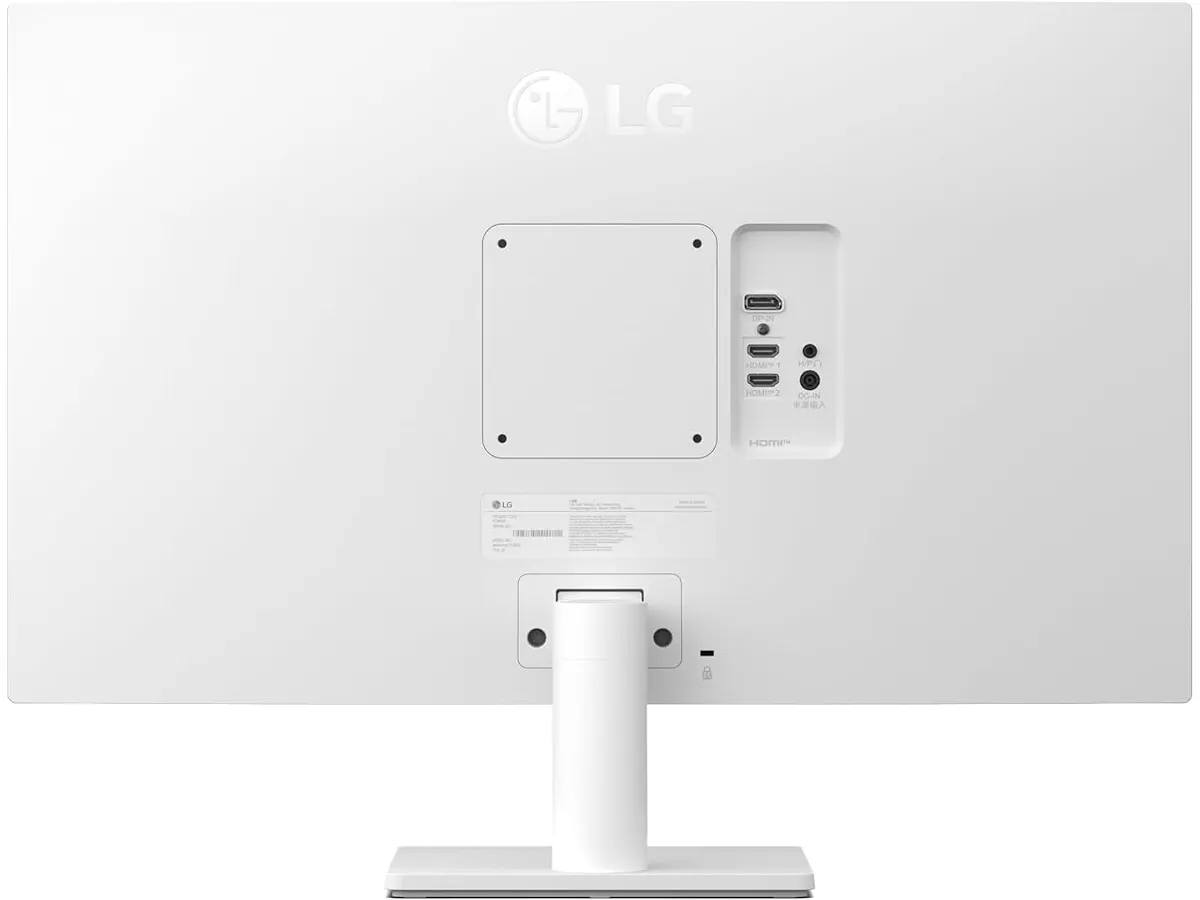
## Where it falls short
While the screen quality is impressive, the physical build of the stand is basic. You get tilt adjustment, but the lack of height, swivel, or pivot adjustments means you might need a third-party arm if you want true ergonomic flexibility. This is a common cost-saving measure in this segment, but it remains a limitation for those who prioritize posture.
Connectivity is also somewhat restrictive. While HDMI and DisplayPort cover the essentials, the lack of modern USB-C hub functionality is a missed opportunity. If you use a laptop as your primary computer, you will need a separate docking station or hub to manage your power and peripherals, as this monitor acts strictly as a display.
## Who is it for?
This monitor is a perfect match for the remote worker or student who spends eight hours a day in text-heavy applications. If you need 4K clarity to keep your spreadsheets readable and your eyes comfortable, this is a reliable choice that prioritizes the panel quality over fancy extra features.
However, it is not for the power user who wants a "one-cable" solution for their desk. If your workflow requires plugging in a single USB-C cable to charge your laptop, transfer data, and output video simultaneously, you will find the connectivity options on this model frustratingly outdated.
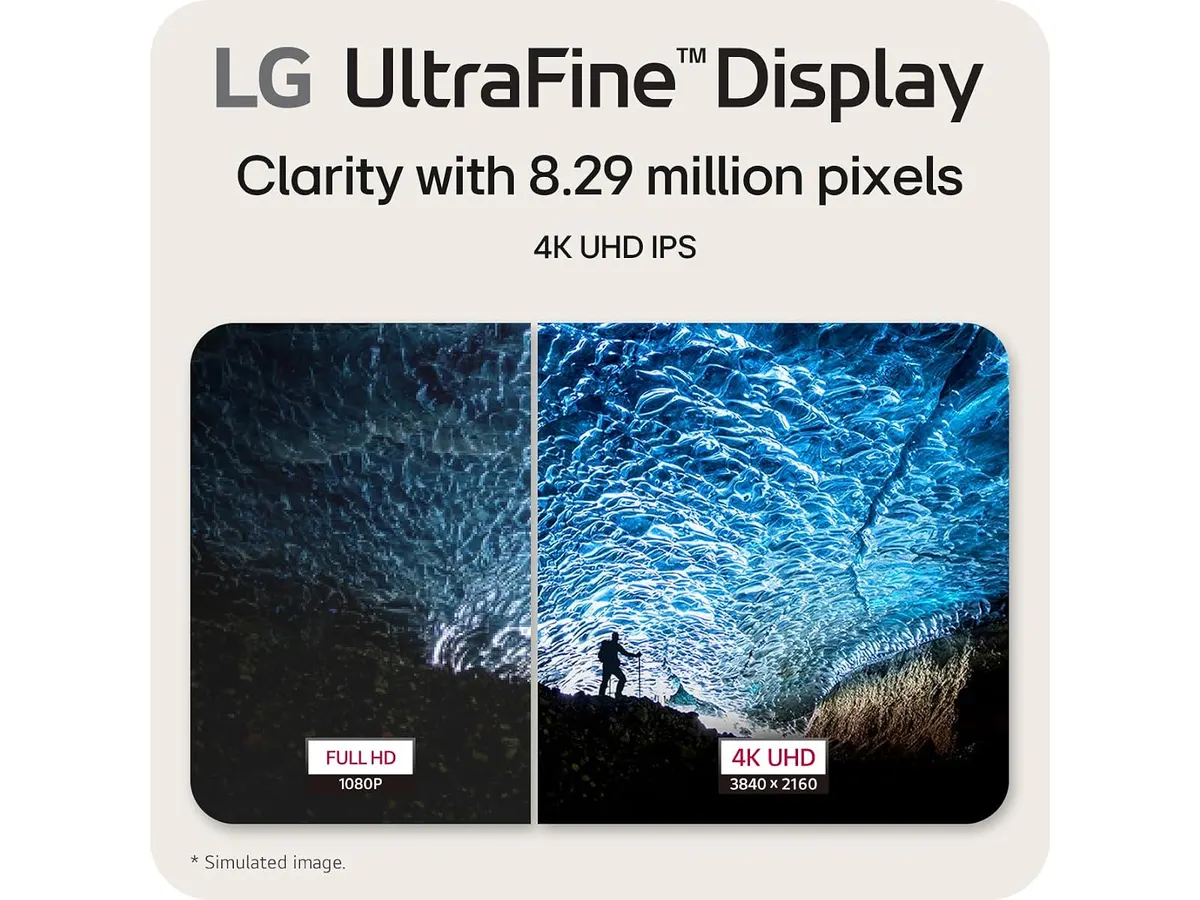
## Alternatives to consider
If you prefer better ergonomics and connectivity features, you might look at high-end professional models that include full adjustability and integrated USB-C power delivery, such as those discussed in our [Dell UltraSharp U2724D Review: A Versatile 27-Inch Monitor](/en/blog/2026-09-22-dell-ultrasharp-u2724d). These are typically found in a higher price tier but offer a much cleaner desk setup.
Conversely, if your priority is total screen space and you do not need 4K resolution, you could opt for a budget-friendly dual-monitor bundle. As explored in our [Gigastone 27" IPS 2-Pack Review: Dual Monitors for Productivity](/en/blog/2026-09-22-gigastone-27-ips-2-pack), having two separate screens can sometimes improve multitasking more than a single high-resolution display, depending on your software layout.
## Verdict
The LG 27US500-W provides exactly what matters most for a productivity-focused desk: a sharp, color-accurate 4K display. While it skips the premium ergonomic stand and modern USB-C connectivity, it delivers on the core promise of a clear, high-resolution viewing experience. It is a workhorse that fits into our [Monitors](/en/categorias/monitores) recommendations for those who prefer to invest in a quality panel over extra bells and whistles.
## Frequently asked questions
### Does this monitor support VESA mounting?
Yes, the monitor is compatible with standard VESA mounts, which is recommended if you want to bypass the limited tilt-only stand.
### Is this monitor suitable for gaming?
While it handles 4K content beautifully, it is not designed for competitive high-refresh-rate gaming; you would be better served by a dedicated gaming display like the one in our [LG UltraGear 27G61ZB-B Review: High-Performance Gaming Monitor](/en/blog/2026-09-22-lg-ultragear-27g61zb-b).
### Does it come with a DisplayPort cable in the box?
Yes, it typically includes the necessary cables to reach 4K resolution, but always check your specific package contents upon arrival.
---
# Samsung ViewFinity S7 Review: Best Home Office Monitor
URL: https://setuplatam.com/en/blog/2026-09-25-samsung-viewfinity-s7-s70h
Category: Monitors
Published: 2026-09-25
Explore the Samsung ViewFinity S7 (S70H), the best home office monitor with 4K resolution and eye comfort technology, perfect for remote work.
# Samsung ViewFinity S7 (S70H) Review
The Samsung ViewFinity S7 (S70H) is a 27-inch monitor designed for remote workers, freelancers, and anyone looking to boost productivity in their home office. With its vibrant 4K resolution and eye comfort features, it stands out as one of the best home office monitors available.
## What it does well
- **Exceptional Resolution**: The 4K UHD resolution (3840x2160) delivers stunning clarity, making it ideal for design work or detailed document editing.
- **Wide Viewing Angle**: With a 178° viewing angle, this monitor ensures consistent color and clarity from various positions. No more awkward adjustments when sharing your screen.
- **Eye Comfort Technology**: Designed for extended use, the TÜV-certified eye comfort technology reduces fatigue, which is crucial for long hours of remote work.
- **Versatile Connectivity**: Multiple HDMI and DisplayPort connections make it easy to set up with various devices, whether you're connecting a laptop, desktop, or game console.
## Key specifications
| Specification | Detail |
|-------------------------------|-------------------------------|
| Screen Size | 27 inches |
| Resolution | 4K UHD (3840x2160) |
| Viewing Angle | 178° |
| Connectivity | HDMI and DP |
| Certification | TÜV Eye Comfort Technology |
| Special Features | Eye Saver Mode, Samsung Display Manager |
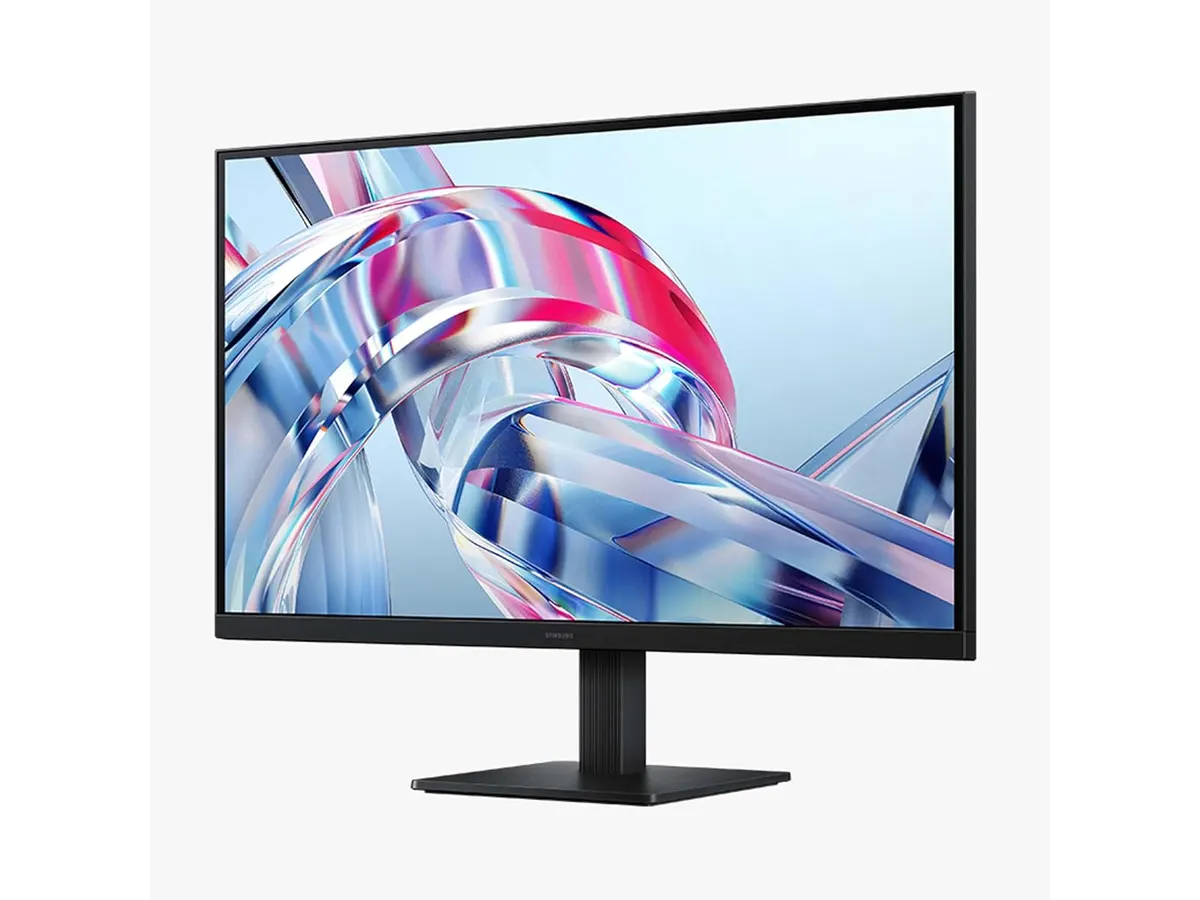
## Where it falls short
Not everything is perfect with the Samsung ViewFinity S7. For starters, while the 27-inch size is great for most, it may feel cramped for those who prefer a larger screen. Additionally, the monitor lacks built-in speakers, which might be a dealbreaker for users who want a complete multimedia experience without external devices. Lastly, it may not be the best choice for hardcore gamers due to its focus on comfort over rapid refresh rates.
## Who is it for?
The Samsung ViewFinity S7 fits perfectly for remote workers and freelancers who spend long hours in front of their screens and need a monitor that prioritizes eye comfort and clarity. It’s great for tasks such as graphic design, video editing, and spreadsheet management.
However, it may not be suitable for gamers who require fast refresh rates and response times, as its features cater more to productivity than gaming performance.
## Alternatives to consider
For those seeking options, consider a budget-friendly 27-inch monitor that lacks 4K resolution but offers decent specs for everyday tasks. Alternatively, for those who want a larger display, look for a mid-range monitor that provides higher refresh rates and is tailored specifically for gaming or media consumption.
## Verdict
In summary, the Samsung ViewFinity S7 (S70H) is a strong contender for the best home office monitor, especially if you value eye comfort and high resolution. It’s well-suited for productivity tasks but might not cater to gamers. Overall, if you’re looking for a monitor that enhances long hours of use without straining your eyes, the ViewFinity S7 is a worthy investment. For more options, check out our list of [Monitors](https://setuplatam.com/en/categorias/monitores).
## Frequently asked questions
### What is the best feature of the Samsung ViewFinity S7?
The standout feature is its 4K UHD resolution, which provides exceptional clarity for various tasks, enhancing productivity and detail accuracy.
### Is the Samsung ViewFinity S7 good for gaming?
While it offers great visuals, it’s not optimized for gaming due to its lower refresh rates, making it better for productivity and creative work.
### Can I adjust the monitor height?
The Samsung ViewFinity S7 does not include height adjustment features, so consider using a monitor stand if you need a better ergonomic setup.
---
# EPOMAKER TH108 PRO Review: A Versatile Mechanical Keyboard
URL: https://setuplatam.com/en/blog/2026-09-25-epomaker-th108-pro
Category: Peripherals
Published: 2026-09-25
Explore our EPOMAKER TH108 PRO review to see why it's among the best home office peripherals for remote work, featuring customizable RGB lighting and hot-swappable switches.
# EPOMAKER TH108 PRO Review: A Versatile Mechanical Keyboard
The EPOMAKER TH108 PRO is a full-sized mechanical keyboard designed for gamers and remote workers alike. With features like hot-swappable switches, customizable RGB lighting, and a long-lasting battery, this keyboard stands out as one of the best home office peripherals available today.
## What it does well
- **Hot-Swappable Switches**: The TH108 PRO features hot-swappable 5-pin switches, allowing you to customize your typing experience easily. Whether you prefer tactile, linear, or clicky switches, you can swap them out to match your preferences without any soldering.
- **Impressive Battery Life**: Equipped with a 10,000mAh battery, this keyboard can last up to 200 hours without a wired connection. This is a significant advantage for users who prefer wireless setups, providing peace of mind during long work sessions or gaming marathons.
- **Customizable RGB Lighting**: The adjustable RGB backlighting not only adds aesthetic appeal but also lets users create a unique atmosphere tailored to their workspace. Whether you want a calming glow or an energetic light show, the TH108 PRO can accommodate.
- **Low Latency**: When used in wired mode, the keyboard boasts a latency of just 2ms. This feature ensures responsive performance, making it suitable for both intense gaming and focused work tasks.
## Key specifications
| Specification | Details |
|-----------------------|-------------------------------|
| Size | Full (104 keys) |
| Switch Type | Hot-Swappable 5-pins |
| Battery | 10,000mAh |
| Connection Mode | Wired, 2.4GHz, Bluetooth |
| Latency | 2ms in wired mode |
| Weight | 1.1kg |
| Backlighting | Adjustable RGB |
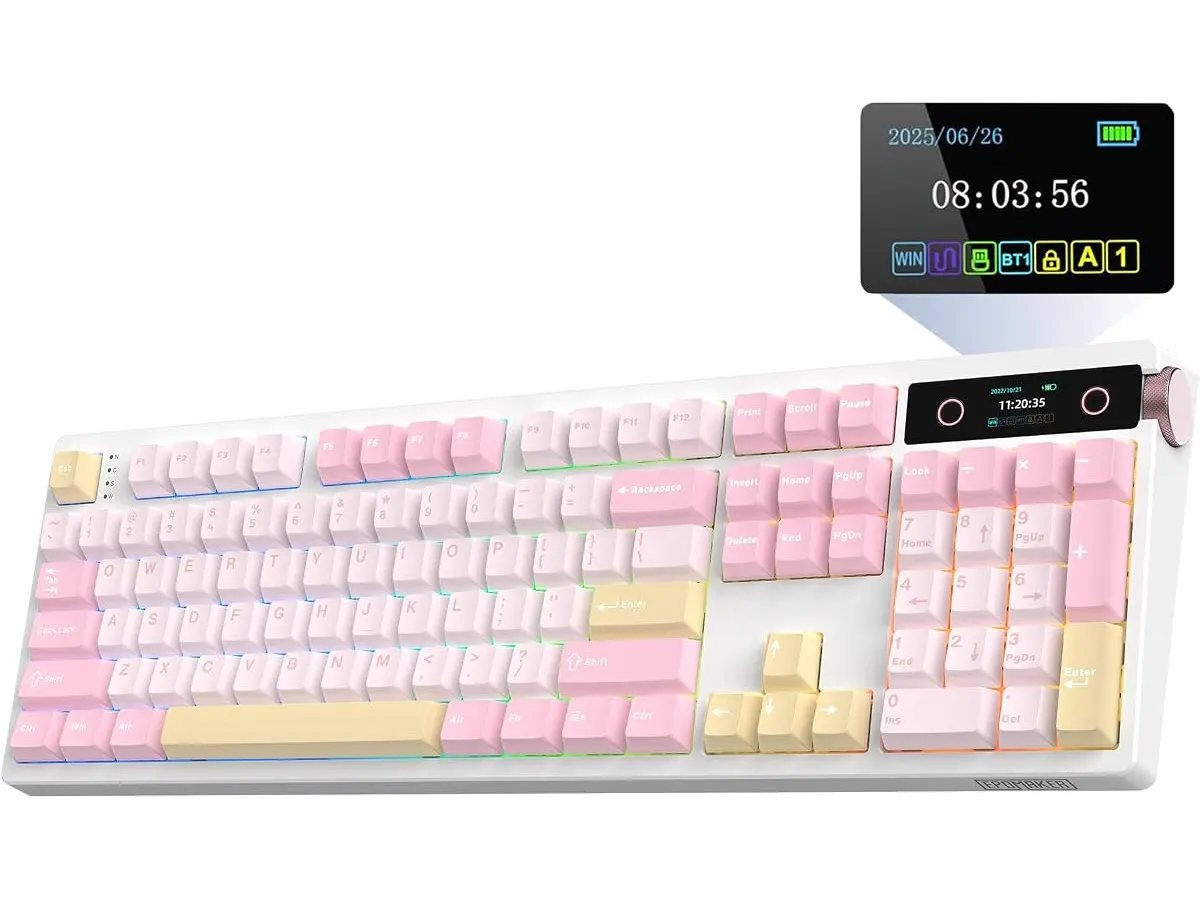
## Where it falls short
The EPOMAKER TH108 PRO is not without its limitations.
- **Weight**: At 1.1kg, the keyboard is on the heavier side. This weight can be a drawback for those who prefer a more portable option to carry between locations.
- **Limited Battery Performance on Bluetooth**: While the battery life is excellent in wired mode, using Bluetooth may reduce the efficiency, especially if RGB lighting is heavily utilized. Users should manage their expectations regarding battery life when connecting wirelessly.
## Who is it for?
- **Ideal for Gamers and Remote Workers**: The combination of customizable features, long battery life, and low latency makes this keyboard a strong choice for gamers and professionals who spend long hours typing.
- **Not for Minimalists**: If you’re looking for a compact or portable keyboard, the TH108 PRO’s full-size design and weight may not fit your needs. Those who value lightweight and minimalistic peripherals might find better options elsewhere.
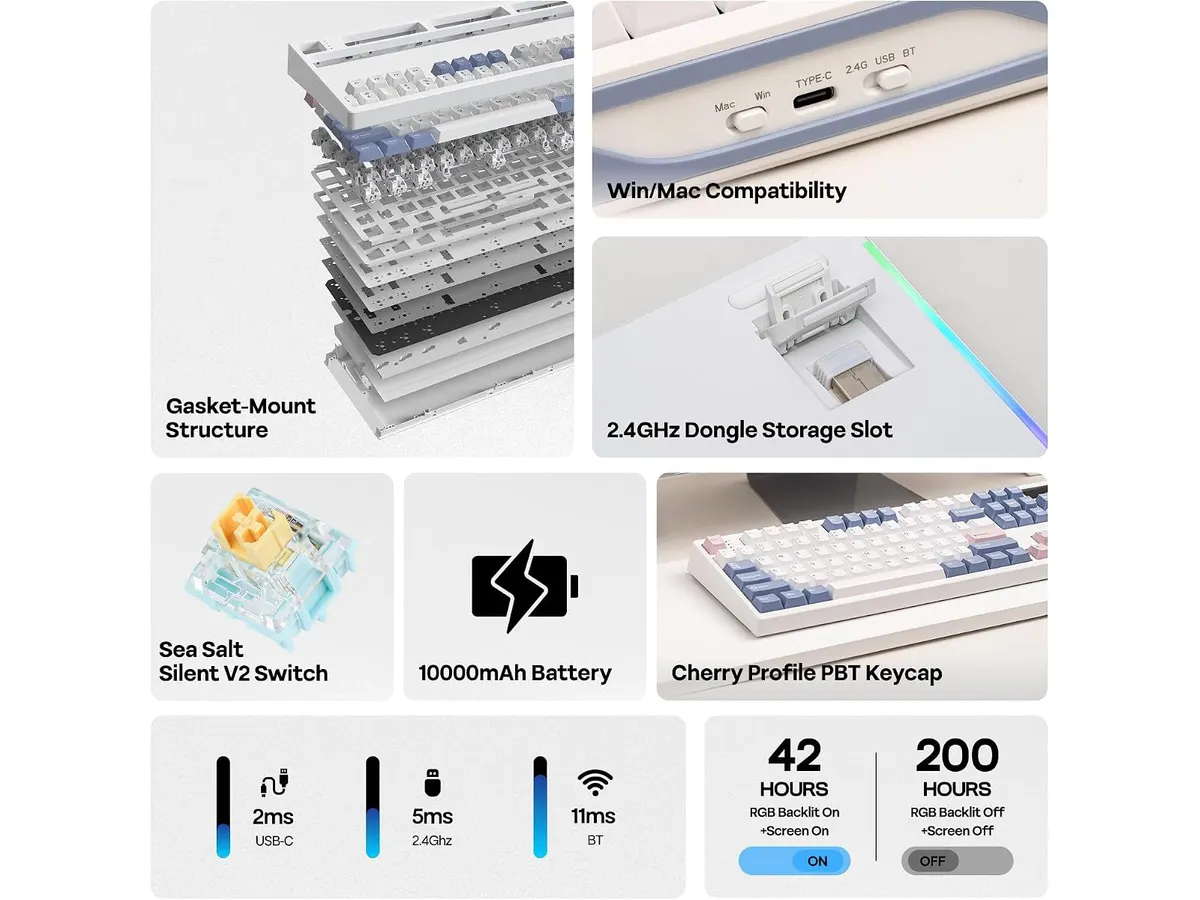
## Alternatives to consider
- **Budget Option**: If you’re looking for a lower-priced mechanical keyboard, consider a basic model that lacks some premium features. While these may not have hot-swappable switches or RGB lighting, they often provide a decent typing experience at a more affordable price.
- **Premium Choice**: For those willing to invest more, exploring high-end mechanical keyboards with advanced features like programmable keys and superior build quality can be worthwhile. These models typically offer more customization options and enhanced ergonomics suitable for dedicated users.
## Verdict
The EPOMAKER TH108 PRO is a solid mechanical keyboard that excels in customization and performance. With its hot-swappable switches, impressive battery life, and adjustable RGB lighting, it is a worthy addition to any home office setup. However, keep in mind its weight and potential limitations when using Bluetooth. If you are in search of the best home office peripherals, the TH108 PRO deserves consideration.
For more on peripherals, check out our [Peripherals](https://setuplatam.com/en/categorias/perifericos) category.
## Frequently asked questions
### What makes the EPOMAKER TH108 PRO suitable for gaming?
The low latency of 2ms in wired mode and customizable RGB lighting make it an excellent choice for gaming enthusiasts seeking performance and aesthetics.
### Can I use this keyboard for office work?
Absolutely! The versatility of the hot-swappable switches and long battery life makes it suitable for extended office use as well.
### Is the keyboard compatible with different operating systems?
Yes, the EPOMAKER TH108 PRO can work with multiple operating systems, including Windows and macOS, making it adaptable for various users.
---
# FEZIBO Standing Desk Review: A Solid Home Choice
URL: https://setuplatam.com/en/blog/2026-09-25-fezibo-escritorio-de-pie
Category: Desks
Published: 2026-09-25
Looking for the best home office desk? Read our FEZIBO Escritorio de Pie review to see if this height adjustable standing desk fits your daily workflow.
Finding the right setup starts with choosing the best home office desk for your physical posture and daily routine. The FEZIBO Escritorio de Pie targets remote workers and creators who want an active workspace without complex assembly. Featuring an FSC-certified wooden top and an electric motor, it provides a solid foundation for simple monitor and laptop setups. If you want to compare different [desks](/en/categorias/escritorios) before buying, this model sits right in the entry-to-mid level segment.
## What it does well
The motor operates under 45dB, which keeps height adjustments surprisingly quiet. You can switch positions during early morning focus hours or mid-day video meetings without distracting anyone in the house.
Durability is another strong point. Rated for up to 50,000 lift cycles, the motorized system gives long-term reliability for users who transition between sitting and standing multiple times a day.
Assembly is painless compared to typical flat-pack furniture. Thanks to pre-assembled frame components, putting the desk together takes approximately 30 minutes from unboxing to plugging it in.
The reinforced steel frame supports up to 176 lbs cleanly. Combined with the 48 × 24 inch FSC-certified wood desktop, it easily holds a laptop, secondary monitor, and core desk accessories without bowing or trembling during one-touch height adjustments.
## Key specifications
| Feature | Specification |
| --- | --- |
| Desktop Dimensions | 48 × 24 inches |
| Height Range | 28.3" to 46.5" |
| Weight Capacity | 176 lbs |
| Operating Noise | Less than 45dB |
| Motor Durability | Up to 50,000 lift cycles |
| Tabletop Material | FSC-certified wood |
| Frame Construction | Reinforced steel |
| Assembly Time | Approximately 30 minutes |
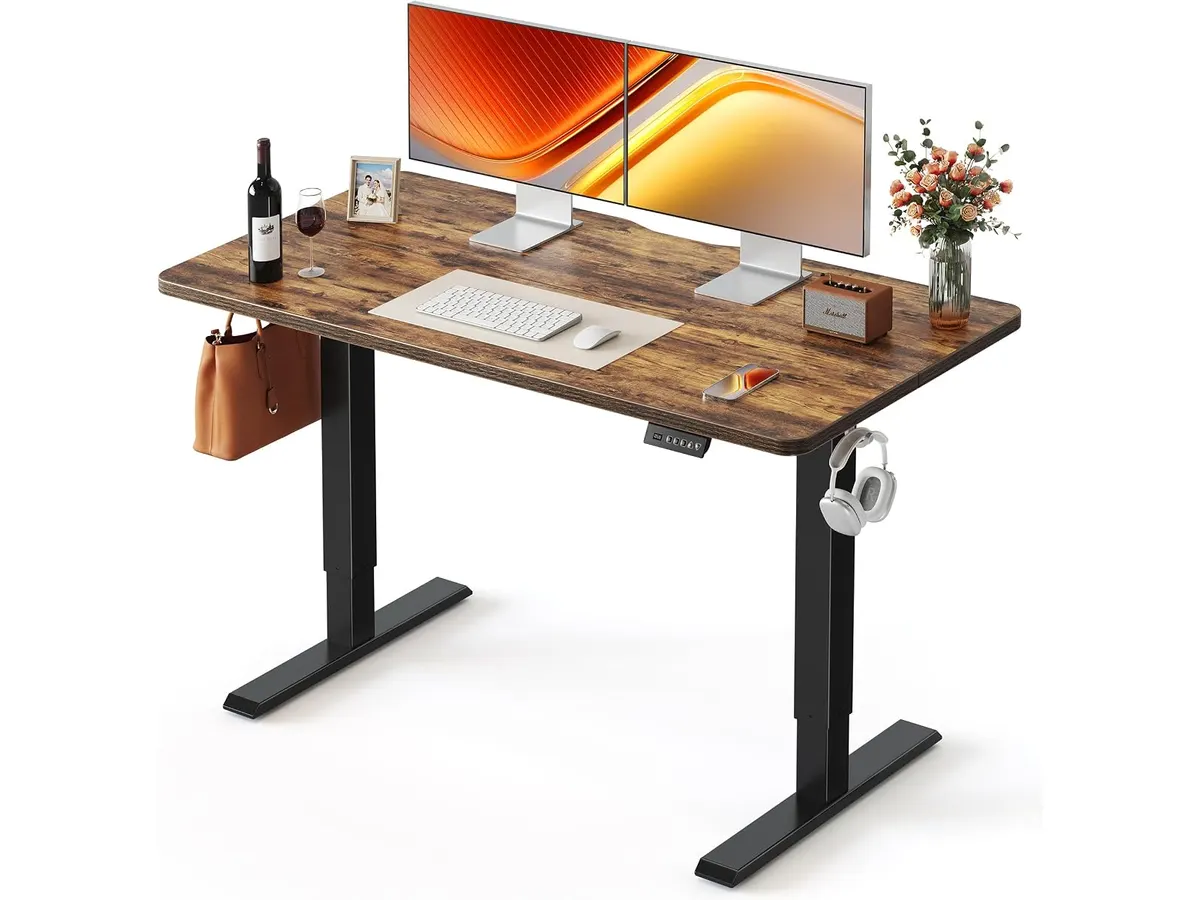
## Where it falls short
While a 176 lb capacity is plenty for everyday setups, it might feel limiting if you use heavy metal desk mounts, multiple large monitors, and heavy audio gear. Oversized PC towers are better off on the floor or a separate cart.
The 48 × 24 inch surface is practical for small rooms, but spatial real estate disappears fast. If you like spreading out paper notebooks, oversized desk pads, and large studio speakers, the tabletop will feel tight.
Taller professionals above 6'2" should measure carefully. The maximum height limit of 46.5 inches might force taller users into a slight slouch depending on their footwear and arm length.
## Who is it for?
This standing desk for remote work fits freelancers, students, and telecommuters working out of apartments or spare bedrooms. It suits anyone who needs an affordable, motorized ergonomic desk that fits small footprints without sacrificing stability.
It is not the right choice for power users building massive multi-monitor workstations or heavy studio setups. If you already have a thick wooden executive desk you refuse to replace, a riser like the [FLEXISPOT 42" Standing Desk Converter Review for Ergonomic Workspaces](/en/blog/2026-09-22-flexispot-42-standing-desk-converter) makes more practical sense.
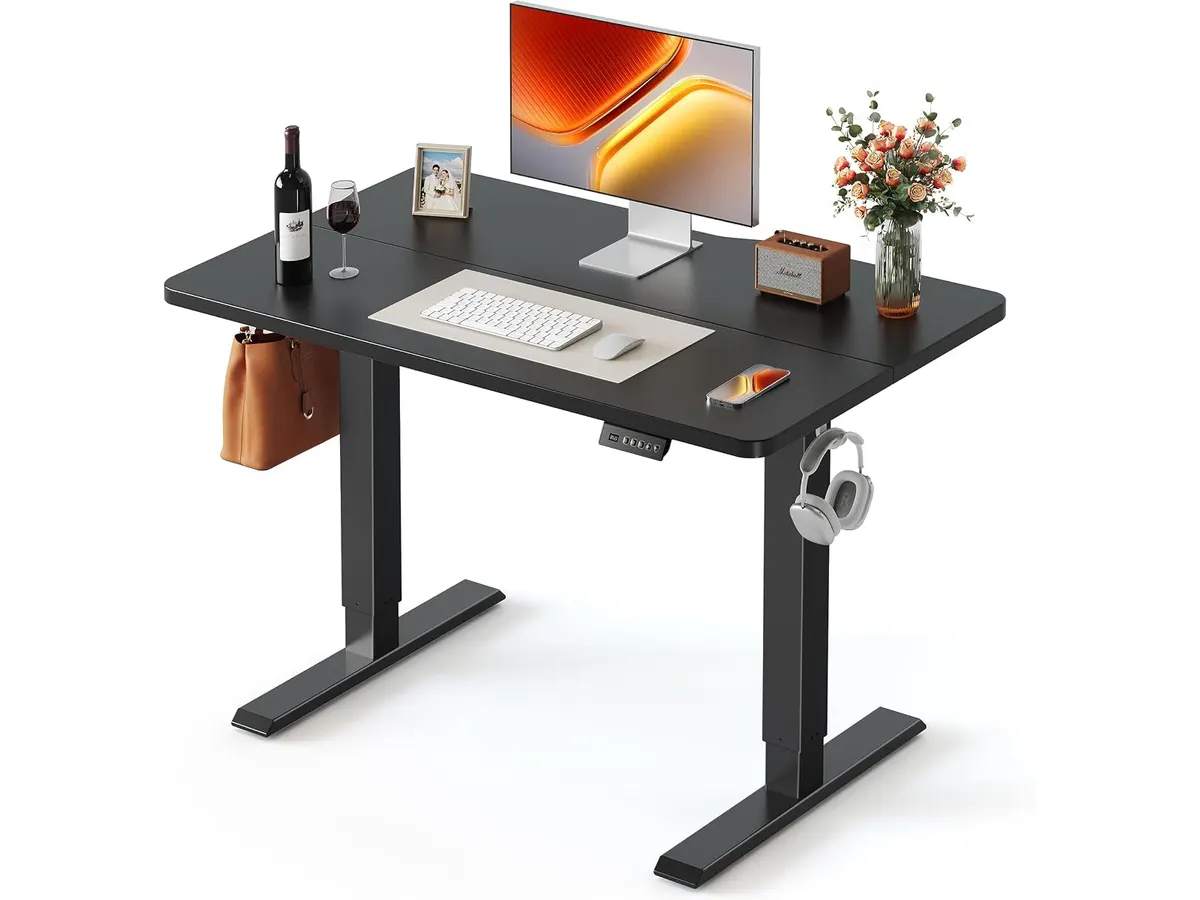
## Alternatives to consider
High-tier commercial electric desks offer dual-motor systems, heavier weight capacities exceeding 250 lbs, and broader height ranges. They are built for demanding users who load heavy desktop towers and three-monitor arms onto wide surfaces. To see how higher-tier frames perform, check out our [Vari Classic Electric Standing Desk Review for Ergonomic Home Offices](/en/blog/2026-09-22-vari-classic-electric-standing-desk).
Desktop standing converters sit in a lower price bracket and require zero frame assembly. They rest directly on top of your current furniture, offering manual or spring-assisted vertical movement if you rent and cannot swap out full furniture pieces.
## Verdict
The FEZIBO Escritorio de Pie delivers reliable height adjustment and solid build quality without making assembly a weekend project. Its quiet operation and sustainable wooden top make it a practical centerpiece for everyday home office work. While heavy hardware enthusiasts may hit its weight limits, it remains an excellent choice for compact spaces. I recommend FEZIBO Desks to remote workers looking for a dependable height adjustable standing desk at a fair value.
## Frequently asked questions
### Is this the best home office desk for small apartments?
Yes, its 48 × 24 inch surface provides enough space for a dual-monitor setup while maintaining a compact footprint that fits neatly into small rooms or bedrooms.
### How loud is the motor during height changes?
Operating at less than 45dB, the motor is quieter than background conversation. You can raise or lower the surface during phone calls without creating noticeable background noise.
### Is the assembly process complicated for one person?
No, standard assembly takes around 30 minutes. Several frame components arrive pre-assembled, requiring only simple hand tools to finish assembling the legs and top.
---
# ELABEST X100 Review: Comfort for Work and Play
URL: https://setuplatam.com/en/blog/2026-09-23-elabest-x100
Category: Ergonomic Chairs
Published: 2026-09-23
Discover the ELABEST X100 ergonomic chair for remote work: adjustable lumbar support, breathable mesh and a clear verdict on whether it suits you.
# ELABEST X100 Review: Comfort for Work and Play
The ELABEST X100 is an ergonomic chair built for long hours at a desk, whether you are working remotely or gaming. With dynamic lumbar support, adjustable armrests and a breathable mesh, it positions itself as one of the best ergonomic office chairs for working from home.
## What it does well
- **Dynamic lumbar support**: The 3D Synchro-Tilt adjustable lumbar system supports the spine, improving posture and reducing the risk of back pain.
- **Full adjustability**: The 5D Flip-Up armrests adjust to your preference, adding comfort through long sessions.
- **Quality materials**: The Dual-Stripe AirMesh keeps air flowing so you stay cool, even in warm weather.
- **Extendable footrest**: The 18-inch footrest with angle adjustment makes it easy to switch between work and rest.
## Key specifications
| Specification | Detail |
| --- | --- |
| Lumbar support system | 3D Synchro-Tilt adjustable |
| Armrests | 5D Flip-Up adjustable |
| Mesh material | Dual-Stripe AirMesh |
| Footrest | Extendable 18" with angle adjustment |
| Orthopedic design | Dynamic spine-alignment system |
| Weight capacity | Designed for larger and taller users |
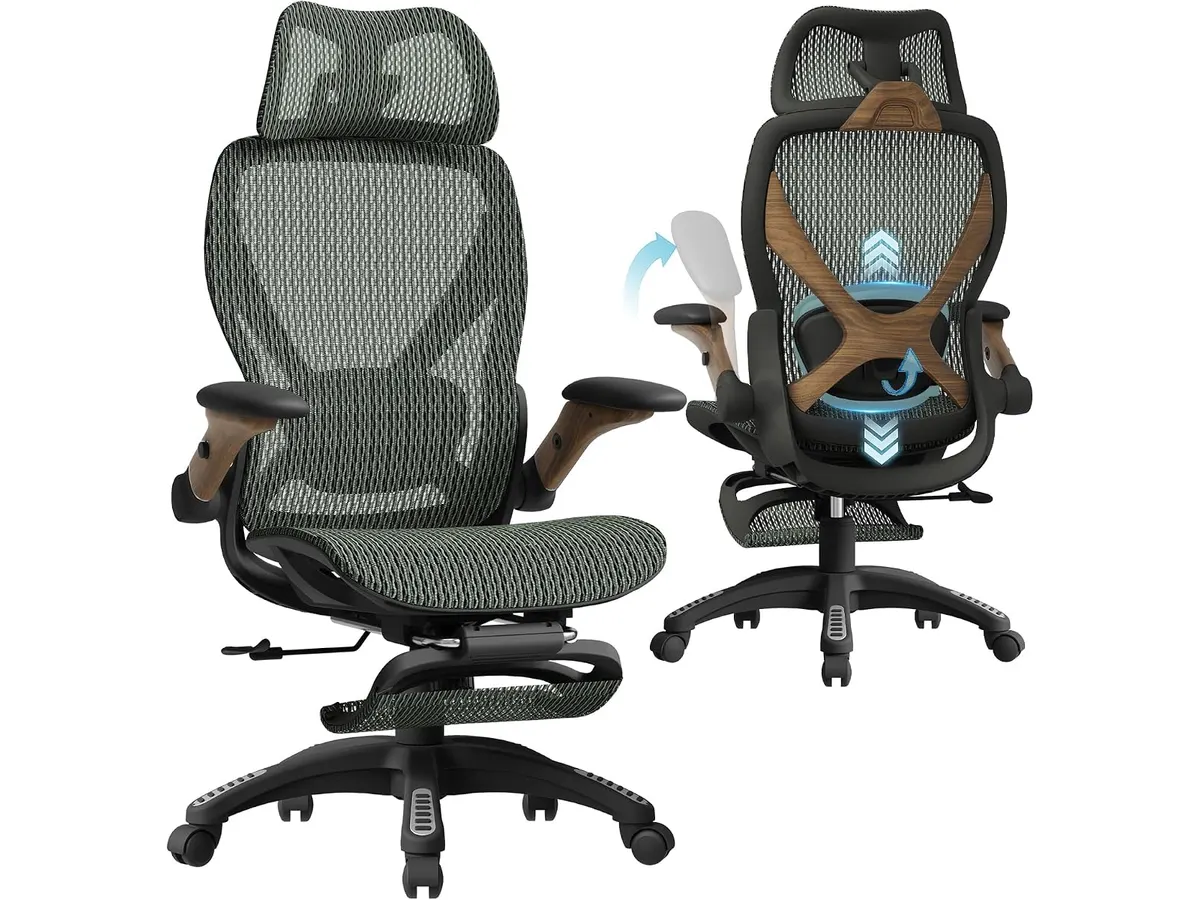
## Where it falls short
Not everything is perfect. The ELABEST X100 has a few limitations. Its design can feel bulky in small spaces. It suits larger and taller users, but may not adjust enough for shorter people. Finally, the price is worth considering: it is not the cheapest option on the market.
## Who is it for?
The ELABEST X100 is ideal for remote workers, gamers and anyone who sits for long hours. Its ergonomics and lumbar support make it a great fit if you want a comfortable, adjustable chair. It is less suitable for those with a small space or who prefer lighter, more compact chairs.
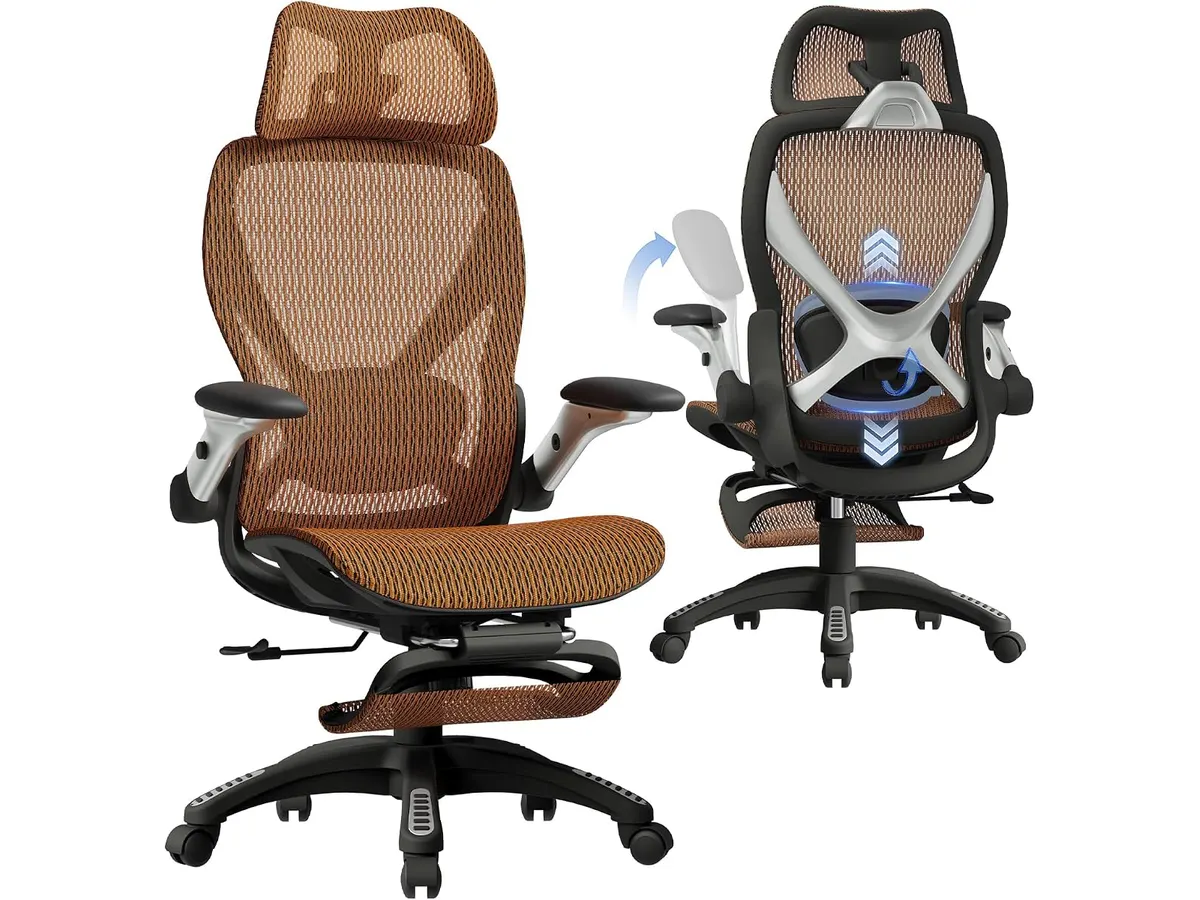
## Alternatives to consider
There are several options on the market. If you want to spend less, there are ergonomic chairs with basic support and comfort, but fewer adjustments. If budget is not an issue and you want superior quality, high-end models add advanced features for specific needs.
## Verdict
The ELABEST X100 stands out as one of the best ergonomic chairs for working, combining comfort, lumbar support and adjustability. If you want an office chair for home that adapts to you, this is an excellent choice. If space is a concern, consider other ergonomic chairs in our category. For more recommendations, see our review of the [Ergohuman ME7ERG GEN2](https://setuplatam.com/en/blog/2026-09-22-ergohuman-me7erg-gen2) and the [SIHOO B100 PRO](https://setuplatam.com/en/blog/2026-09-22-sihoo-b100-pro).
## Frequently asked questions
### Is the ELABEST X100 suitable for tall people?
Yes, the chair is designed specifically for larger and taller users, offering proper support.
### Is the ELABEST X100 easy to assemble?
Assembly is simple and does not require special tools.
### Is the mesh comfortable in warm weather?
Yes, the Dual-Stripe AirMesh breathes well, reducing sweating and improving comfort.
---
# INNOCN 27C1U-D Review: Best Home Office Monitor
URL: https://setuplatam.com/en/blog/2026-09-23-innocn-27c1u-d
Category: Monitors
Published: 2026-09-23
Discover the INNOCN 27C1U-D monitor, ideal for productivity and remote work. Delve into our review to find out if it's the best home office monitor for you.
# INNOCN 27C1U-D Review
The INNOCN 27C1U-D is an excellent choice for those seeking the best home office monitor. With its impressive 4K resolution and versatile connectivity, it suits remote workers, creative professionals, and gamers alike.
## What it does well
This monitor boasts several notable strengths:
- **Stunning 4K UHD Display**: With a resolution of 3840 x 2160 pixels, it delivers sharp visuals, making it perfect for photo and video editing.
- **Versatile Connectivity**: Featuring USB-C, DisplayPort, and HDMI ports, it offers flexibility for various devices, ensuring easy connections to laptops and desktops.
- **Enhanced Color Performance**: Thanks to HDR 400 support and a color depth of 1.07 billion colors (8bits+FRC), it excels in color accuracy and contrast, ideal for creative work.
- **Ergonomic Design**: The adjustable stand allows for rotation, tilt, and height adjustments, promoting better posture during long work hours.
## Key specifications
| Specification | Details |
|-----------------------------|-----------------------|
| Screen Size | 27 inches |
| Resolution | 3840 x 2160 |
| Panel Technology | IPS |
| Maximum Brightness | 400 nits |
| Contrast Ratio | 1000:1 |
| Refresh Rate | 60 Hz |
| Colors | 1.07B (8bits+FRC) |
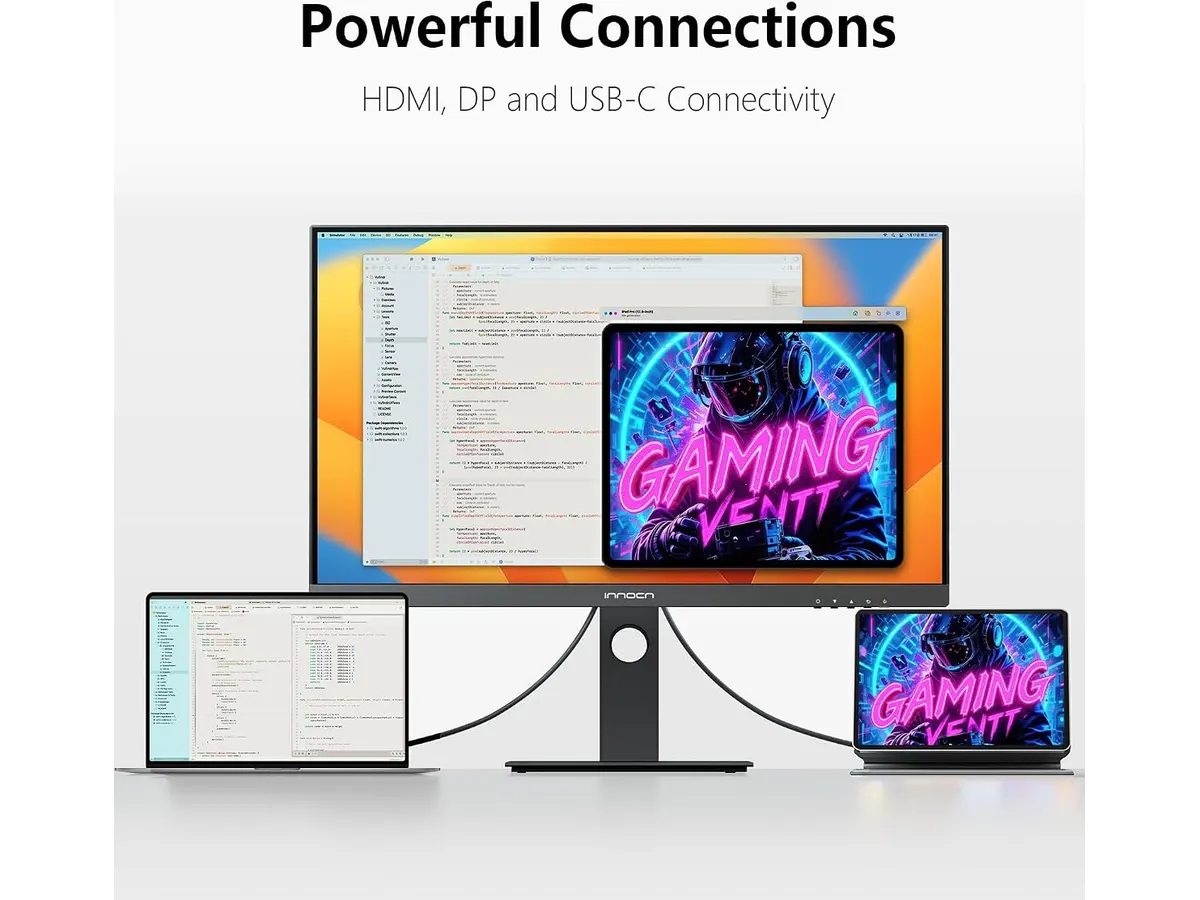
## Where it falls short
While the INNOCN 27C1U-D has many strengths, it does come with some limitations:
- **Limited Refresh Rate**: The 60 Hz refresh rate may not be sufficient for hardcore gamers seeking ultra-smooth performance.
- **Brightness in Bright Environments**: Though it reaches a maximum brightness of 400 nits, it might struggle in brightly lit offices, affecting visibility.
## Who is it for?
- **Ideal Profile**: This monitor is perfect for remote workers and creatives who need high-resolution displays for editing tasks and productivity.
- **Not Suitable For**: Enthusiastic gamers may find the 60 Hz refresh rate and HDR performance lacking for fast-paced gaming experiences.
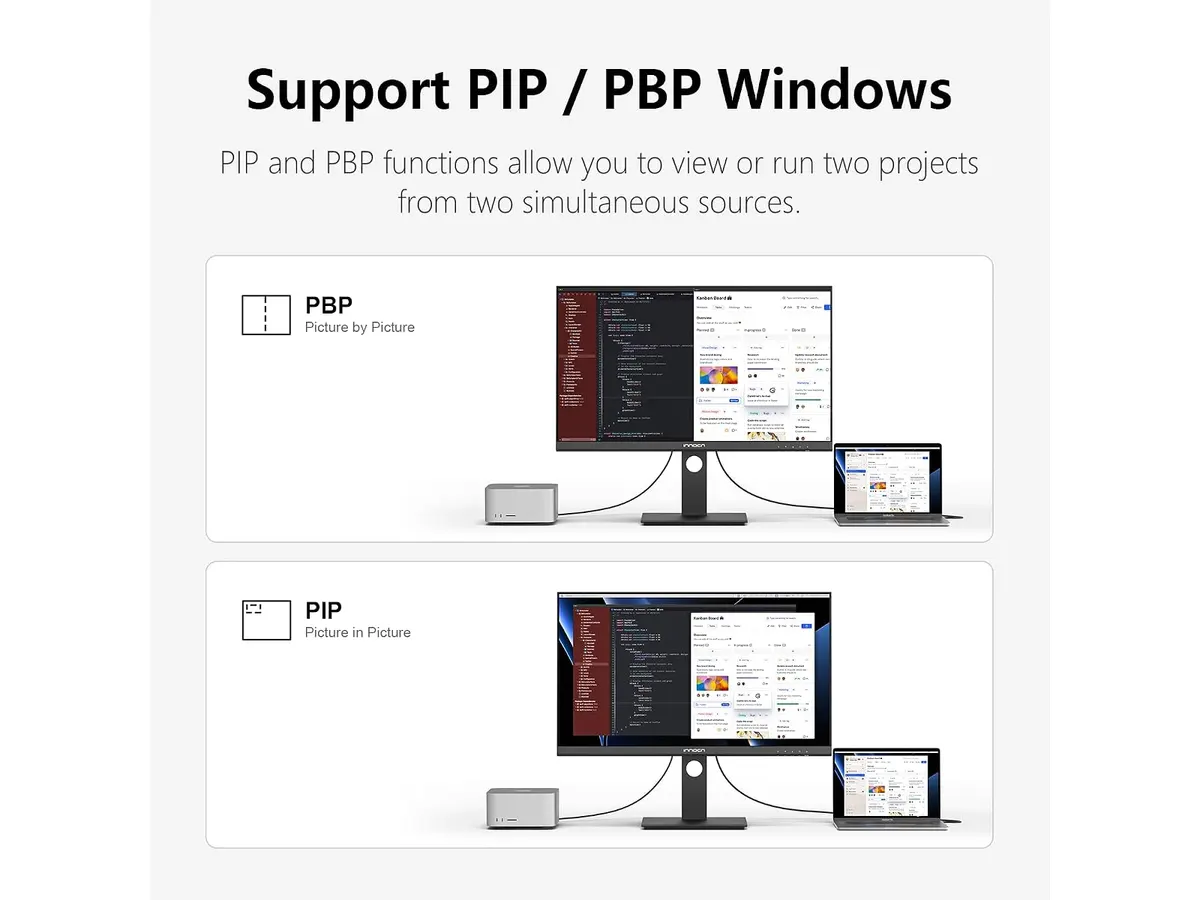
## Alternatives to consider
If you're considering options beyond the INNOCN 27C1U-D:
- **Budget Tier**: Look for a basic 27-inch monitor with Full HD resolution. These are suitable for general office tasks but may lack advanced features.
- **Premium Tier**: Consider a high-end 27-inch monitor with 144 Hz refresh rates and G-Sync compatibility for serious gaming and intensive graphic work.
## Verdict
The INNOCN 27C1U-D stands out as one of the best home office monitors available today. Its vibrant 4K display and ergonomic features make it a solid choice for remote workers and creatives. While gamers may find better options with higher refresh rates, the overall quality and versatility make this monitor a worthwhile investment.
For more options, check out our selection of [Monitors](/en/categorias/monitores). If you want to explore more about versatile display solutions, consider the [Dell UltraSharp U2724D Review: A Versatile 27-Inch Monitor](/en/blog/2026-09-22-dell-ultrasharp-u2724d) or the [Gigastone 27" IPS 2-Pack Review: Dual Monitors for Productivity](/en/blog/2026-09-22-gigastone-27-ips-2-pack) for different use cases. Additionally, gamers might find the [LG UltraGear 27G61ZB-B Review: High-Performance Gaming Monitor](/en/blog/2026-09-22-lg-ultragear-27g61zb-b) more aligned with their needs.
## Frequently asked questions
### Is the INNOCN 27C1U-D suitable for gaming?
While it has impressive visuals, the 60 Hz refresh rate may not meet the demands of competitive gamers.
### Can I connect my laptop via USB-C?
Yes, the INNOCN 27C1U-D features USB-C connectivity, making it easy to connect to modern laptops.
### How does the monitor perform in brightly lit rooms?
The 400 nits brightness is decent but may not be sufficient in very bright environments, potentially affecting visibility.
---
# Dell SE2426HG Review: Best Home Office Monitor
URL: https://setuplatam.com/en/blog/2026-09-23-dell-se2426hg
Category: Monitors
Published: 2026-09-23
Explore the Dell SE2426HG, a fast 240Hz monitor perfect for remote work, gaming, and productivity. Discover why it stands out.
# Intro paragraph
The Dell SE2426HG is a powerful 23.8-inch monitor designed for gamers and remote workers alike. With its impressive 240Hz refresh rate and vibrant colors, it excels in both productivity tasks and gaming sessions, making it a top contender for anyone seeking the **best home office monitor**.
## What it does well
- **High Refresh Rate**: The SE2426HG boasts a refresh rate of 240Hz paired with an ultra-fast 0.5 ms response time. This ensures that motion is smooth and responsive, vital for gaming and fast-paced video editing.
- **Color Accuracy**: It covers 99% of the sRGB color spectrum, which means you get vivid, true-to-life colors. This feature is beneficial for designers and creators who need accuracy in their visuals.
- **Fast IPS Technology**: The Fast IPS panel offers wide viewing angles and excellent color consistency, making it ideal for collaborative work or simply enjoying content from different angles.
- **AMD FreeSync Premium**: With FreeSync support, the SE2426HG reduces screen tearing, offering a smoother gaming experience without lag.
## Key specifications
| Specification | Detail |
|----------------------|----------------------|
| Screen Size | 23.8 inches |
| Resolution | FHD (1920x1080) |
| Refresh Rate | 240 Hz |
| Response Time | 0.5 ms |
| Panel Technology | Fast IPS |
| Color Coverage | 99% sRGB |
| Ports | 2x HDMI, DisplayPort 1.4|
| Certification | TÜV Rheinland 3 stars |
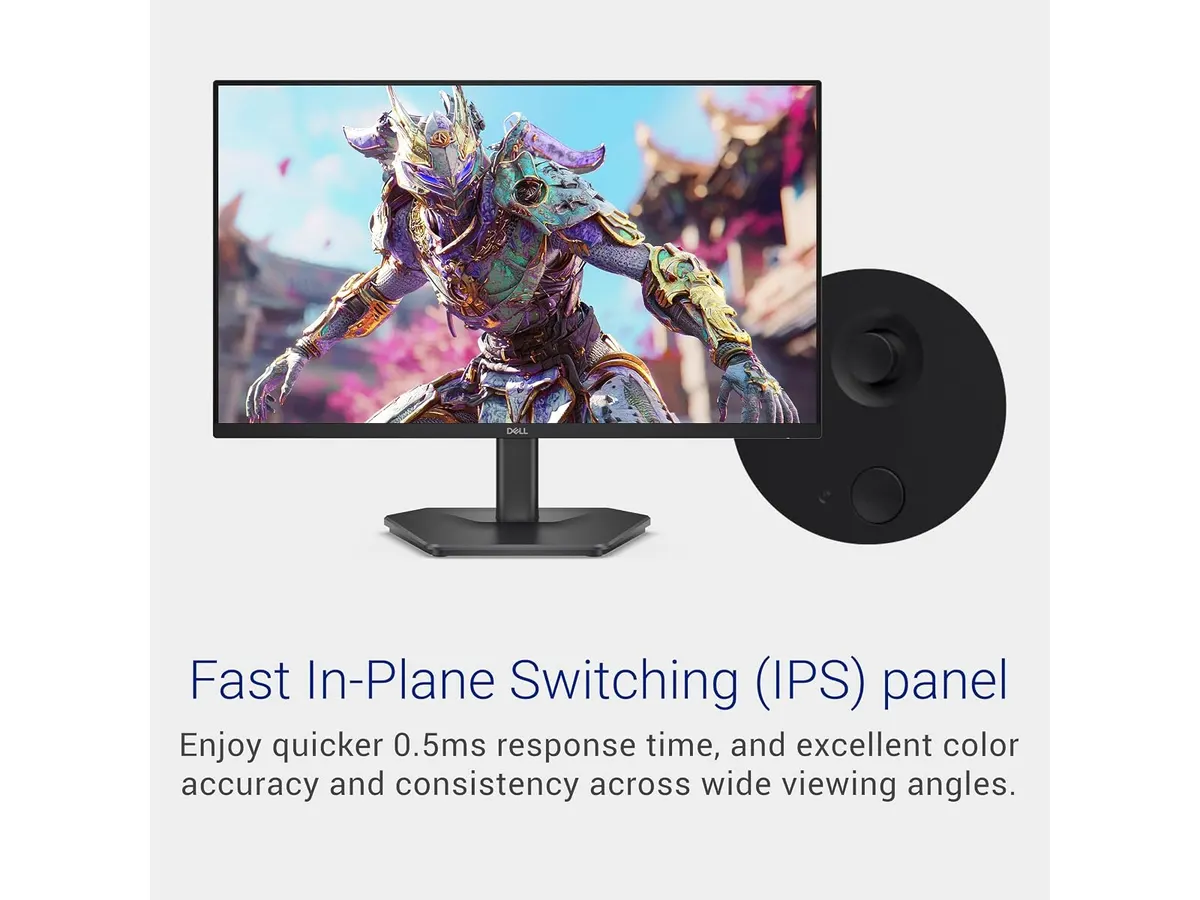
## Where it falls short
Despite its numerous strengths, the Dell SE2426HG isn't perfect. First, the 23.8-inch screen size may not satisfy users looking for a larger display, especially those accustomed to 27-inch work monitors for multitasking. Second, while it performs well for gaming, the lack of advanced features like HDR may disappoint serious gamers wanting the latest in graphical fidelity.
## Who is it for?
The Dell SE2426HG suits a variety of users, particularly remote workers and gamers who require a fast, responsive display for productivity and entertainment. On the flip side, it may not be ideal for graphic designers who rely heavily on higher resolution displays for intricate detail work.
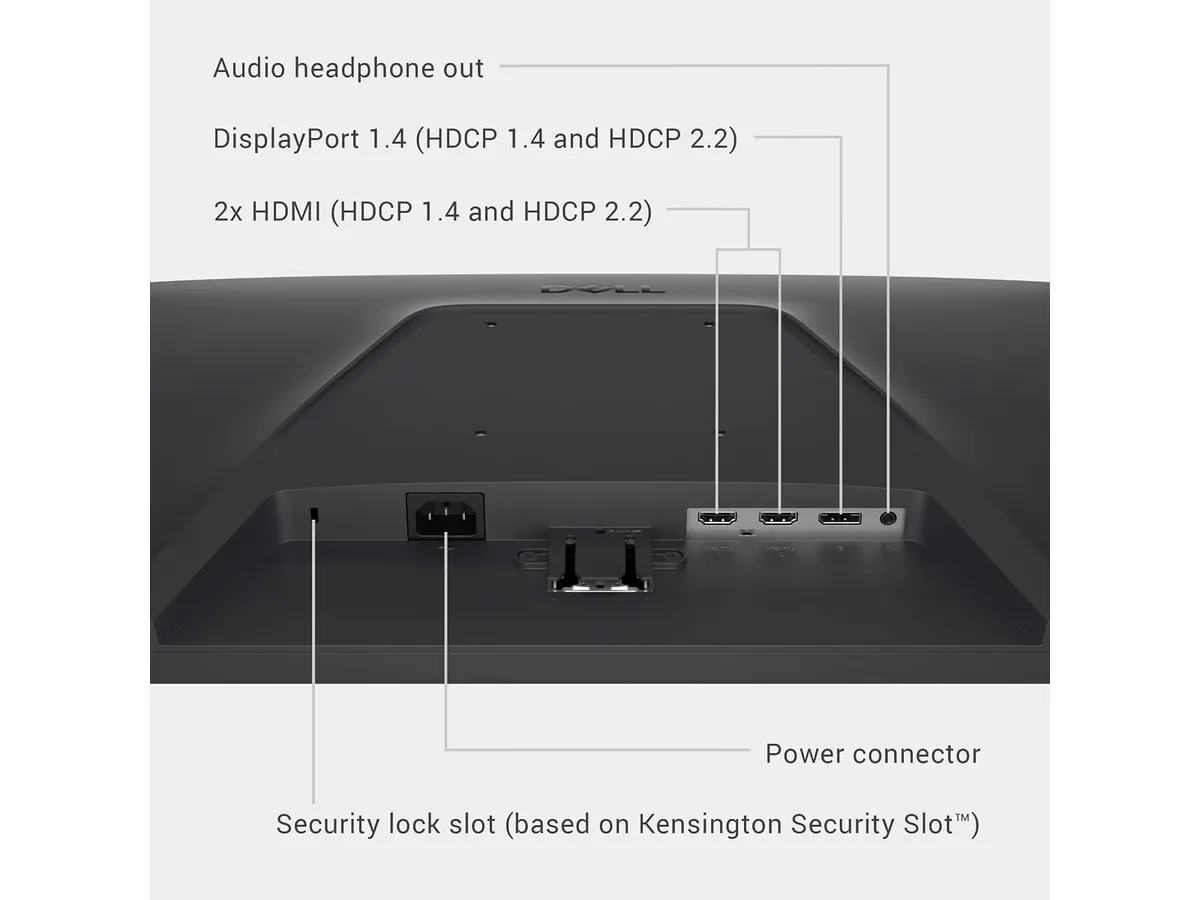
## Alternatives to consider
If you're exploring options beyond the SE2426HG, consider these alternatives:
- **Budget Tier**: Look for monitors in the entry-level range. These often feature lower refresh rates and basic color accuracy, suitable for everyday tasks but lacking in gaming performance.
- **Premium Tier**: For those seeking the best monitor experience, a premium option will typically offer larger sizes and advanced technologies like HDR and higher refresh rates, enhancing both work and gaming experiences.
## Verdict
The Dell SE2426HG stands out as a versatile choice for remote work and gaming, thanks to its fast refresh rate and color accuracy. While it might not satisfy everyone’s needs, particularly those requiring larger screens, it remains a solid option for anyone looking for the **best home office monitor**. Consider pairing this with other quality peripherals for a complete setup.
## Frequently asked questions
### What are the best uses for the Dell SE2426HG?
It's ideal for gaming, video editing, and general productivity tasks, thanks to its fast refresh rate and color accuracy.
### Does the monitor support VESA mounts?
Yes, the Dell SE2426HG is VESA compatible, allowing for flexible mounting options in your workspace.
### Can I use this monitor for console gaming?
Absolutely. With its high refresh rate and FreeSync support, it provides an excellent gaming experience across consoles.
---
# Gigastone 27" IPS 2-Pack Review: Dual Monitors for Productivity
URL: https://setuplatam.com/en/blog/2026-09-22-gigastone-27-ips-2-pack
Category: Monitors
Published: 2026-09-22 · Updated: 2026-09-22
Discover the Gigastone 27" IPS 2-Pack monitors. Ideal for dual-screen setups, offering Full HD and a sleek design. Perfect for remote workers and gamers.
The **Gigastone 27" IPS 2-Pack** is designed for remote workers, freelancers, and creators looking to enhance their productivity with a dual-monitor setup. With its Full HD resolution and impressive refresh rate, this monitor pack offers a fantastic visual experience suitable for both work and leisure. The need for effective multitasking has never been more pronounced, particularly in the current remote work landscape, making this monitor an appealing choice for various users.
## What it does well
- **High Refresh Rate**: With a 100 Hz refresh rate, the Gigastone monitors provide smooth motion for video playback and gaming, reducing blurring in fast-paced scenes. This feature is particularly beneficial for users who may also enjoy watching movies, streaming content, or playing video games during their downtime. Casual gamers will find that the responsiveness enhances their gaming experience without the need for spending on high-end alternatives.
- **Wide Viewing Angle**: The 178-degree viewing angle ensures that colors remain consistent and images do not distort when viewed from different angles. This is ideal for collaboration and sharing content without distortion, making it perfect for team discussions or presentations. Whether you are brainstorming ideas with colleagues or presenting to a larger group, this feature enhances the visual experience.
- **Integrated Speakers**: Each monitor comes with built-in speakers, reducing desk clutter and providing adequate audio for video calls and multimedia playback. This is particularly useful for remote workers who frequently engage in virtual meetings, as it eliminates the need for additional audio equipment or speakers while still delivering sound that is sufficient for conference calls and casual media consumption.
- **Eye Care Technology**: The low blue light and anti-flicker technologies help minimize eye strain during prolonged use, which is essential for those working long hours on screens. As remote work can lead to extended periods of screen time, these features are particularly valuable for maintaining comfort and reducing fatigue.
## Key specifications
| Feature | Specification |
|--------------------------|-----------------------------|
| Screen Size | 27 inches IPS LED (2-pack) |
| Resolution | Full HD 1920 x 1080 |
| Refresh Rate | 100 Hz |
| Viewing Angle | 178 degrees |
| Response Time | MPRT 1 ms |
| Design | Frameless, VESA mountable |
| Integrated Speakers | Yes |
| Eye Care Technology | Low blue light, anti-flicker|
| Warranty | 3 years |
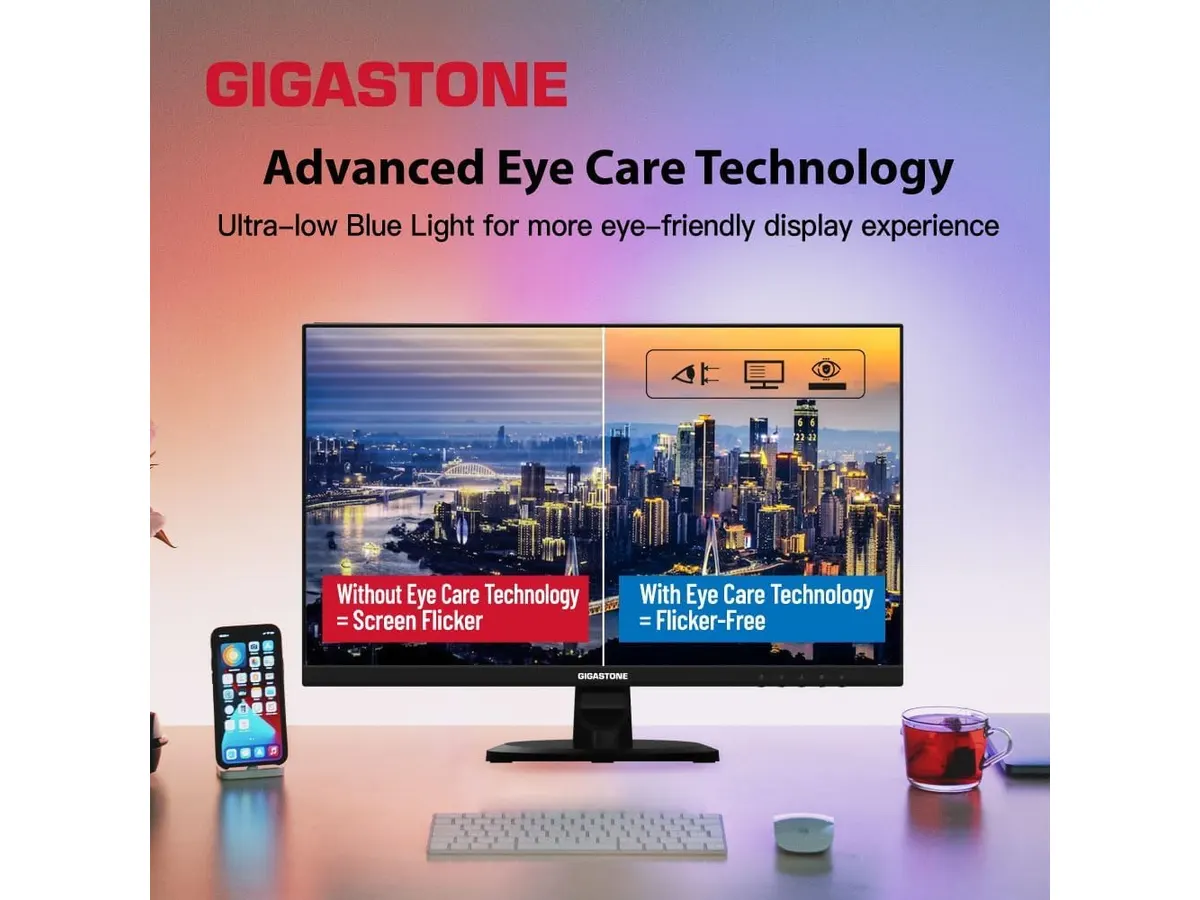
## Where it falls short
- **Limited Color Accuracy**: While the Gigastone monitors deliver decent performance, they may not satisfy professional graphic designers or photographers who require high color accuracy and wide color gamut. For those in creative fields where color representation is crucial, these monitors may not be adequate, as they may lack the depth of color needed for precise work. This could be a significant trade-off for users who prioritize visual fidelity in their projects.
- **Basic Adjustability**: The monitors lack advanced ergonomic features such as height adjustment or swivel abilities, which may not suit users needing personalized comfort settings. This limitation can be a drawback for those who spend significant hours in front of their screens and require specific adjustments to optimize their posture and comfort. Users who prioritize ergonomic setups may find themselves in need of additional accessories like monitor stands to achieve their desired angles.
## Who is it for?
- **Fits**: This monitor pack is ideal for remote workers and freelancers who need a reliable dual-screen setup for multitasking, video conferencing, and casual gaming. It offers an excellent balance between functionality and affordability, making it a solid choice for those who need to juggle multiple applications or tasks simultaneously. Students and creators who require a straightforward setup for video editing and research will also benefit from the dual screens, enhancing their workflow.
- **Does Not Fit**: It is not suitable for professional content creators or graphic designers who require high color fidelity and extensive customization options for their displays. Users deeply invested in color-accurate work, such as photo editing or graphic design, should seek alternatives that offer more advanced calibration features and color ranges. Those who require frequent adjustments for comfort due to long hours spent at the computer may also find this monitor pack lacking.
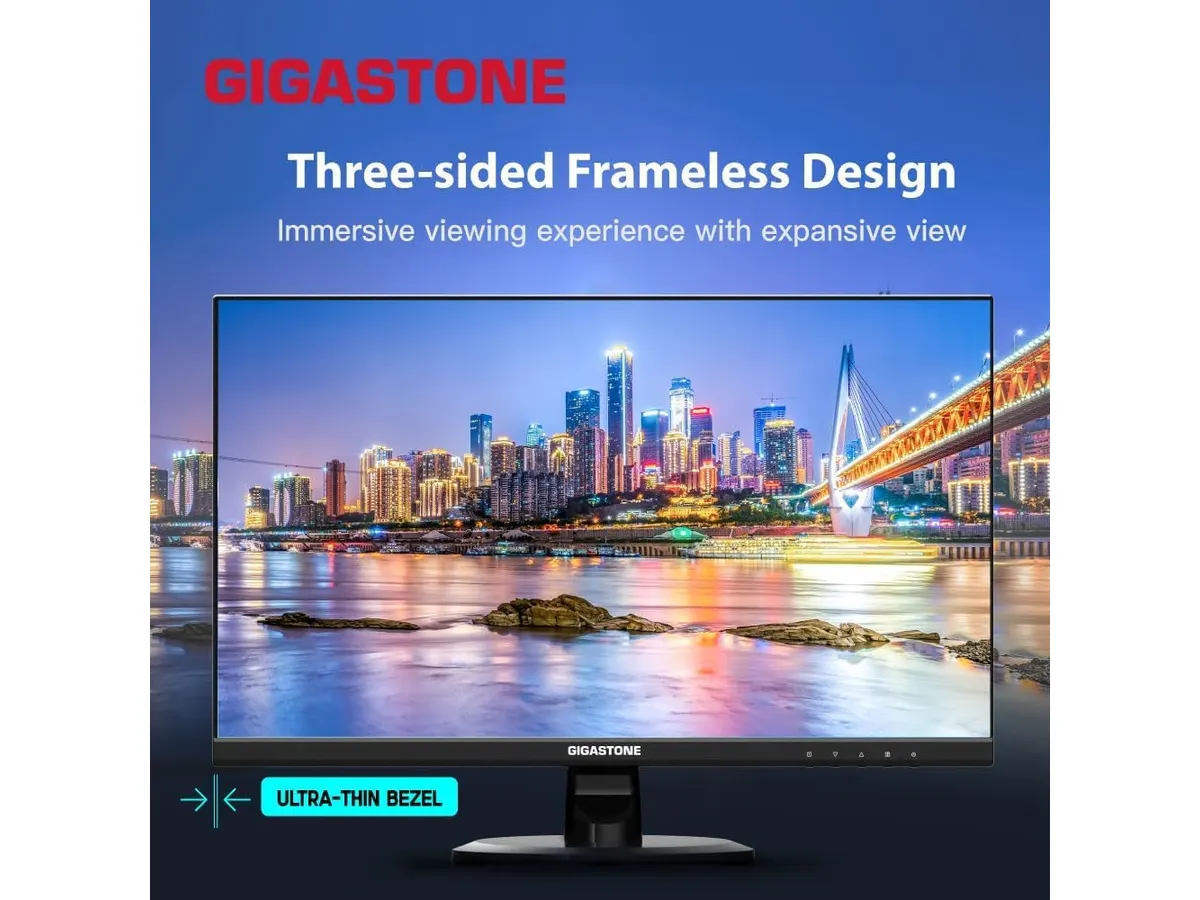
## Alternatives to consider
- **Budget Option**: For those on a tighter budget, consider a single monitor with basic full HD capabilities. This option is suitable for general tasks but lacks dual-screen benefits. A single monitor may suffice for users who do not require extensive multitasking or prefer a more minimalistic setup. This alternative is ideal for light users who primarily browse the web or work with documents.
- **High-End Option**: For users willing to invest more, a premium monitor offering higher resolutions, advanced color accuracy, and better ergonomic features will suit professional needs, especially in design work. Such monitors often come with features like HDR support, enhanced color spaces, and improved adjustability, making them a more fitting choice for demanding creative professionals.
## Verdict
The **Gigastone 27" IPS 2-Pack** delivers a solid dual-monitor setup ideal for general productivity, casual gaming, and video conferencing. With a user-friendly design and decent specifications, it stands out for its value in the dual-monitor market. However, professionals looking for color accuracy and advanced ergonomic features should explore higher-end options. This monitor pack serves as a practical solution for users who want to expand their workspace without committing to a heavy investment. For more monitor choices, check our [Monitors](https://setuplatam.com/en/categorias/monitores) category.
## Frequently asked questions
### What is the benefit of a dual-monitor setup?
A dual-monitor setup increases productivity by providing more screen real estate, allowing users to multitask efficiently and keep different applications open simultaneously. This setup can significantly improve workflow and reduce the time spent switching between tabs or windows.
### Can these monitors be mounted?
Yes, the Gigastone monitors are VESA mount compatible, allowing for flexible mounting options to save desk space and enhance ergonomics. VESA compatibility offers the flexibility to position your monitors in a way that best suits your workspace and personal comfort.
### Are these monitors suitable for gaming?
With a refresh rate of 100 Hz and a 1 ms response time, the Gigastone monitors are suitable for casual gaming, though serious gamers may prefer monitors designed specifically for gaming performance. While they can handle general gaming needs, more intensive gaming may demand higher specifications for optimal performance.
---
# iClever Wireless Mouse Review: A Versatile Choice for Remote Work
URL: https://setuplatam.com/en/blog/2026-09-22-iclever-wireless-mouse
Category: Peripherals
Published: 2026-09-22 · Updated: 2026-09-22
Discover the iClever Wireless Mouse—perfect for multitaskers and quiet workspaces. Read our in-depth review for details.
The iClever Wireless Mouse is tailored for remote workers, students, and anyone looking for a reliable and quiet peripheral. Featuring dual connectivity options and support for multiple devices, it enhances productivity while keeping noise to a minimum. This makes it an excellent choice for various home office setups where concentration is key.
## What it does well
- **Dual Connectivity**: The iClever Wireless Mouse offers both Bluetooth 5.1 and 2.4 GHz USB connections. This allows users to seamlessly switch between up to three devices with just one click. For remote workers juggling multiple computers or tablets, this feature is a game-changer. Imagine moving from your laptop to a tablet for note-taking, and then back to your desktop for research without needing to connect and disconnect cables or dongles. This fluidity can significantly enhance workflow, particularly for those who multitask frequently.
- **Silent Clicks**: Its quiet click design is a standout feature, making the mouse perfect for work environments like libraries or shared offices. You can focus on your tasks without disturbing those around you. This is especially critical in settings where sound can be a distraction for others, like in co-working spaces or open-plan offices. For students studying in quiet library corners or remote workers in shared living spaces, this feature alone can justify the investment.
- **Rechargeable Battery**: The mouse is equipped with a rechargeable battery via USB-C, eliminating the need for disposable batteries. This is a practical choice for eco-conscious users who want to reduce waste and the hassle of constantly replacing batteries. A USB-C charge is also generally more convenient, as it aligns with modern charging standards for most devices.
- **Customizable DPI Settings**: With five adjustable DPI levels ranging from 800 to 2400, users can tailor the mouse sensitivity to their specific preferences. This feature enhances precision during tasks such as graphic design or gaming, where even slight adjustments in sensitivity can make a significant difference in performance. Users can find a DPI setting that suits their workflow, whether they are drafting documents or engaging in pixel-perfect tasks.
## Key specifications
| Specification | Details |
|----------------------|---------------------------------|
| Connection | Dual: Bluetooth 5.1 and 2.4 GHz USB |
| Multi-device Support | Up to 3 devices |
| Battery | Rechargeable via USB-C |
| Click Type | Silent |
| DPI Levels | 5 levels (800 to 2400) |
| Additional Buttons | Forward and backward |
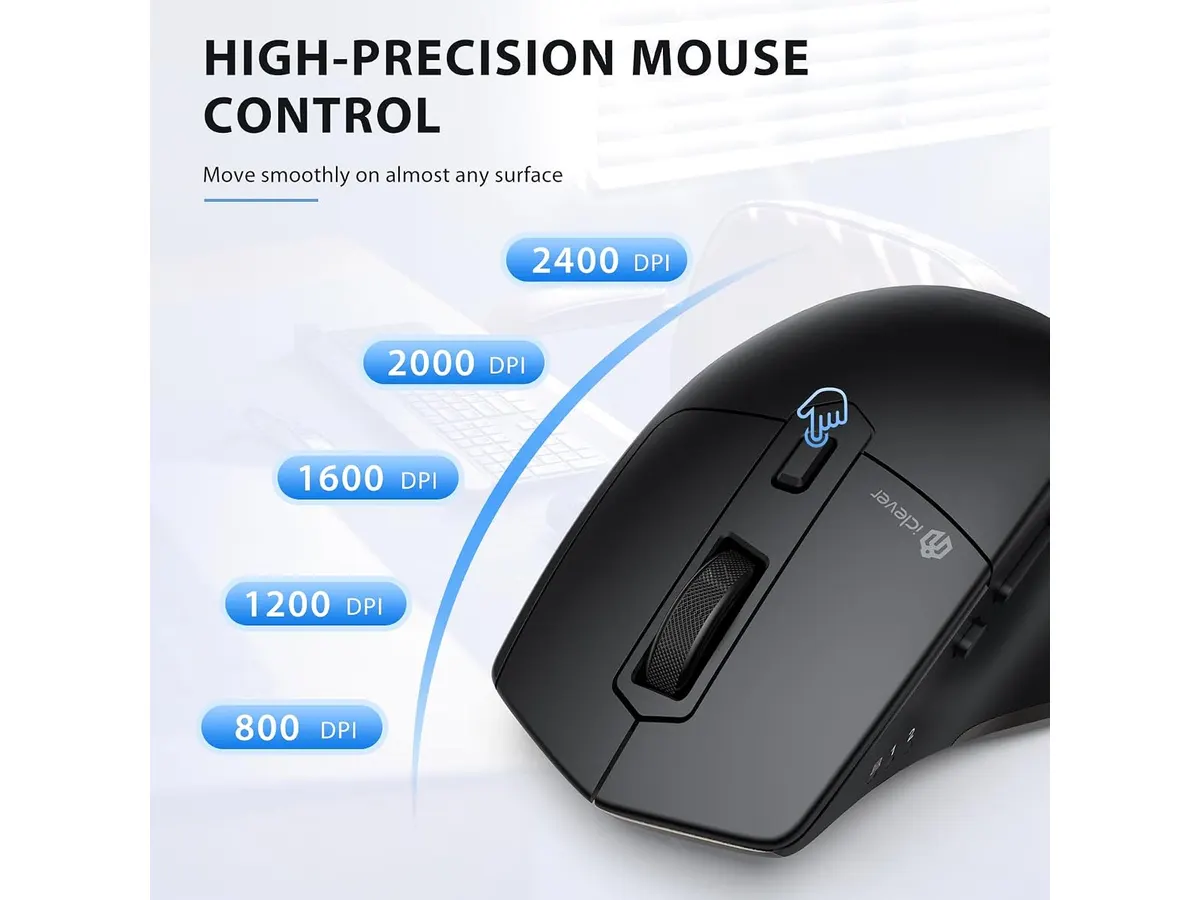
## Where it falls short
- **Limited Ergonomics**: Although the iClever Wireless Mouse performs well in terms of functionality, its form factor may not suit users seeking an ergonomic design for prolonged use. Those with larger hands might find it less comfortable over long stretches of work. For users who spend hours at their computers, an ergonomically designed mouse can help prevent discomfort and promote better hand positioning. If you’re someone who experiences fatigue or strain in your wrists, this mouse may not be the best fit.
- **Basic Functionality**: While it offers essential features, the mouse lacks advanced options such as customizable buttons or profiles. This may disappoint power users who demand more extensive functionalities. For professionals who rely on specific shortcuts or macros in their daily tasks, the lack of additional programmable buttons could be a limitation. Users who appreciate high levels of customization might find themselves looking for alternatives that better cater to their specialized needs.
## Who is it for?
- **Fits**: The iClever Wireless Mouse is ideal for remote workers, students, and anyone needing a quiet, reliable mouse for multitasking across multiple devices. Its ease of use and minimalistic design make it a suitable option for those who want to keep their workspace clutter-free while maintaining efficiency.
- **Does not fit**: However, it may not be suitable for gamers or users who require ergonomic designs for extensive use. Power users who need features like customizable buttons, high response time, or specialized shapes should consider looking at options that cater specifically to those requirements. If you frequently engage in high-paced activities like gaming, or if comfort is paramount for extended periods of usage, this mouse may fall short of expectations.
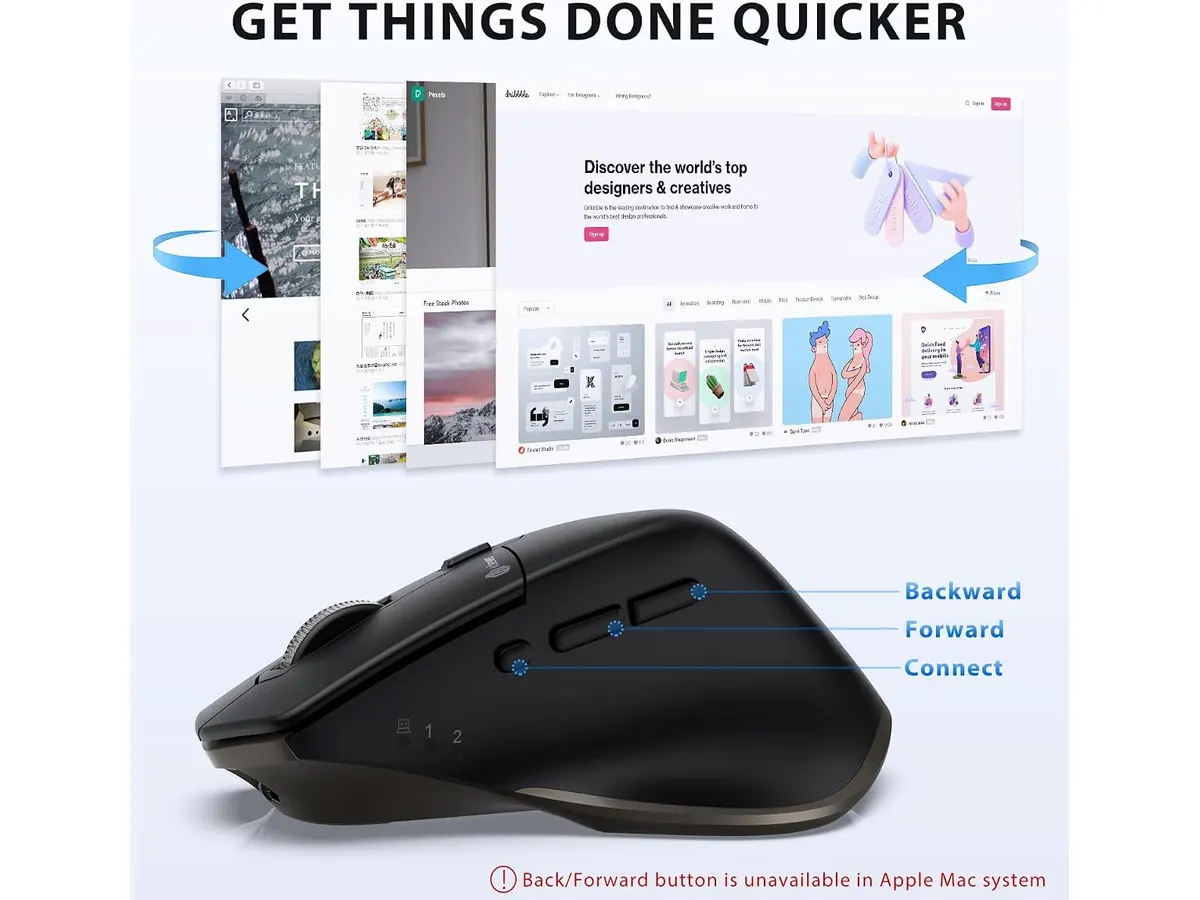
## Alternatives to consider
- **Entry-Level Option**: Look for a basic wired mouse that offers plug-and-play functionality. This option typically comes without extra features and is perfect for users on a budget or those who prefer minimalistic setups. If you’re someone who does not require advanced functionality and just needs a straightforward mouse for basic tasks, this could be the right choice.
- **High-End Option**: On the other side, consider a premium ergonomic mouse. Such options usually provide customizable buttons, advanced tracking capabilities, and superior comfort for users who spend long hours at the computer. This is especially ideal for professionals and gamers looking for enhanced performance and increased comfort during extended usage sessions. The investment in a higher-end model can lead to significant gains in both comfort and functionality.
## Verdict
The iClever Wireless Mouse impresses with its dual connectivity, silent functionality, and rechargeable battery, making it an excellent choice for those needing a versatile peripheral. While it may fall short in ergonomic design and advanced features, it serves well for everyday tasks, particularly for those who prioritize quiet work environments and multi-device connectivity. For anyone looking for solid performance without breaking the bank, this mouse is a recommended pick. Explore more options in the [Peripherals](https://setuplatam.com/en/categorias/perifericos) category to find the right gear for your home office.
## Frequently asked questions
### What devices are compatible with the iClever Wireless Mouse?
The iClever Wireless Mouse connects with any device that supports Bluetooth or USB receivers, including laptops, desktops, and tablets. This compatibility ensures that you can make the most out of this mouse with virtually any modern device.
### How long does the battery last on a full charge?
Battery life can vary based on usage, but the rechargeable battery is designed to provide extended use between charges. Regular use with Bluetooth may yield longer battery life compared to continuous use via 2.4 GHz USB, depending on device settings and features in use.
### Is the mouse suitable for gaming?
While it offers adjustable DPI settings, the iClever Wireless Mouse is not specifically designed for gaming. Users seeking superior performance, rapid response times, and additional gaming features may find this mouse lacking compared to more specialized gaming peripherals.
---
# Pzloz LED Desk Lamp Review: Versatile Lighting for Any Space
URL: https://setuplatam.com/en/blog/2026-09-22-pzloz-led-desk-lamp
Category: Lighting
Published: 2026-09-22 · Updated: 2026-09-22
Discover the Pzloz LED Desk Lamp in our review. Perfect for remote work, it offers customizable lighting to enhance your home office.
The Pzloz LED Desk Lamp is an adaptable lighting solution ideal for remote workers, freelancers, and students seeking to optimize their home office setup. With multiple brightness levels and color temperatures, it fits various work environments and tasks, ensuring you have the perfect lighting for every situation. This desk lamp is particularly designed to enhance productivity while maintaining comfort, which is essential for long hours spent in front of a computer.
## What it does well
- **Versatile Lighting Options**: The lamp features 25 combinations of light settings, thanks to its five color temperatures ranging from 3000K to 5500K and five brightness levels. This versatility makes it suitable for different activities, whether you're reading, working, or unwinding at night. For instance, the warmer 3000K setting is ideal for late-night reading or relaxing, while the cooler 5500K setting mimics daylight, making it perfect for detailed tasks that require more focus and clarity.
- **Flexible Design**: The lamp's adjustable arms can rotate 360 degrees and fold 180 degrees, while the lamp head can tilt 270 degrees. This allows for focused illumination on specific areas of your desk or workspace, enhancing functionality without taking up much space. Users can easily direct the light where it’s most needed, which is especially beneficial for small desk areas or multifunctional workspaces.
- **Convenient Remote Control**: Equipped with a wireless remote, users can easily change light modes and brightness levels without getting up. This feature is particularly useful during extensive work sessions when you might not want to disrupt your flow. The remote control enables you to fine-tune your lighting settings in real-time, ensuring your workspace remains comfortable and conducive to productivity.
- **Eye-Caring Technology**: The Pzloz LED Desk Lamp is designed to provide uniform lighting without flickering or glare, reducing eye strain during prolonged use. Additionally, it includes a night light mode, making it a great option for late-night work or reading. This is particularly important in our digital age, where excessive screen time can lead to discomfort and fatigue.
## Key specifications
| Specification | Details |
|----------------------------|-------------------------|
| Modos | 25 combinations (5 temperatures x 5 levels) |
| Temperatura de color | 3000K - 5500K |
| Brillo | 20% to 100% |
| Brazos | 360 degrees (arms), 180 degrees (foldable), 270 degrees (head) |
| Control | Wireless remote |
| Potencia | 24 W |
| Extras | Night mode, reading mode, clamp mount |
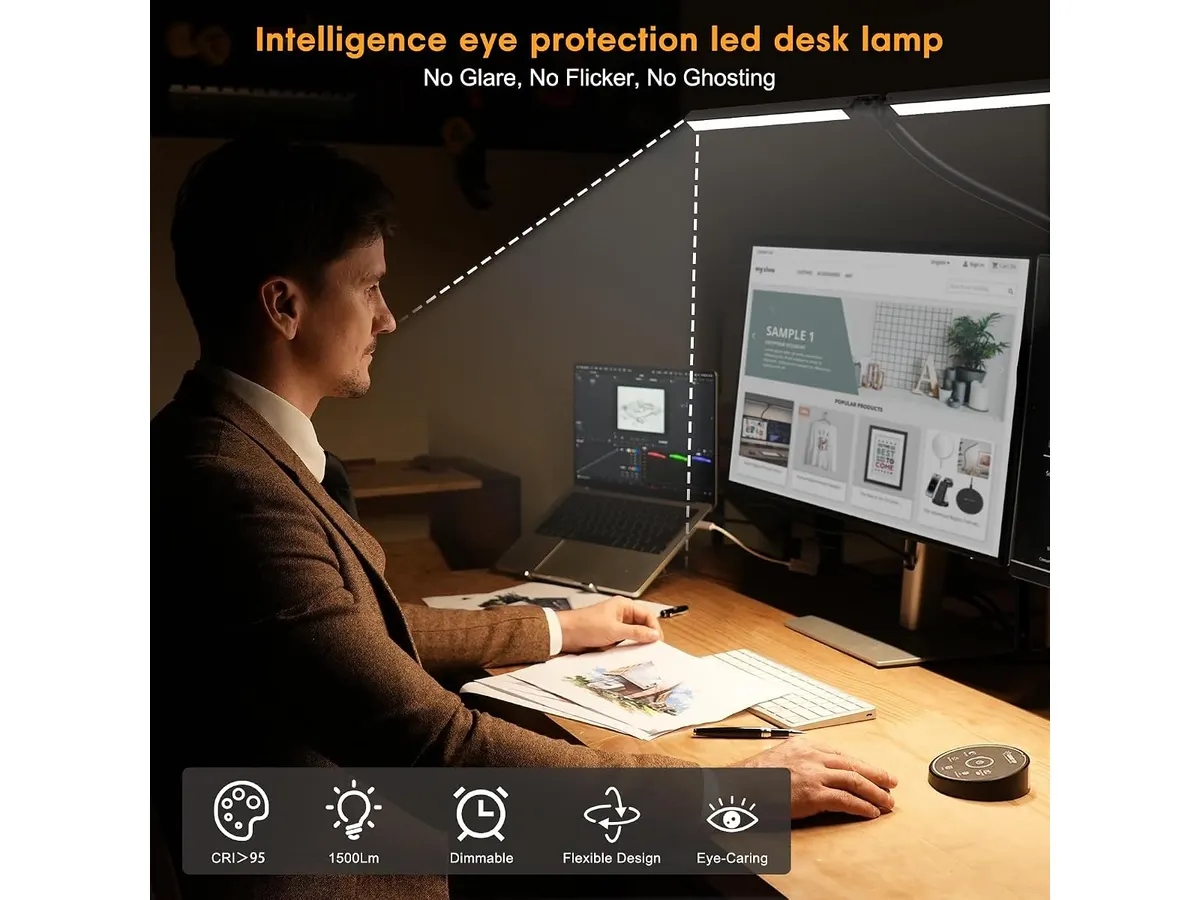
## Where it falls short
- **Limited Power**: With a maximum wattage of 24W, the lamp may not be bright enough for large workspaces or dimly lit rooms. Users in these environments might find themselves wishing for a more powerful light source. If you have a large desk or require a significantly brighter light for specific tasks like detailed crafting or artistic endeavors, this limitation could be a dealbreaker.
- **Clamp Mount Design**: While the clamp mount is space-saving, it may not be suitable for all desk types. Users with thicker desk surfaces or those who prefer stand-alone lamps might find the clamp option limiting. The clamp mechanism is designed for stability, but it does require a compatible surface to work effectively. If your desk has unusual features or thickness, you may need to consider alternative mounting solutions.
- **No Smart Features**: The Pzloz LED Desk Lamp lacks smart technology integration, such as app control or voice command features. Users looking for a smart home ecosystem may need to consider other options. If you are someone who appreciates the convenience of voice-activated devices or smart home integration, the absence of these features might be a significant drawback.
## Who is it for?
- **Fits**: This lamp is well-suited for students and remote workers who require adjustable lighting for various tasks. Its flexibility and multiple settings allow for a tailored lighting experience. Whether you are studying late into the night or working on projects during the day, the Pzloz LED Desk Lamp adapts to your needs, promoting a focused and comfortable environment.
- **Does not fit**: It may not be ideal for individuals with large desks or those who prefer traditional, freestanding lamps. The clamp design might also be unsuitable for specific desk setups. If you have a preference for floor lamps that provide broader illumination or if your workspace is expansive and requires multiple lighting sources, this lamp may not meet those particular needs.
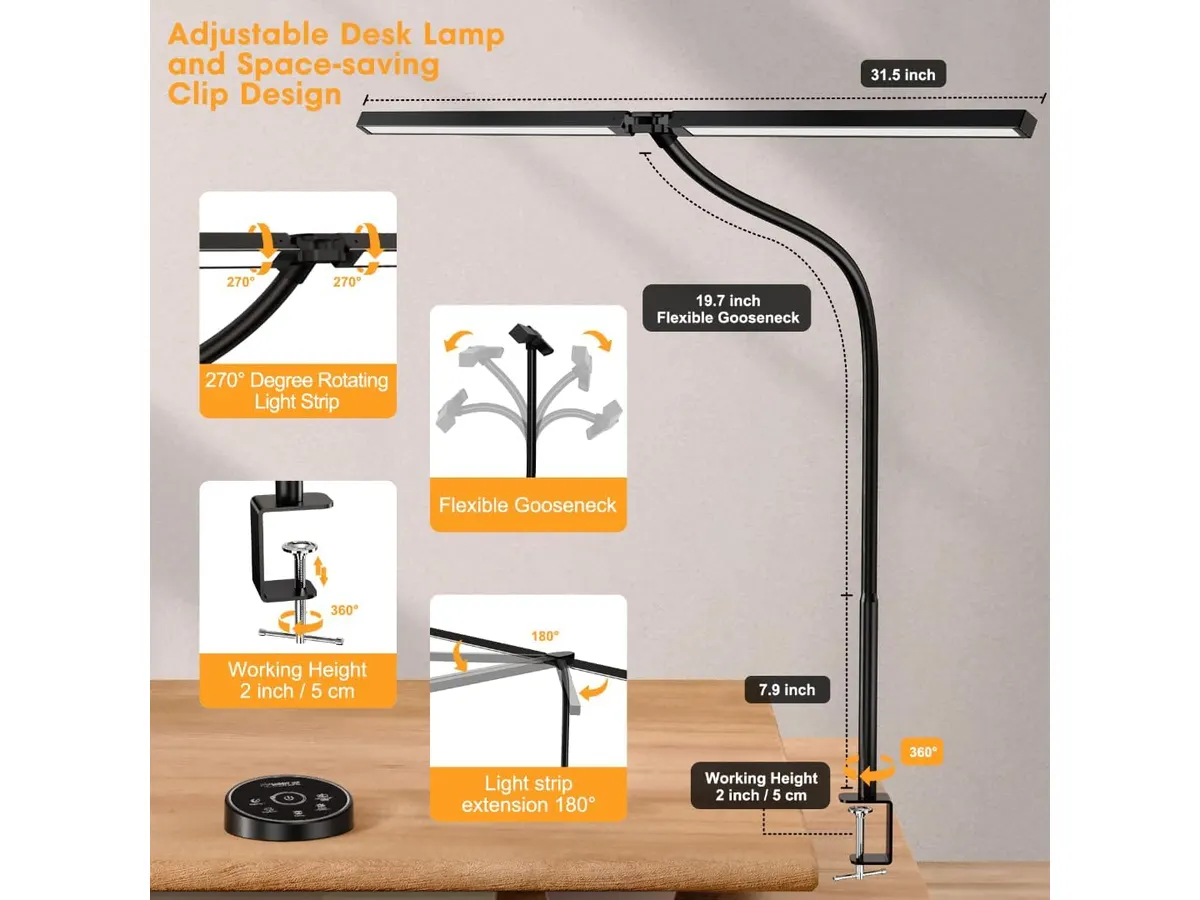
## Alternatives to consider
- **Budget Option**: For those seeking a more economical choice, consider a basic LED desk lamp that offers fewer settings and lower wattage. This may be ideal for casual use or students on a budget. Basic models often provide essential lighting but lack the versatility that the Pzloz lamp offers, making them suitable for users who only need minimal illumination.
- **Premium Choice**: For users looking for high-end lighting solutions, a smart LED desk lamp with app control and advanced features may be beneficial. This is suitable for tech-savvy individuals or those looking to integrate lighting into their smart home systems. Premium options typically come with more features, such as customizable color settings, scheduling, and integration with other smart devices.
## Verdict
The Pzloz LED Desk Lamp provides a versatile and practical lighting solution for home office setups. Its adjustable design and multiple lighting options cater to various needs, making it an excellent choice for many users. However, individuals requiring higher brightness levels or smart features might want to explore other options. Overall, it’s a commendable choice for enhancing your workspace. For more insights, check out our [Lighting](https://setuplatam.com/en/categorias/iluminacion) category.
## Frequently asked questions
### How do I adjust the brightness on the Pzloz LED Desk Lamp?
You can easily adjust the brightness using the wireless remote control, which offers multiple levels of brightness from 20% to 100%.
### Can I use the lamp for reading at night?
Yes, the lamp includes a dedicated night mode that provides a softer light, making it suitable for reading without straining your eyes.
### Is the Pzloz LED Desk Lamp portable?
While the lamp features a clamp mount design that can be fixed to a desk, its overall portability may be limited compared to traditional freestanding lamps.
---
# SIHOO B100 PRO Review: Ergonomic Chair for Comfort and Support
URL: https://setuplatam.com/en/blog/2026-09-22-sihoo-b100-pro
Category: Ergonomic Chairs
Published: 2026-09-22 · Updated: 2026-09-22
Explore the SIHOO B100 PRO review, a top ergonomic chair designed for all-day comfort and support while you work from home.
The SIHOO B100 PRO is an ergonomic chair designed for remote workers, freelancers, and anyone needing a comfortable seating solution for extended periods. With its adjustable features and supportive design, it caters to individuals seeking better posture and comfort while working from home. The emphasis on ergonomics makes it particularly appealing to those who spend long hours in front of a computer, as it promotes spine health and overall well-being.
## What it does well
- **Dynamic Lumbar Support**: The SIHOO B100 PRO features adaptive dynamic lumbar support with a dual backrest design, which moves with your spine. This innovative support system helps maintain your posture and offers comfort during long hours of work, reducing the risk of back pain that can often arise from prolonged sitting. Users who frequently experience discomfort may find this feature especially beneficial, as it allows for better alignment and support tailored to their specific needs.
- **Adjustable Features**: It includes 4D adjustable armrests that can be adjusted, rotated, and flipped, as well as three reclining angles (110, 125, and 135 degrees). This ensures a personalized fit for various working positions, enabling users to find their most comfortable working posture. The ability to adjust armrests is particularly important for those who often switch between typing and taking calls, as it allows for easier transitions without straining the shoulders.
- **Breathable Mesh Material**: The chair is made with breathable mesh on both the backrest and seat, promoting airflow and reducing heat buildup. This is especially beneficial for users in warmer climates or those who tend to get hot while seated for extended periods. The mesh material not only contributes to comfort but also adds an element of durability, as it is less prone to wear compared to traditional upholstery.
- **Robust Construction**: With a reinforced metal base and a Class 4 certified piston, the SIHOO B100 PRO can support up to 300 lbs (approximately 136 kg), providing stability and durability for a wide range of users. This robust construction ensures that the chair remains reliable even after prolonged use, making it an excellent choice for multi-user environments like shared workspaces or home offices that accommodate different family members.
## Key specifications
| Feature | Specification |
|------------------------|----------------------------------|
| Lumbar Support | Dynamic adaptive, dual backrest |
| Footrest | Retractable |
| Armrests | 4D (adjustable, rotatable, flip) |
| Reclining Angles | 110, 125, 135 degrees |
| Headrest | 3D ultra-wide |
| Maximum Load | 300 lbs (136 kg) |
| Certifications | SGS and BIFMA |
| Warranty | 36 months |
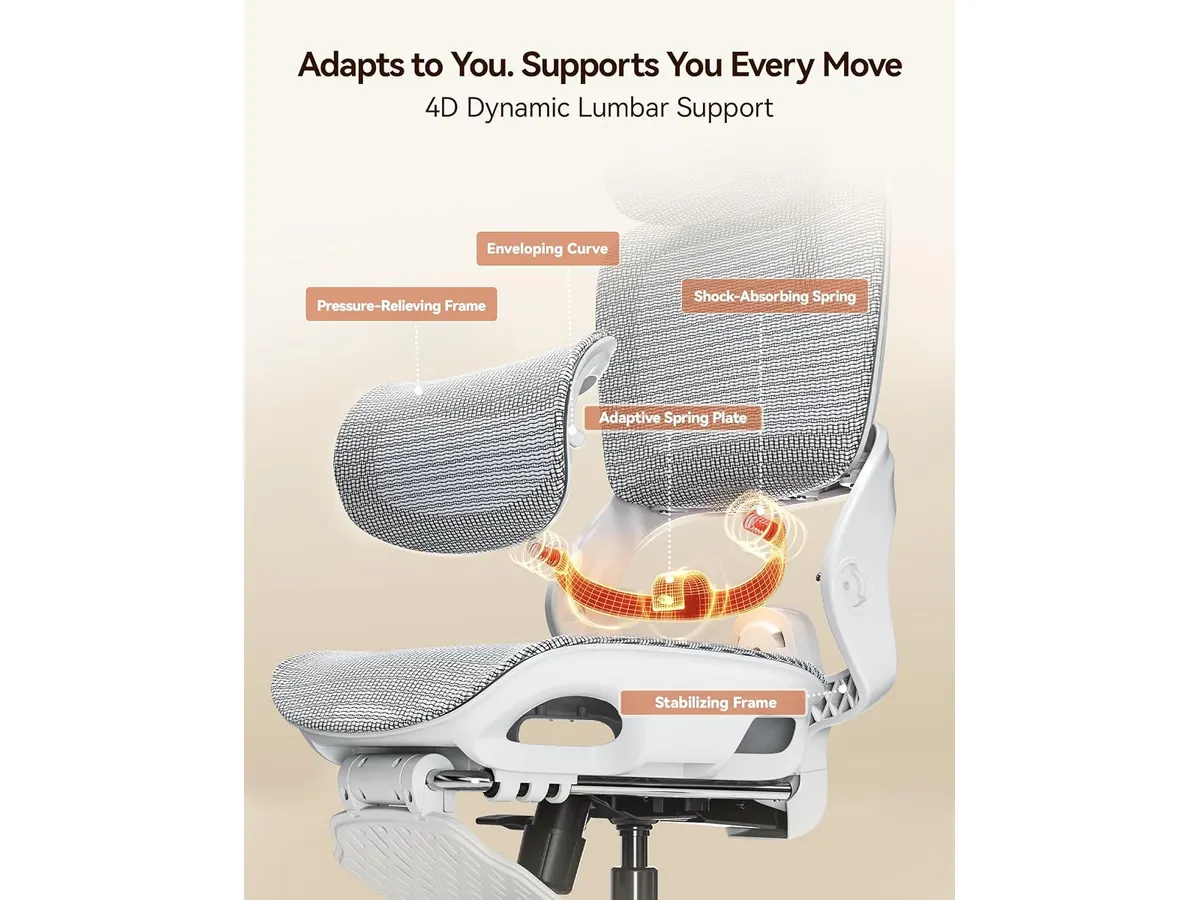
## Where it falls short
- **Limited Style Options**: The SIHOO B100 PRO primarily comes in standard colors and styles, which may not appeal to users looking for a more customized or aesthetic chair for their home office. Those who prioritize interior design and wish to match their chair to a specific decor style may find the selection lacking.
- **Initial Assembly Complexity**: Some users may find the initial setup to be complicated or time-consuming, especially if they are not accustomed to assembling furniture. While the chair generally comes with the necessary tools and instructions, a lack of experience with assembly can lead to frustration for some. Prospective buyers may want to consider enlisting help or reserving extra time for setup.
## Who is it for?
- **Fits Well For**: This chair is ideal for remote workers and freelancers who prioritize comfort and adjustability. Its dynamic lumbar support and breathable design make it suitable for those who sit for long periods. Additionally, users who frequently switch between tasks requiring different postures will appreciate the versatility offered by the adjustable features.
- **Not Ideal For**: It may not be the best choice for users who require ultra-modern aesthetics or for those who prefer a more traditional office chair look. Additionally, individuals seeking a chair that provides advanced technological features (like automated adjustments) might find the offerings here somewhat basic.
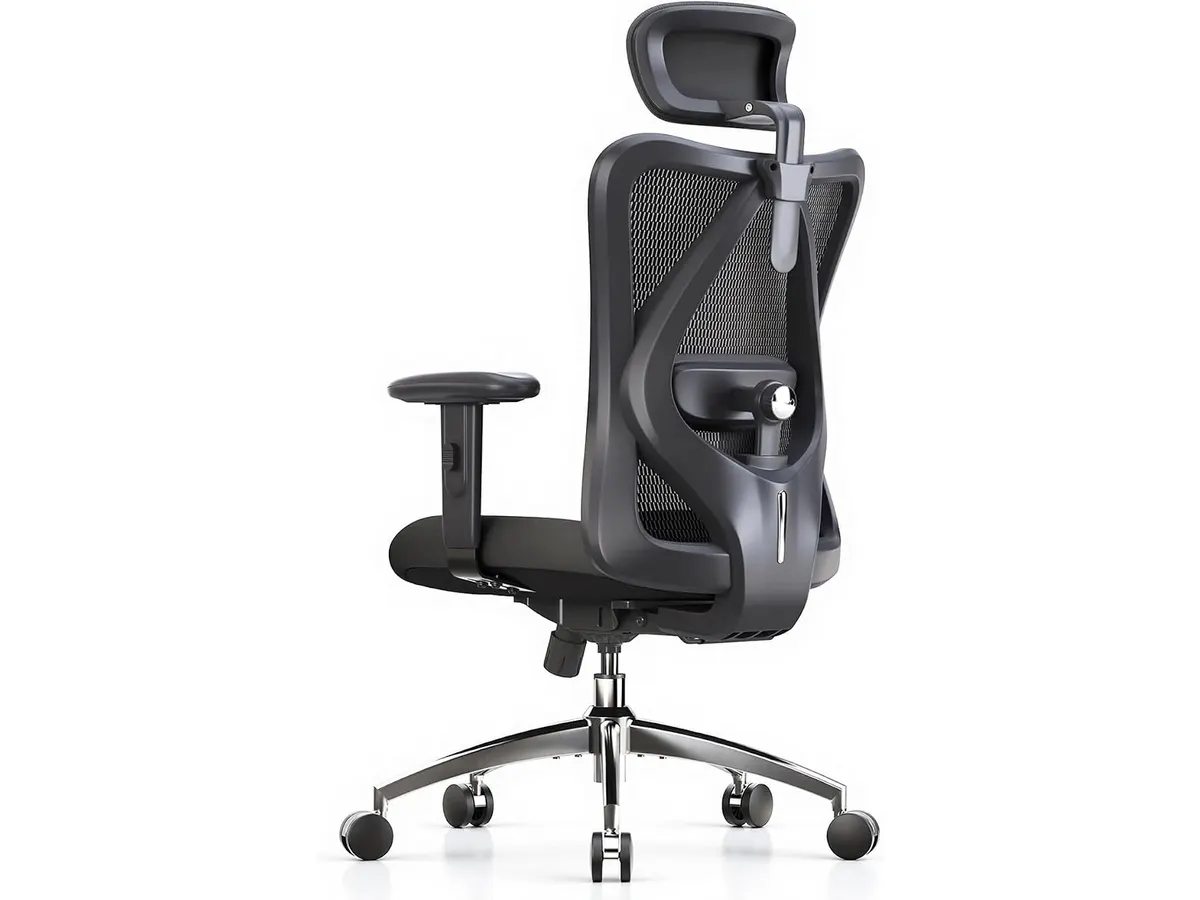
## Alternatives to consider
- **Budget Tier**: If you're looking for a more affordable ergonomic chair, consider options that offer basic lumbar support and adjustable seating without extensive customization features. Budget chairs may serve well for users who work shorter hours or do not require extensive ergonomic adjustments.
- **Premium Tier**: For those willing to invest more, consider higher-end ergonomic chairs that provide advanced features like automated adjustments and premium materials for increased comfort and style. These chairs may offer additional benefits, such as improved design aesthetics and enhanced adjustability that appeals to discerning users.
## Verdict
The SIHOO B100 PRO stands out in the ergonomic chair category for its effective lumbar support and adjustable options designed for comfort over long hours. While it may lack in style variety and initial assembly ease, its solid construction and supportive features make it a worthwhile investment for any home office. Users who are dedicated to creating a productive workspace rooted in comfort will likely appreciate what this chair has to offer. For a deeper dive into ergonomic seating options, check out our [Ergonomic Chairs](https://setuplatam.com/en/categorias/sillas) category.
## Frequently asked questions
### What is the maximum weight capacity of the SIHOO B100 PRO?
The SIHOO B100 PRO can support a maximum weight of 300 lbs (approximately 136 kg).
### Is the chair easy to assemble?
Some users may find the assembly process to be complex, so it's advisable to follow the instructions carefully.
### How does the lumbar support work?
The chair features dynamic adaptive lumbar support with a dual backrest that adjusts with your movements, promoting better posture.
---
# Bluedee Computer Speakers Review: Compact Soundbar for Desktops
URL: https://setuplatam.com/en/blog/2026-09-22-bluedee-computer-speakers
Category: Audio & Webcams
Published: 2026-09-22 · Updated: 2026-09-22
Explore Bluedee Computer Speakers for an efficient audio solution. Perfect for remote work and gaming. Read our full review!
The Bluedee Computer Speakers are designed for users seeking a compact audio solution for their desktops. Ideal for remote workers, gamers, and content creators, these speakers offer a mix of performance and convenience without cluttering your workspace. This review explores their features, performance, and who might benefit from choosing these speakers.
## What it does well
- **Compact Design**: Measuring 16.4 x 2.6 x 2.6 inches, the Bluedee speakers fit snugly under most monitors, saving valuable desk space. Their low profile makes them an excellent choice for smaller workspaces where every inch counts, such as in home offices or study areas.
- **Good Sound Quality**: Featuring dual drivers and dual diaphragms, these speakers provide balanced sound with clear highs and decent lows, ensuring an enjoyable audio experience. Users can expect satisfactory performance for a variety of tasks, from video conferencing to listening to music while working. While they may not match the audio quality of high-end speakers, they offer a well-rounded sound for everyday use.
- **Easy Connectivity**: With Bluetooth 5.0 and a 3.5 mm jack connection, users can easily link their devices without the need for additional drivers or software. This versatility appeals to those who frequently switch between different devices, such as laptops and smartphones. The quick pairing capability also enhances user convenience, allowing for a seamless transition from one device to another.
- **Ambient Lighting**: Equipped with ambient light strips, the speakers not only deliver sound but also enhance your workspace aesthetics. This feature can add a touch of personalization to your home office, helping to create a more inviting environment, which can be particularly beneficial during long work hours.
| Specification | Details |
|--------------------------|-------------------------------------|
| Type | Desktop soundbar |
| Sound | Dual driver and dual diaphragm |
| Connectivity | 3.5 mm jack and Bluetooth 5.0 |
| Power Supply | USB, plug and play |
| Dimensions | 16.4 x 2.6 x 2.6 inches |
| Manufacturer Highlights | Balanced audio, compact profile, ambient lighting|
## Where it falls short
- **Limited Bass Response**: While the audio quality is decent, the speakers may lack the deep bass some users expect, making them less suitable for bass-heavy music. For those who enjoy genres like hip-hop or electronic music, this may be a determining factor in their satisfaction with the speakers. Users focused on music production or sound design might find the lack of bass response particularly limiting.
- **No Built-in Microphone**: These speakers do not come with a built-in microphone, which might not be ideal for users needing integrated audio communication. Remote workers or content creators who require two-way audio capabilities for video calls may need to invest in a separate microphone, which adds to the overall setup complexity and cost.
- **Not for Large Rooms**: Given their compact size and design, they are not powerful enough to fill larger rooms with sound effectively. If you require audio solutions for a bigger space, such as a living room or an open office environment, these speakers will likely fall short in delivering an immersive audio experience.
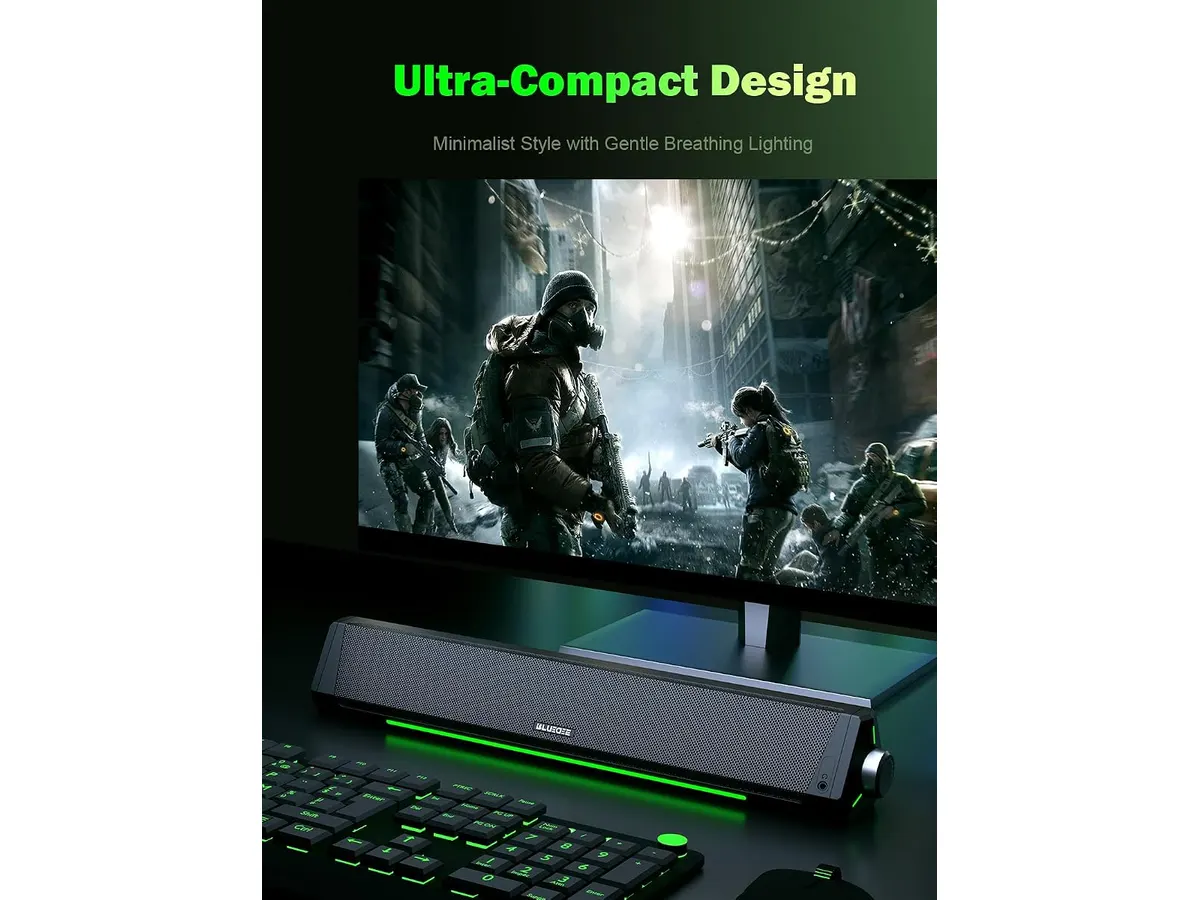
## Who is it for?
- **Fits**: Ideal for those who work at a desk and require a simple, effective audio solution for streaming, casual gaming, or video calls without taking up too much space. Students, remote workers, and casual gamers will likely appreciate the balance of sound quality and compactness that the Bluedee speakers offer. They serve well for background audio during work or learning sessions, providing clarity without overwhelming the user.
- **Does Not Fit**: Not recommended for audiophiles or users who prioritize deep bass and overall high-fidelity sound, as well as those needing a microphone for voice calls or streaming. If your work involves high-level audio production, or you simply enjoy a richer sound experience, you may want to consider other options that better suit your audio needs.
## Alternatives to consider
- **Budget Tier**: For those looking for a more affordable option, consider basic speakers that might lack advanced features but provide adequate sound quality for everyday tasks. These speakers may be more limited in range and design, but they can serve well for basic audio needs and are suitable for light use.
- **Premium Tier**: If you’re willing to invest more, consider mid-range soundbars with better sound profiles, including enhanced bass and additional features like built-in microphones. These options usually come with superior audio technologies that can cater to gamers and content creators seeking immersive sound experiences and multi-functional use.
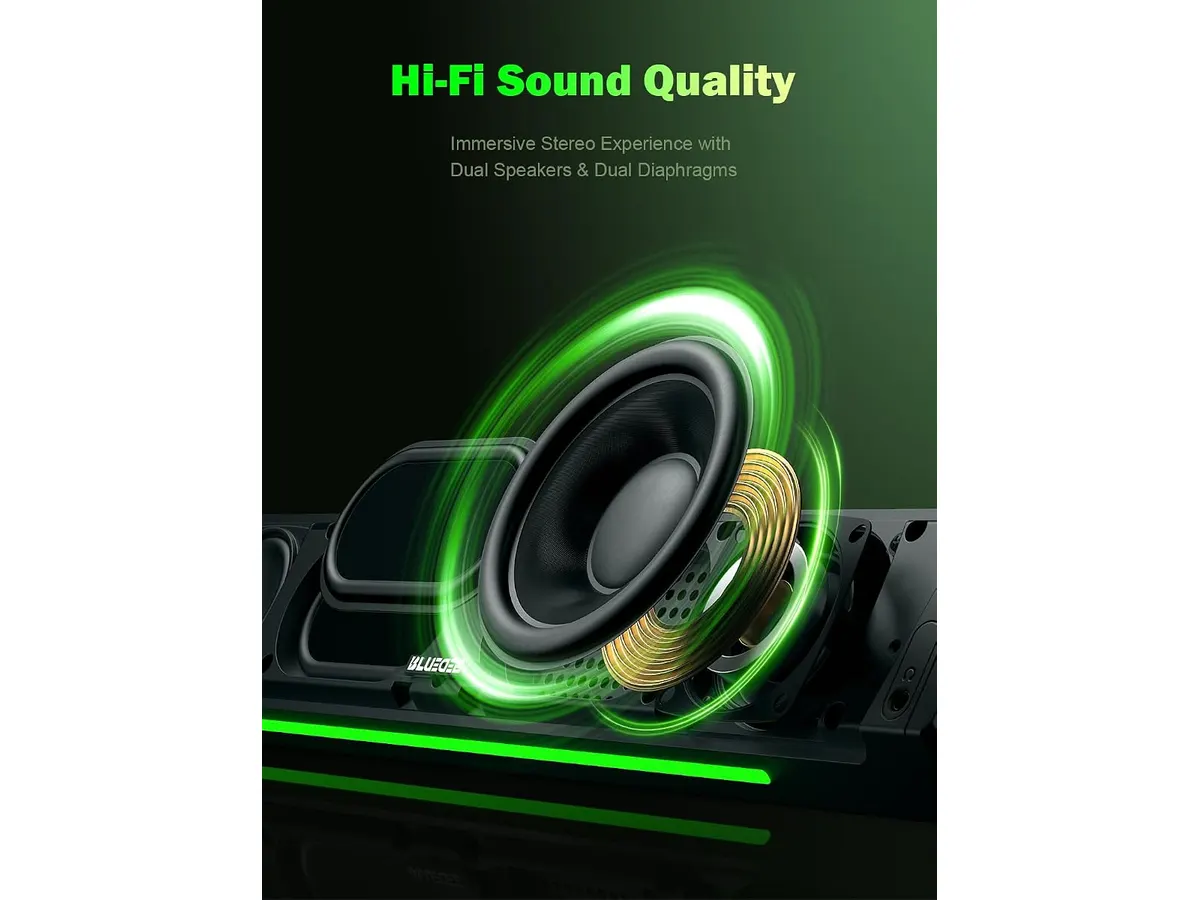
## Verdict
The Bluedee Computer Speakers present a solid option for anyone in need of a compact and straightforward audio solution. Their combination of functionality and aesthetics makes them a suitable pick for smaller workspaces. If you're seeking a basic, plug-and-play audio enhancement for your desktop, these speakers are worth considering. However, users with specific audio needs or those working in larger spaces might want to explore additional options for a more fulfilling audio experience. For more options in audio gear, check our category on [Audio & Webcams](/en/categorias/audio-webcams).
## Frequently asked questions
### How do I connect my Bluedee Computer Speakers?
You can connect your speakers using either a 3.5 mm audio jack or via Bluetooth 5.0, allowing for flexibility depending on your device. This ease of connection supports a wide range of devices, enhancing user versatility.
### Do these speakers require additional software?
No, the Bluedee Computer Speakers are designed to be plug-and-play, meaning no additional software or drivers are necessary for setup. This feature is particularly appealing for users who prefer hassle-free installation and operation.
### Can I use these speakers for gaming?
Yes, these speakers can enhance audio quality for gaming; however, consider that they may not provide the immersive sound experience that high-end gaming speakers offer. Casual gamers will likely find them sufficient, while competitive gamers may seek more robust audio solutions to enhance their gameplay experience.
---
# Ergohuman ME7ERG GEN2 Review: Versatile Ergonomic Chair
URL: https://setuplatam.com/en/blog/2026-09-22-ergohuman-me7erg-gen2
Category: Ergonomic Chairs
Published: 2026-09-22 · Updated: 2026-09-22
Discover the Ergohuman ME7ERG GEN2, a highly adjustable ergonomic chair ideal for home office setups, with dynamic lumbar support and modern design.
The Ergohuman ME7ERG GEN2 is designed for remote workers and professionals seeking comfort and support in their home office. With its adjustable features and modern aesthetics, this chair can enhance your workspace and improve your posture during long hours of sitting. As working from home becomes more common, the demand for ergonomic furniture that promotes health and productivity is at an all-time high. This chair aims to meet those needs with a thoughtful design and practical features.
## What it does well
- **Dynamic Lumbar Support:** The Ergohuman ME7ERG GEN2 features a dynamic lumbar support system that flexes with your body's movements, providing personalized comfort and reducing back strain. This is especially beneficial for individuals who tend to shift positions frequently or require support that adapts throughout the day. The lumbar support helps maintain the natural curve of your spine, crucial for those prone to back discomfort.
- **Multiple Adjustability:** With eight ergonomic adjustments, including tension, tilt lock, back angle, seat height, and armrests, this chair can be customized to fit a wide range of body types and preferences. This level of adjustability is particularly useful for shared workspaces where multiple users may need to adapt the chair to their specific needs. An adjustable chair promotes better posture and can reduce fatigue during long working hours.
- **Breathable Mesh Construction:** The chair's mesh backrest, made in the USA, offers durability and breathability, ensuring comfort even during extended use. Users will appreciate the ventilation the mesh provides, which can help regulate temperature and prevent moisture buildup. This feature can be a game-changer for individuals who work in warmer environments or those who tend to get hot while sitting for long periods.
- **Modern Design:** Its sleek and elegant design makes it a stylish addition to any home office, combining aesthetics with functionality. The Ergohuman ME7ERG GEN2 fits well in a variety of work environments, from minimalist setups to more traditional home offices. A visually appealing chair can enhance the overall look of your workspace, contributing to a more pleasant work atmosphere.
## Key specifications
| Feature | Description |
|-----------------------------------|------------------------------------|
| Type | Mesh office chair with headrest |
| Lumbar Support | Dynamic, flexes with the body |
| Adjustments | Eight: tension, lock, backrest, seat, arms |
| Backrest | Mesh manufactured in the USA |
| Warranty | Limited lifetime warranty |
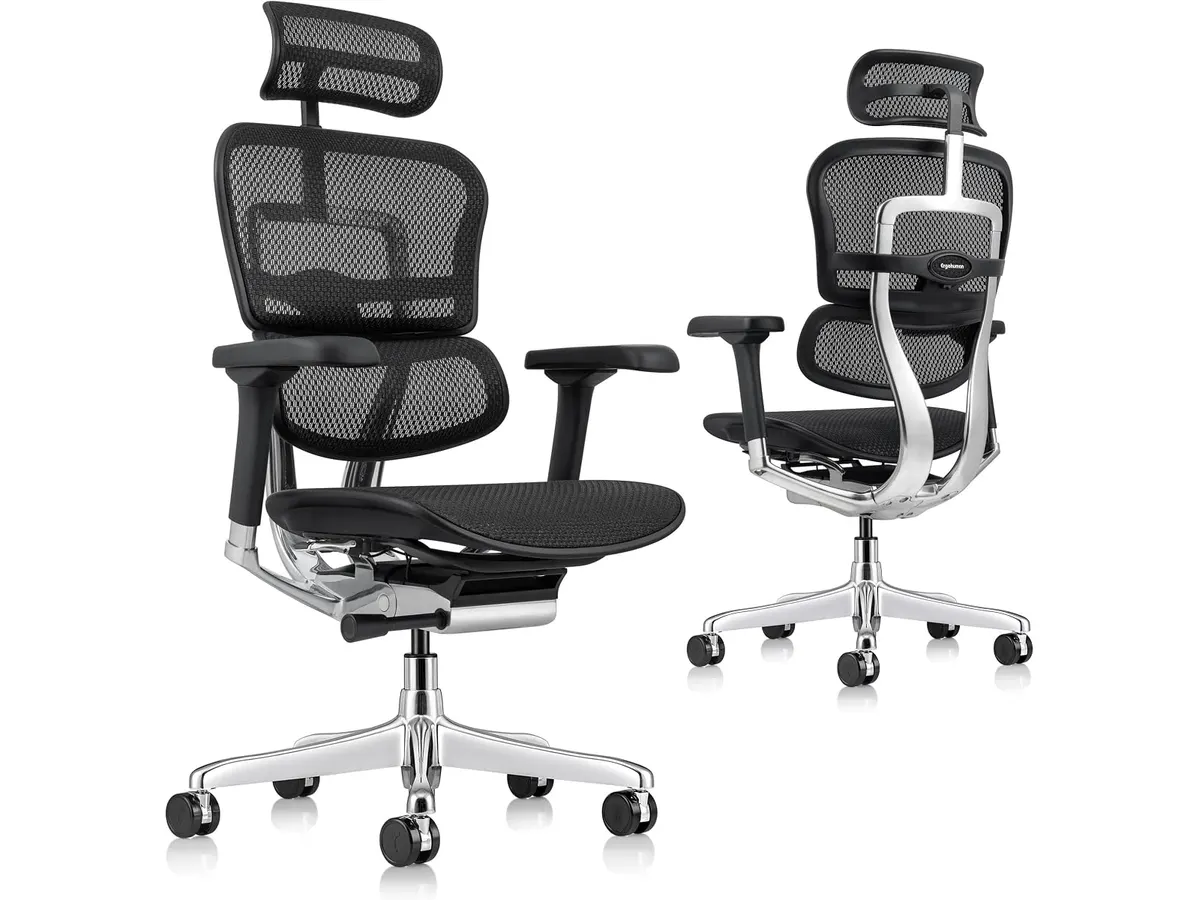
## Where it falls short
- **Limited Padding:** While the mesh provides breathability, some users may find the seat cushion less padded than traditional upholstered chairs, which could lead to discomfort over long periods. Those who prefer a softer seating experience might find the firmness of the seat less accommodating. This trade-off may not be significant for individuals who prioritize breathability and support over plush comfort, but it’s essential to consider based on personal preference.
- **Not Ideal for Short Users:** The minimum height settings may not accommodate shorter individuals comfortably, limiting the chair's versatility. If you're below average height, you might find that the chair does not provide adequate support, especially in terms of foot placement on the floor and overall posture. This limitation can lead to discomfort and may necessitate additional adjustments, like using footrests, which can detract from the chair’s overall ease of use.
## Who is it for?
- **Fits:** The Ergohuman ME7ERG GEN2 is well-suited for individuals who spend long hours at their desks and require excellent lumbar support along with a high degree of adjustability to fit their specific needs. This chair is particularly beneficial for remote workers, professionals, and students who are dedicated to creating a comfortable and productive workspace. Its adaptability makes it suitable for a variety of body types, enhancing the overall user experience during prolonged sitting.
- **Does not fit:** This chair may not be the best option for those seeking a plush, heavily padded seat or for very short individuals, as it may not provide adequate support in those cases. Users who enjoy sinking into a soft seat may find the Ergohuman ME7ERG GEN2 lacking in that regard. Additionally, individuals under a certain height may struggle to adjust the chair to suit their needs effectively.
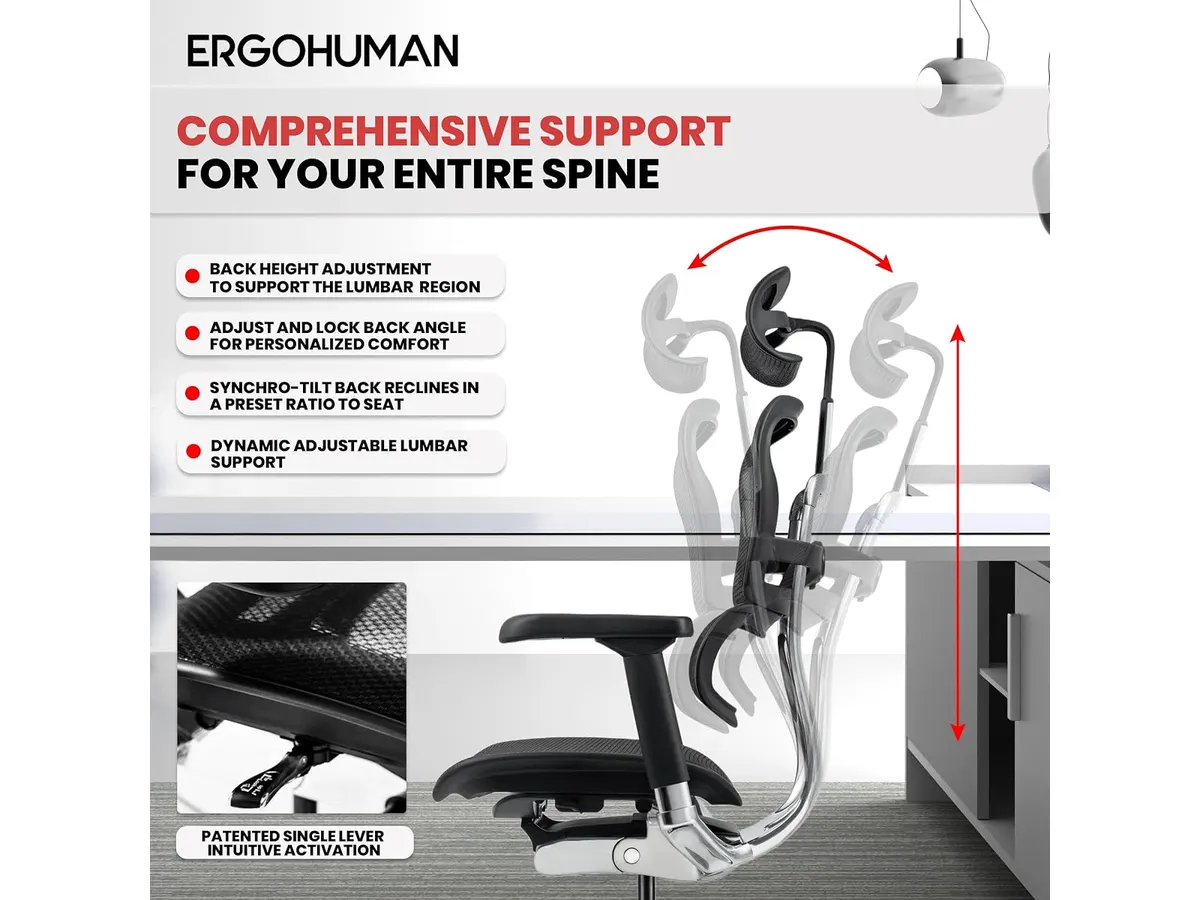
## Alternatives to consider
- **Budget Option:** For those on a tighter budget, consider a simpler ergonomic chair that offers basic adjustability and comfort, suitable for occasional use or shorter work sessions. These budget chairs typically provide the essential features needed to maintain decent posture without breaking the bank.
- **Premium Option:** If you are looking for a high-end ergonomic chair with advanced features, explore chairs that offer specialized lumbar support systems and enhanced cushioning for maximum comfort over long hours. Premium options often include additional functionalities such as memory foam seat cushions, adjustable neck support, and higher weight capacities, catering to users seeking a luxurious experience.
## Verdict
The Ergohuman ME7ERG GEN2 stands out for its dynamic lumbar support and extensive adjustability, making it a solid choice for remote workers and professionals aiming for comfort and good posture. While it excels in providing tailored support and breathability, potential buyers should consider their specific needs, especially regarding seat padding and height adjustments. If you prioritize a breathable, supportive chair that can accommodate a variety of body types, the Ergohuman ME7ERG GEN2 is a strong contender. For those looking to enhance their home office setup, this chair offers a good balance of style and functionality. For more options, explore our collection of [Ergonomic Chairs](/en/categorias/sillas) and check out our review of the [SIHOO M18 Review: A Comfortable Ergonomic Chair for Home Offices](/en/blog/2026-09-22-sihoo-m18).
## Frequently asked questions
### What is the weight capacity of the Ergohuman ME7ERG GEN2?
The Ergohuman ME7ERG GEN2 is designed to accommodate a variety of body types, but specific weight capacity details are not provided. Users should keep this in mind, especially if weight is a concern when selecting a chair.
### How easy is it to assemble the Ergohuman ME7ERG GEN2?
Assembly is straightforward, with instructions and tools included to help you set it up quickly. Most users can expect to have the chair ready for use in a short amount of time.
### Does the chair have a return policy?
Yes, the chair comes with a limited lifetime warranty, but be sure to check with the retailer for their specific return policy. Understanding the return policy can provide peace of mind when making your purchase.
---
# LG UltraGear 27G61ZB-B Review: High-Performance Gaming Monitor
URL: https://setuplatam.com/en/blog/2026-09-22-lg-ultragear-27g61zb-b
Category: Monitors
Published: 2026-09-22 · Updated: 2026-09-22
Discover the LG UltraGear 27G61ZB-B, a high-performance gaming monitor with a stunning QHD display and a 200Hz refresh rate.
The LG UltraGear 27G61ZB-B is a 27-inch QHD gaming monitor designed for gamers seeking a high-performance display. With its fast refresh rate and impressive color accuracy, it caters to those who want fluid gameplay and rich visuals. This monitor is particularly appealing for individuals who engage in competitive gaming, where every millisecond can make a significant difference in performance.
## What it does well
- **High Refresh Rate**: The native 200Hz refresh rate ensures smooth and responsive gameplay, significantly reducing motion blur during fast-paced action. This feature is particularly beneficial in competitive gaming scenarios, such as first-person shooters and racing games, where quick reflexes and visual clarity are paramount. Gamers will appreciate the reduction of tearing and stuttering, allowing for an uninterrupted visual experience.
- **Fast Response Time**: With a 1ms (GtG) response time, the LG UltraGear minimizes ghosting and delivers a clearer image during gaming sessions. This means that players can react quickly to in-game events without noticing trailing effects, which is crucial for maintaining performance in high-speed action. The rapid response time also contributes to an overall smoother gaming experience, making it a valuable asset for enthusiasts.
- **Color Accuracy**: Covering up to 99% of the sRGB color spectrum and supporting HDR10 allows for vibrant colors and deep blacks, enhancing the overall visual experience. The contrast and color depth provided by this monitor are impressive, making it suitable for games that rely on rich environments and cinematic visuals. While it excels in gaming, the color performance will also benefit casual media consumption, such as streaming movies or videos.
- **Versatile Adjustments**: The adjustable stand with height, tilt, swivel, and pivot options provides ergonomic flexibility for users, making it comfortable for long gaming or working sessions. Ergonomics is critical for users who may spend extended periods in front of the screen. The ability to adjust the monitor's position helps reduce strain on the neck and back, promoting a healthier workspace.
| Specification | Details |
|----------------------------------|-----------------------------|
| Screen Size | 27 inches |
| Resolution | QHD (2560 x 1440) |
| Refresh Rate | 200 Hz (native) |
| Response Time | 1 ms (GtG) |
| Color Coverage | Up to 99% sRGB |
| Synchronization Technology | AMD FreeSync Premium |
| HDR Support | HDR10 |
| Adjustable Stand | Yes (height, tilt, swivel, pivot) |
## Where it falls short
- **Limited Connectivity Options**: The monitor may lack sufficient ports for those who want to connect multiple devices simultaneously, which can be a drawback for some users. While it is ideal for a straightforward setup, individuals who require extensive connectivity options, such as multiple gaming consoles or a PC and a laptop, may find themselves limited. Users looking for a more versatile hub for their devices may need to invest in additional connectors or a docking station.
- **Not Ideal for Professional Color Work**: While it boasts good color accuracy for gaming, it may not meet the stringent requirements of professional photographers or graphic designers. Those in creative fields who require precise color reproduction may find the monitor lacking in features such as wider color gamut support and advanced calibration options. This monitor is not designed for critical color work, and professionals in this area should consider dedicated monitors designed specifically for such tasks.
## Who is it for?
- **Fits**: The LG UltraGear 27G61ZB-B is perfect for gamers who prioritize high refresh rates and quick response times, enhancing their gaming performance. Casual gamers and competitive players alike will find this monitor suits their needs well, offering a significant upgrade over standard displays. The vibrant colors and smooth visuals also make it suitable for general multimedia use, including watching films and online content.
- **Does Not Fit**: It may not be suitable for professionals in graphic design or video editing who require more extensive color calibration and a wider color gamut. Additionally, those who need to connect multiple devices may find the limited ports inconvenient. If your primary use involves tasks that demand high color precision or connectivity, this monitor may not meet your expectations.
## Alternatives to consider
- **Budget Option**: For those looking for a more affordable gaming monitor, consider a mid-range 1080p option that still offers decent refresh rates but may sacrifice some resolution. These monitors can provide a smooth gaming experience, although they may compromise on color accuracy or features geared toward high-end gaming.
- **High-End Option**: If you're willing to spend more, look for a premium model with 4K resolution and advanced color calibration features, ideal for both gaming and professional tasks. These high-end models often come with better color accuracy and additional features such as higher refresh rates, making them suitable for a wider range of applications.
## Verdict
The LG UltraGear 27G61ZB-B is a robust choice for gamers who want a responsive and visually impressive monitor. Its combination of a high refresh rate, fast response time, and solid color coverage makes it suitable for intense gaming sessions. Additionally, its ergonomic adjustments cater to the comfort needs of users during long hours of use. However, those in search of extensive connectivity features or professional color accuracy should explore other options. For further insights into monitor choices, check out our comprehensive guide on [Monitors](https://setuplatam.com/en/categorias/monitores) and consider the Dell UltraSharp U2724D Review: A Versatile 27-Inch Monitor at /en/blog/2026-09-22-dell-ultrasharp-u2724d.
## Frequently asked questions
### What is the refresh rate of the LG UltraGear 27G61ZB-B?
The LG UltraGear 27G61ZB-B features a native refresh rate of 200Hz, providing smooth visuals during fast-paced gaming.
### Does the monitor have HDR capability?
Yes, the LG UltraGear 27G61ZB-B supports HDR10, enhancing the contrast and color range of the display.
### Can I adjust the monitor's height?
Yes, the monitor comes with an adjustable stand that allows for height, tilt, swivel, and pivot adjustments for ergonomic comfort.
---
# RedThunder K95 Wireless Mechanical Keyboard Review
URL: https://setuplatam.com/en/blog/2026-09-22-redthunder-k95-wireless-mechanical-keyboard
Category: Peripherals
Published: 2026-09-22 · Updated: 2026-09-22
Discover the features and limitations of the RedThunder K95 Wireless Mechanical Keyboard for remote work and gaming.
The RedThunder K95 Wireless Mechanical Keyboard is a versatile option for remote workers and gamers seeking a compact and feature-rich keyboard. With its wireless connectivity options and customizable RGB lighting, it aims to meet the needs of different users who want a reliable and stylish addition to their home office or gaming setup. This keyboard combines the advantages of modern mechanical technology with a user-friendly design, striking a balance between functionality and aesthetics.
## What it does well
- **Versatile Connectivity**: The K95 features triple-mode connectivity, supporting Bluetooth 5.0, 2.4 GHz wireless, and USB-C connections. This variety allows users to switch seamlessly between multiple devices, making it ideal for those who use both computers and tablets. Whether you’re writing emails on your laptop or gaming on a desktop, this flexibility ensures you can connect effortlessly. The ability to pair with up to three devices enhances productivity, especially for multitaskers who need to transition between different platforms quickly.
- **Compact Design**: With its 90% layout, the K95 retains essential keys while saving space. It includes arrow keys, number pad, and function keys, making it suitable for users with limited desk space. This compactness is particularly beneficial for those with minimal workspace or in shared environments where every inch counts. The keyboard’s layout is designed to be intuitive, minimizing the learning curve for new users accustomed to standard layouts.
- **Hot-Swap Switches**: The keyboard comes with pre-lubricated hot-swap switches, allowing users to easily customize their typing experience by swapping out switches without soldering. This feature accommodates different preferences for tactile feedback, allowing both casual typists and serious gamers to find their ideal switch. Users can experiment with various switch types to find the one that suits their typing style, whether they prefer a softer touch for prolonged typing sessions or a more tactile feel for gaming.
- **Long Battery Life**: Thanks to its robust 8000 mAh battery, the K95 can last up to 48 hours with RGB lighting on and an impressive 266 hours without it. This longevity is perfect for users who need extended use without frequent recharging. For individuals who spend long hours typing or gaming, this feature will be a significant advantage, eliminating the need to halt productivity for battery recharges. Coupled with efficient power management, the keyboard offers users peace of mind about power consumption.
## Key specifications
| Specification | Details |
|---------------------|--------------------------------------|
| Form Factor | 90% compact with arrow, number, and function keys |
| Connectivity | Triple mode: Bluetooth 5.0, 2.4 GHz, USB-C |
| Display | 1.14-inch TFT with CNC control |
| Switches | Pre-lubricated linear, hot-swap (3 and 5 pins) |
| Structure | Gasket with five layers of damping |
| Battery | 8000 mAh, up to 48 hours with RGB, 266 hours without |
| Lighting | Full RGB (1.68M colors), south-oriented LEDs |
| Keycap Material | PBT with dual-height feet |
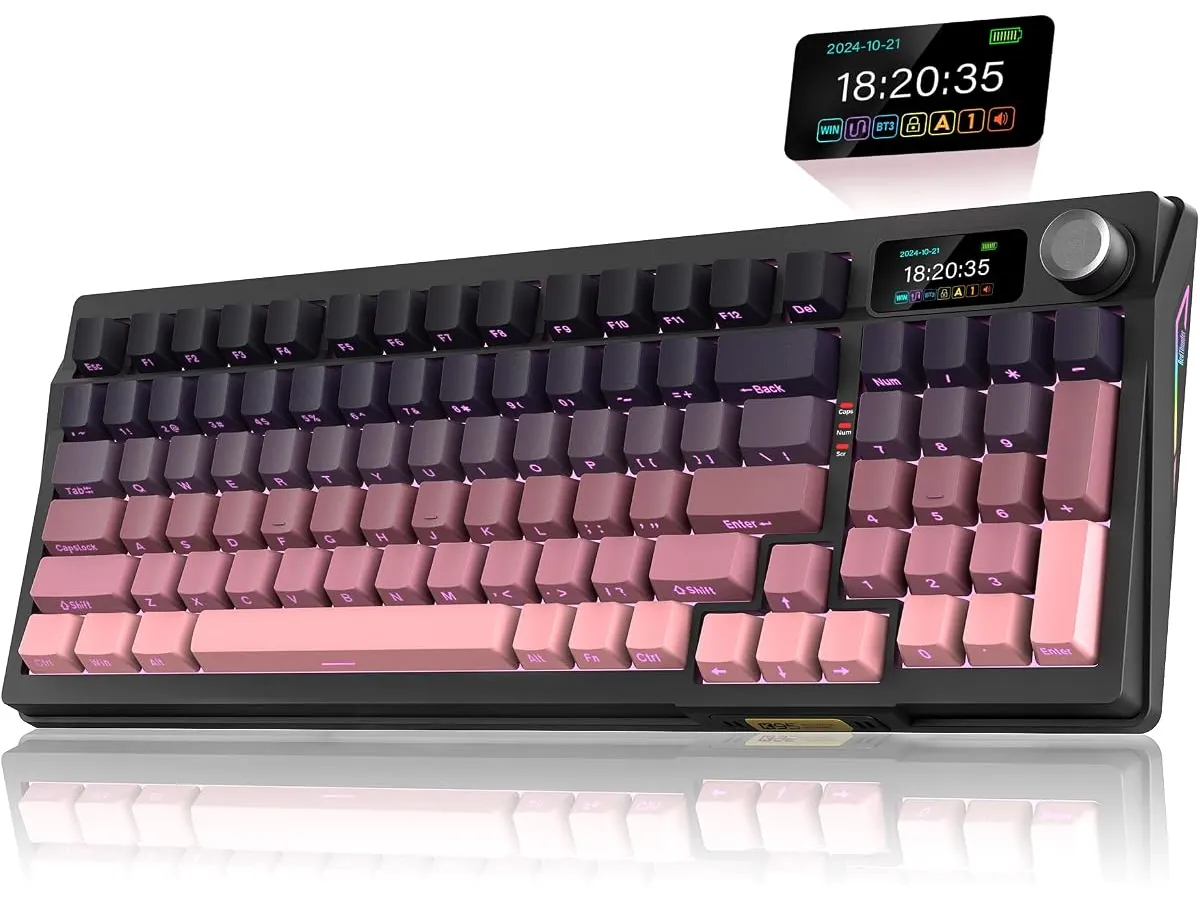
## Where it falls short
- **Weight and Portability**: While the solid build quality is a strength, the keyboard may feel heavier than some users prefer for travel, making it less portable for those who frequently work on the go. This weight can be a drawback for users who often carry their gear between locations, such as traveling freelancers or students moving between classes and study areas. Users seeking a lightweight and easy-to-carry keyboard may want to consider alternatives that prioritize portability over features.
- **RGB Lighting Complexity**: The RGB lighting is extensive, but the management through the TFT screen might be overwhelming for users not familiar with advanced RGB setups. For beginners, this complexity can result in a steeper learning curve, potentially discouraging those who prefer straightforward functionality. Users who enjoy customizing their lighting for aesthetic purposes will appreciate the options, but it could be a barrier for simpler preferences.
- **No Wrist Rest**: The absence of a built-in wrist rest can lead to discomfort during extended typing sessions, which may deter users seeking ergonomic solutions. For those who spend long hours at the keyboard, wrist support is crucial to avoid strain and enhance overall typing comfort. Users whose primary focus is on ergonomic design might need to invest in a separate wrist rest to maintain comfort during prolonged use.
## Who is it for?
- **Fits Well**: The RedThunder K95 is ideal for tech-savvy remote workers and gamers who want a customizable keyboard with various connectivity options and a compact design. Its long battery life further supports users who often type for hours, making it an excellent companion for writers, developers, and gamers alike. If you frequently switch between devices or enjoy experimenting with different keys, this keyboard will certainly meet your needs. The combination of features allows for a personalized experience that caters to individual preferences.
- **Not Suitable For**: Users looking for an extremely lightweight keyboard for travel or those who prefer a more straightforward RGB experience might find this model less appealing due to its weight and complexity. Additionally, individuals needing a built-in wrist rest for ergonomic reasons may find the K95 lacking in this regard. If your primary focus is on portability or basic functionality without elaborate features, there are simpler keyboards available that could better match your requirements.
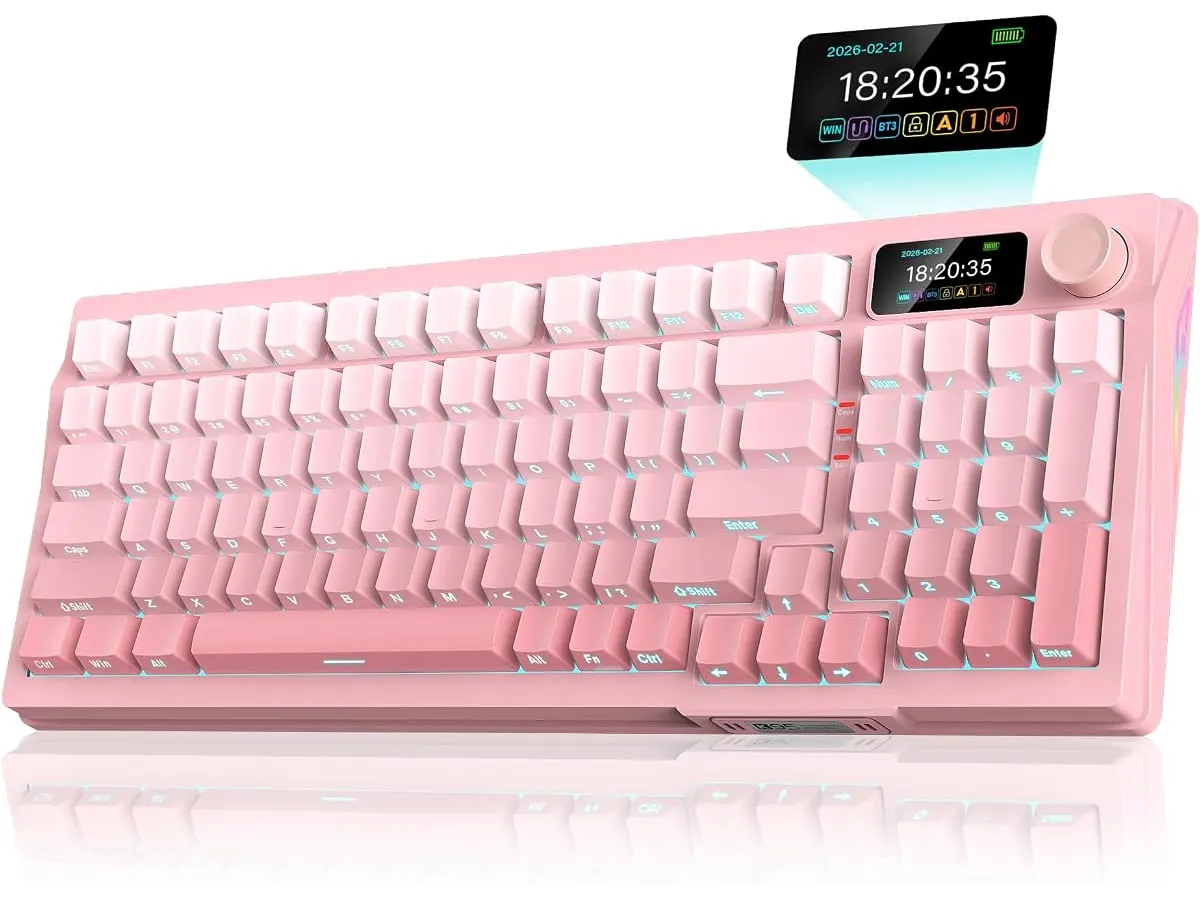
## Alternatives to consider
- **Budget Option**: For those on a tighter budget, consider a basic wireless keyboard that offers essential features without the added complexities of RGB and hot-swappable switches. These keyboards are often lighter and more portable for users on the go, making them suitable for students or professionals who frequently find themselves working in different locations. While lacking some advanced features, these options can still provide a satisfactory typing experience for everyday tasks.
- **Premium Alternative**: On the higher end, a mechanical keyboard with advanced features like a detachable cable, dedicated media controls, and customizable software might be ideal for users who want the best performance and are willing to invest more. High-end models typically offer superior build quality, additional connectivity options, and enhanced customization features, which appeal to serious gamers and professionals seeking peak performance in their setups.
## Verdict
The RedThunder K95 Wireless Mechanical Keyboard offers a solid combination of features for a range of users, especially remote workers and gamers who value versatility and customization. While it has some limitations regarding portability and ergonomics, its strengths make it a commendable choice in the peripherals market. For those who appreciate a robust, feature-rich keyboard that can cater to various needs, the K95 stands out as a viable option. For further options, explore our selection of other high-quality peripherals at /en/categorias/perifericos.
## Frequently asked questions
### What is the battery life of the RedThunder K95?
The keyboard has an 8000 mAh battery, providing up to 48 hours of use with RGB lighting and 266 hours without it.
### Can I customize the RGB lighting on the K95?
Yes, the K95 features extensive RGB lighting options, which can be managed through its TFT screen, allowing for various effects and colors. Users can personalize their experience to match their workspace or gaming setup.
### Is the K95 compatible with Mac systems?
Yes, the RedThunder K95 is compatible with both Windows and Mac systems, making it versatile for different users. This compatibility ensures that you can enjoy the keyboard's features regardless of your chosen operating system.
---
# SANDROY VOLT LED Desk Lamp Review: Ideal Lighting for Any Setup
URL: https://setuplatam.com/en/blog/2026-09-22-sandroy-volt-led-desk-lamp
Category: Lighting
Published: 2026-09-22 · Updated: 2026-09-22
Discover the strengths and limitations of the SANDROY VOLT LED Desk Lamp. Perfect for enhancing your home office lighting.
The SANDROY VOLT LED Desk Lamp is a versatile lighting solution designed for remote workers, students, and creators seeking to improve their workspace lighting. With its adjustable color temperature and flexible design, this lamp caters to a variety of tasks and preferences. The SANDROY VOLT is built to meet the demands of various users, enhancing productivity and comfort through effective illumination.
## What it does well
- **Versatile Color Temperature**: The SANDROY VOLT features a color temperature range of 3000K to 5000K, allowing users to customize their lighting to suit different activities like reading, writing, or detailed work. The ability to adjust between warmer and cooler tones allows for a tailored lighting experience; warmer light is generally less harsh and can create a cozy atmosphere ideal for relaxed tasks, while cooler light can enhance focus and alertness, making it perfect for work requiring concentration.
- **Excellent Color Rendering**: With a CR97 color rendering index, this lamp ensures that colors appear as true to life as possible, which is beneficial for artists or anyone working with color accuracy. This feature is particularly crucial for graphic designers, painters, or anyone involved in tasks where color fidelity is essential. Accurate color representation can significantly impact the quality of work produced.
- **Flexible Design**: Equipped with a flexible neck and a rotatable head, the lamp can be adjusted to direct light exactly where it’s needed, improving usability in various scenarios. Whether you're working on a detailed project or simply need some light to read by, the adjustable design ensures that you can create the perfect lighting environment for any situation, making it a great fit for dynamic workspaces.
- **Convenient Control Options**: The lamp includes a wireless dial for continuous brightness adjustment and a touch panel, providing an easy way to control the light settings without interruption. This convenience allows users to make quick adjustments without getting distracted, which can be especially beneficial during intensive work sessions or creative processes where focus is paramount.
## Key specifications
| Specification | Detail |
|---------------------------|------------------------------------|
| Light Source | Dual LED strip |
| Color Rendering Index | CR97 |
| Color Temperature Range | 3000K - 5000K |
| Control | Wireless dial, touch panel |
| Mounting | Clamp for desk or shelf edge |
| Extras | Timer (10 and 40 min), flexible neck |
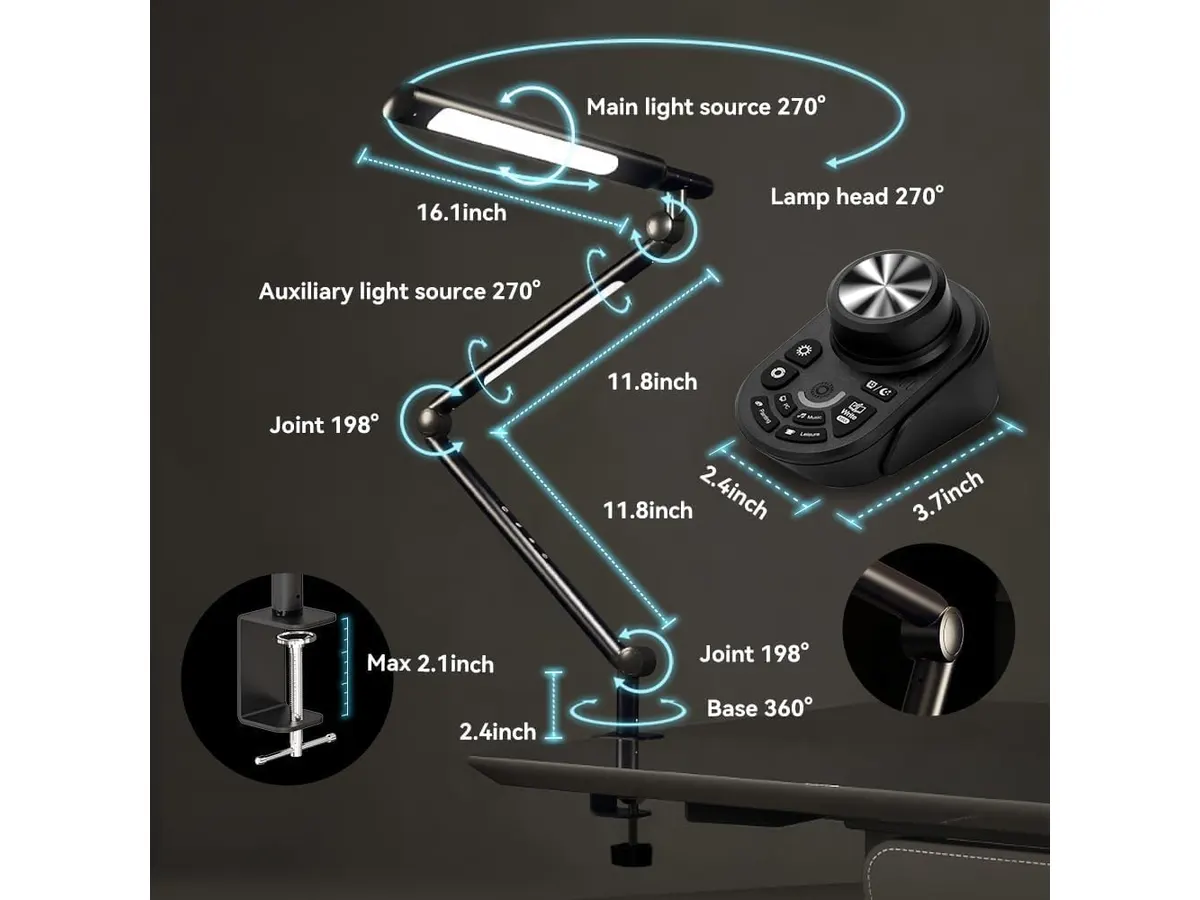
## Where it falls short
- **Limited Mounting Options**: The clamp design may not be suitable for all desk types, particularly if the desk edge is too thick or if it lacks a suitable surface for clamping. This limitation can be a significant drawback for users with non-standard desks or those who prefer a more stable, fixed-position lamp without the need for clamping.
- **Basic Timer Functionality**: While the timer is a useful feature, it offers only two preset options (10 and 40 minutes), which may not provide the flexibility some users desire for longer tasks. For instance, users who tend to engage in marathon study or work sessions may find themselves needing a longer timer option or a more customizable timer function that can accommodate their specific working patterns.
## Who is it for?
- **Fits**: This lamp is ideal for creative professionals or students who need adjustable lighting for precision tasks and color-critical work environments. Its ability to provide various lighting settings caters to different workflows, making it suitable for artists, photographers, and anyone who relies on color accuracy. It can also enhance the studying experience for students who might need the versatility of light temperatures.
- **Does Not Fit**: It may not be suitable for users who prefer a more traditional floor or table lamp design, particularly those who do not have compatible desk setups for the clamp. Additionally, individuals who do not require precise color rendering or adjustable temperature might find this lamp to be more than they need, leading to potential overspending on features that won’t be utilized.
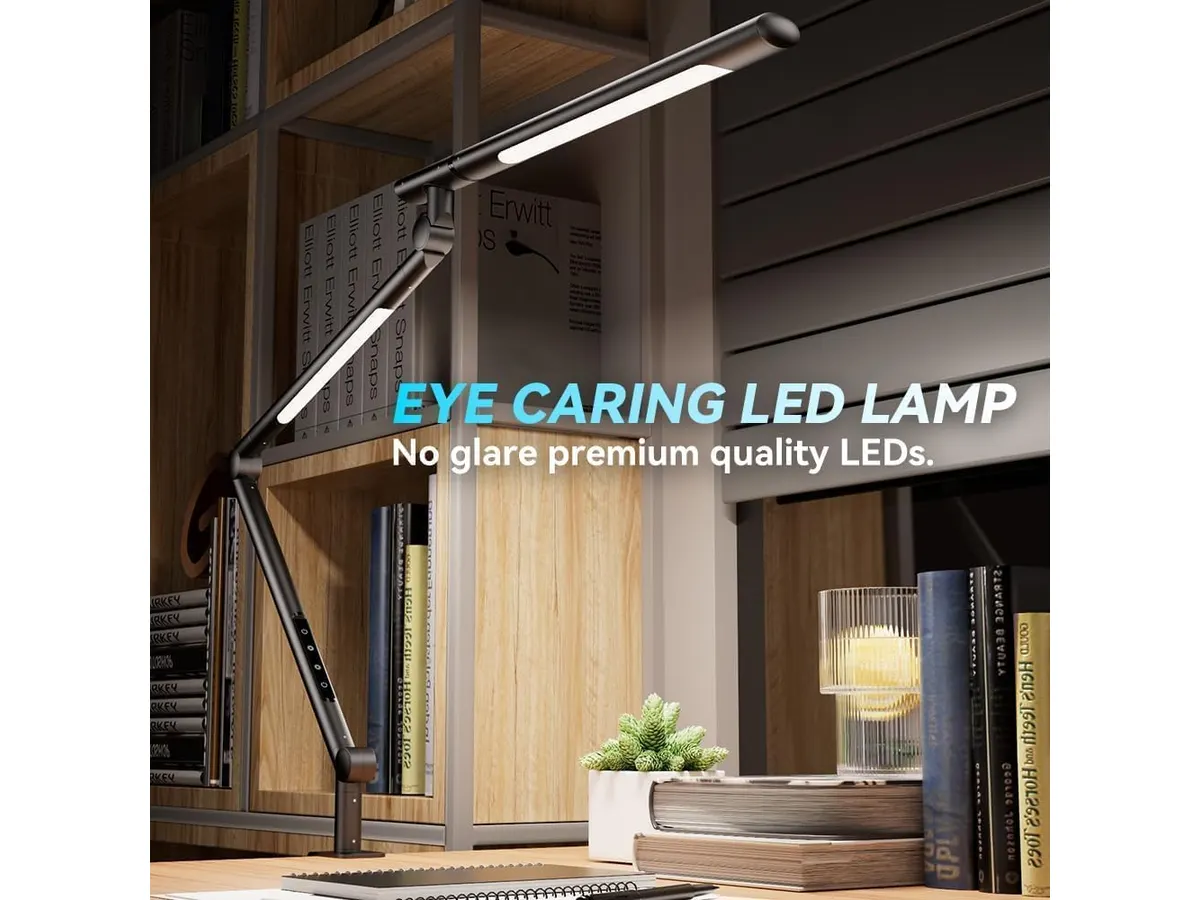
## Alternatives to consider
- **Entry-Level Option**: For those on a tighter budget, look for simpler models that provide basic functionality like adjustable brightness but without advanced features such as wireless control or a wide color temperature range. These lamps can serve well for general lighting needs but lack the flexibility needed for specialized tasks.
- **Premium Option**: If you’re willing to invest more, consider higher-end desk lamps that offer additional features like smart connectivity or enhanced design aesthetics, making them suitable for stylish home offices. These premium options could include features such as app control or integration with home automation systems, adding another layer of convenience and customization.
## Verdict
The SANDROY VOLT LED Desk Lamp is a well-rounded lighting option that effectively meets the needs of users who require adaptability and quality in their workspace lighting. While it has some limitations regarding mounting and timer flexibility, its strengths in color rendering and versatile control options make it a compelling choice. The lamp's flexible design allows it to easily fit into various home office layouts, ensuring it can accommodate different working styles. For more options in this category, check out our complete guide on [Lighting](https://setuplatam.com/en/categorias/iluminacion).
## Frequently asked questions
### Is the SANDROY VOLT LED Desk Lamp suitable for reading?
Yes, its adjustable color temperature and brightness make it an excellent choice for reading. Users can opt for a warmer light setting for a more comfortable reading experience or a cooler setting to increase alertness during study sessions.
### Can the lamp be used for video conferencing?
Absolutely, the even light distribution helps reduce shadows, making it suitable for video calls. Proper lighting can enhance visibility and professionalism during virtual meetings, especially important for remote workers and students.
### Does it use a lot of power?
The LED technology used in this lamp is energy-efficient, ensuring low power consumption while providing ample light. This efficiency not only helps in reducing electricity bills but also aligns with sustainable practices, making it a good choice for environmentally conscious users.
---
# Vari Classic Electric Standing Desk Review for Ergonomic Home Offices
URL: https://setuplatam.com/en/blog/2026-09-22-vari-classic-electric-standing-desk
Category: Desks
Published: 2026-09-22 · Updated: 2026-09-22
Explore the Vari Classic Electric Standing Desk with its adjustable height and durable design, ideal for remote workers and students.
The Vari Classic Electric Standing Desk is designed for remote workers, freelancers, and students seeking a flexible workspace. With its extensive height adjustment and durable construction, it offers a comfortable solution for those who alternate between sitting and standing throughout the day. This adaptability is essential for promoting better posture, reducing fatigue, and enhancing productivity.
## What it does well
- **Dual Motor Operation**: The desk features a dual motor system that allows for smooth and quiet transitions between height settings. This is particularly useful in shared spaces or home offices where noise can be a distraction. Users can easily make adjustments throughout the day without causing interruptions or drawing attention to themselves.
- **Height Range**: With an adjustable height range from 25 to 50.5 inches, it accommodates a wide variety of user preferences and body types. This versatility means that whether you're sitting or standing, you can find a comfortable position that supports your unique ergonomic needs. Taller users will especially appreciate the upper range, which can be hard to find in many desks.
- **Memory Settings**: Users can store up to four different height settings, making it easy to switch between preferred positions without having to readjust manually each time. This feature is particularly helpful in households with multiple users or for those who frequently alternate between sitting and standing, ensuring a consistently ergonomic workspace.
- **Quick Assembly**: The system's quick-attach feature allows for assembly in under 10 minutes, making it a convenient option for those who may not have extensive handyman skills. This speed is beneficial for users who want to start setting up their office space as soon as possible and appreciate a no-fuss installation process.
## Key specifications
| Specification | Details |
|-----------------------------------|-------------------------------------|
| Type | Electric adjustable desk |
| Dimensions | 72 x 30 inches |
| Finish | Butcher Block / Slate |
| Height Range | 25 to 50.5 inches |
| Motor | Dual, whisper-quiet operation |
| Memory | Up to 4 programmable heights |
| Assembly | Quick-attach system, <10 minutes |
| Warranty | Lifetime warranty |
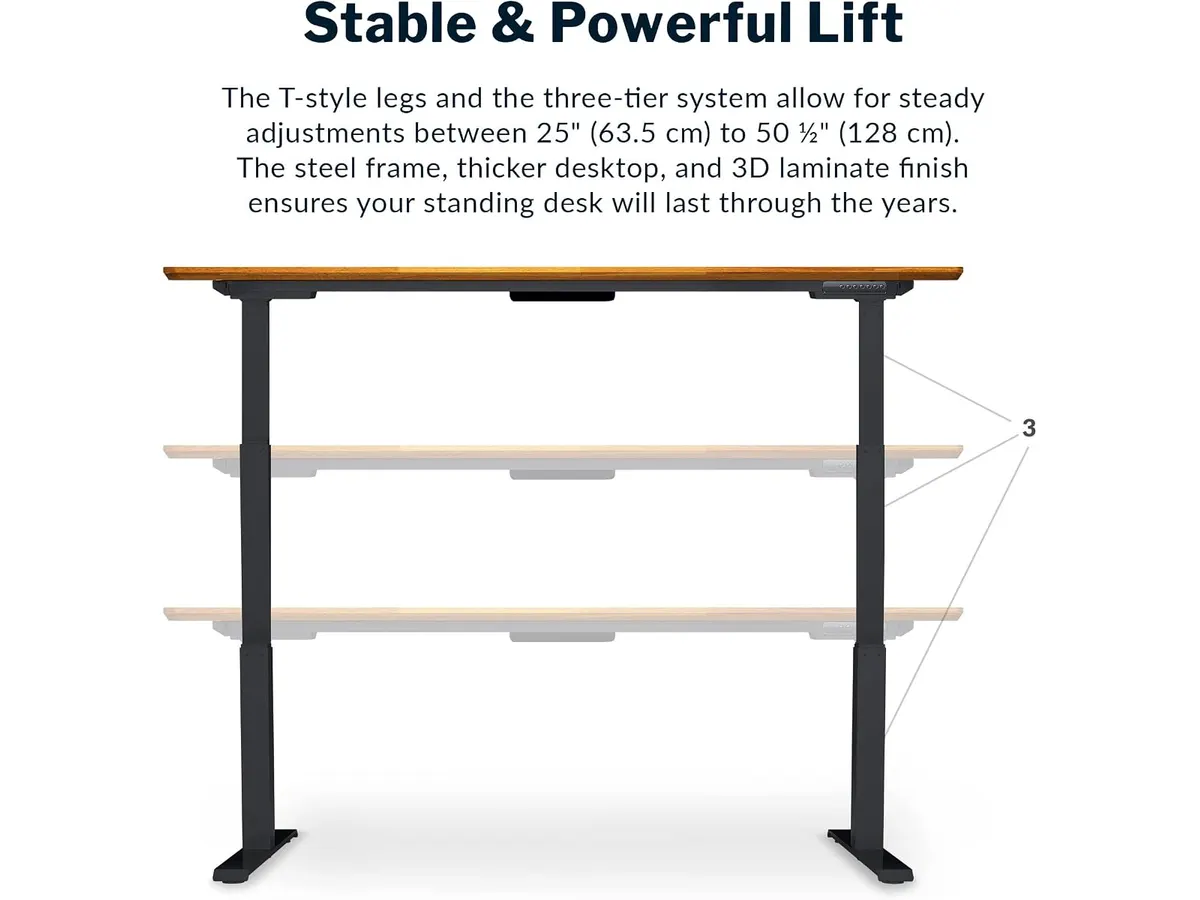
## Where it falls short
- **Weight Capacity**: While the desk is sturdy, it may not support extremely heavy equipment or multiple monitors as well as some higher-end models. Users with extensive tech setups or those who use heavy equipment may want to consider desks specifically designed for higher weight capacities. This is crucial for ensuring stability and safety when using multiple devices.
- **Limited Finish Options**: The available finishes may not cater to all aesthetic preferences, limiting customization for users looking for a specific look. While the butcher block and slate finishes are appealing, those who have a specific decor theme might find their options constrained. This could affect some users’ decisions if the visual aspect of their workspace is a priority.
## Who is it for?
- **Fits Well**: Ideal for remote workers and students who need an ergonomic workspace that adapts to different tasks throughout the day, this desk emphasizes both comfort and functionality. It caters to individuals looking to improve their work habits, particularly those who value the health benefits of alternating between sitting and standing. The desk's ease of use makes it a good fit for anyone seeking a practical solution without too much complexity.
- **Not Recommended For**: Users who require a more robust desk for heavy equipment or those seeking highly customizable aesthetic options may find this desk lacking. If you're a power user with multiple screens, high-performance machines, or additional peripherals, you might want to explore options that provide better support for your gear. Additionally, if visual aesthetics are paramount to your workspace environment, you may be disappointed by the limited finish selections.
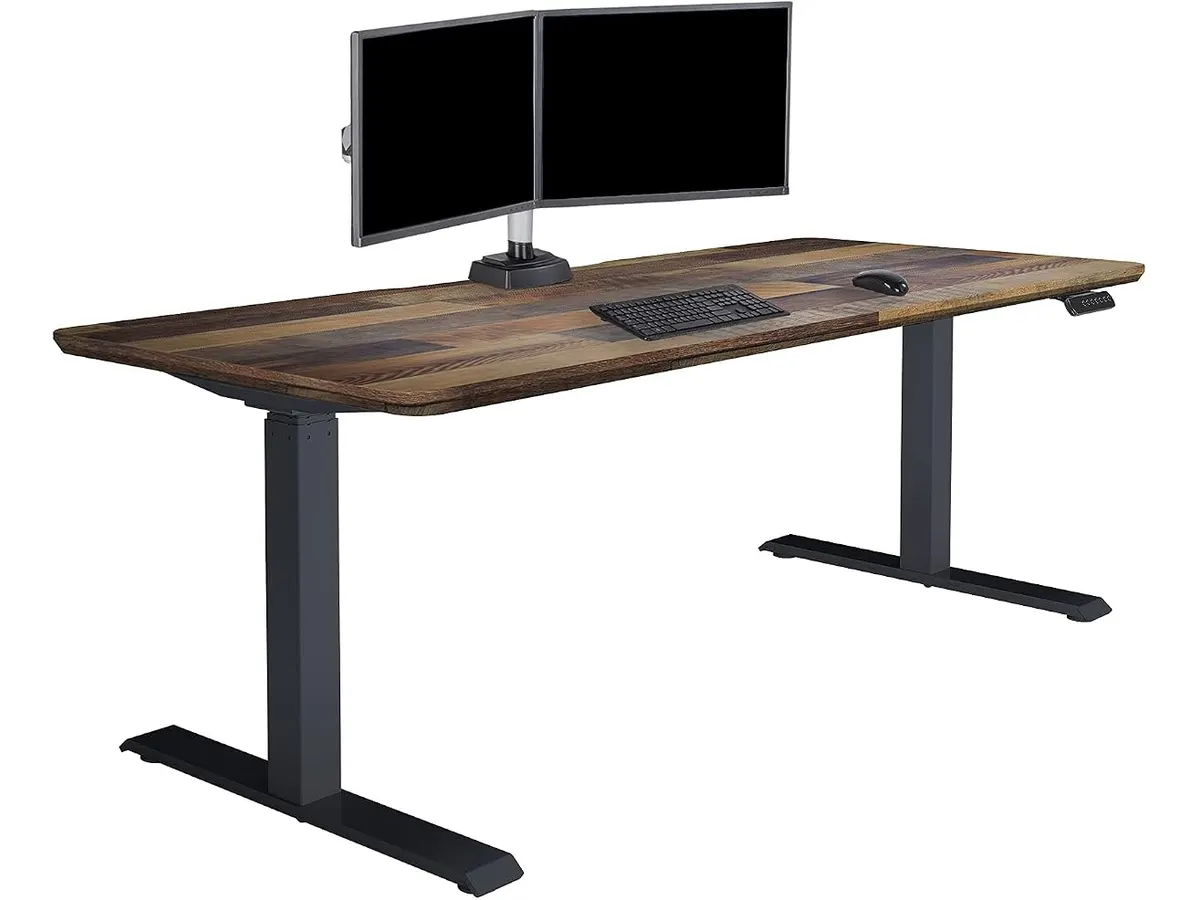
## Alternatives to consider
- **Budget Option**: If you’re on a tighter budget, consider simpler, non-electric desks at a lower price point. These are suitable for those who primarily work sitting down and do not require height adjustability. They may not offer the same level of ergonomics or flexibility but can provide a stable working surface for those who don't switch positions frequently.
- **Premium Option**: If you’re willing to invest more, consider upscale electric desks with greater weight capacities and additional customization features, ideal for power users or multi-monitor setups. These desks often come with advanced features like programmable presets, additional cable management solutions, and a wider variety of finishes, appealing to users seeking both functionality and style.
## Verdict
The Vari Classic Electric Standing Desk offers solid performance and ease of use, making it a strong contender for anyone seeking to enhance their home office setup. With a good balance of features and user-friendliness, it is highly recommended for those prioritizing ergonomics without overwhelming complexity. Its dual motor operation and memory settings add significant value for users looking to enhance their productivity and comfort throughout the workday. For those considering a new desk, this model serves as an excellent foundation for an ergonomic workspace. For more options, check our full range of [Desks](/en/categorias/escritorios).
## Frequently asked questions
### What materials is the Vari Classic Electric Standing Desk made of?
The desk features a laminated butcher block finish and sturdy T-style steel legs, ensuring durability and stability. These materials contribute to the desk's overall quality and longevity, making it a solid investment for your home office.
### How long is the warranty for the Vari Classic Electric Standing Desk?
The desk comes with a lifetime warranty, offering peace of mind regarding its longevity and performance. This warranty reflects the manufacturer’s confidence in their product and can be a deciding factor for users concerned about long-term use.
### Can the height adjustments accommodate taller users?
Yes, with a height range of 25 to 50.5 inches, this desk is suitable for a wide array of user heights, including taller individuals. This feature is particularly beneficial in ensuring that everyone can find a comfortable working position, which is essential for maintaining productivity and reducing discomfort during long work hours.
---
# Anker USB-C Hub 8-in-1 Review: Versatile Connectivity Solution
URL: https://setuplatam.com/en/blog/2026-09-22-anker-usb-c-hub-8-in-1
Category: Mounts & Hubs
Published: 2026-09-22 · Updated: 2026-09-22
Discover the Anker USB-C Hub 8-in-1 for seamless connectivity, ideal for remote workers and students. Check our in-depth review.
The **Anker USB-C Hub 8-in-1** is a versatile connectivity solution designed for remote workers, students, and creators who require multiple connection options from a single USB-C port. This hub is particularly beneficial for users who need high-speed data transfer, video output, and charging capabilities, making it a suitable addition to any modern home office setup. With the increasing reliance on various devices to complete daily tasks, this hub aims to streamline your workspace by minimizing clutter while maximizing efficiency.
## What it does well
- **Multiple Ports**: The hub includes various ports such as USB-C PD, USB-C data, two USB-A ports, HDMI, Ethernet, and microSD/SD card slots. This allows users to connect multiple devices simultaneously without sacrificing performance. For instance, you can connect your laptop to an external monitor while also using a USB-A drive and charging your device, which can significantly enhance your productivity.
- **High-Resolution Video Output**: The HDMI port supports video output of up to 4K at 60Hz when using DisplayPort 1.4, providing an excellent option for users who require clear visuals for presentations or streaming. For professionals giving presentations or students attending virtual classes, this feature ensures that visuals are crisp and engaging.
- **Fast Data Transfer Speeds**: With data transfer rates of up to 10 Gbps through both USB-C and USB-A ports, users can quickly transfer large files, making it ideal for photographers, videographers, and creatives. This speed is crucial when time is of the essence, such as during tight deadlines or when uploading content for social media.
- **Charging Capability**: The hub supports pass-through charging of up to 85W, allowing users to power their laptops while using the hub, which is essential for prolonged work sessions without interruption. This feature is particularly useful for remote workers who spend extended hours at their desks.
## Key specifications
| Feature | Specification |
|-----------------------------|--------------------------------|
| Ports | USB-C PD, USB-C data, 2x USB-A, HDMI, Ethernet, microSD/SD |
| Video | 4K@60Hz (DP 1.4) / 4K@30Hz (DP 1.2) |
| Data Transfer | Up to 10 Gbps |
| Pass-through Charging | Up to 85 W |
| Cable Length | 7.48 inches |
| Compatibility | USB-C, USB4, Thunderbolt, macOS 12+, Windows 10/11, ChromeOS |
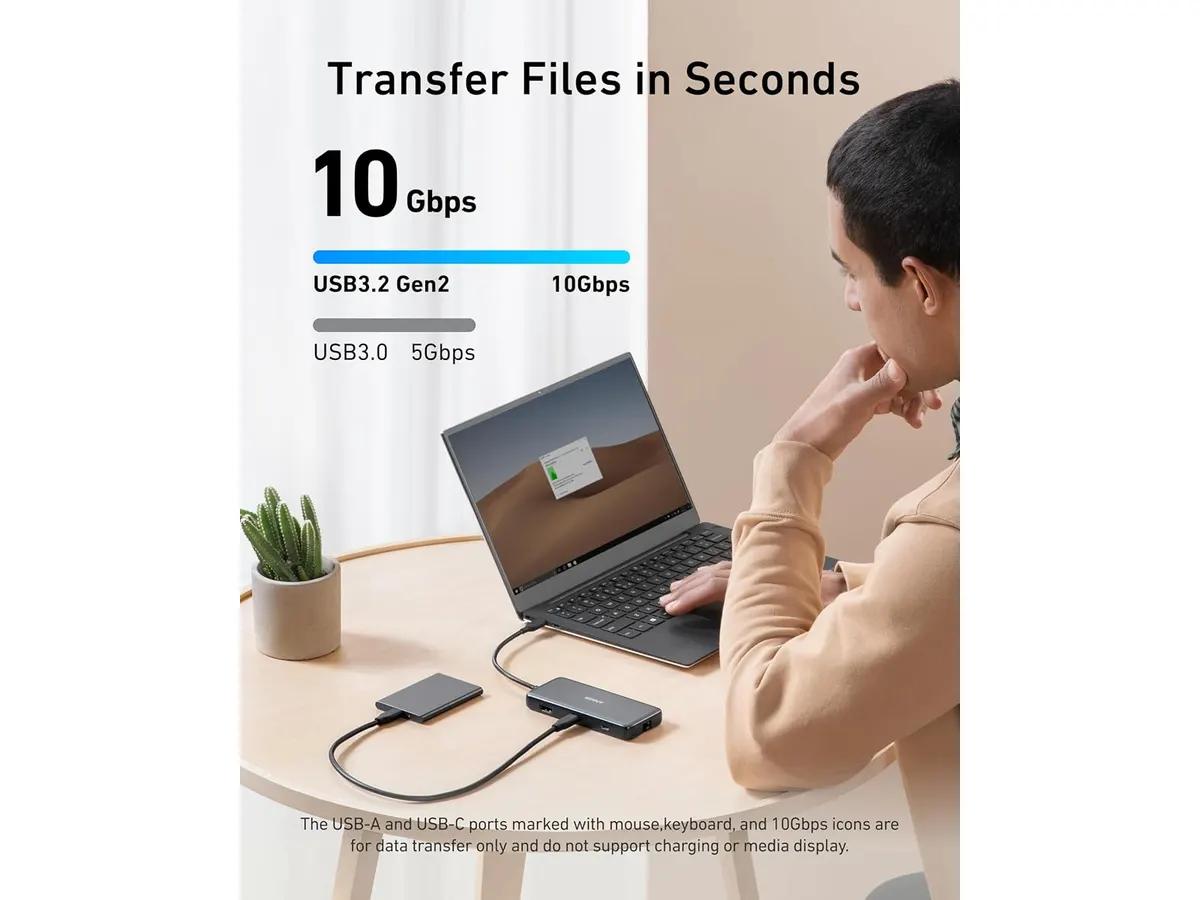
## Where it falls short
- **Limited Port Variety**: While the Anker USB-C Hub includes several useful ports, it may not satisfy users looking for additional USB-A ports or other specialized connections, such as DisplayPort. This limitation can be a drawback for power users needing to connect a variety of devices simultaneously or those using specific peripherals.
- **Cable Length**: The integrated cable length of 7.48 inches can be restrictive in some setups, potentially requiring additional USB-C extension cables in large or complex configurations. Users with larger desks or specific layouts may find this aspect cumbersome when arranging their gear.
- **Heat Generation**: Some users may experience heat generation during prolonged use, especially with high data transfer and charging, which could affect the hub's longevity and performance. This could be a concern for users who plan to utilize the hub for extended periods, so it's advisable to monitor its temperature during heavy use.
## Who is it for?
- **Fits**: This hub is ideal for remote workers and students who frequently connect multiple devices, such as external monitors, storage drives, and peripherals, while needing reliable charging capabilities. If your work involves multitasking across several devices, this hub can provide the necessary connectivity to keep your workflow seamless.
- **Does not fit**: It's not suitable for users who require extensive connectivity options or specialized ports beyond what is provided, like numerous USB-A ports or legacy connections. If you're someone who often connects a wide array of devices simultaneously, or if you rely heavily on specific types of connections not included in this hub, you might find it lacking.
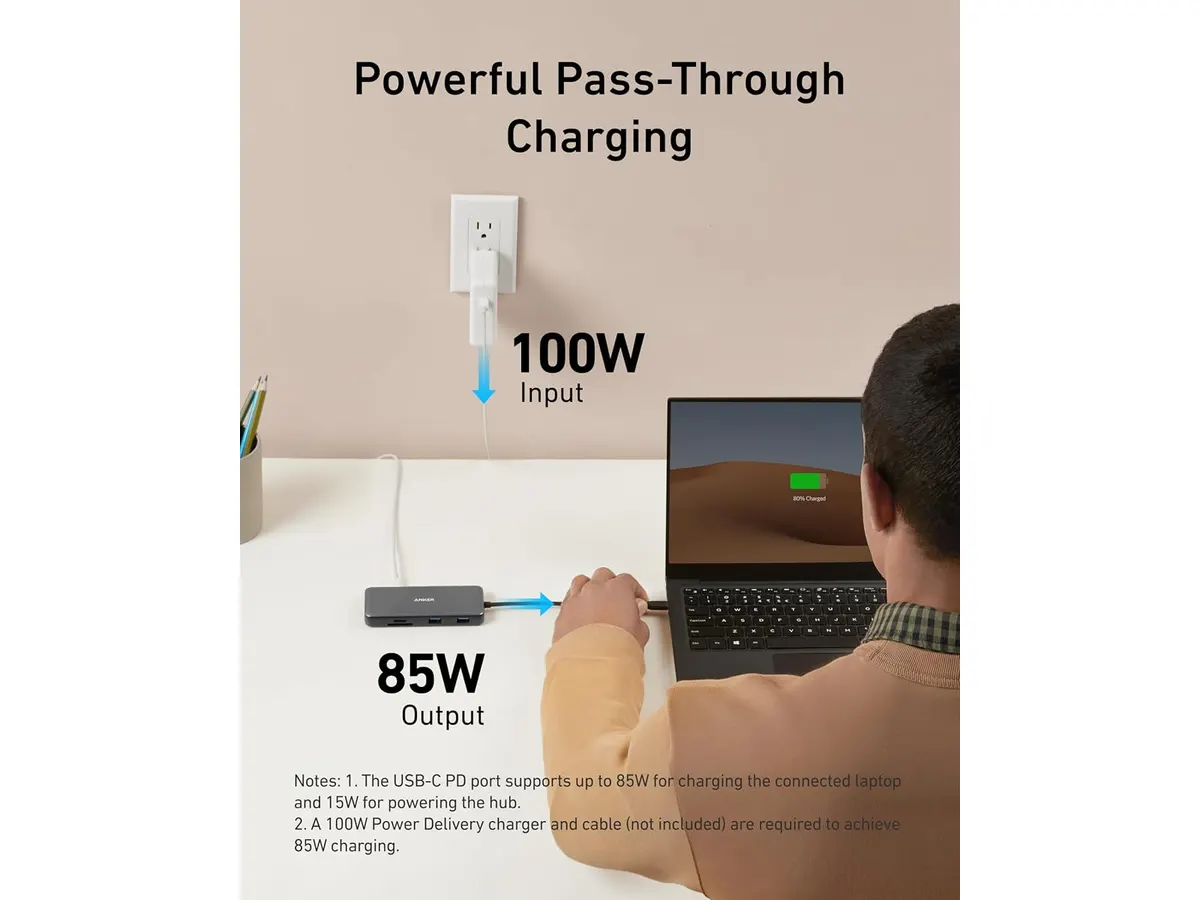
## Alternatives to consider
- **Budget Option**: For users seeking a more economical solution, consider a basic USB-C hub that offers essential connectivity options like a few USB-A ports and HDMI output. This is useful for casual users who don’t require extensive features. Such options might include models with fewer ports that can handle basic tasks like connecting a mouse, keyboard, and an external display without breaking the bank.
- **Premium Option**: For those needing additional features, a higher-end USB-C hub with extra Thunderbolt ports, faster data transfer rates, and more extensive charging capabilities may be suitable. This option is better for professionals who rely on high-performance equipment and require a versatile hub that can handle demanding tasks, such as video editing or large-scale data management.
## Verdict
The Anker USB-C Hub 8-in-1 is a solid choice for individuals seeking an efficient way to connect multiple devices while maintaining high-speed data transfers and video output. Its strengths in versatility and charging capabilities make it a valuable addition to any home office setup. However, users with unique connectivity needs or larger setups may want to explore other options in the [Mounts & Hubs](https://setuplatam.com/en/categorias/soportes-hubs) category to find the best fit for their requirements.
## Frequently asked questions
### How does the Anker USB-C Hub 8-in-1 connect to my device?
The hub connects through a USB-C port on your device, allowing you to expand connectivity options immediately. Simply plug it in, and you can start using it right away.
### Can I use the HDMI output for dual monitors?
Yes, but the hub supports a single HDMI output at a time. To connect dual monitors, you'll need a different solution. Users looking for multi-monitor setups might have to invest in a hub specifically designed for that purpose.
### Is this hub compatible with my MacBook?
Yes, the Anker USB-C Hub is compatible with macOS 12+, making it an excellent choice for MacBook users. This compatibility ensures that Mac users can easily utilize the hub's features without issues.
---
# Dell UltraSharp U2724D Review: A Versatile 27-Inch Monitor
URL: https://setuplatam.com/en/blog/2026-09-22-dell-ultrasharp-u2724d
Category: Monitors
Published: 2026-09-22 · Updated: 2026-09-22
Discover the Dell UltraSharp U2724D, a 27-inch monitor designed for professionals seeking performance and image quality in their home office.
The Dell UltraSharp U2724D is a 27-inch monitor ideal for remote workers, freelancers, and creators who prioritize image quality and flexible adjustments in their home office setup. With a 120Hz refresh rate and advanced features, this monitor is designed for those who want a distraction-free workspace and the ability to adapt their display to various tasks. This review will delve into the various functionalities, specifications, trade-offs, and ideal users of this monitor.
## What it does well
- **High Refresh Rate**: The 120Hz refresh rate minimizes flicker and provides a smoother experience compared to standard 60Hz monitors. This attribute is particularly beneficial for users who alternate between productivity tasks and leisure activities, such as casual gaming or streaming. The enhanced refresh rate helps reduce motion blur during fast-paced actions, making it suitable for both work and entertainment.
- **Adjustable Ergonomics**: This monitor offers tilt, swivel, pivot, and height adjustments, allowing users to customize their viewing angles for maximum comfort. This level of adjustability is crucial for extended work sessions, as it enables users to maintain a healthy posture, thus reducing the risk of neck and back strain. Remote workers and creators can easily switch their setup to accommodate various activities, such as video calls or detailed graphic design work.
- **Ambient Light Sensor**: The integrated ambient light sensor automatically adjusts the brightness and color temperature based on the surrounding environment. This feature enhances visibility in different lighting conditions and reduces eye strain over prolonged use. For users who frequently work in changing environments—such as when moving from a well-lit room to a dim space—this sensor offers a significant advantage, maintaining optimal viewing conditions without manual adjustments.
- **InfinityEdge Display**: The borderless InfinityEdge design minimizes distractions and maximizes screen real estate. This sleek design allows users to focus entirely on their work, offering an immersive experience that is especially beneficial for multitasking. Users can comfortably arrange multiple windows side by side, enhancing productivity and workflow efficiency.
## Key specifications
| Specification | Details |
|-------------------------|----------------------------------|
| Screen Size | 27 inches (68.47 cm) |
| Refresh Rate | 120 Hz |
| Light Sensor | Integrated ambient light sensor |
| Adjustments | Tilt, swivel, pivot, height |
| Border Design | InfinityEdge |
| Color Profiles | ICC profile management via software|
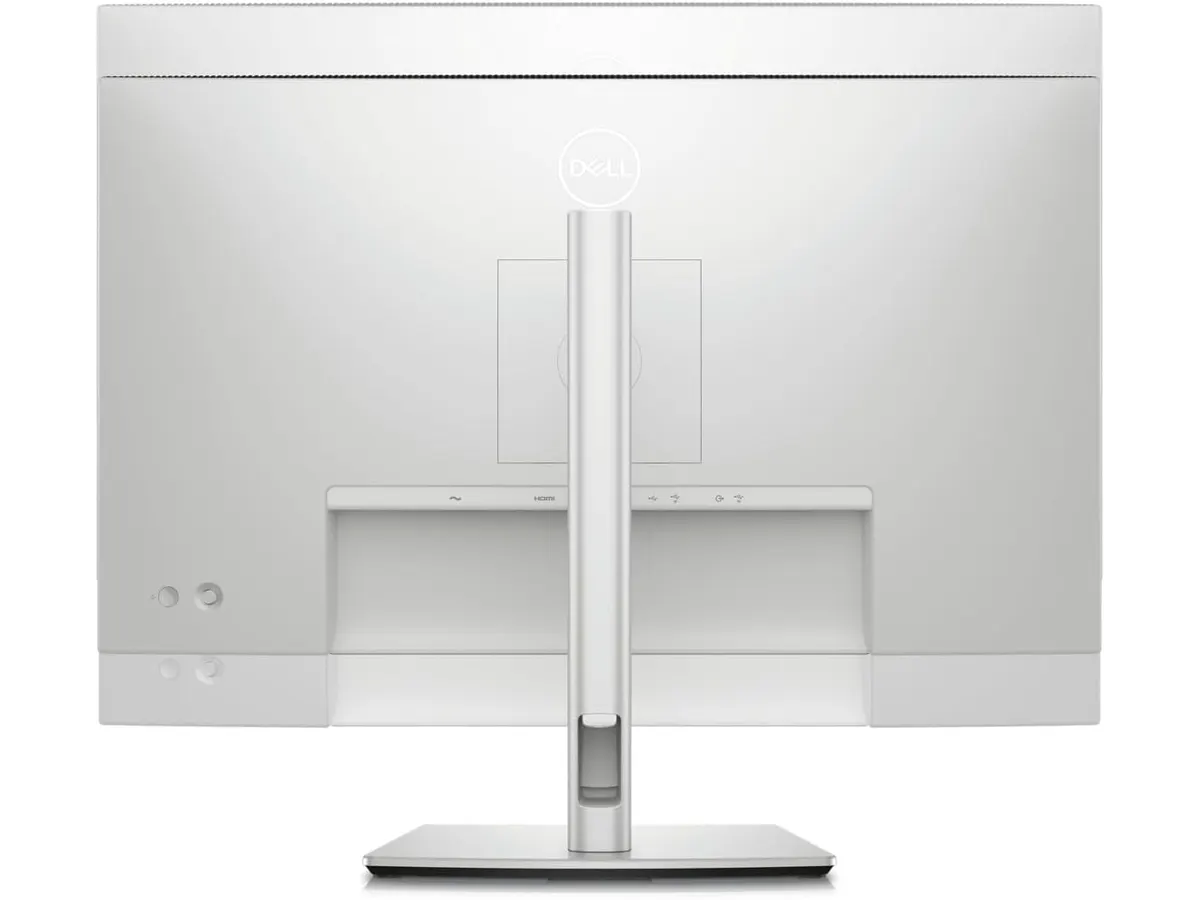
## Where it falls short
- **Limited Color Accuracy for Professional Use**: While the monitor offers ICC profile management, the color reproduction may not satisfy high-end graphic designers or video editors who rely on precise color accuracy for their work. Users in these fields may find that the Dell UltraSharp U2724D, although visually appealing, does not meet their rigorous demands for color fidelity. This limitation could hinder their ability to deliver high-quality visual content, especially when color matching is critical.
- **Not a Budget Option**: This monitor is positioned at a higher price tier, making it less accessible for casual users or those needing a basic display for occasional use. Buyers who are looking for a reliable yet economical solution may find better options that cater to simpler needs without the advanced features of the U2724D. The investment in this monitor may not be justified for someone whose daily tasks revolve around basic document editing or web browsing.
## Who is it for?
- **Fits**: The Dell UltraSharp U2724D is perfect for remote professionals, freelancers, and creators who need a reliable, high-performance monitor for multitasking and extended work sessions. It's particularly suited for graphic designers, video editors, and digital marketers who appreciate the blend of functionality and ergonomic design. The monitor's high refresh rate and flexible adjustments offer significant advantages in enhancing productivity and comfort during long hours of use.
- **Does Not Fit**: It may not suit casual users or budget-conscious individuals looking for a simple display for basic tasks, such as browsing or document editing. Additionally, users who demand top-tier color accuracy for professional-grade graphic design may find this monitor lacking compared to higher-end alternatives, which could be a worthwhile consideration.
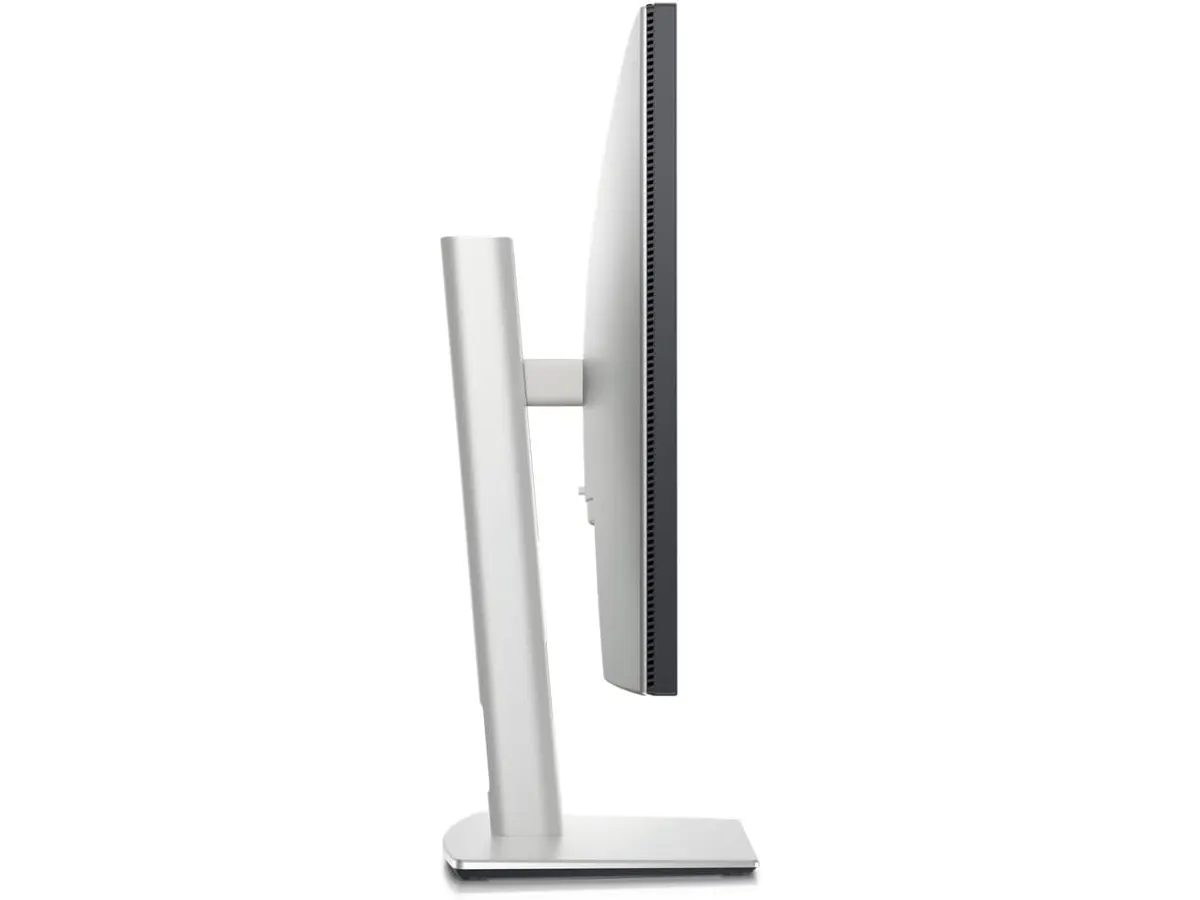
## Alternatives to consider
- **Budget Tier**: For those who need a more affordable option, consider a basic 27-inch monitor with a 60Hz refresh rate. These monitors are typically adequate for standard office tasks and casual use, such as browsing, email, and word processing. Such displays can serve well for users who don’t require advanced features or high refresh rates, making them a sensible choice for basic home office setups.
- **Premium Tier**: If color accuracy is critical, look for a higher-end display featuring advanced calibration tools and an at least 144Hz refresh rate. These monitors are ideal for professional creative work, ensuring that designers and video editors have the precise color reproduction they need for their projects. Investing in a premium option can significantly enhance the quality of work, particularly for those in fields that demand impeccable color fidelity.
## Verdict
The Dell UltraSharp U2724D stands out as a versatile monitor that balances performance and adjustability, making it a strong choice for professionals in need of a quality visual experience. While it has some limitations in color accuracy and price point, it excels in areas that matter for productivity and comfort. Users who prioritize an ergonomic workspace, flexible viewing angles, and a smooth visual experience will find this monitor beneficial. However, those looking for budget-friendly solutions or absolute precision in color accuracy may need to explore other options.
For a broader selection, check out our collection of [Monitors](https://setuplatam.com/en/categorias/monitores).
## Frequently asked questions
### Is the Dell UltraSharp U2724D good for gaming?
While the 120Hz refresh rate is an advantage for gaming, the monitor is best suited for productivity tasks rather than competitive gaming due to potential limitations in response time and color accuracy. Gamers looking for a display capable of supporting fast-paced action and high frame rates may want to consider specialized gaming monitors that emphasize speed and performance.
### Can I mount the Dell UltraSharp U2724D?
Yes, the monitor supports VESA mounting, allowing you to attach it to a wall or adjustable arm for a more flexible workspace. This feature can help save desk space and enable users to position the monitor at their preferred height and angle, enhancing comfort and usability.
### Does it have built-in speakers?
No, the Dell UltraSharp U2724D does not come with built-in speakers, so external audio solutions will be necessary. Users should consider complementary audio devices such as external speakers or headphones for an enhanced auditory experience, particularly for video conferencing or content consumption.
---
# FLEXISPOT 42" Standing Desk Converter Review for Ergonomic Workspaces
URL: https://setuplatam.com/en/blog/2026-09-22-flexispot-42-standing-desk-converter
Category: Desks
Published: 2026-09-22 · Updated: 2026-09-22
Discover the FLEXISPOT 42" Standing Desk Converter, ideal for enhancing your workspace with ergonomic flexibility and stability.
The FLEXISPOT 42" Standing Desk Converter is designed for remote workers and students seeking an ergonomic workspace solution. This sit-stand desk converter provides a balance of quality and functionality, making it suitable for those who want to enhance their productivity while reducing discomfort during long hours of work.
## What it does well
- **Ergonomic Design**: The standing desk converter encourages movement by allowing users to alternate between sitting and standing, which can help reduce fatigue during extended work sessions. Studies have shown that changing positions can boost circulation and energy levels, contributing to a more productive workday. For individuals who experience discomfort from prolonged sitting, this feature is particularly beneficial.
- **Sturdy Construction**: With a reinforced steel frame, the FLEXISPOT offers stability at all height levels. Users can feel confident that their setup won’t wobble, even when fully extended. This durability is crucial for long-term use, especially for those who may shift their workspace throughout the day or use it in different locations within their home.
- **Easy Setup**: Arriving almost fully assembled, setup is straightforward. Users only need to attach the keyboard tray, which takes just a few minutes. This easy setup is ideal for those who may not have the time or tools to assemble more complex furniture pieces.
- **Smooth Transitions**: The patented mechanical spring mechanism enables smooth transitions between sitting and standing, making it easy to adjust throughout the day without struggle. This functionality is valuable for users who frequently change their working posture, allowing them to focus on their tasks rather than on adjusting their equipment.
## Key specifications
| Specification | Detail |
|-------------------------------|------------------------------|
| Type | Sit-stand desk converter |
| Width | 42 inches |
| Mechanism | Patented mechanical spring |
| Max load (top) | Up to 15 kg (33 lbs) |
| Max load (keyboard tray) | Up to 2 kg (4.4 lbs) |
| Assembly | Almost assembled |
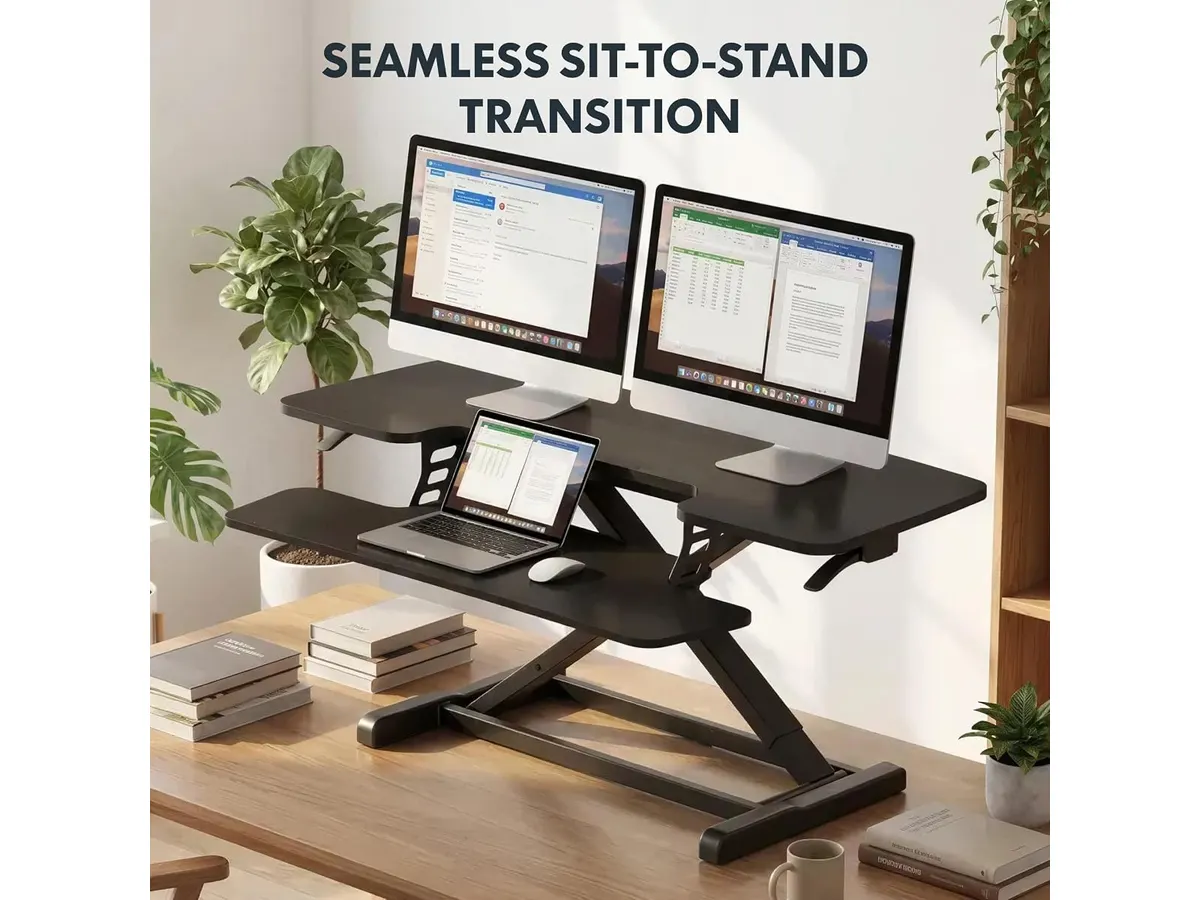
## Where it falls short
- **Weight Limitations**: With a maximum load of 15 kg for the top surface, it may not accommodate heavier equipment setups, such as multiple large monitors or additional peripherals. Users with substantial tech needs may find this to be a significant limitation, as exceeding this weight could lead to a risk of instability or potential damage to the converter.
- **Fixed Width**: The 42-inch width may not be ideal for users with extensive setups, limiting the number of devices that can be comfortably arranged. This width might restrict those who depend on several tools for their work, such as a laptop, monitor, and various peripherals, as they may struggle to find adequate space for everything.
## Who is it for?
- **Fits**: Ideal for remote workers or students who require a flexible workspace and prioritize ergonomics. It suits those who may use dual monitors but don't have heavy equipment. For instance, a freelance graphic designer who uses a laptop and a single external monitor would benefit significantly from this converter's ergonomic features and stability.
- **Does not fit**: Not suitable for users who have larger, more complex setups requiring extensive desk space or heavier loads that exceed the weight capacity. Individuals with multiple monitors, large printers, or other heavy devices might find themselves needing a different solution that can adequately support their requirements.
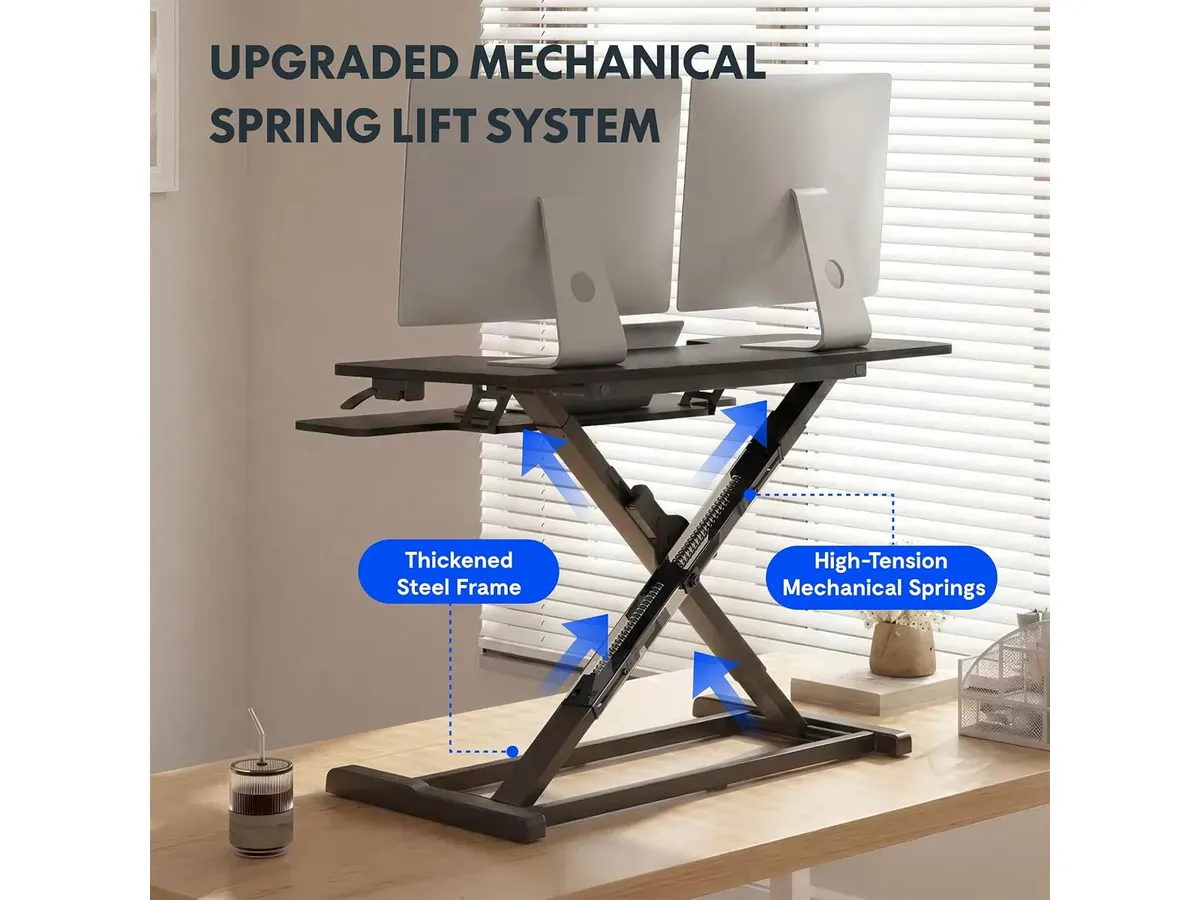
## Alternatives to consider
- **Budget-Friendly Option**: For those seeking a more affordable standing desk converter, consider basic models that offer manual height adjustments but may lack some premium features and stability. These may be suitable for occasional use or for those who are just starting to explore sit-stand options and want to test them out on a budget.
- **Premium Choice**: If you’re willing to invest more, look for higher-end converters with advanced features such as programmable height settings or greater weight capacity, catering to multi-monitor setups. These models often come with added features like memory presets and improved materials that promise better durability and functionality for demanding users.
## Verdict
The FLEXISPOT 42" Standing Desk Converter effectively merges convenience and ergonomic design, making it a solid choice for remote workers and students. Its sturdy build and ease of use are commendable; however, its weight and width limitations may not satisfy every user’s needs. For those who fit its profile—like casual users who appreciate the ergonomic benefits and simplicity—this converter is a great addition to any workspace. For more options, check out our dedicated page on [Desks](/en/categorias/escritorios).
## Frequently asked questions
### What is a standing desk converter?
A standing desk converter is a device that sits on top of an existing desk, allowing users to adjust the height for both sitting and standing positions. This versatility encourages movement and helps to alleviate the discomfort associated with prolonged sitting.
### How does the FLEXISPOT 42" Standing Desk Converter work?
It operates via a patented mechanical spring mechanism, enabling smooth and easy transitions between sitting and standing heights. This allows users to adapt their workspace to their comfort level with minimal effort.
### Can I use dual monitors on this desk converter?
Yes, the 42-inch width supports dual monitor setups, provided the combined weight does not exceed the maximum load limit. This makes it a functional choice for users who need to multitask effectively while maintaining comfort in their workspace.
---
# Logitech MX Brio Review: Premium Webcam for Professionals
URL: https://setuplatam.com/en/blog/2026-09-22-logitech-mx-brio
Category: Audio & Webcams
Published: 2026-09-22 · Updated: 2026-09-22
Discover the Logitech MX Brio, a top-tier webcam designed for streaming and video calls, ideal for remote workers and creators.
The Logitech MX Brio is a premium webcam tailored for remote workers, freelancers, and content creators seeking high-quality video for streaming and video calls. With its advanced features and 4K recording capability, it aims to elevate your video conferencing and online presentations. This webcam is particularly well-suited for environments where video clarity and audio performance can make a significant difference, such as interviews, webinars, and collaborative projects.
## What it does well
- **4K Recording:** The Logitech MX Brio captures video at 4K resolution up to 30 fps, ensuring crystal-clear visuals for those important meetings and streams. The sharpness and detail can help convey professionalism during presentations or virtual interviews, making it easier for your audience to engage with your content.
- **Enhanced Low-Light Performance:** Its larger pixels (70% bigger) help maintain image clarity even in less-than-ideal lighting conditions, which is especially useful for home offices that may not have optimal lighting setups. This feature ensures that you still look presentable during late-night calls or in dimly lit rooms.
- **Dual Beamforming Microphones:** Equipped with AI-powered dual microphones, the webcam reduces background noise, providing clear audio that enhances communication during video calls. This means you can focus on the conversation without worrying about distractions from your environment, making it ideal for bustling home offices or shared spaces.
- **Versatile Controls and Features:** Users can adjust ISO, shutter speed, tint, and vibrance, or let the auto settings handle it. This flexibility allows you to customize your video to fit the mood or theme of your content. The unique Show Mode allows users to tilt the camera to share desk space easily, which is a handy feature for demonstrating products or sharing documents without needing a separate camera.
## Key specifications
| Specification | Details |
|----------------------|----------------------------------|
| Resolution | 4K at 30 fps / 1080p at 60 fps |
| Sensor | 70% larger pixels |
| Microphones | Dual beamforming with noise reduction |
| Controls | ISO, shutter speed, tint, vibrance |
| Show Mode | Yes, tilts camera for desk view |
| Image Features | Autoexposure, white balance, autofocus |
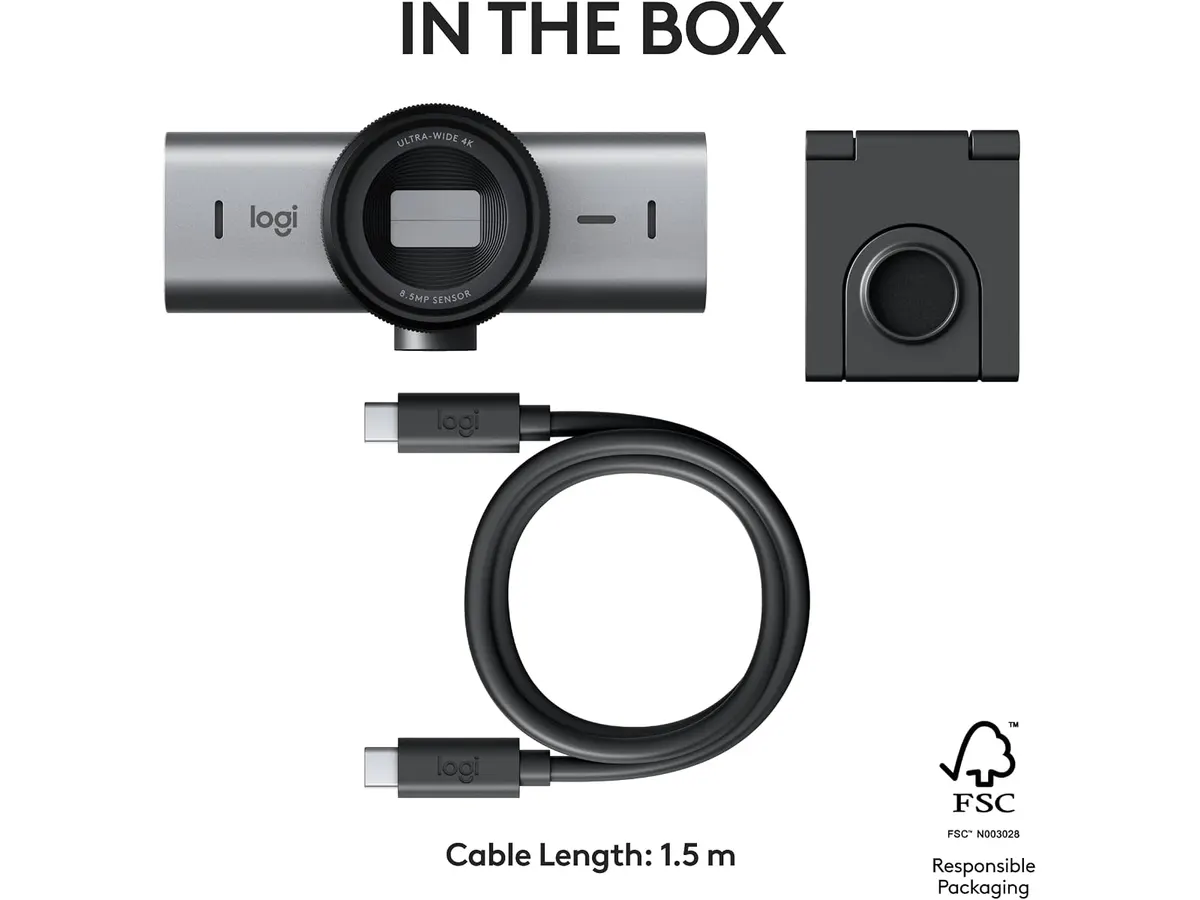
## Where it falls short
- **Price Point:** The Logitech MX Brio is on the higher end of the webcam market, which may not be justifiable for casual users or those on a tight budget. For individuals who primarily use their webcams for casual video calls, the investment might outweigh the benefits of the advanced features offered.
- **Limited Frame Rate at 4K:** While it supports 4K recording, the frame rate is capped at 30 fps, which might not satisfy gamers or streamers who require higher refresh rates for smooth motion. This limitation can restrict its appeal for those looking to create fast-paced content or live-stream gaming sessions.
- **Size and Portability:** At a time when many users prefer compact gear, the MX Brio is somewhat bulkier than simpler webcams, making it less ideal for those needing a travel-friendly solution. If you're a frequent traveler or often work out of various locations, you may find its size cumbersome compared to ultra-compact models designed for portability.
## Who is it for?
- **Fits:** This webcam is perfect for professionals and content creators who prioritize high-quality video and audio for streaming, webinars, or video conferencing. If you're someone who spends substantial time on video calls or creating content for platforms that value quality, the MX Brio will meet your rigorous demands.
- **Not for:** It may not be suitable for casual users or those who only need basic webcam functionalities, as the advanced features and price may exceed their requirements. If your webcam usage is sporadic and mainly for family catch-ups or simple online meetings, you might find a more basic option that serves your needs just as well.
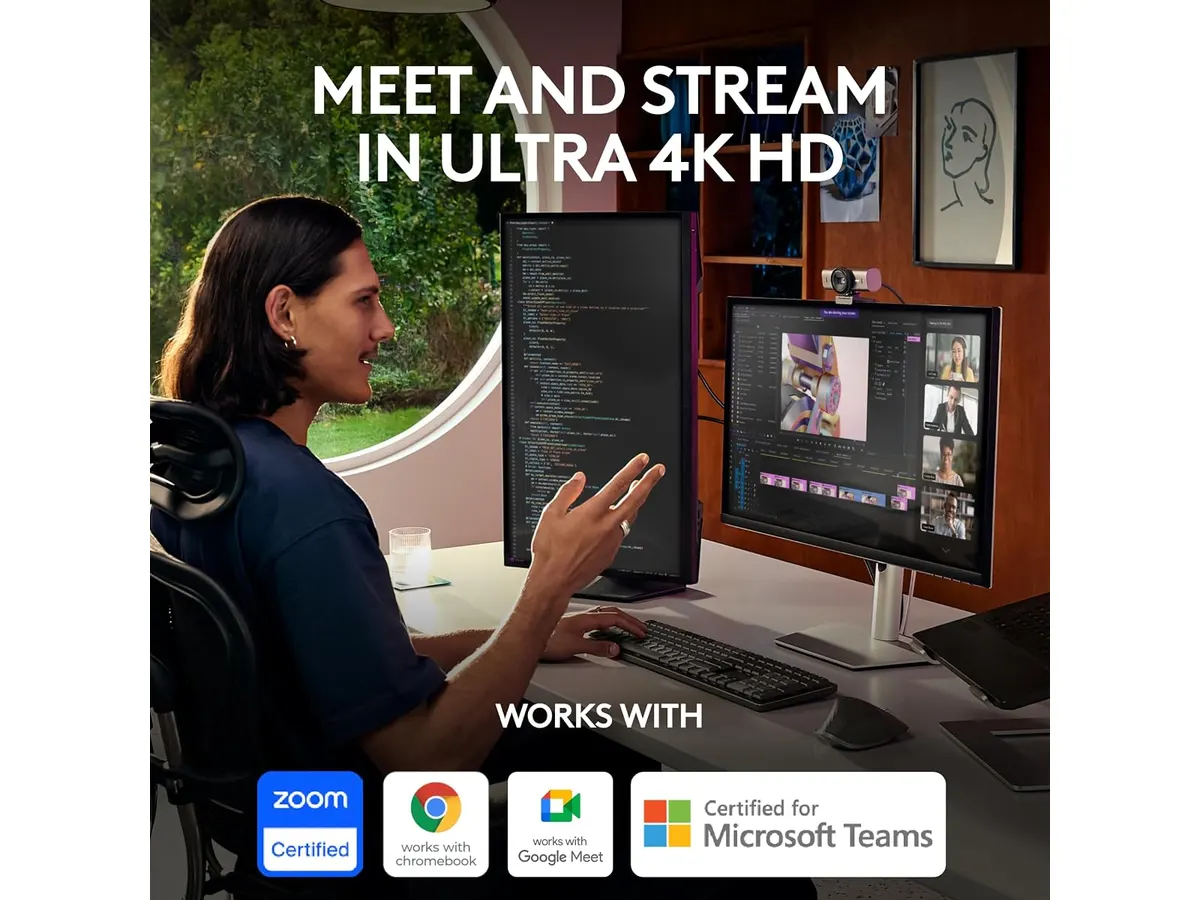
## Alternatives to consider
- **Budget Option:** Look for entry-level webcams that are priced lower, which typically offer 720p or 1080p resolution. These are suitable for casual use, such as video calls with family or friends. They won't provide the same level of quality or features, but for infrequent users, they can be a practical choice.
- **High-End Option:** For professionals seeking superior video quality and features, consider mid-range webcams that provide 1080p at 60 fps and additional functionalities. These models often strike a balance between performance and price, catering to users who need better quality without entering the premium tier of products.
## Verdict
The Logitech MX Brio stands out as a premium option for those who demand top-quality video and audio performance in their home office setups. The advanced features, such as high-resolution recording and excellent low-light performance, cater well to professionals who need to project a polished image during virtual meetings. While its price may be a consideration for some, its capabilities justify the investment for serious users. If you're ready to invest in your virtual presence and want a webcam that can grow with your needs, the MX Brio is highly recommended.
## Frequently asked questions
### What is the video quality of the Logitech MX Brio?
The Logitech MX Brio offers 4K video quality at 30 fps or 1080p at 60 fps, providing excellent clarity for streaming and video calls.
### Does the MX Brio work with streaming software?
Yes, the Logitech MX Brio is compatible with most popular streaming and video conferencing software, making it easy to integrate into your existing setup.
### Can I adjust settings on the Logitech MX Brio?
Yes, the webcam allows users to manually adjust ISO, shutter speed, tint, and vibrance, or you can use the auto settings for convenience.
---
# Logitech MX Master 3S Review: Ergonomic Wireless Mouse for Professionals
URL: https://setuplatam.com/en/blog/2026-09-22-logitech-mx-master-3s
Category: Peripherals
Published: 2026-09-22 · Updated: 2026-09-22
Discover the Logitech MX Master 3S, an ergonomic wireless mouse designed for comfort and precision. Ideal for remote workers and creatives.
The Logitech MX Master 3S is an ergonomic wireless mouse designed for users who require precision and comfort during long hours of work or creative tasks. Whether you're a remote worker, freelancer, or student, this mouse aims to enhance your productivity through its thoughtful design and advanced features. The attention to detail in its design makes a significant difference, especially for those who find themselves glued to their screens for hours on end.
## What it does well
- **Ergonomic Design**: The contoured shape of the Logitech MX Master 3S allows for comfortable use over extended periods. This design minimizes strain on your hand and wrist, making it ideal for marathon work sessions. The mouse’s shape supports your hand in a natural position, reducing the risk of repetitive strain injuries—a common concern for individuals in sedentary jobs. If you spend hours clicking through documents or images, the MX Master 3S can help alleviate discomfort.
- **Long Battery Life**: With up to 18 months of battery life on a single charge, you can focus on your tasks without worrying about constantly recharging. This feature is especially beneficial for users who prefer a set-it-and-forget-it approach to battery management. The mouse comes with a USB-C charging cable that allows for quick recharges, meaning that even a short break can give you enough power to continue working. For professionals who juggle multiple projects, this long battery life minimizes interruptions.
- **High Precision Laser Sensor**: The high-precision laser sensor provides accurate tracking on various surfaces, enhancing your control and workflow. This feature is particularly useful for graphic designers and other professionals who require detailed movements. Whether you’re working on a glossy desk or a fabric mouse pad, this mouse tracks impeccably, ensuring that your cursor moves as precisely as you intend. This level of tracking is essential for tasks that demand accuracy, such as editing images or fine-tuning designs.
- **Wireless Connectivity**: Equipped with a Logi Bolt receiver, the MX Master 3S offers a reliable wireless connection. This eliminates clutter from wires, which is advantageous in a home office setup. A clean desk can lead to a more productive environment, and with the MX Master 3S, you won’t have to deal with tangled cords. Additionally, it supports easy switching between multiple devices, allowing you to work seamlessly across your laptop, tablet, or desktop without hassle.
## Key specifications
| Specification | Details |
|------------------------|----------------------------------|
| Connection | Wireless (Logi Bolt receiver included) |
| Battery | Up to 18 months |
| Sensor | High precision laser |
| Design | Ergonomic contour |
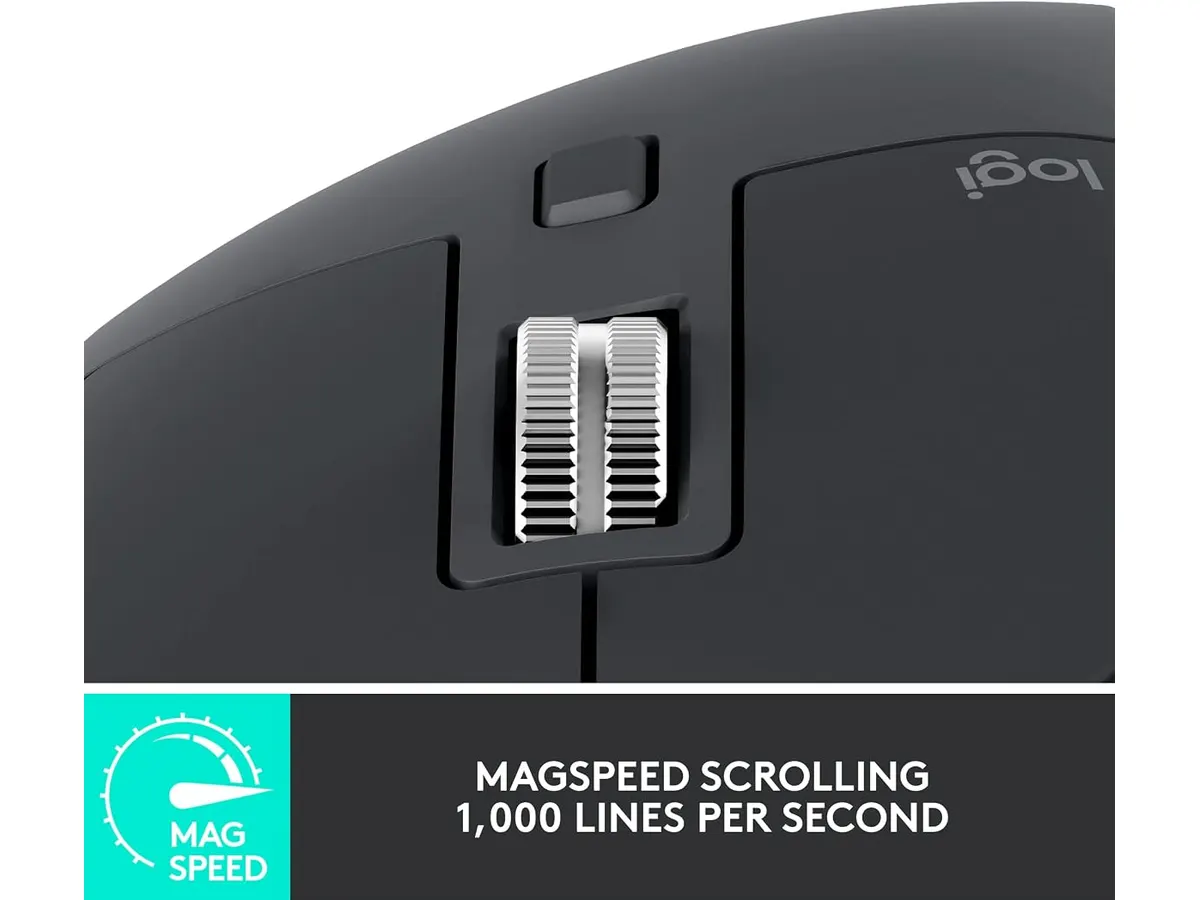
## Where it falls short
- **Not Ideal for Small Hands**: While the ergonomic design suits many users, those with smaller hands might find it bulky or difficult to manipulate comfortably. If you often struggle with a mouse that feels too large, this may not be the best fit for you. It’s essential to consider how the size and shape of a mouse can impact your comfort during prolonged use, and the MX Master 3S's larger form may not accommodate all users effectively.
- **Limited Customization Options**: Although it offers some programmable buttons, advanced users may find the customization options lacking compared to some higher-end models. For those who rely heavily on macros or specific key combinations in their workflow, the MX Master 3S may not provide enough flexibility. While it includes good functionality out of the box, power users who need extensive button mapping may want to evaluate their specific needs before committing to this mouse.
## Who is it for?
- **It Fits**: The Logitech MX Master 3S is perfect for professionals, remote workers, and designers who spend extended hours at their computer. Its ergonomic features and precision tracking cater to their specific needs, making it a tool that can enhance productivity and comfort. If your daily routine includes long design sessions or extensive document editing, you will likely appreciate the thoughtful design and functionality that the MX Master 3S provides.
- **It Does Not Fit**: Casual users or gamers looking for a lightweight and compact mouse may not find the MX Master 3S to their liking, as it is designed for productivity rather than fast-paced gaming. If you typically play high-speed action games that require rapid movements, a more specialized gaming mouse might better suit your needs. The MX Master 3S prioritizes comfort and precision for productivity tasks, not the quick reflexes needed in gaming environments.
## Alternatives to consider
- **Budget Option**: For those on a tighter budget, exploring a basic wireless mouse that offers essential features can be worthwhile. While it may lack advanced ergonomic design and long battery life, it can be a practical choice for casual use. A simple mouse can suffice for everyday tasks like browsing the web or writing emails, but it won’t offer the same level of comfort or precision as the MX Master 3S.
- **Premium Option**: If you're seeking advanced customizable features, consider a high-end ergonomic mouse that offers extensive programmable buttons and options for serious graphic designers or gamers. These models often come with unique features like adjustable weights or built-in profiles for different software, providing a tailored experience that enhances productivity or gaming performance. Evaluating what you specifically need in a mouse can help you determine if a premium option is worth the investment.
## Verdict
The Logitech MX Master 3S stands out as a solid choice for professionals seeking a reliable and comfortable wireless mouse. While it has some limitations, such as sizing and customizable options, its ergonomic design and long battery life make it a valuable addition to any home office setup. If you're looking for quality **Peripherals** to enhance your productivity, this mouse deserves consideration.
## Frequently asked questions
### What type of connection does the Logitech MX Master 3S use?
The Logitech MX Master 3S features a wireless connection with a Logi Bolt receiver included for a secure and reliable link. This ensures that your work is uninterrupted by connection drops or delays.
### How long does the battery last on a single charge?
The battery of the MX Master 3S can last up to 18 months on a single charge, providing extended use without frequent recharges. This feature is convenient for users who prefer a low-maintenance approach to their gear.
### Is the MX Master 3S suitable for gaming?
While the MX Master 3S is not designed specifically for gaming, its high-precision sensor may offer satisfactory performance for casual gaming. However, for serious gamers, a mouse specifically designed for gaming may provide features better suited to high-speed responsiveness.
---
# Quntis Computer Monitor Lamp Review: Ideal Lighting for Work
URL: https://setuplatam.com/en/blog/2026-09-22-quntis-computer-monitor-lamp
Category: Lighting
Published: 2026-09-22 · Updated: 2026-09-22
Explore the Quntis Computer Monitor Lamp, designed for optimal workspace lighting. Discover its strengths and limitations in our detailed review.
The Quntis Computer Monitor Lamp is a highly functional lighting solution designed for remote workers and students who seek to enhance their workspace. Its adjustable features make it suitable for a variety of tasks, ensuring you can maintain productivity without straining your eyes. This lamp stands out not just for its functionality, but also for how it integrates into a modern workspace, making it an attractive addition to anyone's home office setup.
## What it does well
- **Adjustable Color Temperature:** The lamp offers a wide color temperature range from 3000K to 6500K, allowing users to customize their lighting according to their preference. Warmer tones (around 3000K) can create a relaxed atmosphere, ideal for evening work or reading, while cooler tones (up to 6500K) are energizing and great for tasks that require focus and concentration, such as writing or coding. This flexibility can help reduce eye fatigue during long hours of work, allowing users to choose the best setting that suits their task at hand.
- **High Color Rendering Index (CRI):** With a CRI of Ra98, this lamp provides excellent color accuracy, making it ideal for tasks requiring precise color perception, such as graphic design or editing. For visual artists and photographers, this feature is critical, as it ensures that colors appear true to life, which can be the difference between a good project and a great one.
- **Automatic Brightness Adjustment:** The built-in ambient light sensor automatically adjusts the brightness up to 900 lux based on your surroundings, ensuring optimal lighting at all times. This means that whether you are working in bright daylight or in a dimly lit room, the lamp will adapt to maintain a consistent, comfortable level of light, which is particularly useful for those who may work in varying lighting conditions throughout the day.
- **Asymmetrical Optical Design:** This feature directs light to the desk without causing reflections on the monitor screen. For remote workers who spend hours staring at a screen, reducing glare is essential for maintaining focus and preventing eye strain. This design ensures that you can enjoy a well-lit workspace without the distractions that come from reflections, allowing for a seamless working experience.
## Key specifications
| Specification | Detail |
|-------------------------|-----------------------------|
| Color Temperature | 3000K - 6500K |
| Color Rendering Index | CRI Ra98 |
| LED Count | 78 high-quality diodes |
| Maximum Brightness | Up to 900 lux with sensor |
| Control Method | Touch with continuous adjustment |
| Certifications | IEC/TR 62778, IEC/EN 62471 |
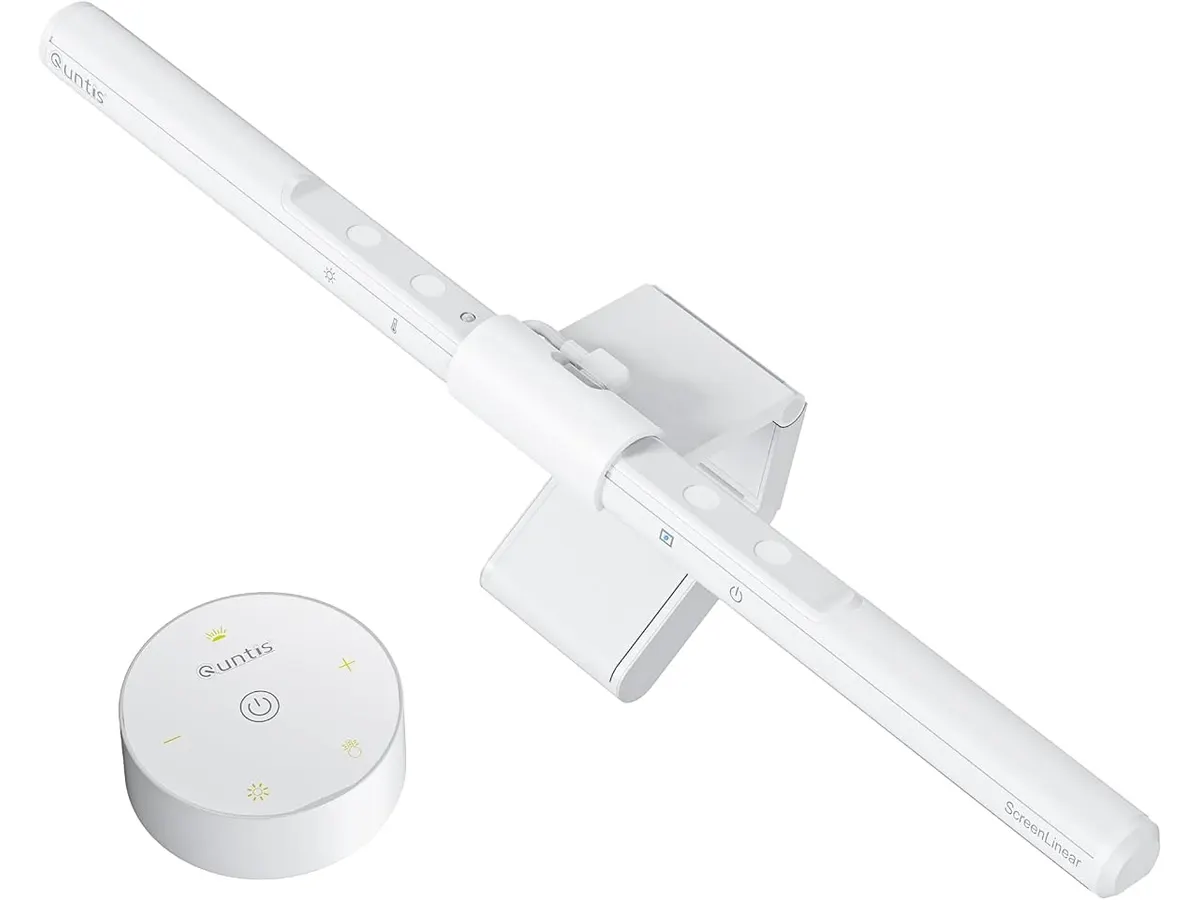
## Where it falls short
- **Limited Portability:** The Quntis Computer Monitor Lamp is designed to be mounted on a monitor, which may limit mobility for users who need a more portable lighting solution. If you frequently work in different locations or need to take your setup with you, this lamp may feel restrictive. It remains best suited for a dedicated workspace where consistency and familiarity with the setup are prioritized.
- **No Built-in Features:** Unlike some other products in the market, it lacks additional features such as built-in speakers or USB ports, which may be a drawback if you're looking for an all-in-one solution. While many users appreciate the simplicity and focused purpose of the Quntis lamp, those who prefer having everything in one device might find this limitation significant.
## Who is it for?
- **It fits:** This lamp is perfect for remote workers, freelancers, and students who spend extensive hours in front of their monitors and need adjustable, eye-friendly lighting that enhances their productivity. Its features cater well to individuals involved in meticulous tasks that require a keen eye for detail, such as video editing, coding, or technical writing. Additionally, its adjustable color temperature can help create a personalized ambiance in the workspace, making long hours feel less taxing.
- **It does not fit:** If you’re someone who frequently changes work locations or needs a portable solution, this lamp may not be suitable for your needs. Additionally, casual users who do not engage in tasks requiring high color accuracy or adjustable lighting may find this lamp to be over-engineered for their basic lighting needs. Similarly, those who prefer multifunctional devices might feel the absence of extra features as a significant drawback.
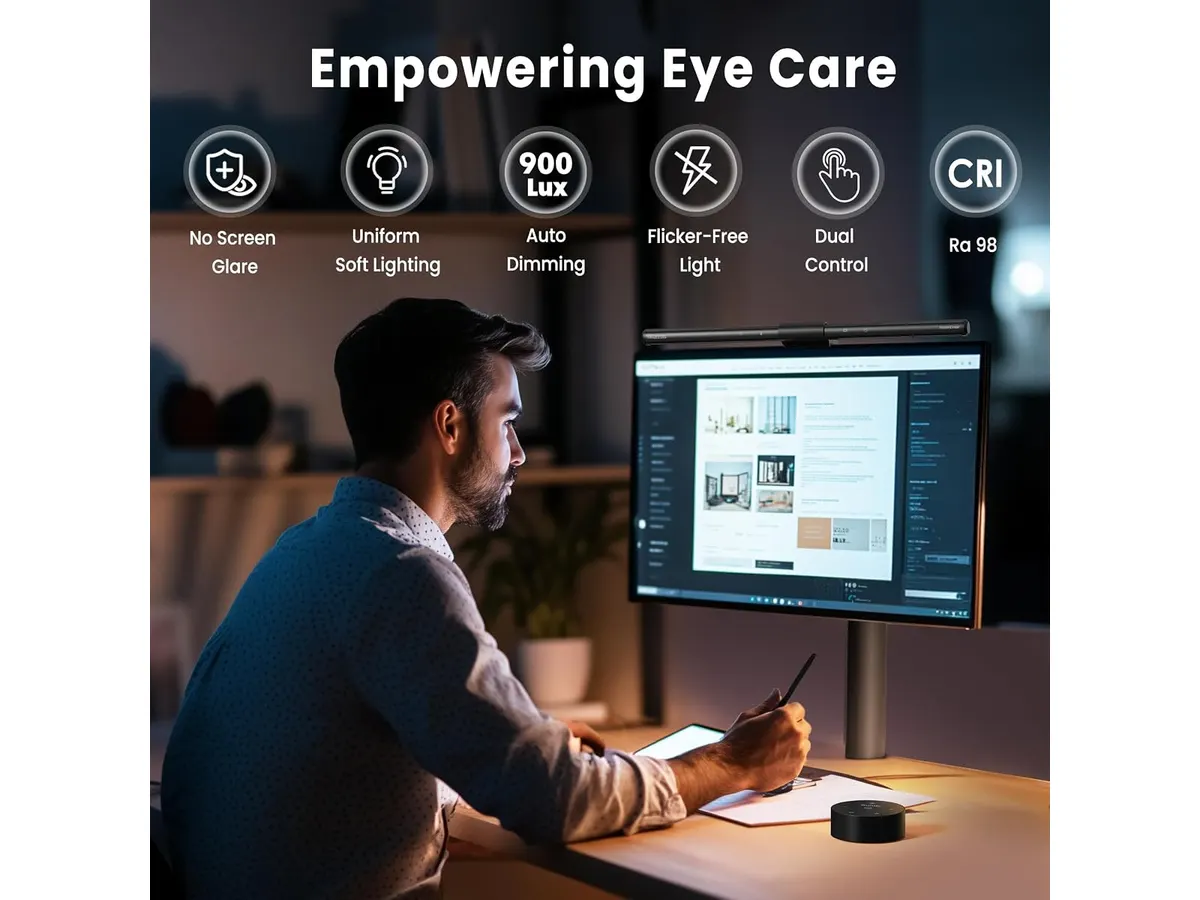
## Alternatives to consider
- **Budget Option:** Consider a basic LED desk lamp with adjustable brightness for those on a tighter budget. These lamps focus on providing adequate lighting but may lack advanced functionalities like color temperature adjustment. They are straightforward, often compact, and can still offer decent illumination for general tasks or casual use.
- **Premium Option:** For those seeking a higher-end experience, look for smart desk lamps that integrate with smart home systems. These often offer customizable settings and can be controlled via mobile apps. They provide additional features like scheduling and remote control, but they come at a higher cost. This option is suitable for users who are heavily invested in technology and prefer an interconnected workspace.
## Verdict
The Quntis Computer Monitor Lamp stands out for its excellent light quality and features designed to enhance desk productivity. While it may not be the most portable option, its adjustable settings and color accuracy make it a valuable addition to any home office setup. It excels in providing a customized lighting experience that can cater to both casual reading and intensive work tasks. For those serious about their workspace lighting, this lamp is a strong recommendation. Explore more options in our [Lighting](https://setuplatam.com/en/categorias/iluminacion) category.
## Frequently asked questions
### What is the maximum brightness of the Quntis Computer Monitor Lamp?
The lamp can reach up to 900 lux, thanks to its ambient light sensor that adjusts brightness automatically, ensuring optimal conditions regardless of surrounding light levels.
### Can I mount the Quntis Computer Monitor Lamp on any monitor?
Yes, it is designed to fit most monitors, but ensure your monitor has a flat top for proper mounting. This makes it a versatile choice for various setups, but users should check compatibility beforehand.
### Is the light from this lamp safe for my eyes?
Yes, the Quntis lamp is certified to be flicker-free and does not emit harmful blue light, making it safe for extended use. This quality contributes to a more comfortable working experience, especially during long hours at your desk.
---
# SIHOO M18 Review: A Comfortable Ergonomic Chair for Home Offices
URL: https://setuplatam.com/en/blog/2026-09-22-sihoo-m18
Category: Ergonomic Chairs
Published: 2026-09-22 · Updated: 2026-09-22
Discover the SIHOO M18 ergonomic chair, designed for comfort and support during long hours of work. Ideal for remote workers and freelancers.
The SIHOO M18 is an ergonomic chair designed specifically for remote workers, freelancers, and students who dedicate long hours at their desks. Comfort is paramount in any workspace, and the SIHOO M18 aims to provide the right balance of support and adaptability to ensure productivity is maintained throughout the day.
## What it does well
- **Four-Point Support**: The SIHOO M18 offers comprehensive support for the head, back, hips, and hands. This four-point support is crucial for maintaining good posture, which is essential during those extended sitting sessions that remote work often entails. Proper alignment can help reduce discomfort and the risk of musculoskeletal issues over time, making this feature particularly beneficial for anyone spending a significant amount of time in front of a computer.
- **Adjustable Design**: One of the standout features of the SIHOO M18 is its adjustable design. Users can easily modify the seat height, headrest, and backrest to find their most comfortable position. This customization aspect is vital as everyone's body is different, and what works for one person may not work for another. Adjustability also facilitates a better fit for different tasks, whether it’s working on a laptop or attending a video call.
- **Breathable Mesh Back**: The chair is equipped with a breathable mesh backrest, which enhances airflow. This feature helps to regulate temperature and keeps the user cool and comfortable, especially during warmer months or in heated office environments. The mesh design also adds a modern and professional look to your home setup.
- **Robust Build Quality**: The SIHOO M18 has been rigorously tested and exceeds BIFMA standards, making it a durable choice among ergonomic chairs. Withstanding static pressure tests up to 1136 kg and supporting a maximum weight of 150 kg, this chair is suitable for a variety of users. This high level of durability means you can expect long-term use, making it a sound investment for your home office.
## Key specifications
| Specification | Detail |
|---------------------|---------------------------------|
| Support | Four points (head, back, hips, hands) |
| Adjustments | Seat height, headrest, backrest |
| Recommended Height | 1.68 m to 1.88 m |
| Backrest | Breathable mesh |
| Maximum Load | 150 kg |
| Warranty | 3 years with free spare parts |
| Assembly | Eight steps |
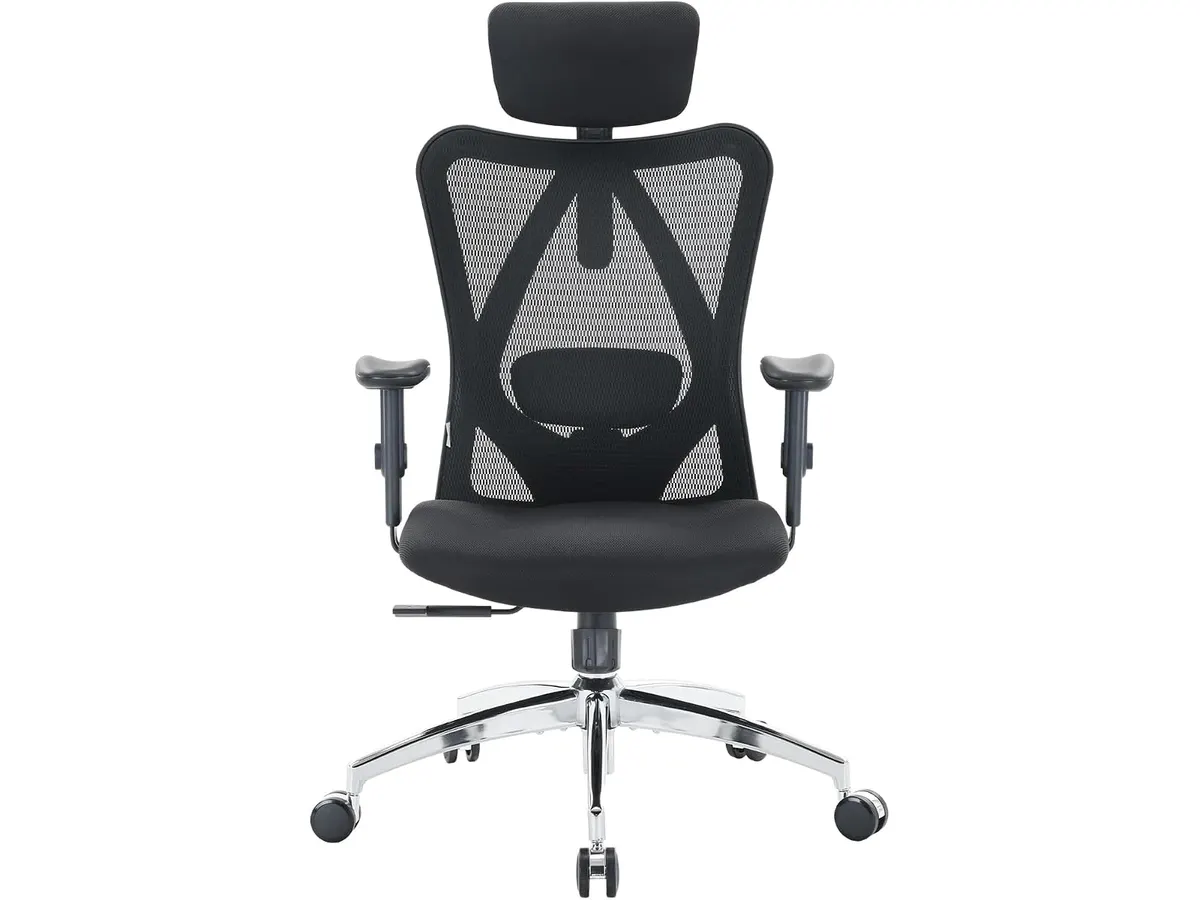
## Where it falls short
- **Height Limitation**: The primary limitation of the SIHOO M18 is its height accommodation. Designed for individuals between 1.68 m and 1.88 m, those outside this height range may struggle to achieve optimal comfort. Users who are significantly shorter may find that the seat height and backrest do not align well with their body proportions, which could lead to discomfort over time.
- **Assembly Complexity**: The chair comes disassembled and requires assembly, which consists of eight steps. While this is generally manageable for most users, it may deter those who prefer ready-to-use furniture or do not have the tools necessary for assembly. Clear instructions are provided, but those less experienced with furniture assembly could find it a bit daunting.
- **Limited Lumbar Features**: The lumbar support is adjustable, but some users may find it lacking compared to higher-end options that provide more extensive customization features. Individuals who have specific lower back pain or require more targeted lumbar support may need to look for alternatives that better accommodate their needs.
## Who is it for?
- **Fits**: The SIHOO M18 is ideal for remote workers and freelancers who fit within the recommended height range and are in search of a chair that offers adequate support and comfort for long hours of desk work. Its adjustable features make it versatile enough for a variety of tasks, whether you’re working, studying, or engaging in creative projects.
- **Does Not Fit**: This chair is not recommended for individuals shorter than 1.68 m, as they may find it difficult to achieve a comfortable seated position. Additionally, users who need extensive lumbar customization or have specific back issues should consider chairs with more advanced lumbar support options, as this model may not completely meet their requirements.
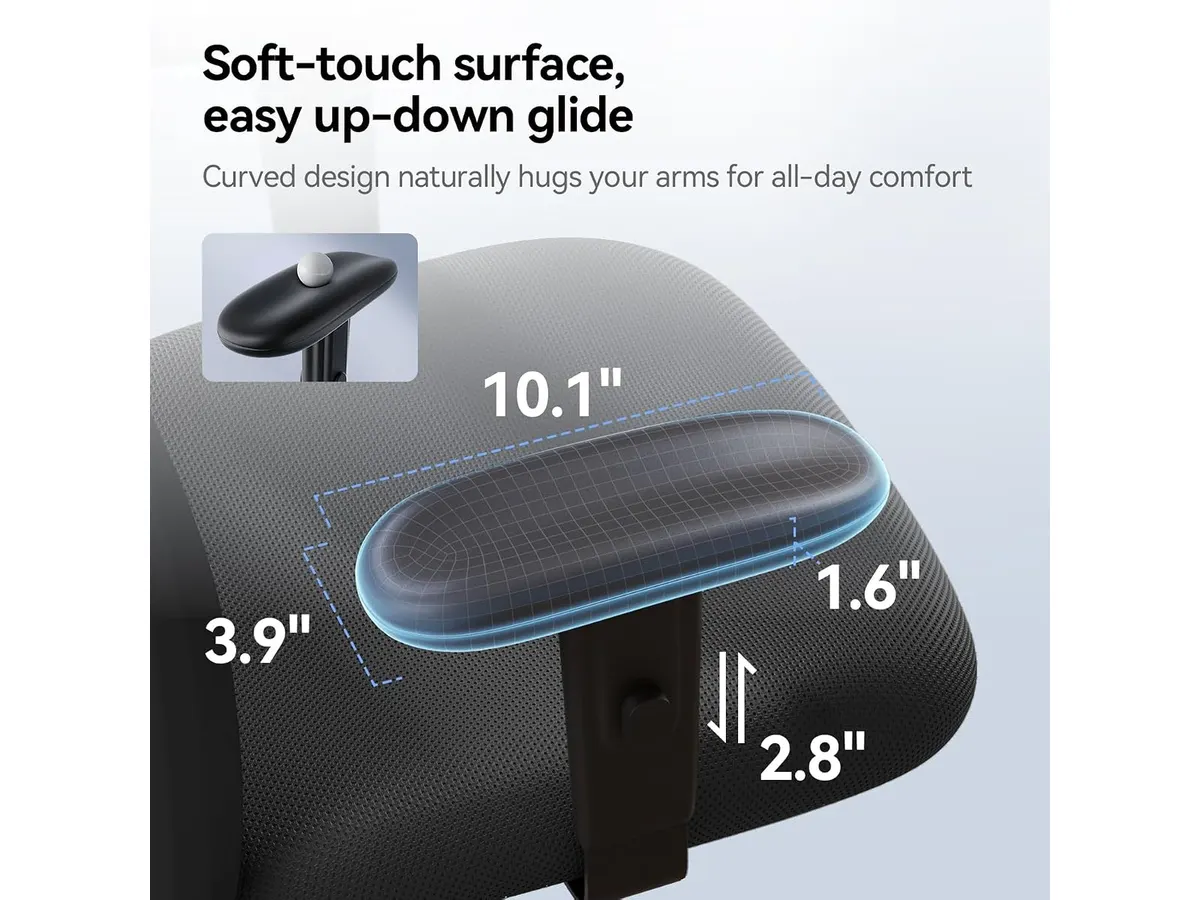
## Alternatives to consider
- **Budget Option**: For those looking for a more affordable alternative, consider a basic ergonomic chair that provides essential support without the advanced features seen in the SIHOO M18. While it may not have all the adjustments, such a chair can still be functional and comfortable for users who primarily need a place to sit while working.
- **Premium Option**: If you’re willing to invest more for an enhanced experience, a higher-end ergonomic chair might be better suited to your needs. These chairs typically offer more customization features, better lumbar support, and additional comfort options, making them ideal for serious gamers, professionals with intensive desk jobs, or anyone who prioritizes long-term seating comfort.
## Verdict
The SIHOO M18 proves to be a well-rounded choice for those seeking an ergonomic chair that balances comfort, support, and durability. While it has some limitations regarding height accommodation and assembly complexity, the value it offers in terms of features and build quality cannot be understated. If your needs align with what the SIHOO M18 provides, this chair is certainly worth considering for your home office setup. For more options tailored to different preferences and budgets, explore our collection of [Ergonomic Chairs](/en/categorias/sillas).
## Frequently asked questions
### Is the SIHOO M18 chair easy to assemble?
The chair does require assembly, consisting of eight steps. While it may take some time, most users find it manageable with the right tools and clear instructions provided in the manual.
### What is the warranty period for the SIHOO M18?
The SIHOO M18 comes with a three-year warranty, which includes free spare parts. This warranty provides buyers with peace of mind, knowing they are supported in case of any issues that may arise during normal use.
### Can the chair accommodate heavier users?
Yes, the SIHOO M18 is designed to support users weighing up to 150 kg. This robust capacity makes it suitable for a wide range of users, providing confidence in its durability and reliability.