Insta360 Link 2 Pro Review: Top AI 4K PTZ Camera
Looking for the best webcam for home office setups? Read our Insta360 Link 2 Pro review to see how its 1/1.3-inch sensor and AI PTZ tracking perform.
Buying guide: best audio & webcams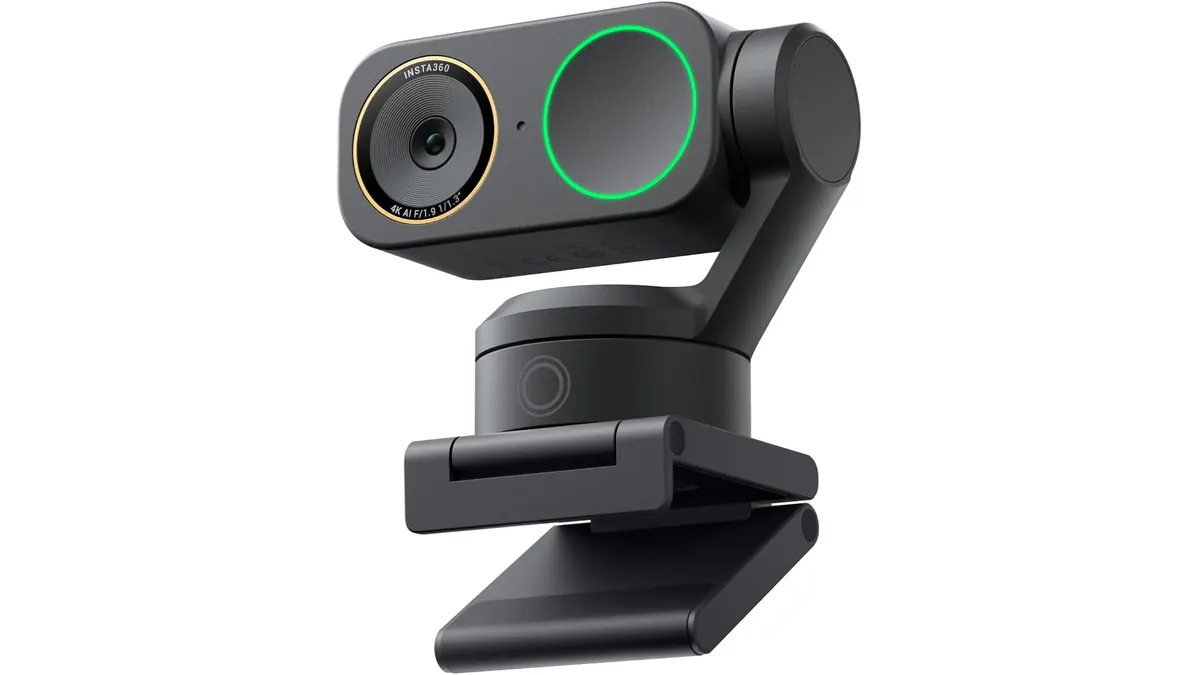 Audio & Webcams
The Insta360 Link 2 Pro is built for creators, remote executives, and educators who need broadcast-quality video without managing a complex DSLR camera setup. Featuring a massive 1/1.3-inch sensor and motorized PTZ tracking, it makes a compelling case as the best webcam for home office environments where visual presence matters. If your workday involves continuous client presentations or streaming, this unit delivers exceptional image quality across desktop platforms. Explore our Audio & Webcams hub to see how it fits into a broader desk setup.
What it does well
Image clarity is where this camera immediately separates itself from standard desktop webcams. The large 1/1.3-inch sensor captures significantly more light than typical webcams, keeping color tones accurate and control over exposure balanced even in poorly lit rooms. Because of that physical sensor size, the camera generates a natural DSLR-like background blur directly in hardware, avoiding the blurry edge artifacts common with artificial software backgrounds.
The best webcam for home office movement and dynamic presentations
The motorized PTZ (Pan-Tilt-Zoom) mechanical gimbal combined with AI tracking shifts how you interact with your audience during video calls. Instead of remaining locked in one spot in front of your display, you can stand up, walk over to a whiteboard, or demonstrate a physical product. The camera smoothly pans and tilts to keep you centered in the frame without manual adjustment.
Audio capture is surprisingly capable thanks to dual directional microphones paired with noise cancellation. They effectively isolate background noise like PC cooling fans or keyboard clatter, making it convenient when you prefer not to wear a headset for meetings or connect a dedicated USB microphone for video calls.
For workflow customization, the camera integrates with Elgato Stream Deck. You can toggle tracking modes, switch zoom presets, or change angles with a single button press. Combined with native USB-C connectivity across Windows, macOS, Chrome OS, and Linux, setting up the unit on your primary work device takes seconds.
Key specifications
| Feature | Specification |
|---|---|
| Video Resolution | 4K |
| Sensor Size | 1/1.3-inch |
| Camera Type | PTZ with AI tracking |
| Audio | Dual directional microphones with noise cancellation |
| Connectivity | USB-C |
| Operating System Support | Windows, macOS, Chrome OS, Linux |
| Software Integration | Elgato Stream Deck compatible |
Where it falls short
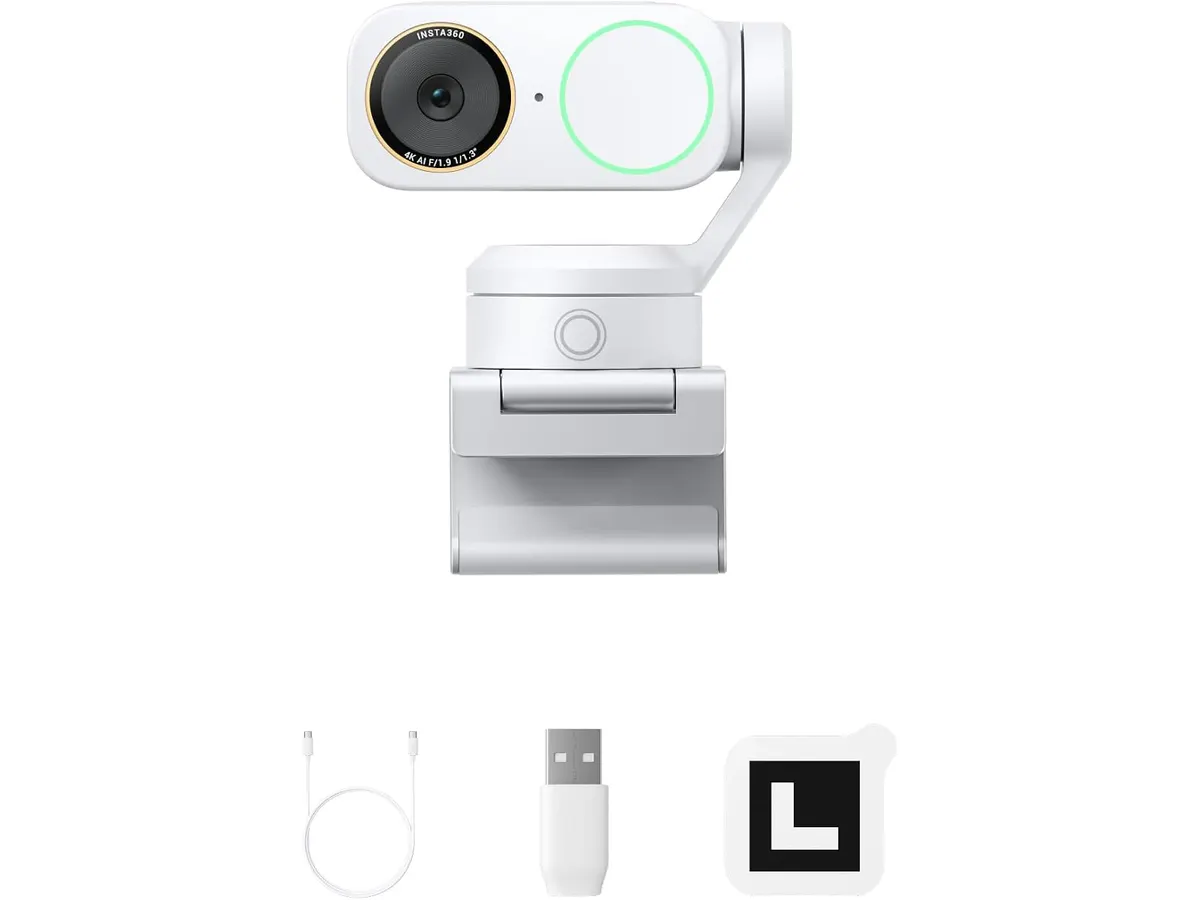
While the motorized gimbal is smooth, the physical presence of a PTZ camera sitting on top of a thin monitor is noticeable. If you use a compact laptop screen or an ultra-thin display, mounting requires careful alignment to avoid blocking screen real estate.
The AI tracking feature excels in open spaces, but in tight, static desk configurations, the camera can occasionally re-frame unnecessarily if you shift in your chair. Fine-tuning tracking sensitivity inside the desktop application is necessary to avoid unexpected shifts.
While the noise-canceling dual microphones clean up ambient background noise, power users recording polished podcasts or client voiceovers will still prefer a standalone desktop microphone over any built-in webcam mic.
Who is it for?
- The Active Presenter: Remote workers, stream hosts, tutors, and executives who move around their room during live sessions and need crisp 4K visuals with natural background blur.
- The Minimalist Worker: Professionals who only attend brief check-ins, keep their video off frequently, or prefer a discreet, tiny webcam that remains hidden above the monitor.
Alternatives to consider
If you want high-end 4K image quality but prefer a traditional stationary camera without moving parts, read our premium fixed-lens webcam review. It leaves out motorized gimbals in favor of a rigid form factor suitable for static desk setups.
For users interested in smart AI tracking on a smaller footprint or lower budget tier, take a look at our compact smart streaming camera guide. It offers automatic framing in a lighter package designed for smaller workspaces.
Verdict
The Insta360 Link 2 Pro sets a strong benchmark for desk video gear by pairing a 1/1.3-inch sensor with fluid AI tracking. It addresses the common pain points of poor low-light performance and rigid framing in video calls. While its motorized hardware might be excessive for passive meeting participants, it serves as a powerful tool for serious creators and remote professionals. If you need broadcast optics delivered over simple USB-C, this camera delivers.
Frequently asked questions
Is the Insta360 Link 2 Pro compatible with Mac and Windows?
Yes. It connects via USB-C and offers full compatibility across Windows, macOS, Chrome OS, and Linux systems without requiring specialized hardware adapters.
Can the dual microphones replace a headset for meetings?
Yes, for standard video calls. The dual directional microphones feature active noise cancellation to suppress background ambient noise, allowing clear communication without needing to wear a headset for meetings.
How does the AI tracking handle movement during video calls?
The camera utilizes an internal PTZ motorized gimbal alongside AI detection software to track your movement, keeping you cleanly framed whether you shift in your chair or walk around the room.

Editor
Charly River · SetUpLatam
Charly River curates, reviews and edits SetUpLatam’s home office guides. He checks every product sheet against the manufacturer’s official specifications and cuts what does not help, so you buy right the first time.
You may also like
 Audio & Webcams
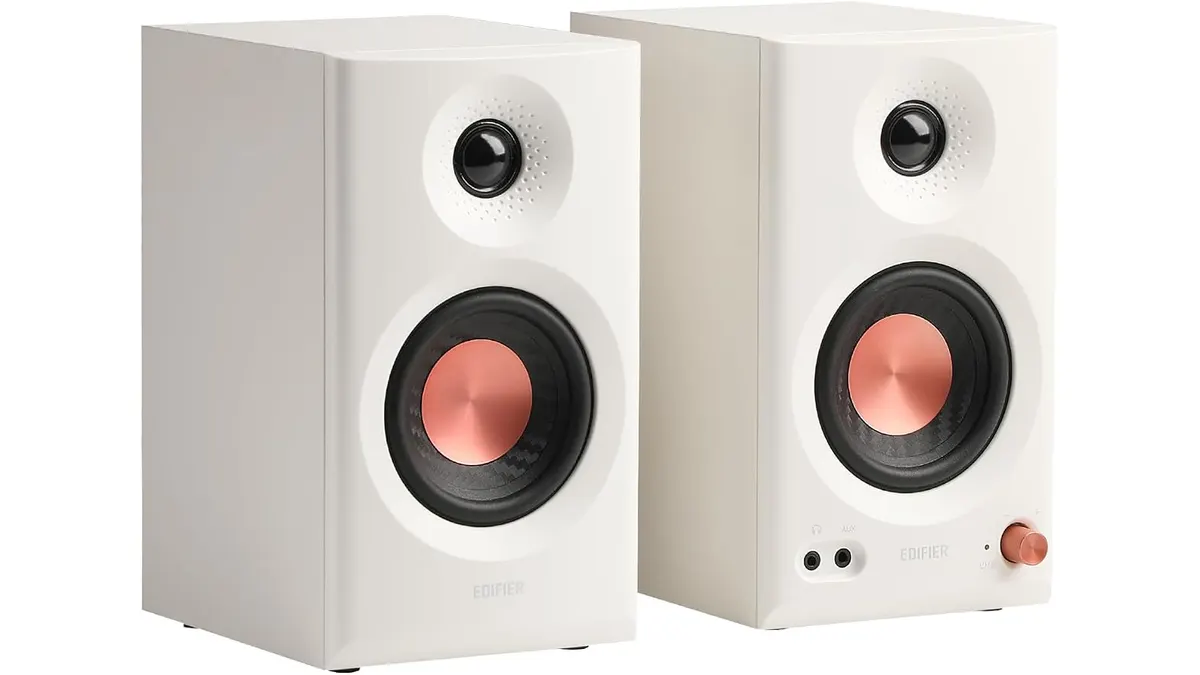
Edifier MR3 Review: Precise Studio Sound for Desks
The Edifier MR3 is a capable monitor for creators. We tested these speakers to see if they fit your desk setup while you find the best webcam for home office.
 Audio & Webcams
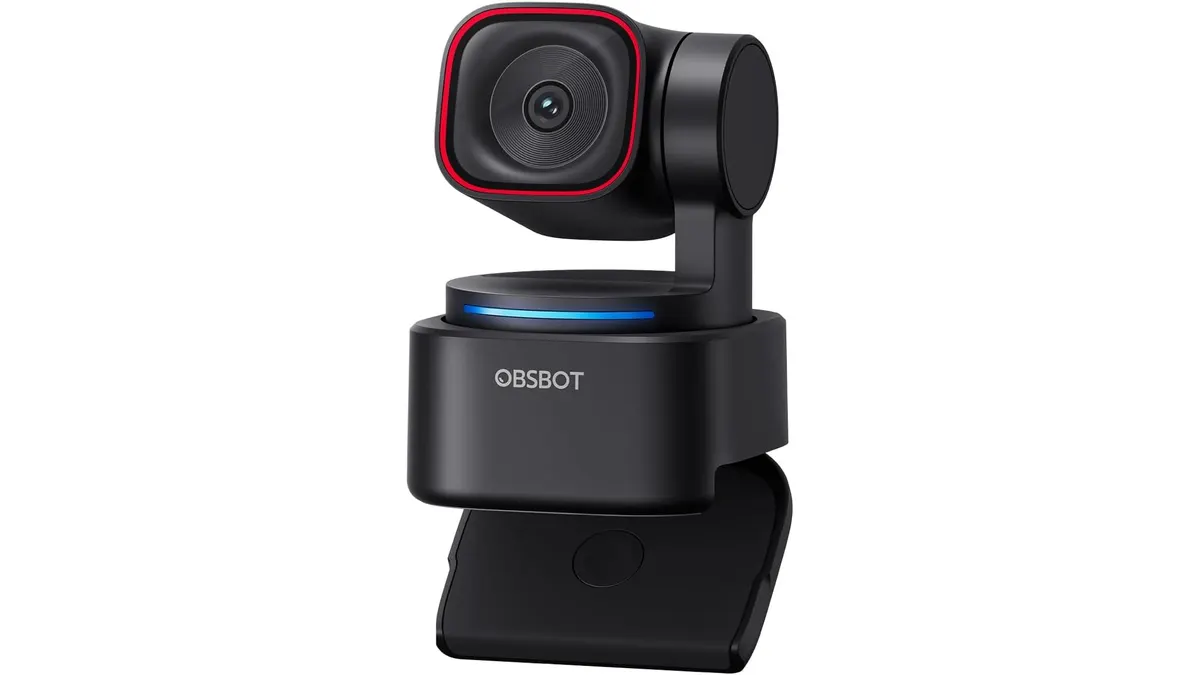
OBSBOT Tiny 3 Lite Review: Smart AI Streaming
Looking for the best webcam for home office setups? Our OBSBOT Tiny 3 Lite review breaks down the AI tracking and 4K quality for remote workers.
 Audio & Webcams
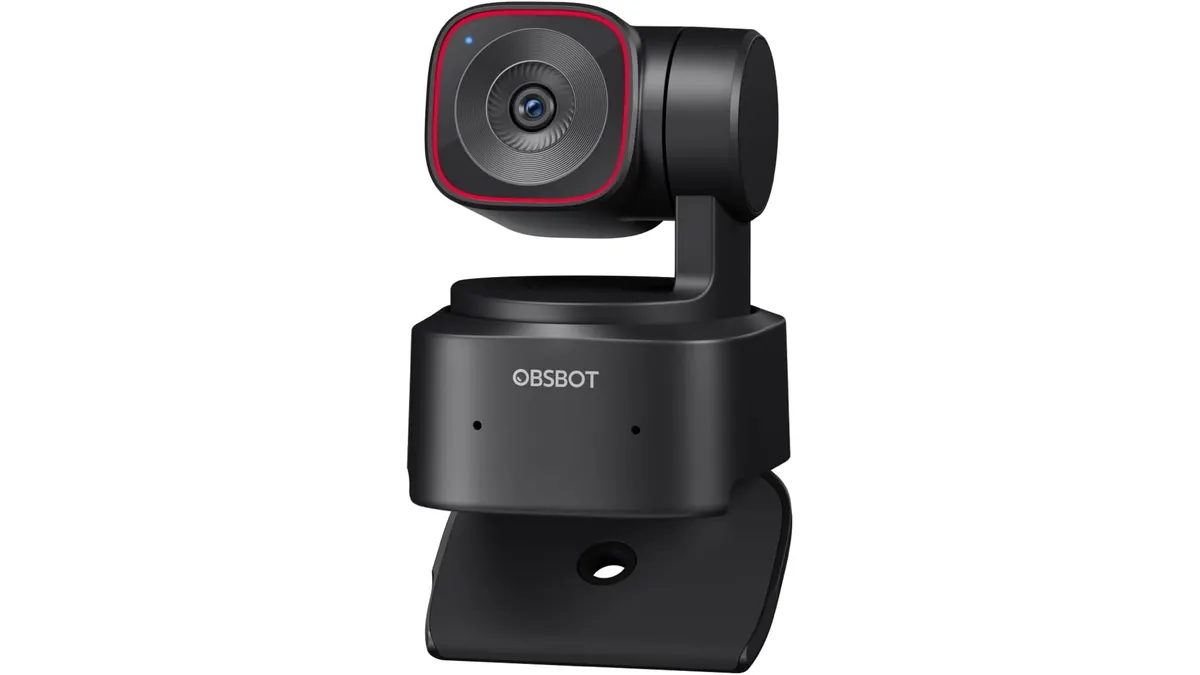
OBSBOT Tiny 2 Lite Review: Smart AI Tracking
Looking for the best webcam for home office use? Our OBSBOT Tiny 2 Lite review breaks down why this AI-powered 4K camera is a smart choice for remote pros.